Customer Ratings & Reviews








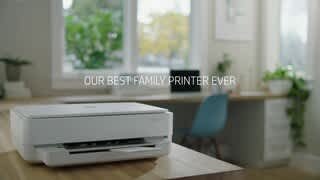
- Model:
- Envy 6055e/223N1A#B1H
- SKU:
- 6454281
Rating by feature
- Value
Rating 4.3 out of 5 stars
- Quality
Rating 4.3 out of 5 stars
- Ease of Use
Rating 4.1 out of 5 stars
Customers are saying
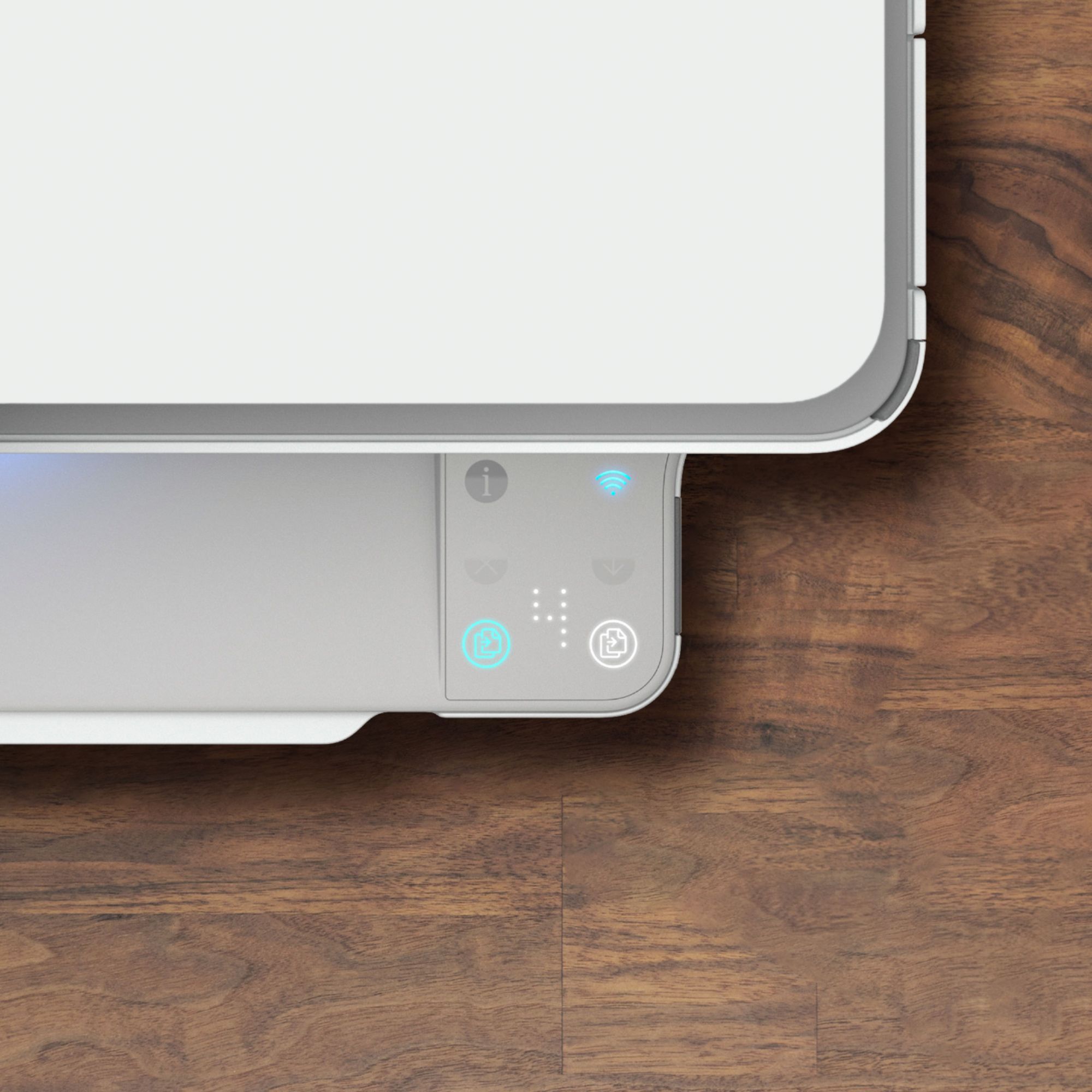
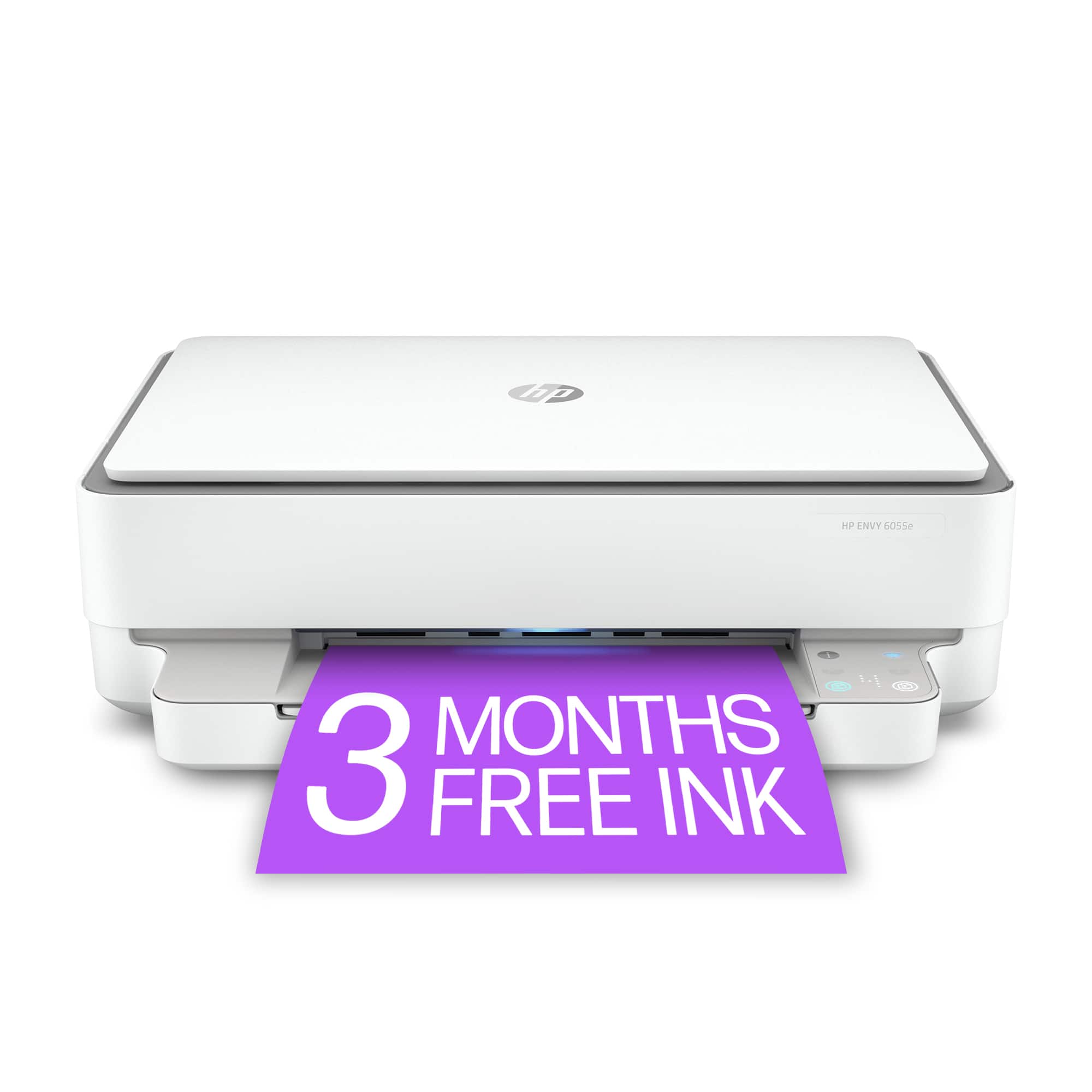
Customers are satisfied with the ENVY 6055e's ease of use, print quality, and compact size. Many appreciate its affordable price and straightforward setup process. Positive feedback also highlights the printer's sleek design and quiet operation. However, some users experienced challenges with maintaining a stable Wi-Fi connection.
This summary was generated by AI based on customer reviews.
- Pros mentioned:Ease of use
HP ENVY 6055
||Posted .This reviewer received promo considerations or sweepstakes entry for writing a review.The HP ENVY 6055 was very easy to set up and assign a password to and get the scanning and printing portion of the printer set up an working well with my MacBook Pro.
I would recommend this to a friend - Pros mentioned:Ease of use
Great little printer so far
||Posted . Owned for 1 month when reviewed.This reviewer received promo considerations or sweepstakes entry for writing a review.I've had the printer for about a month. So far it works very well, no problems so far. Very easy to set up and had all my 4 devices connected wireless in less than 90min.
I would recommend this to a friend Slow Printer
||Posted . Owned for 1 month when reviewed.This reviewer received promo considerations or sweepstakes entry for writing a review.Hard to connect wirelessly. After connection is set, printing is slow.
No, I would not recommend this to a friend- Pros mentioned:Print quality
Great printer, copier & scanner.
||Posted . Owned for 3 weeks when reviewed.This reviewer received promo considerations or sweepstakes entry for writing a review.This printer is great. We set it up on an iPhone and it worked immediately. No issues. The pages are clear, perfect color and prints two-sided if you want. I recommend it.
I would recommend this to a friend - Cons mentioned:Connectivity
Prints, but only when online. Goes offline always
||Posted . Owned for 4 months when reviewed.This reviewer received promo considerations or sweepstakes entry for writing a review.Prints when it connects. Constantly goes offline and doesnt connect to anything. Have to constantly unplug the printer ad plug back in over and over. Not user friendly and have also contacted HP support and what they did was work on the IP address of the printer being static and it did not end up helping as it still goes offline after no use in a day. Printer should go into standby mode and when you select print, should print and not go offline ever. I do not recommend as HP has made their printers not user friendly and require more work to get working that needs to be required for an at-home printer.
No, I would not recommend this to a friend - Pros mentioned:Ease of use
Decent printer
||Posted . Owned for 3 weeks when reviewed.This reviewer received promo considerations or sweepstakes entry for writing a review.No problems, easy setup on a Mac. Started printing right away.
I would recommend this to a friend - Pros mentioned:Print quality
LUCY
||Posted . Owned for 3 weeks when reviewed.This reviewer received promo considerations or sweepstakes entry for writing a review.Good quality all in one printer easy to install. Those the job
I would recommend this to a friend - Pros mentioned:Ease of use
Immaculate!!
||Posted . Owned for 3 weeks when reviewed.This reviewer received promo considerations or sweepstakes entry for writing a review.This printer is immaculate...the set up was super easy, I love the different lights & sounds it makes. Most importantly it offered the remote printing that I needed.
I would recommend this to a friend - Cons mentioned:Connectivity
Endless Frustration
||Posted . Owned for 3 weeks when reviewed.This reviewer received promo considerations or sweepstakes entry for writing a review.Most frustrating experience I've had trying to get this thing to work. Basically, it kept asking for a non-existent pin number to proceed with set-up. Would not connect to wifi, would not connect with cable. Took it back.
No, I would not recommend this to a friend - Pros mentioned:Ease of use
Great printer!
||Posted . Owned for 1 month when reviewed.This reviewer received promo considerations or sweepstakes entry for writing a review.Easy to set up and a breeze to use. Connected easily to our network and the whole family can use it for printing
I would recommend this to a friend - Pros mentioned:Ease of use
Good all around printer
||Posted . Owned for 2 weeks when reviewed.This reviewer received promo considerations or sweepstakes entry for writing a review.Awesome printer all around. Easy to connect to. Easy to print. User friendly set up and app for printing and scanning documents. A must get for convenient printing.
I would recommend this to a friend - Pros mentioned:Size
A good product brought from Best Buy
||Posted . Owned for 1 month when reviewed.This reviewer received promo considerations or sweepstakes entry for writing a review.The Printer is very good quality. Its helping us to resolve all of our printing need. Its also very slim and great looking. Our friends visited recently liked this model.
I would recommend this to a friend - Pros mentioned:Ease of use
Easy to Use
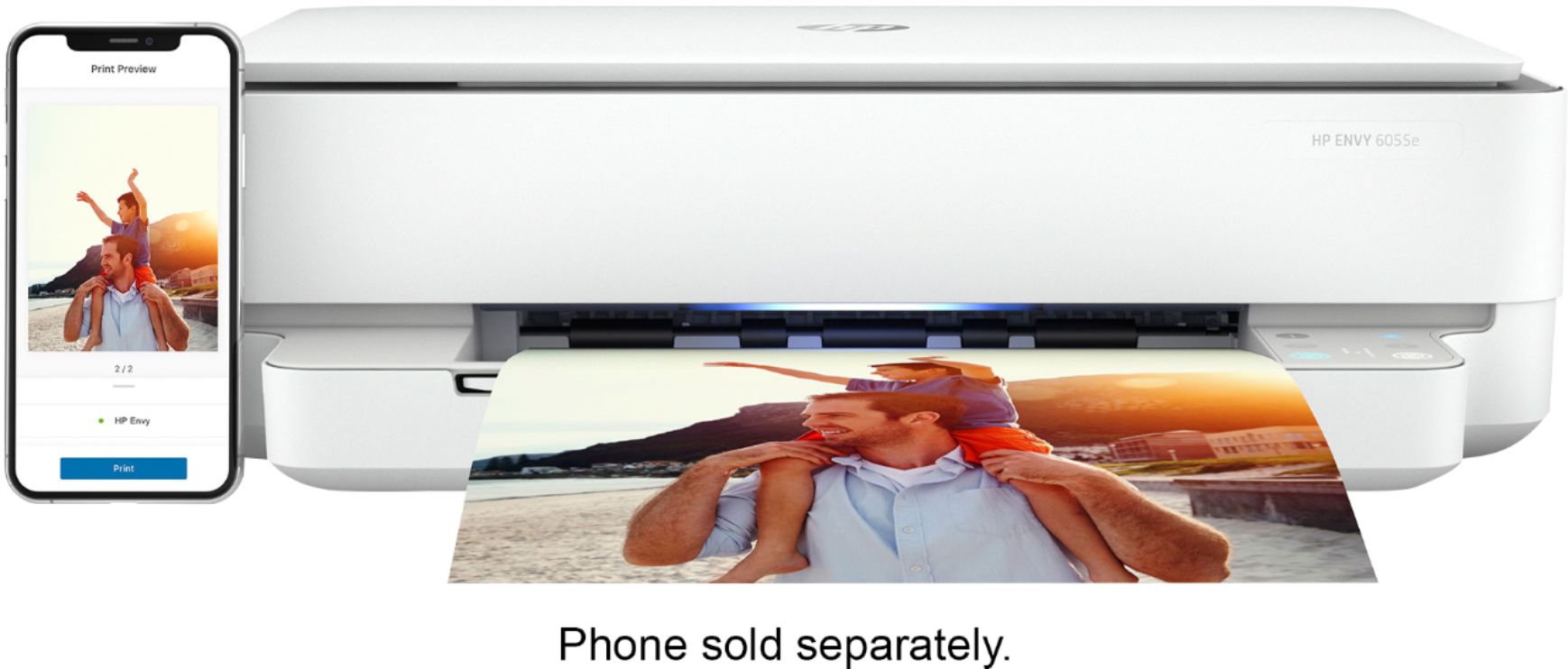
||Posted . Owned for 6 months when reviewed.This reviewer received promo considerations or sweepstakes entry for writing a review.Easy to set up and easy to use. Connects easily to any device. Able to print from smart phone as well. Great for everyday printing and able to print remotely as well.
I would recommend this to a friend - Pros mentioned:Ease of use
Great printer for business documents and photos!
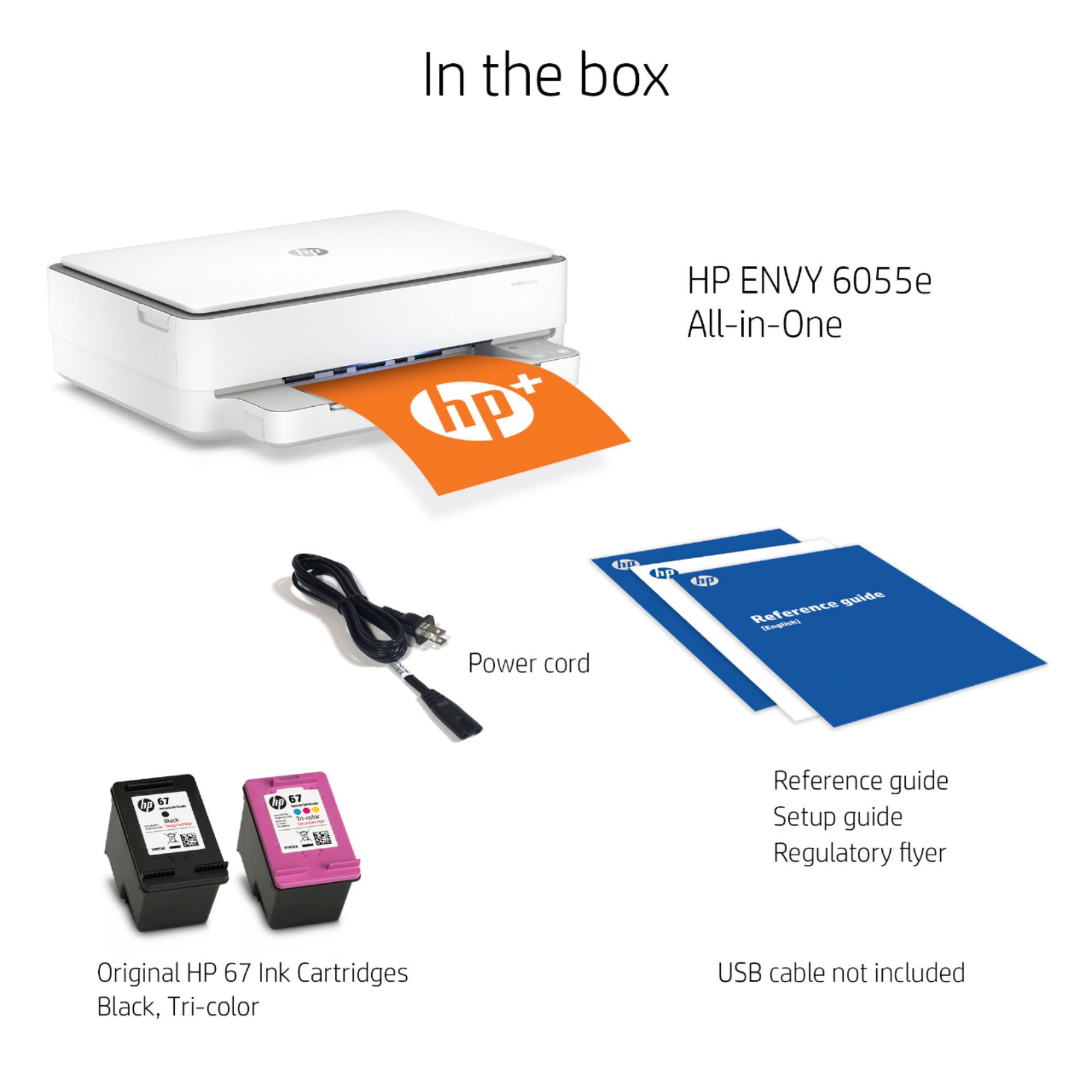
||Posted . Owned for 1 month when reviewed.This reviewer received promo considerations or sweepstakes entry for writing a review.Highly recommend this printer. It’s great for the whole family! I like that it only requires two printer cartridges! It’s also super easy to set up and print from several devices!
I would recommend this to a friend - Pros mentioned:Ease of use
Easy setup and works well
||Posted . Owned for 2 weeks when reviewed.This reviewer received promo considerations or sweepstakes entry for writing a review.Printer very easy to use and connect computers and phones through the HP app. So far it has done the job very well. I don't print in large volumes but a solid budget option
I would recommend this to a friend Decent printer
||Posted . Owned for 8 months when reviewed.This reviewer received promo considerations or sweepstakes entry for writing a review.This is my third printer and I want to say that this printer is pretty decent. I been trying my best to keep it safe for not getting it damage unexpecting stuff fall and heavy stuff sitting top of the printer. There were times that the printer ink don’t show up when you print it if not using for 4 months. Love the features that you can use your phone.
I would recommend this to a friend- Pros mentioned:Price
Solid Quality
||Posted .This reviewer received promo considerations or sweepstakes entry for writing a review.No complaints on this printer so far especially for the reasonable price.
I would recommend this to a friend Air print not working
||Posted . Owned for 2 months when reviewed.This reviewer received promo considerations or sweepstakes entry for writing a review.This is printer is very annoying, have to turn off and turn on again for printing, air printing doesn’t work almost all the time, have to print from the HP Printer App, but still have to turn off and plug back . Some as print from computer. So don’t buy if you don’t want to have this kind of trouble.
No, I would not recommend this to a friendBrand response from HP Team
Posted .Hi, Alice.
I’m sorry to learn that your printer has not performed reliably. I can certainly understand why needing to reset the printer each time you need it, regardless of what means you use to print, would quickly become exasperating. I want to help you remedy this problem. I hope the resources below will guide you to that end.
First, I recommend that you visit a page on our support site that has diagnostic tools for various tasks and issues, including connectivity, which sounds like it might play a role in what you describe. If not, on the same page you’ll also find a general-purpose tool called the HP Print and Scan Doctor. If you use Windows, the tool will help identify and guide you through solutions to a wide range of common printing and scanning issues. Visit that page here:
- support.hp.com/us-en/topic/diagnostics
Next, I suggest that you follow a guide on our support site to installing and using the HP Smart App, especially the FAQ portion, which covers common questions as well as difficulties users have encountered. Choose the link to whichever document matches your operating system:
- Windows 10: support.hp.com/us-en/document/c04675142
- Mac OS: support.hp.com/us-en/document/c06188214
- Android and iOS: support.hp.com/us-en/document/c03561640
If any problem persists, I suggest that you contact us directly at +1 800-474-6836 so we can help you assess what’s happening and find a solution. To expedite the process, I recommend gathering the following information before the call:
- Model number
- Serial number
- Your location
- Case number (from any previous contact with HP support)
Keith
HP Care
hp.com/support
More than satisfied.
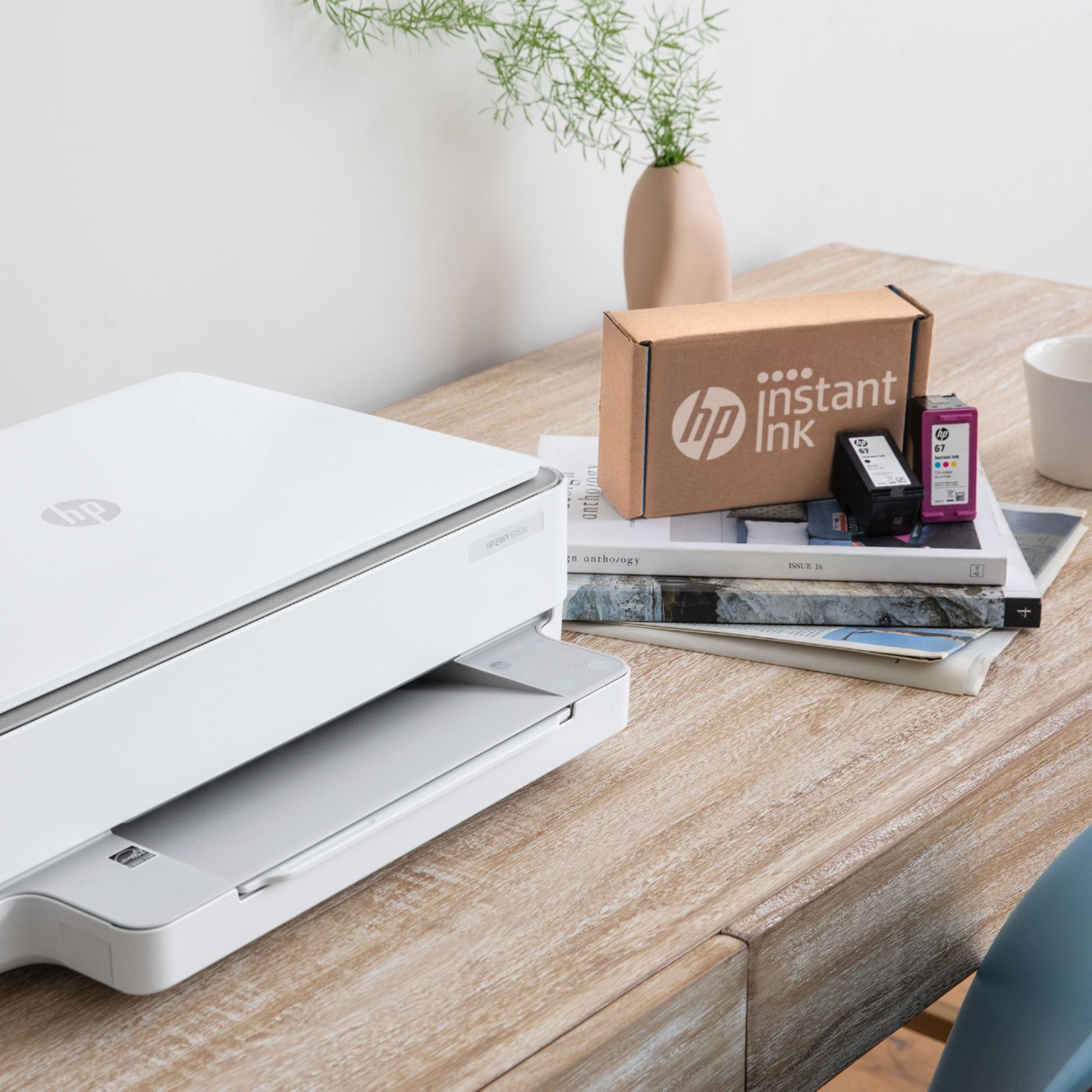
||Posted . Owned for 1 month when reviewed.This reviewer received promo considerations or sweepstakes entry for writing a review.So far this printer/ scanner/ copier has worked perfectly and as an added bonus it double side prints without having to manually intervene. I just wish it came with full size ink cartridges instead of the smaller starter cartridges, although the cost of the HP 67 ink cartridges is much lower than the 74 and 75 ink cartridges for my previous printer.
I would recommend this to a friend- Pros mentioned:Price
Replacement Printer
||Posted . Owned for 1.5 years when reviewed.This reviewer received promo considerations or sweepstakes entry for writing a review.Bought to replace old printer. Was cheaper to buy this printer then replacing both printer cartradges for old hp printer
I would recommend this to a friend