Customer Ratings & Reviews







- Model:
- Envy 6055e/223N1A#B1H
- SKU:
- 6454281
Rating by feature
- Value
Rating 4.3 out of 5 stars
- Quality
Rating 4.3 out of 5 stars
- Ease of Use
Rating 4.1 out of 5 stars
Customers are saying
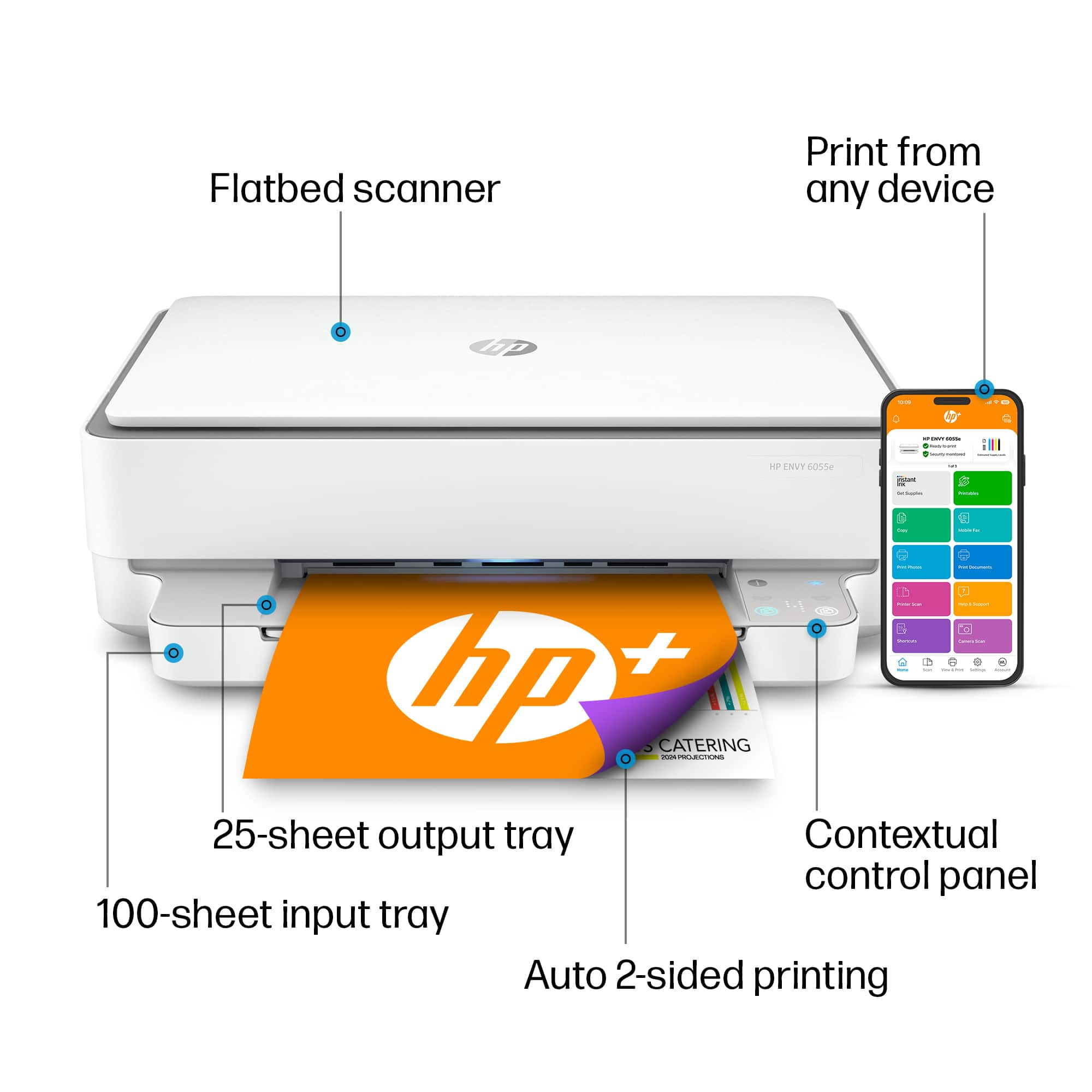
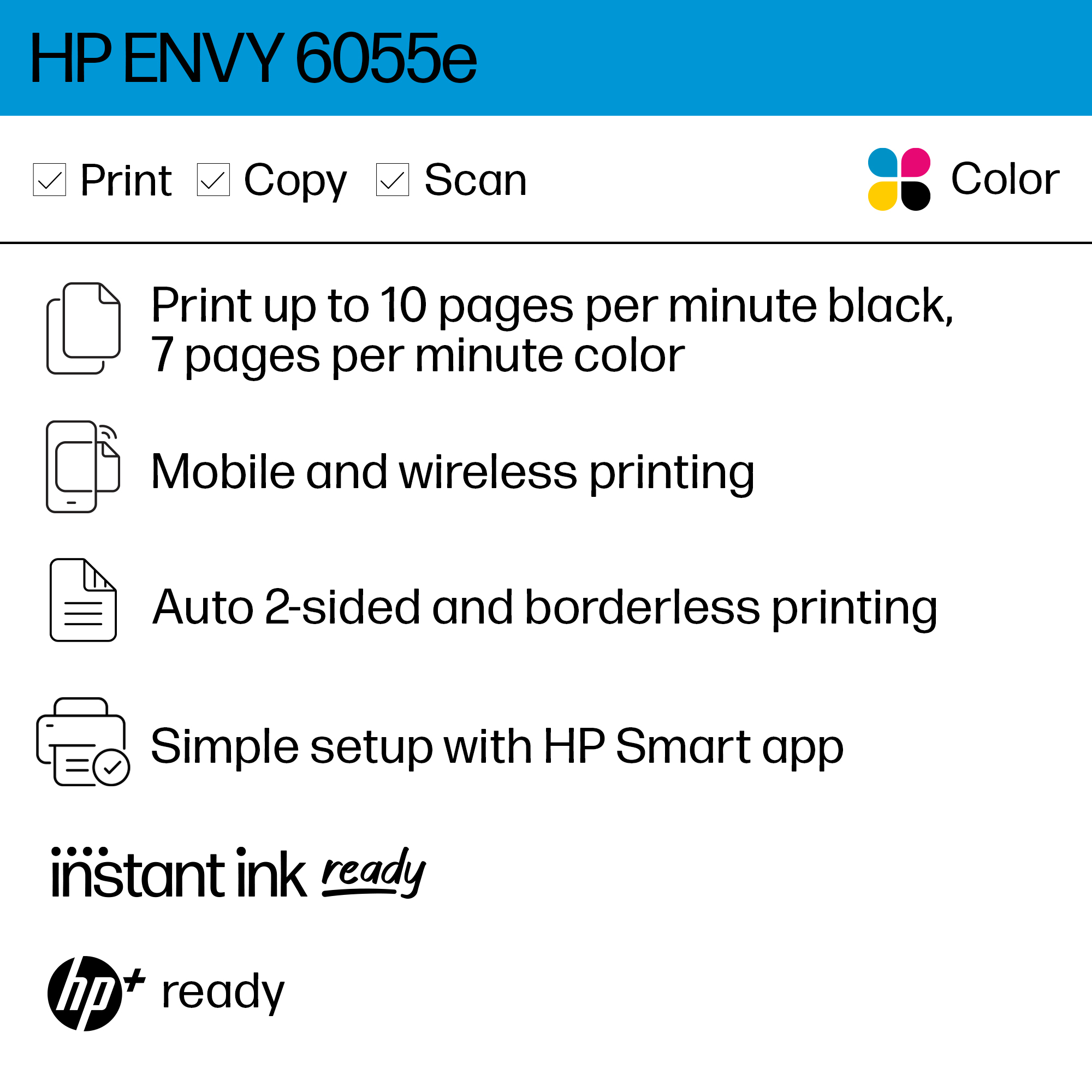
Customers are satisfied with the ENVY 6055e's ease of use, print quality, and compact size. Many appreciate its affordable price and straightforward setup process. Positive feedback also highlights the printer's sleek design and quiet operation. However, some users experienced challenges with maintaining a stable Wi-Fi connection.
This summary was generated by AI based on customer reviews.
Weigh Your Priorities
||Posted . Owned for 3 weeks when reviewed.This reviewer received promo considerations or sweepstakes entry for writing a review.It seems to be a good all-in-one. My only concern is that the ink cartridge contains so little ink and needs to be sent by HP regularly. The Epson Eco Tank allows you to fill the tank yourself using an economical container of ink, but the price of the printer to purchase is a higher initial investment; so, less purchase price or less ink cost???
I would recommend this to a friend- Pros mentioned:Ease of use
Sleek and Easy
||Posted . Owned for 3 weeks when reviewed.This reviewer received promo considerations or sweepstakes entry for writing a review.I purchased because I needed a simple but powerful printer. Easy to connect to the computer. I purchased the ink plan so I can print as much as I want.
I would recommend this to a friend - Pros mentioned:Print quality
Envy Printer
||Posted . Owned for 1 month when reviewed.This reviewer received promo considerations or sweepstakes entry for writing a review.The printer is very fast and quite. I have used it with transfer paper I like how smooth and vibrant the colors are.
I would recommend this to a friend Good quality for price
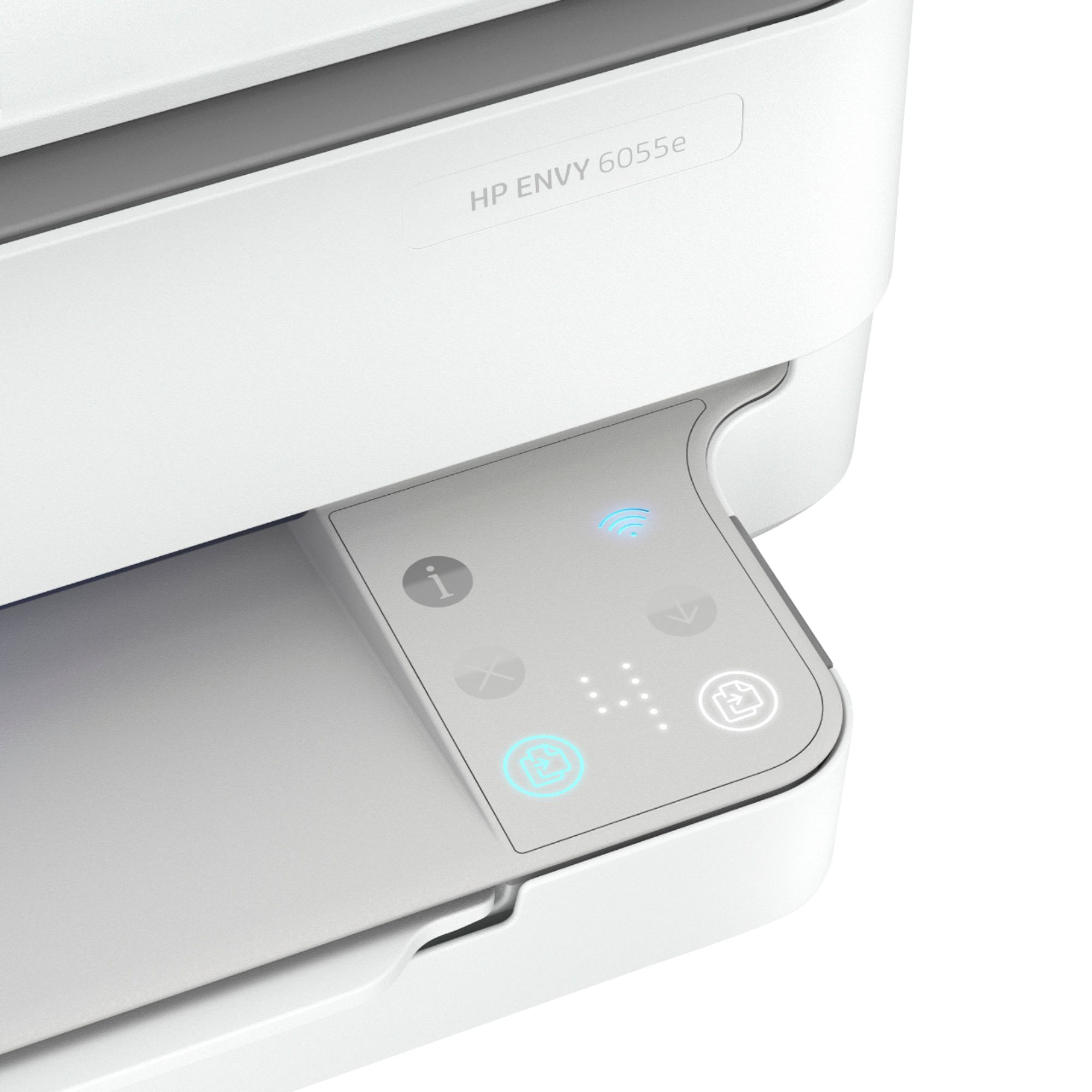
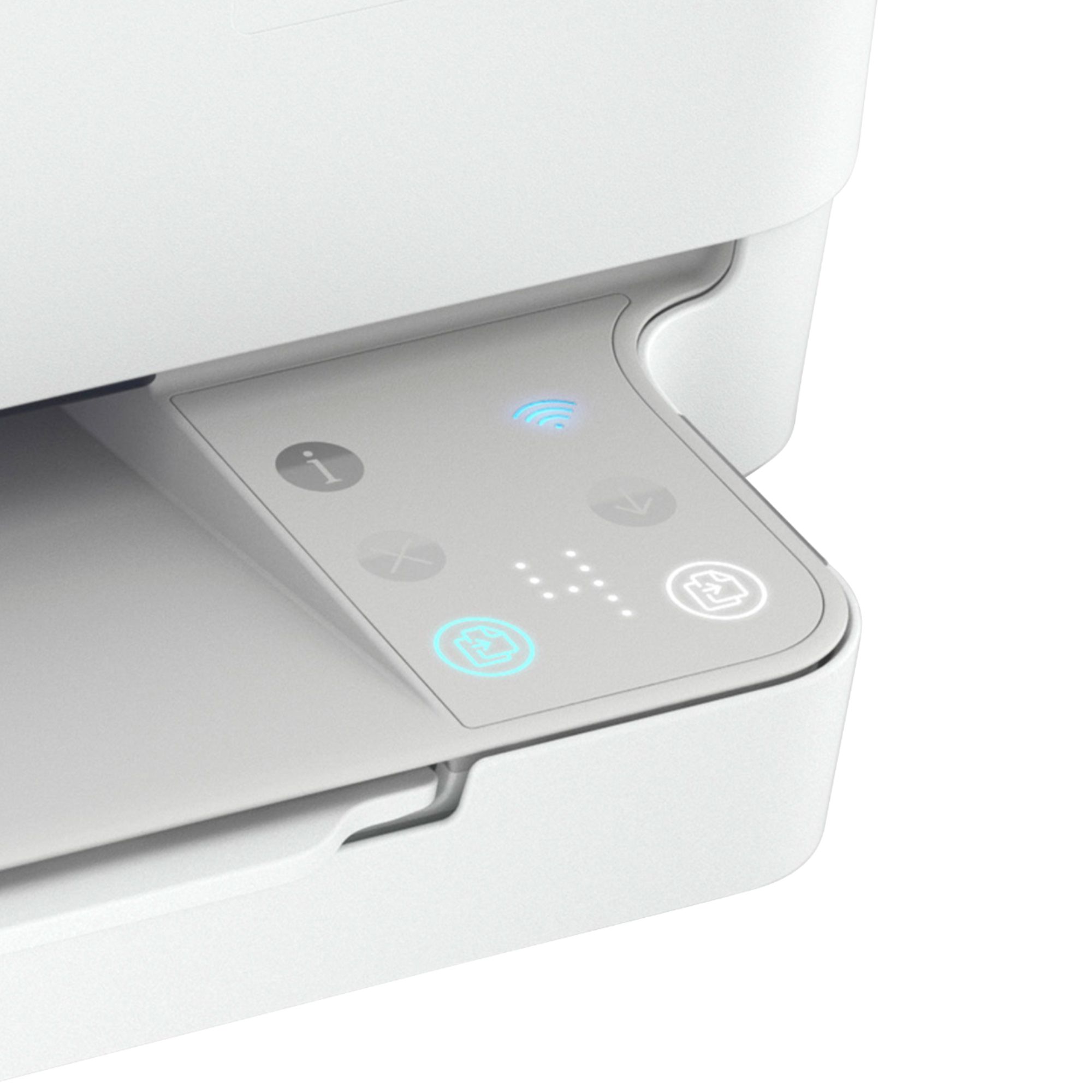
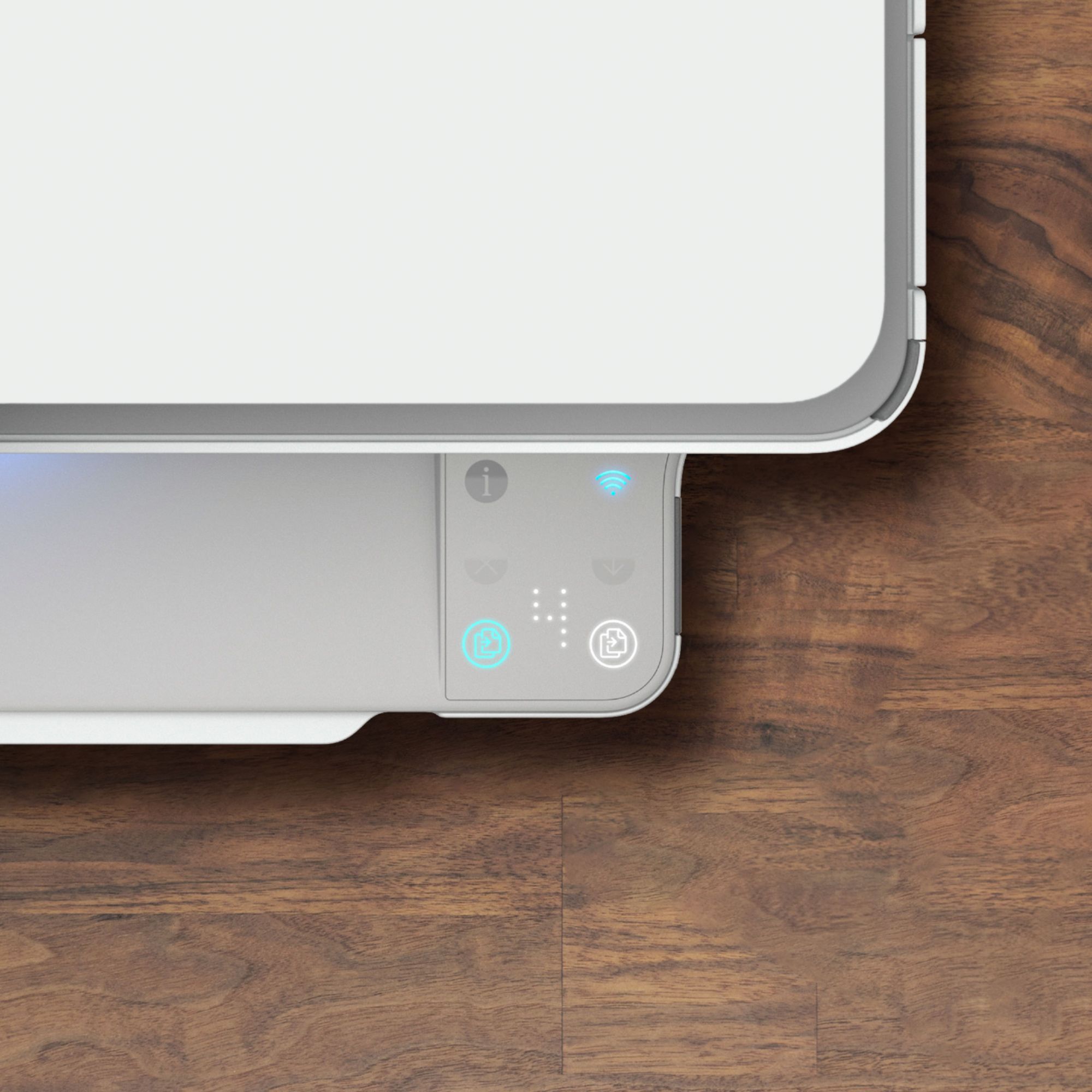
||Posted . Owned for 3 weeks when reviewed.This reviewer received promo considerations or sweepstakes entry for writing a review.This printer is a reliable and affordable option. There is no screen only lit up buttons to press but we have yet to find the power button. There is a blue light that comes out of the printing area and since we can’t find the power button it is a bit bothersome to have in a bedroom. Overall a good printer with nice color quality and an easy setup
I would recommend this to a friendNot clear
||Posted . Owned for 1 month when reviewed.This reviewer received promo considerations or sweepstakes entry for writing a review.It has lines thru the sheet of which was printed and ive only used it maybe 5 times
No, I would not recommend this to a friend- Pros mentioned:Ease of use
Printer
||Posted .This reviewer received promo considerations or sweepstakes entry for writing a review.Just Love our new printer. Well engineered and easy to use. Our store rep was Excellent in knowing her product and was highly professional.
I would recommend this to a friend - Pros mentioned:Ease of use
Great Printer!
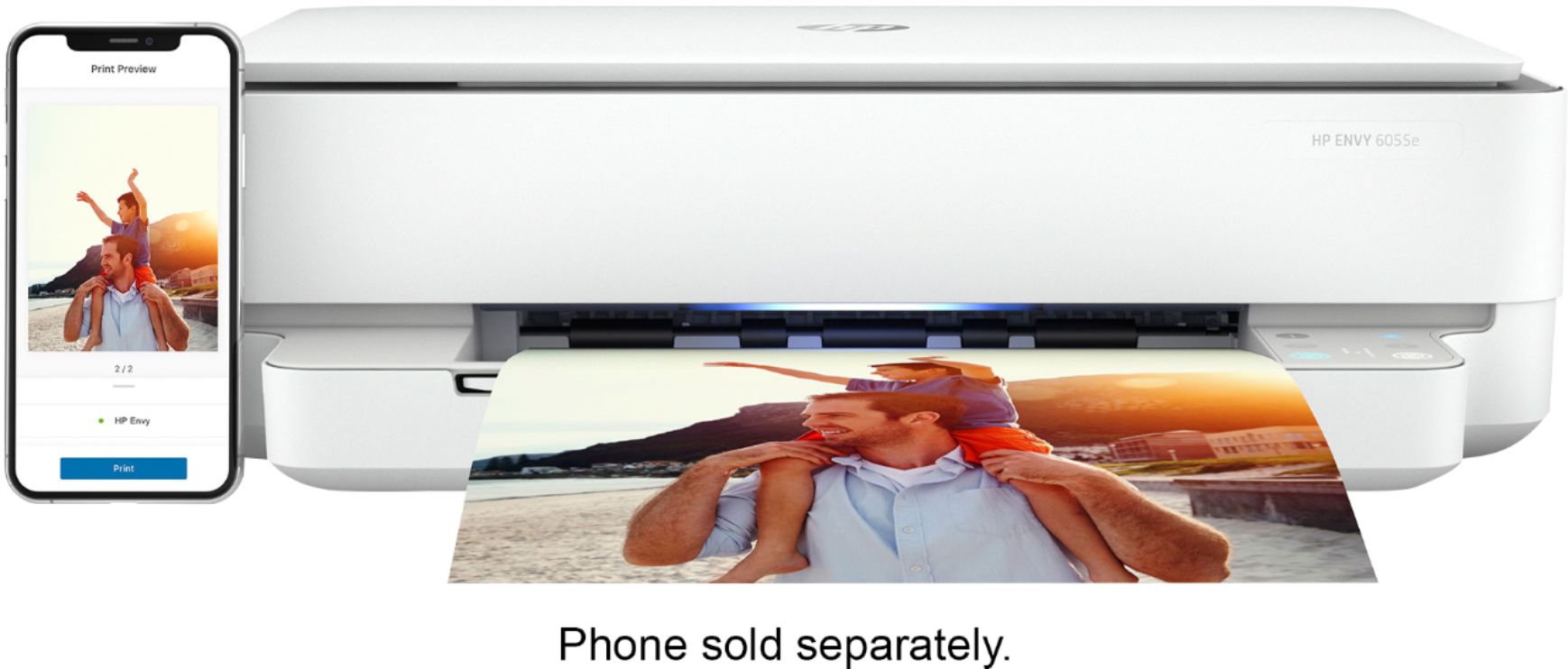
||Posted . Owned for 1 month when reviewed.This reviewer received promo considerations or sweepstakes entry for writing a review.I'm very happy that I purchased this printer! It looks great and was extremely easy to set up. Love that it prints from my phone and computer. Highly recommend!
I would recommend this to a friend - Pros mentioned:Print quality
Ok printer
||Posted . Owned for 1 month when reviewed.This reviewer received promo considerations or sweepstakes entry for writing a review.Printer is good for the most basic printing necessities
I would recommend this to a friend - Pros mentioned:Print quality
Easy to use!
||Posted . Owned for 1 month when reviewed.This reviewer received promo considerations or sweepstakes entry for writing a review.Wonderful printer! I can sit in one room and print recipes from my tablet! Prints are clean and crisp.
I would recommend this to a friend - Pros mentioned:Print quality
Good Quality and Excellent Price
||Posted . Owned for 1 month when reviewed.This reviewer received promo considerations or sweepstakes entry for writing a review.Good quality. A bit hard to install the wireless. But overall a good printer. Highly recommend registering into the HP ink monthly replacement plan!.
I would recommend this to a friend - Pros mentioned:Print quality
great printer/scanner
||Posted . Owned for 3 months when reviewed.This reviewer received promo considerations or sweepstakes entry for writing a review.Great printer but it doesn't like the Bluetooth connection on my laptop - but I can print great from my phone. Easy fix by just using a cable connection.
I would recommend this to a friend - Pros mentioned:Ease of use
Excellent printer
||Posted . Owned for 3 weeks when reviewed.This reviewer received promo considerations or sweepstakes entry for writing a review.Haven't had this printer for long, but I love it so far. The connection process was easy using the app makes things quick and smooth for my home office.
I would recommend this to a friend - Pros mentioned:Print quality
HP Printer
||Posted . Owned for 3 weeks when reviewed.This reviewer received promo considerations or sweepstakes entry for writing a review.Good reasonably priced printer. good quality print.
I would recommend this to a friend So so Envy
||Posted . Owned for 3 weeks when reviewed.This reviewer received promo considerations or sweepstakes entry for writing a review.Not liking this one as much as previous envy printer.
No, I would not recommend this to a friend- Pros mentioned:Ease of use, Print quality, Size

The style will make you smile…
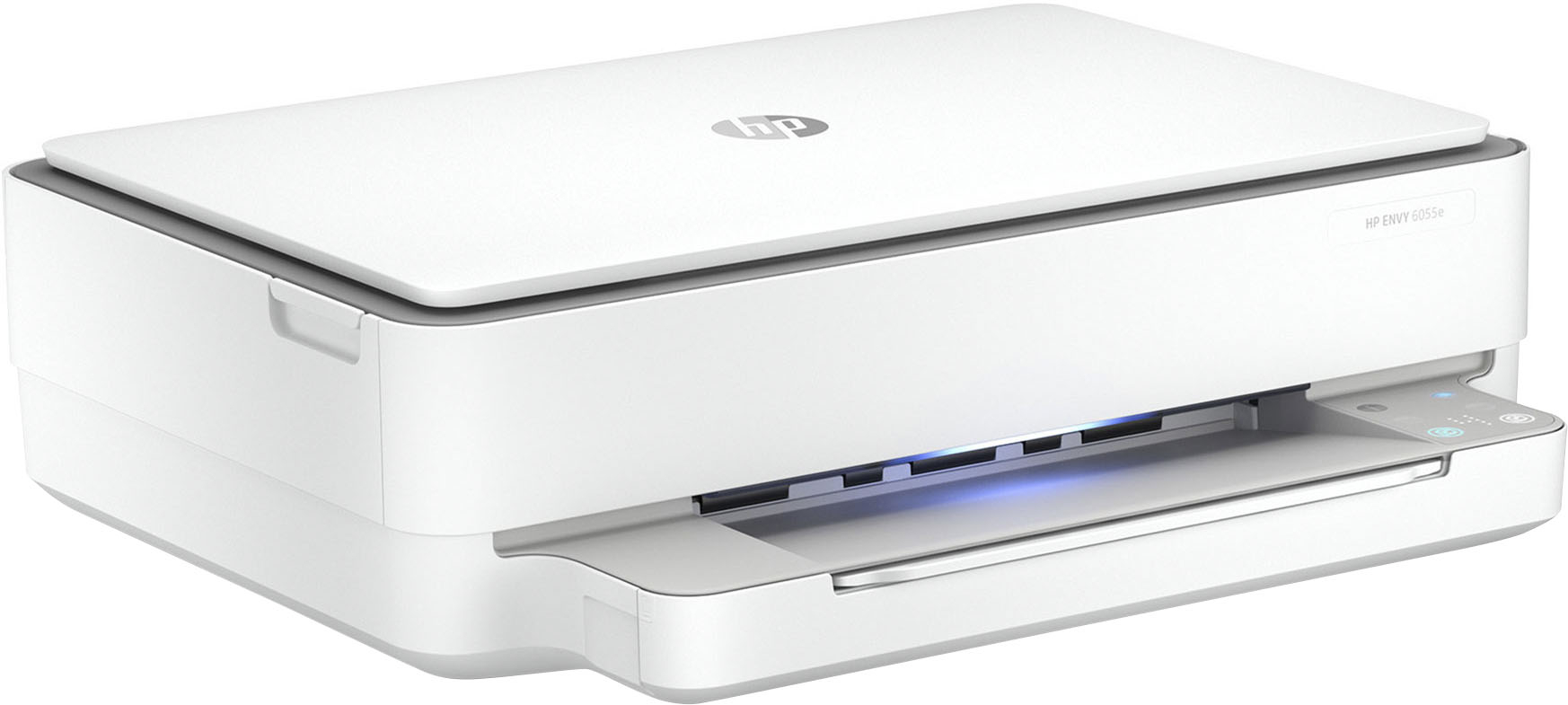
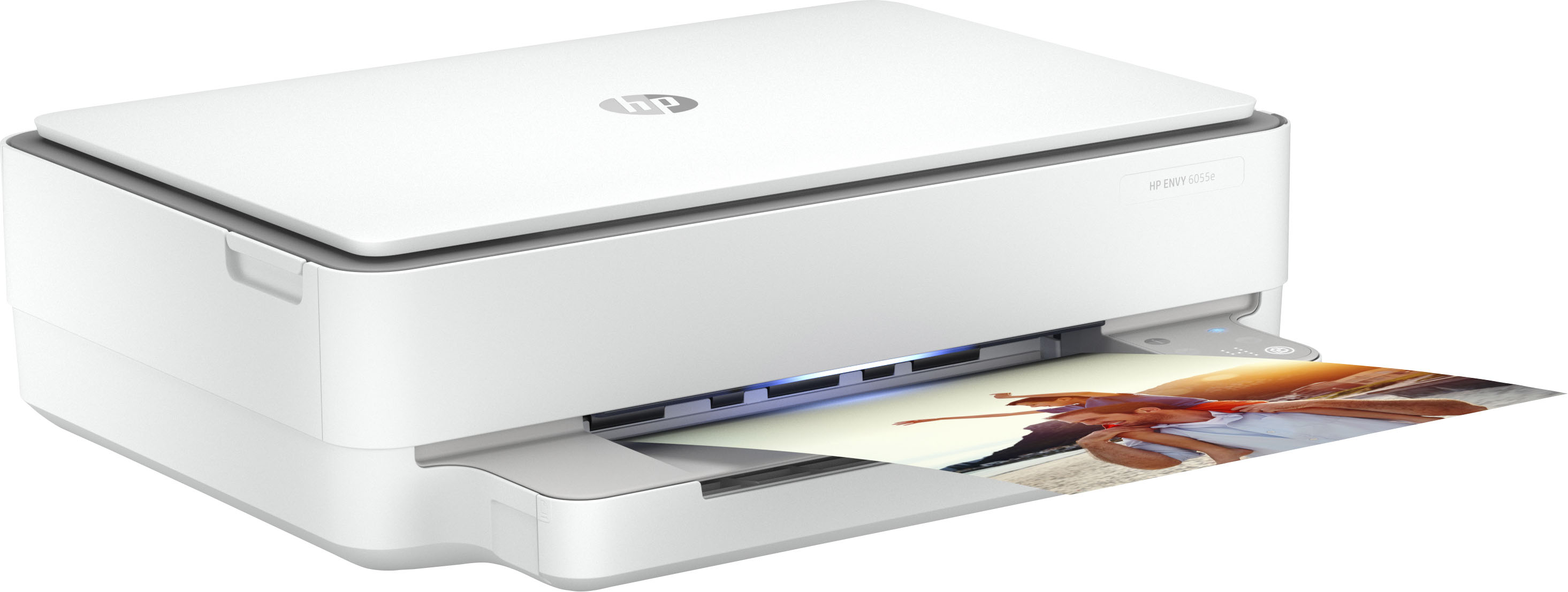
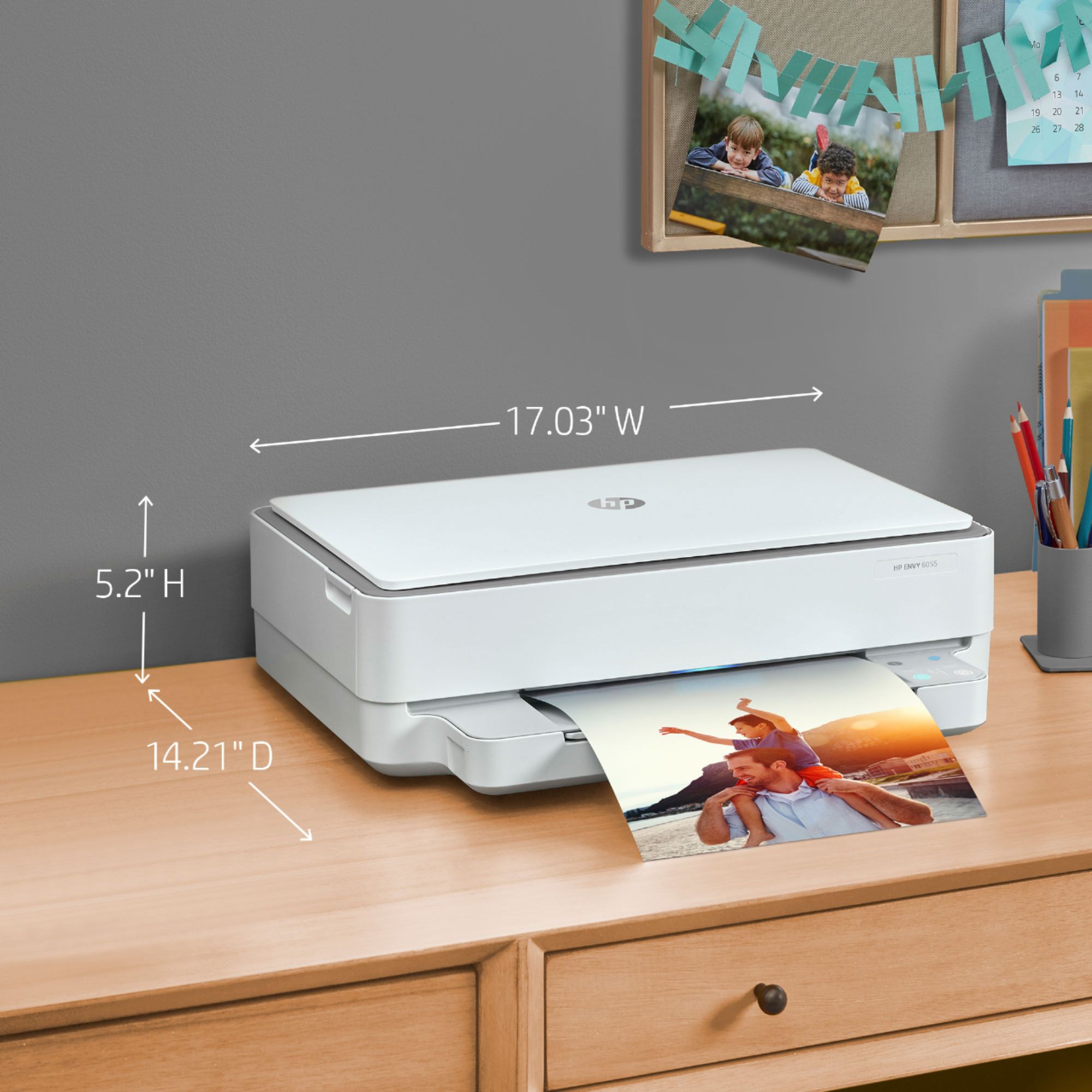
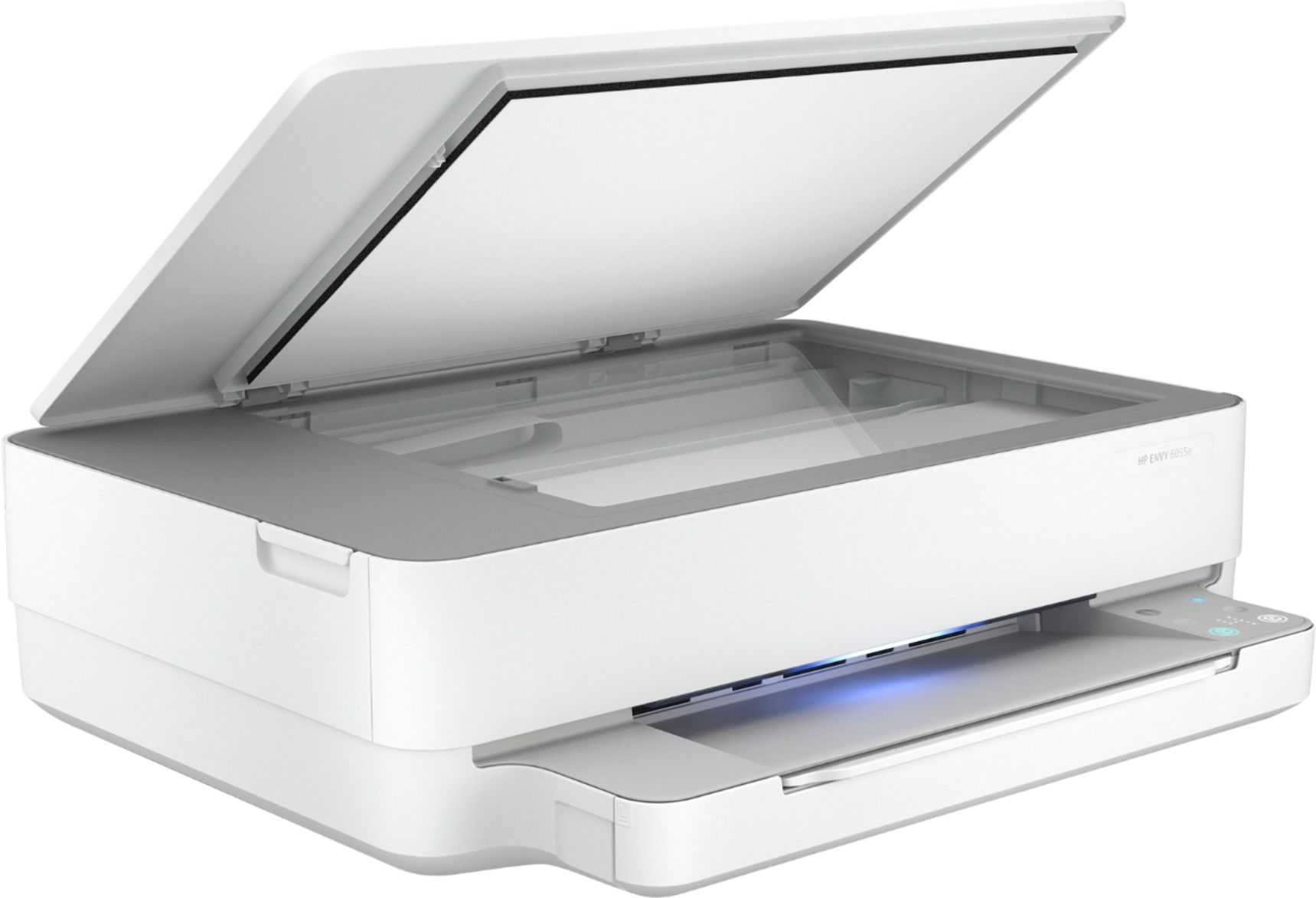
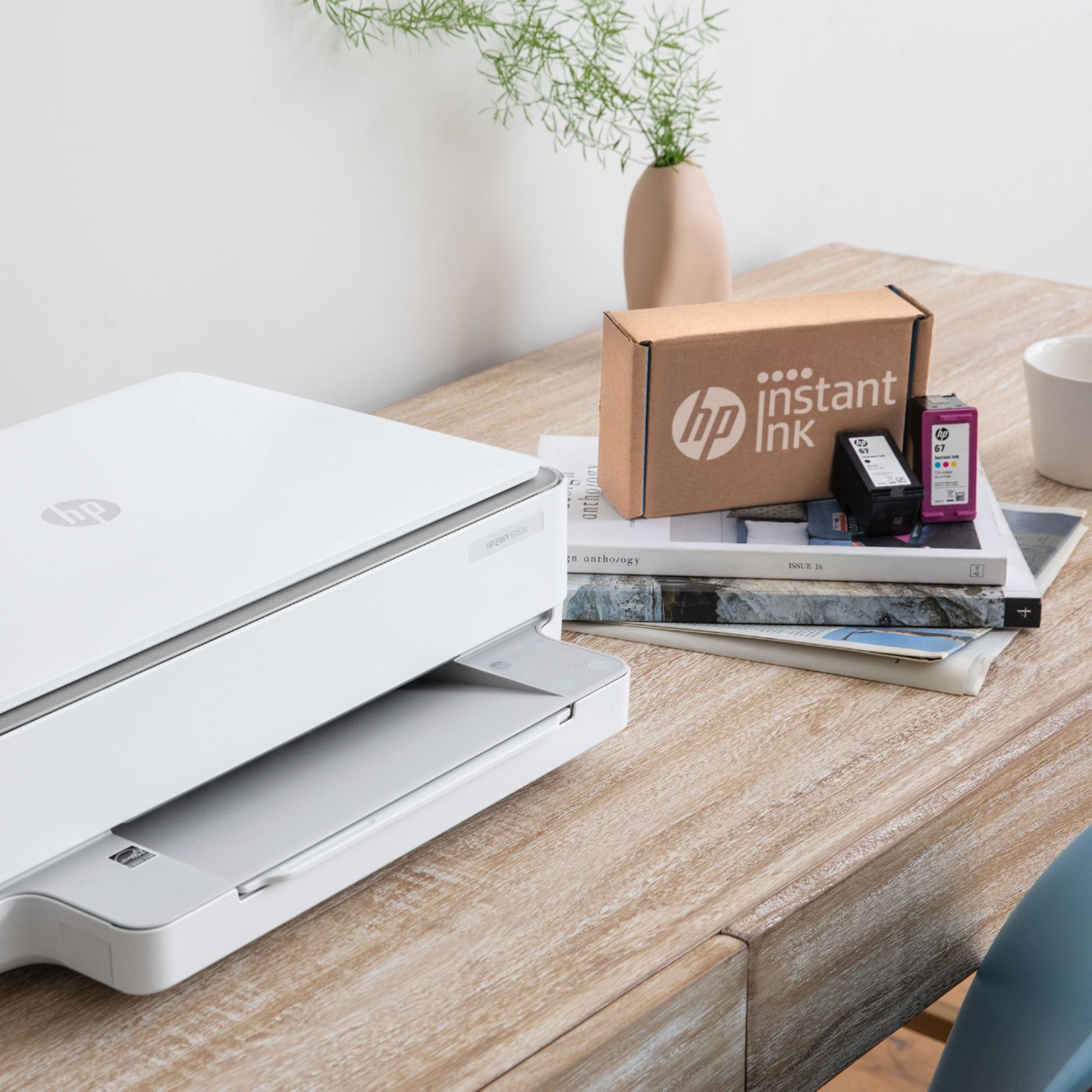
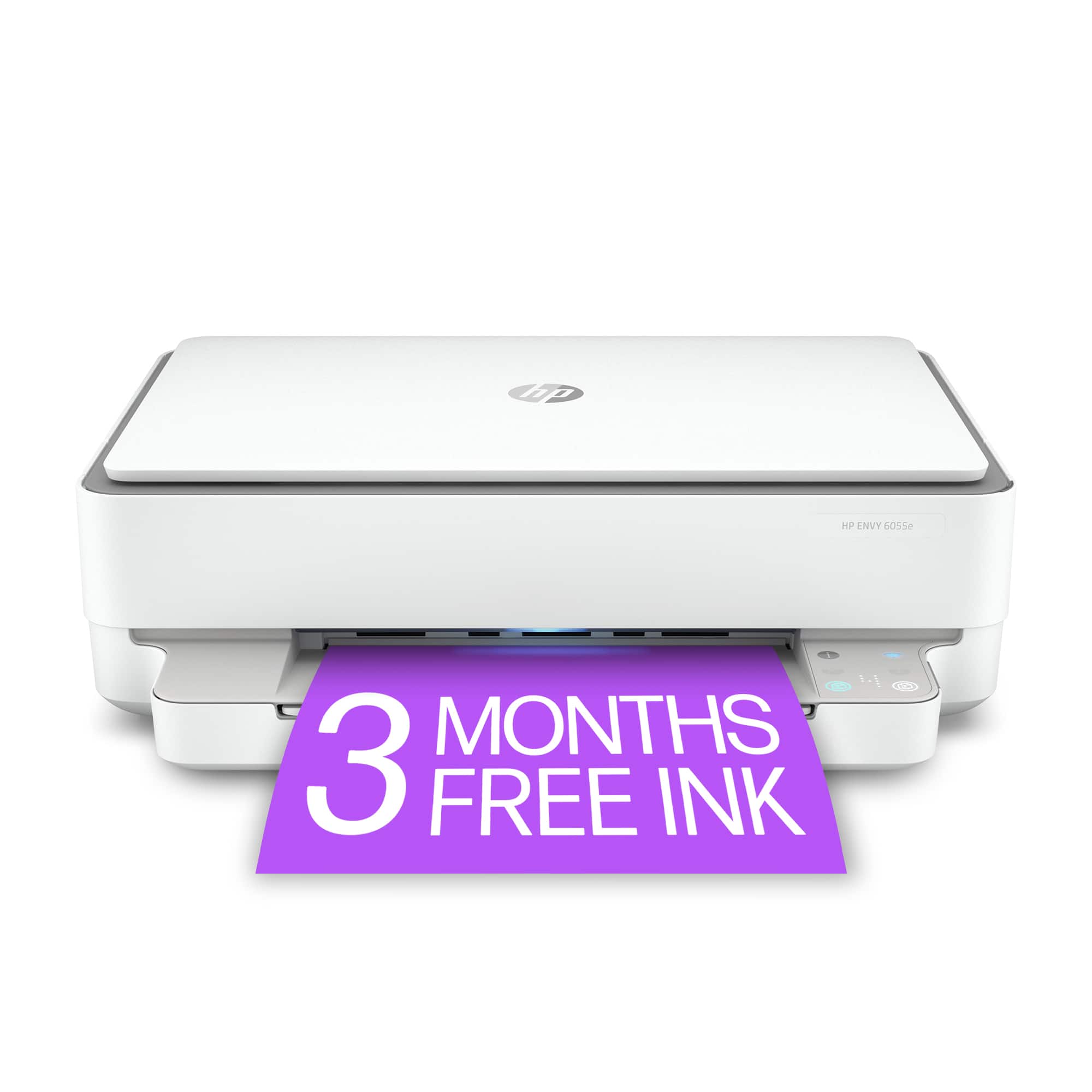
|Posted .This reviewer received promo considerations or sweepstakes entry for writing a review.HP - ENVY 6055 Wireless All-In-One Instant Ink-Ready Inkjet Printer - White The style will make you smile… It seems that with HP the “ENVY” designation is used for their recent devices that have a modern style with a smooth and sleek appearance. I have an HP “ENVY” laptop that is very stylish, and this “ENVY” printer has the same modern appearance with a low profile and smooth, rounded lines. Very attractive printer for a desktop, and also very compact considering all the different functions. This definitely doesn’t “look like a printer” in the traditional sense – very modern and almost a decorative accessory. HP seems to be going for the “Jetsons” look with this one as they have added a “light strip” to the front of the printer that changes colors when the printer is performing different functions. Setup for the printer is very easy, with a step-by-step guide using an app (you will want to download the app as the first step in setting up the printer). Very quick to download and install the app to do the setup and control the printer. The app is pretty much essential as there is not the typical “touch screen” display on the printer, just a multi-colored light strip and a few small buttons. I’m not much for remembering what button does which on any device, and the app takes care of it and gives total control over the printer, and monitors the printer health, ink levels, and ink refill schedule if you use the automatic refill program. Any of the devices on the house network - computers, tablets, phones – all of them can connect and print. My wife really likes this as she can be in the living room on her Chromebook or her phone and print out coupons and recipes and bits of juicy gossip from her FaceBook Page and even plain paper pictures without having to get up from her chair. Her majesty is pleased! i won't say who collects the printouts and takes them to the royal throne, but it isn't her majesty and I haven't quite trained the dog to be a courier... at least not yet. Slipping in some photo paper for a nice color print is very quick and easy, but please don't tell 'the royal presence' as that will be another item added to the court jester's "to do" list. Thanks and I owe you one! … about the ink deal >> when you are setting up the printer it asks if you want to sign up for the ink replacement/refill program… I suggest you go ahead and “accept” the ink program to make the setup go a LOT smoother, and then give it some more thought and continue or cancel the program as you desire. If you are going to be doing a good bit of printing, especially color prints or photographs, the discount you get with the automatic ink replacement is probably a good deal. If this is a “couple of pages a day” machine, then you might want to buy ink as you need it. Keep in mind that this printer does a pretty good job with pictures and of course if you have purchased a birthday or “special day” card lately, being able to print some nice cards (in full color) for special occasions instead of dropping an UNBELIEVABLE amount of money on “Happy Birthday” and “Thinking of You” cards at the store might make this printer your best money-saving device in the house! Everyone’s phone seems to have a bazillion pictures, as well, and a few of your best selfies or “bestest friend” photos to frame up or stick to the refrigerator let you get full use of the photo printing. It's mighty handy (and nice) to have a photo printer around the house! Speaking of color printing, you can get some very nice photo prints from the ENVY. The colors are very bright and clear, and if photo printing is new to you, try some different photo papers to see how a glossy finish compares to a matte finish on the paper you are using. Sometimes folks jump right to the “glossy” thinking that will produce the best results, but honestly unless it is a photo that really needs the finest detail possible like a scenic landscape (Grand Canyon?), the matte finish paper looks better for those pictures of friends and family. The only consideration I would suggest before purchase is if you plan to use this a “home office” machine and will need to do a lot of duplex (2-sided) copies or scans OR if you need high-speed copying. For duplex, you have to manually flip the documents as there is no automatic sheet feeder for copies or scans. The speed of the machine is not exactly slow slow slow, but it does take it’s time making copies or printing documents, photos at highest resolution take their sweet time but that's normal and it gives the colors a chance to set properly. If it’s just an occasional need, I wouldn’t be concerned as it keeps the price down and less machinery to jam. If you are going to be doing a lot of duplex copies and scans, you may want to bump up a model or two and get a “home office” machine that can handle more complex jobs. Other than that one consideration, this is a very nice machine in terms of appearance, good construction, and the nicest “style” for a printer I have seen. You won’t be hiding this one under the desk or on a shelf out of the way, it really is a “modern looking” asset to the appearance of the “computer corner” or game room. Turn off the lights when you send a print job, and enjoy the ENVY “light show” while it prints. Stay Safe!
I would recommend this to a friend - Pros mentioned:Print quality
Good but
||Posted .This reviewer received promo considerations or sweepstakes entry for writing a review.So far, this has been a great purchase. I enjoy the look of the printer. The quality of print is as good as other home printers I have had. No complaints!
I would recommend this to a friend - Pros mentioned:Ease of use
HP Envy Printer
||Posted . Owned for 1.5 years when reviewed.This reviewer received promo considerations or sweepstakes entry for writing a review.Nice and easy to use product. Printer connects wirelessly and no need to go through the hassle of finding a driver
I would recommend this to a friend Love it
||Posted . Owned for 11 months when reviewed.This reviewer received promo considerations or sweepstakes entry for writing a review.Best printer. Makes very little noise and I’ve had it for a while with zero problems. I only use it for work so not sure how it does on pictures!
I would recommend this to a friend- Pros mentioned:Ease of use
Good all in one
||Posted .This reviewer received promo considerations or sweepstakes entry for writing a review.As long as you don’t need to print fast this is a good all in one with glass scanner. Small paper hold but I don’t print a lot. Easy set up and simple to use.
I would recommend this to a friend - Pros mentioned:Print quality
Good Printer
||Posted . Owned for 1 month when reviewed.This reviewer received promo considerations or sweepstakes entry for writing a review.I replaced my old printer for this one and I can say that I'm not disappointed so far. It prints fast and it connects to my Wi-Fi with no issues.
I would recommend this to a friend