Customer Ratings & Reviews








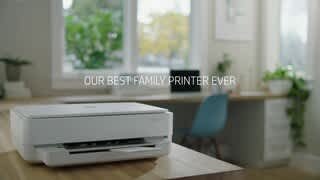
- Model:
- Envy 6055e/223N1A#B1H
- SKU:
- 6454281
Rating by feature
- Value
Rating 4.3 out of 5 stars
- Quality
Rating 4.3 out of 5 stars
- Ease of Use
Rating 4.1 out of 5 stars
Customers are saying
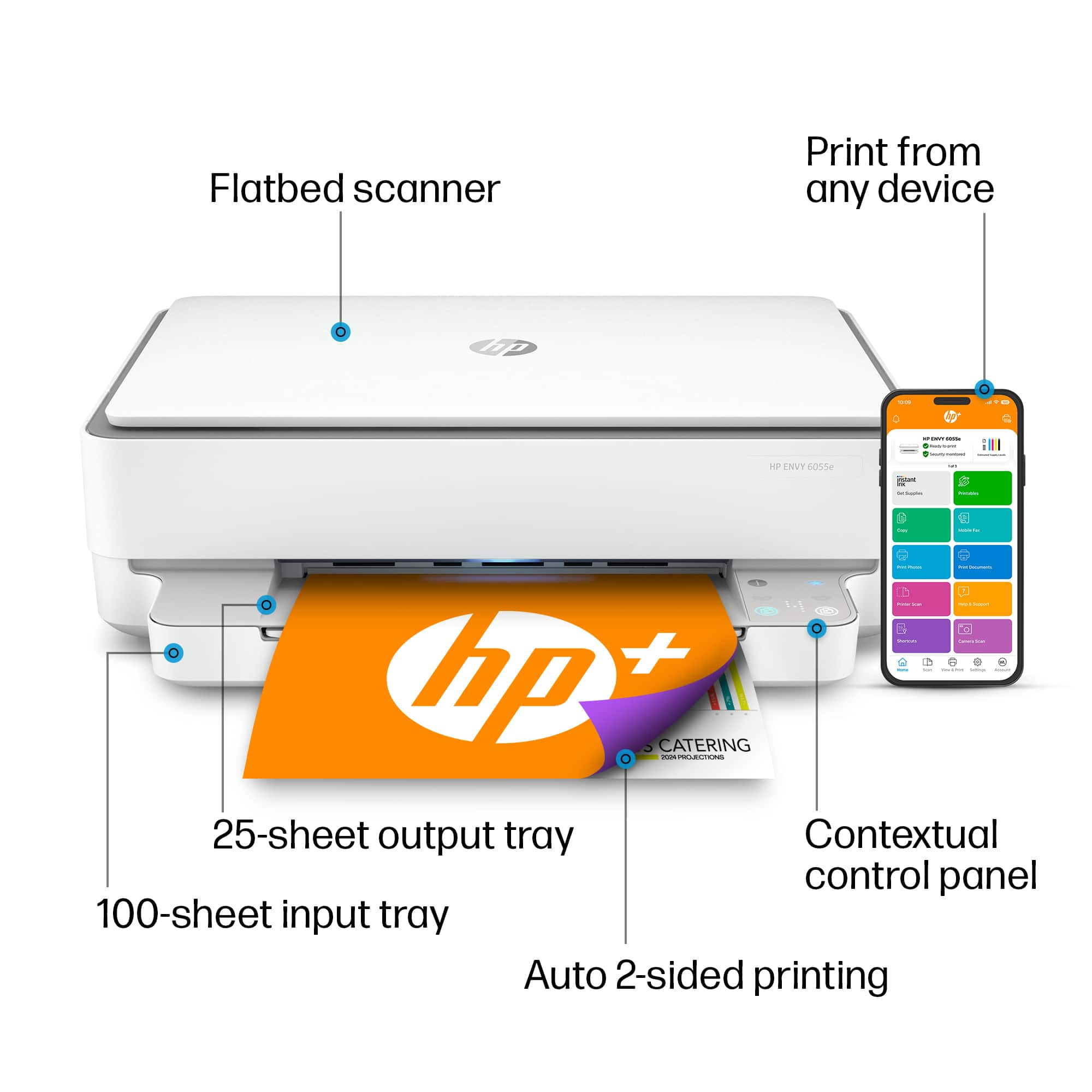
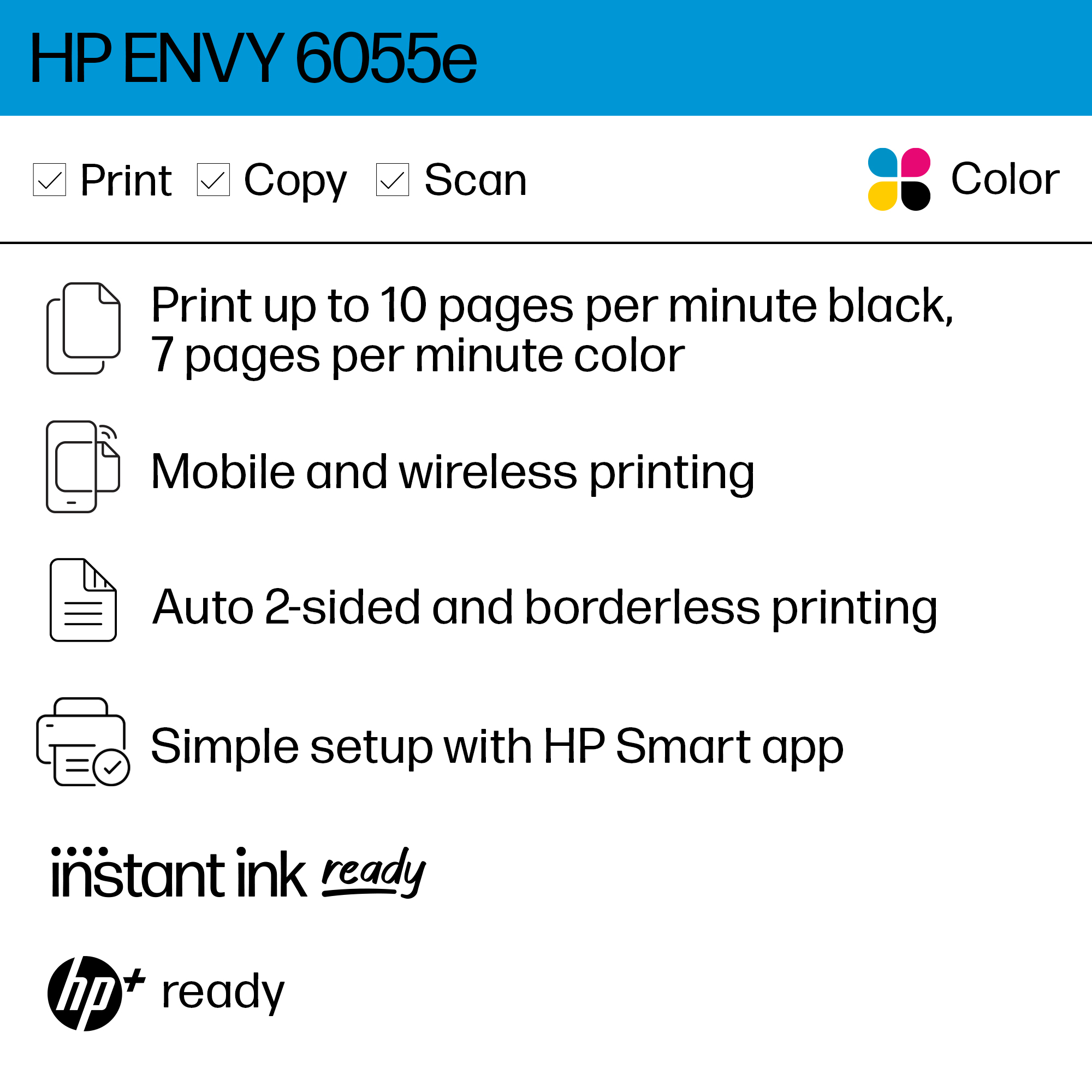
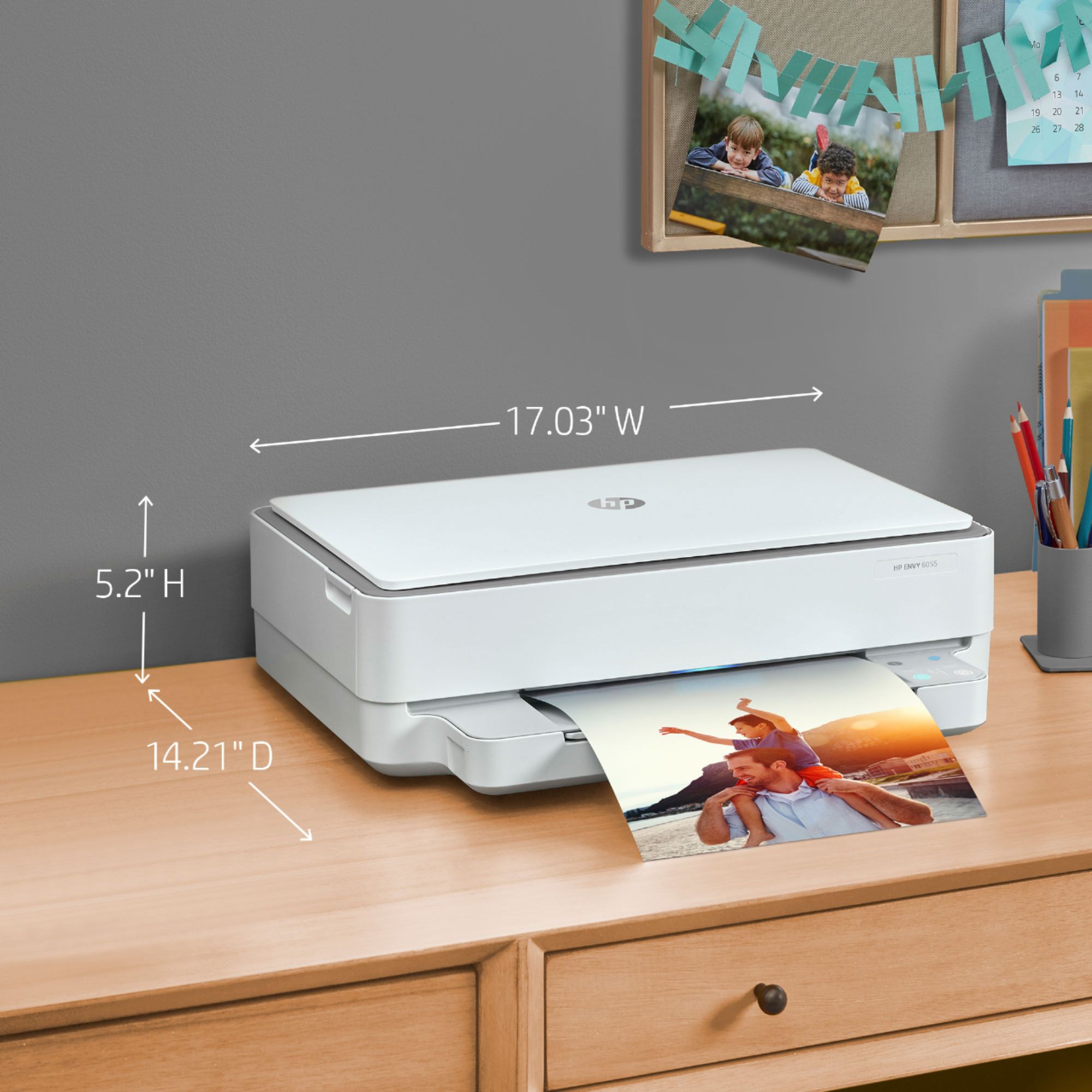
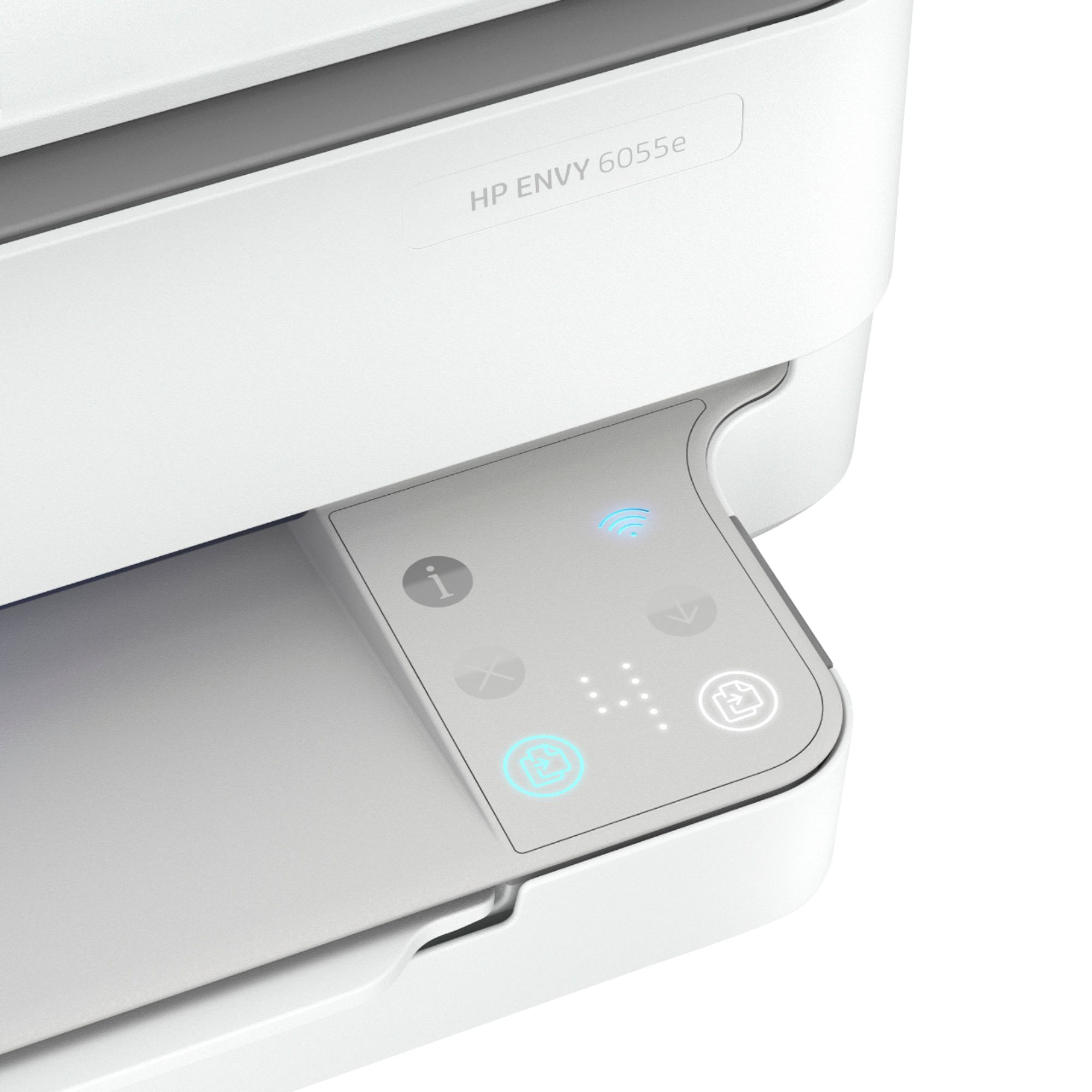
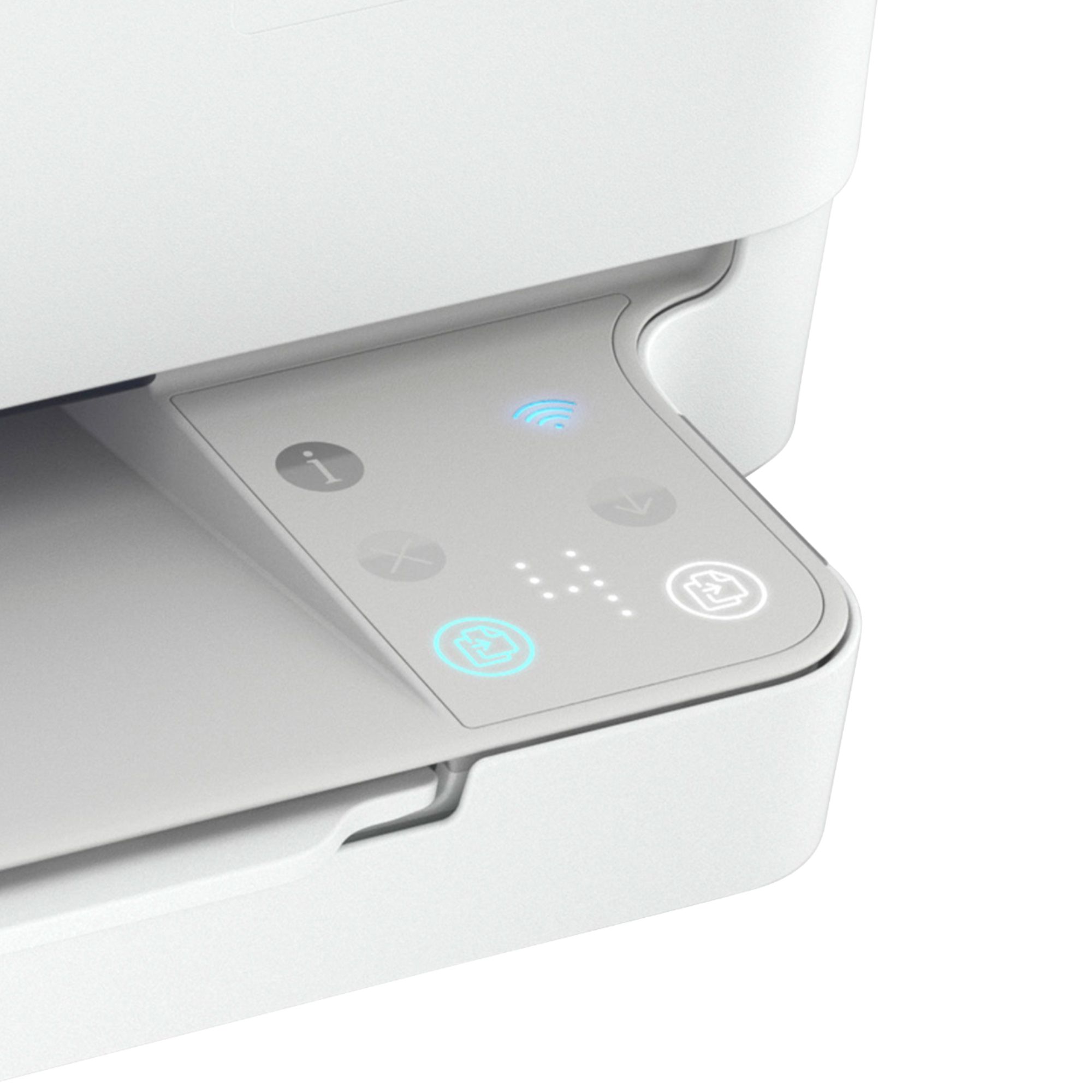
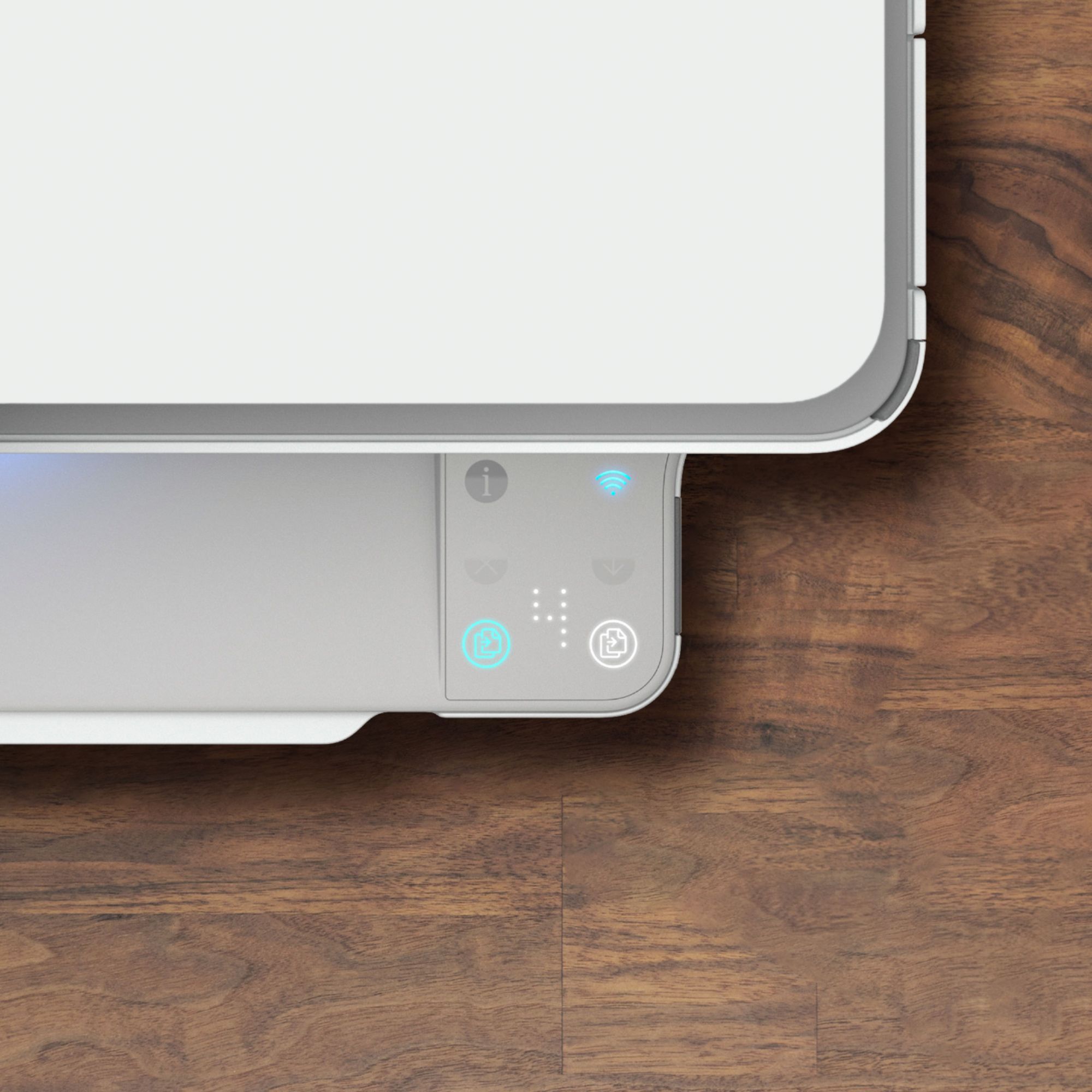
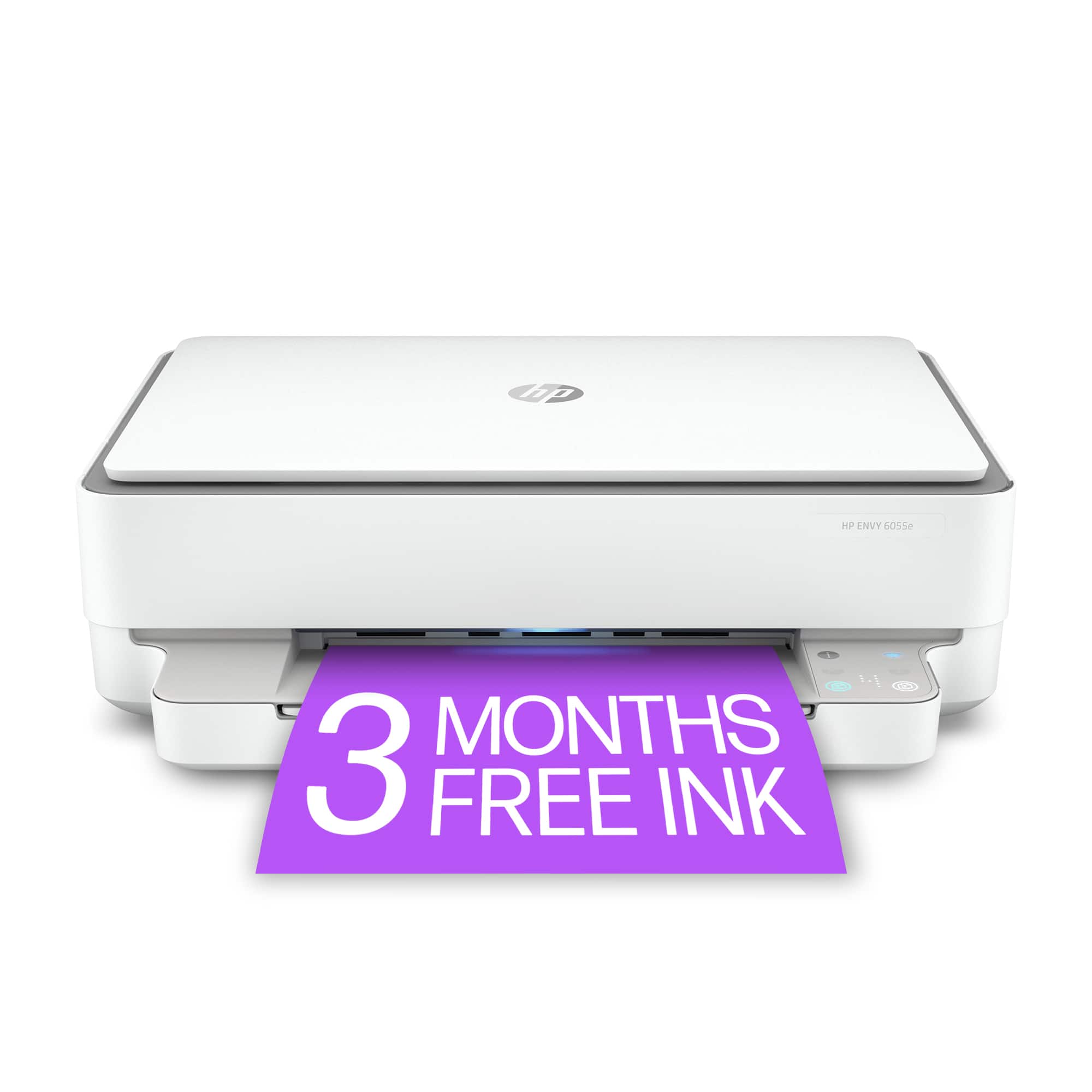
Customers are satisfied with the ENVY 6055e's ease of use, print quality, and compact size. Many appreciate its affordable price and straightforward setup process. Positive feedback also highlights the printer's sleek design and quiet operation. However, some users experienced challenges with maintaining a stable Wi-Fi connection.
This summary was generated by AI based on customer reviews.

Great Basic printer all in one
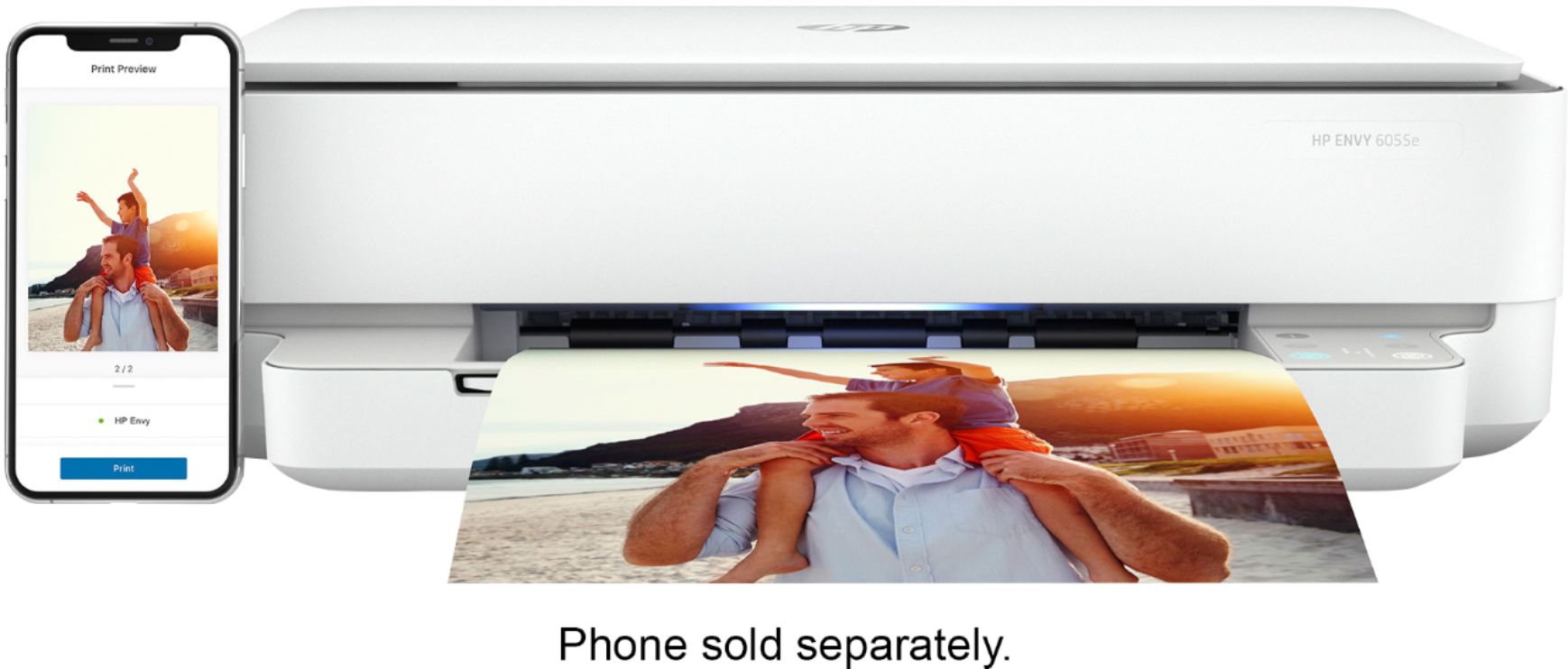
|Posted .This reviewer received promo considerations or sweepstakes entry for writing a review.I have used a few other HP printers along with other printer brands. HP has been my favorite brand of printer by far. The envy series specifically is sleek and fits nicely into any office space. Setting up this printer was a little different than some others. There is no actual screen on the printer so it is necessary to use another device to set it up. The good part is that it was easy to download the app to my phone and set up the printer. This is a little bit of a downside because on first try the setup process did not complete successfully. However, on second try it worked fine. I feel like with a screen on the printer you can easily see what the errors it is having and address. Where as if you require a wireless connection to see the problem and the problem is with the connection you will not be able to easily figure it out. All of that being said this is a great printer and it works flawlessly. It is meant to be a simple and wireless design and i believe it is successful in doing so. One of my favorite features is the App which allows you to easily print or scan straight from you cell phone. I was easily able to use it as a wireless scanner to scan photos to my phone. I would recommend this printer to anyone who wants a simple printer that can print, scan, and copy.
I would recommend this to a friendNot Happy
||Posted . Owned for 1 month when reviewed.This reviewer received promo considerations or sweepstakes entry for writing a review.Not happy at all. Only lets you scan 1 pg at a time. Very disappointed!! I would love to trade it in.
No, I would not recommend this to a friend- Pros mentioned:Print quality, SizeCons mentioned:Connectivity
Happy I upgraded!
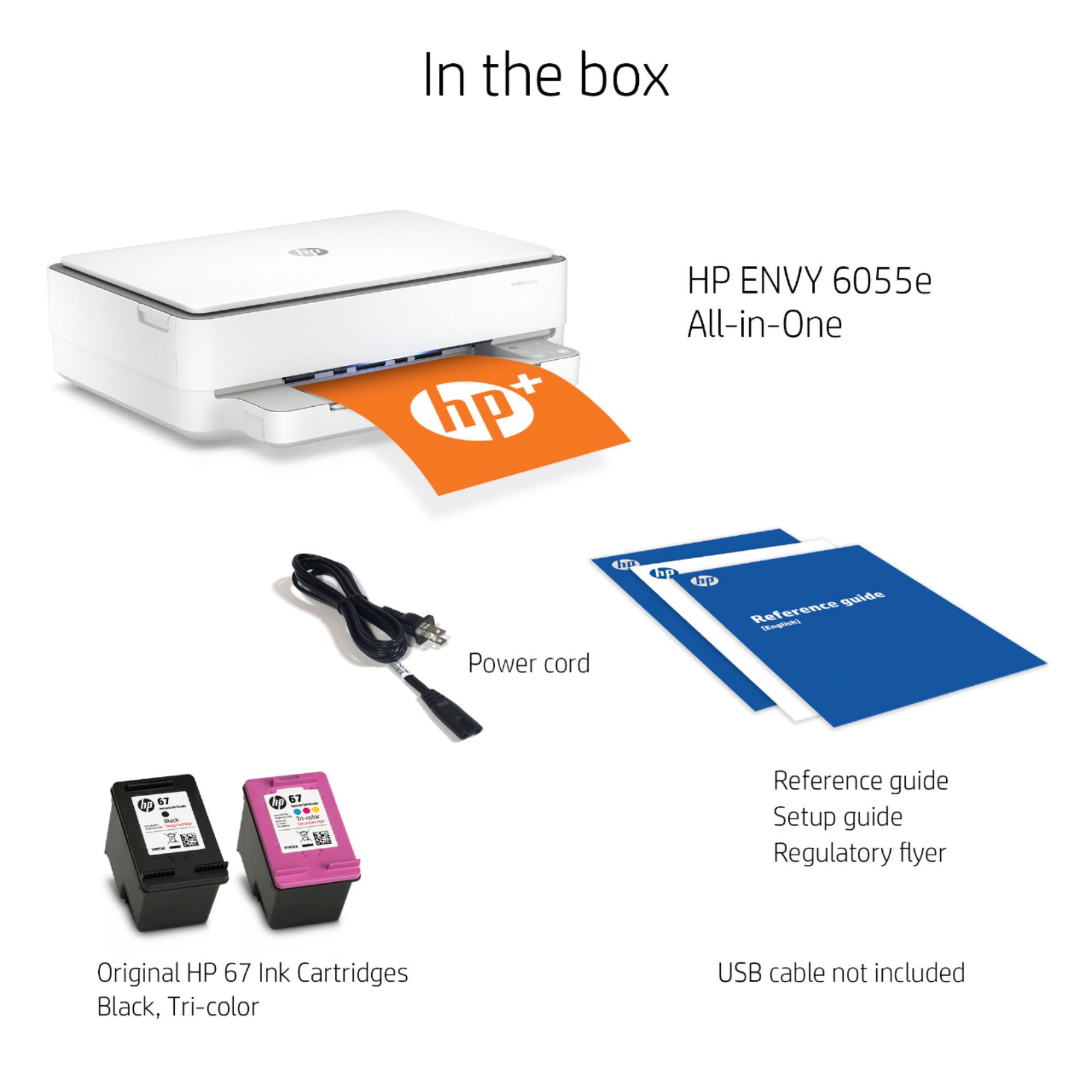
Posted .This reviewer received promo considerations or sweepstakes entry for writing a review.I've had this printer for about a month, i was replacing a Xerox laserjet printer. Let me just start off by saying that I was a bit skeptical after reading a few of the negative reviews. But I think reading the negative reviews helped me when it came to installing. Instead of just jumping in and installing, i looked for a YouTube video of a regular person installing it and i followed his steps. I'm pretty savy when it comes to technology, but this YouTube video just made it so much easier. I did have an issue at first because I downloaded the app into my tablet, i think it would have been better if I started on my phone. I don't mind having the app on my phone, but i read a few reviews that people do mind that, so if that's an issue, then this might not work for you. I think the overall installation took about 20 min or so. The printer is a good size, not bulky at all. It looks like the paper tray holds about 30-40 sheets, then again I don't like to fill it too much. The only other issue I've had is that its unavailable sometimes, but i truly believe that's a WiFi issue on my end, I've had that problem with other printers in the past. My quick fix is to disconnect the power cord for a few seconds and replug, again this is something I've had to do in the past so not a deal breaker for me. Overall I'm super happy with this printer, quality of each print job is excellent, its fast enough for my standards and a plus is that it prints double sided! Happy that i upgraded from the Xerox printer i had. Would definitely recommend if you are looking for something smaller and dependable.
I would recommend this to a friend Doesn't work
||Posted . Owned for 3 weeks when reviewed.This reviewer received promo considerations or sweepstakes entry for writing a review.Printer worked for about 3 pages and quit. Called HP and was told tech asst. would cost me even though I had only had the printer for 3 weeks. Called Best Buy and assistance was minimal at best.
No, I would not recommend this to a friendBrand response from HP Team
Posted .Hi there.
I'm terribly sorry to hear about the troubles you've had with your printer. Even more so, it's awful to hear about the experience you had when reaching out to support. Unfortunately, support feedback of that nature is often linked to fraudulent companies or individuals.
There is no charge for standard support during your one-year warranty period. Just in case, you can double-check the warranty status of your printer at: support.hp.com/checkwarranty
We know that fraudulent companies and individuals find their way to people by many means, and often they appear totally legitimate. On our support site we have a section that contains information on how to protect yourself from scams, and what to do if you’ve been the victim of one. Visit that page here:
- support.hp.com/us-en/document/c05404707
I know you returned the printer, but if you need help at any point in the future, we're always here for support. Please contact us directly at +1 800-474-6836 so we can guide you through the proper troubleshooting. To expedite the process, I recommend gathering the following information before the call:
- Model number
- Serial number
- Your location
- Case number (from any previous contact with HP support)
Keith
HP Care
hp.com/support
Ho 6055
||Posted . Owned for 2 weeks when reviewed.This reviewer received promo considerations or sweepstakes entry for writing a review.Too hard to get connection to print. Also just all together a nightmare but a nice printer just too much effort to use
No, I would not recommend this to a friendBrand response from HP Team
Posted .Hi there.
I’m sorry you’ve had a troublesome start to owning your printer. I can absolutely understand why connectivity problems and difficult usability would be a frustrating combination. I want to help you navigate these issues and have a better experience, so I’ll suggest some resources aimed at reaching that end.
First, I recommend you visit a page on our support site that has diagnostic tools for various issues, including wireless connectivity. On the same page, you’ll find a general-purpose tool called the HP Print and Scan Doctor. If you use Windows, the tool will help identify and guide you through solutions to a wide range of common printing and scanning difficulties. You can find that page here:
- support.hp.com/us-en/topic/diagnostics
For more help with difficulties, you can access troubleshooting guides, how-to documents, user manuals and software updates specific to your printer here:
- support.hp.com/us-en/product/model/2100187510
If any problem persists, I suggest that you contact us directly at +1 800-474-6836 so we can help you assess what’s happening and find the best course of action. To expedite the process, I recommend gathering the following information before the call:
- Model number
- Serial number
- Your location
- Case number (from any previous contact with HP support)
Keith
HP Care
hp.com/support
HP Envy 6055
||Posted .This reviewer received promo considerations or sweepstakes entry for writing a review.Currently my printer does not work. I am high risk and have no way to take it into the store. I have been trying to solve this problem for two days but nobody can give me a solution.
No, I would not recommend this to a friendBrand response from HP Team
Posted .Hi, Victoria.
I’m sorry to hear that your printer won’t work. I can understand clearly why this would be an alarming problem, considering you’re at higher risk because of the pandemic and don’t want to visit a retail environment. With that in mind, I’ll offer some resources I hope will help.
I can’t tell from your review what issue your printer faces or why it won’t work, so, to determine whether a remedy exists that you can perform at home I suggest that you contact us directly at +1 800-474-6836 so we can help you assess the situation and guide you through any applicable troubleshooting. (Please note that because of restrictions on personal movement and workplace attendance associated with the COVID-19 pandemic, wait times for agents are longer than normal. Thanks in advance for your understanding.) To expedite the process, I recommend gathering the following information before the call:
- Model number
- Serial number
- Your location
- Case number (from any previous contact with HP support)
I'll also mention that HP printers have a one-year warranty from their purchase date that covers hardware as well as ink supplies, so if it comes to that, you might consider making use of it. You can verify the warranty using the following link: support.hp.com/us-en/checkwarranty
Keith
HP Care
hp.com/support
HP Printer
||Posted . Owned for 1 month when reviewed.This reviewer received promo considerations or sweepstakes entry for writing a review.I couldnt get the printer to connect properly to the internet and couldn't print to it. I returned it for a refund.
No, I would not recommend this to a friendterrible!
||Posted . Owned for 1 month when reviewed.This reviewer received promo considerations or sweepstakes entry for writing a review.I would never buy this printer. waste paper by printing off information. Have to set up multiple times and the instructions are horrible. Even customer support could not help
No, I would not recommend this to a friendDon’t buy, insta ink rip off
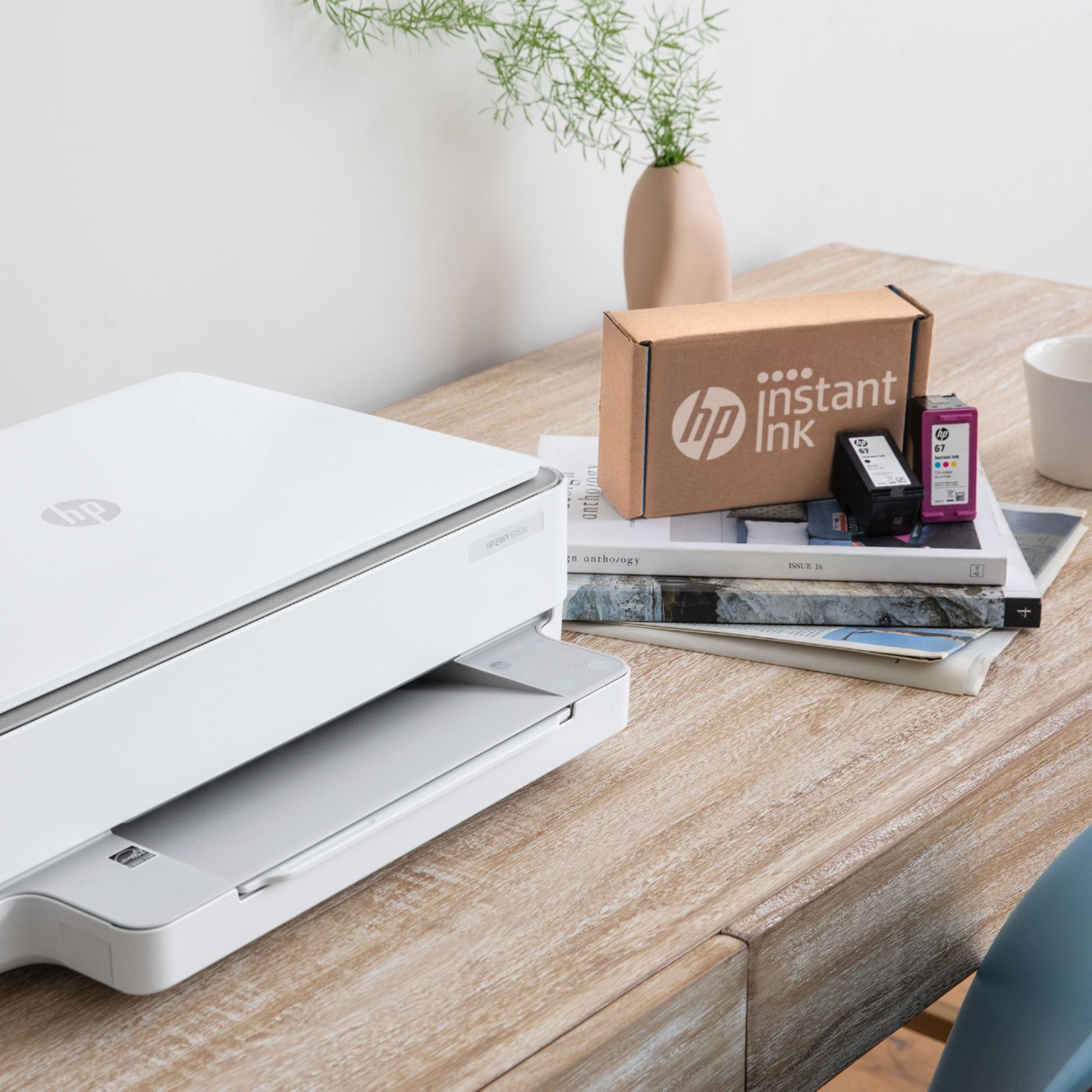
||Posted . Owned for 6 months when reviewed.This reviewer received promo considerations or sweepstakes entry for writing a review.Don’t sign up for the instant ink total rip off they charge by the page and printer does not print correctly then you have to reprint, buy a different brand printer
No, I would not recommend this to a friendDon’t like it
||Posted .This reviewer received promo considerations or sweepstakes entry for writing a review.Doesn’t come with any instructions. Don’t know how to make the pages smaller. Go on line and they tell you your user or password is wrong. Wish I could return. Sorry I bought it.
No, I would not recommend this to a friendBrand response from HP Team
Posted .Hi, Alexa.
I’m sorry to hear that you’ve encountered difficulty learning how to use your printer. Your review is relatively brief, but your frustration is clear – and totally understandable – so I’ll suggest some resources that I hope will help.
First, to learn more about your printer and all its features – or to find help solving problems – you can access a setup tutorial, user manuals, how-to documents, software updates and troubleshooting guides here:
- support.hp.com/us-en/product/hp-envy-6000-all-in-one-printer-series/29256672/model/30153277
You can also visit a page on our support site that has diagnostic tools for various tasks and issues, including setup, cartridge installation and wireless connectivity. There you’ll also find a general-purpose tool called the HP Print and Scan Doctor. If you use Windows, the tool will help identify and guide you through solutions to a wide range of common printing and scanning issues. Visit that page here:
- support.hp.com/us-en/topic/diagnostics
If you need further help, I suggest that you contact us directly at +1 800-474-6836 so we can help you assess the situation and guide you through any applicable troubleshooting. (Please note that because of restrictions on personal movement and workplace attendance associated with the COVID-19 pandemic, wait times for agents are longer than normal. Thanks in advance for your understanding.) To expedite the process, I recommend gathering the following information before the call:
- Model number
- Serial number
- Your location
- Case number (from any previous contact with HP support)
Keith
HP Care
hp.com/support
printing is too small
||Posted . Owned for 1 month when reviewed.This reviewer received promo considerations or sweepstakes entry for writing a review.this printer is not right can't print, it prints so small try to fix it still there is a problem. too bad I could not return it too late now. would not recommend it.
No, I would not recommend this to a friendBrand response from HP Team
Posted .Hi there.
I'm sorry to hear that your printer has is printing documents smaller than you intend. I can easily see why that would be a confounding surprise, especially considering you’ve recently purchased the device but are past the return date. I want to help you remedy the situation, so I’ll offer a resource and some information I hope will help you reach that end.
I can’t tell from your review why your printer is performing this way, so I recommend that you contact us directly at +1 800-474-6836 so we can help you assess the situation and find a solution. (Please note that because of restrictions on personal movement and workplace attendance associated with the COVID-19 pandemic, wait times for agents are longer than normal. Thanks in advance for your understanding.) To expedite the process, I recommend gathering the following information before the call:
- Model number
- Serial number
- Your location
- Case number (from any previous contact with HP support)
I'll also mention that HP printers have a one-year warranty from their purchase date that covers hardware as well as ink supplies, so if it comes to that, you might consider making use of it. You can verify the warranty using the following link:
- support.hp.com/us-en/checkwarranty
Keith
HP Care
hp.com/support
HORRIBLE PRODUCT
||Posted . Owned for 1 month when reviewed.This reviewer received promo considerations or sweepstakes entry for writing a review.This is the worst printer I have ever had. It is not compatible with 5G wireless service...only 4G.
No, I would not recommend this to a friend- Pros mentioned:Ease of use, Price, Print quality
HP Envy 6055e printer
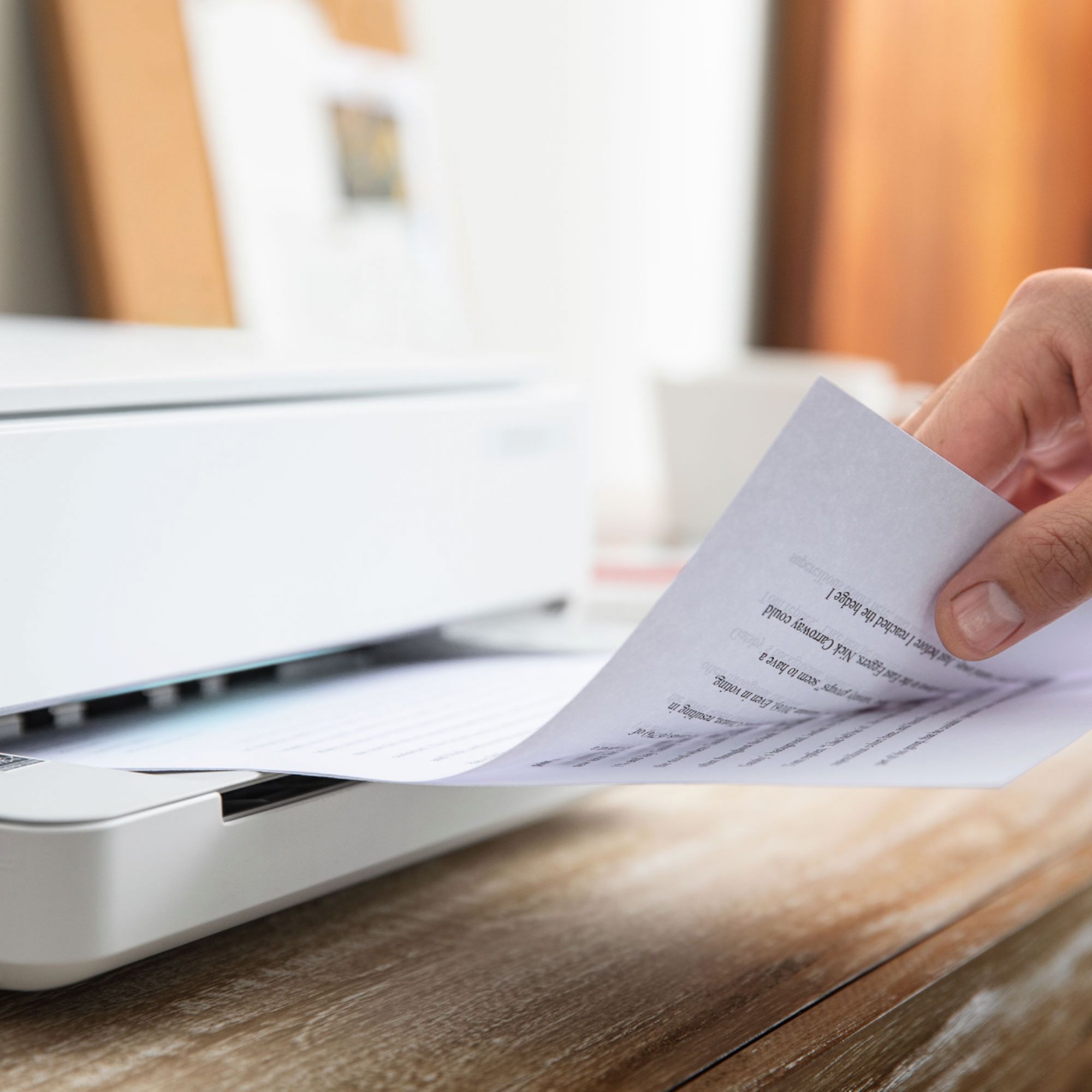
Posted .This reviewer received promo considerations or sweepstakes entry for writing a review.This printer is very easy to set up. I needed some work printed quickly … I was up and running in no time at all. The print is crisp and clean. The size is perfect for a small home office as it’s quite compact. And it’s definitely budget-friendly — great value for the money.
I would recommend this to a friend - Pros mentioned:Ease of use, Print quality
ENVY of printers
Posted .This reviewer received promo considerations or sweepstakes entry for writing a review.This printer produces excellent copies and does a better than descent job with scanning. The ENVY 6055e is easy to use, once you set it up in your home or office network. I previously used an HP 6500 inkjet photo printer and this a welcome step back to something simpler to use.
I would recommend this to a friend Best Buy is terrible
||Posted . Owned for 6 months when reviewed.This reviewer received promo considerations or sweepstakes entry for writing a review.Doesn’t work. I bought it and it doesn’t work and BEST BUY REFUSES TO RETURN IT. DONE WITH BEST BUY NEVER SHOPPING HERE AGAIN.
No, I would not recommend this to a friendBrand response from HP Team
Posted .Hi there.
I’m so sorry to hear that your printer does not work and that the retailer did not accept your attempted return. Your reaction comes as no surprise here. I want to help you out of this dilemma, so I’ll provide a resource and some information designed to do just that.
I can’t tell from your review why the printer has not worked. I recommend that you contact us directly at +1 800-474-6836 so we can help you assess what’s happening and find the best course of action. (Please note that because of restrictions on workplace attendance associated with the COVID-19 pandemic in some areas, wait times for agents are longer than normal. Thanks in advance for your understanding.) To expedite the process, I recommend gathering the following information before the call:
- Model number
- Serial number
- Your location
- Case number (from any previous contact with HP support)
I'll also mention that HP printers have a one-year warranty from their purchase date that covers hardware as well as ink supplies, so if it comes to that, you might consider making use of it. You can verify the warranty using the following link:
- support.hp.com/us-en/checkwarranty
Keith
HP Care
hp.com/support
HP Envy printer
||Posted . Owned for 3 weeks when reviewed.This reviewer received promo considerations or sweepstakes entry for writing a review.I cannot not give an. accurate review. After a couple days use it doesn't work .Shows an error message that it is out of paper. I am waiting for the tech to return.
No, I would not recommend this to a friendBrand response from HP Team
Posted .Hello there,
I want to sincerely apologize for all the problems the printer has been causing. We certainly build our printers with the intent of providing a reliable experience for our customers, so I can imagine how frustrating and disappointing a situation like yours can be.
Due to the vague nature of the issue, please reach out to us for support. We'd be more than happy to work through any troubleshooting or initiate a replacement under your printer's warranty. You can reach us at: hp.com/contactHP
To verify the warranty, you can use the following link: support.hp.com/us-en/checkwarranty
Kacper
HP Care
hp.com/support
Horrible printer
||Posted . Owned for 6 months when reviewed.This reviewer received promo considerations or sweepstakes entry for writing a review.Stopped printing black after 7 months. Replacing ink did not work, cleaning printer heads did not work.
No, I would not recommend this to a friendDon’t buy
||Posted . Owned for 1 year when reviewed.This reviewer received promo considerations or sweepstakes entry for writing a review.Don’t buy thing break down everytime I want to print something. And I don’t print a lot maybe 6 pages a month
No, I would not recommend this to a friendBeware
||Posted . Owned for 1 year when reviewed.This reviewer received promo considerations or sweepstakes entry for writing a review.The printer stopped working after 6 or 6 months, it goes through the motions of trying to print but blank pages. Ink is half full
No, I would not recommend this to a friendBrand response from HP Team
Posted .Hi there.
I’m sorry to hear that your printer has stopped printing properly and produces only blank pages. I can wholly understand why that would come as quite a shock after owning the device less than a year. I want to help you remedy this situation, so I’ll provide some resources aimed at making that happen.
First, if you’ve not done so already, I recommend following the steps listed in a guide on our support site to improving print quality, including when black or color ink – or both – does not print properly or at all. Find that guide here:
- support.hp.com/us-en/document/c06543527
If printing does not return to normal, I suggest that you contact us directly at +1 800-474-6836 so we can help you assess the situation and find the best course of action. (Please note that because of restrictions on personal movement and workplace attendance associated with the COVID-19 pandemic, wait times for agents are longer than normal. Thanks in advance for your understanding.) To expedite the process, I recommend gathering the following information before the call:
- Model number
- Serial number
- Your location
- Case number (from any previous contact with HP support)
I'll also mention that HP printers have a one-year warranty from their purchase date that covers hardware as well as ink supplies, so if it comes to that, you might consider making use of it. You can verify the warranty using the following link:
- support.hp.com/us-en/checkwarranty
Keith
HP Care
hp.com/support
Disappointed
||Posted . Owned for 3 weeks when reviewed.This reviewer received promo considerations or sweepstakes entry for writing a review.Had to call HP. Envy 6055 does not work with Acer chromebook. Very disappointed.
No, I would not recommend this to a friend