Customer Ratings & Reviews




- Model:
- ENVY 6065E/223N5A#B1H
- SKU:
- 6540778
Rating by feature
- Value
Rating 4.5 out of 5 stars
- Quality
Rating 4.4 out of 5 stars
- Ease of Use
Rating 4.3 out of 5 stars
Customers are saying
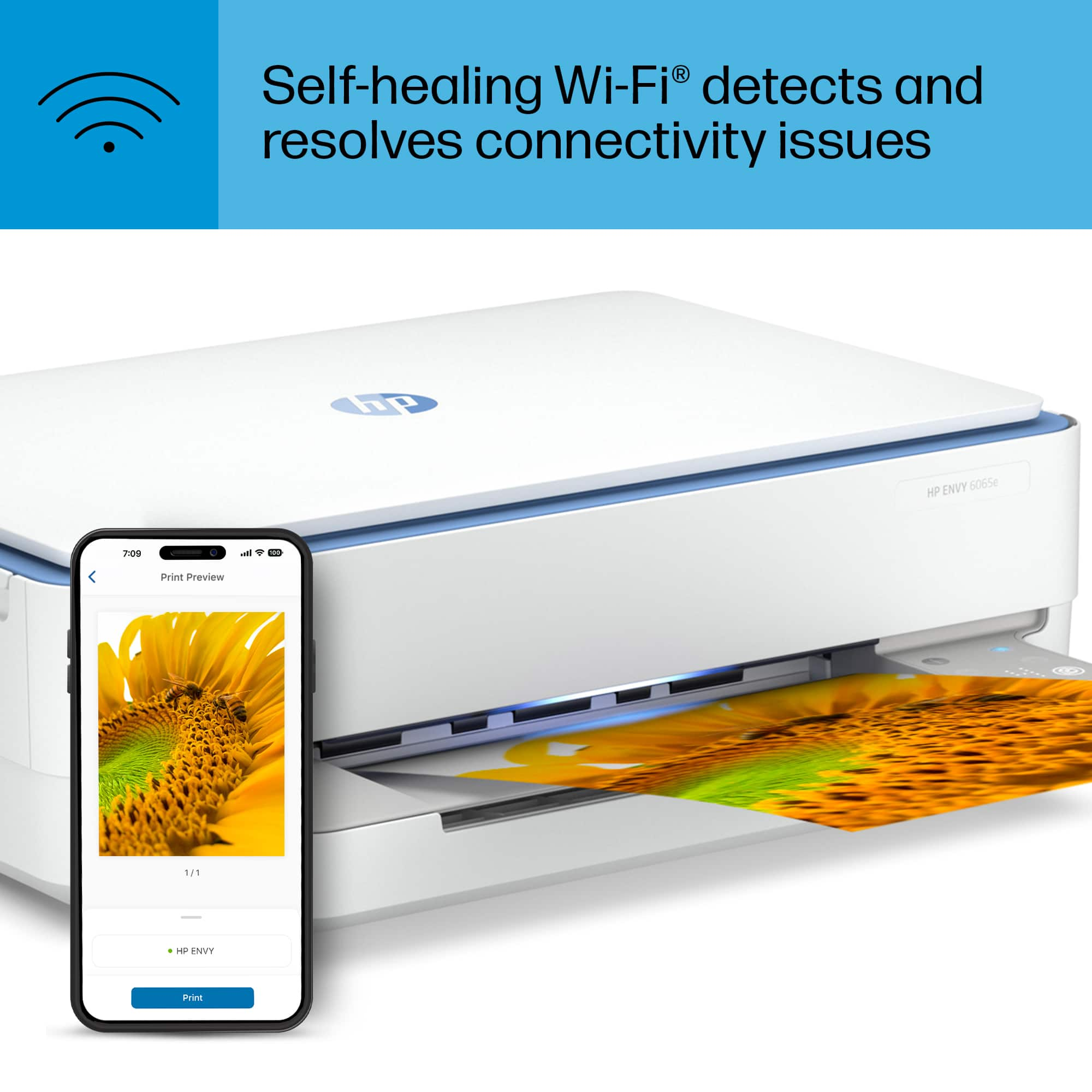
Customers express satisfaction with the ENVY 6065e's ease of use, print quality, and compact size, frequently praising its intuitive setup and efficient performance. Many appreciate the printer's wireless capabilities and quiet operation, finding it ideal for home use. While some users miss a more informative display, the overall positive feedback highlights the printer's value for its price.
This summary was generated by AI based on customer reviews.
- Pros mentioned:Ease of use, Print quality
HP Envy printer
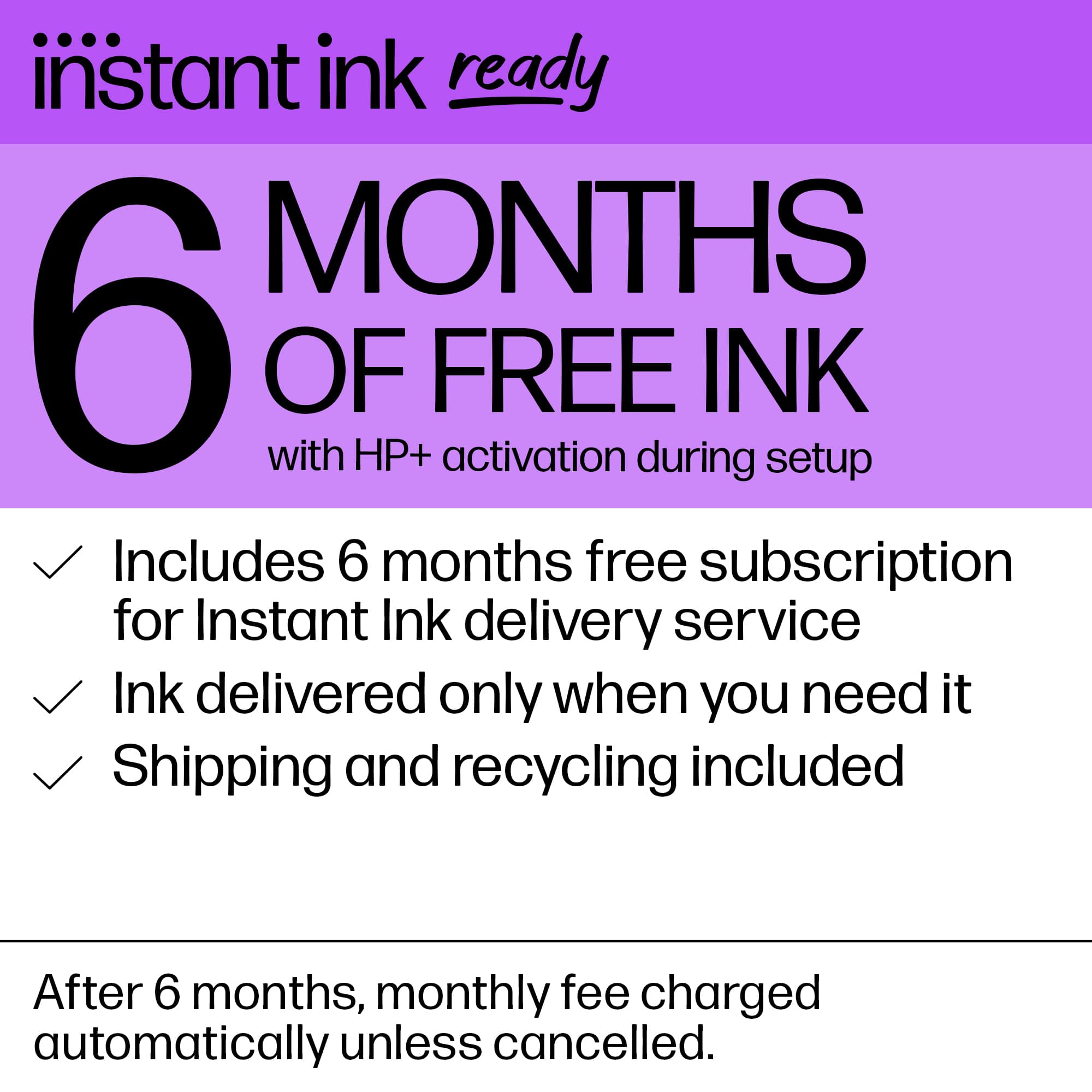
Posted .This reviewer received promo considerations or sweepstakes entry for writing a review.Really good printer for small jobs, fast and easy to use and set up. 6 months free ink is a plus, even got my first set if ink already. Price is great too
I would recommend this to a friend - Pros mentioned:Ease of use, Print quality
Good value, great printer
Posted .This reviewer received promo considerations or sweepstakes entry for writing a review.Easy to set up, print worked on first try, great printing, quick and efficent. Also, has a great program for future ink. Very happy with the printer.
I would recommend this to a friend - Pros mentioned:Ease of use, Print quality
Easy print/copy/scan
Posted .This reviewer received promo considerations or sweepstakes entry for writing a review.I love this printer! It is very easy to use and produces good quality copying/printing with good resolution and great color. I am also liking the scan option which I seem to use more than the printing/copy features. Overall, a great product.
I would recommend this to a friend - Pros mentioned:Ease of use, Price
Good deal
Posted .This reviewer received promo considerations or sweepstakes entry for writing a review.Works generally really well. Super easy set up, it is pretty slow at printing and you can only have so much paper in the deck at a time, but worth it for the price.
I would recommend this to a friend - Pros mentioned:Ease of use, Print quality
Good, Not Great
Posted .This reviewer received promo considerations or sweepstakes entry for writing a review.Setup and operation is relatively painless, although it does require you to create an HP account. Main negative is that it seems to go into standby mode where printing cannot be requested (at least from a mobile device like a tablet) without a little bit of a manual "wake up." You can do this by pressing one of the buttons on the printer itself. I have to think there's a way to fix this, but up to this point it's been a nuisance. Print quality is good so far but haven't pushed it to the limit much.
I would recommend this to a friend - Pros mentioned:Ease of use, Print quality
Great quality and results
Posted .This reviewer received promo considerations or sweepstakes entry for writing a review.For the price tag and quality, this is a great deal, I have printed some great pictures with it as well as my kids and even myself paper work, a great all-in-one solution. And it was super easy to install, I can print from anywhere in my house.
I would recommend this to a friend - Pros mentioned:Print quality
Good buy
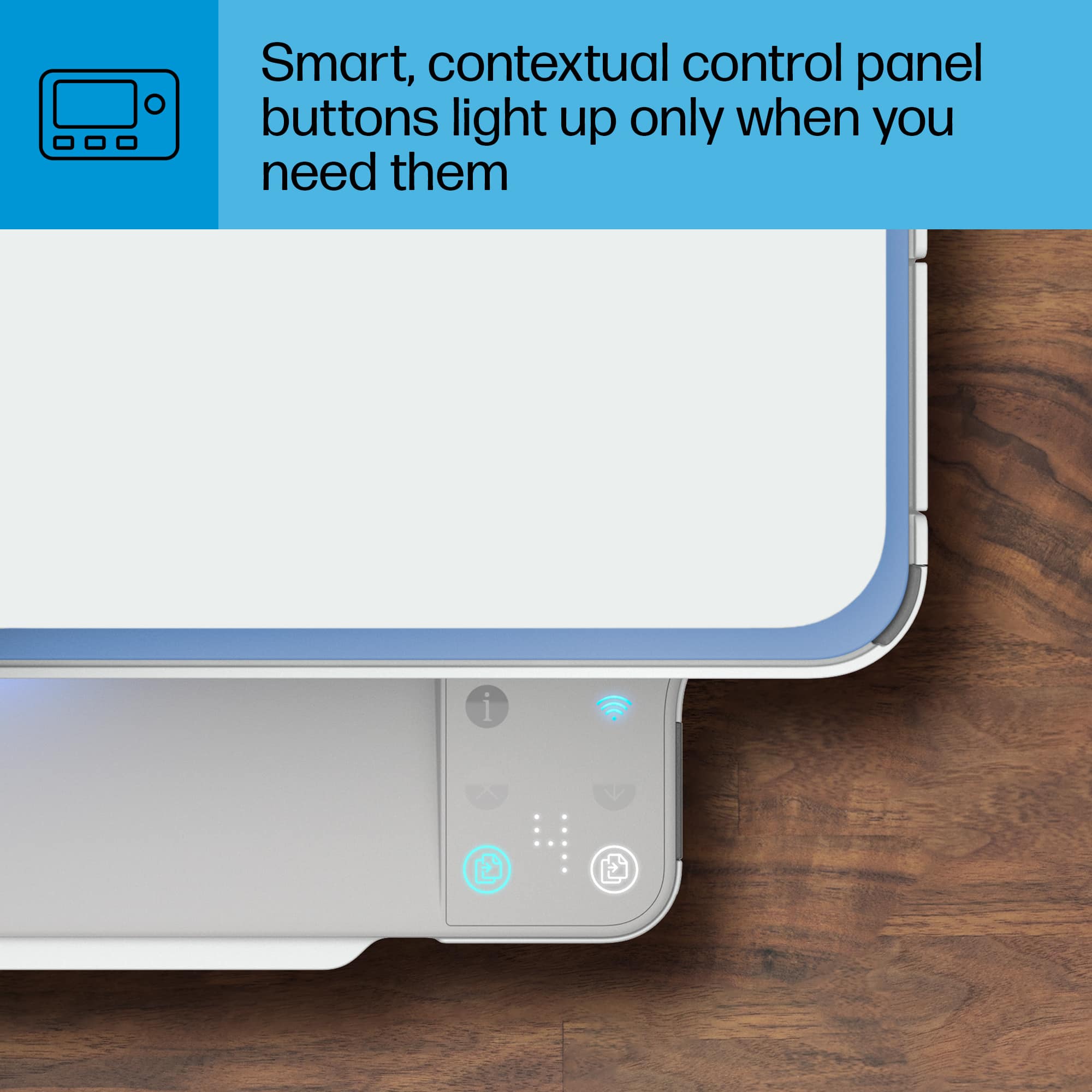
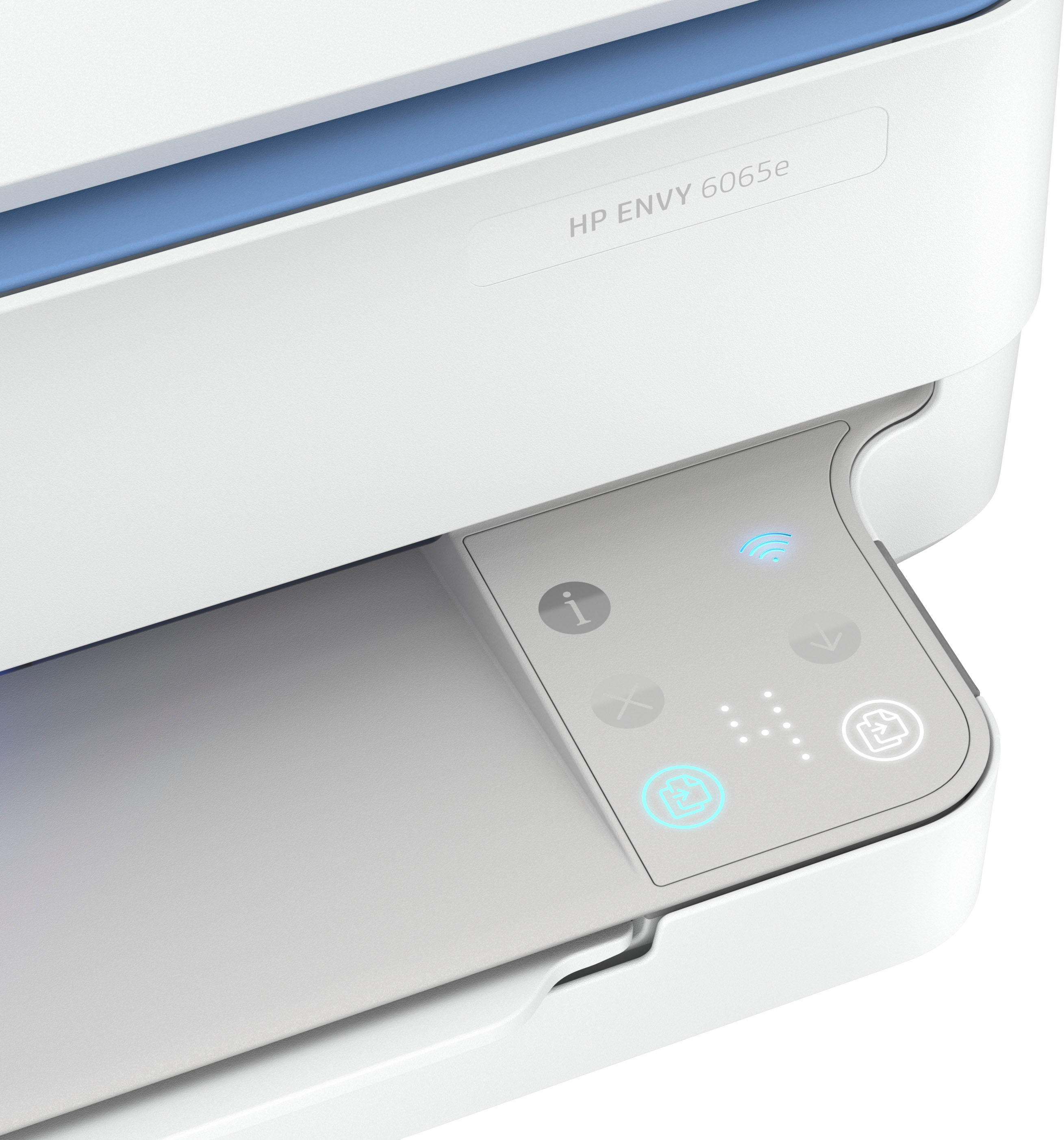
Posted .This reviewer received promo considerations or sweepstakes entry for writing a review.Works well when it gets going. Quiet too. The touch buttons on the printer arent very responsive. Small paper holder.
I would recommend this to a friend - Pros mentioned:Ease of use
AMAZINGLY EASY TO INSTALL!
Posted .This reviewer received promo considerations or sweepstakes entry for writing a review.Unbelievably easy to install, the instructions were so clear and simple. I really am happy I made this purchase. I've purchased other Wireless printers and ended up taking them back because they were so difficult to install and connect. Very happy customer!!
I would recommend this to a friend - Pros mentioned:Ease of use, Print quality
Good printer, easy setup
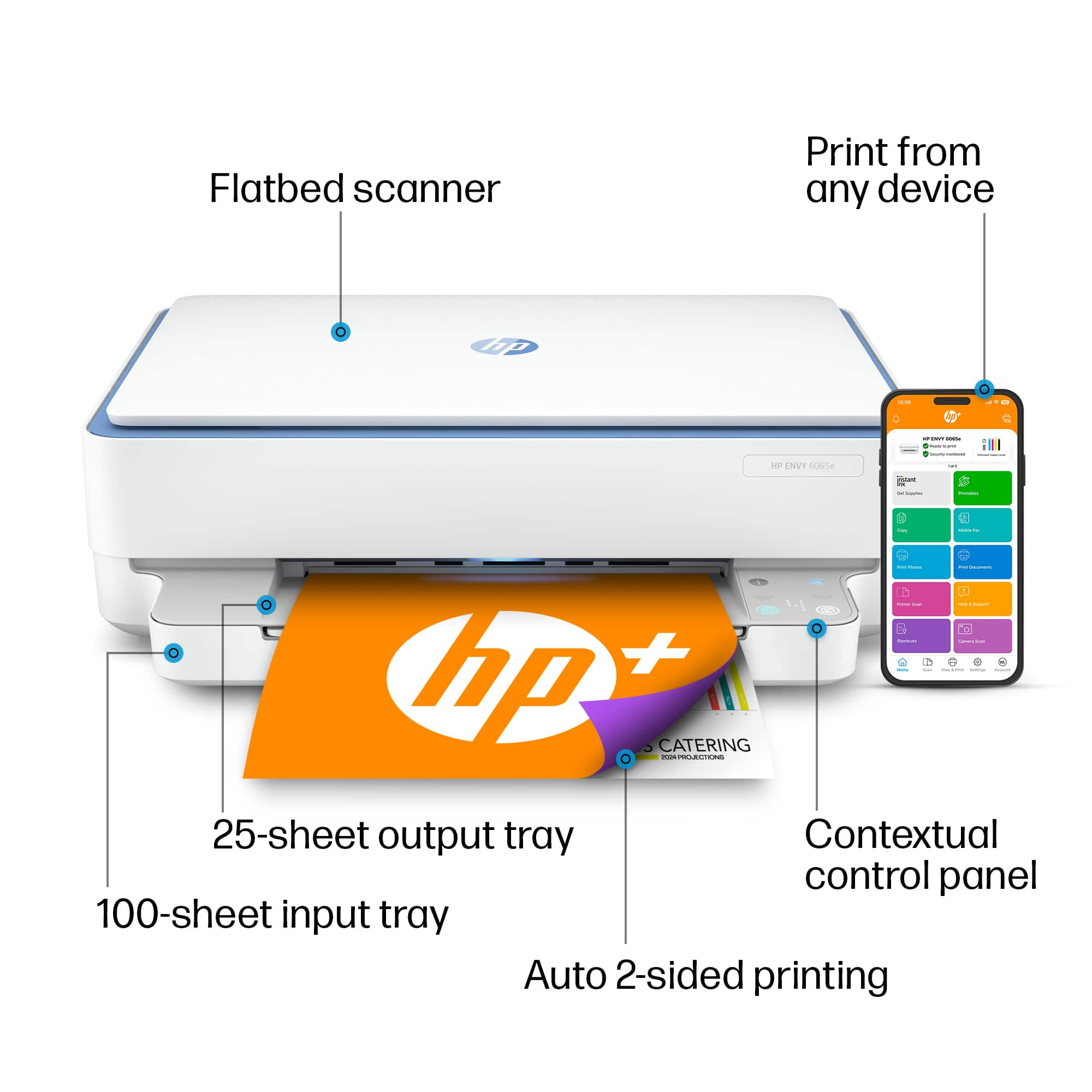
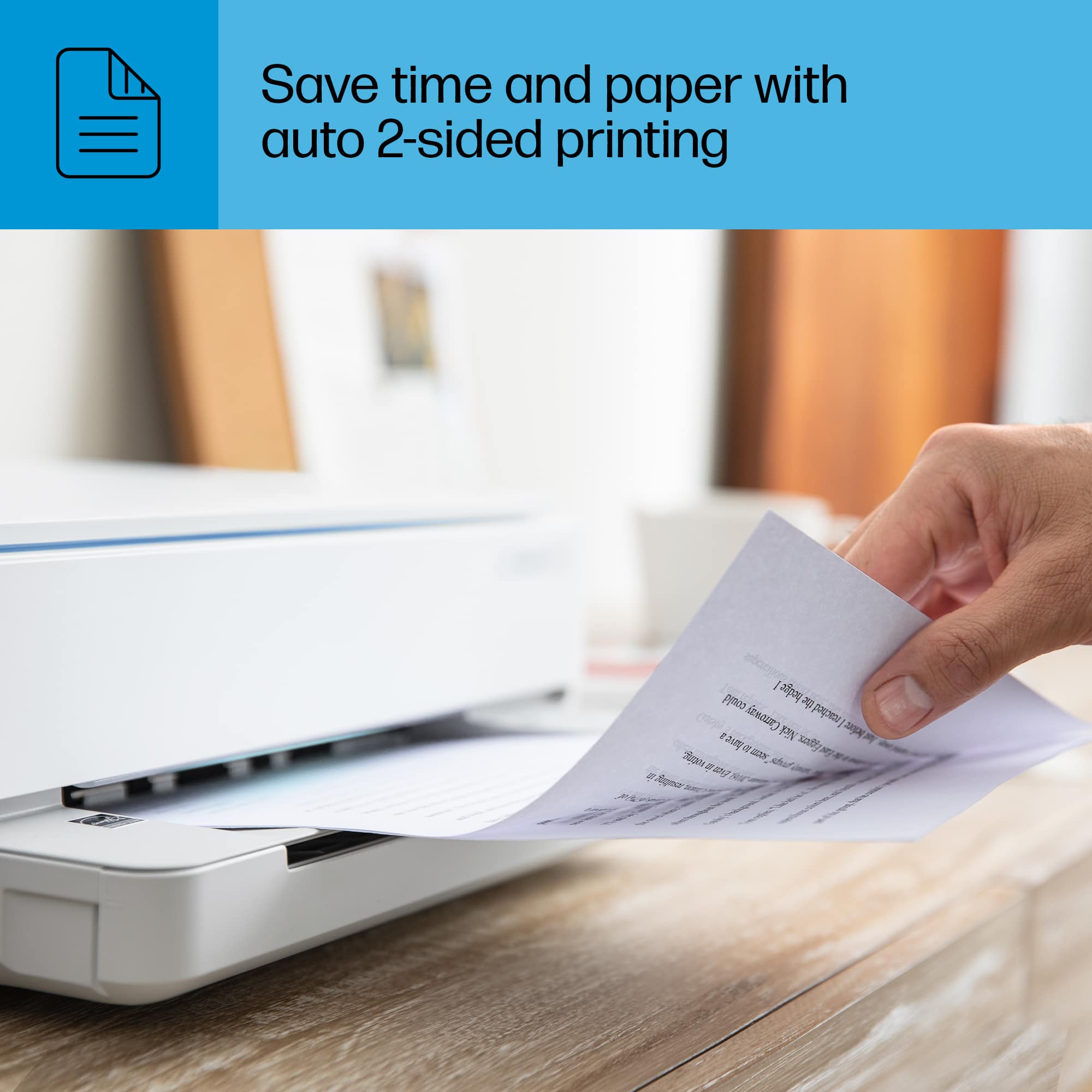
Posted .This reviewer received promo considerations or sweepstakes entry for writing a review.This printer was amazingly easy to set up compared to my last HP. It is very fast and print quality is excellent. I love that it can print on both sides.
I would recommend this to a friend - Pros mentioned:Ease of use, Size
So easy and convenient
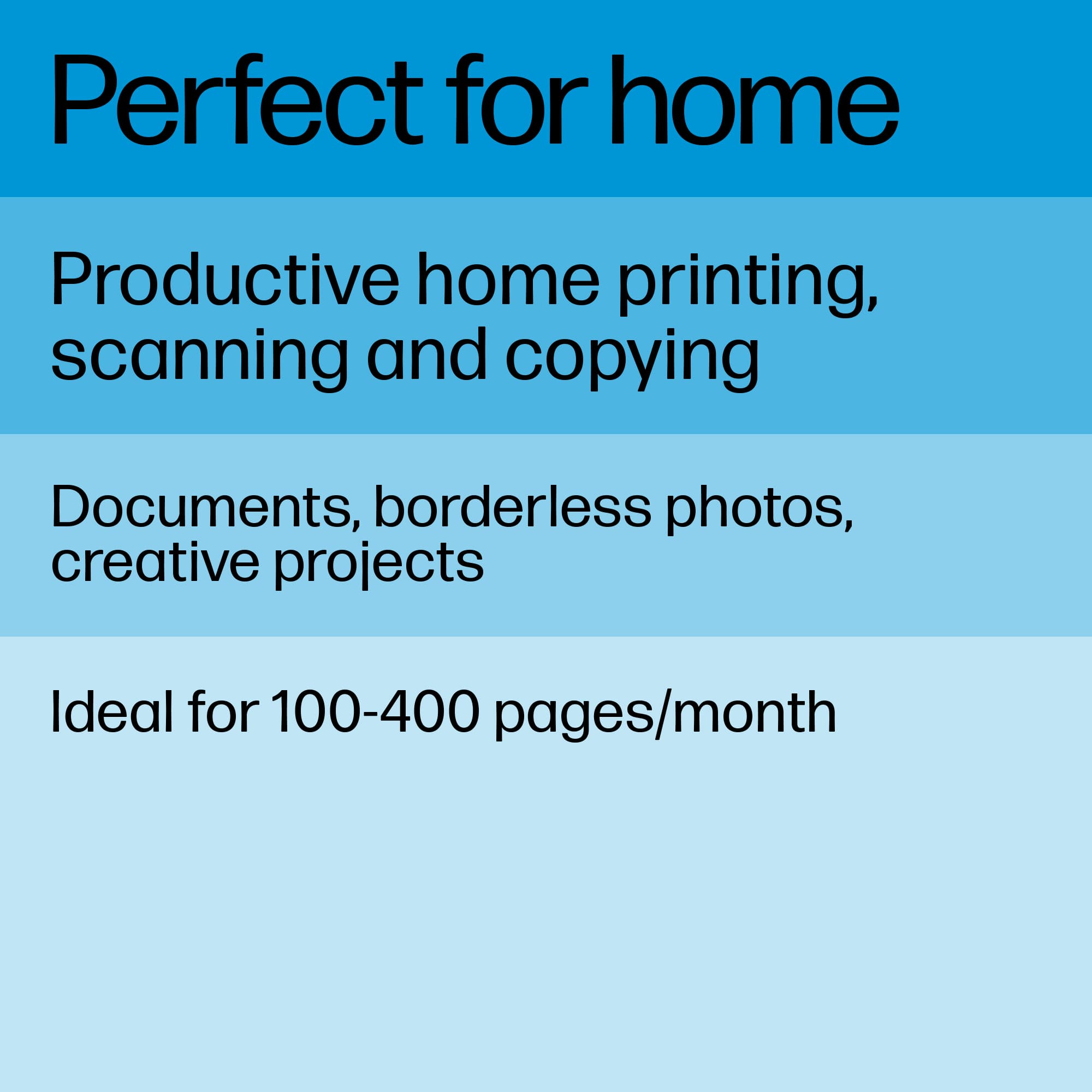
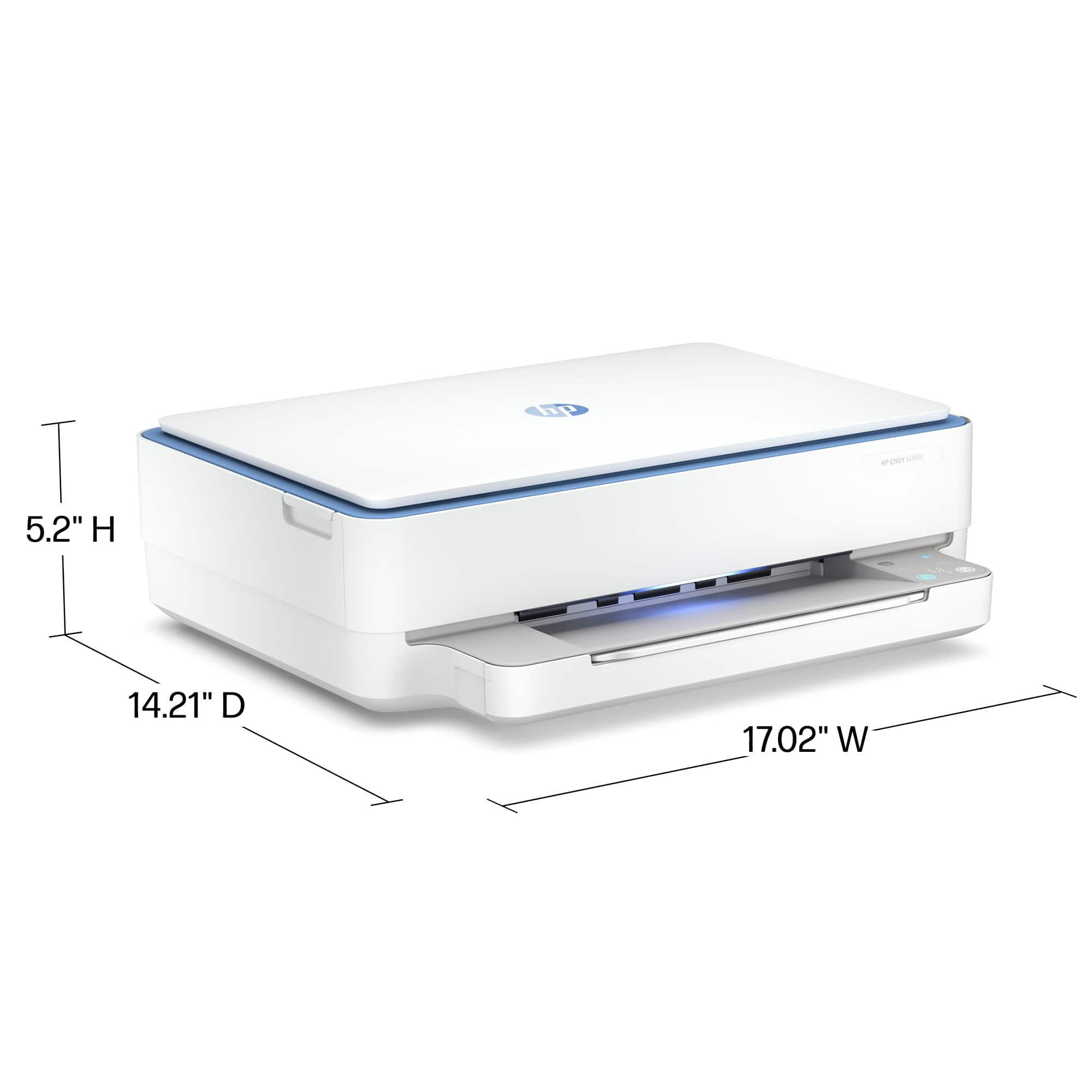
Posted .This reviewer received promo considerations or sweepstakes entry for writing a review.I love this printer. It was easy to set up and small so it doesn’t take up much space. Makes good copies. I don’t do a lot of printing so can’t speak to heavy duty printing but at this price what have you got to lose?
I would recommend this to a friend - Pros mentioned:Print quality, Setup
Great printer
Posted .This reviewer received promo considerations or sweepstakes entry for writing a review.Great printer, easy to install and connect to system. Nice clean copies. Very satisfied!
I would recommend this to a friend - Pros mentioned:Ease of use, Size
It does it ALL
Posted .This reviewer received promo considerations or sweepstakes entry for writing a review.The 6065e is one of the best printers I have purchased. East to install and use. Plus, the free ink and all the programs makes it a steal. Love the blue light even though there is no way to turn it off.
I would recommend this to a friend - Pros mentioned:Setup
Amazing Printer!
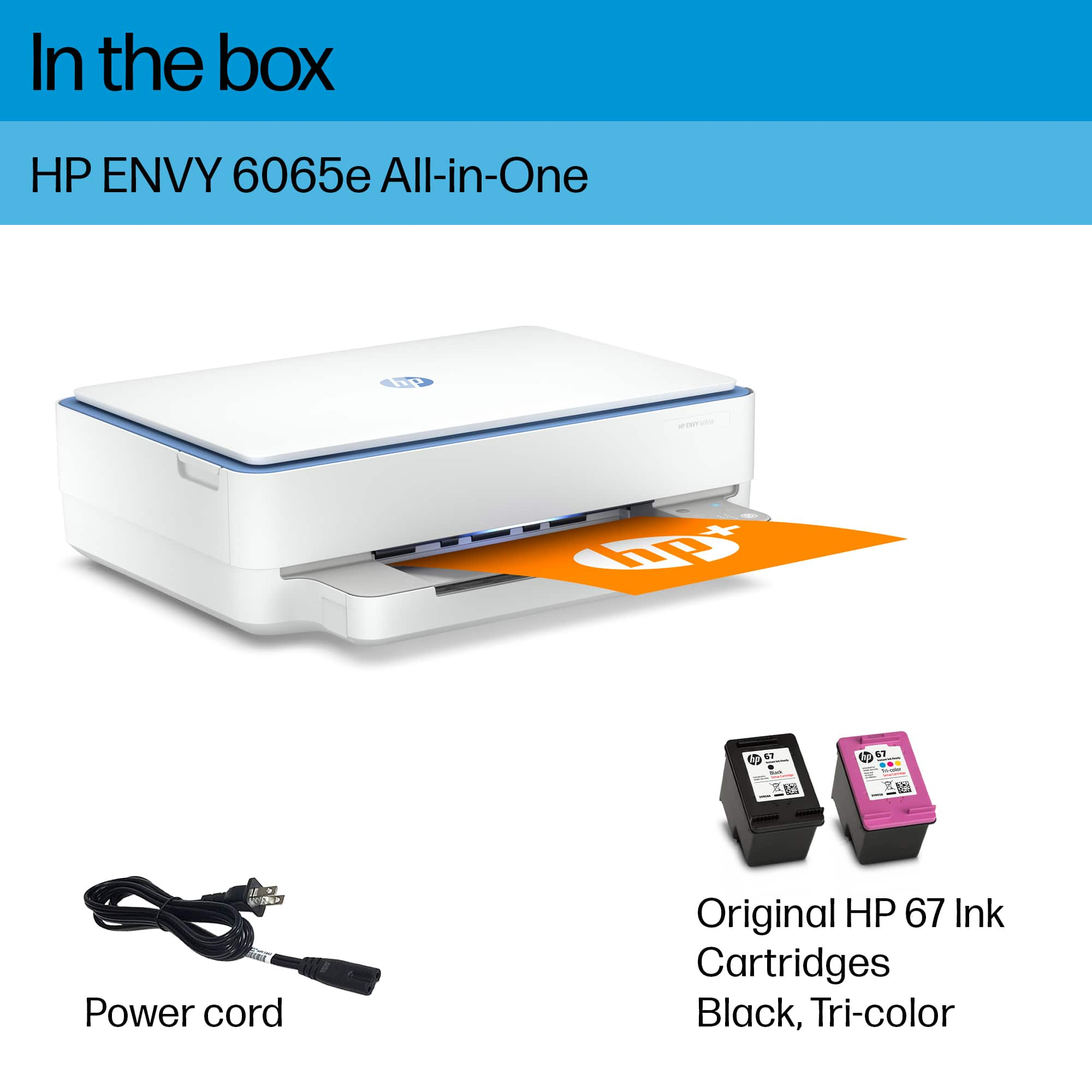
Posted .This reviewer received promo considerations or sweepstakes entry for writing a review.I work fully remote and I typically do a lot of printing. It work's great for scanning and the set up process was super easy! took me all less than 15 minutes to set up. Note: This printer does come with ink! :)
I would recommend this to a friend It's fine.
Posted .This reviewer received promo considerations or sweepstakes entry for writing a review.It's a printer, and like all printers it's ornery. Sometimes it doesnt want to connect. But when it works it's good, and for some reason that's all we can expect from printers.
I would recommend this to a friend- Pros mentioned:Ease of use, Print quality
HP-Envy 6065e Wireless All-in-One Inkjet Printer
Posted .This reviewer received promo considerations or sweepstakes entry for writing a review.Setup & installation was user friendly print quality is excellent with 6 mos of Instant Ink included great value.
I would recommend this to a friend - Pros mentioned:Ease of use, Price
nice printer
Posted .This reviewer received promo considerations or sweepstakes entry for writing a review.love the printer, set it on double sided and it just prints, I love the instant ink offer, holds plenty of paper in the bin,easy setup almost does it by itself. excellent price
I would recommend this to a friend - Pros mentioned:Price
Nice printer. lousy HP customer service.
Posted .This reviewer received promo considerations or sweepstakes entry for writing a review.Nice printer, nice price, and excellent Best Buy service. Only 4 stars because HP wasted 1/2 hr of my time and tried to charge me $149 for help. I have an HP laptop, notebook, and printer and have used their products for years. Will still shop at Best Buy but never for an HP product ever again, I don't think they care anyway.
No, I would not recommend this to a friend - Pros mentioned:Ease of use, Price
Great printer for the cost point and value!
Posted .This reviewer received promo considerations or sweepstakes entry for writing a review.Great printer for the price point! And set up was easy! A little hard to reconfigure setup if power is interrupted!
I would recommend this to a friend - Pros mentioned:Ease of use, Print quality
Review
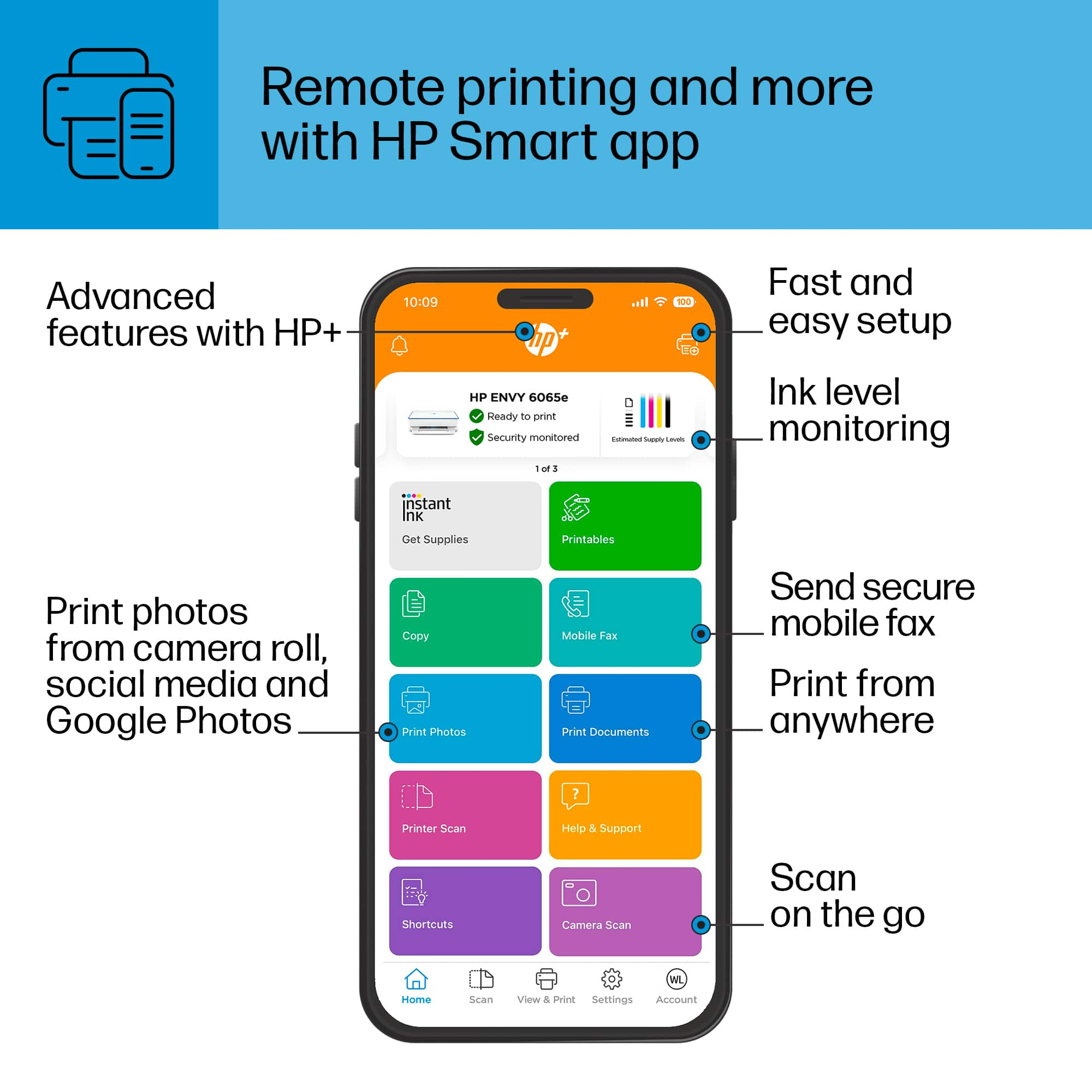
Posted .This reviewer received promo considerations or sweepstakes entry for writing a review.It was very excellent printer, had no issues at all very easy to use the Hp smart app. 10/10 would definitely recommend it and not to forget the 3 months of free ink
I would recommend this to a friend 
A very capable basic printer
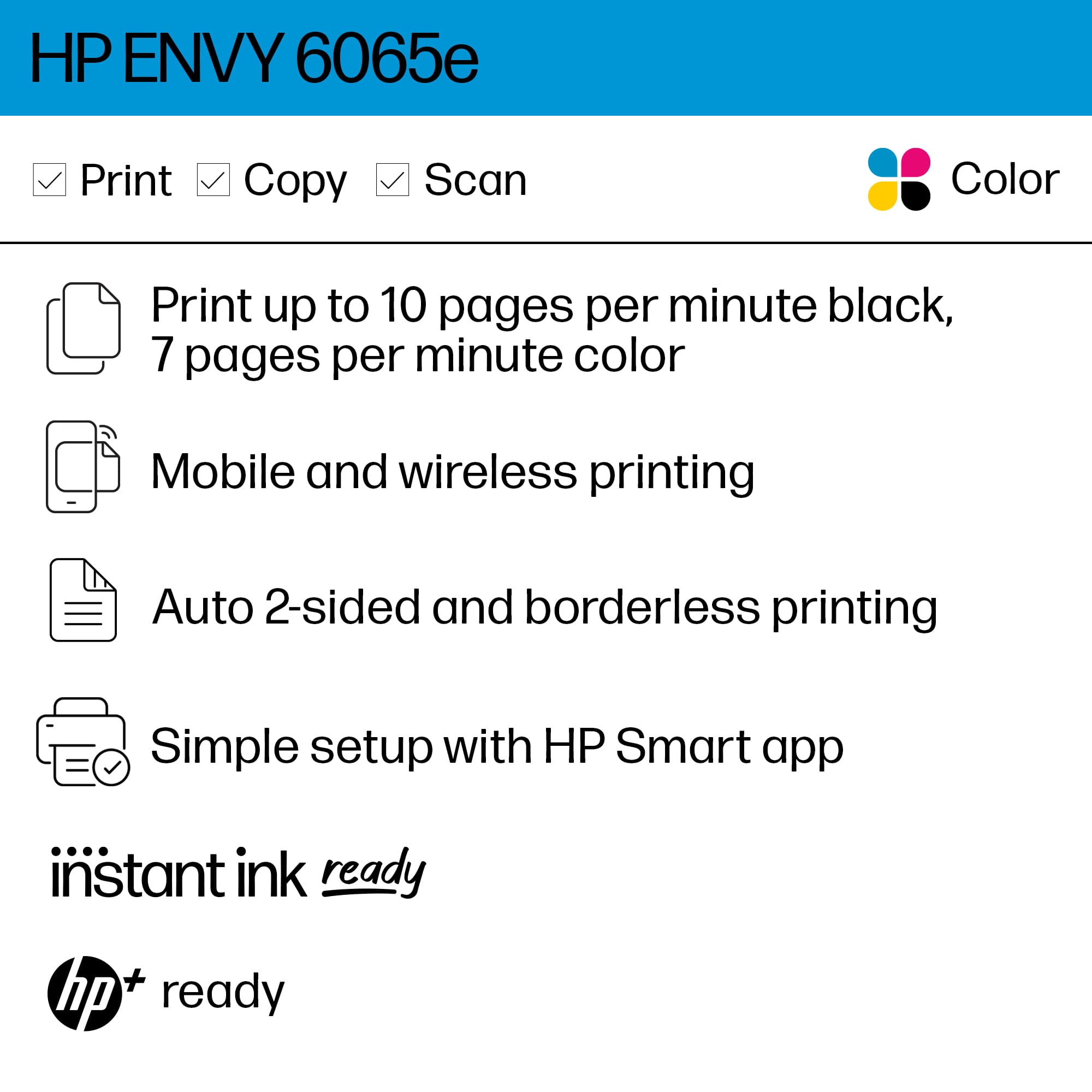
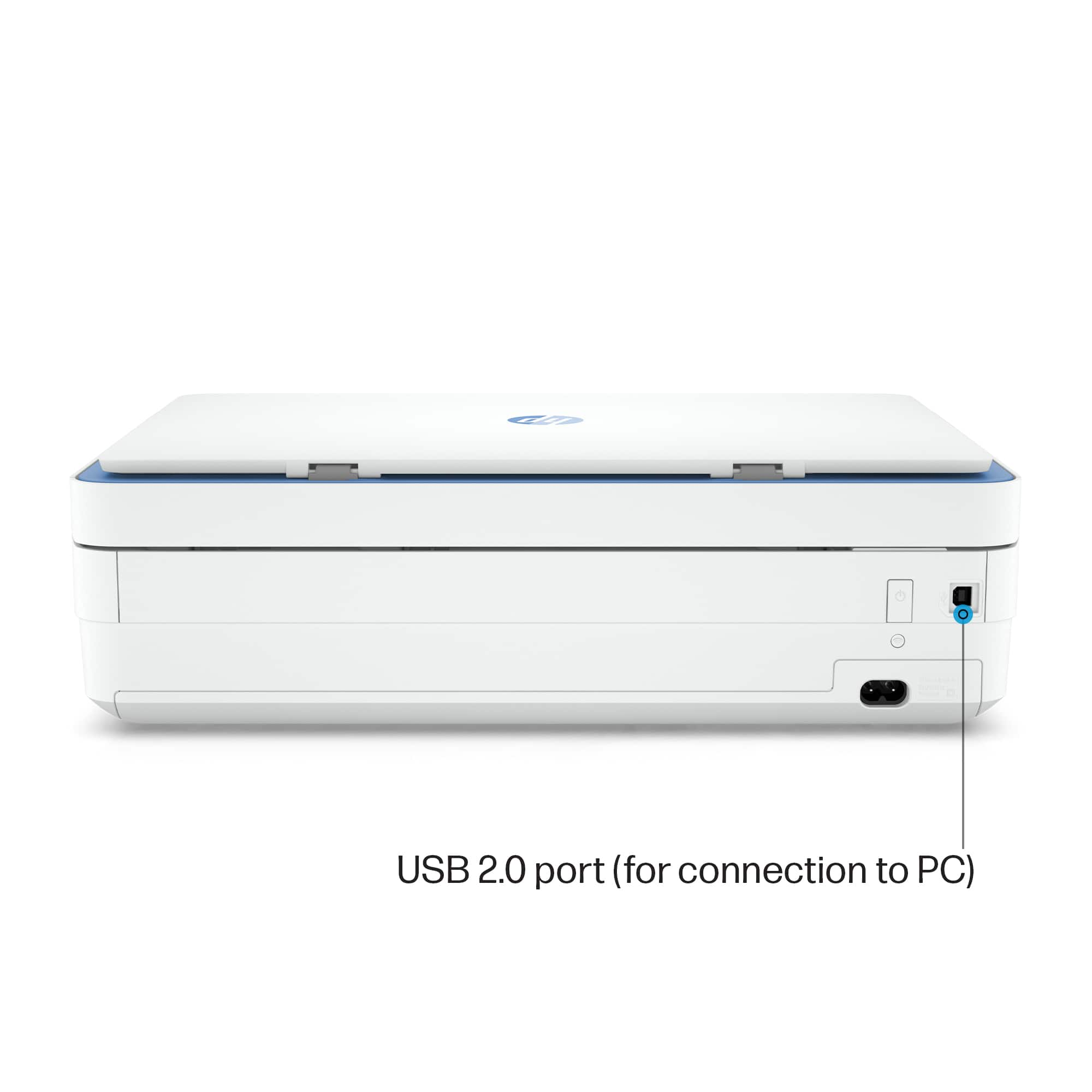
|Posted .This reviewer received promo considerations or sweepstakes entry for writing a review.The HP Envy 6055e is your basic inkjet printer and scanner combo which is perfect for those who do occasional printing and also comes in a small form factor. And like most basic printers, this printer can print ten pages per minutes which is the standard nowadays. It has a flatbed scanner which is fine for most uses. But if you require more robust scanning, then perhaps a printer with a document form feeder would be better. Also, do note that this is not an all-in-one printer combo which has fax capabilities. But then again, fax is a dying form form communication. It likewise uses a separate black ink cartridge and a tri-color ink cartridge. But personally I would prefer separate ink cartridges. But then again this is an entry level printer. But what makes it stand out is that this printer is a smart printer. And it is highly recommended that you enroll in HP’s Instant Ink service in order to save money. Do note there is similar model the HP Envy 6055 which is not HP Instant Ink eligible. Also, this model AFAIK is already discontinued but here may be until still sold in the “wild”. The HP Envy being an entry level model is bare bones in terms of physical features. Control is primarily done through the HP Smart App. This app is available for both Windows and MacOS and is also mobile compatible. But the advantage if the HP Envy 6055e is that it is HP Instant Ink compatible meaning you subscribe to the in service. Once your ink levels are low, HP sends you replacement cartridges. Having used another HP smart printer (8030 series) for the last couple of years, I can certify that enrolling in the HP Instant Ink service does indeed save you money. But the beauty of this model is that you get a complimentary six month ink cartridge replacement service. This way you can ascertain your paper consumption and eventually select a print plan best suited for your needs. And being a smart printer, HP no longer provides a USB cable for this model though this model is also USB capable. There’s not much more I can say about this model except for that this is perfect for the occasional user whether you use it at home or in the dormitory. It is a recommend!
I would recommend this to a friend