Customer Ratings & Reviews




- Model:
- ENVY 6065E/223N5A#B1H
- SKU:
- 6540778
Rating by feature
- Value
Rating 4.5 out of 5 stars
- Quality
Rating 4.4 out of 5 stars
- Ease of Use
Rating 4.3 out of 5 stars
Customers are saying
Customers express satisfaction with the ENVY 6065e's ease of use, print quality, and compact size, frequently praising its intuitive setup and efficient performance. Many appreciate the printer's wireless capabilities and quiet operation, finding it ideal for home use. While some users miss a more informative display, the overall positive feedback highlights the printer's value for its price.
This summary was generated by AI based on customer reviews.
disappointing
||Posted . Owned for 1 week when reviewed.This reviewer received promo considerations or sweepstakes entry for writing a review.it says it works on bluetooth, but it still requires wifi
No, I would not recommend this to a friendnot recommended
||Posted . Owned for 1 month when reviewed.This reviewer received promo considerations or sweepstakes entry for writing a review.it’s disconnected with my wireless connection every other day and difficult to connect it again and again, it’s been just couple months to use it, you cant run the printer even with only one cartridge you have to have insert both color / black in it to print
No, I would not recommend this to a friendPassing off used printers as "New"
||Posted . Owned for less than 1 week when reviewed.This reviewer received promo considerations or sweepstakes entry for writing a review.Do not purchase this printer from Best Buy! I bought it January 15th and went to set it up today. I get an error code and it says to "contact HP support" for assistance. I put in the serial number and it comes back as EXPIRED WARRANTY. Best buy sold me a "new" printer with a warranty that expired in November! And when I contact Best Buy, they try to sell me installation! Then support ignores the expired warranty issue and tries to troubleshoot a "defective printer."
No, I would not recommend this to a friendIt's ok for the price
||Posted . Owned for 4 months when reviewed.This reviewer received promo considerations or sweepstakes entry for writing a review.Works good, but constantly has to be unplugged because it gets frozen a lot
No, I would not recommend this to a friend- Pros mentioned:Print quality, Size

Good Size, excellent performance!
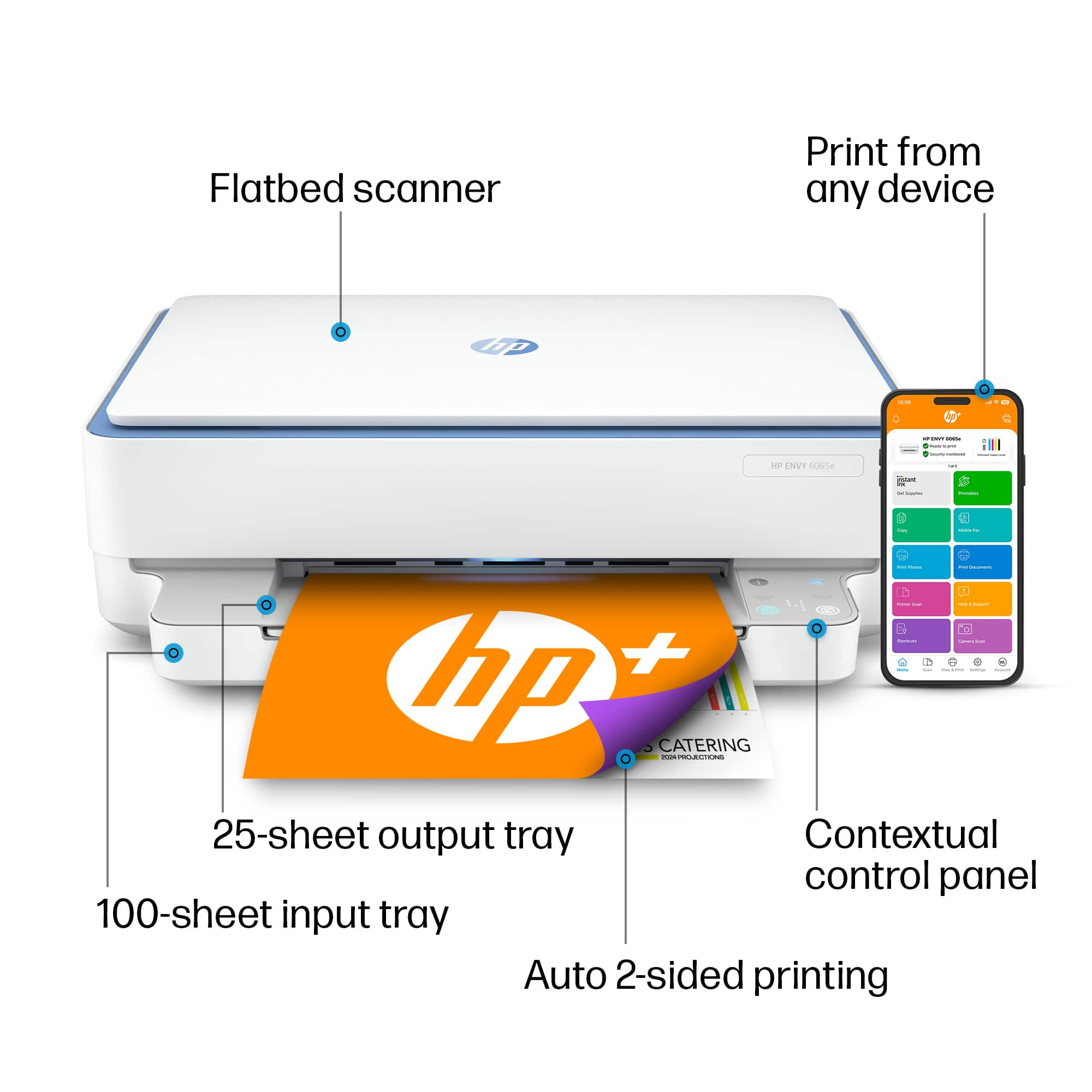
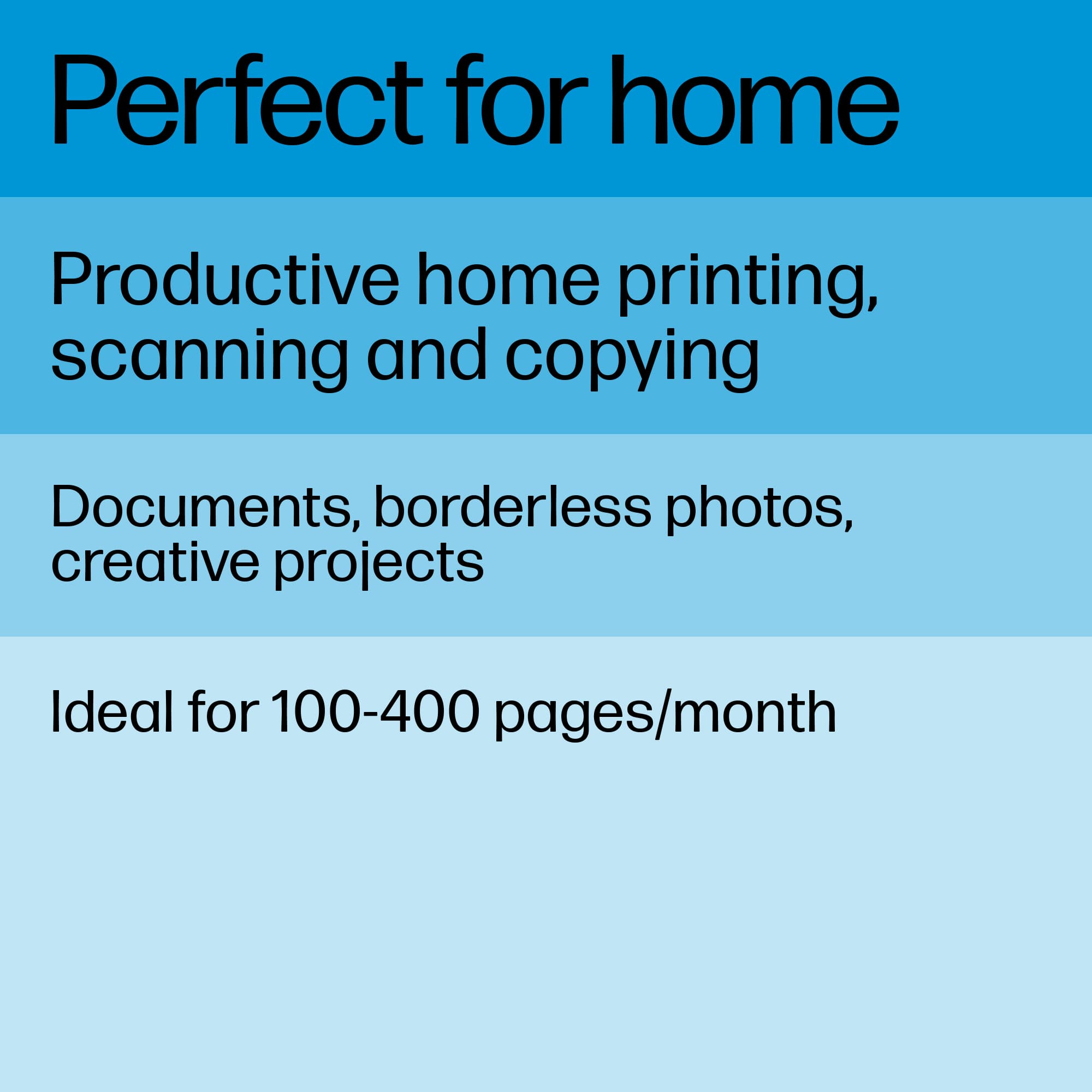
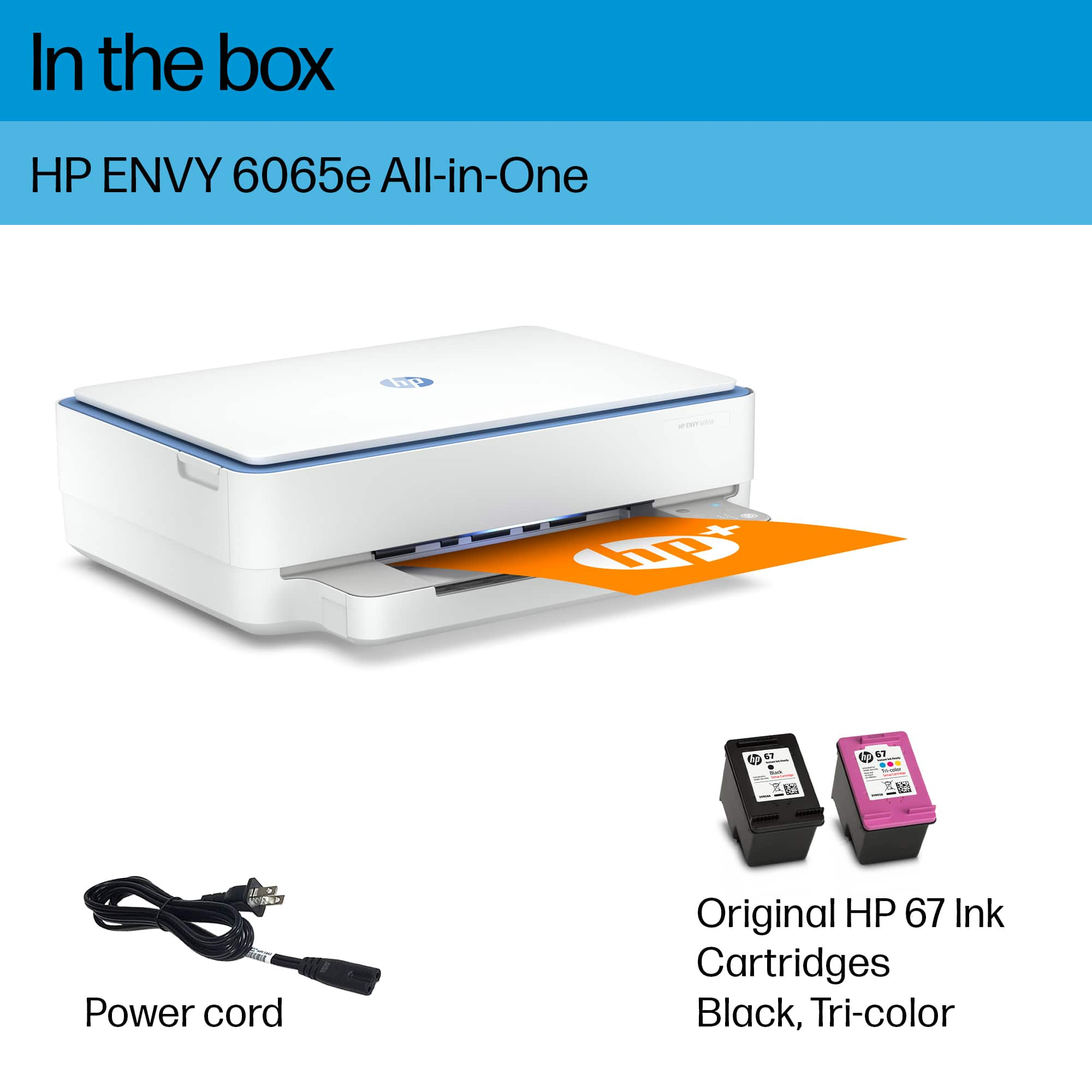
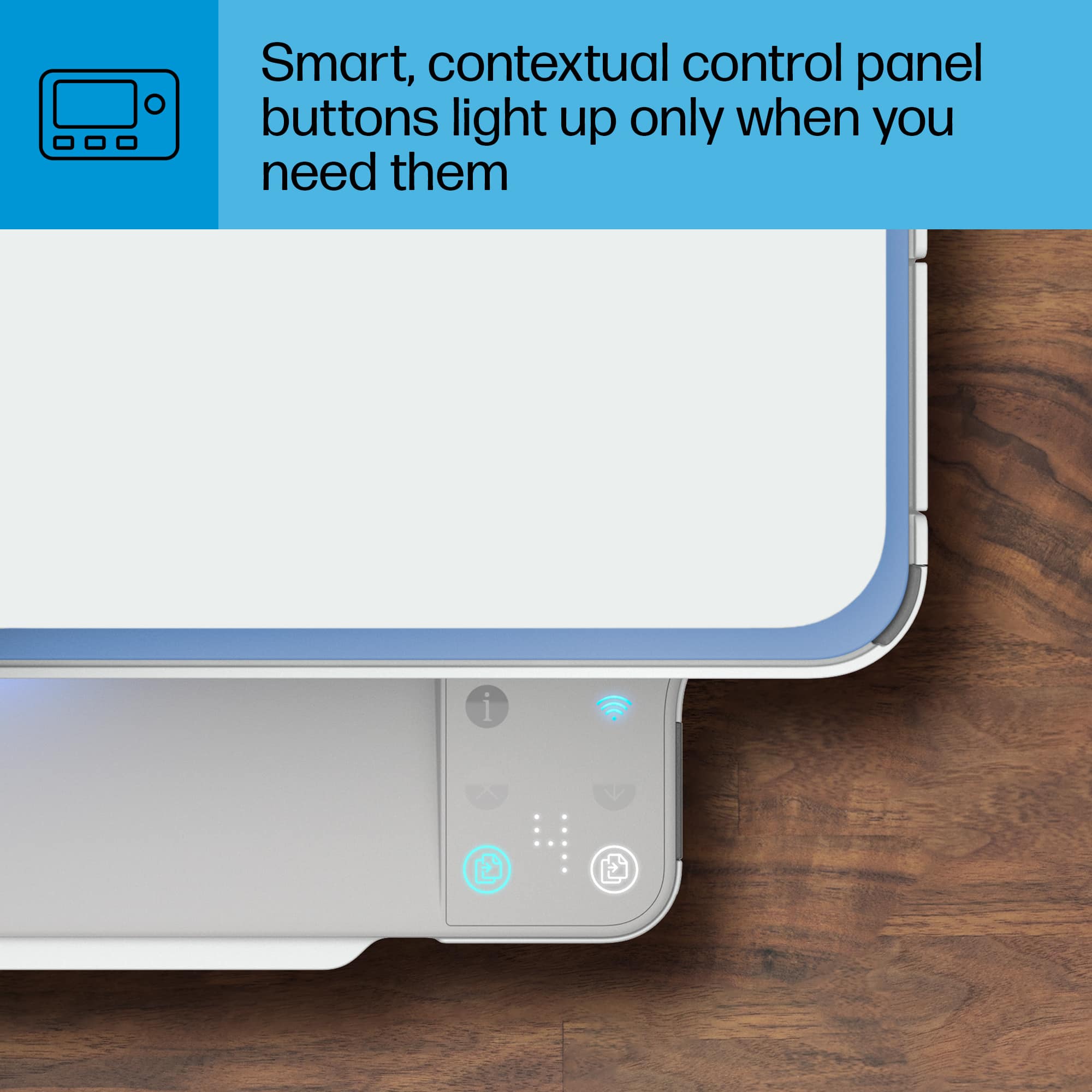
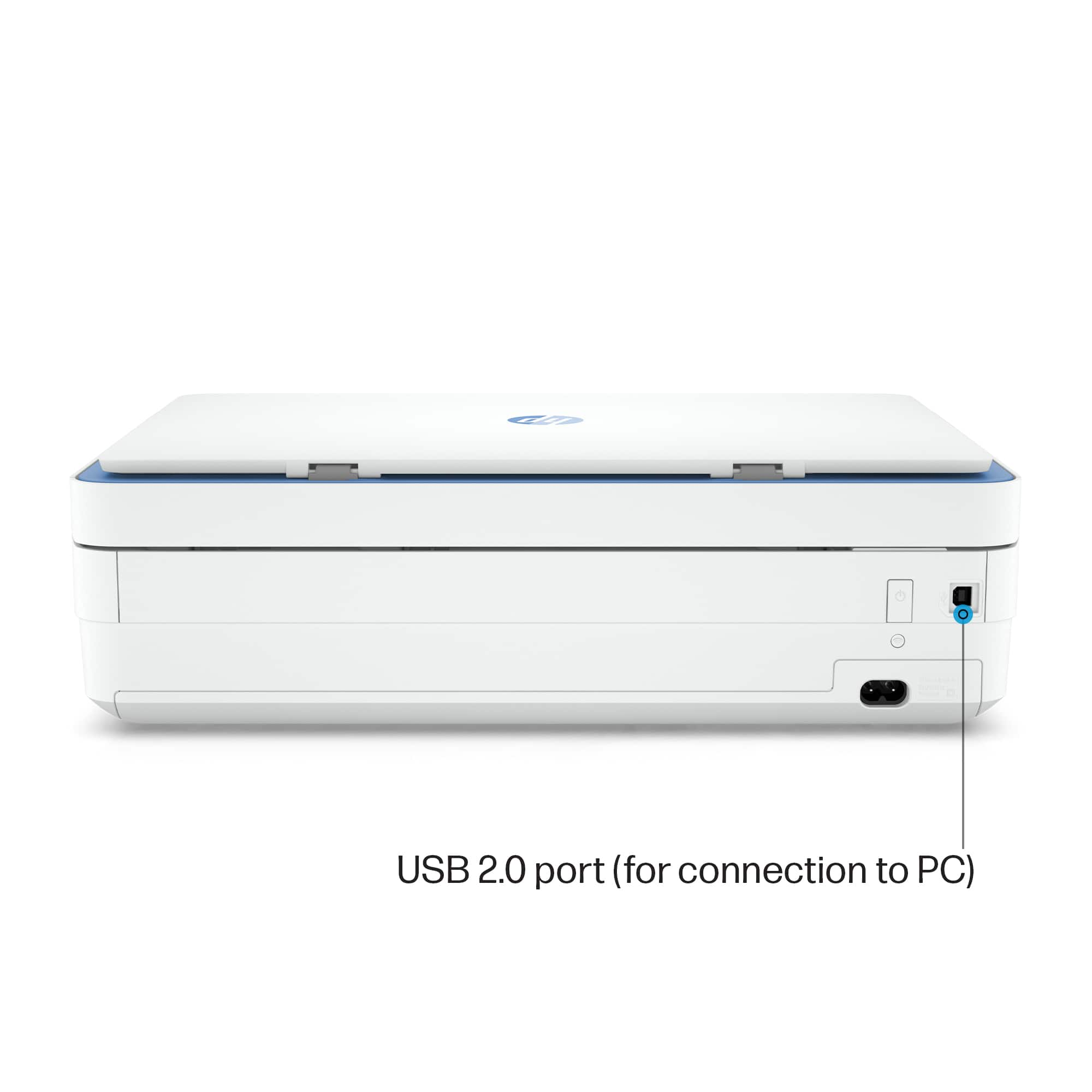
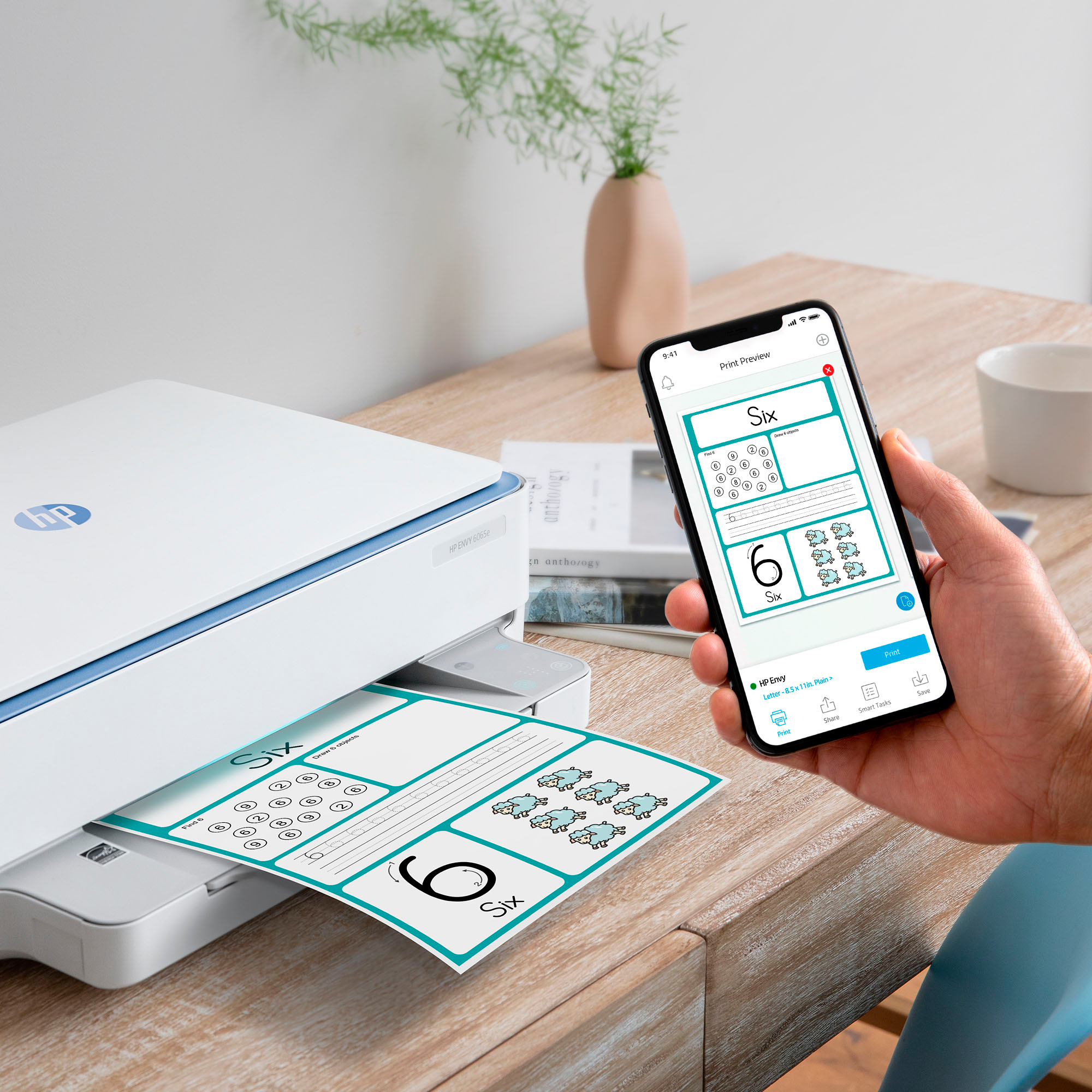
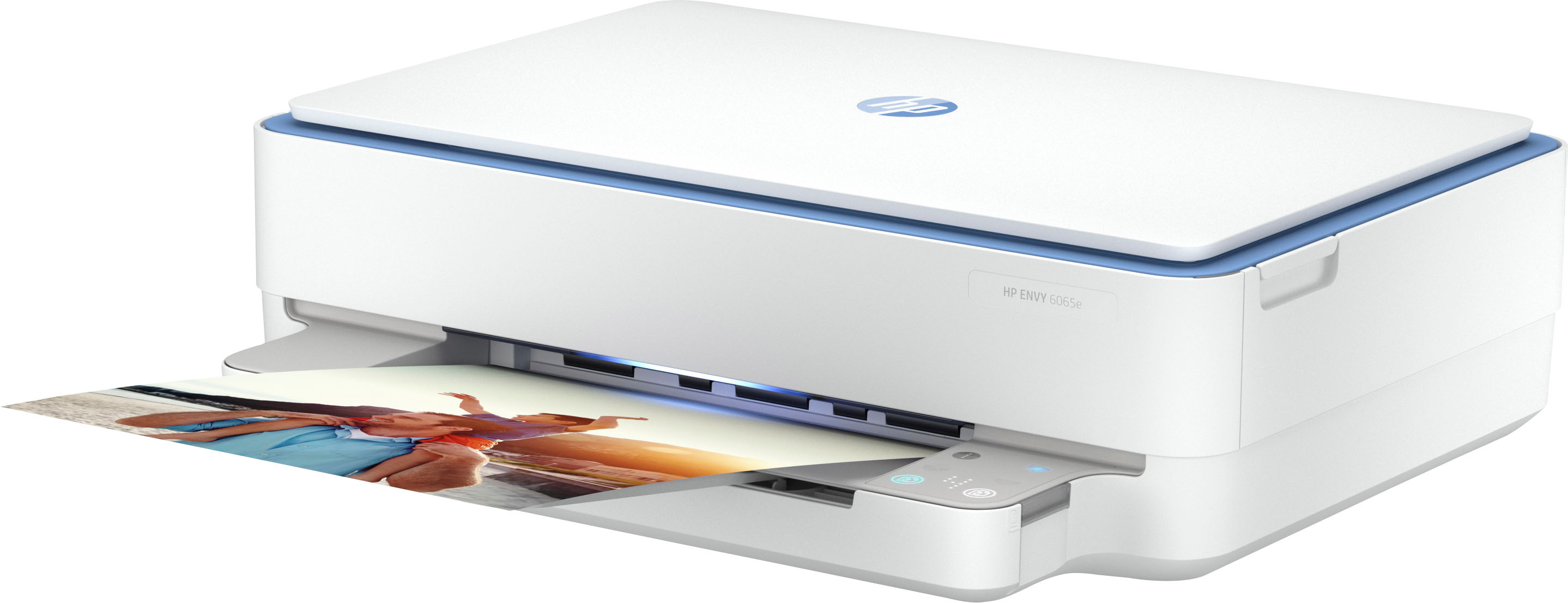
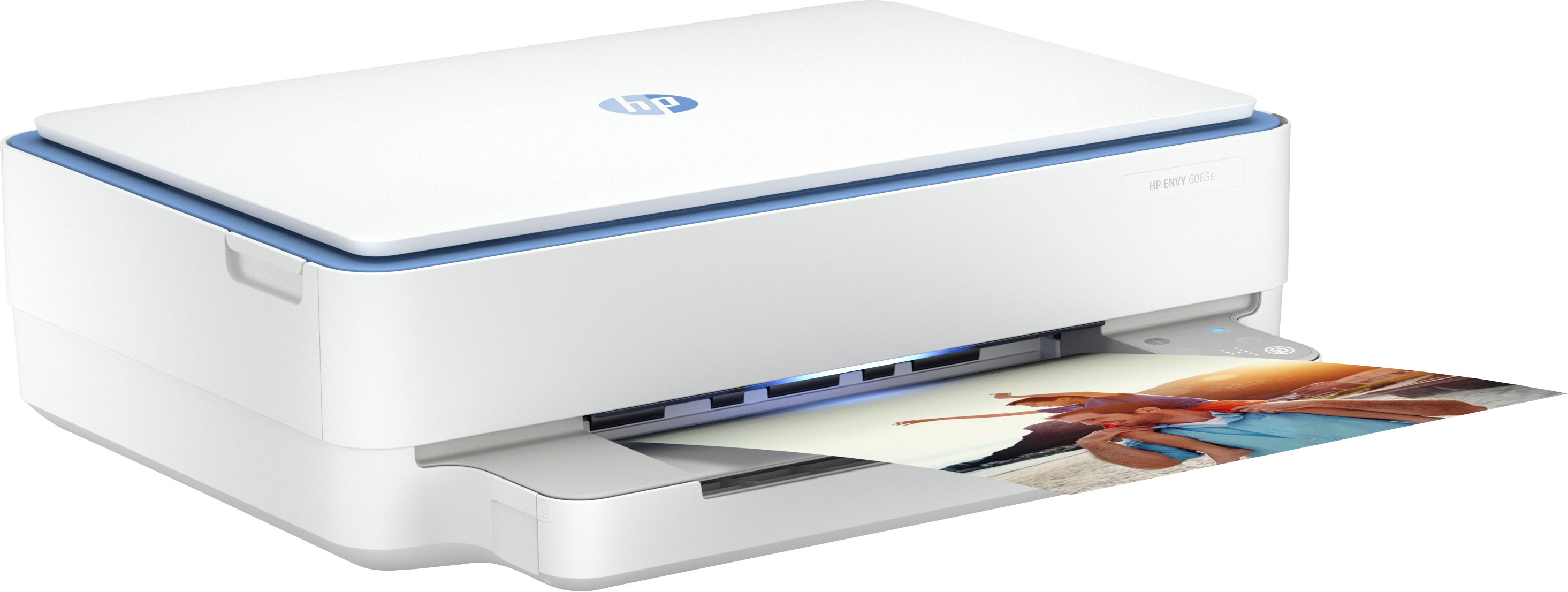
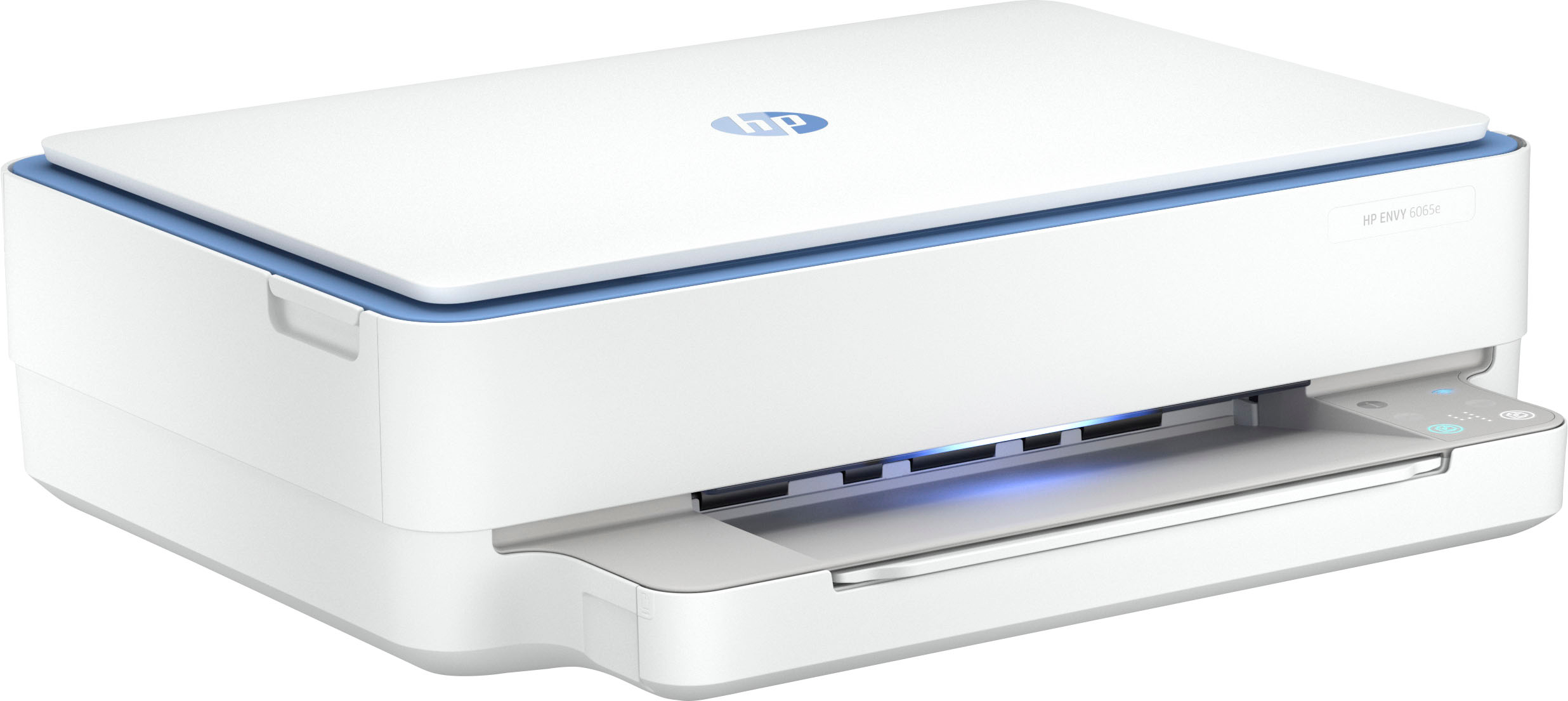
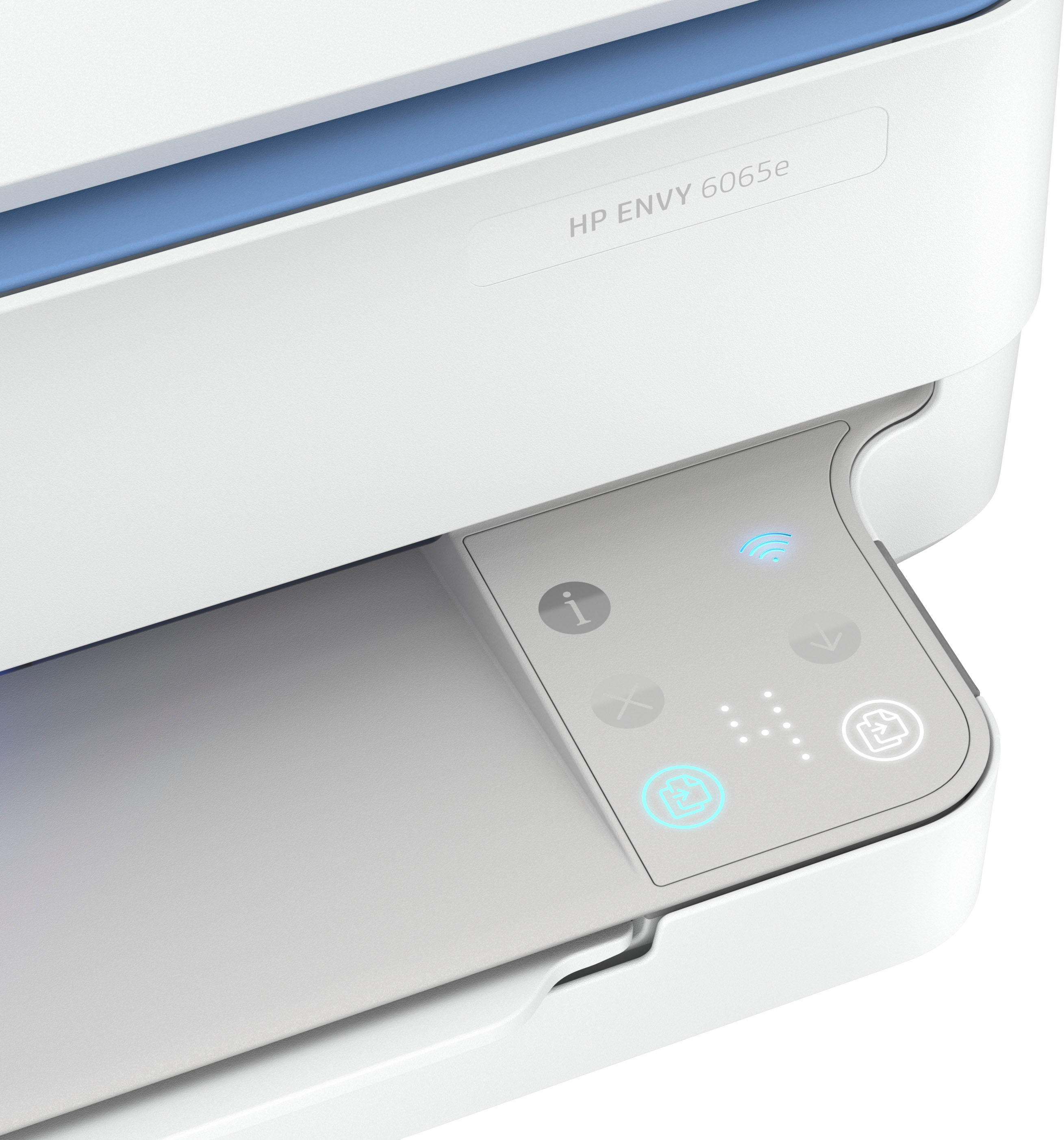
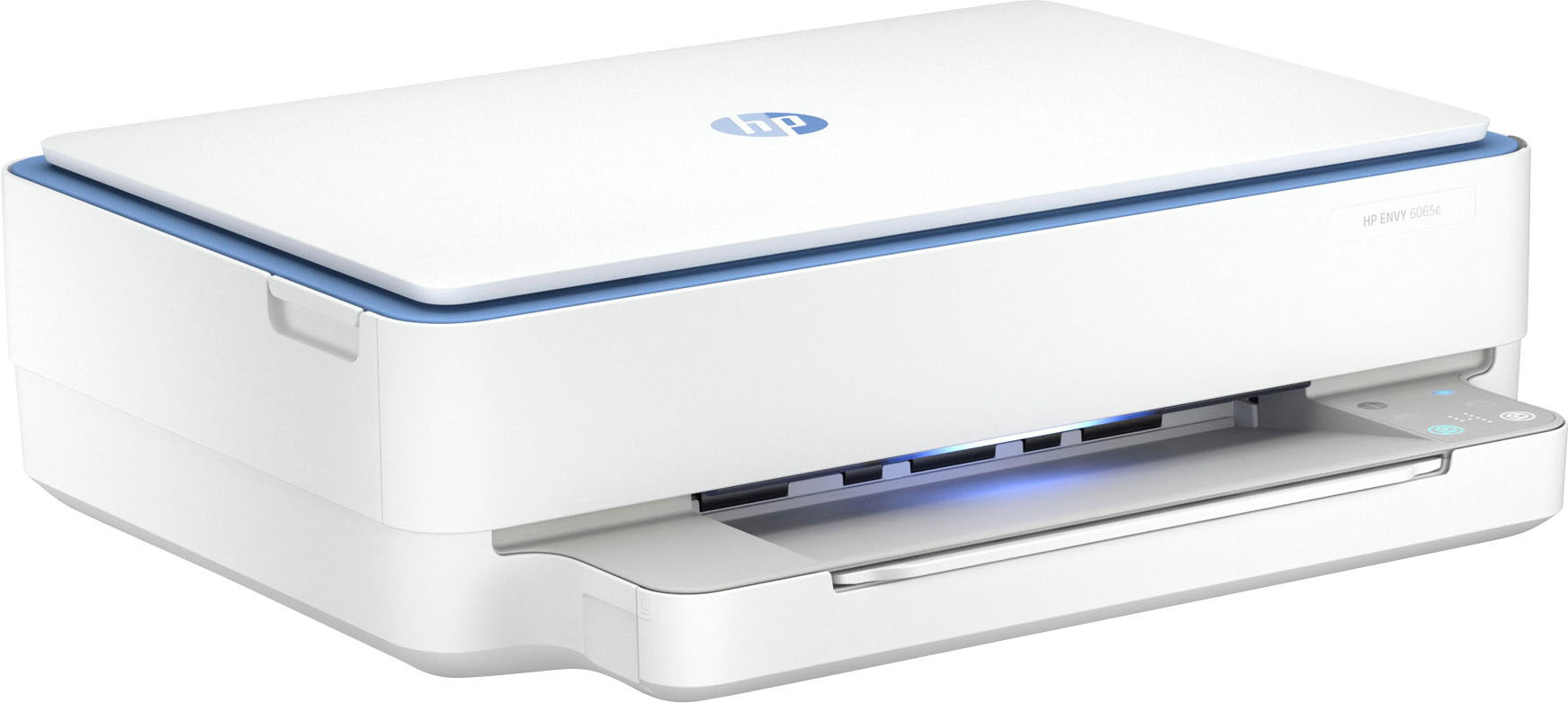
|Posted .This reviewer received promo considerations or sweepstakes entry for writing a review.The limited space we sometimes have on our desks, pushes us to choose a little more carefully the devices we buy to complement our set up. In the case of the printer, which we can consider almost a fundamental part of our set up and more for those who do home office, it is necessary to choose something that fits our budget and our needs, but without neglecting the size. The HP Envy 6065e printer, with which you can print, copy and scan, has the features I mentioned, has an affordable price, is compact in size and fulfills the most important functions. The printer comes in a relatively small box, considering that this kind of devices are usually a bit robust, includes a pair of cartridges, one black and the other tri-color, the power supply cable, a configuration and reference guide and safety documentation. The installation steps are very simple and I believe that almost anyone with a smartphone can perform both the installation and configuration without any problem. To perform the installation you need to download the HP smart app on your phone and follow the steps indicated there. With the purchase of the printer comes the option to activate 3 months free Instant Ink, by activating the HP+ Smart Printing System. This allows you, every time the system detects that the ink is going to run out, get the ink cartridges that need to be replaced delivered to your home. It is also possible to connect the printer via usb to a pc, but this is only possible after having done the installation and configuration wirelessly with the smartphone. The printer has a great performance, it fulfills one hundred percent of its functions; the copies have a very good quality either in color or black, it prints also very well, and also it scans correctly, the documents have an excellent quality and the images are sent to the phone as soon as the scanning is finished, a function that I find very practical. Although the printer has no LCD screen or anything similar, it has bright and intuitive buttons, as well as a simple but useful number counter. I must admit that the design is amazing, and I love the color, plus it has a front led indicator light that changes color depending on the activity being carried out or if there is any error in the process, a very nice detail. In summary, the HP Envy 6065e printer, has what it takes to carry out the tasks of either someone who studies or someone who works from home, it looks great, a compact size that does not need much space on the table, an app that makes the most of the device and the possibility of having virtually unlimited ink, if you activate the HP+ Smart Printing System. If you need a printer that is easy to install and fulfills the most important functions such as printing, copying and scanning, and at an affordable price, this is a very good option, I can recommend it without a doubt.
I would recommend this to a friend Hp printer
||Posted . Owned for 3 weeks when reviewed.This reviewer received promo considerations or sweepstakes entry for writing a review.Its ok kinda slow..but its better then notbhaveing one
I would recommend this to a friend- Pros mentioned:Ease of use, Print quality, Setup
Excellent All-in-One Printer for Home & School
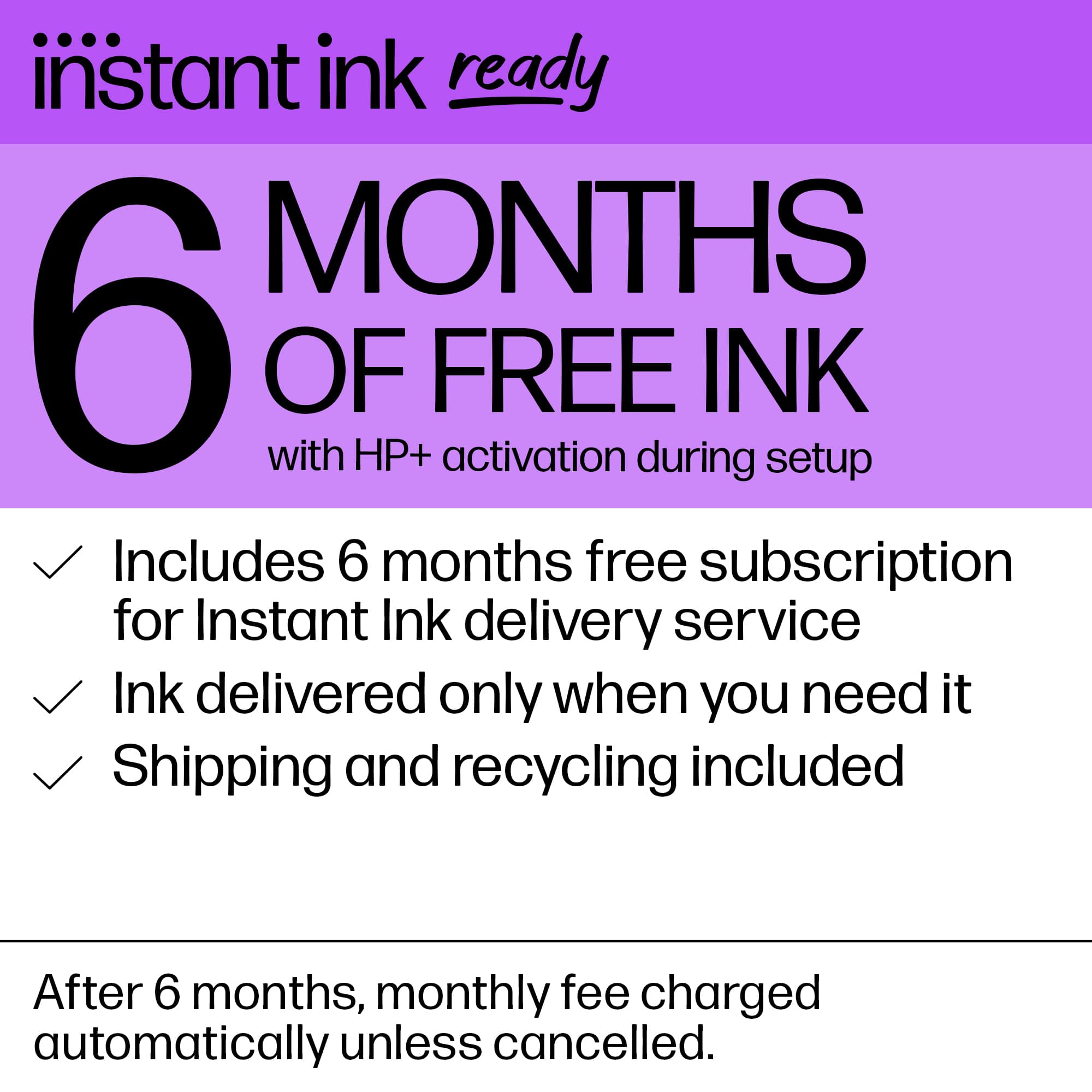
||Posted .This reviewer received promo considerations or sweepstakes entry for writing a review.I couldn’t be happier with the HP ENVY 6065e! This all-in-one printer is the perfect solution for home use — whether you’re printing school assignments, family photos, or scanning important documents, it handles everything smoothly and efficiently. Setup was a breeze, thanks to the HP Smart app. I had it connected to my Wi-Fi and printing from my phone in under 10 minutes. The wireless functionality works flawlessly, and the print quality is sharp, vibrant, and fast for an inkjet. What truly sets it apart is the 6 months of Instant Ink included with HP+. It’s a game-changer — I no longer worry about running out of ink. The printer automatically monitors levels and orders ink before I need it, which is super convenient and cost-effective. The sleek white design looks great in any space — clean, modern, and compact enough to fit on a desk or shelf. It’s also surprisingly quiet, which I appreciate during late-night print sessions. Pros: • Fast, high-quality printing and scanning • Seamless wireless connectivity and mobile printing • Includes 6 months of Instant Ink with HP+ • Modern, space-saving design • Excellent value for the price Cons: • Requires HP+ activation for the full benefits (not really a downside, just a heads-up) If you’re looking for a reliable, stylish, and feature-rich printer for everyday use, this is the one to get. HP has really nailed the balance between performance, ease of use, and affordability with the ENVY 6065e.
I would recommend this to a friend HP’s not not what I used to be with printers disap
||Posted . Owned for 4 months when reviewed.This reviewer received promo considerations or sweepstakes entry for writing a review.Lots of trouble with ink and quality of printing been on the phone with HP for two hours one time still trying to
No, I would not recommend this to a friendTerrible choice
||Posted . Owned for 3 months when reviewed.This reviewer received promo considerations or sweepstakes entry for writing a review.Worst printer set up ever. Worked for a month and then never could get it to print correctly again.
No, I would not recommend this to a friend- Pros mentioned:Ease of use, Print quality, Size
Great small footprint simple scanner/printer.
|Posted .This reviewer received promo considerations or sweepstakes entry for writing a review.HP deskjet 6065e Printer is a great compact small form factor printer and single bed scanner. Approximately 15 mins and overall setup was done. Android app setup was quick and straightforward. Just follow all of the instructions on the app and it walked you through it step by step. I already have an account with other printers so that saved me a bunch of time. Printing was pretty quick. Color was nice. It requires that i sign up for their ink service where they send me ink on a subscription. You need to weight this out on your own to see if this is best for your situation as there are pros and cons for this service. Physical appearance is nice. I like the large LED light in the front that indicates the status. It looks nice and slick. Ink use is unknown based on my test. The cartridges are small so depending on how much you print it will cost you. Page scanner is a plus for me. Using the app to get scans was super easy. Using the remote printing to an email address is nice too. I have had many many many HP printers over my life and they have all done well. This printer did just fine.... I would recommend this for super simple jobs and small footprint.
I would recommend this to a friend - Pros mentioned:Ease of use, Print quality, Size
Best printer
||Posted . Owned for 1 month when reviewed.This reviewer received promo considerations or sweepstakes entry for writing a review.“I am delighted with my recent printer acquisition. Its remarkable performance has surpassed my expectations, effortlessly handling various printing tasks. Its exceptional print quality, with precise and legible text, has significantly enhanced my productivity. One notable aspect is its user-friendly interface, making it simple to operate and navigate. Additionally, the printer’s connectivity options, such as wireless and USB capabilities, have facilitated seamless integration into my workflow. I appreciate its design, striking a perfect balance between aesthetics and functionality. Its compact size occupies minimal space without compromising its impressive performance. I wholeheartedly recommend this printer to anyone seeking an exceptional printing experience. Its outstanding quality, ease of use, and versatility make it a valuable investment for personal or professional applications.”
I would recommend this to a friend - Pros mentioned:Print quality
Solid Home Printer – Great for Everyday Use
||Posted .This reviewer received promo considerations or sweepstakes entry for writing a review.I’ve been using the HP All-in-One Home Printer for a few months now, and overall, I’m very satisfied with the performance for the price. ✅ Pros: • Print/Scan/Copy Combo: It’s convenient having everything in one device—perfect for home use, school assignments, and occasional document scanning. • Wireless Printing: Easy to set up on Wi-Fi, and works smoothly with HP Smart App on both phones and laptops. • Good Print Quality: For text and basic color prints, the quality is clean and sharp. Photo printing is decent for casual use. • Compact Design: Doesn’t take up much space, and looks sleek on a desk or shelf. • Affordable: Great value, especially if you catch it on sale. ❌ Cons: • Ink Costs: Like most inkjet printers, ink can get expensive if you print frequently. HP Instant Ink helps, but it’s a subscription model. • Speed: It’s not the fastest printer, especially for color or photo prints, but it’s fine for light to moderate home use.
I would recommend this to a friend - Pros mentioned:Print quality, Setup, Size
Obssesed
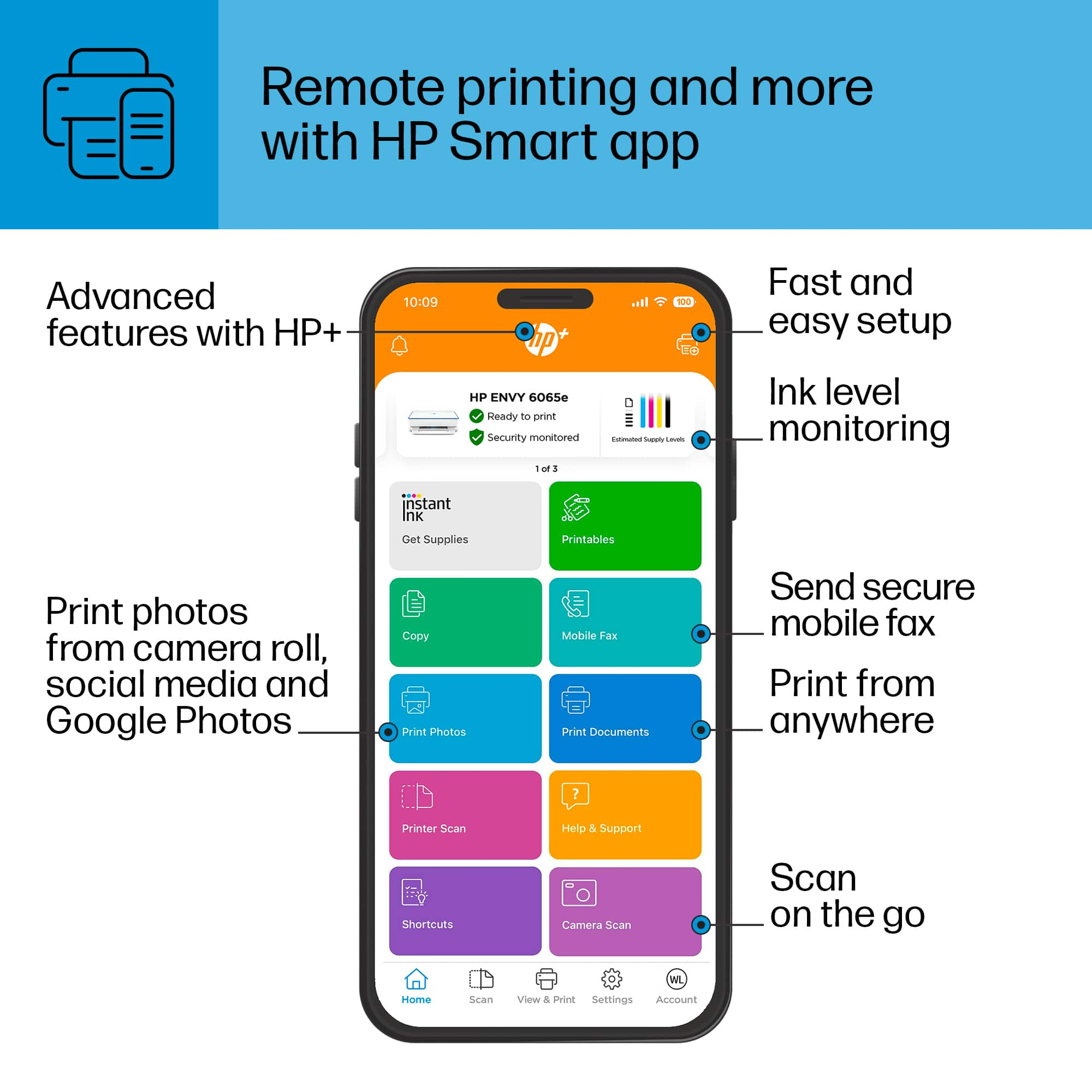
||Posted . Owned for 1 week when reviewed.This reviewer received promo considerations or sweepstakes entry for writing a review.I read so many reviews on countless printers. All I needed was something simple, didn’t take 50 years to print, and could scan. If you just need something basic and straightforward, this is it. It was incredibly easy and fast to set up. Connected to all my devices quickly with no issues. The free 6 months of the Ink subscription is AMAZING. Already got my first new cartridges and recycle bag for my old ones. The app is awesome! No lag, easy to use, and you can even use the printer to send a mobile fax via the app so that’s pretty neat. The printer itself is compact, doesn’t take up much space, and the paper tray closes into the bottom which is one of my favorite thing about it. Had a paper jam and it took less than a minute for me to figure out how to get to it and fix it. It prints pretty quickly as well. Extremely pleased with this printer and couldn’t recommend it enough!
I would recommend this to a friend - Pros mentioned:Print quality
The little printer that could
|Posted .This reviewer received promo considerations or sweepstakes entry for writing a review.In terms of innovations, there hasn't been a lot going on in the world of printers these past few years. Most changes have been more or less limited to their design. Yet, HP has decided to go a new way with the Envy 6065e. And it's surprisingly good. The Envy is a small format inkjet printer which introduces a few new concepts. But lets start with the unboxing, which takes less than a couple of minutes. It has two ink cartridges (black and color) which plop into places using small latches to secure the cartridges. I'm not really a fan of the 2 cartridge system as you can not change individual colors as they run dry, which isn't really environmentally friendly. Once plugged in, you're ready to start the setup. Now, keep in mind that this printer does not have a screen. Instead, you are asked to choose between smart phone and PC/Mac to proceed. I went the PC way, which requires the HP Smart app to get the printer connected to your WIFI network. The process is surprisingly easy and worked on the first try. The scanner was calibrated very quickly as well. The biggest and most interesting part happened during the setup as it asks you to use a built-in RGB light in the housing and touch sensitive buttons for the install. And believe it or not, it works perfectly fine and does away with screens that usually go bad after a year or so. I find this solution very elegant. Everything you need is done through the app. Another smart idea is the paper tray that is located under the printer which is accessible by pressing two buttons on the sides. It's rare to find a closed paper tray in this price range. Let's have a look at how well the printer performs in terms of speed and print quality. In black and white, it's very fast. In color on plain paper on the other hand, it's rather slow, but the result is quite decent. I would say that it's fast enough for a home office, but it might not be able to handle much more. The scanner on the other hand is rather slow. The scans themselves are good, but it takes quite a while to get something scanned using the flatbed. All in all, the Envy 6065e is a solid printer for everyday tasks and it works fairly well. The overall design and the stripped down interface are innovative and done with ease of use in mind. Recommended!
I would recommend this to a friend - Pros mentioned:Price
PC Load Letter? Nope... Not Today
Posted .This reviewer received promo considerations or sweepstakes entry for writing a review.I've had this printer for about a month and I haven't wanted to go "Office Space" on it once. It was inexpensive. It does what i ask it to, when I ask it to. It was slightly challenging to get it to connect with my network, but once I got that handled, it's been smooth sailing. It's pretty quiet, but make sure it's in a solid surface... I had it on a wooden TV tray while I was making space for it on my desk and it did shake that thing back and fourth a bit. Definitely use the little tray tab or your paper will fall on the floor. So far the monthly ink thing it trys to set you up with is going is job and isn't breaking my bank... We'll see. Overall, very solid for the $70 I paid for it. I'd recommended it.
I would recommend this to a friend No Frills Excellent Wireless Printer
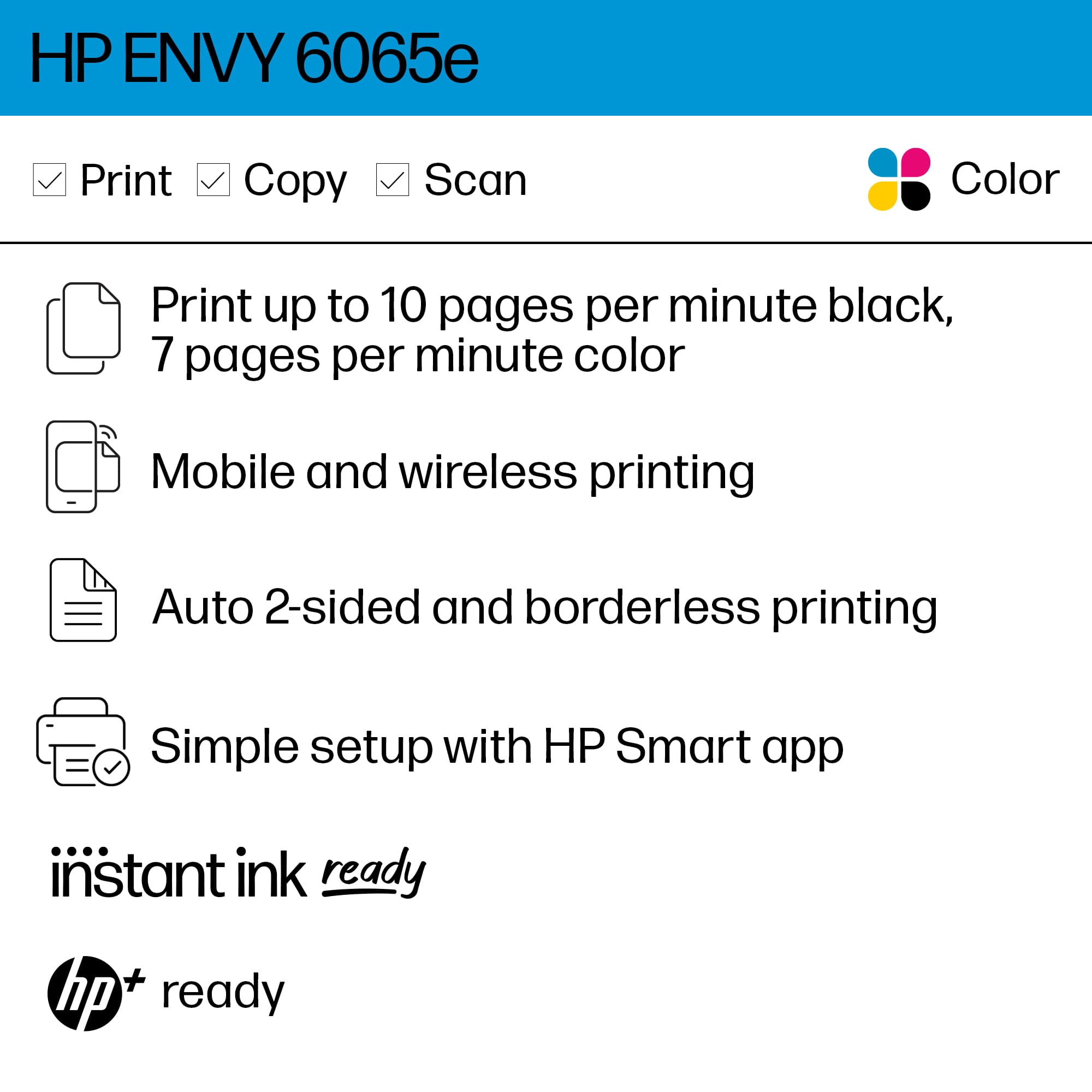
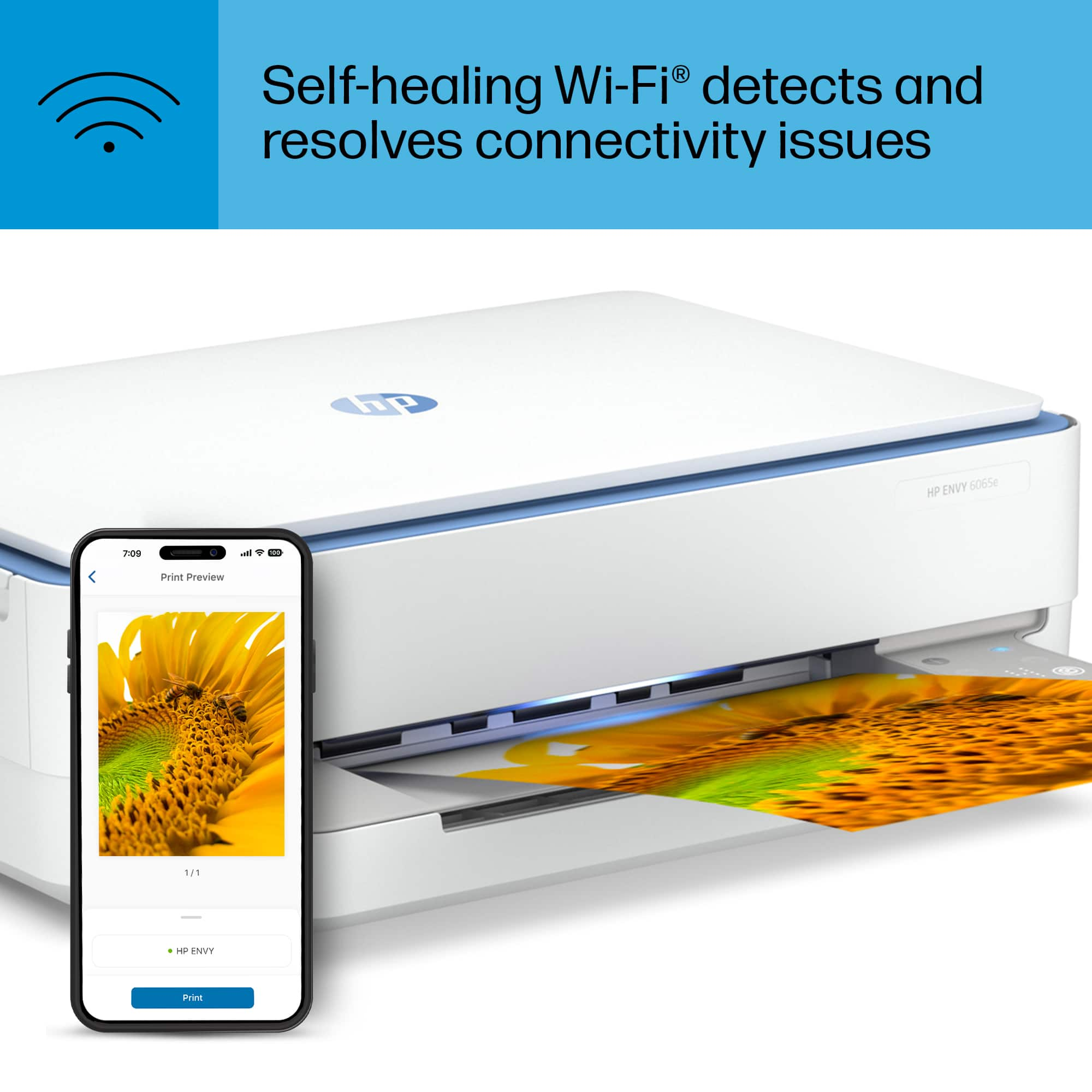
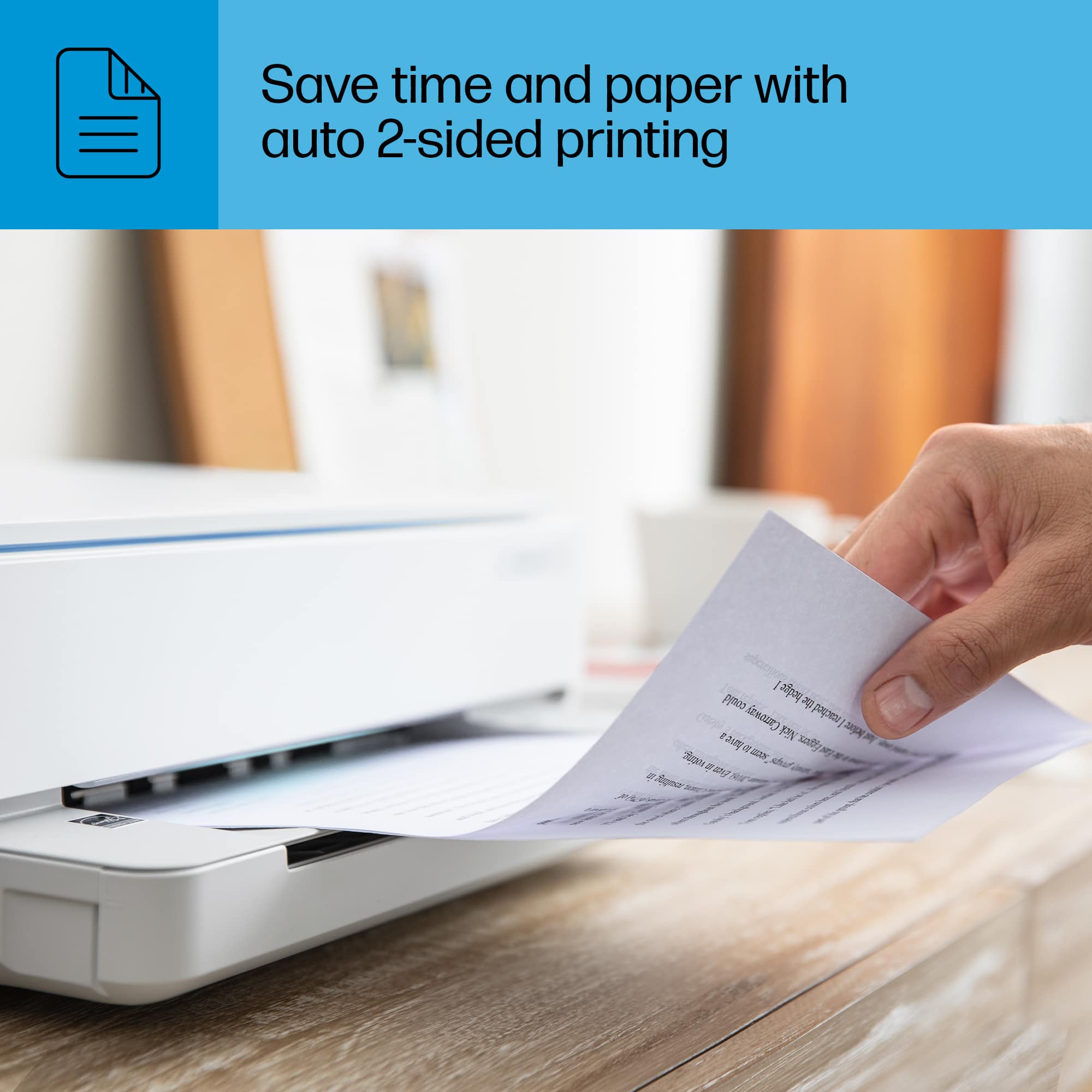
|Posted .This reviewer received promo considerations or sweepstakes entry for writing a review.The HP EVNY 6065e is an excellent all-in-one printer for most users. It’s small enough for a small office/home environment, with convenient features like wireless printing from your mobile devices. With HP Care and HP Instant Ink, your support and supplies needs are easily handled. Features: Dual Band Self Healing Wi-Fi and BlueTooth Support Scan and Copy Support Ability to print to both sides of the paper automatically Seamless set up via the Smart HP app. Managed your printer from your mobile device. Print up to 10 black&white pages per minute or 7 color pages. Holds up to 100 pages or up to 40 cards in the paper tray Instant Ink The biggest cost to an inkjet printer besides the unit itself is the ink cartridges. To be honest, when I was setting up the printer and came to the prompt to sign up for their Instant Ink Service my reaction was great another subscription service. But after taking the time to go over the terms, I was left with a good impression. The monthly fee which varies depending on how many pages you print per month is actually a good proposition since the fee also includes the inkjet cartridges. For example, since we hardly print we went with the $3.99 monthly plan that allows me to print up to 50 pages (10 additional pages are $1.99 extra and any unused pages can roll over to the next month). Printing color pages including photos with photo paper can quickly drain your color ink. So far after 28 pages our color ink has dropped to almost 50%. With the Instant Inkjet service without having to put an order in and at no additional cost the service automatically created an order for an inkjet replacement cartridge. So now when I do hit the low ink warning I have a replacement ready to go. HP also provides the return label envelope to send back the empty ink cartridge. What makes this subscription service worthwhile in my opinion is that it doesn’t matter what you print whether is black & white documents or color or just like to print out photos they are all counted the same. With no contracts obligations, you can cancel anytime. HP does provide a generous 6-month 700 pages trial before you start getting billed. I highly suggest you give it a try at least. So far this might be a subscription I may end up sticking around after the trial. There’s also an option to add paper for an additional small fee. As for the printer itself, it’s been good so far. It prints pretty quickly for an inkjet printer of course photos do take longer. The prints that have come out have been of good quality. They’re sharp and the photos are pretty good too. Loading paper is hassle-free including 4x8 photo paper. Having the ability to just quickly print from my iPhone, iPad, or laptop is a convenient feature that saves time from having to copy or move files to a PC. There are plenty of smart features like being able to detect the kind of paper that has been loaded, fax capabilities, and just being able to print double-sided without having to reload the paper. Gone are the days of waiting for the printer to finish and making sure the paper was reloaded on the right side. The printer will do fine in a small office environment. If your workload includes a high volume of printing, I suggest going for a bigger model that has the capacity to handle the additional workload. Overall, I was satisfied with how well the Envy 6065e performed during my usage. But I think I was more impressed by the value that HP has done with the Instant Inkjet service. If HP doesn’t change anything with the service it may just end up being the deciding factor when it comes to choosing a printer.
I would recommend this to a friend- Pros mentioned:Ease of use, Setup
A User-Friendly All-in-One Solution
||Posted .This reviewer received promo considerations or sweepstakes entry for writing a review.The HP Envy 6065e is a fantastic all-in-one printer that truly stands out for its simplicity and ease of use. From setup to daily tasks like printing, scanning, and copying, everything is designed to be intuitive—even for those who aren’t tech-savvy. The touchscreen interface is straightforward, and the HP Smart app makes wireless printing from phones or tablets a breeze. Whether you're printing school assignments, scanning documents, or making quick copies, this printer handles everyday needs effortlessly. It’s a great choice for families or individuals looking for a reliable and user-friendly device that just works.
I would recommend this to a friend - Pros mentioned:Ease of useCons mentioned:Display
Basic Printer with Nice Appearance
||Posted . Owned for 3 weeks when reviewed.This reviewer received promo considerations or sweepstakes entry for writing a review.I replaced an eleven year old HP printer with this one. It was easy to set up. the white color looks very nice in my home office. It does a fine job of copying and scanning. I didn't rate it a '5' because there is no opportunity to adjust the light or dark printing capability. Also, no screen on the printer; just buttons for color print, B&W print, and Wi-Fi indicator. Also no opportunity to choose your own name for the remote email address. It comes with a name, and it cannot be changed. My previous 4500 was a work horse and had all those features. Am told by HP Support that the new printers do not. So for the price point and the fact that a more expensive one won't give me any greater features, I will stick with this one for now.
I would recommend this to a friend - Pros mentioned:Ease of use, Print quality
This is a great little printer!
Posted .This reviewer received promo considerations or sweepstakes entry for writing a review.This is a great little printer! My old printer had "thrown in the towel" and needed to print something important that same day. So I went to Best Buy to find the cheapest printer (because things have been really tight lately) that had a variety of functions and also did double-sided printing. This printer was quick and easy to setup and connect - it works perfectly. I also like the led light on the front, looks good with my led lights under the computer desk. If you do occasional printing at home like me, this printer is perfect and affordable - you should get it!
I would recommend this to a friend - Pros mentioned:Price, Print quality
Good home Printer
Posted .This reviewer received promo considerations or sweepstakes entry for writing a review.This Printer is a good buy at a good price. Prints documents and photos well however photos may take 30-45 seconds to print mainly because it’s a budget all in one printer and not a photo printer or expensive office printer. To print photos quickly you would just need photo paper for it other than that it’s a good printer.
I would recommend this to a friend