Customer Ratings & Reviews








- Model:
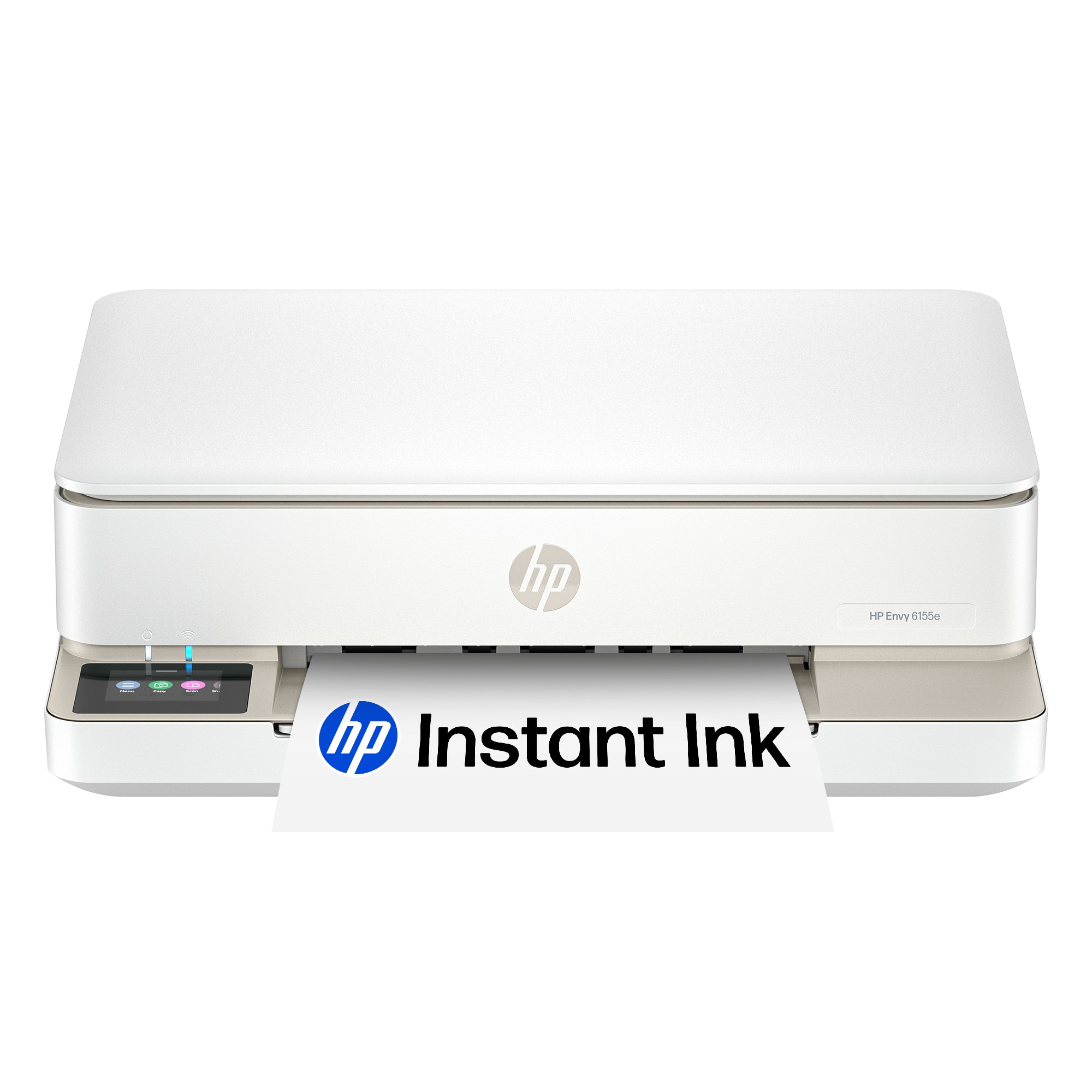
- ENVY 6155E/714L5A#B1H
- SKU:
- 6590093
Rating by feature
- Value
Rating 4.6 out of 5 stars
- Quality
Rating 4.5 out of 5 stars
- Ease of Use
Rating 4.4 out of 5 stars
Customers are saying
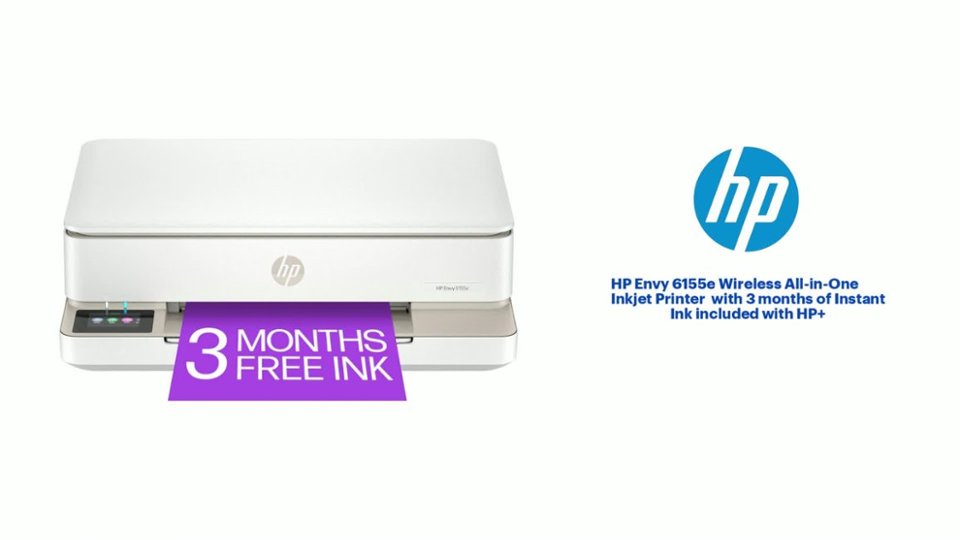
Customers admire the Envy 6155e Wireless Printer for its good print quality, overall performance, and ease of use. Many find the setup process simple and appreciate its size, while others enjoy its connectivity and sleek design. The printer is also noted for its quiet operation.
This summary was generated by AI based on customer reviews.
- Pros mentioned:Print quality

Great printer - could be a bit smaller
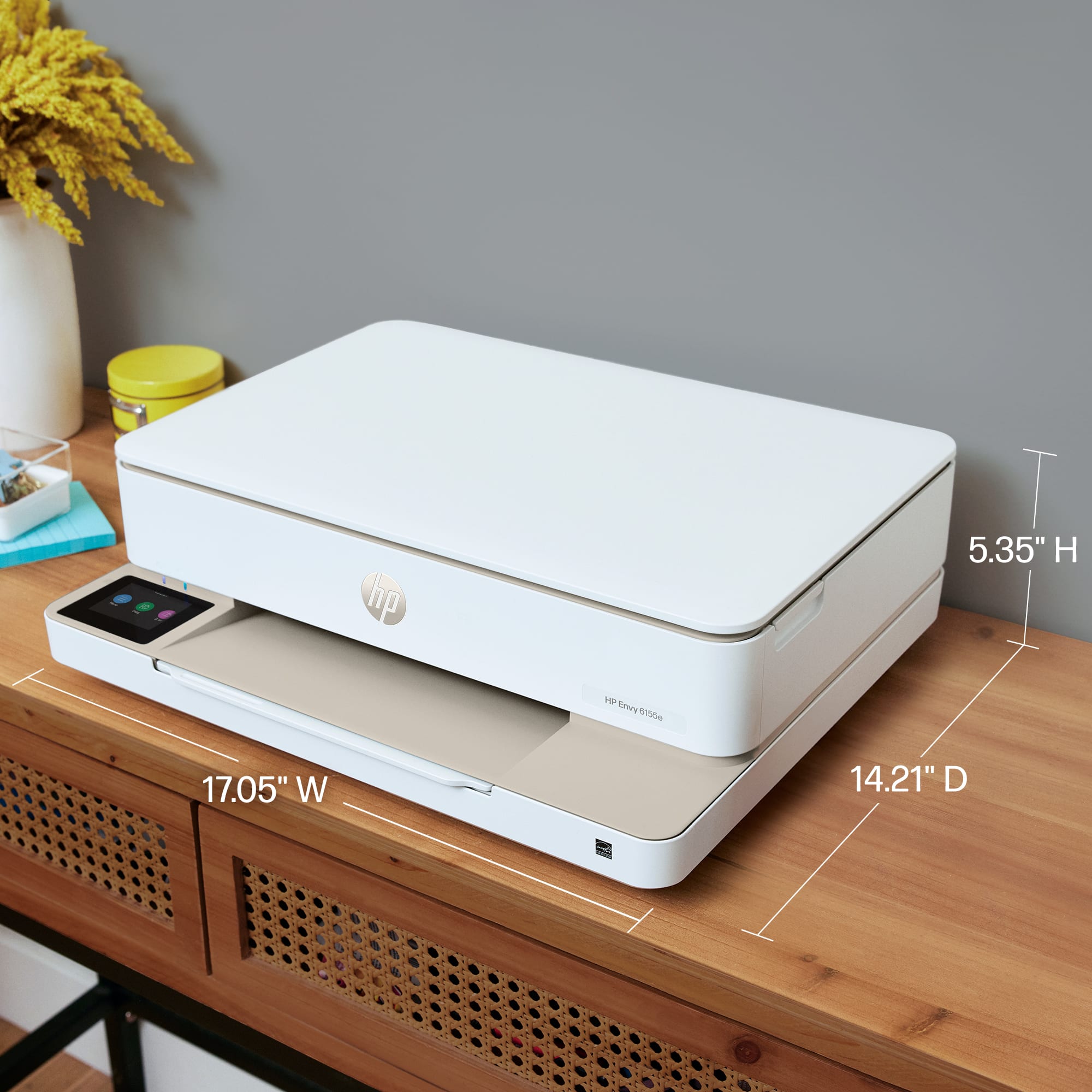
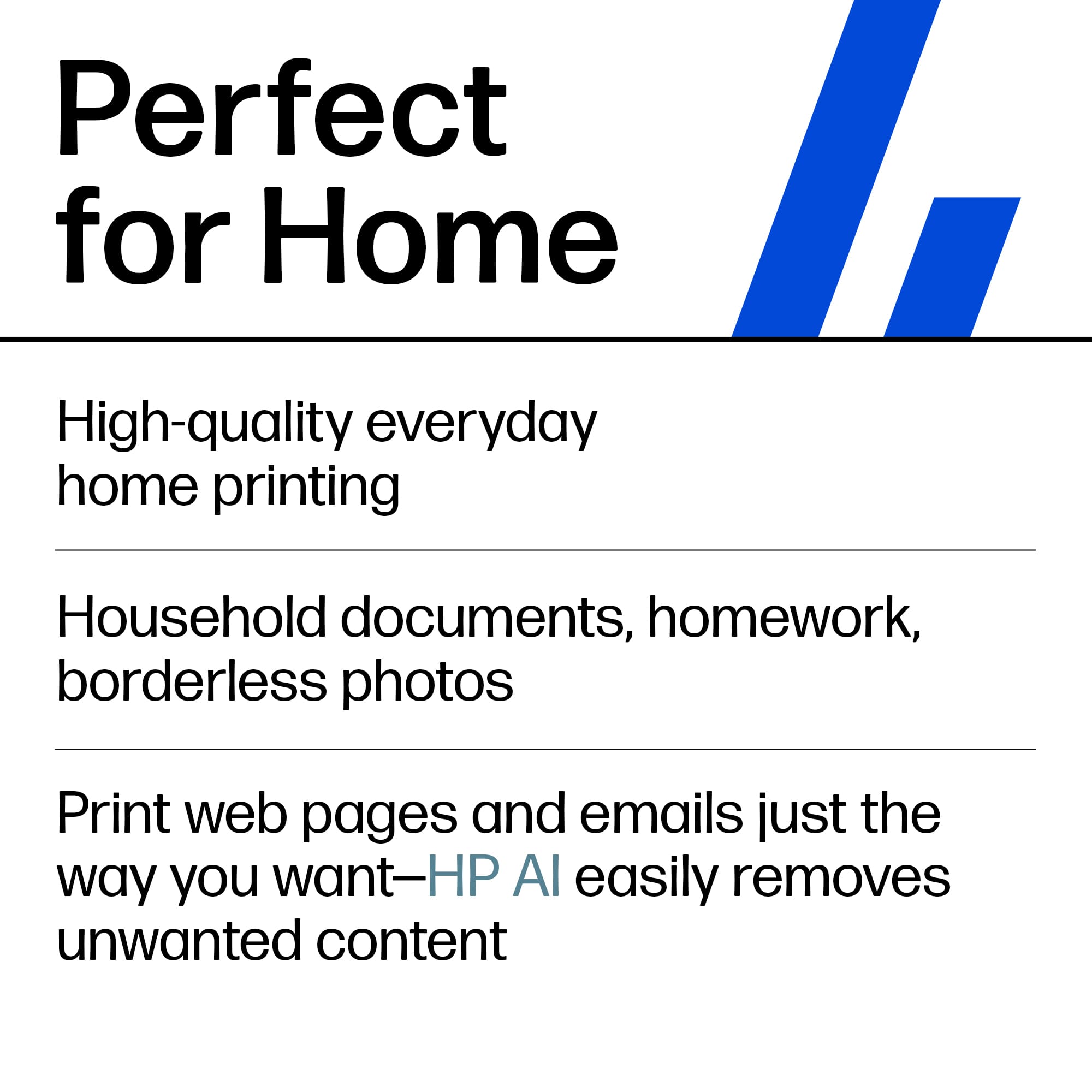
|Posted .This reviewer received promo considerations or sweepstakes entry for writing a review.To start with HP makes some really great printers for office/standard use I have tested a number over the years and this wi wi well up to standard. Let’s start with the look and feel – The packaging is adequate and well-designed for protection in standard moving about. It is a bit hard to believe how much they have reduced their package however there is very little waste in this area. I do like to look of the new printer as opposed to some of their older models. It has a nice sleek look. It’s a little larger than a few others I tried however it is a more low profile so there are some trade-off concerns there. If you have a tight length/width place you might want to check the dimensions Next is the setup – the instructions and where to plug everything in are pretty much self-explanatory I have had some computer/HP app issues in the past with some of their printers however no issues using the app or directly set up on my Windows 11 PC Next functionality – As for printing for most things, you would in an office setting it does a really good job – test and minimal graphics on standard paper are chrisp and had no bleeding or saturated paper. I did try some heavy picture-type graphics and had mixed results on the standard paper – the use of a heavy-weight paper did help but did not completely eliminate the issues. Scan/copy functionality – not much I can say here it works and I didn’t have any issues. Next cost of printing – if you print a lot the HP instant ink program could save you some $$ however I think for most folk I’d pass on that and just keep an extra set of ink on hand. I only used the HP branded ink and did not run it out in my test – keep count on the page count it seems to be accurate however more graphics/colors are a driver. I also would assume that you can only use HP ink cartridges, the past 2 or 3 I’ve had won't recognize the off-brand – so beware Overall this is a solid print and should suffice for most home office/student work.
I would recommend this to a friend - Pros mentioned:Print quality
Printer
Posted .This reviewer received promo considerations or sweepstakes entry for writing a review.I am so glad I was able to purchase this printer with my new laptop. My old printer was over ten years old. It has seen better days. I love that I can print from my phone as well as my laptop. Thank you Best Buy.
I would recommend this to a friend - Pros mentioned:Print quality
Great printer with good features for the price.
|Posted .This reviewer received promo considerations or sweepstakes entry for writing a review.I am going from an ink tank style printer for the last 4 years to this cartridge style, it remains to be seen if I am going to like going back. Unboxing and setup was straightforward and simple using the HP Smart app. I went thru all the features and was quite pleased with the operation. Print speed is quite quick especially in B&W. Photo quality I feel is exceptional for a printer at this price point. One note: If you are printing photos on a smaller than 8 1/2x11 paper make sure you have an adequate amount of paper in the tray as just adjusting the size in the tray and changing it in the print specs does not always work as I tried to print 5x7 photos and they only printed on the left side of the page. I contacted technical support chat and spent almost an hour with them and they could not figure it out and I realized on my own how to correct the problem. I am not sure if I am going to like the subscription service for ink or not but we will see. I do like the double sided printing feature which I did not have on my other printer. I also like the front loading feature on the paper tray as the printer sits on a stand below my desk and it is much easier to load than my old one. Printing from your phone is very easy and works well, however you have to be on the same wi-fi network as the printer for it to work. I tried scanning and copying and they worked quite well and again were very straightforward to use. I was never able to get my old printer to sync up to my chromebook but this one did and works well. Overall I feel the setup, print quality and ease of use is exceptional. It remains to be seen how I feel about the cartridges versus ink tank works out but I do not print the volume of things I have in the past so I think it will work OK. Definitely would recommend this to others for a good, basic at home printer that will serve all your needs.
I would recommend this to a friend - Pros mentioned:Print quality
All the basics in a compact package
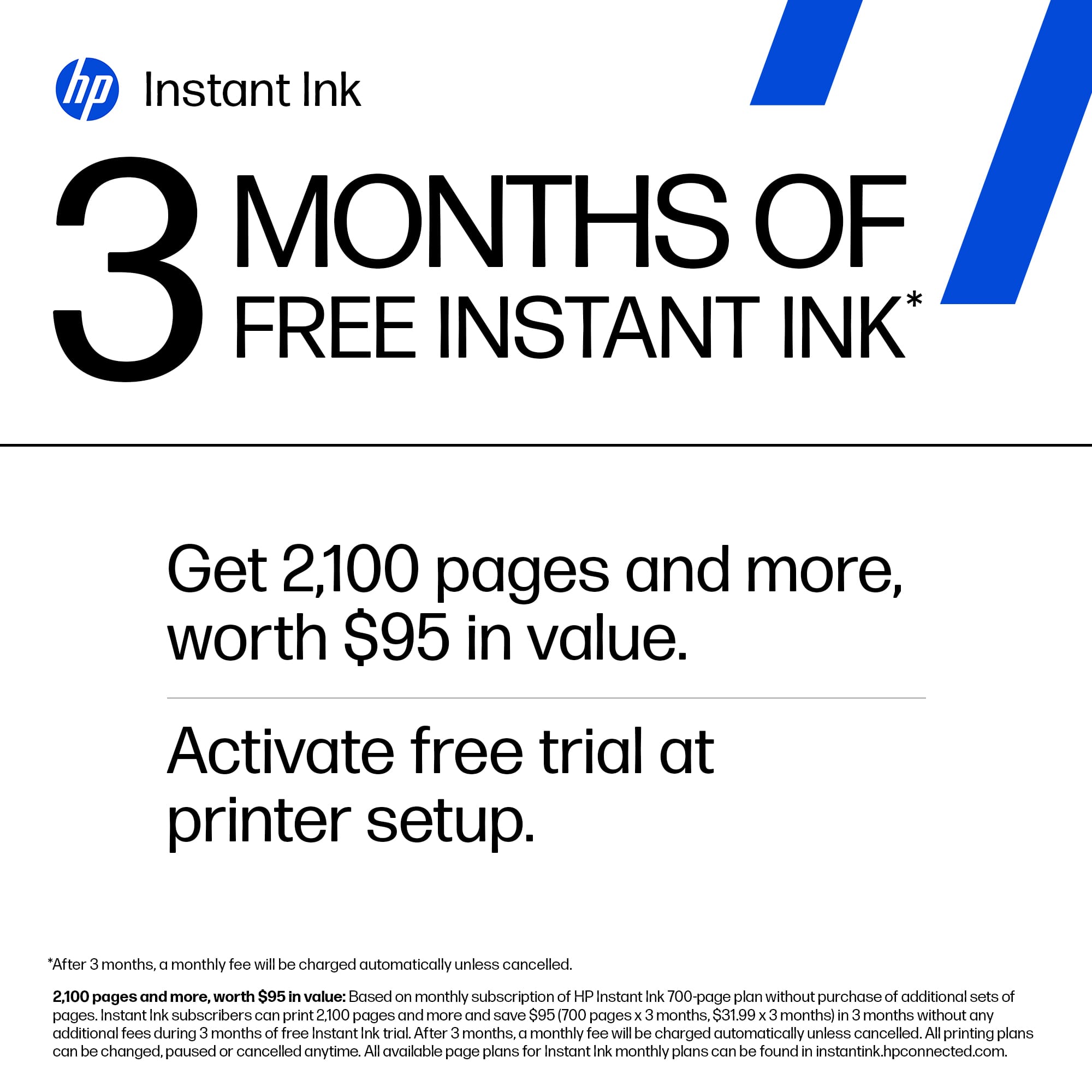
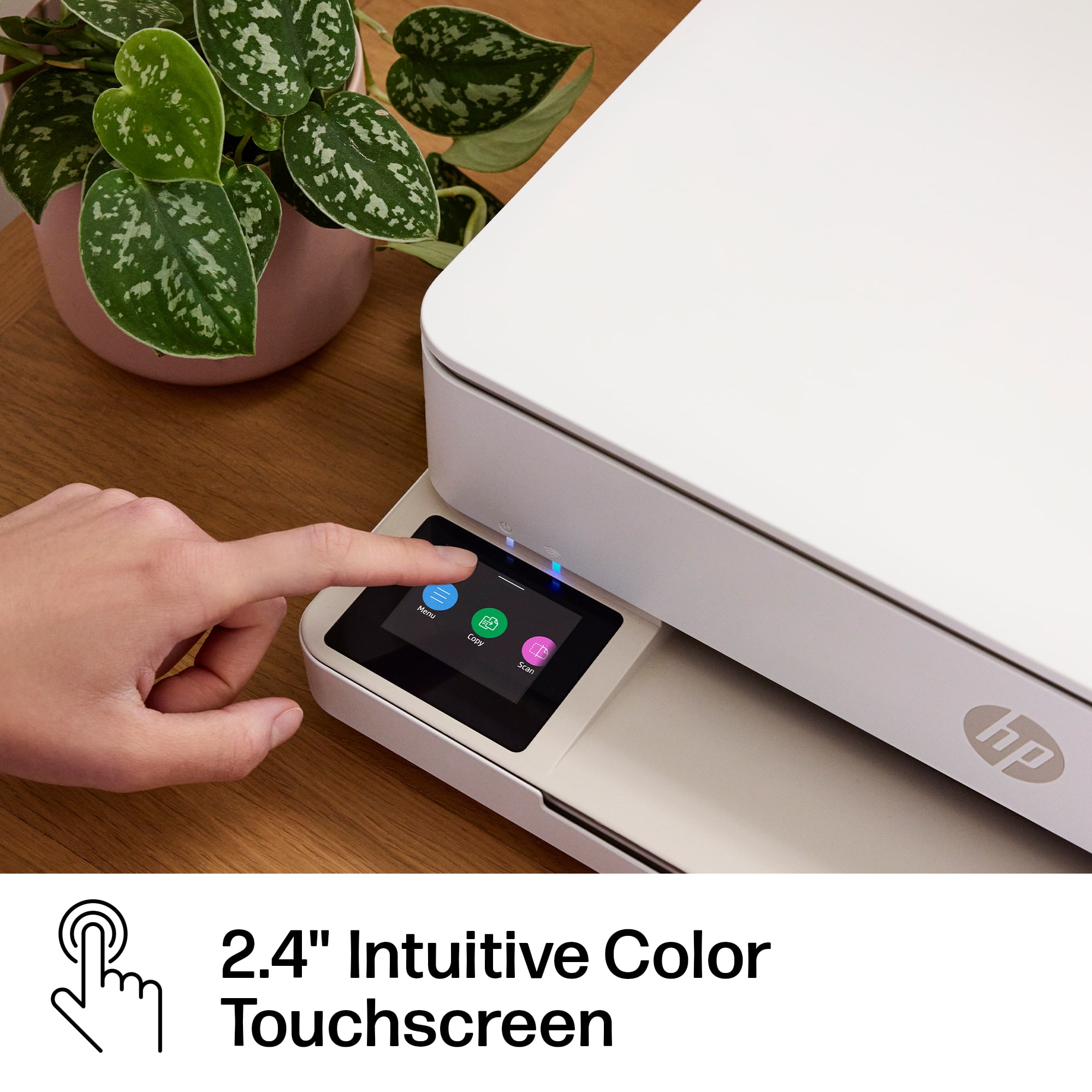
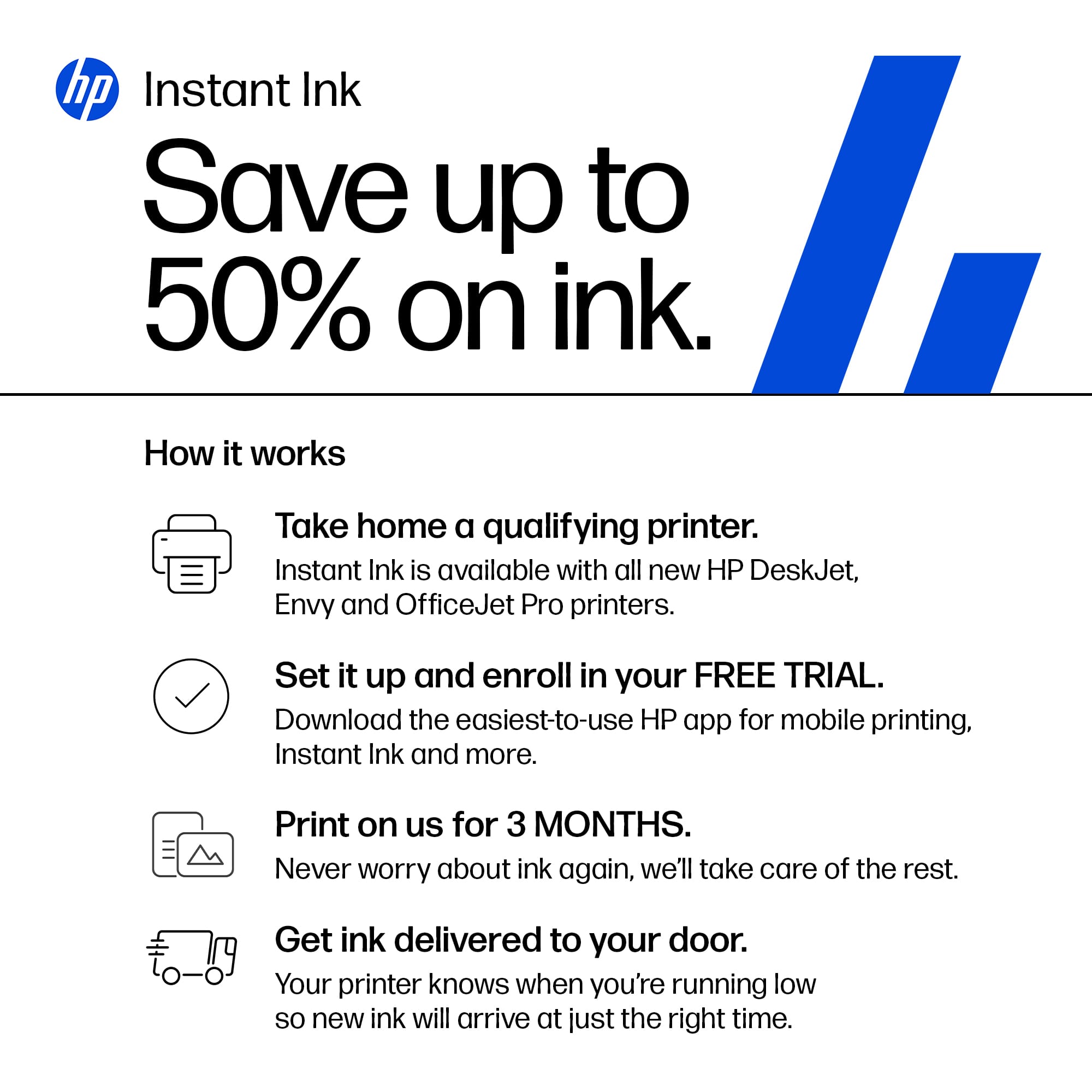
|Posted .This reviewer received promo considerations or sweepstakes entry for writing a review.This printer is a very good option for anyone looking for light family usage print package. It contains all the features of a much larger and expensive unit in a small compact package. Setup is straight forward, and you will have to use the HP Smart app to configure. Wireless connectivity was easy, and you will need to purchase a separate cable if you wish to connect via a wired connection. The LCD touchscreen is small, and the does make navigation easy. You can load about 50 pages easily without causing jams. The tray will take up to 100 pages, but you will have a higher likelihood of paper jams. Black and white printing is fairly fast, and color printing is a little slow. Keep in mind that this printer is designed to be used with HPs ink order service. You will receive 3 months of ink for free and be prepared for constant reminders to subscribe. I have been enrolled in the program of a long time, using other printers, and it has been a very economical option for our family. I like that you never have to worry about running out of ink and you will always have ink automatically mailed before you run out. You can change your paper usage plan at any time and unused monthly sheets roll over and do not expire.
I would recommend this to a friend - Pros mentioned:Print quality
Love this printer!
Posted .This reviewer received promo considerations or sweepstakes entry for writing a review.I really like this printer. It is easy to use and prints really nice. Thank you for helping me to select and purchase this one
I would recommend this to a friend - Pros mentioned:Size
It could be great...
|Posted .This reviewer received promo considerations or sweepstakes entry for writing a review.I was initially very excited to use my new HP Envy6155e printer as I have never owned a color printer. This printer has a scanner option as well which I was even more excited about. However, setup has been nothing but a hassle. I own a MacBook and have not been able to get the printer to actually print. I was able to get the printer connected to my MacBook but it would not print after that. The MacBook would say it’s printing and the printer would show a status bar that says it’s printing but then it would just go away and not print anything. I tried deleting and adding the printer back to my MacBook but it was of no use. I used the IP address an option and even tried to create an account with HP+ to connect it. I was able to connect the printer through the HP+ app and successfully print a test page, but when I tried to print another document, it would not work. I have tried several different searches to figure out what the issue is and was not able to get any help. I got frustrated with the entire setup process as I needed the printer to help my daughter with her school project so I put it down and walked away. I will again another day to set the printer up and hopefully get it to print. The size of the printer is perfect for a home office because it is not bulky at all and does not take up a lot of space. It does not hold a lot of paper but it will hold a fairly decent amount for home use. You only need to insert two ink cartridges and it does come with the ink refill but it’s not free after three months. If I can figure out how to get it connected to my MacBook and successfully print, I’m sure I’ll be a happy camper.
I would recommend this to a friend - Pros mentioned:Print quality
Mostly good
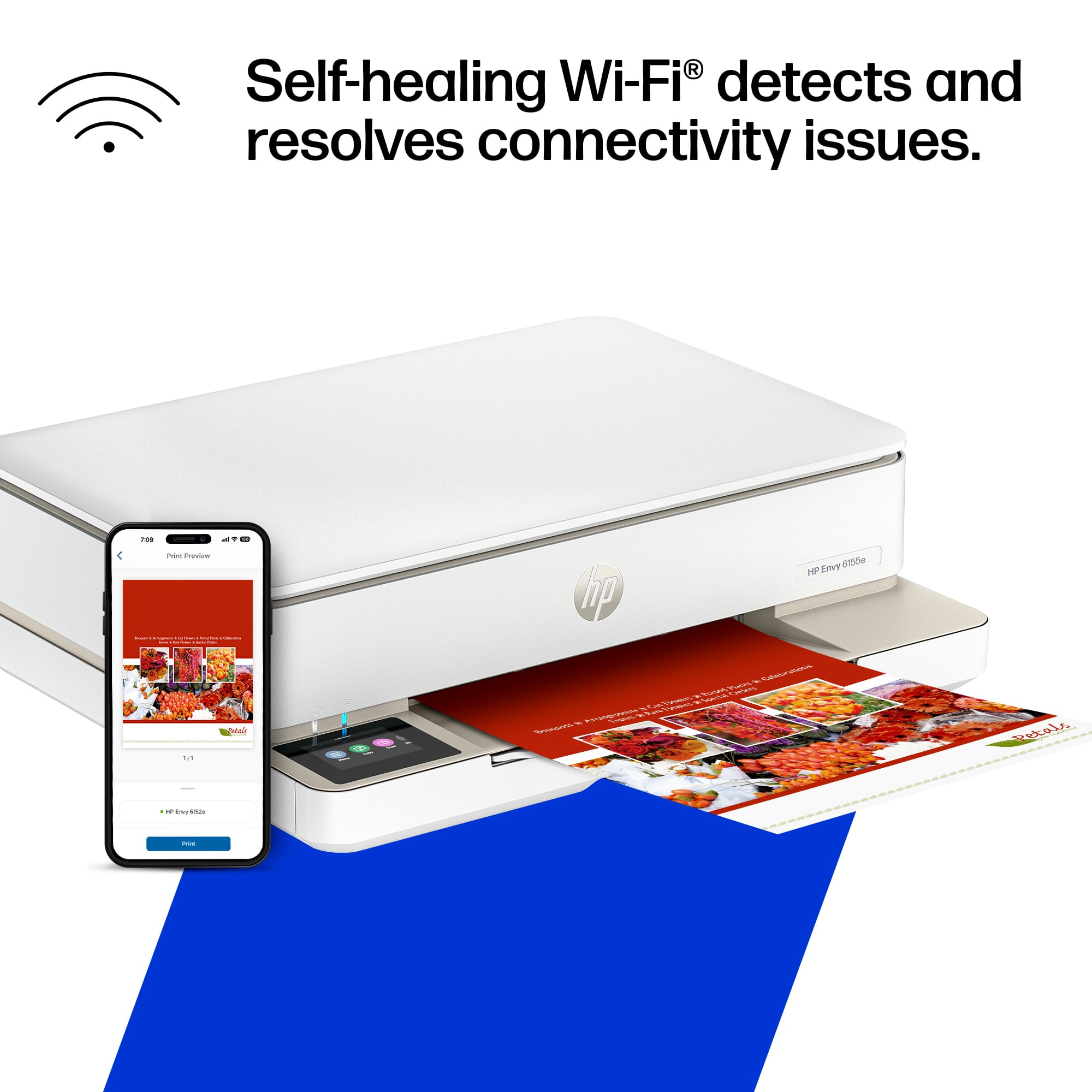
Posted .This reviewer received promo considerations or sweepstakes entry for writing a review.The print quality has been good. When we’ve been able to keep it connected to the internet, we have been able to print from our phones, however, it does disconnect frequently. We made very few copies after purchase before it said low ink. We don’t seem to be able to scale the copy size on the printer itself, and for this reason alone, I would not repurchase. The online instructions say we can, but our screen choices do not match the online description. Overall, a decent, simple, inexpensive printer.
I would recommend this to a friend Good All in One Printer !
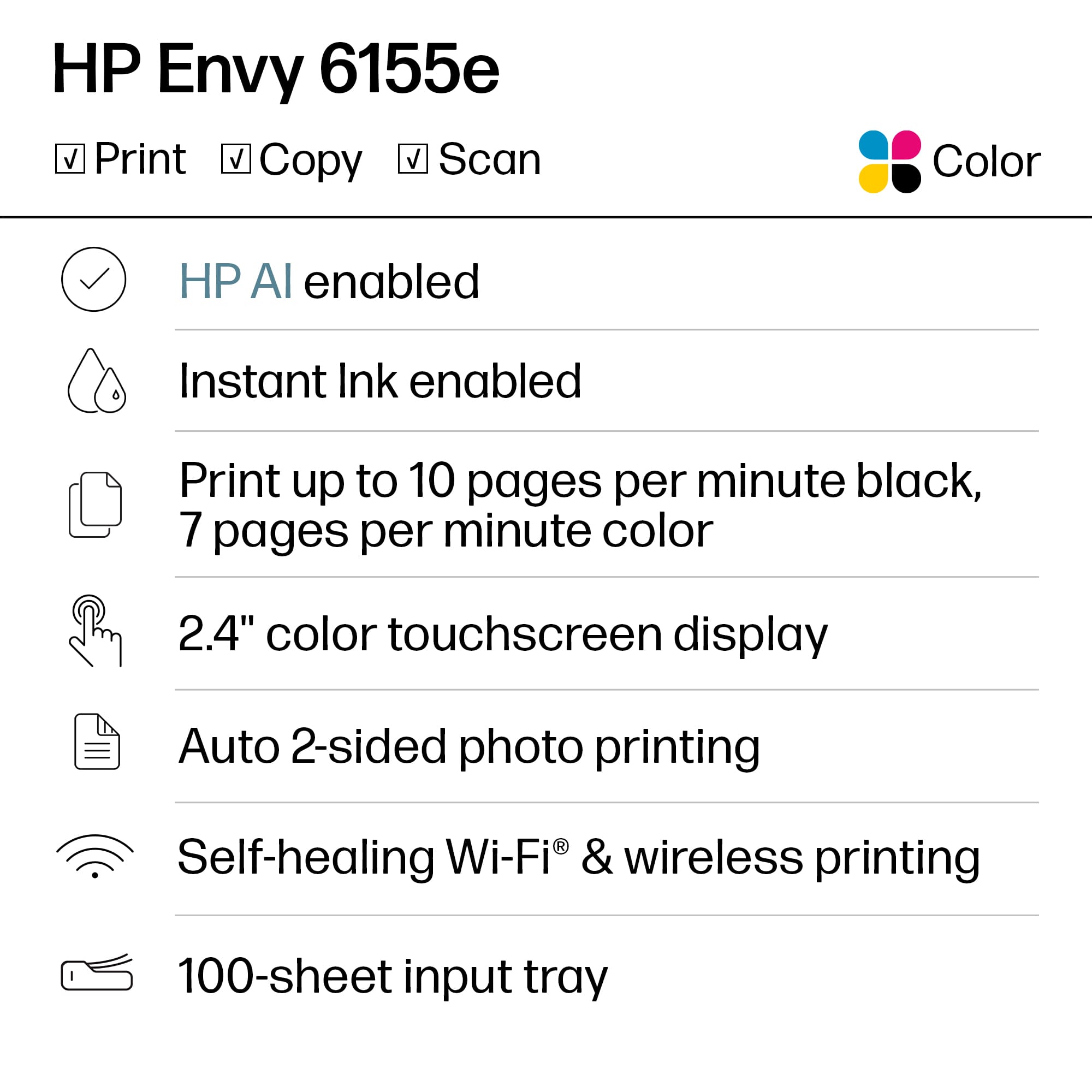
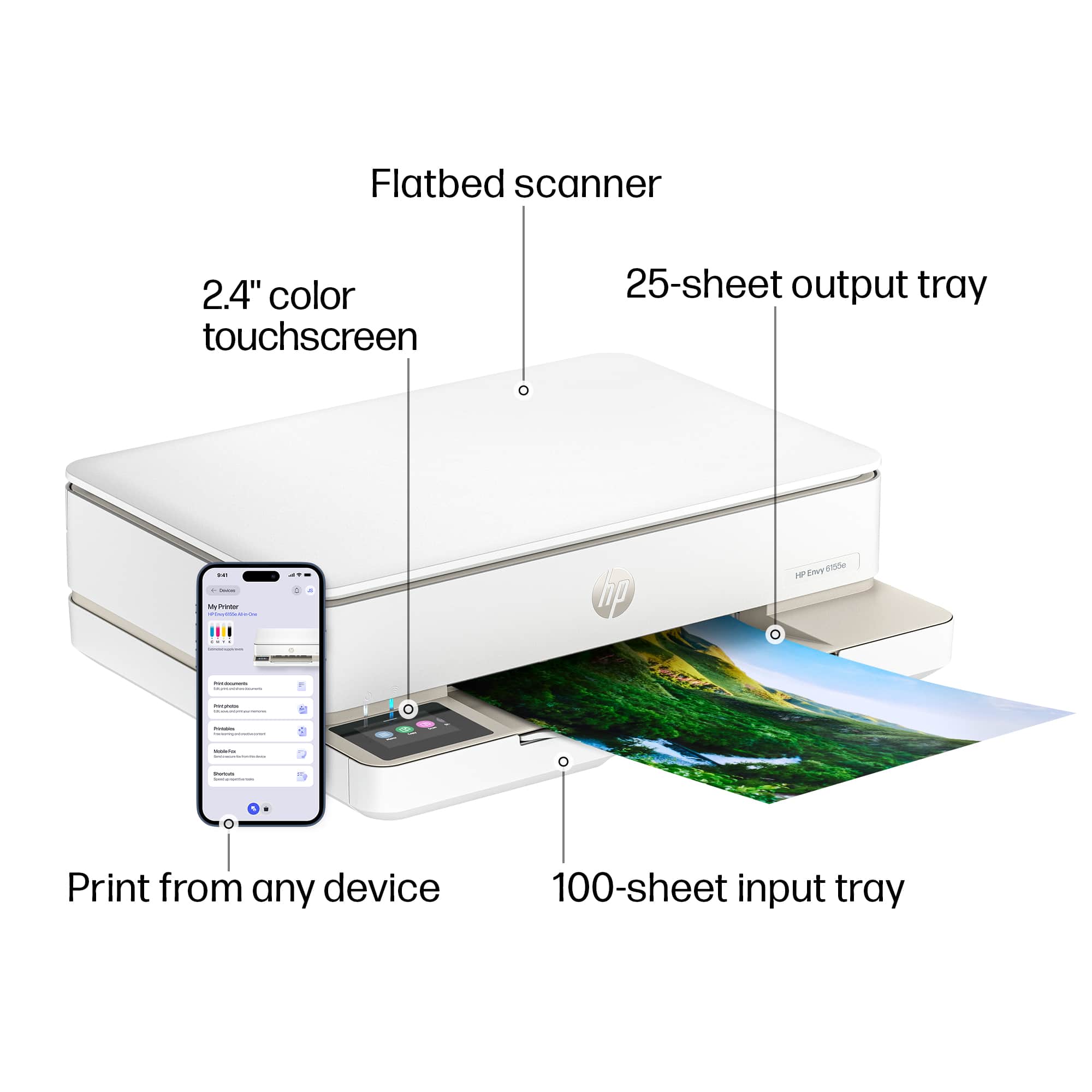
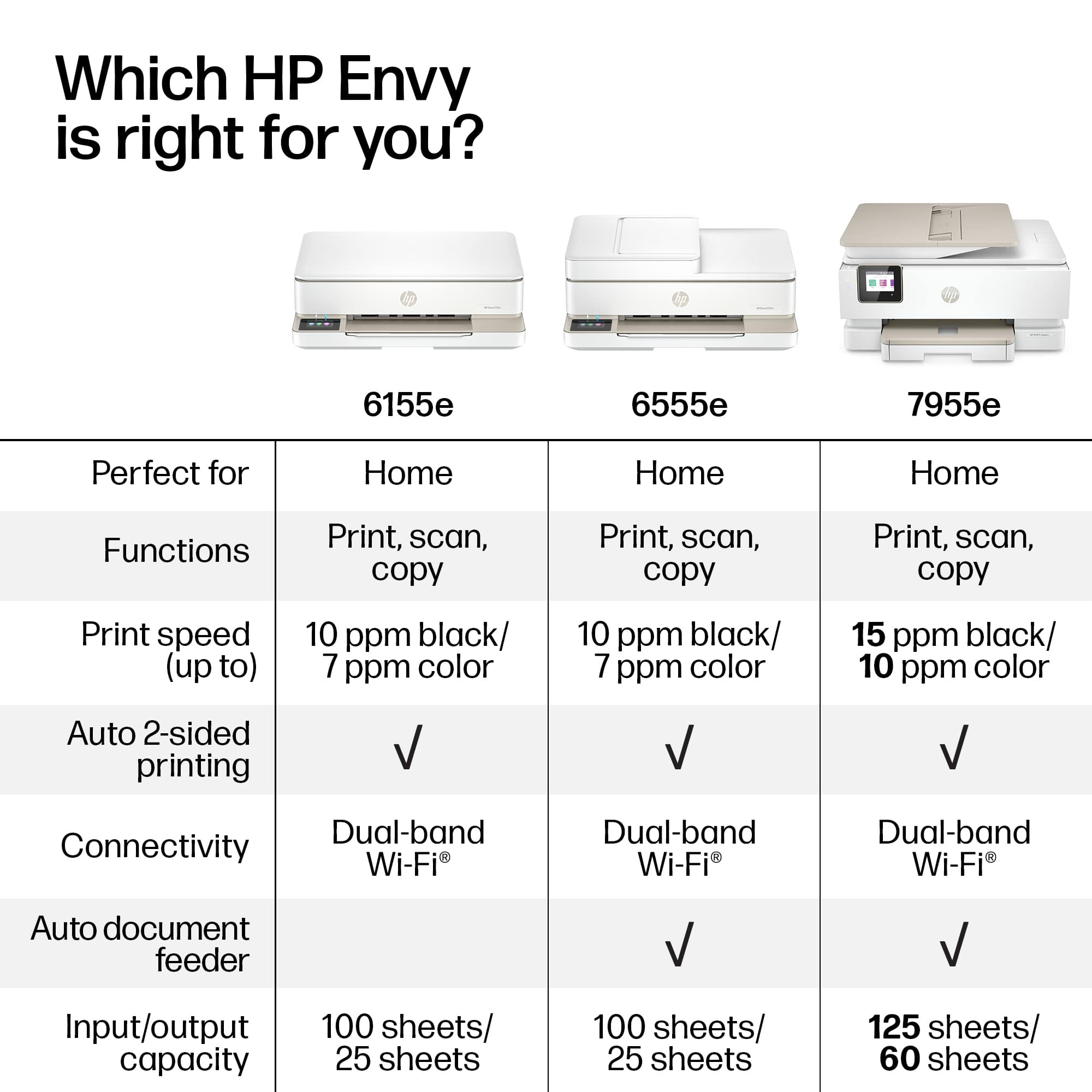
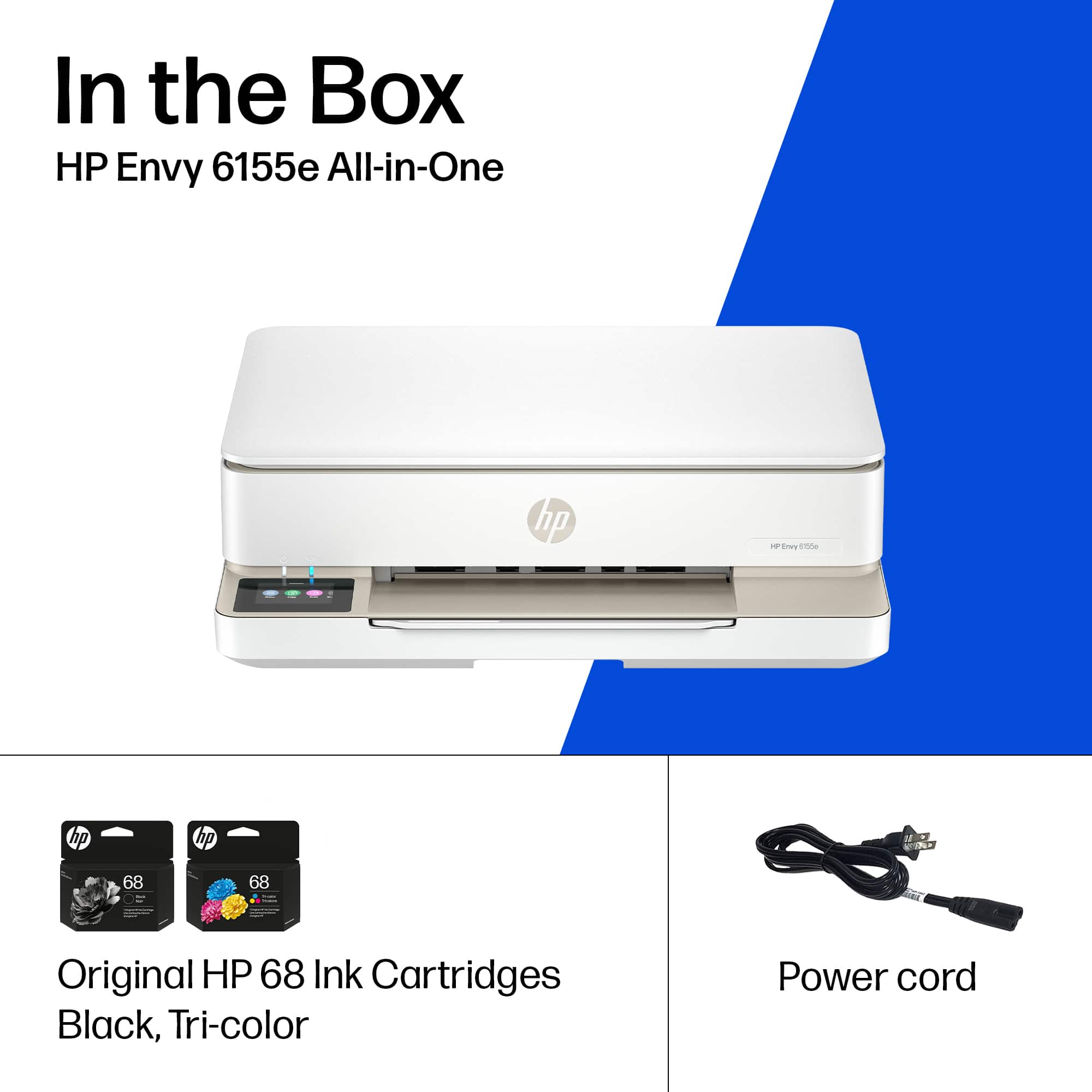
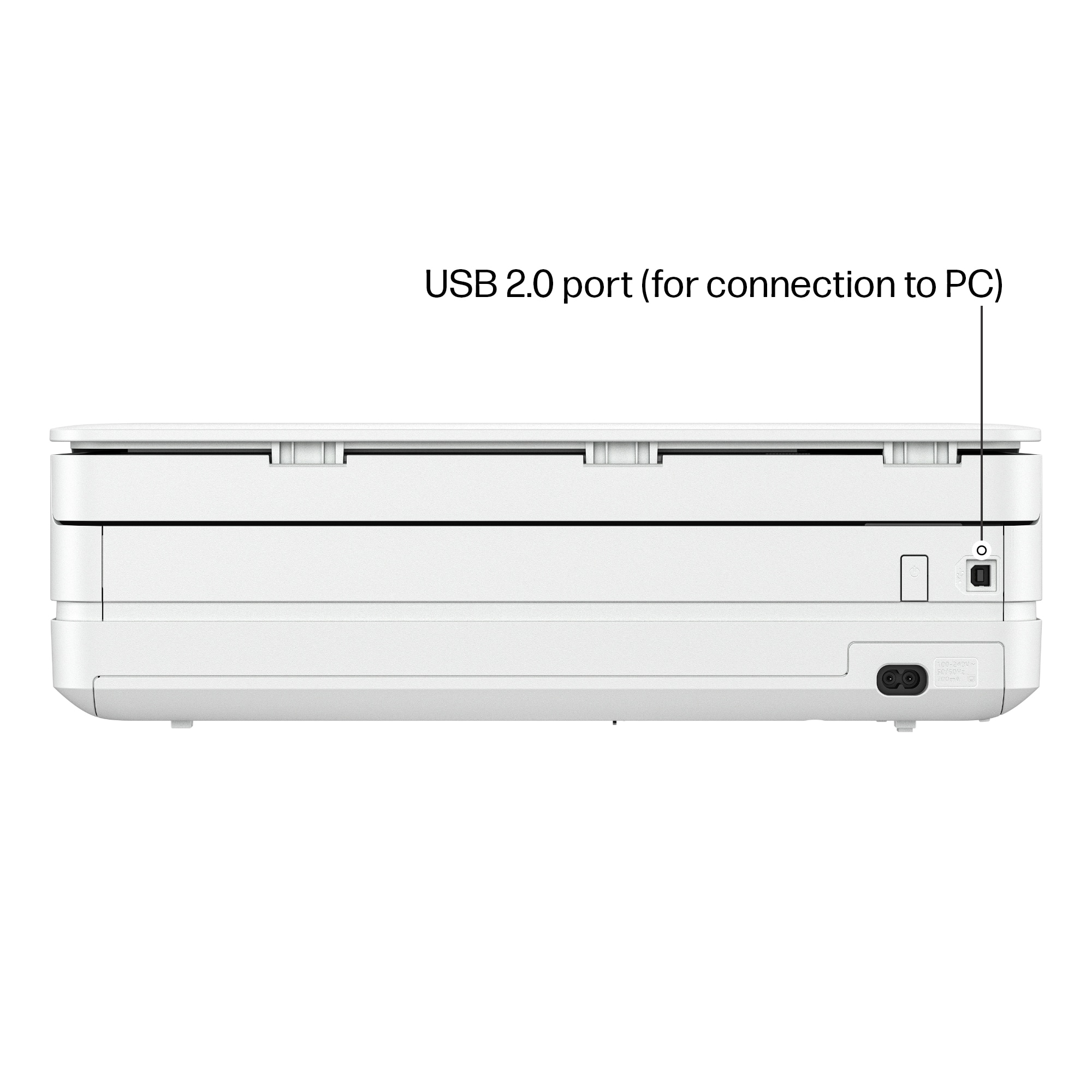
|Posted .This reviewer received promo considerations or sweepstakes entry for writing a review.SUMMARY ----------- This is a wireless and wired network printer, scanner, photo printer, fax and copier. The printer is almost a plug and play. You can download the HP Smart app on your phone for the wireless setup. The printer can print double sided and pretty fast. The scanner works pretty good, you can also use the phone scanner to print it. Copier also works pretty well, you can print number of copies by pressing the button on the printer. One thing to note is that you may not be able to use non-HP cartridge as this printer will block any non HP toners. Any Printer that ends with "e" cannot take a generic cartridge. A little slower than i would like at 10ppm, but for the price i cant complain Whats in the box --------------------- HP Envy 6155e All-in-One Printer; HP 68 Setup Black Cartridge; HP 68 Setup Tri-Color Cartridge; Reference guide; Power cord Pros ----- 1. Its an all in one Printer, Scanner, fax and Copier 2. HP+ gets you 3 months of free ink 3. Easy to setup with an excellent HP Smart app 4. Small footprint. 5. Dual sided printing 6. Supports dual band wifi 7. Photo printing 8. 100 sheet input tray and 25 pages output tray Cons ------ 1. Does not come with the cable for wired connection. 2. Cannot use generic toner. 3. No auto feeder for scanning DETAILS ---------- Setup -------- This is the best part. You don’t have to spend a lot of time doing the setup. Download the HP Smart up and follow the step by step instructions on the app. I don’t miss a large screen on the printer for setup, it does have a 2.7 inch screen if you need to use. Who does not have a smart phone these days. The printer is very well made and you wont have the need to use the 2 year warranty. Printing, Scanning and Copying ---------------------------------------- I tried testing from windows pc, Mac and my android phone (HP Smart app) and all of it worked seamlessly. My windows and Mac computers were able to recognize the printer by just going to the control panel. This has a 100 page input tray. Note that the print papers came out crisp and they also came out to be 2 sided. You can adjust the configuration on the PC. Scanner is also pretty fast, I have a 3 year old canon image smart and this scanner works faster than that. The scanner can also print for making copies. The copies and print came out to be very crisp. The only gripe I have with this printer is the inability to use a generic toner.
- Pros mentioned:Size
DanRR
Posted .This reviewer received promo considerations or sweepstakes entry for writing a review.It is easy to use & works good, looks good is not too big
I would recommend this to a friend New printer
Posted .This reviewer received promo considerations or sweepstakes entry for writing a review.Really nice printer. Easier to use than my old HP printer that finally konked out on me - RIP. This is a great replacement
I would recommend this to a friend- Pros mentioned:Print quality
A simple printer to use at home
Posted .This reviewer received promo considerations or sweepstakes entry for writing a review.Simple and efficient: I am using it at home, especially now to copy forms for my tax return and the double-sides pages are easy and flawless. It is perfect for me . My only regret is I would like it to be a little smaller.
I would recommend this to a friend HP doesn’t connect to T-mobile
Posted .This reviewer received promo considerations or sweepstakes entry for writing a review.We’ve had HP printers ever since we had a computer. This printer prints like an HP but connectivity was an issue. We had just switched service to T-mobile & this printer wouldn’t connect to the router, I believe the new router operates @ 2.8ghz so I had to return it.
No, I would not recommend this to a friendPersonal Printer
Posted .This reviewer received promo considerations or sweepstakes entry for writing a review.Great printer for personal use. I also print pictures and the quality is great
I would recommend this to a friendI like my new printer
Posted .This reviewer received promo considerations or sweepstakes entry for writing a review.Very informative and helpful associates in helping me decide which purchase met my needs!
I would recommend this to a friend- Pros mentioned:Print quality
Print quality good, everything else TERRIBLE
Posted .This reviewer received promo considerations or sweepstakes entry for writing a review.This printer was great for a hot second, and honestly the print QUALITY is pretty good. The problem is that the printer is ALWAYS on and lit up (so don't keep it in a room where someone might want to sleep), but it's never actually connected to my computer when I try to print. It acts like it's connected to the internet, but the communication is NOT THERE. I've had a document in my print queue for the past 24 hours, it says it was sent to the printer, the printer thinks nothing is going on. Waste of money.
No, I would not recommend this to a friend Tech
Posted .This reviewer received promo considerations or sweepstakes entry for writing a review.Very good printer and the person working with me was very helpful!
I would recommend this to a friendDon’t purchase
Posted .This reviewer received promo considerations or sweepstakes entry for writing a review.Do not buy HP printers unless you want to be controlled by the number of pages you print! 1. They charge when they feel like it. 2. They say that you can use your own purchased ink on the printers but they don’t work. 3. They charge a dollar per page for extra pages printed. 4. If you decide to opt out of their program, they won’t let you use the left over ink cartridges that are in the house. If you print a lot, do yourselves a favor and don’t purchase this printer.
No, I would not recommend this to a friendHP Instant Ink Scam
Posted .This reviewer received promo considerations or sweepstakes entry for writing a review.The printer itself is fine. For the dollar amount, it prints fine. However, the app required to print with it, the HP ink subscription, and the HP website are absolutely terrible. My ink cartridges 'stopped printing' because I cancelled my instant ink subscription. So to clarify, the ink I already received cannot be used because my subscription was cancelled. Asinine. The setup is frustrating. The initial ink cartridges last for only a short time. And the help is nonexistent. Do not buy this product. Buy something without a subscription.
No, I would not recommend this to a friendNeed Help with Ink Enrollment Program
Posted .This reviewer received promo considerations or sweepstakes entry for writing a review.The printer is fine but getting enrolled in the automated 3-month free ink cart replacement program is a problem for me. I need to speak with a real person to get me enrolled. I will upgrade my review to a 5 if this is accomplished. Please contact me !
I would recommend this to a friendAVOID ALLL HP PRINTERS
Posted .This reviewer received promo considerations or sweepstakes entry for writing a review.HP builds their printers with planned obsolescence. You will be lucky to get 8 months before it fails. When you call support to get assistance you will be told that there is nothing you can do. They will offer you a service for 6.99 per month where they send you a crap printer and charge a fee for a limited supply of ink and a per page charge if you need more. Yay capitalism!
No, I would not recommend this to a friend