Winter SaleEnds 1/19. Limited quantities. No rainchecks.Shop now

Skip to contentGo to Product SearchGo to Footer
Main Content

Customer Ratings & Reviews

Your price for this item is $159.89

Customer reviews

Rating 4.5 out of 5 stars with 665 reviews

Rating Filter

Rating by feature

  • Value

    Rating 4.6 out of 5 stars

  • Quality

    Rating 4.5 out of 5 stars

  • Ease of Use

    Rating 4.4 out of 5 stars

Pros mentioned filter

Cons mentioned filter

There aren't enough negative mentions yet.
89%would recommend to a friend

Customers are saying

Customers express satisfaction with the Envy 6155e printer's print quality, ease of use, and straightforward setup. Many appreciate its compact size and convenient connectivity options, allowing for seamless printing from various devices. Positive feedback also highlights the printer's quiet operation and overall performance for home use. The stylish design is another frequently praised aspect of the product.

This summary was generated by AI based on customer reviews.

The vast majority of our reviews come from verified purchases. Reviews from customers may include My Best Buy members, employees, and Tech Insider Network members (as tagged). Select reviewers may receive discounted products, promotional considerations or entries into drawings for honest, helpful reviews.
Page 33 Showing 641-660 of 665 reviews
  • Rated 1 out of 5 stars

    Bad service

    |
    |
    Posted . Owned for 1 month when reviewed.
    This reviewer received promo considerations or sweepstakes entry for writing a review.

    Worst experience ever. Do not purchase this printer

    No, I would not recommend this to a friend
  • Pros mentioned:
    Print quality, Setup
    Tech Insider Network Member

    Rated 4 out of 5 stars

    Good, Simple, Basic, Inkjet Printer

    |
    Tech Insider Network Member
    Posted .
    This reviewer received promo considerations or sweepstakes entry for writing a review.

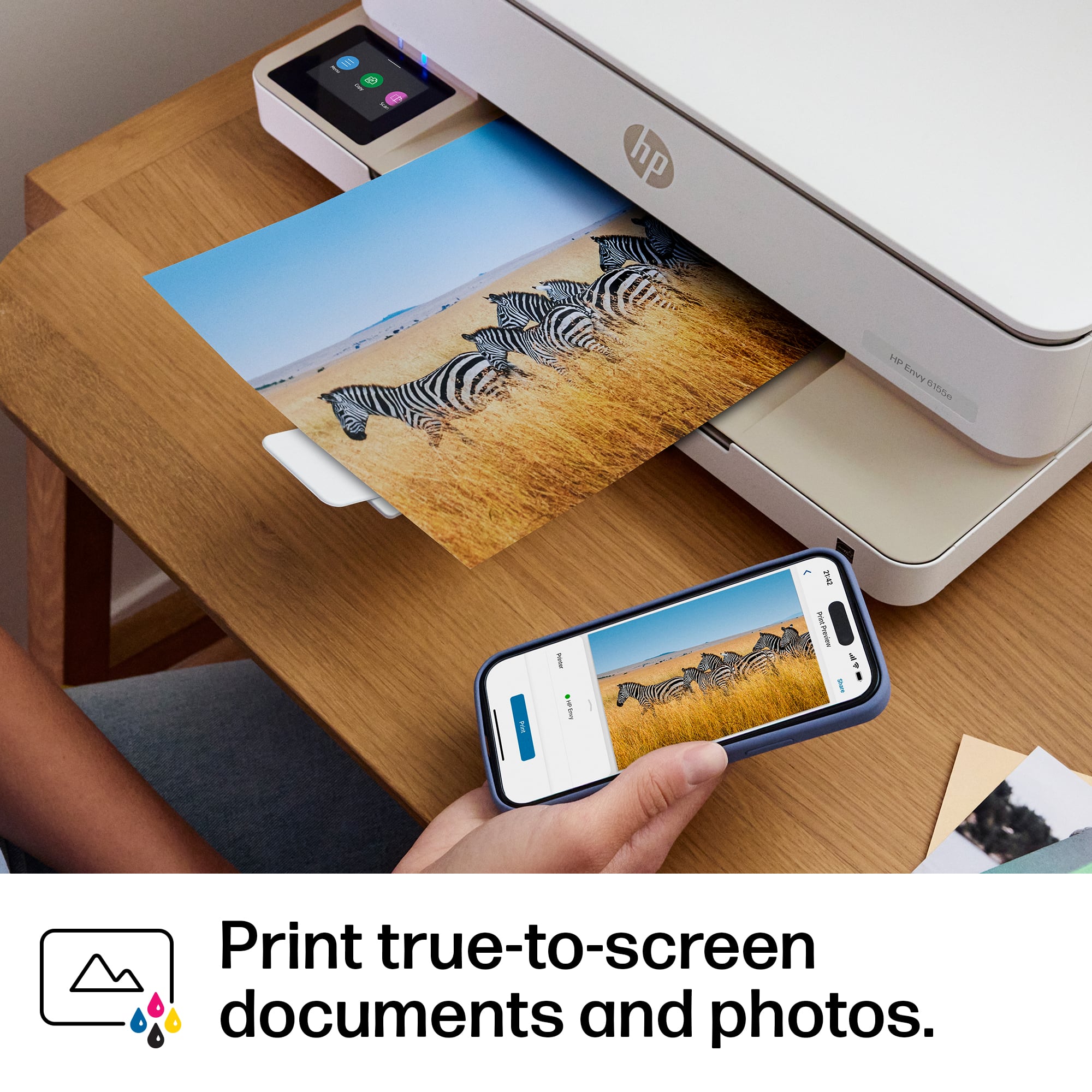
    Even in our more and more digital world, we still need to print things out. A simple document to sign, or a nice copy of the latest picture we took. So as much as we try, still can't get rid of having a printer in the house. This is a small, low costing printer, that even for the tightest of budgets or space, should fit the bill. Setup is very straight forward. While it has support for a direct USB Cable, I opted for the WiFi option, so I can just store this printer not he shelf, and not worry about connecting my laptop to print, plus going WiFi allows me to print from my phone. Easy to walk through and add to your WiFi. You can also download the HP Smart app to your mobile phone, to access some of the more advanced settings, features, get printer status, etc. It is a nice app, that if you have more then one modern HP printer on your network, you can see them all segmented. So this is where I get to my full 1 star off. HP is doing their darnedest to lock you into their Ink. That is where they are making their money not his one. The printer is low cost, but the ink cost depending on how much you use, can start to add up. hey have the HP+ subscription service, where the printer will talk to the network and send you ink, when it thinks it is running low. Not overly costly, but it can add up, so be sure you are aware. The picture quality which is always my test for an inkjet is on par with today's printer. Good crisp, not overly dark, and it didn't saturate the paper too much on a large print. photo's on photo paper were very nice, and frame able. Relatively quiet print, not a lot of moving pieces or the printer winding up to start printing, so for those late night reports you shouldn't wake up the entire family. So this printer would be good for a college student, someone tight on space, or maybe as just that one that sits up near the living area, instead of the bigger one that is off in an office or somewhere else in the house.

  • Pros mentioned:
    Print quality
    Tech Insider Network Member

    Rated 4 out of 5 stars

    Good everyday home printer

    |
    Tech Insider Network Member
    Posted .
    This reviewer received promo considerations or sweepstakes entry for writing a review.

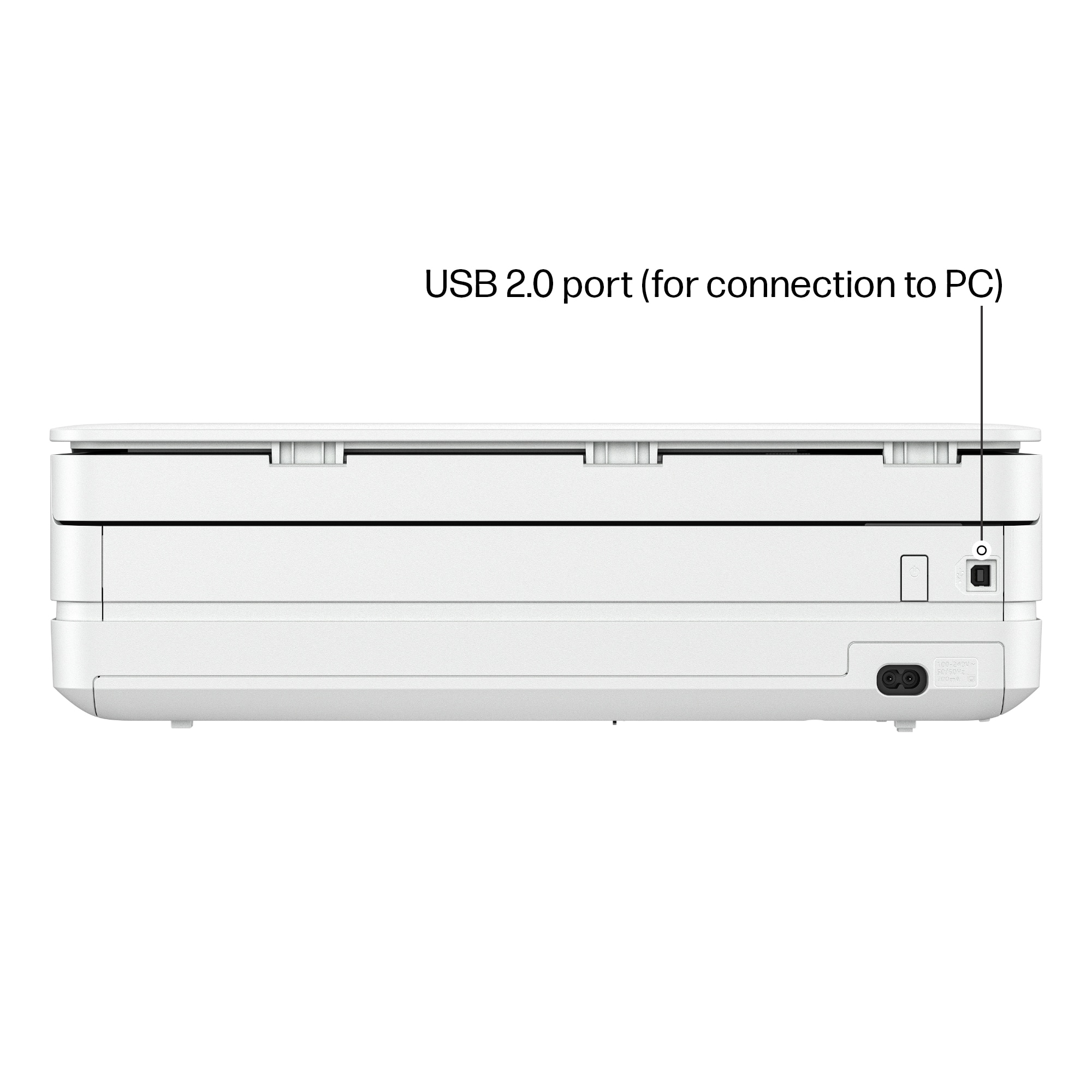
    The HP Envy 6155e printer is a good all around printer for standard home, everyday printing. HP inkjet document print quality is very good and that shows with this printer. The printer comes packaged with some starter ink, and if you sign up for HP Instant Ink (which is recommended) the larger ink tanks arrive within a week. I do recommend using Instant Ink as I believe it saves some money and certainly saves time. Shipping is free. Set up was straight forward and without any problems, using the included instructions and online setup. I had the printer up and running in about 15 minutes, including unpacking and setup. As mentioned, document printing is really good. Prints are fast.Where this printer falls short is printing high quality photos. This printer is not meant to print photos and that shows in the quality. The scanner works very well. Using the HP Smart app, printing from PC or mobile device is a breeze. I miss having a USB port on the printer though. All printing is done wirelessly. A USB cable can be used for printing from a PC, but no cable is included. I'm also not thrilled that the screen is now placed horizontal, rather than upright/vertical. This is not ideal if the printer needs to be placed at eye level or higher as that screen is no longer visible. While I like the lower profile of the printer, that also means the paper tray is smaller and cannot hold as much paper as older printers.

    I would recommend this to a friend
  • Pros mentioned:
    Size
    Tech Insider Network Member

    Rated 5 out of 5 stars

    HP Printer, HP Smart, Wi-Fi and Go!

    |
    Tech Insider Network Member
    Posted .
    This reviewer received promo considerations or sweepstakes entry for writing a review.

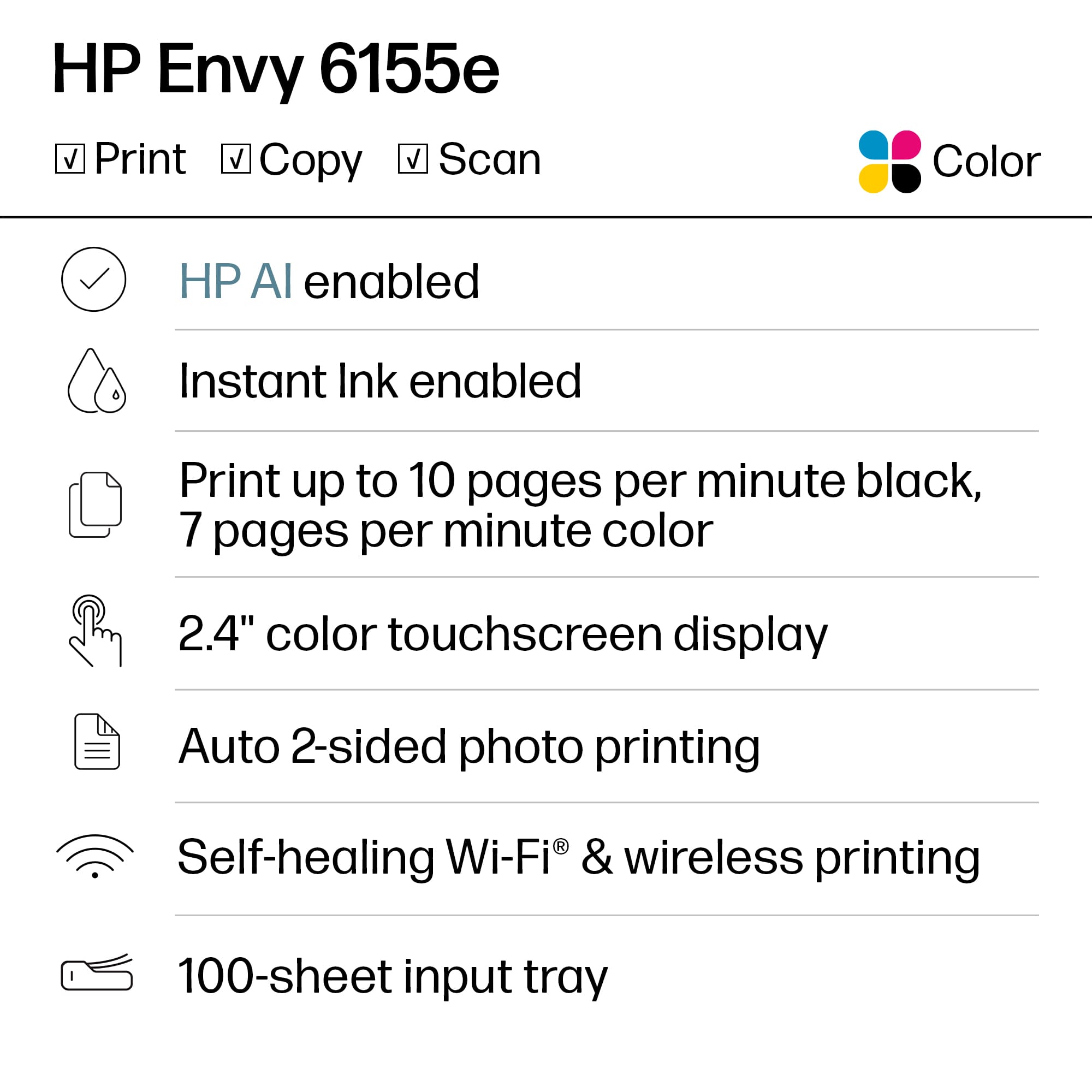
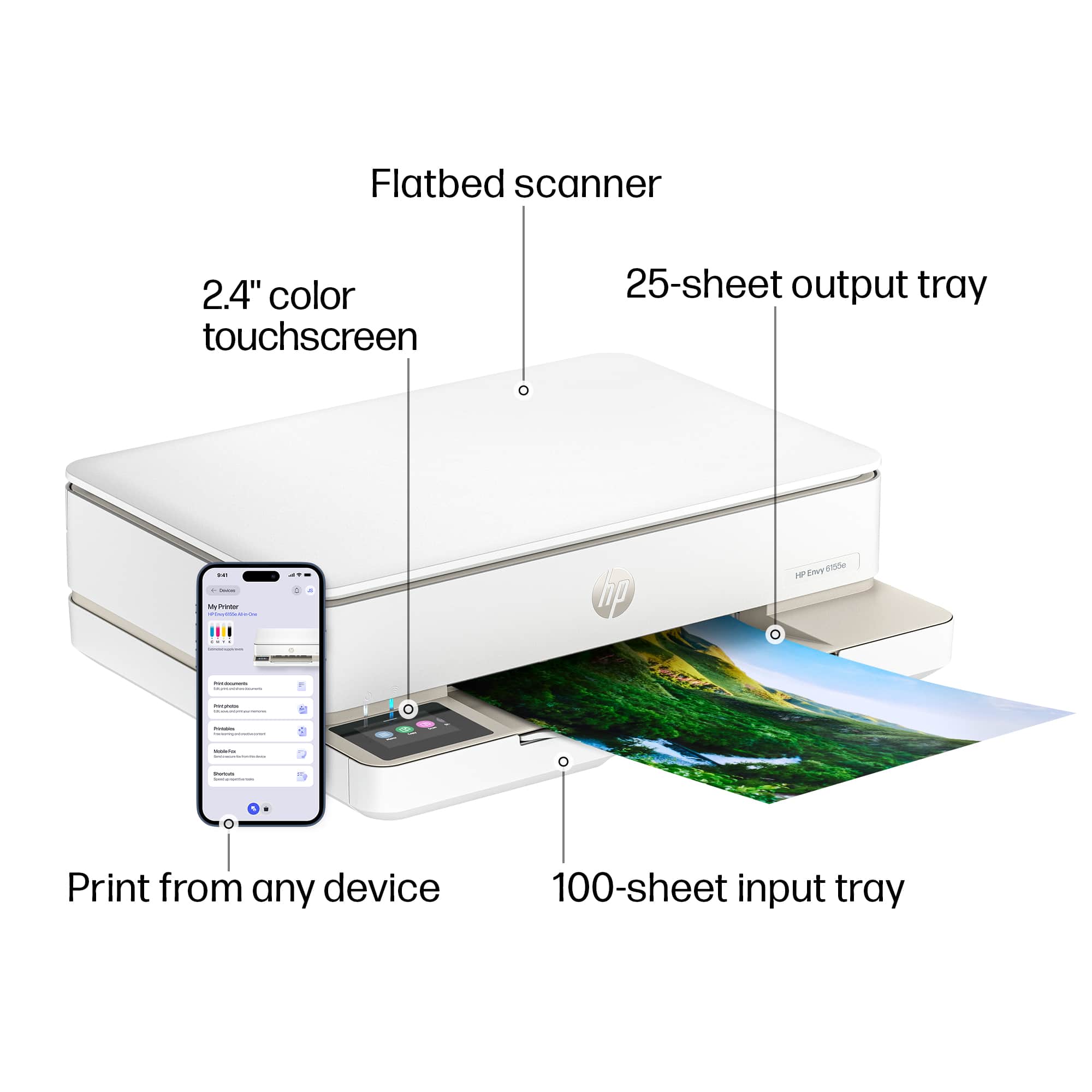
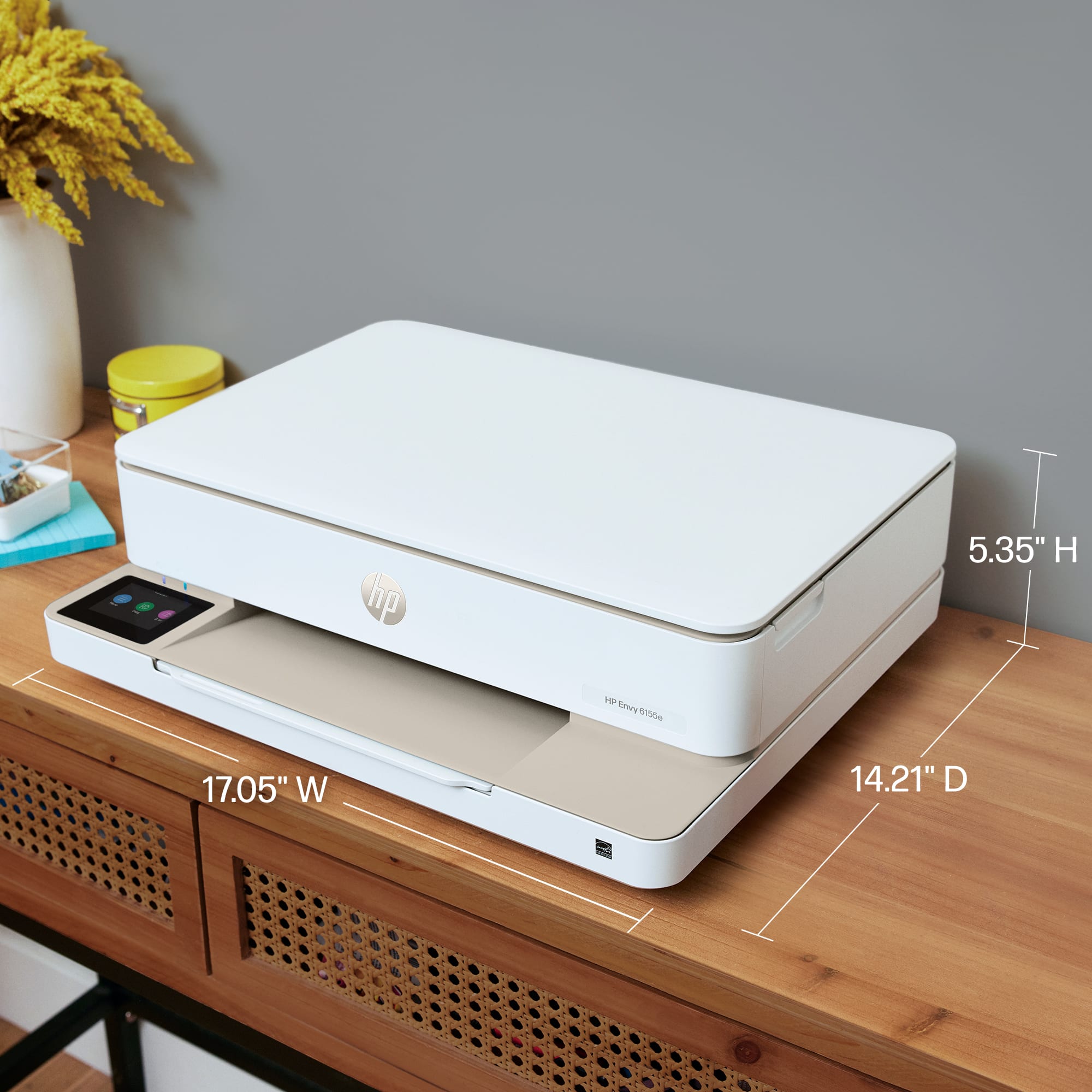
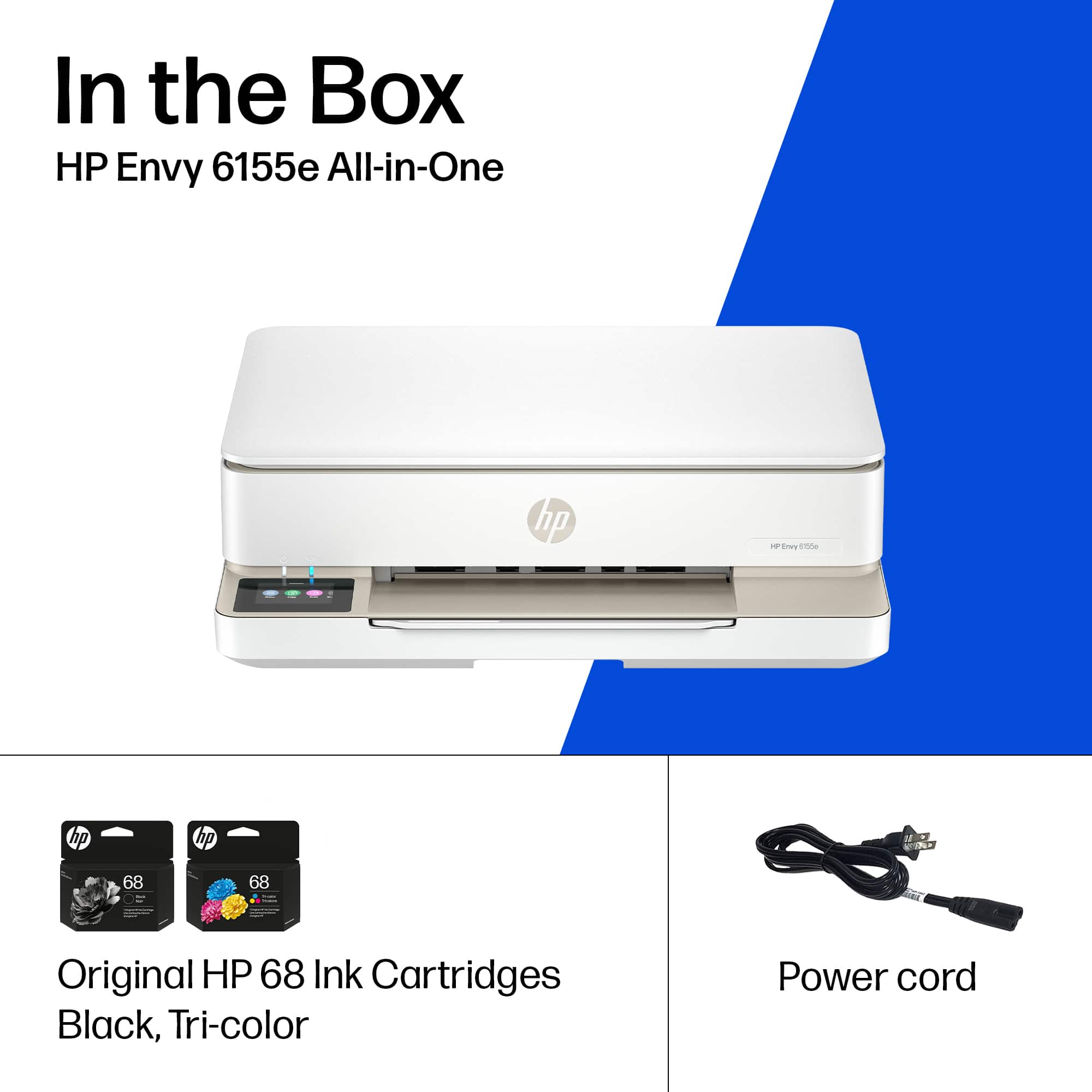
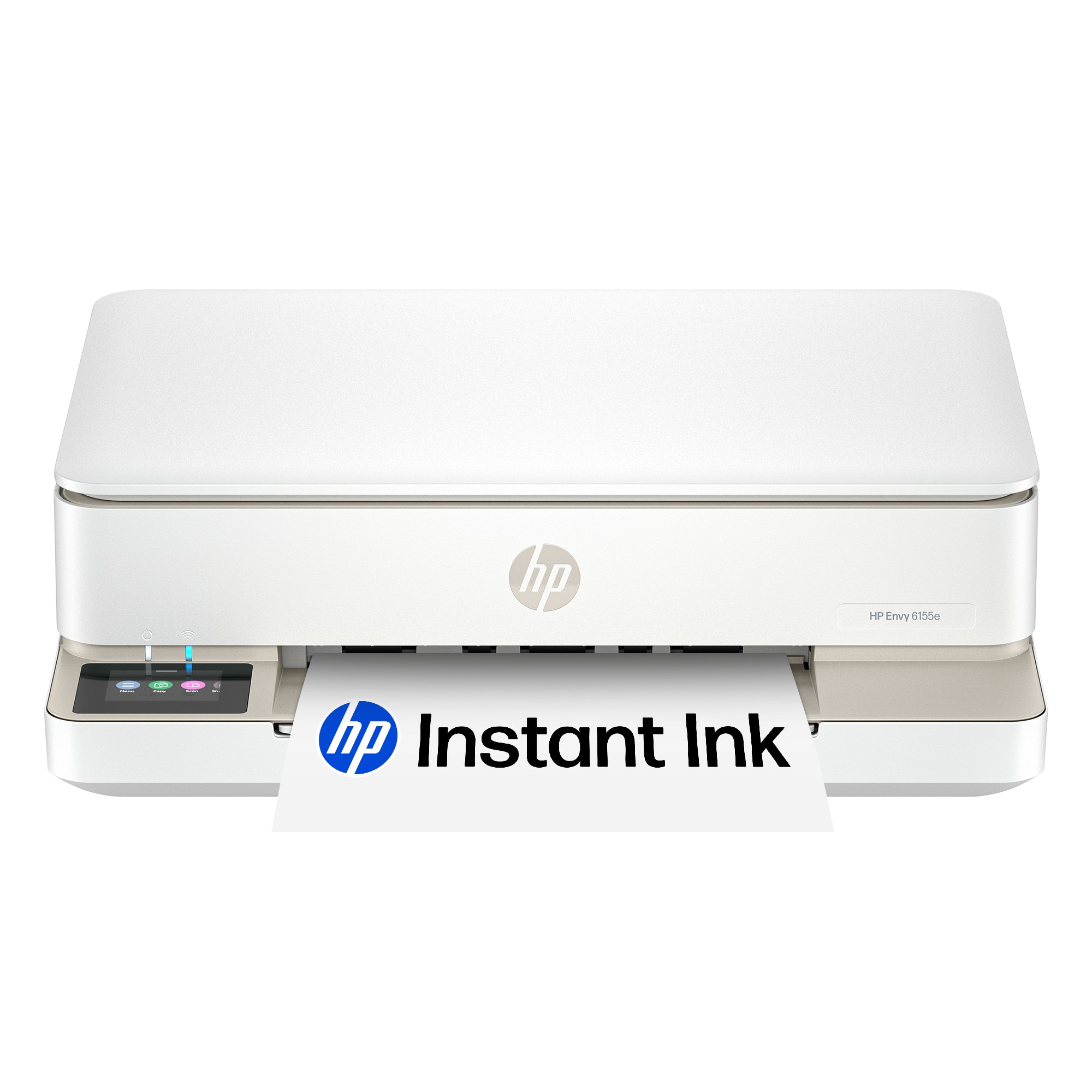
    HP Printer, HP Smart, Wi-Fi and Go! Nice size, not too big or clunky; modern-looking and white. Comes with the power cord and black and color ink cartridges (the color ink is one cartridge). It has a bed, an output arm. Paper tray holds 100 pages and prints 10 ppm in black and 7 ppm in color. You can print photos too of course. Plug it in, stick the ink in, pack some paper in, download HP Smart if you don’t already have it, and do some things! – print, scan, copy, use the bed, email to the printer, etc. You can connect via USB, but why not use wi-fi, which offers so much more usage. Connect via wi-fi to your home network. Then various devices can connect to it. Super convenient, obviously for me, but to anyone who is here that needs to print off of their device as well. Printing is fine – word documents, photos. Quality of printing is average. Speed of printing is average. That means it is just fine. It does what it is supposed to do, and it does it well. You can join the HP Instant Ink program, which monitors your ink usage and sends you new ink based on the level you choose to pay for monthly. You don’t have to join the program, but you do have to use HP ink. For me, I’m fine with that. It’s nice to also have a touch panel display that is clear and easy to see. You can get to settings and features on it. But remember, you can also do those things using HP Smart. I like the size of the printer and the ease of setup and use. It gets the job done. It’s a home printer. I’d recommend it. Peace.

    I would recommend this to a friend
  • Tech Insider Network Member

    Rated 5 out of 5 stars

    Another flawless HP printer

    |
    Tech Insider Network Member
    Posted .
    This reviewer received promo considerations or sweepstakes entry for writing a review.

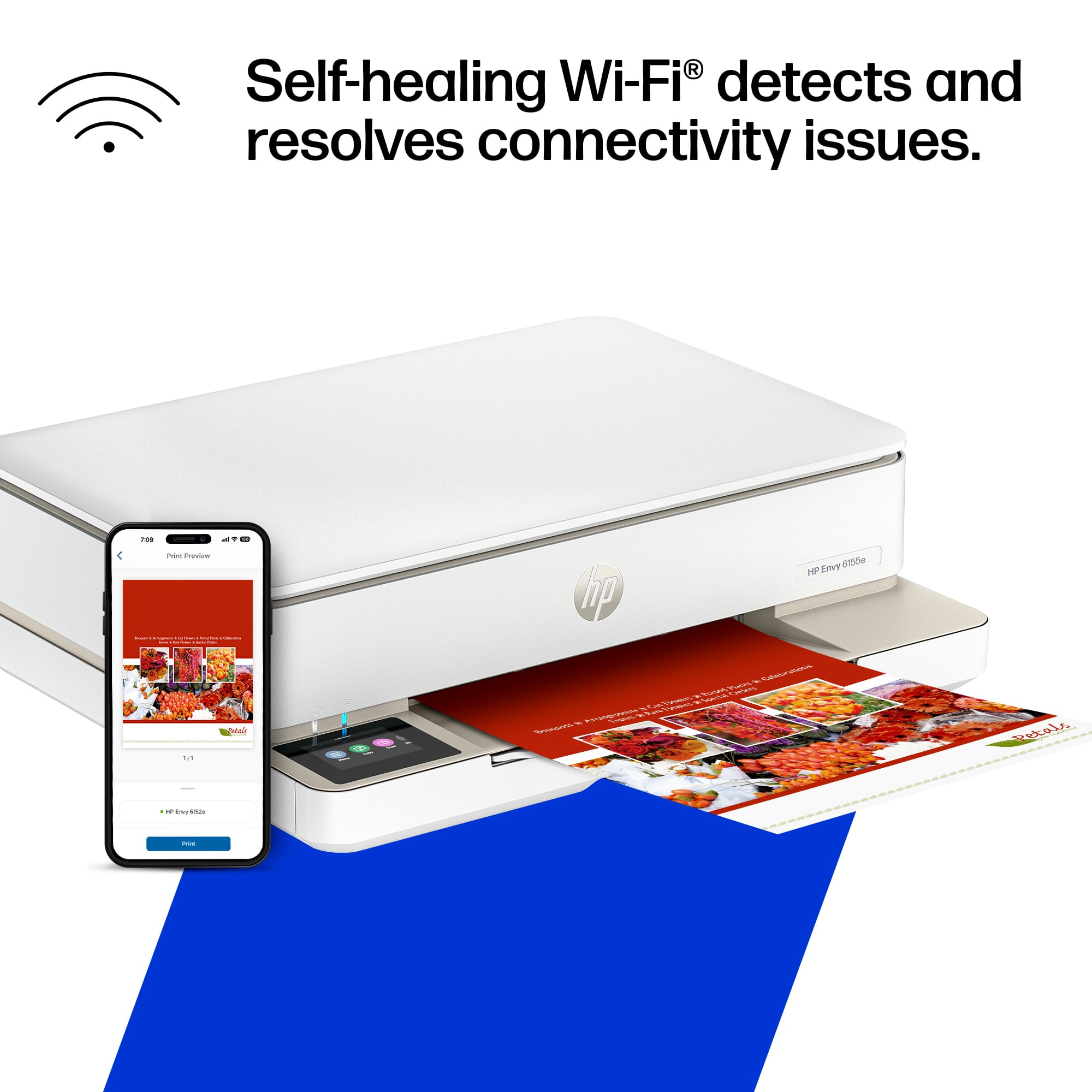
    If you’re looking for a great printer for both documents and photos this HP is the ticket. It’s very easy to set up, with a great experience using the HP app which allows you to print from any device. The design is professional and doesn’t take up too much space, which is always a nice bonus with HP printers. The touch screen functions excellent. The wireless connection is stable and reconnects easily if it ever drops. Overall, it’s a very reliable full functioning printer id trust for years to come. My only small consideration is that you’re now limited to using HP’s proprietary ink with the new security chips. At first it seems a little curious but after you read through and realize they just want the printers to function as intended you can’t blame them. Also with the whole instant ink subscription you can sign up for this printer can order more ink when it gets low by itself so you never have to think about it again AND at half the cost of retail so that really trivializes this to be fair. I think if you’re looking for an affordable, reliable, user-friendly printer with the option to never think about ink again for home use, this is it.

    I would recommend this to a friend
  • Pros mentioned:
    Print quality
    Tech Insider Network Member

    Rated 5 out of 5 stars

    HP Envy 6155e

    |
    Tech Insider Network Member
    Posted .
    This reviewer received promo considerations or sweepstakes entry for writing a review.

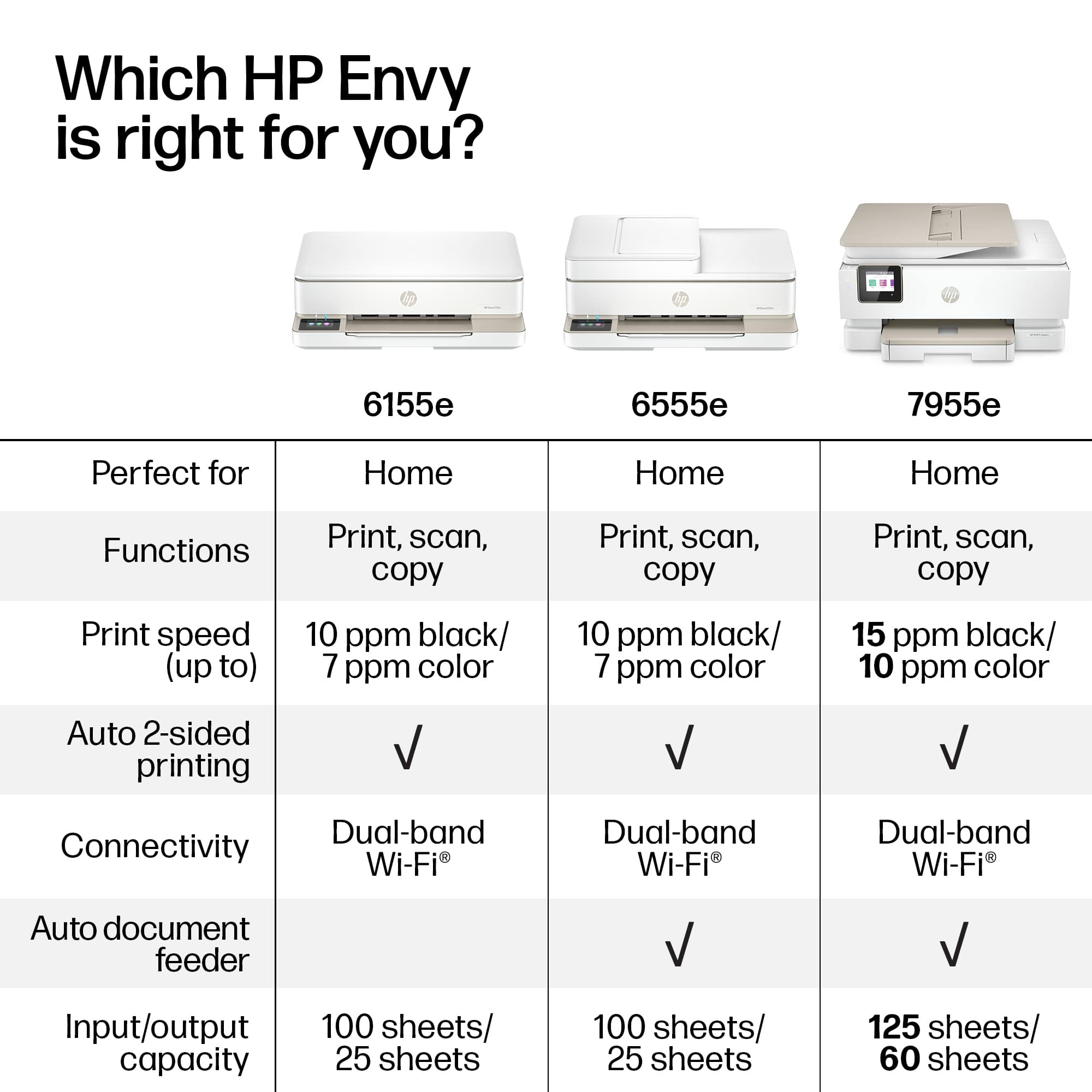
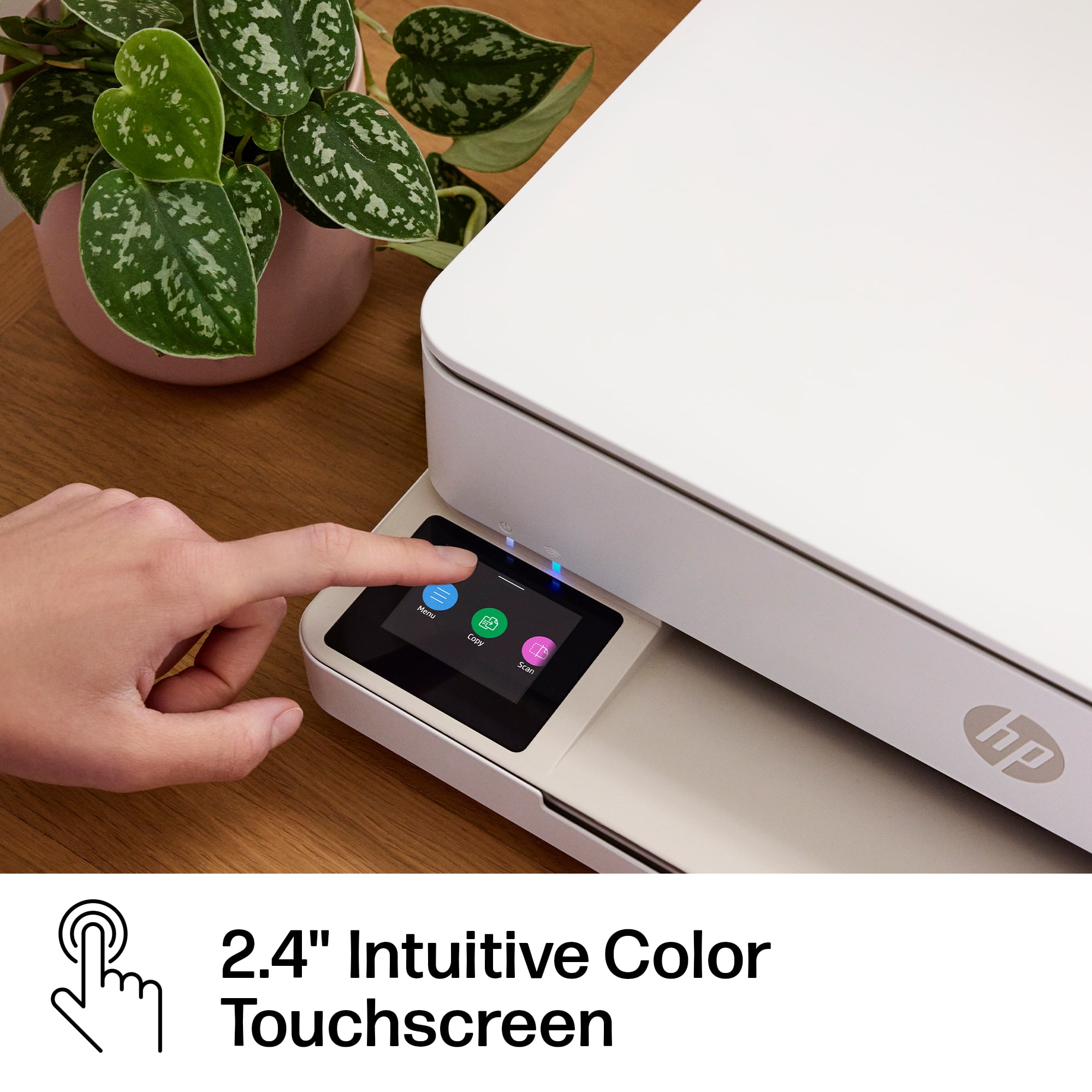
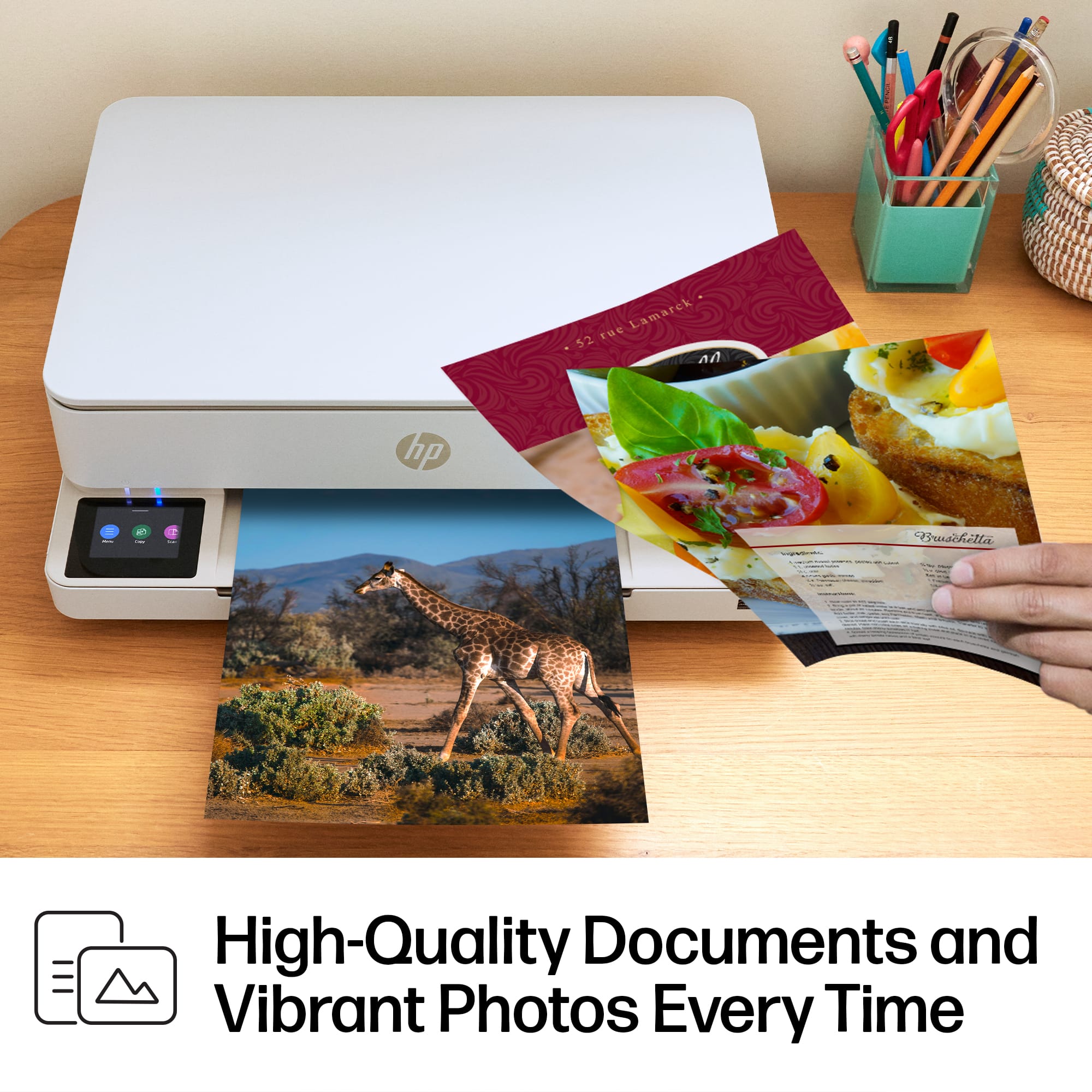
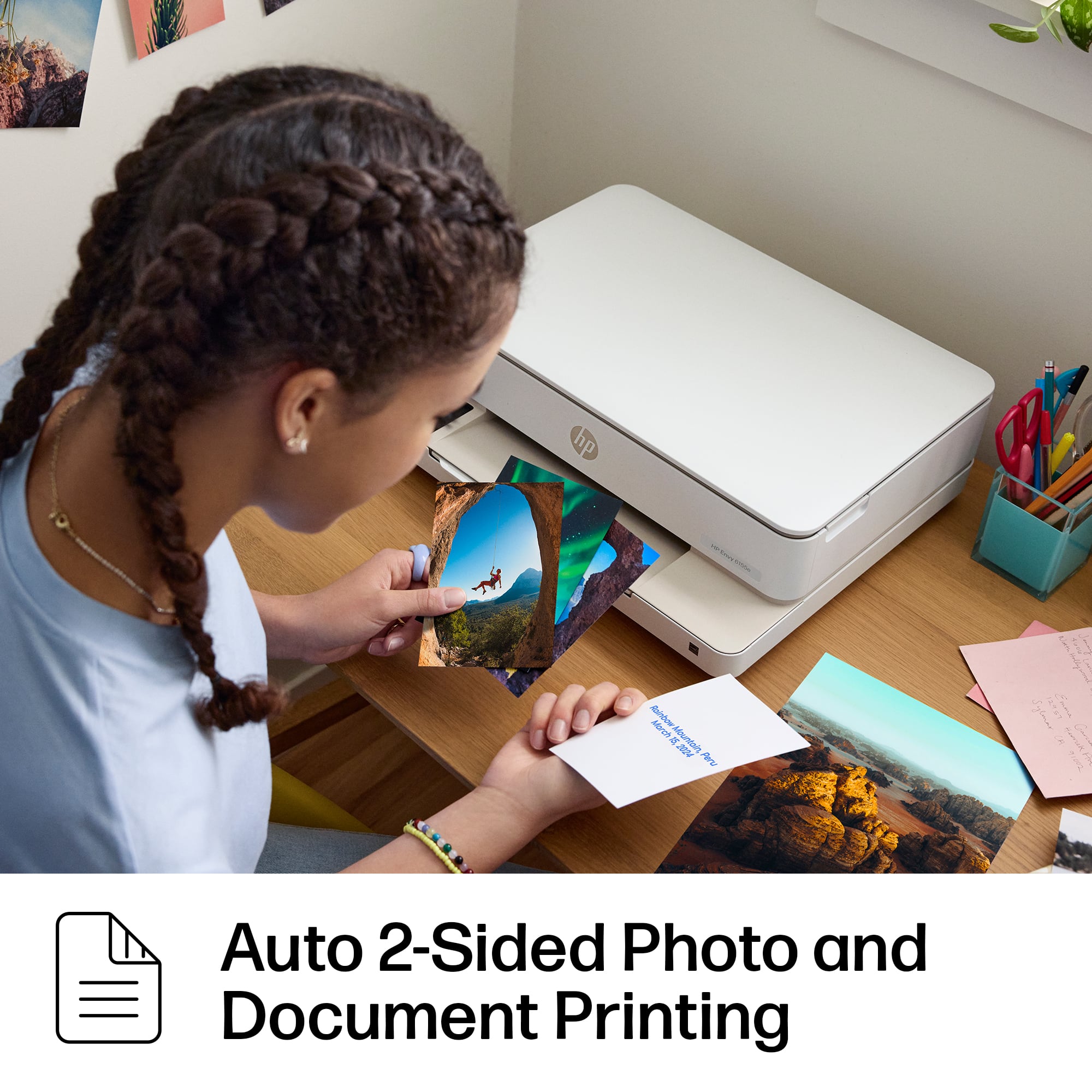
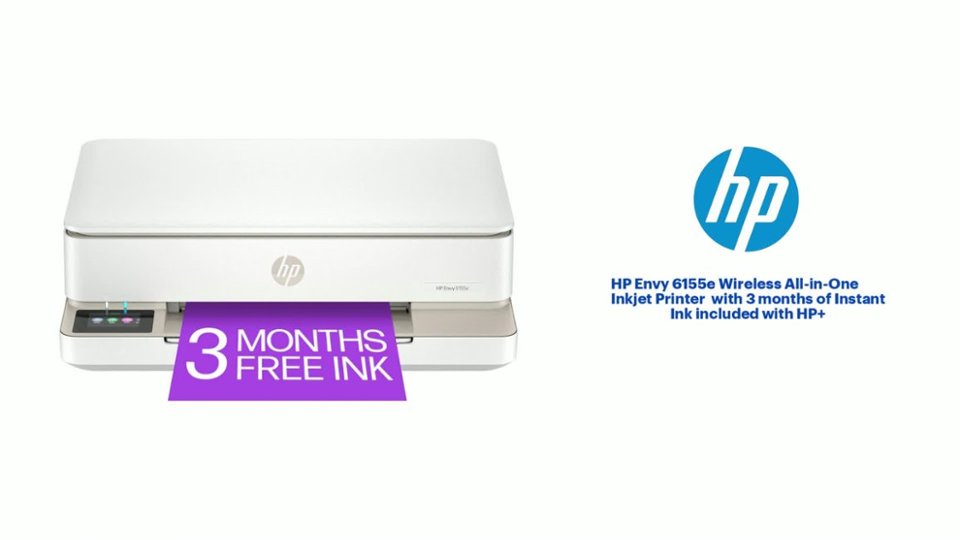
    I received the HP Envy 6155e Wireless All-in-One Inkjet Printer, has a very modern and sleek looking design. Setup was easy with the step-by-step instructions that were simple to follow, and I had it connected to my Wi-Fi in no time. This is a good at home printer. It prints with good detail and colors looks great. When scanning and printing a full color picture on default settings, looks good, colors are vibrant, crisp and clear. Onlt down side is no automatic document feeder. It has a 2.4-inch color touchscreen, which makes navigating through options and settings easy, even for family members that are not tech savvy. Its wireless printing capabilities ensure that everyone in the house can print from their devices without issues, whether it's through the HP app, Apple AirPrint, or other mobile printing solutions. The printer also supports auto 2-sided and borderless printing, which saves both time and paper, with a 100-sheet input tray and a 25-sheet output tray. It also comes with 3 months of free ink via the HP Instant Ink program, which takes the hassle out of worrying about running out of ink. The printer keeps track of the ink levels and automatically orders more when needed. Overall, the HP Envy 6155e is reliable, efficient, and stylish, and I recommend it to anyone looking for a all-in-one printer that can handle both everyday tasks and special projects with ease!

    I would recommend this to a friend
  • Pros mentioned:
    Print quality, Size
    Tech Insider Network Member

    Rated 5 out of 5 stars

    Small sized and full featured all in one

    |
    Tech Insider Network Member
    Posted .
    This reviewer received promo considerations or sweepstakes entry for writing a review.

    This is another great printer from HP and the three months free ink is a nice addition to help mitigate high ink costs. I find myself using this printer and really all printers more from my phone these days rather than printing from my computer and HP makes it really easy to print from your phone using Wi-Fi direct connect. It is very easy to set up using the HP Smart app. I really appreciate all the attention to detail that HP puts into their printer products - especially their Envy lineup - and this one sits somewhere in between the fully automated and actuated model from a few years back and a mid range model. While, this unit doesn’t have full actuation, it does have a nice color touchscreen to help aid in set up and configuration. I find the best part about this all in one printer is its overall size. It is much smaller than older models and can easily fit into a small office. The build quality is on par with other printers in this category. The plastic in this one may be a little more rigid as I do not see as much flexing as I have seen in some models. Setup is completely automated and done through the HP Smart app. The prints are great. Excellent color and saturation and if you print on photo paper the results are scrapbook or family album ready. You really can’t go wrong with this model if you’re considering an all in one.

    I would recommend this to a friend
  • Pros mentioned:
    Print quality
    Tech Insider Network Member

    Rated 5 out of 5 stars

    Everyday quality in a compact design

    |
    Tech Insider Network Member
    Posted .
    This reviewer received promo considerations or sweepstakes entry for writing a review.

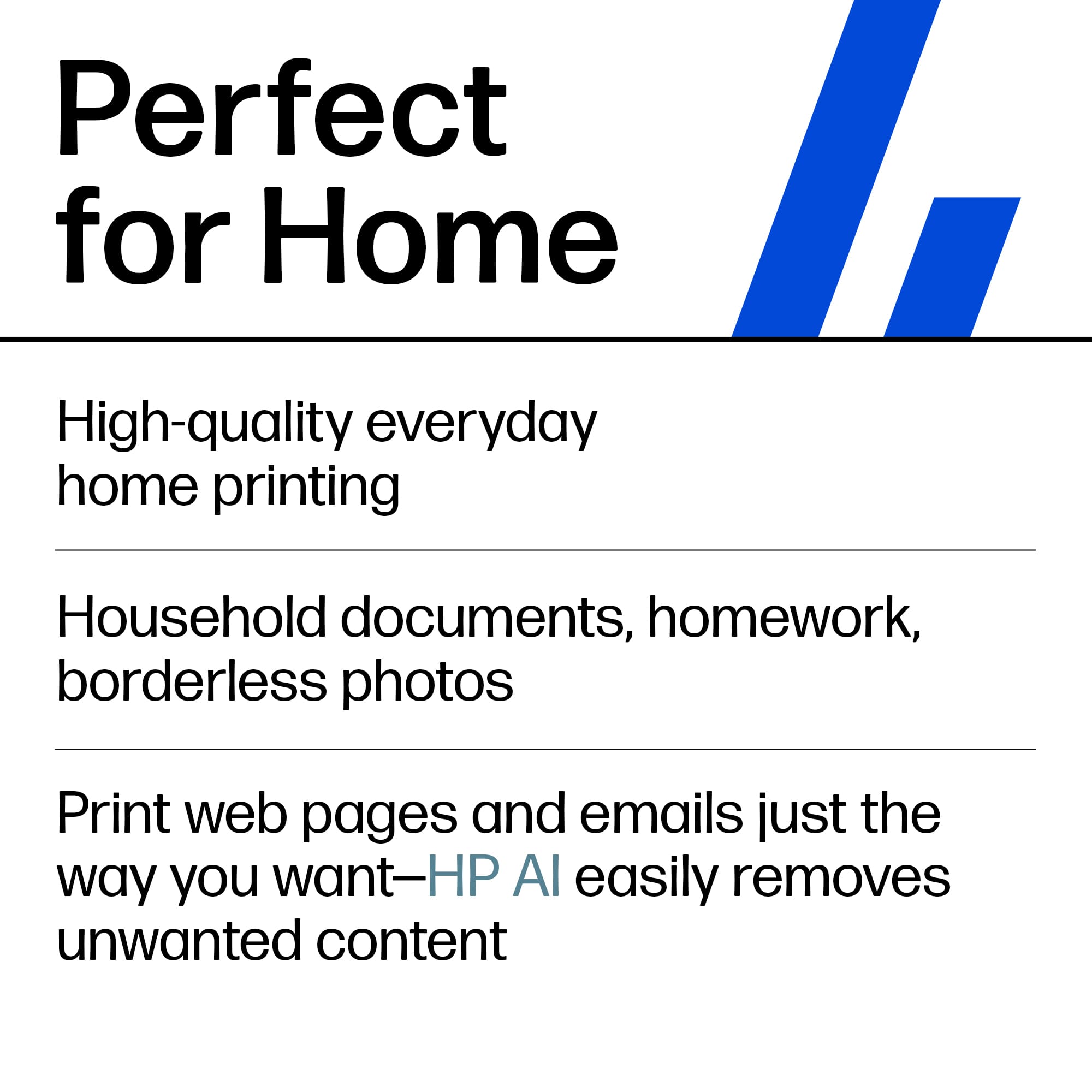
    The HP Envy 6155e All-in-One Printer is an excellent choice for our family's everyday printing needs. Whether it's for household documents, kids' homework, or vibrant, borderless photos, this printer checks all the boxes for a versatile home printer. With a print speed of up to 10 pages per minute for black-and-white documents and 7 pages per minute for color, it’s fast enough to handle the typical print jobs we’ll need around the house without excessive wait times. One of the standout features is the 2.4-inch color touchscreen, which makes navigating through options and settings easy, even for less tech-savvy family members. Its wireless printing capabilities and self-healing Wi-Fi ensure that everyone in the house can print from their devices without issues, whether it's through the HP app, Apple AirPrint, or other mobile printing solutions. The printer also supports auto 2-sided and borderless printing, which saves both time and paper, especially when printing long documents or creative photo projects. With a 100-sheet input tray and a 25-sheet output tray, it strikes a balance between convenience and practicality for home use, though heavy users might find the output tray capacity a bit limiting. Another plus is the photo printing resolution, reaching up to 4800 x 1200 optimized dpi when using select HP photo papers. This feature is perfect for us when printing high-quality family photos for framing. Additionally, its ability to handle various media types—from plain paper to HP professional papers—makes it versatile for different tasks. For scanning, the Envy 6155e offers a 1200 x 1200 dpi resolution, making it more than sufficient for archiving documents or sending homework to teachers. It even supports scan-to-email, scan-to-cloud, and other convenient options for digital document management. Although it supports mobile faxing (send-only), this might not be a feature we frequently use. One small drawback is the need to purchase a USB cable separately, which could be an inconvenience if you need a wired connection. Additionally, the dynamic security features limit the use of third-party ink cartridges, so we'll need to stick with HP cartridges, which could mean slightly higher ongoing costs. Despite these minor cons, the HP Envy 6155e is an overall reliable and feature-packed printer that's perfect for our family’s everyday needs. With its combination of high-quality printing, scanning, and wireless functionality, this printer will be a central part of our home office setup for years to come.

    I would recommend this to a friend
  • Pros mentioned:
    Print quality
    Tech Insider Network Member

    Rated 4 out of 5 stars

    Great printer - could be a bit smaller

    |
    Tech Insider Network Member
    Posted .
    This reviewer received promo considerations or sweepstakes entry for writing a review.

    To start with HP makes some really great printers for office/standard use I have tested a number over the years and this wi wi well up to standard. Let’s start with the look and feel – The packaging is adequate and well-designed for protection in standard moving about. It is a bit hard to believe how much they have reduced their package however there is very little waste in this area. I do like to look of the new printer as opposed to some of their older models. It has a nice sleek look. It’s a little larger than a few others I tried however it is a more low profile so there are some trade-off concerns there. If you have a tight length/width place you might want to check the dimensions Next is the setup – the instructions and where to plug everything in are pretty much self-explanatory I have had some computer/HP app issues in the past with some of their printers however no issues using the app or directly set up on my Windows 11 PC Next functionality – As for printing for most things, you would in an office setting it does a really good job – test and minimal graphics on standard paper are chrisp and had no bleeding or saturated paper. I did try some heavy picture-type graphics and had mixed results on the standard paper – the use of a heavy-weight paper did help but did not completely eliminate the issues. Scan/copy functionality – not much I can say here it works and I didn’t have any issues. Next cost of printing – if you print a lot the HP instant ink program could save you some $$ however I think for most folk I’d pass on that and just keep an extra set of ink on hand. I only used the HP branded ink and did not run it out in my test – keep count on the page count it seems to be accurate however more graphics/colors are a driver. I also would assume that you can only use HP ink cartridges, the past 2 or 3 I’ve had won't recognize the off-brand – so beware Overall this is a solid print and should suffice for most home office/student work.

    I would recommend this to a friend
  • Pros mentioned:
    Print quality
    Tech Insider Network Member

    Rated 5 out of 5 stars

    Great printer with good features for the price.

    |
    Tech Insider Network Member
    Posted .
    This reviewer received promo considerations or sweepstakes entry for writing a review.

    I am going from an ink tank style printer for the last 4 years to this cartridge style, it remains to be seen if I am going to like going back. Unboxing and setup was straightforward and simple using the HP Smart app. I went thru all the features and was quite pleased with the operation. Print speed is quite quick especially in B&W. Photo quality I feel is exceptional for a printer at this price point. One note: If you are printing photos on a smaller than 8 1/2x11 paper make sure you have an adequate amount of paper in the tray as just adjusting the size in the tray and changing it in the print specs does not always work as I tried to print 5x7 photos and they only printed on the left side of the page. I contacted technical support chat and spent almost an hour with them and they could not figure it out and I realized on my own how to correct the problem. I am not sure if I am going to like the subscription service for ink or not but we will see. I do like the double sided printing feature which I did not have on my other printer. I also like the front loading feature on the paper tray as the printer sits on a stand below my desk and it is much easier to load than my old one. Printing from your phone is very easy and works well, however you have to be on the same wi-fi network as the printer for it to work. I tried scanning and copying and they worked quite well and again were very straightforward to use. I was never able to get my old printer to sync up to my chromebook but this one did and works well. Overall I feel the setup, print quality and ease of use is exceptional. It remains to be seen how I feel about the cartridges versus ink tank works out but I do not print the volume of things I have in the past so I think it will work OK. Definitely would recommend this to others for a good, basic at home printer that will serve all your needs.

    I would recommend this to a friend
  • Pros mentioned:
    Print quality

    Rated 5 out of 5 stars

    Love this printer!

    Posted .
    This reviewer received promo considerations or sweepstakes entry for writing a review.

    I really like this printer. It is easy to use and prints really nice. Thank you for helping me to select and purchase this one

    I would recommend this to a friend
  • Pros mentioned:
    Print quality
    Tech Insider Network Member

    Rated 4 out of 5 stars

    All the basics in a compact package

    |
    Tech Insider Network Member
    Posted .
    This reviewer received promo considerations or sweepstakes entry for writing a review.

    This printer is a very good option for anyone looking for light family usage print package. It contains all the features of a much larger and expensive unit in a small compact package. Setup is straight forward, and you will have to use the HP Smart app to configure. Wireless connectivity was easy, and you will need to purchase a separate cable if you wish to connect via a wired connection. The LCD touchscreen is small, and the does make navigation easy. You can load about 50 pages easily without causing jams. The tray will take up to 100 pages, but you will have a higher likelihood of paper jams. Black and white printing is fairly fast, and color printing is a little slow. Keep in mind that this printer is designed to be used with HPs ink order service. You will receive 3 months of ink for free and be prepared for constant reminders to subscribe. I have been enrolled in the program of a long time, using other printers, and it has been a very economical option for our family. I like that you never have to worry about running out of ink and you will always have ink automatically mailed before you run out. You can change your paper usage plan at any time and unused monthly sheets roll over and do not expire.

    I would recommend this to a friend
  • Pros mentioned:
    Size
    Tech Insider Network Member

    Rated 3 out of 5 stars

    It could be great...

    |
    Tech Insider Network Member
    Posted .
    This reviewer received promo considerations or sweepstakes entry for writing a review.

    I was initially very excited to use my new HP Envy6155e printer as I have never owned a color printer. This printer has a scanner option as well which I was even more excited about. However, setup has been nothing but a hassle. I own a MacBook and have not been able to get the printer to actually print. I was able to get the printer connected to my MacBook but it would not print after that. The MacBook would say it’s printing and the printer would show a status bar that says it’s printing but then it would just go away and not print anything. I tried deleting and adding the printer back to my MacBook but it was of no use. I used the IP address an option and even tried to create an account with HP+ to connect it. I was able to connect the printer through the HP+ app and successfully print a test page, but when I tried to print another document, it would not work. I have tried several different searches to figure out what the issue is and was not able to get any help. I got frustrated with the entire setup process as I needed the printer to help my daughter with her school project so I put it down and walked away. I will again another day to set the printer up and hopefully get it to print. The size of the printer is perfect for a home office because it is not bulky at all and does not take up a lot of space. It does not hold a lot of paper but it will hold a fairly decent amount for home use. You only need to insert two ink cartridges and it does come with the ink refill but it’s not free after three months. If I can figure out how to get it connected to my MacBook and successfully print, I’m sure I’ll be a happy camper.

    I would recommend this to a friend
  • Pros mentioned:
    Print quality

    Rated 4 out of 5 stars

    Mostly good

    Posted .
    This reviewer received promo considerations or sweepstakes entry for writing a review.

    The print quality has been good. When we’ve been able to keep it connected to the internet, we have been able to print from our phones, however, it does disconnect frequently. We made very few copies after purchase before it said low ink. We don’t seem to be able to scale the copy size on the printer itself, and for this reason alone, I would not repurchase. The online instructions say we can, but our screen choices do not match the online description. Overall, a decent, simple, inexpensive printer.

    I would recommend this to a friend
  • Tech Insider Network Member

    Rated 5 out of 5 stars

    Good All in One Printer !

    |
    Tech Insider Network Member
    Posted .
    This reviewer received promo considerations or sweepstakes entry for writing a review.

    SUMMARY ----------- This is a wireless and wired network printer, scanner, photo printer, fax and copier. The printer is almost a plug and play. You can download the HP Smart app on your phone for the wireless setup. The printer can print double sided and pretty fast. The scanner works pretty good, you can also use the phone scanner to print it. Copier also works pretty well, you can print number of copies by pressing the button on the printer. One thing to note is that you may not be able to use non-HP cartridge as this printer will block any non HP toners. Any Printer that ends with "e" cannot take a generic cartridge. A little slower than i would like at 10ppm, but for the price i cant complain Whats in the box --------------------- HP Envy 6155e All-in-One Printer; HP 68 Setup Black Cartridge; HP 68 Setup Tri-Color Cartridge; Reference guide; Power cord Pros ----- 1. Its an all in one Printer, Scanner, fax and Copier 2. HP+ gets you 3 months of free ink 3. Easy to setup with an excellent HP Smart app 4. Small footprint. 5. Dual sided printing 6. Supports dual band wifi 7. Photo printing 8. 100 sheet input tray and 25 pages output tray Cons ------ 1. Does not come with the cable for wired connection. 2. Cannot use generic toner. 3. No auto feeder for scanning DETAILS ---------- Setup -------- This is the best part. You don’t have to spend a lot of time doing the setup. Download the HP Smart up and follow the step by step instructions on the app. I don’t miss a large screen on the printer for setup, it does have a 2.7 inch screen if you need to use. Who does not have a smart phone these days. The printer is very well made and you wont have the need to use the 2 year warranty. Printing, Scanning and Copying ---------------------------------------- I tried testing from windows pc, Mac and my android phone (HP Smart app) and all of it worked seamlessly. My windows and Mac computers were able to recognize the printer by just going to the control panel. This has a 100 page input tray. Note that the print papers came out crisp and they also came out to be 2 sided. You can adjust the configuration on the PC. Scanner is also pretty fast, I have a 3 year old canon image smart and this scanner works faster than that. The scanner can also print for making copies. The copies and print came out to be very crisp. The only gripe I have with this printer is the inability to use a generic toner.

  • Pros mentioned:
    Size

    Rated 5 out of 5 stars

    DanRR

    Posted .
    This reviewer received promo considerations or sweepstakes entry for writing a review.

    It is easy to use & works good, looks good is not too big

    I would recommend this to a friend
  • Pros mentioned:
    Print quality

    Rated 5 out of 5 stars

    A simple printer to use at home

    Posted .
    This reviewer received promo considerations or sweepstakes entry for writing a review.

    Simple and efficient: I am using it at home, especially now to copy forms for my tax return and the double-sides pages are easy and flawless. It is perfect for me . My only regret is I would like it to be a little smaller.

    I would recommend this to a friend
  • Rated 5 out of 5 stars

    Personal Printer

    Posted .
    This reviewer received promo considerations or sweepstakes entry for writing a review.

    Great printer for personal use. I also print pictures and the quality is great

    I would recommend this to a friend
  • Rated 5 out of 5 stars

    I like my new printer

    Posted .
    This reviewer received promo considerations or sweepstakes entry for writing a review.

    Very informative and helpful associates in helping me decide which purchase met my needs!

    I would recommend this to a friend
  • Pros mentioned:
    Print quality

    Rated 1 out of 5 stars

    Print quality good, everything else TERRIBLE

    Posted .
    This reviewer received promo considerations or sweepstakes entry for writing a review.

    This printer was great for a hot second, and honestly the print QUALITY is pretty good. The problem is that the printer is ALWAYS on and lit up (so don't keep it in a room where someone might want to sleep), but it's never actually connected to my computer when I try to print. It acts like it's connected to the internet, but the communication is NOT THERE. I've had a document in my print queue for the past 24 hours, it says it was sent to the printer, the printer thinks nothing is going on. Waste of money.

    No, I would not recommend this to a friend