Skip to contentGo to Product SearchGo to Footer
Gift Ideas
Main Content

Customer Ratings & Reviews
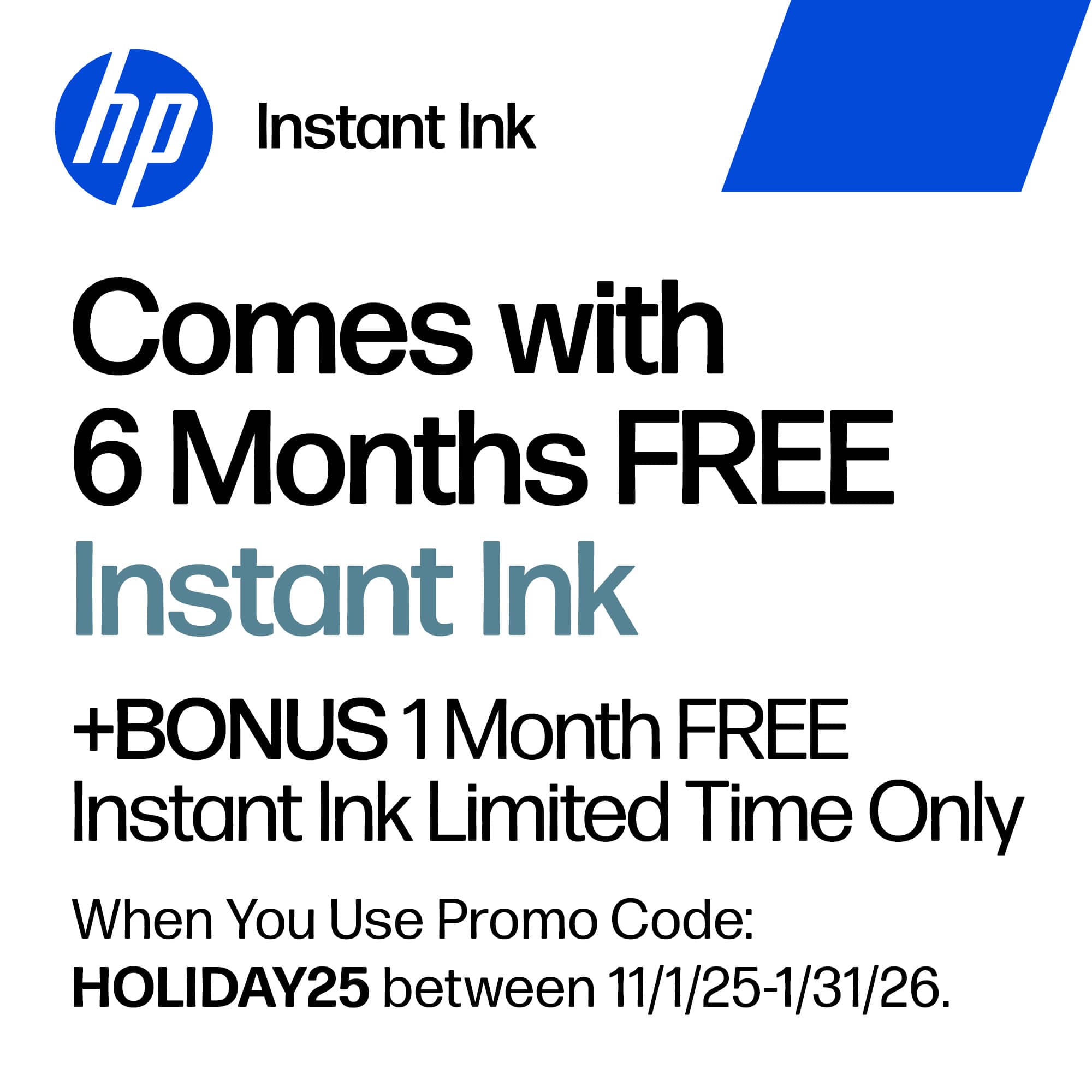
Your price for this item is $79.89
The comparable value price is $149.89

Customer reviews

Rating 4.6 out of 5 stars with 739 reviews

Rating Filter

Rating by feature

  • Value

    Rating 4.7 out of 5 stars

  • Quality

    Rating 4.6 out of 5 stars

  • Ease of Use

    Rating 4.6 out of 5 stars

Pros mentioned filter

Cons mentioned filter

92%would recommend to a friend

Customers are saying

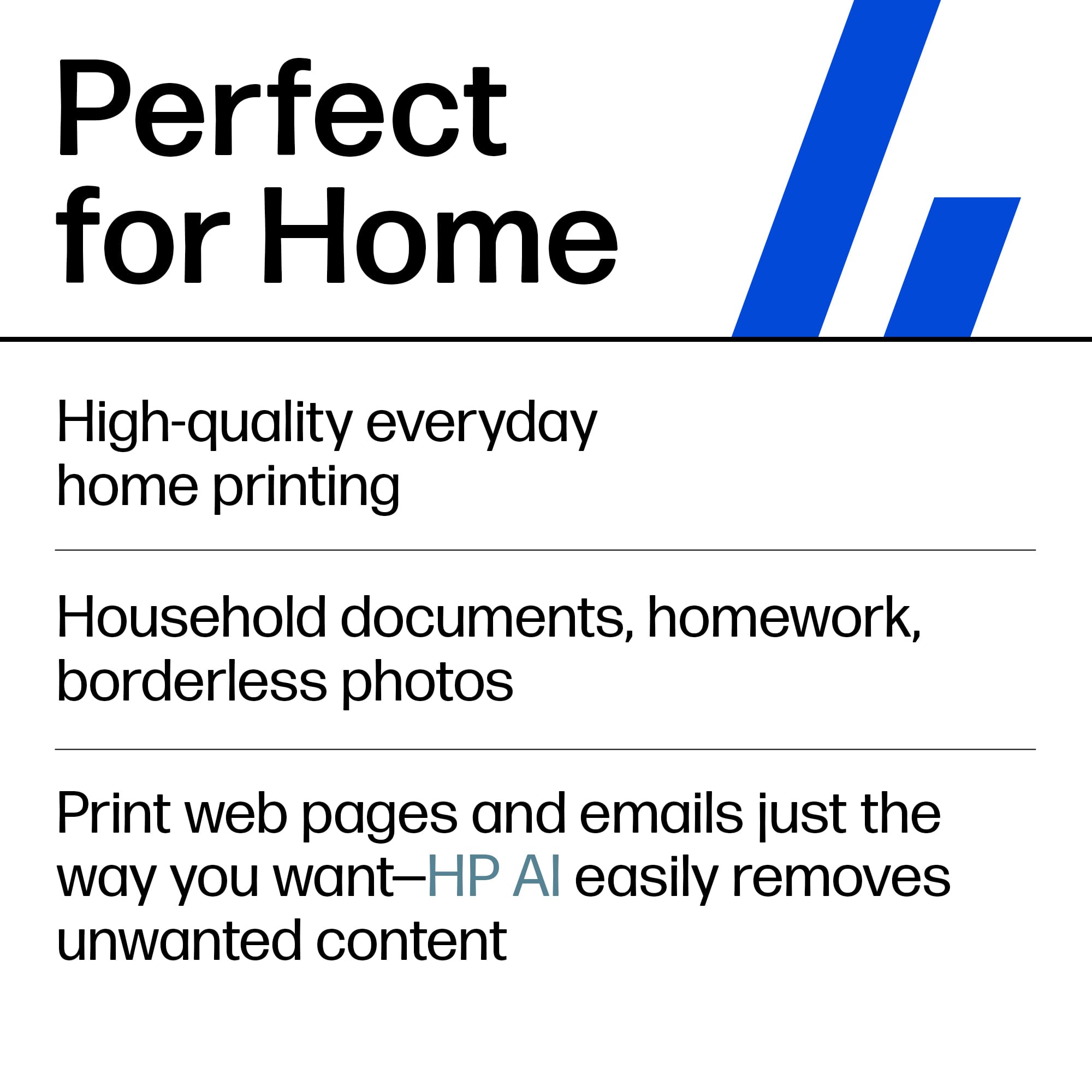
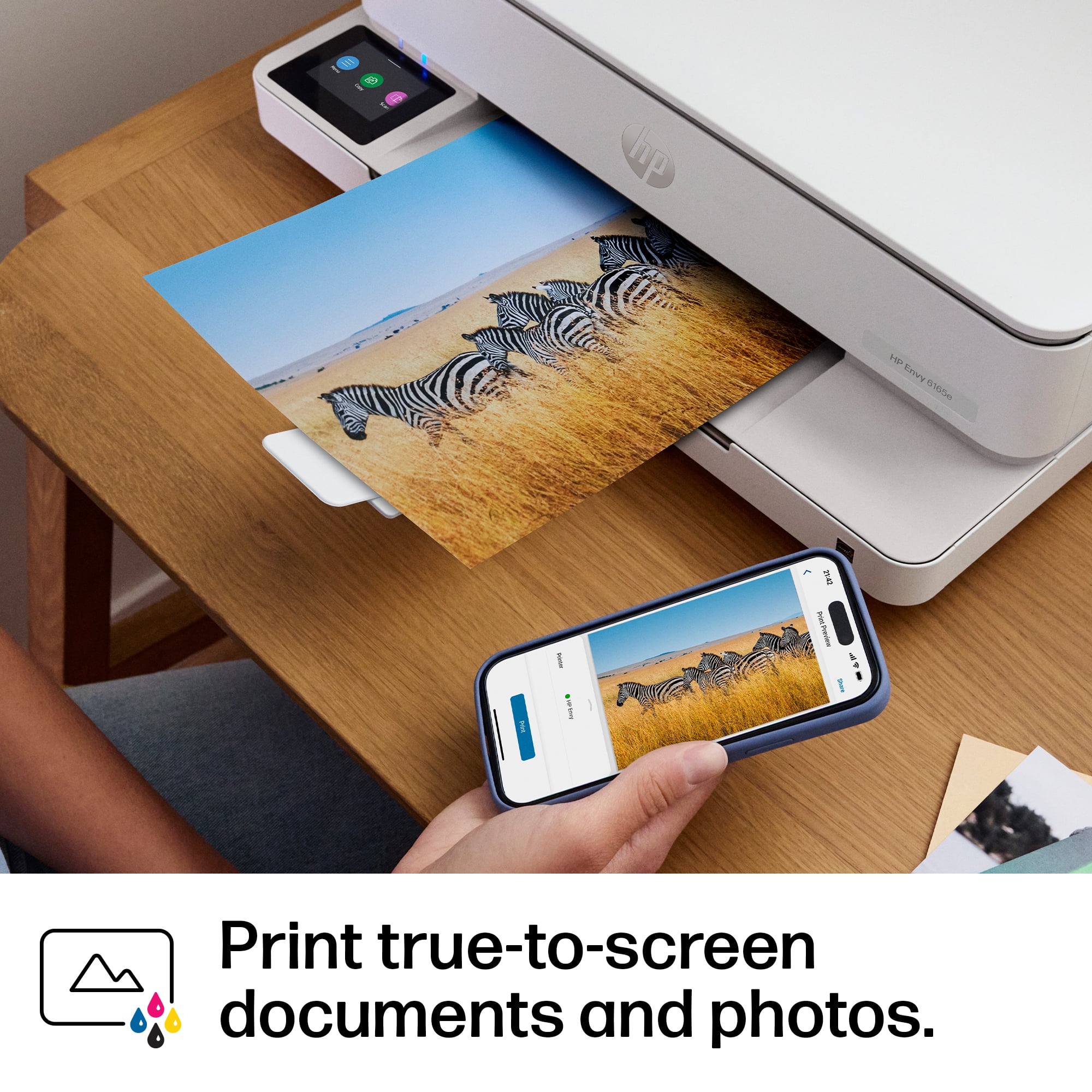
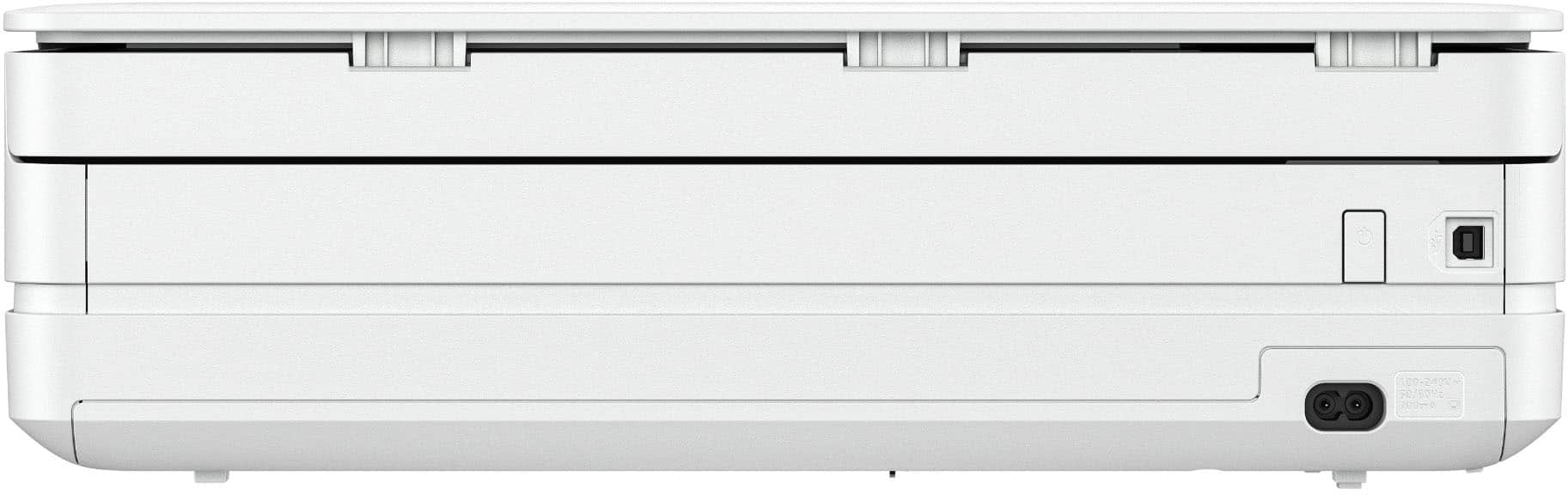
Customers frequently mention the Envy 6165e printer's excellent overall performance and very good print quality. Many appreciate its ease of use and simple setup, along with its better connectivity and compact size. Some find the paper tray capacity to be small and the on/off button placement inconvenient.

This summary was generated by AI based on customer reviews.

The vast majority of our reviews come from verified purchases. Reviews from customers may include My Best Buy members, employees, and Tech Insider Network members (as tagged). Select reviewers may receive discounted products, promotional considerations or entries into drawings for honest, helpful reviews.
Page 36 Showing 701-720 of 739 reviews
  • Rated 1 out of 5 stars

    Doesn't work consistently

    |
    |
    Posted .
    This reviewer received promo considerations or sweepstakes entry for writing a review.

    Returning this immediately. Does non consistently connect or stay connected. Impossible to count on whether you can print from email, phone, internet. Occasionally works, but mostly we get error messages which are in error (says it's connected, but it isn't), We've had several professionals reboot/restart all of our devices and it still won't work consistently. Returning it with a high degree of frustration. DO NOT BUY.

    No, I would not recommend this to a friend
  • Rated 2 out of 5 stars

    LRogersMedicare2026

    |
    |
    Posted .
    This reviewer received promo considerations or sweepstakes entry for writing a review.

    I cant get my printer working. Will call Geek Squad after the weekend. Get as far as seeing the square bar code thing, says hooked up but not connecting to my Wi-Fi or something from my laptop to print! HELP

    No, I would not recommend this to a friend
  • Rated 3 out of 5 stars

    Print issue

    |
    |
    Posted . Owned for 3 weeks when reviewed.
    This reviewer received promo considerations or sweepstakes entry for writing a review.

    I still cannot get 4x6 pictures to print. All other sizes print.

    No, I would not recommend this to a friend
  • Rated 3 out of 5 stars

    Hp envy

    |
    |
    Posted .
    This reviewer received promo considerations or sweepstakes entry for writing a review.

    It's an ok product, but I am still having trouble getting it to scan to my computer

    No, I would not recommend this to a friend
  • Rated 3 out of 5 stars

    WiFi connection

    |
    |
    Posted .
    This reviewer received promo considerations or sweepstakes entry for writing a review.

    wifi connection isnot stable. Some times it require restart to function the printer

    No, I would not recommend this to a friend
  • Rated 2 out of 5 stars

    Not happy with product

    |
    |
    Posted .
    This reviewer received promo considerations or sweepstakes entry for writing a review.

    Can not get the wi fi connected to my printer. This was simply a printer. This may be the last thing I purchase from Best Buy

    No, I would not recommend this to a friend
  • Pros mentioned:
    Connectivity, Print quality, Setup ease
    Tech Insider Network Member

    Rated 5 out of 5 stars

    Great compact printer

    |
    Tech Insider Network Member
    Posted .
    This reviewer received promo considerations or sweepstakes entry for writing a review.

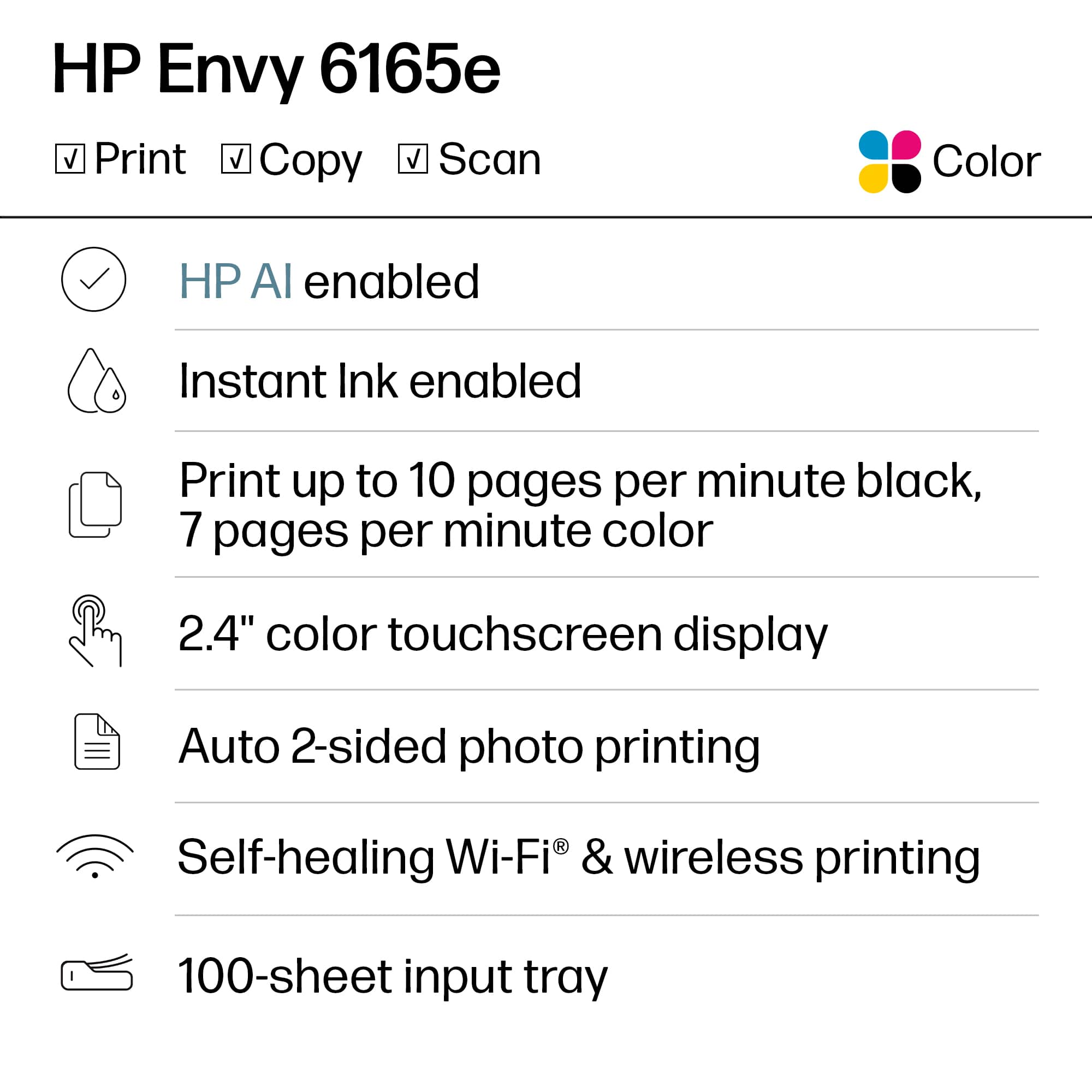
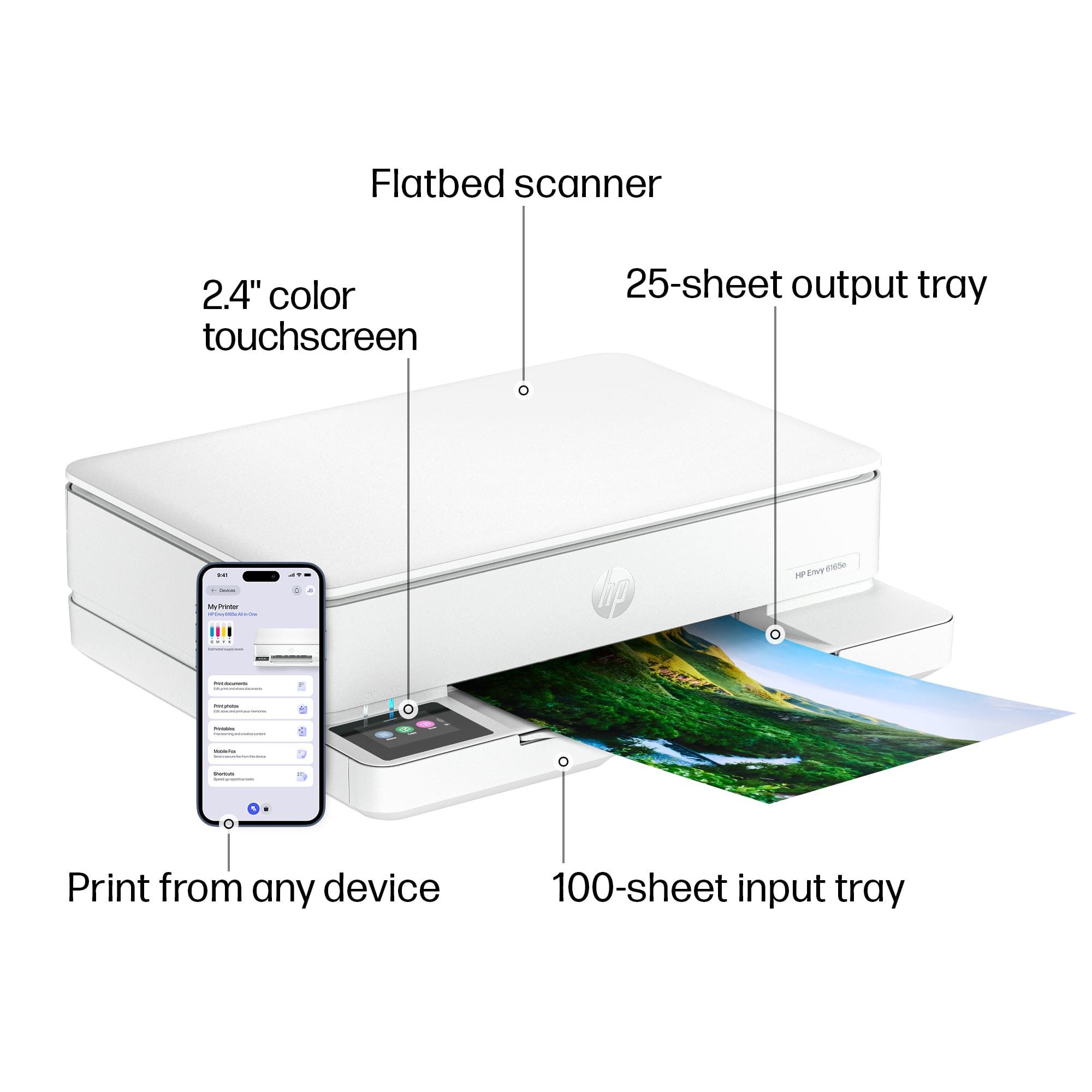
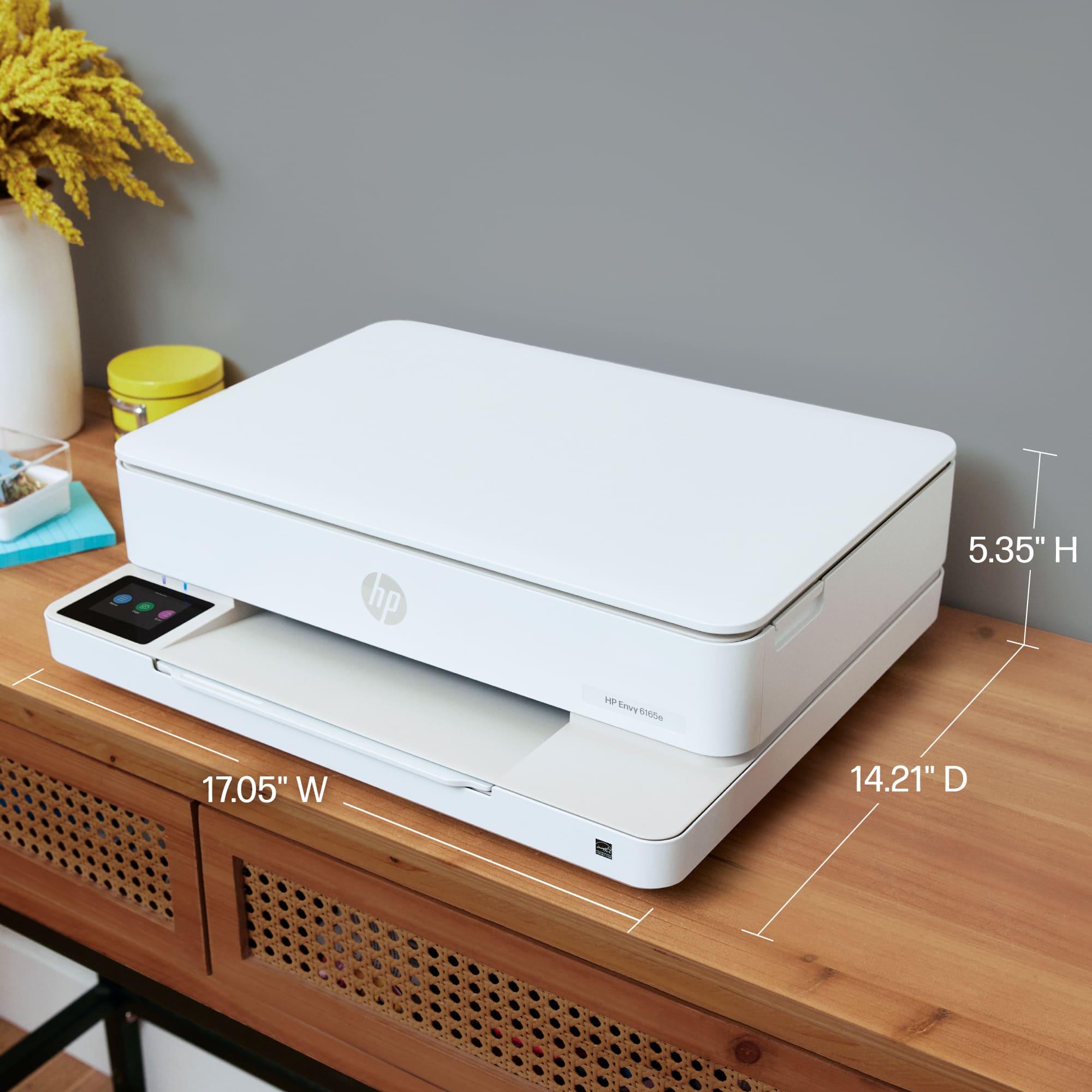
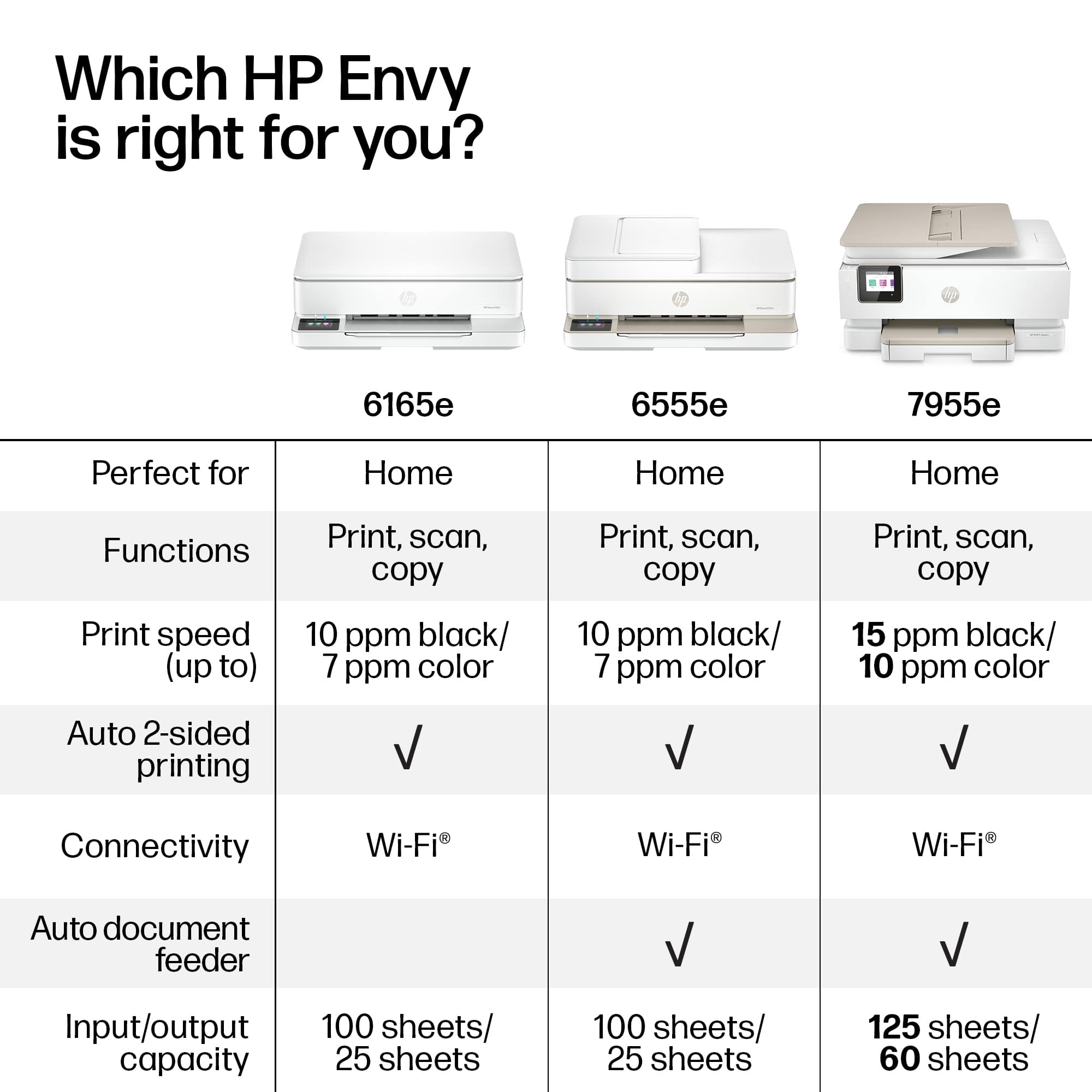
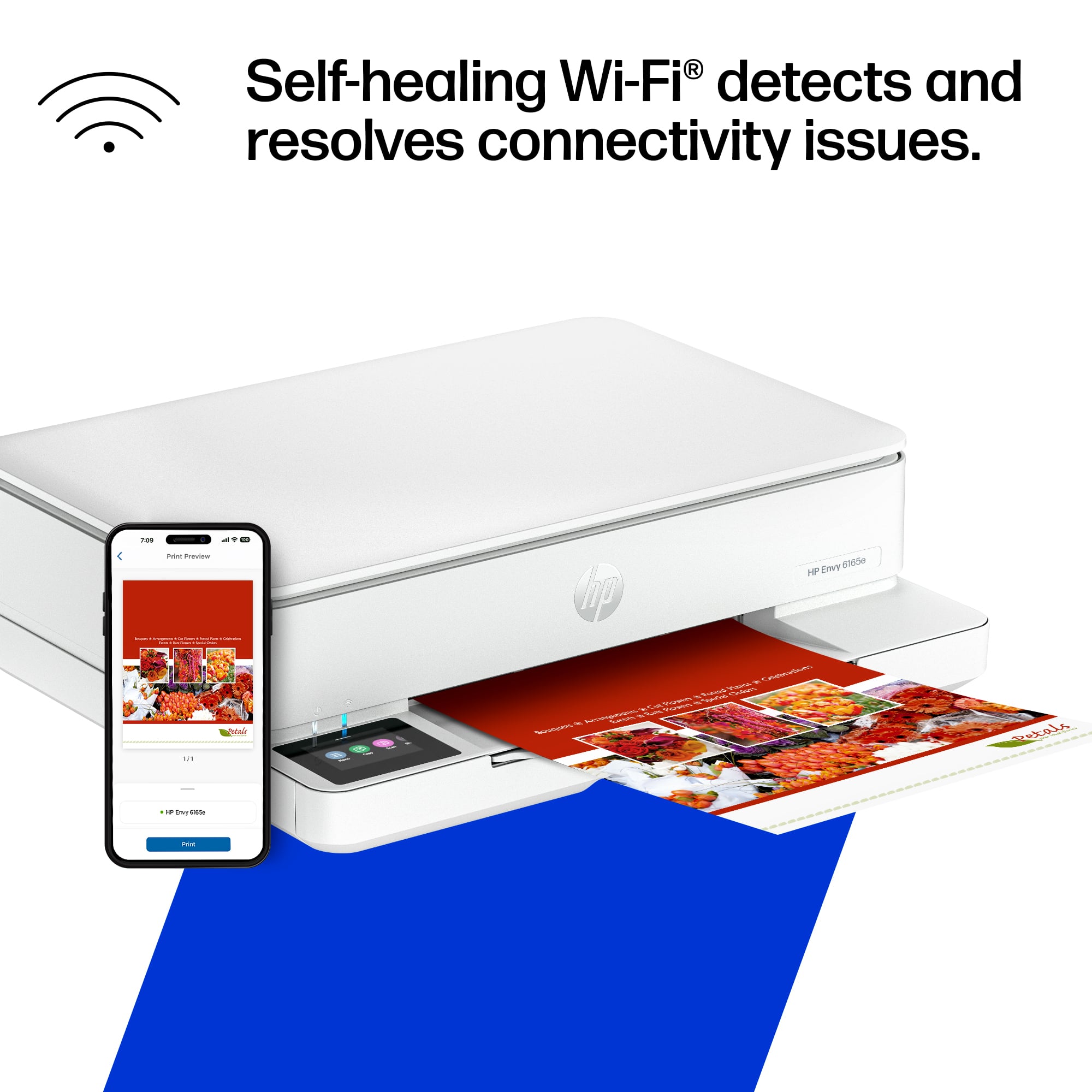
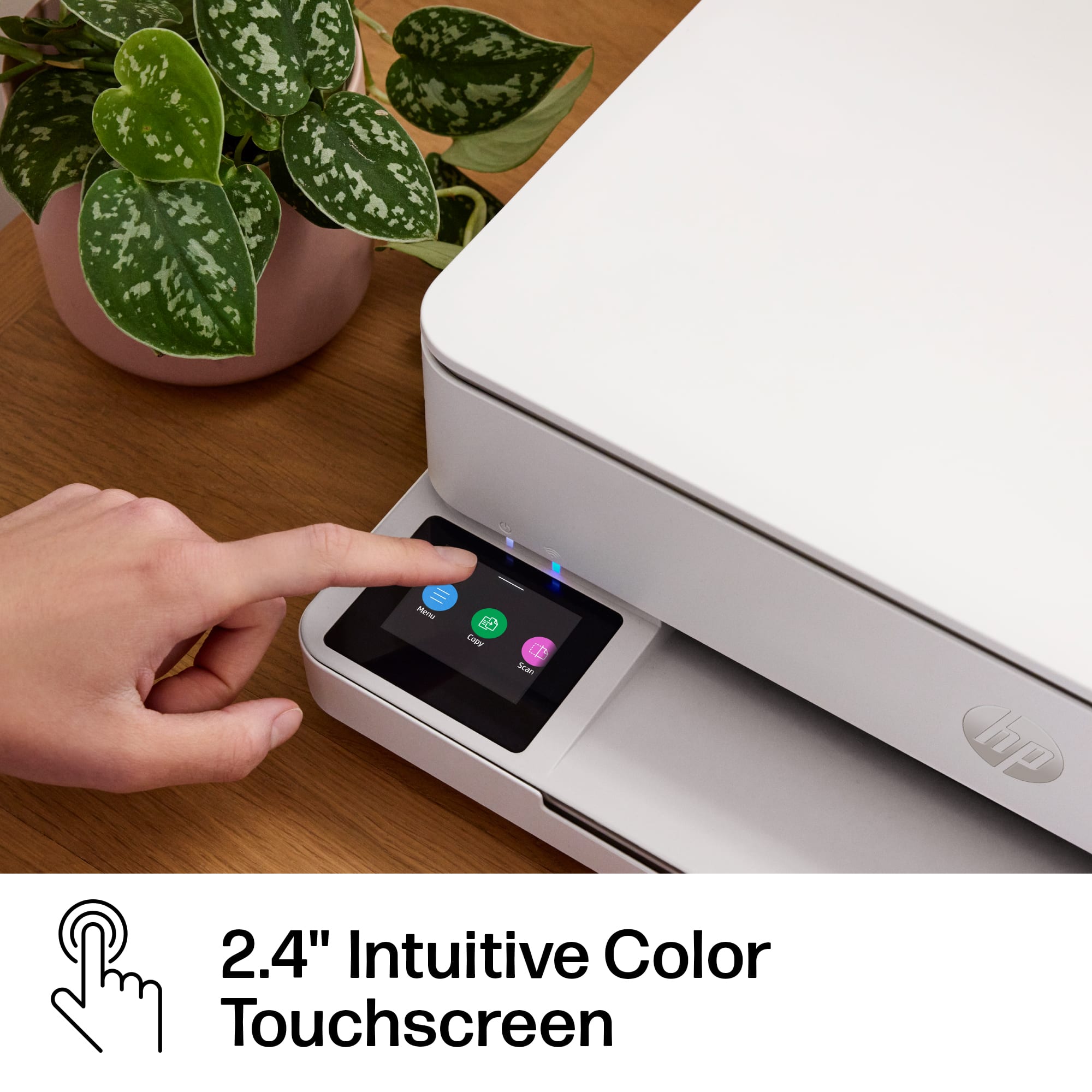
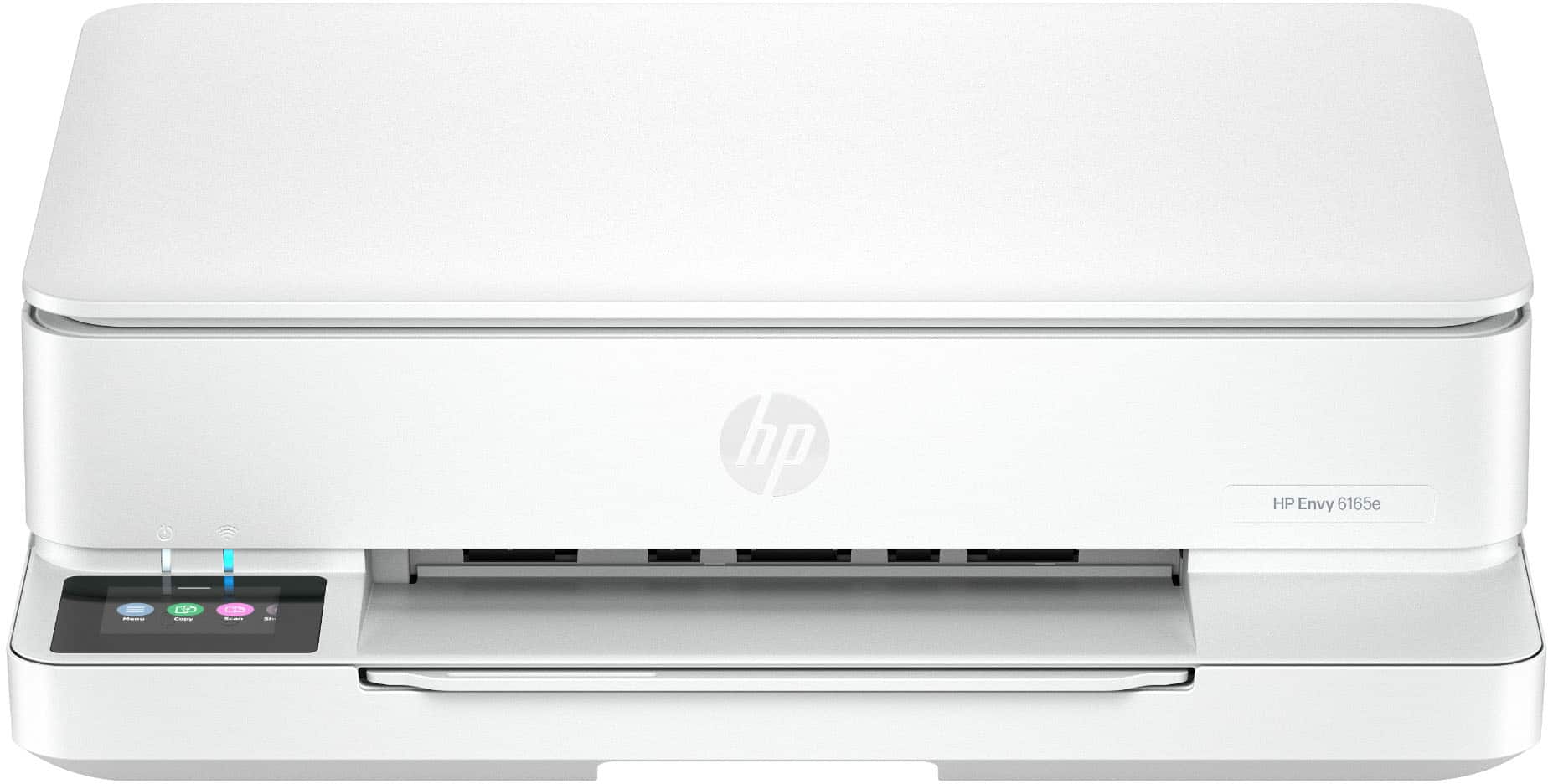
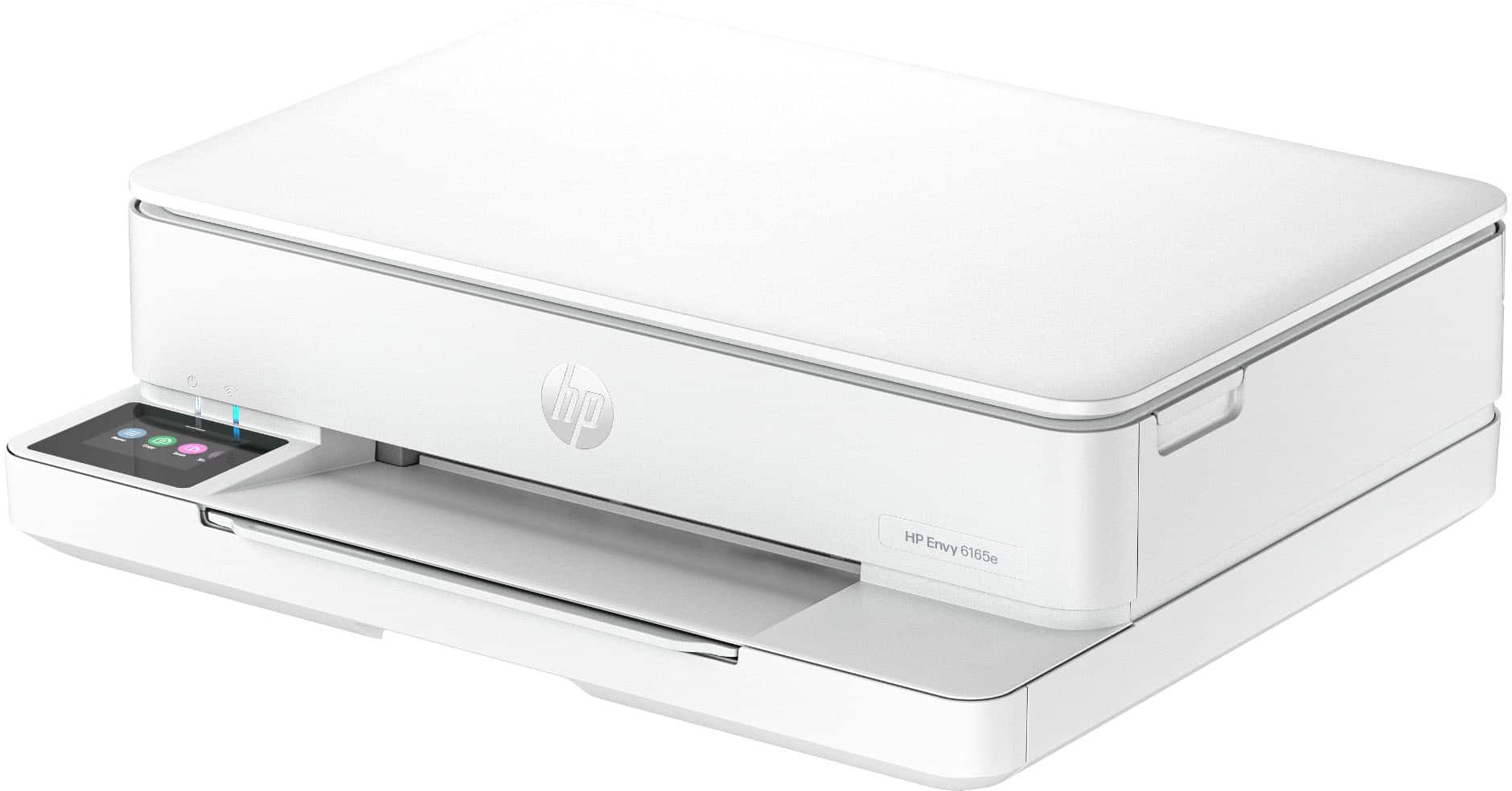
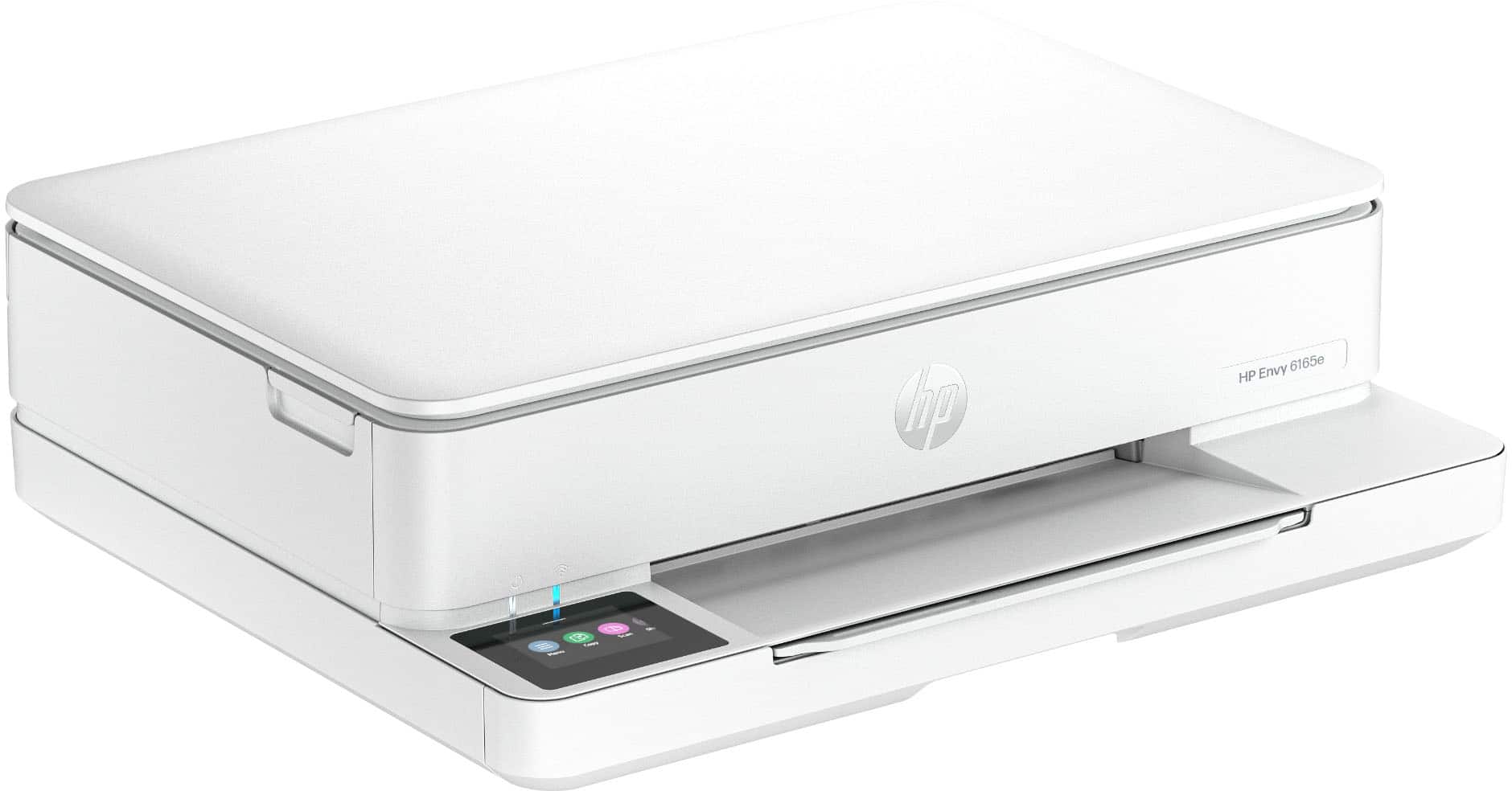
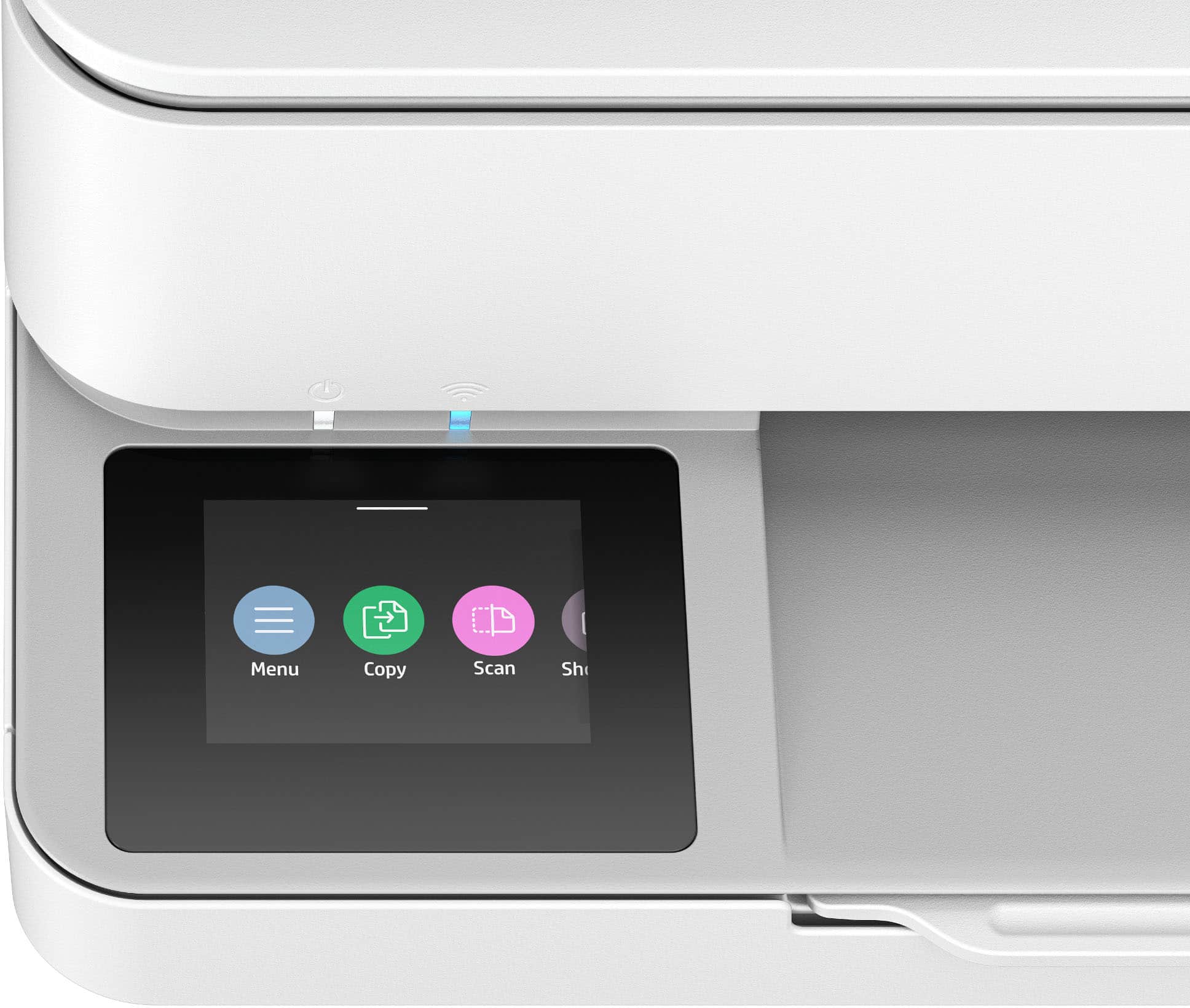
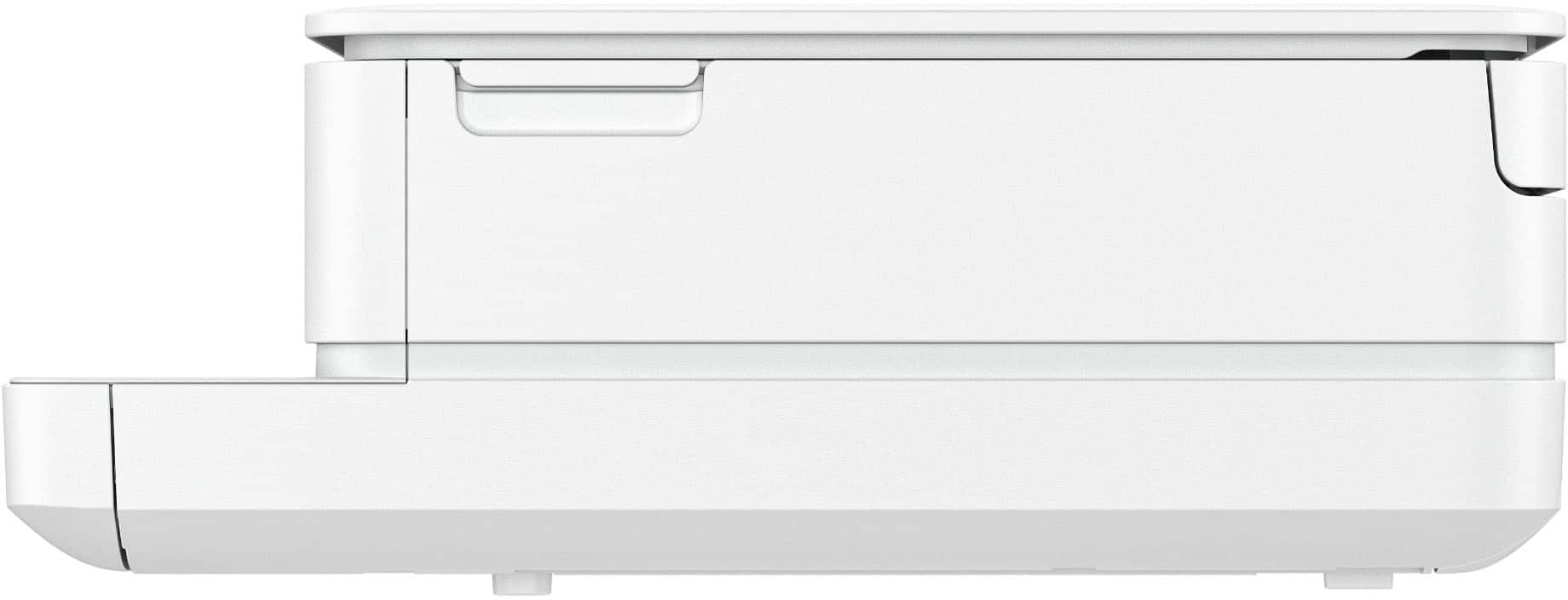
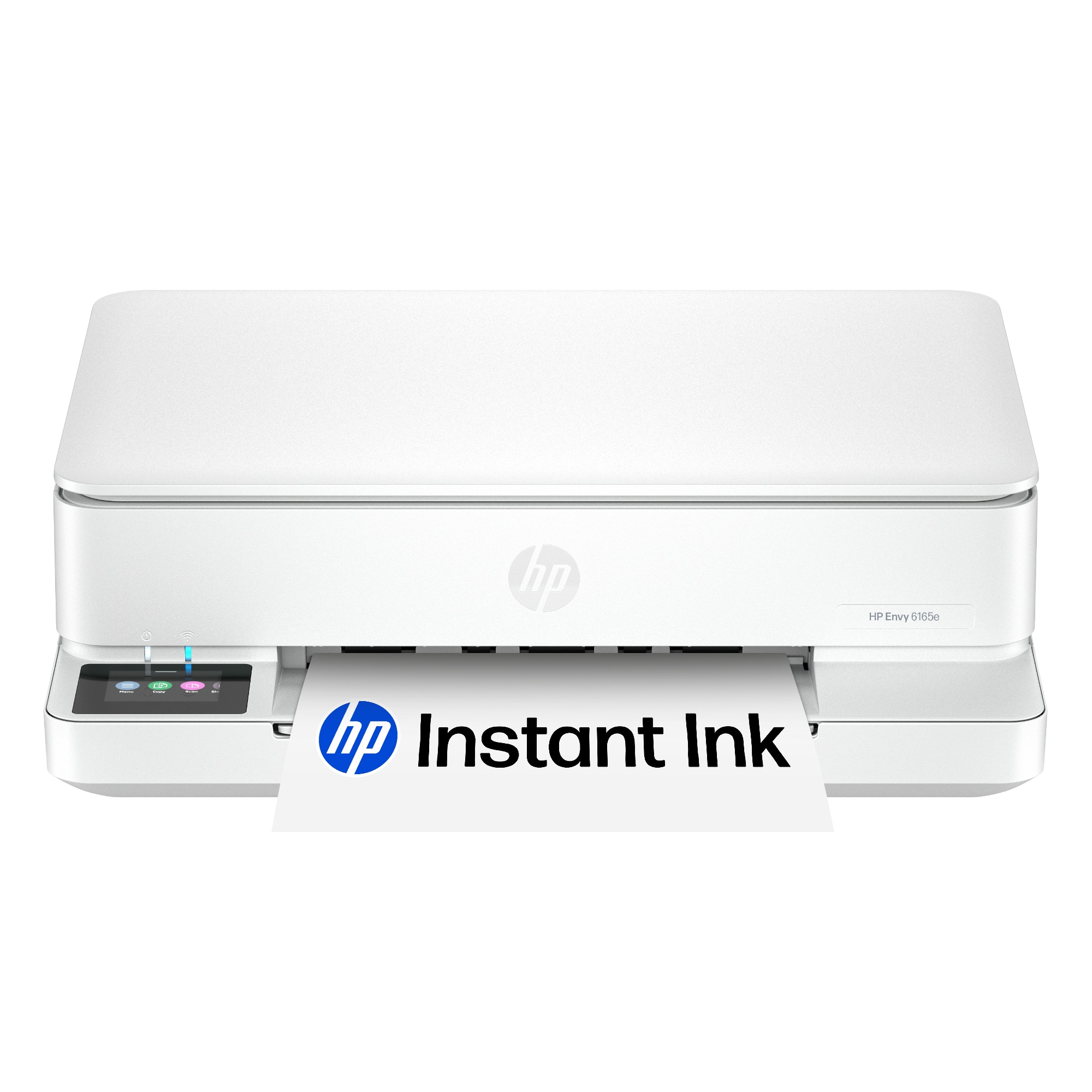
    The HP Envy 6165e printer is a wireless all-in-one printer with an easy-to-use app. It offers color scanning, copying, and photo printing. It prints up to 10 pages per minute black/white and 7 pages per minute in color. The paper tray holds up to 25 pages so it can go quite awhile between refills. The unit was packed carefully in the box and everything arrived in perfect condition. The unit includes a 2.4" display screen making it easy to see your progress during installation and print jobs. The quick-start guide provided easy instructions including - unpacking, cartridge installation, and alignment of paper head. It identified and connected to my wireless network easily and performed software updates quickly. I had it unpacked and installed, and in less than 20 minutes I was printing with full color and clarity! The unit is relatively small which is great - measuring only 17" x 20" by 5" and only weighing a little over eleven pounds! The printing speed is good, the print quality is great - I am really impressed with the HP Envy 6165e!

    I would recommend this to a friend
  • Rated 1 out of 5 stars

    Not so good!!##!!

    |
    |
    Posted .
    This reviewer received promo considerations or sweepstakes entry for writing a review.

    Printer would not setup wirelessly. And it would print from other programs. Even HP support could not get it work! I took it back and exchanged it for a Canon which runs beautifully and without the issues of the HP. That was my last printer frim HP.

    No, I would not recommend this to a friend
  • Rated 1 out of 5 stars

    Avoid this piece of junk!

    |
    |
    Posted . Owned for 1 month when reviewed.
    This reviewer received promo considerations or sweepstakes entry for writing a review.

    The display shows that it is connected to my wireless, the HP desktop shows it as there, yet when I try to print I get an error message. It worked initially, although not very reliably. This worthless piece of garbage is getting returned.

    No, I would not recommend this to a friend
  • Rated 2 out of 5 stars

    Printer

    |
    |
    Posted . Owned for 5 months when reviewed.
    This reviewer received promo considerations or sweepstakes entry for writing a review.

    I returned this item. Didn't have what i needed. Thank you.

    No, I would not recommend this to a friend
  • Rated 1 out of 5 stars

    Not the one

    |
    |
    Posted . Owned for 2 weeks when reviewed.
    This reviewer received promo considerations or sweepstakes entry for writing a review.

    Returned as soon as I bought it as you have to enroll in the ink cartridge program to be able to get the initial free ink. Not worth it.

    No, I would not recommend this to a friend
  • Rated 1 out of 5 stars

    Disappointed

    |
    |
    Posted .
    This reviewer received promo considerations or sweepstakes entry for writing a review.

    This printer is no good. It jams often and gives false reading that the printer is out of ink even when full. I wish o. Hold return it. I purchased it in March and find it to be a waste of money. Dont purchase it. Get an HP instead

    No, I would not recommend this to a friend
  • Rated 1 out of 5 stars

    Disappointed

    |
    |
    Posted . Owned for 3 weeks when reviewed.
    This reviewer received promo considerations or sweepstakes entry for writing a review.

    Worked great. Kind of slow but got the job done half way for what I needed it to. Ran out of ink kind of fast. And broke the first time I tried to change the ink out.

    No, I would not recommend this to a friend
  • Pros mentioned:
    Connectivity, Print quality, Setup ease
    Tech Insider Network Member

    Rated 5 out of 5 stars

    Great all-in-one with an interesting ink service

    |
    Tech Insider Network Member
    Posted .
    This reviewer received promo considerations or sweepstakes entry for writing a review.

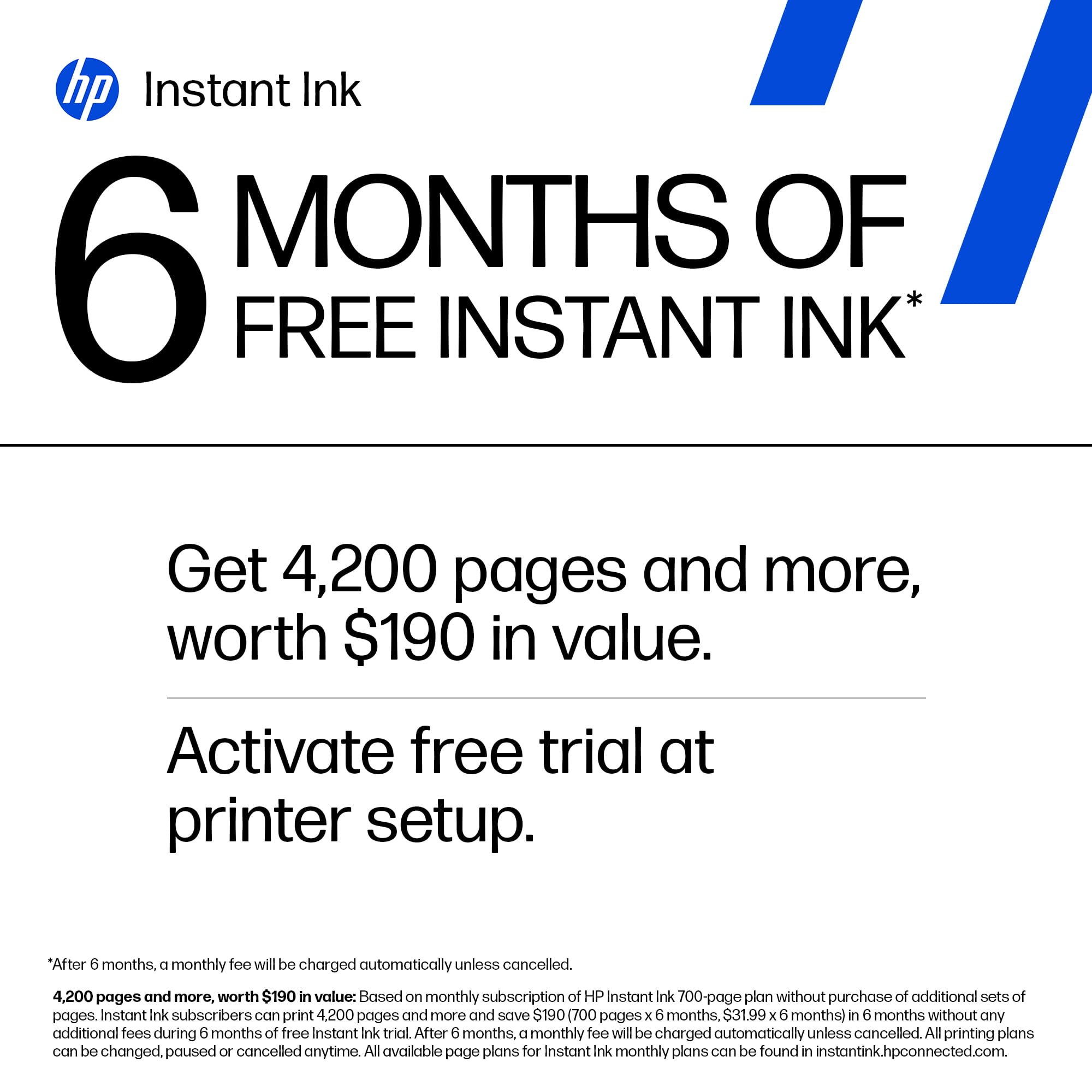
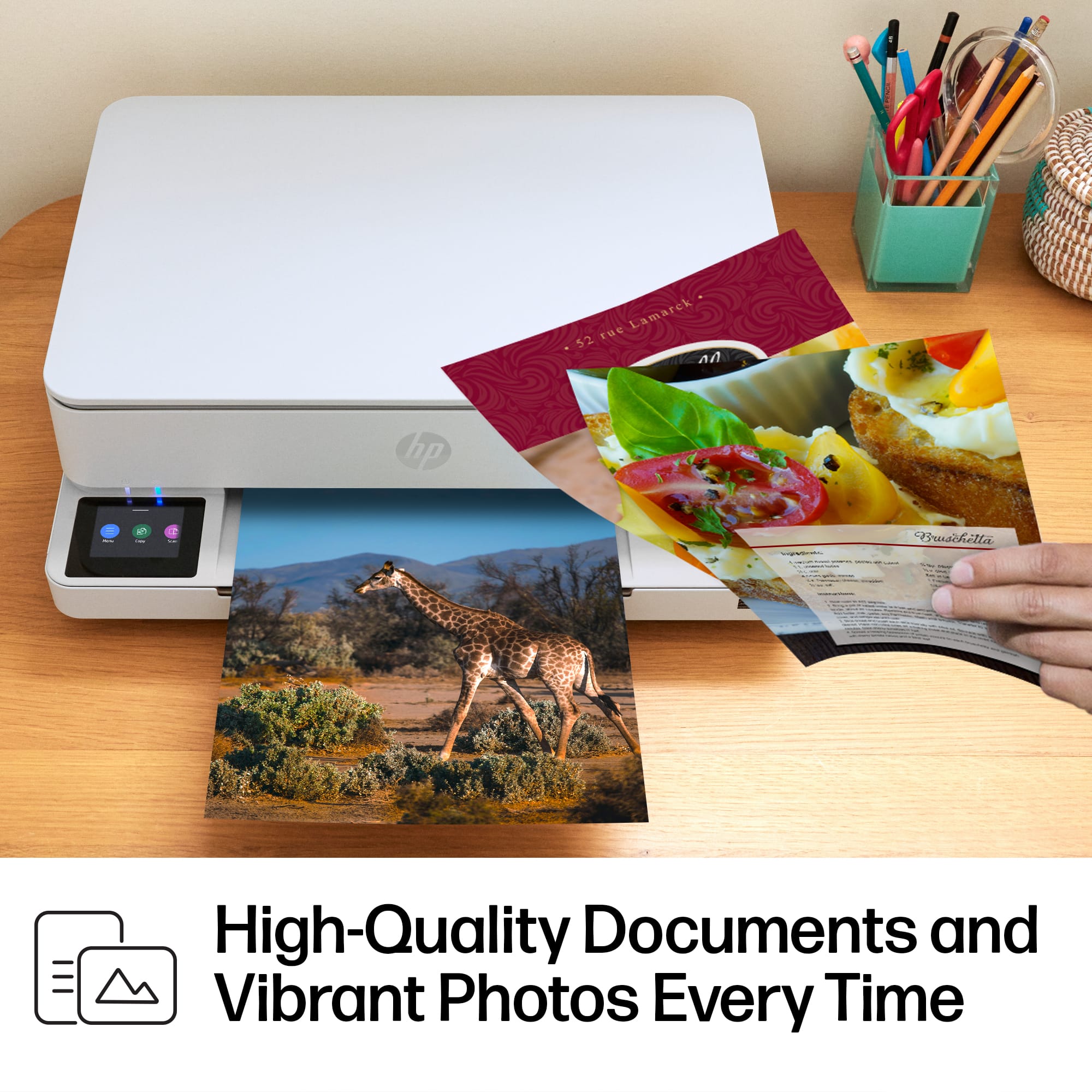
    My wife and I are both educators, and we have 3 sons that are in high school and middle school, so we are constantly needing a printer. Two of our sons are also taking a few design and architecture classes so they are always needing to print out color brochures, flyers, etc. We decided it was time to find a quality printer to take care of those photo prints. <<<<<Design>>>>> This printer is a small printer. You can print all your usual size prints; from full letter down to a 3x5, but it manages to all stay in a compact space. This is great if you were like us and you would like to have this setup in the kitchen and want to take up as little space as possible. This fits nicely into one of our smaller countertops. It’s a very short printer too so really stays out of the way. <<<<<Function>>>>> We have only been using this printer for about a week now, but in that time, we have been impressed with the print quality of images. Prints come out great, crisp and clear. Setup was a breeze, and it was easy to connect to all our devices whether it runs Windows, macOS, iOS, or android printing from those devices is very easy. The color touchscreen makes it easy to get stuff done directly on the printer, like scans and copies. The app you can download also helps to set up the print job you want. Everything to this point is standard fare for most printers. The new thing, at least for my family, is the printer ink subscription. I can see this being a sticking point for some buyers. For our family this is a great thing. You get 6 months of the Instant Ink service from HP+ included you would just need to decide on the plan that fits your needs after that. The reason that I love this idea is that the printer automatically orders your new ink when you start running low. There have been so many times with our previous printer where my wife or I are left scrambling to get ink replacement cartridges at the last minute because whoever used the printer last didn’t let us know that the ink was out. This Instant Ink service will make sure you always have ink on hand to get your projects done. <<<<<Conclusion>>>>> This is a printer, so most folks have already used something very comparable by now. The standout things about this printer for me were its footprint and the Instant Ink service. This manages to be a quality, detailed all-in-one printer that doesn’t take up a ton of space. The Instant Ink service is great for my family of 5 and making sure our printer is good to go no matter what projects we need to tackle. Setup was a breeze, especially with the color touchscreen and the app. We can print from our phones and computers with no issues. All in all, this is a great photo quality all-in-one printer.

    I would recommend this to a friend
  • Rated 1 out of 5 stars

    Buyer

    |
    |
    Posted . Owned for 2 weeks when reviewed.
    This reviewer received promo considerations or sweepstakes entry for writing a review.

    The HP support was the worst, Geek Squad did not help and they can’t provide remote service.

    No, I would not recommend this to a friend
  • Pros mentioned:
    Print quality, Setup ease, Size
    Tech Insider Network Member

    Rated 4 out of 5 stars

    Compact, convenient, does the job

    |
    Tech Insider Network Member
    Posted .
    This reviewer received promo considerations or sweepstakes entry for writing a review.

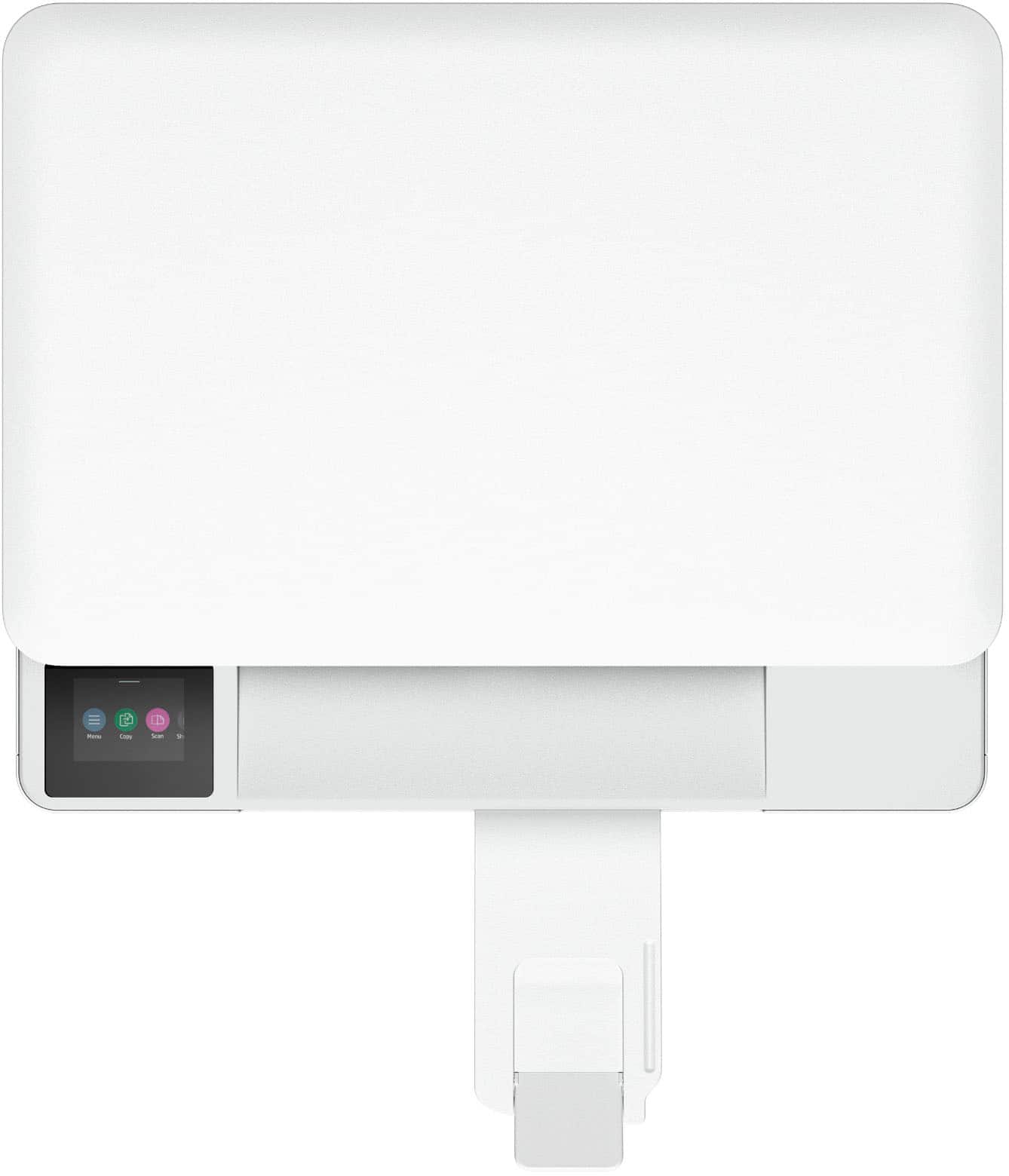
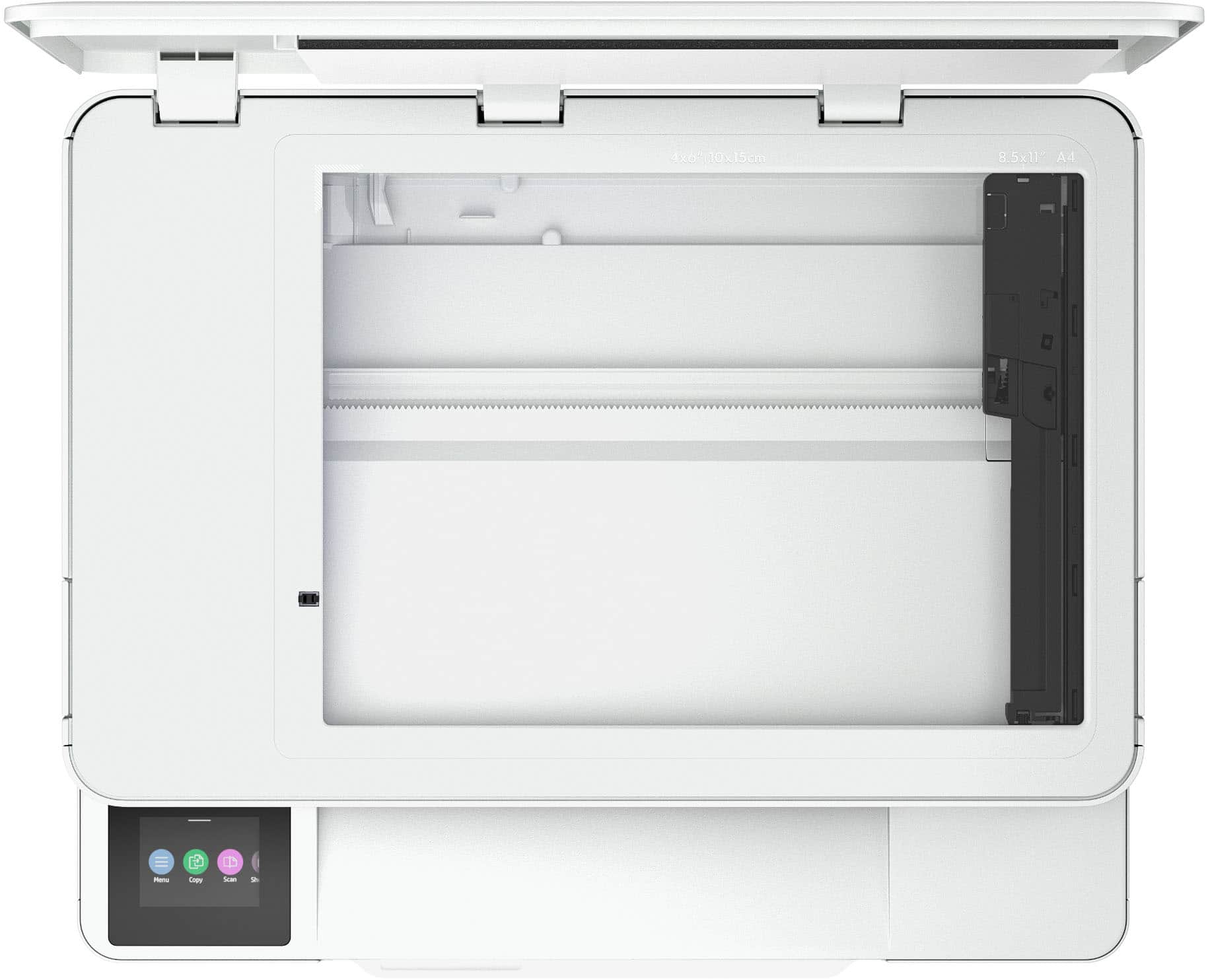
    I’ve had this Envy 6165e up and running for a few days now. It’s compact and was easy to set up. It does a nice enough job printing, scanning, and making copies, but seems to go through ink rather quickly. Getting started was straightforward. The 6165e is Wi-Fi enabled and setup is mostly driven by the HP Smart App, so all I had to do was remove the shipping materials, plug it in, add paper, and launch the app on my smartphone. After a few steps, the printer was connected to my home Wi-Fi network, and I was able to print from my phone and quickly connect to it from my Windows computer as well as a friend’s Mac laptop. The documents I’ve printed have sharp, easy to read text, even at the smaller type sizes. I’ve also printed a couple of photos that came out nice enough to enjoy and share, but with noticeably lower quality than a professional photo printing service or dedicated photo printer (as would be expected). Scanning is pretty straightforward, but also pretty slow. I would want something faster if I needed to scan a large number of documents or photos. The 6165e has a small LCD touch screen for status messages and selecting settings/options. One minor complaint I have is that the screen faces directly up (and can’t be tilted) so if the printer is above eye level, you really can’t see what’s on the screen. HP heavily focuses on their subscription-based Instant Ink service — a trial period is included with this printer. For my low-volume, occasional printing needs at home, I think Instant Ink is a good value proposition for me, especially with how quickly this printer seems to go through ink. According to the usage report, I have printed 14 pages since I unboxed the 6165e. That includes 12 flyers (which roughly 50% text and 50% graphics), and two full-page photos. I just got an alert that the color ink cartridge is low. That could be because the starter cartridges have less ink than the off-the-shelf refills, but still suggests that buying ink by the cartridge rather than the subscription service could get pricey. Overall, this seems like a great option for home or even small business users who want to be able to print and scan but don’t need the higher end features like high speed output/scanning, a large paper tray, document feeder, etc.

    I would recommend this to a friend
  • Pros mentioned:
    Connectivity, Print quality, Size
    Tech Insider Network Member

    Rated 4 out of 5 stars

    All-in-one Printer for Light Printing Needs

    |
    Tech Insider Network Member
    Posted .
    This reviewer received promo considerations or sweepstakes entry for writing a review.

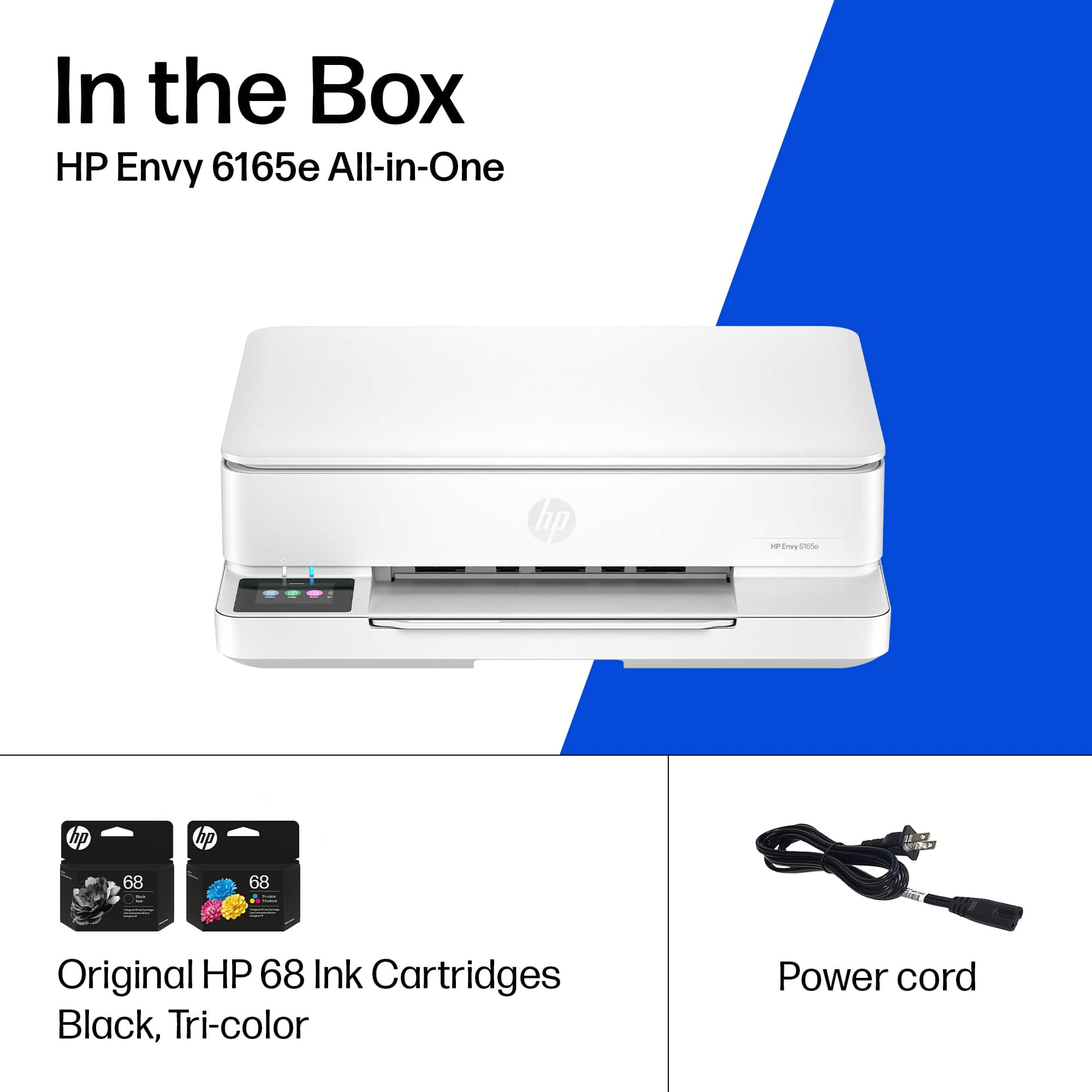
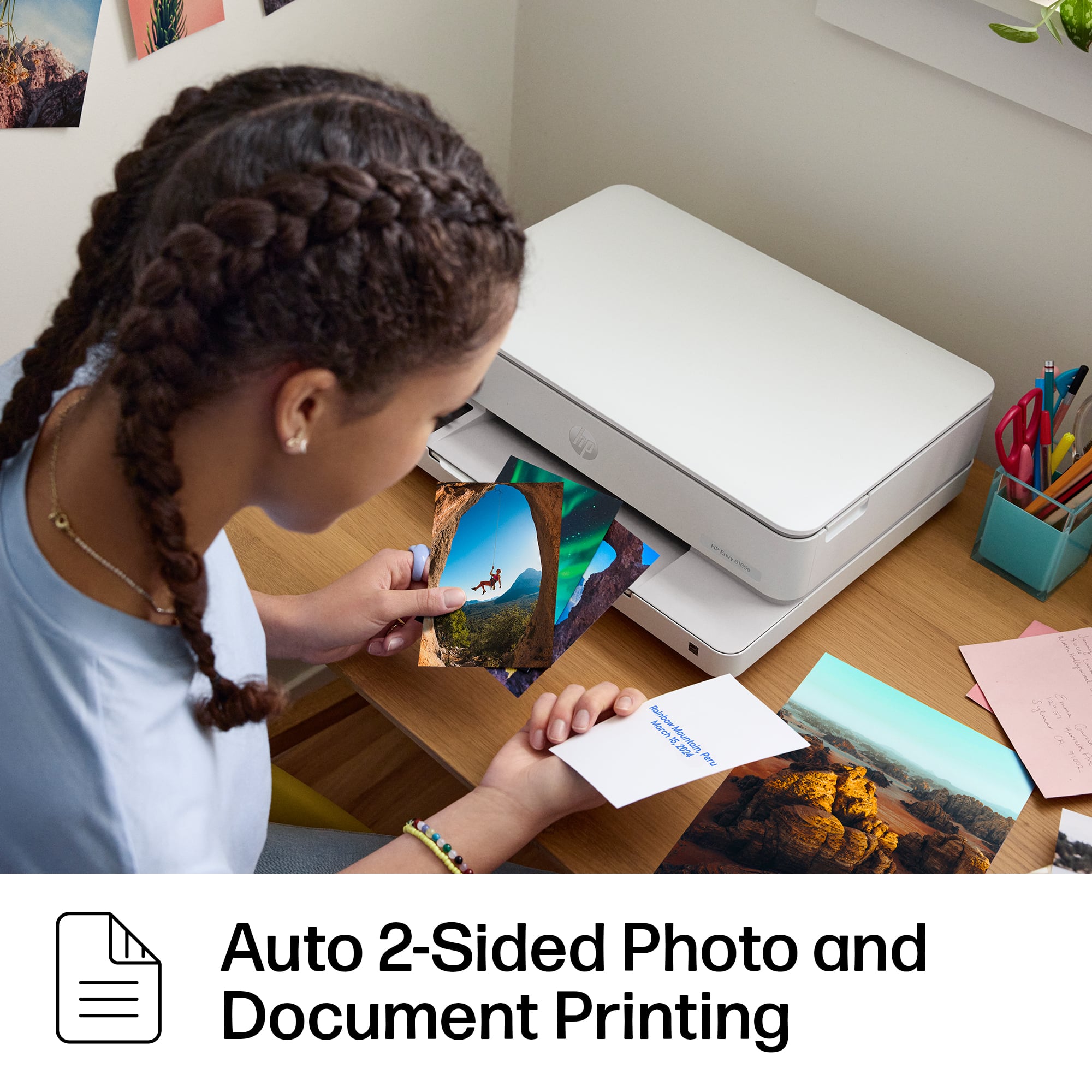
    The HP Envy 6165e is a compact all-in-one printer that prints, scans, copies, and has mobile outgoing fax capabilities. It is priced right and offers quality, clear prints in vivid colors. The setup was straightforward and only took about ten minutes. I tried to use the setup app, but my phone had difficulties reading the QR code and staying on track. I believe that happened only because I have other active printers on my network, and one is an HP product, or it could have happened for any number of technological reasons. Still with the lighted touchscreen on the printer, following the setup steps was a clear process, and all of the drivers are pre-installed, which made the process quick and easy. The printer is pretty much ready to go out of the box. The only processes involved in getting the printer ready for use begin with turning it on, removing all the shipping tapes (there were three), and installing the ink cartridges. The printer operates on two ink cartridges and inserting them is typically easy. When inserting the cartridges, it is important to remember to remove all tape seals, etc., insert them one way as shown in the setup guide, and be sure they click into the cartridge carrier. It is also important to take the next step and align the ink cartridges in order to get the best color clarity in all printed material. However, before proceeding to the alignment step, printer paper needs to be placed in the printer tray, which slides from the front underneath. The printer tray can accommodate. printer paper or photo paper. The tray will hold 100 sheets of paper, and the output tray 25 sheets. The printer will print 10 pages per minute in black and white and 7 pages per minute in color. Adjustable glides are within the paper tray for 8 ½ x 11 paper and various photo paper sizes. Aligning cartridges is automatically a step in the process that allows the printer to go through a programmed, quick, and easy cartridge color alignment that prints a sheet of the alignment. The setup will guide you through connecting the printer to your Wi-Fi network and give you the choice of whether to automatically update firmware or allow settings to alert you when updates are needed. Installing the HP Scan app on my phone and laptop enabled several scanning possibilities. I was able to scan photos and printed material using the camera on my phone, but the clarity of actually scanning a photo on the flatbed of the printer was much better. All printed material was very professional in appearance, and all lettering was very legible and easy to read. Pairing the printer with the HP print app also allows control options for scanning, copying, duplex printing, and borderless photo printing. Mobile printing is achievable by using the HP and HP print apps, Apple AirPrint, and ChromeOS. This is a nice little printer for home use or a small office where a lot of printing is not necessary. It does an excellent job, but it does not necessarily produce the fastest print output. It is also an HP+-enabled printer, which makes it part of an HP program that provides ink based on personal use of the printer. The first 6 months of ink after joining the program through HP+ is free, and then, based on use, there is a monthly charge if the HP+ program is not cancelled. HP+ does require an HP account, an ongoing connection to the internet so that use can be monitored, and exclusive use of original HP Ink cartridges for the life of the printer. Alternatively, HP cartridges can also be purchased as single cartridges or in a pack of two, which covers all black, gray, and color printing. The cartridges can also be purchased as XL cartridges, which are a little more expensive but provide for more printed documents.

  • Rated 1 out of 5 stars

    Not HP quality

    |
    |
    Posted .
    This reviewer received promo considerations or sweepstakes entry for writing a review.

    You get what you pay for. Thought it was a good deal but I can't even get it registered with HP, it is slow, noisy, worthless. I should have returned it.

    No, I would not recommend this to a friend
  • Rated 1 out of 5 stars

    Terrible printer

    |
    |
    Posted . Owned for 1 month when reviewed.
    This reviewer received promo considerations or sweepstakes entry for writing a review.

    No stars. It does not work. Will not connect wirelessly. Goes dormant as if it’s unplugged. No signal that it’s turned on.

    No, I would not recommend this to a friend
  • Rated 2 out of 5 stars

    Not easy to set up

    |
    |
    Posted . Owned for 1 week when reviewed.
    This reviewer received promo considerations or sweepstakes entry for writing a review.

    Difficulties setting it up so returned it. I was not happy with the product although Best Buy took it right back

    No, I would not recommend this to a friend