Customer Ratings & Reviews
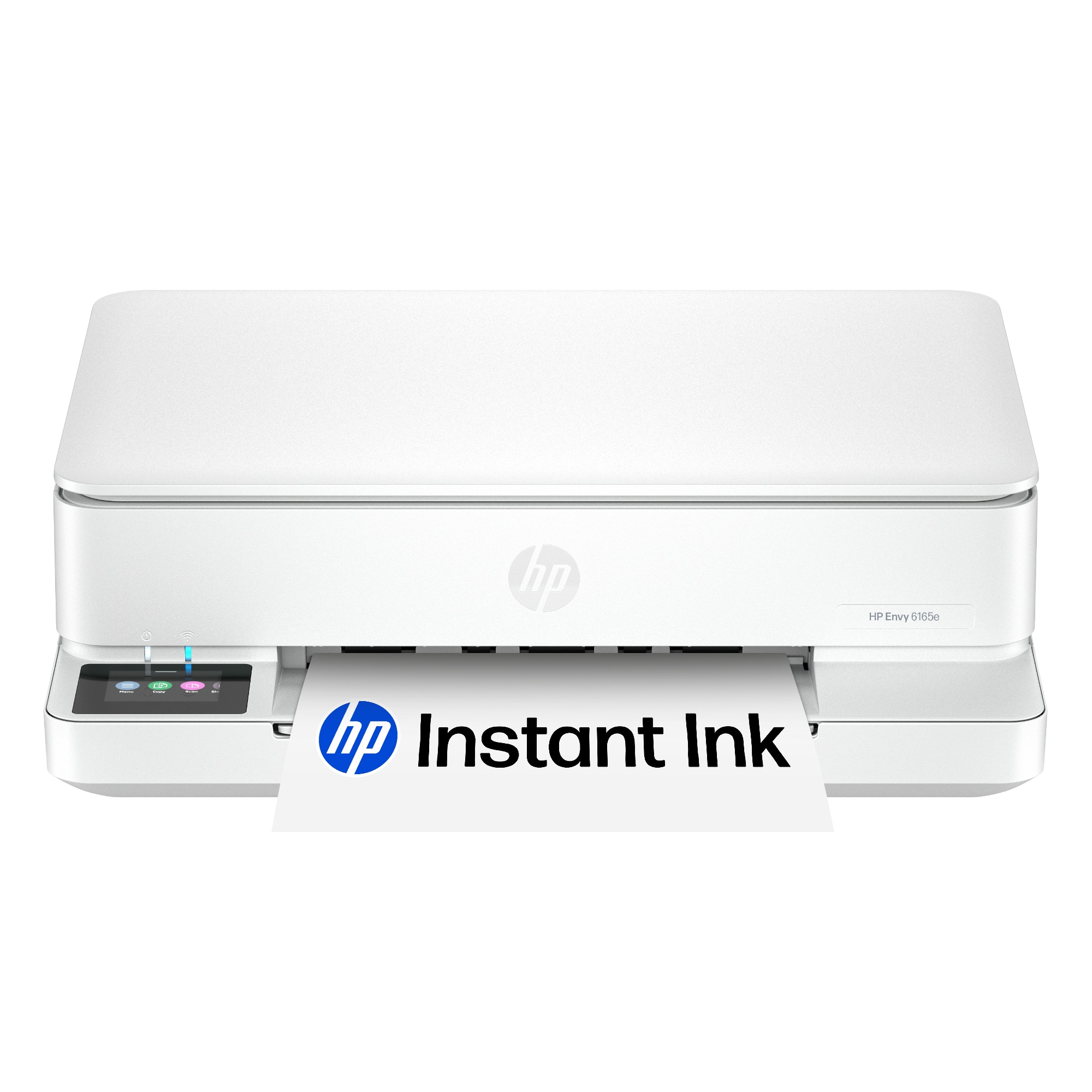
- Model:
- 714L6A#B1H
- |
- SKU:
- 6625922
Customer reviews
Rating 4.6 out of 5 stars with 739 reviews
(739 customer reviews)Rating by feature
- Value4.7
Rating 4.7 out of 5 stars
- Quality4.6
Rating 4.6 out of 5 stars
- Ease of Use4.6
Rating 4.6 out of 5 stars
Customers are saying
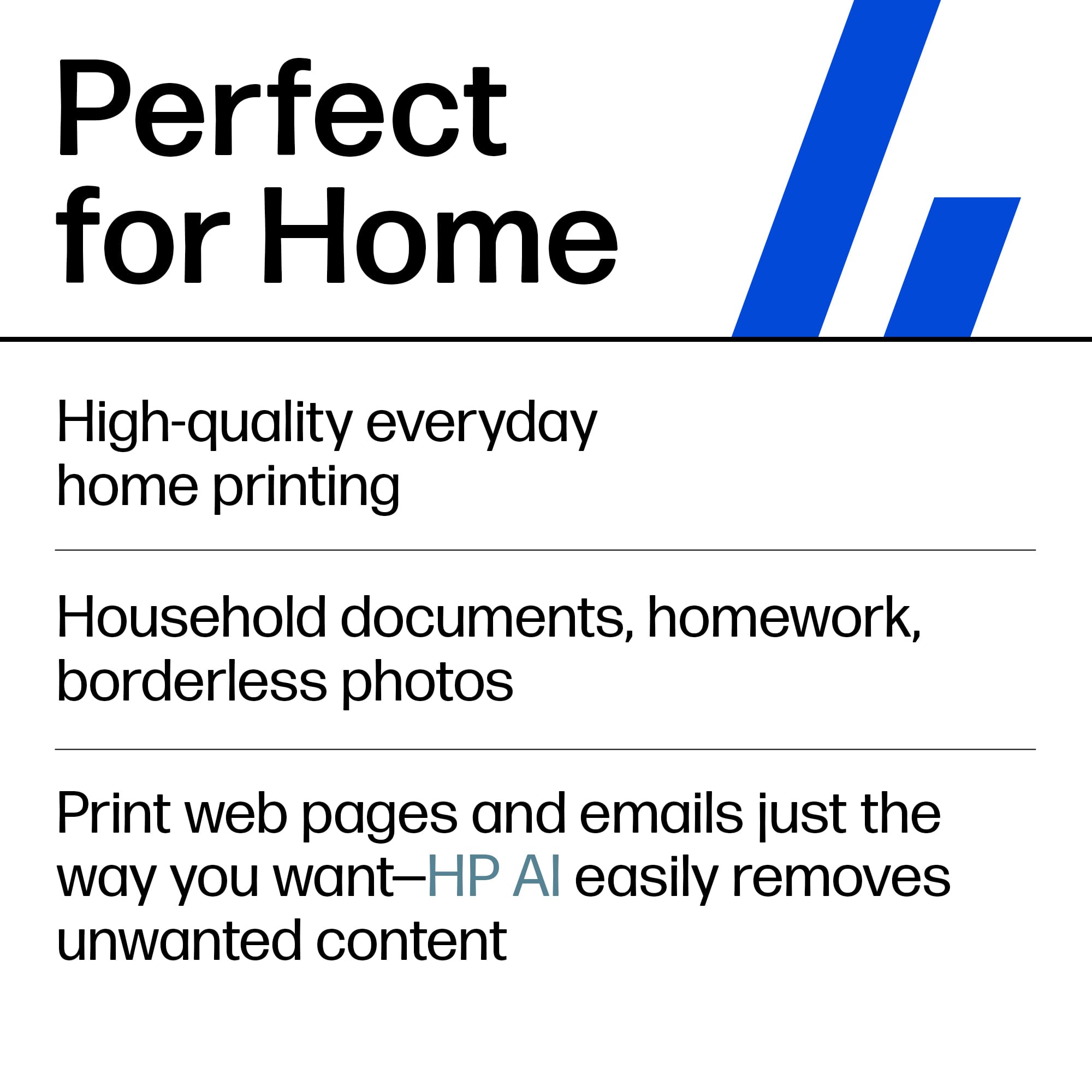
Customers frequently mention the Envy 6165e printer's excellent overall performance and very good print quality. Many appreciate its ease of use and simple setup, along with its better connectivity and compact size. Some find the paper tray capacity to be small and the on/off button placement inconvenient.
This summary was generated by AI based on customer reviews.
Rated 1 out of 5 stars
Terrible product breaks within 6 weeks
||Posted . Owned for 2 months when reviewed.This reviewer received promo considerations or sweepstakes entry for writing a review.If I could give it zero it stopped working. Today. The 15th. The date returns no longer allow. Convient
No, I would not recommend this to a friendRated 1 out of 5 stars
Doesn’t connect to Apple devices.
||Posted .This reviewer received promo considerations or sweepstakes entry for writing a review.HP printer I got looked nice, but I couldn’t connect it after half a day of trying. I got a printer from Canon and connected it instantly.
No, I would not recommend this to a friendRated 1 out of 5 stars
Defective
||Posted .This reviewer received promo considerations or sweepstakes entry for writing a review.Product was defective. It made a lot of strange noises and produced documents missing half of the text.
No, I would not recommend this to a friend- Pros mentioned:Design, SizeCons mentioned:Paper tray capacity
Rated 4 out of 5 stars
Slim and Ready to Print
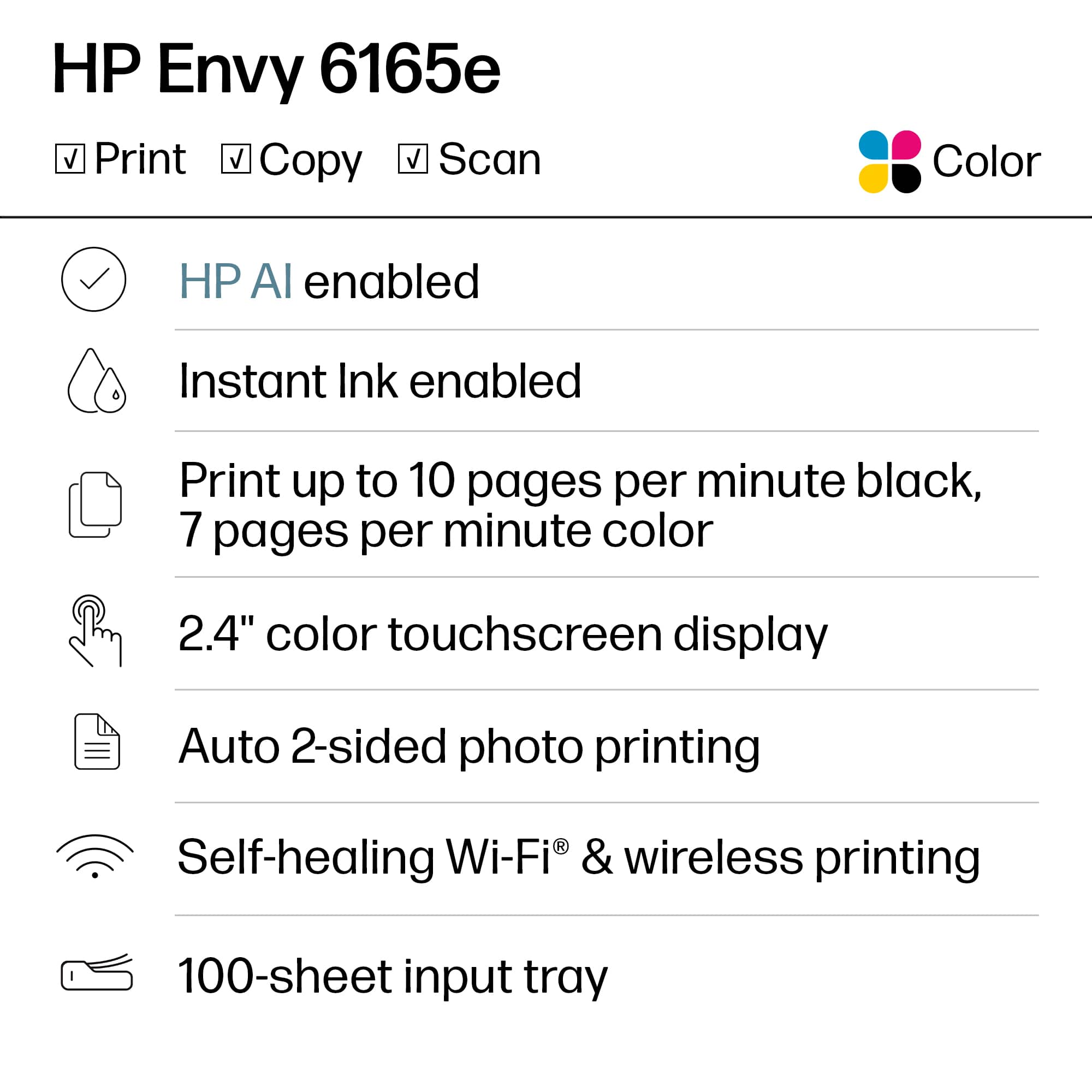
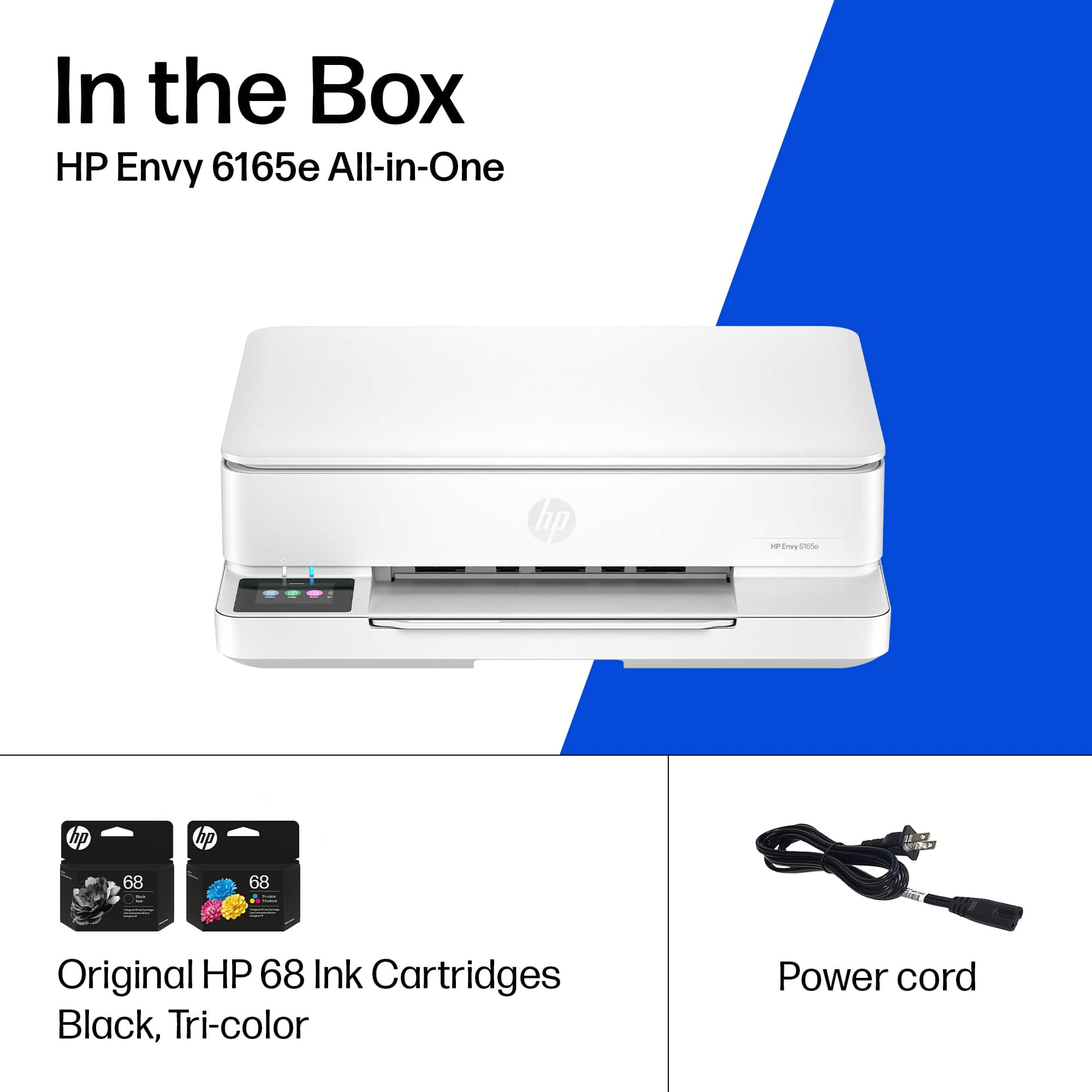
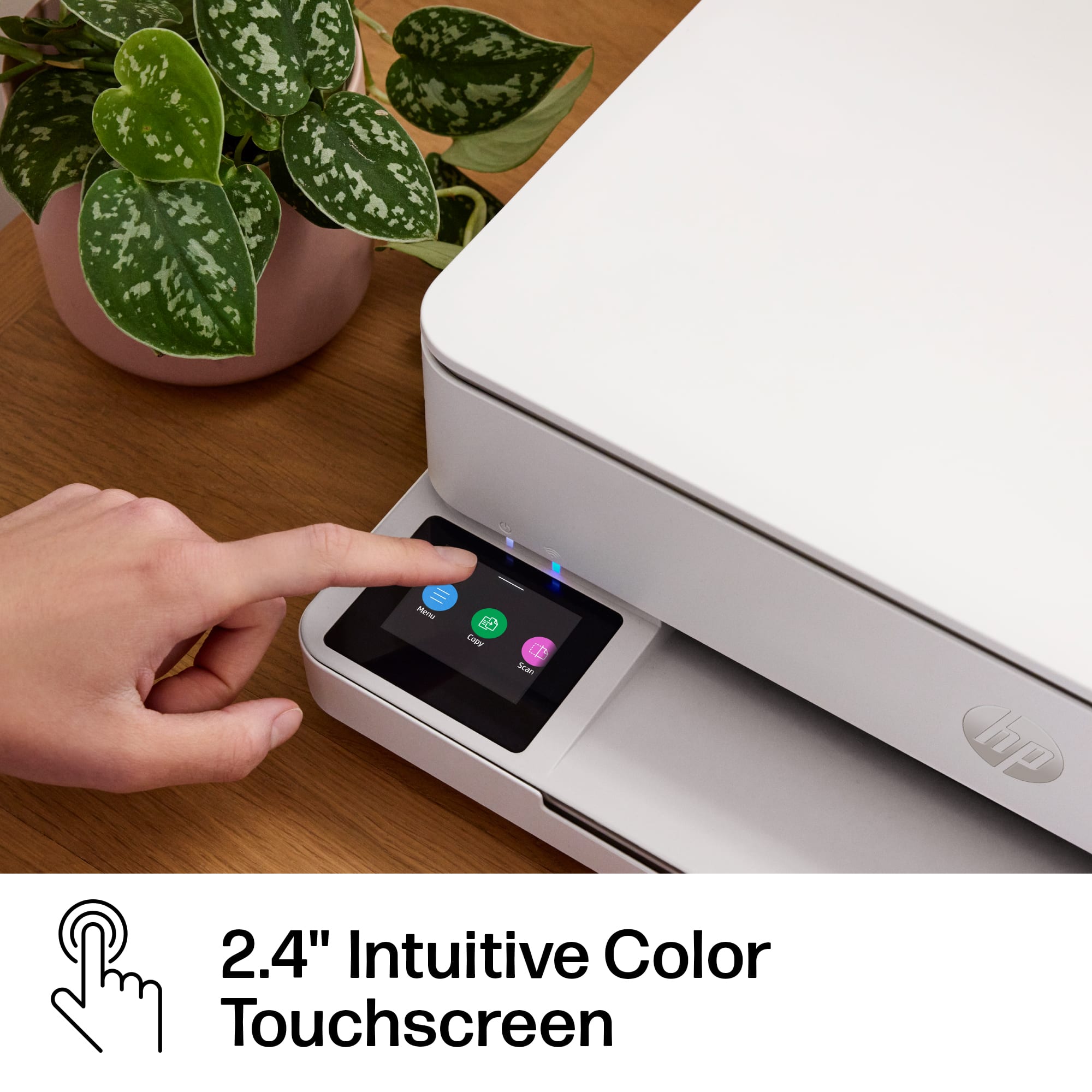
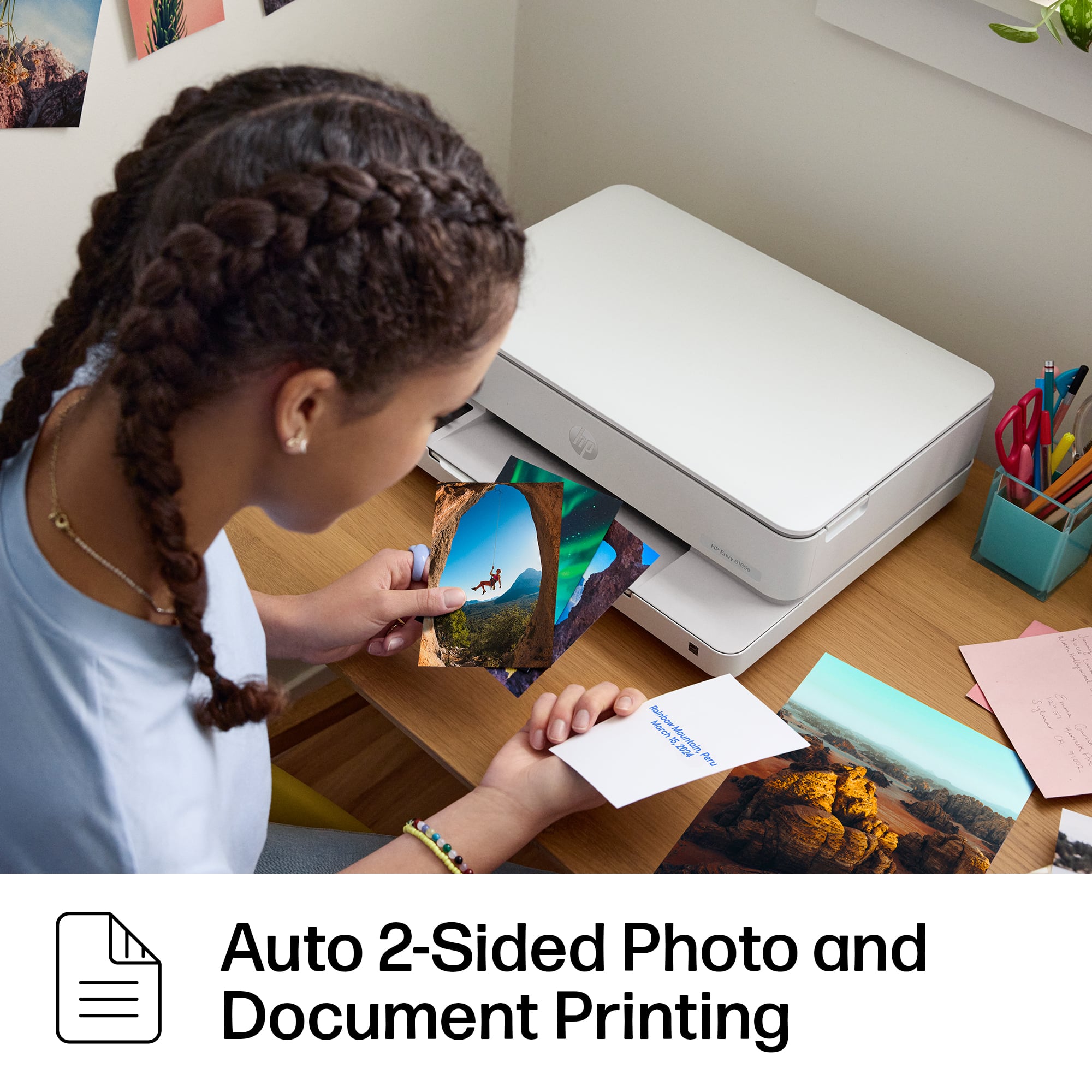
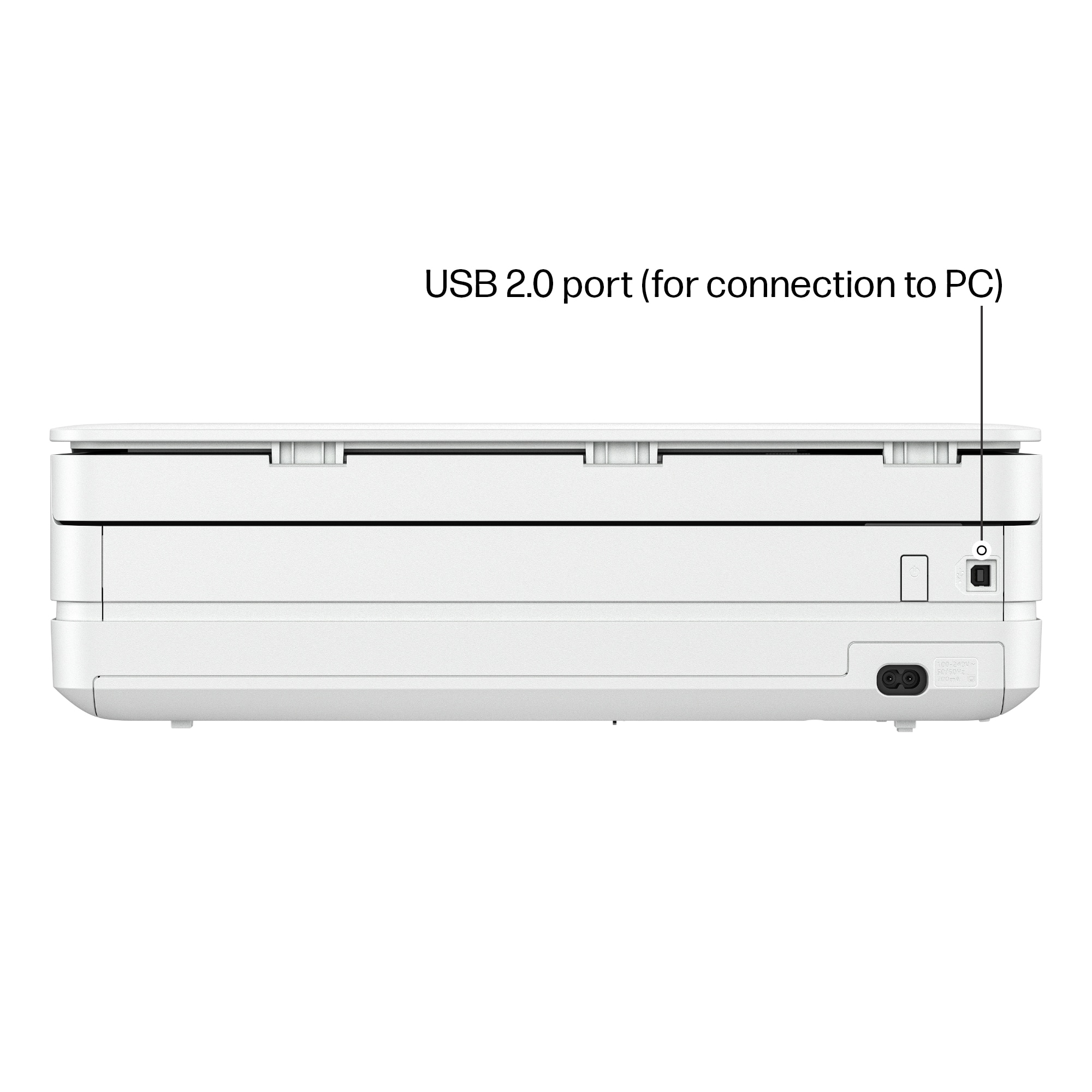
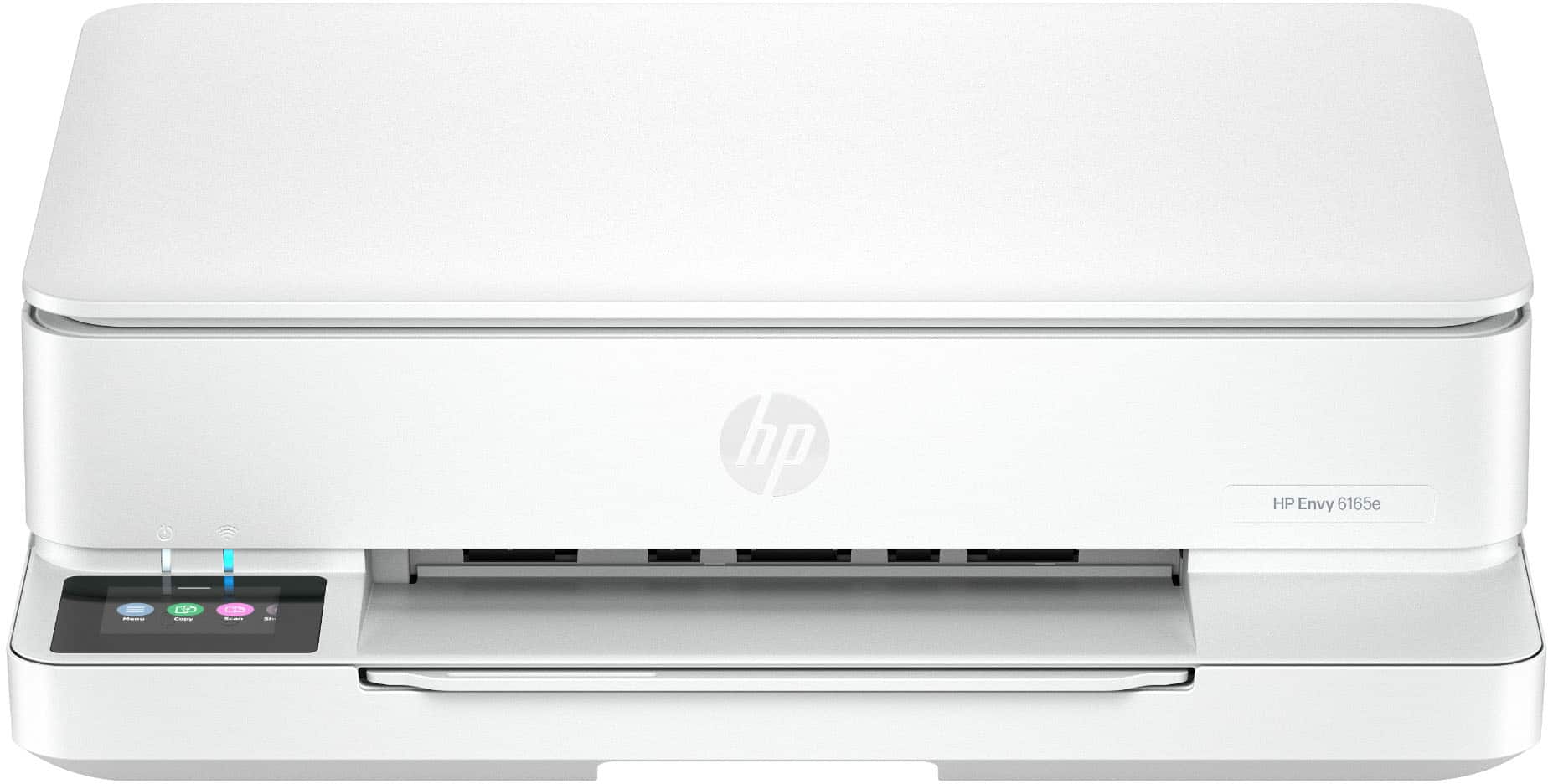
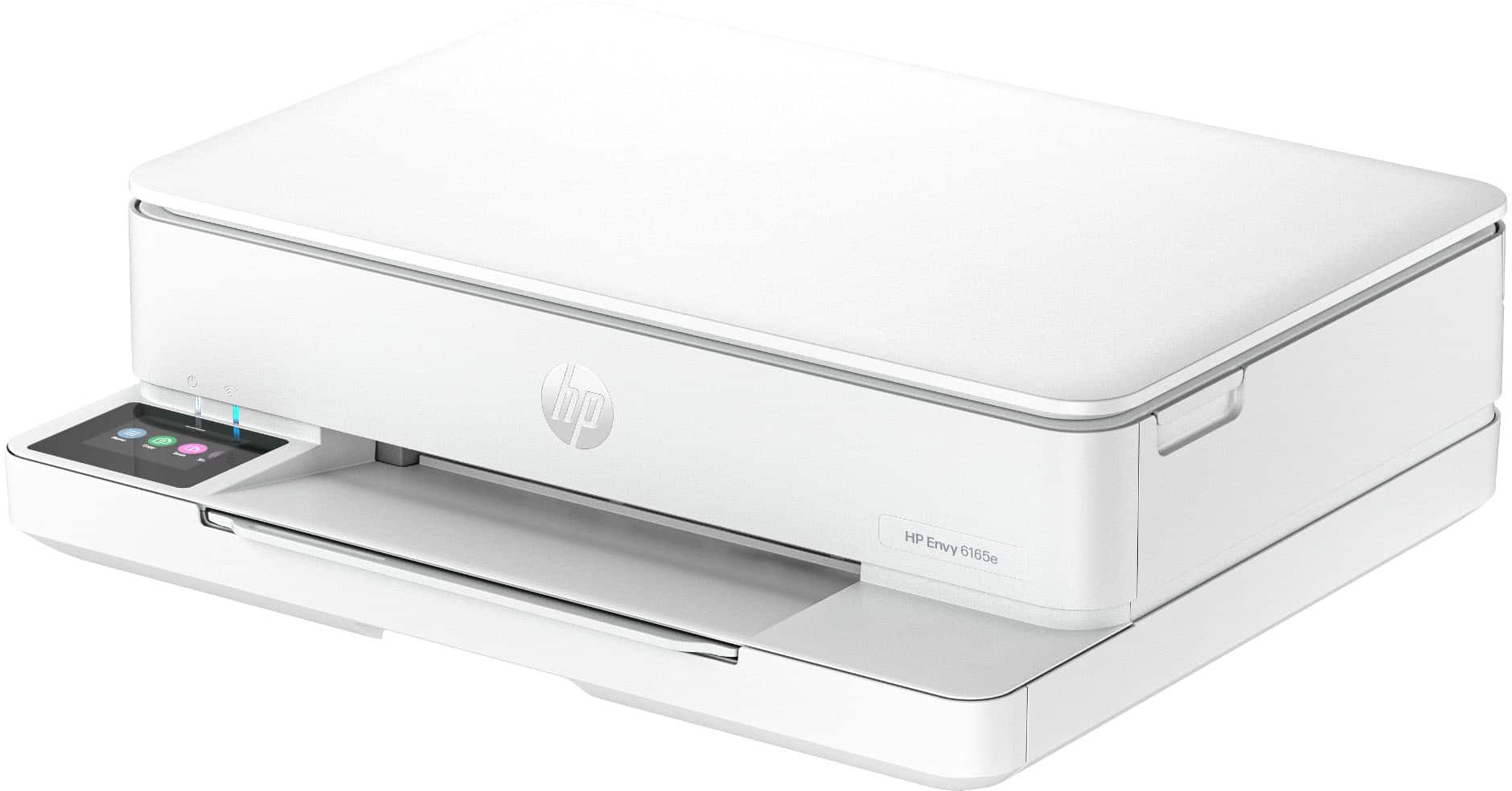
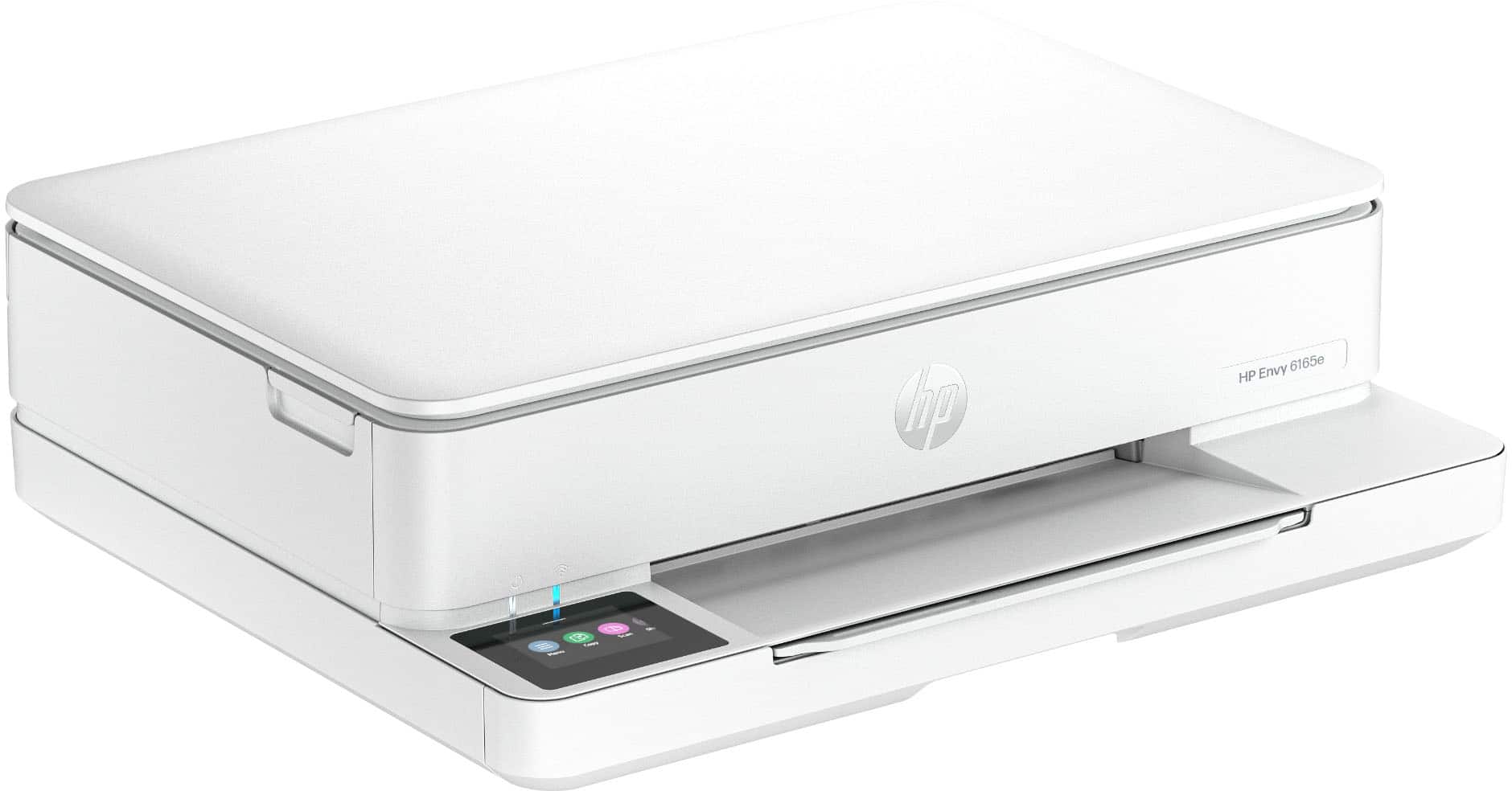
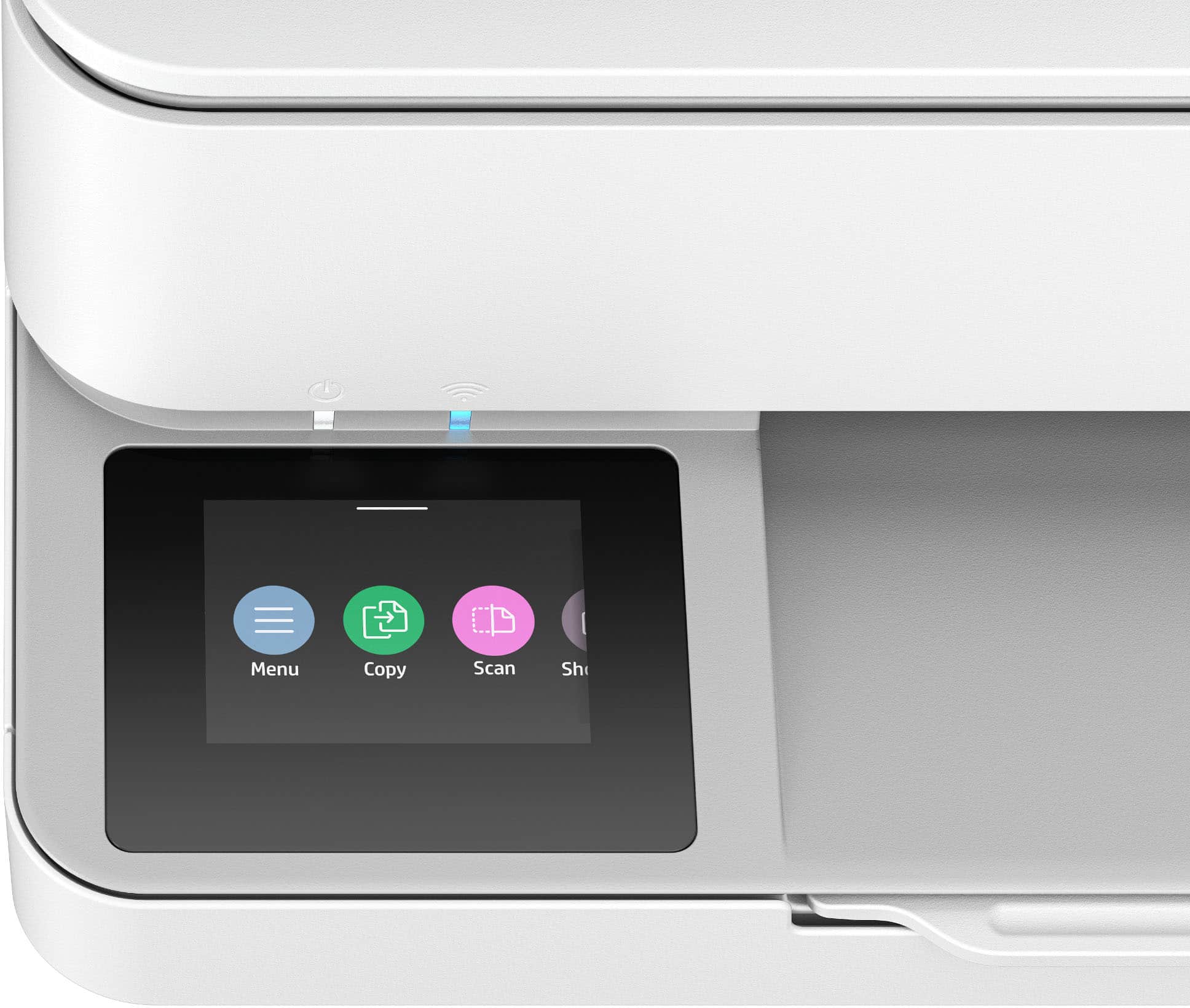
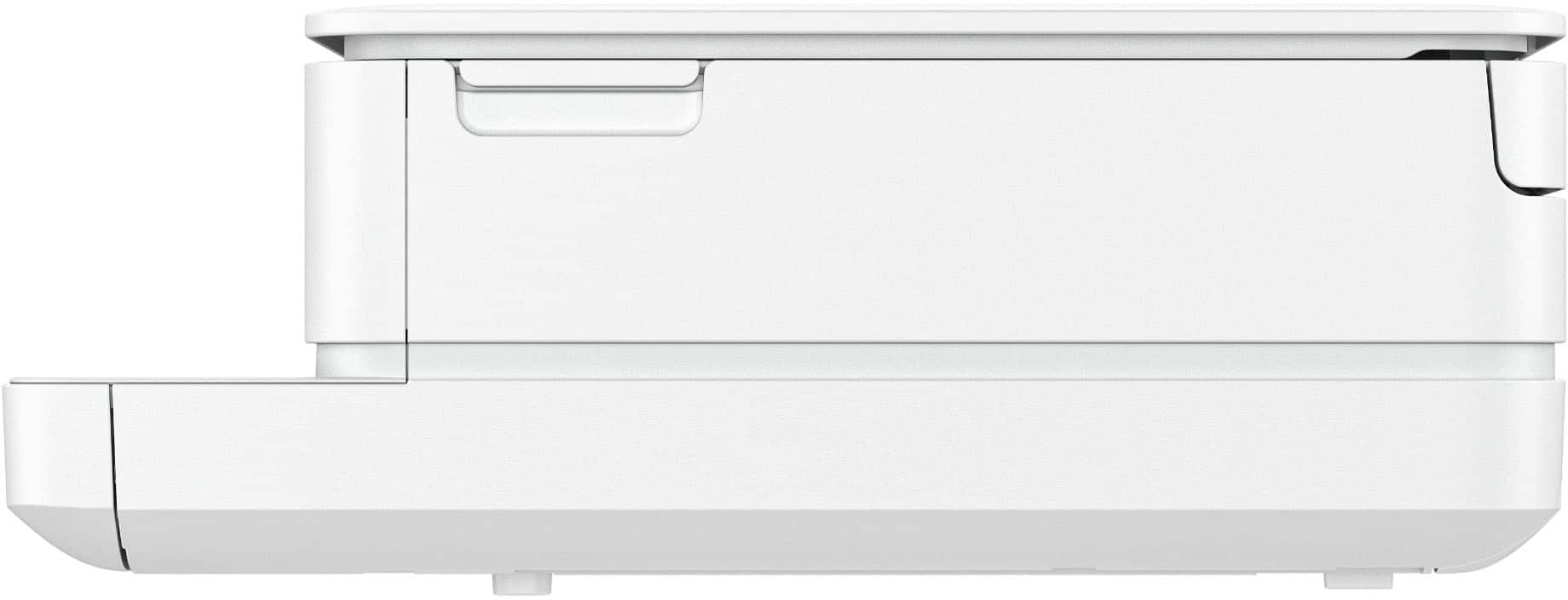
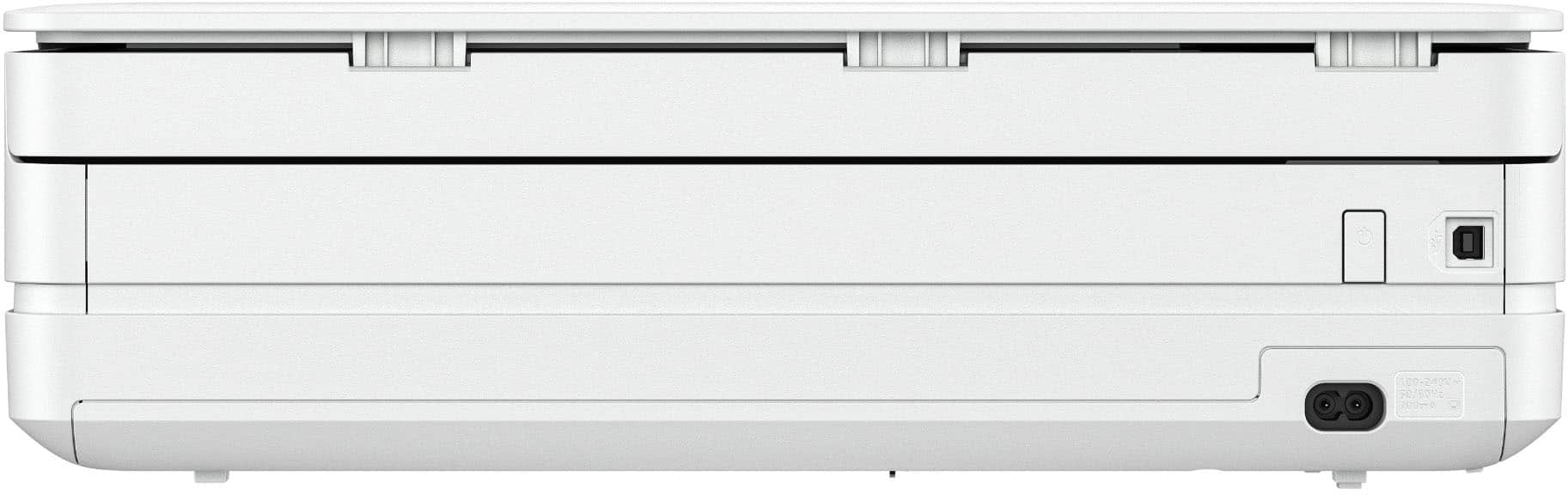
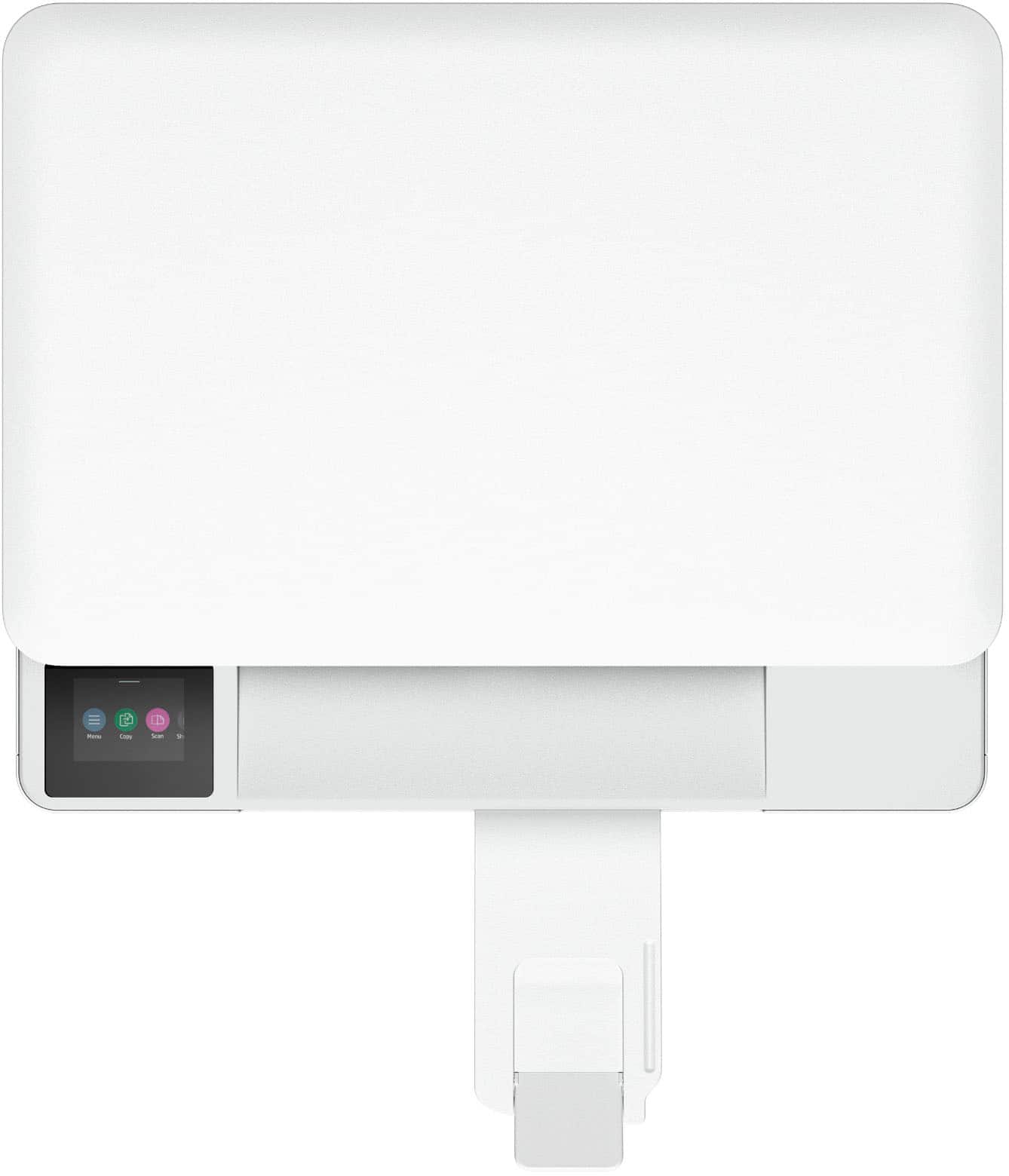
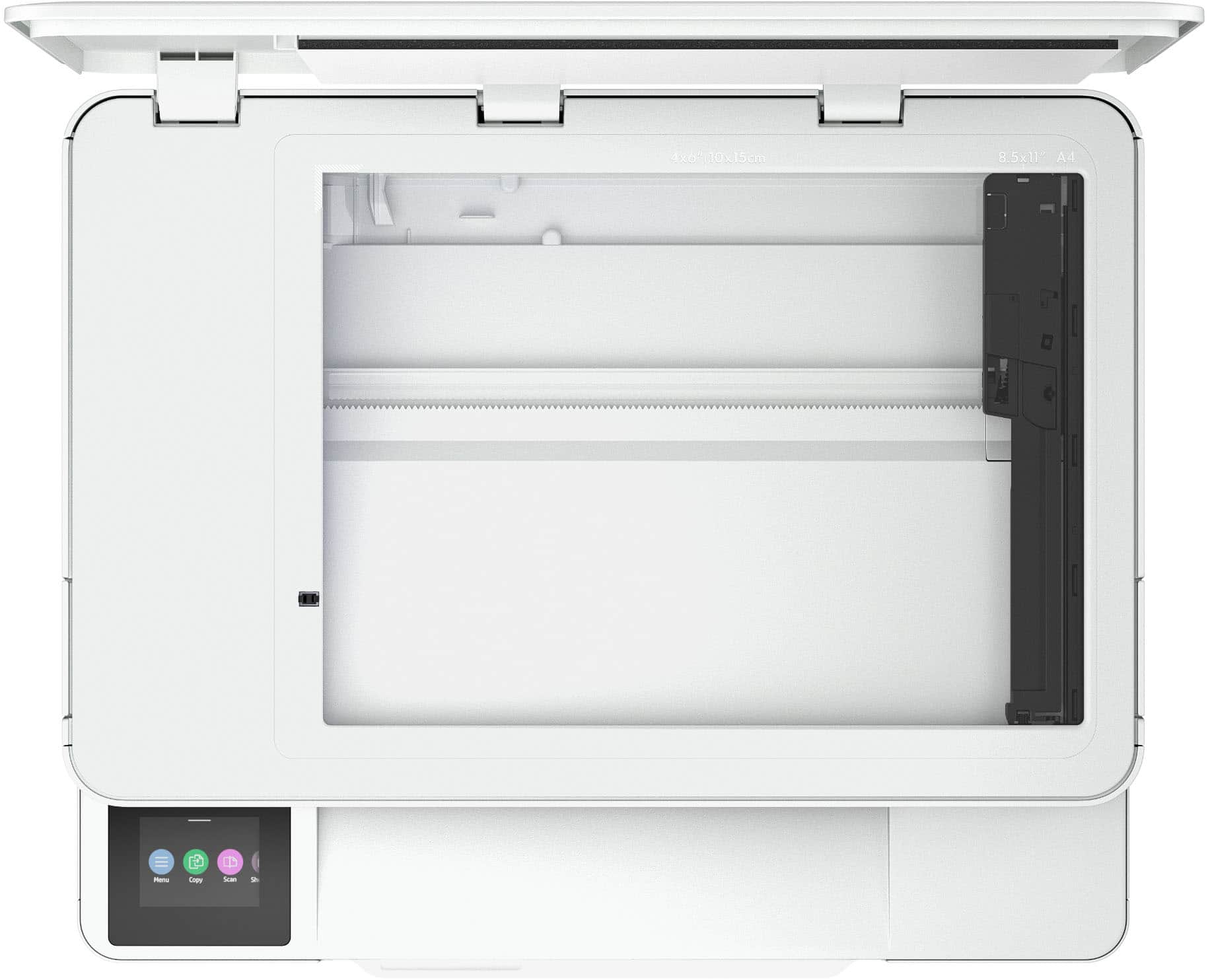
|Posted .This reviewer received promo considerations or sweepstakes entry for writing a review.Setup: The printer came equipped with 1 tri color cartridge and 1 black cartridge, the printer and a power cable. Unboxing is straightforward: once the printer is removed from the box, you have to remove all the tape/film. Once this is done plug it in and follow the screen commands to scan the QR code on your phone. Once you get the app squared away you will get digital step by step directions on installing the cartridges, alignment. I connected my printer to the wifi. You can use USB (USB B port) but a cable is not included and it’s not recommended if you want to access all the features (for example: print from anywhere). Overall appeal: this HP has a slim profile which is nice for any home that doesn’t really want to see a printer laying around. The screen is small at 2.4 inches but is usable and does not tilt up. The printer is white and looks modern with its overall slim design. I noticed the printer is made of recycled material which feels good to know and doesn’t seem to jeopardize quality. Use: After setup, the printer is like any modern day HP, utilize the HP Smart on your phone to print quality pictures, forms, and print from anywhere. Or when your simply at home just find your printer over the wifi via any device such as iOS, android, PC, chrome, etc. Prints are on the slower side to produce but this is an inkjet. Color is 7 pages and b&w is 10 pages a minute which again is slow but this is a slim printer. The printer has a small loading tray of 100 sheets but does offer auto 2 sided printing. The printer only has a flat bed scanner with a resolution up to 1200x1200. I typically only like printers with a top feeding scanner but this device was designed to be smaller. Overall: I recommend this printer to a person who is the occasional user who is looking for a device that is small but still has functionality. So small that when I got the package delivered I didn’t think there was a printer inside. Slightly noisy (but which one isn’t) that gets the job done over WiFi. I recommend this HP to any basic user.
I would recommend this to a friend Rated 1 out of 5 stars
Way to slow
||Posted .This reviewer received promo considerations or sweepstakes entry for writing a review.Very, very slow at printing I am returning it and purchasing a different one
No, I would not recommend this to a friendRated 1 out of 5 stars
Bad Product
||Posted . Owned for 2 weeks when reviewed.This reviewer received promo considerations or sweepstakes entry for writing a review.Instructions not helpful; took the thing back same day I bought it.
No, I would not recommend this to a friendRated 1 out of 5 stars
NoGood
||Posted .This reviewer received promo considerations or sweepstakes entry for writing a review.Won't connect to wifi un reliable for the price expensive ink
No, I would not recommend this to a friendRated 1 out of 5 stars
Didn't Work
||Posted .This reviewer received promo considerations or sweepstakes entry for writing a review.Can't get it to connect to computer. Printed for about 2 days and then quit. Will return item.
No, I would not recommend this to a friend- Pros mentioned:Setup ease, Size
Rated 4 out of 5 stars
Affordable
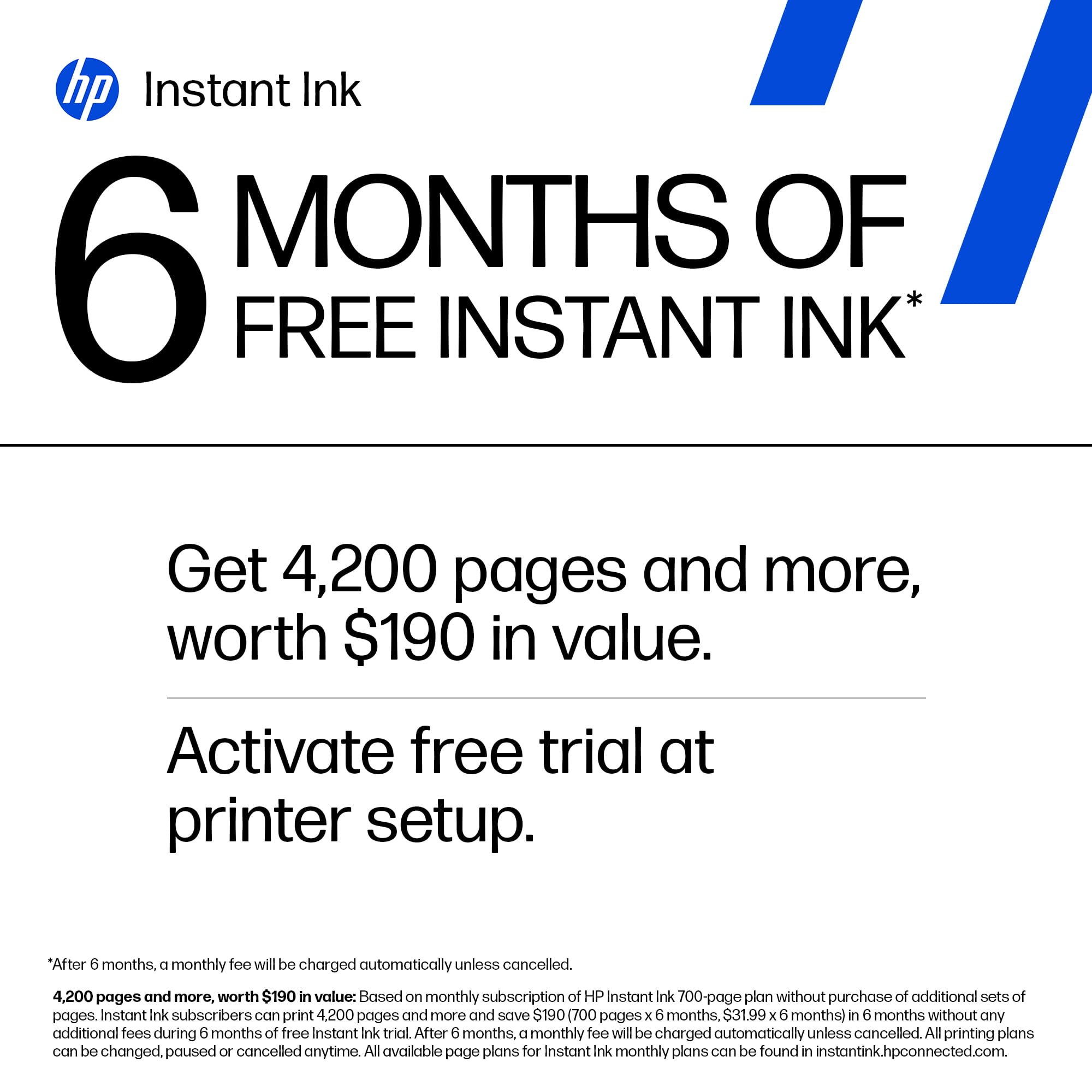
|Posted .This reviewer received promo considerations or sweepstakes entry for writing a review.Setup was easy as it usually is for HP printers. Recently, the setup has become so automated that it is hard to find anything bad about it. If you use it wired, it’s just plug and play. If wireless, you can use the built-in screen, press a button on your router, or the app. To start, I would like to say that I have mixed feelings about the idea of subscription to ink because you can potentially spend more than you would purchasing ink directly, especially if you print more than your plan allows which starts at only 10 pages per month and you can reach that limit in just one sitting. That’s the part that I don’t like because you have to be very conscious about how much you print. I do have a subscription for another HP printer, and it has worked out well for me although I keep an eye on my usage. The good news for the Envy 6165E is that the price is very affordable, and it comes with a 6-month ink subscription free. In other words, it pays for itself very quickly. Also, you can opt out of the subscription and pay for the cartridges when they run out. An upside to the subscription model is convenience since you get a new cartridge as soon as it’s running low. One of the features I like the most is the automatic two-sided photo printing. That’s handy when you’re creating invitation cards, for instance. The quality of printing for photos and text is excellent, which makes it even better. It’s a small printer and it will meet the needs of most users. It’s a good scanner too. But if you print as much as I do, you should go for a bigger model. The bin can hold only 100 pages. I sometimes print that much in just two or three days. In summary, it is a great printer for light usage. Simple, affordable, compact, and easy to use. However, if your usage is heavy, please look for a bigger printer with bigger bins to store paper and more room to handle many printed pages.
I would recommend this to a friend - Pros mentioned:Print quality, Setup ease
Rated 4 out of 5 stars
Decent Small Printer
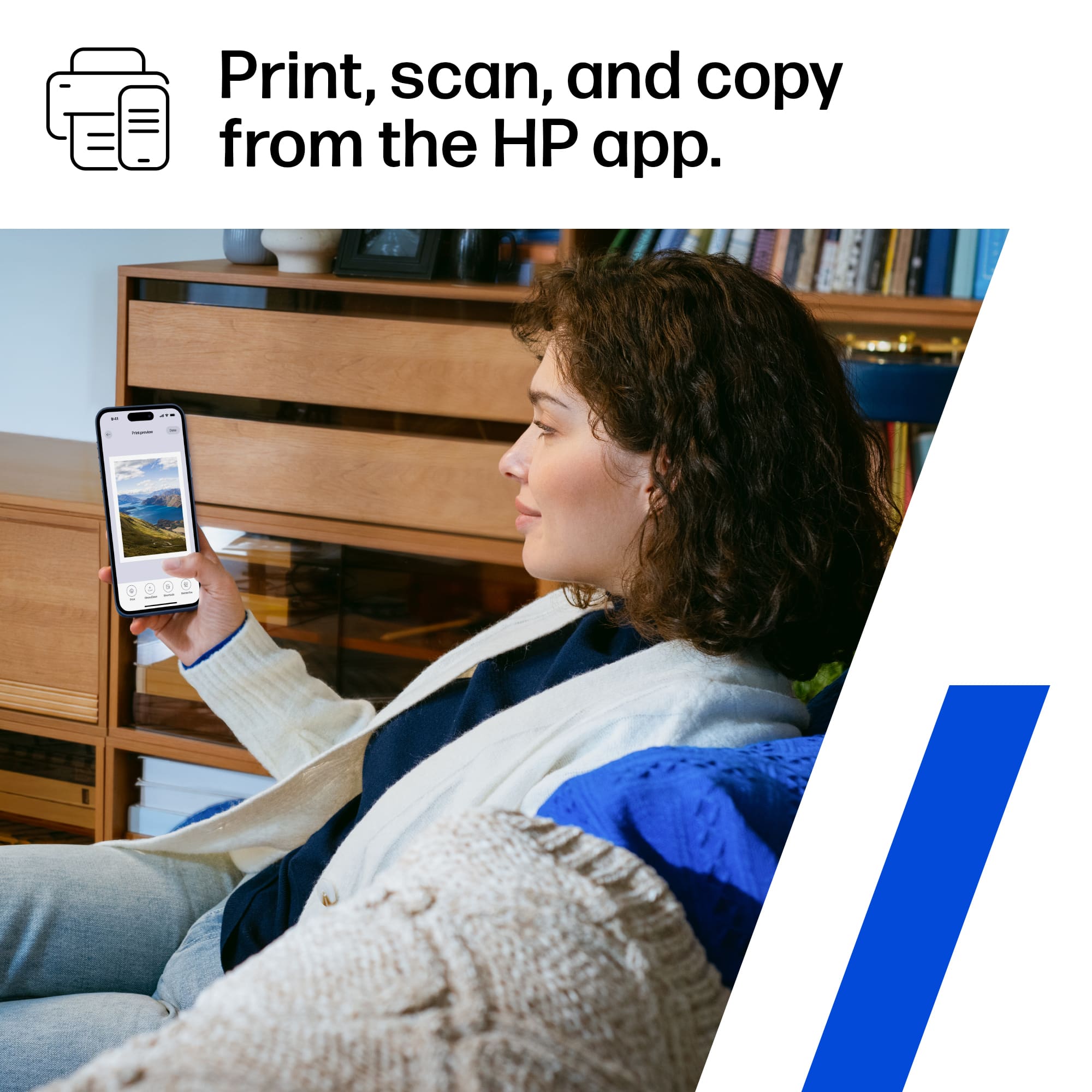
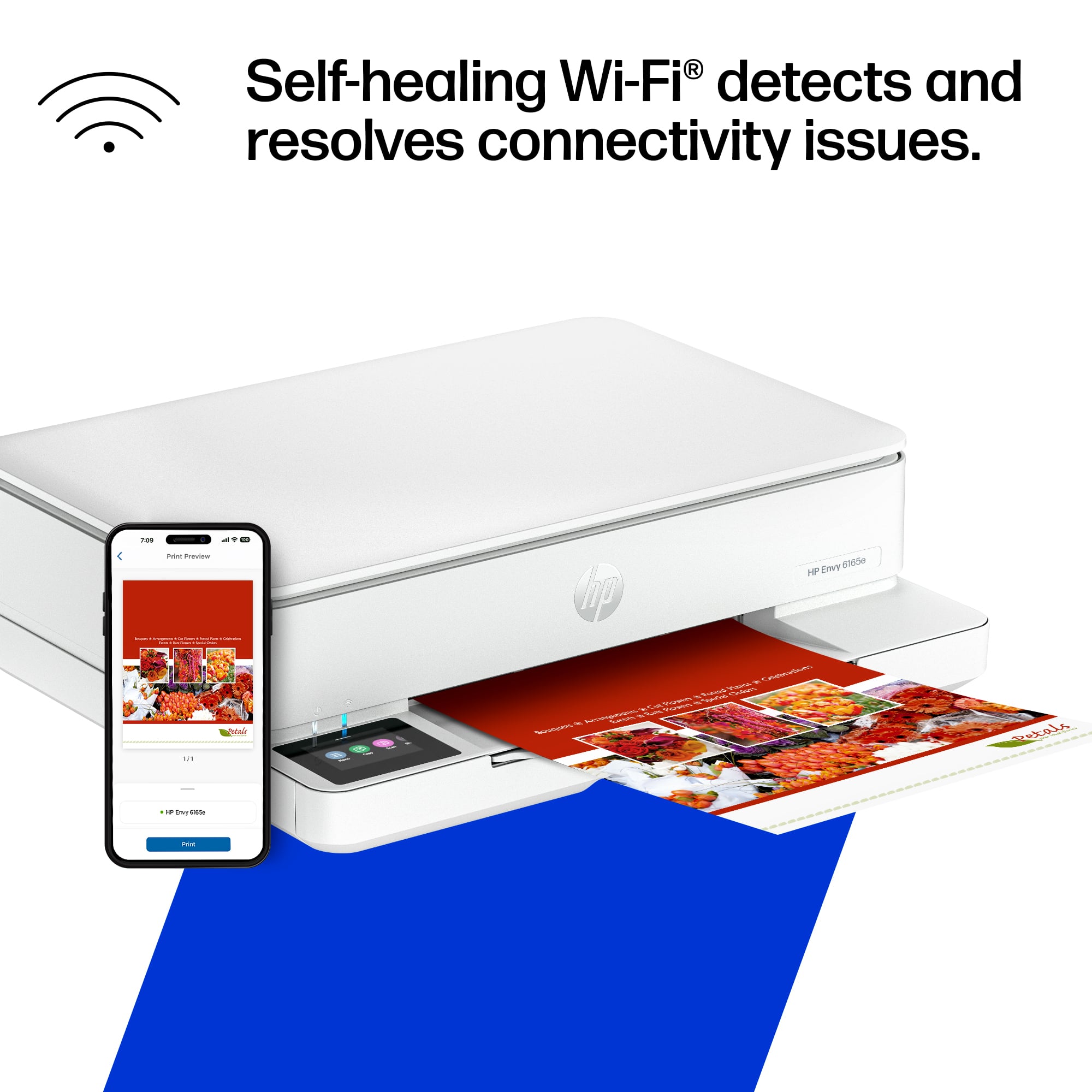
|Posted .This reviewer received promo considerations or sweepstakes entry for writing a review.I’ve been testing out the HP Envy 6165e Wireless All-in-One Inkjet Printer for about 5 days, and for a mid-range all-in-one, I’m honestly impressed by how seamlessly it fits into a busy, multi-device household or home office. Straight out of the box, setup was painless—took me under 10 minutes using the HP Smart app. It walks you through everything from Wi-Fi connection to paper loading and the HP+ activation. Once you opt into HP+ (which is optional), it automatically enrolls you into six free months of Instant Ink, which I’ll touch on more in a bit. Photo quality is where this printer punches above its price. I ran a few 4x6 glossy prints and full-page borderless shots, and the color accuracy was strong with a nice pop in saturation. Blacks weren’t quite as deep as you’d get on a high-end photo printer, but for casual prints, it's solid. Flyers, on the other hand, looked clean and sharp—great for quick business promotions or community handouts. Text stayed crisp even with colored backgrounds, and the gradients didn’t suffer from banding or blotches. This isn’t a professional print shop replacement, but it definitely holds its own for everyday marketing materials. Print speed is average for this class—around 10 pages per minute for black and white, and a little slower with color-heavy documents or photos. It’s not a speed demon, but it’s consistent. There were no paper jams or misfeeds during my tests, even when switching between plain paper and glossy photo stock. What stood out the most is how frictionless the printing experience is across devices. I printed from my Android phone, iPad, MacBook, and even a Windows desktop—no drivers, no drama. The HP Smart app gives you full access to scanning, copying, and managing print jobs remotely. You can even send jobs to the printer when you’re away from home using HP’s cloud printing. The real kicker here is HP’s Instant Ink subscription, which the 6165e is clearly built around. Once enrolled, the printer tracks your ink levels and automatically ships new cartridges before you run out. It’s not based on how much ink you use, but rather how many pages you print—whether you’re doing full-page color or just black and white text. With six free months included, there’s no cost out of the gate, and you get the option to print a fair number of pages (plans range from 10 to 700 pages/month). After the trial, pricing starts as low as a few bucks a month. I haven’t had to think about ink since setting it up, and it’s refreshing. The HP Envy 6165e is a strong contender in the sub-$150 printer space. It’s ideal for families, students, or small business users who want reliable printing with minimal maintenance. Print quality is solid, wireless functionality is seamless, and HP+ with Instant Ink takes the headache out of running low on supplies. Print quality is solid, wireless functionality is seamless, and HP+ with Instant Ink takes the headache out of running low on supplies. Pros: Excellent photo and flyer output for the price, truly easy multi-device printing, 6 months of Instant Ink included, smart quiet operation. Cons: Not the fastest printer on the block, heavily tied into HP+ and Instant Ink ecosystem. If you’re tired of scrambling for ink last-minute or constantly babysitting your printer, the Envy 6165e makes a lot of sense—especially with that free 6-month ink cushion.
I would recommend this to a friend - Pros mentioned:ConnectivityCons mentioned:Paper tray capacity
Rated 5 out of 5 stars
HP 6165e Wireless all-in-one inkjet printer
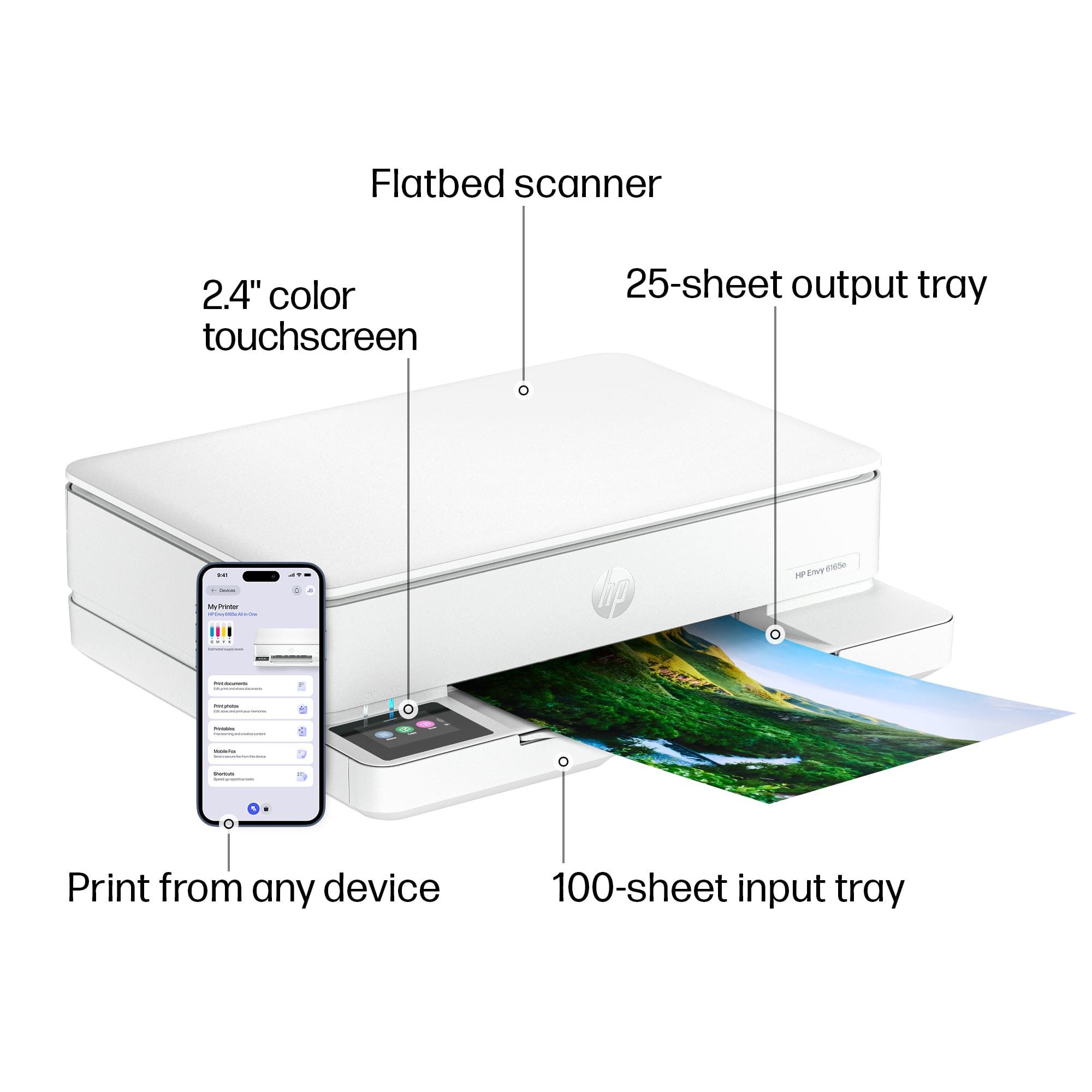
|Posted .This reviewer received promo considerations or sweepstakes entry for writing a review.This printer is not designed for business use. The manufacturer states you should not go over 1000 prints per month, you should stay below 700 as to not damage the printer. It is, however, great for at home printing, fax, and copying. During testing I had no problems printing using the HP smart app, printing from a desktop, laptop, tablet, and smartphone across both Windows and Apple platforms. Having owned other HP printers and using the HP instant ink, I had no problems setting this up. The Instant Ink allows the company to monitor your printing usage and estimating when you will need a new ink cartridge and ordering it. The monthly charge is based upon your estimated usage figured during your six-month free period. These cartridges can only be used while you are on the Instant ink plan, if you cancel the plan the cartridges will no longer be functionable, so make sure you have a set to replace the cartridges. This printer holds 2 ink cartridges, 1 black and 1 tri colored. The problem is that if you run out of 1 color you must replace the whole cartridge. The paper tray holds 100 sheets, and the output tray holds 25 sheets. The printers can hold all standard sizes of paper up to 8 X 10, and Number 10 envelopes, 5 X 5 and 4 X 12 envelopes. The scanner resolution is up to 1200 X 1200 DPI.
I would recommend this to a friend - Pros mentioned:Connectivity, Setup ease
Rated 5 out of 5 stars
Great for students and home office use!
|Posted .This reviewer received promo considerations or sweepstakes entry for writing a review.this printer is fantastic. Setup was easy and all instructions needed were easily accessed. I would encourage you to look at those instruction before starting. Instant ink is a nice feature as it automatically orders your ink when low and helps you not ever have issues not being able to print. Wifi connectivity is easy, make sure you know your network name and password. Software setup on Macs and Windows 11 computers and appeared to work fine. Experienced a small hurdle of having to wait for firmware to download (took about 20 minutes in total to get all updates needed for machine. Additionally, once the firmware was download and installed onto the printer, it worked wonderfully. I have put the printer through about 80 pages of printing and it seems to handle it well. Even prints photo paper. I recommend HP's photo printer so you don't have any questions or concerns with quality. Does not include USB cable in box if you plan to connect that way, so plan accordingly. Highly recommended printer
I would recommend this to a friend - Pros mentioned:Connectivity
Rated 5 out of 5 stars
Big value, low price. Perfect for home use
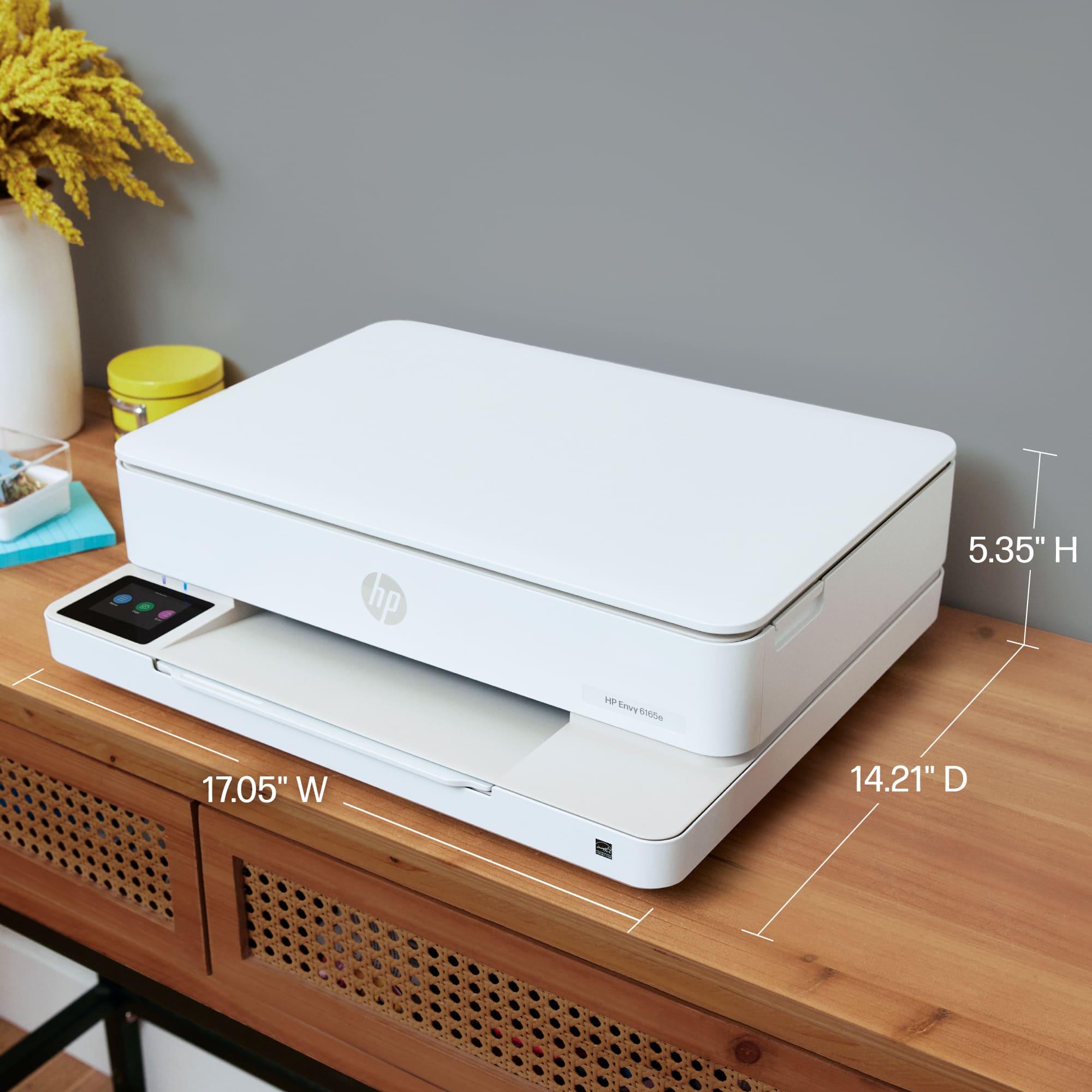
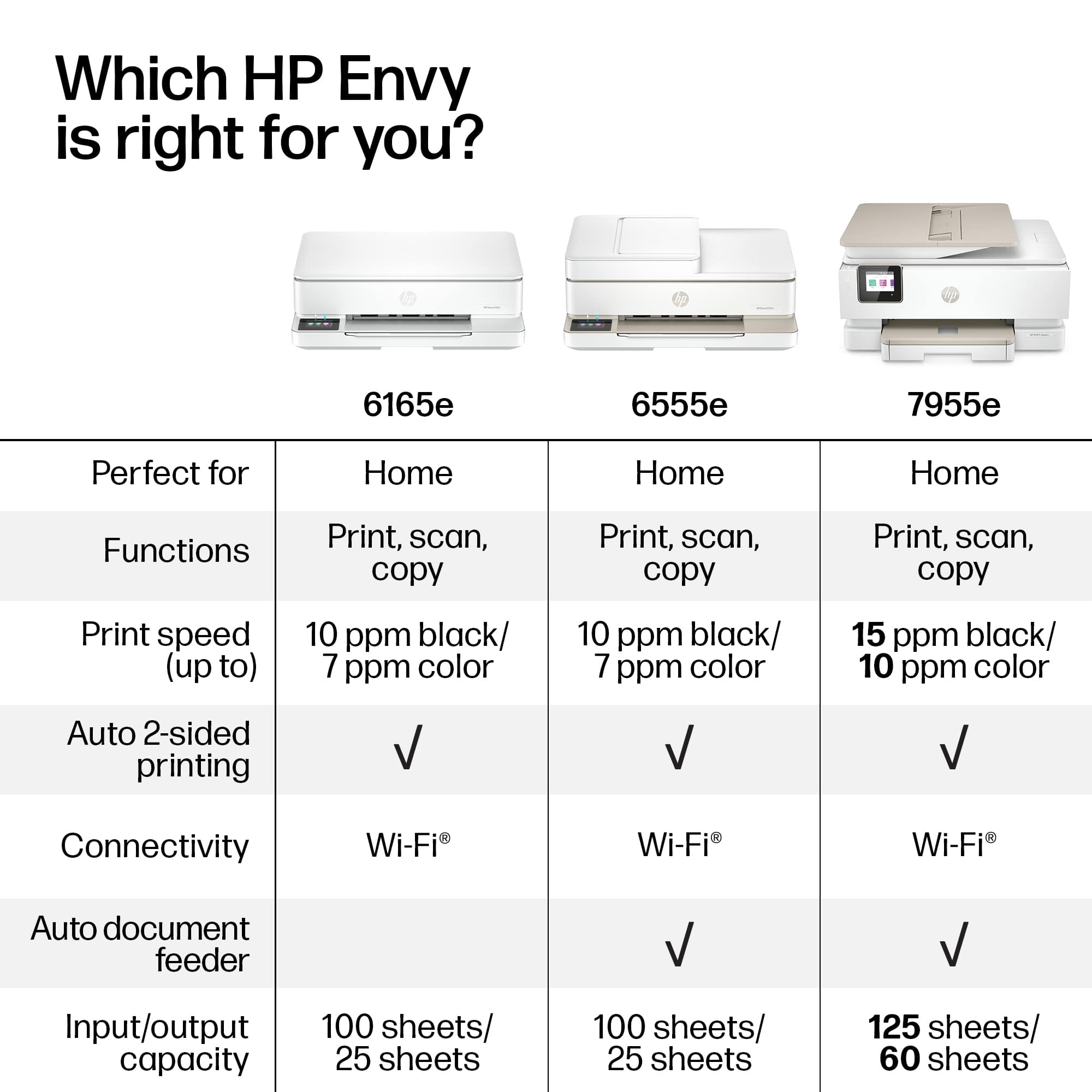
|Posted .This reviewer received promo considerations or sweepstakes entry for writing a review.Here’s a printer that delivers capability at a low price. As a home printer it’s a great value. It offers wireless and wired printing, scanning, color touch screen and copying. The wi-fi setup was easy, and it’s recommended to complete the printer setup over wi-fi. It’s dual band and supports both 2.4 and 5ghz. After setup, you can use the USB wired connection if desired. It’s a nice compact size that doesn’t need a lot of desktop real estate. HP offers Instant Ink with this printer with a bonus 6 months subscription. It’s a 2 cartridge system, with one black and one tri-color cartridge. It comes with setup cartridges, so plan on ink refills soon. The real test is of course printing. I found that it handled document, envelope and photo printing with ease. The color output looked great, and photos were very realistic. It does 2 sided printing, and will even do that on photos. Finally having a photo with more information on the backside. Solves that when, where or who is in this picture question. Overall, it’s a perfect home printer. It doesn’t have an automatic document feeder which for most of my needs isn’t a deal breaker. With kids using this for homework or fun projects, the ink subscription doesn’t break the bank. For the typical family use, this one hits the mark.
I would recommend this to a friend - Pros mentioned:Setup ease
Rated 5 out of 5 stars
Great printer!!
|Posted .This reviewer received promo considerations or sweepstakes entry for writing a review.This printer is great! The step by step instructions for set up made it really easy to connect. The company offers a 6 month supply of free ink which is absolutely helpful (although the one downfall is, ink is pricey!). When I used the printer for a regular letter sized print, the color was so deep it saturated the paper. Photos printed great! The quality is similar to what you would get from a one hour place, such as CVS or Walmart. As I said, the one downfall to this printer is the cost of materials. Both the black ink and the color ink are pricey, and you can go through them very quickly. The photo quality paper isn't cheap - however, I think the overall ost as compared to ordering from a one hour photo, will be comparable if not better. The added convenience of having this at home as opposed to ordering makes the cost absolutely worth it! The only suggestion I would have is to make the paper insertion, with the different sizes, a little easier to follow. It would be great if that was part of set up!
Rated 5 out of 5 stars
HP Envy 6165E All-in One Printer
|Posted .This reviewer received promo considerations or sweepstakes entry for writing a review.The HP Envy 6165E is a great all in one printing solution for most use cases. Setup was simple as can be with modern printers, if you're able to understand how to use your phone to download the app and add the printer to your HP account. Unfortunately, you do need an HP account to activate the ink and Instant Ink service, but you can get a free 6 month trial of the service to start you out. You are able to cancel the service and buy the ink on your own afterwards, but I believe the service is a decent value if you know your printing habits/frequency vs tracking down the correct ink and buying out of pocket. Actual use of the printer is quite fine, not much else to say, there's a small touch screen on the printer to control some functions and check the status of the jobs. It's quiet and has multiple options such as print, copy, scan and the app is pretty useful opening up options as Mobile Fax for those weird scenarios where a business you're dealing with hasn't left the 90's for some reason. Overall the HP Envy 6165E is a great middle option between basic printers and super business printers.
I would recommend this to a friend- Pros mentioned:Size
Rated 4 out of 5 stars
Nice Compact all in one, lots of value here.
|Posted .This reviewer received promo considerations or sweepstakes entry for writing a review.HP has seemed to finally dial the small all in one market with the 6165e. This printer is quite small in comparison to some of the other HP printers I have owned. It seems that they have also managed to miniaturize the scanner portion of the all in one. With a 100 page paper tray and double sided printing the small form factor, and frankly somewhat low price point, the value proposition is high with this model. Throw in the HP instant ink option and it's tough to find a lot of negatives. The ink capacity of the cartridges and the limited paper size stopping at 8.5x11 are the only limitations that might give someone pause. The scanner is flatbed and single sheet, with no automatic document feeder, so you're only going to be doing causal scanning, and not huge multipage documents. The wireless connectivity let's you put this anywhere in your home or office and send documents to it. Compact and integrated also means there are only 2 cartridges, one for color and one for black. This adds to the limited printing capacity with no ability to switch out individual colors. Overall this is a well made and tailored low use printer for casual scanning and casual home use. It gives up what it needs to to keep the size down and the convenience high. I think the value proposition is high, but a 4 ink cartridge setup and a larger paper tray would have pushed me to 4 stars.
I would recommend this to a friend - Pros mentioned:Connectivity
Rated 5 out of 5 stars
Great budget color printer/scanner
|Posted .This reviewer received promo considerations or sweepstakes entry for writing a review.I will start with I have had several laser printers and the issue is it costs so much to replace the ink that they are not worth it. This printer offers you a fantastic deal on a subscription for ink replacements although I don’t need this. I only print coloring pages and pictures my kids color on their tablets. The HP printer app is amazing so all I need to do to any photo is hit my menu, print, select my printer and it prints. The app also makes it super easy to scan and email which is awesome for signing important documents. Print from email, sign, and scan and send back again all through the app. This printer has color and b/w and has a more than enough capacity for paper for my needs. The printer is very easy to connect to your WiFi and also has the ability to print from anywhere as long as you select that option. The display is beautiful on the small screen and the paper tray is very easy to access and load. Overall, this is a must-have printer/scanner. Even if you do t use it but a few times a year it’s worth it.
Rated 4 out of 5 stars
Overall pleased
Posted .This reviewer received promo considerations or sweepstakes entry for writing a review.So far so good. Fairly easy to setup and use. Only had one glitch where it quit working, but a reboot fixed that.
I would recommend this to a friendRated 5 out of 5 stars
Great printer
Posted .This reviewer received promo considerations or sweepstakes entry for writing a review.Great printer for the price. Love the 6 months of free ink.
I would recommend this to a friend