Customer Ratings & Reviews









- Model:
- 714L6A#B1H
- SKU:
- 6625922
Rating by feature
- Value
Rating 4.7 out of 5 stars
- Quality
Rating 4.6 out of 5 stars
- Ease of Use
Rating 4.6 out of 5 stars
Customers are saying
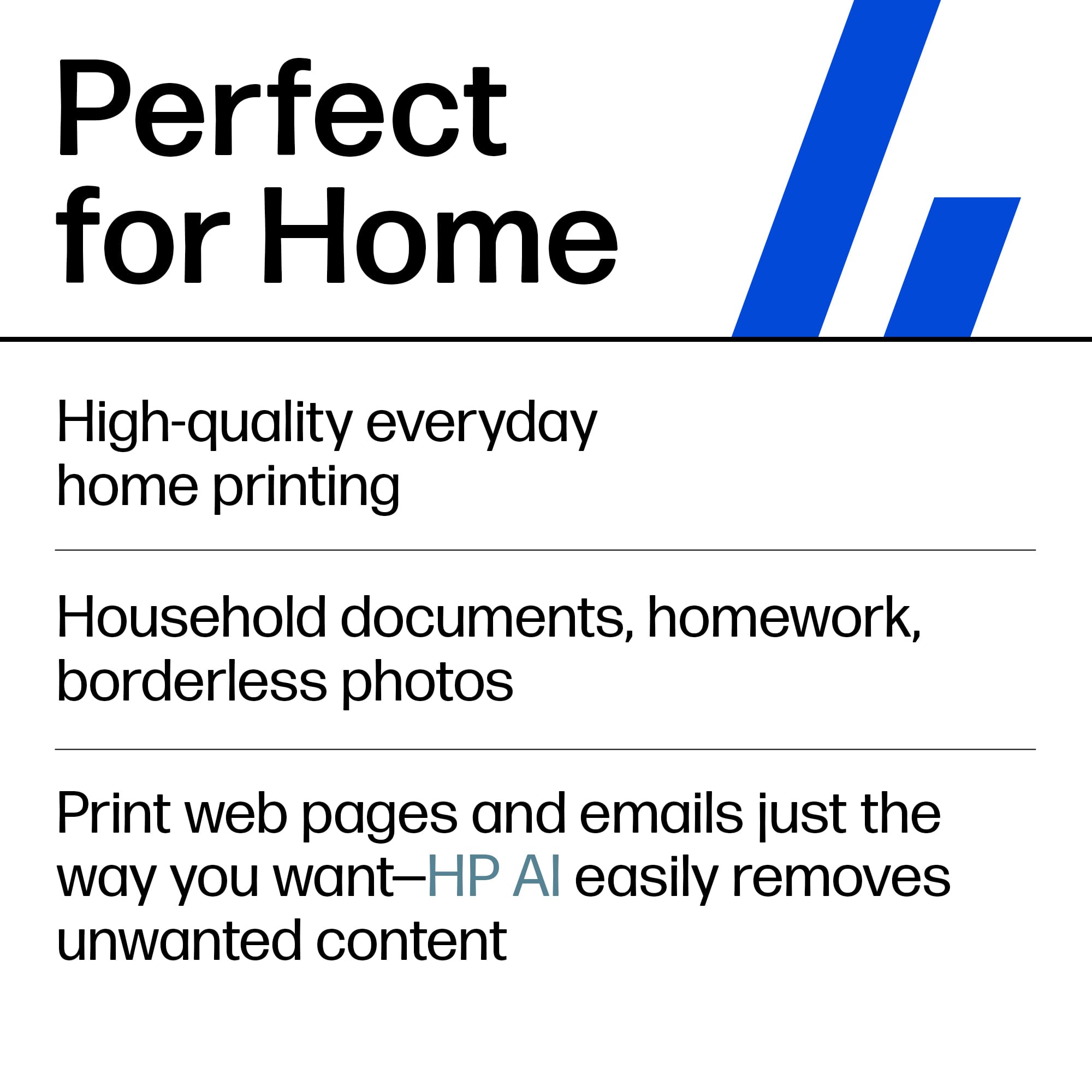
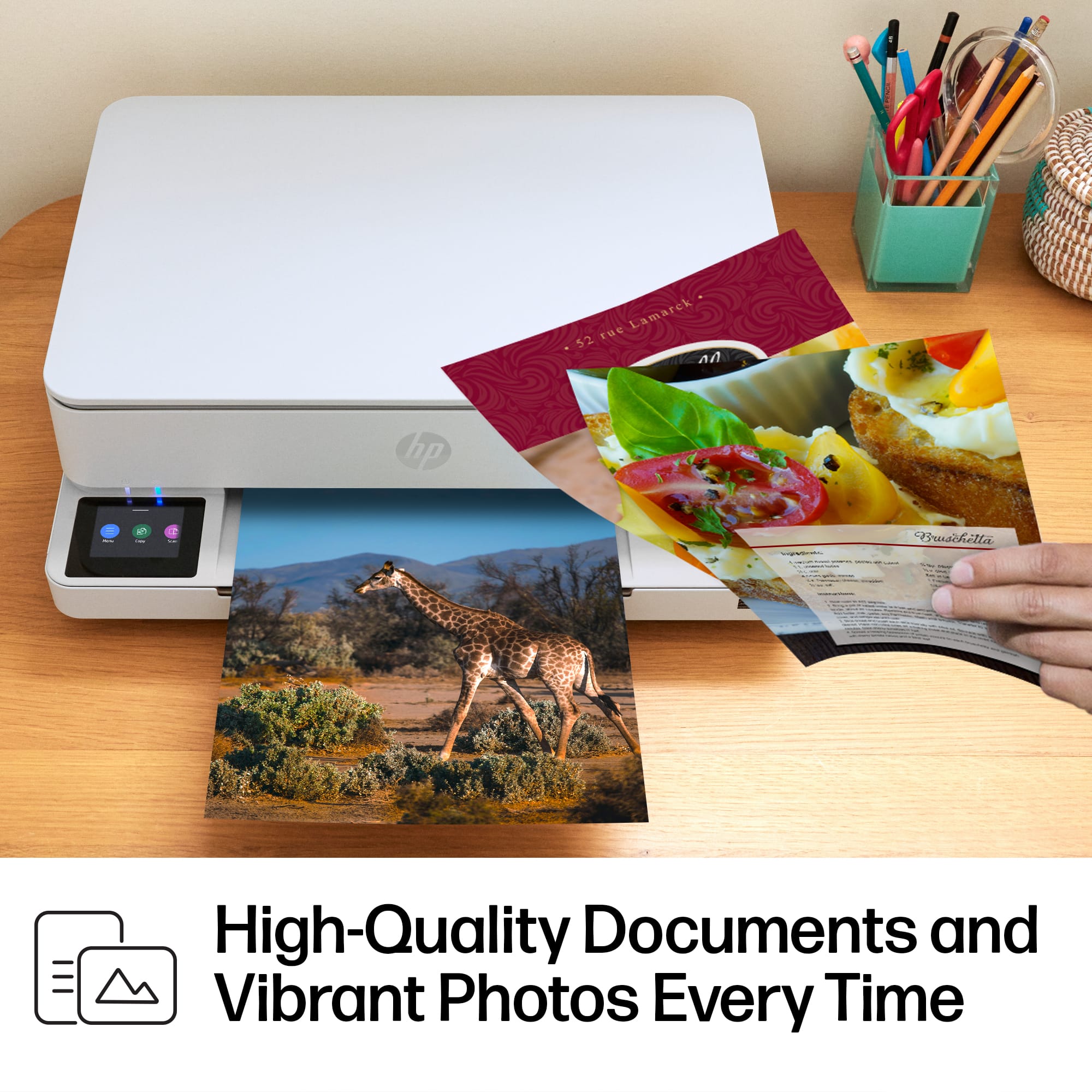
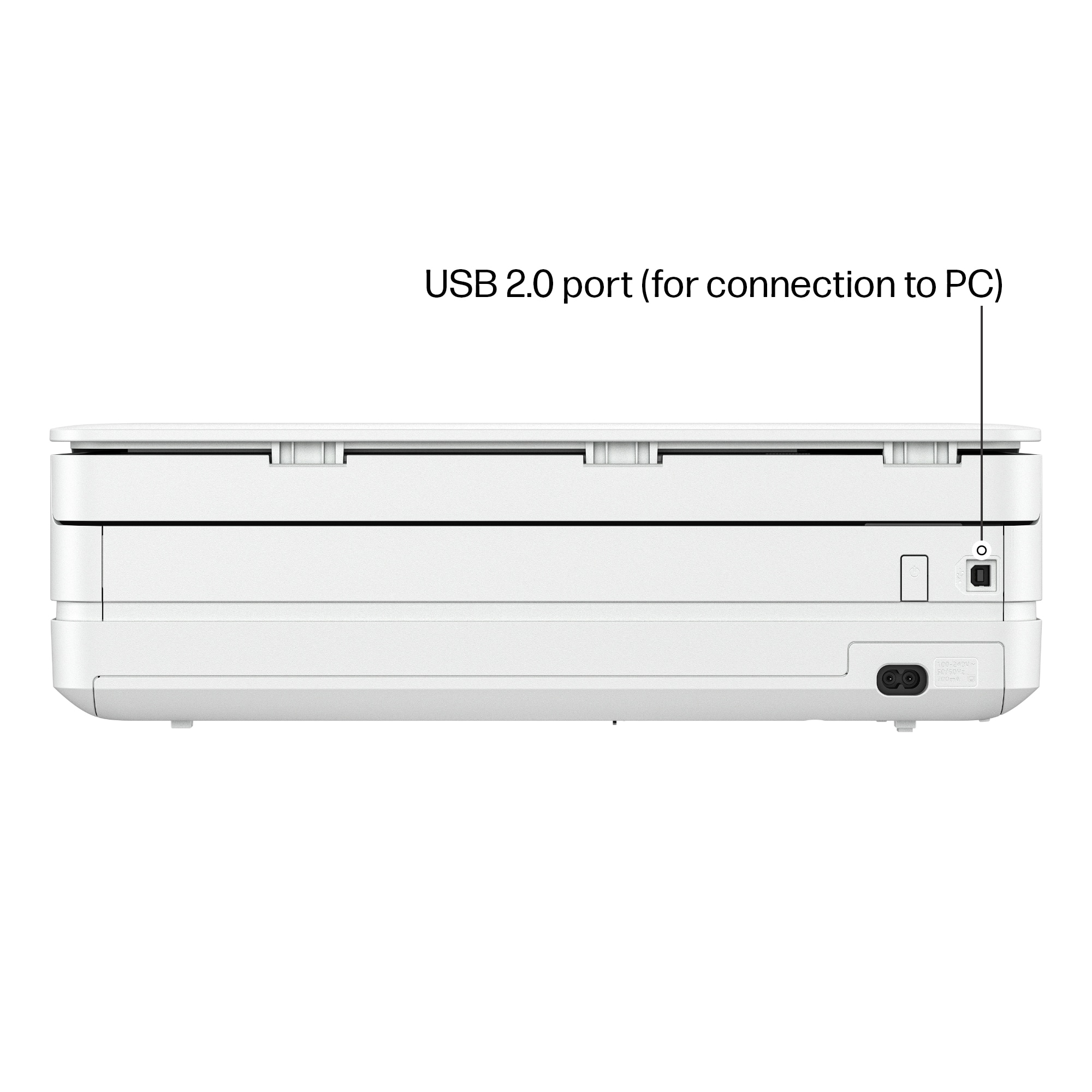
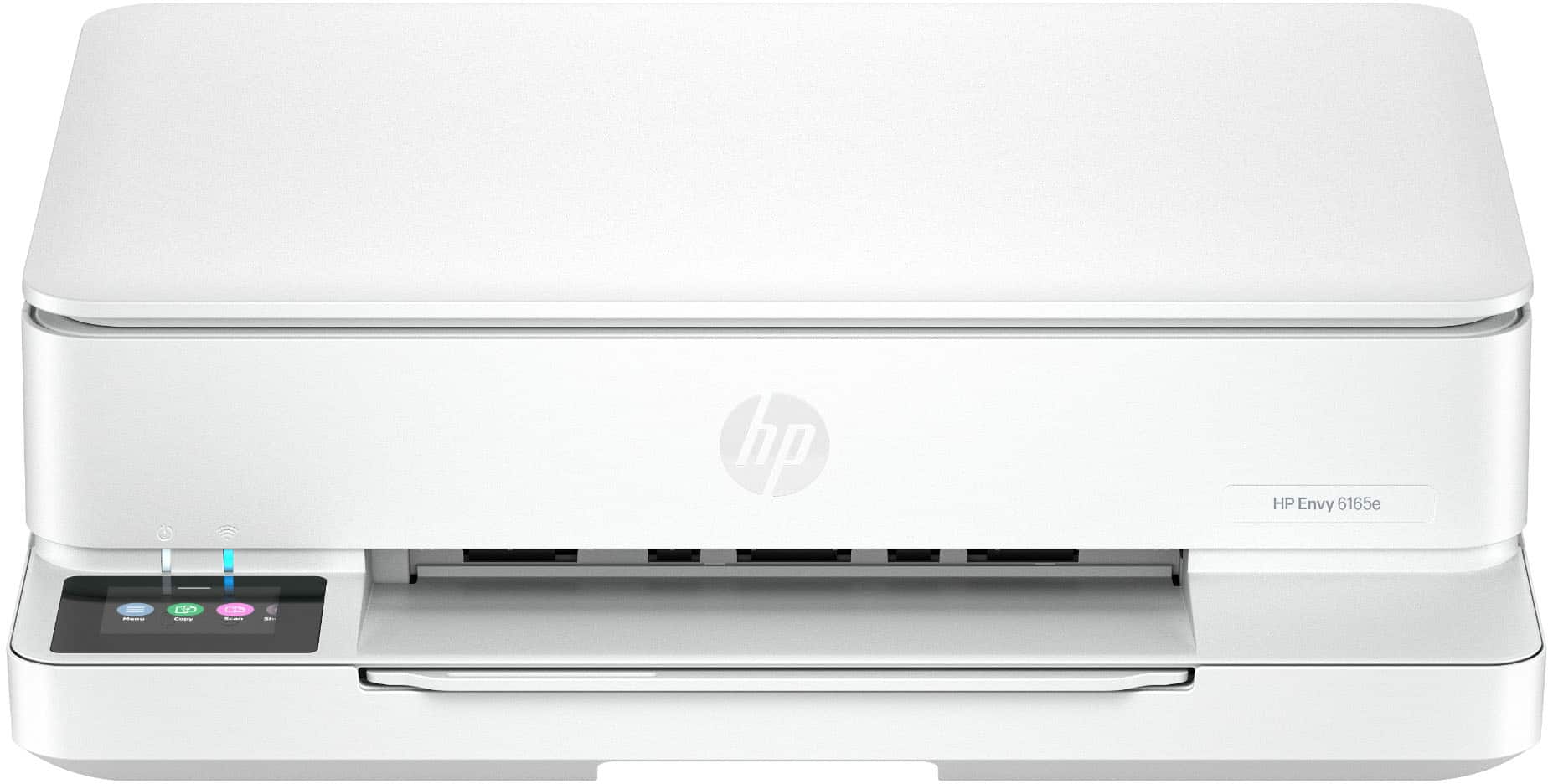
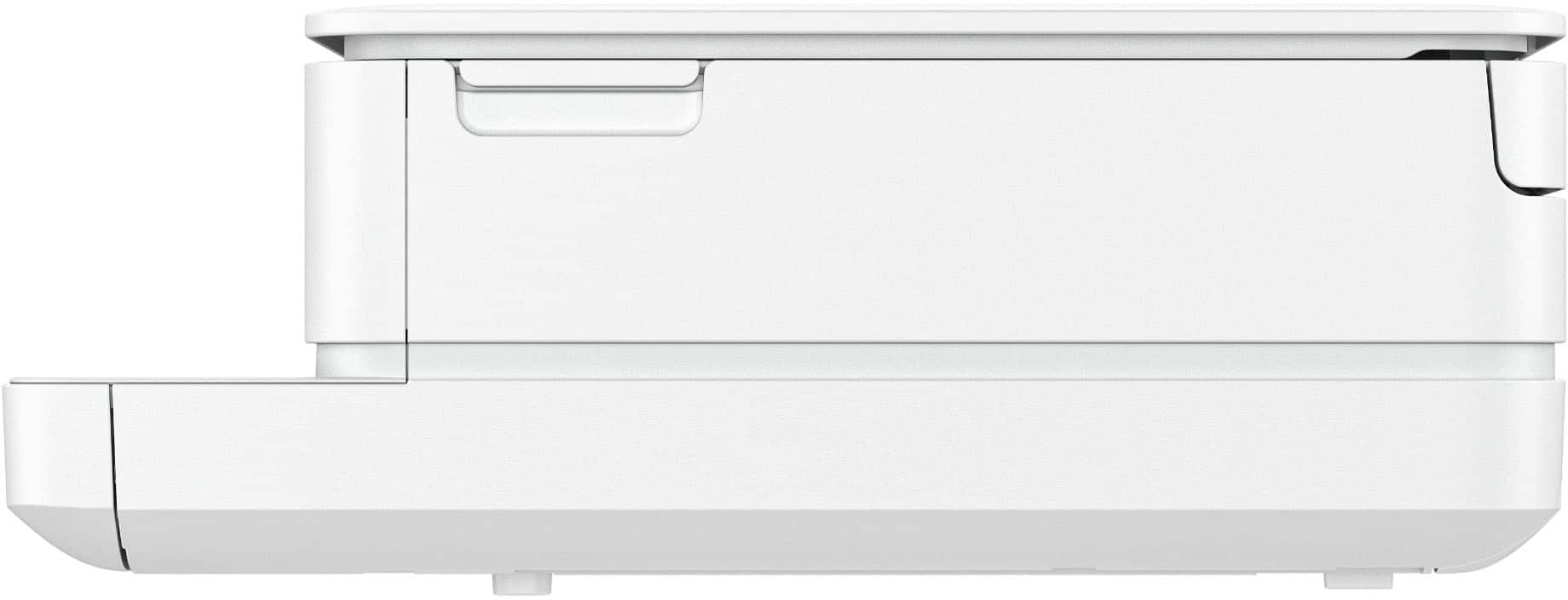
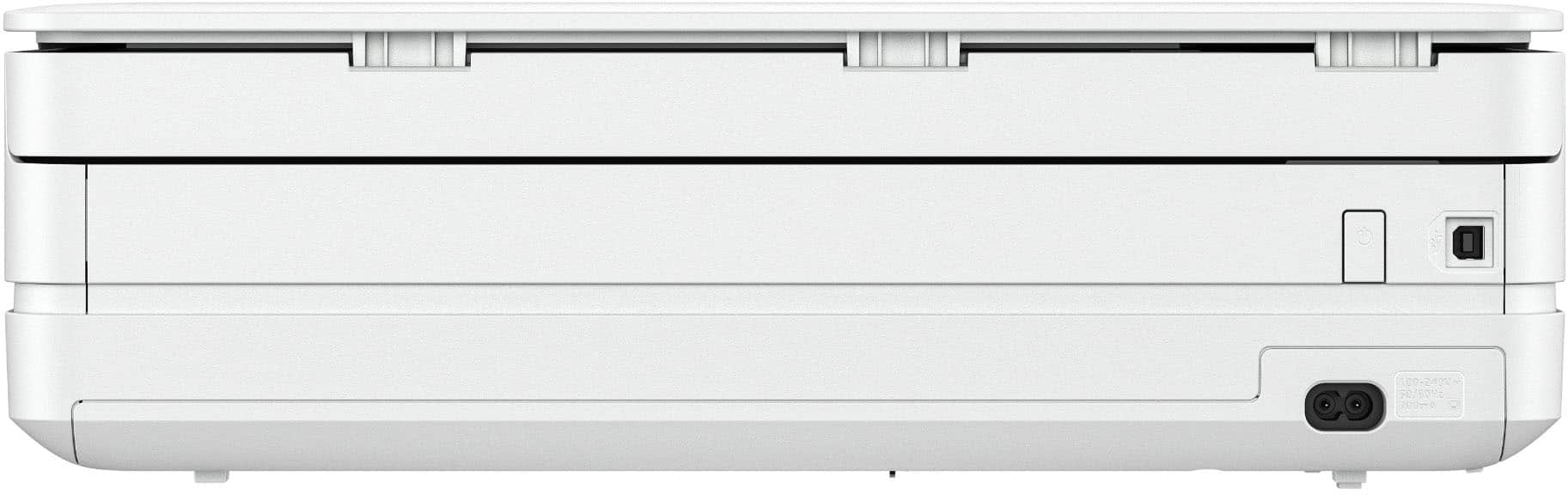
Customers frequently mention the Envy 6165e printer's excellent overall performance and very good print quality. Many appreciate its ease of use and simple setup, along with its better connectivity and compact size. Some find the paper tray capacity to be small and the on/off button placement inconvenient.
This summary was generated by AI based on customer reviews.
Hp envy
||Posted .This reviewer received promo considerations or sweepstakes entry for writing a review.It's an ok product, but I am still having trouble getting it to scan to my computer
No, I would not recommend this to a friendRUN! Its not worth the trouble!
||Posted .This reviewer received promo considerations or sweepstakes entry for writing a review.TERRIBLE! I've always used another brand and never had this many issues. Ive contacted support severalllllllll times to fix this NEW printer and im over it. Every time i attempt print theres some type of issue. I want a full refund bc i cant afford to shell out this money w/ all of these issues. Ive been laid off and have to watch my spending. Sooo disappointed.
No, I would not recommend this to a friendRegret
||Posted . Owned for 1 month when reviewed.This reviewer received promo considerations or sweepstakes entry for writing a review.I bought this printer because of it's excellent ratings, but i have had nothing but problems getting it to print. It is always an ordeal
No, I would not recommend this to a friendVery disappointed.
||Posted . Owned for 2 weeks when reviewed.This reviewer received promo considerations or sweepstakes entry for writing a review.Very disappointed. You have to use the HP app to print anything, which means you have to go through several steps to print anything. And it doesn't print Pages documents, the Mac word processing format. So all documents have to be put in pdf or Word format before you can print them. Nor does it do two-sided printing. But I'm stuck with this poorly designed printer now.
No, I would not recommend this to a friendDO NOT BUY!!!!!!
||Posted . Owned for 6 months when reviewed.This reviewer received promo considerations or sweepstakes entry for writing a review.You literally buy this printer over and over again. Yeah the price is cheap but I have bought 4 cartridges at $60 a piece since September. I replaced the cartridges today and printed 25 pages....INK LOW....25 pages is crazy when I bought it for printing. Can't wait to buy a new printer because this is TRASH. If you plan to use this for stickers or pictures......DON'T
No, I would not recommend this to a friendNot happy with product
||Posted .This reviewer received promo considerations or sweepstakes entry for writing a review.Can not get the wi fi connected to my printer. This was simply a printer. This may be the last thing I purchase from Best Buy
No, I would not recommend this to a friend- Pros mentioned:Connectivity, Print quality, Setup ease

Great compact printer
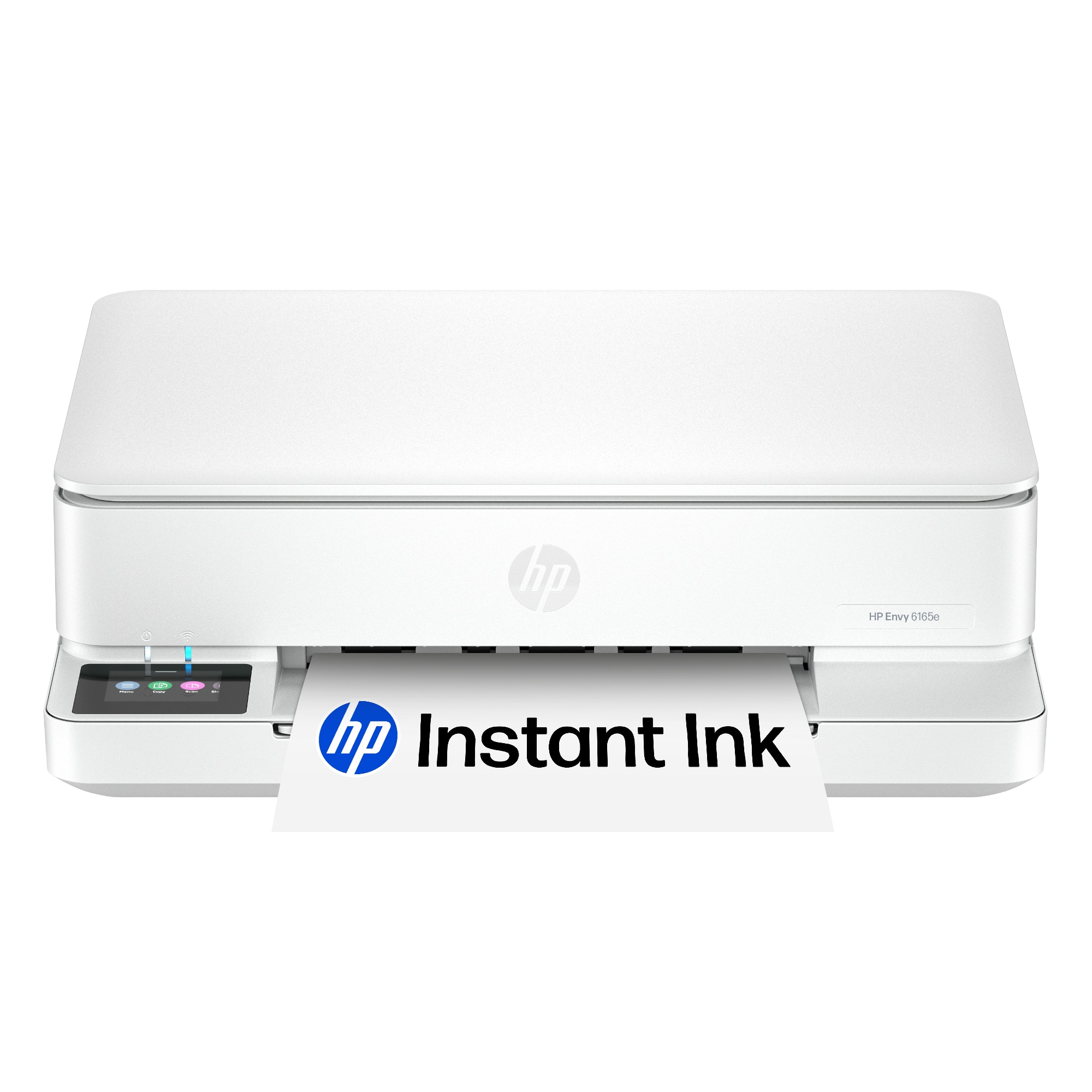
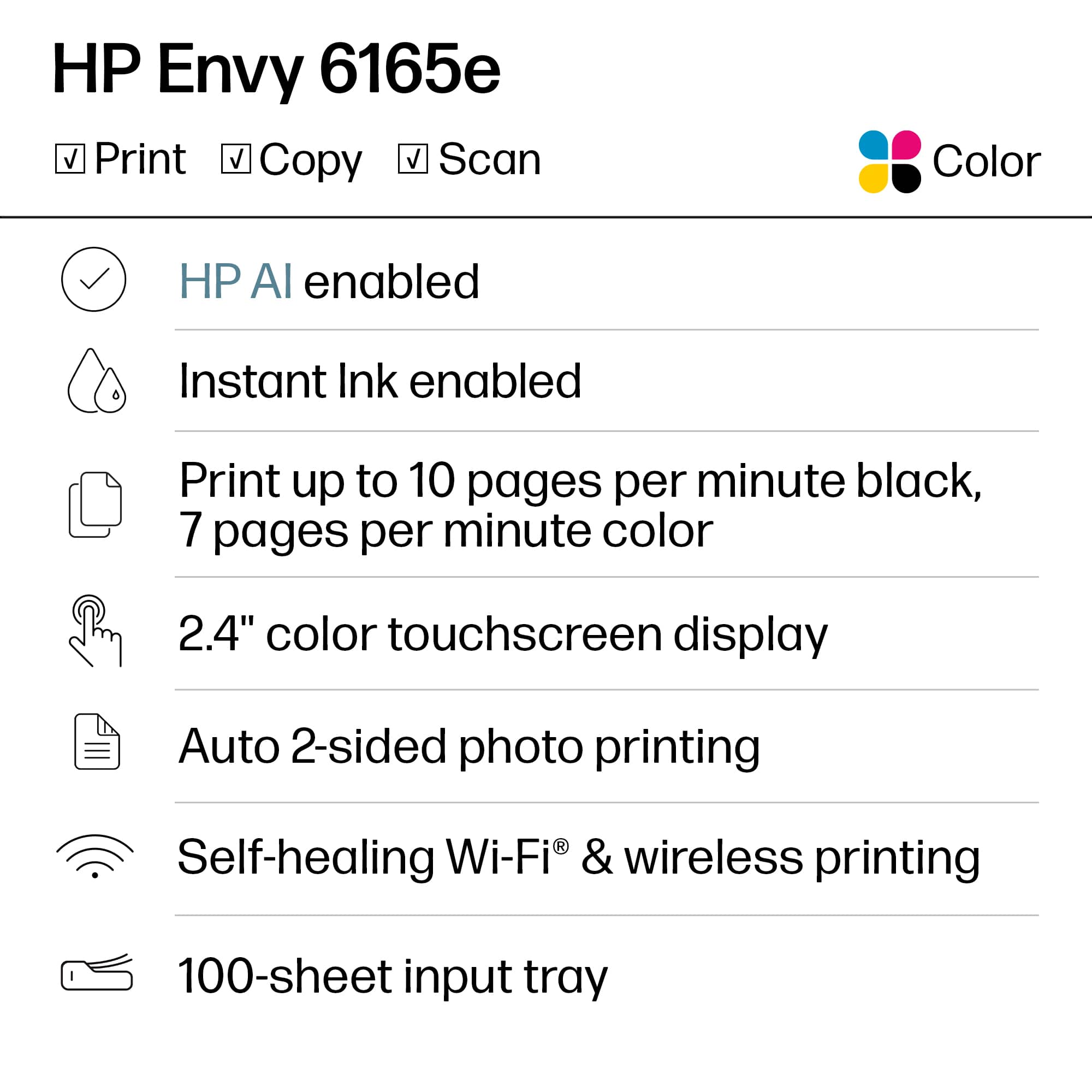
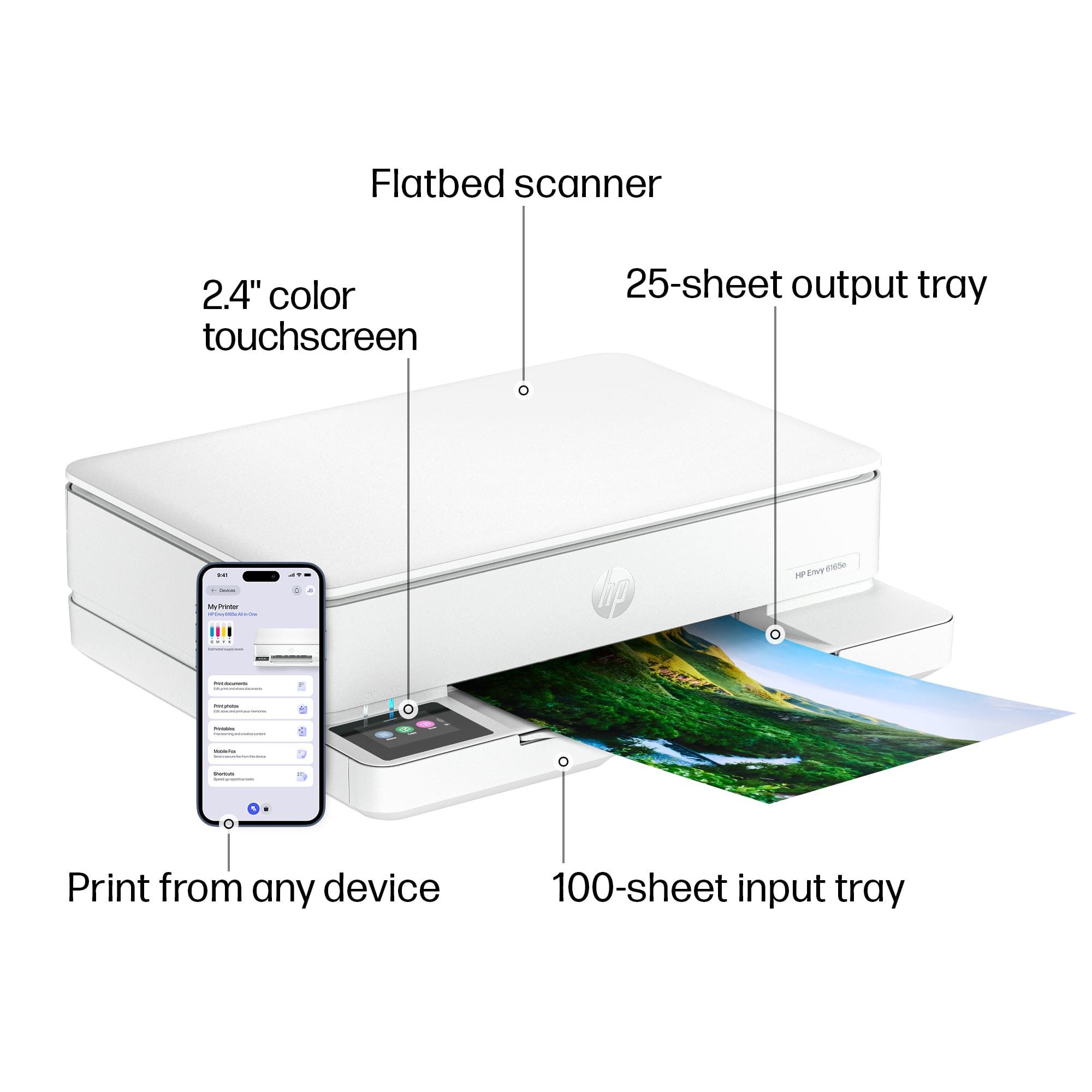
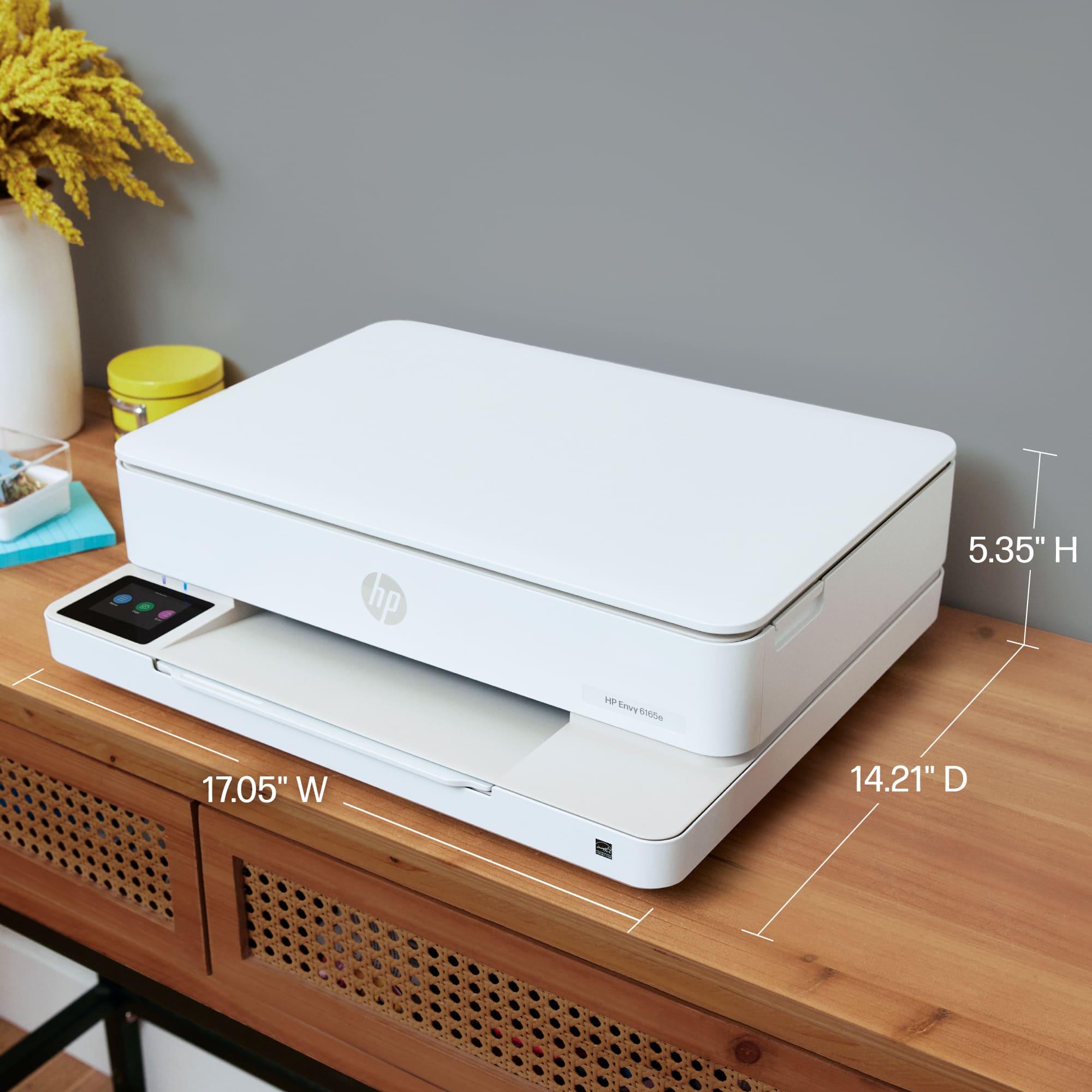
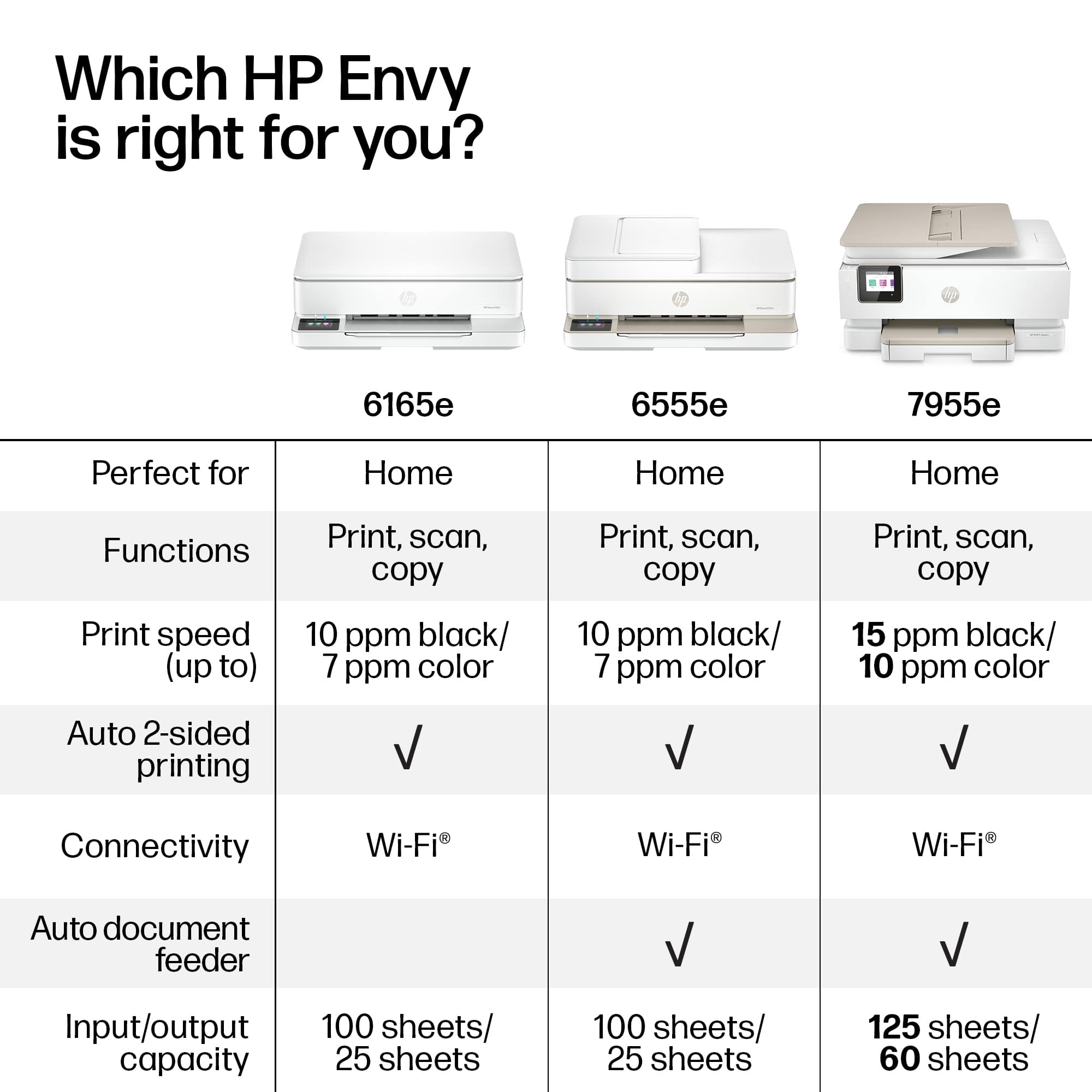
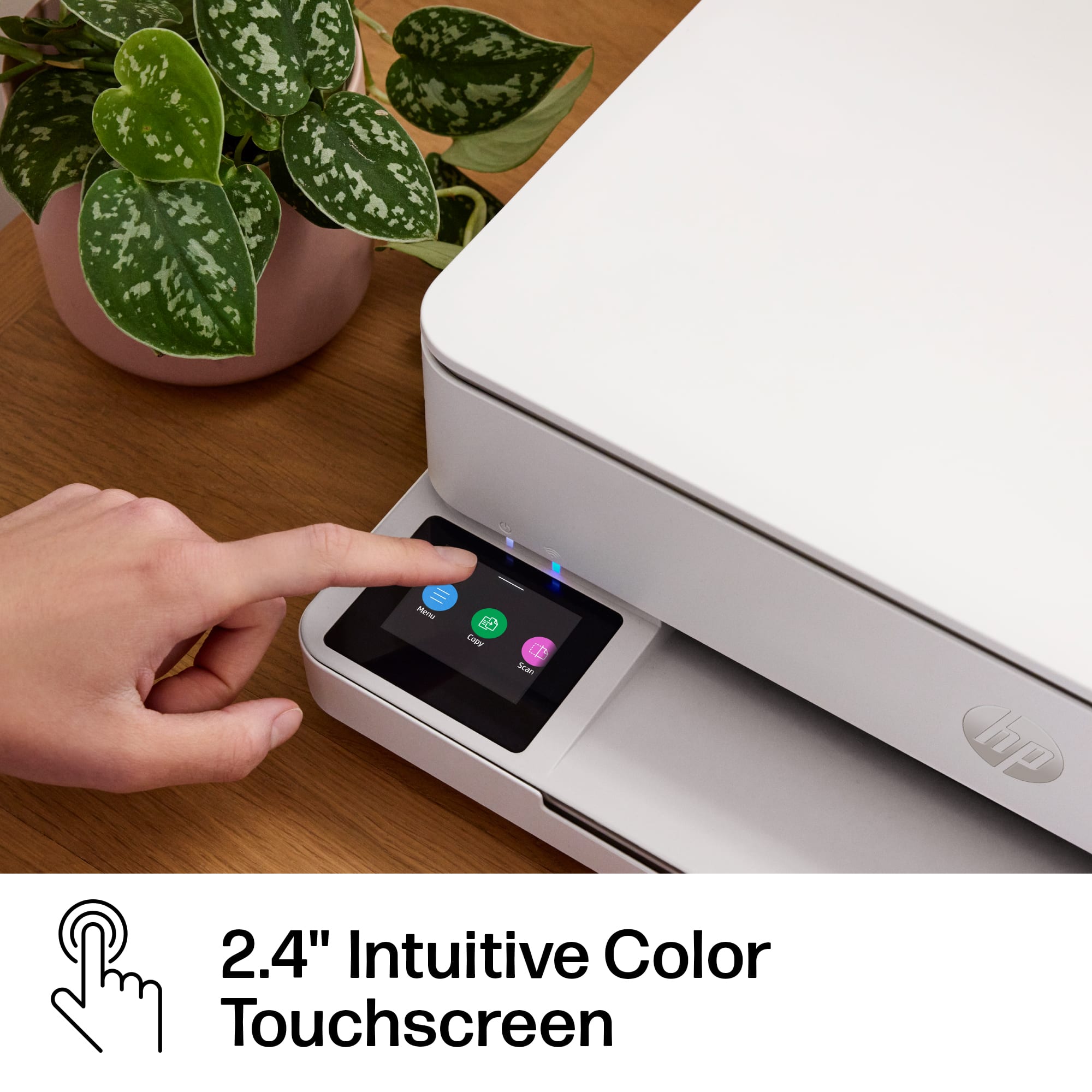
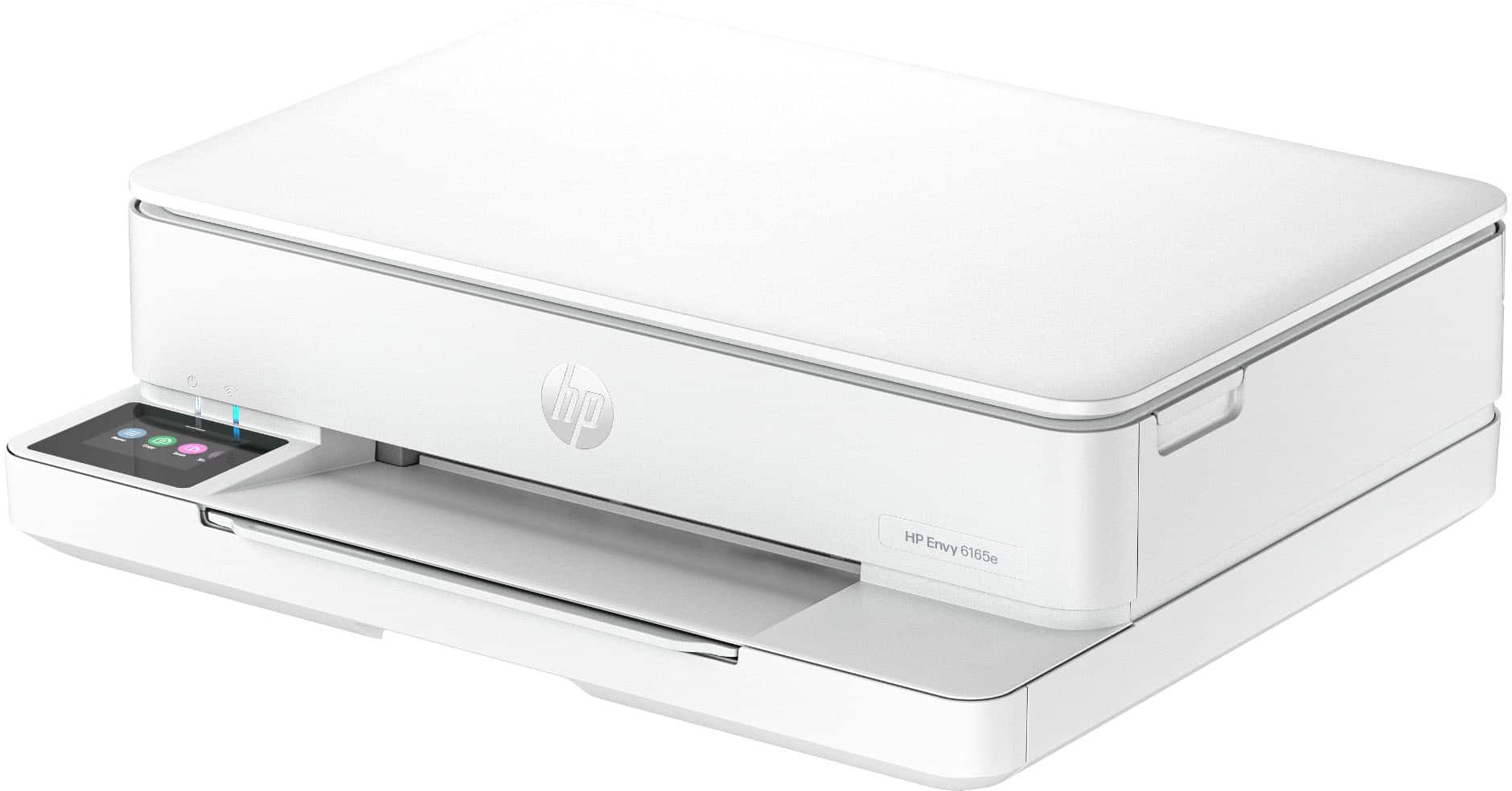
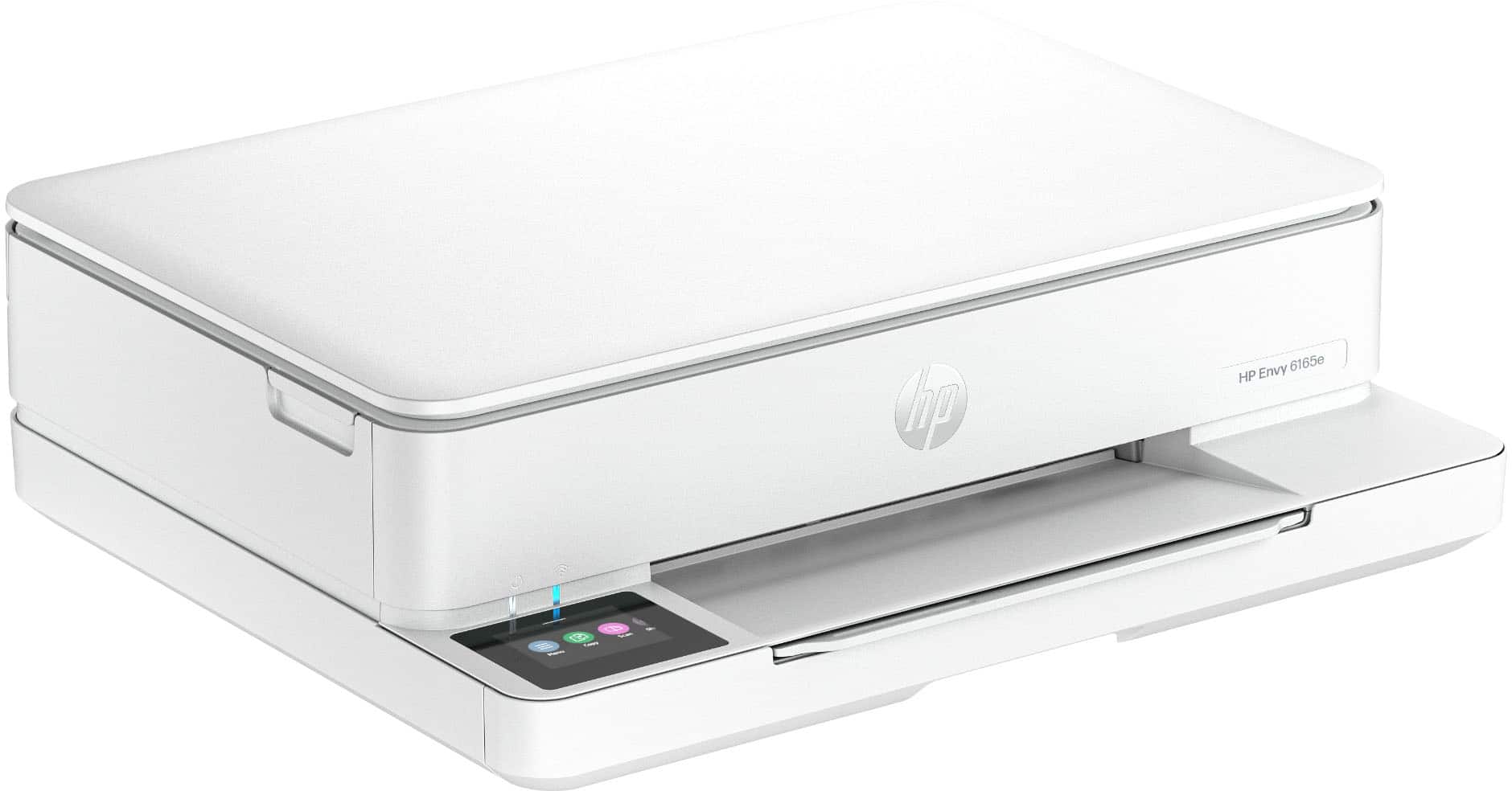
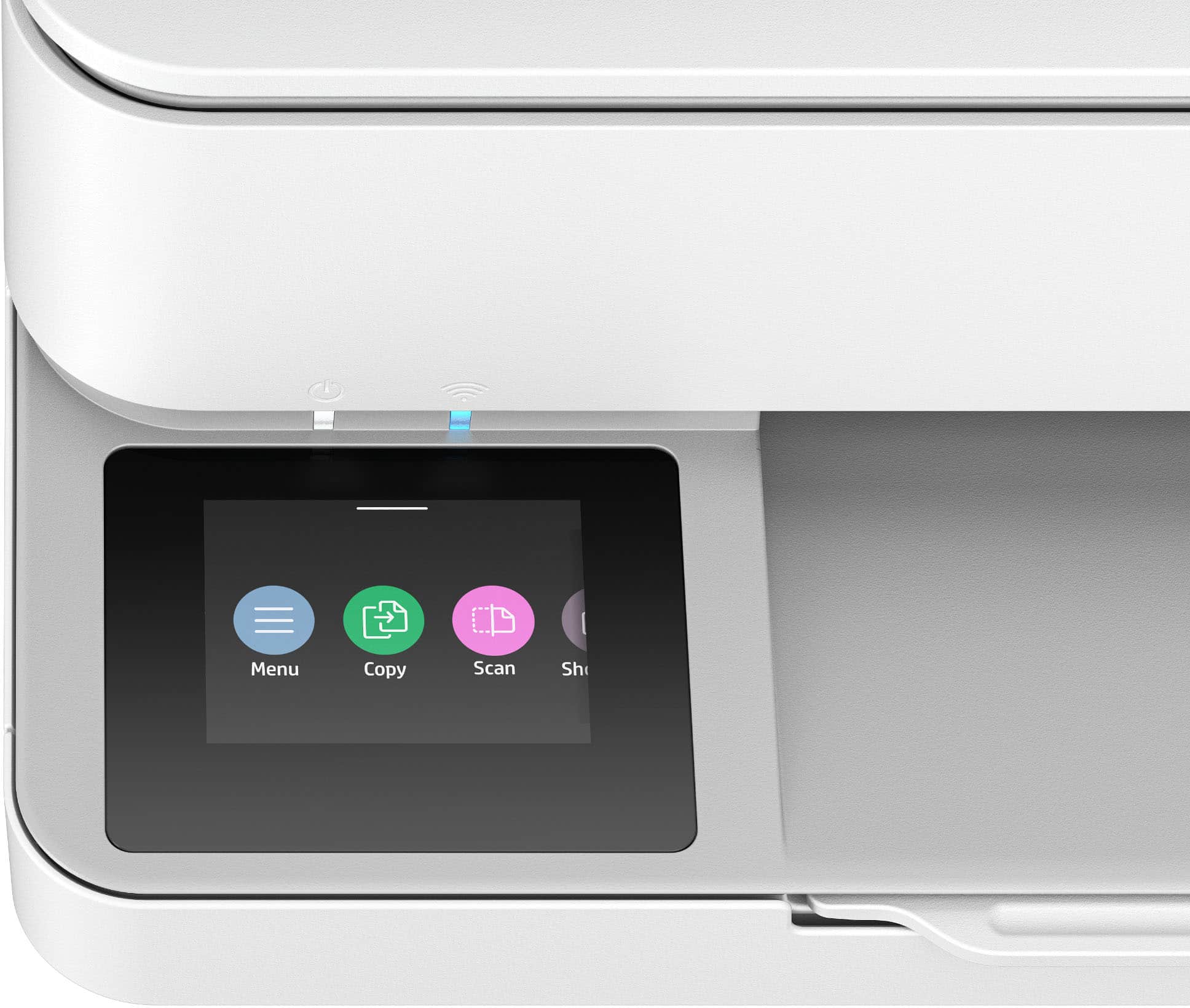
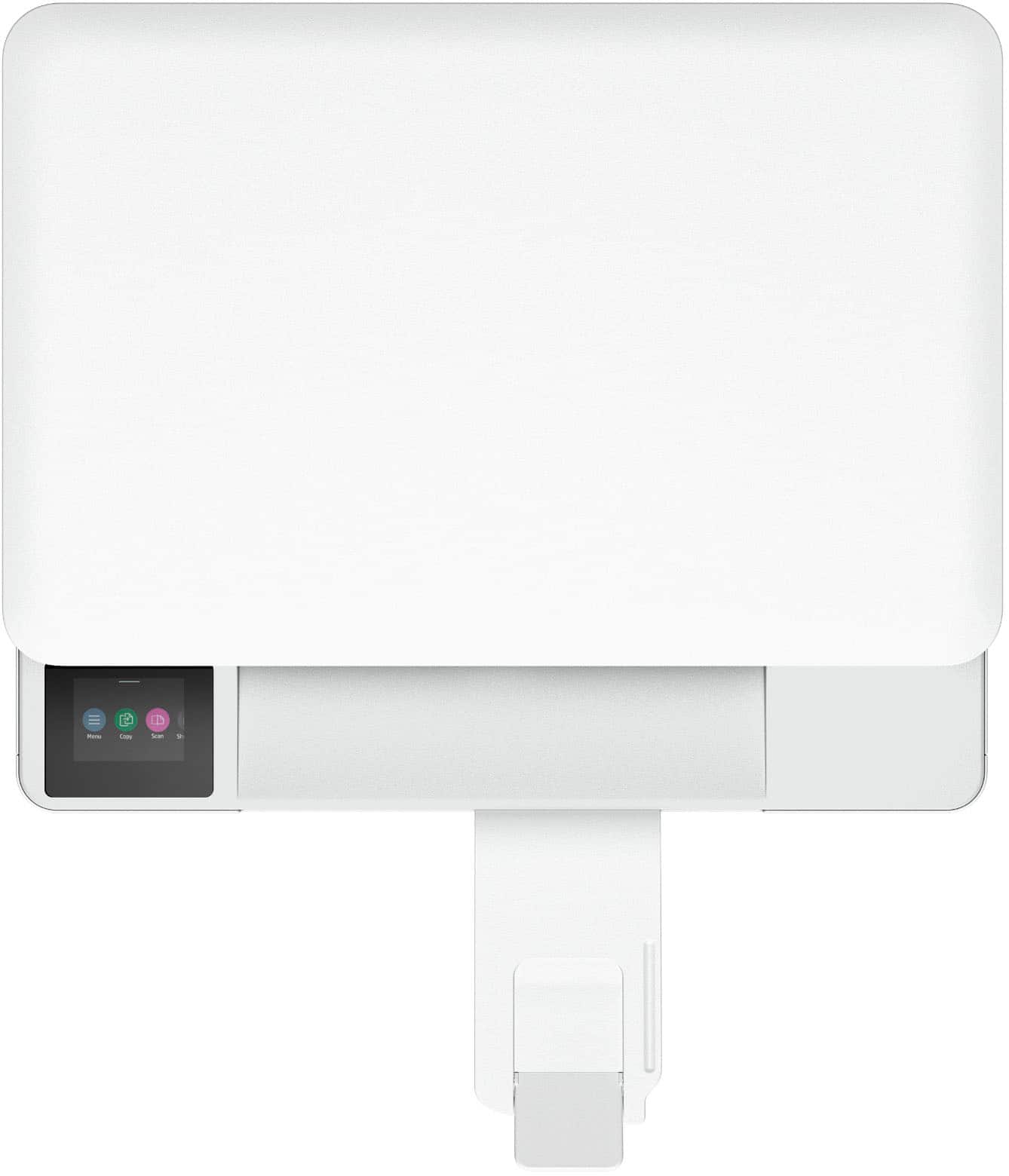
|Posted .This reviewer received promo considerations or sweepstakes entry for writing a review.The HP Envy 6165e printer is a wireless all-in-one printer with an easy-to-use app. It offers color scanning, copying, and photo printing. It prints up to 10 pages per minute black/white and 7 pages per minute in color. The paper tray holds up to 25 pages so it can go quite awhile between refills. The unit was packed carefully in the box and everything arrived in perfect condition. The unit includes a 2.4" display screen making it easy to see your progress during installation and print jobs. The quick-start guide provided easy instructions including - unpacking, cartridge installation, and alignment of paper head. It identified and connected to my wireless network easily and performed software updates quickly. I had it unpacked and installed, and in less than 20 minutes I was printing with full color and clarity! The unit is relatively small which is great - measuring only 17" x 20" by 5" and only weighing a little over eleven pounds! The printing speed is good, the print quality is great - I am really impressed with the HP Envy 6165e!
I would recommend this to a friend Not so good!!##!!
||Posted .This reviewer received promo considerations or sweepstakes entry for writing a review.Printer would not setup wirelessly. And it would print from other programs. Even HP support could not get it work! I took it back and exchanged it for a Canon which runs beautifully and without the issues of the HP. That was my last printer frim HP.
No, I would not recommend this to a friendDo not buy!
||Posted .This reviewer received promo considerations or sweepstakes entry for writing a review.This printer is garbage. I have spent days troubleshooting, installing/reinstalling/removing/resetting/updating software, firmware, etc. Constant screaming noise, takes multiple PWs/wifi connections to print one page. HP support is non-existent. Do not buy this piece of garbage or any HP printer for that matter. Lesson learned!
No, I would not recommend this to a friendSave your money!!
||Posted . Owned for 1 month when reviewed.This reviewer received promo considerations or sweepstakes entry for writing a review.Horrible printer. I've had nothing but issues with this product. I've only been able to print a few pages before it completely stops working. There's always paper jams or other issues; it even feels cheaply made. Please save yourself the hassle of dealing with this printer.
No, I would not recommend this to a friendAvoid this piece of junk!
||Posted . Owned for 1 month when reviewed.This reviewer received promo considerations or sweepstakes entry for writing a review.The display shows that it is connected to my wireless, the HP desktop shows it as there, yet when I try to print I get an error message. It worked initially, although not very reliably. This worthless piece of garbage is getting returned.
No, I would not recommend this to a friendPrinter
||Posted . Owned for 5 months when reviewed.This reviewer received promo considerations or sweepstakes entry for writing a review.I returned this item. Didn't have what i needed. Thank you.
No, I would not recommend this to a friendjunk printer
||Posted .This reviewer received promo considerations or sweepstakes entry for writing a review.This is the biggest piece of junk I have ever owned. It worked great for about a month. It then started working intermittently and now all I get is an error that says Setup Incomplete. I would not recommend this printer to anyone.
No, I would not recommend this to a friendNot the one
||Posted . Owned for 2 weeks when reviewed.This reviewer received promo considerations or sweepstakes entry for writing a review.Returned as soon as I bought it as you have to enroll in the ink cartridge program to be able to get the initial free ink. Not worth it.
No, I would not recommend this to a friendNot easy to set up
||Posted . Owned for 1 week when reviewed.This reviewer received promo considerations or sweepstakes entry for writing a review.Difficulties setting it up so returned it. I was not happy with the product although Best Buy took it right back
No, I would not recommend this to a friendDisappointing HP Printer
||Posted . Owned for 1 week when reviewed.This reviewer received promo considerations or sweepstakes entry for writing a review.Printer would not connect to the desktop, could not recognize the desktop, even though the desktop clearly recognize the printer, Geek squad could not solve the problem
No, I would not recommend this to a friend- Pros mentioned:Print quality, Setup ease, Size
Compact, convenient, does the job
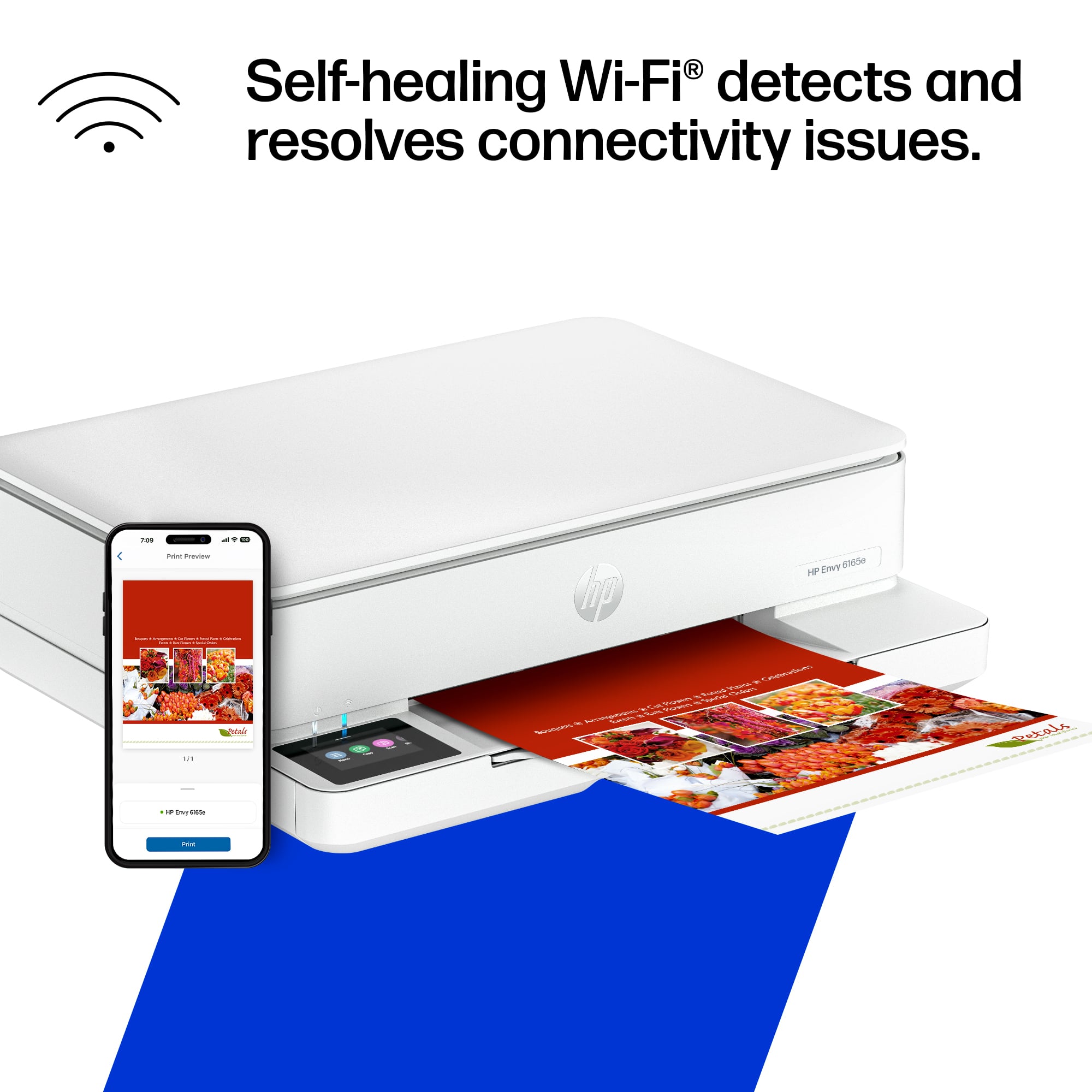
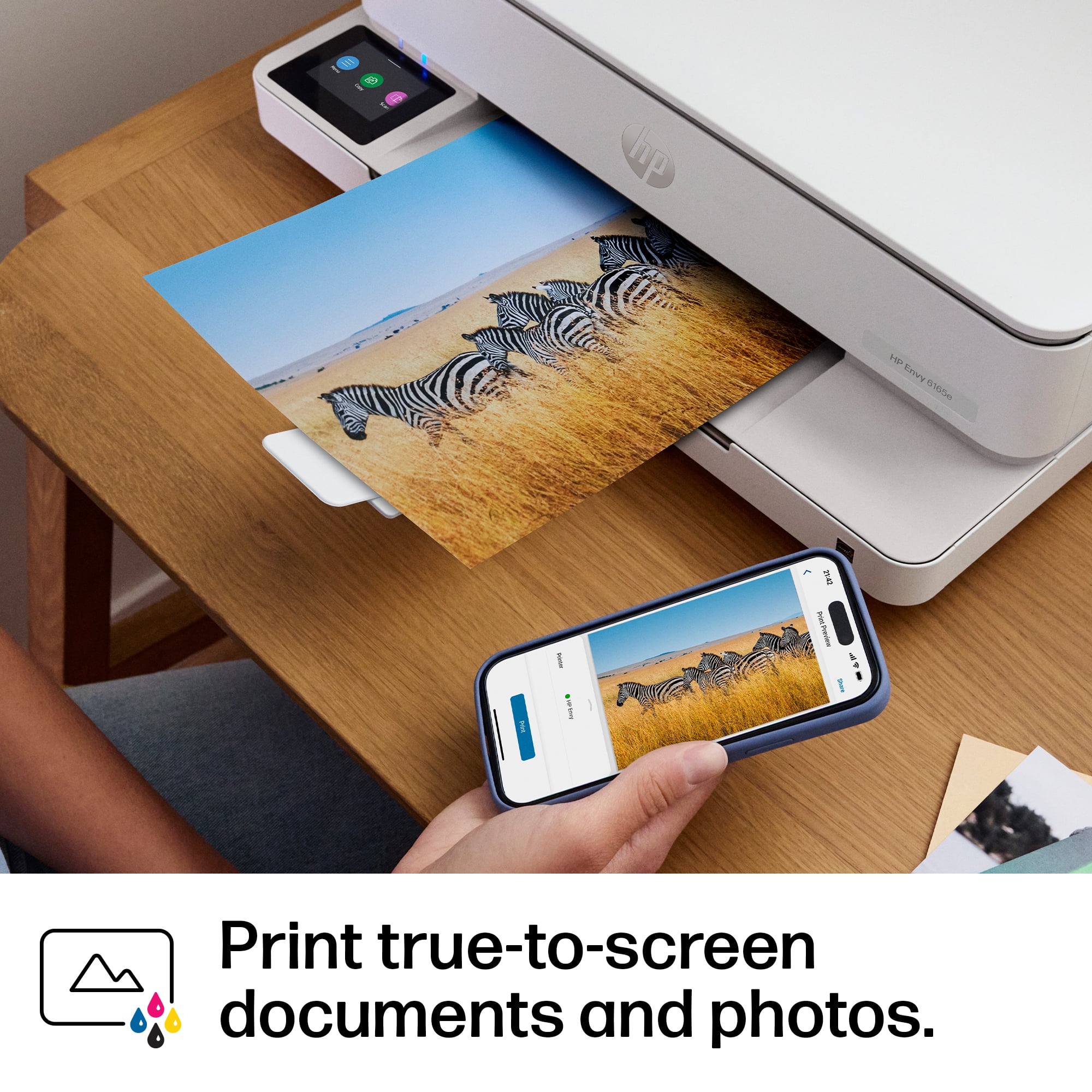
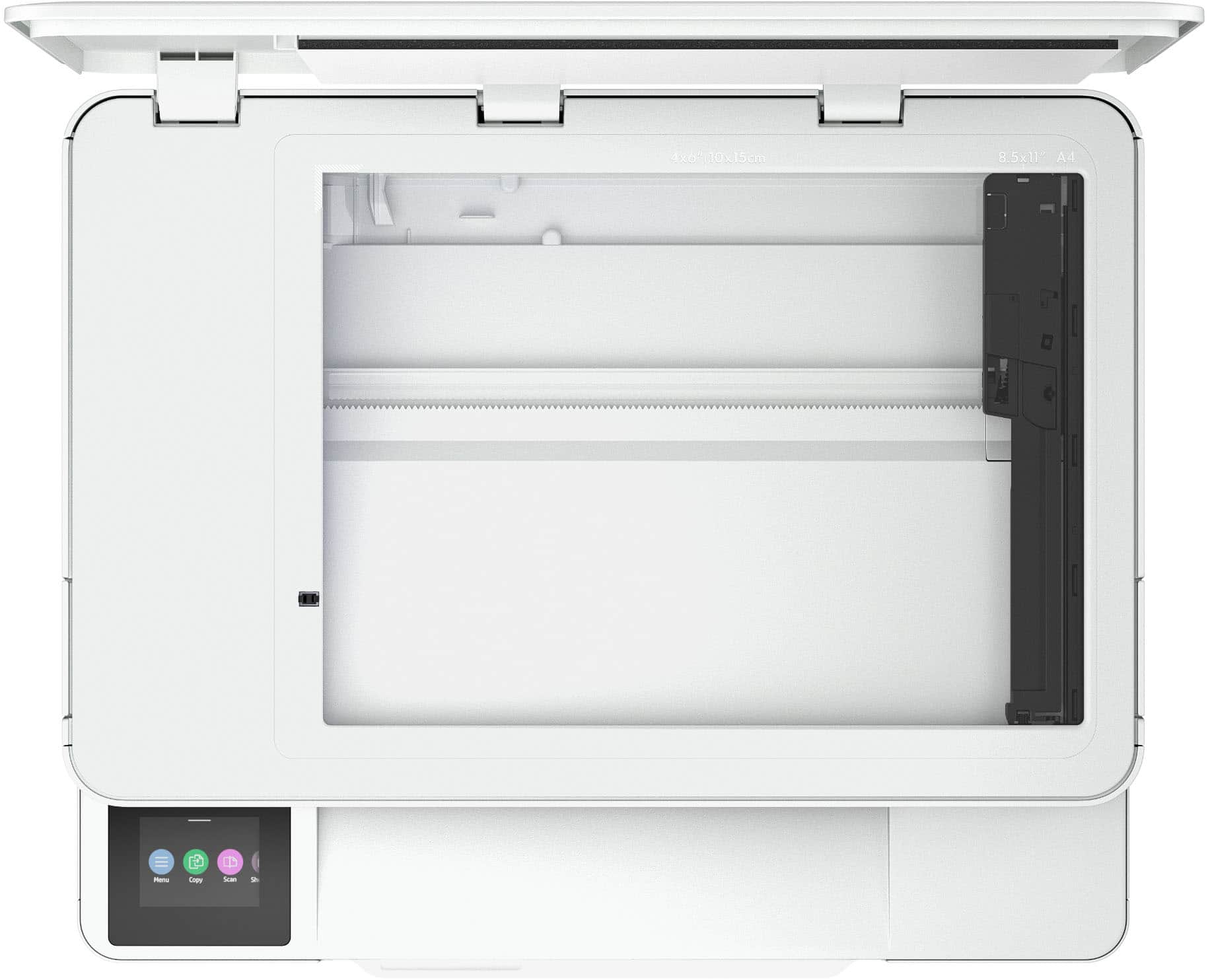
|Posted .This reviewer received promo considerations or sweepstakes entry for writing a review.I’ve had this Envy 6165e up and running for a few days now. It’s compact and was easy to set up. It does a nice enough job printing, scanning, and making copies, but seems to go through ink rather quickly. Getting started was straightforward. The 6165e is Wi-Fi enabled and setup is mostly driven by the HP Smart App, so all I had to do was remove the shipping materials, plug it in, add paper, and launch the app on my smartphone. After a few steps, the printer was connected to my home Wi-Fi network, and I was able to print from my phone and quickly connect to it from my Windows computer as well as a friend’s Mac laptop. The documents I’ve printed have sharp, easy to read text, even at the smaller type sizes. I’ve also printed a couple of photos that came out nice enough to enjoy and share, but with noticeably lower quality than a professional photo printing service or dedicated photo printer (as would be expected). Scanning is pretty straightforward, but also pretty slow. I would want something faster if I needed to scan a large number of documents or photos. The 6165e has a small LCD touch screen for status messages and selecting settings/options. One minor complaint I have is that the screen faces directly up (and can’t be tilted) so if the printer is above eye level, you really can’t see what’s on the screen. HP heavily focuses on their subscription-based Instant Ink service — a trial period is included with this printer. For my low-volume, occasional printing needs at home, I think Instant Ink is a good value proposition for me, especially with how quickly this printer seems to go through ink. According to the usage report, I have printed 14 pages since I unboxed the 6165e. That includes 12 flyers (which roughly 50% text and 50% graphics), and two full-page photos. I just got an alert that the color ink cartridge is low. That could be because the starter cartridges have less ink than the off-the-shelf refills, but still suggests that buying ink by the cartridge rather than the subscription service could get pricey. Overall, this seems like a great option for home or even small business users who want to be able to print and scan but don’t need the higher end features like high speed output/scanning, a large paper tray, document feeder, etc.
I would recommend this to a friend - Pros mentioned:Connectivity, Print quality, Size
All-in-one Printer for Light Printing Needs
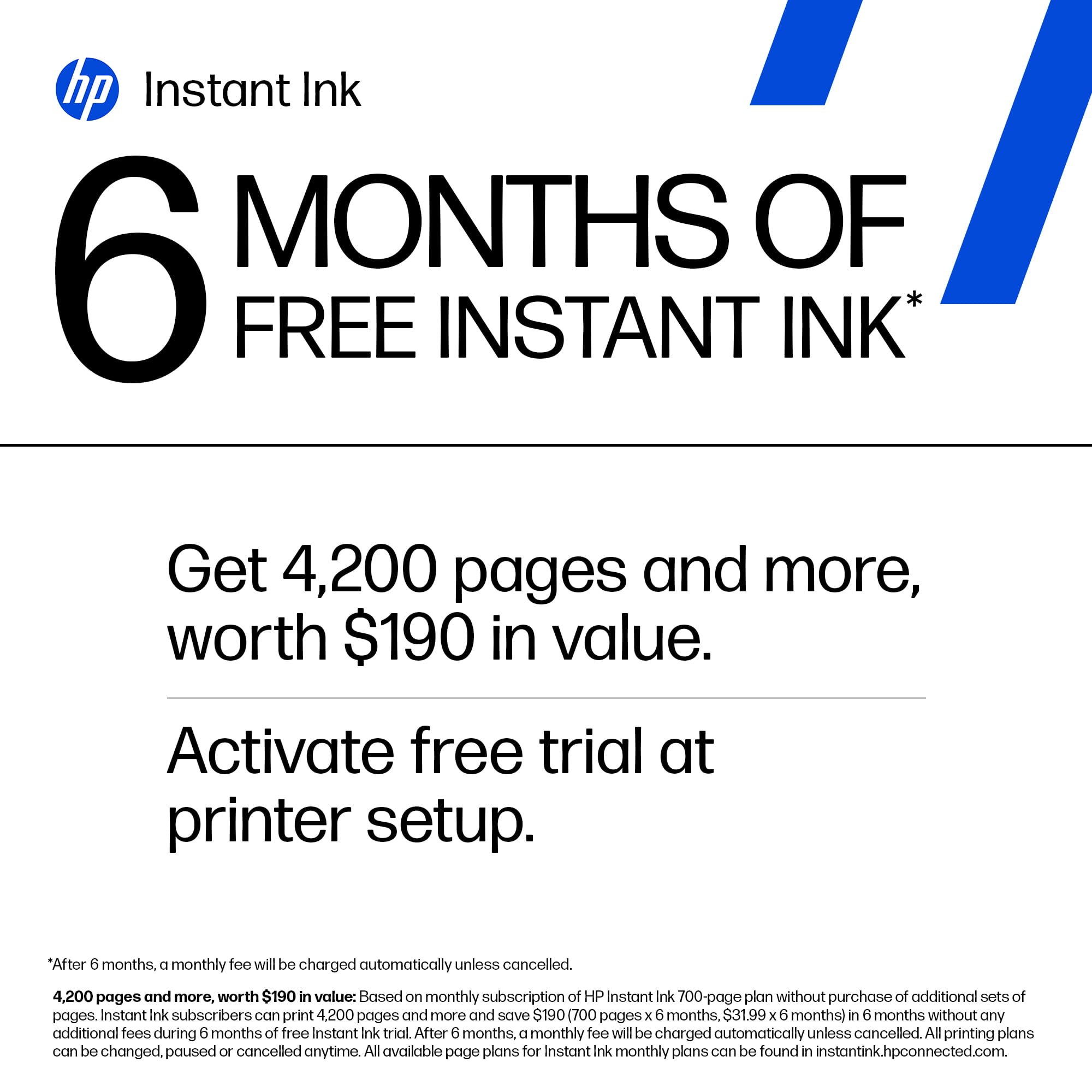
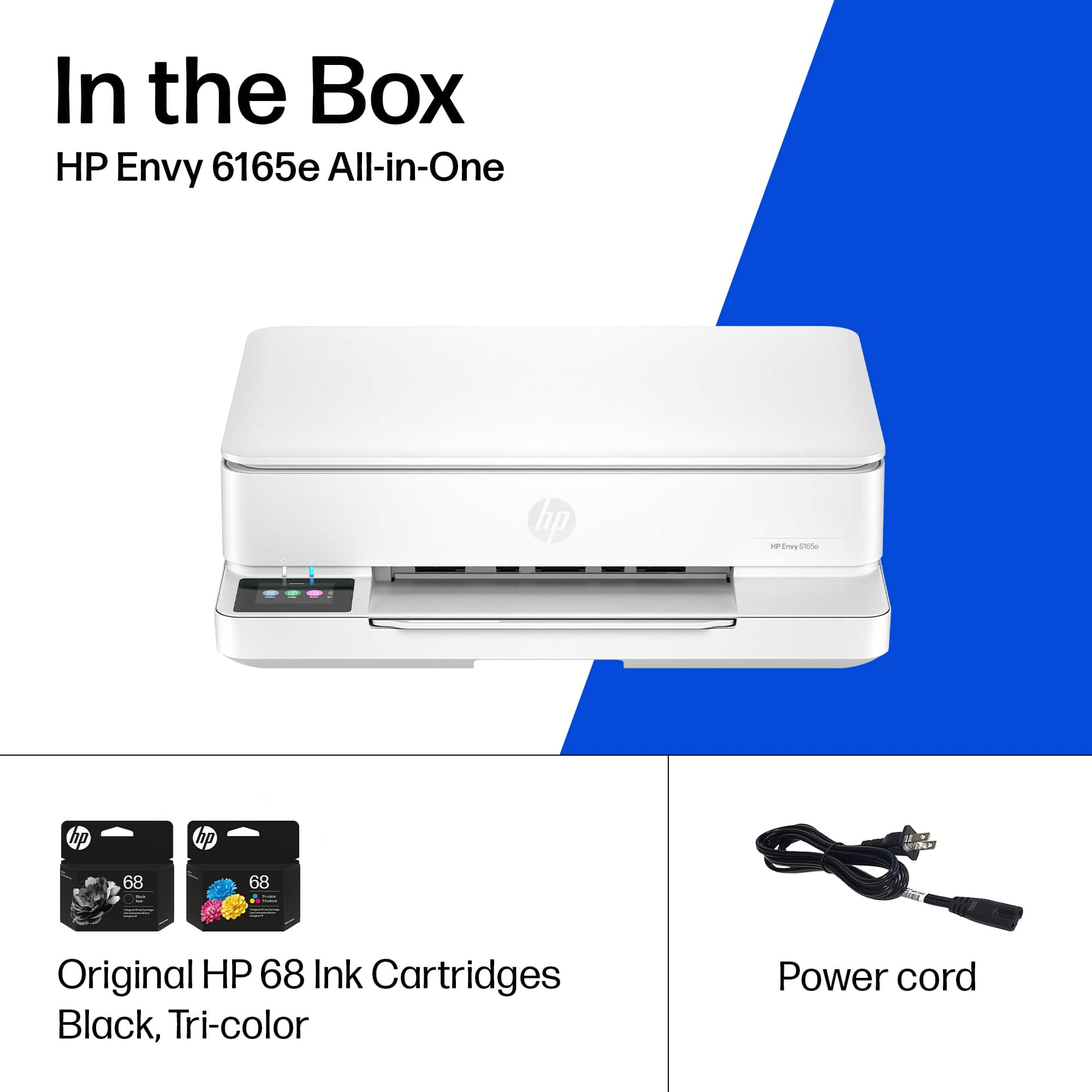
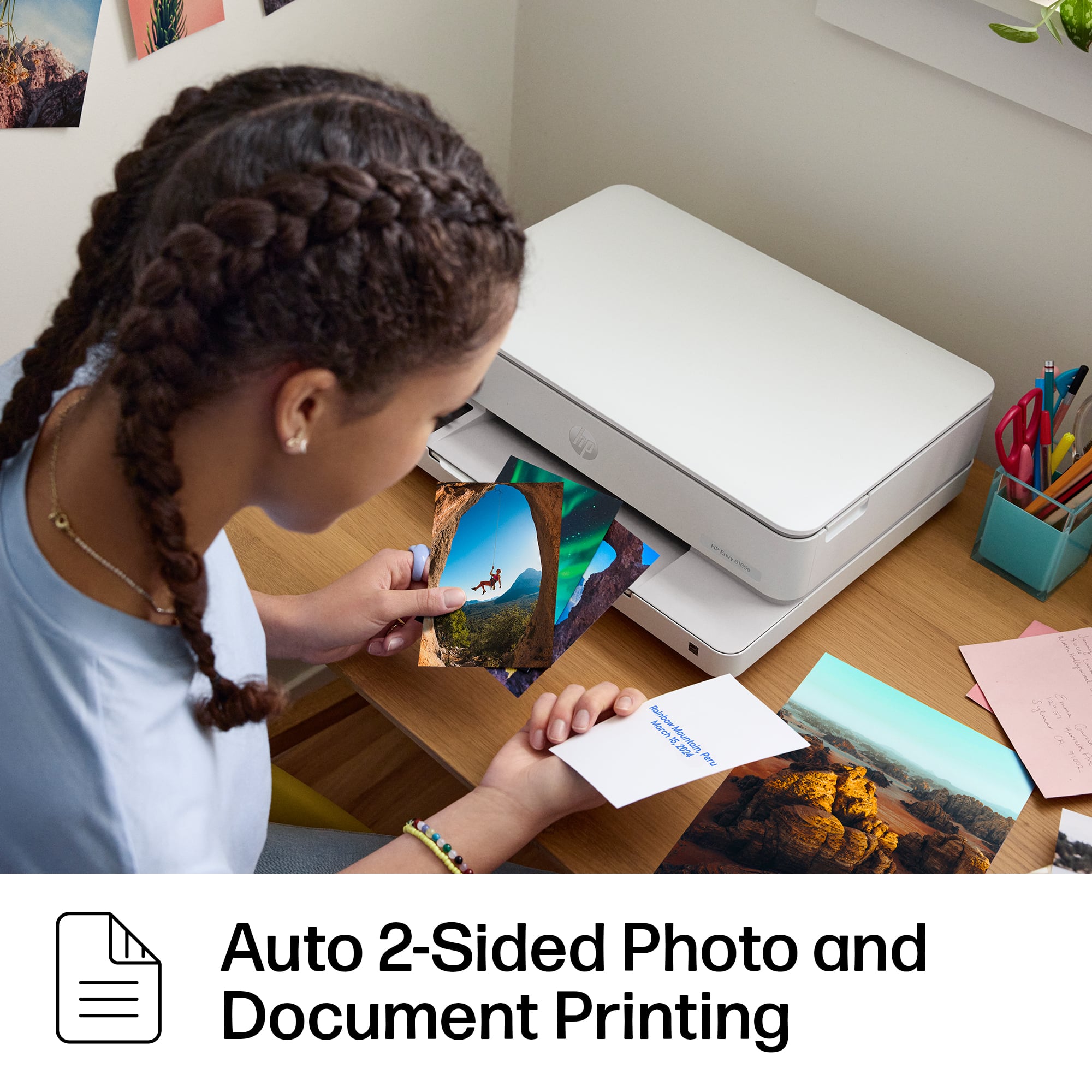
|Posted .This reviewer received promo considerations or sweepstakes entry for writing a review.The HP Envy 6165e is a compact all-in-one printer that prints, scans, copies, and has mobile outgoing fax capabilities. It is priced right and offers quality, clear prints in vivid colors. The setup was straightforward and only took about ten minutes. I tried to use the setup app, but my phone had difficulties reading the QR code and staying on track. I believe that happened only because I have other active printers on my network, and one is an HP product, or it could have happened for any number of technological reasons. Still with the lighted touchscreen on the printer, following the setup steps was a clear process, and all of the drivers are pre-installed, which made the process quick and easy. The printer is pretty much ready to go out of the box. The only processes involved in getting the printer ready for use begin with turning it on, removing all the shipping tapes (there were three), and installing the ink cartridges. The printer operates on two ink cartridges and inserting them is typically easy. When inserting the cartridges, it is important to remember to remove all tape seals, etc., insert them one way as shown in the setup guide, and be sure they click into the cartridge carrier. It is also important to take the next step and align the ink cartridges in order to get the best color clarity in all printed material. However, before proceeding to the alignment step, printer paper needs to be placed in the printer tray, which slides from the front underneath. The printer tray can accommodate. printer paper or photo paper. The tray will hold 100 sheets of paper, and the output tray 25 sheets. The printer will print 10 pages per minute in black and white and 7 pages per minute in color. Adjustable glides are within the paper tray for 8 ½ x 11 paper and various photo paper sizes. Aligning cartridges is automatically a step in the process that allows the printer to go through a programmed, quick, and easy cartridge color alignment that prints a sheet of the alignment. The setup will guide you through connecting the printer to your Wi-Fi network and give you the choice of whether to automatically update firmware or allow settings to alert you when updates are needed. Installing the HP Scan app on my phone and laptop enabled several scanning possibilities. I was able to scan photos and printed material using the camera on my phone, but the clarity of actually scanning a photo on the flatbed of the printer was much better. All printed material was very professional in appearance, and all lettering was very legible and easy to read. Pairing the printer with the HP print app also allows control options for scanning, copying, duplex printing, and borderless photo printing. Mobile printing is achievable by using the HP and HP print apps, Apple AirPrint, and ChromeOS. This is a nice little printer for home use or a small office where a lot of printing is not necessary. It does an excellent job, but it does not necessarily produce the fastest print output. It is also an HP+-enabled printer, which makes it part of an HP program that provides ink based on personal use of the printer. The first 6 months of ink after joining the program through HP+ is free, and then, based on use, there is a monthly charge if the HP+ program is not cancelled. HP+ does require an HP account, an ongoing connection to the internet so that use can be monitored, and exclusive use of original HP Ink cartridges for the life of the printer. Alternatively, HP cartridges can also be purchased as single cartridges or in a pack of two, which covers all black, gray, and color printing. The cartridges can also be purchased as XL cartridges, which are a little more expensive but provide for more printed documents.
Worst printer ever
||Posted . Owned for 7 months when reviewed.This reviewer received promo considerations or sweepstakes entry for writing a review.Stopped working with in 8 months! Do not recommend!
No, I would not recommend this to a friendDisappointed
||Posted .This reviewer received promo considerations or sweepstakes entry for writing a review.This printer is no good. It jams often and gives false reading that the printer is out of ink even when full. I wish o. Hold return it. I purchased it in March and find it to be a waste of money. Dont purchase it. Get an HP instead
No, I would not recommend this to a friend