Customer Ratings & Reviews


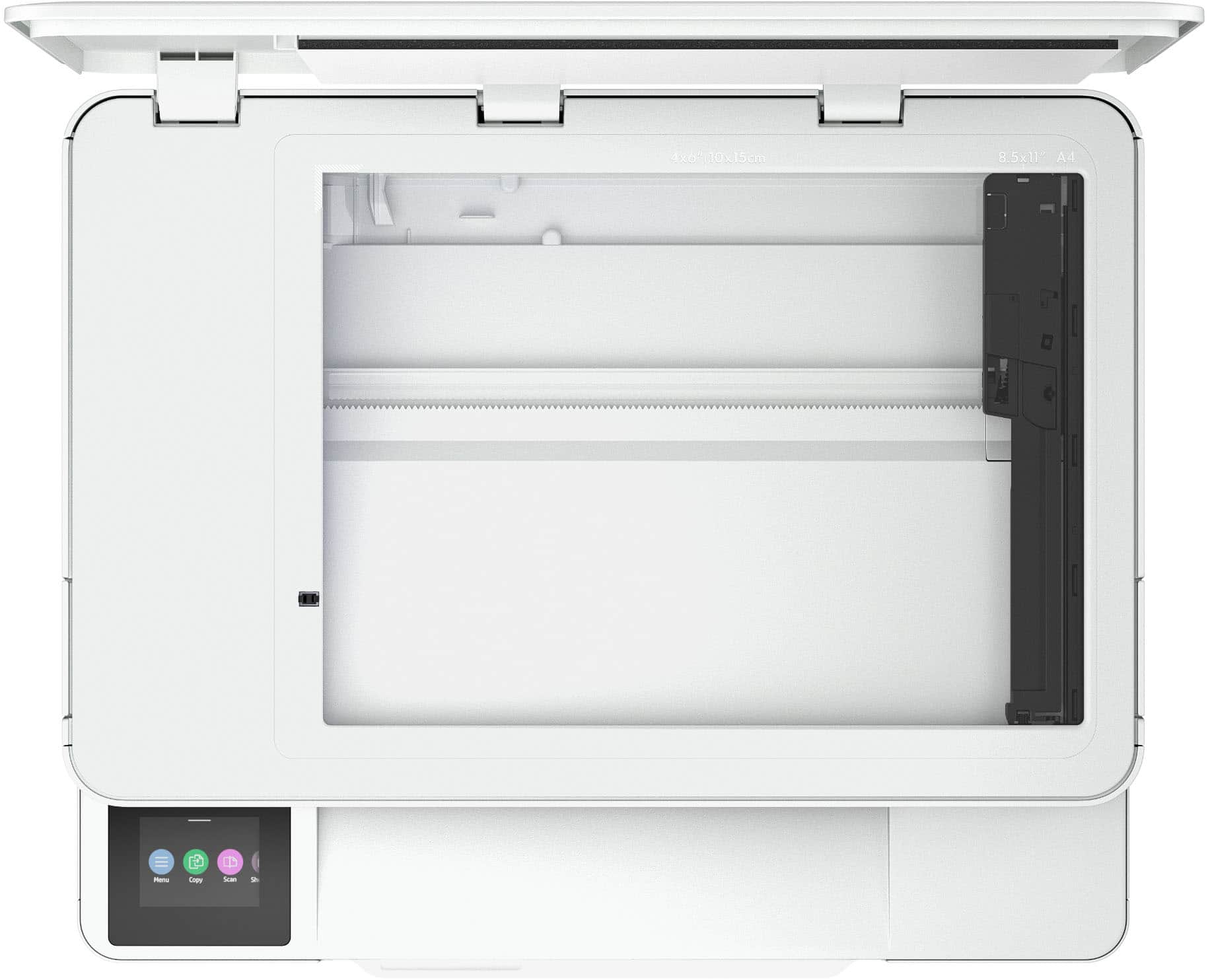






- Model:
- 714L6A#B1H
- SKU:
- 6625922
Rating by feature
- Value
Rating 4.7 out of 5 stars
- Quality
Rating 4.6 out of 5 stars
- Ease of Use
Rating 4.6 out of 5 stars
Customers are saying
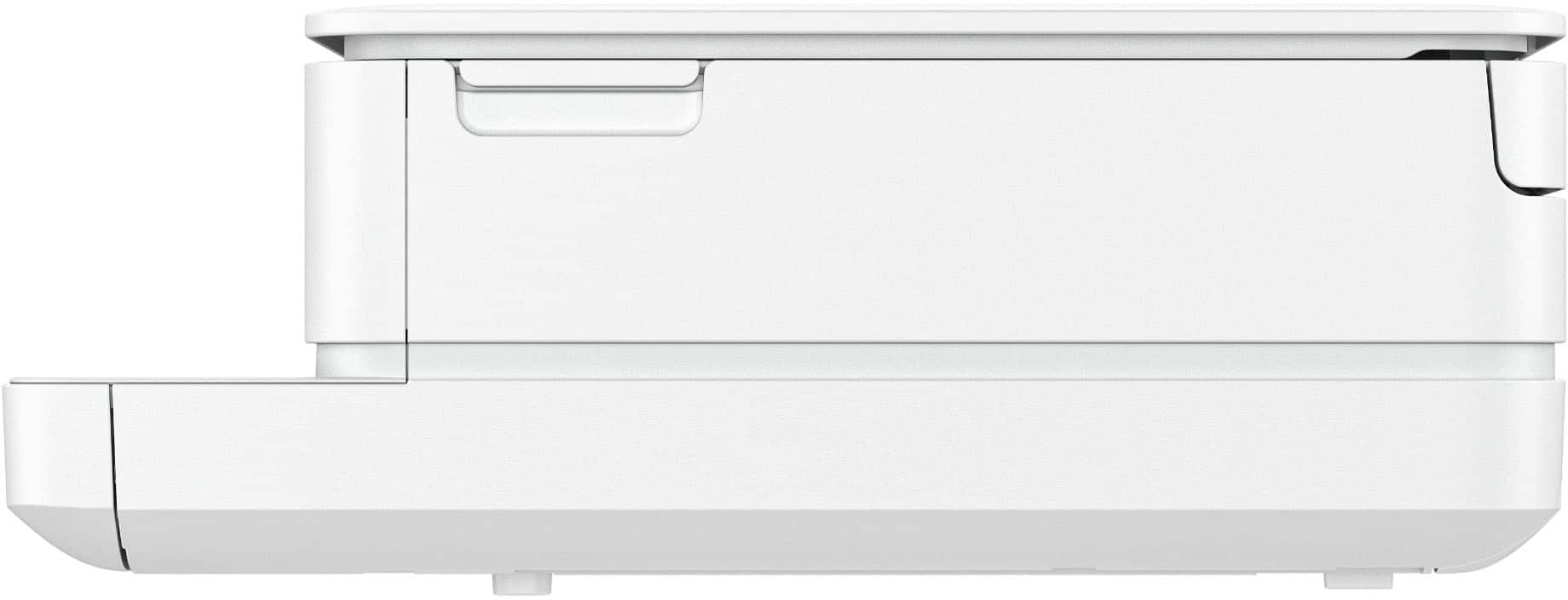
Customers frequently mention the Envy 6165e printer's excellent overall performance and very good print quality. Many appreciate its ease of use and simple setup, along with its better connectivity and compact size. Some find the paper tray capacity to be small and the on/off button placement inconvenient.
This summary was generated by AI based on customer reviews.
- Pros mentioned:Connectivity, Print quality, Setup ease

Great all-in-one with an interesting ink service
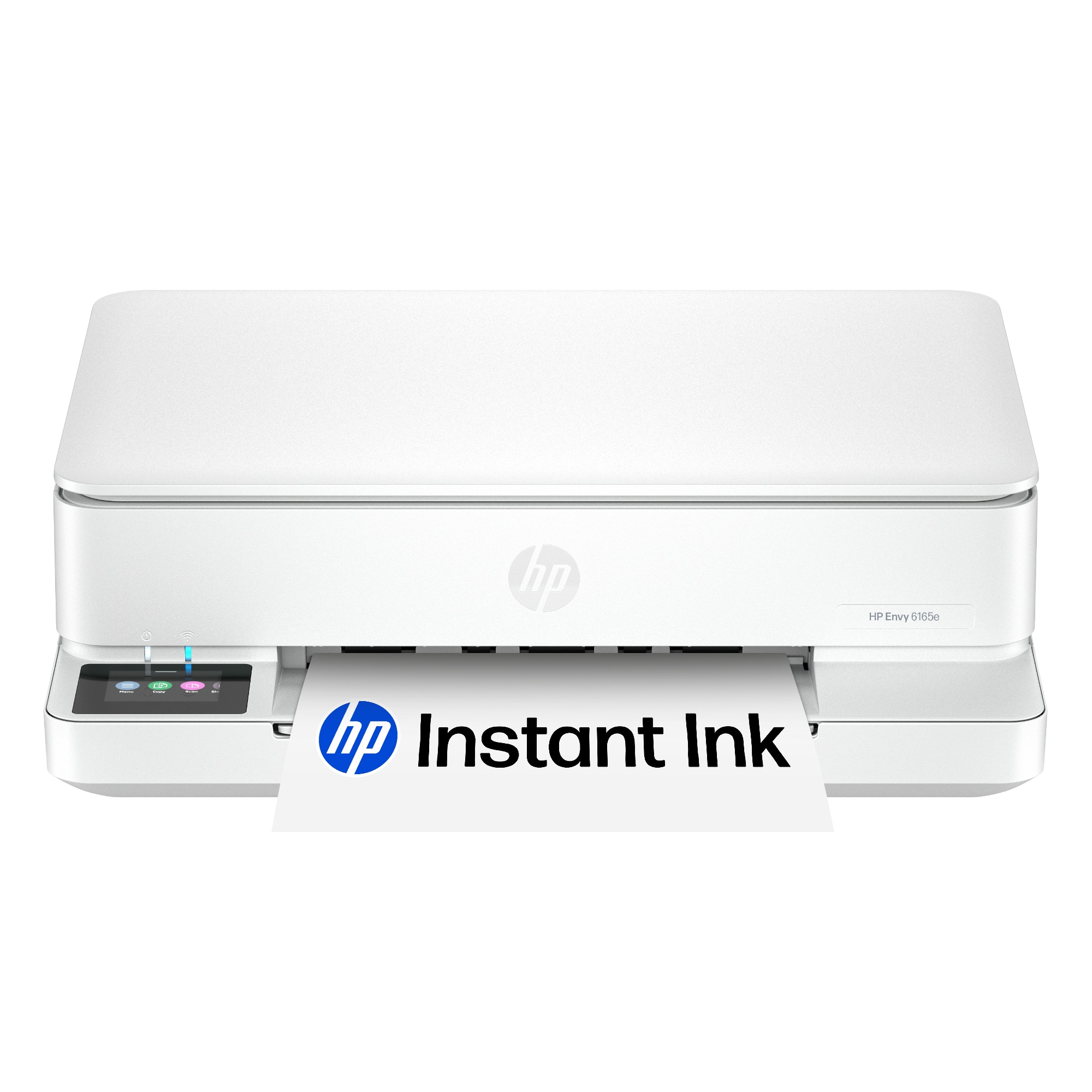
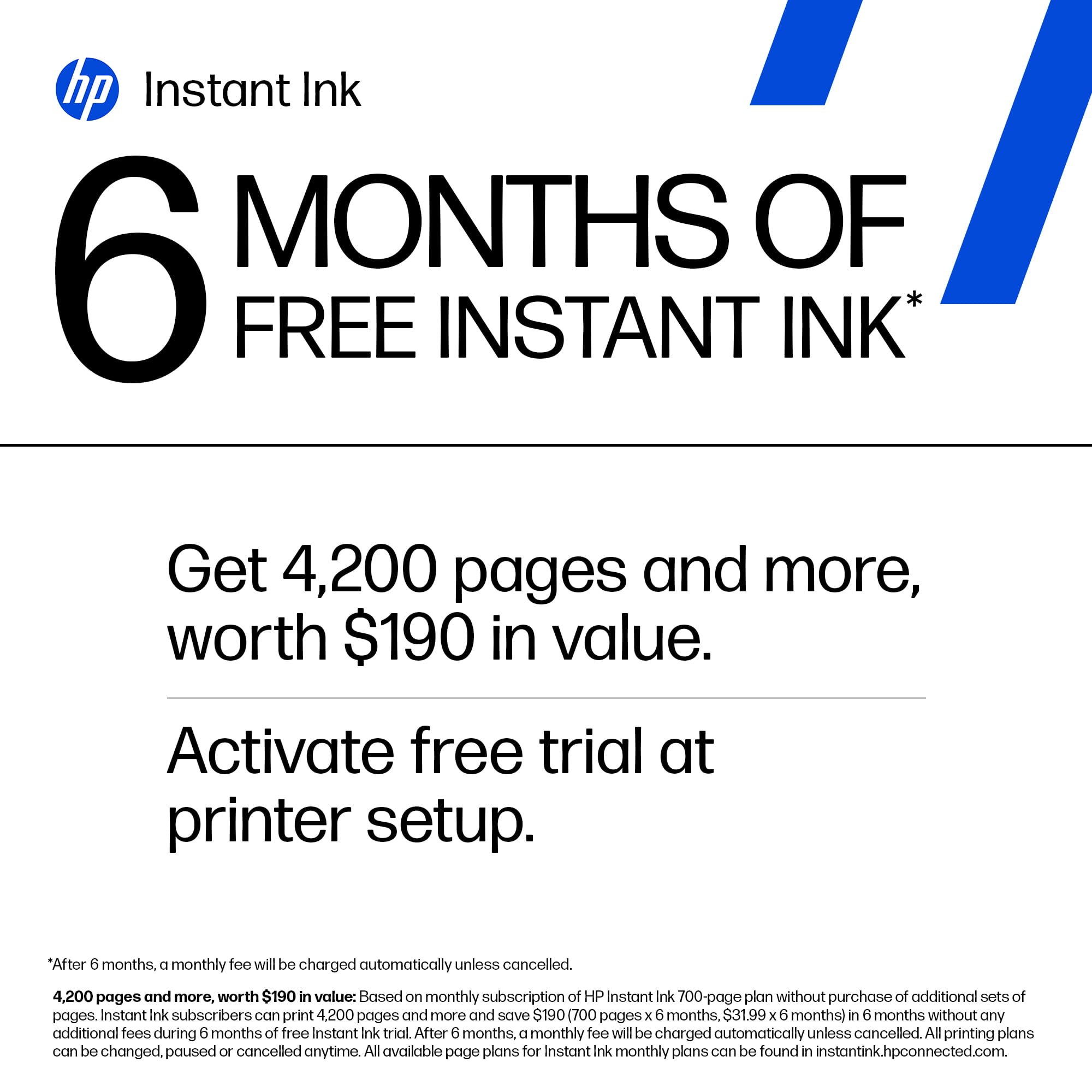
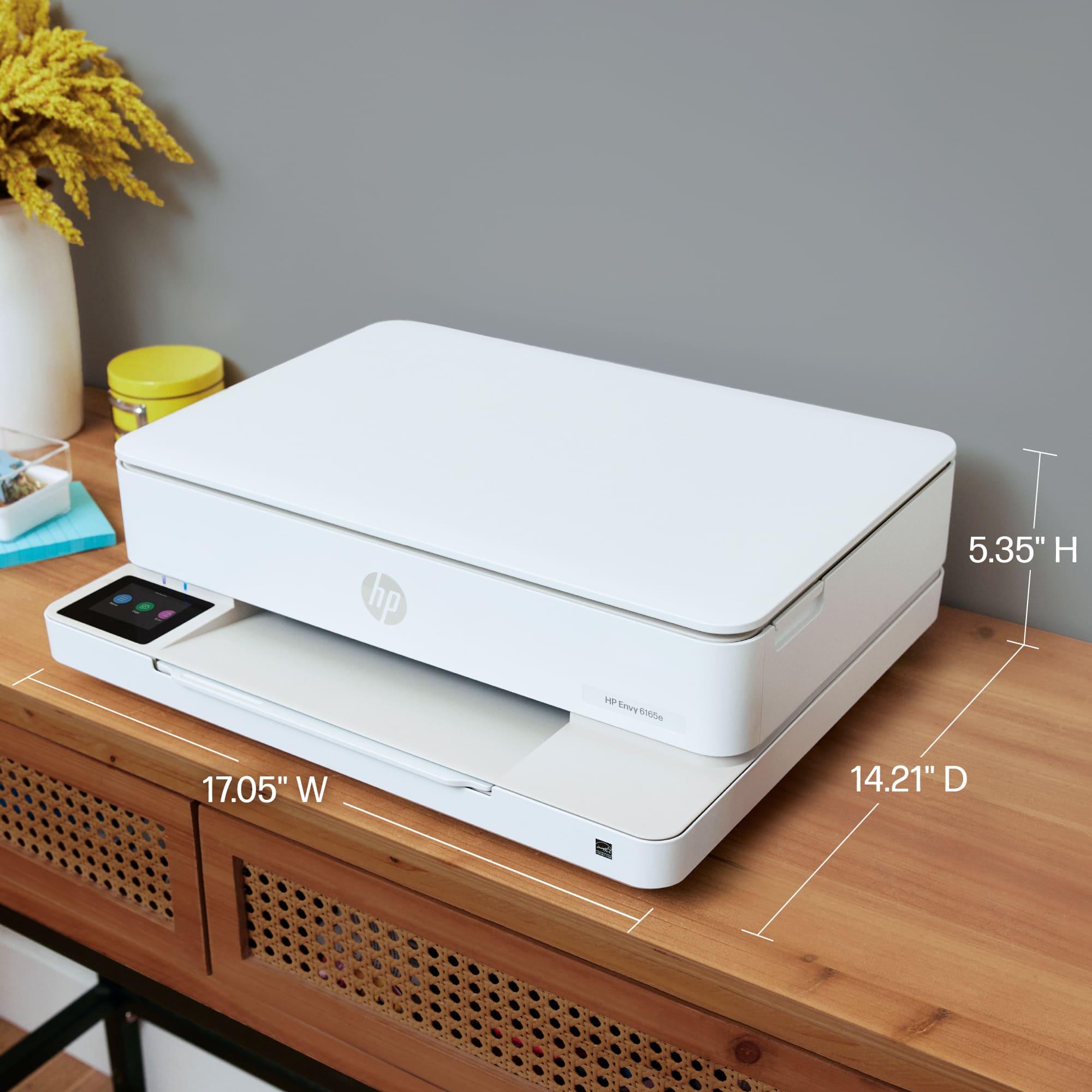
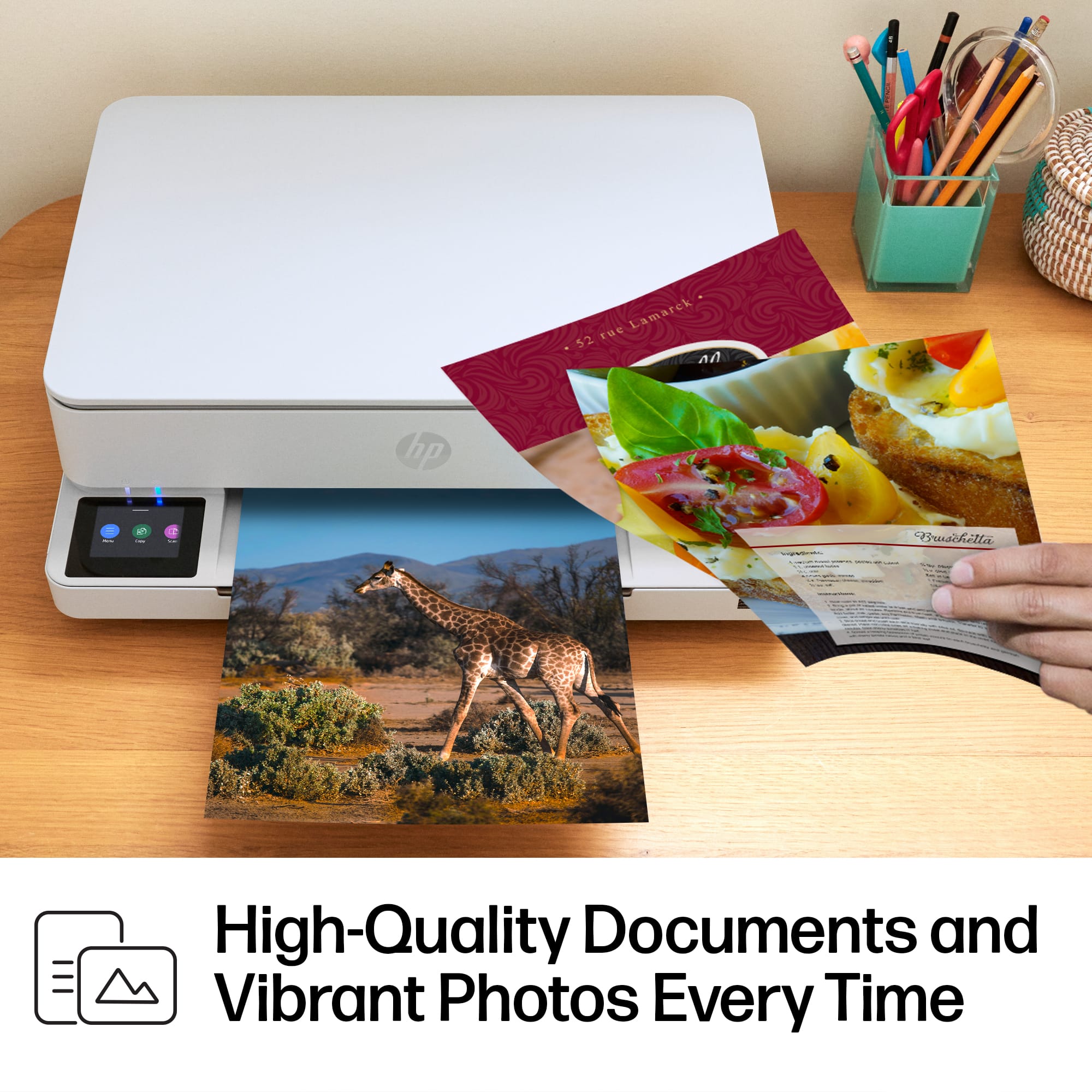
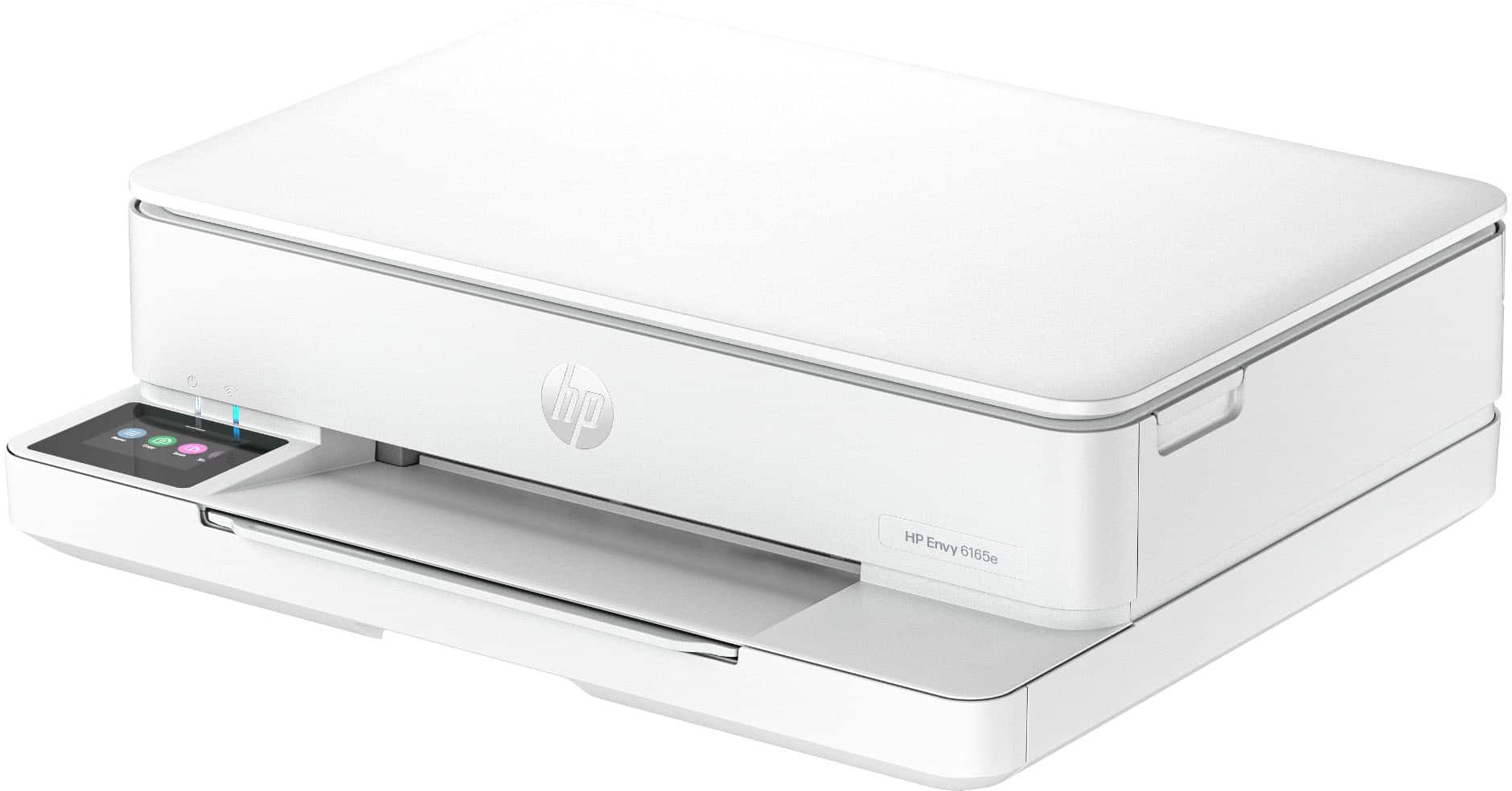
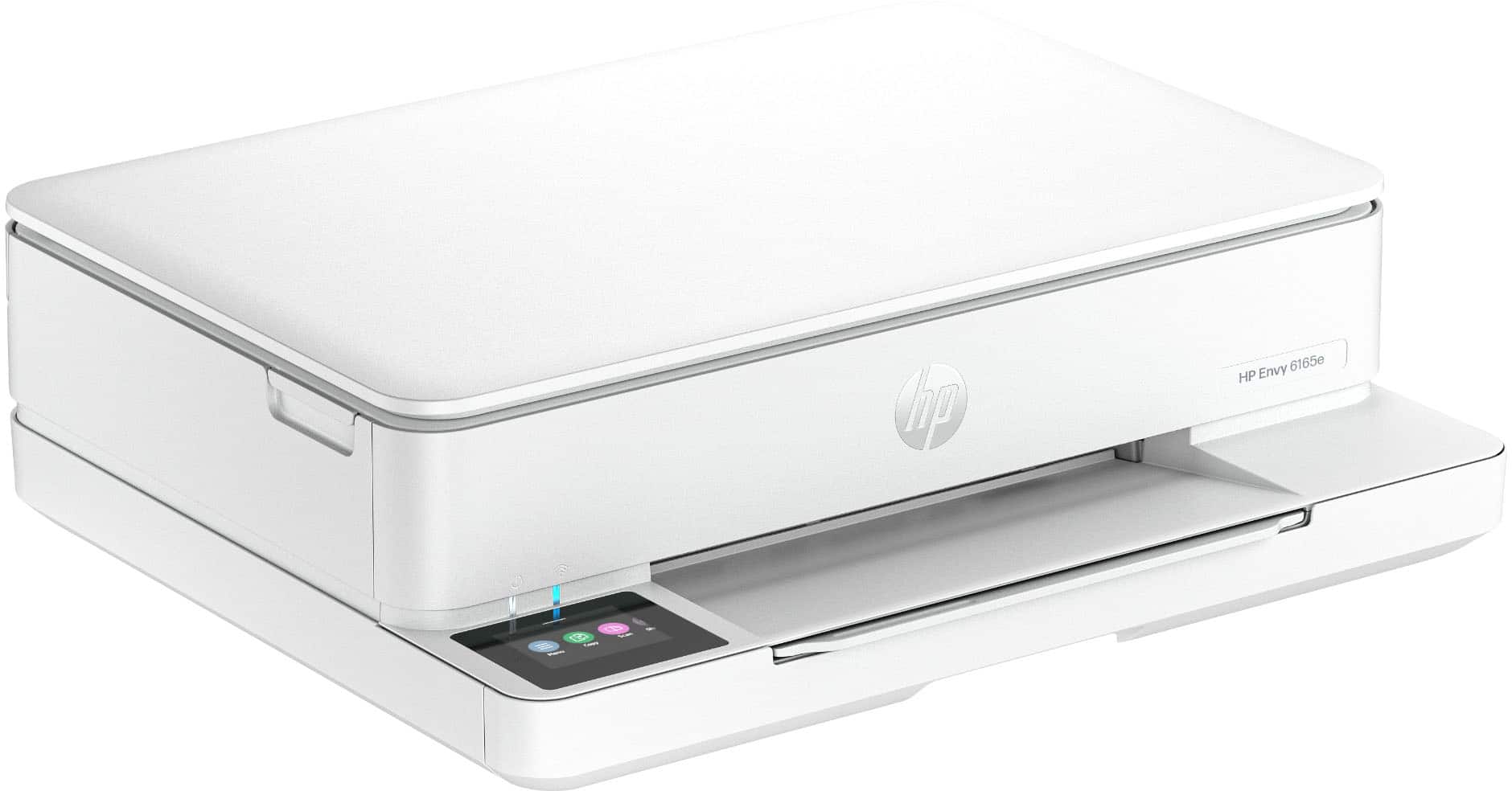
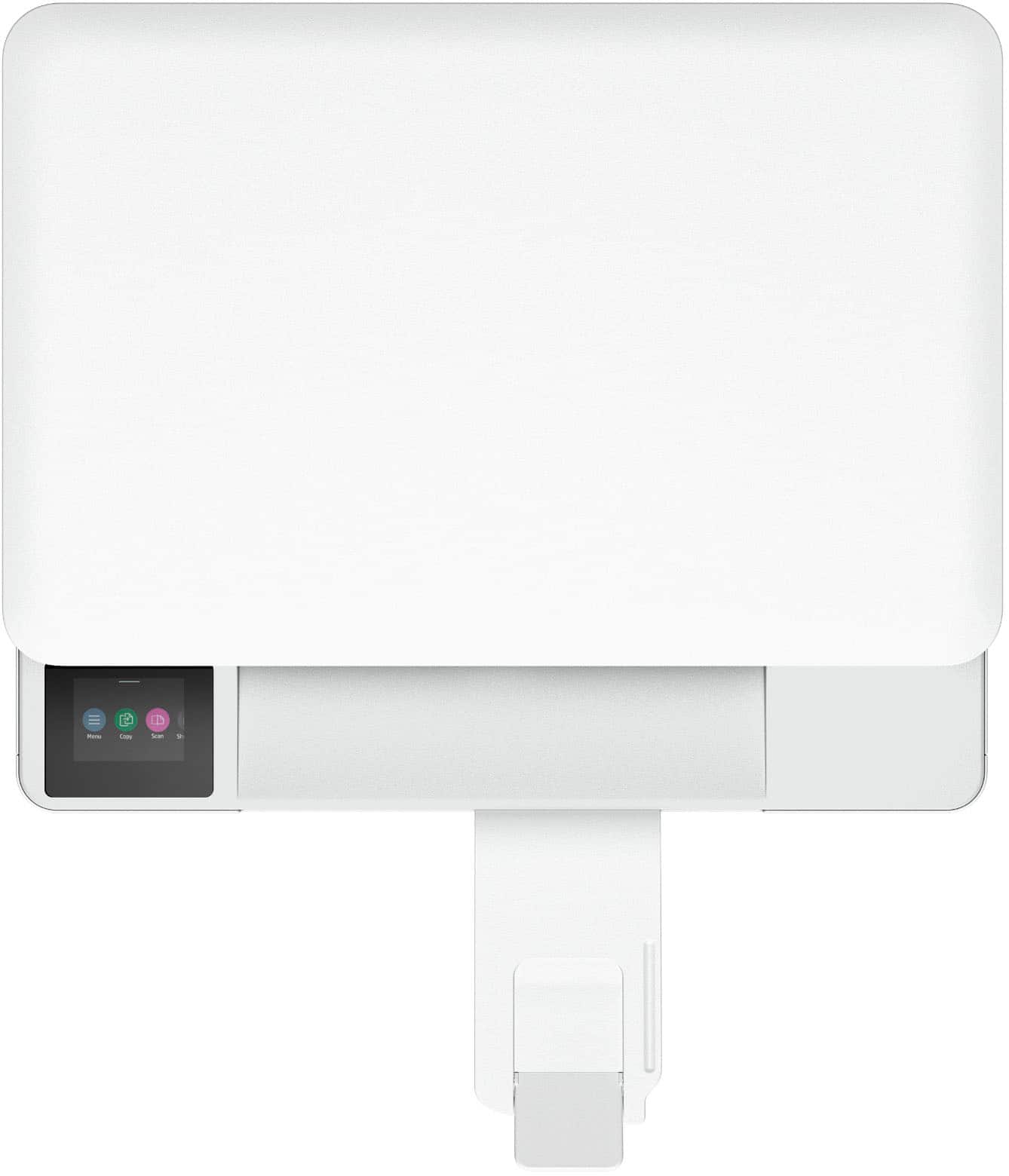
|Posted .This reviewer received promo considerations or sweepstakes entry for writing a review.My wife and I are both educators, and we have 3 sons that are in high school and middle school, so we are constantly needing a printer. Two of our sons are also taking a few design and architecture classes so they are always needing to print out color brochures, flyers, etc. We decided it was time to find a quality printer to take care of those photo prints. <<<<<Design>>>>> This printer is a small printer. You can print all your usual size prints; from full letter down to a 3x5, but it manages to all stay in a compact space. This is great if you were like us and you would like to have this setup in the kitchen and want to take up as little space as possible. This fits nicely into one of our smaller countertops. It’s a very short printer too so really stays out of the way. <<<<<Function>>>>> We have only been using this printer for about a week now, but in that time, we have been impressed with the print quality of images. Prints come out great, crisp and clear. Setup was a breeze, and it was easy to connect to all our devices whether it runs Windows, macOS, iOS, or android printing from those devices is very easy. The color touchscreen makes it easy to get stuff done directly on the printer, like scans and copies. The app you can download also helps to set up the print job you want. Everything to this point is standard fare for most printers. The new thing, at least for my family, is the printer ink subscription. I can see this being a sticking point for some buyers. For our family this is a great thing. You get 6 months of the Instant Ink service from HP+ included you would just need to decide on the plan that fits your needs after that. The reason that I love this idea is that the printer automatically orders your new ink when you start running low. There have been so many times with our previous printer where my wife or I are left scrambling to get ink replacement cartridges at the last minute because whoever used the printer last didn’t let us know that the ink was out. This Instant Ink service will make sure you always have ink on hand to get your projects done. <<<<<Conclusion>>>>> This is a printer, so most folks have already used something very comparable by now. The standout things about this printer for me were its footprint and the Instant Ink service. This manages to be a quality, detailed all-in-one printer that doesn’t take up a ton of space. The Instant Ink service is great for my family of 5 and making sure our printer is good to go no matter what projects we need to tackle. Setup was a breeze, especially with the color touchscreen and the app. We can print from our phones and computers with no issues. All in all, this is a great photo quality all-in-one printer.
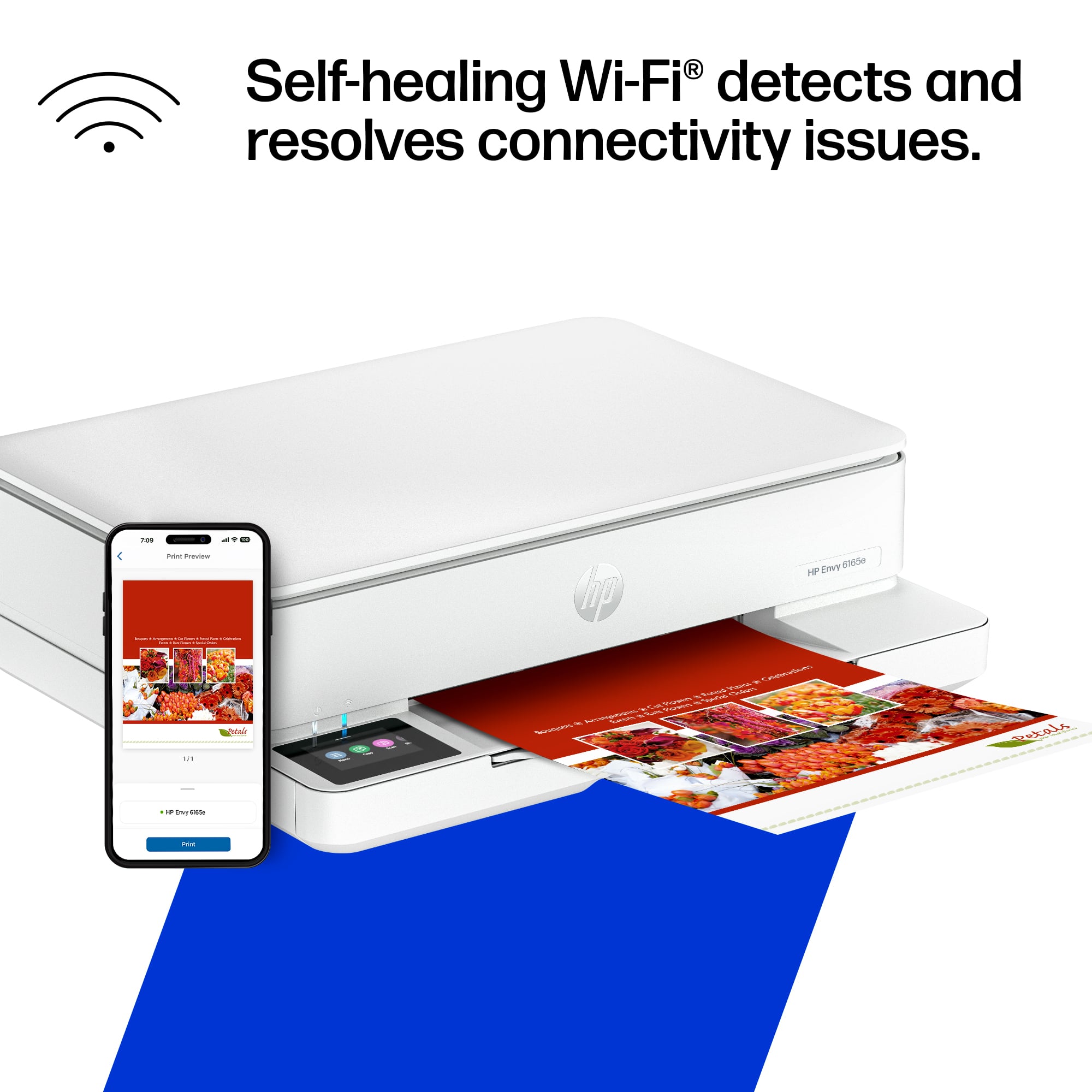
I would recommend this to a friend Slow and keeps disconnecting from WiFi
||Posted .This reviewer received promo considerations or sweepstakes entry for writing a review.Wouldn’t recommend. The printer is very slow and keeps disconnecting from the WiFi. My WiFi is very fast so the problem is this printer.
No, I would not recommend this to a friendDisappointed
||Posted . Owned for 3 weeks when reviewed.This reviewer received promo considerations or sweepstakes entry for writing a review.Worked great. Kind of slow but got the job done half way for what I needed it to. Ran out of ink kind of fast. And broke the first time I tried to change the ink out.
No, I would not recommend this to a friend- Pros mentioned:Design, SizeCons mentioned:Paper tray capacity
Slim and Ready to Print
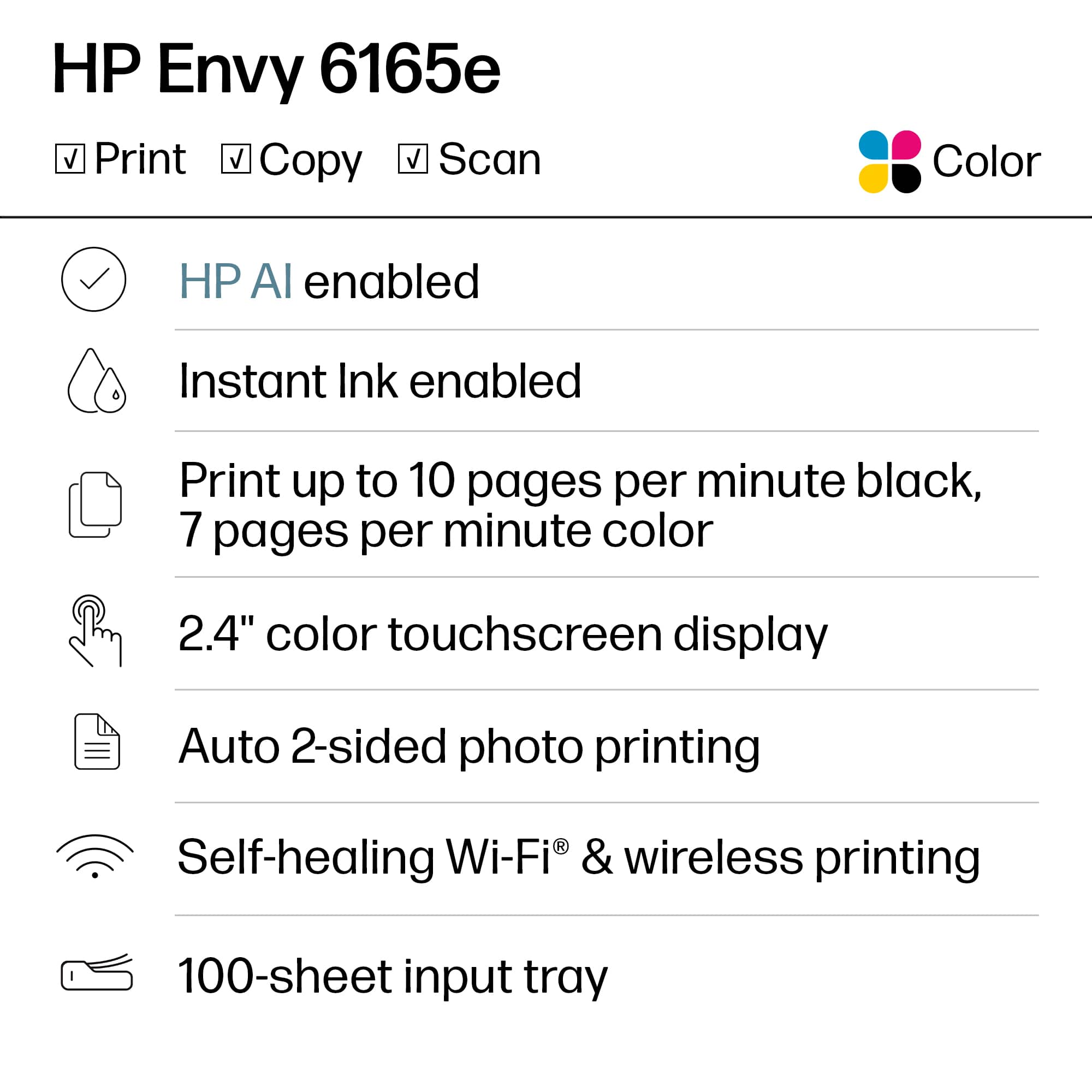
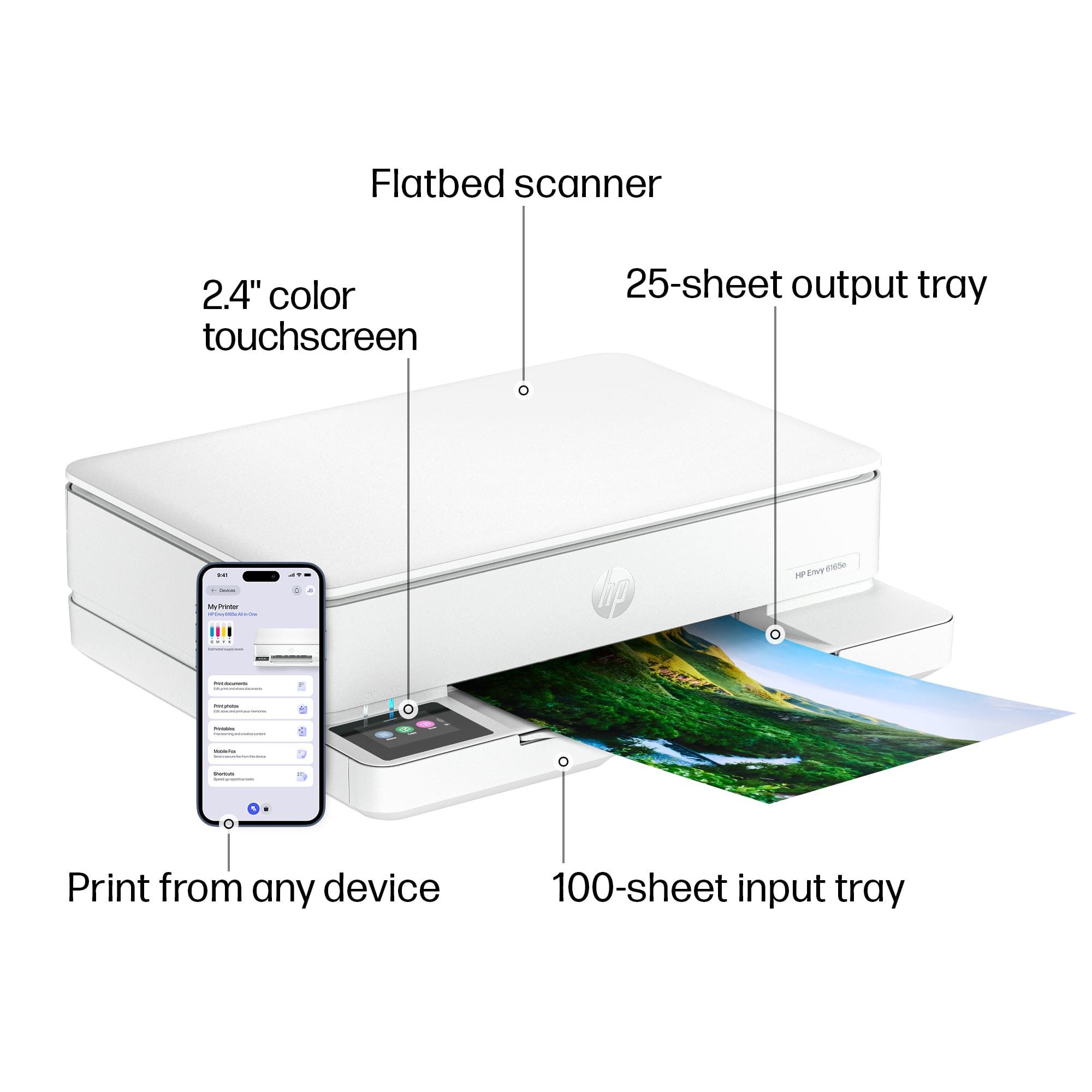
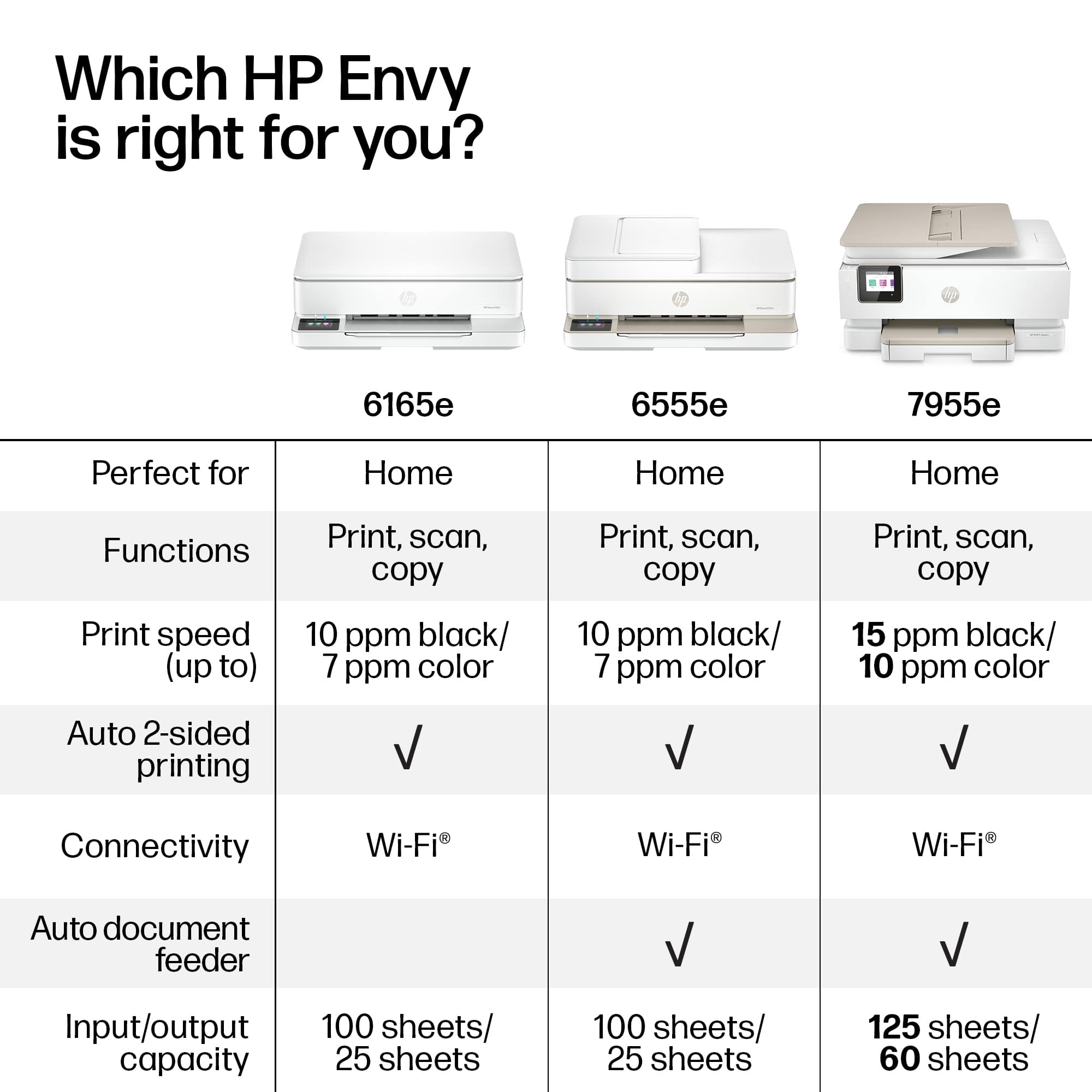
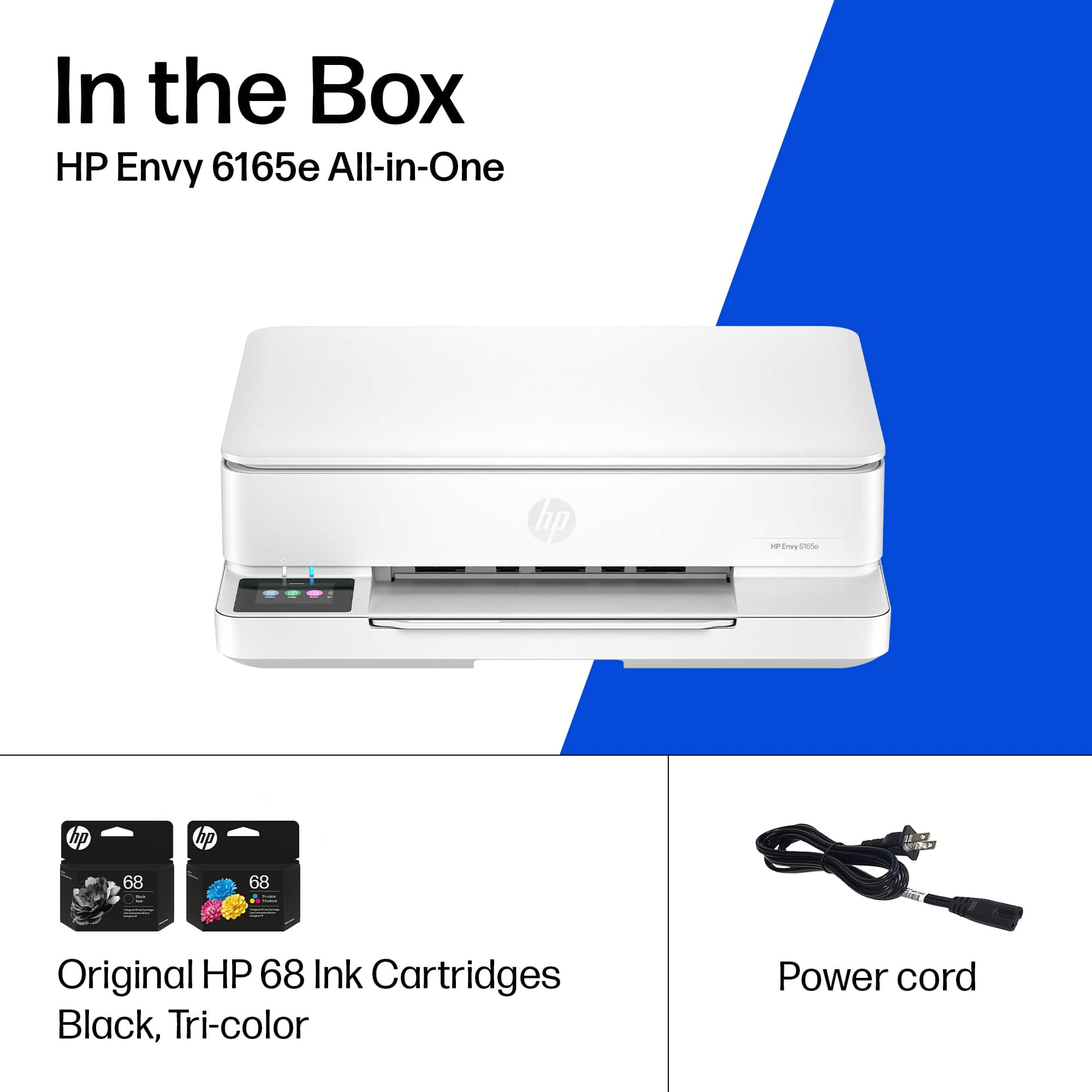
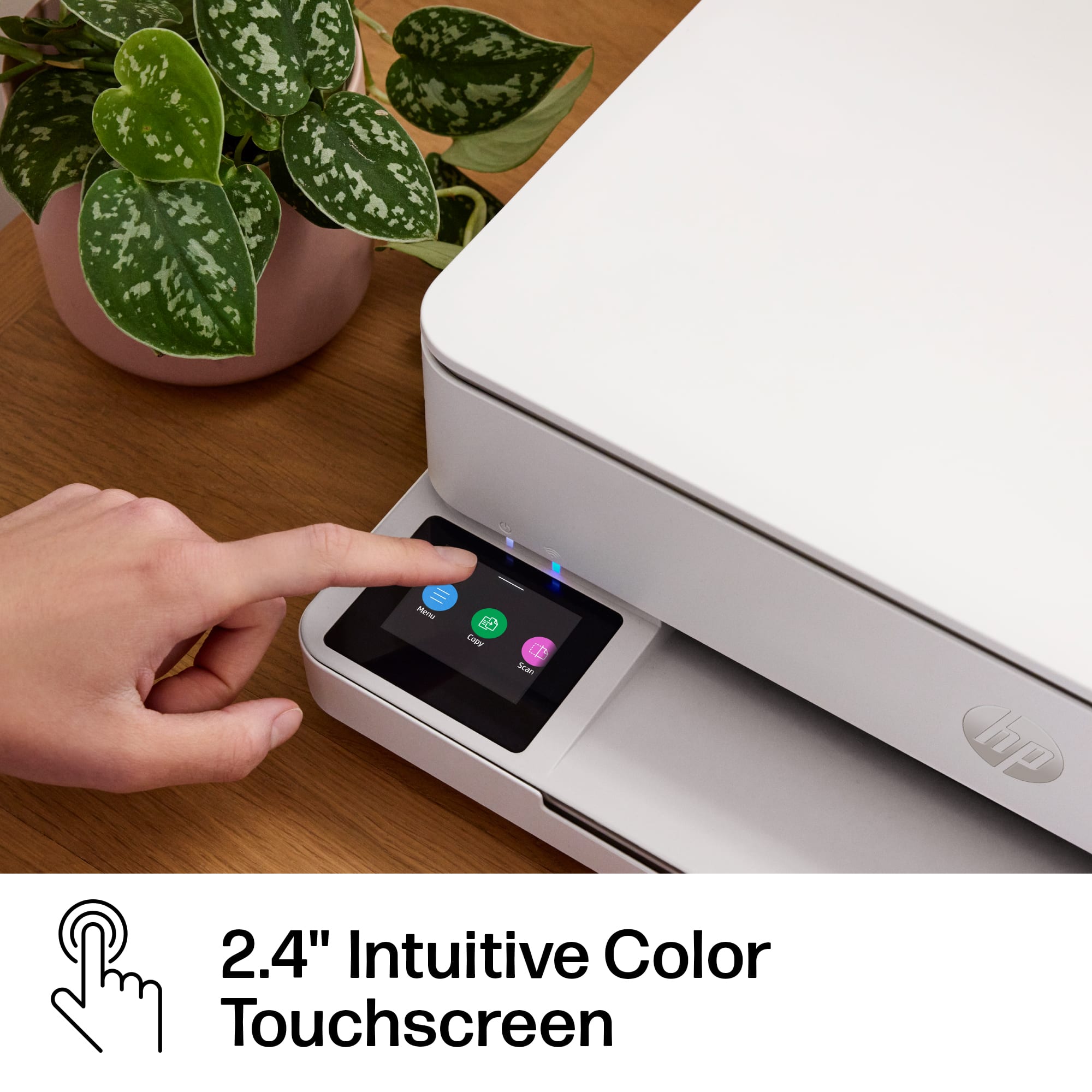
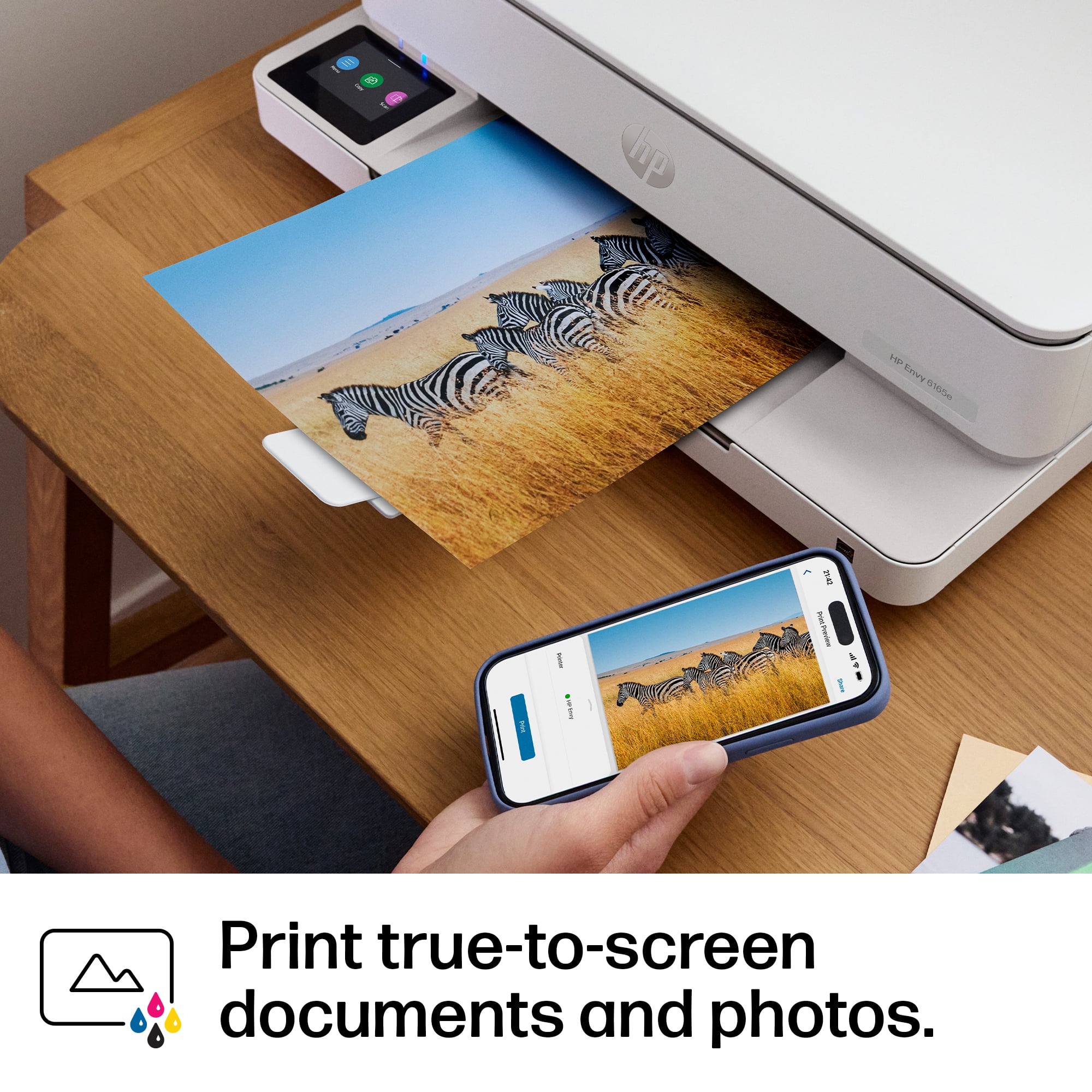
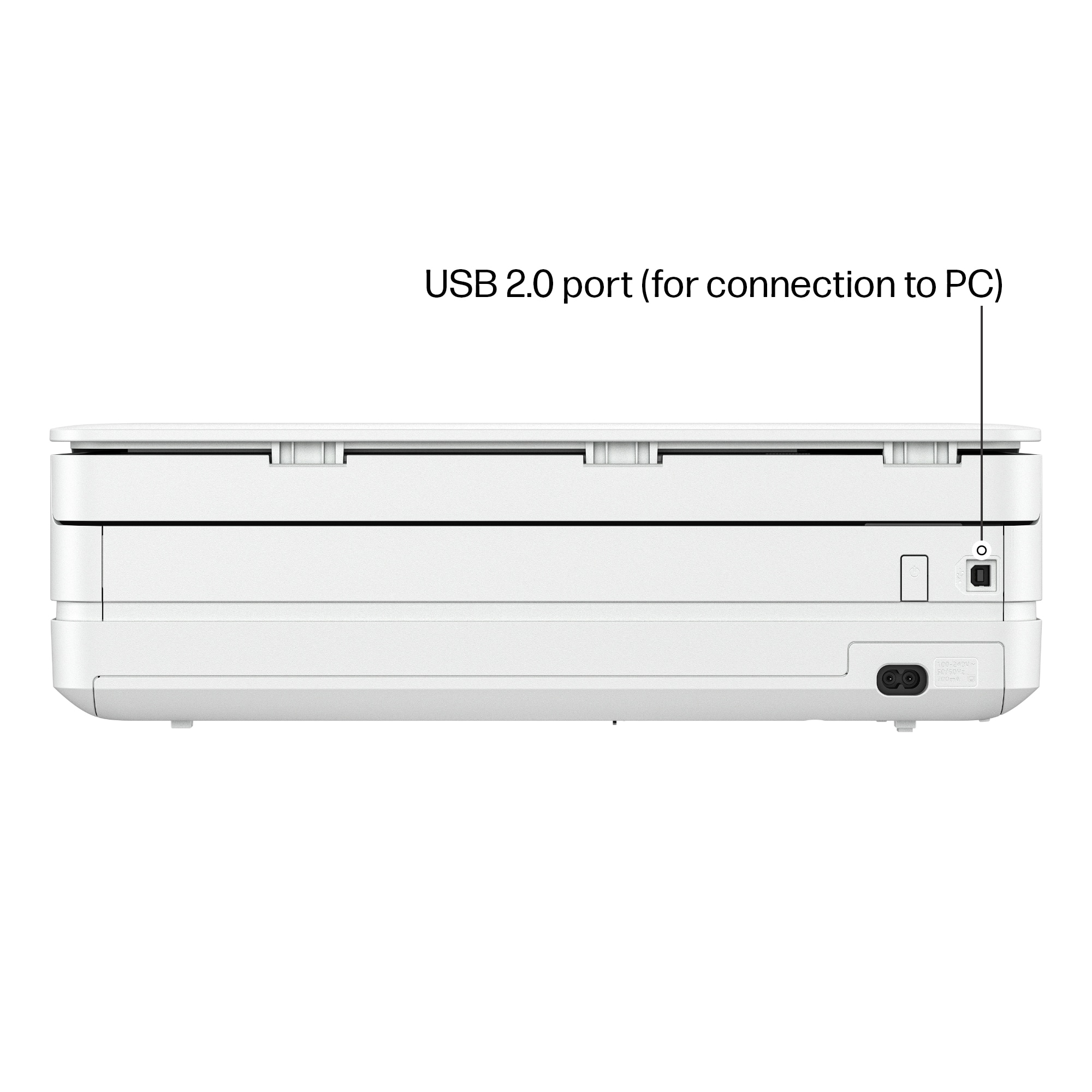
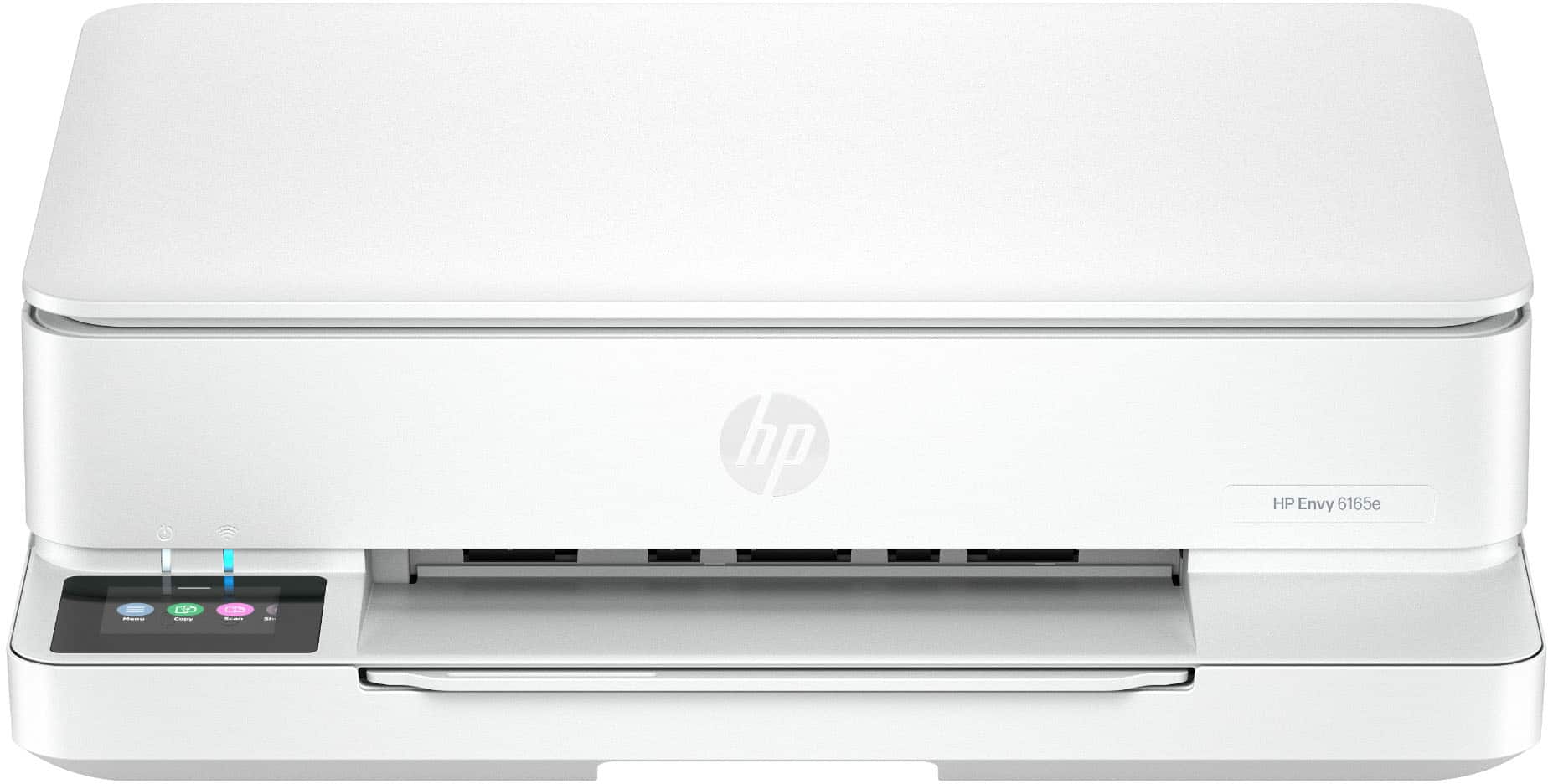
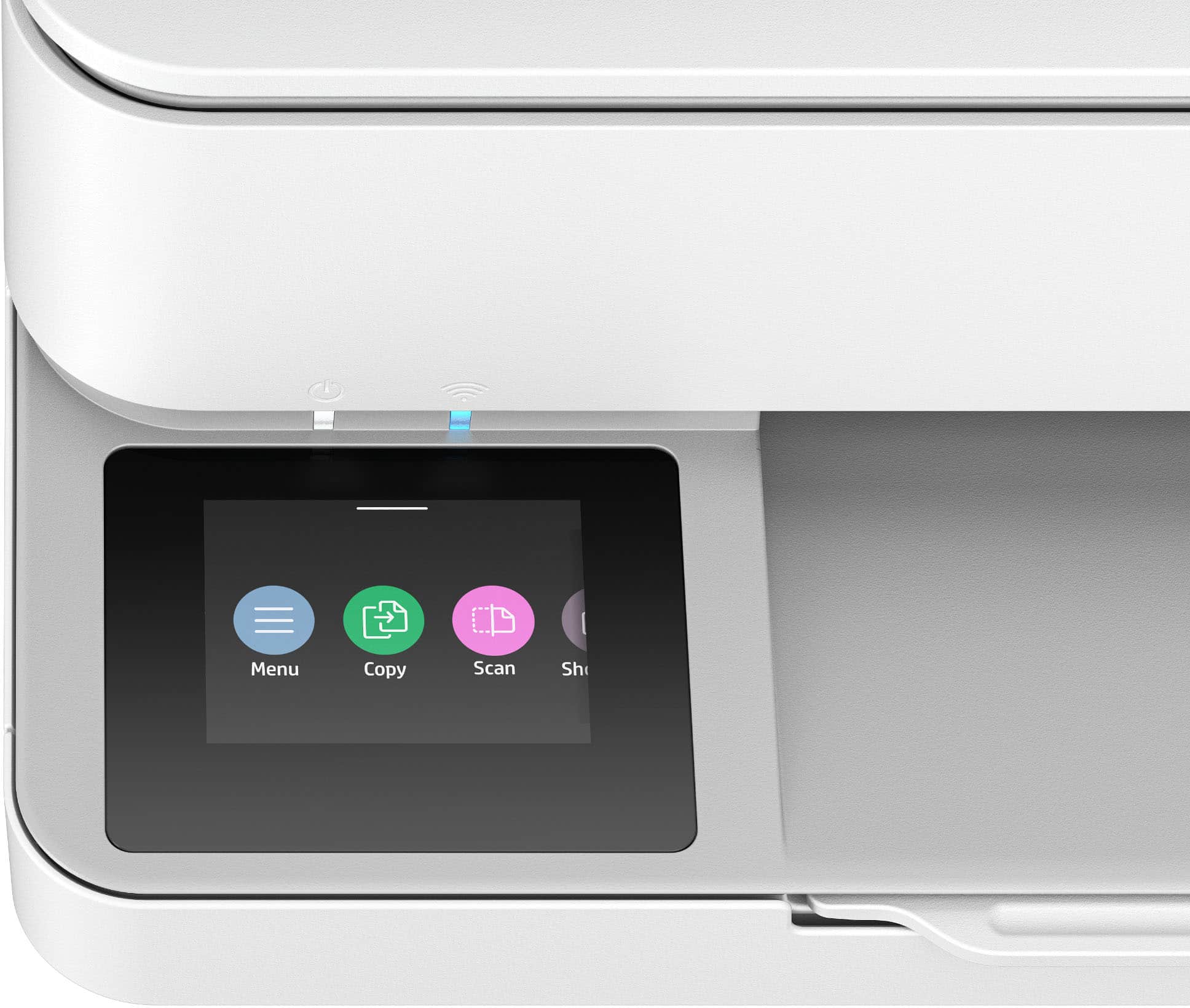
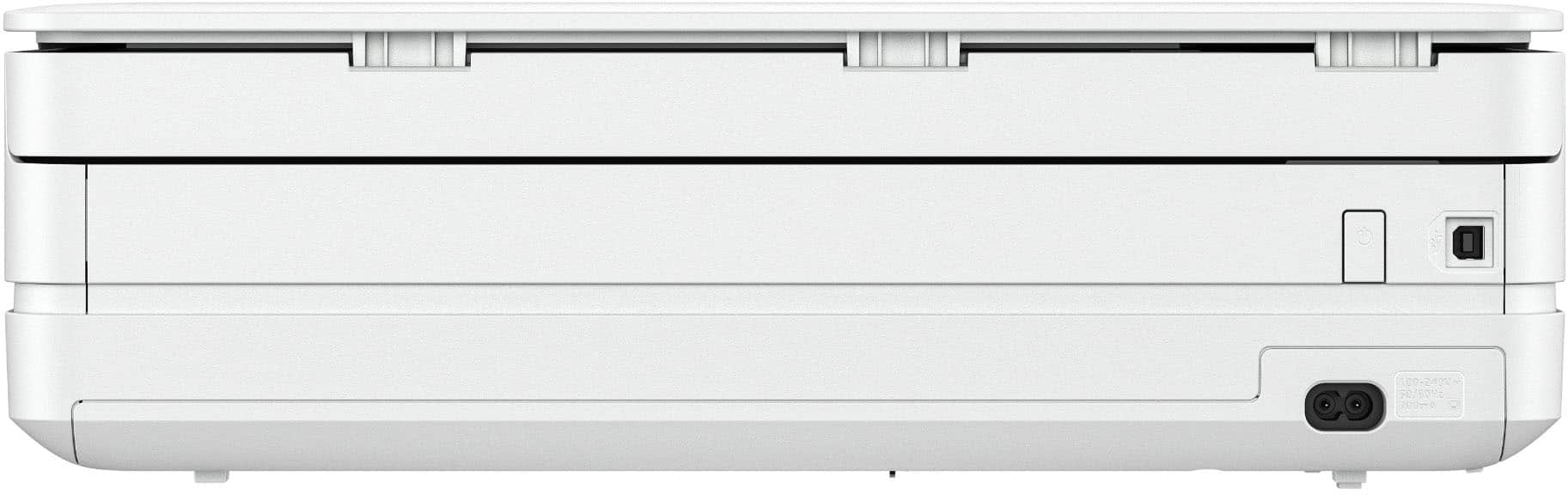
|Posted .This reviewer received promo considerations or sweepstakes entry for writing a review.Setup: The printer came equipped with 1 tri color cartridge and 1 black cartridge, the printer and a power cable. Unboxing is straightforward: once the printer is removed from the box, you have to remove all the tape/film. Once this is done plug it in and follow the screen commands to scan the QR code on your phone. Once you get the app squared away you will get digital step by step directions on installing the cartridges, alignment. I connected my printer to the wifi. You can use USB (USB B port) but a cable is not included and it’s not recommended if you want to access all the features (for example: print from anywhere). Overall appeal: this HP has a slim profile which is nice for any home that doesn’t really want to see a printer laying around. The screen is small at 2.4 inches but is usable and does not tilt up. The printer is white and looks modern with its overall slim design. I noticed the printer is made of recycled material which feels good to know and doesn’t seem to jeopardize quality. Use: After setup, the printer is like any modern day HP, utilize the HP Smart on your phone to print quality pictures, forms, and print from anywhere. Or when your simply at home just find your printer over the wifi via any device such as iOS, android, PC, chrome, etc. Prints are on the slower side to produce but this is an inkjet. Color is 7 pages and b&w is 10 pages a minute which again is slow but this is a slim printer. The printer has a small loading tray of 100 sheets but does offer auto 2 sided printing. The printer only has a flat bed scanner with a resolution up to 1200x1200. I typically only like printers with a top feeding scanner but this device was designed to be smaller. Overall: I recommend this printer to a person who is the occasional user who is looking for a device that is small but still has functionality. So small that when I got the package delivered I didn’t think there was a printer inside. Slightly noisy (but which one isn’t) that gets the job done over WiFi. I recommend this HP to any basic user.
I would recommend this to a friend Not that good anymore
||Posted .This reviewer received promo considerations or sweepstakes entry for writing a review.Constant wi-fi connectivity issues. Instant ink USED to be pretty good, now is a hassle
No, I would not recommend this to a friendNot HP quality
||Posted .This reviewer received promo considerations or sweepstakes entry for writing a review.You get what you pay for. Thought it was a good deal but I can't even get it registered with HP, it is slow, noisy, worthless. I should have returned it.
No, I would not recommend this to a friendDoesn’t connect to Apple devices.
||Posted .This reviewer received promo considerations or sweepstakes entry for writing a review.HP printer I got looked nice, but I couldn’t connect it after half a day of trying. I got a printer from Canon and connected it instantly.
No, I would not recommend this to a friendBad Product
||Posted . Owned for 2 weeks when reviewed.This reviewer received promo considerations or sweepstakes entry for writing a review.Instructions not helpful; took the thing back same day I bought it.
No, I would not recommend this to a friendINK HOG
||Posted . Owned for 2 weeks when reviewed.This reviewer received promo considerations or sweepstakes entry for writing a review.RUNS OUT OF INK VERY QUICKLY. WOULD ONLY RECOMMEND TO SOMEONE WHO DOES NOT PRINT THINGS VERY OFTEN.
No, I would not recommend this to a friendBuyer
||Posted . Owned for 2 weeks when reviewed.This reviewer received promo considerations or sweepstakes entry for writing a review.The HP support was the worst, Geek Squad did not help and they can’t provide remote service.
No, I would not recommend this to a friendTerrible printer
||Posted . Owned for 1 month when reviewed.This reviewer received promo considerations or sweepstakes entry for writing a review.No stars. It does not work. Will not connect wirelessly. Goes dormant as if it’s unplugged. No signal that it’s turned on.
No, I would not recommend this to a friendTerrible product breaks within 6 weeks
||Posted . Owned for 2 months when reviewed.This reviewer received promo considerations or sweepstakes entry for writing a review.If I could give it zero it stopped working. Today. The 15th. The date returns no longer allow. Convient
No, I would not recommend this to a friendDefective
||Posted .This reviewer received promo considerations or sweepstakes entry for writing a review.Product was defective. It made a lot of strange noises and produced documents missing half of the text.
No, I would not recommend this to a friendhp envy 6100 series
||Posted . Owned for 3 months when reviewed.This reviewer received promo considerations or sweepstakes entry for writing a review.worst printer I ever owned would not recommend it.
No, I would not recommend this to a friendWay to slow
||Posted .This reviewer received promo considerations or sweepstakes entry for writing a review.Very, very slow at printing I am returning it and purchasing a different one
No, I would not recommend this to a friendDidn't Work
||Posted .This reviewer received promo considerations or sweepstakes entry for writing a review.Can't get it to connect to computer. Printed for about 2 days and then quit. Will return item.
No, I would not recommend this to a friendNoGood
||Posted .This reviewer received promo considerations or sweepstakes entry for writing a review.Won't connect to wifi un reliable for the price expensive ink
No, I would not recommend this to a friend- Pros mentioned:Setup ease, Size
Affordable
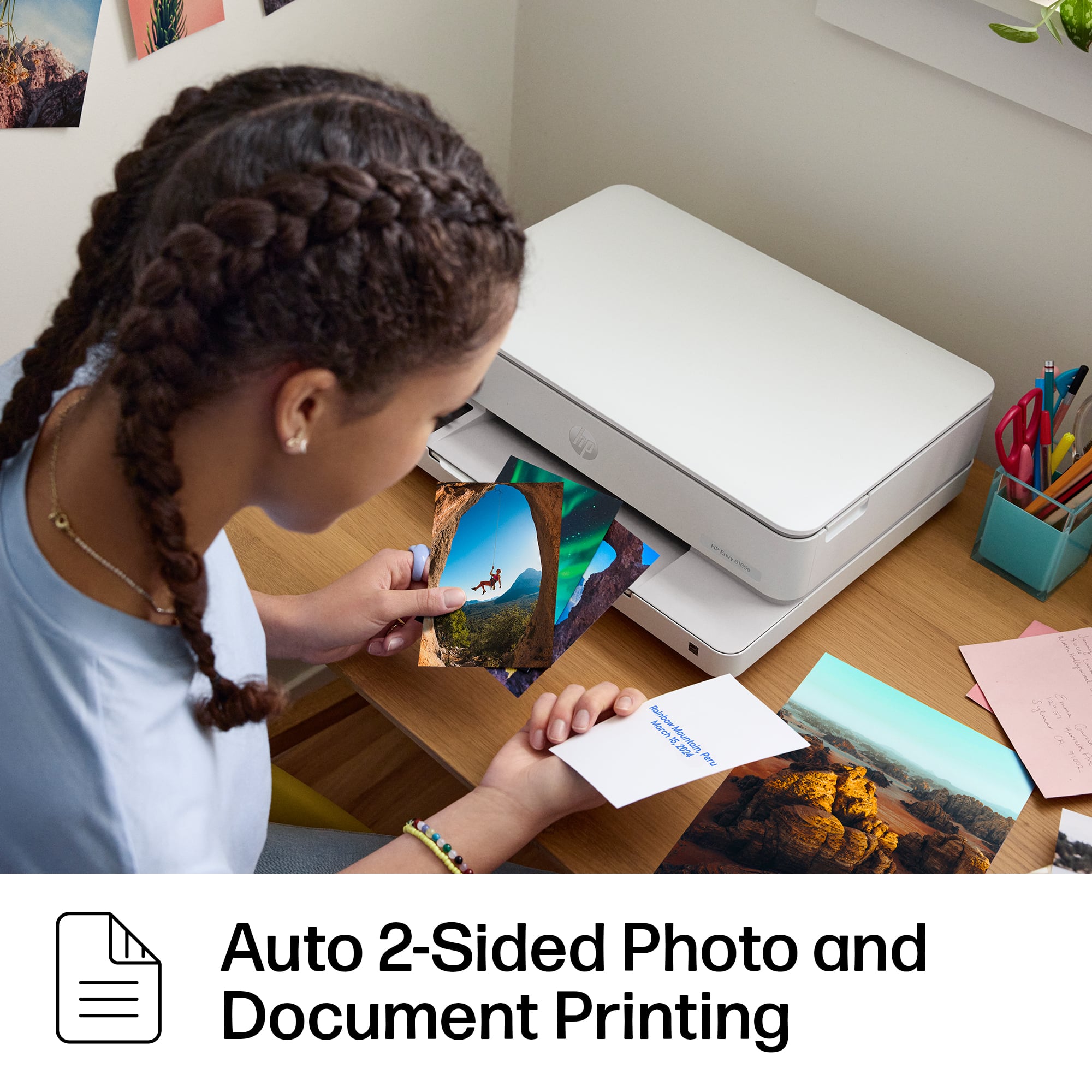
|Posted .This reviewer received promo considerations or sweepstakes entry for writing a review.Setup was easy as it usually is for HP printers. Recently, the setup has become so automated that it is hard to find anything bad about it. If you use it wired, it’s just plug and play. If wireless, you can use the built-in screen, press a button on your router, or the app. To start, I would like to say that I have mixed feelings about the idea of subscription to ink because you can potentially spend more than you would purchasing ink directly, especially if you print more than your plan allows which starts at only 10 pages per month and you can reach that limit in just one sitting. That’s the part that I don’t like because you have to be very conscious about how much you print. I do have a subscription for another HP printer, and it has worked out well for me although I keep an eye on my usage. The good news for the Envy 6165E is that the price is very affordable, and it comes with a 6-month ink subscription free. In other words, it pays for itself very quickly. Also, you can opt out of the subscription and pay for the cartridges when they run out. An upside to the subscription model is convenience since you get a new cartridge as soon as it’s running low. One of the features I like the most is the automatic two-sided photo printing. That’s handy when you’re creating invitation cards, for instance. The quality of printing for photos and text is excellent, which makes it even better. It’s a small printer and it will meet the needs of most users. It’s a good scanner too. But if you print as much as I do, you should go for a bigger model. The bin can hold only 100 pages. I sometimes print that much in just two or three days. In summary, it is a great printer for light usage. Simple, affordable, compact, and easy to use. However, if your usage is heavy, please look for a bigger printer with bigger bins to store paper and more room to handle many printed pages.
I would recommend this to a friend - Pros mentioned:Print quality, Setup ease
Decent Small Printer
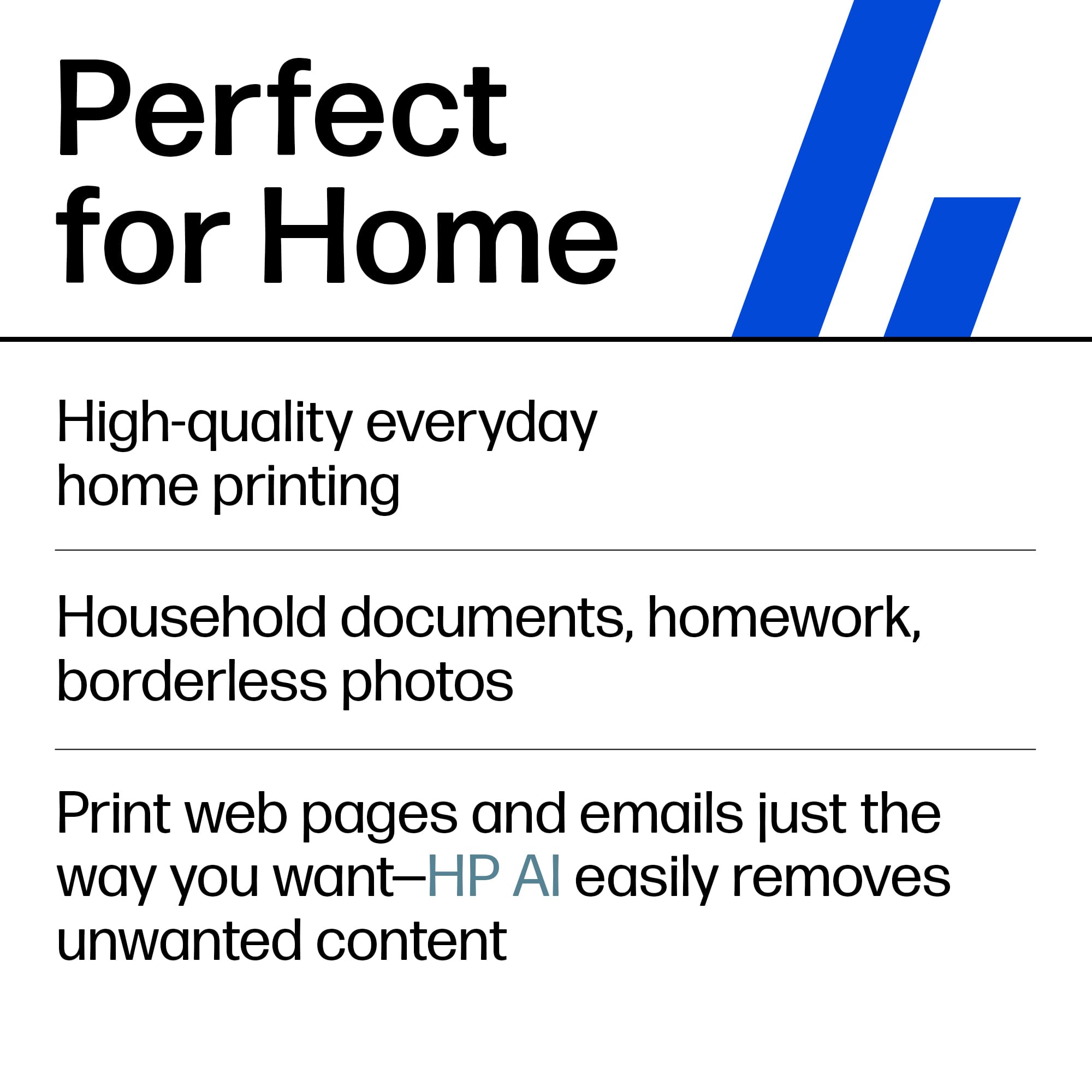
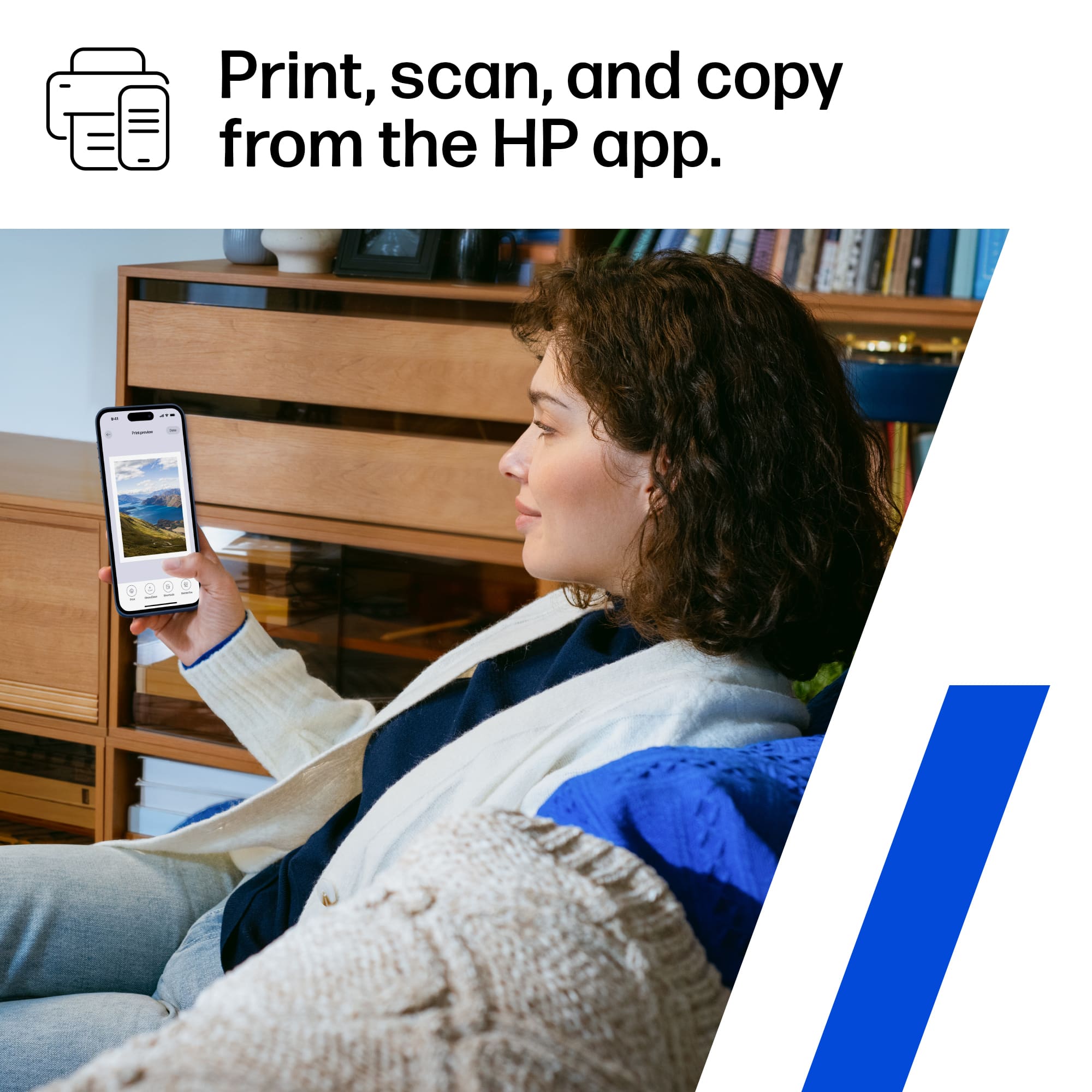
|Posted .This reviewer received promo considerations or sweepstakes entry for writing a review.I’ve been testing out the HP Envy 6165e Wireless All-in-One Inkjet Printer for about 5 days, and for a mid-range all-in-one, I’m honestly impressed by how seamlessly it fits into a busy, multi-device household or home office. Straight out of the box, setup was painless—took me under 10 minutes using the HP Smart app. It walks you through everything from Wi-Fi connection to paper loading and the HP+ activation. Once you opt into HP+ (which is optional), it automatically enrolls you into six free months of Instant Ink, which I’ll touch on more in a bit. Photo quality is where this printer punches above its price. I ran a few 4x6 glossy prints and full-page borderless shots, and the color accuracy was strong with a nice pop in saturation. Blacks weren’t quite as deep as you’d get on a high-end photo printer, but for casual prints, it's solid. Flyers, on the other hand, looked clean and sharp—great for quick business promotions or community handouts. Text stayed crisp even with colored backgrounds, and the gradients didn’t suffer from banding or blotches. This isn’t a professional print shop replacement, but it definitely holds its own for everyday marketing materials. Print speed is average for this class—around 10 pages per minute for black and white, and a little slower with color-heavy documents or photos. It’s not a speed demon, but it’s consistent. There were no paper jams or misfeeds during my tests, even when switching between plain paper and glossy photo stock. What stood out the most is how frictionless the printing experience is across devices. I printed from my Android phone, iPad, MacBook, and even a Windows desktop—no drivers, no drama. The HP Smart app gives you full access to scanning, copying, and managing print jobs remotely. You can even send jobs to the printer when you’re away from home using HP’s cloud printing. The real kicker here is HP’s Instant Ink subscription, which the 6165e is clearly built around. Once enrolled, the printer tracks your ink levels and automatically ships new cartridges before you run out. It’s not based on how much ink you use, but rather how many pages you print—whether you’re doing full-page color or just black and white text. With six free months included, there’s no cost out of the gate, and you get the option to print a fair number of pages (plans range from 10 to 700 pages/month). After the trial, pricing starts as low as a few bucks a month. I haven’t had to think about ink since setting it up, and it’s refreshing. The HP Envy 6165e is a strong contender in the sub-$150 printer space. It’s ideal for families, students, or small business users who want reliable printing with minimal maintenance. Print quality is solid, wireless functionality is seamless, and HP+ with Instant Ink takes the headache out of running low on supplies. Print quality is solid, wireless functionality is seamless, and HP+ with Instant Ink takes the headache out of running low on supplies. Pros: Excellent photo and flyer output for the price, truly easy multi-device printing, 6 months of Instant Ink included, smart quiet operation. Cons: Not the fastest printer on the block, heavily tied into HP+ and Instant Ink ecosystem. If you’re tired of scrambling for ink last-minute or constantly babysitting your printer, the Envy 6165e makes a lot of sense—especially with that free 6-month ink cushion.
I would recommend this to a friend - Pros mentioned:ConnectivityCons mentioned:Paper tray capacity
HP 6165e Wireless all-in-one inkjet printer
|Posted .This reviewer received promo considerations or sweepstakes entry for writing a review.This printer is not designed for business use. The manufacturer states you should not go over 1000 prints per month, you should stay below 700 as to not damage the printer. It is, however, great for at home printing, fax, and copying. During testing I had no problems printing using the HP smart app, printing from a desktop, laptop, tablet, and smartphone across both Windows and Apple platforms. Having owned other HP printers and using the HP instant ink, I had no problems setting this up. The Instant Ink allows the company to monitor your printing usage and estimating when you will need a new ink cartridge and ordering it. The monthly charge is based upon your estimated usage figured during your six-month free period. These cartridges can only be used while you are on the Instant ink plan, if you cancel the plan the cartridges will no longer be functionable, so make sure you have a set to replace the cartridges. This printer holds 2 ink cartridges, 1 black and 1 tri colored. The problem is that if you run out of 1 color you must replace the whole cartridge. The paper tray holds 100 sheets, and the output tray holds 25 sheets. The printers can hold all standard sizes of paper up to 8 X 10, and Number 10 envelopes, 5 X 5 and 4 X 12 envelopes. The scanner resolution is up to 1200 X 1200 DPI.
I would recommend this to a friend