Customer Ratings & Reviews
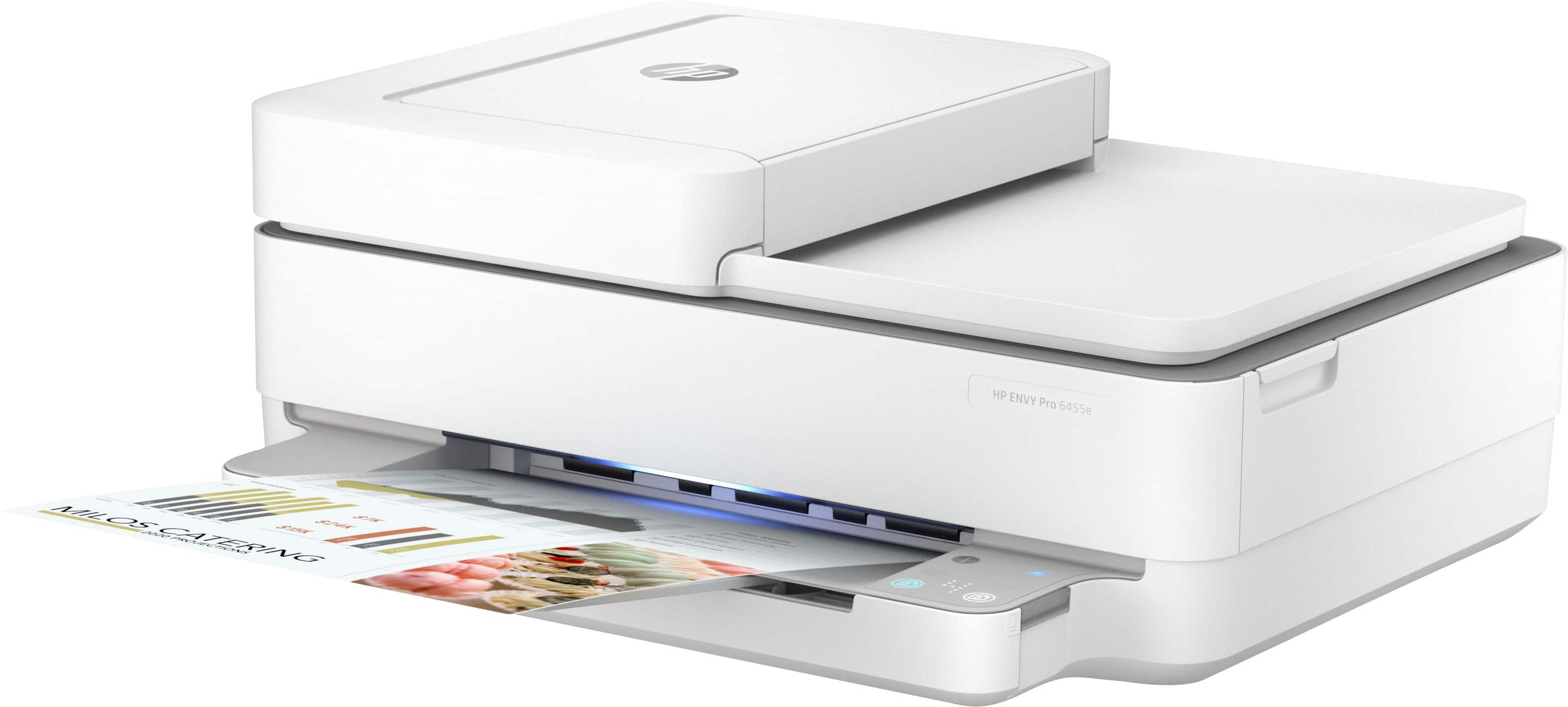
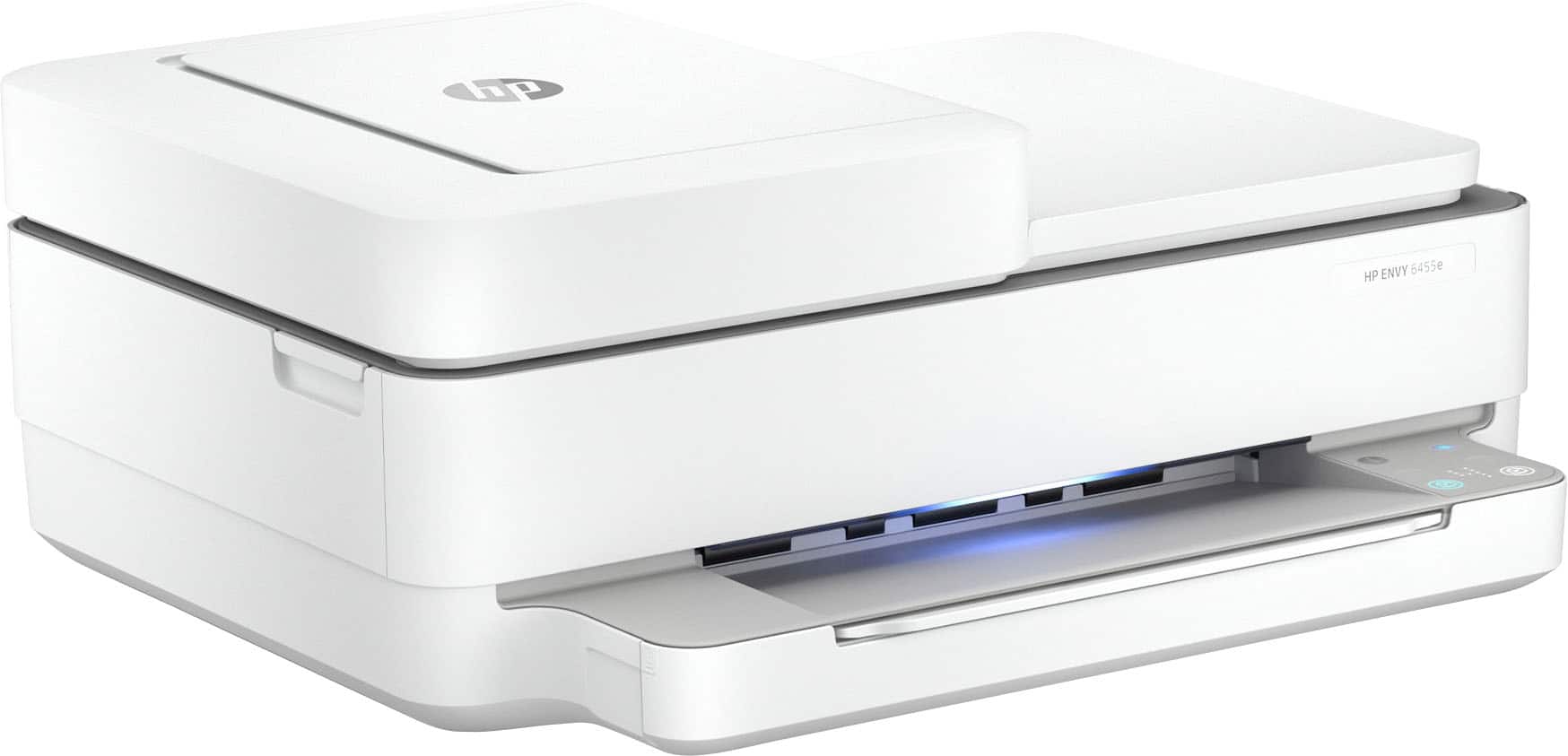
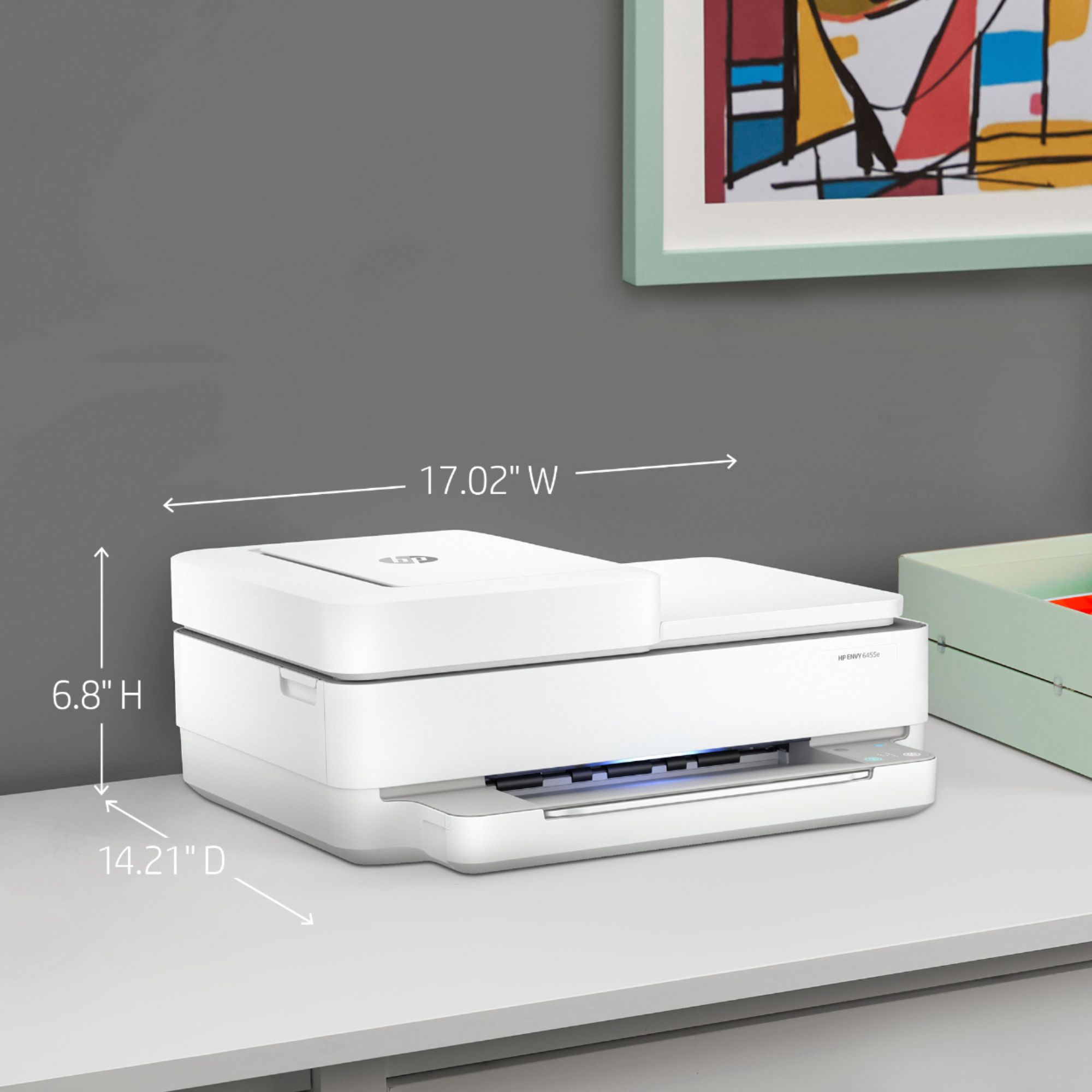
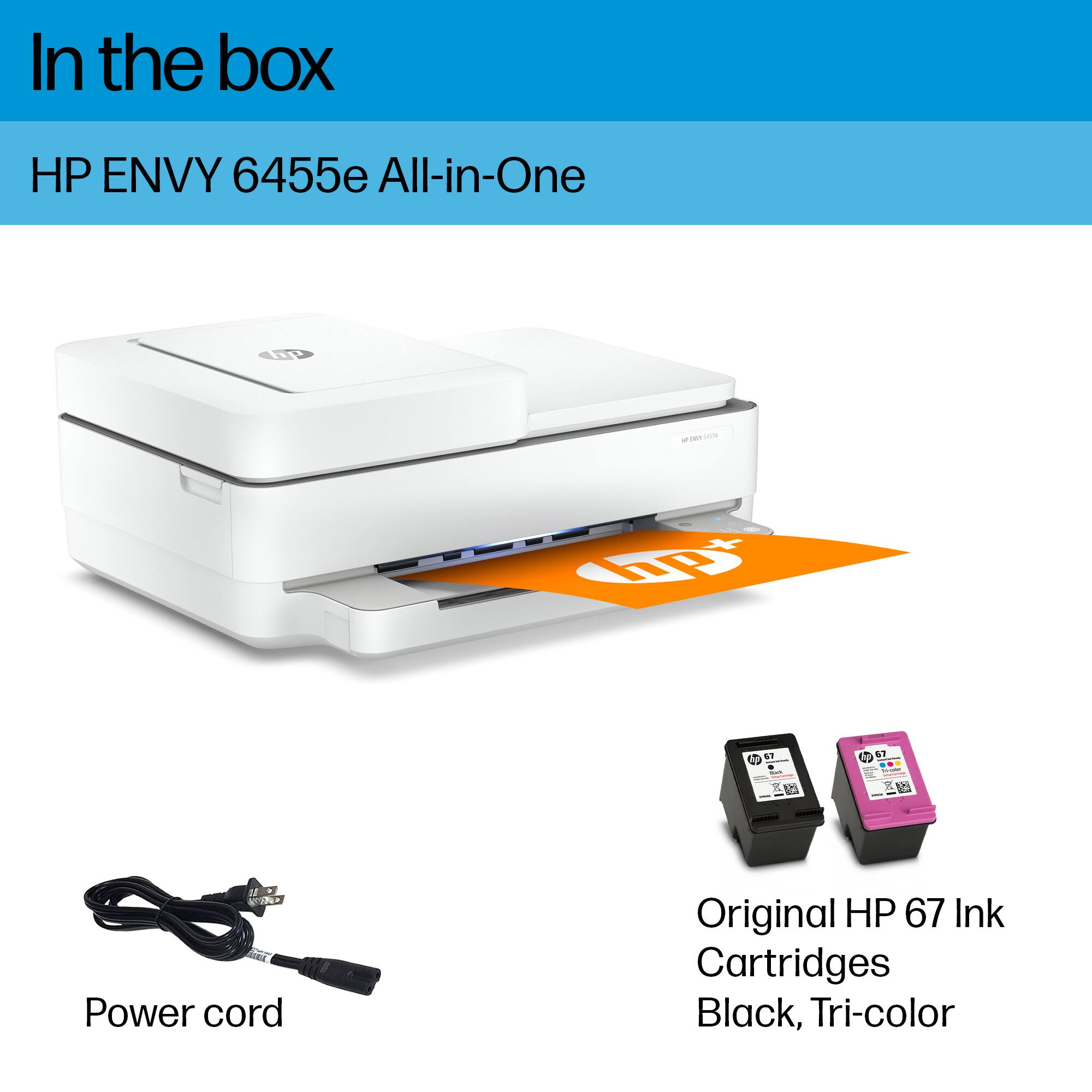




- Model:
- ENVY 6455E/223R1A#B1H
- SKU:
- 6454287
Rating by feature
- Value
Rating 4.2 out of 5 stars
- Quality
Rating 4.2 out of 5 stars
- Ease of Use
Rating 4.0 out of 5 stars
Customers are saying
Customers love the ENVY 6455e's ease of use, print quality, and compact size. Many appreciate its affordability and quick setup, while also noting the quiet operation and good performance. However, some users experienced issues with connectivity and the lack of a display screen, and occasional paper jams were also reported.
This summary was generated by AI based on customer reviews.
good printer
||Posted . Owned for 1 month when reviewed.This reviewer received promo considerations or sweepstakes entry for writing a review.good printer but has a problem with windows 10 ..........
I would recommend this to a friendHP Printers need better instuctions
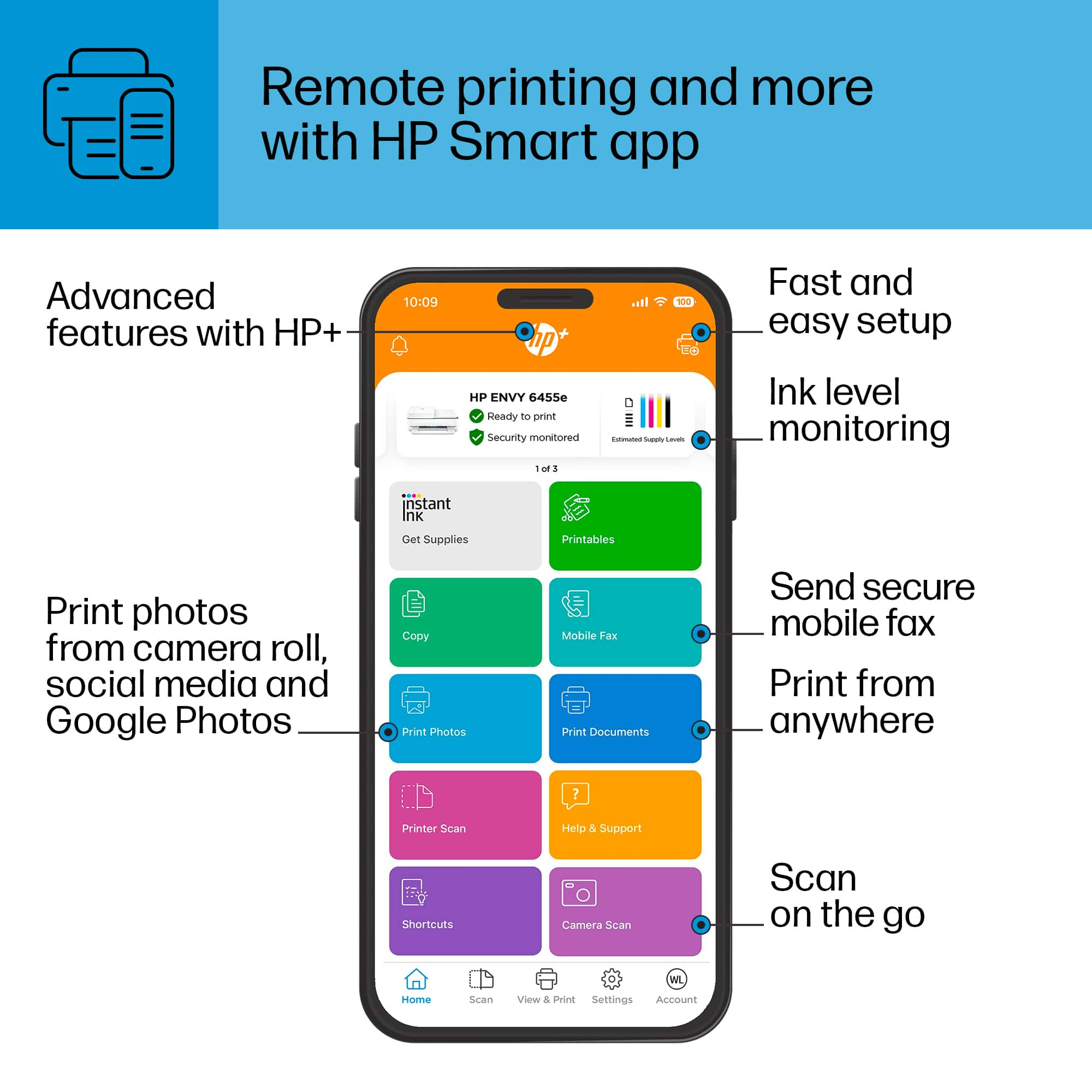
||Posted . Owned for 1 month when reviewed.This reviewer received promo considerations or sweepstakes entry for writing a review.The HP-ENVY 6455e came with inadequite instructions and the HP Smart program was poor in the on line instructions and troubleshooting. The ENVY6400 series have several models and I could not find my printer model on the HP Smart on line help.
No, I would not recommend this to a friendBrand response from HP Team
Posted .Hi there.
I’m sorry that you’ve not been able to complete the setup and installation process with your printer. I can clearly understand why having inadequate instructional materials as well as software trouble would be a frustrating start to owning the device. I want to help you get the printer connected and working like it should, so I’ll make some suggestions I hope will reach that goal.
First, I recommend that you follow a setup and connectivity tutorial specific to your printer you can find on our support site. On the same page you can also access user manuals, troubleshooting guides, how-to documents and software updates. Do that by following this link:
- support.hp.com/us-en/product/model/2100187516
You can also visit a page on our support site that has diagnostic tools for various tasks and issues, including setup and connectivity. You can find the page here:
- support.hp.com/us-en/topic/diagnostics
If you need further assistance with setup or anything else, I suggest you contact us directly so we can help you assess the situation and find a solution. I’ll point out that HP+ printers come with exclusive concierge support. To call and reach live HP+ experts, visit the following URL and enter your HP+ serial number:
- hp.com/plus-help
Keith
HP Care
hp.com/support
HP printer
||Posted .This reviewer received promo considerations or sweepstakes entry for writing a review.This has worked out great and it’s very convenient.
I would recommend this to a friendWill return
||Posted . Owned for 3 weeks when reviewed.This reviewer received promo considerations or sweepstakes entry for writing a review.It’s not what I wanted. I did ask the sales person if this had a fax on it. She said yes.. I still can’t fax. Then when making a copy, the paper got stuck which I couldn’t get it out.
No, I would not recommend this to a friendGreat Purchase!
||Posted . Owned for 2 weeks when reviewed.This reviewer received promo considerations or sweepstakes entry for writing a review.Bought this printer as a gift for a 14 year old after doing research on wireless printers. This one is perfect and recommended by a relative who is an IT Consultant.
I would recommend this to a friendConstant problems
||Posted . Owned for 1 month when reviewed.This reviewer received promo considerations or sweepstakes entry for writing a review.I've had nothing but constant problems with this printer. I have to shut down the router and unplug the printer before use and it may or may not work. Ive called HP 3 times to fix it but it seems a permanent fix is not available.
No, I would not recommend this to a friendDO NOT BUY THIS JANKY PRINTER
||Posted . Owned for 6 months when reviewed.This reviewer received promo considerations or sweepstakes entry for writing a review.This printer is awful. It is always updating its software and never connects to any of our devices. The printing is extremely slow when it does bother print.
No, I would not recommend this to a friendBrand response from HP Team
Posted .Hi there.
I’m sorry to learn that your printer has performed poorly. I can certainly understand why connectivity problems as well as slow printing would be a frustrating combination. I want to help you remedy these issues, so I’ll provide some resources aimed at making that happen.
First, I recommend you visit a page on our support site that has diagnostic tools for various issues, including wireless connectivity. You can find that page here:
- support.hp.com/us-en/topic/diagnostics
Next, I suggest that you follow a guide on our support site that covers improving print speed; it contains sections on Windows as well as Mac OS. Find that guide here:
- support.hp.com/gb-en/document/ish_2817150-2408088-16
If any problem persists, I hope you’ll contact us directly at +1 800-474-6836 so we can help you assess what’s happening and find a solution. To expedite the process, I recommend gathering the following information before the call:
- Model number
- Serial number
- Your location
- Case number (from any previous contact with HP support)
Keith
HP Care
hp.com/support
- Cons mentioned:Connectivity
Do not recommend
||Posted . Owned for 1 year when reviewed.This reviewer received promo considerations or sweepstakes entry for writing a review.I've had my printer for over a year now and it was my only option when I bought it as supply issues limited my options. I have had nothing but issues whit my printer since I got it. If I need to print something, I have to unplug it and try to get it to print after startup before it goes offline again.
No, I would not recommend this to a friend Run for your life!
||Posted .This reviewer received promo considerations or sweepstakes entry for writing a review.Words cannot begin to express how much I am dissatisfied with this printer. I bought this because I wanted a nice looking printer that did it all. It's turned out to be the most stressful piece of work I have ever dealt with. I run an at home business and 1st off it is slow to print, 2nd good luck figuring out how to reconnect it to WIFI if it somehow gets disconnected because the app is almost impossible to navigate for this type of support and lastly, as someone who needs to print and sign documents all the time, this printer does not actually scan anything to your email - which is partially the function that I bought it for....being that it is an ALL-IN-ONE! You have to do everything through the app only and it's time consuming to use your phone and photograph EVERY page and compile it to a document that you then email to yourself to save and then forward to clients. This is what you pay the money for an all-in-one printer to do so you can save time not spend more. On top of that scans are harder to read and sometimes blurry depending on phone lighting and steadiness. Customer support is non-existing and the virtual assistant does not cover all topics, but rather instead ask you if you would like to save the planet during times you may need to be saved from their equipment. PLEASE for your health look for something else.
No, I would not recommend this to a friendHappy printing
||Posted .This reviewer received promo considerations or sweepstakes entry for writing a review.Great printer. Just what I was looking for. I don’t care for how it does duplex printing. The second side is printed upside down. Other then that I am very satisfied with this printer.
I would recommend this to a friendToo slow!
||Posted . Owned for 1 month when reviewed.This reviewer received promo considerations or sweepstakes entry for writing a review.Printer took way too long to print one copy (5 minutes?). I didn't like having to turn on printer in the back of it. Menu was very hard to figure out and see. Printer returned and exchanged for a new Cannon printer.
No, I would not recommend this to a friendVery Annoyed!
||Posted . Owned for 2 months when reviewed.This reviewer received promo considerations or sweepstakes entry for writing a review.I followed the directions to a T and I just cannot get the printer to work. I have to call support every time the internet goes out. Very annoying.
No, I would not recommend this to a friendA Big Scam
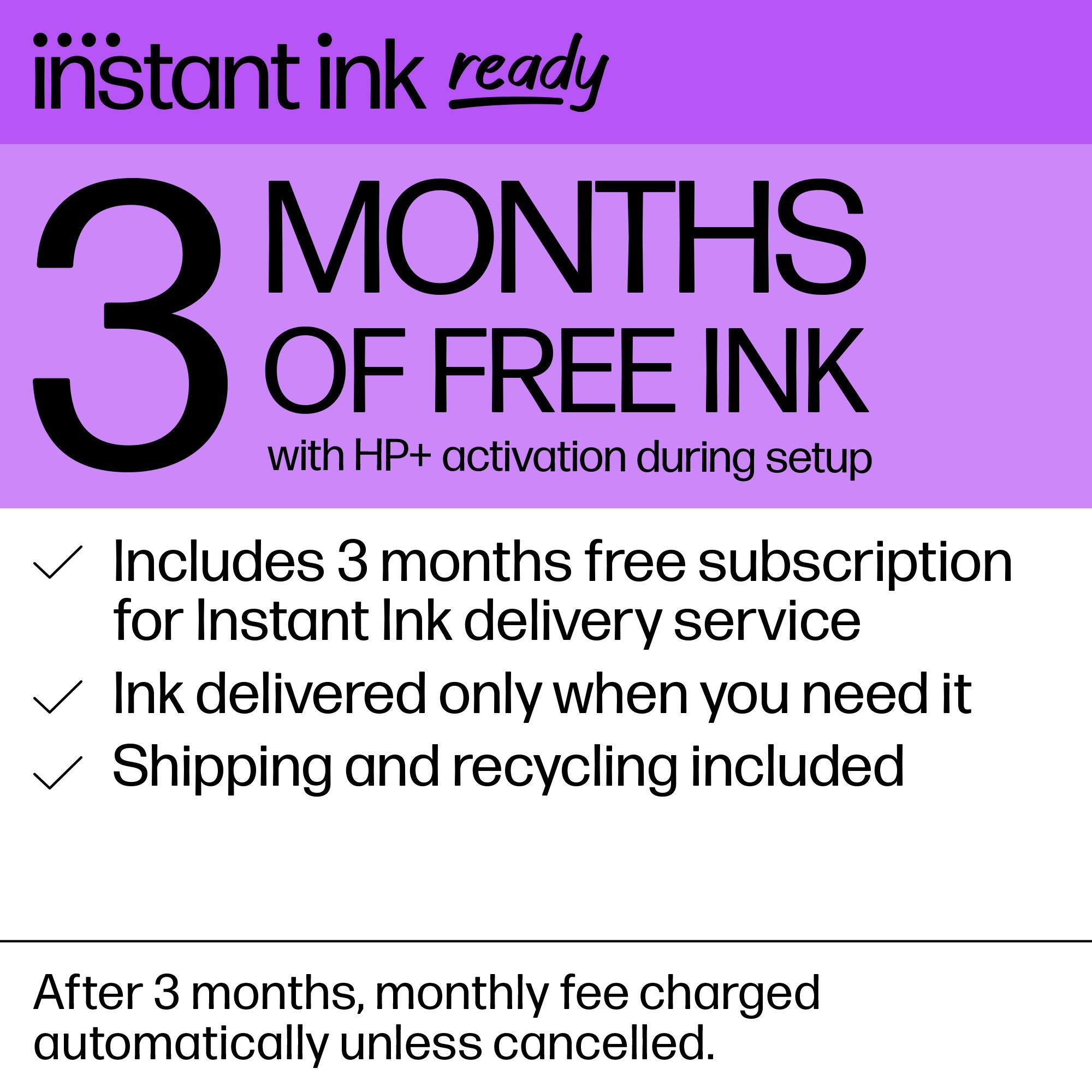
||Posted . Owned for 1 month when reviewed.This reviewer received promo considerations or sweepstakes entry for writing a review.This is garbage. You can’t install it without the HP Smart app and you can’t do that without buying the HP Instant Ink subscription. Scam!
No, I would not recommend this to a friendMust be troubleshooted every time I use
||Posted . Owned for 1 month when reviewed.This reviewer received promo considerations or sweepstakes entry for writing a review.Every day that I need to use this printer, I have to go through a series of troubleshooting steps - different ones each time - to get the printer on the same network as my computer; to get my computer to RECOGNIZE that the printer is on the network; and then to successfully send the job to the printer. The requirement to print from an app, and only if it's a PDF file, is absolutely absurd. And even then, sometimes I can print from browser or from Word, and other times I can't, on the same device and network. It's easier for me to drive to my office to print what I need. Once you can convince it to print a job, it's fine for the rest of the day, but as soon as you turn one or both devices off, the struggle begins anew.
No, I would not recommend this to a friendBrand response from HP Team
Posted .Hi, Bree.
I'm sorry to hear that your printer has failed to maintain a reliable wireless connection. I can wholly understand why the unreliable performance you describe would quickly become exasperating. With that in mind, I’ll point you toward some resources I hope will help.
First, I recommend you visit a page on our support site that has diagnostic tools for various problems, including wireless connectivity issues. Visit that page here:
- support.hp.com/us-en/topic/diagnostics
If the problem persists, I suggest that you contact us directly at +1 800-474-6836 so we can help you assess the situation and guide you through any applicable troubleshooting. (Please note that because of restrictions on personal movement and workplace attendance associated with the COVID-19 pandemic, wait times for agents are longer than normal. Thanks in advance for your understanding.) To expedite the process, I recommend gathering the following information before the call:
- Model number
- Serial number
- Your location
- Case number (from any previous contact with HP support)
Keith
HP Care
hp.com/support
Okay for the price
||Posted . Owned for 1 month when reviewed.This reviewer received promo considerations or sweepstakes entry for writing a review.Nice product but you need to change paper out for photo paper if you want to print. Liked previous printer that you could have both photo and regular paper loaded and you could select which one you wanted to print. Decided to buy separate printer just for photos.
No, I would not recommend this to a friendRun, don't walk
||Posted . Owned for 1 month when reviewed.This reviewer received promo considerations or sweepstakes entry for writing a review.Worst HP printer I have had. Had to contact HP support twice to get it installed on my network. Then it defaulted to printing on 25 x 36 paper! After the fourth encounter with HP support, I returned the printer. Will try another brand.
No, I would not recommend this to a friendSmartbuy at Bestbuy
||Posted . Owned for 3 weeks when reviewed.This reviewer received promo considerations or sweepstakes entry for writing a review.Lucky to see the only available printer at that time. No other choice but this. No other available printer. But so glad I bought it. Smart printer with smart ink refill offer. It’s a good buy.
I would recommend this to a friendHP Envy 6455e
||Posted . Owned for 1 month when reviewed.This reviewer received promo considerations or sweepstakes entry for writing a review.Printer 6455e will not connect to the Internet. Can you help me. Return last day is tomorrow. Thank you
No, I would not recommend this to a friendGets the job done.
||Posted . Owned for 1 month when reviewed.This reviewer received promo considerations or sweepstakes entry for writing a review.A better physical display interface would be nice.
I would recommend this to a friendenjoying new printer
||Posted . Owned for 3 weeks when reviewed.This reviewer received promo considerations or sweepstakes entry for writing a review.enjoying new printer. . . so far so good. . . yay!
I would recommend this to a friend