Customer Ratings & Reviews




- Model:
- ENVY 6455E/223R1A#B1H
- SKU:
- 6454287
Rating by feature
- Value
Rating 4.2 out of 5 stars
- Quality
Rating 4.2 out of 5 stars
- Ease of Use
Rating 4.0 out of 5 stars
Customers are saying
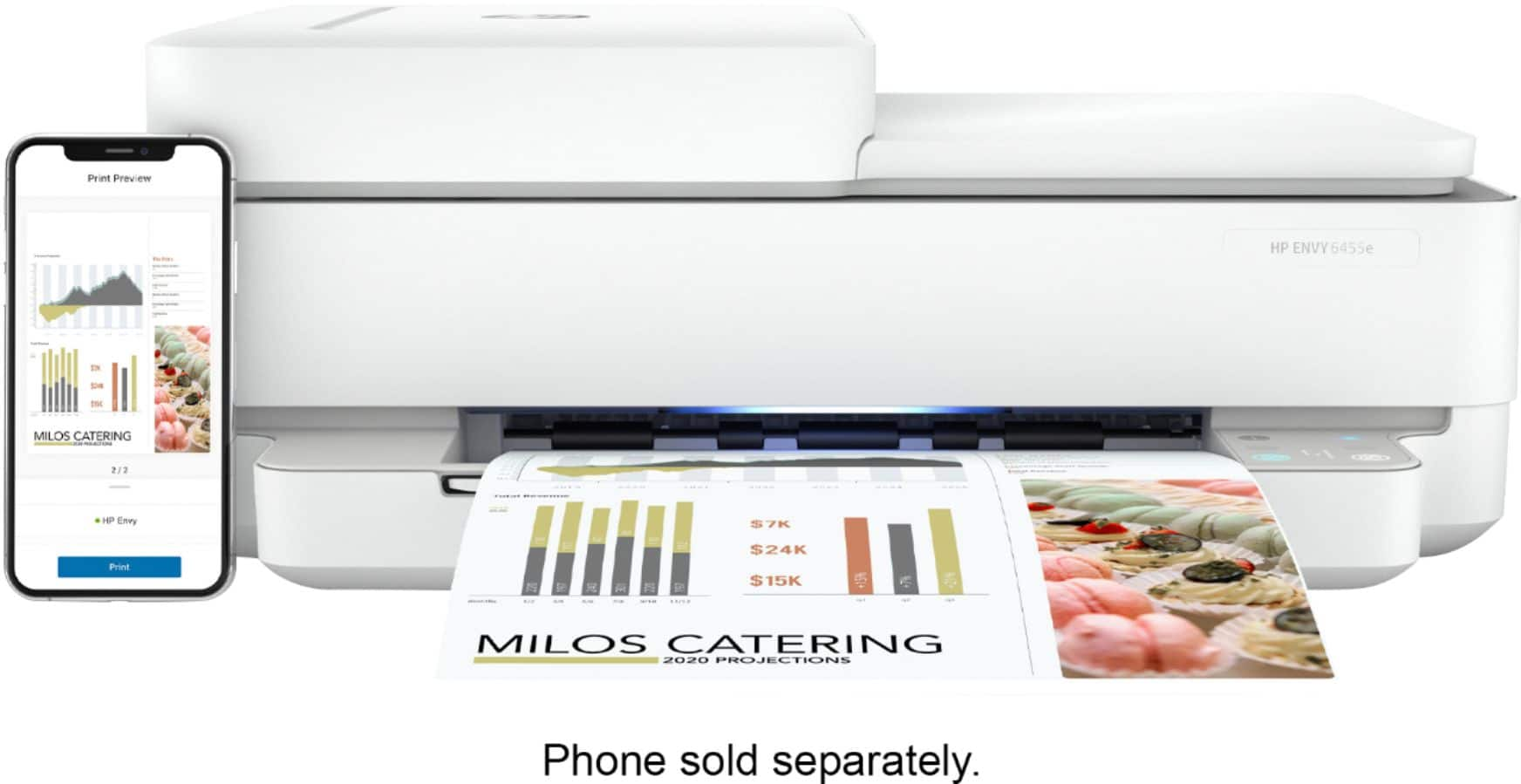
Customers love the ENVY 6455e's ease of use, print quality, and compact size. Many appreciate its affordability and quick setup, while also noting the quiet operation and good performance. However, some users experienced issues with connectivity and the lack of a display screen, and occasional paper jams were also reported.
This summary was generated by AI based on customer reviews.
- Cons mentioned:Connectivity
Terrible printer
||Posted . Owned for 3 weeks when reviewed.This reviewer received promo considerations or sweepstakes entry for writing a review.If I didn’t miss the return date, this printer would be going back. It will not connect to my IPadPro or MacBook Pro...only my iPhone! It stops half way through a print job with multiple pages, and it doesn’t finish. Or it take forever to begin to print. Why has HP done away with the touchpad? We have had printers for many years, so we are familiar with the printing process. This is a very frustrating piece of equipment. I could go on and on about the problems. Wish I could return it.
No, I would not recommend this to a friendBrand response from HP Team
Posted .Hi there.
I’m sorry to hear that your printer has performed so poorly. I can certainly understand why delays, connectivity issues and print jobs stopping and starting without explanation would be a confounding start to owning a new printer. With that in mind, I’ll suggest a resource and some information that I hope will help.
I can’t tell from your review what’s causing your printer to perform this way, so I recommend that you contact us directly at +1 800-474-6836 so we can help you assess the situation and find a solution. (Please note that because of restrictions on personal movement and workplace attendance associated with the COVID-19 pandemic, wait times for agents are longer than normal. Thanks in advance for your understanding.) To expedite the process, I recommend gathering the following information before the call:
- Model number
- Serial number
- Your location
- Case number (from any previous contact with HP support)
I'll also mention that HP printers have a one-year warranty from their purchase date that covers hardware as well as ink supplies, so if it comes to that, you might consider making use of it. You can verify the warranty using the following link:
- support.hp.com/us-en/checkwarranty
Keith
HP Care
hp.com/support
- Cons mentioned:Connectivity
Worst purchase EVER!
||Posted . Owned for 1 year when reviewed.This reviewer received promo considerations or sweepstakes entry for writing a review.This is the worst printer I’ve ever purchased. I bought it over a year ago for kid in college. He could never get it to hook to his wifi so he would never use it. I plugged it in at home, since our older printer died. I can’t get it to find it, to hook it up to wifi. I’ve wasted so much time or this stupid thing. My old bulky canon printer was way better than this piece of crap. It hooked up to wifi and printed so fast. I swear we paid more then $150 for this.
No, I would not recommend this to a friend Huge disappointment
||Posted . Owned for 1 month when reviewed.This reviewer received promo considerations or sweepstakes entry for writing a review.Cheaply made printer. Kept failing and had to be reset. This printer had no redeeming qualities. Thank goodness Best Buy let me return it and get a different one. Excellent customer service!
No, I would not recommend this to a friendGreat price for the printer
||Posted . Owned for 3 weeks when reviewed.This reviewer received promo considerations or sweepstakes entry for writing a review.My first time in over 20 years since I purchased a printer. The idea that I can print from my phone is just awesome. A wireless printer is icing on the cake.
I would recommend this to a friendGreat printer
||Posted . Owned for less than 1 week when reviewed.This reviewer received promo considerations or sweepstakes entry for writing a review.Great printer. Does a little bit of everything really well. If you need a dedicated printer that can handle anything you throw at it I’m get this bad boy.
I would recommend this to a friendPrinter
||Posted . Owned for 11 months when reviewed.This reviewer received promo considerations or sweepstakes entry for writing a review.The power card won’t stay attached to printer. I have to keep replacing it while it’s printing
No, I would not recommend this to a friendHP printer a 'best buy'.
||Posted . Owned for 1 month when reviewed.This reviewer received promo considerations or sweepstakes entry for writing a review.Luke helped tremendously with info about the best printer to buy to meet my needs. The printer has met all my needs and expectations.
I would recommend this to a friendPrinter
||Posted . Owned for 3 weeks when reviewed.This reviewer received promo considerations or sweepstakes entry for writing a review.I had a great deal of trouble getting this printer to work with my Apple computer. I had a member of the Geek Squad come to my house to set it up
I would recommend this to a friendAwful printer
||Posted . Owned for 6 months when reviewed.This reviewer received promo considerations or sweepstakes entry for writing a review.Always had HP printers and this is the worst one I've ever had. Going to throw it in the trash and try to get a hopefully better one!
No, I would not recommend this to a friendPrinter
||Posted . Owned for 1 month when reviewed.This reviewer received promo considerations or sweepstakes entry for writing a review.A little to complicated to use. Had to go into YouTube to figure out how to scam something. This not come with paper instructions.I guess it works better for people who are tech savvy . Unfortunately I’m not .
I would recommend this to a friendNot Easy To Setup
||Posted . Owned for less than 1 week when reviewed.This reviewer received promo considerations or sweepstakes entry for writing a review.It was hard to setup and I am IT person but once I figured it out it works for what he need it to do. I like the Brothers brand myself but they was all out, so HP was the next option.
I would recommend this to a friendAnn's printer
||Posted . Owned for 1 month when reviewed.This reviewer received promo considerations or sweepstakes entry for writing a review.Love it, except for the start button. Difficult to reach in the back of the printer.
I would recommend this to a friendTerrible service
||Posted .This reviewer received promo considerations or sweepstakes entry for writing a review.Best Buy Mankato has the worst service. I ended up bringing this back and getting my money to go elsewhere. I'll gladly pay extra for good service. Not this place. Nothing but loudmouth jerks!
No, I would not recommend this to a friendI love the printer
||Posted . Owned for 3 weeks when reviewed.This reviewer received promo considerations or sweepstakes entry for writing a review.I love the printer! The only thing that I need to see if there is a way to make the reds not so bright or the other colors to be brighter on coloed photos.
I would recommend this to a friendNot happy
||Posted . Owned for 5 months when reviewed.This reviewer received promo considerations or sweepstakes entry for writing a review.I don't like this printer at all bc it goes offline at least once/day. I've had a lot of printers and none have done this. The Geek Squad will look at it and fix it or replace it.
No, I would not recommend this to a friendBrand response from HP Team
Posted .Hi there.
I’m sorry to hear that your printer has gone offline so frequently. It’s no surprise that you’re aggravated, considering the device has done this daily and sometimes more often. I want to help you resolve this situation, so I’ll provide some resources and information aimed at making that happen.
First, I recommend you visit a page on our support site that has diagnostic tools for various issues, including printer-offline and wireless connectivity difficulties. You can find that page here:
- support.hp.com/us-en/topic/diagnostics
If the problem persists, I suggest that you contact us directly at +1 800-474-6836 so we can help you assess the situation and find the best course of action. (Please note that because of restrictions on personal movement and workplace attendance associated with the COVID-19 pandemic, wait times for agents are longer than normal. Thanks in advance for your understanding.) To expedite the process, I recommend gathering the following information before the call:
- Model number
- Serial number
- Your location
- Case number (from any previous contact with HP support)
Keith
HP Care
hp.com/support
- Cons mentioned:Connectivity
It always says "offline". No matter what I do,
||Posted . Owned for 3 weeks when reviewed.This reviewer received promo considerations or sweepstakes entry for writing a review.this printer gave me lots of problems. Wasted my time, ink, and paper. No matter what I did, it always said offline. It prints one page and then says offline. I connected it with USB PRINTER Cable to my laptop and works fine. If i try to use is as wireless pprinter, the nightmare starts. HP printer customer service is almost impossible to reach. Only chatting. With chatting, could not go no where.
No, I would not recommend this to a friend Hp-Envy pro
||Posted . Owned for 1 month when reviewed.This reviewer received promo considerations or sweepstakes entry for writing a review.Recently purchase printer very satisfied with purchase no issue with product or ink refills would recommend this product to family and friends
No, I would not recommend this to a friendAwesome printer
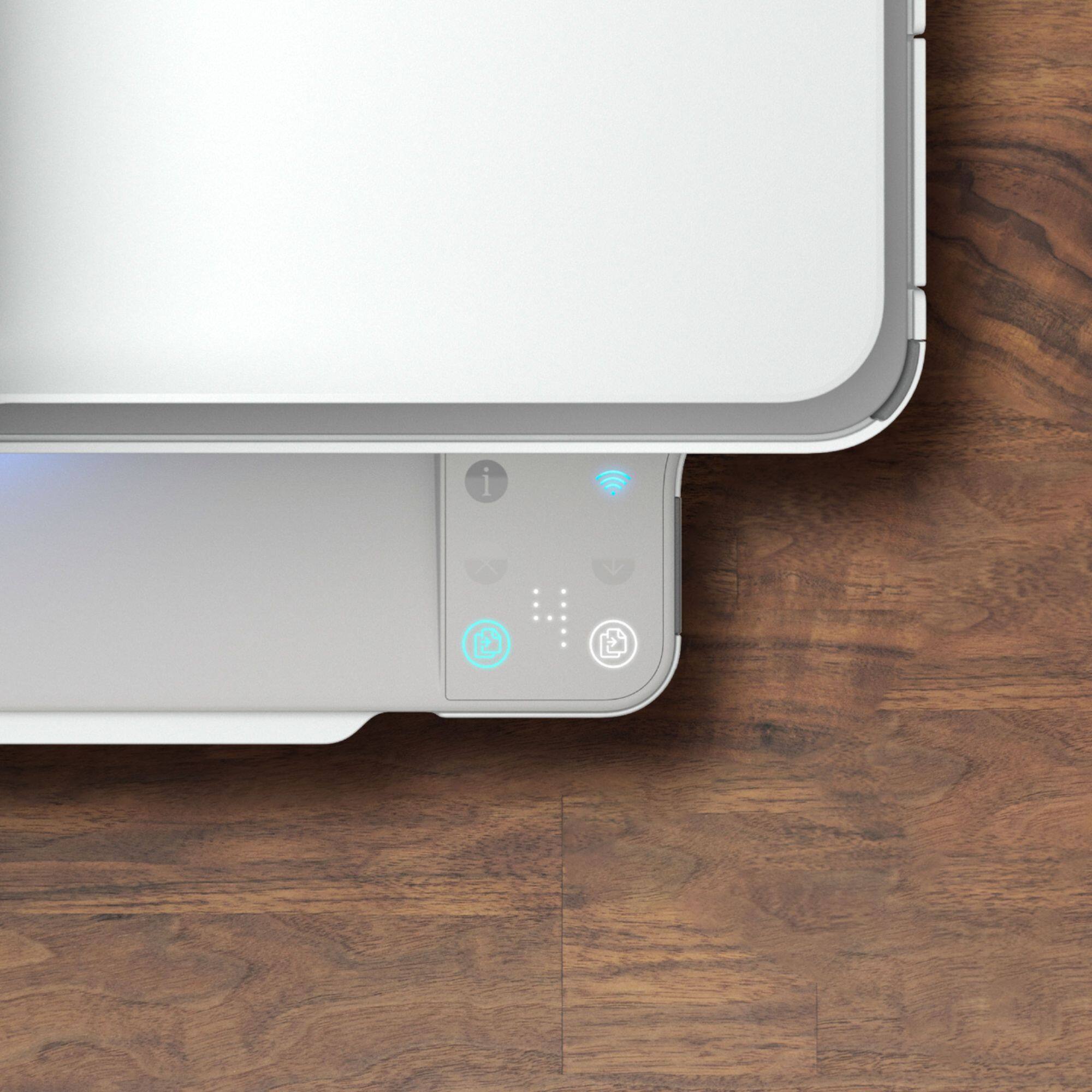
||Posted . Owned for less than 1 week when reviewed.This reviewer received promo considerations or sweepstakes entry for writing a review.Bought this for a replacement of an older hp printer. Love this one as much as my original. Only difference is no touchscreen. Can work without it.
I would recommend this to a friendPITA
||Posted . Owned for 1 month when reviewed.This reviewer received promo considerations or sweepstakes entry for writing a review.It prints OK, but: 1) You have to set it up using HP's buggy app, which churns and churns, but can't find your computer, and the only way to get out of a loop is to delete the stupid app, then download it again and keep trying to get it to find your computer. 2) The "Manual" is online and rather scatterbrained. The thoughtful designers included a lot of lights to communicate with the user, but good luck finding out what the lights mean. 3) It keeps trying to use AirPrint, and interrupts your printing even though it is plugged in with a USB cord so it doesn't need AirPrint.
No, I would not recommend this to a friendBrand response from HP Team
Posted .Hi there.
I’m sorry to hear that your printer and its software have performed so poorly. I can readily understand why the need to repeatedly delete and reinstall the app, confusing lights on the printer and needless interruptions would quickly become exasperating. With that in mind, I’ll suggest a resource I hope will help you get your printer and the software working like it should.
I can’t tell from your review why the software and printer have performed like this, so I suggest you contact us directly at +1 800-474-6836 so we can help you assess the situation and find a solution. (Please note that because of restrictions on personal movement and workplace attendance associated with the COVID-19 pandemic, wait times for agents are longer than normal. Thanks in advance for your understanding.) To expedite the process, I recommend gathering the following information before the call:
- Model number
- Serial number
- Your location
- Case number (from any previous contact with HP support)
Keith
HP Care
hp.com/support
Good choice
||Posted . Owned for 2 weeks when reviewed.This reviewer received promo considerations or sweepstakes entry for writing a review.I like this printer so far. I have not been able to figure out two sided printing but do not need often.
I would recommend this to a friend