Customer Ratings & Reviews
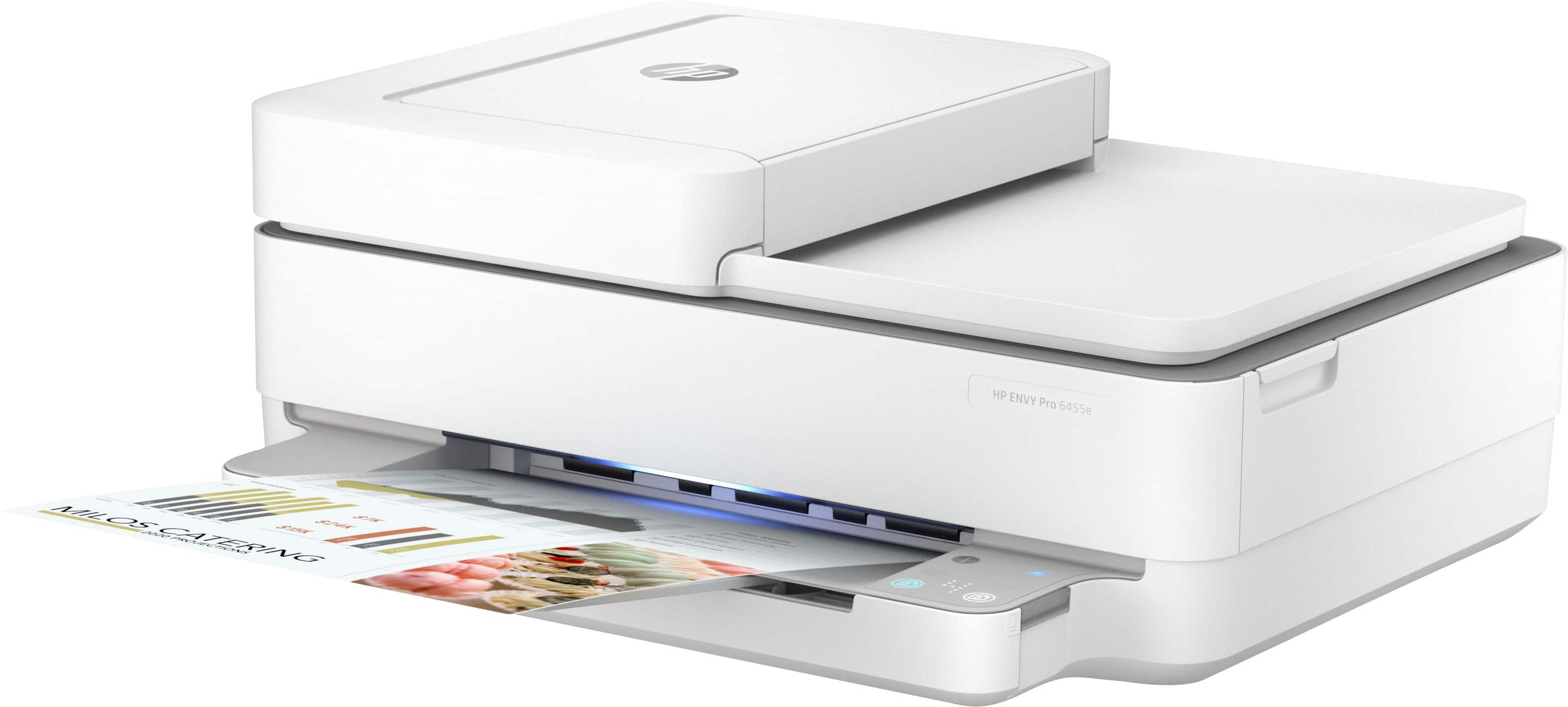
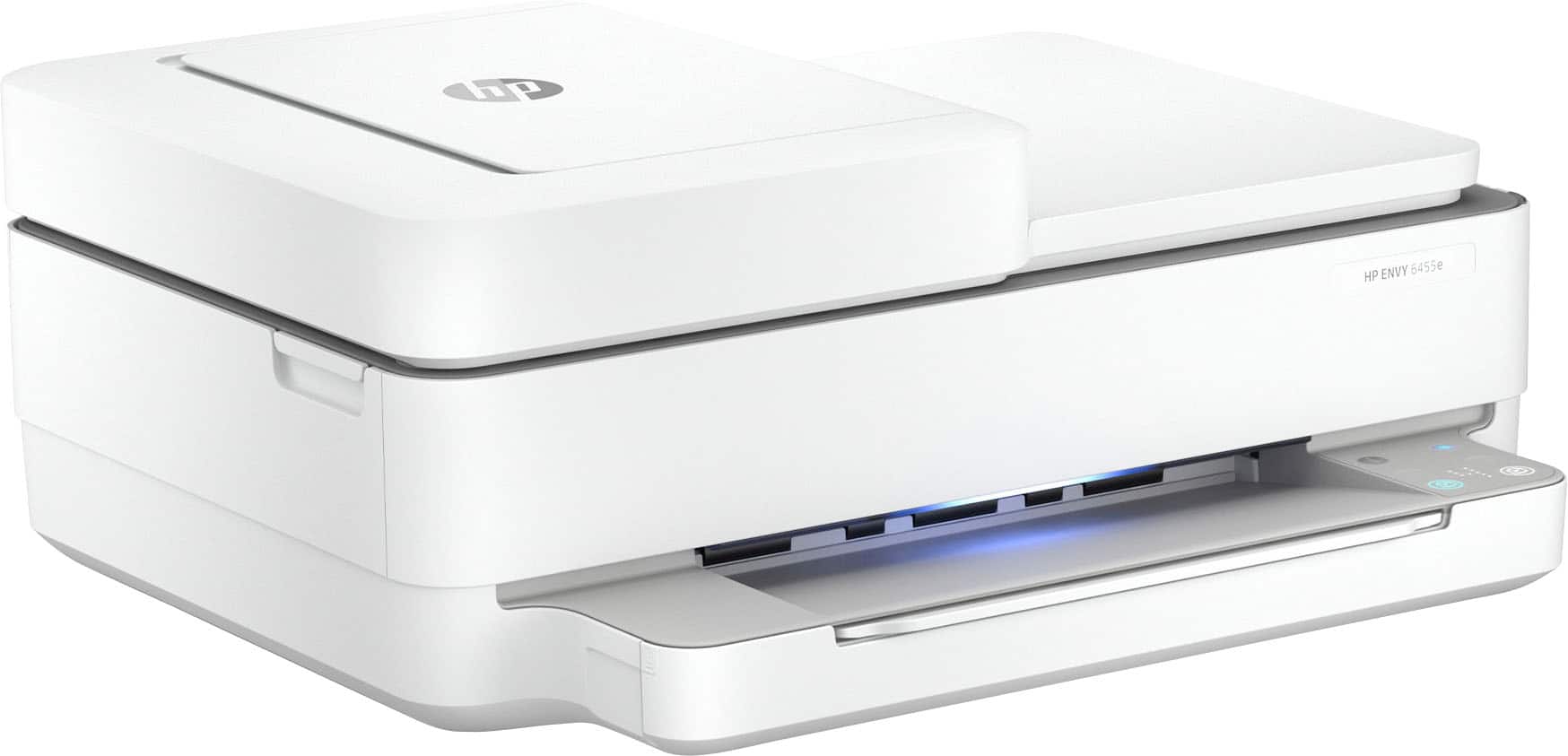
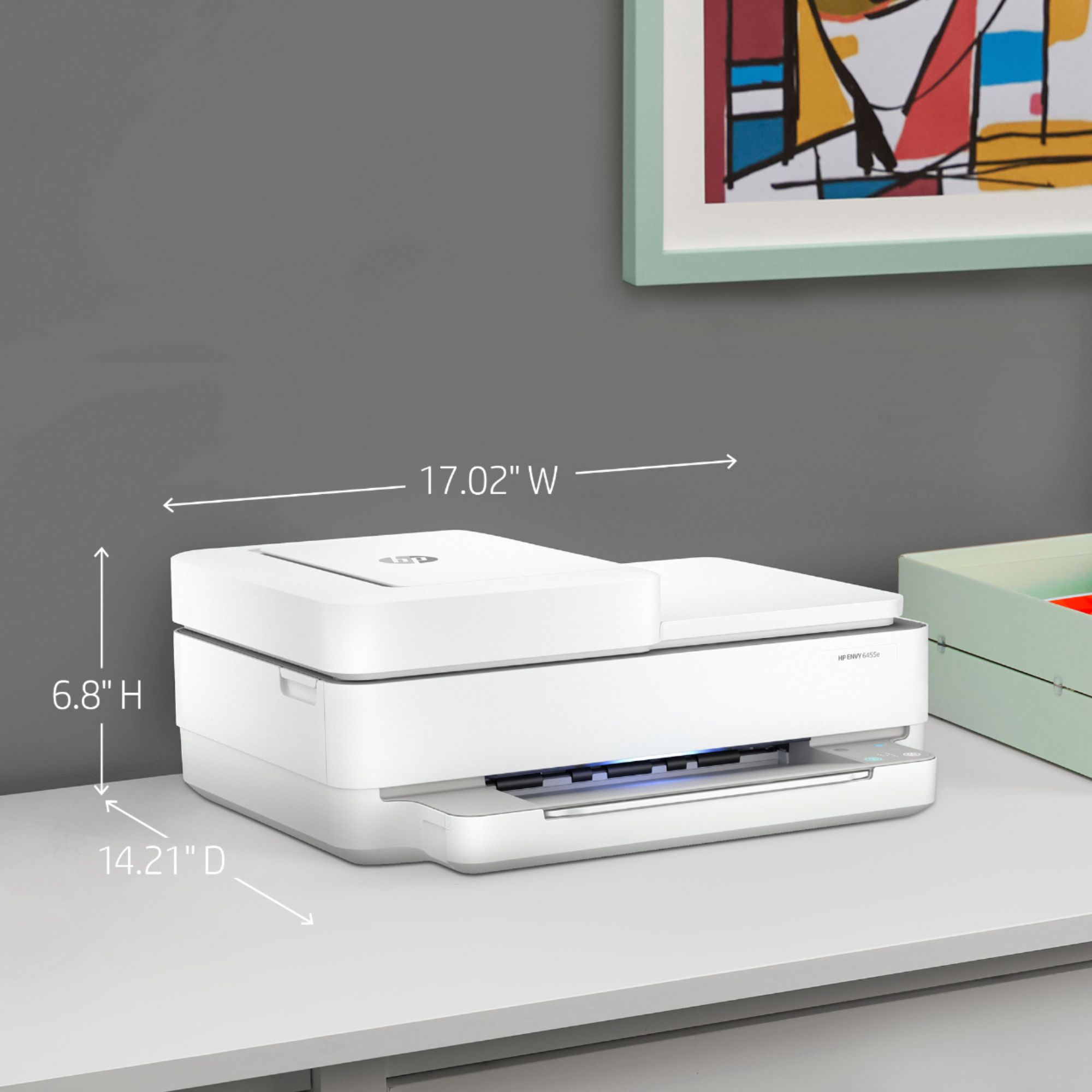
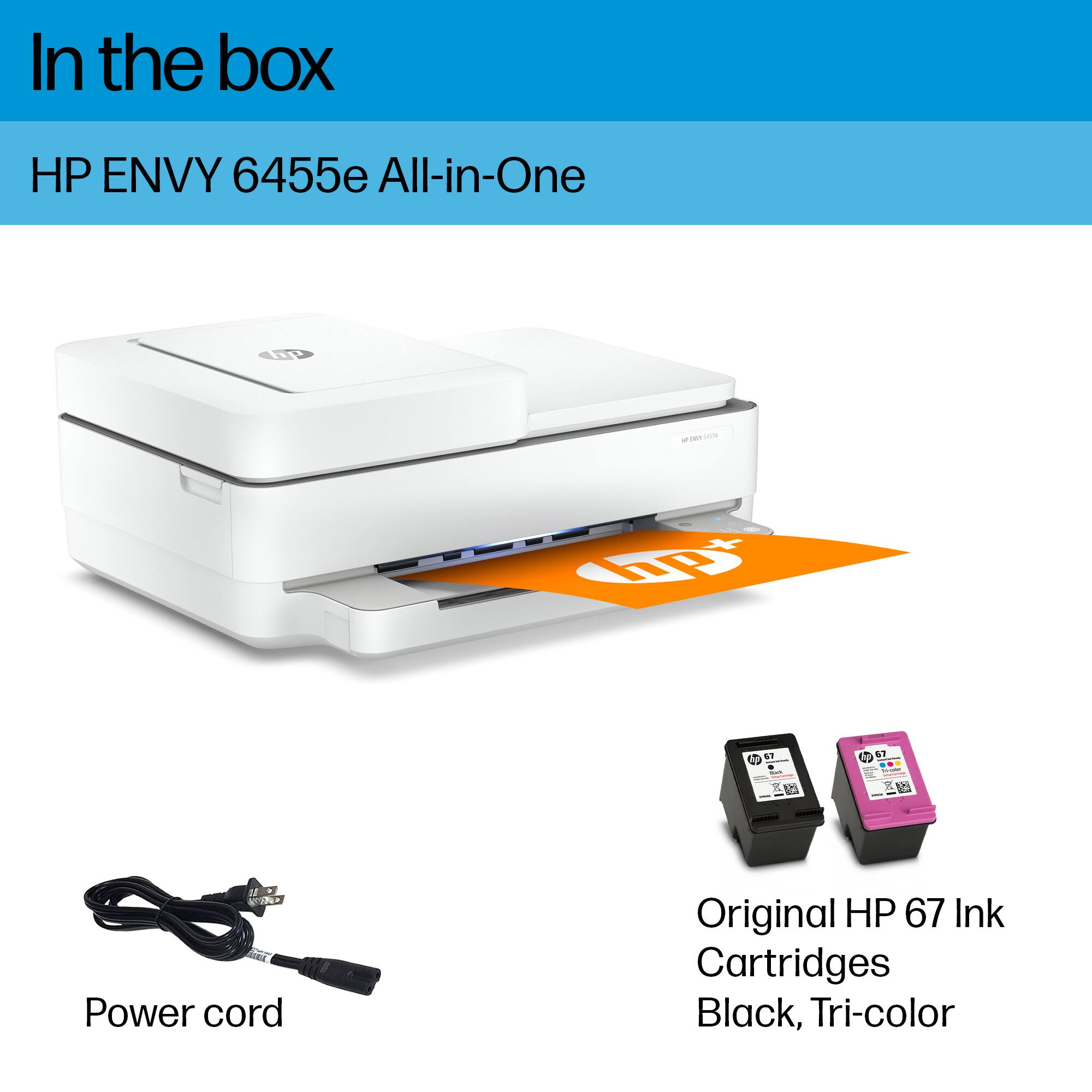




- Model:
- ENVY 6455E/223R1A#B1H
- SKU:
- 6454287
Rating by feature
- Value
Rating 4.2 out of 5 stars
- Quality
Rating 4.2 out of 5 stars
- Ease of Use
Rating 4.0 out of 5 stars
Customers are saying
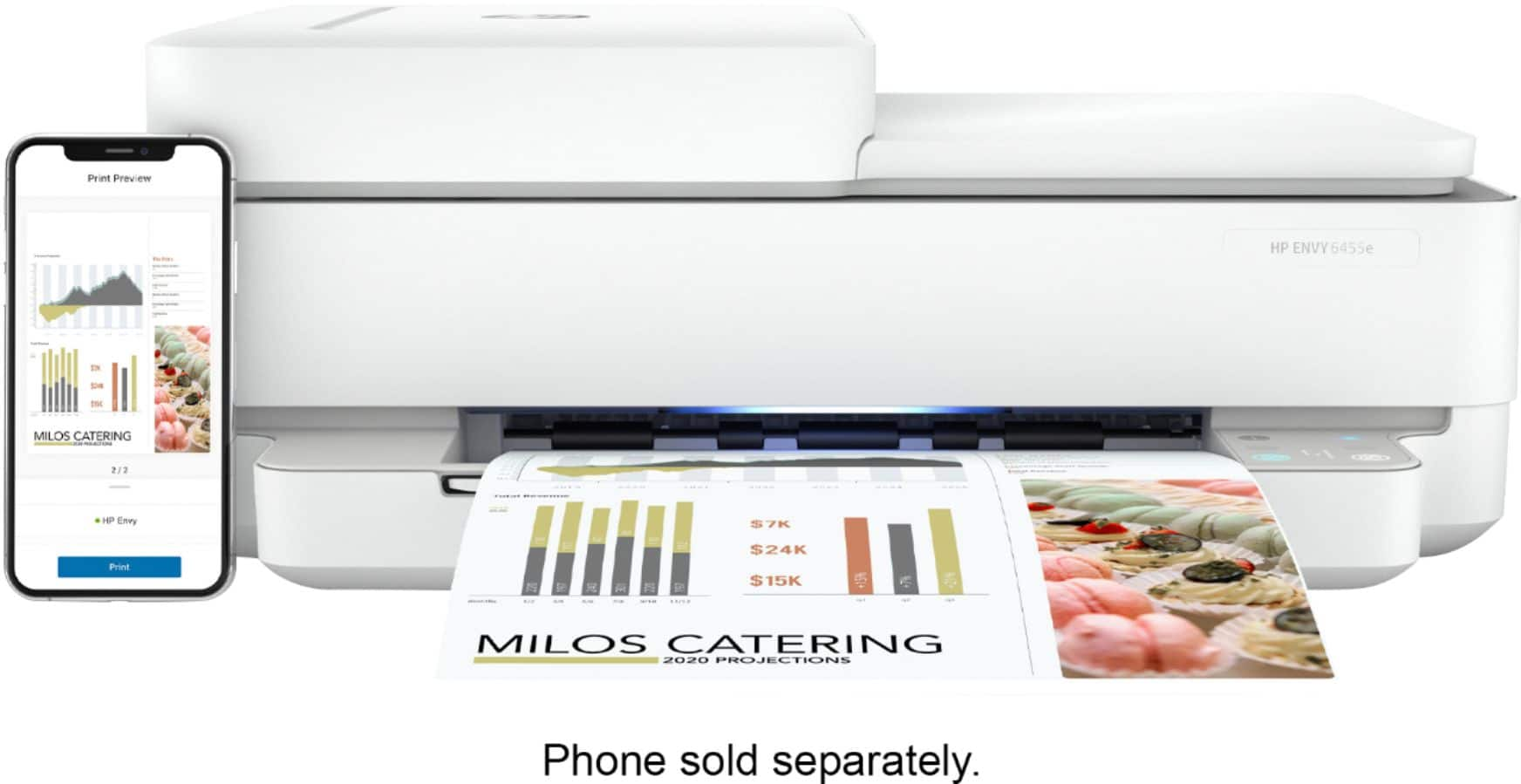
Customers love the ENVY 6455e's ease of use, print quality, and compact size. Many appreciate its affordability and quick setup, while also noting the quiet operation and good performance. However, some users experienced issues with connectivity and the lack of a display screen, and occasional paper jams were also reported.
This summary was generated by AI based on customer reviews.
Printer
||Posted . Owned for 1 week when reviewed.This reviewer received promo considerations or sweepstakes entry for writing a review.Great product. Bought it for my gf who is a teach and she loves it.
I would recommend this to a friendDead on arrival
||Posted . Owned for 1 month when reviewed.This reviewer received promo considerations or sweepstakes entry for writing a review.Did not work out of the box. Called HP support and was advised to return it for a newer model
No, I would not recommend this to a friendPrinter
||Posted . Owned for 2 weeks when reviewed.This reviewer received promo considerations or sweepstakes entry for writing a review.Works well. I needed a printer that would copy and print. Photos Etc.
I would recommend this to a friend6455 Review
||Posted . Owned for 3 weeks when reviewed.This reviewer received promo considerations or sweepstakes entry for writing a review.The printer has many capabilities. I am very happy with the purchase.
I would recommend this to a friendGrea little desktop printer
||Posted . Owned for 1 month when reviewed.This reviewer received promo considerations or sweepstakes entry for writing a review.Great price, great little printer. The color quality is very good.
I would recommend this to a friendGreat for Paper and Photo Pritning
||Posted . Owned for 3 weeks when reviewed.This reviewer received promo considerations or sweepstakes entry for writing a review.Excellent Printer for paper printing and copying and for photos.
I would recommend this to a friendGreat printer
||Posted . Owned for 3 weeks when reviewed.This reviewer received promo considerations or sweepstakes entry for writing a review.Love the multi page scan feed..little prcey but works just fine
I would recommend this to a friendHP - Envy
||Posted .This reviewer received promo considerations or sweepstakes entry for writing a review.Great item to expand our printing requirements & color presentation
I would recommend this to a friend- Cons mentioned:Connectivity
zero stars
||Posted .This reviewer received promo considerations or sweepstakes entry for writing a review.The printer constantly disconnects itself from the wifi making it near impossible for the app to detect. I tried several different models and had the same problem. It's poorly designed and cheaply made. Skip the HP Envy product line entirely.
No, I would not recommend this to a friendBrand response from HP Team
Posted .Hi there.
I’m sorry to hear that your printer has failed to maintain a reliable wireless connection. It’s easy to understand why that would be tremendously disappointing, especially considering you’ve encountered the issue before, so I’ll suggest some resources and information I hope will help.
First, I recommend you visit a page on our support site that has diagnostic tools for various problems, including wireless connectivity issues. Visit that page here:
- support.hp.com/us-en/topic/diagnostics
If the problem persists, I suggest that you contact us directly at +1 800-474-6836 so we can help you assess the situation and find a solution. (Please note that because of restrictions on personal movement and workplace attendance associated with the COVID-19 pandemic, wait times for agents are longer than normal. Thanks in advance for your understanding.) To expedite the process, I recommend gathering the following information before the call:
- Model number
- Serial number
- Your location
- Case number (from any previous contact with HP support)
I'll also mention that HP printers have a one-year warranty from their purchase date that covers hardware as well as ink supplies, so if it comes to that, you might consider making use of it. You can verify the warranty using the following link: support.hp.com/us-en/checkwarranty
Keith
HP Care
hp.com/support
- Cons mentioned:Connectivity
Poor Bluetooth connectivity
||Posted . Owned for 2 weeks when reviewed.This reviewer received promo considerations or sweepstakes entry for writing a review.I have to unplug device so it can work. Once it connect it works fine
No, I would not recommend this to a friendBrand response from HP Team
Posted .Hi there.
I’m sorry to learn that you’ve needed to unplug and reset your printer so often in order for it to print. I can certainly understand why that would quickly become frustrating, so I’ll suggest some resources I hope will help you remedy the situation.
First, I recommend that you visit a page on our support site that has diagnostic tools for various tasks and issues, including wireless connectivity and printer-offline difficulties. Visit that page here:
- support.hp.com/us-en/topic/diagnostics
If you need further assistance, I hope you’ll contact us directly at +1 800-474-6836 so we can help you assess what’s happening and find a solution. (Please note that because of restrictions on personal movement and workplace attendance associated with the COVID-19 pandemic, wait times for agents are longer than normal. Thanks in advance for your understanding.) To expedite the process, I recommend gathering the following information before the call:
- Model number
- Serial number
- Your location
- Case number (from any previous contact with HP support)
Keith
HP Care
hp.com/support
A
||Posted . Owned for 1 month when reviewed.This reviewer received promo considerations or sweepstakes entry for writing a review.Works great with the HP laptopaaaaaaaaaaaaaaaaaaaaaaaaaaaaaaaaa
I would recommend this to a friendEXCELLENT PRINTER
||Posted . Owned for 3 weeks when reviewed.This reviewer received promo considerations or sweepstakes entry for writing a review.EXCELLENT UNIT WITH MANY OPTIONS. LOVE THE TWO-SIDED PRINTING
I would recommend this to a friendpoor
||Posted . Owned for 1 year when reviewed.This reviewer received promo considerations or sweepstakes entry for writing a review.I regret buying this. it is lying in my room useless.
No, I would not recommend this to a friendBrand response from HP Team
Posted .Hi, Jonathan.
I’m sorry that you’ve run into such difficulty with your printer. I can’t tell from your review whether you were able to complete the setup process, but I’ll nonetheless provide some resources aimed at helping you get the machine working to your satisfaction.
If you still need to complete setup and installation, you can access a tutorial specific to your printer on our support site. On the same page as the tutorial, you can find the main user manual, how-to documents, software updates and troubleshooting guides. Find those materials here:
- support.hp.com/us-en/product/model/2100187516
You can also visit a page on our support site that has diagnostic tools for various tasks and issues, including setup and connectivity difficulties. You can find the page here:
- support.hp.com/us-en/help/printer
In addition, you might benefit from a general-purpose tool called the HP Print and Scan Doctor. If you use Windows, the tool will help identify and guide you through solutions to a wide range of common printing and scanning difficulties. Find that tool here:
- support.hp.com/us-en/help/printscandoctor
If you need further assistance, I suggest that you contact us directly at +1 800-474-6836 so we can help you assess what’s happening and find the best course of action. To expedite the process, I recommend gathering the following information before the call:
- Model number
- Serial number
- Your location
- Case number (from any previous contact with HP support)
Keith
HP Care
hp.com/support
Nice
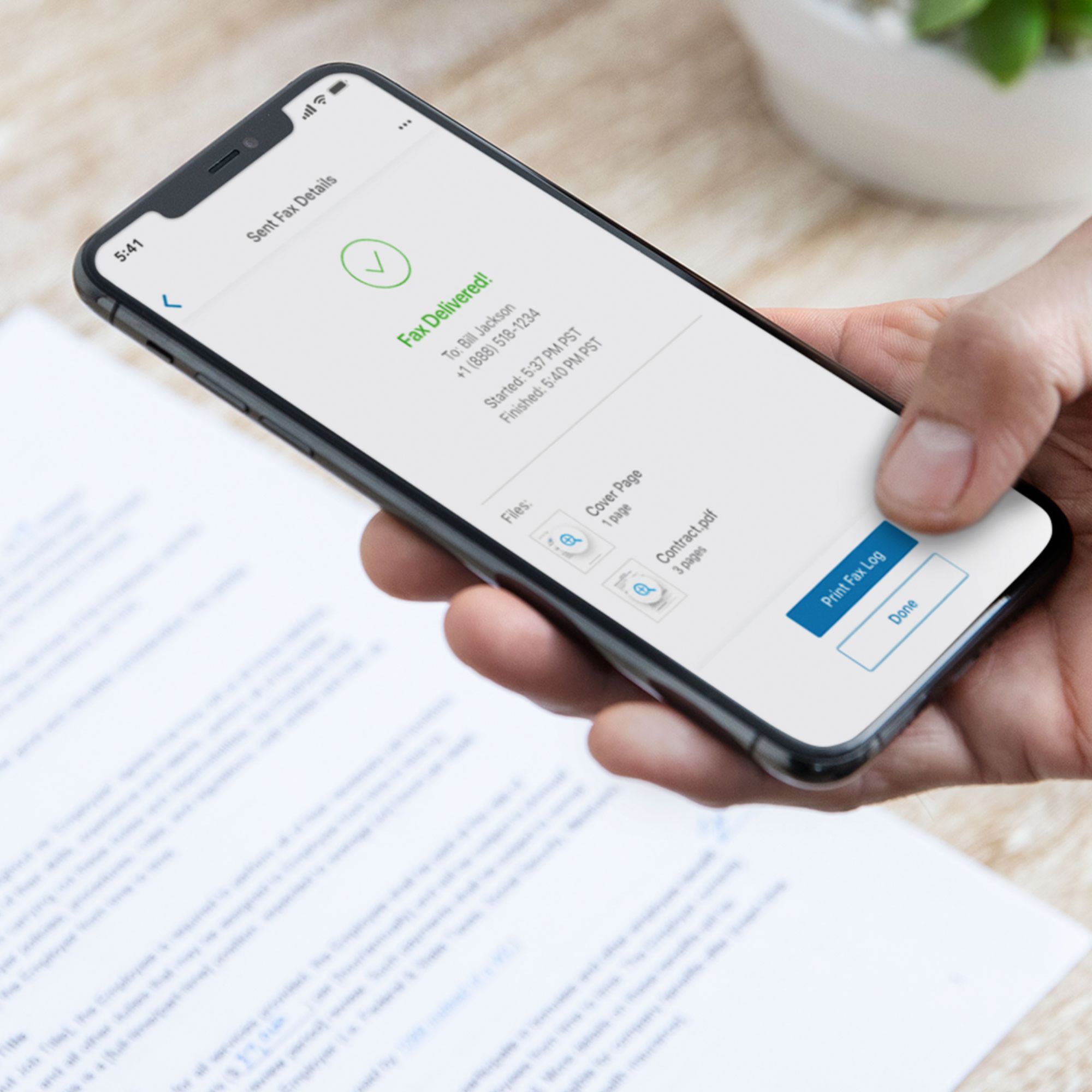
||Posted . Owned for 3 weeks when reviewed.This reviewer received promo considerations or sweepstakes entry for writing a review.Love it that I could print and fax papers to other people
I would recommend this to a friend- Pros mentioned:Print quality, Size

Pretty nice printer so far
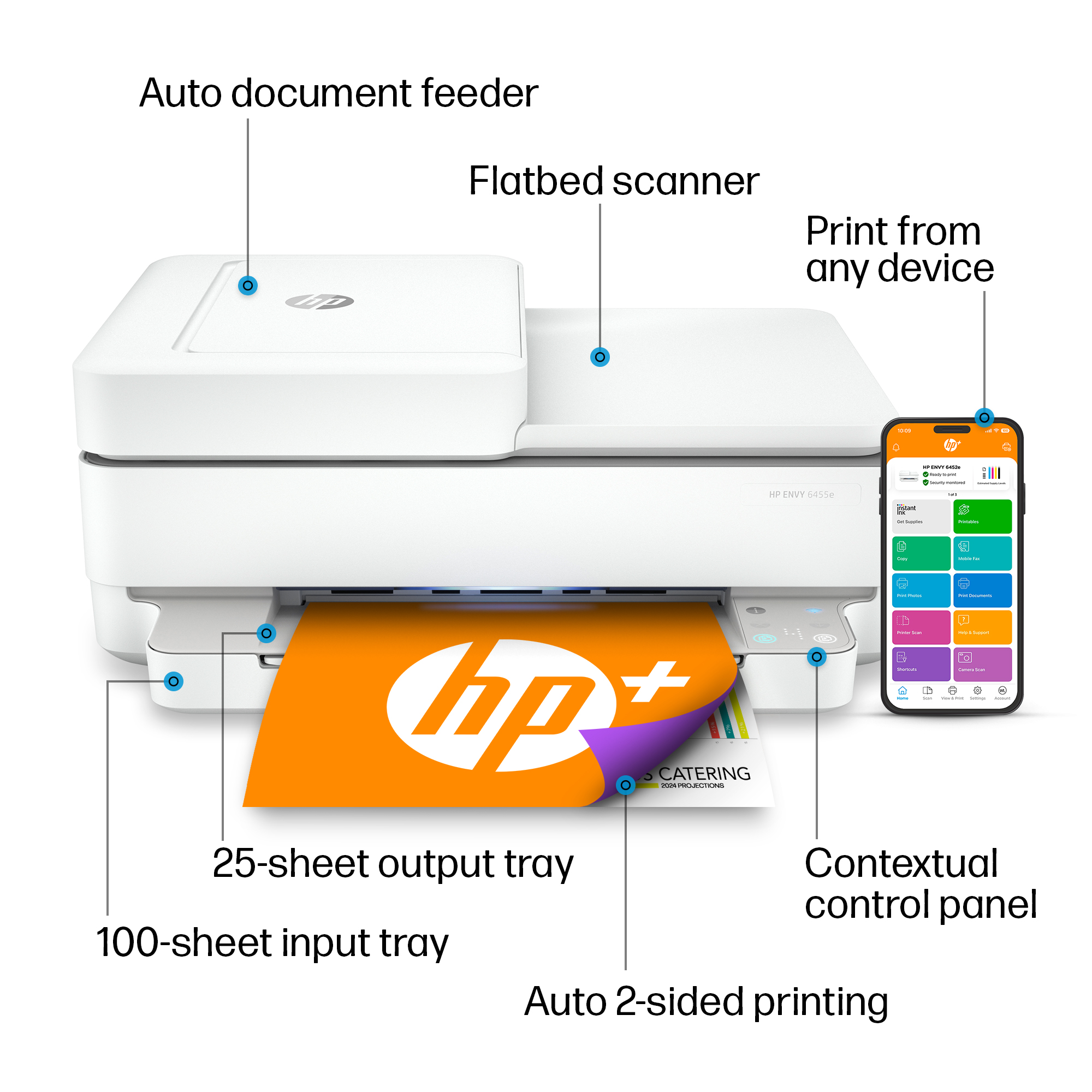
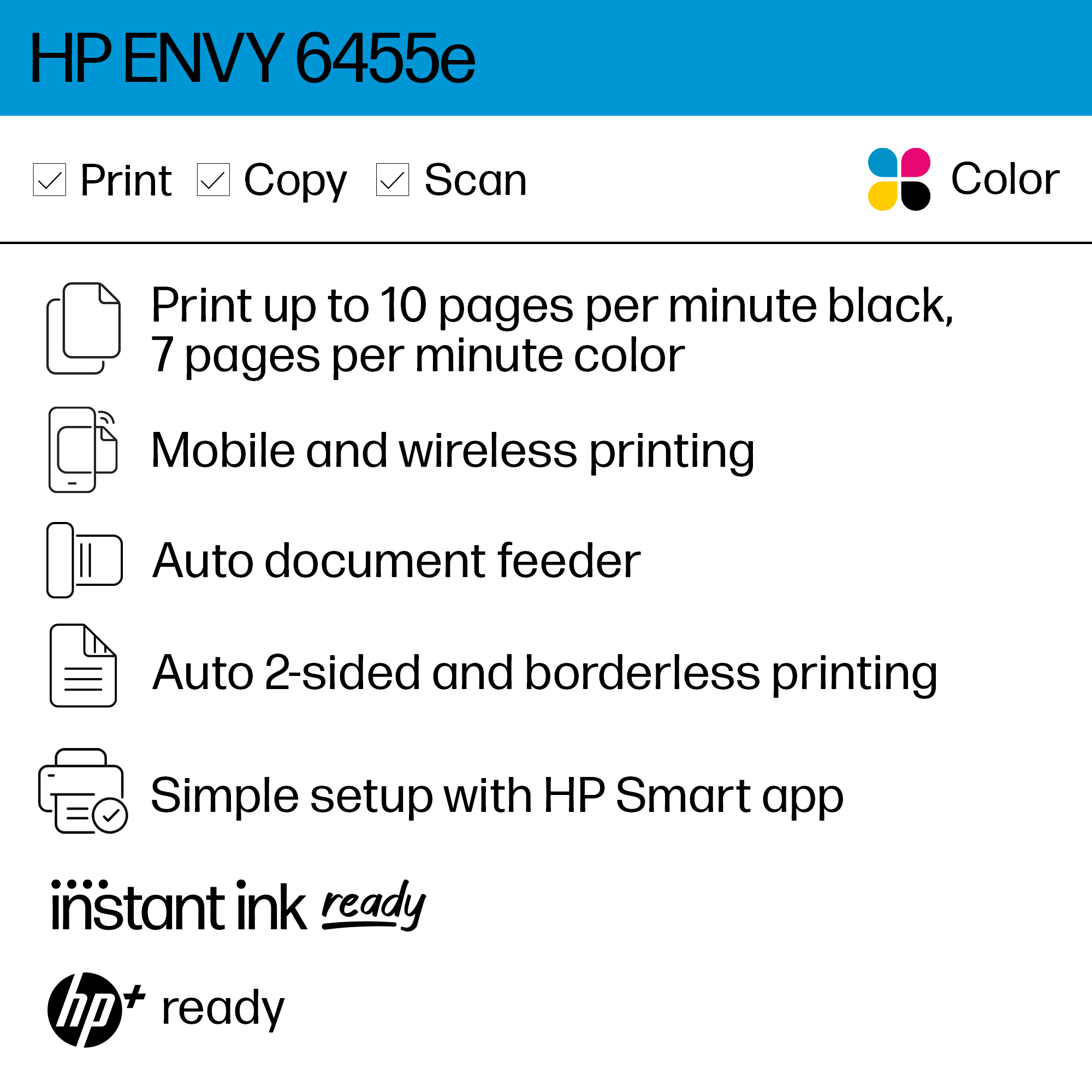
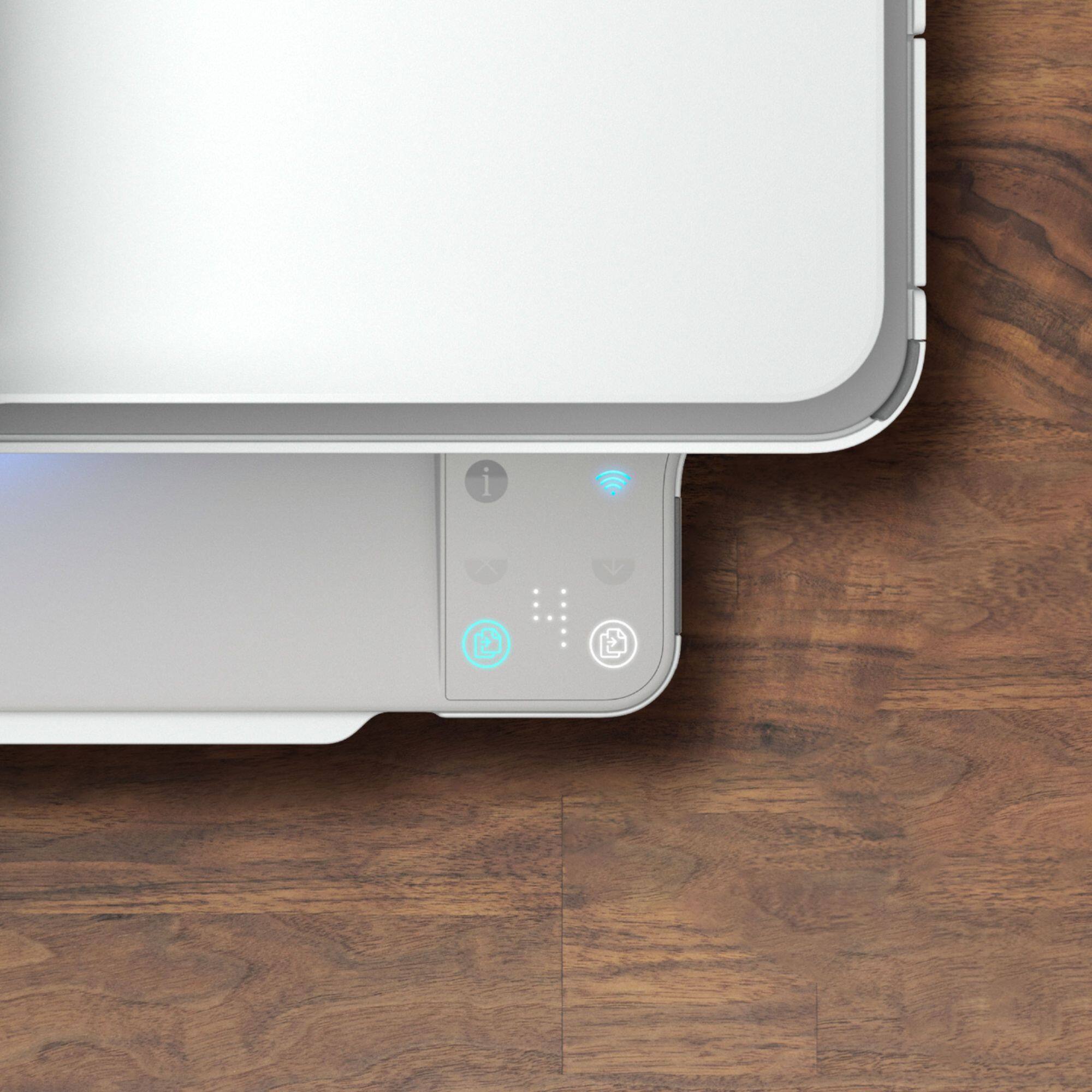
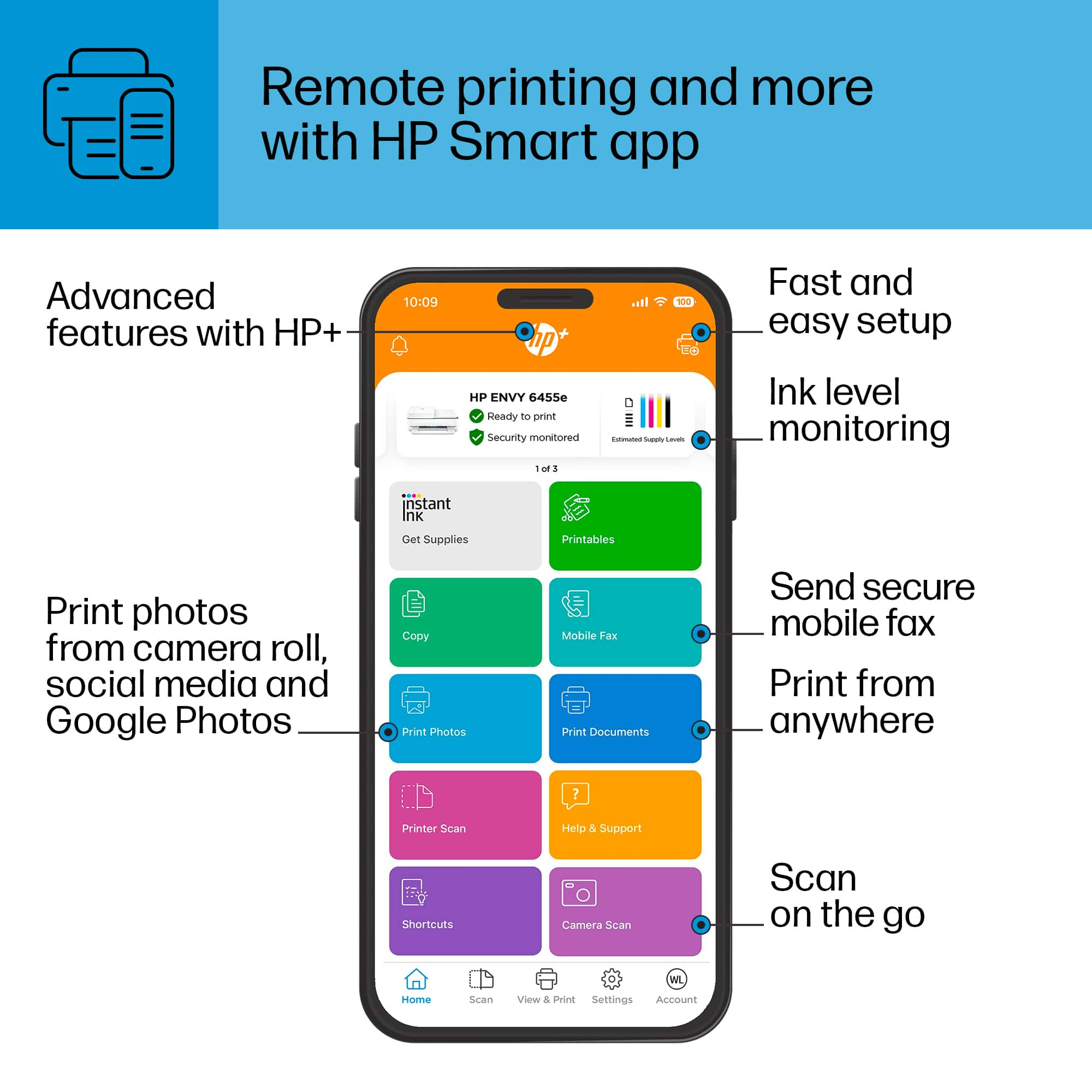
|Posted .This reviewer received promo considerations or sweepstakes entry for writing a review.Setup was simple if you use HP Smart app. I already had it for a prior printer so it was just a couple clicks away and I was printing from my phone. Setting up on the PC was almost as simple with Windows 10. Searching for printer found it on my network and added it right in. It says it has a 100 sheet tray but it sure looks like less than that. I do use a heavier paper though. It's definitely the smallest tray I've had on a printer. Print quality is fine for documents. I wouldn't expect great results on getting high quality photos with it but it did fine on the couple I tested it with. There were a few fine lines that only inkjet printers show on photos on them but I didn't want to waste ink trying a higher quality print on this as it's not going to be my photo printer anyway. I'm sure I could have upped the quality and gotten better results though. Nice compact size and sits very neatly on the corner of my desk. I thought for a few days that there was no power button but ended up finding it in the back of the unit. I was a little tricked since it automatically came on when I first plugged it in. I never had to turn in on, didn't see any buttons on the front and just assumed it would always be on. Stupid me All in all, it prints, scans and faxes which is all I need and it does a fine job with it I would recommend this as a regular desktop printer but not to be a work horse.
I would recommend this to a friend Printer
||Posted . Owned for 1 month when reviewed.This reviewer received promo considerations or sweepstakes entry for writing a review.Its a printing machine that is doing just fine,,,,,hi ya'll
I would recommend this to a friendWireless wonder
||Posted . Owned for 2 weeks when reviewed.This reviewer received promo considerations or sweepstakes entry for writing a review.I love my wireless printer!! It works with all my devices.
I would recommend this to a friendMy HP
||Posted . Owned for 2 weeks when reviewed.This reviewer received promo considerations or sweepstakes entry for writing a review.I love my new HP Printer can't wait to start printing everything!
I would recommend this to a friendSpam printing
||Posted . Owned for 3 months when reviewed.This reviewer received promo considerations or sweepstakes entry for writing a review.Great printer except for the Spam printing that is unacceptable. 20 pages a night.
No, I would not recommend this to a friendBrand response from HP Team
Posted .Hi, Bob.
Thanks for the review and feedback about your experience so far. While I’m glad to hear that you like your printer, I’m sorry to learn that it has been printing items – apparently overnight – that you’ve not requested. I can certainly understand why this would be an alarming discovery. I want to help you out of this dilemma, so I hope you’ll use the resource below to make that happen.
First, while your printer will print brief instructional materials after you complete certain procedures, it should not print materials from third parties, which is what your description suggests is happening. I recommend that you contact us directly so we can assess what’s going on and find a solution. HP+ printers such as yours come with exclusive concierge support. To call and reach live HP+ experts, visit the following URL and enter your HP+ serial number:
- hp.com/plus-help
Keith
HP Care
hp.com/support
Don’t buy thus printer.
||Posted . Owned for 1 month when reviewed.This reviewer received promo considerations or sweepstakes entry for writing a review.Don’t buy thus printer. Had it one month before it went into error state, never to return.
No, I would not recommend this to a friendBrand response from HP Team
Posted .Hi, Jay.
I’m sorry to hear that your printer has stopped working. Your review is brief, but it’s easy to understand why the printer displaying an error message that you can’t clear would be absolutely confounding. I want to help you resolve this situation, so I’ll provide a resource and some information I hope will accomplish that goal.
I can’t tell from your review what error message the printer displays or what’s causing it, so I recommend that you contact us directly so we can help you assess the situation and find the best course of action. HP+ printers such as yours come with exclusive concierge support. To call and reach live HP+ experts, visit the following URL and enter your HP+ serial number:
- hp.com/plus-help
I'll also mention that HP printers have a one-year warranty from their purchase date that covers hardware as well as ink supplies – and that warranty extends to two years with an HP+ account – so if it comes to that, you might consider making use of it. You can verify the warranty using the following link:
- support.hp.com/us-en/checkwarranty
Keith
HP Care
hp.com/support