Customer Ratings & Reviews




- Model:
- ENVY 6455E/223R1A#B1H
- SKU:
- 6454287
Rating by feature
- Value
Rating 4.2 out of 5 stars
- Quality
Rating 4.2 out of 5 stars
- Ease of Use
Rating 4.0 out of 5 stars
Customers are saying
Customers love the ENVY 6455e's ease of use, print quality, and compact size. Many appreciate its affordability and quick setup, while also noting the quiet operation and good performance. However, some users experienced issues with connectivity and the lack of a display screen, and occasional paper jams were also reported.
This summary was generated by AI based on customer reviews.
Great scanner for the price!
||Posted . Owned for 3 weeks when reviewed.This reviewer received promo considerations or sweepstakes entry for writing a review.Love that I can print, scan and copy all from my phone!
I would recommend this to a friendJunk
||Posted . Owned for 1 month when reviewed.This reviewer received promo considerations or sweepstakes entry for writing a review.Don't buy half the time it won't print. It has been a struggle just to use it.
No, I would not recommend this to a friendBrand response from HP Team
Posted .Hi there.
I’m sorry to hear that your printer has performed so unreliably for you. I can’t tell from your review what specific roadblocks you’ve encountered, but nonetheless I’ll offer some resources that I hope will help you remedy whatever issue you face.
First, for help solving problems, you can visit a page on our support site that has diagnostic tools for various tasks and issues, including setup, cartridge installation, print quality and connectivity. There you’ll also find a general-purpose tool called the HP Print and Scan Doctor. If you use Windows, the tool will help identify and guide you through solutions to a wide range of common printing and scanning issues. Visit that page here:
- support.hp.com/us-en/topic/diagnostics
For more help with difficulties, or to learn more about your printer and all its features, you can access troubleshooting guides, how-to documents, user manuals and software updates here:
- support.hp.com/us-en/product/model/2100187516
If any problem persists, I suggest that you contact us directly at +1 800-474-6836 so we can help you assess the situation and find a solution. (Please note that because of restrictions on personal movement and workplace attendance associated with the COVID-19 pandemic, wait times for agents are longer than normal. Thanks in advance for your understanding.) To expedite the process, I recommend gathering the following information before the call:
- Model number
- Serial number
- Your location
- Case number (from any previous contact with HP support)
Keith
HP Care
hp.com/support
Easy to use
||Posted . Owned for 1 month when reviewed.This reviewer received promo considerations or sweepstakes entry for writing a review.I love this printer good for the home office needs.
I would recommend this to a friendgreat shop
||Posted .This reviewer received promo considerations or sweepstakes entry for writing a review.we love going to Best Buy and they have great quailty items
I would recommend this to a friendprinter
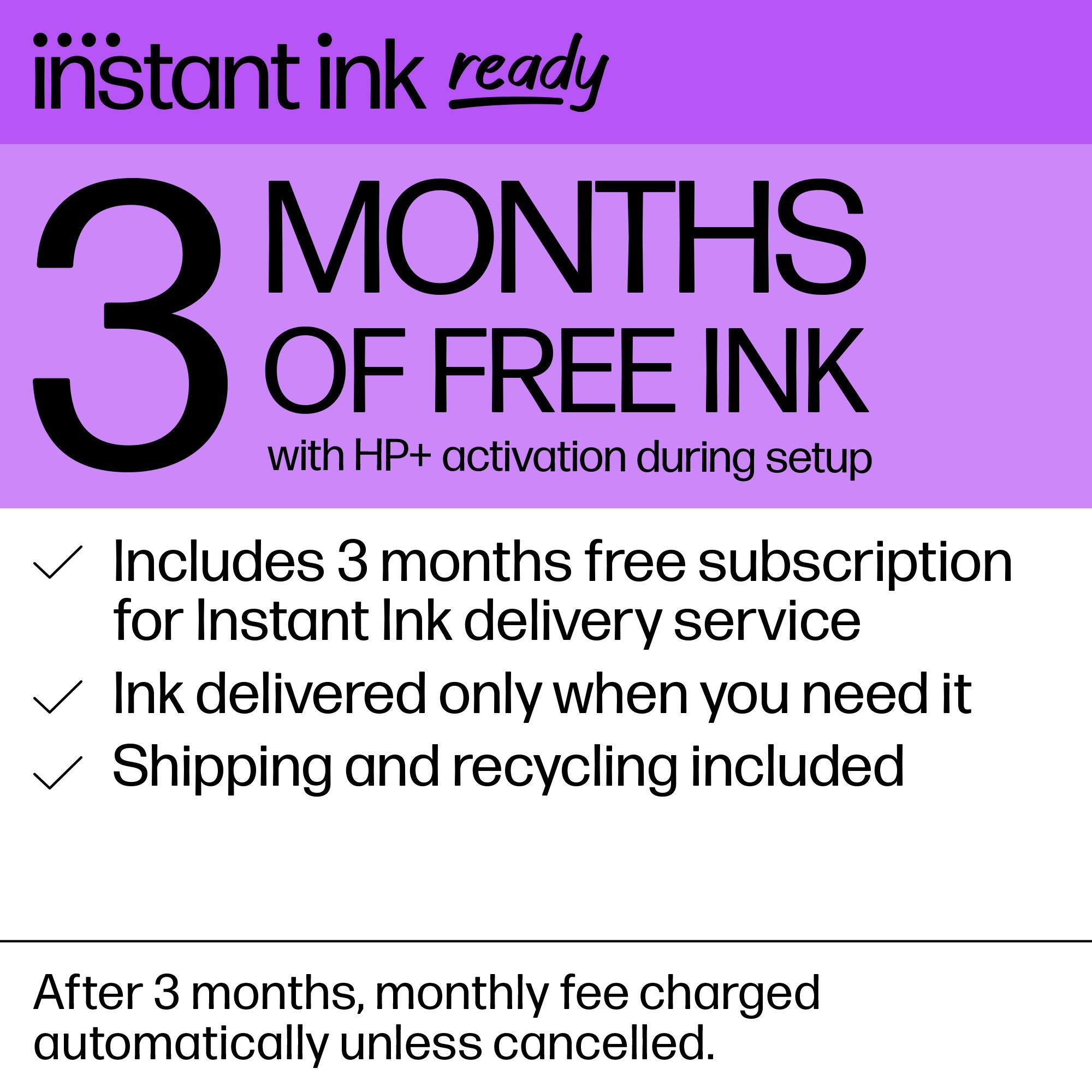
||Posted . Owned for 3 weeks when reviewed.This reviewer received promo considerations or sweepstakes entry for writing a review.works great with my business and the ink plan is amazing.
I would recommend this to a friendDon
||Posted . Owned for 1 month when reviewed.This reviewer received promo considerations or sweepstakes entry for writing a review.Great printer , works well... The color is perfect ...
I would recommend this to a friendGreat printer
||Posted . Owned for 1 month when reviewed.This reviewer received promo considerations or sweepstakes entry for writing a review.This printer is better than I thought. Great options to use
I would recommend this to a friendPrinter 6400e
||Posted . Owned for 1 month when reviewed.This reviewer received promo considerations or sweepstakes entry for writing a review.Best Buy rules is garbage i pd alot 4 this and I've had nothin but problem with it.
No, I would not recommend this to a friendBrand response from HP Team
Posted .Hi there.
I’m sorry you’ve encountered so much difficulty with your printer. I can’t tell from your review what specific malfunctions or usability troubles you might have faced, but I’ll nonetheless offer some resources and information I hope will help improve your experience and get the device working to your satisfaction.
First, for help solving problems, you can visit a page on our support site that has diagnostic tools for various tasks and issues, including setup, cartridge installation, print quality and connectivity. There you’ll also find a general-purpose tool called the HP Print and Scan Doctor. If you use Windows, the tool will help identify and guide you through solutions to a wide range of common printing and scanning issues. Visit that page here:
- support.hp.com/us-en/topic/diagnostics
For more help with difficulties, or to learn more about your printer and all its features, you can access troubleshooting guides, how-to documents, user manuals and software updates here:
- support.hp.com/us-en/product/model/2100187516
If you need further assistance, I suggest you contact us directly so we can help you assess the situation and find a solution. HP+ printers such as yours come with exclusive concierge support. To call and reach live HP+ experts, visit the following URL and enter your HP+ serial number:
- hp.com/plus-help
Keith
HP Care
hp.com/support
Awesome printer for school
||Posted . Owned for 1 month when reviewed.This reviewer received promo considerations or sweepstakes entry for writing a review.wifi print wireless from anywhere, even from your phone/ipad.
I would recommend this to a friendLove our printer purchase
||Posted . Owned for 1 month when reviewed.This reviewer received promo considerations or sweepstakes entry for writing a review.Love the printer. Great update printer for our family
I would recommend this to a friendenvy 6455e
||Posted . Owned for 1 month when reviewed.This reviewer received promo considerations or sweepstakes entry for writing a review.poor, paper get stuck all the time, wireless did not work, has to buy cable.
No, I would not recommend this to a friendBrand response from HP Team
Posted .Hi there.
I’m sorry to learn that your printer has performed so poorly. Your review is brief, but it’s no surprise that a malfunctioning feeder and connectivity problems would add up to a frustrating start to ownership. I want to help you resolve this situation, so I’ll offer some suggestions I hope will accomplish that.
First, I recommend you follow the steps in this guide to document feeders that pull through too many pages at once or fail to pick up paper at all:
- support.hp.com/us-en/document/c01728503
Next, I suggest you visit a page on our support site that has diagnostic tools for various issues, including wireless connectivity. You can find that page here:
- support.hp.com/us-en/topic/diagnostics
If any problem persists, I suggest that you contact us directly at +1 800-474-6836 so we can help you assess the situation and find the best course of action. (Please note that because of restrictions on personal movement and workplace attendance associated with the COVID-19 pandemic, wait times for agents are longer than normal. Thanks in advance for your understanding.) To expedite the process, I recommend gathering the following information before the call:
- Model number
- Serial number
- Your location
- Case number (from any previous contact with HP support)
I'll also mention that HP printers have a one-year warranty from their purchase date that covers hardware as well as ink supplies – and that warranty extends to two years with an HP+ account – so if it comes to that, you might consider making use of it. You can verify the warranty using the following link:
- support.hp.com/us-en/checkwarranty
Keith
HP Care
hp.com/support
new printer
||Posted . Owned for 1 month when reviewed.This reviewer received promo considerations or sweepstakes entry for writing a review.still getting used to this product. not happy that the printer did not come with instruction manual
I would recommend this to a friendNot for me
||Posted . Owned for 1 month when reviewed.This reviewer received promo considerations or sweepstakes entry for writing a review.did not like this printer.. I wanted a printer with a screen.. Returned to the store.
No, I would not recommend this to a friendPrinter
||Posted . Owned for 6 months when reviewed.This reviewer received promo considerations or sweepstakes entry for writing a review.Love it, works awesome! Very happy with this printer.
I would recommend this to a friendprinter
||Posted .This reviewer received promo considerations or sweepstakes entry for writing a review.awesome product love to use 7 will tell freinds to buy
I would recommend this to a friendgood
||Posted .This reviewer received promo considerations or sweepstakes entry for writing a review.im Happy. great hp love it Envy pro 6455, im deaf
No, I would not recommend this to a friendprinter
||Posted . Owned for 1 month when reviewed.This reviewer received promo considerations or sweepstakes entry for writing a review.great product. It does everything we need it to do.
I would recommend this to a friendNice looking and prints nice documents.
||Posted .This reviewer received promo considerations or sweepstakes entry for writing a review.Haven't had it that long but seems to be doing a good job.
I would recommend this to a friendPrinter works well.
||Posted . Owned for 1 month when reviewed.This reviewer received promo considerations or sweepstakes entry for writing a review.This PH Envy Pro 6455 printer does the job we need it to.
I would recommend this to a friend- Pros mentioned:Ease of use, Print quality

Decent Entry Level Printer.
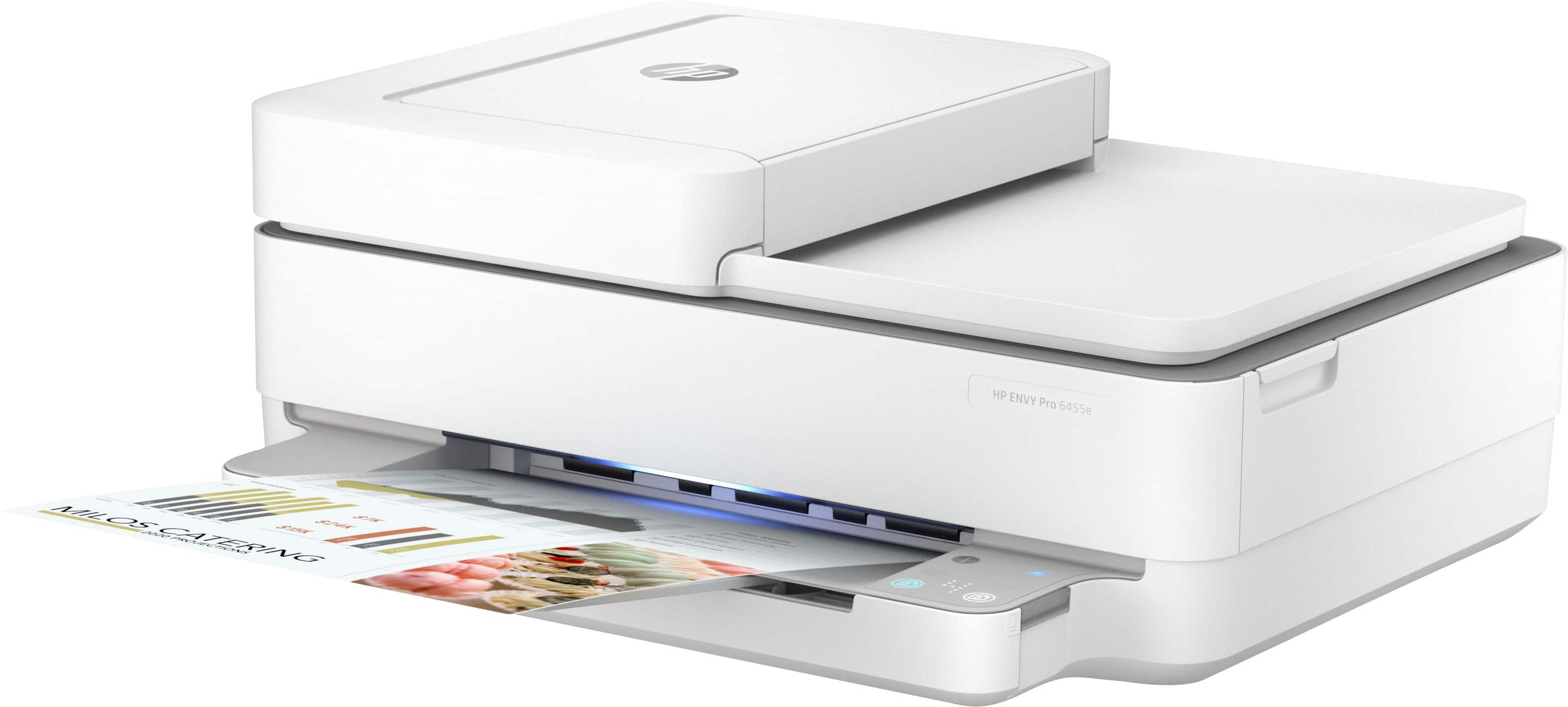
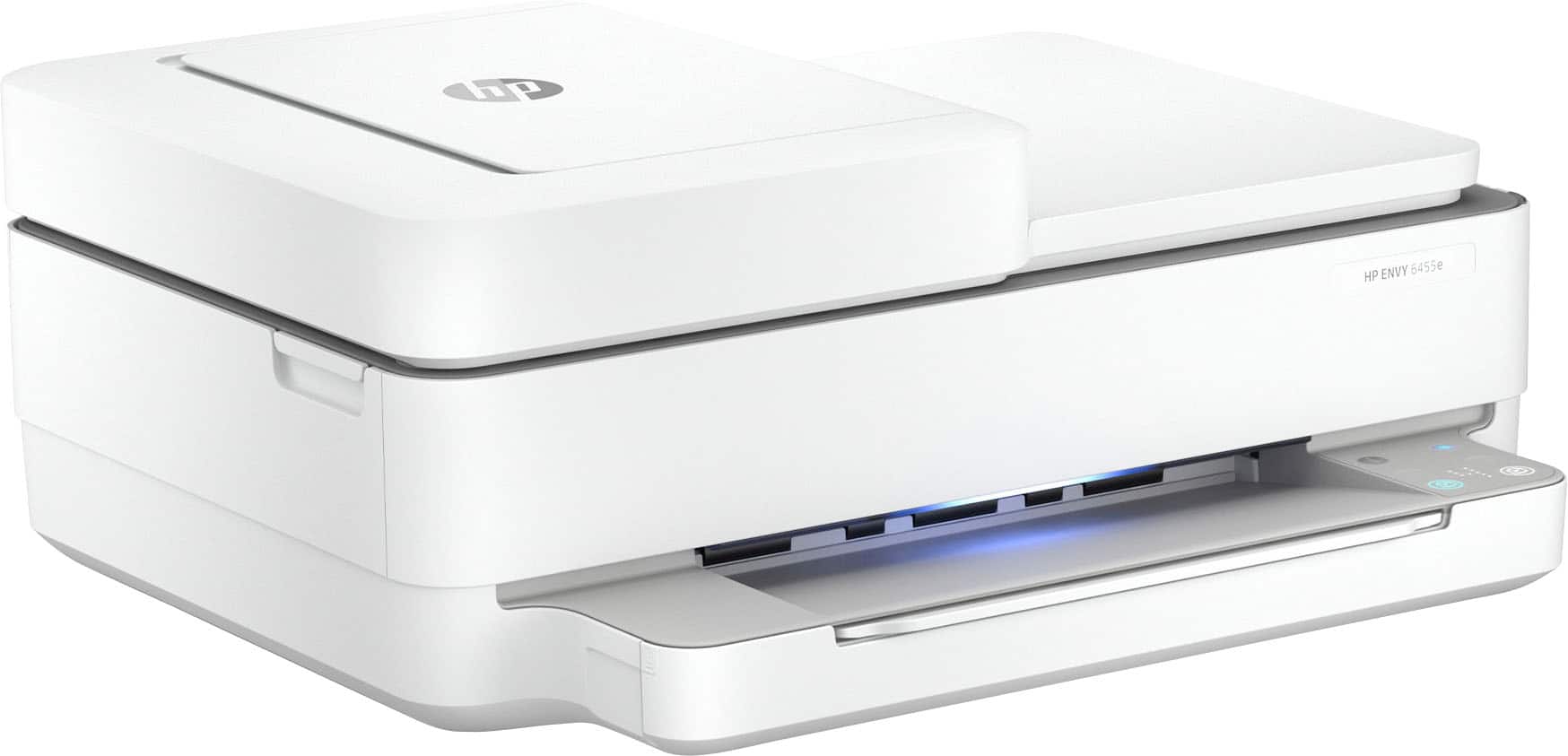
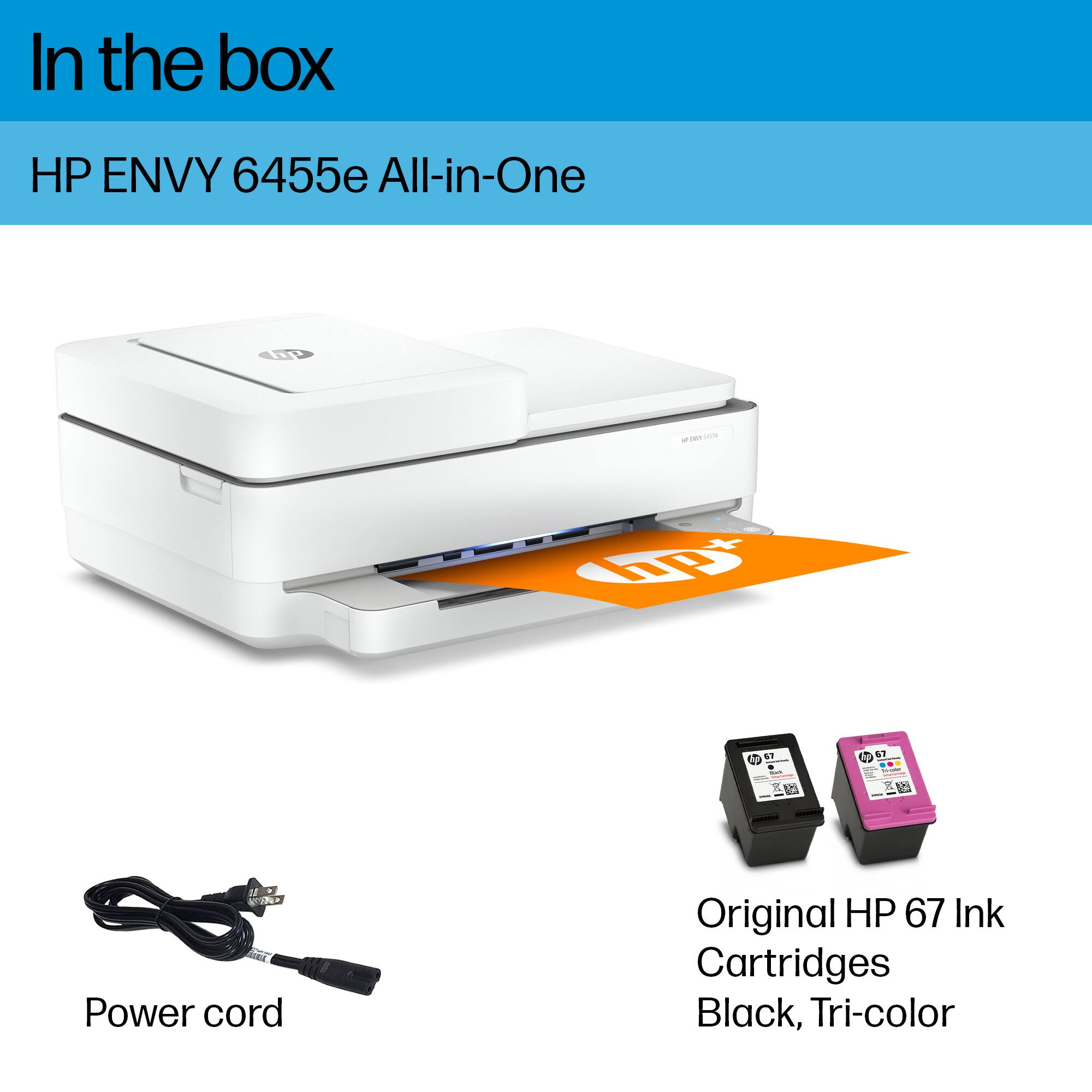
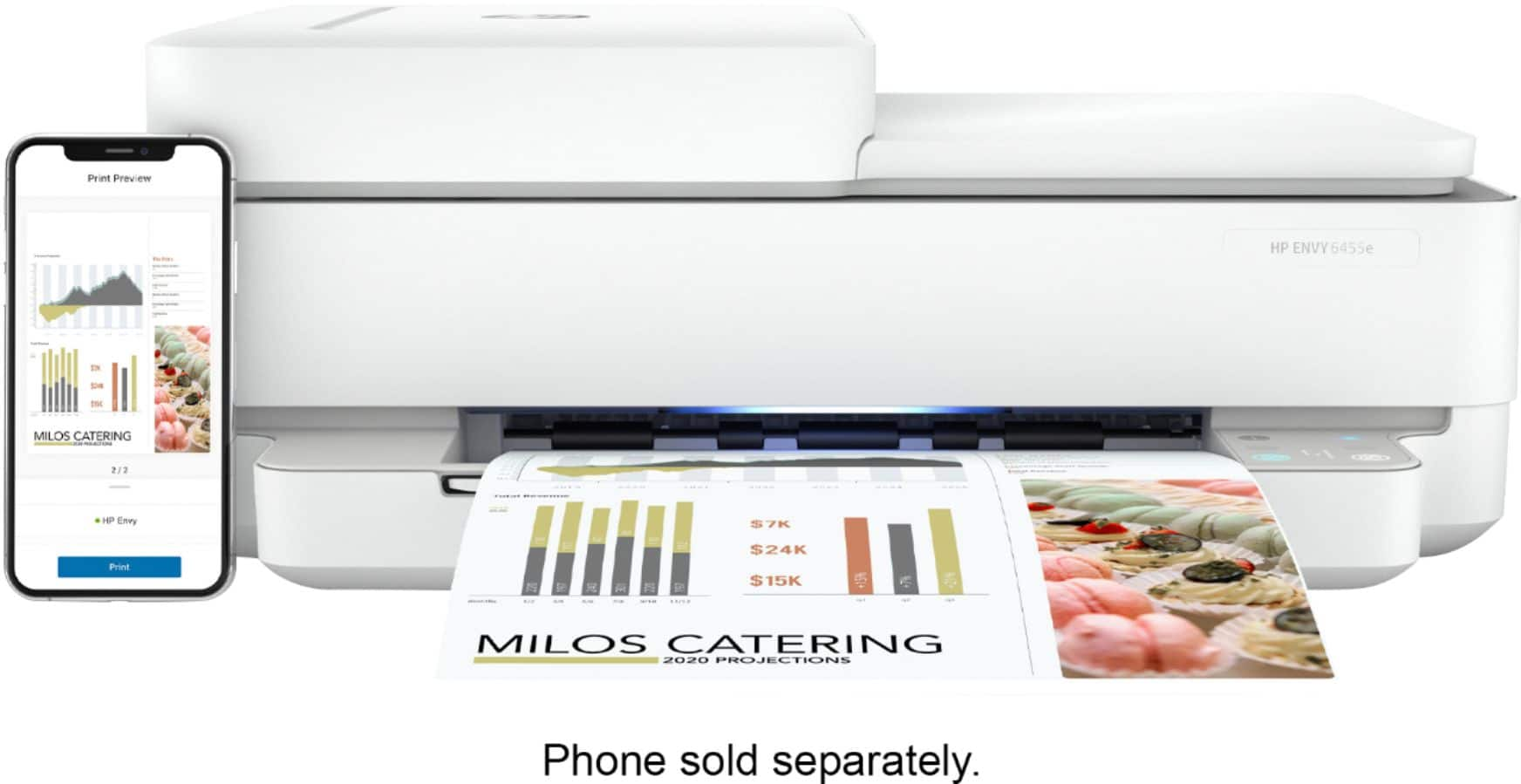
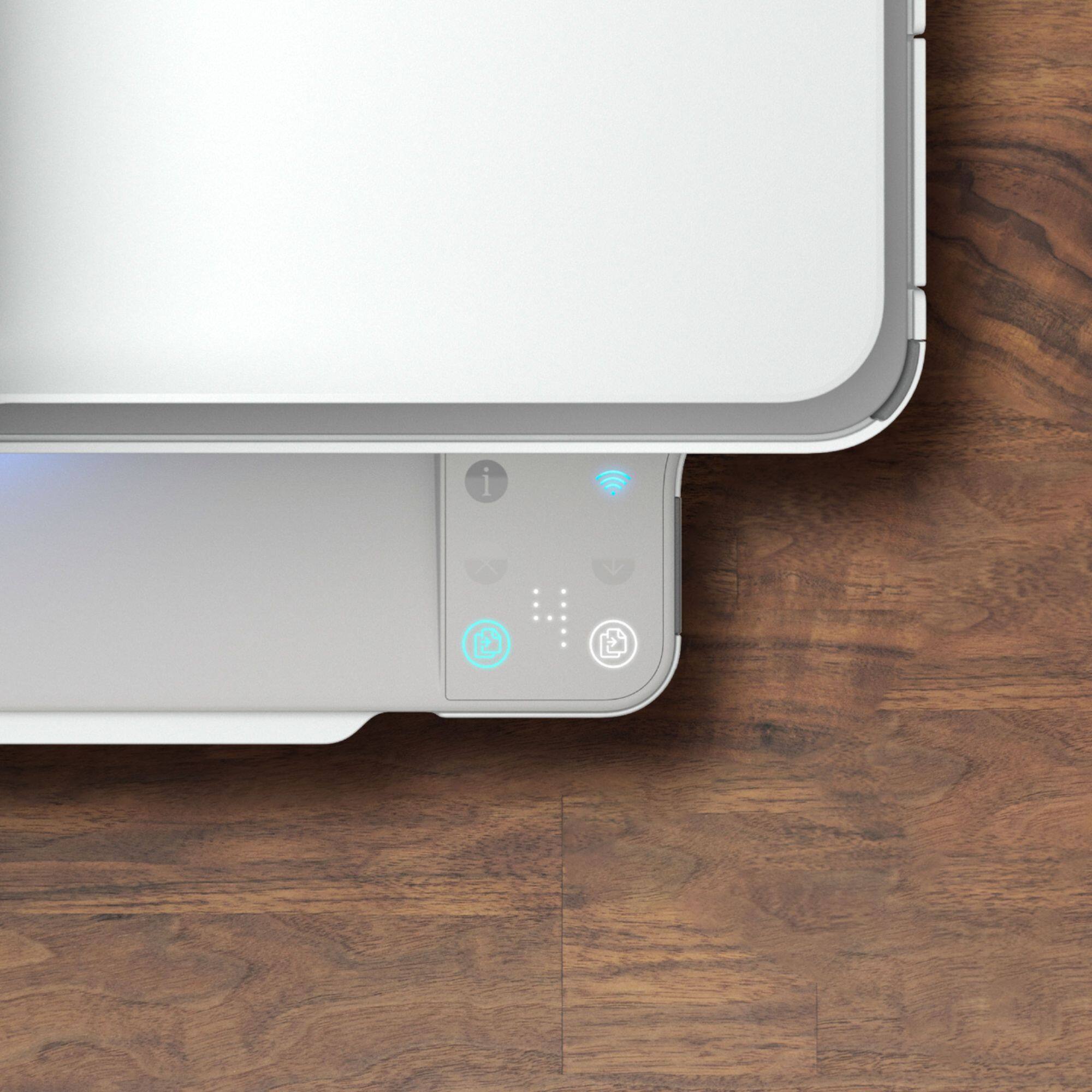
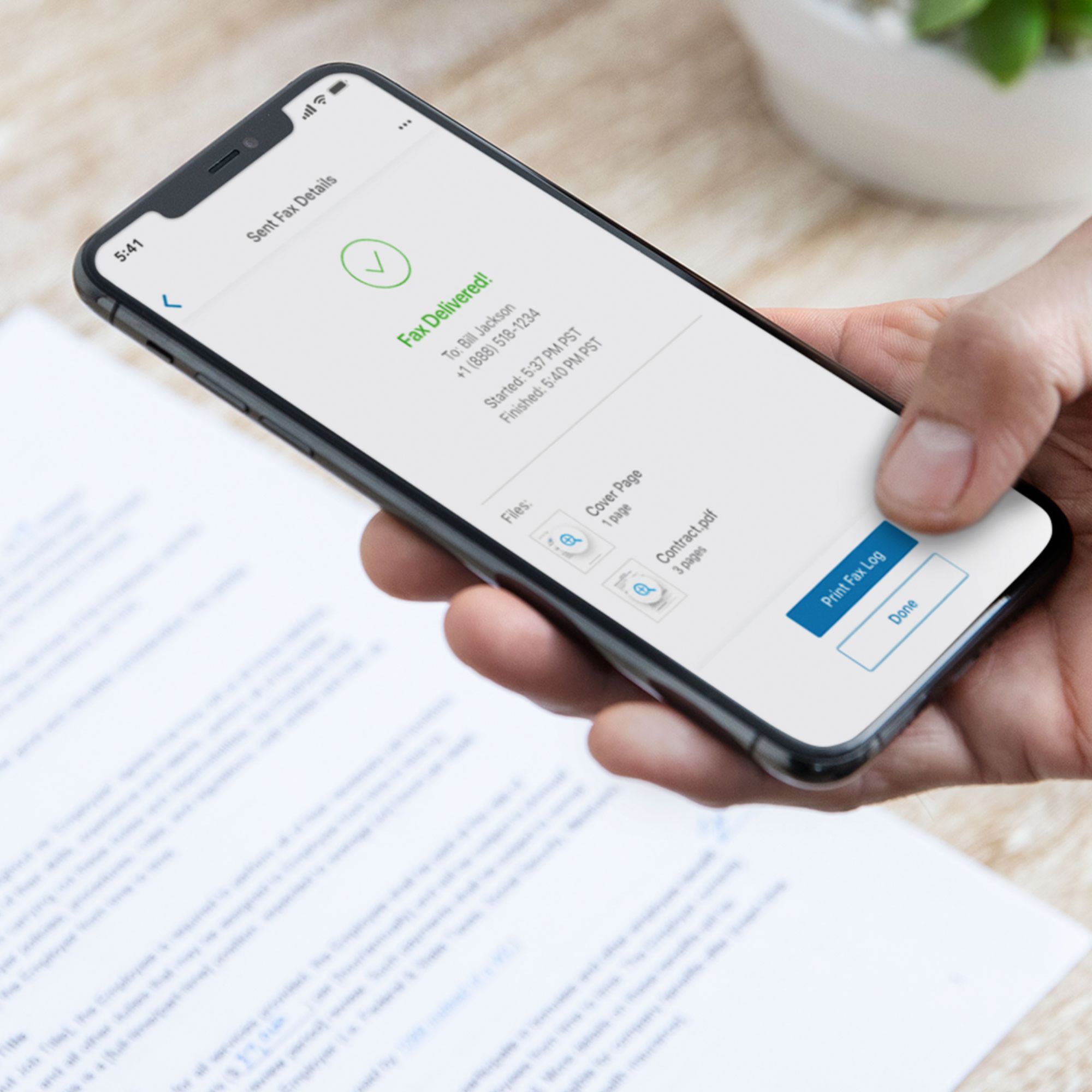
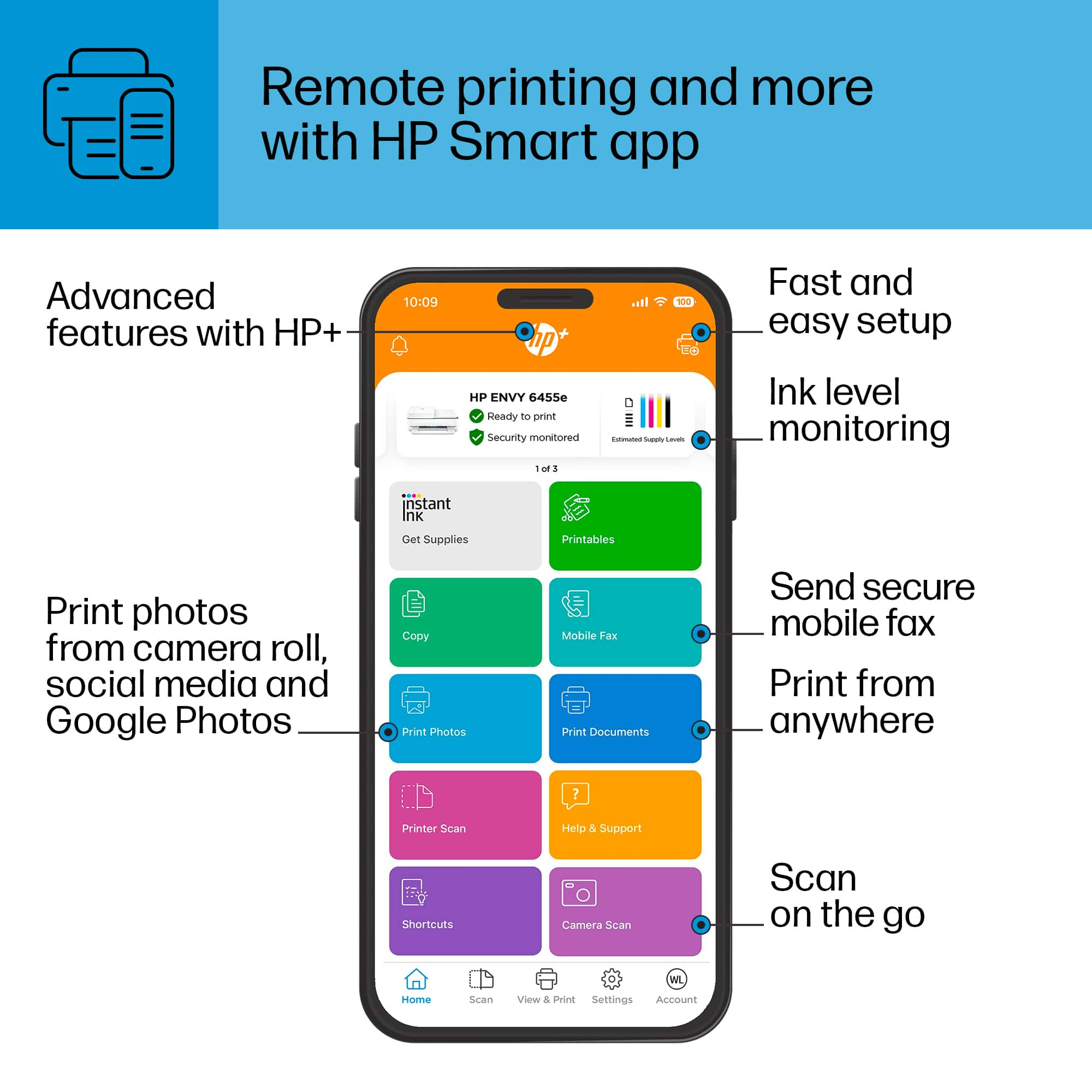
|Posted .This reviewer received promo considerations or sweepstakes entry for writing a review.Upon first glance, this printer is sleek, slim, and modern compared to other printers I’ve owned in the past. I always appreciate nice product aesthetics as this is a piece of equipment that will likely be displayed on your bookcase or desk. This fits the bill! This printer was really easy for me to set up to use on my Mac and PC. It prints wirelessly and it is fast! I printed a 50-page report for work, and it was pretty fast! The document contained many color figures and graphs, and they all printed flawlessly and sharp. The 6 months of free ink is very welcomed since ink is always so expensive to buy, and I print a lot! While this printer does not have a screen to control functions, everything is controlled via the app which works very nicely on my iPhone. I used the scanner to scan a few old photos of my grandparents and it rendered flawlessly. So far, I’m loving this printer. It is a huge upgrade from my old HP and works flawlessly. One thing that I was not happy with is Tri-Color Ink cartridges. What this translates into is, that if one color runs out, your out of luck. Entire cartridge needs replacing and in essence you are not getting the fullest use of remaining ink color which are left over in the cartridge. My other observation was the small size of the ink cartridges. This is a good budget, entry level printer. It lacks some of the bells and whistles of other printers that I've used in the past, but for home use it fits the bill.
I would recommend this to a friend