Customer Ratings & Reviews
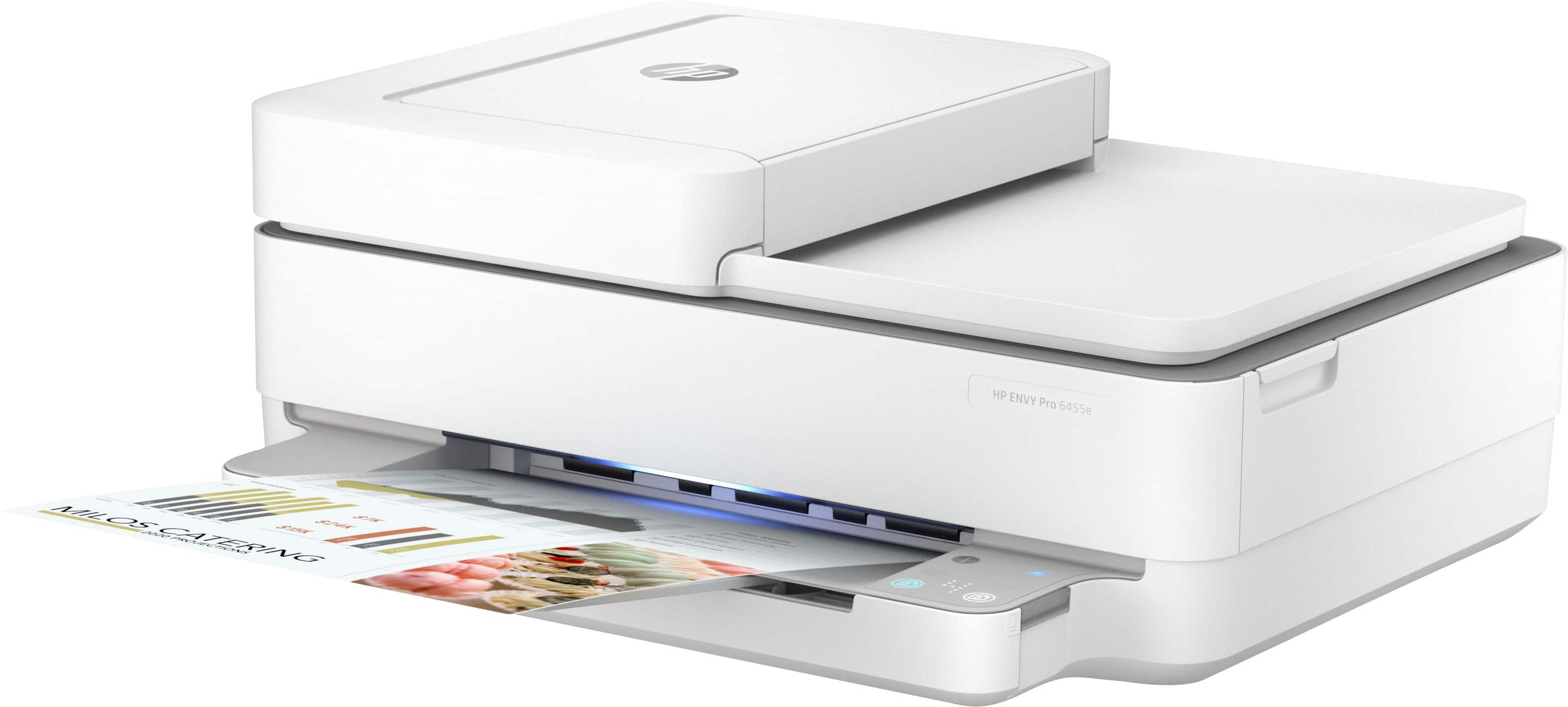
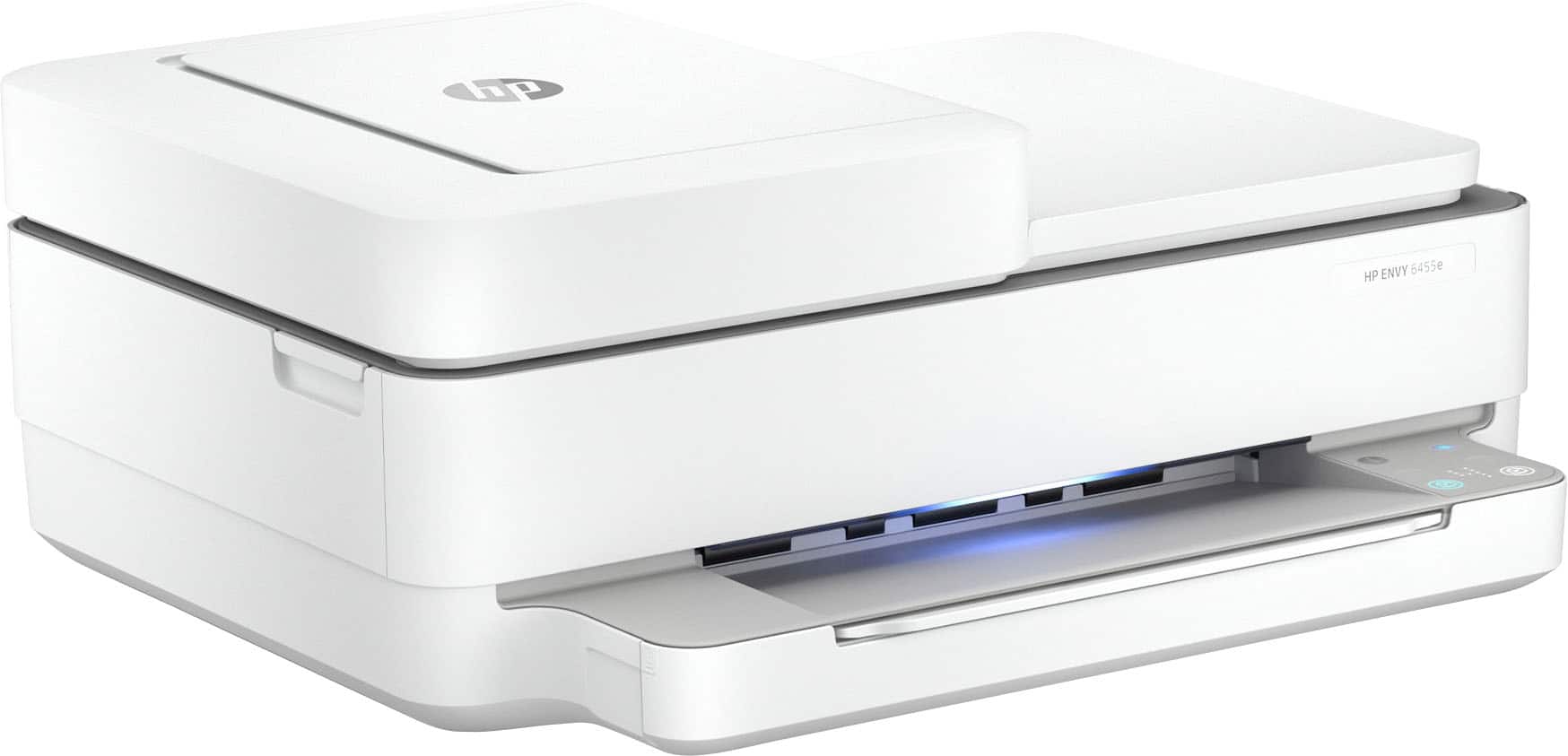
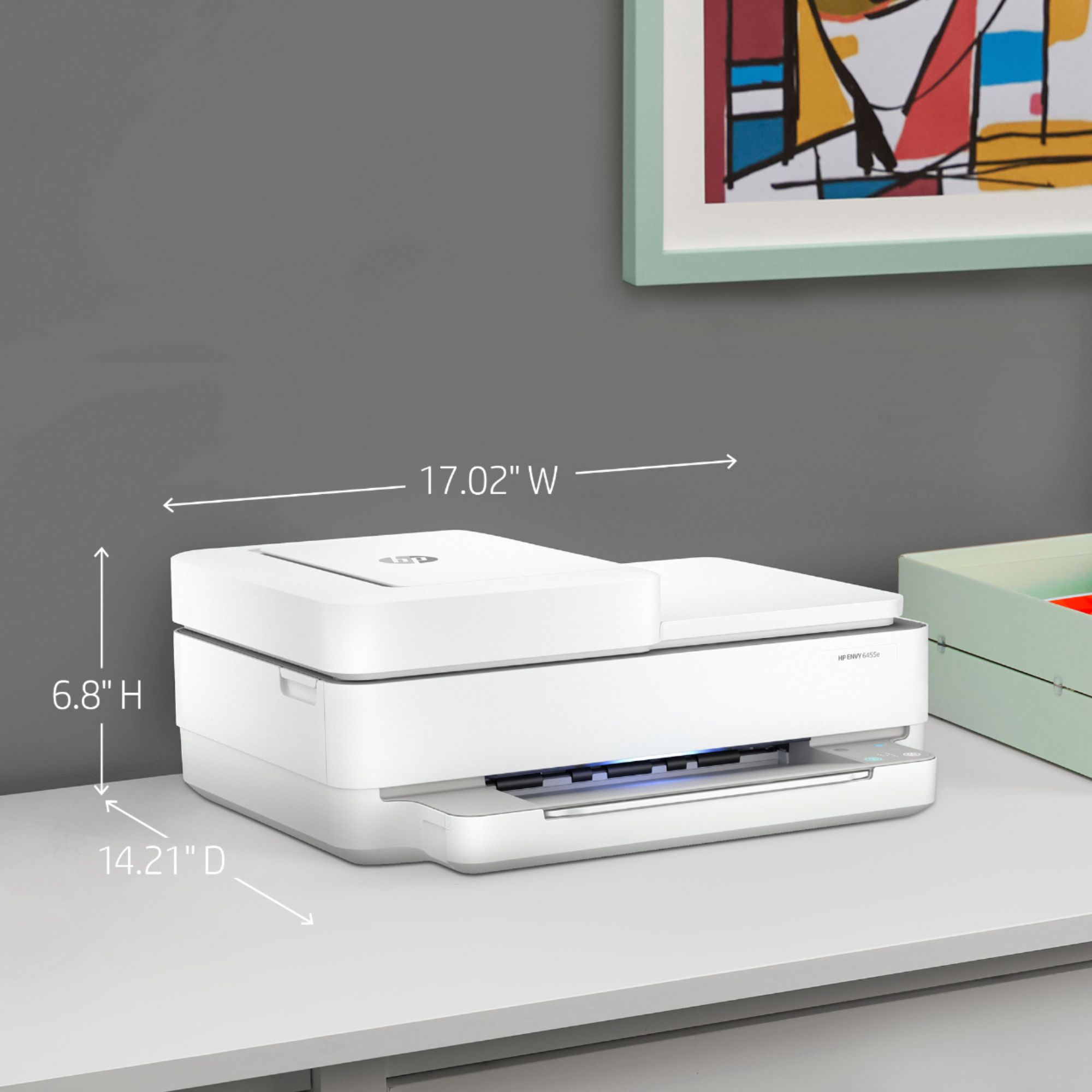
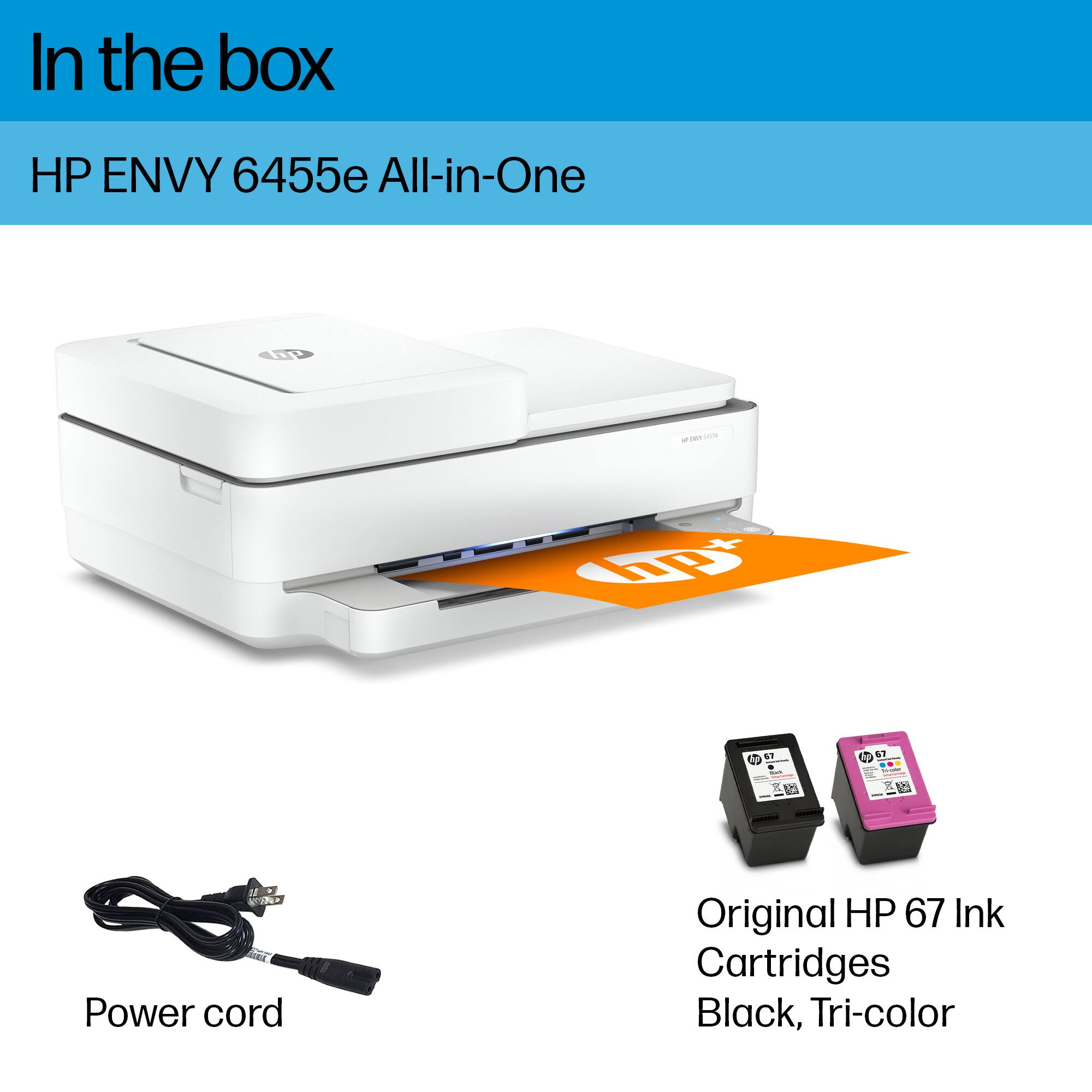




- Model:
- ENVY 6455E/223R1A#B1H
- SKU:
- 6454287
Rating by feature
- Value
Rating 4.2 out of 5 stars
- Quality
Rating 4.2 out of 5 stars
- Ease of Use
Rating 4.0 out of 5 stars
Customers are saying
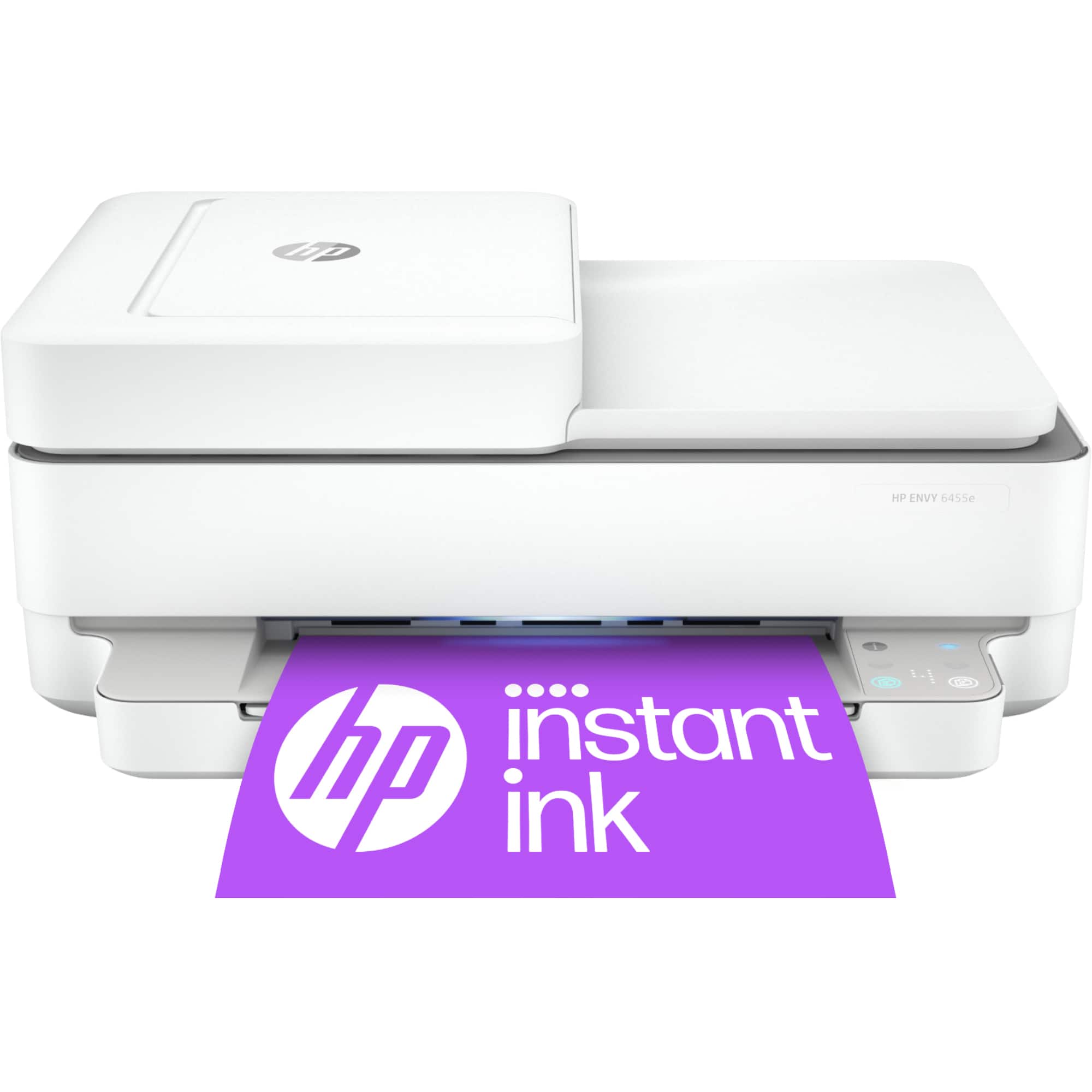
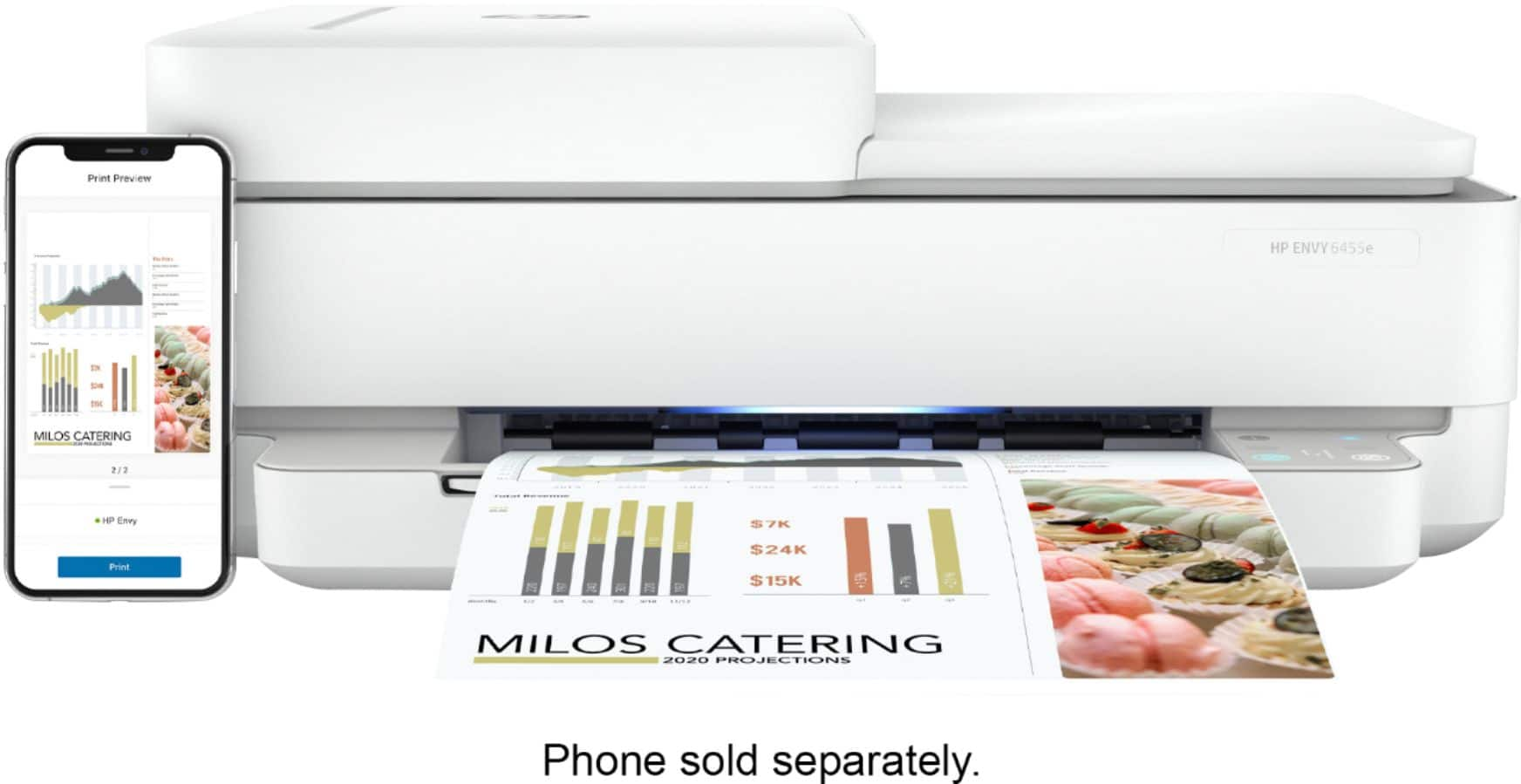
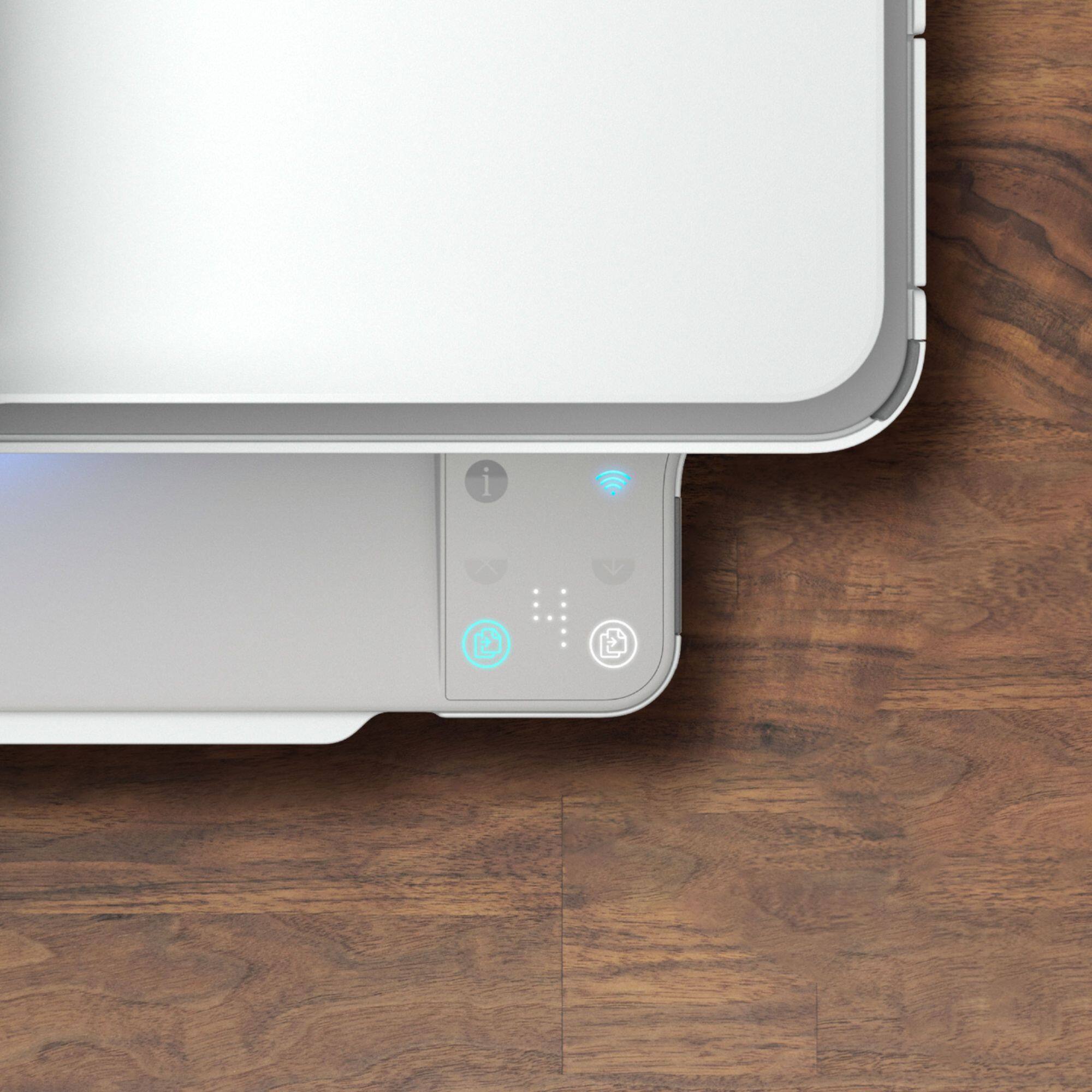
Customers love the ENVY 6455e's ease of use, print quality, and compact size. Many appreciate its affordability and quick setup, while also noting the quiet operation and good performance. However, some users experienced issues with connectivity and the lack of a display screen, and occasional paper jams were also reported.
This summary was generated by AI based on customer reviews.
- Cons mentioned:Connectivity
Will not stay connected to new mesh wifi network
||Posted . Owned for 2 months when reviewed.This reviewer received promo considerations or sweepstakes entry for writing a review.After 3.5 hours on the phone with HP tech support, the printer still does not stay connected to my brand new Google Wifi mesh network. Every other device in my house, including an Epson printer from 2013, stays connected to the network!
No, I would not recommend this to a friend Too much time wasted with "offline" error
||Posted . Owned for 3 months when reviewed.This reviewer received promo considerations or sweepstakes entry for writing a review.Do not buy this printer! It "goes to sleep" all the time and does not wake up unless it is unplugged and then plugged back in. It sometimes takes multiple tries to get it to "wake up". The latest screw up it did, it won't print because it says there is a door open. What!?!?! There isn't even a door on this thing. Open cover, open & close paper tray. Error doesn't clear. Unplug yet again... still open door error. JUNK!!! Yes, I contacted HP and went through their troubleshoot instructions. They came up with "unplug and plug back in".
No, I would not recommend this to a friendBrand response from HP Team
Posted .Hi, Paul.
I'm sorry to hear that your printer repeatedly remained in sleep mode and has recently displayed an error you can’t clear. I can understand why this would be a frustrating combination, especially after following troubleshooting guides with no result, so I’ll provide a resource and some information I hope will help.
I can’t tell from your review what’s causing these problems or whether they’re related, so I suggest that you contact us directly at +1 800-474-6836 so we can help you assess the situation and find a solution. (Please note that because of restrictions on personal movement and workplace attendance associated with the COVID-19 pandemic, wait times for agents are longer than normal. Thanks in advance for your understanding.) To expedite the process, I recommend gathering the following information before the call:
- Model number
- Serial number
- Your location
- Case number (from any previous contact with HP support)
I'll also mention that HP printers have a one-year warranty from their purchase date that covers hardware as well as ink supplies, so if it comes to that, you might consider making use of it. You can verify the warranty using the following link: support.hp.com/us-en/checkwarranty
Keith
HP Care
hp.com/support
I would not recommend this printer.
||Posted . Owned for 2 months when reviewed.This reviewer received promo considerations or sweepstakes entry for writing a review.I don't like the fact that the only way to interact with this machine is through the AP. I've also found it to jam easily when you print envelopes and if it's out of paper or gets jammed I've had to unplug the unit for 60 plus seconds to clear the memory. I would not recommend this printer.
No, I would not recommend this to a friendBrand response from HP Team
Posted .Hi there.
I’m sorry to hear that your printer has caused you such difficulty, and I'm sorry for any resulting inconvenience. We aim to provide a reliable experience with our printers and support, so I’ll try to offer some helpful suggestions.
First, I recommend you visit a page on our support site that has diagnostic tools for various tasks and issues, including setup, cartridge installation and connectivity. There you’ll also find a general-purpose tool called the HP Print and Scan Doctor. If you use Windows, the tool will help identify and guide you through solutions to a wide range of common printing and scanning issues. Visit that page here:
- support.hp.com/us-en/topic/diagnostics
For more help solving problems or to learn more about your printer and all its features, you can access a setup tutorial (if you still need it), troubleshooting guides, how-to documents, user manuals and software updates here:
- support.hp.com/us-en/product/hp-envy-pro-6400-all-in-one-printer-series/29256678/model/29256679
If you need further assistance, I recommend that you reach out to us directly at +1 800-474-6836 so we can help you assess the situation and find a solution. (Please note that because of restrictions on personal movement and workplace attendance associated with the COVID-19 pandemic, wait times for agents are longer than normal. Thanks in advance for your understanding.) To expedite the process, I recommend gathering the following information before the call:
- Model number
- Serial number
- Your location
- Case number (from any previous contact with HP support)
Keith
HP Care
hp.com/support
Ha ha ha
||Posted . Owned for 3 months when reviewed.This reviewer received promo considerations or sweepstakes entry for writing a review.Would only give 1/2 stars waste of time and money !!!!!!
No, I would not recommend this to a friendBrand response from HP Team
Posted .Hi, John.
I’m sorry to learn that you’re not satisfied with your printer purchase. Your review is brief, and I can’t tell specifically the source of your dissatisfaction or what difficulty you might have encountered. However, we aim to provide a reliable experience with our printers and support, so I’ll offer what I hope are some helpful suggestions.
First, for help solving problems, you can visit a page on our support site that has diagnostic tools for various tasks and issues, including setup, cartridge installation, print quality, operating-system compatibility and connectivity. There you’ll also find a general-purpose tool called the HP Print and Scan Doctor. If you use Windows, the tool will help identify and guide you through solutions to a wide range of common printing and scanning issues. Visit that page here:
- support.hp.com/us-en/topic/diagnostics
For more help with difficulties, or to learn more about your printer and all its features, you can access a setup tutorial – if you still need it – as well as troubleshooting guides, how-to documents, user manuals and software updates here:
- support.hp.com/us-en/product/model/2100187516
If any problem persists or you need assistance, I suggest that you contact us directly at +1 800-474-6836 so we can help you assess the situation and determine the best course of action. (Please note that because of restrictions on personal movement and workplace attendance associated with the COVID-19 pandemic, wait times for agents are longer than normal. Thanks in advance for your understanding.) To expedite the process, I recommend gathering the following information before the call:
- Model number
- Serial number
- Your location
- Case number (from any previous contact with HP support)
Keith
HP Care
hp.com/support
- Pros mentioned:Print quality
No help!
||Posted .This reviewer received promo considerations or sweepstakes entry for writing a review.The printing is good, but the machine goes offline and leaves me in need. I cannot reach Best Buy and the HP online is no help. I may have to send in back unless help arrives soon.
No, I would not recommend this to a friendBrand response from HP Team
Posted .Hi there.
I’m sorry to hear your printer has failed to maintain a wireless connection and that you’ve not been able to get the support you need. It’s easy to understand why that would be a jarring combination, especially considering you have urgent printing needs, so I’ll offer a resource and some information I hope will help.
I can’t tell from your review why your printer won’t stay connected, so I recommend that you contact us directly at +1 800-474-6836 so we can help you assess the situation and find a solution. (Please note that because of restrictions on personal movement and workplace attendance associated with the COVID-19 pandemic, wait times for agents are longer than normal. Thanks in advance for your understanding.) To expedite the process, I recommend gathering the following information before the call:
- Model number
- Serial number
- Your location
- Case number (from any previous contact with HP support)
I'll also mention that HP printers have a one-year warranty from their purchase date that covers hardware as well as ink supplies, so if it comes to that, you might consider making use of it. You can verify the warranty using the following link: support.hp.com/us-en/checkwarranty
Keith
HP Care
hp.com/support
Mr Jamel
||Posted . Owned for 1 month when reviewed.This reviewer received promo considerations or sweepstakes entry for writing a review.This printer is no good please don’t waste your money
No, I would not recommend this to a friendBrand response from HP Team
Posted .Hi there.
I’m sorry to hear that you're not satisfied with your printer. I can’t tell from your review whether you’ve encountered specific difficulty, you’re unhappy with the device’s features or have some other reason for displeasure. Nonetheless, because we aim to provide a reliable experience with our printers and support, I’ll offer what I hope are some helpful suggestions.
First, for help solving problems, you can visit a page on our support site that has diagnostic tools for various tasks and issues, including setup, cartridge installation, print quality and connectivity. There you’ll also find a general-purpose tool called the HP Print and Scan Doctor. If you use Windows, the tool will help identify and guide you through solutions to a wide range of common printing and scanning issues. Visit that page here:
- support.hp.com/us-en/topic/diagnostics
For more help with difficulties, or to learn more about your printer and all its features, you can access a setup tutorial – if you still need it – as well as troubleshooting guides, how-to documents, user manuals and software updates here:
- support.hp.com/us-en/product/model/2100187516
If you need further assistance with anything, I suggest that you contact us directly at +1 800-474-6836 so we can help you assess the situation and determine the best course of action. (Please note that because of restrictions on personal movement and workplace attendance associated with the COVID-19 pandemic, wait times for agents are longer than normal. Thanks in advance for your understanding.) To expedite the process, I recommend gathering the following information before the call:
- Model number
- Serial number
- Your location
- Case number (from any previous contact with HP support)
Keith
HP Care
hp.com/support
Too complicated to use
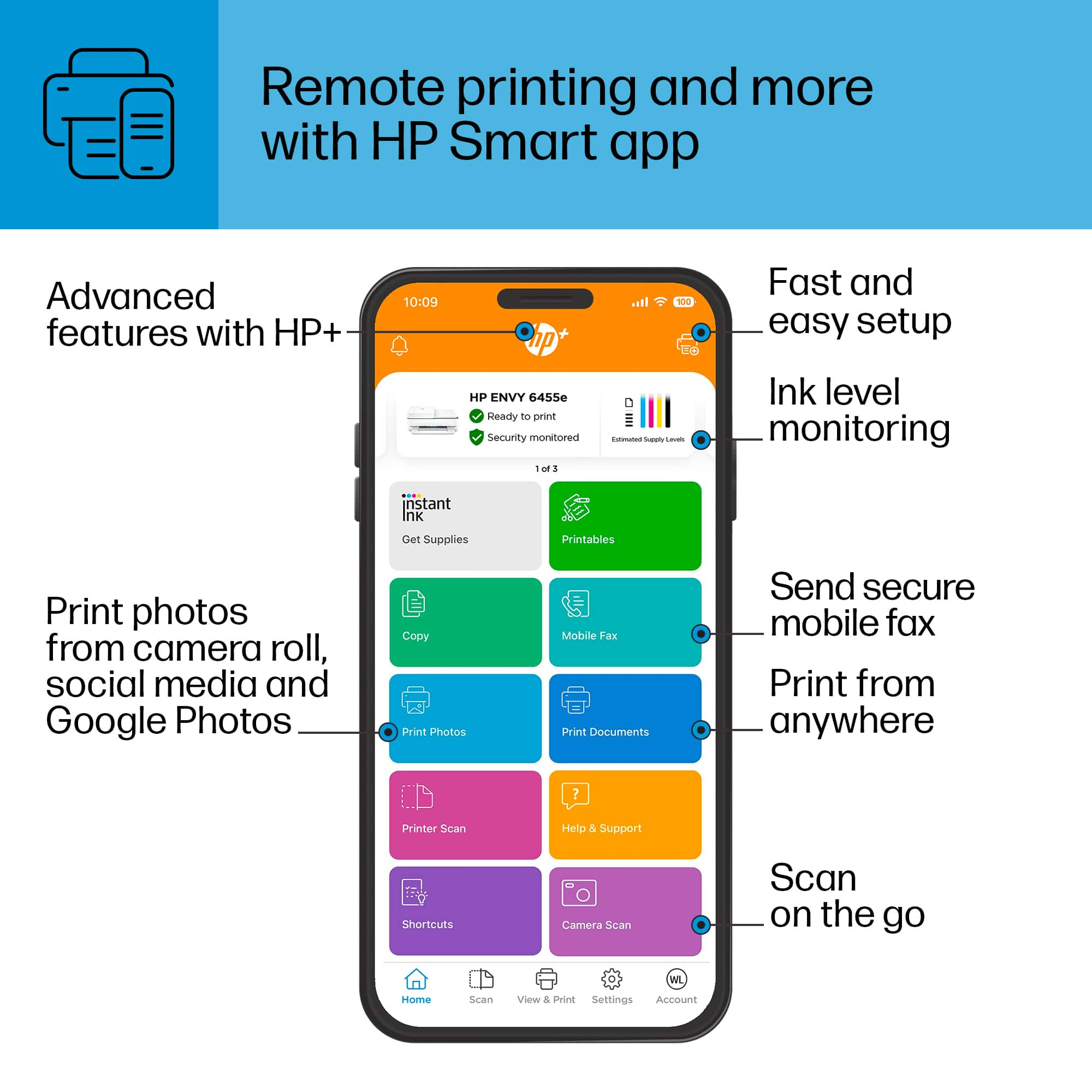
||Posted . Owned for 4 months when reviewed.This reviewer received promo considerations or sweepstakes entry for writing a review.To set up the printer, you need to download an app. Once in the app, it sends your email a link to install the printer. If you want to scan, you scan with the app on your phone not on the machine itself. It prints instructions that you don't need and thereby uses ink for no reason.
No, I would not recommend this to a friendCopy problem
||Posted .This reviewer received promo considerations or sweepstakes entry for writing a review.Cannot adjust settings so that. Copies are same size as orginal
No, I would not recommend this to a friendError Printing
||Posted .This reviewer received promo considerations or sweepstakes entry for writing a review.Printer is not working...reports that it is in ERROR Mode.
No, I would not recommend this to a friendHP ENVY 6400 Series Printer
||Posted . Owned for 1 month when reviewed.This reviewer received promo considerations or sweepstakes entry for writing a review.seems to handle my needs ok. Nicer looking than my old Canon.
I would recommend this to a friendWish I hadnt bought this printer
||Posted . Owned for 1 month when reviewed.This reviewer received promo considerations or sweepstakes entry for writing a review.This printer has an error every time I print. Most of the time opening and closing the paper tray is enough to fix the issue. Having to do that every single time I print is a big pain in the neck.
No, I would not recommend this to a friendBrand response from HP Team
Posted .Hi, Kristin.
I’m sorry to learn that your printer has performed so poorly. I can certainly understand why seeing frequent error messages and needing to open and close the paper tray every time would be exasperating. I want to help you remedy this problem, so I’ll suggest a resource that I hope will reach that end.
I can’t tell from your review what’s causing the error message you describe. I recommend that you contact us directly at +1 800-474-6836 so we can help you assess what’s happening and find the best course of action. To expedite the process, I recommend gathering the following information before the call:
- Model number
- Serial number
- Your location
- Case number (from any previous contact with HP support)
Keith
HP Care
hp.com/support
- Cons mentioned:Connectivity
Do Not Buy
||Posted .This reviewer received promo considerations or sweepstakes entry for writing a review.I do not recommend. Riddled with connection issues. It continuously disconnects and all the sudden the printer can’t connect to my WiFi anymore. It’s not worth paying $150 for a printer with this many problems.
No, I would not recommend this to a friendBrand response from HP Team
Posted .Hi, Stephen.
I’m sorry to learn that your printer has so frequently lost its wireless connection and now won’t connect at all. The frustration you express is certainly understandable considering you’ve had such a difficult time with the device. We want our customers to have a more reliable experience than what you’ve endured, so I’ll suggest some resources I hope will help you resolve the problem and get the printer working to your satisfaction.
First, I recommend you visit a page on our support site that has diagnostic tools for various issues, including wireless connectivity and printer-offline difficulties. Visit that page here:
- support.hp.com/us-en/topic/diagnostics
If the problem persists, I recommend that you contact us directly at +1 800-474-6836 so we can help you assess the situation and find a solution. (Please note that because of restrictions on personal movement and workplace attendance associated with the COVID-19 pandemic, wait times for agents are longer than normal. Thanks in advance for your understanding.) To expedite the process, I recommend gathering the following information before the call:
- Model number
- Serial number
- Your location
- Case number (from any previous contact with HP support)
Keith
HP Care
hp.com/support
Gets the Job Done
||Posted . Owned for 3 weeks when reviewed.This reviewer received promo considerations or sweepstakes entry for writing a review.We bought this for basic printing and it does exactly that.
I would recommend this to a friend- Cons mentioned:Connectivity
Doesnt come with wire or disk driver
||Posted . Owned for less than 1 week when reviewed.This reviewer received promo considerations or sweepstakes entry for writing a review.You have to have an established wireless network for setup. Doesnt come with a wire for offline. Cant download driver for computer of a disk since it also doesnt come with one. Smart is too smart for me and inconvenient.
No, I would not recommend this to a friendBrand response from HP Team
Posted .Hi, Dan.
I’m sorry to hear that you encountered difficulty setting up your printer. I can understand why not finding the items you expected would be puzzling and eventually frustrating, so I’ll offer some information and resources I hope will help.
First of all, because our printers are designed to connect wirelessly, we no longer include USB cables with many of them. We do the same with software CD-ROMs, because we can provide the most updated versions of software for download from our support site.
So, I recommend you visit a page on our support site that has diagnostic tools for various issues, including setup and connectivity. Visit that page here:
- support.hp.com/us-en/topic/diagnostics
You can find software as well as learn more about your printer and all its features on our support site. Access video tutorials, user manuals, how-to documents, software updates and troubleshooting guides here:
- support.hp.com/us-en/product/hp-envy-pro-6400-all-in-one-printer-series/29256678/model/29256679
If you need further assistance, I hope you’ll contact us directly at +1 800-474-6836 so we can help guide you through any applicable troubleshooting. (Please note that because of restrictions on personal movement and workplace attendance associated with the COVID-19 pandemic, wait times for agents are longer than normal. Thanks in advance for your understanding.) To expedite the process, I recommend gathering the following information before the call:
- Model number
- Serial number
- Your location
- Case number (from any previous contact with HP support)
Keith
HP Care
hp.com/support
Challenging to use
||Posted . Owned for 1 month when reviewed.This reviewer received promo considerations or sweepstakes entry for writing a review.It's fine when it's working; can be a bit annoying
No, I would not recommend this to a friend- Pros mentioned:Print quality, Size

Small, Simple and Effective
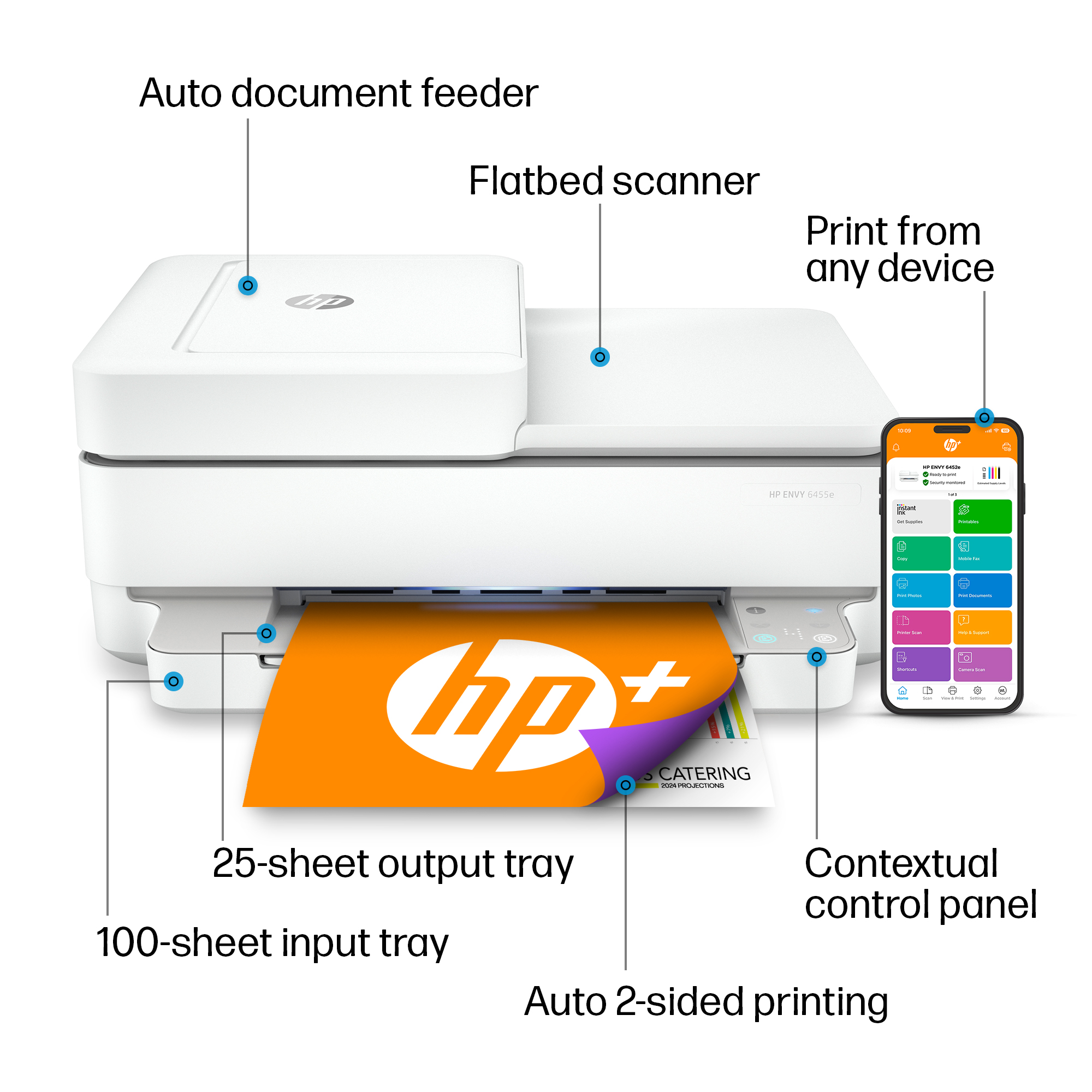
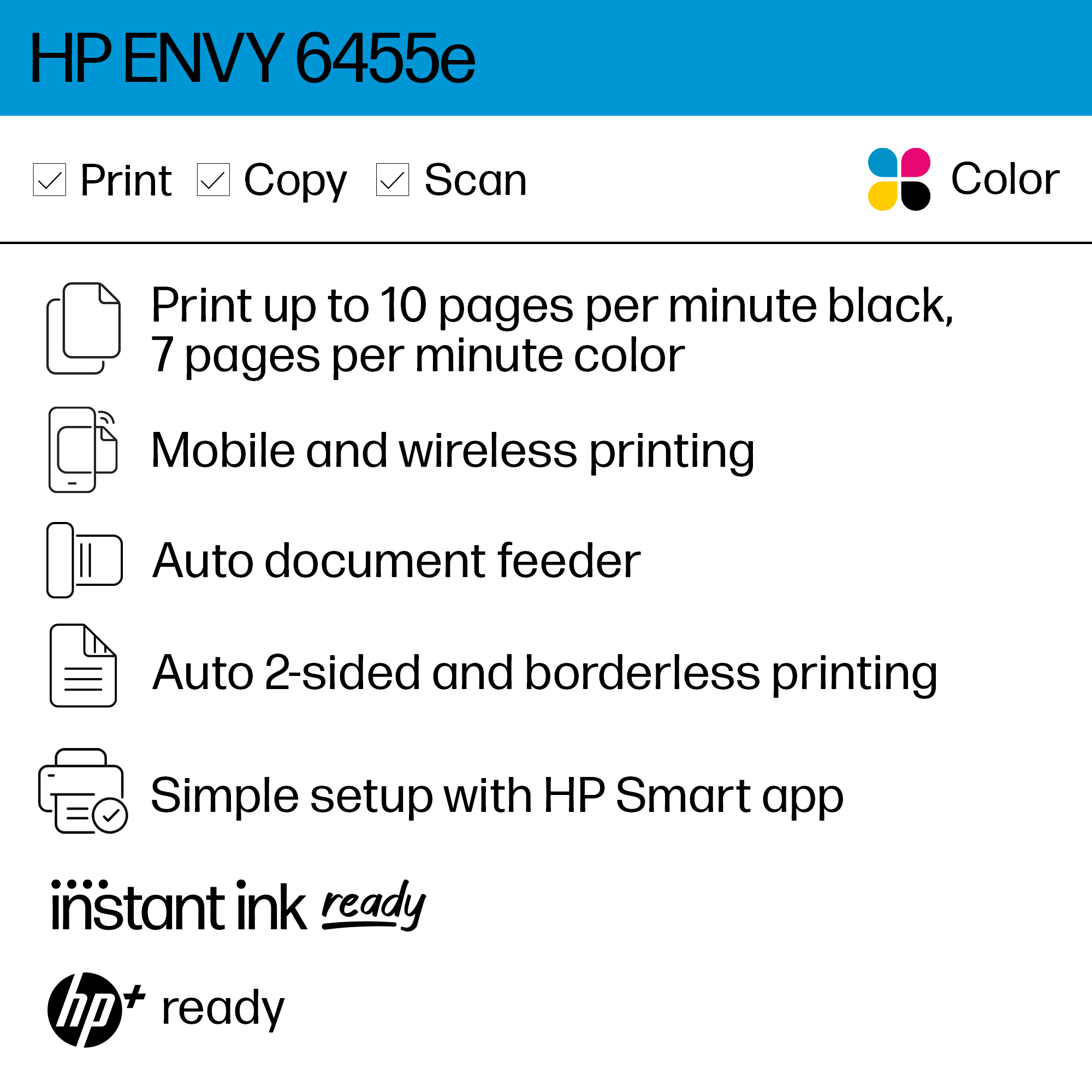
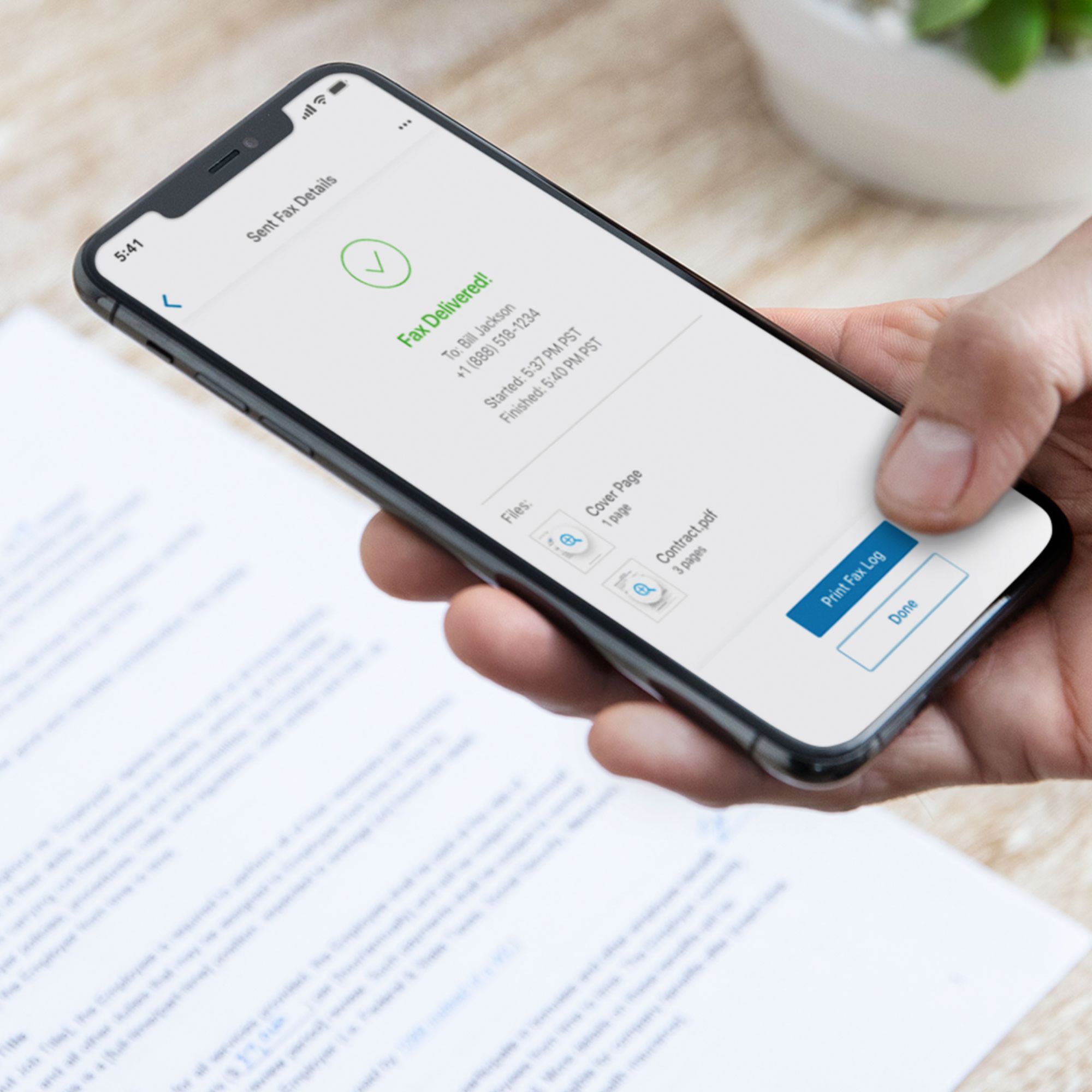
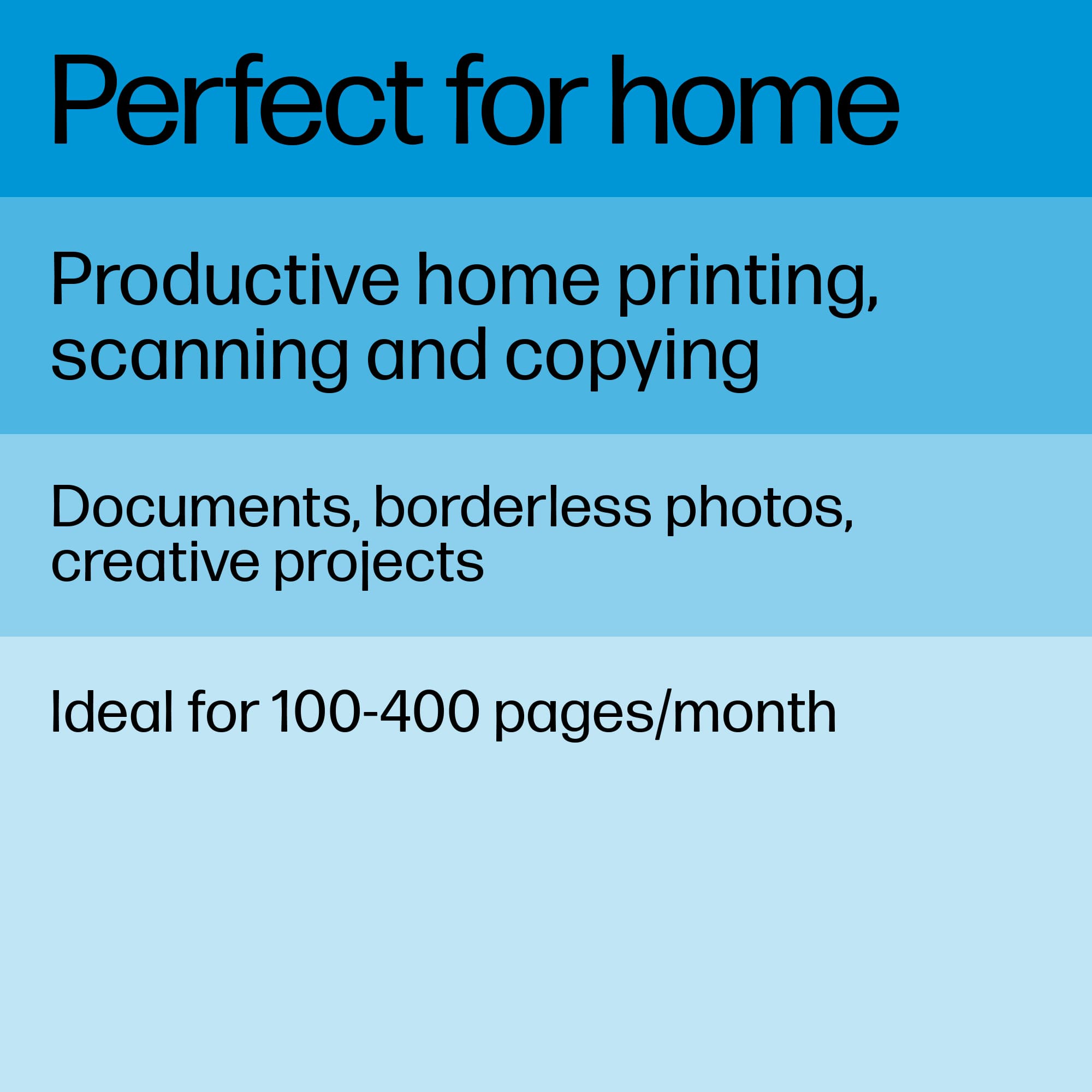
|Posted .This reviewer received promo considerations or sweepstakes entry for writing a review.This is a simple, straight forward and high quality printer. It’s small size makes it great for those with limited space or for those who don’t need a big hulking box sitting in their office. I have two printer in addition to this. One high speed ink jet printer and one color laser printer. Both are in another room outside of my home office space. The other two printers are shared between me and my wife. I put this printer in my office space because of its small footprint and for those time where I just want to print something quickly without getting up from my desk. While this printer can do all the typical all-in-one tasks (print, scan, copy), you will need to use the smartphone app which may put some people off if this is their only printer. Having said that, the Envy 6455 handles all of these tasks very well. Print quality is excellent which is par for the course with HP printers. Scanning is fast and accurate. No issues with the sheet feeder. Honesty 90% of what I use a printer for is printing. With occasional scanning and minimal copying. I would recommend this as a small office printer or a secondary printer for small jobs.
I would recommend this to a friend Mom
||Posted . Owned for 1 month when reviewed.This reviewer received promo considerations or sweepstakes entry for writing a review.It was a bit hard to start using it and when I did the ink immediately started running out and still till today I don't know how to make a copy I think I have to scan the paper take a picture of it with my phone still very confused on how to use it
No, I would not recommend this to a friendBrand response from HP Team
Posted .Hi, Martica.
I’m sorry to hear that your printer has been difficult to use and that it has consumed ink more rapidly than you’d anticipated. I can certainly see why that would be a disappointing start to owning the device, so with that in mind, I’ll suggest some resources and some clarifying information that I hope will help you get the printer working to your satisfaction.
First, to learn more about your printer and all its features, or for help solving problems, you can access user manuals, how-to documents, software updates and troubleshooting guides here:
- support.hp.com/us-en/product/model/29256679
You can also visit a page on our support site that has diagnostic tools for various tasks and issues, including cartridge installation and connectivity. There you’ll find a general-purpose tool called the HP Print and Scan Doctor. If you use Windows, the tool will help identify and guide you through solutions to a wide range of common printing and scanning issues. Visit that page here:
- support.hp.com/us-en/topic/diagnostics
Regarding the ink use, while I can’t say for certain what happened with the ink supply in your case, some printers come with what are known as setup cartridges, which have a lower capacity than regular or XL cartridges, and less yet than ones in our Instant Ink program. A third possibility is the printer is not reading the cartridges correctly and is giving an inaccurate reading.
Regardless, I recommend that you contact us directly at +1 800-474-6836 so we can help you assess the situation and see what can be done about it. (Please note that because of restrictions on personal movement and workplace attendance associated with the COVID-19 pandemic, wait times for agents are longer than normal. Thanks in advance for your understanding.) To expedite the process, I recommend gathering the following information before the call:
- Model number
- Serial number
- Your location
- Case number (from any previous contact with HP support)
Keith
HP Care
hp.com/support
Printer doesn’t print
||Posted . Owned for 3 weeks when reviewed.This reviewer received promo considerations or sweepstakes entry for writing a review.The guy who sold it asked me if I had the cable from my last printer. I told him I did and he said all printers use the same cable and he said all I need to do is plug the new printer in to my computer. The cable from my old printer does not plug into new printer.
No, I would not recommend this to a friendBrand response from HP Team
Posted .Hi there.
I’m sorry you had the experience you did regarding the USB cable and the seller of your printer. I can understand why it would be quite an unwelcome surprise to have the cable from your previous printer not fit your new one, so I’ll offer some information and resources I hope will help.
First, I’m not sure who told you about the cable, whether it was an in-person, phone or online exchange, but you might try contacting the seller and explaining the situation to see whether a remedy exists. If you click the Customer Service link at the bottom of the Best Buy website, you’ll find links you can follow to inquire or chat with an online representative.
That said, your printer is designed to connect wirelessly. For help with this, you can visit a page on our support site that has diagnostic tools for various tasks, including setup and wireless connectivity. Visit that page here:
- support.hp.com/us-en/topic/diagnostics
If there's any specific way that we can help you, I hope you’ll get in touch with us directly for support. We're always here and would be more than happy to help you make the most of your experience with the printer. On our site you can get help from a virtual agent, get troubleshooting documents specific to your printer or search our extensive knowledge library. Get in touch via this link: support.hp.com
Keith
HP Care
hp.com/support
Waste of time and money.
||Posted . Owned for 1 year when reviewed.This reviewer received promo considerations or sweepstakes entry for writing a review.This printer has been a hassle in every way. Ordering ink is a 2 hour process. Instant Ink does not work in a office building setting with multiple routers. I have called customer support a dozen times for this printer. The ink that is sold in stores is a total rip off. The cartridges are basically half empty. So if you want a full dense ink cartridge you have to order thru HP which has been a hassle every time. I will be returning this printer. The printer has to be reset often because it will lose the wifi connection. So in between print jobs you have to turn off the printer for several second and restart. Be ready to troubleshoot often.
No, I would not recommend this to a friend- Cons mentioned:Connectivity
MommaBear
||Posted . Owned for 10 months when reviewed.This reviewer received promo considerations or sweepstakes entry for writing a review.It seems like we have endless problems with this printer. Maybe it's partly due to a weaker signal in our office than in other rooms, but there always seems to be problems.
No, I would not recommend this to a friendBrand response from HP Team
Posted .Hi there.
I’m sorry to hear that your printer has performed poorly. Based on your review, it seems like you’re having connectivity issues. I can certainly understand why that would quickly become aggravating. I want to help you resolve this as well as any other problems you might be experiencing, so I’ll direct you to some resources I hope will assist you.
First, I recommend you visit a page on our support site that has diagnostic tools for various issues, including wireless connectivity. On the same page, you’ll find a general-purpose tool called the HP Print and Scan Doctor. If you use Windows, the tool will help identify and guide you through solutions to a wide range of common printing and scanning difficulties. You can find that page here:
- support.hp.com/us-en/topic/diagnostics
For more help with difficulties, or to learn more about your printer and all its features, you can access troubleshooting guides, how-to documents, user manuals and software updates here:
- support.hp.com/us-en/product/model/29256679
If any problem persists, I recommend that you contact us directly at +1 800-474-6836 so we can help you assess the situation and find a solution. (Please note that because of restrictions on personal movement and workplace attendance associated with the COVID-19 pandemic, wait times for agents are longer than normal. Thanks in advance for your understanding.) To expedite the process, I recommend gathering the following information before the call:
- Model number
- Serial number
- Your location
- Case number (from any previous contact with HP support)
Keith
HP Care
hp.com/support