Customer Ratings & Reviews

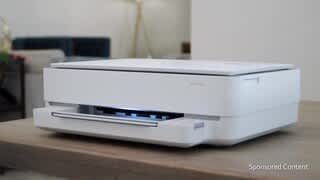


- Model:
- ENVY 6455E/223R1A#B1H
- SKU:
- 6454287
Rating by feature
- Value
Rating 4.2 out of 5 stars
- Quality
Rating 4.2 out of 5 stars
- Ease of Use
Rating 4.0 out of 5 stars
Customers are saying
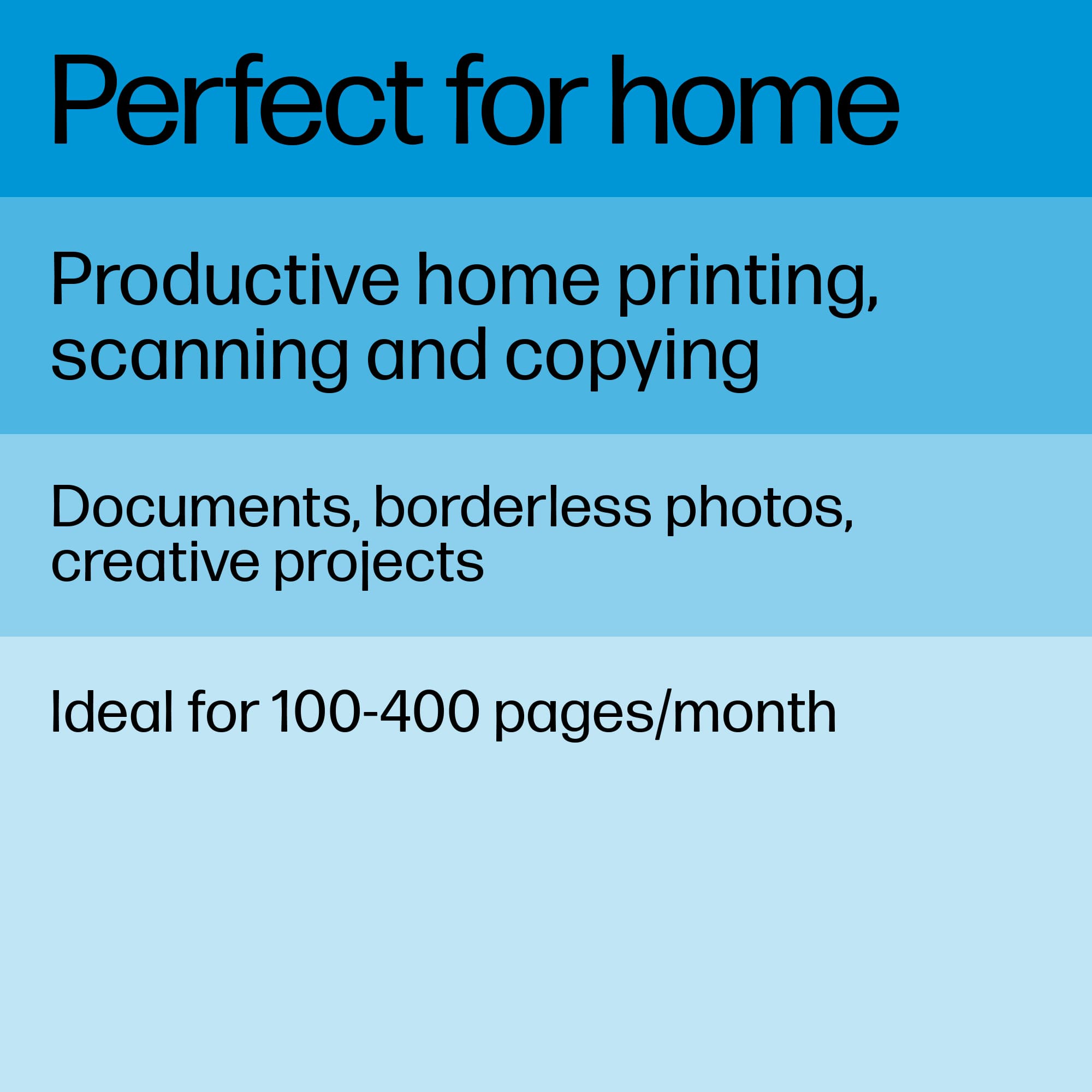
Customers love the ENVY 6455e's ease of use, print quality, and compact size. Many appreciate its affordability and quick setup, while also noting the quiet operation and good performance. However, some users experienced issues with connectivity and the lack of a display screen, and occasional paper jams were also reported.
This summary was generated by AI based on customer reviews.
- Pros mentioned:Ease of use, Print quality
Love the combination of features!
Posted .This reviewer received promo considerations or sweepstakes entry for writing a review.Dependable, easy to use and quality copies. Impressive ability to sync with other devices
I would recommend this to a friend - Pros mentioned:Ease of use, Print quality
Easy to use
Posted .This reviewer received promo considerations or sweepstakes entry for writing a review.Easy to use. To use good quality. I use as second printer.
I would recommend this to a friend 
Nice Printer with Instant Ink Option
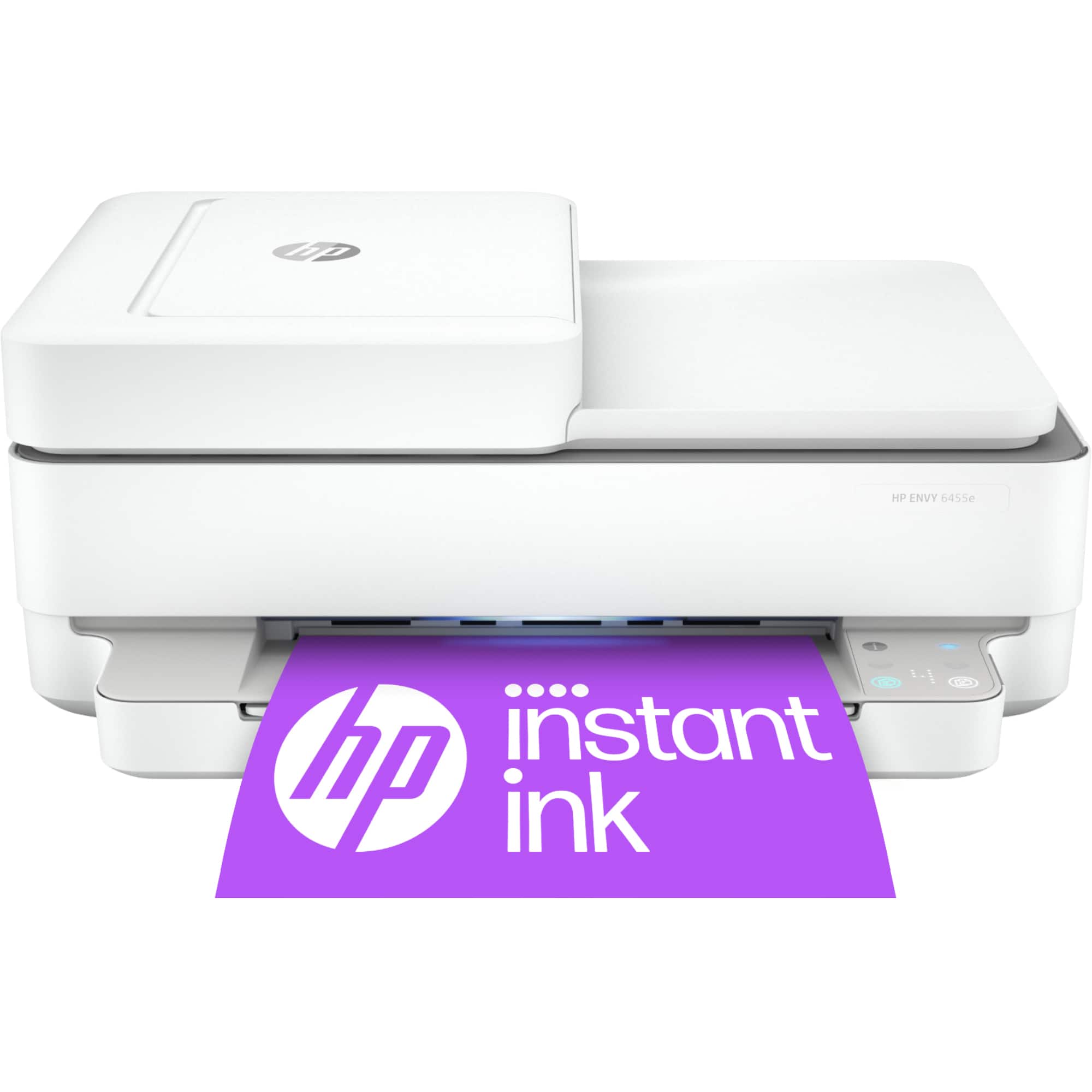
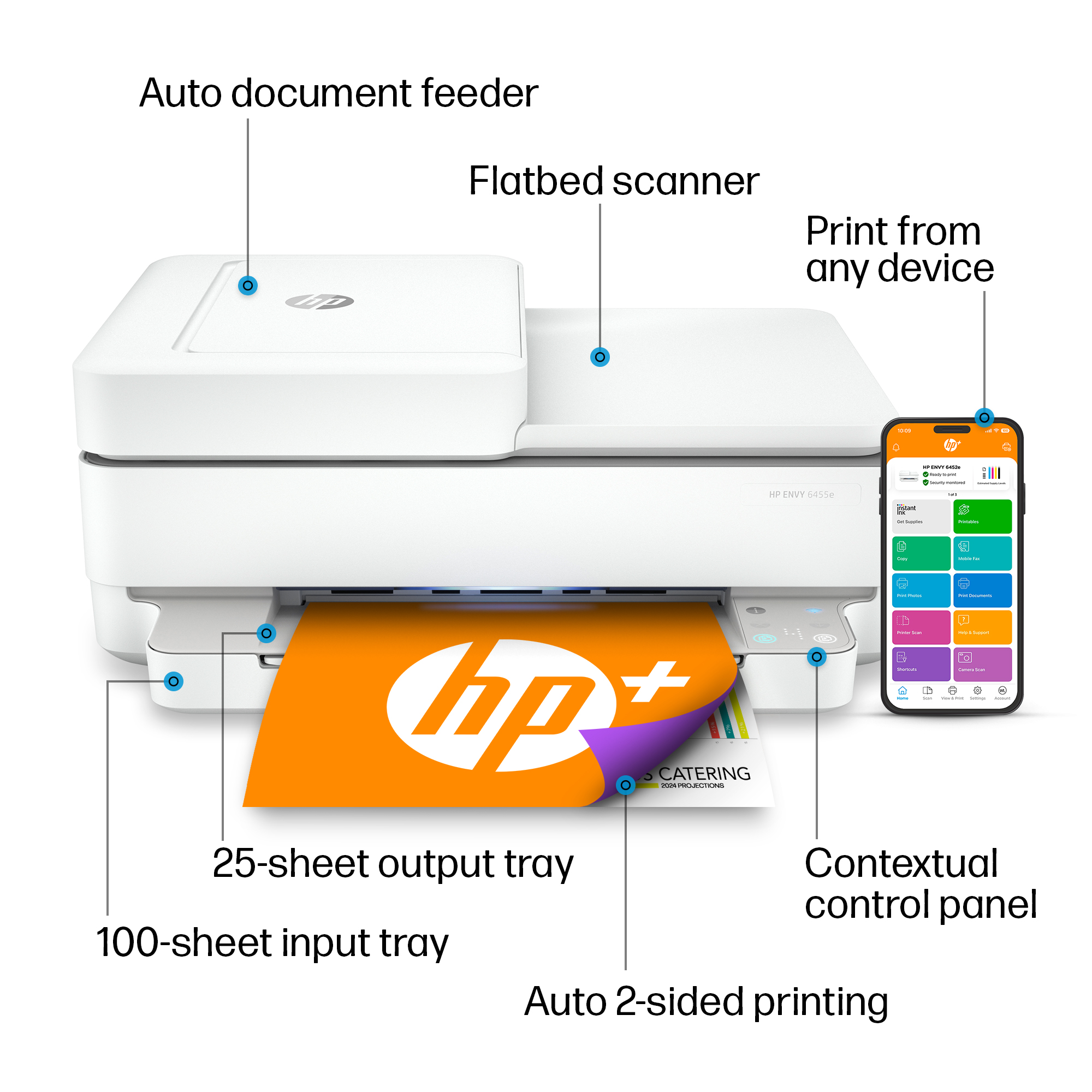
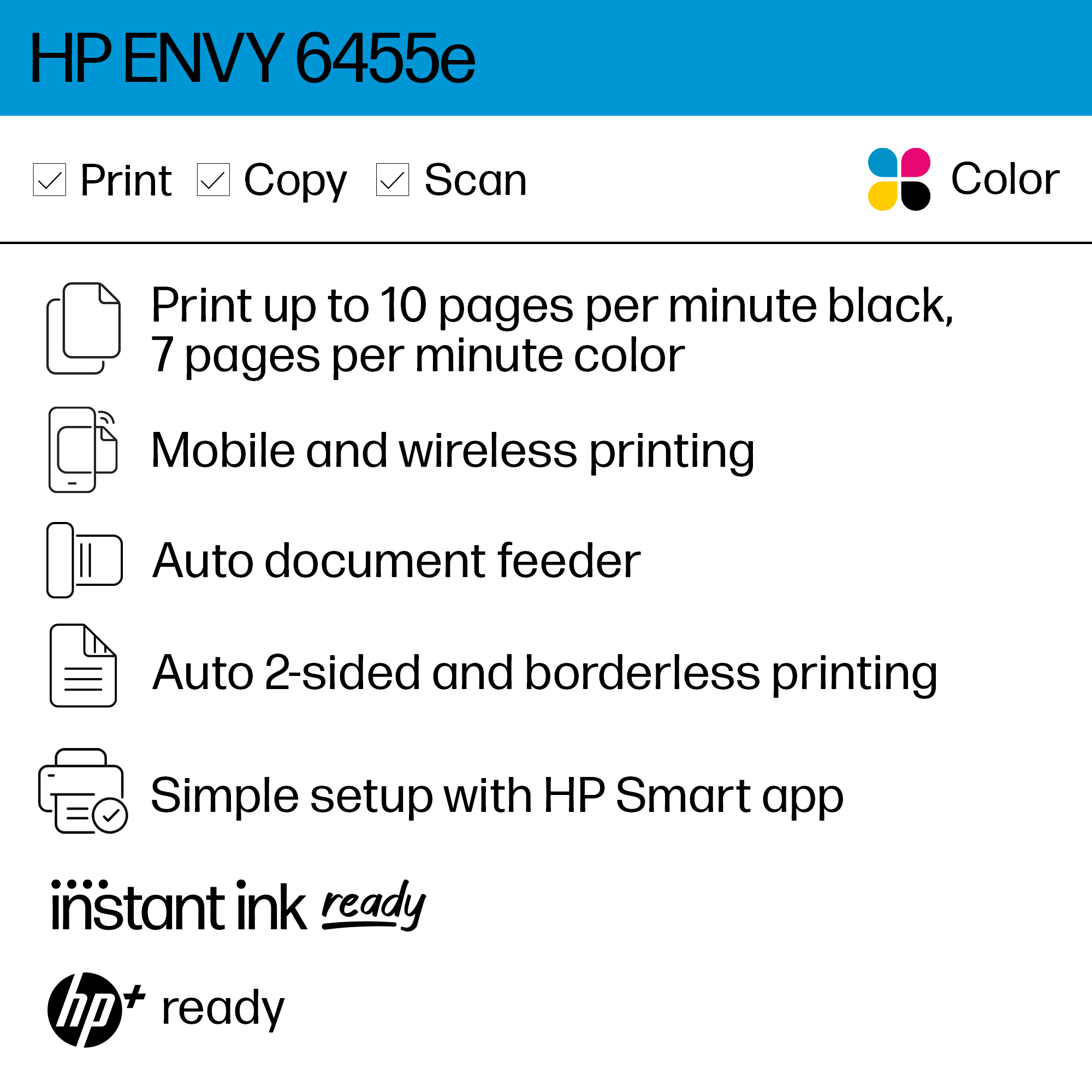
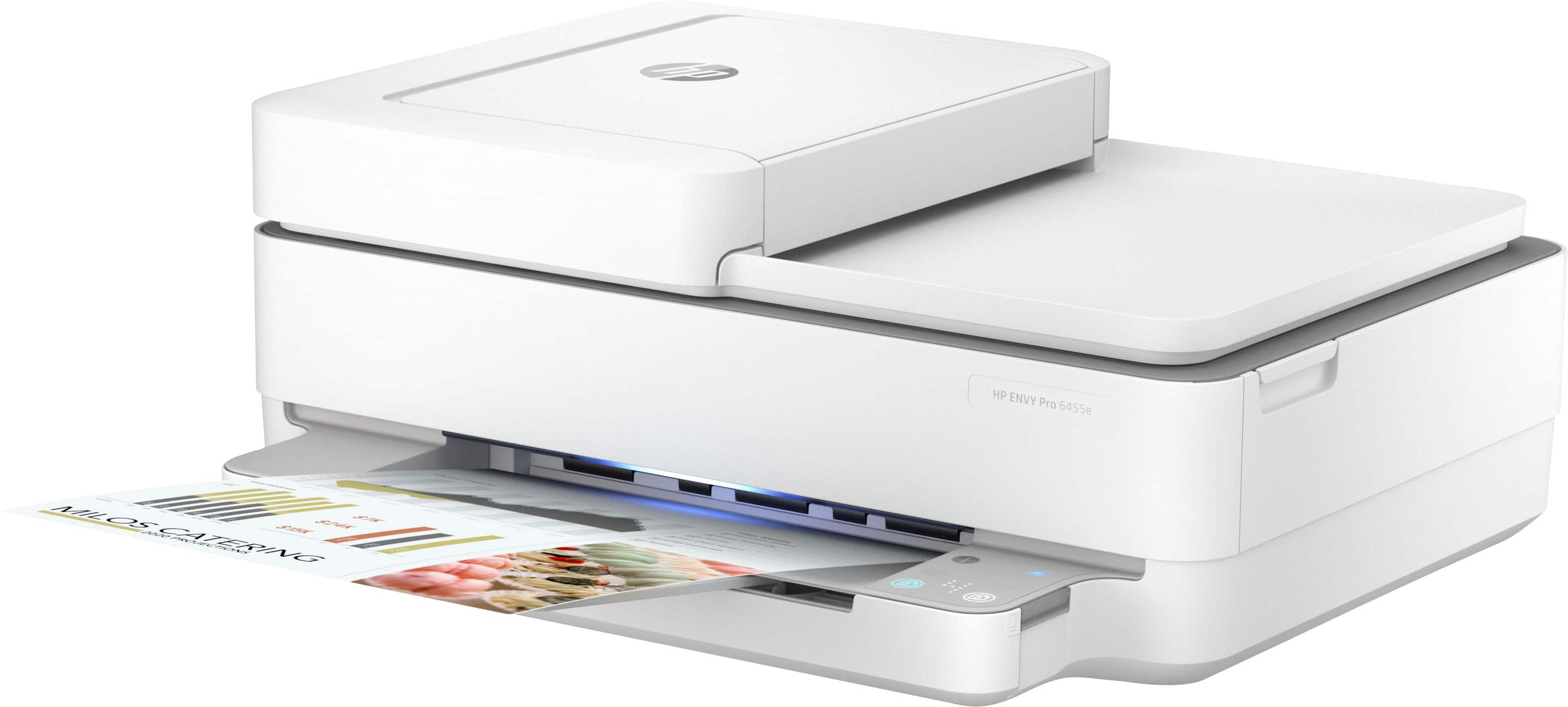
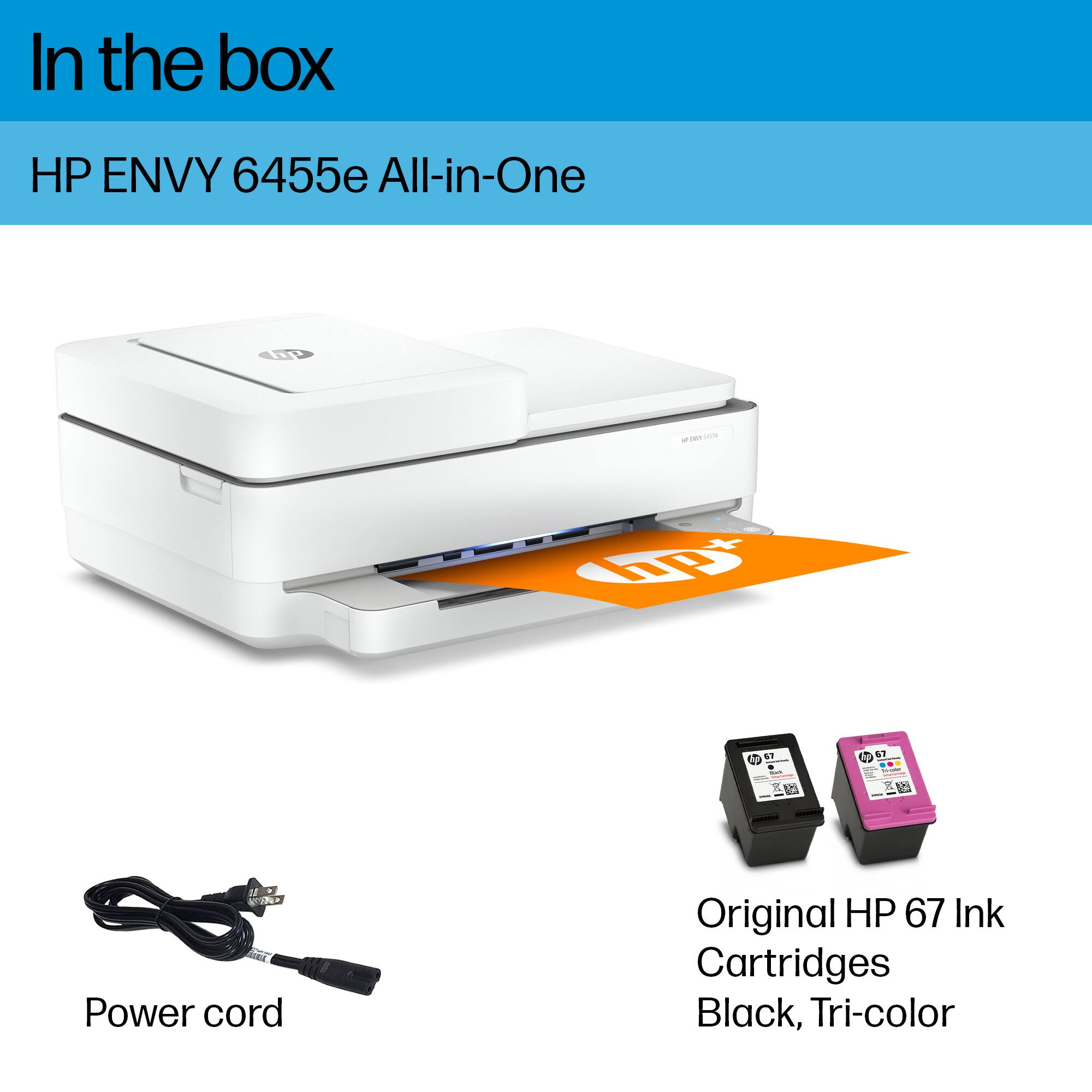
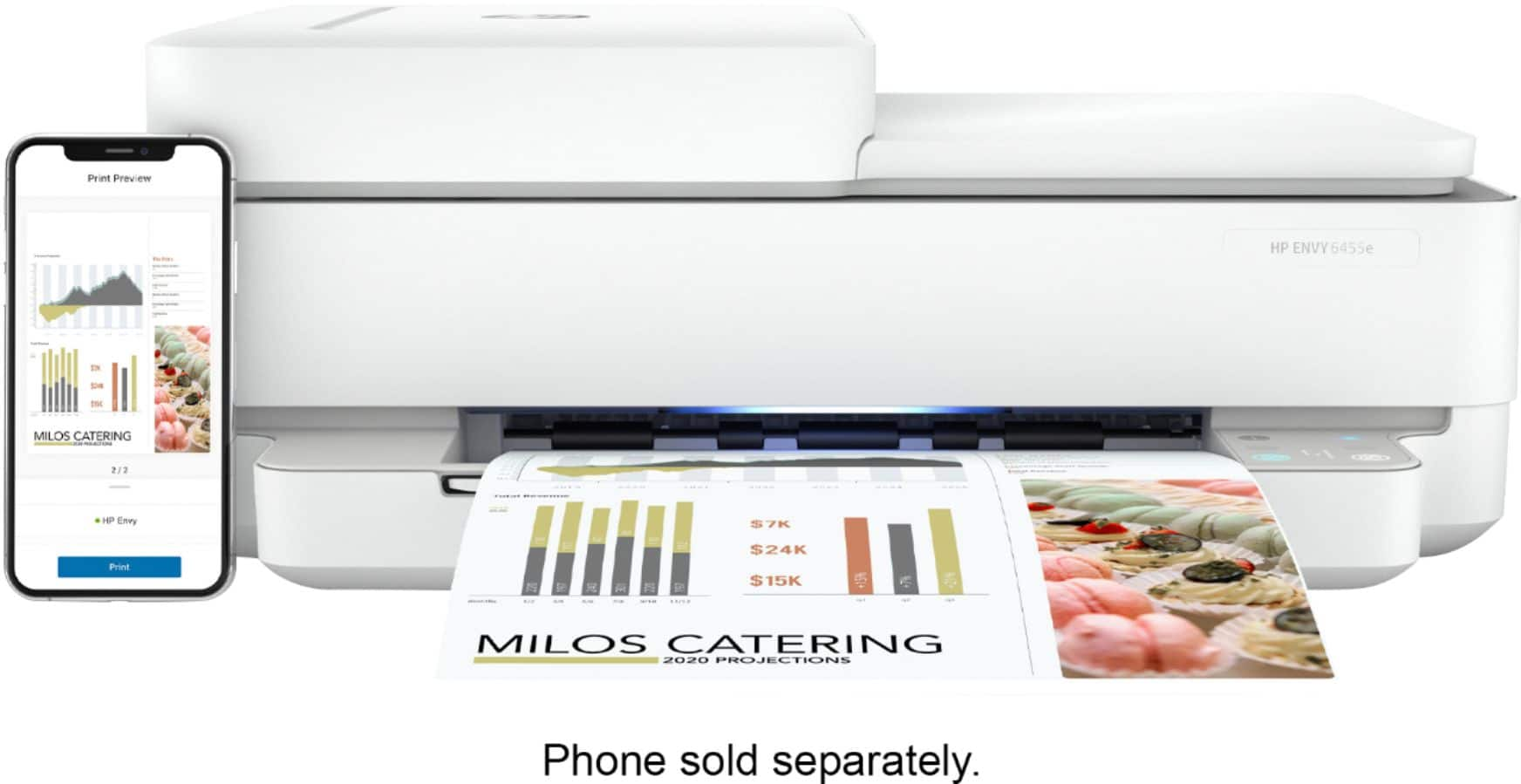
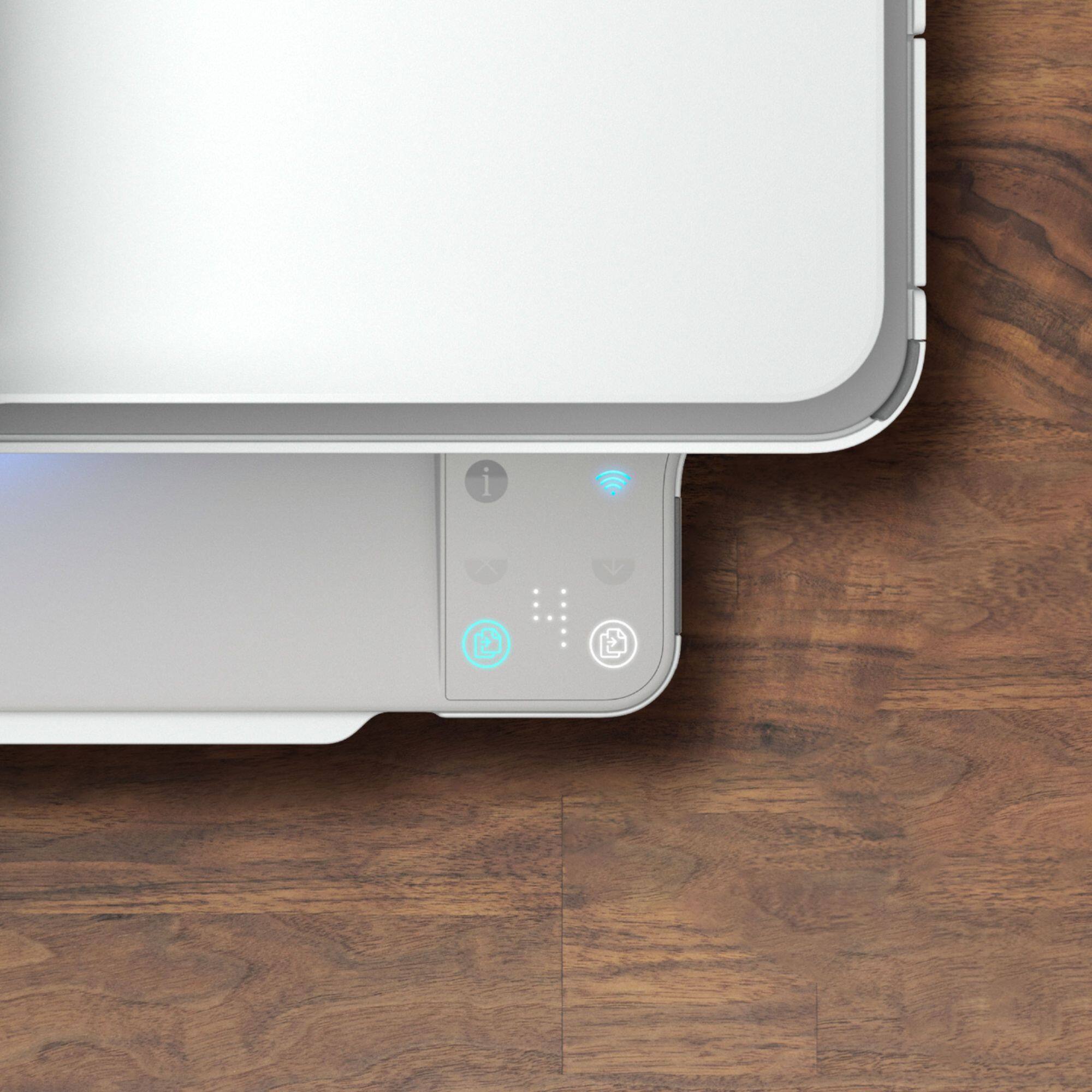
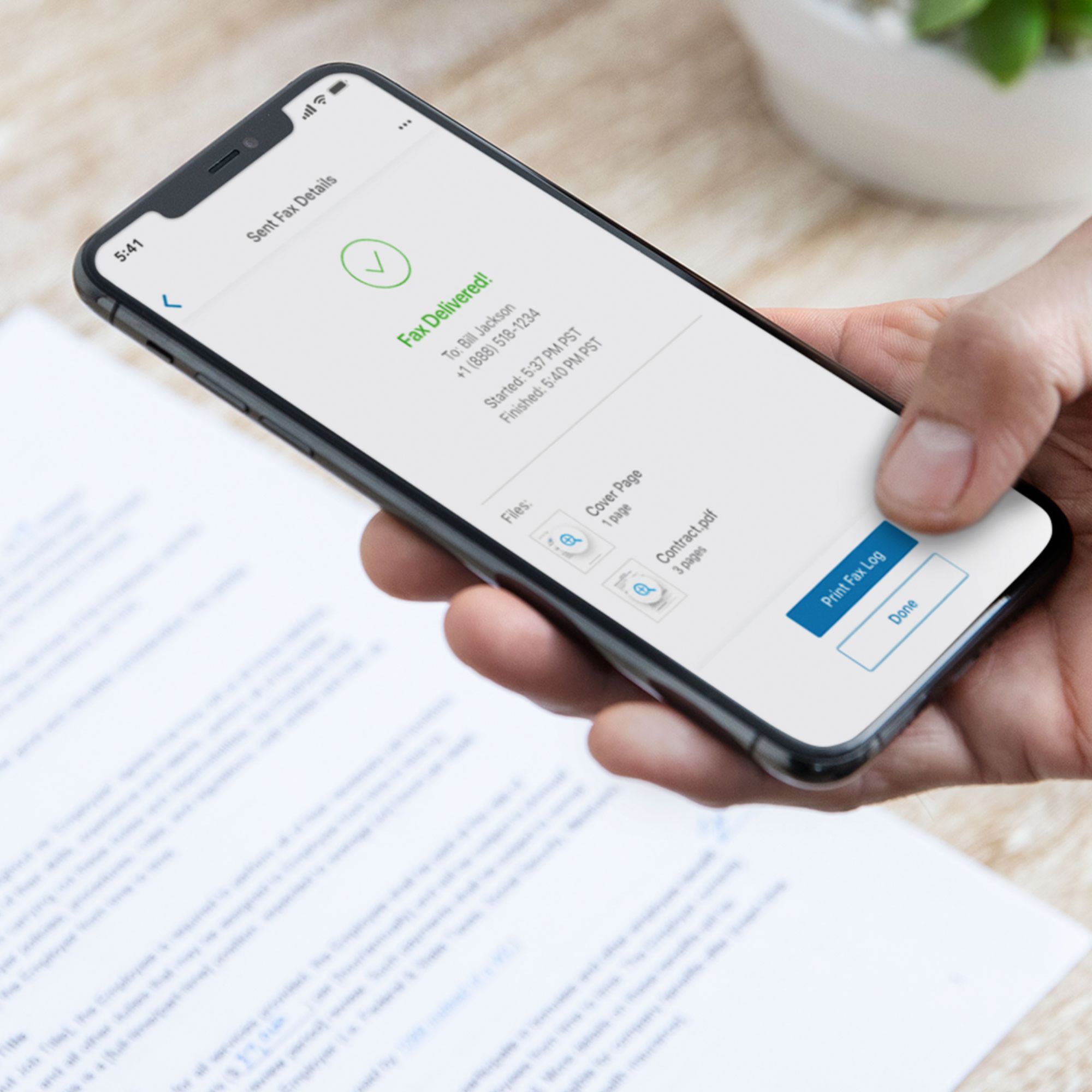
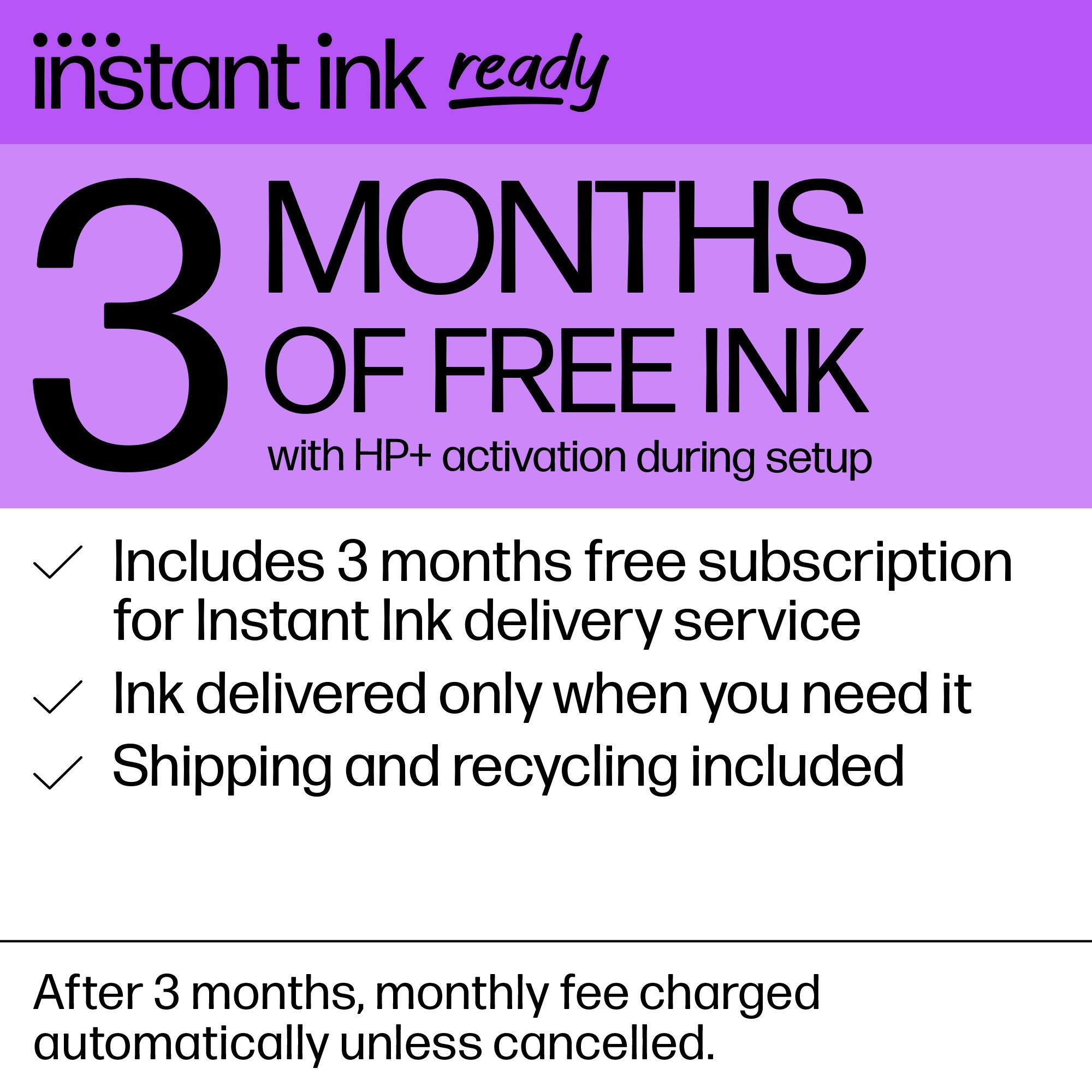
|Posted .This reviewer received promo considerations or sweepstakes entry for writing a review.The HP Envy all-in-one ink jet printer 6455e installation was as easy as removing the blue shipping tape, installing the software and installing the two ink cartridges. The print quality is great and it can also print pictures. In addition to printing, the HP Envy printer can copy and scan. The printer comes with 24 months of mobile fax. The software is downloaded from 123.hp.com and the first time I typed the address in the search bar (no typos), I ended up at a Printer Driver Downloads website that asked for my credit card number. Since enrolling in the HP ink subscription plan also requires a credit card, it almost sounded legitimate. So beware and make sure you are at the official HP website. The printer comes with the option of enrolling in HP+. Enrollment includes free ink (up to 700 pages a month) for 6 months. The printer comes with 2 starter ink cartridges - color and black. If a person chooses to not enroll in HP+, new cartridges may need to be purchased soon. After 6 months there are several ink subscription plans to choose from, based on usage. If enrolled, the printer communicates with HP via an internet connection and new ink is sent as needed without ordering. Up to 300 unused pages roll over from month to month. Used cartridges can be returned for recycling free of charge. Enrollment in HP+ also extends the warranty of the printer to 2 years but you have to agree to only use original HP cartridges, even if not enrolled in the instant ink program. It is very convenient and the cost is about half that of purchasing retail ink cartridges, although still expensive. The cost per page is more than double that of a laser printer. The trade off is being able to print in color. After the 6 months expire, the cost to print is about 5 cents a page ($4.99 for 100 pages). If you go over your plan estimate, your credit card is charged $1 for each additional set of 10 pages. To prevent additional charges, the page count should be checked periodically. The “smart” control panel on the printer is normally blank except for the WiFi symbol, which takes some getting used to. Symbols only appear as needed. For instance if the top is lifted and a piece of paper is placed on the glass, the copy and scan buttons appear. The “cancel” symbol lights up as soon as something starts to print, making it easy to cancel quickly. I’ve only had one problem with it. The printer is adjacent to both an HP PC and the WiFi source, so no connection issues. However, occasionally when I have a document to print, I get a notice that the printer is off-line - even though the blue “ready” light and the WiFi symbol are on. After a couple of tries I switch to my other printer to print the document. Then the next time I print on the Envy printer, all the documents that wouldn’t print before, print. In general, it is a good printer if you don’t mind the extra cost for the option of being able to print in color.
I would recommend this to a friend- Pros mentioned:Print quality
Nice printer
Posted .This reviewer received promo considerations or sweepstakes entry for writing a review.My son-in-law got this for me and installed it but I do not have Word any longer on my laptop, so I really haven’t been able to use it other than printing an email which work just fine
I would recommend this to a friend - Pros mentioned:Print quality
Great Value
Posted .This reviewer received promo considerations or sweepstakes entry for writing a review.Very pleased with your prompt service for delivering very of this HP Printer. It has great quality for a home office printer. The only complaint would be set up, the instructions are vague and do not prove de adequate instructions for ease of set up but a non-professional. There were codes needed which were not easily identified-however this would be a HP issue not a BestBuy problem. Great value for price!
I would recommend this to a friend - Pros mentioned:Price
HP Envy 6455e wireless printer
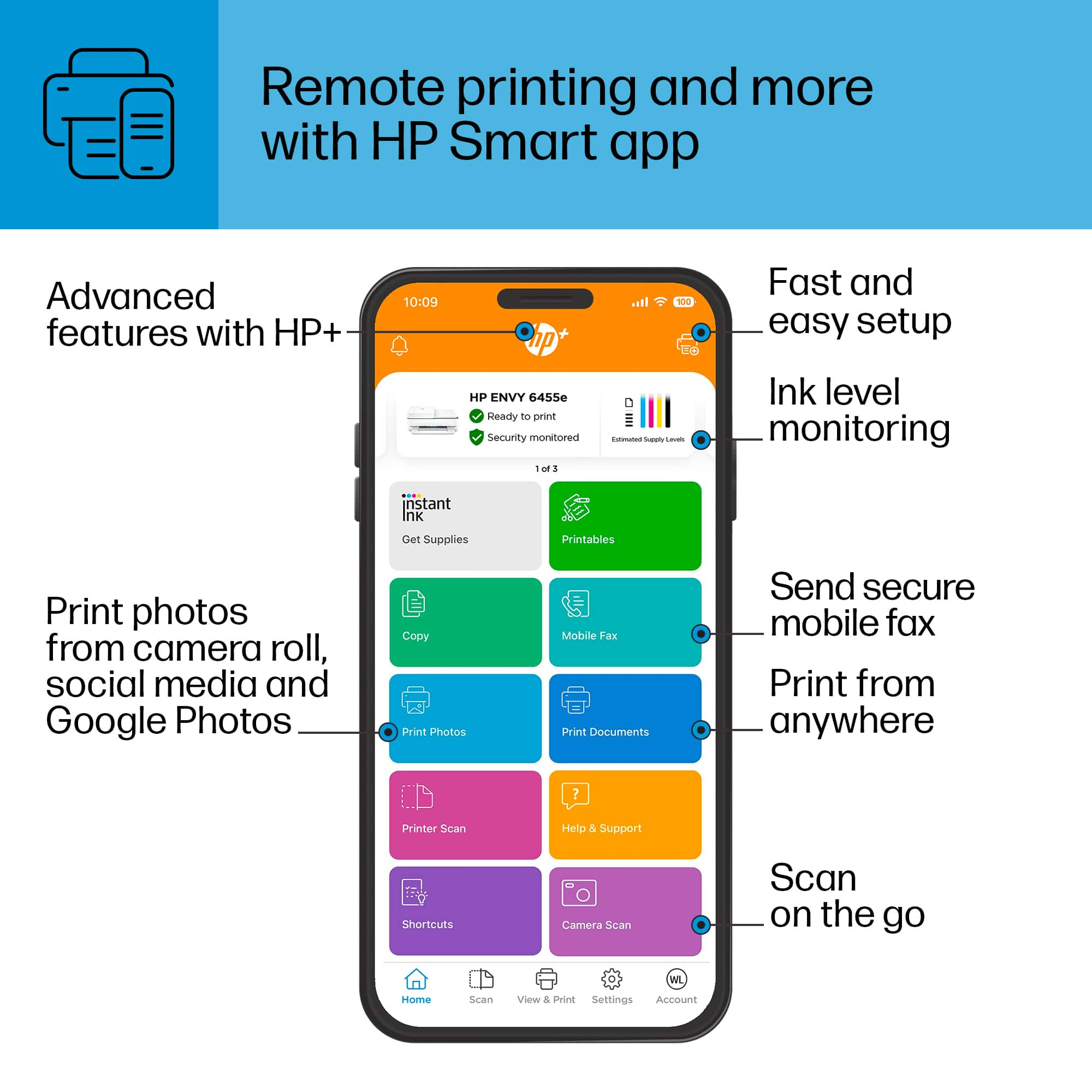
Posted .This reviewer received promo considerations or sweepstakes entry for writing a review.It's very good for a low cost printer. The only way to use this is thru the HP Smart App, no built in screen.
I would recommend this to a friend - Pros mentioned:Ease of use, Print quality
Great Printer
Posted .This reviewer received promo considerations or sweepstakes entry for writing a review.Great printer so far. Does everything I need. Copies come out clear. Easy set up and use.
I would recommend this to a friend - Pros mentioned:Ease of use, Print quality
Great printer
Posted .This reviewer received promo considerations or sweepstakes entry for writing a review.I love this printer!! It was so easy to set up and get working! It is so easy to use and the results are amazing
I would recommend this to a friend - Pros mentioned:Price, Print quality
Perfect!
Posted .This reviewer received promo considerations or sweepstakes entry for writing a review.A quiet and quick printer! Also a great value!! Love it!
I would recommend this to a friend HP Printer Prints and Scans Flawlessly
Posted .This reviewer received promo considerations or sweepstakes entry for writing a review.I love this HP printer. It is good looking and performs well. I enrolled in the HP Instant Ink which makes life so much easier to get replacement ink on time. I have this service on 2 other printers in my house too. The printer batch scans easily also.
I would recommend this to a friend- Pros mentioned:Ease of use, Print quality
Nice printer
Posted .This reviewer received promo considerations or sweepstakes entry for writing a review.Easy setup, good quality print. nice little printer.
I would recommend this to a friend Great Printer for Small Tasks
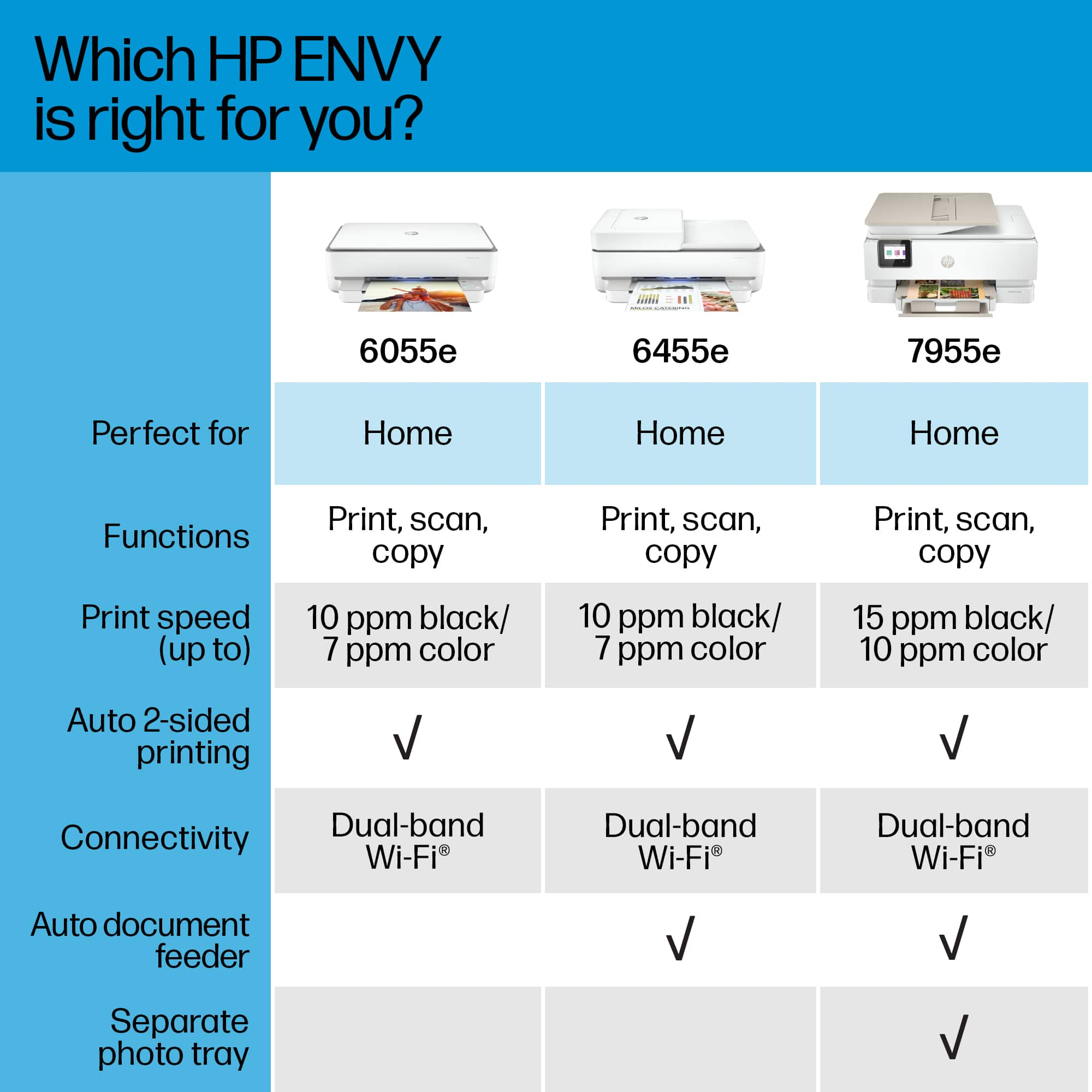
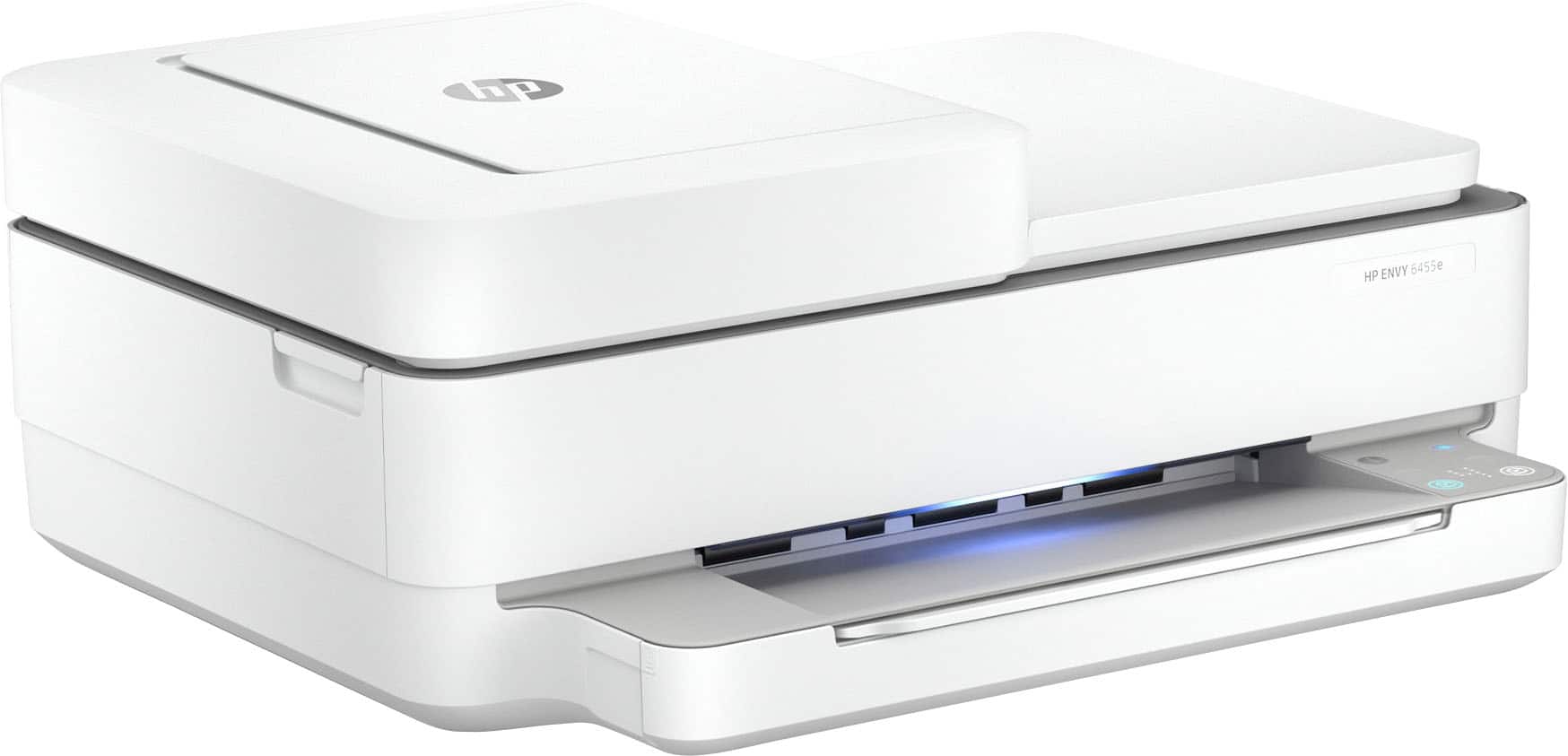
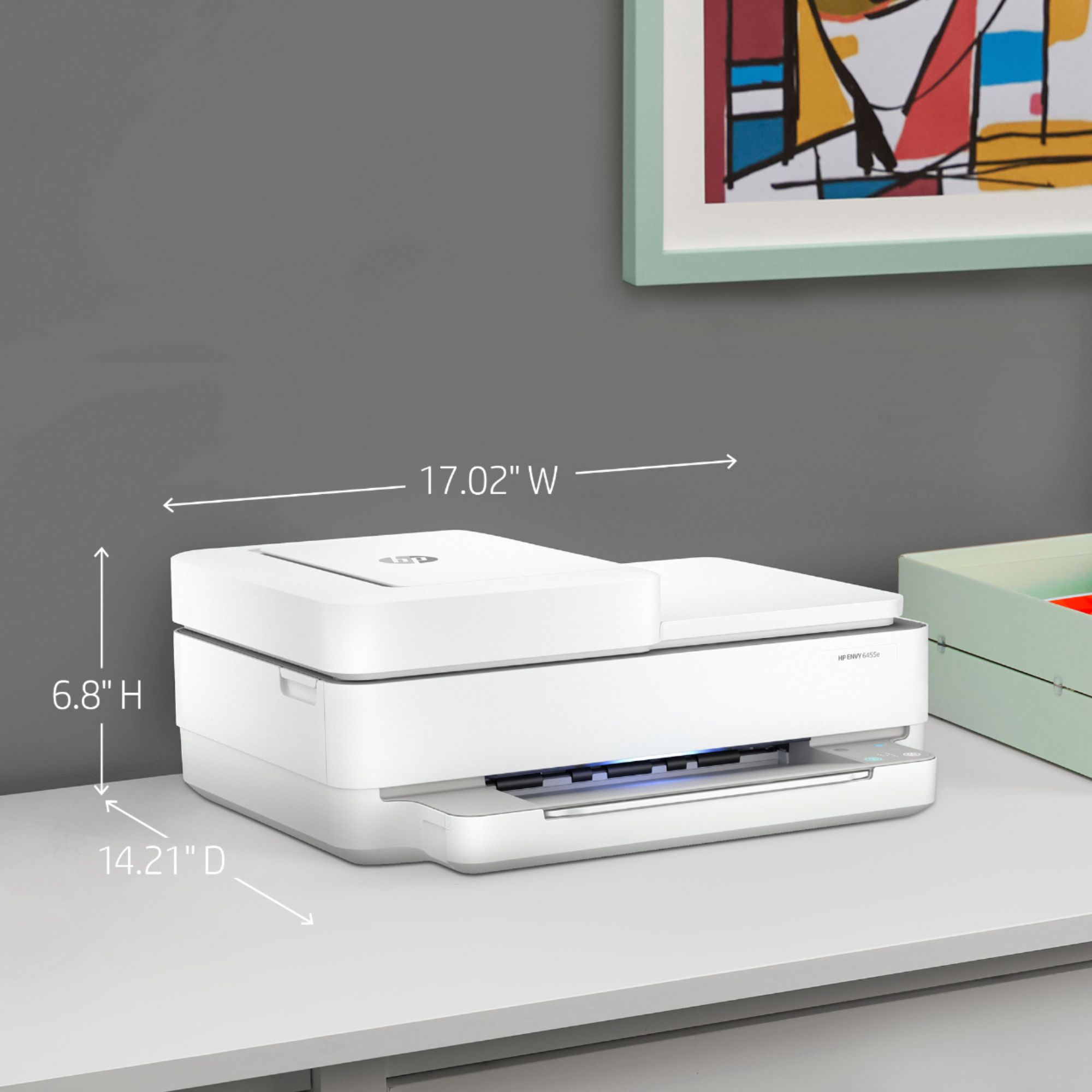
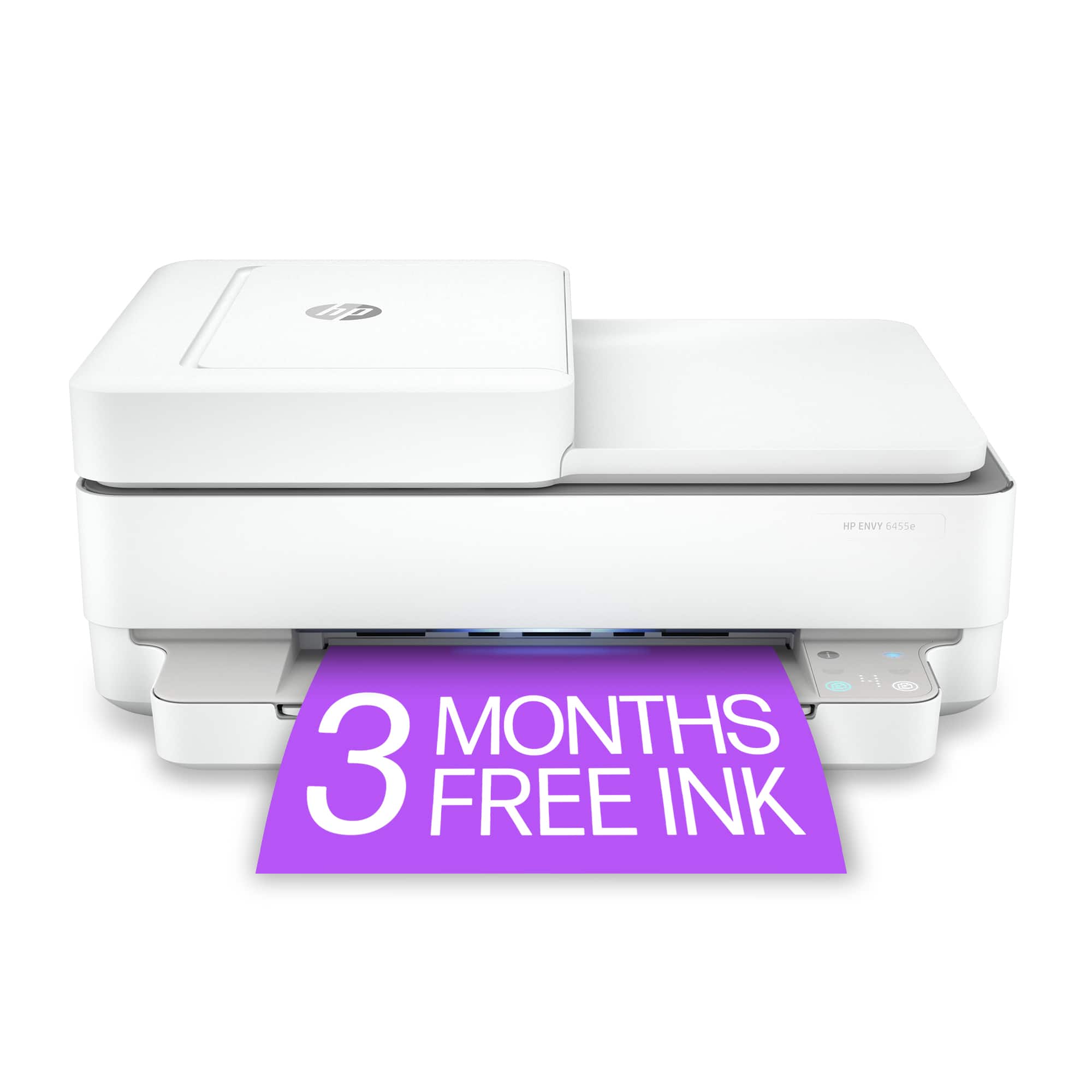
|Posted .This reviewer received promo considerations or sweepstakes entry for writing a review.If you’re in the market for a new printer that can double as a small-business/small-office printer, look no further than the Envy 6400 series from HP. Set up was very easy via an app on smartphone, somewhat small footprint, lights to let you know printer status, and sound build quality. First, let’s talk about the setup. HP has made this really even. I’m confident my 75-year old grandparents wouldn’t have an issue setting up. I’ll admit I had a hiccup at first because I had plugged the printer into my computer to do setup wired first (like most printers nowadays need), but this is the opposite with the Envy 6455. Setting up wireless first actually is the way it’s supposed to go, and you just download the app or software on to your computer (you can uninstall said software after installation if preferred, but not the most recommended), tap or click a few things, connect to your network, and then you’re good to go. I had no issues once starting this process. As far as print quality goes, it’s what you’d expect from a printer in this category: will get the job done. Scans were clear, and printing was fast enough for what most people will use. Don’t expect laserjet speed here and you’ll be fine. Colors are crisp, and really the only gripe is for photos some of the color tones get distributed a bit tighter than wanted, but it’s not a dedicated photo printer so I’m not too surprised. Feature-wise, this is where I really prefer the Envy 6455: auto double-sided printing, the document feeder is good for those few times I needed to scan in multiple pages, hidden paper compartment, and Instant Ink is an option for those that like that. The only thing to note is that if you do like a wired connection there isn’t a USB included to do so. Overall, I like this printer and would recommend it to anyone for easy, all-around usage with no frills and prefer a small, clean look.
I would recommend this to a friendBeware of Subscription Model
Posted .This reviewer received promo considerations or sweepstakes entry for writing a review.I didn't realize until months later that HP printers with an "e" identifier after the model typically are internet connected devices that come with HP's instant ink subscription. HP makes it extremely hard/impossible to setup without connecting it to the internet and utilizing the HP smart app since this doesn't have a display. After canceling the ink subscription you can no longer use the ink, even if it's full since it comes programed to only work when subscribed. There is no display so if you need network info or are trying to diagnose the printer you have to print pages with that info. Definitely not a user friendly printer if you just want a printer that works without subscriptions or internet connectivity.
No, I would not recommend this to a friendgood value
Posted .This reviewer received promo considerations or sweepstakes entry for writing a review.met my performance expectations...ink is hard to change out
I would recommend this to a friend- Pros mentioned:Ease of use
Me and my Envy
Posted .This reviewer received promo considerations or sweepstakes entry for writing a review.Have been a HP printer person for a long time. Was over due for an upgrade and the HP Envy 6455e was the right choice. Can't beat the All-in-One package. Easy set up and in concert with the HP Smart app makes it all work smoothly. Plus a light show during the printer working away on the shelf.
I would recommend this to a friend - Cons mentioned:Connectivity
I Can't Use It
|Posted .This reviewer received promo considerations or sweepstakes entry for writing a review.I thought this printer would be a good choice. It's sleek and looks good in a home or small office. But I never got to set it up. When I tried to connect it to my internet, I was unable to. There should be a pin number that will allow you to connect this unit to your internet if it doesn't go automatically. I used every trick I know and couldn't find it. In order to even try to use it, I would have to completely open my wifi which I'm not comfortable with at all.
No, I would not recommend this to a friendBrand response from HP Team
Posted .Hi there.
I’m sorry to hear that your printer would not connect as it should, and that you could not find the PIN needed to complete the connection. I can understand why that would be puzzling as well as quite frustrating, so I’ll offer some resources and information that I hope will help.
I believe this issue probably has a quick remedy that one of our support agents can offer, so I suggest that you contact us directly at +1 800-474-6836 so we can guide you through the proper troubleshooting. (Please note that because of restrictions on personal movement and workplace attendance associated with the COVID-19 pandemic, wait times for agents are longer than normal. Thanks in advance for your understanding.) To expedite the process, I recommend gathering the following information before the call:
- Model number
- Serial number
- Your location
- Case number (from any previous contact with HP support)
Keith
HP Care
hp.com/support
- Pros mentioned:Print quality
Difficult set up with almost useless instructions
Posted .This reviewer received promo considerations or sweepstakes entry for writing a review.Difficult to set up. Instructions very unclear. I have owned several printers and this was the worst to set up. Several issues. One of the worst was trying to figure out how to load paper. And what is the document feeder and how is it used? Nothing in instructions about it. Power button is on back which makes hard to turn it on and off. On the plus side, prints well.
No, I would not recommend this to a friend - Pros mentioned:Ease of use, Print quality
Hp series 6454
Posted .This reviewer received promo considerations or sweepstakes entry for writing a review.I love my new printer. It was easy to set up and it works great.
I would recommend this to a friend Printer
Posted .This reviewer received promo considerations or sweepstakes entry for writing a review.Good printer but after three years it started acting up. It would print blotchy, it also got an error code with the cartridge. Was good while it lasted. Got the protection plan on it, so I exchanged it for another one.
I would recommend this to a friend- Pros mentioned:Print quality
Overall good, with a learning curve
|Posted .This reviewer received promo considerations or sweepstakes entry for writing a review.The directions are not real good, and it takes a bit to set up and get running right. I recommend patience. Once set up though, This thing prints amazing! I would have given 4 stars, as it's not the easiest or the most intuitive to set up, but it works fantastic once up and running and deserves 5 stars. Prints from phone via WIFI as well with no issue.
I would recommend this to a friend