Customer Ratings & Reviews




- Model:
- ENVY 6455E/223R1A#B1H
- SKU:
- 6454287
Rating by feature
- Value
Rating 4.2 out of 5 stars
- Quality
Rating 4.2 out of 5 stars
- Ease of Use
Rating 4.0 out of 5 stars
Customers are saying
Customers love the ENVY 6455e's ease of use, print quality, and compact size. Many appreciate its affordability and quick setup, while also noting the quiet operation and good performance. However, some users experienced issues with connectivity and the lack of a display screen, and occasional paper jams were also reported.
This summary was generated by AI based on customer reviews.
- Pros mentioned:Ease of use
HP Envy
Posted .This reviewer received promo considerations or sweepstakes entry for writing a review.Easy to use printer with good color. Be sure to read your guide book and use the right web site than everything will go smoothly. I like the printer app. It keeps me well informed.
I would recommend this to a friend - Cons mentioned:Connectivity
Not happy with this printer
Posted .This reviewer received promo considerations or sweepstakes entry for writing a review.Since I bought this printer, I have had connection problems. When it manages to connect it works fine.
No, I would not recommend this to a friend - Cons mentioned:Connectivity
AWFUL PRINTER
Posted .This reviewer received promo considerations or sweepstakes entry for writing a review.Save your money!! There is a problem with this printer every time I try to use it. Only thing that never seems to be a problem is scanning. It always has issues connecting wirelessly and printing, which should be a simple task for a printer. Will never buy a HP printer again.
No, I would not recommend this to a friendBrand response from HP Team
Posted .Hi, Kelsey.
I’m sorry to hear that your printer has performed so poorly. I can certainly understand why difficulty with wireless connectivity and reliable printing would make for a frustrating experience. I want to help you resolve these problems, so I’ll direct you to some resources I hope will reach that end.
First, I recommend that you visit a page on our support site that has diagnostic tools for various tasks and issues, including wireless connectivity. On the same page you’ll find a general-purpose tool called the HP Print and Scan Doctor. If you use Windows, the tool will help identify and guide you through solutions to a wide range of common printing and scanning difficulties. Visit that page here:
- support.hp.com/us-en/topic/diagnostics
For more help with difficulties, you can access troubleshooting guides, how-to documents, user manuals and software updates specific to your printer here:
- support.hp.com/us-en/product/model/2100187516
If any problem persists, I suggest you contact us directly so we can help you assess what’s happening and find the best way to a resolution. HP+ printers such as yours come with exclusive concierge support. To call and reach live HP+ experts, visit the following URL and enter your HP+ serial number:
- hp.com/plus-help
Keith
HP Care
hp.com/support
- Pros mentioned:Print quality
Yippee
Posted .This reviewer received promo considerations or sweepstakes entry for writing a review.So far, so good! After a little struggle getting the printer installed everything is going well. The copies are crisp and though the machine is a little loud, hey, it’s in an office! Great choice for our modest needs.
I would recommend this to a friend - Pros mentioned:Price
Decent low cost printer
Posted .This reviewer received promo considerations or sweepstakes entry for writing a review.Difficult to set up with the Smart app. Once set up, it is a good value.
I would recommend this to a friend - Pros mentioned:Ease of use
Easy to Use
Posted .This reviewer received promo considerations or sweepstakes entry for writing a review.Love this printer. So easy to use I thought I had broken it and just when that thought came the paper came out!!
I would recommend this to a friend Good printer
Posted .This reviewer received promo considerations or sweepstakes entry for writing a review.It’s not a bad printer, just hard to figure out when you take it out of the box. This was the printer that replaced our original printer. It really would be helpful if instruction came with it. But, having said that, we pretty much got the hang of it so all is well.
I would recommend this to a friend- Cons mentioned:Display

Should not have been released yet.
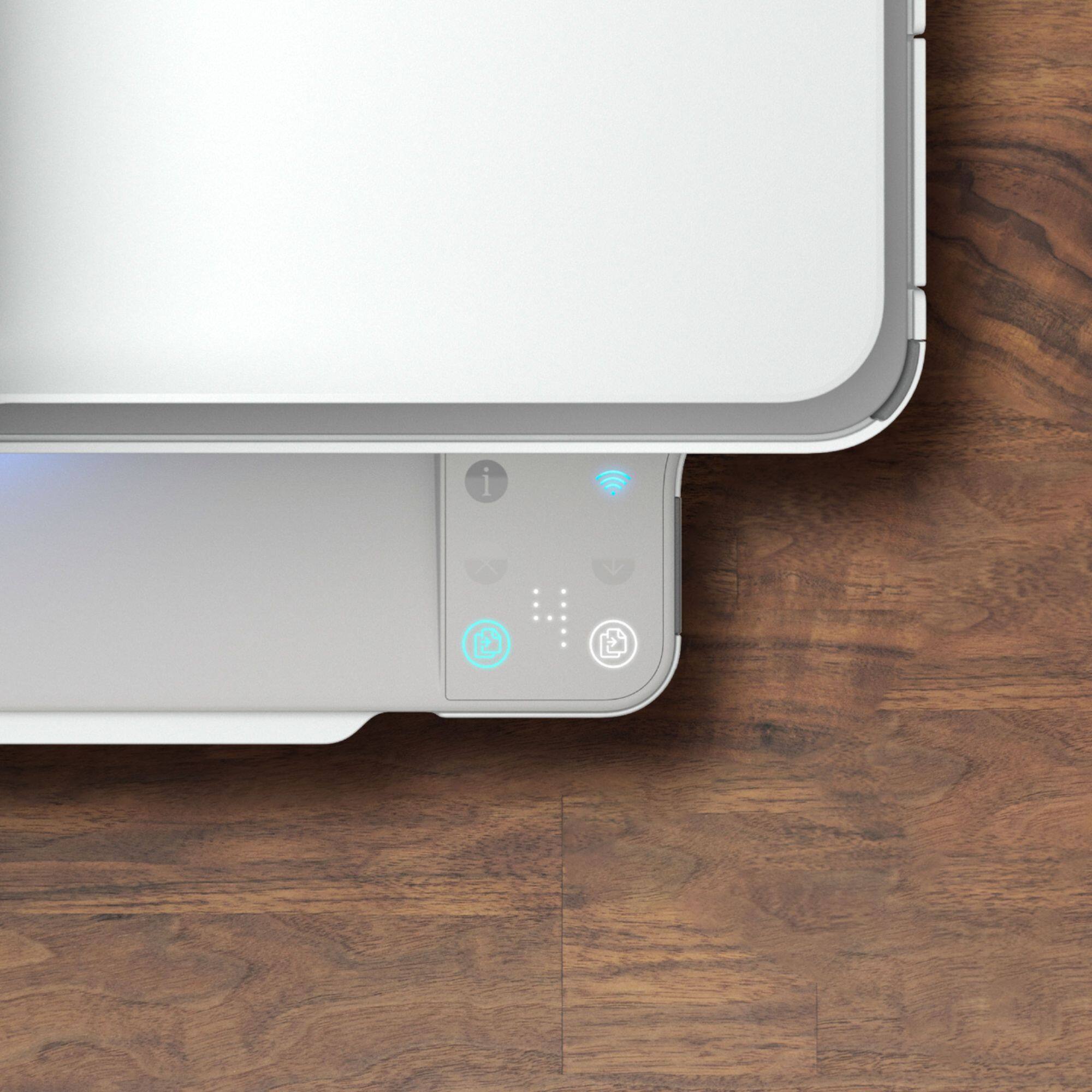
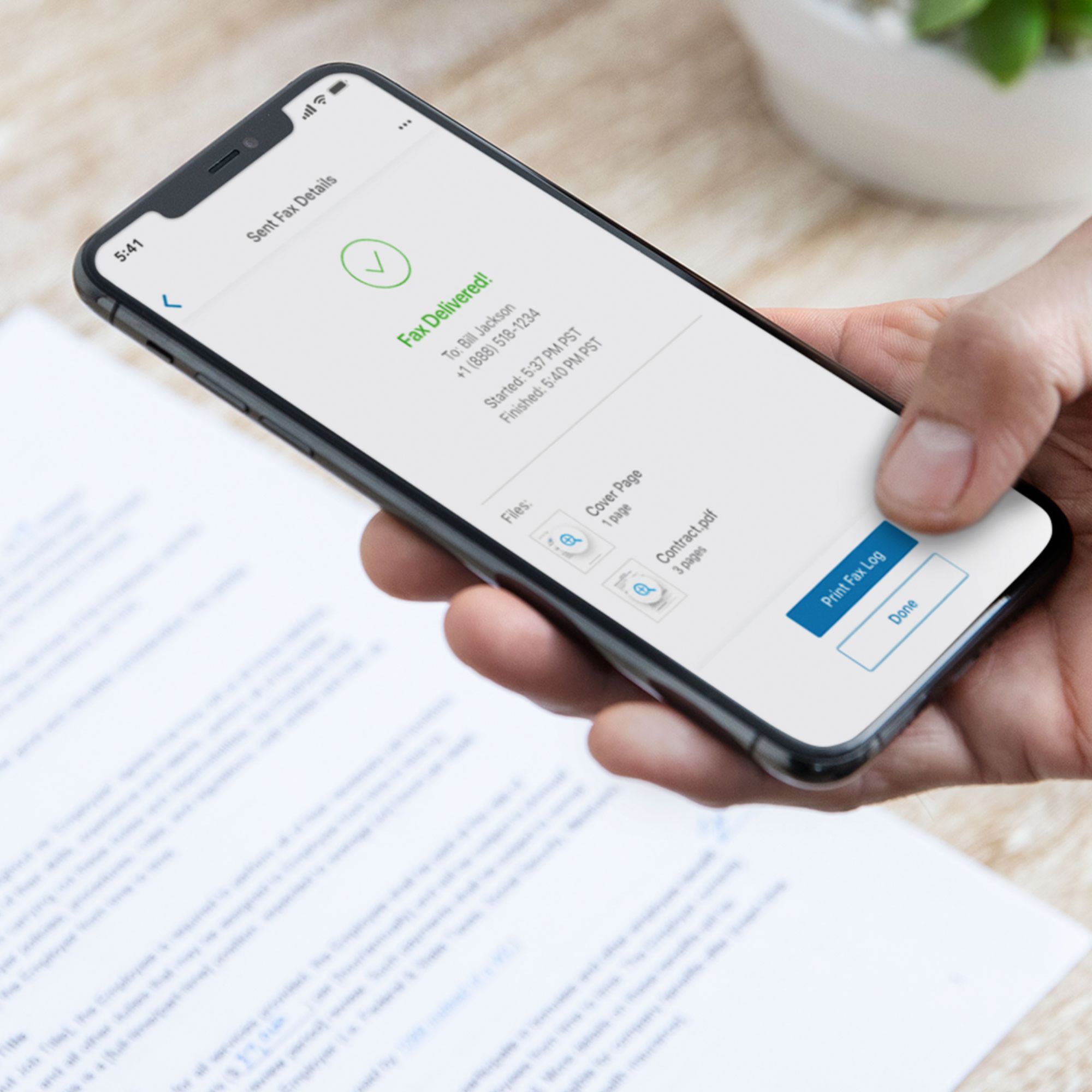
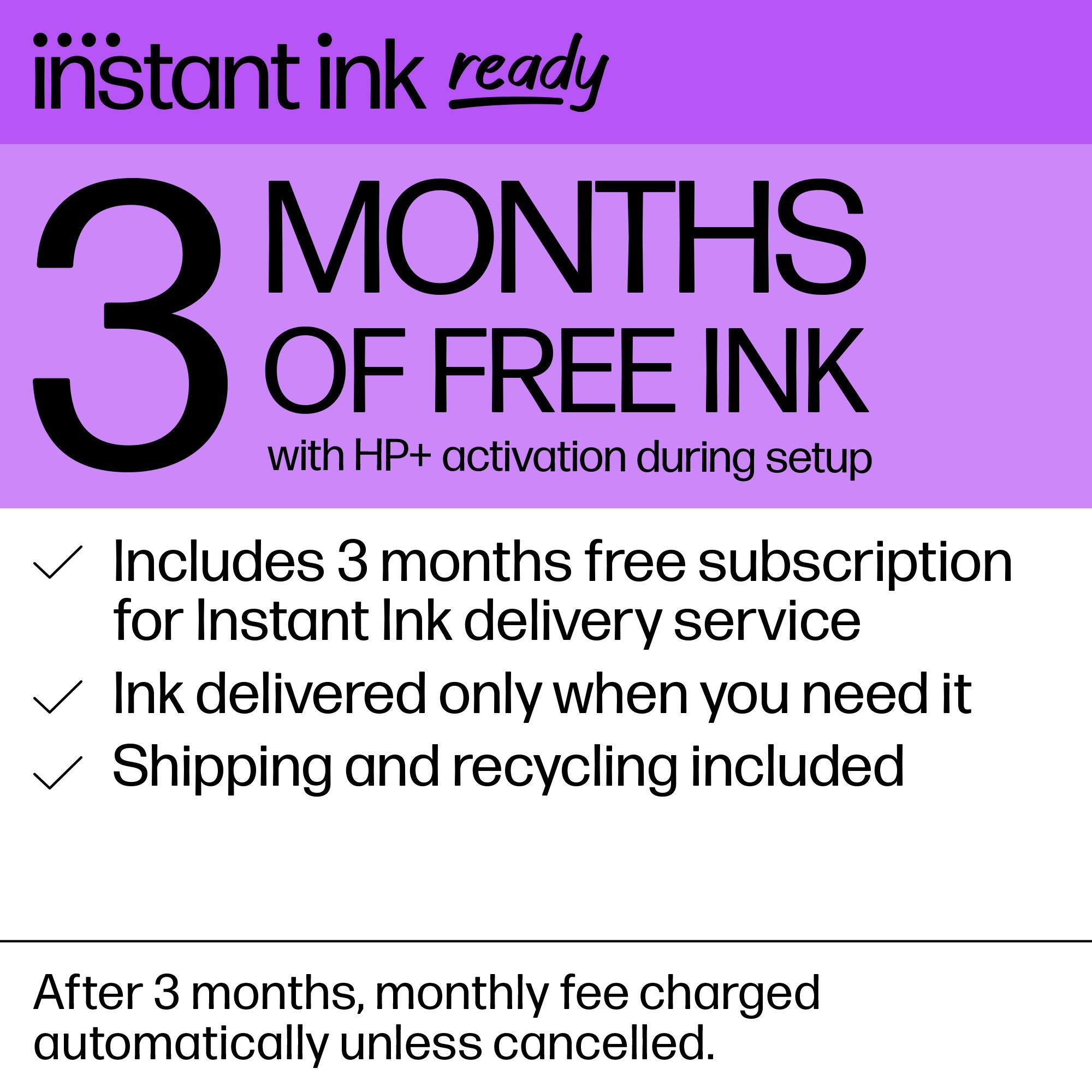
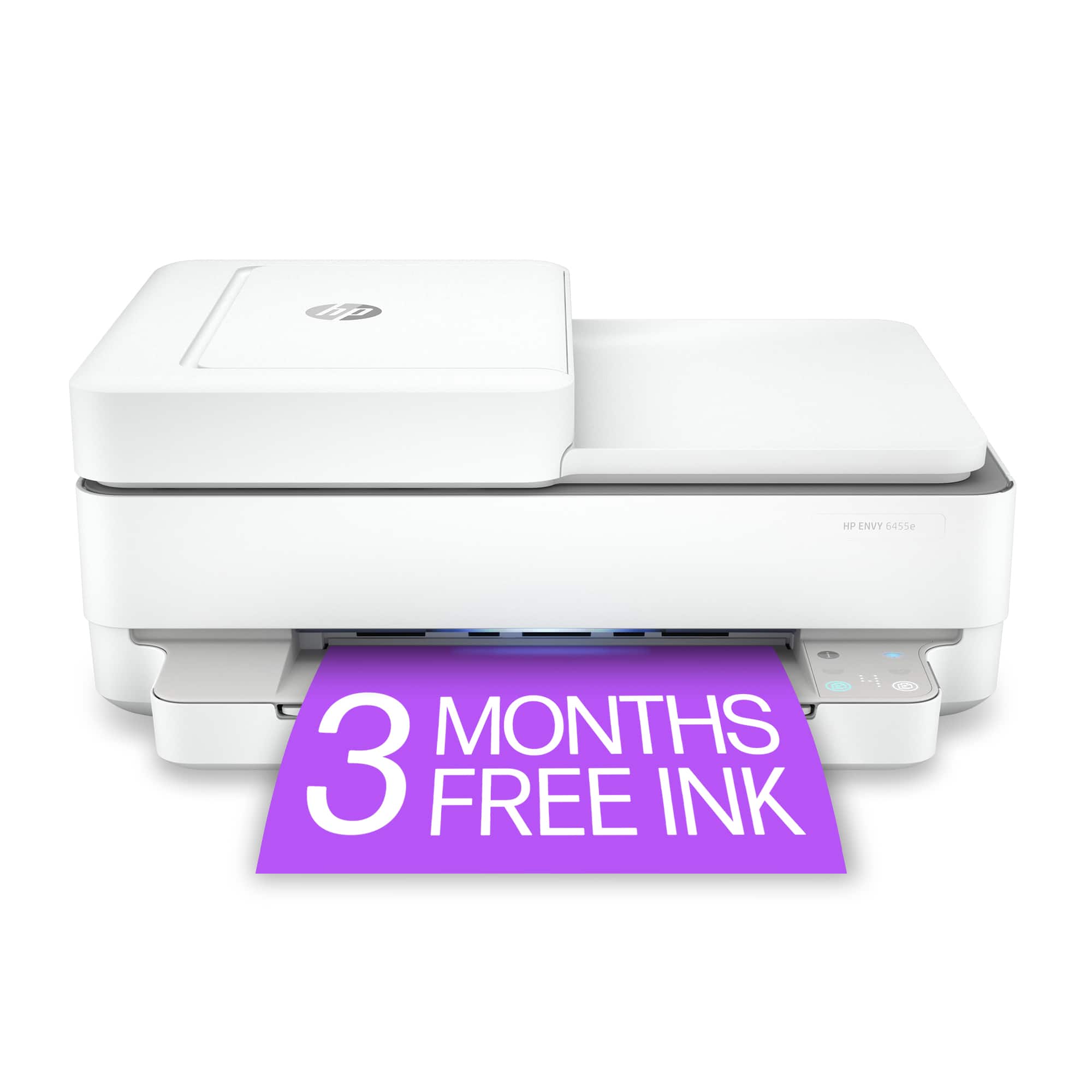
|Posted .This reviewer received promo considerations or sweepstakes entry for writing a review.HP - ENVY Pro 6455 Wireless All-In-One Instant Ink-Ready Inkjet Printer - White The HP ENVY Pro 6455 really does not deserve the “Pro” name on it. This is a less than average all in one printer that is beyond slow. I’m really sorry to give this such a bad review but nothing about this printer appeals to me. I really wanted to put this in use in another room for the odd print or scan on the fly job. But the reality of it is this printer takes 33 seconds to print a single sided page. A double-sided page takes over 40 seconds. The printer just seems to have a lot to do before anything happens and then again after it prints. It continuously alerted me, via the app, that the paper was low and I needed to add paper. It had about 30 sheets in it at the time, this is the only printer I’ve ever had that starts complaining about paper so soon. It means you’ll need to keep it full to stop it from alerting you. The print cartridges (standard size) only print 100 color, and 120 black pages. They are really reasonable in price, if you can find them when you need them. At this writing there are no standard cartridges available on any site, including HP. Cost per copy is around $0.30 a page. That is outrageous, you absolutely have to sign up for the Instant Ink service and pay a monthly fee. There is a free version, but it only supports 15 pages. Go over by 1 and they will charge your credit card $1.00 for every additional 10 pages. This printer seems to be based off a service of pay to print. This is the first printer I’ve seen with no display at all. It has 4 lights and 1 square of dots that make up the display. They are hidden until they light up. They really are in no way descriptive of what they are until you understand them. If you put a document in to copy you can select the button on the left for color, or the one on the right for black and white. The square dot area displays a 0 until you press a button. It then displays a 1 and in about 1 second it starts the copy process. If you want more than 1 copy you need to know that before you start so you can press the button until the correct number is displayed. That’s really the only thing this printer does fast is start the copying process. The scanner takes 33 seconds to scan a single page. It doesn’t matter if it’s black and white, or color. The document feeder is single sided scanning only. If you want a double-sided copy you have to have you phone, tablet, computer involved. The free 2 months of Instant Ink require a credit card to start. HP wants to be able to charge you for everything you do. The 2 free years of Mobile Fax is outgoing only. No incoming faxes. Not that many people need to get a fax, but to have it limited to outgoing only is really a major limit. There is also a note that after the 2 years of free service you will be charged to continue to use it. But there is NO cost published anyplace for this service. I don’t know anyone that will sign up for something that will cost them money at some point, but oh, that’s a secret. When I attempted to read the “Terms of service” to use some of the functions I got an “access denied” page. If your old enough you remember the day when TV was free, and all the buttons were on the TV. Then one day all the buttons moved to a remote that you kept losing. Then cable came in and just watching TV cost money. This is probably the beginning of no way to control the printer unless you have your phone in your hand and paying to print or copy anything in your own home. The things I like. It has a cover that covers the ADF feed area fully. The things I don’t like. Everything else. If I were able to return this printer I would. Please read reviews about getting cartridges and just general usage before considering this printer. I really expected more from HP. I’ve been using HP printers for decades and have always been happy with the way they worked. Not this time.
No, I would not recommend this to a friendBrand response from HP Team
Posted .Hi there.
I’m sorry to hear that your printer has caused you such inconvenience. It’s easy to understand why the combination of issues you describe would quickly become frustrating, so I’ll offer some resources and information that I hope will help.
The first issue you mention is slow printing. I suggest you look at these documents that cover improving print speed:
- Windows: support.hp.com/us-en/document/bud03409
- Mac OS: support.hp.com/us-en/document/c01928898
You also might find value from visiting a page on our support site that has diagnostic tools for various issues. There you’ll find a general-purpose tool called the HP Print and Scan Doctor. If you use Windows, the tool will help identify and guide you through solutions to a wide range of common printing and scanning issues. Visit that page here:
- support.hp.com/us-en/topic/diagnostics
If you need any assistance or have questions, I hope you’ll contact us directly at +1 800-474-6836 so we can guide you through the proper troubleshooting. (Please note that because of restrictions on personal movement and workplace attendance associated with the COVID-19 pandemic, wait times for agents are longer than normal. Thanks in advance for your understanding.) To expedite the process, I recommend gathering the following information before the call:
- Model number
- Serial number
- Your location
- Case number (from any previous contact with HP support)
Keith
HP Care
hp.com/support
- Pros mentioned:Ease of use
HP - ENVY PRINTER
Posted .This reviewer received promo considerations or sweepstakes entry for writing a review.My HP - Envy is more user friendly than my older printer. Easy and smooth! I would recommend this printer to other seniors.
I would recommend this to a friend So far so good
Posted .This reviewer received promo considerations or sweepstakes entry for writing a review.So far so good. It's not used much, but has done a good job so far.
I would recommend this to a friend- Pros mentioned:Print quality
New Printer
Posted .This reviewer received promo considerations or sweepstakes entry for writing a review.We love this new printer! This is our fourth printer and hopefully it will be the best one we’ve bought. Thanks also to Ben the tech who installed it & helped us use it.
I would recommend this to a friend HP printer
Posted .This reviewer received promo considerations or sweepstakes entry for writing a review.The printer is very good. It’s nice that the printer is connected to the Internet, so there’s not a lot of cords. It works really well.
I would recommend this to a friend- Pros mentioned:Size
I’m impressed
Posted .This reviewer received promo considerations or sweepstakes entry for writing a review.I really like this printer - it packs a punch in a compact size. I recommend this HP printer.
I would recommend this to a friend - Pros mentioned:Ease of use
Love this printer!
Posted .This reviewer received promo considerations or sweepstakes entry for writing a review.Love this printer! Easy to set up & use. Ink cartridge runs out fast.
I would recommend this to a friend - Pros mentioned:Ease of use
Convenient
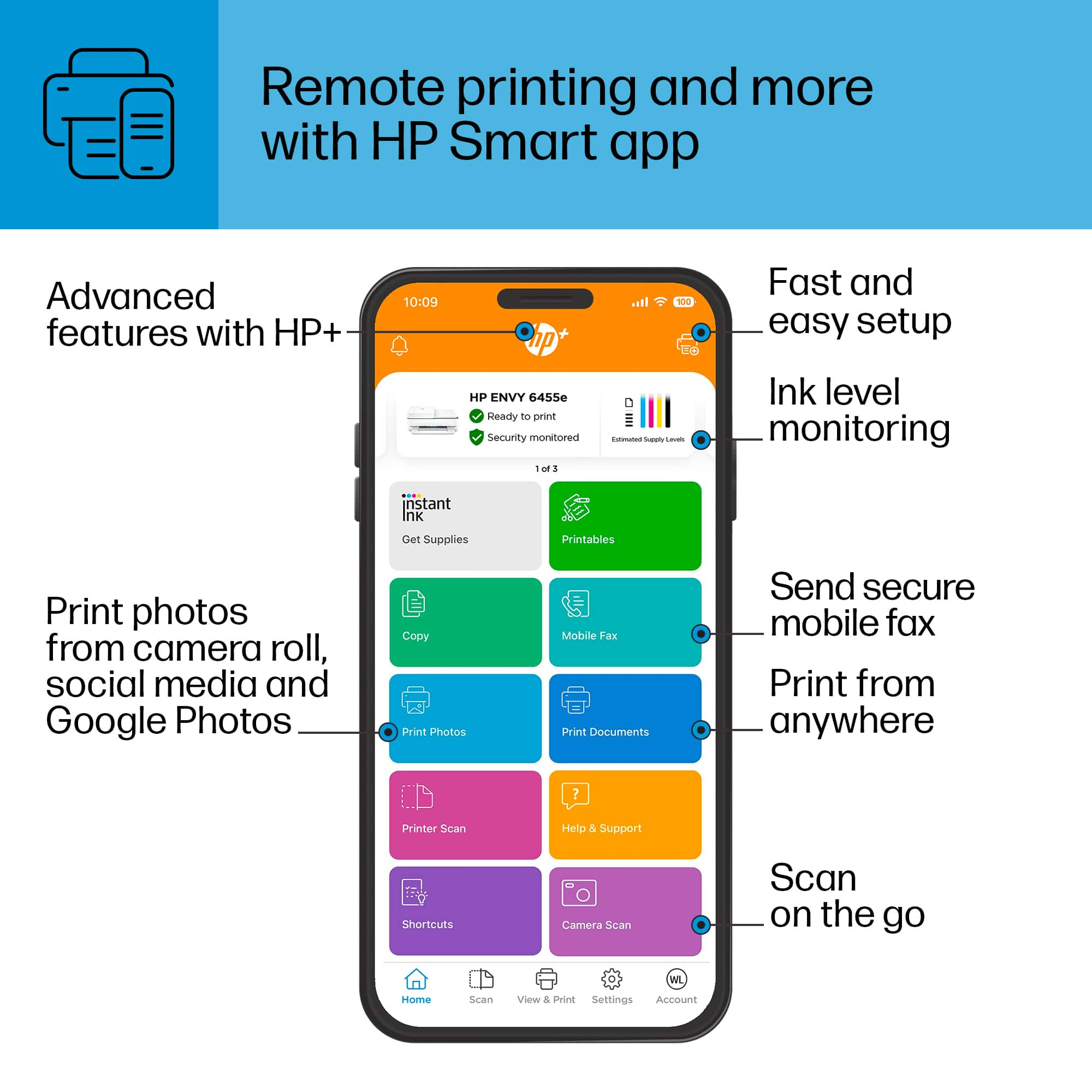
Posted .This reviewer received promo considerations or sweepstakes entry for writing a review.Convenient to print and easy to set up. If you download the app you can use more functionalities.
I would recommend this to a friend Good not great
Posted .This reviewer received promo considerations or sweepstakes entry for writing a review.I previously had a larger HP that quit working. This one is much slower for plain black and white documents and some of the controls/buttons aren’t very intuitive. It’s a printer- it prints so I’m keeping it.
I would recommend this to a friend- Pros mentioned:Print quality
I do not recommend this printer
Posted .This reviewer received promo considerations or sweepstakes entry for writing a review.HORRIBLE printer for anyone who has average or less tech skills, CONSTANTLY refuses to print and is very difficult to troubleshoot, with no explanation available for what the specific "error" might be or how to fix it. I spend a ridiculous amount of time trying to get it to print, over and over and over. When it does print, the printing quality seems fine, which is the only reason I rated it 2 rather than 1. I will never ever again buy printer of this type.
No, I would not recommend this to a friend - Pros mentioned:Print quality
Really good for the money
Posted .This reviewer received promo considerations or sweepstakes entry for writing a review.Great all in one for the price. Gets 8-10 pages done in a minute. Color too.
I would recommend this to a friend - Pros mentioned:Print quality
Couldn’t have picked a better product
Posted .This reviewer received promo considerations or sweepstakes entry for writing a review.It’s quite . Prints out pictures clear and bright. Hp is a good product.
I would recommend this to a friend Great printer
|Posted .This reviewer received promo considerations or sweepstakes entry for writing a review.Unpacked the printer and connected to the Wi-Fi with no issue. I already have the HP app on my phone and laptop, so I added the HP Envy easily. So, I’ve had the printer for a week now and I’m impressed. This printer can print auto double-sided, it has an auto feeder and the scanner works well. An additional feature included with this printer is HP+, where ink will automatically be sent to your printer for 6 months when the ink levels are low. As of today, the ink is going via USPS so hopefully it’ll be here soon. Overall, the printer does what it promises and no issues. This HP printer is highly recommended.
I would recommend this to a friend