Customer Ratings & Reviews




- Model:
- ENVY 6455E/223R1A#B1H
- SKU:
- 6454287
Rating by feature
- Value
Rating 4.2 out of 5 stars
- Quality
Rating 4.2 out of 5 stars
- Ease of Use
Rating 4.0 out of 5 stars
Customers are saying
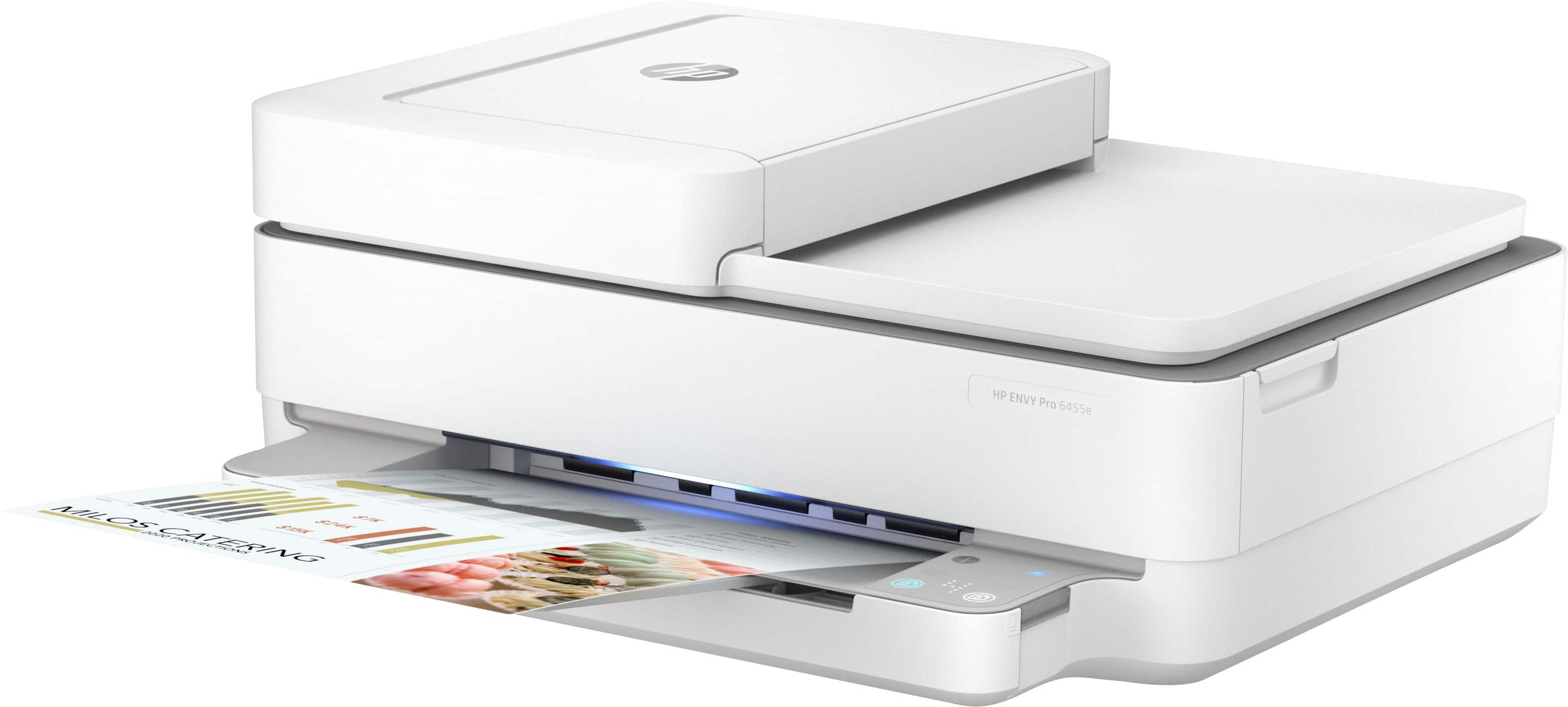
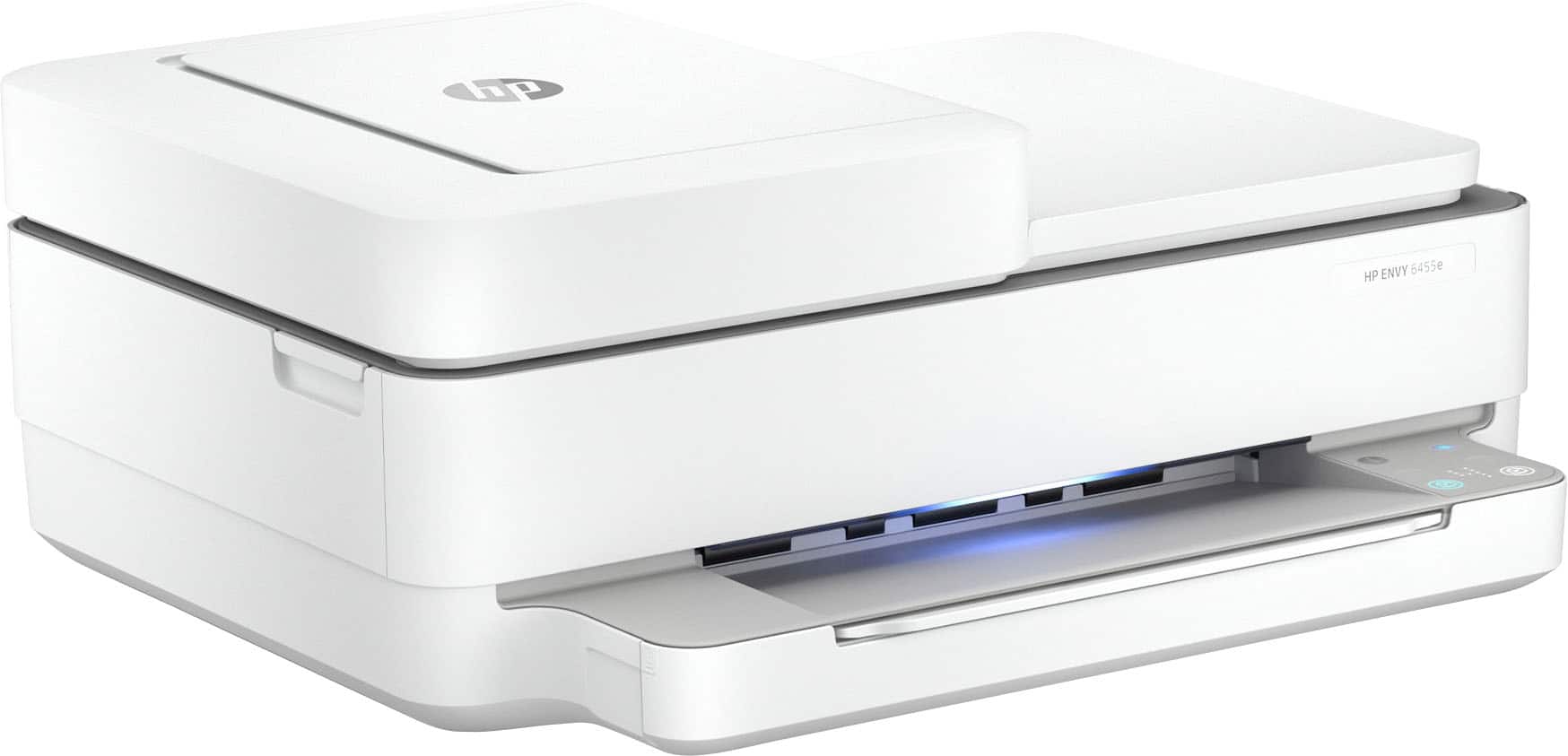
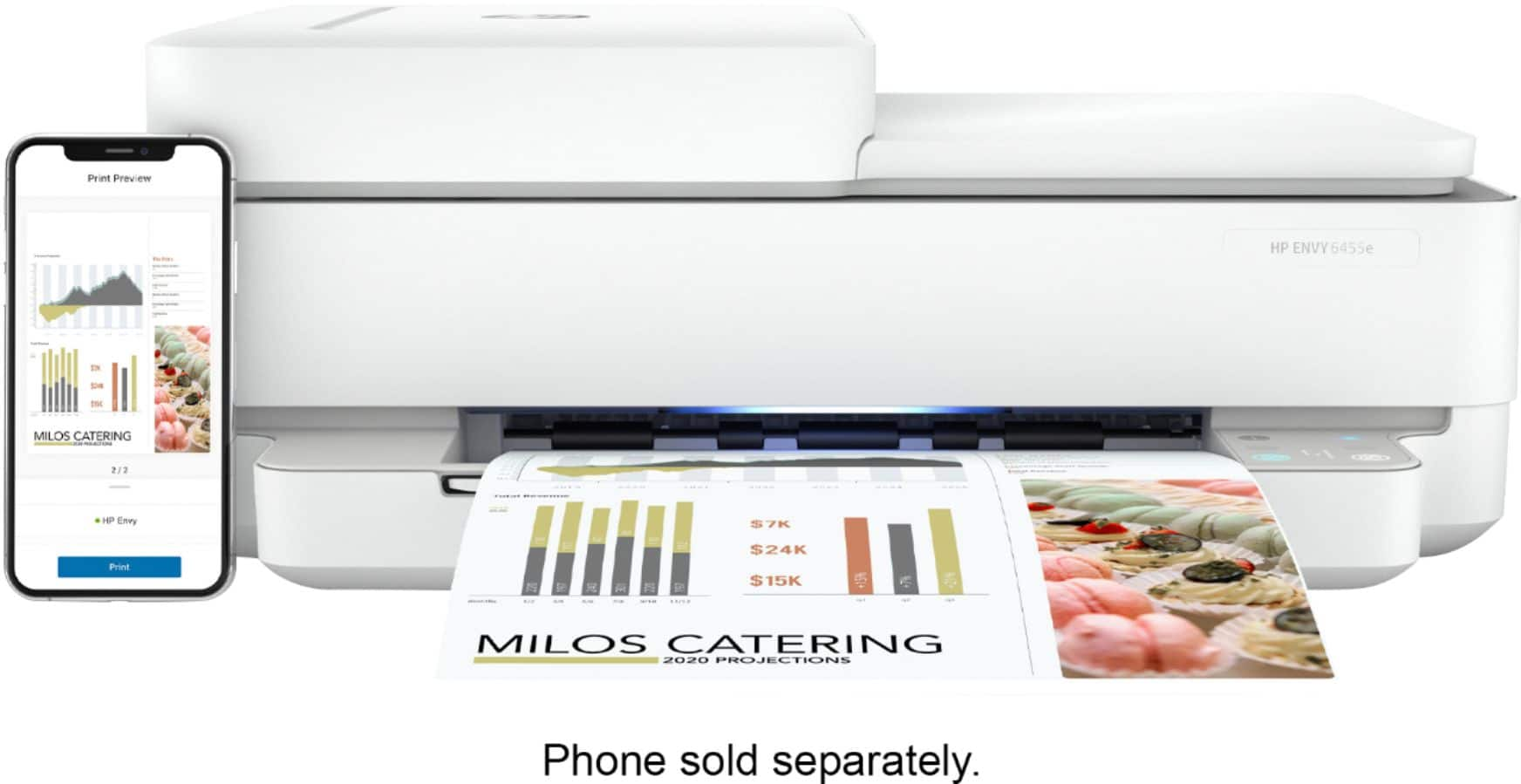
Customers love the ENVY 6455e's ease of use, print quality, and compact size. Many appreciate its affordability and quick setup, while also noting the quiet operation and good performance. However, some users experienced issues with connectivity and the lack of a display screen, and occasional paper jams were also reported.
This summary was generated by AI based on customer reviews.
Love it affordable
Posted .This reviewer received promo considerations or sweepstakes entry for writing a review.I’m happy with my printer!!!!!Great product!!!!!!!
I would recommend this to a friendIts more a techie paper weight...
Posted .This reviewer received promo considerations or sweepstakes entry for writing a review.Worked fine for a few months...will no longer print after Windows 10 update...perpetual printer error message. Can only print off my Android Cellphone HP app and google chromebook HP app. (Will still error from the webpage or document print page) Sometimes the printer will not respond and wont turn off using the power button...need to pull the power cord...wait..than re-connect to start up again. Not a good impression on HP printers and probably will avoid buying HP in the future.
No, I would not recommend this to a friendBrand response from HP Team
Posted .Hi there.
I’m sorry to hear that your printer stopped working with your computer after you updated your operating system to Windows 10. I can surely understand why this as well as the frequent need to unplug and reset the device would be a tremendous frustration. I want to help you remedy this situation, so I’ll direct you to some resources I hope will accomplish that.
First, I recommend you visit a page on our support site that has various diagnostic tools and services, including our Windows 10 Support Center. On the same page, you’ll find tools for wireless connectivity difficulties, which I believe might be causing the need to reset the printer. You can find that page here:
- support.hp.com/us-en/topic/diagnostics
If any problem persists, HP+ printers come with exclusive concierge support. To call and reach live HP+ experts who can help you assess what’s going on and find a solution, visit the following URL and enter your HP+ serial number:
- hp.com/plus-help
I'll also mention that HP printers have a one-year warranty from their purchase date that covers hardware as well as ink supplies – and that warranty extends to two years with an HP+ account – so if it comes to that, you might consider making use of it. You can verify the warranty using the following link:
- support.hp.com/us-en/checkwarranty
Keith
HP Care
hp.com/support
Great Help with Printer Purchase
Posted .This reviewer received promo considerations or sweepstakes entry for writing a review.It was a good experience. They listened to my needs and made good suggestions.
I would recommend this to a friendAll in One inkjet printer
Posted .This reviewer received promo considerations or sweepstakes entry for writing a review.Really good printer, copier, and scanner for the purchase price.
I would recommend this to a friend- Cons mentioned:Connectivity
Beyond frustrating
Posted .This reviewer received promo considerations or sweepstakes entry for writing a review.Beyond frustrating. Never works when I want it to. The need to sign into the HP website to use the printer is ridiculous. It has lights on the printer that are of no help to figure out what is wrong. Constantly unplugging and repluggging the machine to get it to work.
No, I would not recommend this to a friendBrand response from HP Team
Posted .Hi there.
I’m sorry to learn that your printer has performed poorly for you. I can certainly understand why confusing usability and the frequent need to reset would quickly become exasperating. I want to help you get more reliable printing and learn more about the device, so I’ll suggest some resources aimed at making that happen.
First, I recommend you visit a page on our support site that has diagnostic tools for various issues, including wireless connectivity, which I suspect might play a role in what you describe. On the same page, you’ll find a general-purpose tool called the HP Print and Scan Doctor. If you use Windows, the tool will help identify and guide you through solutions to a wide range of common printing and scanning difficulties. You can find that page here:
- support.hp.com/us-en/topic/diagnostics
To learn more about your printer and all its features – including the way errors are displayed – or for more help solving problems, you can access user manuals, how-to documents, troubleshooting guides and software updates here:
- support.hp.com/us-en/product/model/2100187516
If you need further assistance with anything, I suggest you contact us directly so we can help you assess what’s happening and find a solution. HP+ printers such as yours come with exclusive concierge support. To call and reach live HP+ experts, visit the following URL and enter your HP+ serial number:
- hp.com/plus-help
Keith
HP Care
hp.com/support
- Pros mentioned:Price
cheap but does the basics
Posted .This reviewer received promo considerations or sweepstakes entry for writing a review.cheap, but does all I needed. I saved about $50 by buying it
No, I would not recommend this to a friend HP Printer
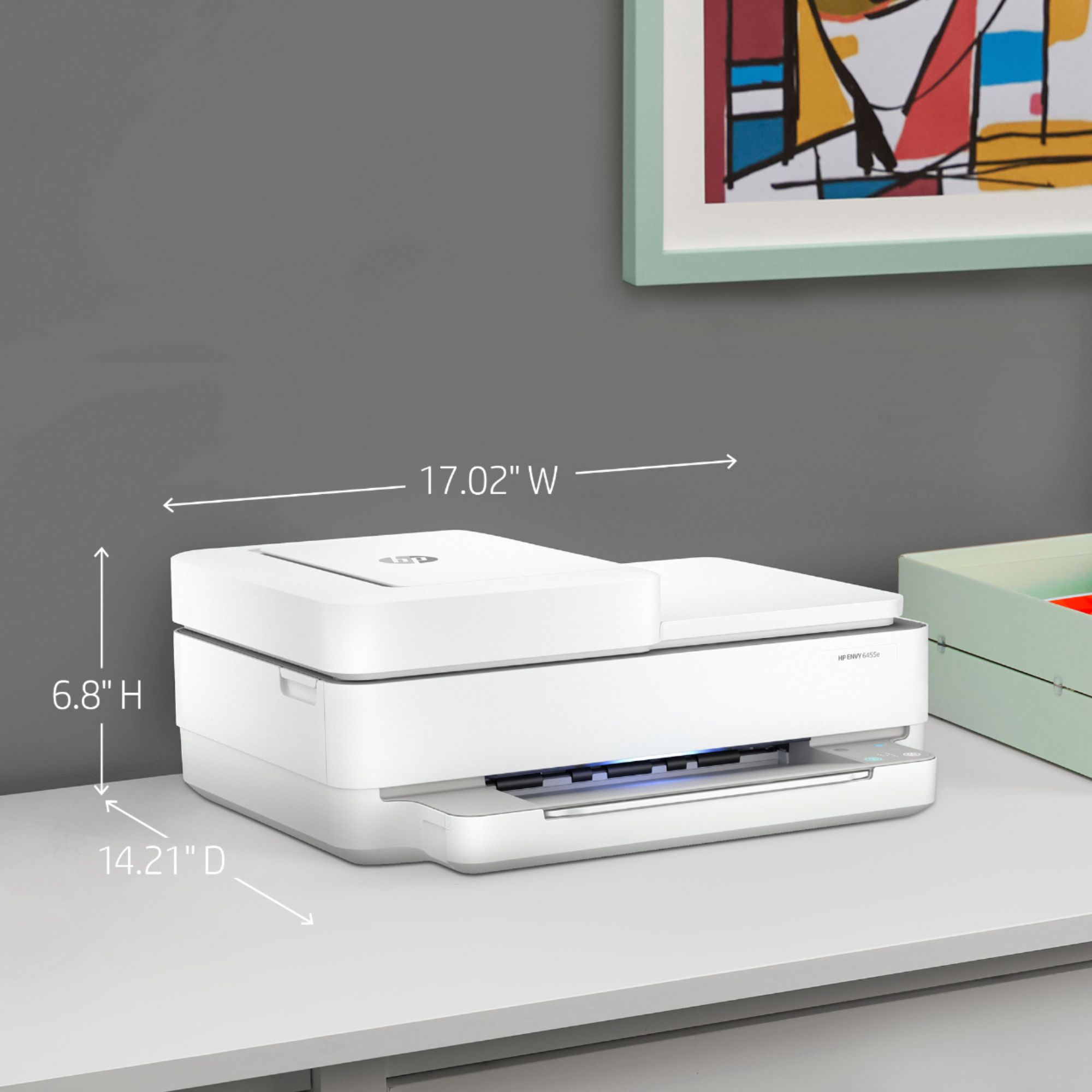
Posted .This reviewer received promo considerations or sweepstakes entry for writing a review.Printer doesn’t take up much space and works great. Plus ink is inexpensive compared to the Eason I replaced.
I would recommend this to a friendgreat scanner/printer
Posted .This reviewer received promo considerations or sweepstakes entry for writing a review.terrific product- great telephone support- quick response time- great patience by team of experts
I would recommend this to a friend- Pros mentioned:Ease of use
Printer
Posted .This reviewer received promo considerations or sweepstakes entry for writing a review.Would recommend anyone to get this printer so easy to use and works great
I would recommend this to a friend A Great Product
Posted .This reviewer received promo considerations or sweepstakes entry for writing a review.Is a great device everything works as described. I’m very happy.
I would recommend this to a friendNew printer
Posted .This reviewer received promo considerations or sweepstakes entry for writing a review.Great printer and the rep who setup the printer and explained everything was great
I would recommend this to a friend- Cons mentioned:Connectivity
No off line scanning available with this device??
Posted .This reviewer received promo considerations or sweepstakes entry for writing a review.Do not purchase if you are looking for privacy. This device will not allow you to operate without going online, regardless if you are directly connected to your computer via usb.?? I have not experienced this with my previous all-in-one printers. Very unhappy with HP, will not purchase their products again. This used to be an American made product?
No, I would not recommend this to a friend hpenvy 6455E WIRELESS ALL-IN-ONE PRINTER
Posted .This reviewer received promo considerations or sweepstakes entry for writing a review.So are we have had not issues with this hp PRINTER.
I would recommend this to a friendConnection Issues
Posted .This reviewer received promo considerations or sweepstakes entry for writing a review.Good printer. I have been having connection issues with it since I first got it. I have to reset the printer or unplug it and plug it back in all the time, may take one or multiple times till it finally wants to print. Really annoying, especially when I use the printer multiple times a day because I'm in school. I may have just got a bad printer with connection issues, but the app is helpful whenever my printer wants to work.
No, I would not recommend this to a friendBrand response from HP Team
Posted .Hi there.
Thanks for the review and the description of what you’ve experienced so far. While I’m glad that you like your printer, I’m sorry you’ve encountered connection issues and must reset the device so frequently. I want to help you resolve this problem, so I’ll provide some resources I hope will make that happen.
First, I recommend you visit a page on our support site that has diagnostic tools for various issues, including wireless connectivity and printer-offline difficulties. You can find that page here:
- support.hp.com/us-en/topic/diagnostics
For more help solving problems, you can access troubleshooting guides, how-to documents, user manuals and software updates here:
- support.hp.com/us-en/product/model/2100187516
If the problem persists, I suggest that you contact us directly at +1 800-474-6836 so we can help you assess what’s happening and find a solution. To expedite the process, I recommend gathering the following information before the call:
- Model number
- Serial number
- Your location
- Case number (from any previous contact with HP support)
Keith
HP Care
hp.com/support
- Pros mentioned:Ease of use
Can't scan directly to your computer
Posted .This reviewer received promo considerations or sweepstakes entry for writing a review.I tried to help my dad set up his new Envy Pro 6455 printer. He is very private and strictly wanted to use the USB cable -- no WiFi. Printing was easy. Once we put paper in, it printed. HP doesn't give you much ink to start with. After only 20 sheets, the black ink was down about 40%. Next, I tried to get the scanner going. HP Smart (the required software) requires a Microsoft account in order to download it from the app store. Once it was finally loaded, I hit Scan but couldn't until we also created an HP Cloud account. Remember, my dad is a private guy so he tries to avoid creating more on-line accounts. I reluctantly created one for him. Finally with everything set up I tried to scan again but was not able to. It turns out that scanning directly to the computer is impossible. You must have the printer connected to the WiFi and the internet and your only scanning option is to scan to your cloud account. I don't know how you retrieve your document after that point because we decided to put it back in the box. This is too much money to pay for a printer alone. He will be returning it soon. I will be avoiding HP for a while.
No, I would not recommend this to a friend - Cons mentioned:Connectivity
Garbage
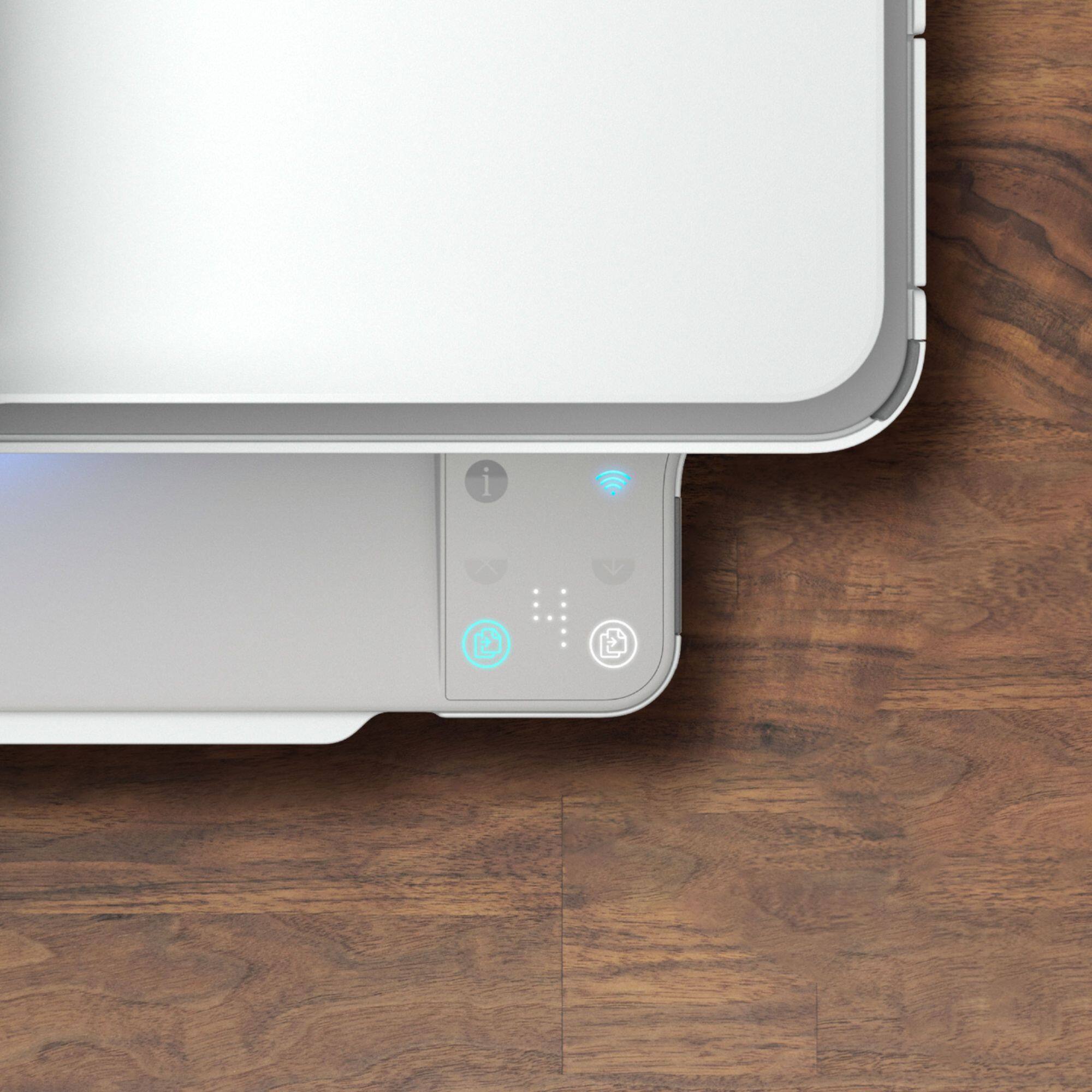
Posted .This reviewer received promo considerations or sweepstakes entry for writing a review.This printer is garbage. It does not have a screen, so all set up, trouble shoot and ink check needs to be done through an app. It constantly disconnects from our network. The power button does not work, I have to unplug it from the wall to set it up again! I have updated the driver 2 days ago and printed 4 pages and now it does not work again. DON'T BUY IT!
No, I would not recommend this to a friendBrand response from HP Team
Posted .Hi there.
I’m sorry that your printer has performed so poorly for you in the short time that you’ve had it. It’s no surprise that you’re frustrated, considering you’ve dealt with problematic usability, connectivity issues and a power button that doesn’t work – not to mention that the device stopped working after the driver update. I want to help you resolve this situation, so I’ll provide a couple of resources I hope will reach that goal.
I can’t tell from your review what has caused these problems or what a remedy might be, so I recommend that you contact us directly so we can help you assess the situation and determine the best course of action. HP+ printers such as yours come with exclusive concierge support. To call and reach live HP+ experts, visit the following URL and enter your HP+ serial number:
- hp.com/plus-help
I'll also mention that HP printers have a one-year warranty from their purchase date that covers hardware as well as ink supplies – and that warranty extends to two years with an HP+ account – so if it comes to that, you might consider making use of it. You can verify the warranty using the following link:
- support.hp.com/us-en/checkwarranty
Keith
HP Care
hp.com/support
- Cons mentioned:Connectivity
It's a NO for me!
Posted .This reviewer received promo considerations or sweepstakes entry for writing a review.This printer is a no-go! It doesn't stay connected to the wifi. I exchanged it for another one, and IT was trash, too. Now, I'm exchanging it again for something else. Very disappointed in HP for this...
No, I would not recommend this to a friend A Real Pro at being Offline for No Reason!
Posted .This reviewer received promo considerations or sweepstakes entry for writing a review.It's been just over a year since purchase and this HP Pro Envy 6455 has been a pain since the 1st use. It consistently goes "offline", and I've had to remove and re-add it to my computer several times, which is also not a smooth process. Also, if you happen to purchase the ink plan, but then decide you no longer want the plan but still have ink from the plan, the printer will not work, so you cannot use your purchased ink. This is my 2nd HP Printer, but due to all of the print issues I've had with this not-so-Pro printer, it will definitely be my last.
No, I would not recommend this to a friendhp envy 6455e
Posted .This reviewer received promo considerations or sweepstakes entry for writing a review.I recommend this printer if want all in one its deal on ink
I would recommend this to a friend- Cons mentioned:Connectivity
Worst printer on market
Posted .This reviewer received promo considerations or sweepstakes entry for writing a review.Had the 4600 and it started losing wifi connectivity often. Took a bat to it and is now recycled after one year of rarely using the home printer.
No, I would not recommend this to a friend