Customer Ratings & Reviews
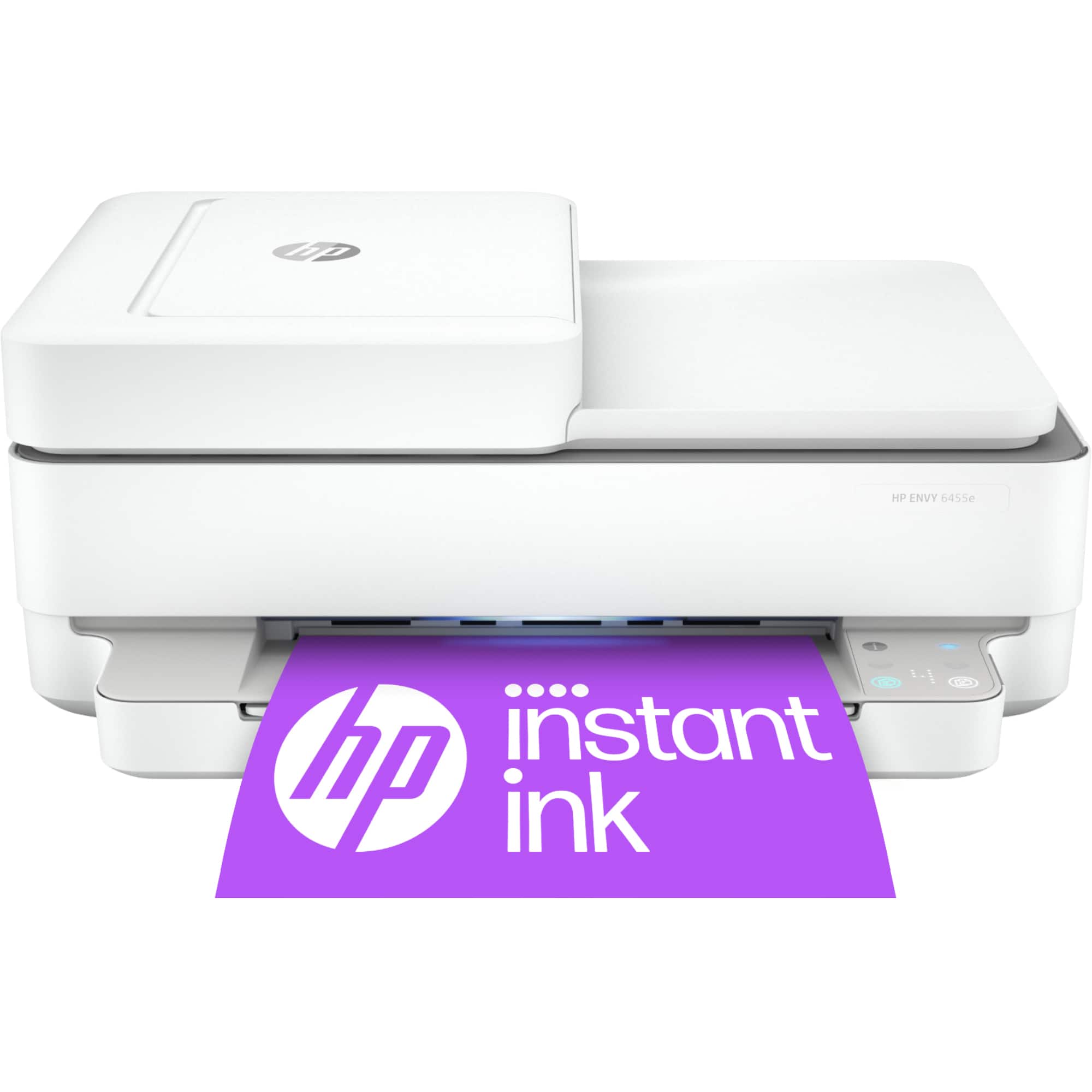
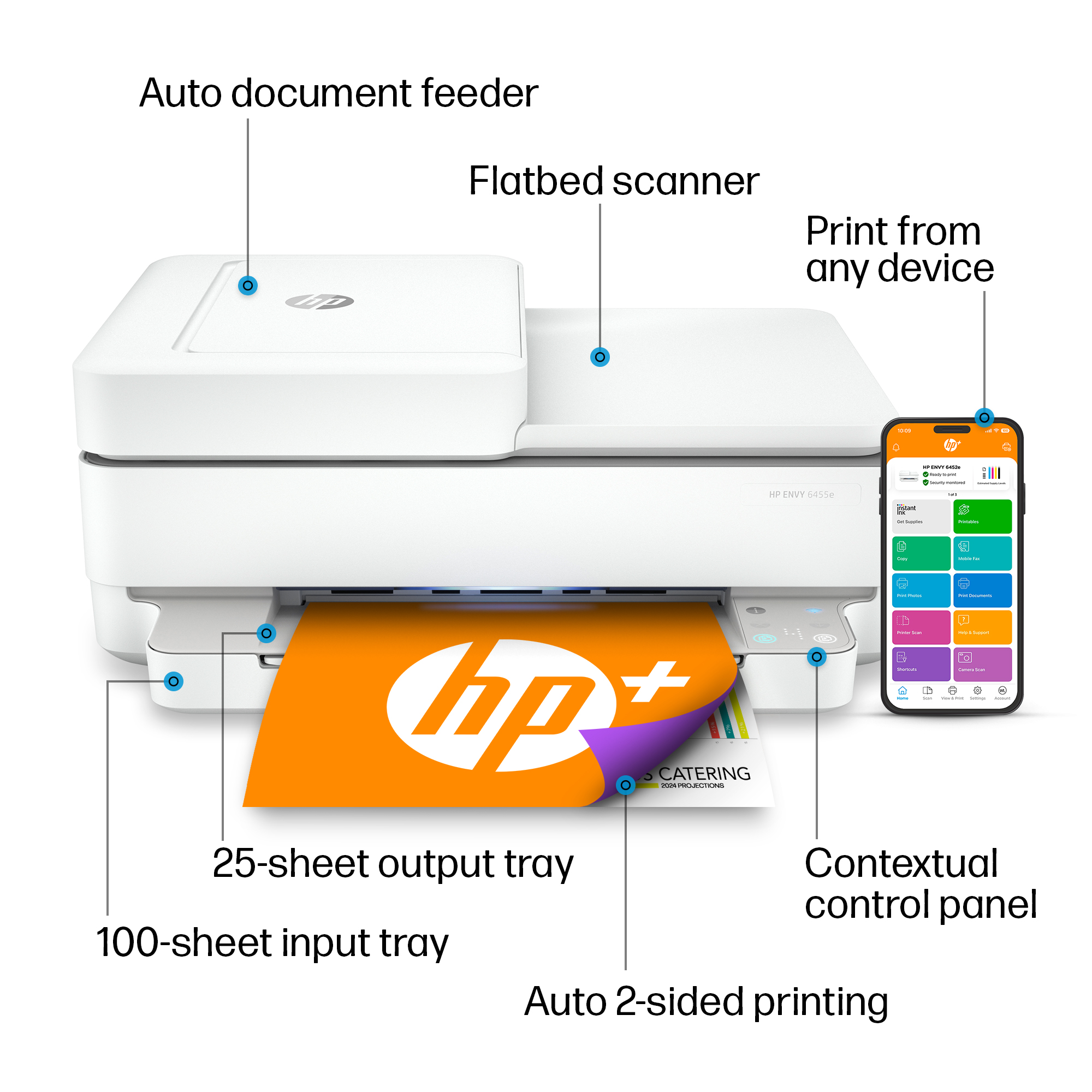
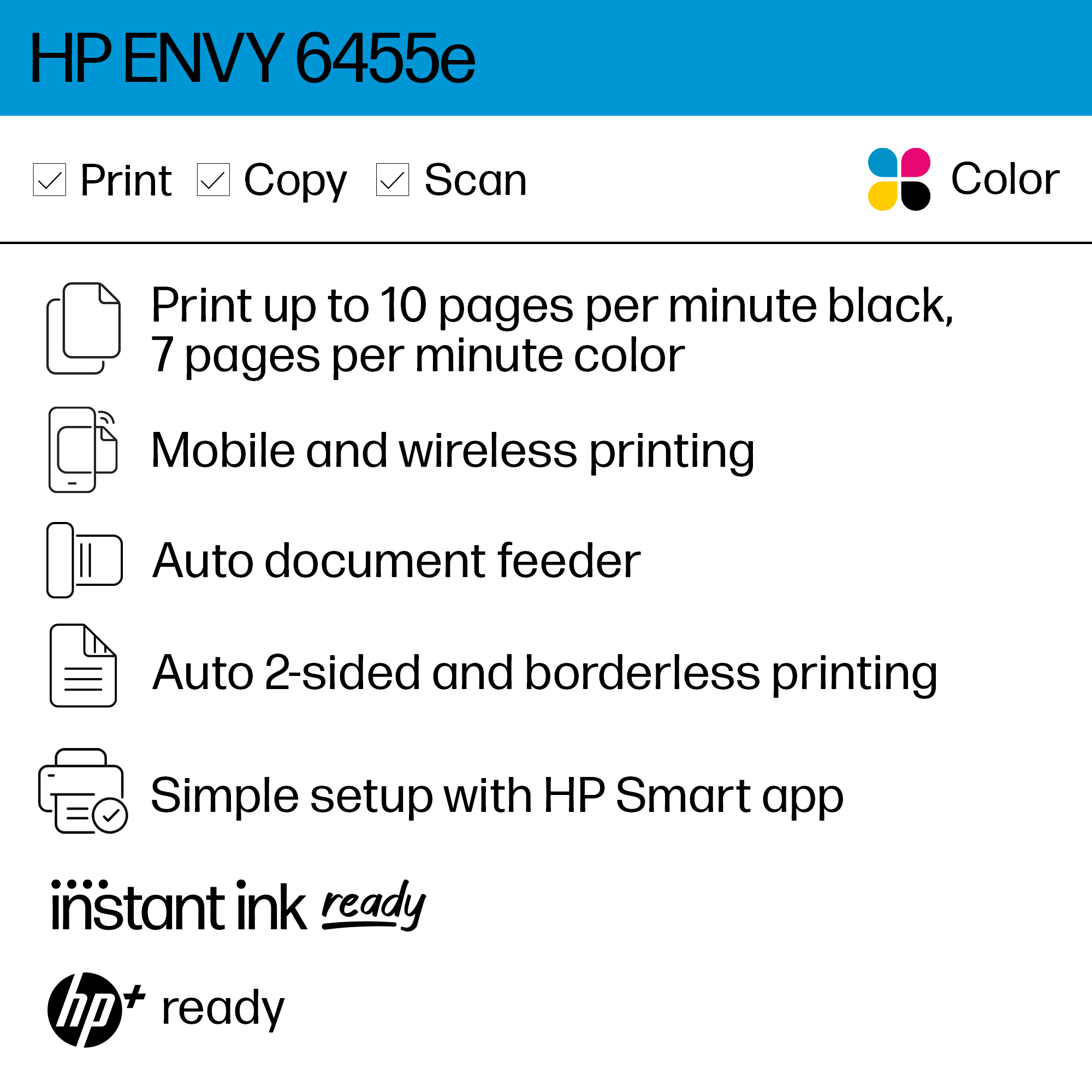
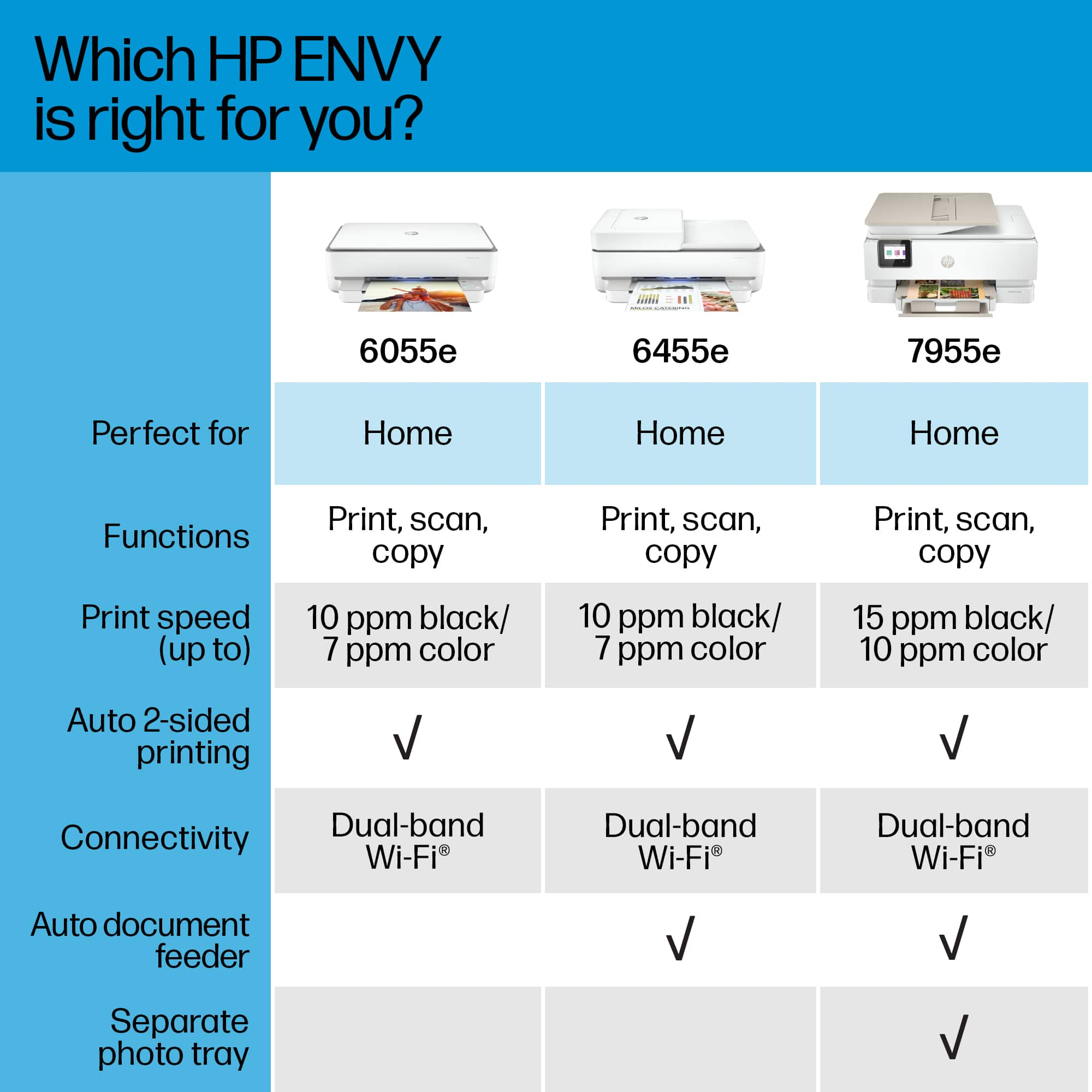




- Model:
- ENVY 6455E/223R1A#B1H
- SKU:
- 6454287
Rating by feature
- Value
Rating 4.2 out of 5 stars
- Quality
Rating 4.2 out of 5 stars
- Ease of Use
Rating 4.0 out of 5 stars
Customers are saying
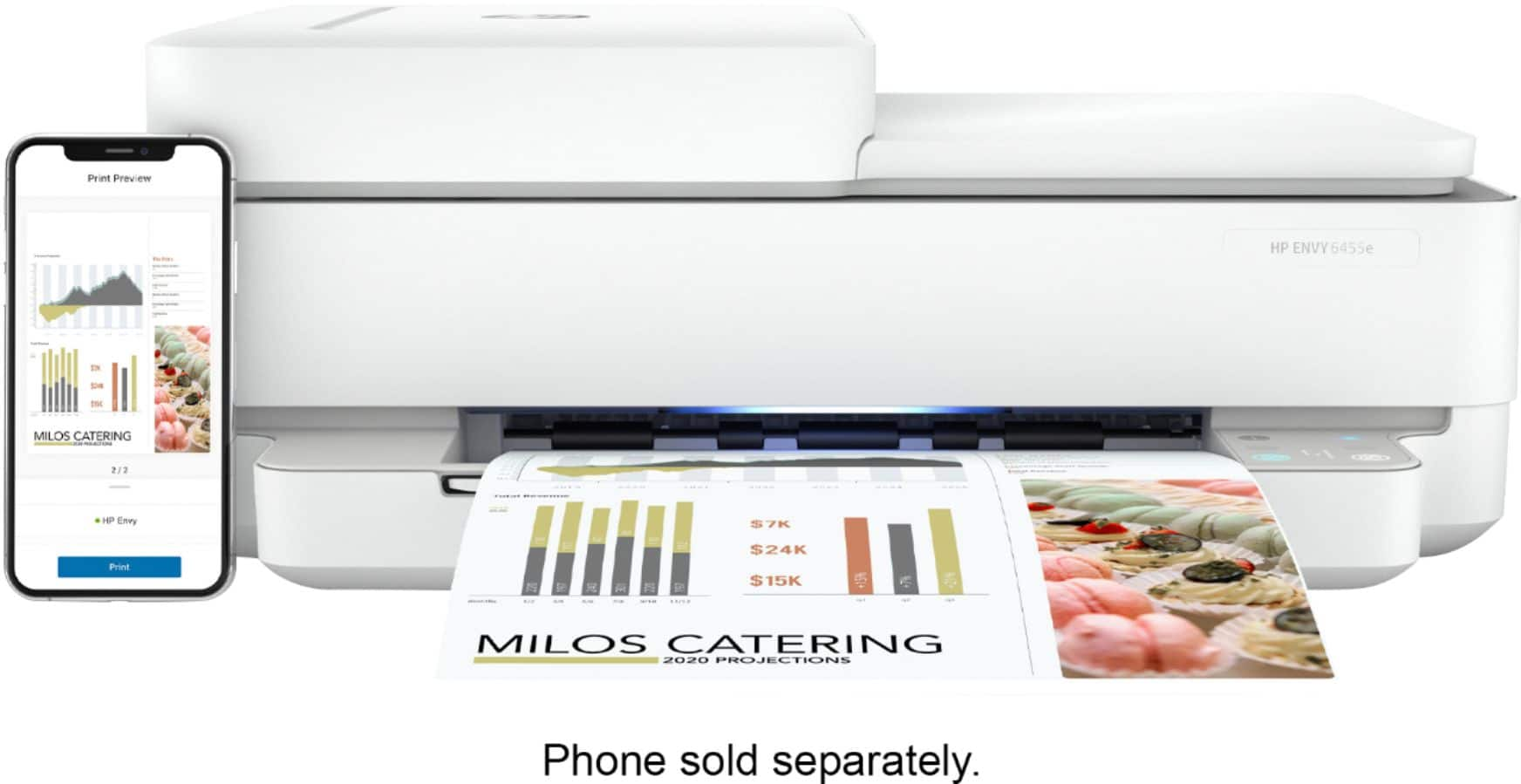
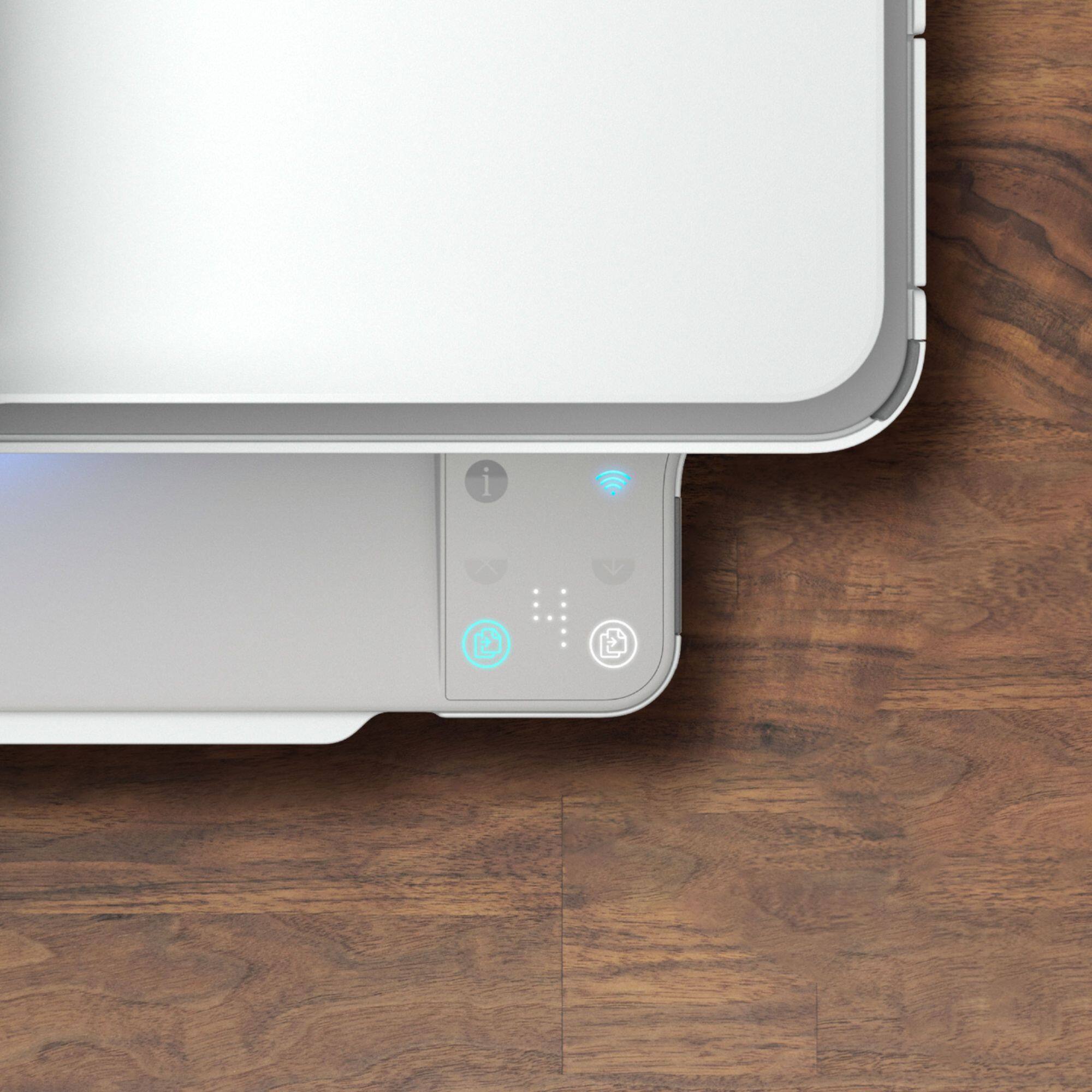
Customers love the ENVY 6455e's ease of use, print quality, and compact size. Many appreciate its affordability and quick setup, while also noting the quiet operation and good performance. However, some users experienced issues with connectivity and the lack of a display screen, and occasional paper jams were also reported.
This summary was generated by AI based on customer reviews.
Lousy set up process
Posted .This reviewer received promo considerations or sweepstakes entry for writing a review.This is THE MOST DIFFICULT printer to set up and use I have ever purchased. This BRAIN DEAD method of using your smart phone to download and app to set is up is pathetic. I will NEVER BUY another HP product. Ever.
No, I would not recommend this to a friendBrand response from HP Team
Posted .Hi there.
I’m sorry to hear your printer was so difficult to set up. Your review is relatively brief, but your frustration is clear – and totally understandable – so I’ll offer a resource and some information I hope will help.
I can’t tell what difficulty you encountered or why your printer did not set up as easily as it should have, so I recommend that you contact us directly at +1 800-474-6836 so we can help you assess the situation and guide you through any applicable troubleshooting. (Please note that because of restrictions on personal movement and workplace attendance associated with the COVID-19 pandemic, wait times for agents are longer than normal. Thanks in advance for your understanding.) To expedite the process, I recommend gathering the following information before the call:
- Model number
- Serial number
- Your location
- Case number (from any previous contact with HP support)
Keith
HP Care
hp.com/support
Bad Set Up Directions
Posted .This reviewer received promo considerations or sweepstakes entry for writing a review.The directions for setting this up are seriously bad. I had to call tech support and got transferred to three different people before I got somebody competent. HP has had 30 years to figure this out.
No, I would not recommend this to a friendBrand response from HP Team
Posted .Hi, Steve.
I'm sorry to hear that your printer was so difficult to set up and that it took longer than it should have for you to get needed support. I’m also sorry you didn’t have adequate instructional materials. With that in mind, I’ll suggest some resources and information I hope will help you make the most of your printer.
First, you can access a setup tutorial (if you still need it) as well as user manuals, troubleshooting guides, how-to documents and software updates for your printer on our support site. Do that by following this link:
- support.hp.com/us-en/product/hp-envy-pro-6400-all-in-one-printer-series/29256678/model/29256679
You can also visit a page on our support site that has diagnostic tools for various tasks and issues, including cartridge installation, OS compatibility and connectivity. There you’ll also find a general-purpose tool called the HP Print and Scan Doctor. If you use Windows, the tool will help identify and guide you through solutions to a wide range of common printing and scanning issues. Visit that page here:
- support.hp.com/us-en/topic/diagnostics
If you need further assistance, I hope you’ll contact us directly at +1 800-474-6836 so we can help you assess the situation and find a solution. (Please note that because of restrictions on personal movement and workplace attendance associated with the COVID-19 pandemic, wait times for agents are longer than normal. Thanks in advance for your understanding.) To expedite the process, I recommend gathering the following information before the call:
- Model number
- Serial number
- Your location
- Case number (from any previous contact with HP support)
Keith
HP Care
hp.com/support
hp envy pro 6455 3 in one every poor printer
Posted .This reviewer received promo considerations or sweepstakes entry for writing a review.then printing the print does not show up on paper even after putting in new ink
No, I would not recommend this to a friendBrand response from HP Team
Posted .Hi there.
I’m sorry to hear that your printer has performed poorly for you. I can’t tell from your review exactly what’s happening, but it seems like you might be getting blank pages even after installing new ink cartridges. Regardless, I’ll suggest some resources that I hope will help you remedy the problem.
First, I recommend following the steps listed in this guide to improving print quality, including color or black ink – or both – not printing properly or at all:
- support.hp.com/us-en/document/c06543527
If the problem persists, I suggest that you contact us directly at +1 800-474-6836 so we can help you assess the situation and find a solution. (Please note that because of restrictions on personal movement and workplace attendance associated with the COVID-19 pandemic, wait times for agents are longer than normal. Thanks in advance for your understanding.) To expedite the process, I recommend gathering the following information before the call:
- Model number
- Serial number
- Your location
- Case number (from any previous contact with HP support)
I'll also mention that HP printers have a one-year warranty from their purchase date that covers hardware as well as ink supplies, so if it comes to that, you might consider making use of it. You can verify the warranty using the following link:
- support.hp.com/us-en/checkwarranty
Keith
HP Care
hp.com/support