Last-Minute SavingsLimited quantities.Shop now

Skip to content
Gift Ideas
Main Content

Customer Ratings & Reviews
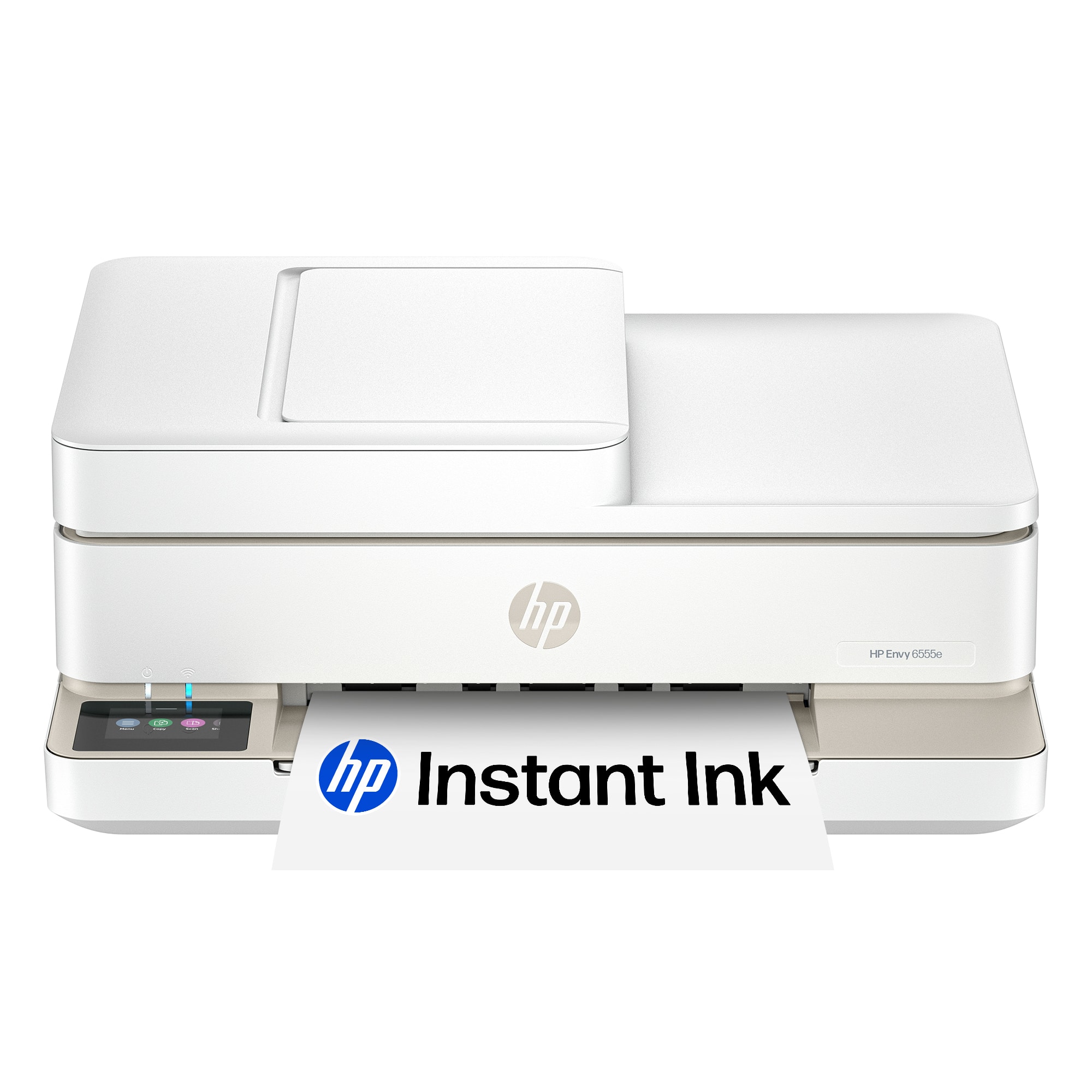

Your price for this item is $119.99
The comparable value price is $179.89

Customer reviews

Rating 4.4 out of 5 stars with 751 reviews

Rating Filter

Rating by feature

  • Value

    Rating 4.5 out of 5 stars

  • Quality

    Rating 4.4 out of 5 stars

  • Ease of Use

    Rating 4.3 out of 5 stars

86%
would recommend
to a friend
The vast majority of our reviews come from verified purchases. Reviews from customers may include My Best Buy members, employees, and Tech Insider Network members (as tagged). Select reviewers may receive discounted products, promotional considerations or entries into drawings for honest, helpful reviews.
Page 37 Showing 721-740 of 751 reviews
  • Rated 1 out of 5 stars

    HP Envy 6555e

    |
    |
    Posted . Owned for 1 month when reviewed.
    This reviewer received promo considerations or sweepstakes entry for writing a review.

    Very difficult to set up. Still don't have it set up. Can't get it to store e-mail add email addresses for scanning.

    No, I would not recommend this to a friend
  • Rated 1 out of 5 stars

    I’m inclined to return it.

    |
    |
    Posted .
    This reviewer received promo considerations or sweepstakes entry for writing a review.

    I have managed to get everything to work but scanning. It’s clearly cheaply made and uses a lot of black ink quickly.

    No, I would not recommend this to a friend
  • Rated 1 out of 5 stars

    Hp printer

    |
    |
    Posted . Owned for 1 month when reviewed.
    This reviewer received promo considerations or sweepstakes entry for writing a review.

    It has Network connections problems, WiFi will disconnect from it making it difficult to print documents at convinced

    No, I would not recommend this to a friend
  • Rated 1 out of 5 stars

    impossible to set up. :9

    |
    |
    Posted . Owned for less than 1 week when reviewed.
    This reviewer received promo considerations or sweepstakes entry for writing a review.

    This is impossible to set up. We have set up many printers in the past but, for the life of me I can not get this set up.

    No, I would not recommend this to a friend
  • Rated 1 out of 5 stars

    Unworkable interface for scanning

    |
    |
    Posted . Owned for 1 month when reviewed.
    This reviewer received promo considerations or sweepstakes entry for writing a review.

    Horrible usability for scanning. Cumbersome tech support was no help. Ultimately, just a poor product due to interface, despite looking nice.

    No, I would not recommend this to a friend
  • Rated 1 out of 5 stars

    Great service

    |
    |
    Posted . Owned for 1 week when reviewed.
    This reviewer received promo considerations or sweepstakes entry for writing a review.

    Had a great experience purchasing a new wireless printer. Extremely helpful employee helped me select just the right one based on how I use it. Price was just as I had planned on spending.

    I would recommend this to a friend
  • Tech Insider Network Member

    Rated 5 out of 5 stars

    A Solid Consumer Printer Without Breaking the Bank

    |
    Tech Insider Network Member
    Posted .
    This reviewer received promo considerations or sweepstakes entry for writing a review.

    The HP Envy 6555e was incredibly easy to set up, and that’s something I really appreciate. With the HP Smart app, I had it up and running in just a few minutes, and I didn’t need any technical know-how. It prints color documents really well, which is important for me since I often need vibrant, clear prints for personal projects. For the price, I was impressed with how fast it prints too—it definitely exceeded my expectations there. One of the biggest perks is the Instant Ink subscription; since my printing is sporadic, it ends up beating the cost of buying ink at the store. Plus, the printer looks sleek on my shelf, which is a bonus in my home office. At its price point, it feels like a really solid choice. That said, I do have some concerns about the build quality. The materials feel a bit flimsy, and I’m not sure how well it will hold up over time, especially if it gets a lot of use. It’s functional for now, but it doesn’t have that sturdy feel you might want for something you expect to last. I also have mixed feelings about the HP+ program. It offers some useful features, but it comes with strings attached, like signing away rights to use third-party ink. I’m not sure how much I like the idea of being tied to HP’s system that way. All in all, the HP Envy 6555e works great for my needs right now. It’s fast, prints well, and I love how easy it was to set up. If you print a lot, like I do, Instant Ink is a real money-saver. However, if you’re worried about durability or the restrictions from HP+, it’s something to think about. For me, the convenience and performance outweigh those issues, at least for now. Pros: Crazy easy setup with the HP Smart app Prints color documents well Fast printing for the price Instant Ink is still a great deal for those that print a lot Looks nice on a shelf Good price point Cons: Build quality is questionable HP+ makes you sign away a lot of rights

    I would recommend this to a friend
  • Tech Insider Network Member

    Rated 5 out of 5 stars

    Great all in one printer

    |
    Tech Insider Network Member
    Posted .
    This reviewer received promo considerations or sweepstakes entry for writing a review.

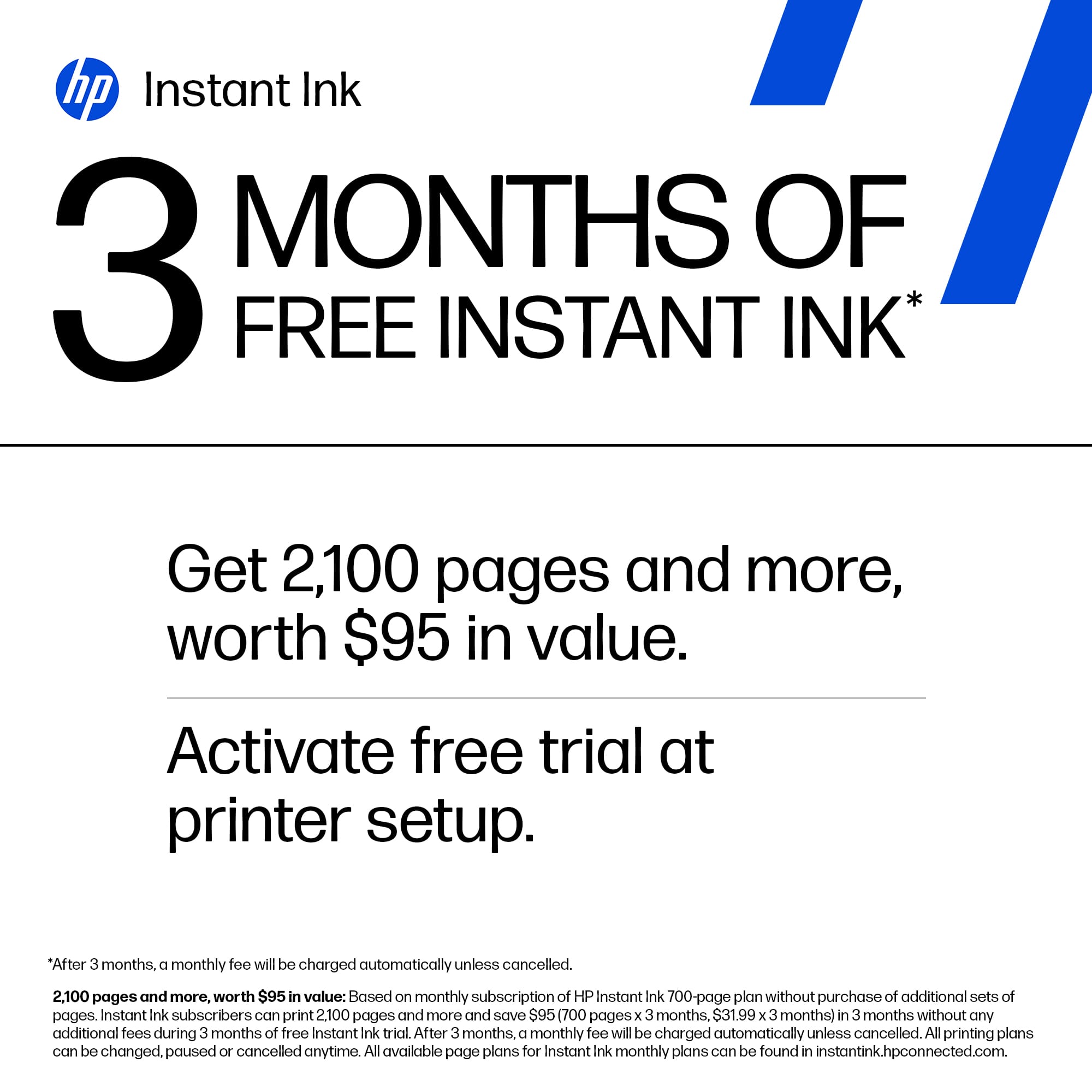
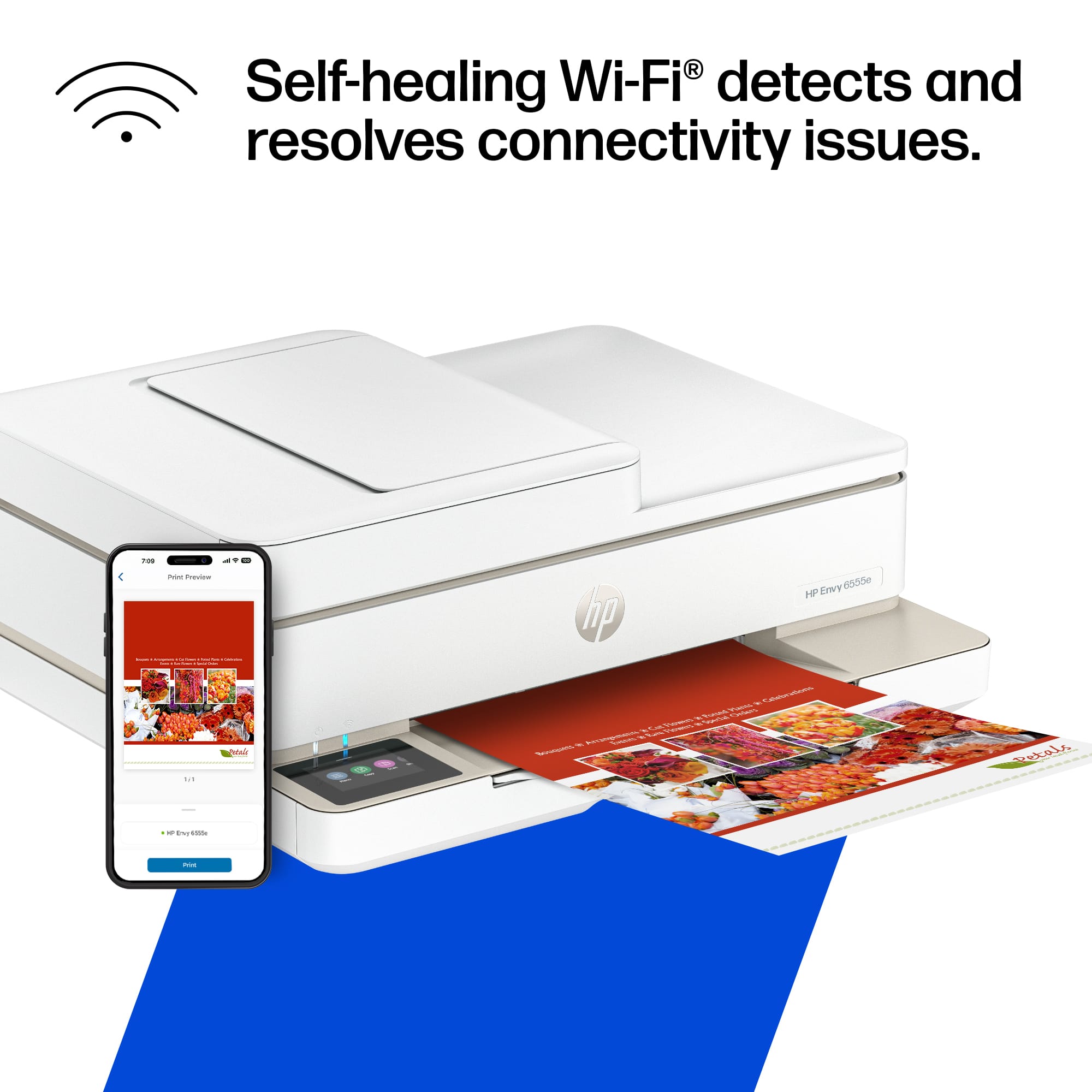
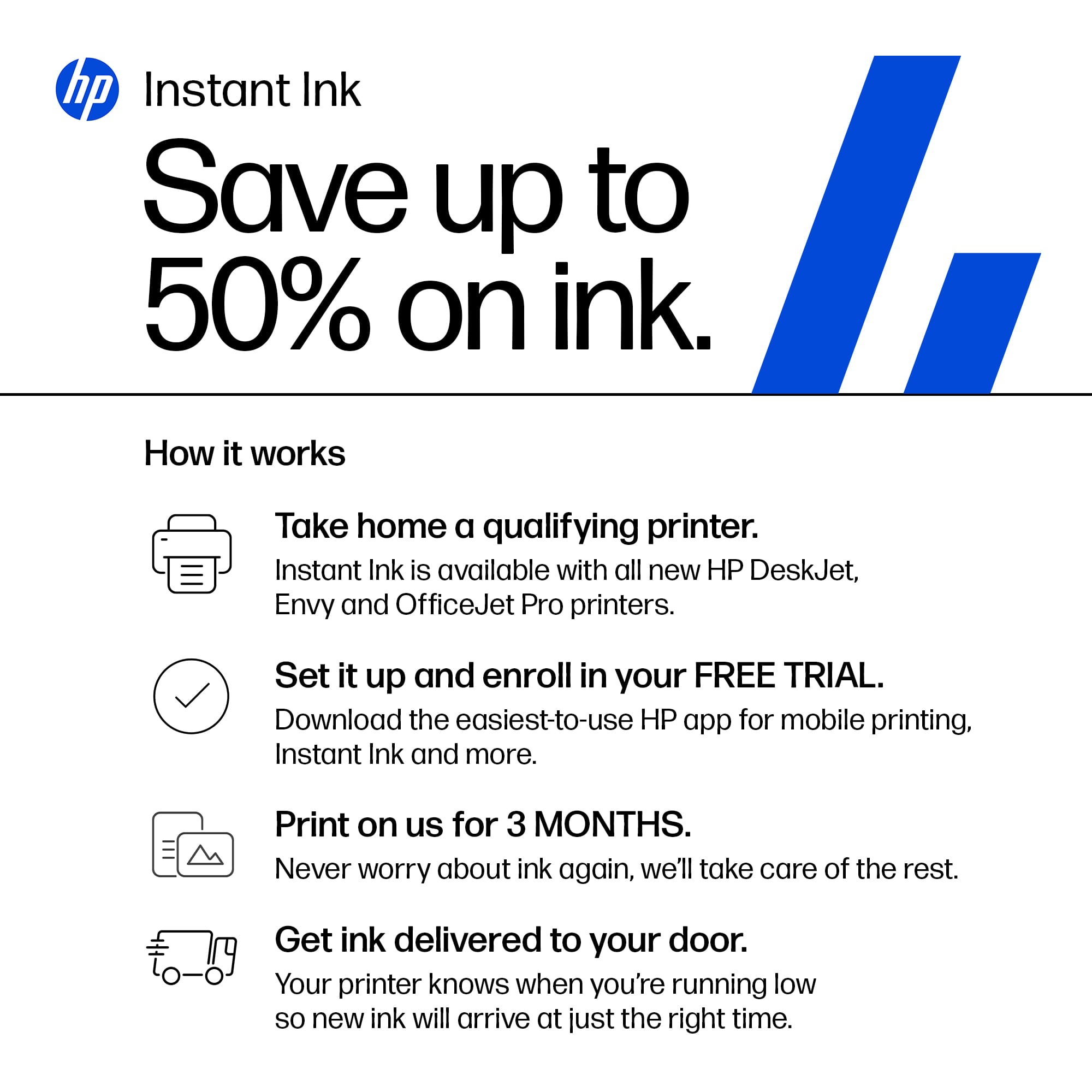
    The HP Envy 6555e wireless all in one inkjet printer is a great all in 1 inkjet printer for home use. I currently have a laser jet printer in my home office but unfortunately it only prints in black and white and the kids routinely have to print things in color for there homework assignments. Throughout the years no matter what all in one inkjets I buy I always end up with a reliable HP inkjet printer. The set up process was fairly simple with this printer. Following the directions in the included quick set up guide I plugged in the printer and waited for the QR code to appear on the screen. When I was trying to scan the code the printer automatically skipped to the next step which indicated I should install the included ink cartridges. Once this was complete I was able to print the alignment page which was then scanned to ensure the printer heads were properly aligned. Since this skipped the entire wifi setup process I manually entered the Wifi settings and entered the password for my network. Once connected I simply opened the HP app and clicked on add a new printer that was already connected to the network. It quickly located the printer and continued through the final steps of the setup process. Once completed I printed a few test prints wirelessly from my iPhone and laptop without issue. The scanning capability was also great as I lost no details when scanning images. The printer also incudes 3 months of free ink if you subscribe to the HP instant ink program which ensures you always have a new genuine HP cartridge on hand before the current one runs out. Overall considering the app capabilities as well as the printer itself I would not hesitate to recommend this great all in one inkjet for home use

    I would recommend this to a friend
  • Tech Insider Network Member

    Rated 5 out of 5 stars

    Nice choice for a home printer

    |
    Tech Insider Network Member
    Posted .
    This reviewer received promo considerations or sweepstakes entry for writing a review.

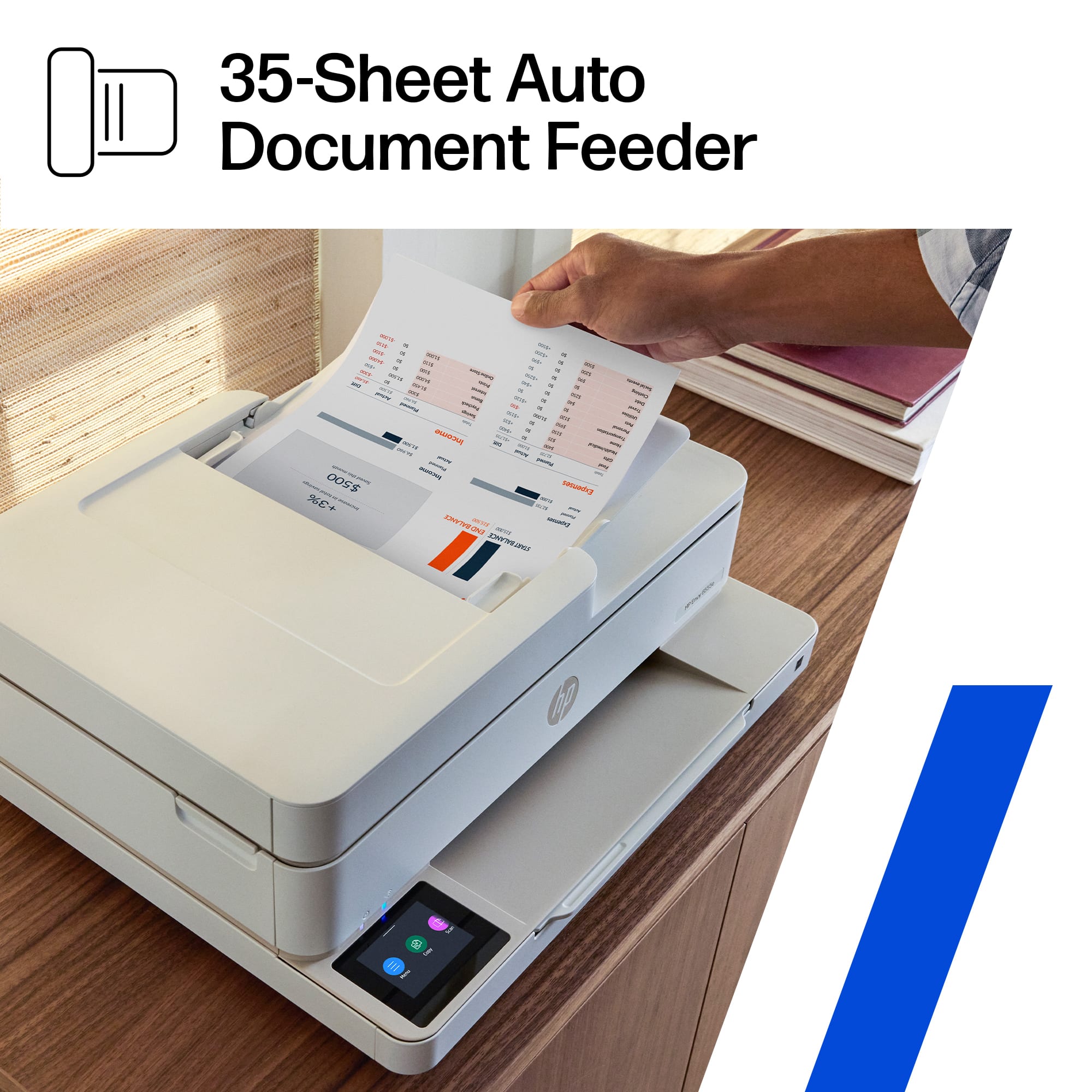
    I received the HP Envy 6555e all in one printer to replace a very good, but aging HP 5252. I have always been very happy with the service I received from my 5200 series and I fully expect this printer to live up to that high expectation. The HP Envy 6555 in a more modern version of the printer I had. The interface is extremely easy to use and to navigate with a colorful touchpad. The 6555 prints color, scans and copies with an automatic document feature on the unit. Setup instructions are easy to follow and are relatively quick. The HP Envy 6555e also comes with three months of HP ink as part of your purchase. I have used the HP ink program for over five years, and find it to be a convenient way to make sure you always have available ink cartridges when you need them. By keeping your printer connected to your wifi it will relay how much ink you currently have in your printer and also, how many pages you have printed for the month. There are a number of different plans and pricing so you are sure to find one that fits your style. Print quality is very good as has been the case with all of my HP home printers over the years. This model is realtively compact for such a full featured printer so you can fit it about anywhere you would like. With wireless connectivity, it doesn't really mater where the printer is located as long as it has constant wifi connection. If you like HP printers, this one does a great job at a reasonable price. Just make sure you use HP ink.

    I would recommend this to a friend
  • Tech Insider Network Member

    Rated 5 out of 5 stars

    Great with a few small flaws

    |
    Tech Insider Network Member
    Posted .
    This reviewer received promo considerations or sweepstakes entry for writing a review.

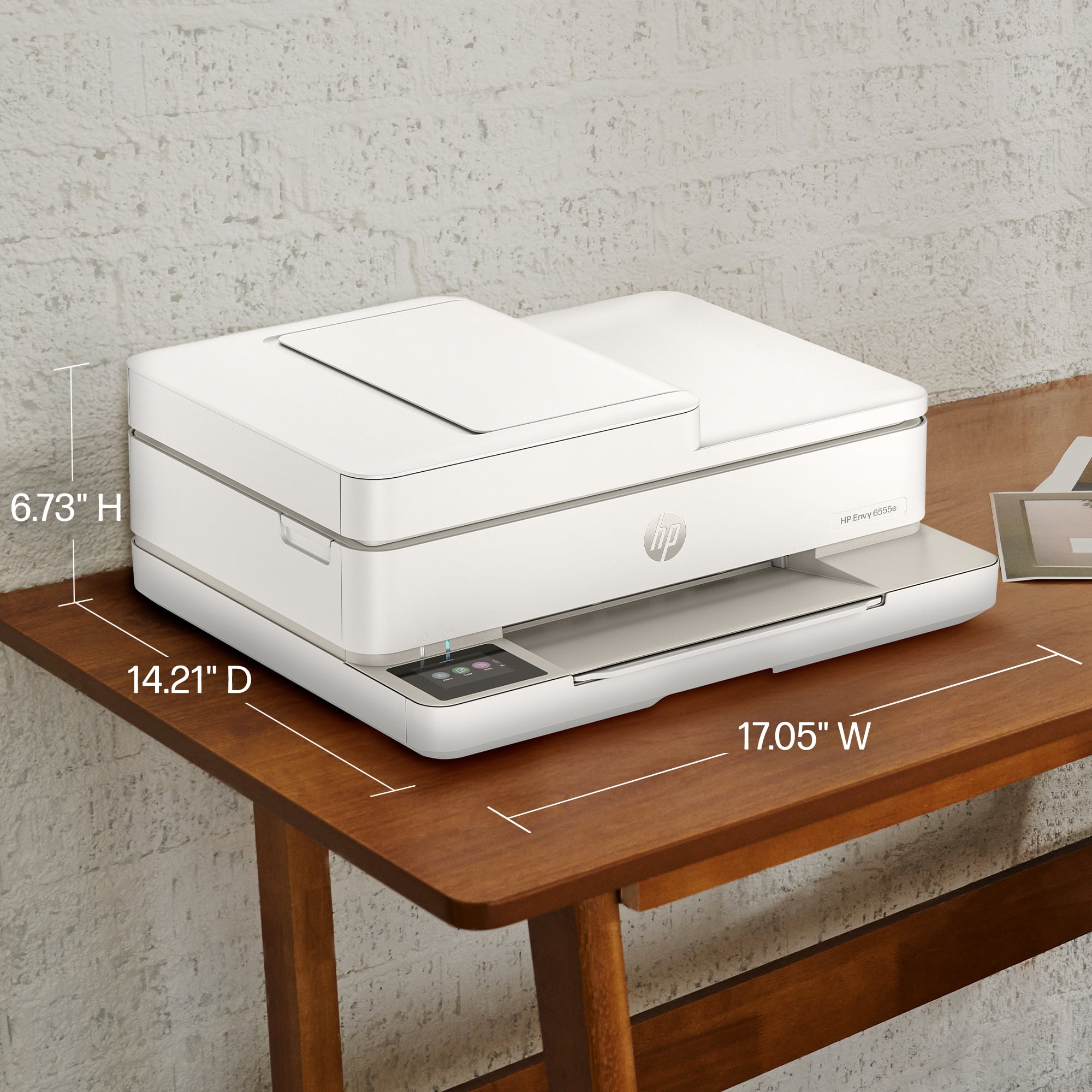
    Unboxing was pretty standard. One thing that was odd was that the printer was shrink wrapped in plastic which for an eco friendly design was odd. However, the printer is shorter that similar models while maintain the main features such as display panel and ADF. I connected it to power and was greeted with a QR code that prompted me to connect to the HP+ app which I already had. IT immediately saw the printer and offered to connect to my wireless while getting the password from my phone. After that it was simple I could start a new trial for this printer or replace an existing. I like the progression of this setup since eventually your printer will die and with this app you can just add a new printer. This allows your scan and print settings to remain coming from the cloud vs programming the printer each time. After that a simple alignment page was printed and scanned. Finally you can then text or email yourself/family the install link. This is where things where not as smooth. I was given a link but it was just a prompt to the HP+ app on my windows laptop. From here I could select documents thru the app which is not how I use my printing in Windows. I needed to search online for the true Windows HP Easy Start exe that installed more than just the printer driver which is frustrating. That was a lot of work, and I feel a less tech savvy user would be frustrated. Finally, I was printing and scanning. The speed and quality are great and clear. I can send a 5-page job, and it prints fairly quick. A few more notes on this printer. The Ink cartridges are super small and hard to install. The paper tray holds only a small amount of paper. The lid closes down hard after installing the ink and I pinched my fingers since there was nothing to grip when it was closing that would avoid my fingers. Besides those few cons this is another decent printer for home use.

    I would recommend this to a friend
  • Tech Insider Network Member

    Rated 5 out of 5 stars

    Great All in one Print/Scan Center from HP

    |
    Tech Insider Network Member
    Posted .
    This reviewer received promo considerations or sweepstakes entry for writing a review.

    HP's newest line up in the All in One printer/scanner line is the HP - Envy 6555e Wireless All-in-One Inkjet Printer. Setup is fairly quick some blue tape to remove which is all fairly obvious, plug in power and off you go. HP Smart app is needed for setup and customization but it was a breeze to get it connected to my home WiFi. I did opt for the Ink replacement program which comes for free for the first three months, makes it really convienent to keep printing photos and documents and not have to worry when I might run out. Photos look great on 4x6 paper, as well as 8 1/2x 11 standard documents. I did not encounter any jamming or other issues in the 100 or so pages I sent to it for a good quality test. Colors look good no smudging or streaking lines. The scanner bed ran nicely for the few documents I tested very simple scan to email setup. All in all I'm very satisfied with this printer it does everything I was looking for and also does it well and frustration free which can be a challenge with printers sometimes. I think this will be the center of my home printing for a few years to come if it holds up like it seems it will. I would recommend this for a home all in one solution or possibly even small business needs.

    I would recommend this to a friend
  • Rated 5 out of 5 stars

    finally new printer

    Posted .
    This reviewer received promo considerations or sweepstakes entry for writing a review.

    Easy to use and prints great. Was surprisingly easy to install too.

    I would recommend this to a friend
  • Tech Insider Network Member

    Rated 5 out of 5 stars

    Great for Everday printing for home/small office

    |
    Tech Insider Network Member
    Posted .
    This reviewer received promo considerations or sweepstakes entry for writing a review.

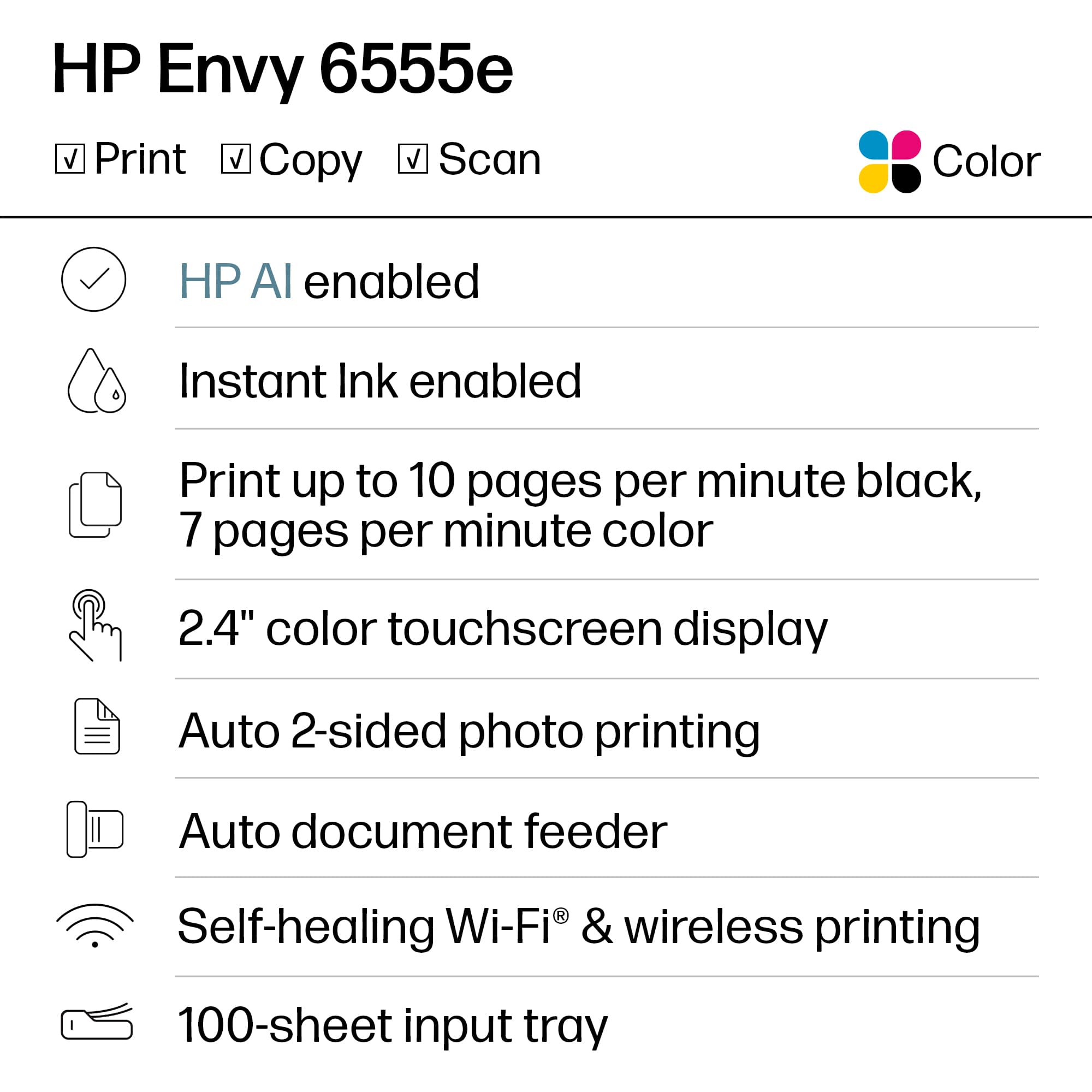
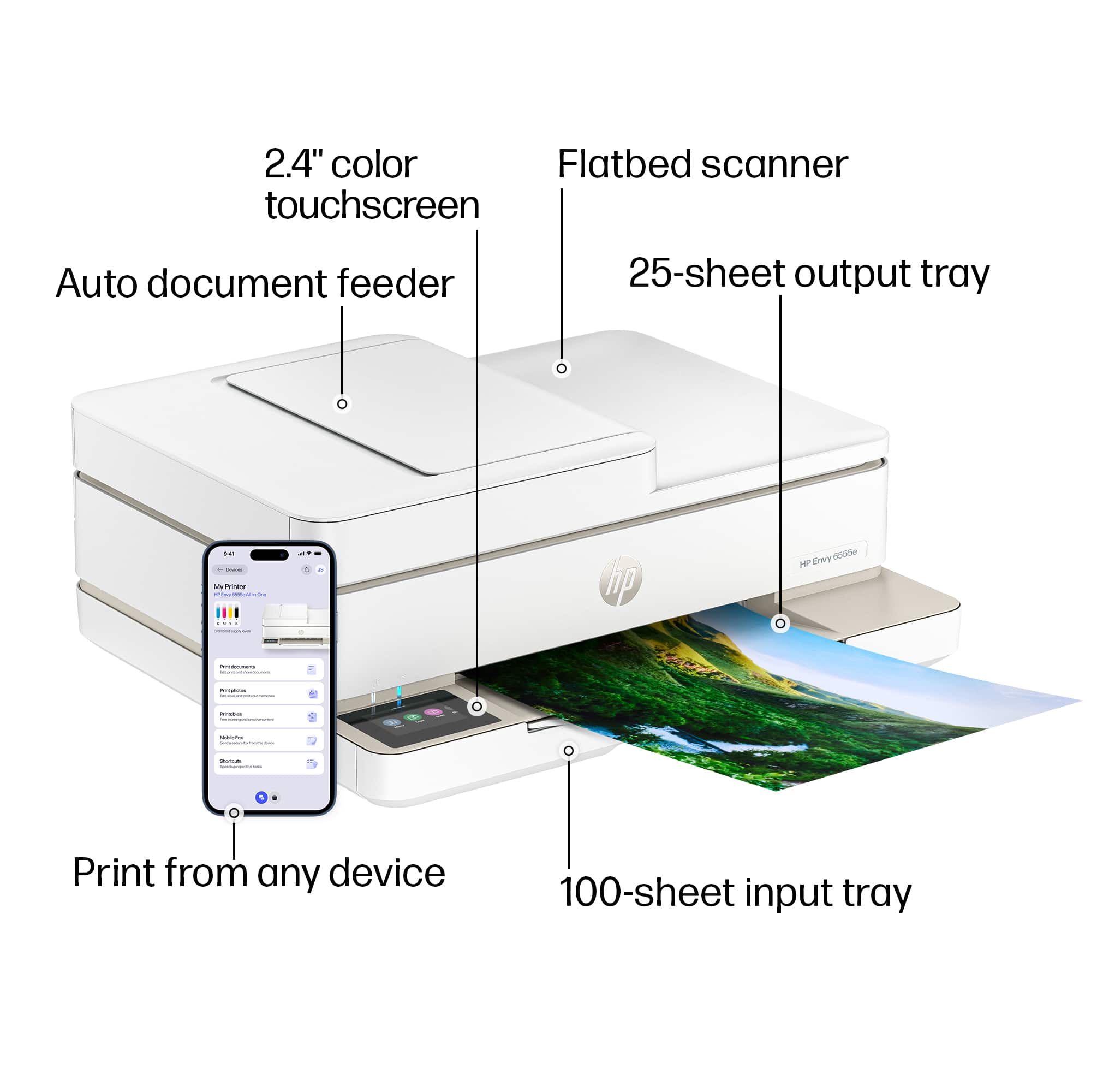
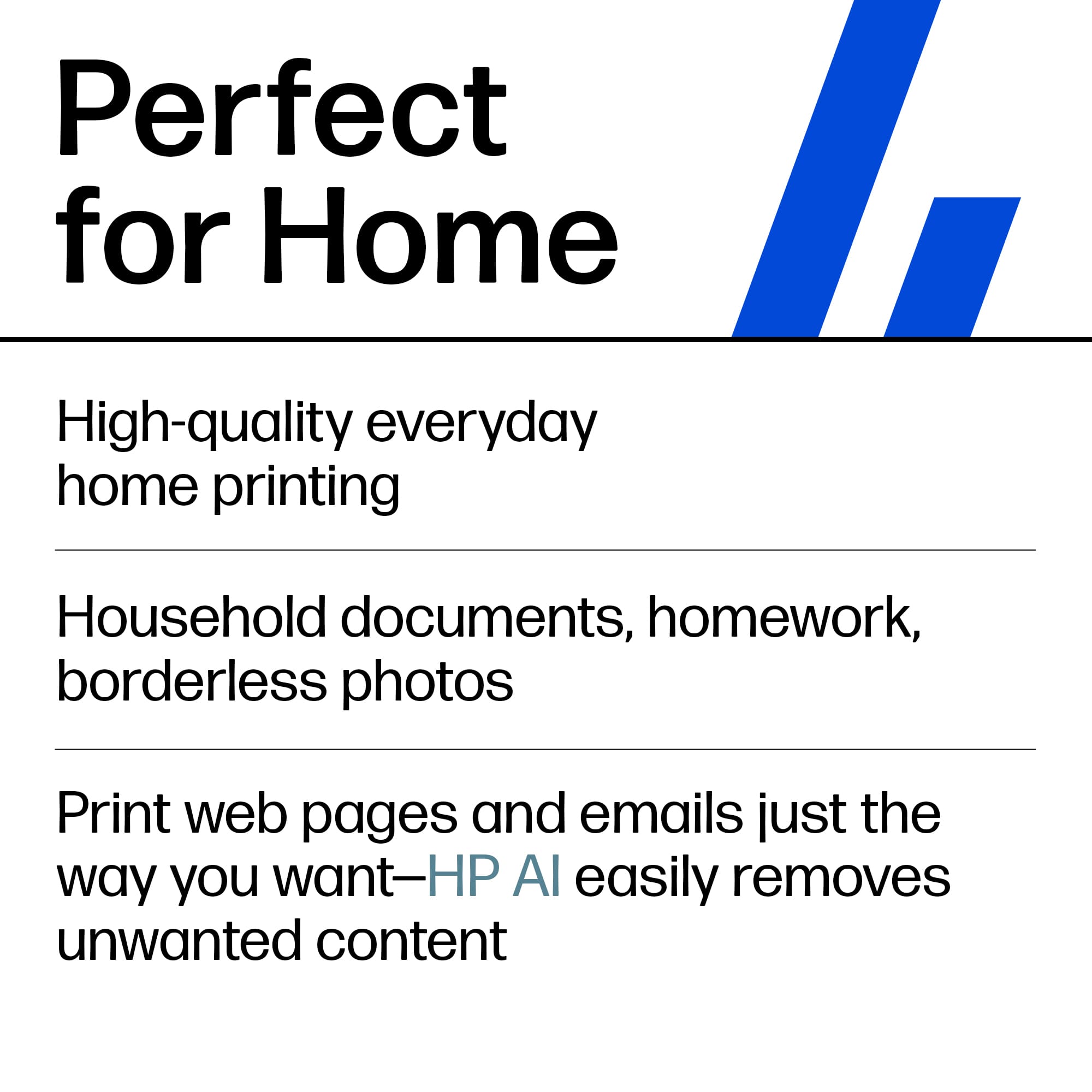
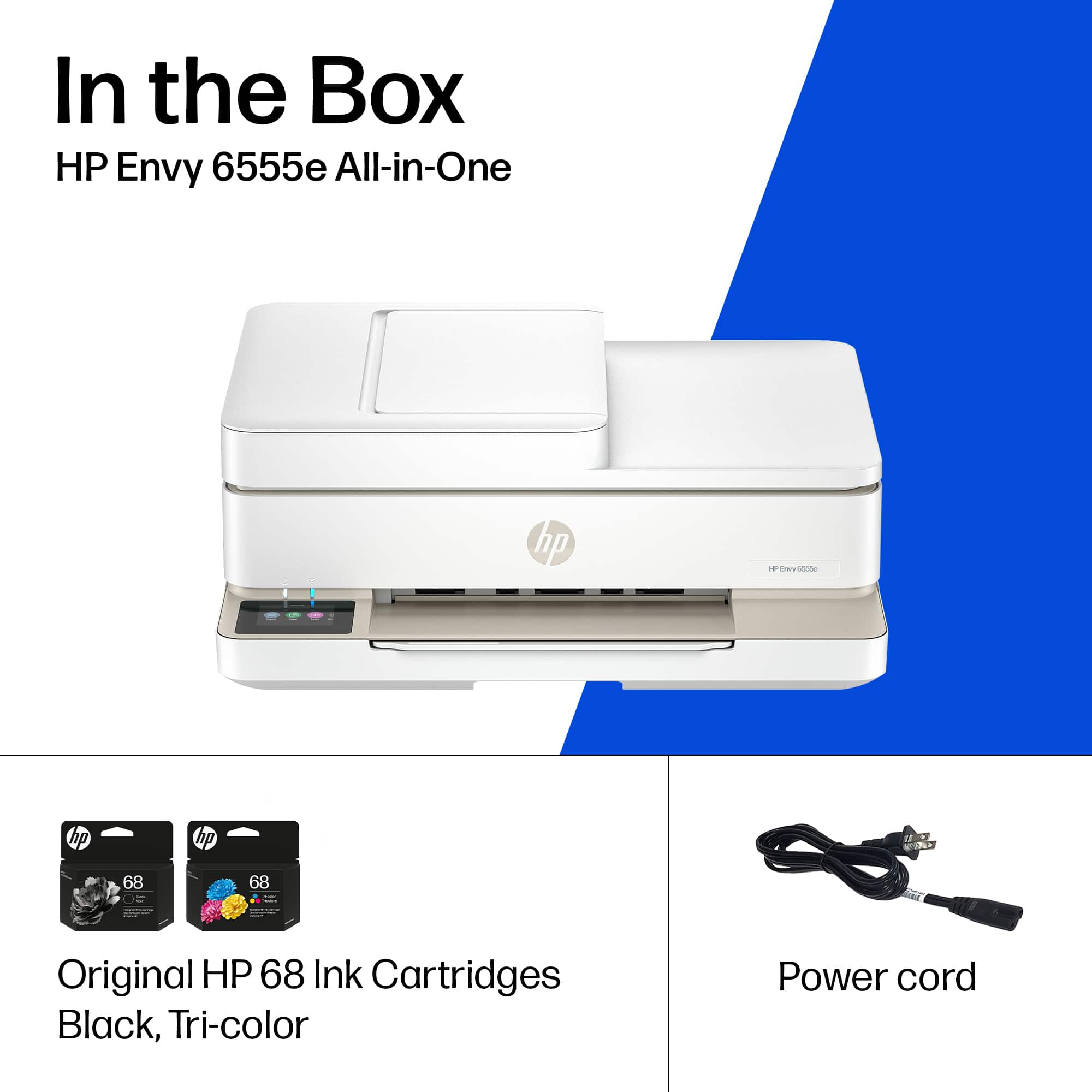
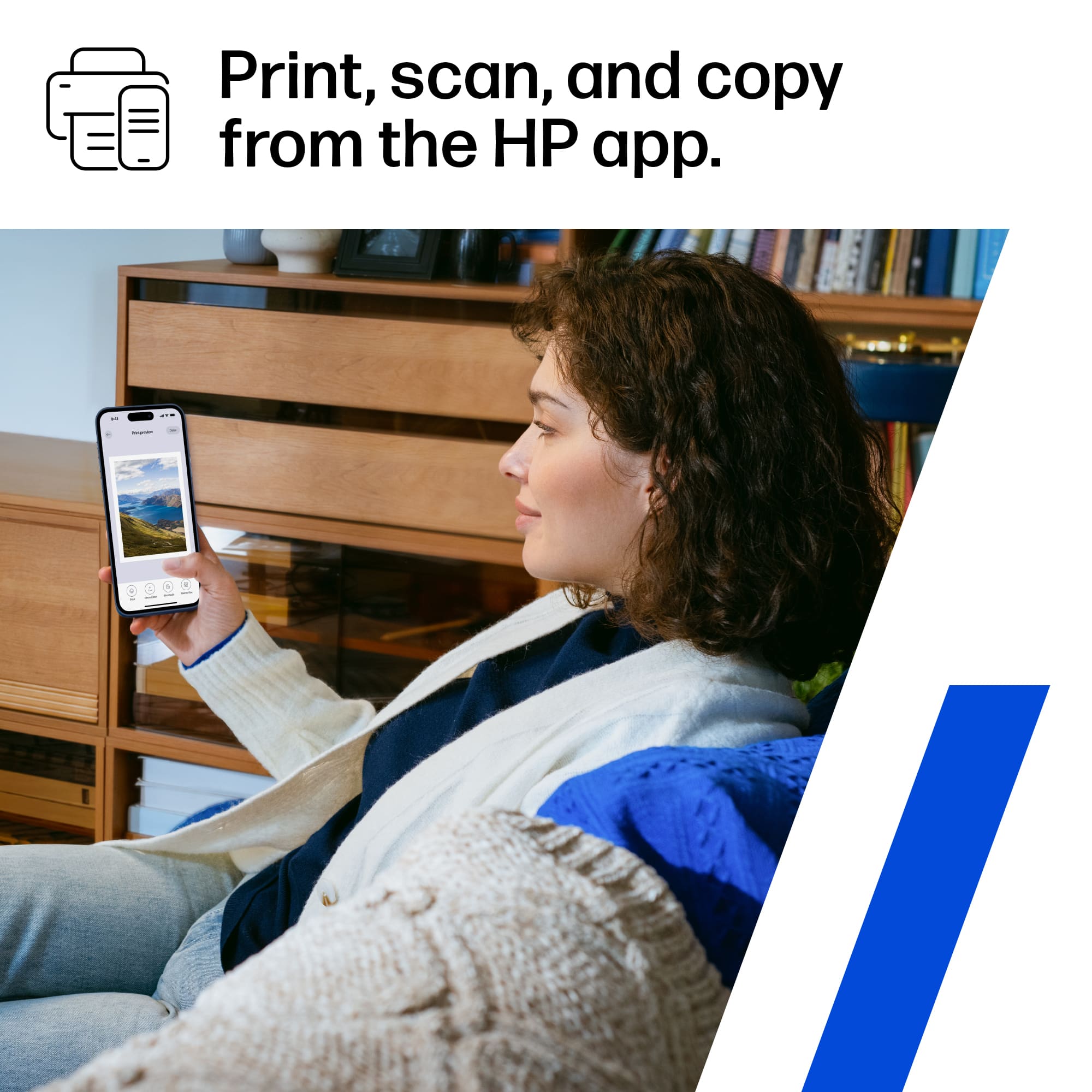
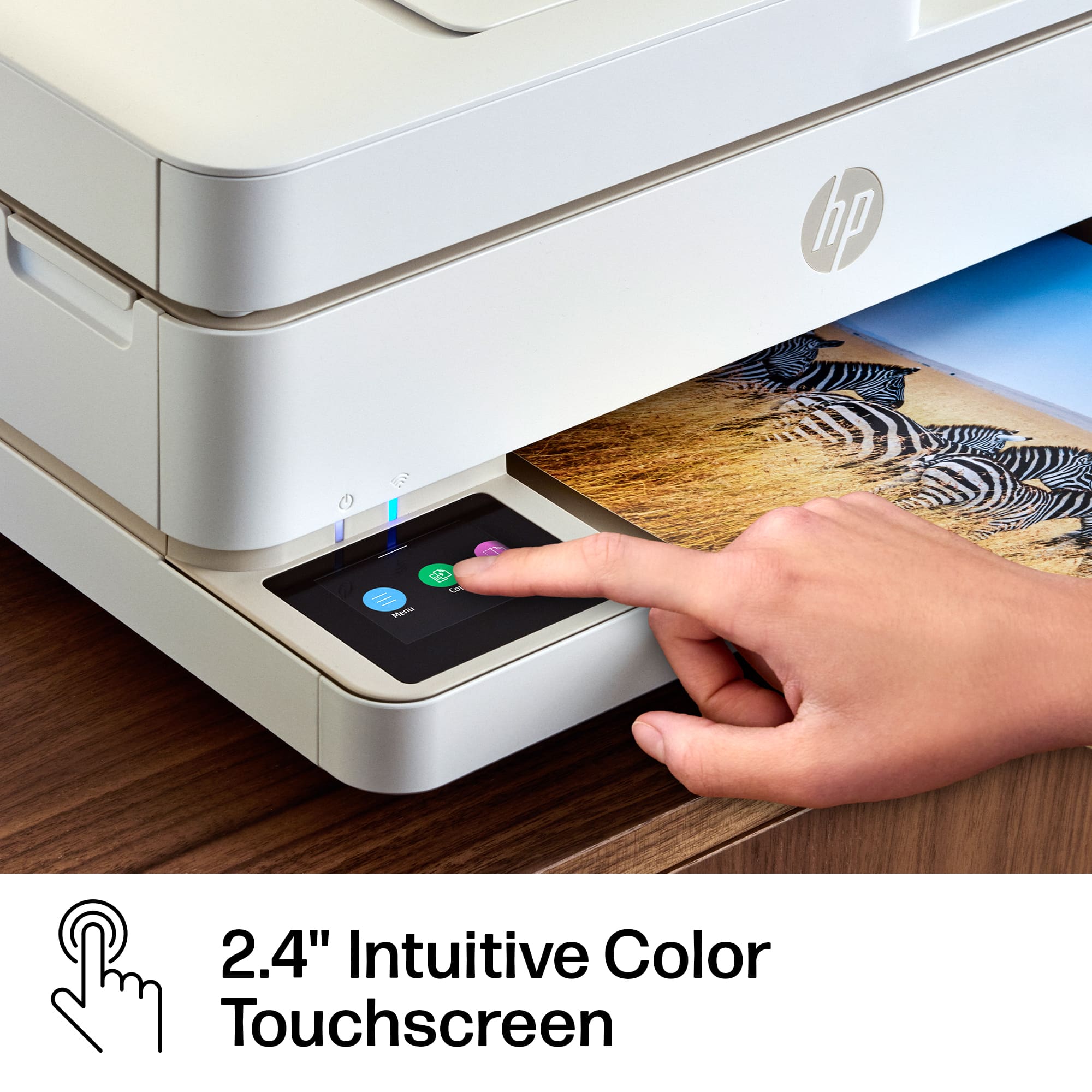
    HP Envy 6555e Wireless All-in-One Inkjet Printer is great for printing high quality homework, documents or pictures. HP Envy 6555e copys, scans and prints from your phone or PC. This printer can be enrolled in HP InstaInk and has three free months included for with enrollment. Included in the box is the printer and power cord. My initial set-up was very easy using the HP Smart App on my PC. I signed into the Hp Smart app then selected "add a printer". The Hp Smart app then connected the printer to my Wi-Fi network and I was ready to print. The app will prompt you to print an alignment page and to then place the alignment page on the printer to be scanned. Within the Hp Smart app select scan. The printer will scan the page and alignment is finished. The HP Envy 6555e Wireless AIO injet printer has an automatic document feeder located on top of the printer and has a 2.4 inch color display touchscreen that is located on the bottom left. This printer can print high quality photos, and documents from any device. Highly recommend.

    I would recommend this to a friend
  • Rated 5 out of 5 stars

    printer

    Posted .
    This reviewer received promo considerations or sweepstakes entry for writing a review.

    easy to use, easy set up. i think it will be great for myt famly

    I would recommend this to a friend
  • Rated 2 out of 5 stars

    Don’t let the sorta cheap upfront cost fool you.

    Posted .
    This reviewer received promo considerations or sweepstakes entry for writing a review.

    The good: Like almost all HP printers, it is pretty easy to set up the first time (only). Printed pages are clean and neat; copies are ok, but not great. The bad: I quit trying to use this scanner. I have 3 hp printers and the scanner on this one just sucks. It eats ink like candy. Very expensive to run because of that. I get almost 100 pages - not quite, but somewhere close - per black ink cartridge. The color is much worse than that. It would be cheaper to go to the copy shop to print or copy. So, I only use it when I can’t get to my other printers. Very, very, very slow printing and copying. Don’t forget your patience. Summary: Much better choices out there.

    No, I would not recommend this to a friend
  • Tech Insider Network Member

    Rated 4 out of 5 stars

    Small and simple with duplex printing

    |
    Tech Insider Network Member
    Posted .
    This reviewer received promo considerations or sweepstakes entry for writing a review.

    To begin, I predominantly use laser printers for my print jobs, so in comparison, any ink jet printer is horribly slow. This particular unit is actually slower than I remember ink jets being. Then again, if you are buying this printer, it is probably not to fill a heavy printing need (more like the periodic print job here or there). The printer itself has a very small footprint and is rather light, so the tradeoff for slow printing is the benefit of some space back on your desk. I was also pleasantly surprised to see that the printer does indeed print duplex. (I thought I may have had to manually re-feed the paper, but that was not the case.) Setting up the printer was relatively easy given the touchscreen, although the touchscreen is somewhat small an I had some challenges with hitting the right letter when putting in my home Wi-Fi password with my wide fingers. My computer found the printer right away after it was set up, which was good to see. To use the scanner, however, requires downloading and installing an HP application/program. The scanner has a flatbed as well as a sheet feed, which is nice for flexibility. I typically use a dedicated sheet-feed scanner, however, and will not be changing any time soon as the scanner seemed rather slow to me. Again, just like the print feature, the selling point of this unit is its small footprint, not the speed with which it completes its jobs. I was a little surprised at the size of the ink cartridges. They were rather small. They were both the same size as well, so I really wonder just how many color pages can be printed before running out of ink. The paper try is also rather shallow, although, as I stated before, this really is not designed to be a high-volume printer, so I suppose that is fine for the intended audience. Ultimately, this is definitely a home, not an office, device that is designed for the recreational user who occasionally prints things. I cannot help but think of my mom in her 70s who will occasionally print airplane boarding passes and things like that. If you are looking for speed, this is not it. If you want a multi-function device that is compact and relatively easy to use, this printer/scanner could work for you.

    No, I would not recommend this to a friend
  • Rated 5 out of 5 stars

    Excellent Economy Printer - Buy It

    Posted .
    This reviewer received promo considerations or sweepstakes entry for writing a review.

    I LOVE this printer. As some have stated, it is not easy to set up. The best advice, is take it as far as you can, leave for the day, and by tomorrow, it probably will have it together. HP is always SLOW!!! As for the performance - it is super easy, and I use it more than the outside office HP 8700 printer. Instant Ink is great, also. HP is not responsive to feedback, and you'll get it before you need it, but it costs much less - and you'll never run out.

    I would recommend this to a friend
  • Tech Insider Network Member

    Rated 5 out of 5 stars

    Small Foot, Big Functionality

    |
    Tech Insider Network Member
    Posted .
    This reviewer received promo considerations or sweepstakes entry for writing a review.

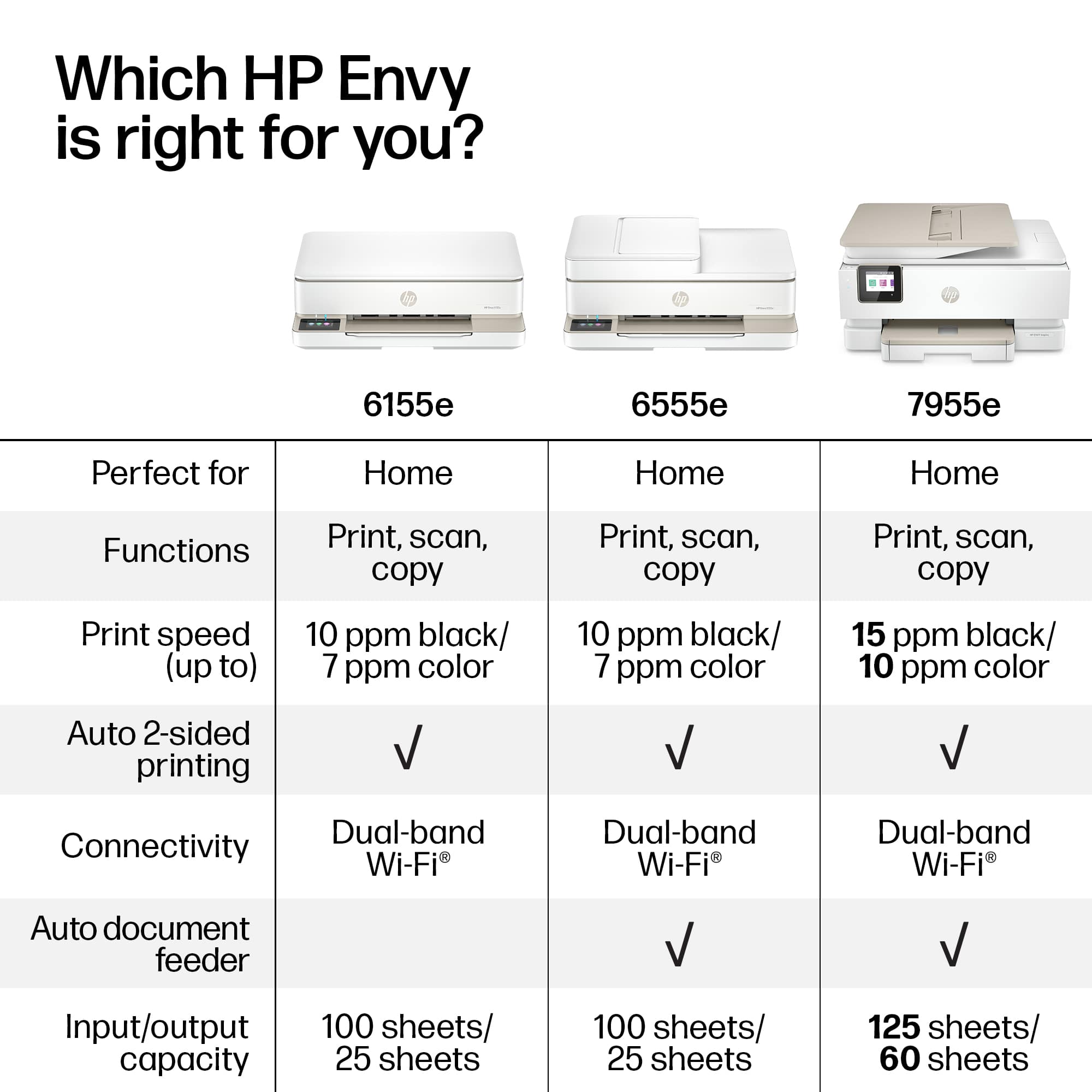
    This printer has a small footprint but a lot of function. I noticed that the HP Envy series has excellent resolution for photographs and other color print-outs as this was evident in my test print-outs of color spectrum charts and landscape photos. There is a glass flatbed and an excellent capacity document feeder at a 35 page maximum. Setup was super easy with the HP Smart app on my laptop. This is a backup printer for me since I have a larger backup HP printer that does print faster. The performance of the 6555e printer is acceptable at 7 pages a minute color and 10 pages a minute b/w. This performance is fine for a printer in this price range. The touchscreen was fantastic. The LCD Panel interface is very intuitive and easy to use, it is a simplified versus previous HP printers – nice upgrade in GUI. I noticed that some printer brands have a less intuitive interface, so I am very happy with the HP printers. Tip of the cap to the engineers at HP. I did have a minor problem letting HP Smart utilize an automated process to set the WiFi address, it failed or at least was taking several minutes. I went back and selected to allow me to enter the password manually and everything went fine and quick. This simply could be a setting of my router, but worth mentioning if it helps someone. After the install, back at my computer I found the printer had gone offline. However, this turned out to be okay since when I checked at the printer it was automatically installing a Firmware update. When the update completed the printer was now available, all was well. I would highly recommend this very capable printer with the smaller footprint and very clear and colorful printing resolution.

    I would recommend this to a friend
  • Tech Insider Network Member

    Rated 3 out of 5 stars

    Middling performance and low build quality

    |
    Tech Insider Network Member
    Posted .
    This reviewer received promo considerations or sweepstakes entry for writing a review.

    The HP Envy 6555e personal printer appears to signal an unfortunate shift in the company's philosophy about it's inkjet printers. HP's has shifted away from quality toward a subscription based ink program. I have used HP products for decades in both my work and home environments. Once it was plain to me that the engineers still took pride in their products and that they were solidly constructed and laser focused (no pun intended) on print quality and speed. The 6555e cuts every corner in order to cut costs. Unfortunately that manifests itself from the moment you unbox and set the product up! Although the base is weighted and gives a false impression of heft and quality, The real reason for that weight becomes apparent as you try to insert the ink cartridges. In order to reach the cartridge carrier mechanism you must tip the entire top portion of the scanner unit backswords in order to reach the interior. No more simple trapdoor. This also effectively increases the amount of space that you must provide for its already substantial footprint. Speaking of the ink cartridges - they are extremely small and offer a black cartridge and a single tri-color cartridge. This means that you will inevitably waste ink since you must replace the cartridge when any single color is exhausted. I'm not a conspiracy guy but this plainly advances their focus on selling you more ink! Another thing you'll notice is that inserting the cartridges is a very finicky procedure and requires you to exert more pressure that I believe the carrier can survive over time. The paper tray is also very small and the mechanism feels very "plasticy" and delicate. But for me the most unforgivable fact is that the unit prints very slowly and the print quality is not good. Text is fine but any graphics (or, heaven forbid, photos) completely lack vibrancy and saturation. The cherry-on-top is that HP app (which really is required to set the printer up) is buggy. Many of the steps complete fine but in the end I never was able to get it to complete even though the printer and scanner both function fine! I fear this is going to create a support nightmare for HP. In conclusion, though it pains me to say it, I cannot recommend this product. So why 3 stars? Cosmetically is is appealing and if the idea of an ink subscription appeals to you then this might fit your needs.

    No, I would not recommend this to a friend
  • Rated 1 out of 5 stars

    Done with HP printers

    Posted .
    This reviewer received promo considerations or sweepstakes entry for writing a review.

    I am giving up on HP printers. This is the second printer in just 5 months and barely 3 weeks into using the Envy 6555e it won't print. I have no idea what happened, one day it printed everything the next day nothing. I just found that even though it states it prints PDF, it wouldn't print a PDF bill. It won't print orders from on line shopping, or print news articles on line and now my paperless bills. We thought we were moving up to a better printer when we took the first one back to Best Buy, but at least it worked for a few months. It was set up the 3rd week of July, and we got the Envy installed the 2nd week of December. It's already been unable to print for about a week.

    No, I would not recommend this to a friend