Customer Ratings & Reviews
- Model:
- ENVY 6555E/714N5A#B1H
- |
- SKU:
- 6590105
Customer reviews
Rating 4.4 out of 5 stars with 777 reviews
(777 customer reviews)Rating by feature
- Value4.5
Rating 4.5 out of 5 stars
- Quality4.4
Rating 4.4 out of 5 stars
- Ease of Use4.3
Rating 4.3 out of 5 stars
Customers are saying
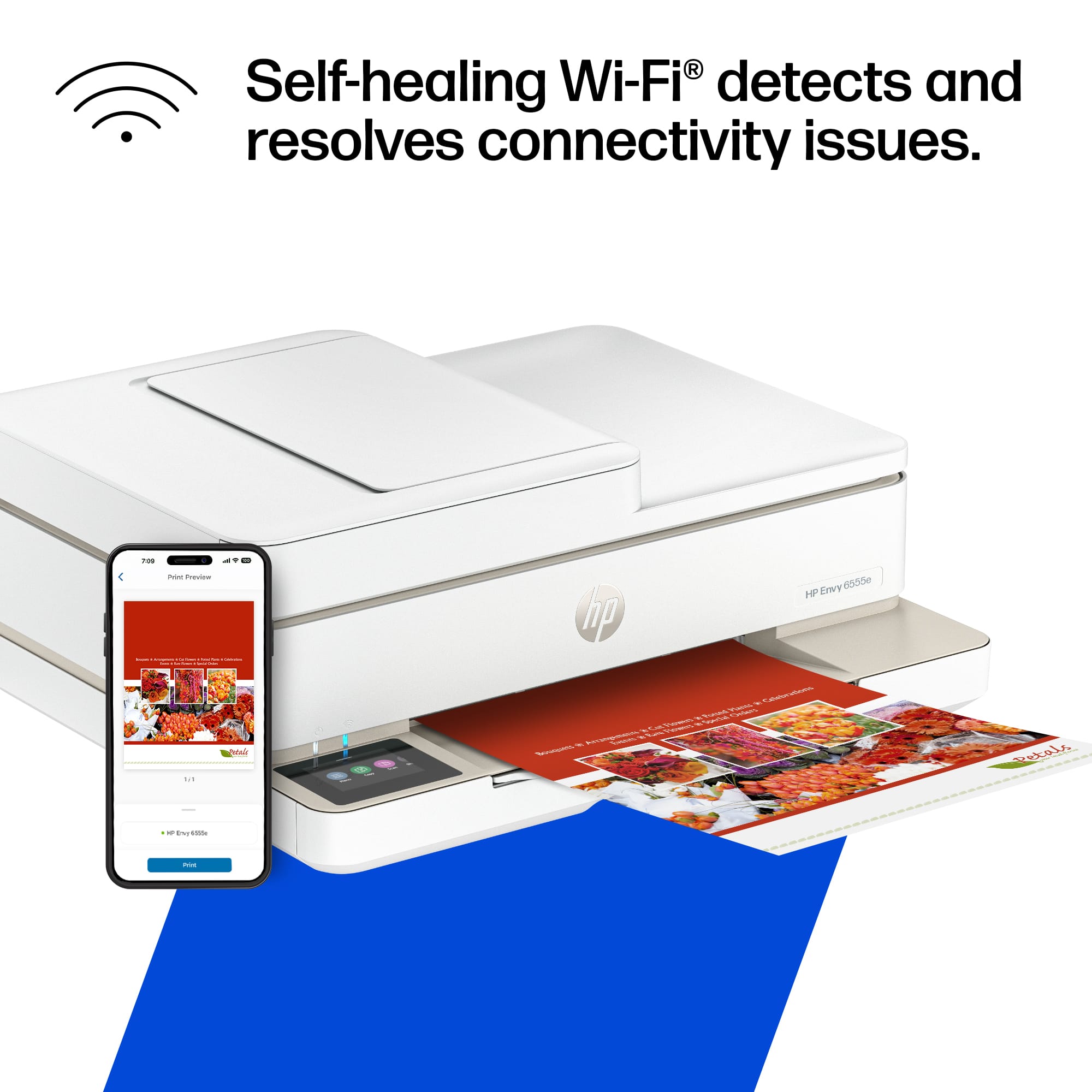
Customers have good things to say about the Envy 6555e's print quality, ease of use, and overall performance. Many appreciate its straightforward setup and compact size, finding it ideal for smaller spaces. However, some users experienced connectivity problems. A few also noted that the paper tray's capacity could be improved.
This summary was generated by AI based on customer reviews.
- Pros mentioned:Ease of use, Setup
Rated 5 out of 5 stars
printer
Posted .This reviewer received promo considerations or sweepstakes entry for writing a review.easy to use, easy set up. i think it will be great for myt famly
I would recommend this to a friend Rated 4 out of 5 stars
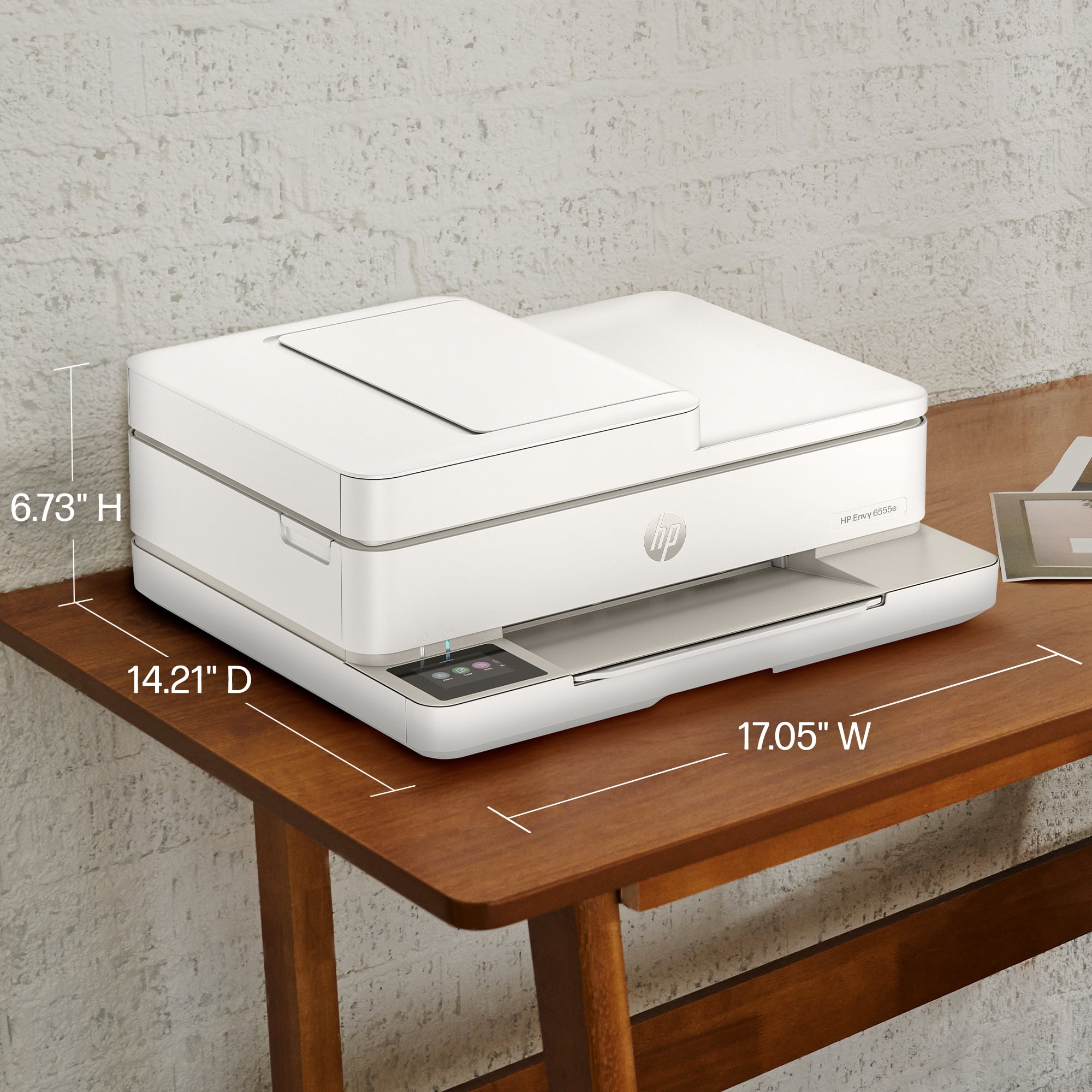
Small and simple with duplex printing
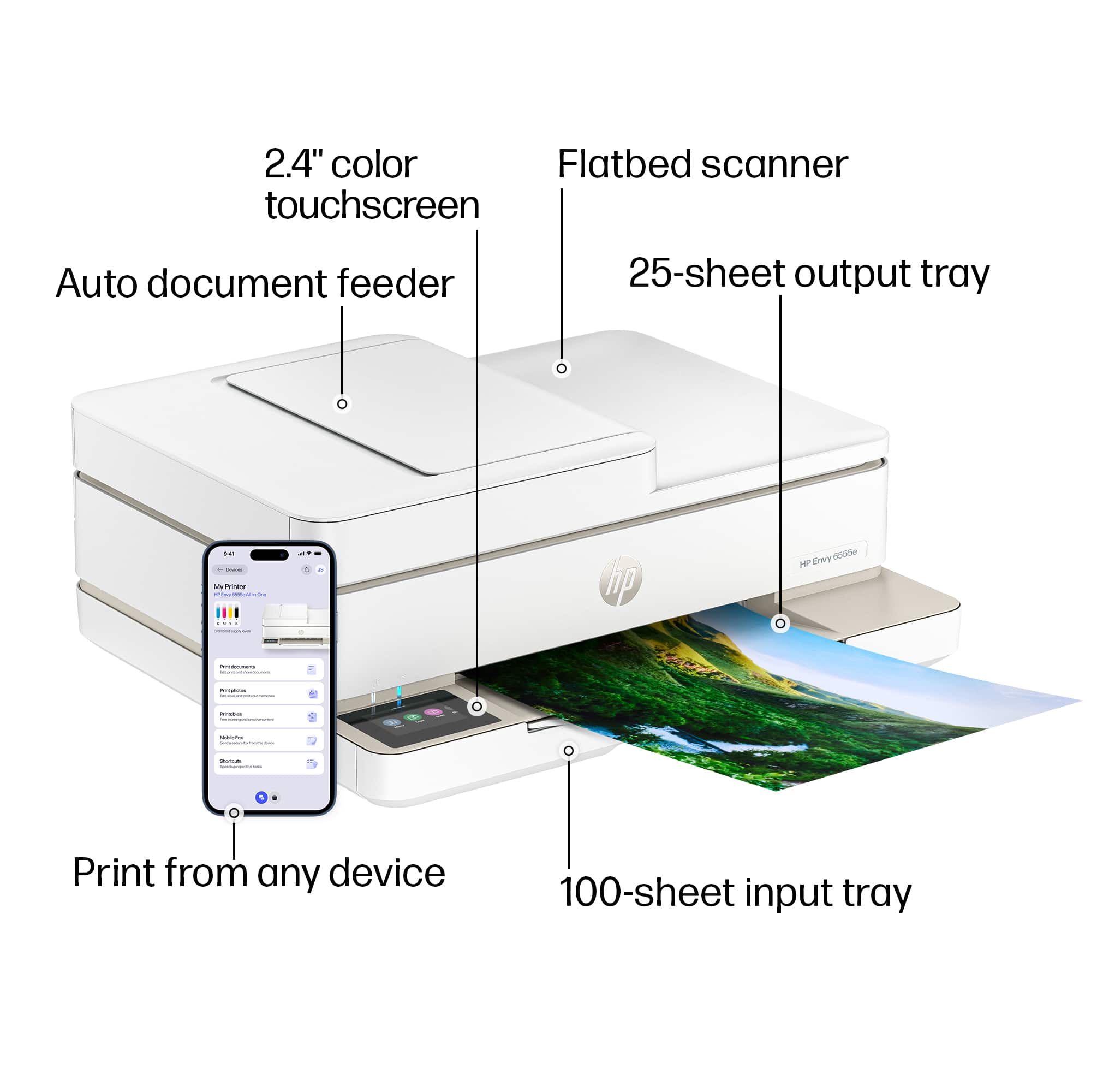
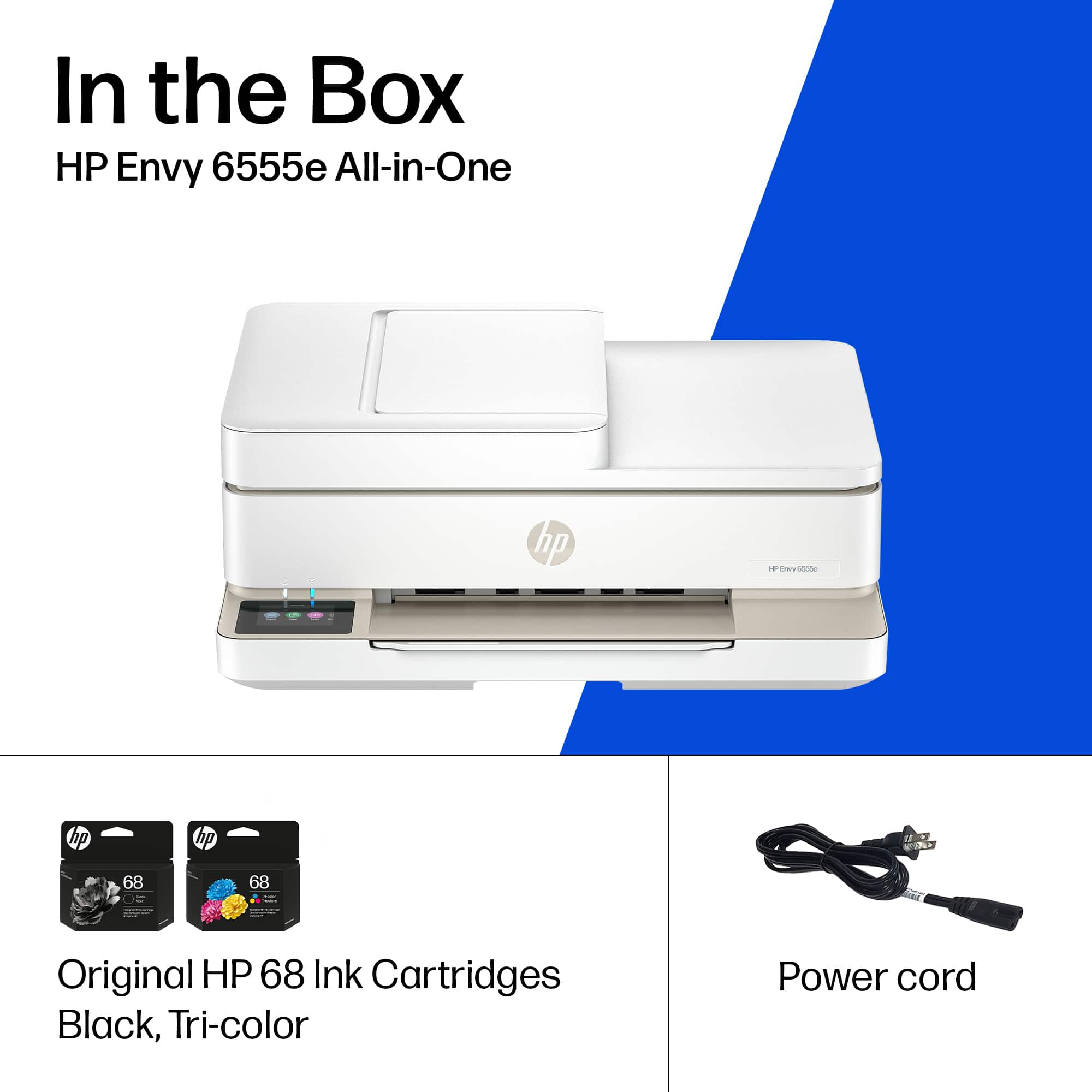
|Posted .This reviewer received promo considerations or sweepstakes entry for writing a review.To begin, I predominantly use laser printers for my print jobs, so in comparison, any ink jet printer is horribly slow. This particular unit is actually slower than I remember ink jets being. Then again, if you are buying this printer, it is probably not to fill a heavy printing need (more like the periodic print job here or there). The printer itself has a very small footprint and is rather light, so the tradeoff for slow printing is the benefit of some space back on your desk. I was also pleasantly surprised to see that the printer does indeed print duplex. (I thought I may have had to manually re-feed the paper, but that was not the case.) Setting up the printer was relatively easy given the touchscreen, although the touchscreen is somewhat small an I had some challenges with hitting the right letter when putting in my home Wi-Fi password with my wide fingers. My computer found the printer right away after it was set up, which was good to see. To use the scanner, however, requires downloading and installing an HP application/program. The scanner has a flatbed as well as a sheet feed, which is nice for flexibility. I typically use a dedicated sheet-feed scanner, however, and will not be changing any time soon as the scanner seemed rather slow to me. Again, just like the print feature, the selling point of this unit is its small footprint, not the speed with which it completes its jobs. I was a little surprised at the size of the ink cartridges. They were rather small. They were both the same size as well, so I really wonder just how many color pages can be printed before running out of ink. The paper try is also rather shallow, although, as I stated before, this really is not designed to be a high-volume printer, so I suppose that is fine for the intended audience. Ultimately, this is definitely a home, not an office, device that is designed for the recreational user who occasionally prints things. I cannot help but think of my mom in her 70s who will occasionally print airplane boarding passes and things like that. If you are looking for speed, this is not it. If you want a multi-function device that is compact and relatively easy to use, this printer/scanner could work for you.
No, I would not recommend this to a friend- Pros mentioned:Overall performance
Rated 5 out of 5 stars
Excellent Economy Printer - Buy It
Posted .This reviewer received promo considerations or sweepstakes entry for writing a review.I LOVE this printer. As some have stated, it is not easy to set up. The best advice, is take it as far as you can, leave for the day, and by tomorrow, it probably will have it together. HP is always SLOW!!! As for the performance - it is super easy, and I use it more than the outside office HP 8700 printer. Instant Ink is great, also. HP is not responsive to feedback, and you'll get it before you need it, but it costs much less - and you'll never run out.
I would recommend this to a friend Rated 5 out of 5 stars
Small Foot, Big Functionality
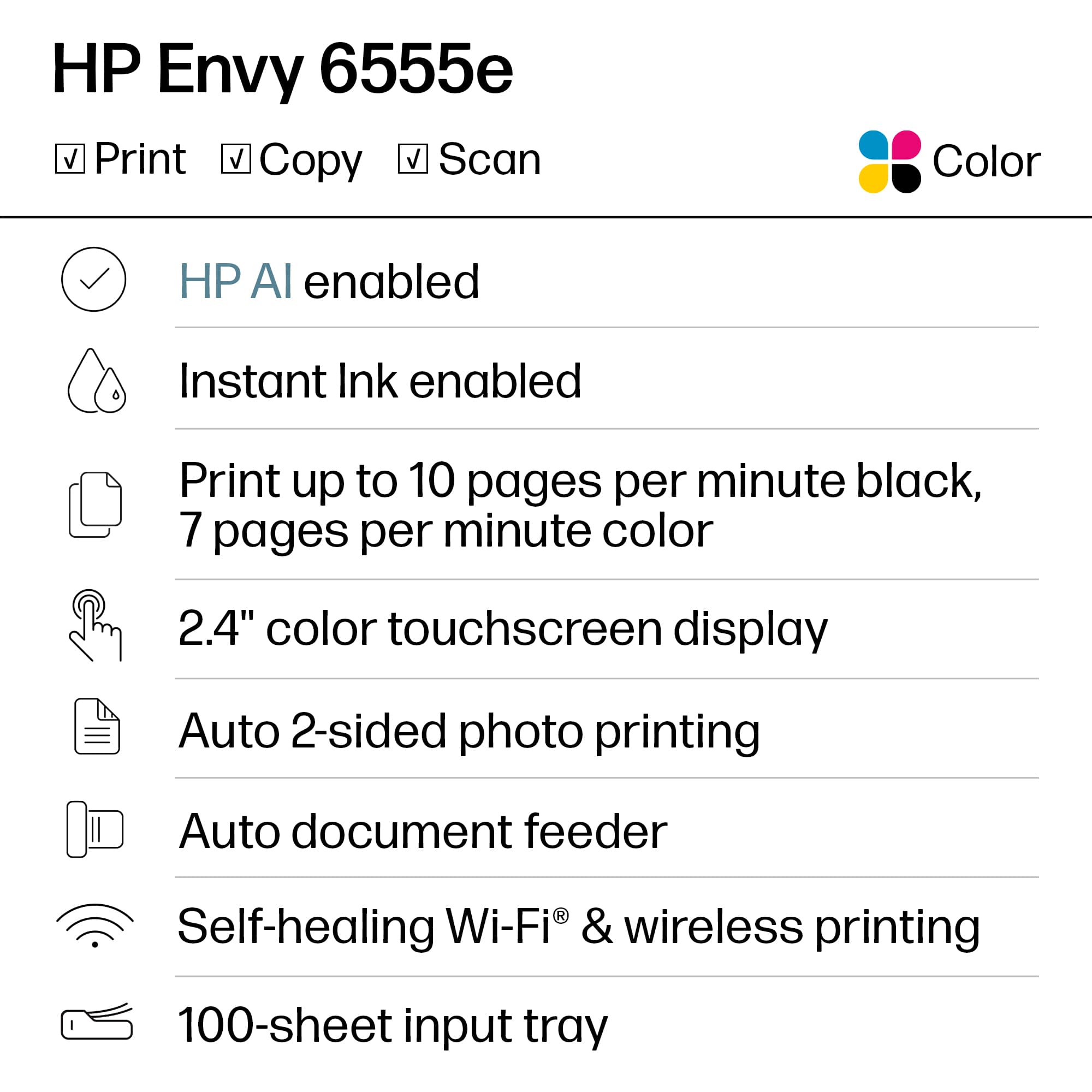
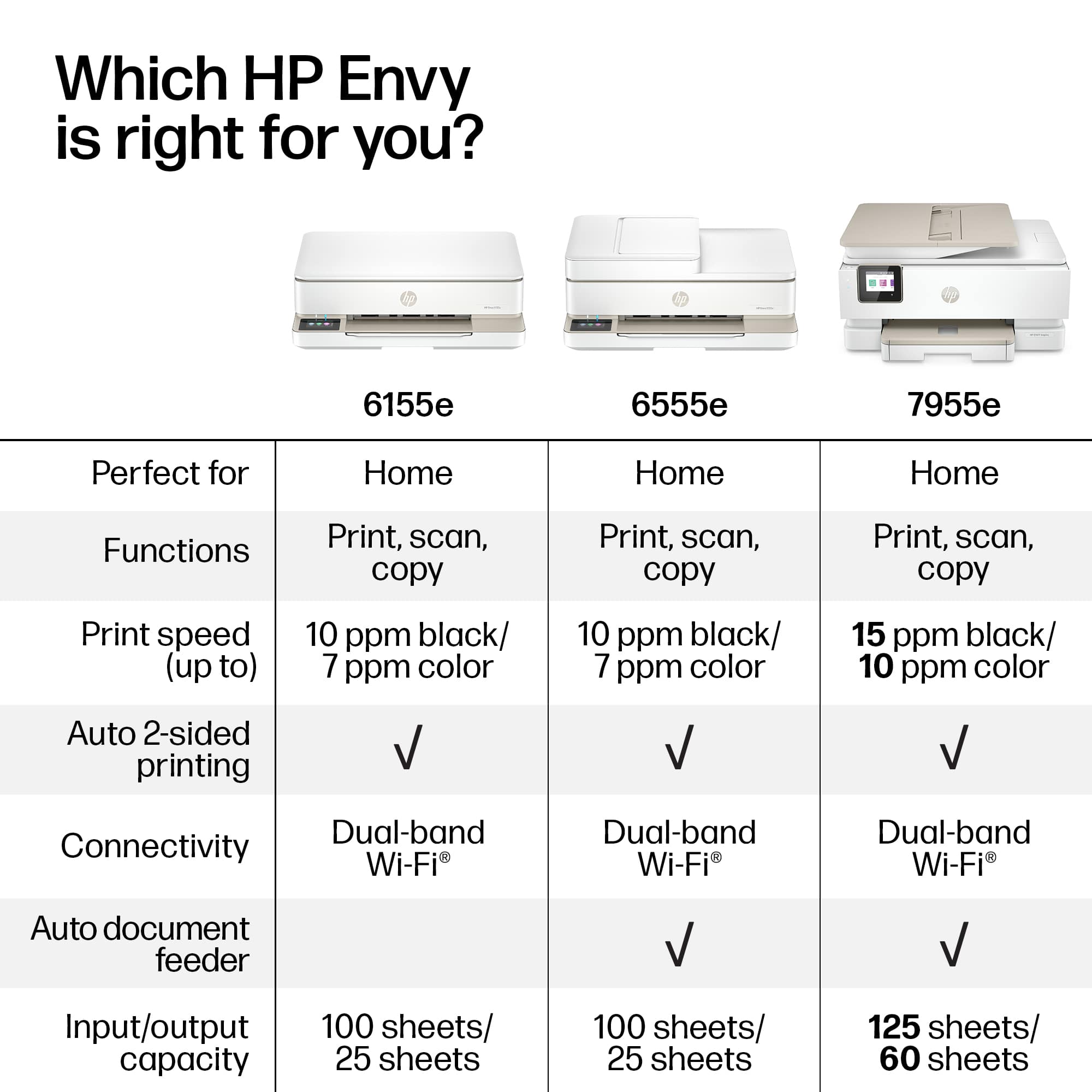
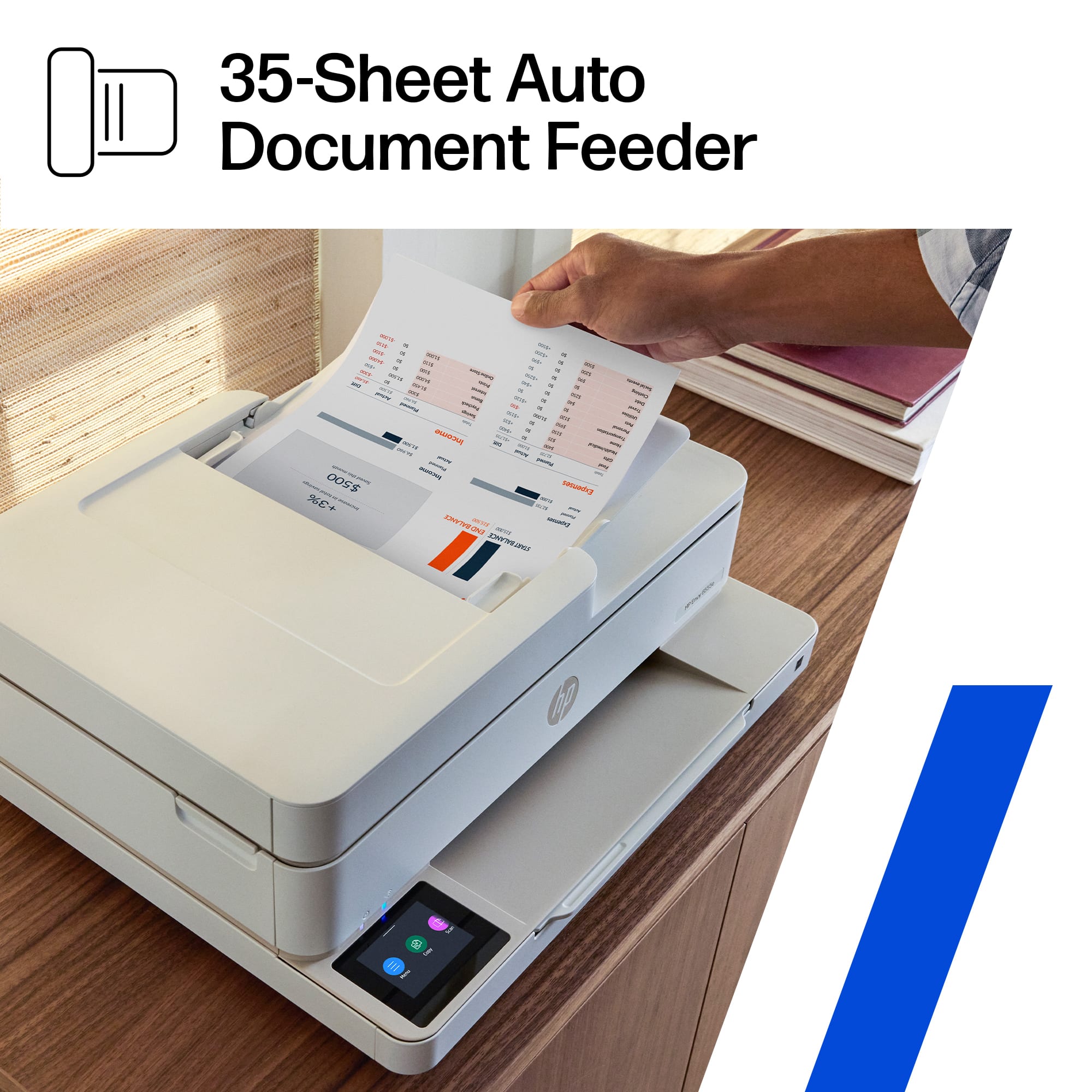
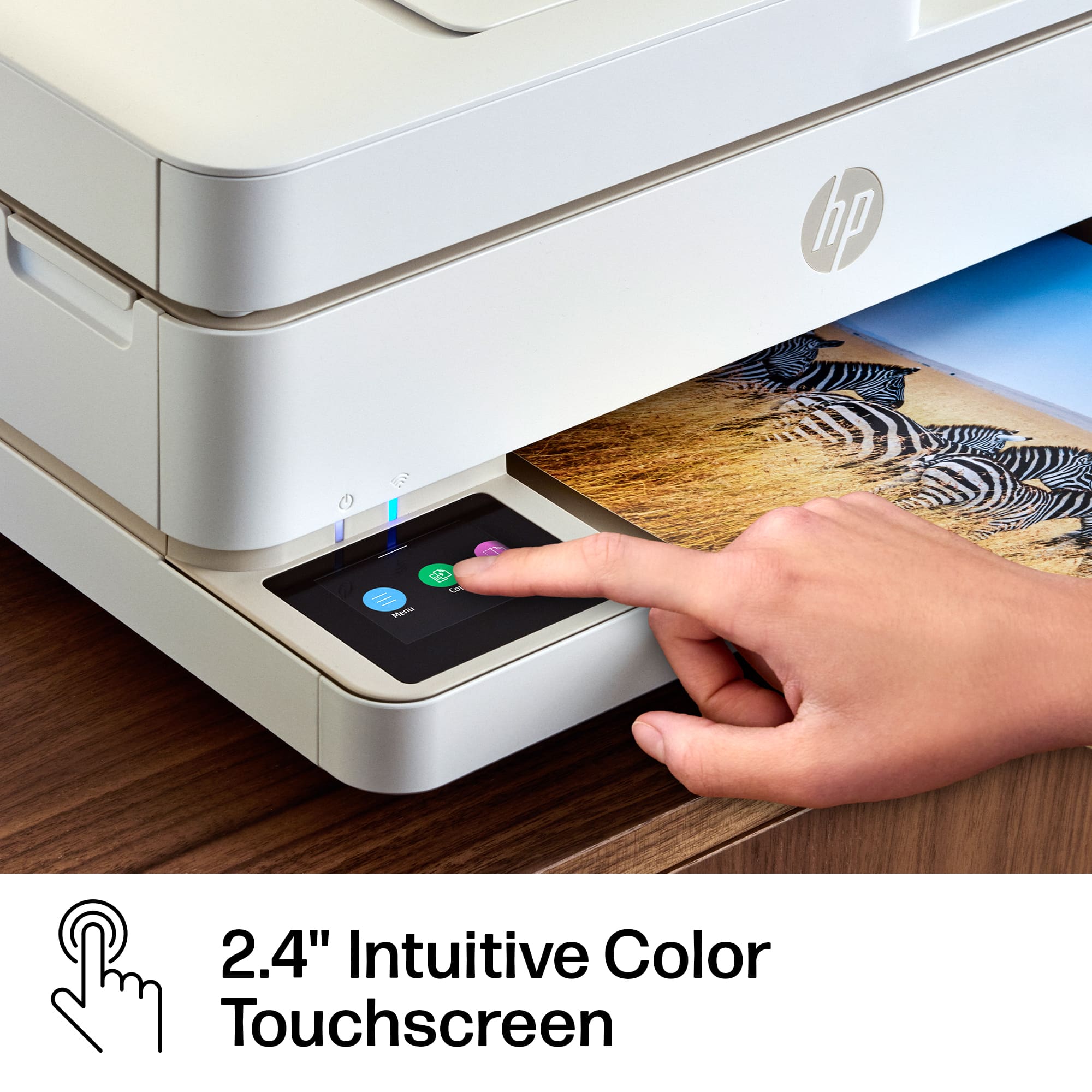
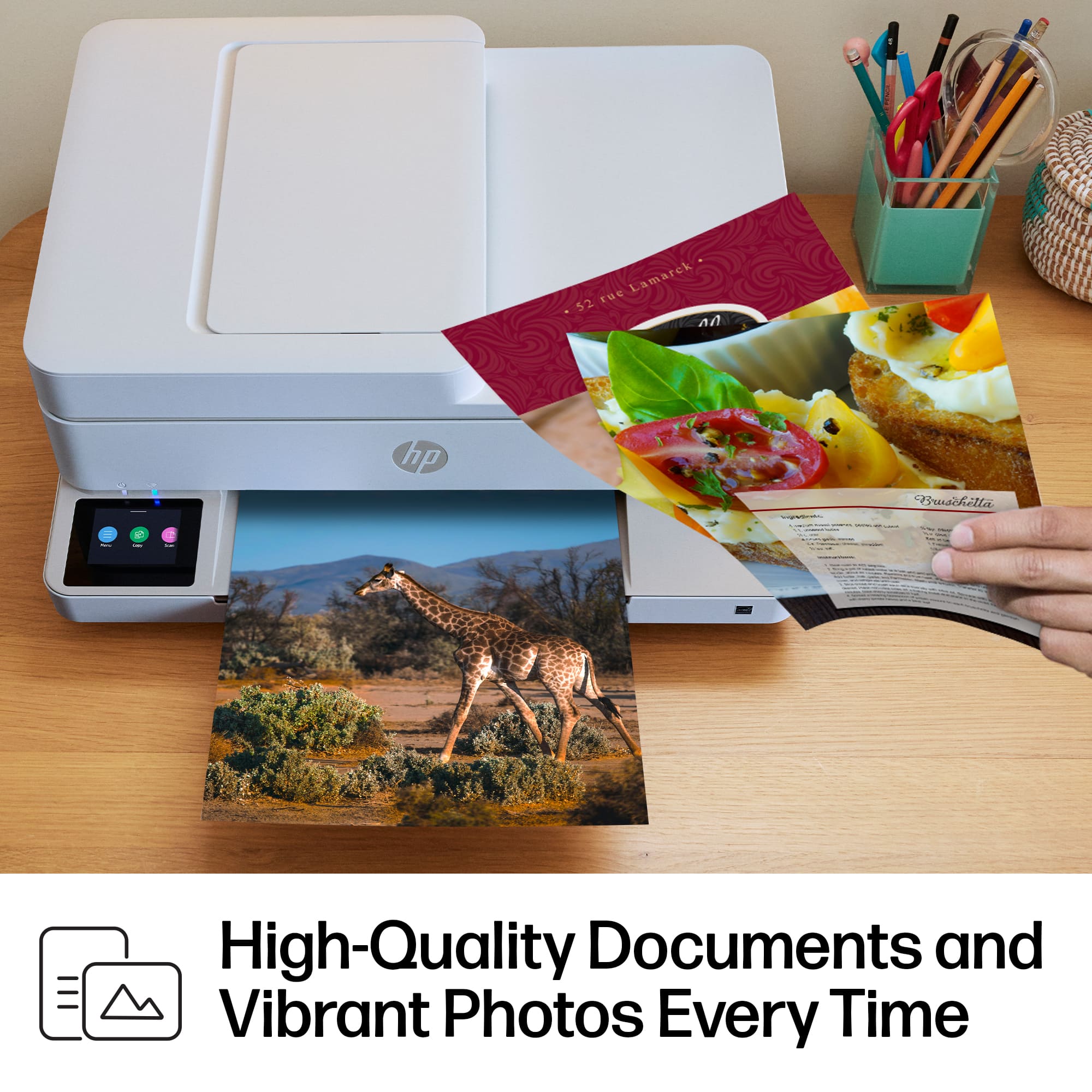
|Posted .This reviewer received promo considerations or sweepstakes entry for writing a review.This printer has a small footprint but a lot of function. I noticed that the HP Envy series has excellent resolution for photographs and other color print-outs as this was evident in my test print-outs of color spectrum charts and landscape photos. There is a glass flatbed and an excellent capacity document feeder at a 35 page maximum. Setup was super easy with the HP Smart app on my laptop. This is a backup printer for me since I have a larger backup HP printer that does print faster. The performance of the 6555e printer is acceptable at 7 pages a minute color and 10 pages a minute b/w. This performance is fine for a printer in this price range. The touchscreen was fantastic. The LCD Panel interface is very intuitive and easy to use, it is a simplified versus previous HP printers – nice upgrade in GUI. I noticed that some printer brands have a less intuitive interface, so I am very happy with the HP printers. Tip of the cap to the engineers at HP. I did have a minor problem letting HP Smart utilize an automated process to set the WiFi address, it failed or at least was taking several minutes. I went back and selected to allow me to enter the password manually and everything went fine and quick. This simply could be a setting of my router, but worth mentioning if it helps someone. After the install, back at my computer I found the printer had gone offline. However, this turned out to be okay since when I checked at the printer it was automatically installing a Firmware update. When the update completed the printer was now available, all was well. I would highly recommend this very capable printer with the smaller footprint and very clear and colorful printing resolution.
I would recommend this to a friendRated 3 out of 5 stars
Middling performance and low build quality
|Posted .This reviewer received promo considerations or sweepstakes entry for writing a review.The HP Envy 6555e personal printer appears to signal an unfortunate shift in the company's philosophy about it's inkjet printers. HP's has shifted away from quality toward a subscription based ink program. I have used HP products for decades in both my work and home environments. Once it was plain to me that the engineers still took pride in their products and that they were solidly constructed and laser focused (no pun intended) on print quality and speed. The 6555e cuts every corner in order to cut costs. Unfortunately that manifests itself from the moment you unbox and set the product up! Although the base is weighted and gives a false impression of heft and quality, The real reason for that weight becomes apparent as you try to insert the ink cartridges. In order to reach the cartridge carrier mechanism you must tip the entire top portion of the scanner unit backswords in order to reach the interior. No more simple trapdoor. This also effectively increases the amount of space that you must provide for its already substantial footprint. Speaking of the ink cartridges - they are extremely small and offer a black cartridge and a single tri-color cartridge. This means that you will inevitably waste ink since you must replace the cartridge when any single color is exhausted. I'm not a conspiracy guy but this plainly advances their focus on selling you more ink! Another thing you'll notice is that inserting the cartridges is a very finicky procedure and requires you to exert more pressure that I believe the carrier can survive over time. The paper tray is also very small and the mechanism feels very "plasticy" and delicate. But for me the most unforgivable fact is that the unit prints very slowly and the print quality is not good. Text is fine but any graphics (or, heaven forbid, photos) completely lack vibrancy and saturation. The cherry-on-top is that HP app (which really is required to set the printer up) is buggy. Many of the steps complete fine but in the end I never was able to get it to complete even though the printer and scanner both function fine! I fear this is going to create a support nightmare for HP. In conclusion, though it pains me to say it, I cannot recommend this product. So why 3 stars? Cosmetically is is appealing and if the idea of an ink subscription appeals to you then this might fit your needs.
No, I would not recommend this to a friendRated 1 out of 5 stars
Done with HP printers
Posted .This reviewer received promo considerations or sweepstakes entry for writing a review.I am giving up on HP printers. This is the second printer in just 5 months and barely 3 weeks into using the Envy 6555e it won't print. I have no idea what happened, one day it printed everything the next day nothing. I just found that even though it states it prints PDF, it wouldn't print a PDF bill. It won't print orders from on line shopping, or print news articles on line and now my paperless bills. We thought we were moving up to a better printer when we took the first one back to Best Buy, but at least it worked for a few months. It was set up the 3rd week of July, and we got the Envy installed the 2nd week of December. It's already been unable to print for about a week.
No, I would not recommend this to a friend- Pros mentioned:Print quality
Rated 1 out of 5 stars
It's like they never tested the app
|Posted .This reviewer received promo considerations or sweepstakes entry for writing a review.One week of use, too many problems. It’s unfortunate, as the HP Envy 6500e is a great looking printer with a compact form factor, bright, easy to use LED display, and very crisp print on text and images. Starting with setup, the first thing you’ll notice is that there are only two print cartridges, black and color. This is a big issue, as colors do not run out uniformly. Having a single cartridge forces you to purchase more ink than necessary. It is both economically and environmentally a bad move, one which solely benefits HP’s bottom line. I say HP’s bottom line, because the firmware looks for a chip in the ink cartridges that shows they are from HP and refuses to accept third party cartridges. On to the app. The HP Smart app is better than it was when first introduced, but it still has some serious bugs. Setup is done through the HP Smart app. Trying the setup procedure through the Windows 11 app proved to be a non-starter, so I switched to my iPhone. This worked, although after the setup appeared to be complete the app hung and had to be manually killed. Even now, the Windows app tells me to click to complete my setup, but when I click on the button all that happens is a wheel spins for a few seconds and it goes back to telling me to click to complete setup. Sometimes the app recognizes that the printer has a document feeder, other times it does not and thinks that scanned items are placed, one sheet at a time, on the glass. There’s simply no excuse for not thoroughly testing an app on Windows. Now to printer operation. It’s easy to load ink and paper, the print quality is great, and the LED screen operates as you would expect it to. Sadly, this is where the good news starts and stops. The printer occasionally drops from the network, even though it is 10’ from a router that is powerful enough to cover a 3700 sf home and its 1000’ of decking (meaning it’s not a connection problem). When it drops from the network, it still shows connected on the screen and on the WIFI indicator light, but no devices can find it. The small power button under the power light has no tactile feel, and actually doesn’t seem to do anything. The only way to power the printer down is to unplug it. Cycling power has fixed the issue, but it’s just silly to have to do this. Overall, it’s a really nice-looking printer that works well when it works. It just has too many downsides for me to recommend it.
No, I would not recommend this to a friend Rated 1 out of 5 stars
Terrible Printer
|Posted .This reviewer received promo considerations or sweepstakes entry for writing a review.This is not a very good printer for multiple reasons. Firstly, even though I am quite tech-savvy, it was a pain to setup this printer. I kept getting errors on the HP Smart app everytime I tried to pair it. Additionally, when trying to print using a computer, it kept on giving me an error when I tried to add this printer to my list of printers. Both of these issues (the HP Smart error and the computer error) werr somehow resolved the next day but it still wasn't a pleasant experience. Secondly, the printing speed is frustratingly slow. It takes forever just to print a few pages, especially when printing color. Thirdly, the ink cartridge finished after less than 10 sheets of printing. That's actually crazy; I would expect a new cartridge to last at least a couple hundred pages, but no, instead it lasts not even a day's worth of printing. A pack of ink cartridges is around fifty bucks. It's too much to pay each month just for 10 pages of printing. Overall, this HP Envy printer isn't a very good printer.
No, I would not recommend this to a friendRated 1 out of 5 stars
A complete and total letdown
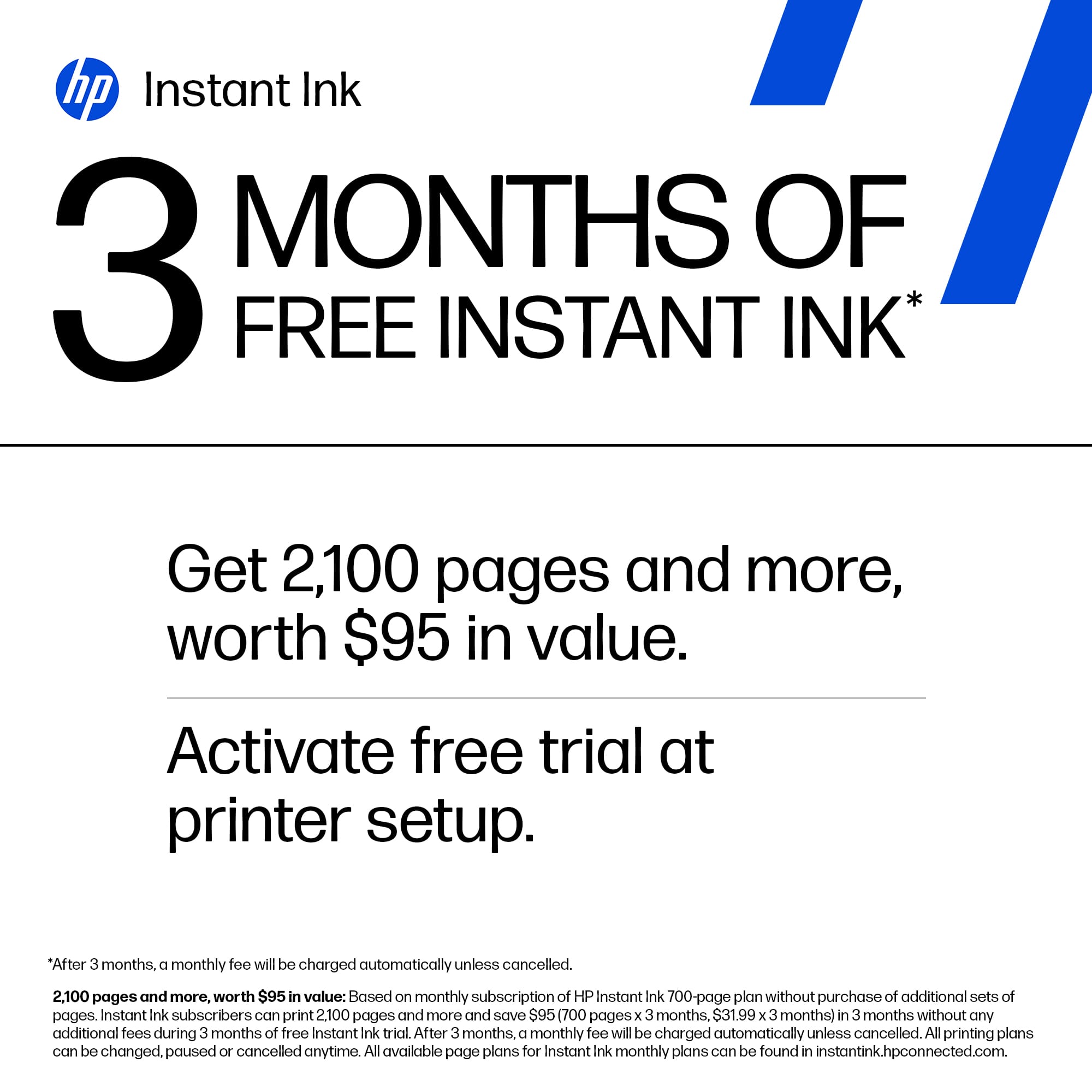
|Posted .This reviewer received promo considerations or sweepstakes entry for writing a review.The HP Envy 6555e All-in-One Printer is a product that could’ve been great, but is a spectacular letdown due to the user experience. While I was excited to try this product, I was disappointed with how this printer operates, and relies on technology that is wholly unnecessary. Unboxing the HP Envy 6555e is straightforward, and everything is protected nicely and well organized, making the initial set-up process pretty easy. I thought that installing the included ink cartridges was a task that was smooth and simple, and I didn’t mind going through the set-up process where you get to calibrate both the printer and scanner. Where I think things went wrong is when it becomes clear that you must download an App to use this printer. Not only that, but you must also create an account, and then must download another App on each device that wants to use the printer. In my case, this meant I first downloaded an app on my iPhone, and then a similar app on my MacBook Pro. I also did not appreciate that this app then wanted access to my entire photo library on my MacBook, which I’m not entirely sure why it would need, since all I want to do is be able to print things on demand. And that's where I have the biggest problem with this printer. Unlike virtually every printer I have ever used over the past 2+ decades, you cannot just plug this printer in, find it with your computer, and print. Everything is controlled via apps, at least that was my experience, as I could not find a way to print without including the app in the process. I noticed that while the app was installed on my MacBook, I could select “file” and then “print” and it would actually work. However, when I uninstalled the app, it would no longer retain this functionality. I had a family member see if they could get the printer to work outside of an app, and they had no luck as well. As for the printing, it does a great job, as the papers and images I printed out came out quickly with no errors and looked perfectly fine. I haven’t tested the scanner outside of the calibration, but I would assume it does a great job too. I don’t know how long the included ink will last, as the paperwork included has an offer for free ink, yet it’s a subscription after that. Okay, so that’s multiple apps, creating an account with my email and a password, access to all of my photos, and a monthly charge for ink. All of this when all I really want is to be able to click the “print” button and have the task completed, as it’s been done for the past 25 or so years. It's a real shame because this seems like a well-built, functional, inexpensive printer that I would absolutely love to use, if it weren’t for all of these “modern” nuisances. There is no need for an app to control how I use my printer; there is no need for me to create an account; there is no need to access the photo library on my computer; and there is no need for a monthly subscription for a product I will simply purchase when the time comes. I seriously can’t deal with the headache of making such a simple task a convoluted nightmare, and so I can’t recommend this printer to anyone. I am somewhat used to things and services in our modern world being regulated by apps, accounts, and subscriptions, but when it comes to me just wanting to print something, I have to draw the line there. I’m giving this printer 1 star because it does technically print and scan; had HP made this a simple printer that works on-demand and doesn’t require apps and accounts to control, this easily could’ve been a 4 or 5-star product. Overall, this was extremely disappointing and the complete opposite of a product being a joy to use.
No, I would not recommend this to a friend- Pros mentioned:Overall performance
Rated 5 out of 5 stars
Owner
Posted .This reviewer received promo considerations or sweepstakes entry for writing a review.Great printer !!!!!!!!!!!!!!’ !!!!!!!!’!!!!!!!!!!!
I would recommend this to a friend Rated 4 out of 5 stars
Good school printer
Posted .This reviewer received promo considerations or sweepstakes entry for writing a review.Good printer, some oportunities áreas in WiFi connection, not to easy to download drivers and programming.
I would recommend this to a friendRated 2 out of 5 stars
HP Envy 6500e
Posted .This reviewer received promo considerations or sweepstakes entry for writing a review.Does not do 2 side copies unless the person flips the paper. I have to go to print shop for big print jobs.
No, I would not recommend this to a friendRated 1 out of 5 stars
NOT recommended.
Posted .This reviewer received promo considerations or sweepstakes entry for writing a review.I have had hp printerw for decades and they get worse every time I have to get a new one. This is the worst one I've had by a lot! Sometimes , in fact most of the time, it simply won't print, for starters. The screen is on the bottom layer and I have to stand up to read what it says, or to get it to do what I want it to do. You have to remember to pull out the arm that keeps copies from falling to the floor. It was a pain for my son, who is tech savvy, to set up. The ink doesn't last. and the printing is mediocre. Haven't tried any photos yet. I really hate this machine.
No, I would not recommend this to a friend- Cons mentioned:Connectivity
Rated 1 out of 5 stars
Faulty connection
Posted .This reviewer received promo considerations or sweepstakes entry for writing a review.Would give it a zero. Would not retain a connection to the WiFi.
No, I would not recommend this to a friend Rated 1 out of 5 stars
Very disappointed....
Posted .This reviewer received promo considerations or sweepstakes entry for writing a review.Sadly disappointed with this product. The straw that did it is I am printing out 17 simple pages and it is taking over 1/2 hour. I already cancelled it once and re-started it and it is still printing horribly slow. It also does use an excessive amount of ink, more that I have every seen. I also doesn't always print out a full page. The feed for scan doesn't work, I get error messages. It is sincerely a waste of time, ink and paper. Very disappointed in HP, again, just my humble experience.
No, I would not recommend this to a friendRated 1 out of 5 stars
Worthless
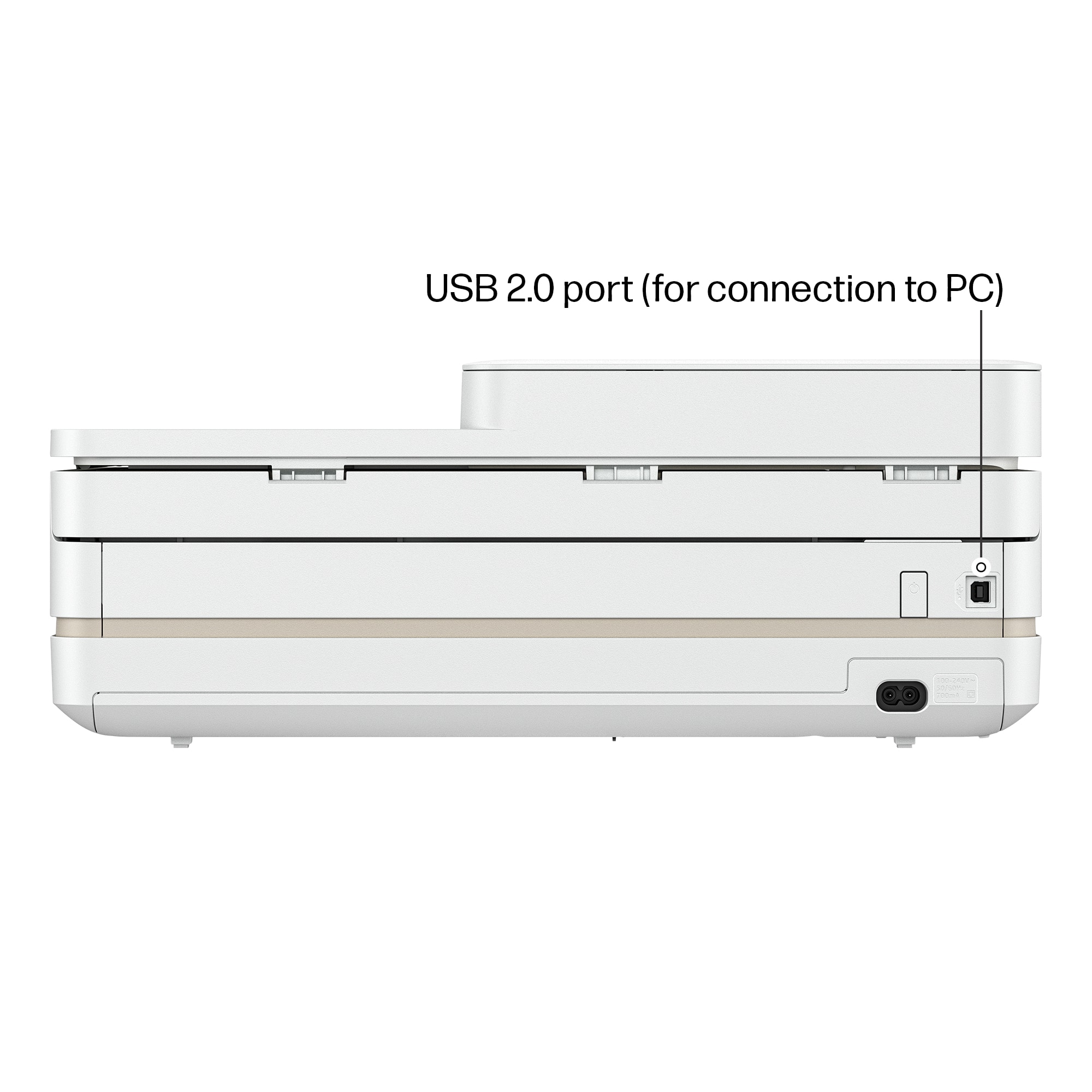
Posted .This reviewer received promo considerations or sweepstakes entry for writing a review.Did they even test this product before releasing it? Simply does not print anything from the computer without working through numerous errors. It cannot stay on the wifi network. It has a plug for a USB connection, but there's no way to make it use that connection to print. Always defaults to the network connection that it dropped. Weirdly, it prints from a phone consistently, although you have to pull the plug to wakeup the printer and it takes a few minutes to start printing. Returning.
No, I would not recommend this to a friendRated 2 out of 5 stars
Hard to setup
Posted .This reviewer received promo considerations or sweepstakes entry for writing a review.VERY HARD TO SETUP it has taken hours to set up. We still don’t know if all functions are working correctly.
No, I would not recommend this to a friend