Customer Ratings & Reviews






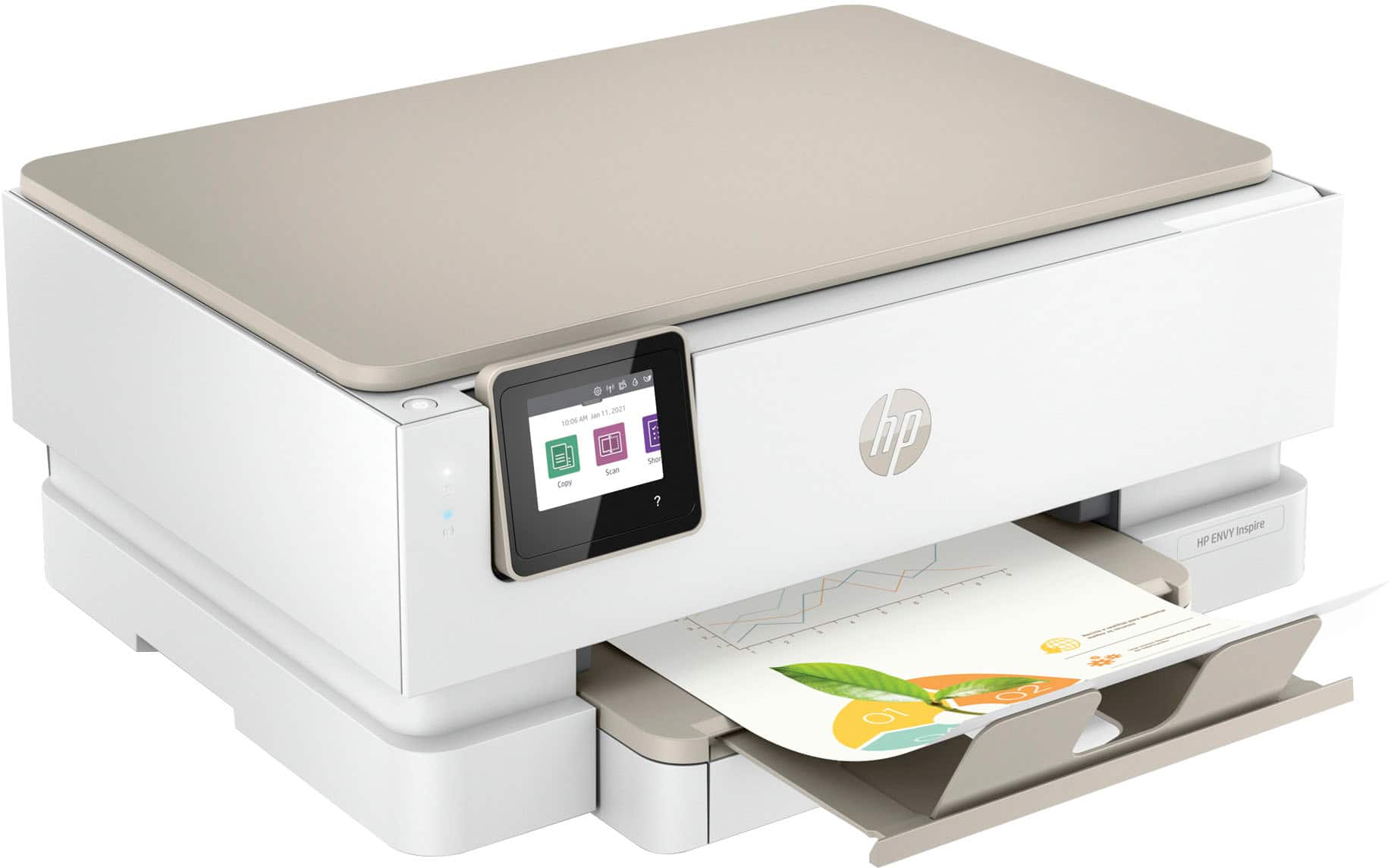
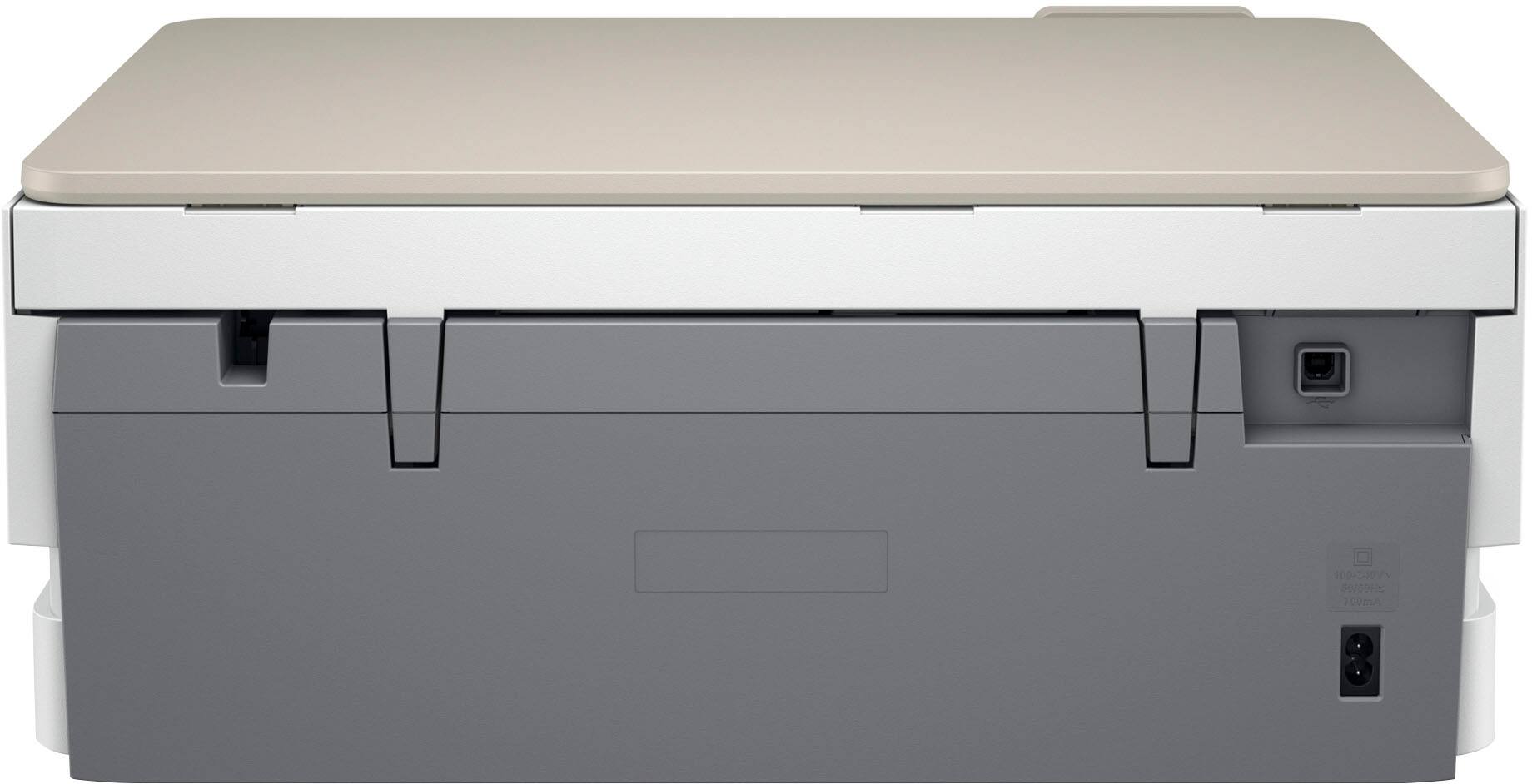
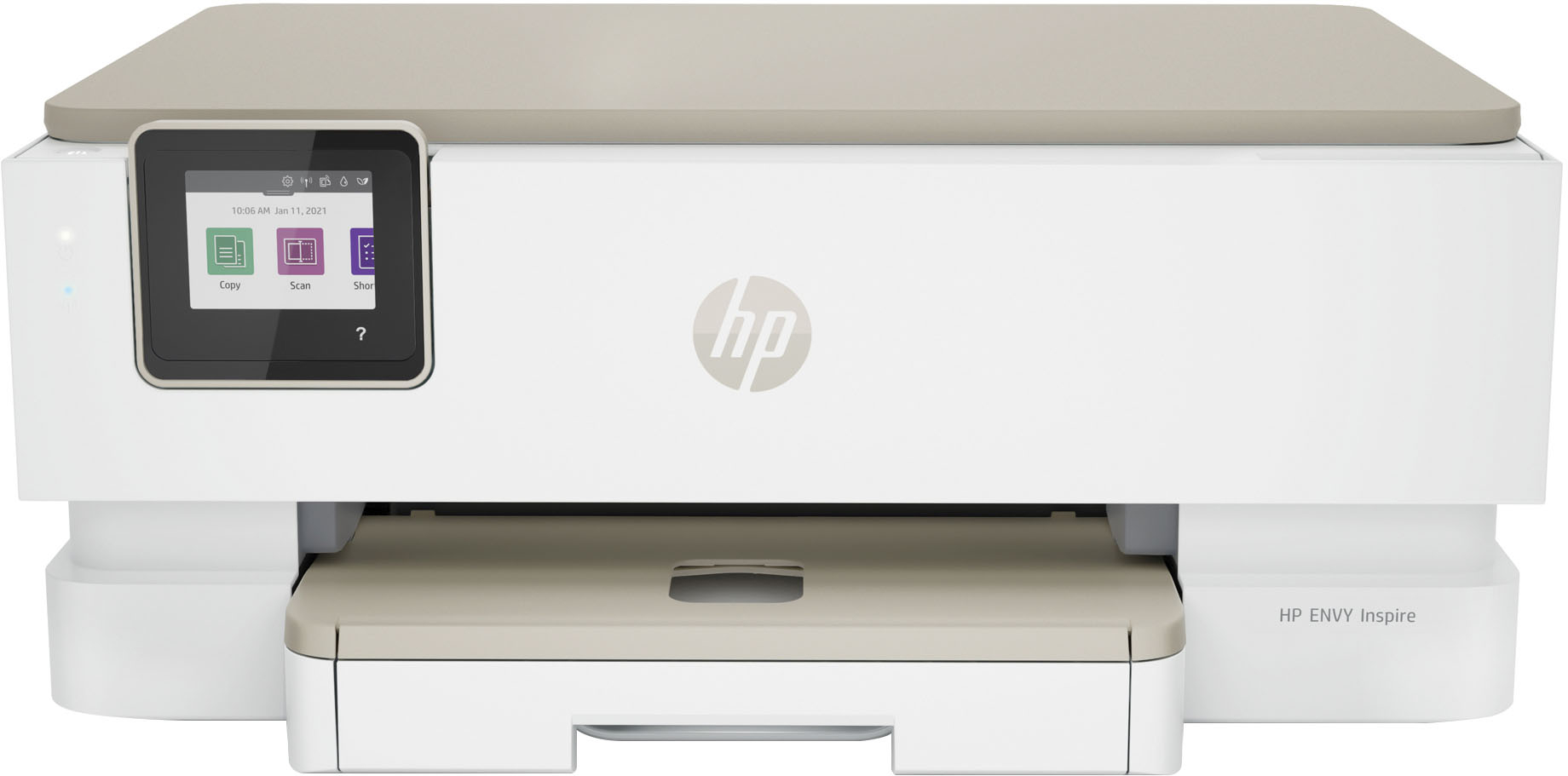
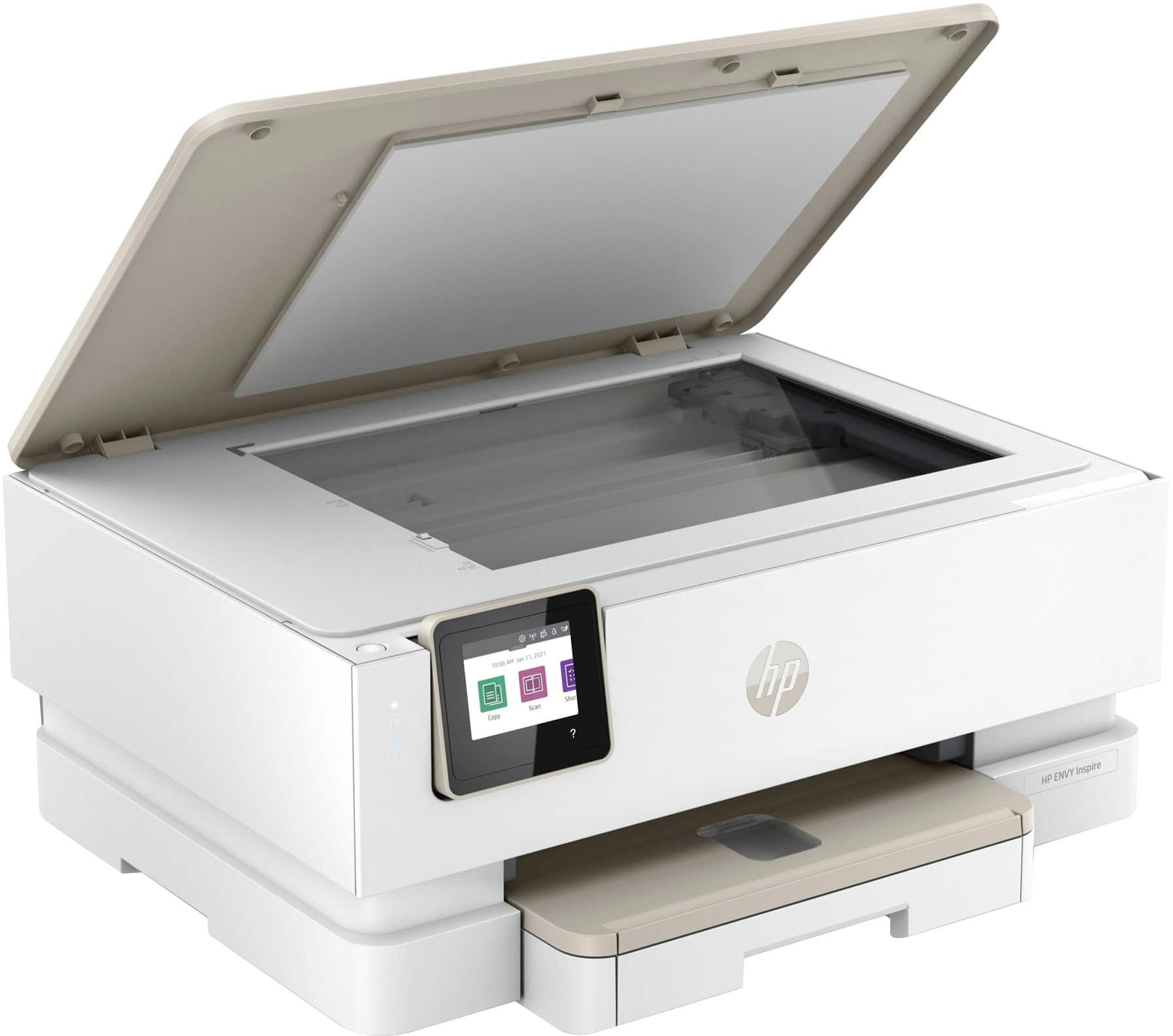

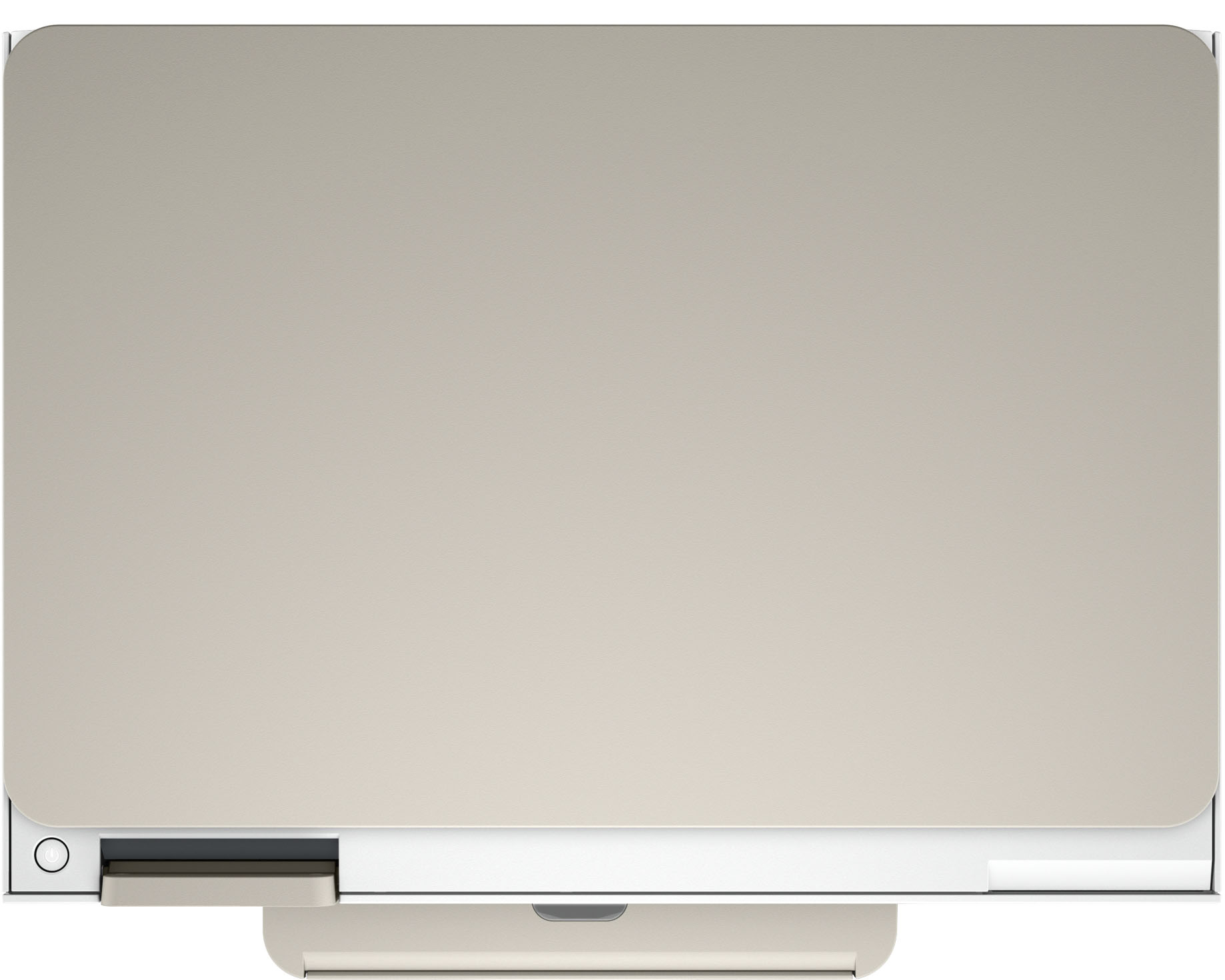
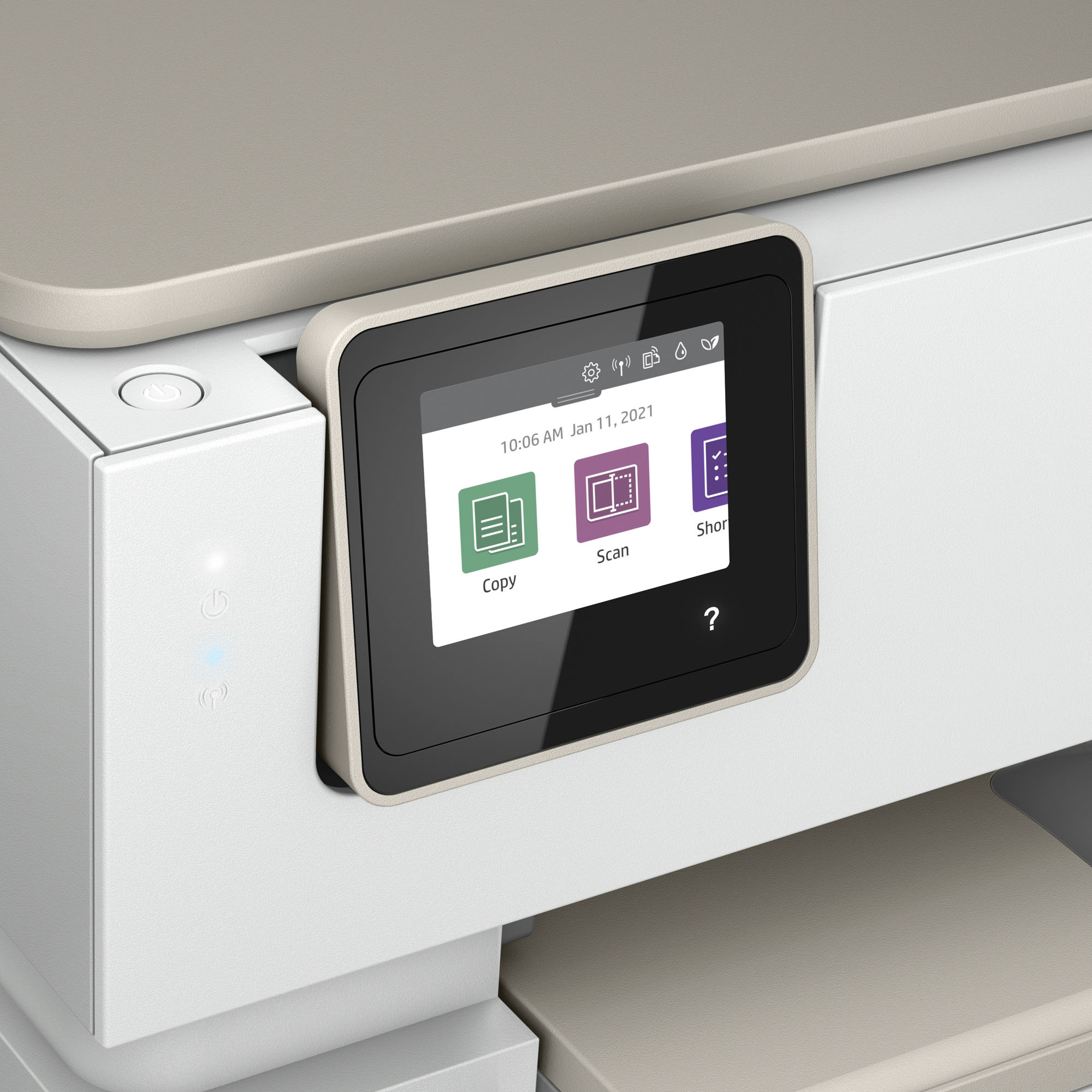





- Model:
- ENVY Inspire 7255e/1W2Y9A#B1H
- SKU:
- 12130736
Rating by feature
- Value
Rating 4.5 out of 5 stars
- Quality
Rating 4.5 out of 5 stars
- Ease of Use
Rating 4.5 out of 5 stars
Low Quality Printing, Slow scanning
Posted .This reviewer received promo considerations or sweepstakes entry for writing a review.Scanning is difficult & slow. Print quality on colored text is much worse than my previous HP printer.
No, I would not recommend this to a friendJams after EVERY SINGLE PAGE
Posted .This reviewer received promo considerations or sweepstakes entry for writing a review.UNreal. Worst, most infuriating printer ever experienced.
No, I would not recommend this to a friendBrand response from HP Team
Posted .Hi there.
I’m sorry you’ve had such a rough time with your printer. I can certainly understand why experiencing a paper jam every time you use the device would very quickly become exasperating. I want to help you out of this dilemma, so I’ll provide some resources aimed at getting you there.
I can’t tell from your review whether the jams are occurring inside the device or at the document feeder. If it’s the former, I recommend going through the steps to clearing and avoiding paper jams that you’ll find in this troubleshooting guide on our support site:
- support.hp.com/us-en/document/ish_4803362-4149788-16
If it’s the latter, I suggest you follow a guide on our support site to document feeders that pull through too many pages at once or fail to pick up any paper at all. Find that guide here:
- support.hp.com/us-en/document/ish_3833686-1493864-16
If the jams continue, I suggest that you contact us directly at +1 800-474-6836 so we can help you assess what’s happening and find the best course of action. To expedite the process, I recommend gathering the following information before the call:
- Model number
- Serial number
- Your location
- Case number (from any previous contact with HP support)
I'll also mention that HP printers have a one-year warranty from their purchase date that covers hardware as well as ink supplies – and that warranty extends to two years with an HP+ account – so if it comes to that, you might consider making use of it. You can verify the warranty using the following link:
- support.hp.com/us-en/checkwarranty
Keith
HP Care
hp.com/support