Customer Ratings & Reviews
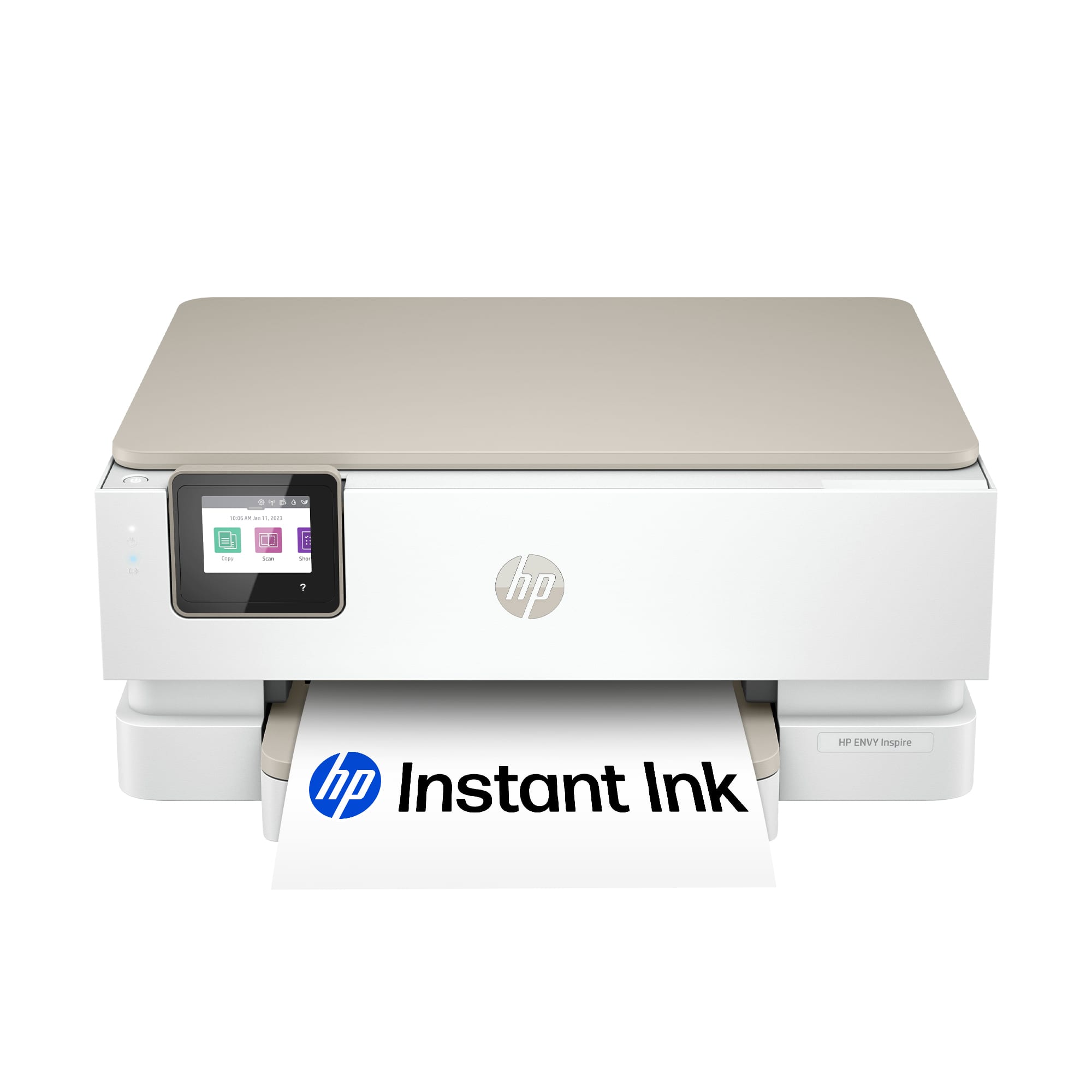

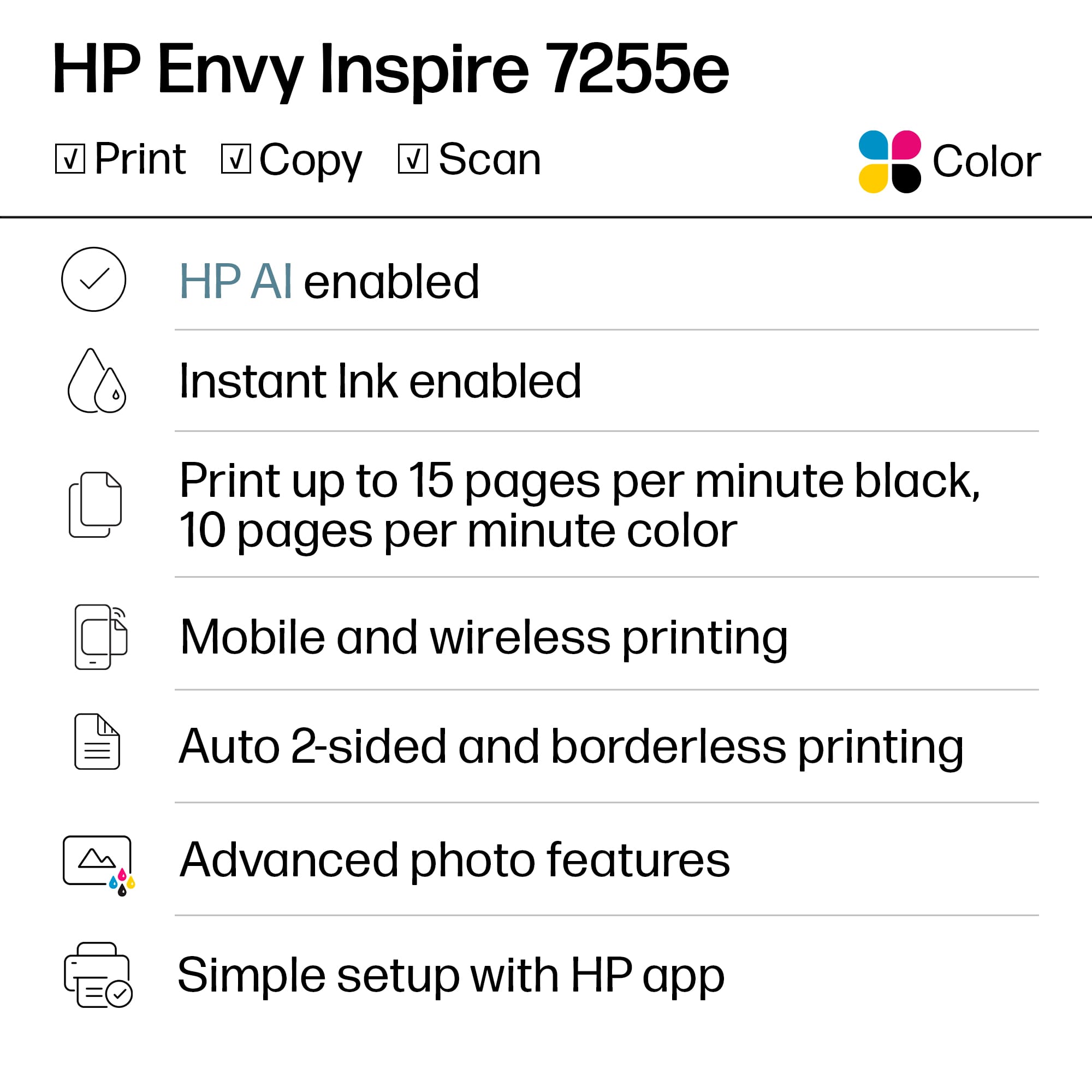
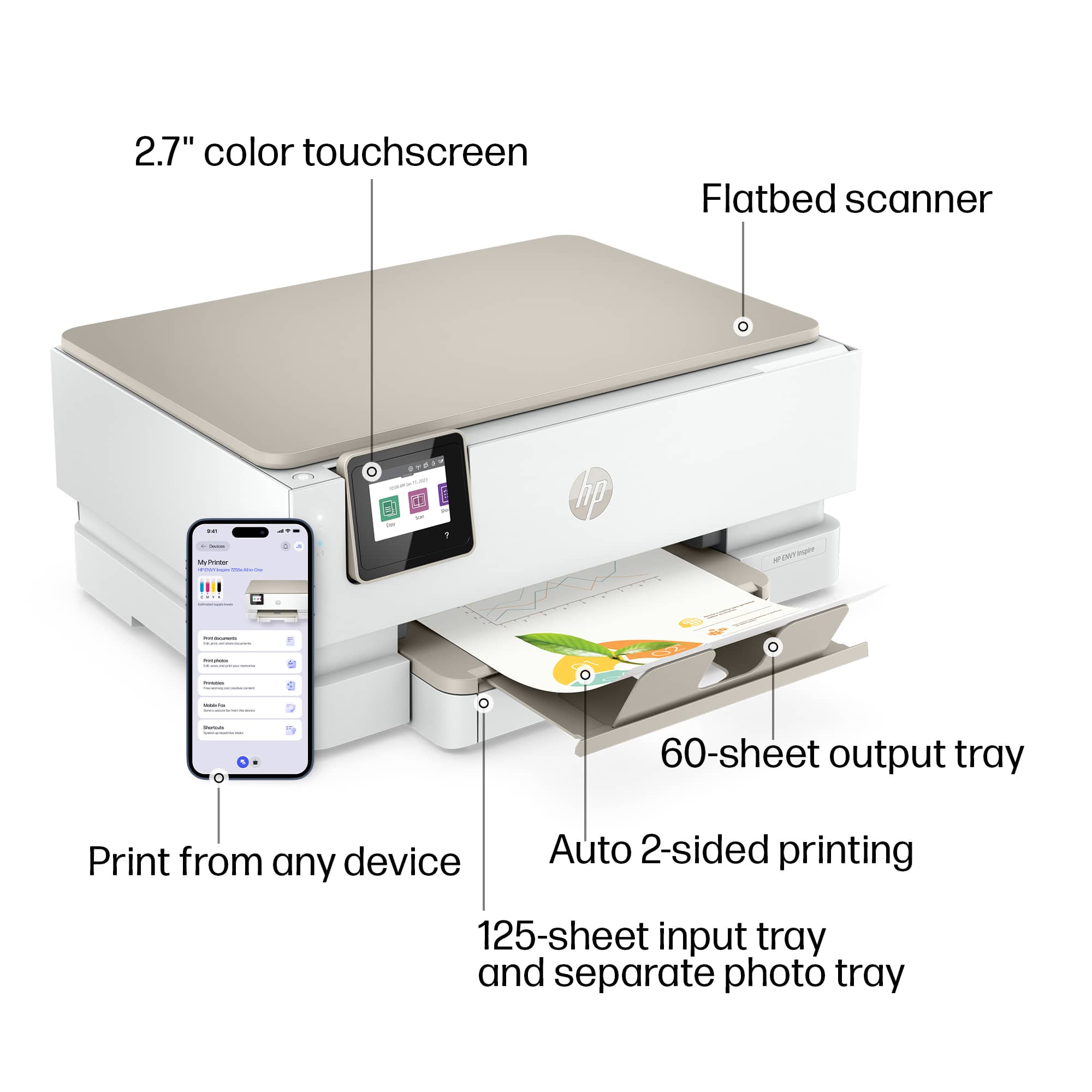




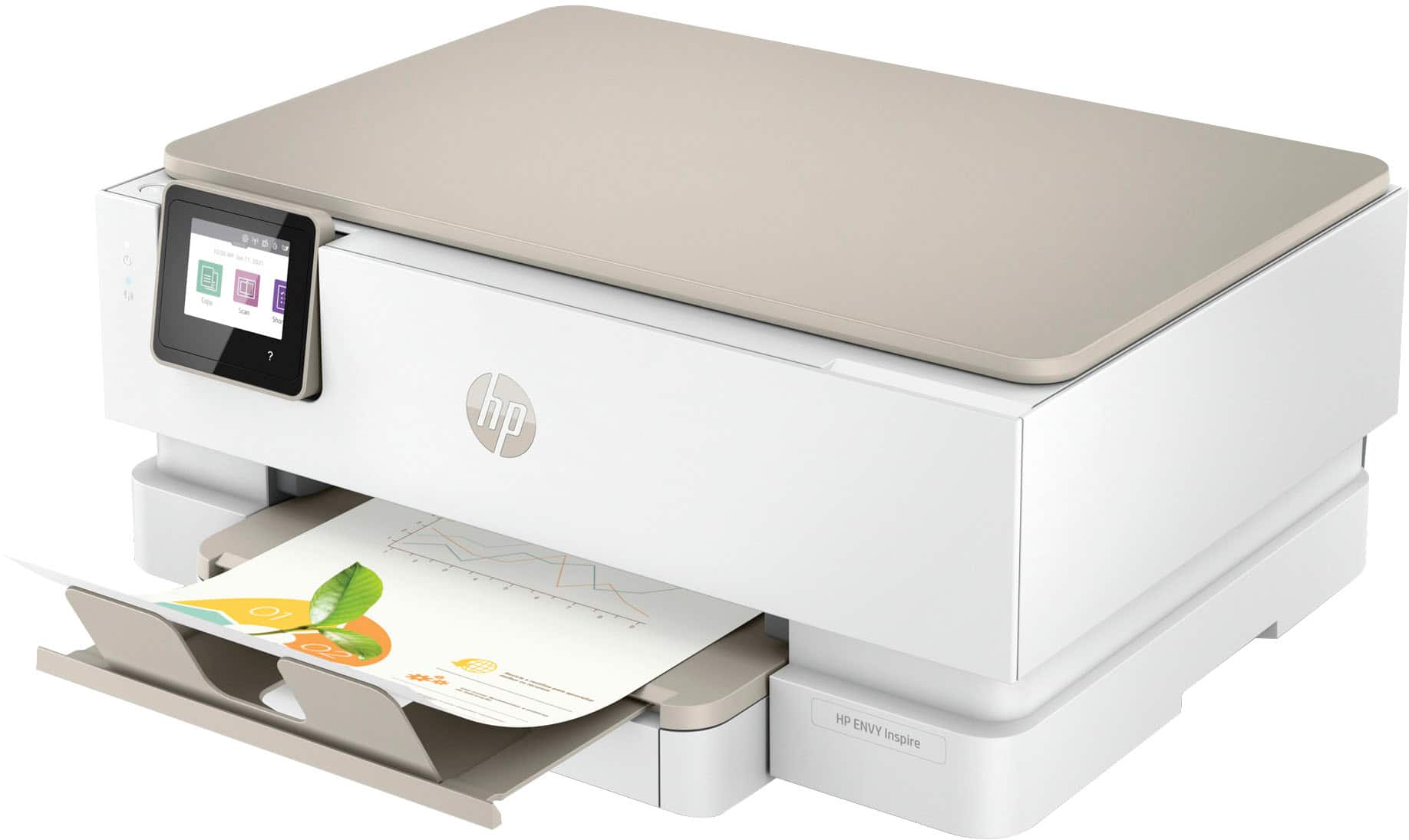
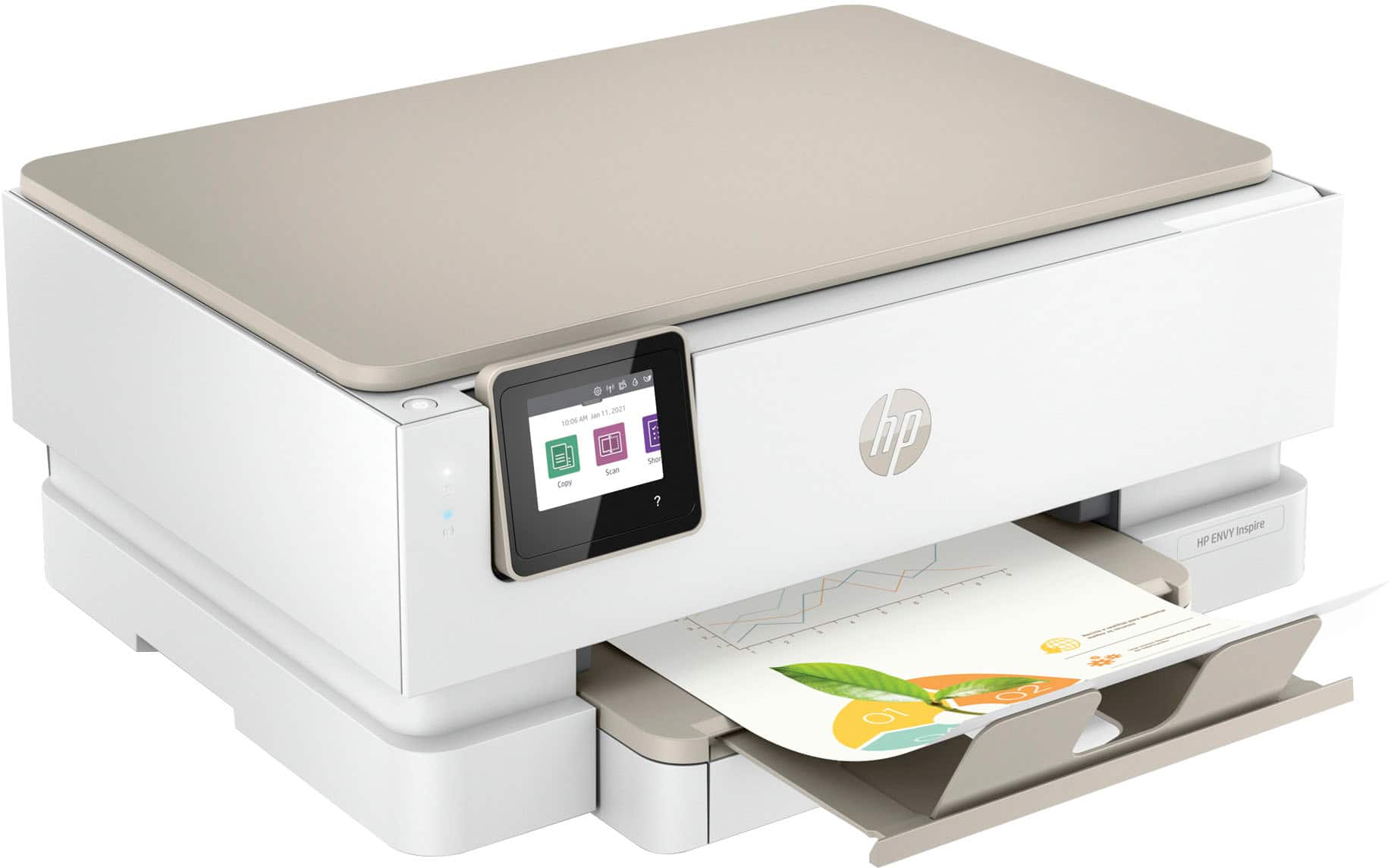
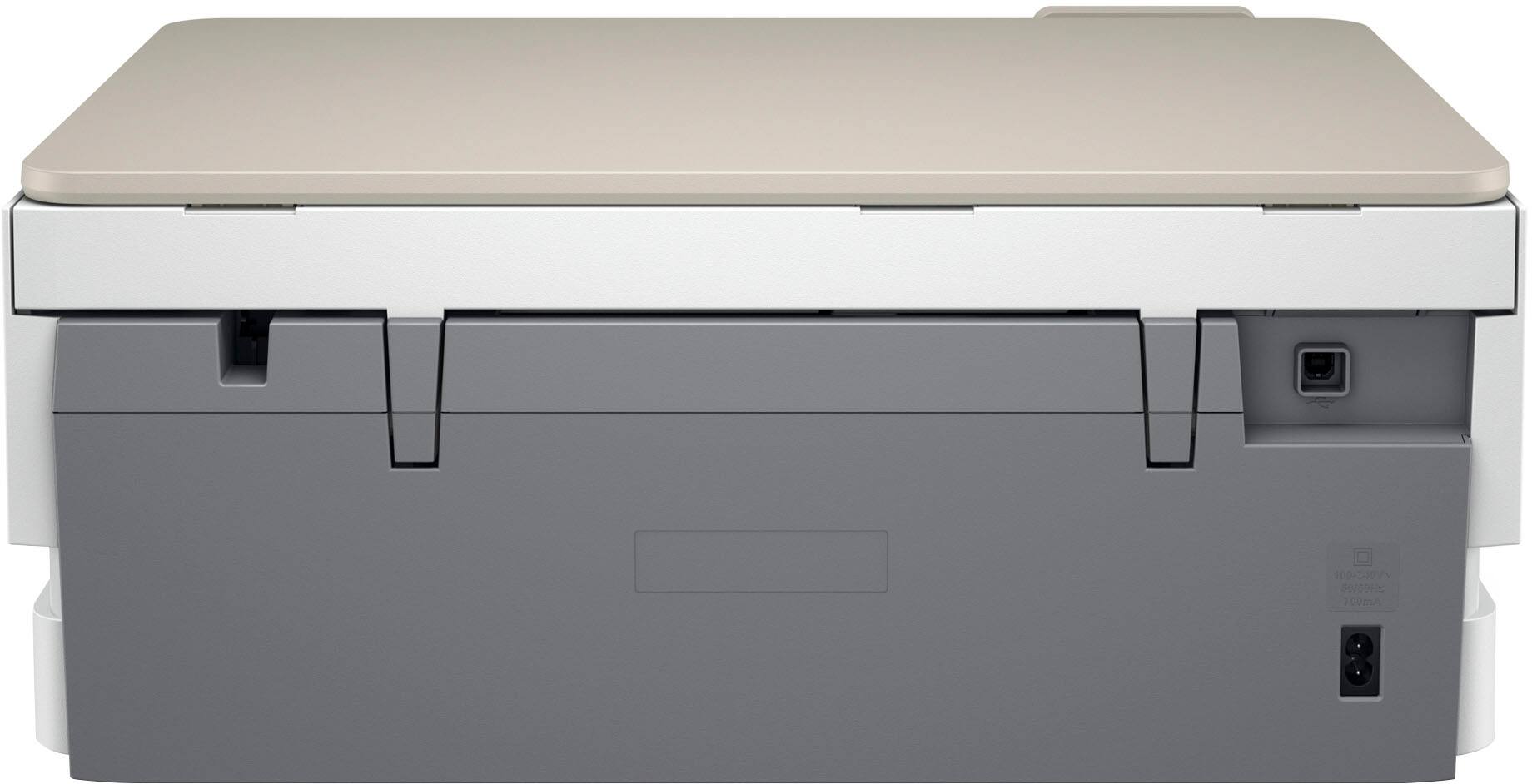
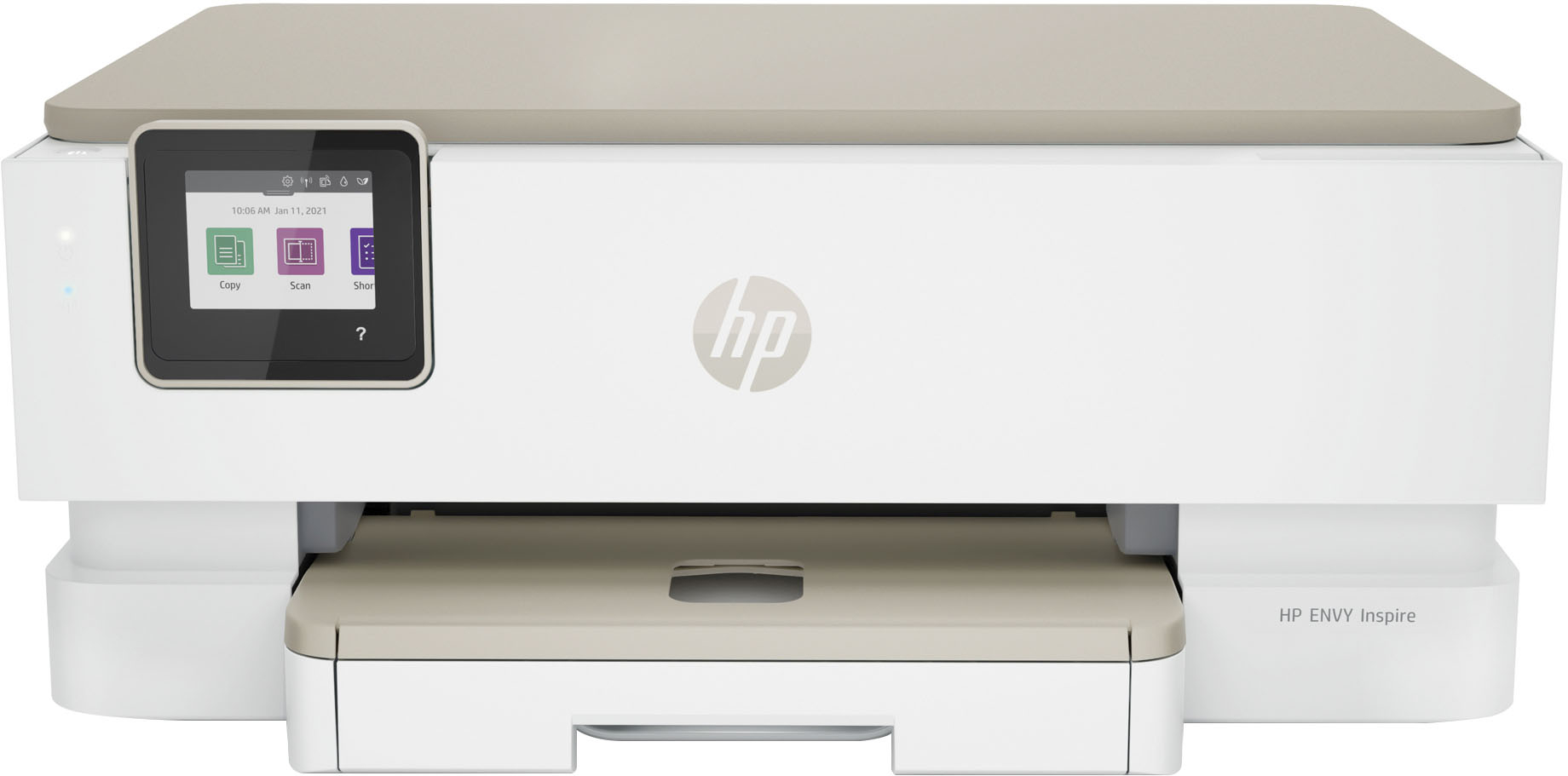






- Model:
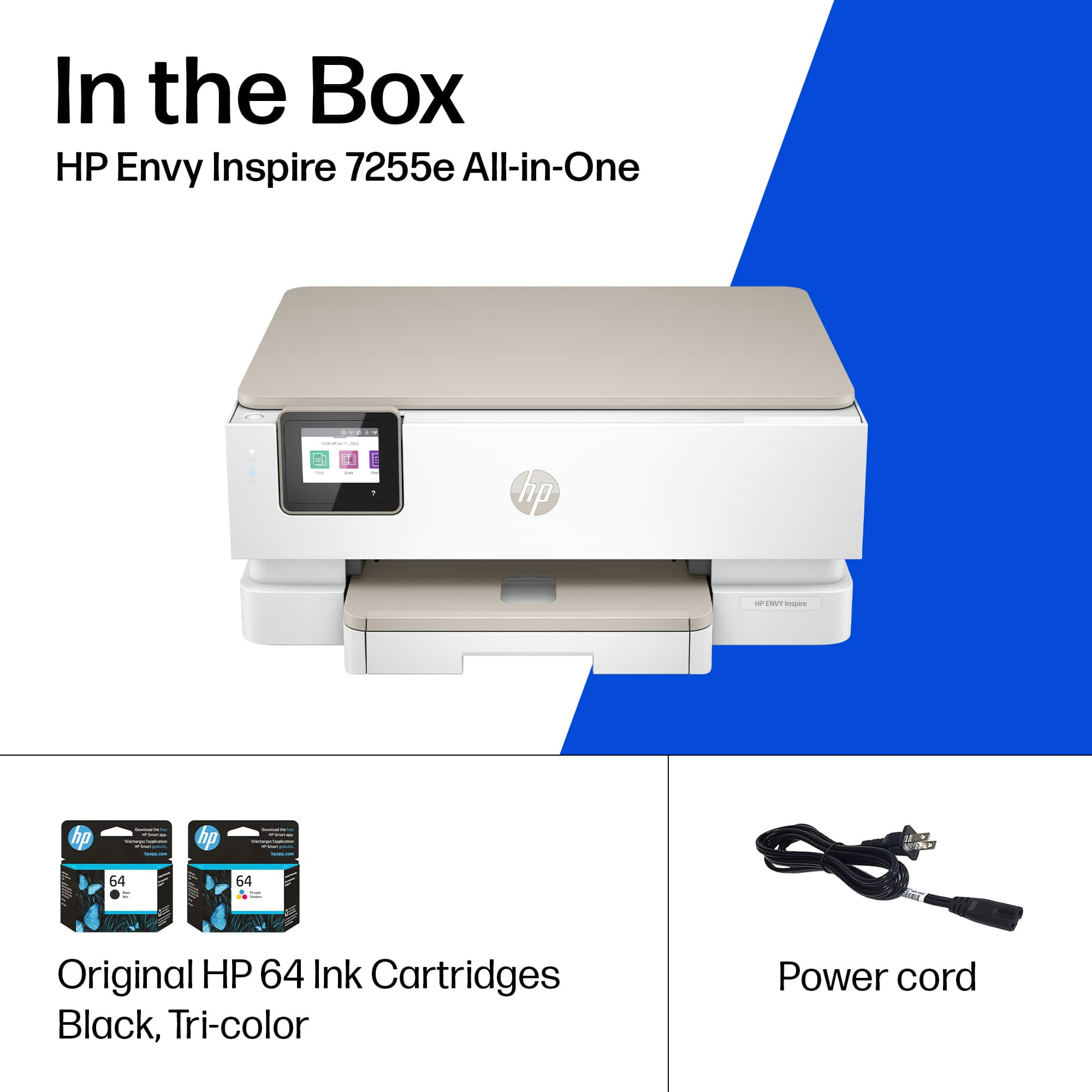
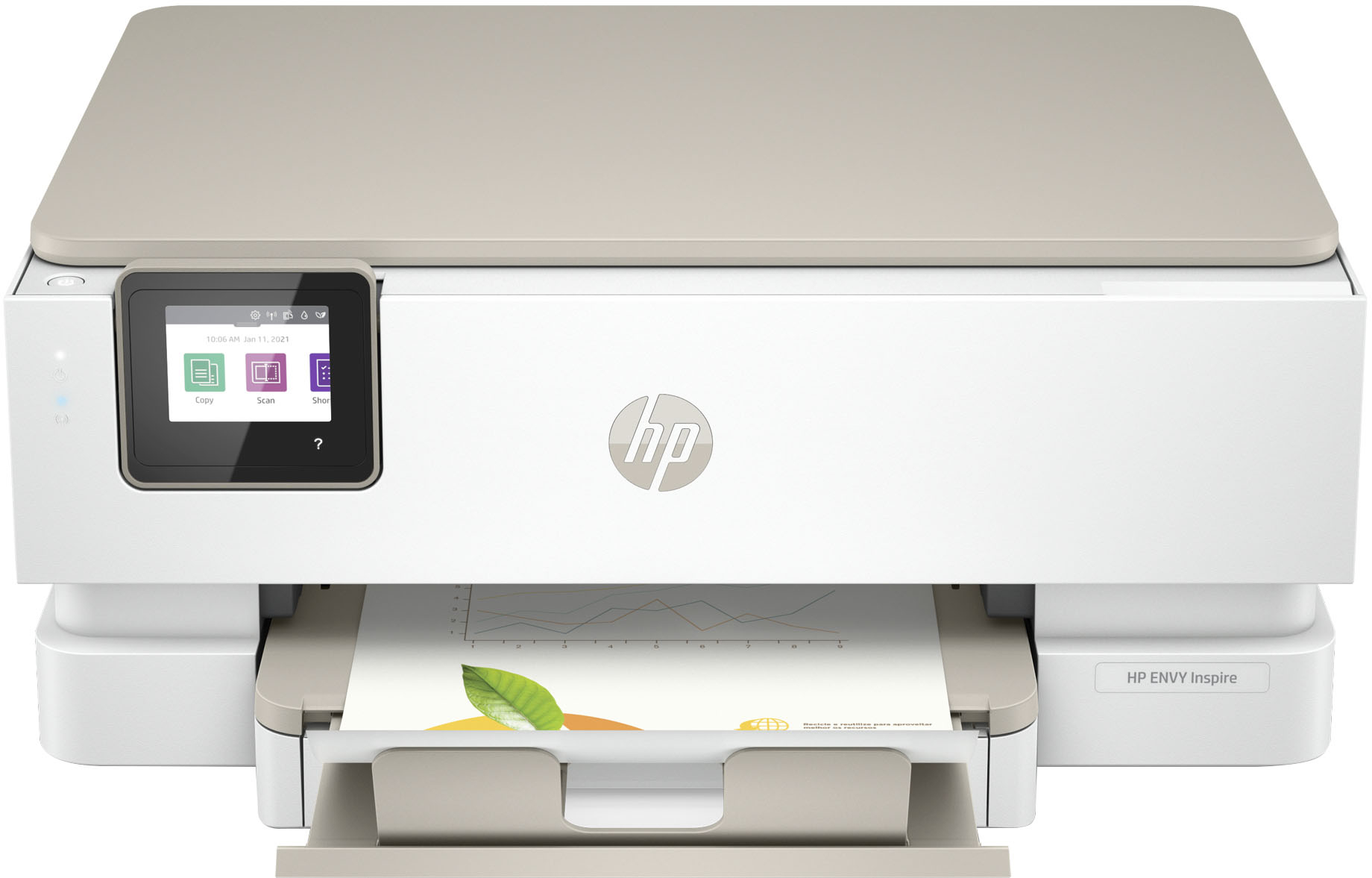
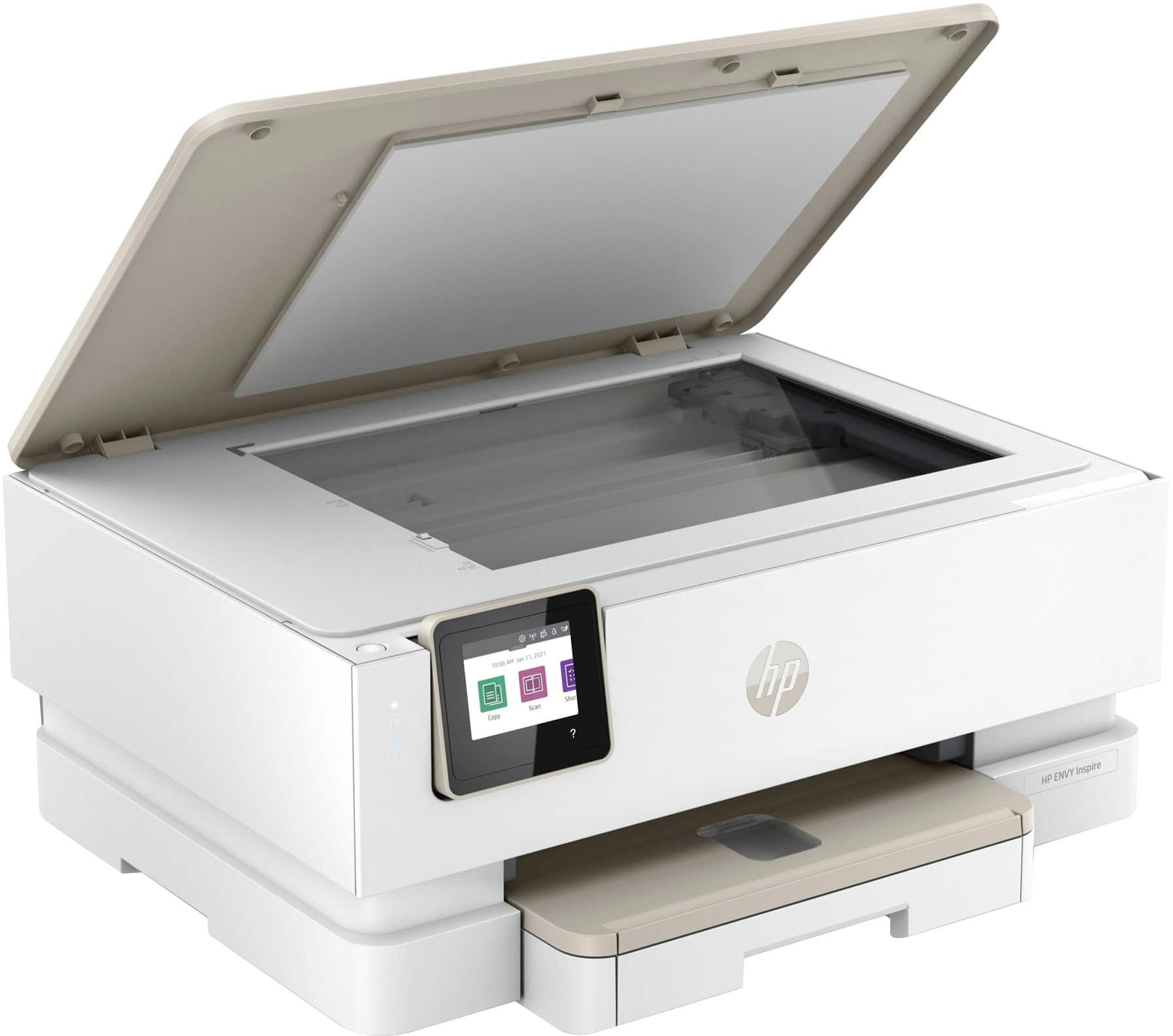
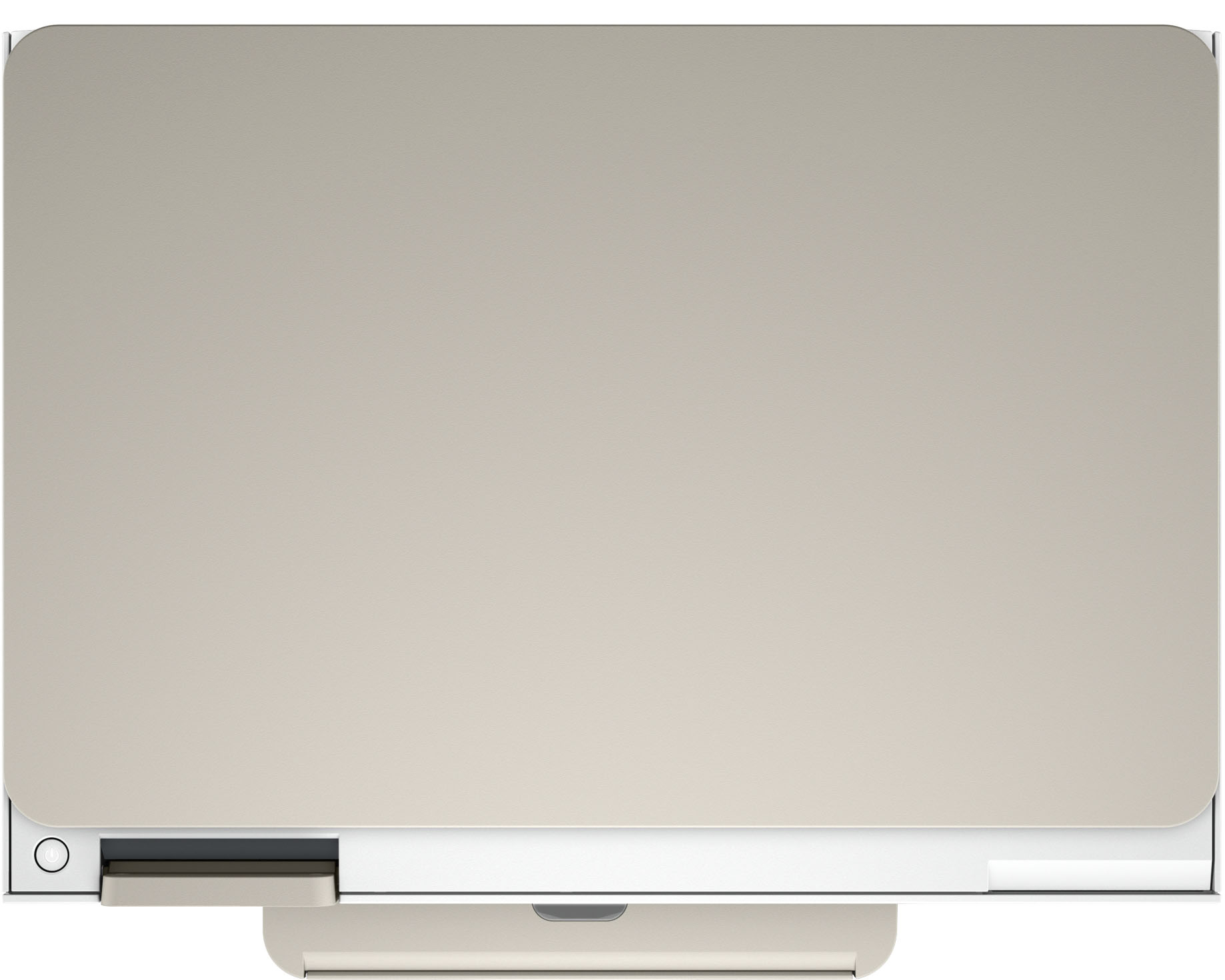
- ENVY Inspire 7255e/1W2Y9A#B1H
- SKU:
- 6492187
Rating by feature
- Value
Rating 4.5 out of 5 stars
- Quality
Rating 4.5 out of 5 stars
- Ease of Use
Rating 4.5 out of 5 stars
Customers are saying
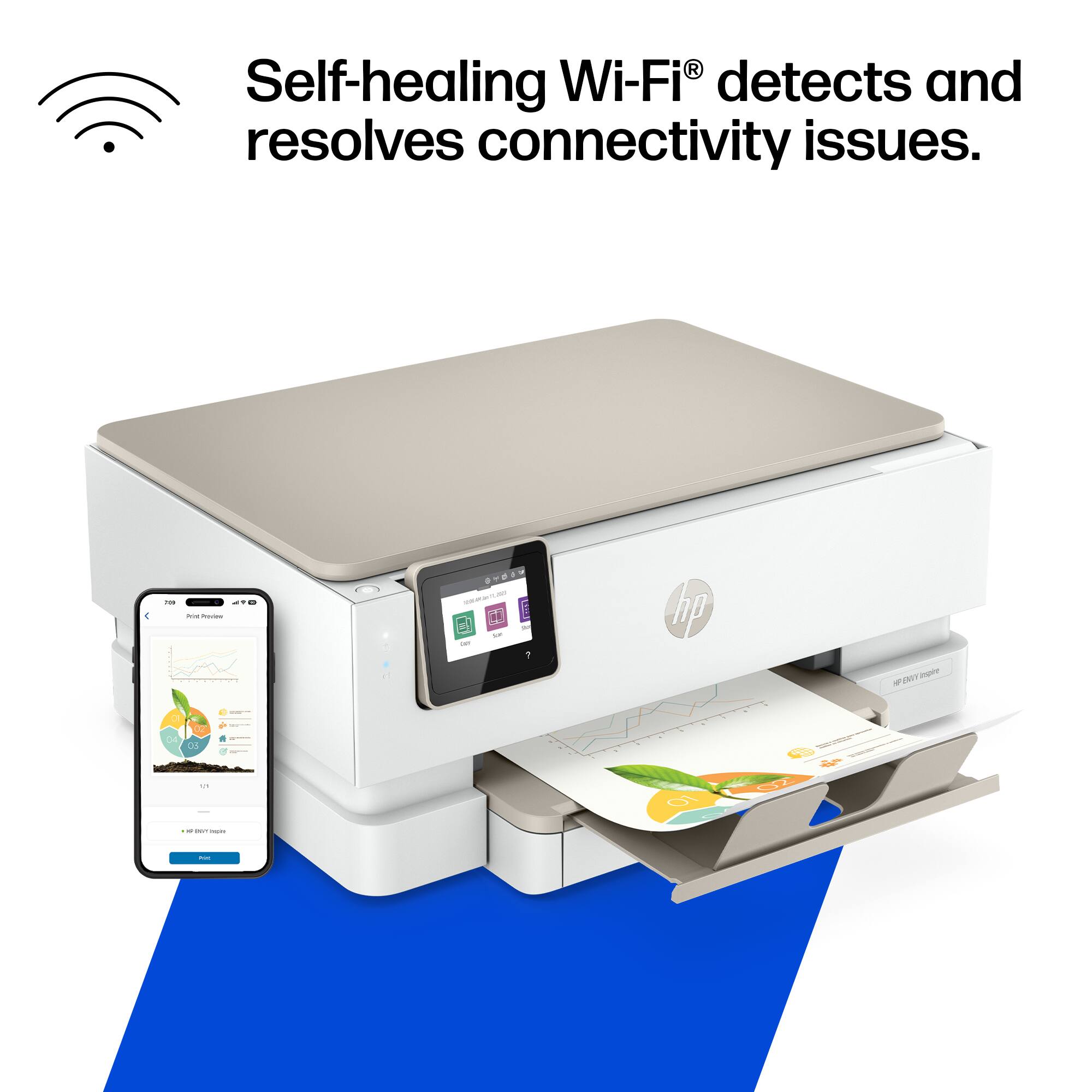
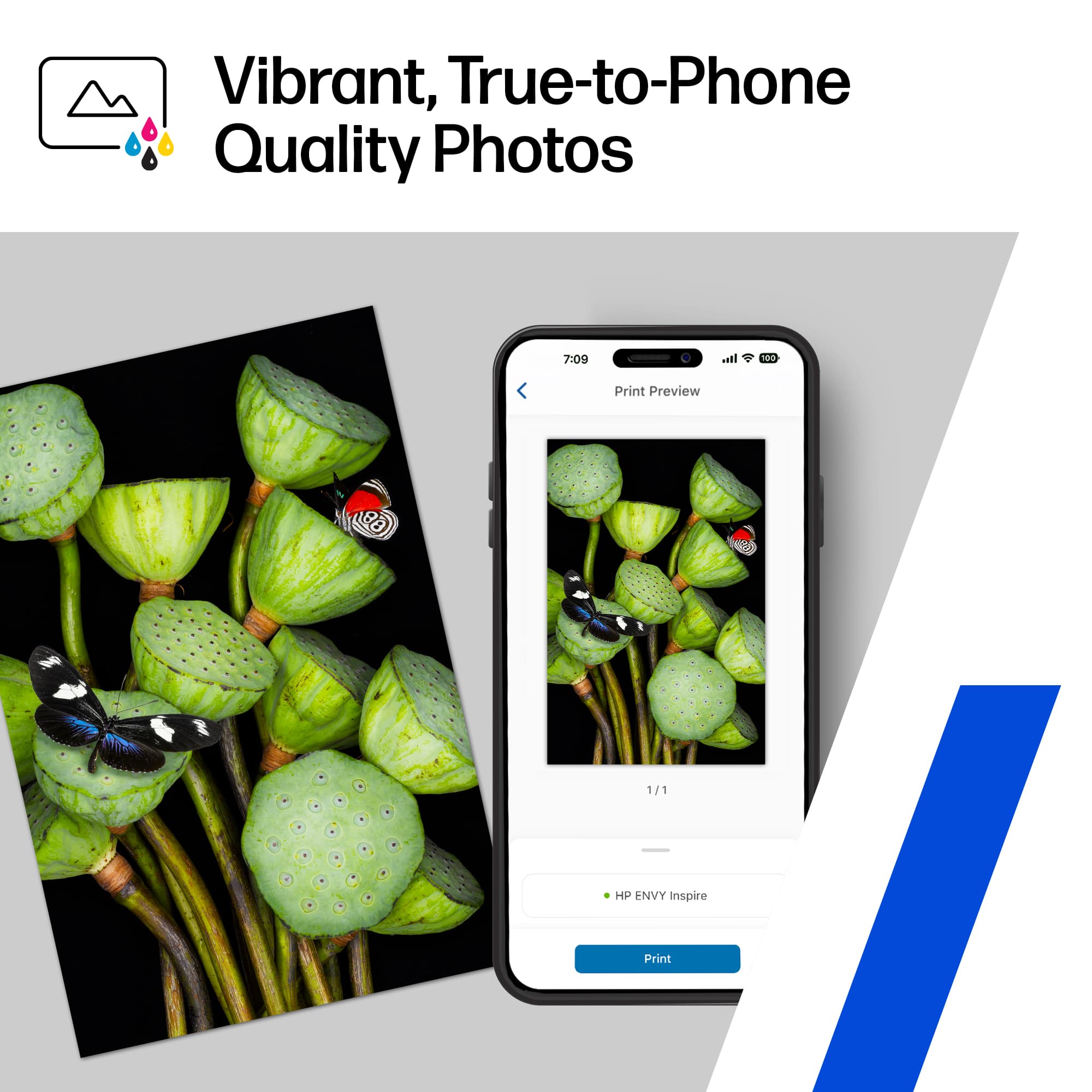
Customers find value in the Envy Inspire 7255e printer's ease of use and great print quality. Many appreciate its overall performance, easy setup, and reliable connectivity. However, some customers have noted that the printer has a delicate paper tray.
This summary was generated by AI based on customer reviews.
Lost my confidence in Canon
Posted .This reviewer received promo considerations or sweepstakes entry for writing a review.My usual purchase are Canon printers. Never had any problems until recently. I decided i would try an HP printer and I am not disappointed. Just wish I had done a little more research. The ink for this printer is very expensive.
I would recommend this to a friend- Pros mentioned:Print quality
OK printer
Posted .This reviewer received promo considerations or sweepstakes entry for writing a review.Getting this printer to work from my laptop was not fun. Geek Squad had to come out and do it. But now that it is working, it is a very quiet printer and faster than my old one.
I would recommend this to a friend Ms. Leslie.
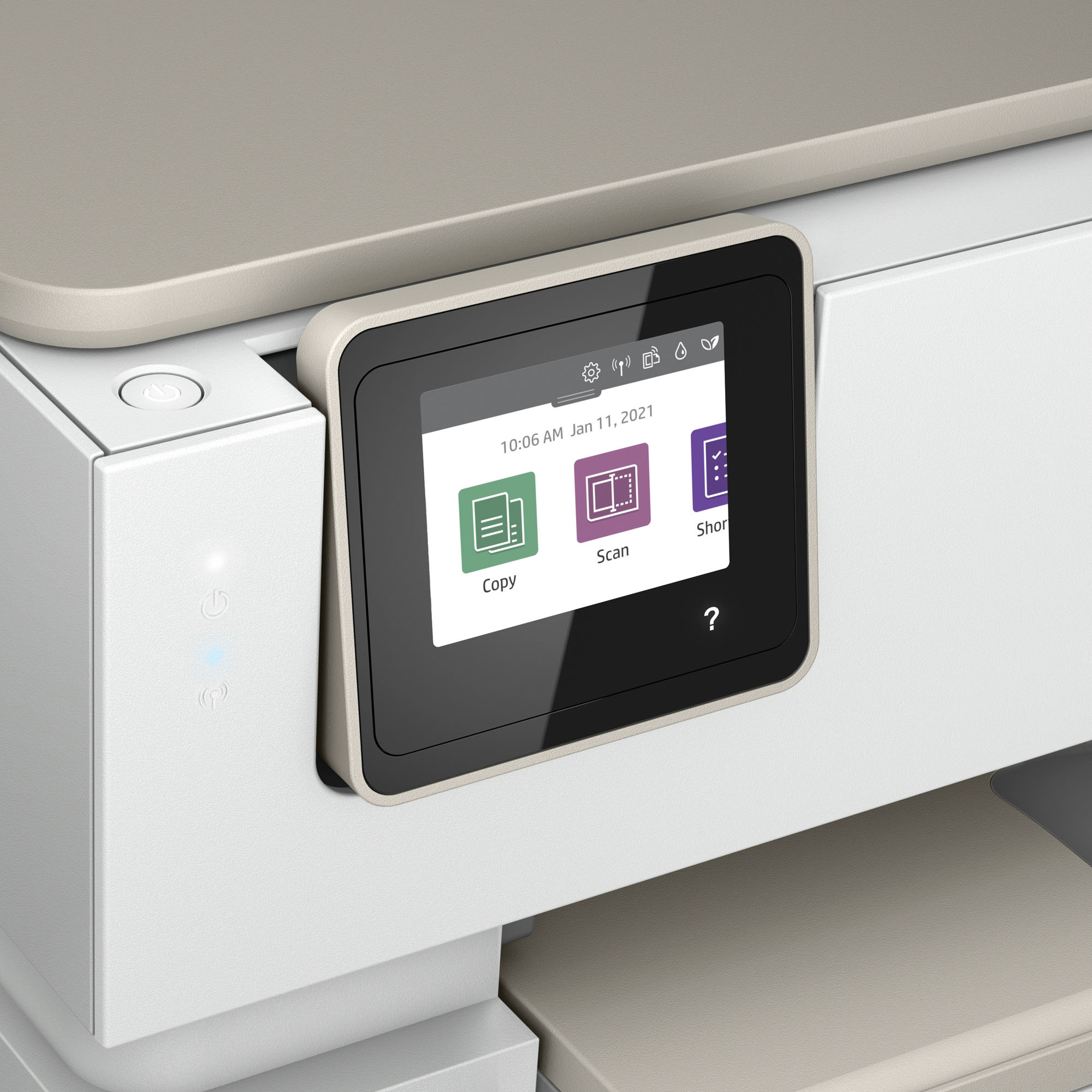
Posted .This reviewer received promo considerations or sweepstakes entry for writing a review.Purchased as a gift for my mom and she loves it. She is 86 and really enjoys printing photos. The screen really helps her use all the features well.
I would recommend this to a friendApp interface issues
Posted .This reviewer received promo considerations or sweepstakes entry for writing a review.We have had this printer for three years now. Occasionally, you have to uninstall the app and re-download to work. Now we cannot get the app to print a document, it wants to print it as a photo.
I would recommend this to a friendHp envy photo 7855 printer
Posted .This reviewer received promo considerations or sweepstakes entry for writing a review.Bought one about 2 years ago. Worked very well up until a month ago. Loved the picture quality when printed. It stopped working as it kept on saying cartridge not grabbing.
No, I would not recommend this to a friend- Pros mentioned:Overall performance
Good for the price and set up is easy
Posted .This reviewer received promo considerations or sweepstakes entry for writing a review.If you’re looking for a reasonably priced reliable printer, this has been perfect for me and my house
I would recommend this to a friend Love Our Printer!
Posted .This reviewer received promo considerations or sweepstakes entry for writing a review.Our new printer works great! No hassles when printing. We love it!
I would recommend this to a friendSAVES RETIREE FROM LOUSY CHEAP PRINTERS
Posted .This reviewer received promo considerations or sweepstakes entry for writing a review.My personal Geed Squad tech Justin is fabulous!!! He installed and makes "house calls" for free for this old lady!!!!! I've recreated the IT function from my career.
I would recommend this to a friendKory with the geek squad is a plus for Best Buy.
Posted .This reviewer received promo considerations or sweepstakes entry for writing a review.I have send this before after I purchase; after Kory was great and above and beyond his duty. He is a plus for BEST BUY.
I would recommend this to a friendBest Buy provides Excellent Service
Posted .This reviewer received promo considerations or sweepstakes entry for writing a review.I am very pleased with the tech person who set up my printer and taught me how to manage it.
I would recommend this to a friendthe best
Posted .This reviewer received promo considerations or sweepstakes entry for writing a review.the best company in variety of products and low prices. And they always have great deals.
I would recommend this to a friendPrinter
Posted .This reviewer received promo considerations or sweepstakes entry for writing a review.Excellent for our needs, as well as excellent installation
I would recommend this to a friendPrinter
Posted .This reviewer received promo considerations or sweepstakes entry for writing a review.Great product Will buy again I like it came with ink
I would recommend this to a friendBest Printer
Posted .This reviewer received promo considerations or sweepstakes entry for writing a review.This printer is effective! The purchase was worth it.
I would recommend this to a friendMy Printer
Posted .This reviewer received promo considerations or sweepstakes entry for writing a review.Fantastic and you cant beat the pricer, delired free to my home.
I would recommend this to a friendLove it
Posted .This reviewer received promo considerations or sweepstakes entry for writing a review.It’s a great printer I bought for my daughter that’s in college it works wonderful love it
I would recommend this to a friendHP 7255e
Posted .This reviewer received promo considerations or sweepstakes entry for writing a review.This one (HP Envy Inspire 7255e) was the right choice, very impressive!
I would recommend this to a friend- Pros mentioned:Print quality
Printer Has Known Defect
Posted .This reviewer received promo considerations or sweepstakes entry for writing a review.Got this printer home and set it up. Prints great, but when we went to scan/copy something it puts a 1" black (or black & color if set to copy in color) streak down the side of the sheet, vertically. I looked online HP's site and this is a a known hardware defect with this printer. Lots of people are having this problem with this. Someone posted a possible fix, but it voids your warranty, as it involves taking it apart with Torks bit, and so on. Urgh. Do some research before you buy this boat anchor.
No, I would not recommend this to a friendBrand response from HP Team
Posted .Hi, David.
I’m sorry that your printer has rendered prints with unwanted vertical stripes. I can wholly understand why this would be an unwelcome surprise, especially considering the only remedy you’ve found would void the warranty. I want to help you out of this dilemma, so I’ll suggest some resources aimed at making that happen.
I can’t tell from your review what’s causing this problem. I recommend that you contact us directly at +1 800-474-6836 so we can help you assess what’s happening and find the best course of action. To expedite the process, I recommend gathering the following information before the call:
- Model number
- Serial number
- Your location
- Case number (from any previous contact with HP support)
I'll also mention that HP printers have a one-year warranty from their purchase date that covers hardware as well as ink supplies – and that warranty extends to two years with an HP+ account – so if it comes to that, you might consider making use of it. You can verify the warranty using the following link:
- support.hp.com/us-en/checkwarranty
Keith
HP Care
hp.com/support
- Pros mentioned:Connectivity
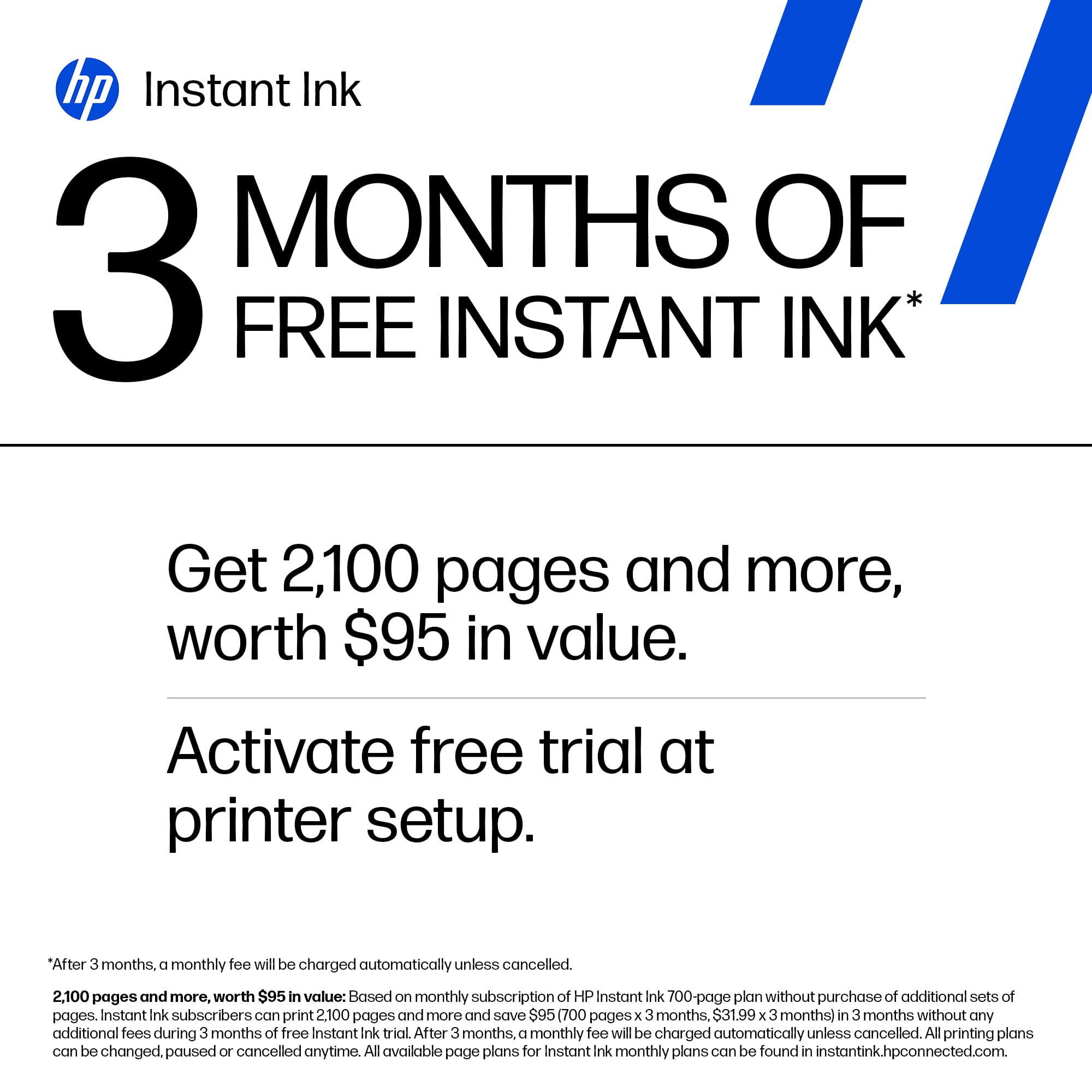
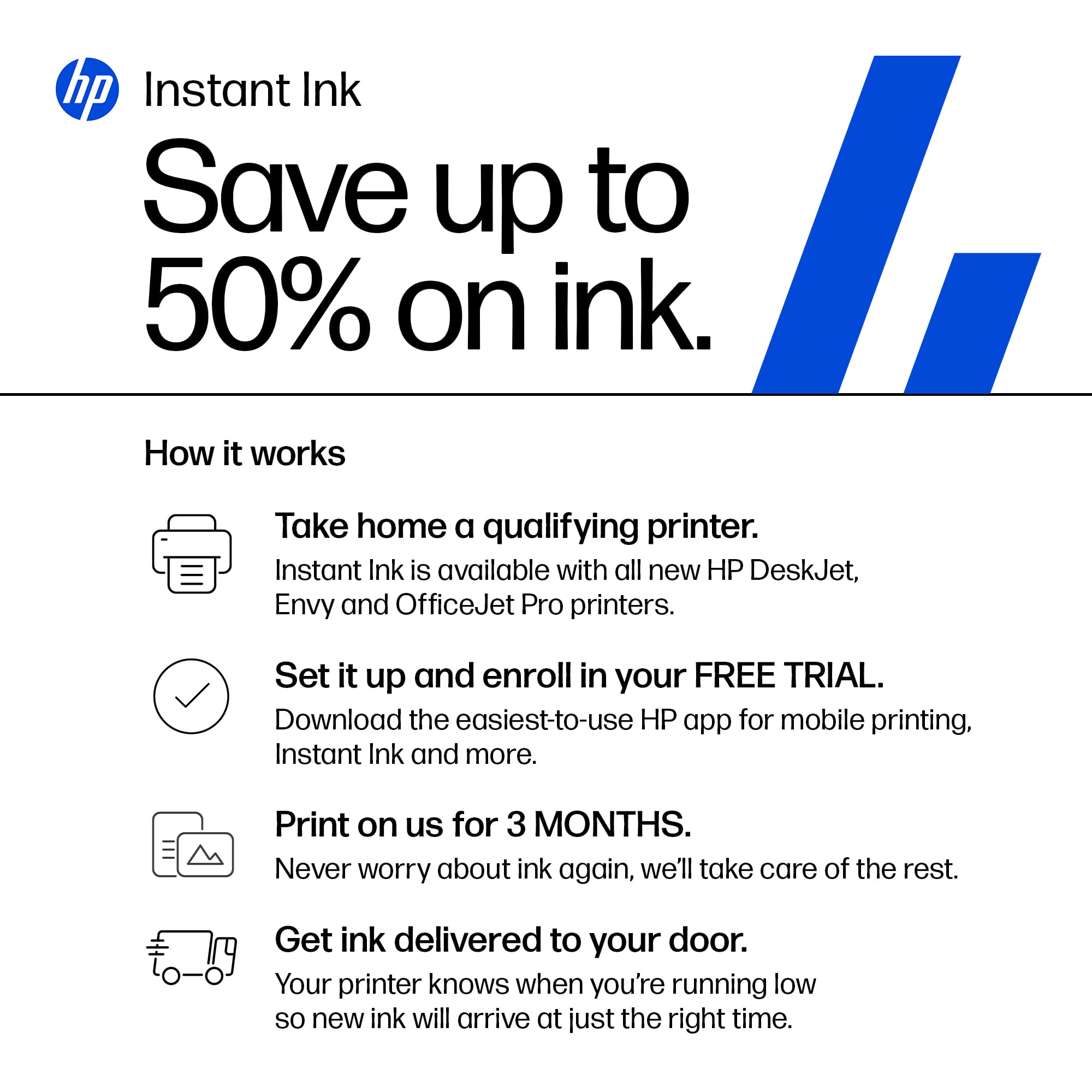
All in one printer with 3mth free ink
Posted .This reviewer received promo considerations or sweepstakes entry for writing a review.I have never gotten my in since i bought this printer was there something that needed to be done?
I would recommend this to a friend Mr. Freeze
Posted .This reviewer received promo considerations or sweepstakes entry for writing a review.The printer does its job but not as quickly as my former HP printer and not as user-friendly.
No, I would not recommend this to a friend