Customer Ratings & Reviews





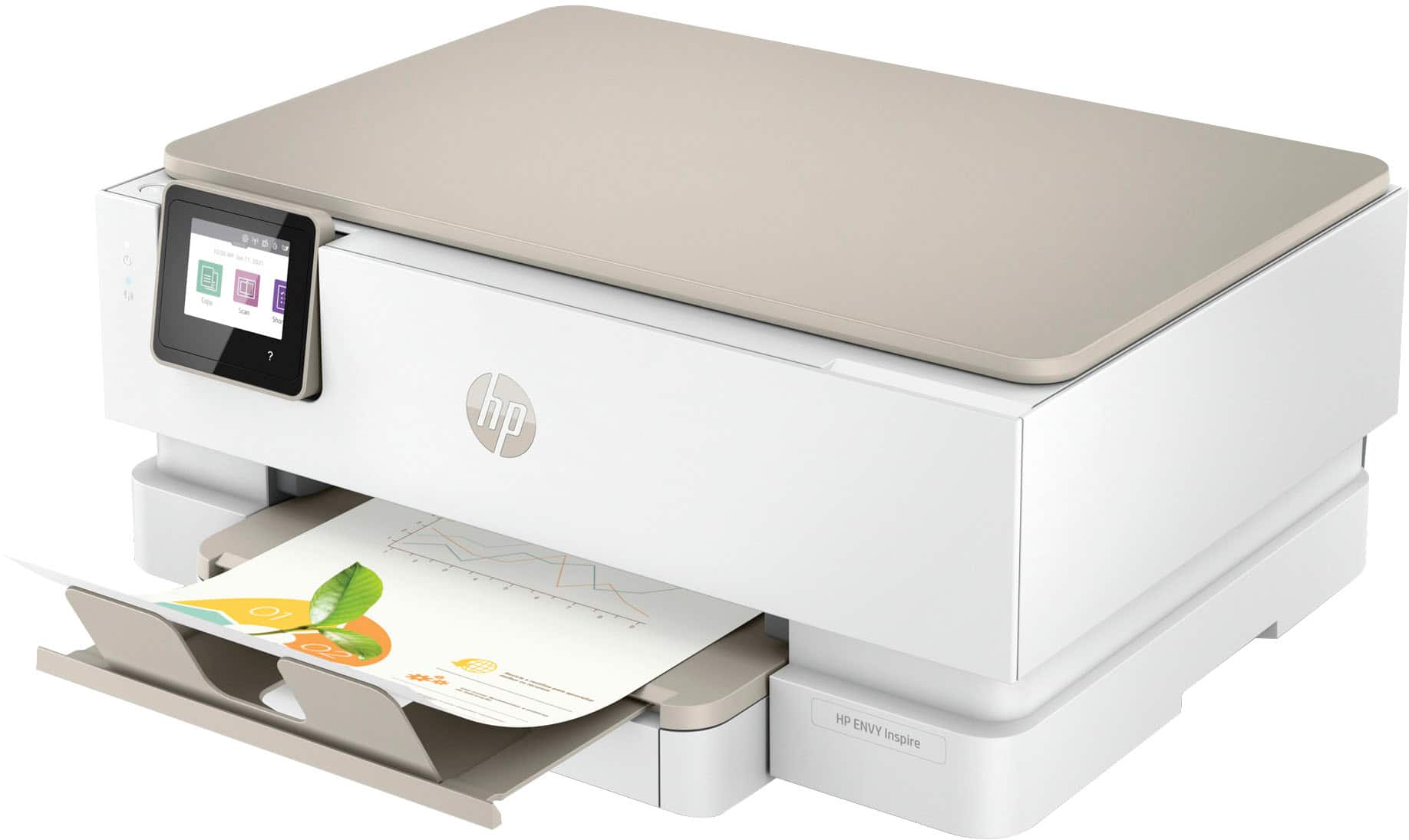
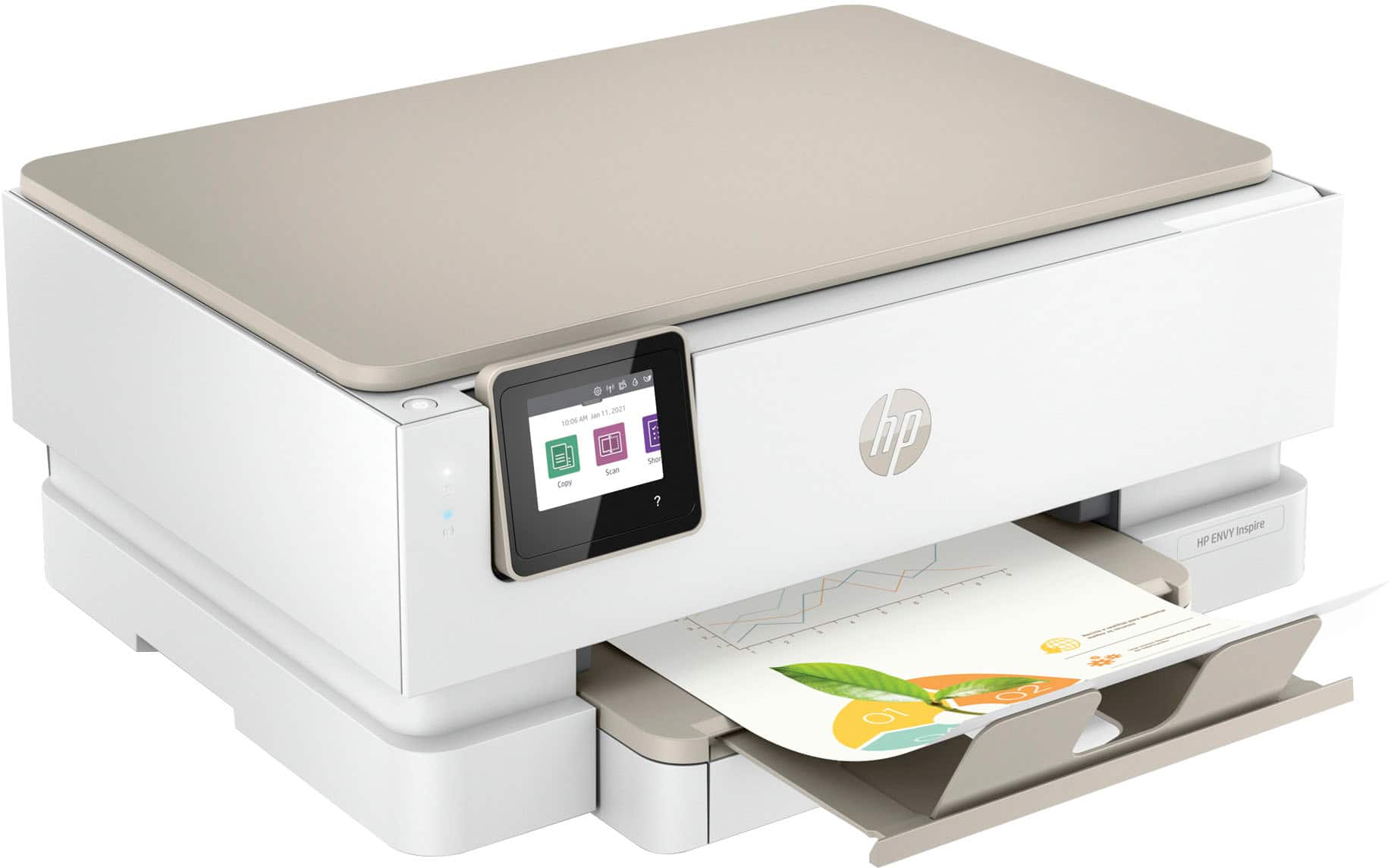
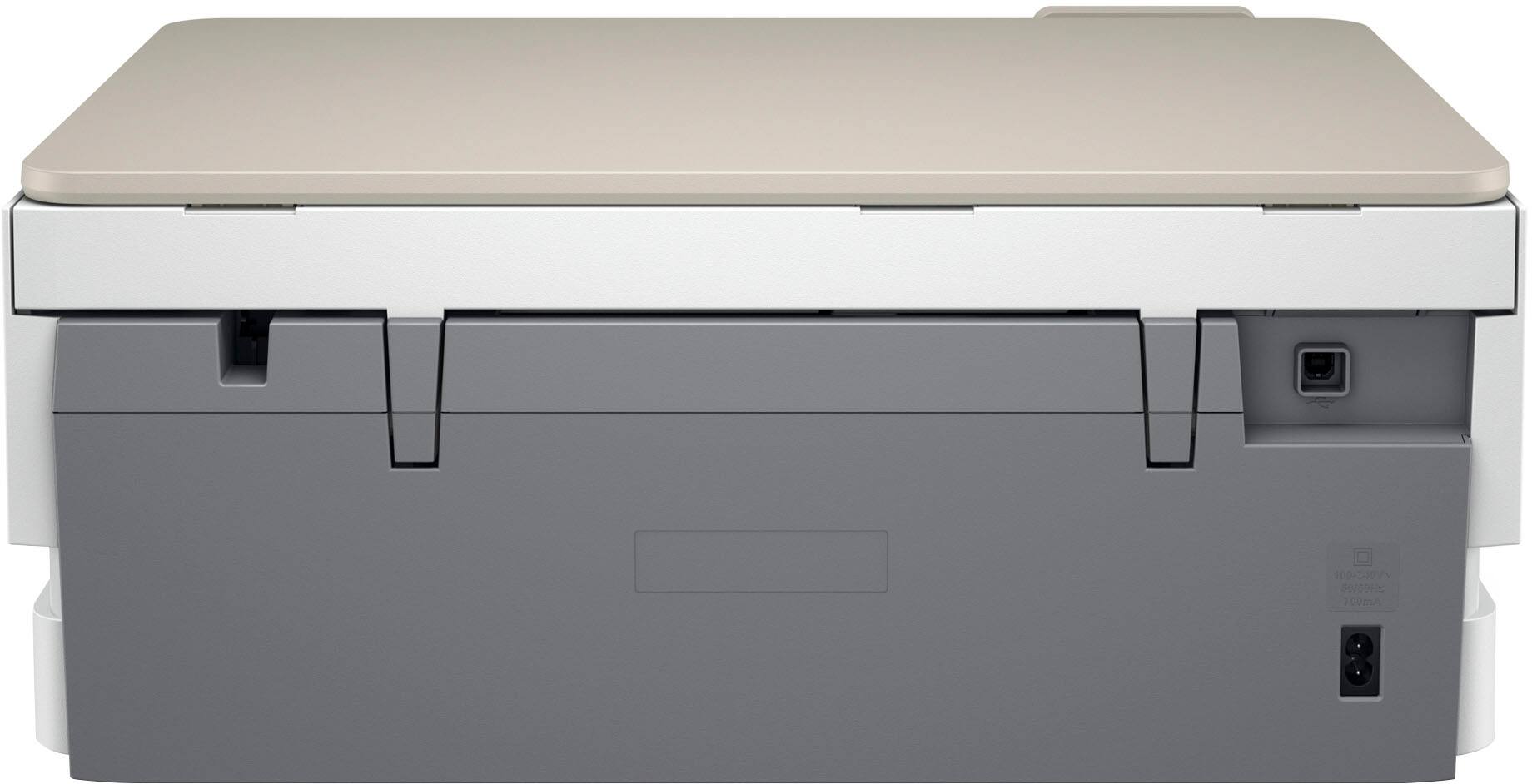
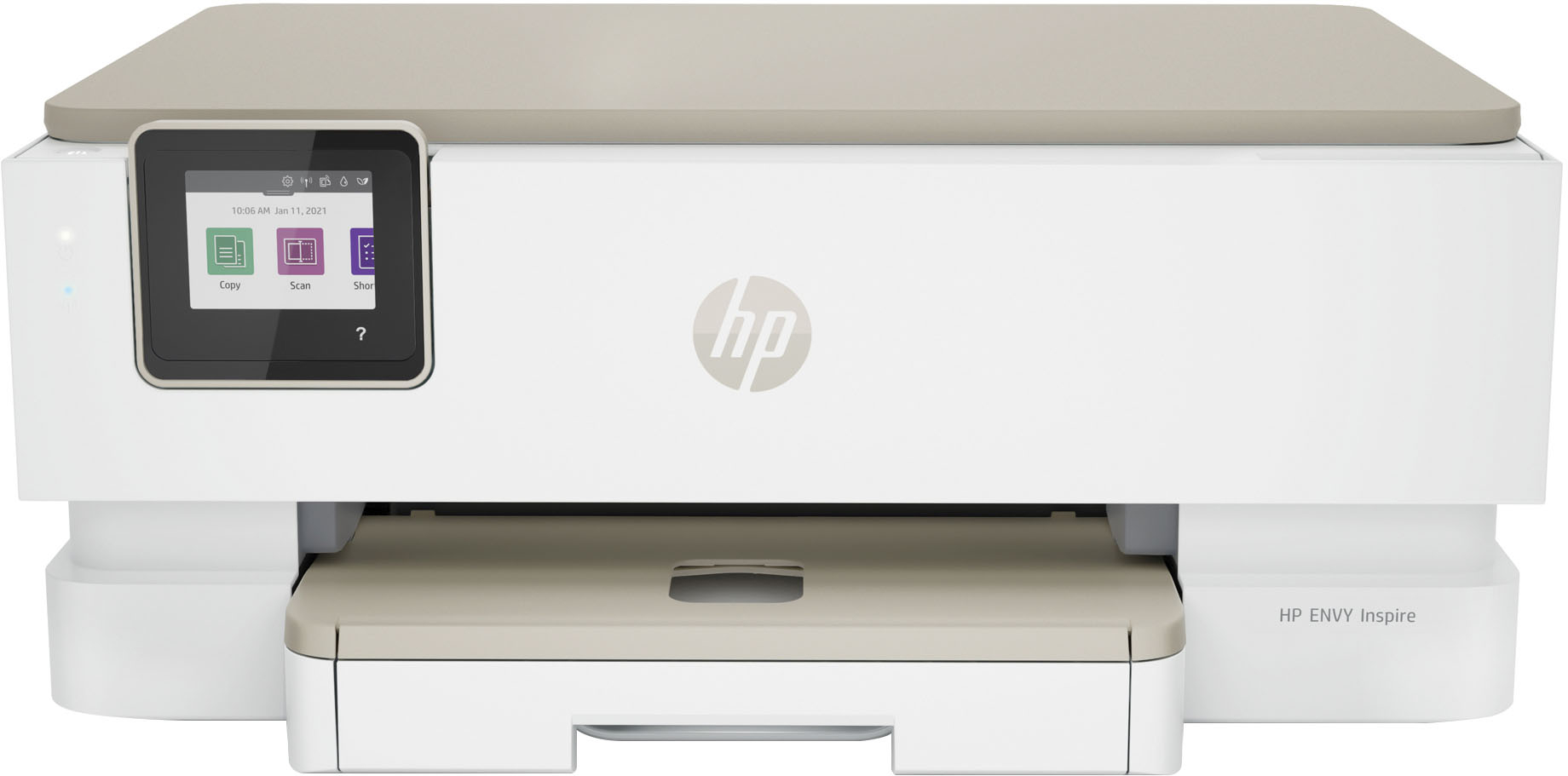






- Model:
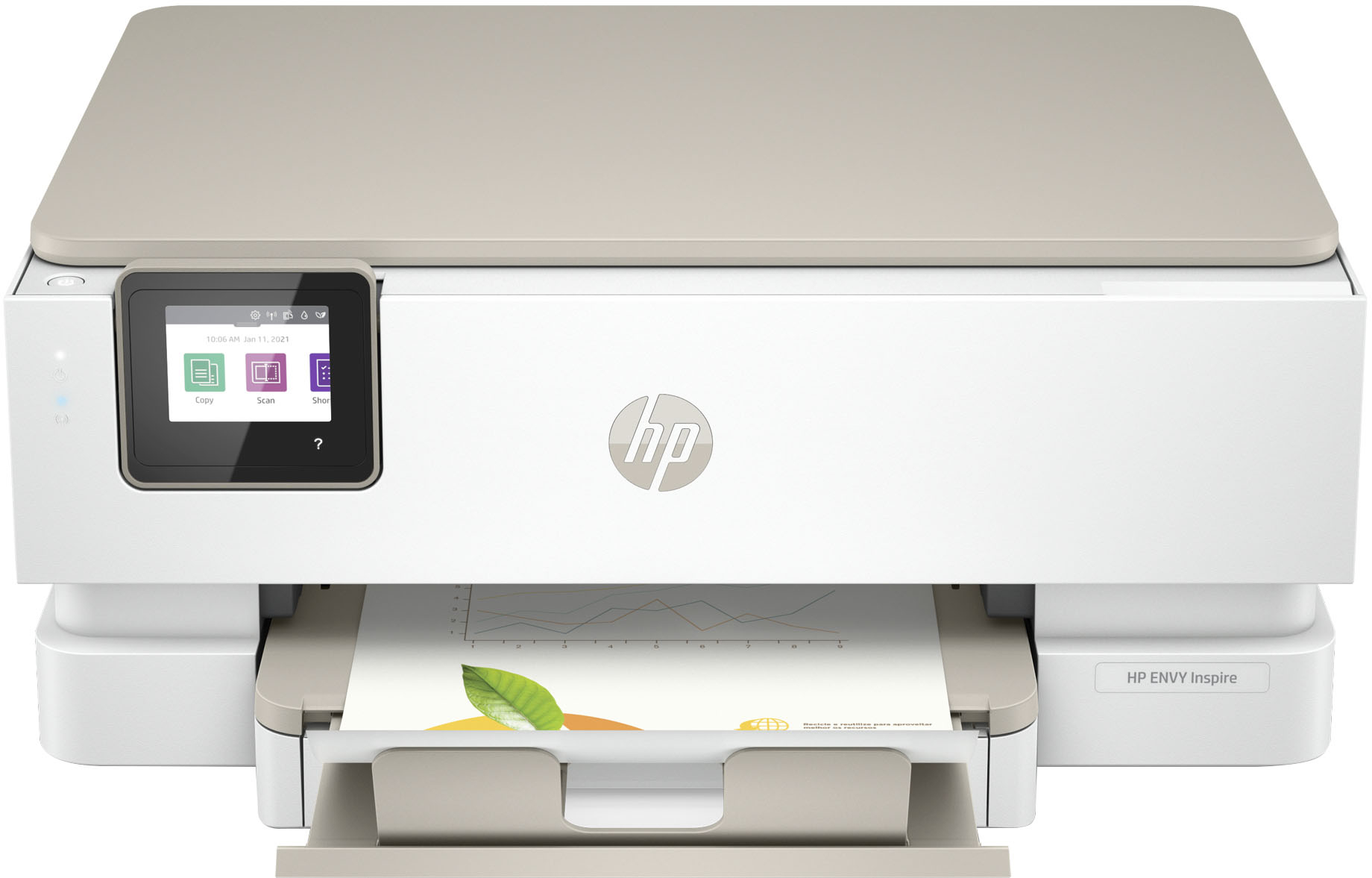
- ENVY Inspire 7255e/1W2Y9A#B1H
- SKU:
- 6492187
Rating by feature
- Value
Rating 4.5 out of 5 stars
- Quality
Rating 4.5 out of 5 stars
- Ease of Use
Rating 4.5 out of 5 stars
Customers are saying
Customers find value in the Envy Inspire 7255e printer's ease of use and great print quality. Many appreciate its overall performance, easy setup, and reliable connectivity. However, some customers have noted that the printer has a delicate paper tray.
This summary was generated by AI based on customer reviews.
Really disappointing...
Posted .This reviewer received promo considerations or sweepstakes entry for writing a review.Right out of the box, the ink cartridge would not print the blue color. Soon thereafter, the printer decided it had no paper--even though the tray was full. We had bought the Geek Squad protection and hubby opened a chat with tech support. After over an hour in the chat they finally told him they couldn't assist unless the printer screen literally said "error" on it. Called HP to try to get a new cartridge, which they finally sent. By the time the new cartridge arrived and was installed, the printer decided it did have paper after all. The new ink printed in color! Fantastic! Yet after two alignments it still printed streaks. We finally gave up and returned it.
No, I would not recommend this to a friend- Pros mentioned:Ease of use
Printer
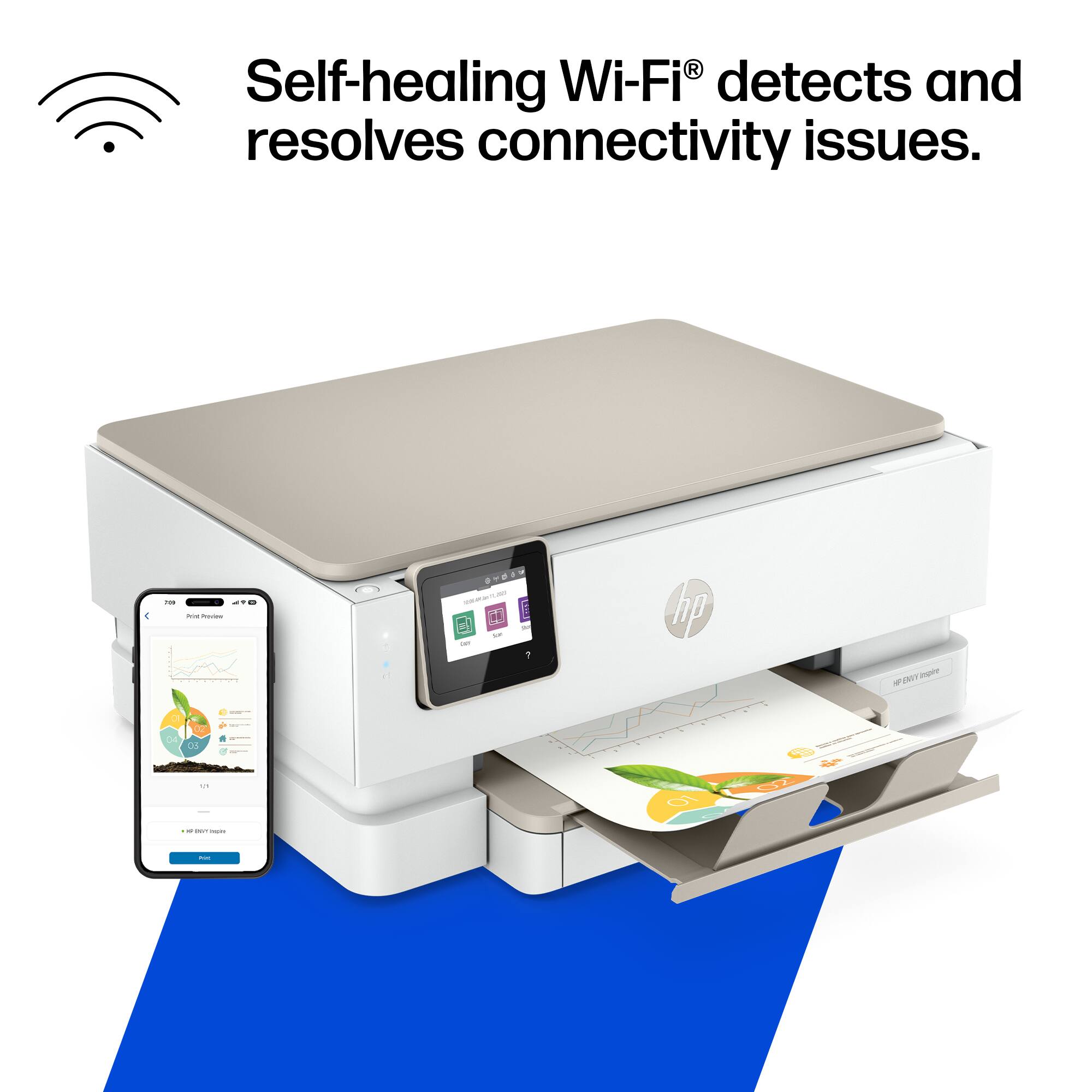
Posted .This reviewer received promo considerations or sweepstakes entry for writing a review.Easy to use. Can even print right from your phone.
I would recommend this to a friend - Pros mentioned:Overall performance
Awesome!
Posted .This reviewer received promo considerations or sweepstakes entry for writing a review.Love this printer! I highly recommend this printer!
I would recommend this to a friend Where the thumb drive?
Posted .This reviewer received promo considerations or sweepstakes entry for writing a review.The printer is very good except the absence of a thumb drive connection.
No, I would not recommend this to a friendA NIGHTMARE
Posted .This reviewer received promo considerations or sweepstakes entry for writing a review.Buying this printer has been a total nightmare!! Told at Best Buy that a Geek tech could not come to the home to set up a printer, I agreed to a remote set up. After spending 7 hours on the phone w/3 different remote techs (in 3 different countries), printer still would not work; hence I gave up and returned the printer. I also purchased the Totaltech membership (add'tl $200.00) & cancelled that also. Ended up paying an additional $450.00 to have a computer/printer fix-it professional set up an old printer. Bottom line: I'm extremely disappointed in Best Buy & don't plan to shop w/them any more. Realizing that most companies are short=staffed, there is no excuse for substandard service and/or products.
No, I would not recommend this to a friendDO NOT BUY THIS PRINTER
Posted .This reviewer received promo considerations or sweepstakes entry for writing a review.DO NOT BUY THIS PRINTER!! We bought this printer in the fall and it gave us multiple problems. HP customer service was great and sent us a new printer in December. We have used it 10 times since December and we are having the same problems. The big one this time it says photo tray is blocked. I spent 2hours on the phone with customer service the first time and I am now on the phone with HP a second time for hours.
No, I would not recommend this to a friendJUNK
Posted .This reviewer received promo considerations or sweepstakes entry for writing a review.Bought 1 yr ago used it 8 to 10 times across the year it's now time for it to go in the trash,as it won't print except in pink that it started doing mid cartridge. Replaced with new and still does the same thing . Took out color cartridge and printer would barely print in black. Will never buy another hp because of quality.
No, I would not recommend this to a friendhp envy
Posted .This reviewer received promo considerations or sweepstakes entry for writing a review.I don't trust hp ink jets printers anymore they cut worlds out when printer from email I would go for hp laser printers there way better
No, I would not recommend this to a friendBrand response from HP Team
Posted .Hi there.
I’m sorry that you’ve encountered difficulty with your printer. I can’t be certain, but when you wrote “cut worlds” I believe you probably meant “cut words” from prints. If that’s the case, I can wholly understand why this would be an alarming discovery. I also see that you or someone using your very distinct name has left numerous reviews for different printer models on this site in recent days, citing similar issues, so I can’t be sure which model you have. Regardless, I believe the resources listed below will help you remedy the missing-text problem.
I recommend that you consult a document on our support site that covers resolving prints with missing text or graphics; strange, garbled or illogical text; or prints that are incomplete. Find that document here:
- support.hp.com/us-en/document/c01177917
If you need further assistance, I suggest you contact us directly so we can help you assess what’s happening and find the proper course of action. HP+ printers – which include inkjet and laser printers with an “e” on the end of the model number – come with exclusive concierge support. To call and reach live HP+ experts, visit the following URL and enter your HP+ serial number:
- hp.com/plus-help
Keith
HP Care
hp.com/support
Low Quality Printing, Slow scanning
Posted .This reviewer received promo considerations or sweepstakes entry for writing a review.Scanning is difficult & slow. Print quality on colored text is much worse than my previous HP printer.
No, I would not recommend this to a friendJams after EVERY SINGLE PAGE
Posted .This reviewer received promo considerations or sweepstakes entry for writing a review.UNreal. Worst, most infuriating printer ever experienced.
No, I would not recommend this to a friendBrand response from HP Team
Posted .Hi there.
I’m sorry you’ve had such a rough time with your printer. I can certainly understand why experiencing a paper jam every time you use the device would very quickly become exasperating. I want to help you out of this dilemma, so I’ll provide some resources aimed at getting you there.
I can’t tell from your review whether the jams are occurring inside the device or at the document feeder. If it’s the former, I recommend going through the steps to clearing and avoiding paper jams that you’ll find in this troubleshooting guide on our support site:
- support.hp.com/us-en/document/ish_4803362-4149788-16
If it’s the latter, I suggest you follow a guide on our support site to document feeders that pull through too many pages at once or fail to pick up any paper at all. Find that guide here:
- support.hp.com/us-en/document/ish_3833686-1493864-16
If the jams continue, I suggest that you contact us directly at +1 800-474-6836 so we can help you assess what’s happening and find the best course of action. To expedite the process, I recommend gathering the following information before the call:
- Model number
- Serial number
- Your location
- Case number (from any previous contact with HP support)
I'll also mention that HP printers have a one-year warranty from their purchase date that covers hardware as well as ink supplies – and that warranty extends to two years with an HP+ account – so if it comes to that, you might consider making use of it. You can verify the warranty using the following link:
- support.hp.com/us-en/checkwarranty
Keith
HP Care
hp.com/support