Customer Ratings & Reviews







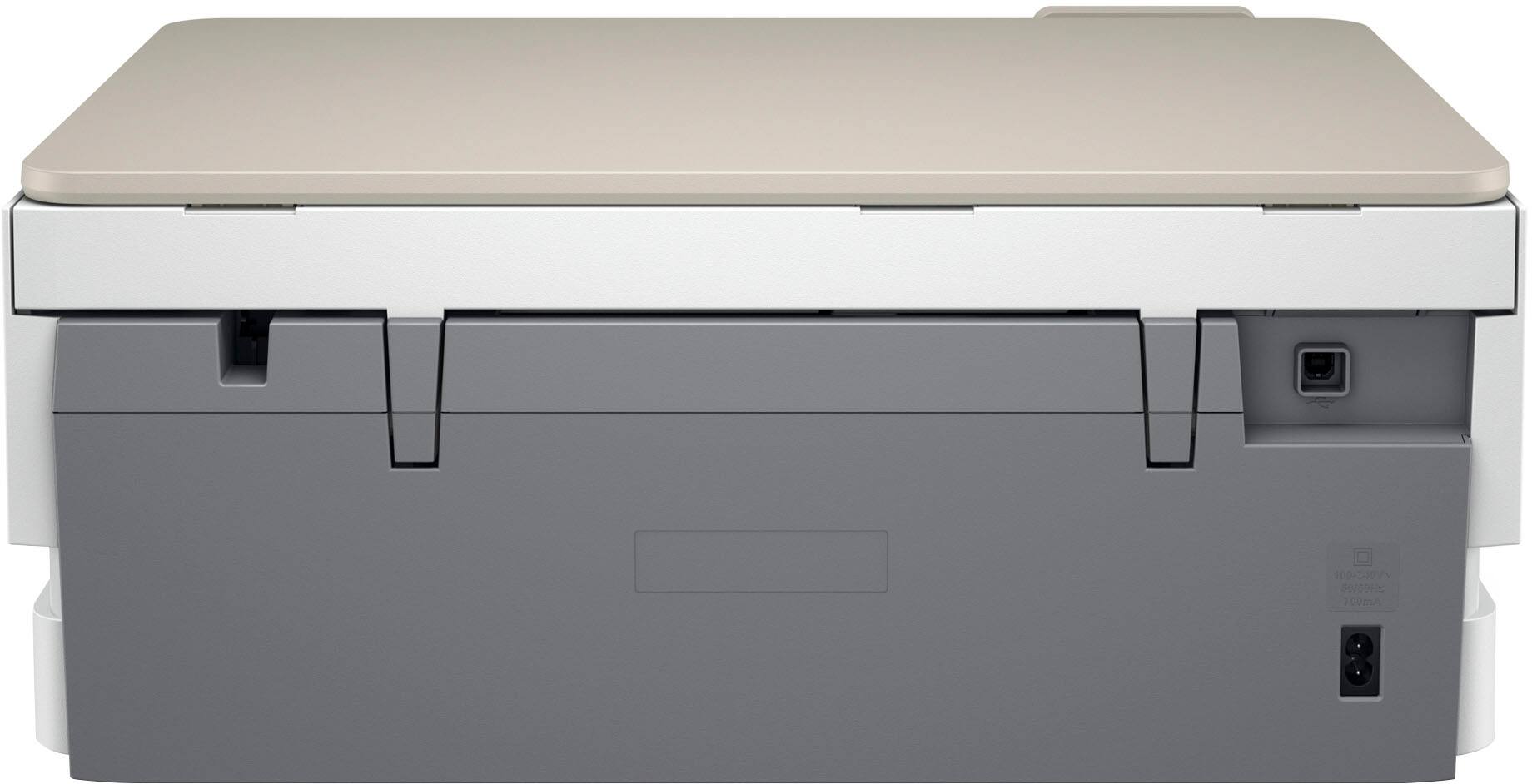
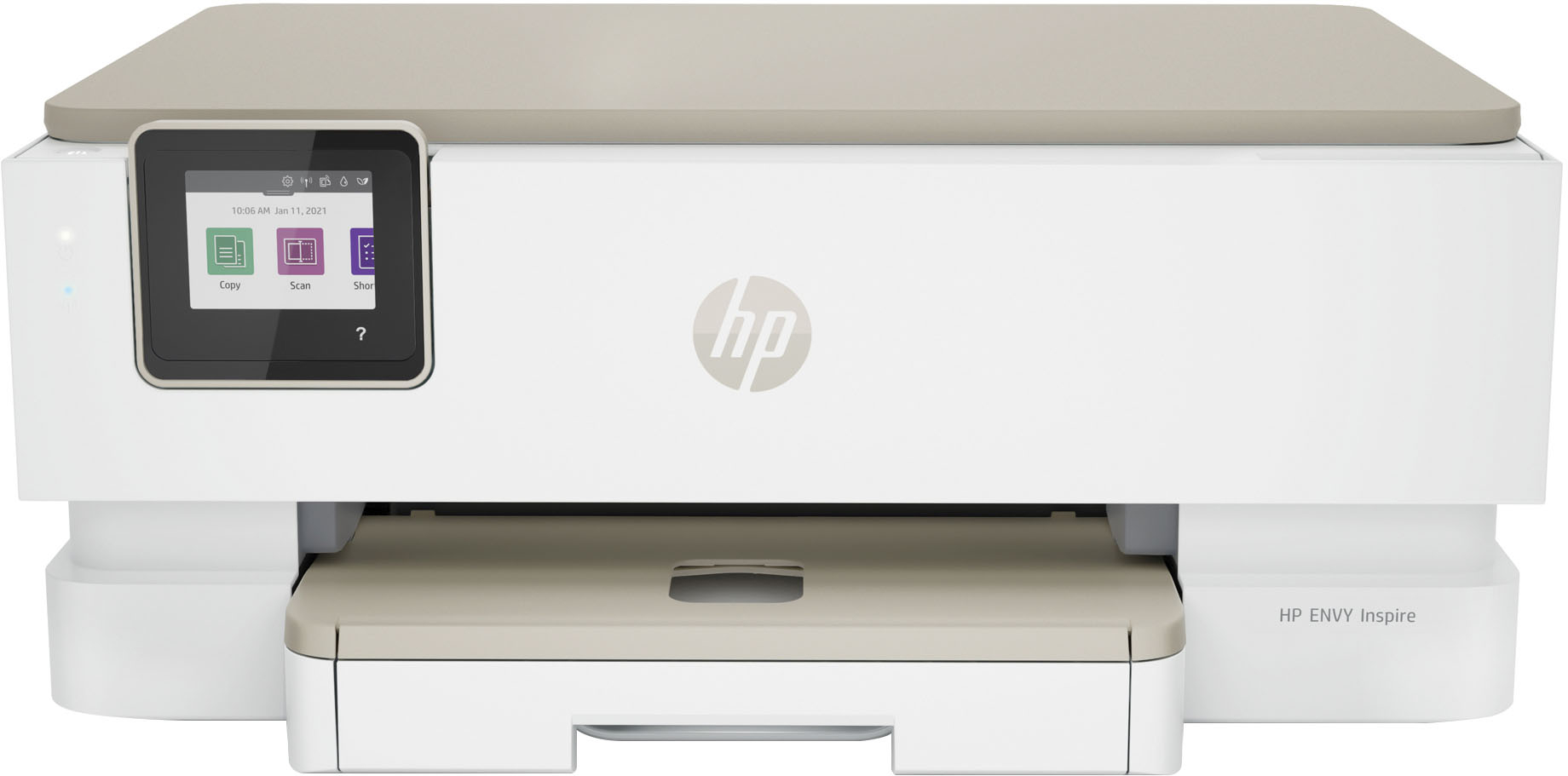
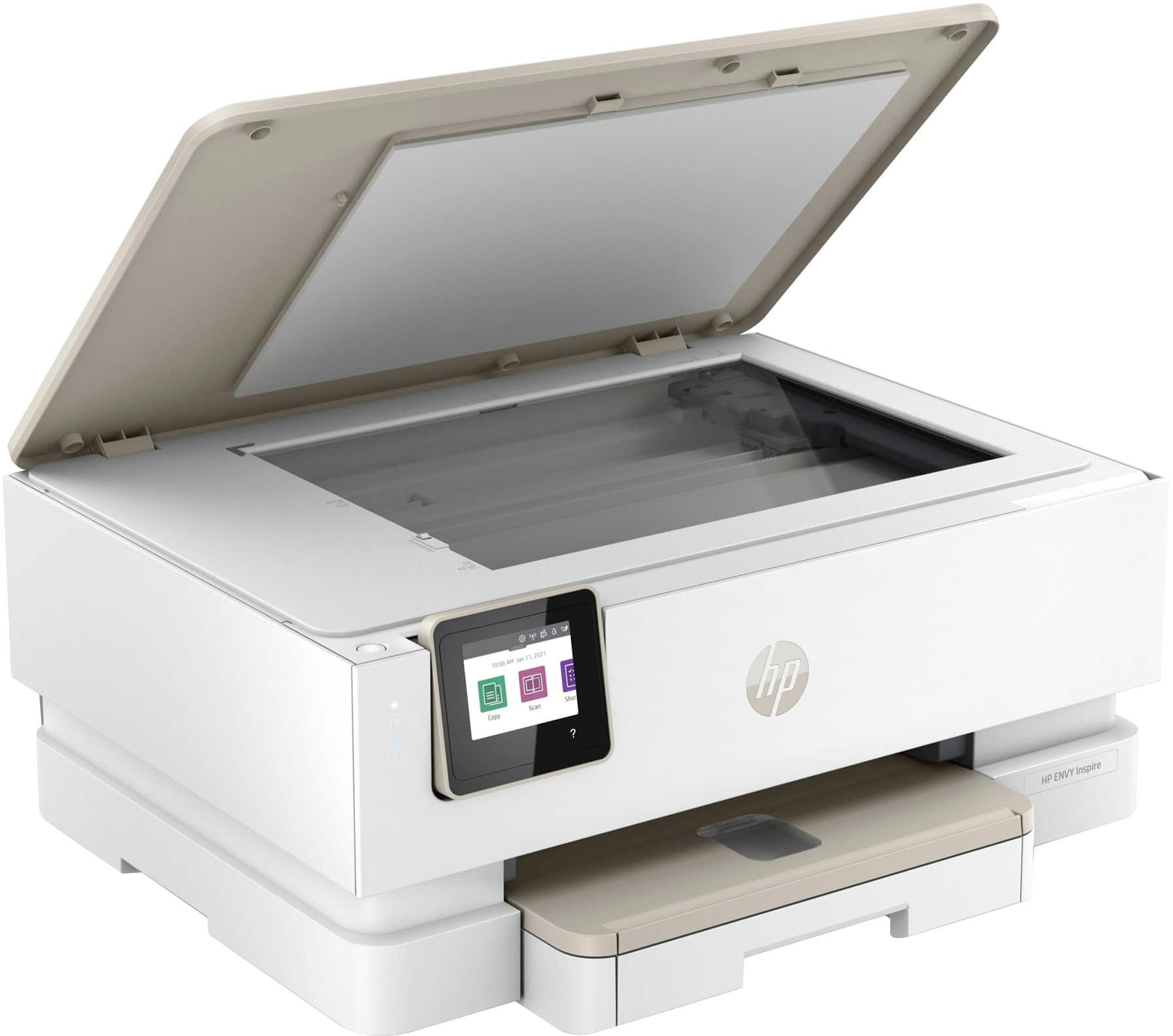

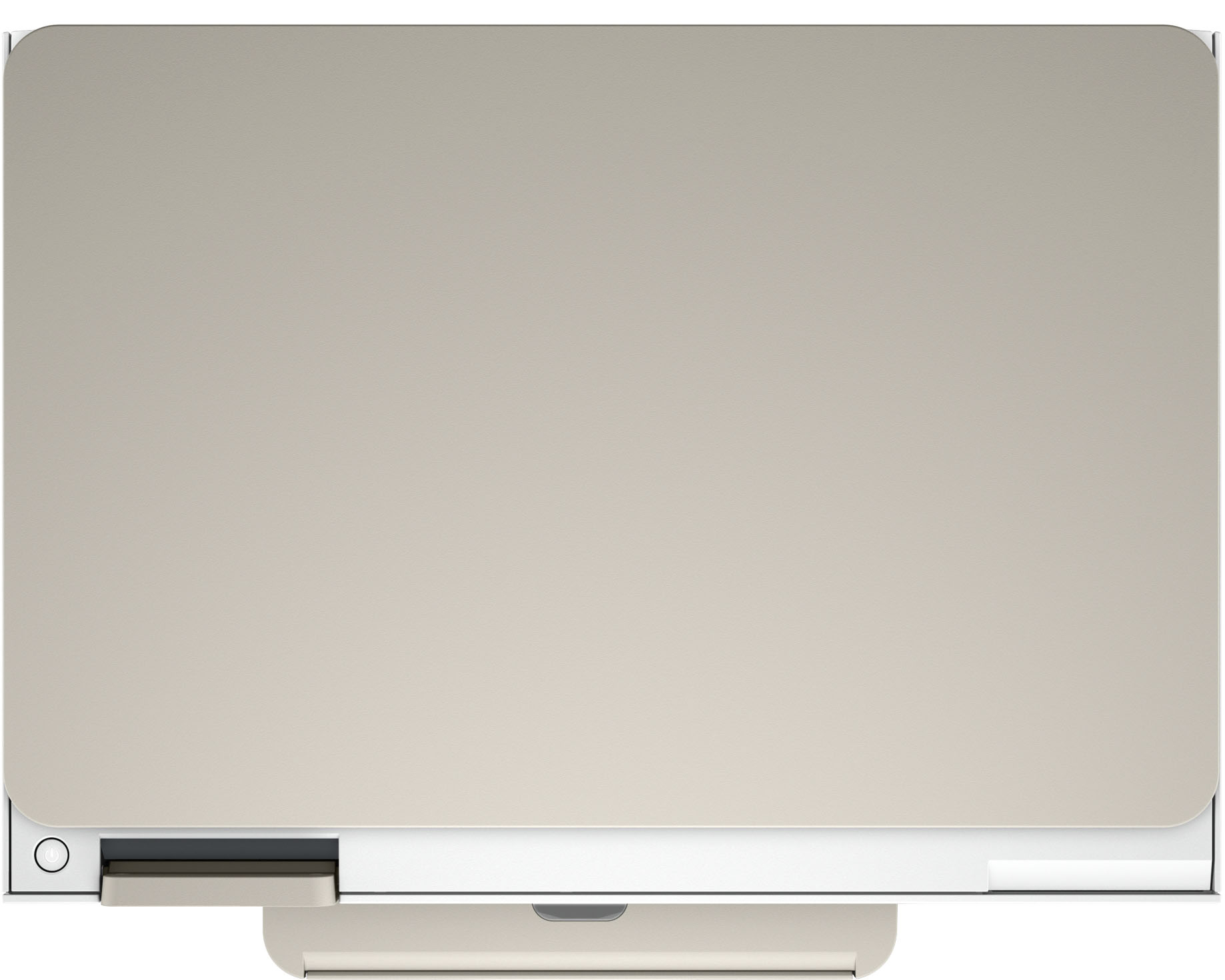





- Model:
- ENVY Inspire 7255e/1W2Y9A#B1H
- SKU:
- 6492187
Rating by feature
- Value
Rating 4.5 out of 5 stars
- Quality
Rating 4.5 out of 5 stars
- Ease of Use
Rating 4.5 out of 5 stars
Customers are saying
Customers find value in the Envy Inspire 7255e printer's ease of use and great print quality. Many appreciate its overall performance, easy setup, and reliable connectivity. However, some customers have noted that the printer has a delicate paper tray.
This summary was generated by AI based on customer reviews.
DO NOT BUY
||Posted . Owned for 7 months when reviewed.This reviewer received promo considerations or sweepstakes entry for writing a review.DO NOT BUY THIS IS THE SECOND ONE I HAVE HAD. RETURNED FIRTS ONE DUE TO NOT PRINTING PROPERLY. LIGHT AND HARD AND COMPLETLY MISSING AREAS OF A DOCUMENT. ALSO BLACK CARTRIGE LEAKED INK. RETURNED AND RECEIVED THE SAME MODEL. THIS ONE LASTED ABOUT SIX MOUNTHS. SAME PROBLEMS. WILL RETURN FOR DIFFERENT BRAND.
No, I would not recommend this to a friendInk issues
||Posted . Owned for 1 month when reviewed.This reviewer received promo considerations or sweepstakes entry for writing a review.Love almost everything about my new printer except the ink only lasted about 3 to 4 weeks. It was advertised as a 6 months supply. I’m going to complain at my store today to see what they can do for me. Thanks
I would recommend this to a friendHP should do better
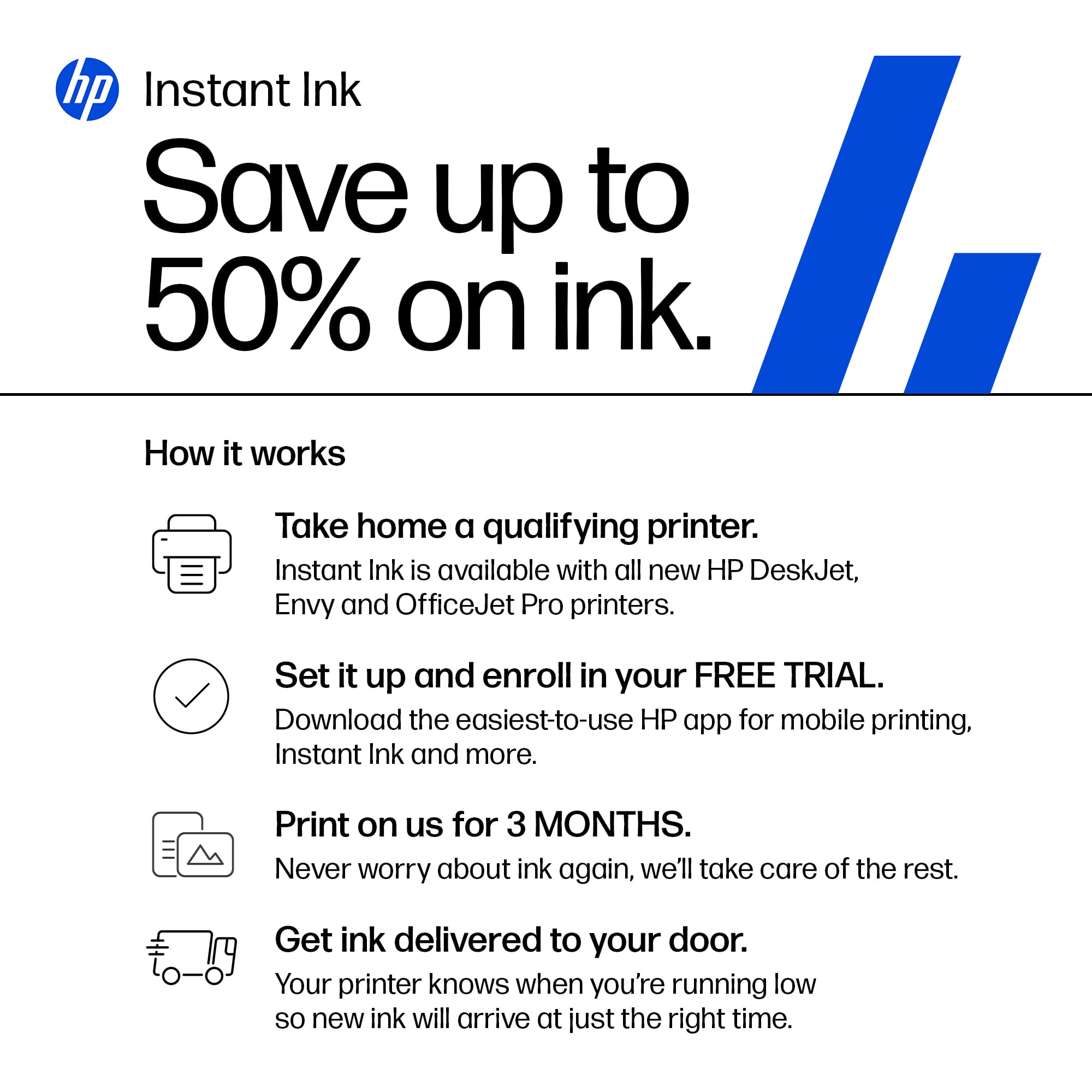
||Posted . Owned for 1 month when reviewed.This reviewer received promo considerations or sweepstakes entry for writing a review.Ink goes fast and the program HP offers is awful. Been waiting for the first shipment for 2 months. HP customer service is non-responsive.
No, I would not recommend this to a friend- Pros mentioned:Print quality
I love it
||Posted . Owned for 3 weeks when reviewed.This reviewer received promo considerations or sweepstakes entry for writing a review.I love love it.specially the fact that i get free i k n paper fir 6 months irs great. I got ink n paper shortly after getting my printer. The colors are wonderful
I would recommend this to a friend HP Printer
||Posted . Owned for 3 weeks when reviewed.This reviewer received promo considerations or sweepstakes entry for writing a review.Little difficult getting set up to get printer working. If not used each day, when ready to print I had to turn it off and turn it back on for something to be printed.
I would recommend this to a friendNothing but problems
||Posted . Owned for 1.5 years when reviewed.This reviewer received promo considerations or sweepstakes entry for writing a review.Nothing but problems. They force you to get ink subscription or it stops printing. Doesn’t stay connected to print to on wifi and says it has a paper jam or no paper loaded when there is no jam and paper is definitely loaded.
No, I would not recommend this to a friendPerformance
||Posted . Owned for 1 month when reviewed.This reviewer received promo considerations or sweepstakes entry for writing a review.It takes a long time to print a document. Lots of sounds within the machine.
I would recommend this to a friendreveiw wish I could get rid of it
||Posted . Owned for 3 weeks when reviewed.This reviewer received promo considerations or sweepstakes entry for writing a review.It is hard to learn how to work it wi-fi hard to pickup and it doesnt copy every time it wouldnt type this right dont buy it
No, I would not recommend this to a friend- Cons mentioned:Paper tray
Don't buy this printer
||Posted . Owned for 1 month when reviewed.This reviewer received promo considerations or sweepstakes entry for writing a review.We've had HP printers for years. We bought this one because we had previous good experience with HP printers. Now virtually every print ends in a paper jam. No, we're not using HP paper, but we are using high-quality paper we've used for years. Including with the HP printer this one replaced. We've had this printer about 5 weeks. This is actually the second of it's model, we returned the first within days. Don't buy this model.
No, I would not recommend this to a friendBrand response from HP Team
Posted .Hi, George.
I’m sorry that your printer has experienced frequent paper jams. Your frustration comes as no surprise, considering you’re using high-quality paper that has worked fine in another HP printer. I want to help you remedy this problem, so I’ll suggest some resources aimed at making that happen.
First, I recommend going through the steps to clearing and avoiding paper jams in this printer that you’ll find in this troubleshooting guide on our support site:
- support.hp.com/us-en/document/ish_4803362-4149788-16
If the problem persists, I suggest that you contact us directly at +1 800-474-6836 so we can help you assess what’s happening and find the best course of action. To expedite the process, I recommend gathering the following information before the call:
- Model number
- Serial number
- Your location
- Case number (from any previous contact with HP support)
I'll also mention that HP printers have a one-year warranty from their purchase date that covers hardware as well as ink supplies – and that warranty extends to two years with an HP+ account – so if it comes to that, you might consider making use of it. You can verify the warranty using the following link:
- support.hp.com/us-en/checkwarranty
Keith
HP Care
hp.com/support
Printer didn't work
||Posted . Owned for 1 month when reviewed.This reviewer received promo considerations or sweepstakes entry for writing a review.I had to return this item to you . There was something wrong with the machine which made it impossoble for your tecnition to install it. He returned it for me. I give him 5 stars butg the printer no shuch luck. i appreciate Best Buy and will be back to buy another printer.
No, I would not recommend this to a friendGood but one issue
||Posted . Owned for 5 months when reviewed.This reviewer received promo considerations or sweepstakes entry for writing a review.Wife and I are teachers - needed a heavy duty printer - this is it with one exception as I had to reinstall scanner more than once
I would recommend this to a friendNot long term
||Posted . Owned for 1.5 years when reviewed.This reviewer received promo considerations or sweepstakes entry for writing a review.Lasted a year until i had to replace with minimal printing during that timeframe. Keep in mind this is my 2nd one thats lasted about same amount of time. Its just not for long term use.
No, I would not recommend this to a friendUnhappy with color printing
||Posted . Owned for 4 months when reviewed.This reviewer received promo considerations or sweepstakes entry for writing a review.I bought this printer in Oct 2022. Setup was ridiculous- kept getting the same error message. I was on the phone with Support for 1 hour and 40 minutes to get it fixed. I can print from the letter tray just fine but now printing color photos is awful. Printer doesn’t do well with info from my device for adjustments such as saturation, shadows, brilliance, etc. Furthermore this only prints borderless. I would like a white border on many of my photos.
No, I would not recommend this to a friendBrand response from HP Team
Posted .Hi, Gail.
I’m sorry that your printer has rendered color photo prints of poor quality. Your dissatisfaction comes as no surprise, especially considering you’ve had a hard time making adjustments on your device and experienced a difficult setup process. I want to help you resolve these problems. I hope the resources I’ve listed below reach that goal.
First, I recommend following the steps listed in a guide on our support site to improving print quality. Issues covered include faded or streaked prints, color or black ink not printing properly or at all, and blurred or fuzzy text. Find that guide here:
- support.hp.com/us-en/document/ish_4804440-4201223-16
You also might gain useful information from a guide to printing photos with HP printers. It covers the types and loading of photo paper, printing photos from various operating systems, and tips on shooting and editing photos before printing to get better results. Find that guide here:
- support.hp.com/us-en/document/ish_2387104-2310812-16
If any problem persists, I suggest that you contact us directly at +1 800-474-6836 so we can help you assess what’s happening and find the best course of action. To expedite the process, I recommend gathering the following information before the call:
- Model number
- Serial number
- Your location
- Case number (from any previous contact with HP support)
Keith
HP Care
hp.com/support
Ink dries out
||Posted .This reviewer received promo considerations or sweepstakes entry for writing a review.Need to use constantly or ink will dry out, making ink purchases super expensive
No, I would not recommend this to a friendDecent Printer
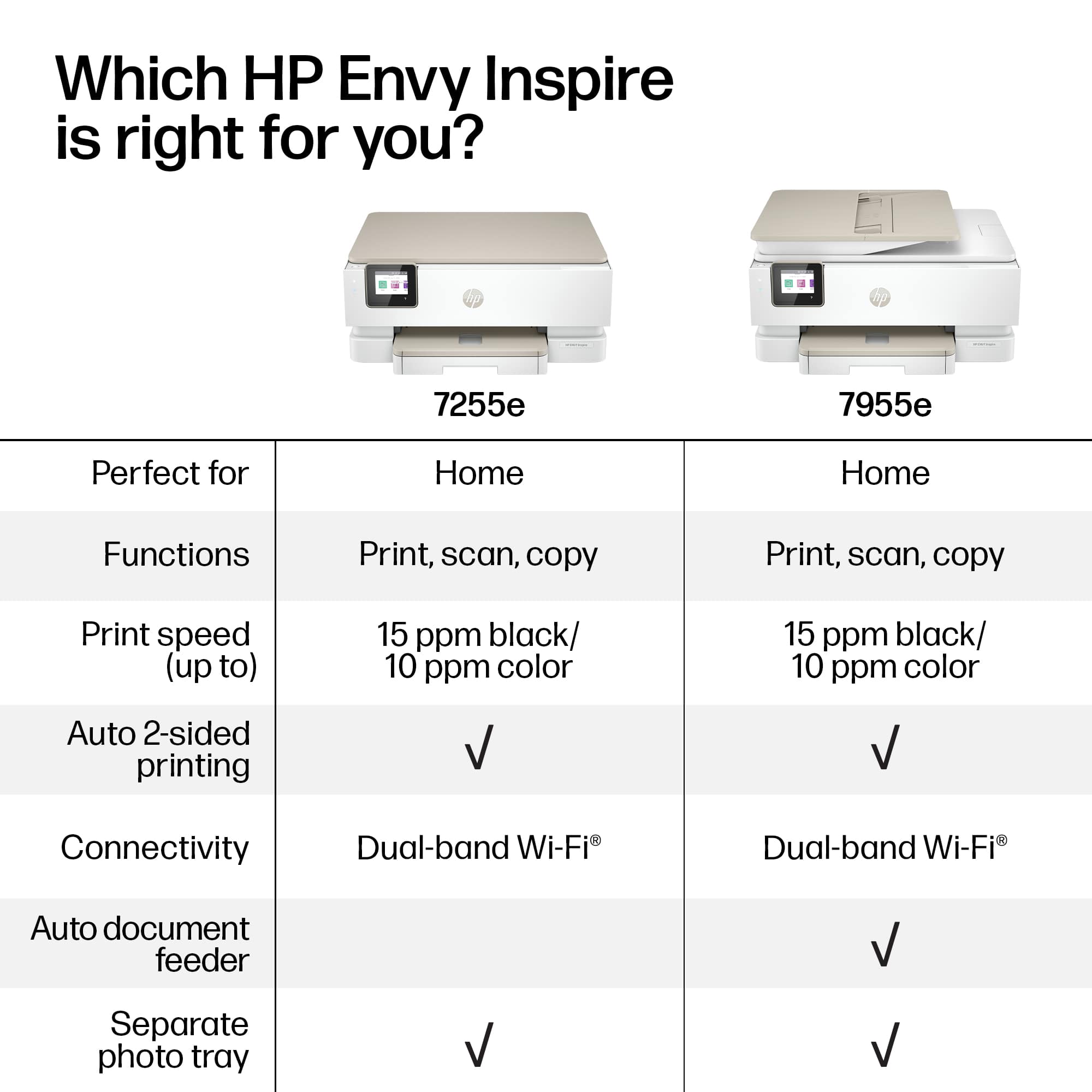
||Posted . Owned for 3 weeks when reviewed.This reviewer received promo considerations or sweepstakes entry for writing a review.It’s a decent printer, but it doesn’t have automatic feed to scan documents with multiple pages.
I would recommend this to a friendCan’t Make it Past Setup
||Posted .This reviewer received promo considerations or sweepstakes entry for writing a review.Per usual from Best Buy, my delivery was delayed. Finally got the printer and I can’t even set it up. Tried setting it up through the HP Smart app and it keeps giving me an error stating the printer is not on a stable flat surface - it’s on my solid wood desk, I’m not sure how much more stable it can get. Restarted it and tried to set it up manually using the touchscreen and it got stuck on “checking the printer” and did absolutely nothing. Restarted it again, and it took me to the main page, giving me options to print, copy, etc. but still won’t link to the app or my HP account. I wish I could rate the quality of print jobs, but unfortunately can’t make it to that point. Will have to return and look for something else. It’s unfortunate that this is a brand new model and it has so many glitches and issues.
No, I would not recommend this to a friendBrand response from HP Team
Posted .Hi, Art.
I’m sorry you’ve encountered such difficulty getting your printer set up. It’s no surprise that you intend to return the device, considering the effort you invested without success. If you’ve not yet returned it, I want to help you resolve the situation, so I’ll provide a resource and some information designed to make that happen.
I can’t tell from your review why the printer would not complete the setup process. I recommend that you contact us directly so we can help you assess what’s happening and determine the best course of action. HP+ printers such as yours come with exclusive concierge support. To call and reach live HP+ experts, visit the following URL and enter your HP+ serial number:
- hp.com/plus-help
I'll also mention that HP printers have a one-year warranty from their purchase date that covers hardware as well as ink supplies – and that warranty extends to two years with an HP+ account – so if it comes to that, you might consider making use of it. You can verify the warranty using the following link:
- support.hp.com/us-en/checkwarranty
Keith
HP Care
hp.com/support
- Pros mentioned:Print quality
Amazing
||Posted . Owned for 1 month when reviewed.This reviewer received promo considerations or sweepstakes entry for writing a review.This printer is one of the best we've ever brought and I am at a lot for words, the pictures it prints are vibrant.
I would recommend this to a friend Unable to set it up
||Posted . Owned for 1 month when reviewed.This reviewer received promo considerations or sweepstakes entry for writing a review.It would be great if I could get it to print! I have to get someone to help me.
No, I would not recommend this to a friendOnly can scan one sheet at a time
||Posted . Owned for more than 2 years when reviewed.This reviewer received promo considerations or sweepstakes entry for writing a review.Terrible if you have to scan. Can only do one sheet at a time.
No, I would not recommend this to a friendExcessive ink consumption
||Posted . Owned for 3 weeks when reviewed.This reviewer received promo considerations or sweepstakes entry for writing a review.Works fine as a printer, scanner, copier. Rate of ink consumption is excessive. Connecting via WiFi problems, drops, disconnect, restarting required.
I would recommend this to a friend