Customer Ratings & Reviews





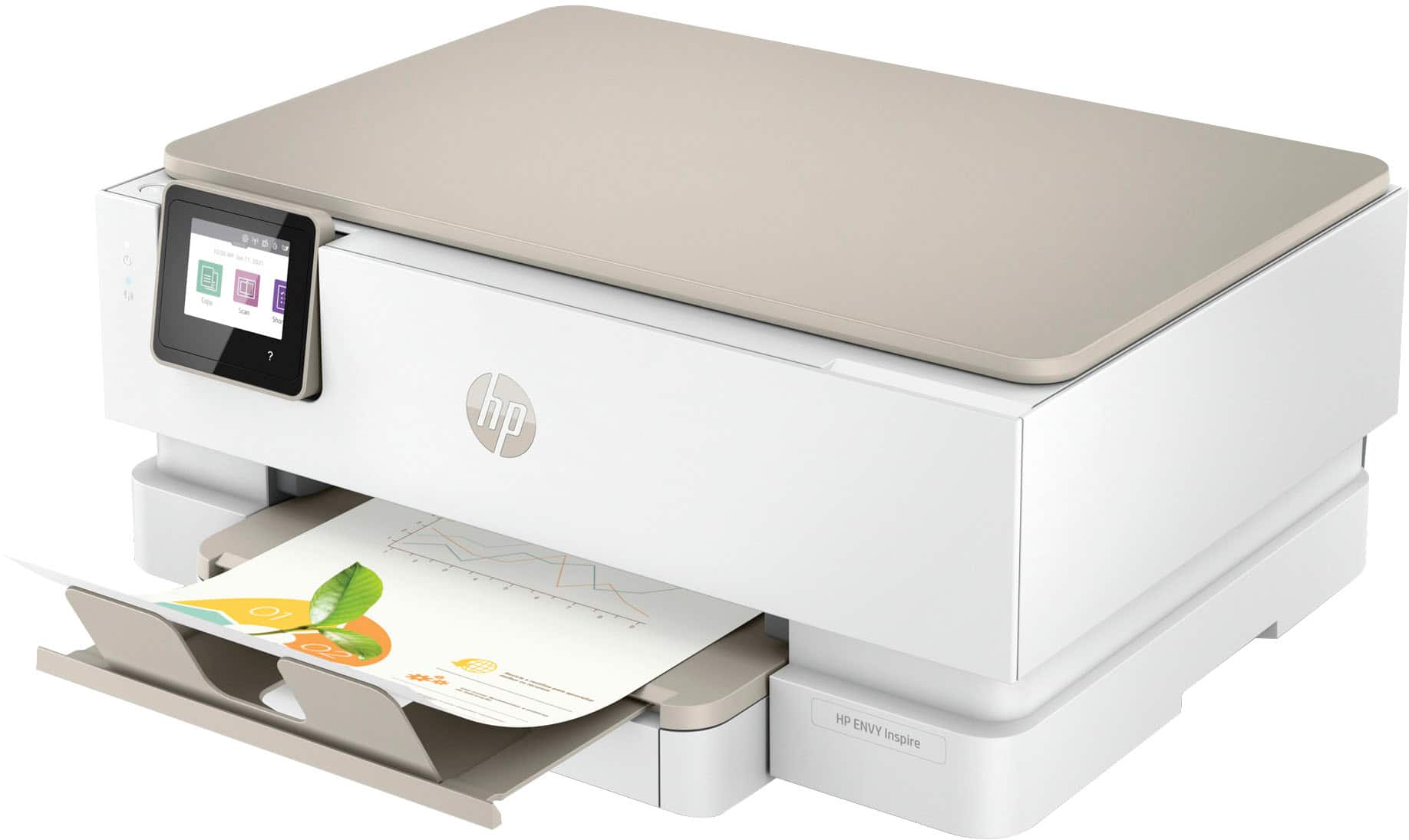
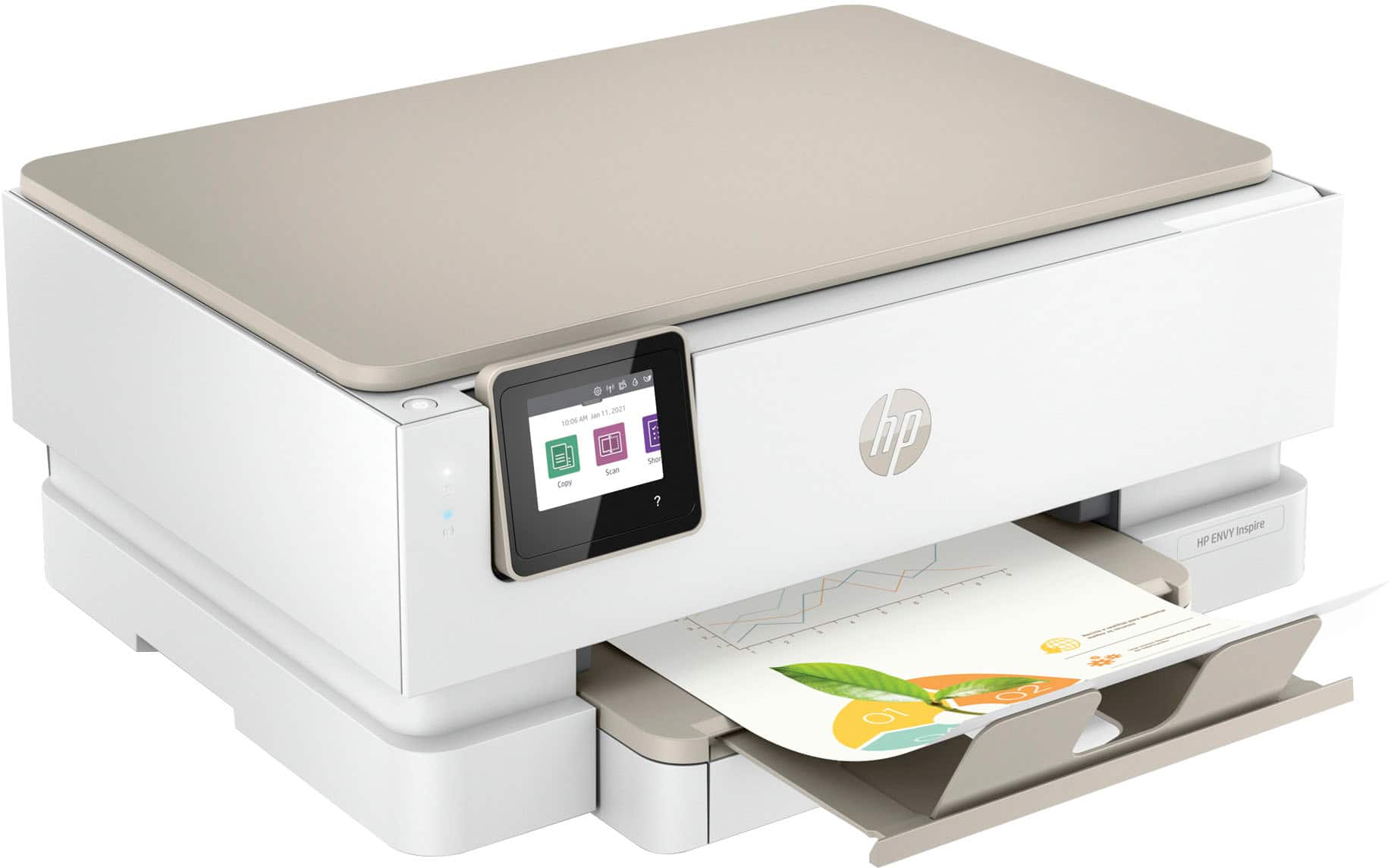
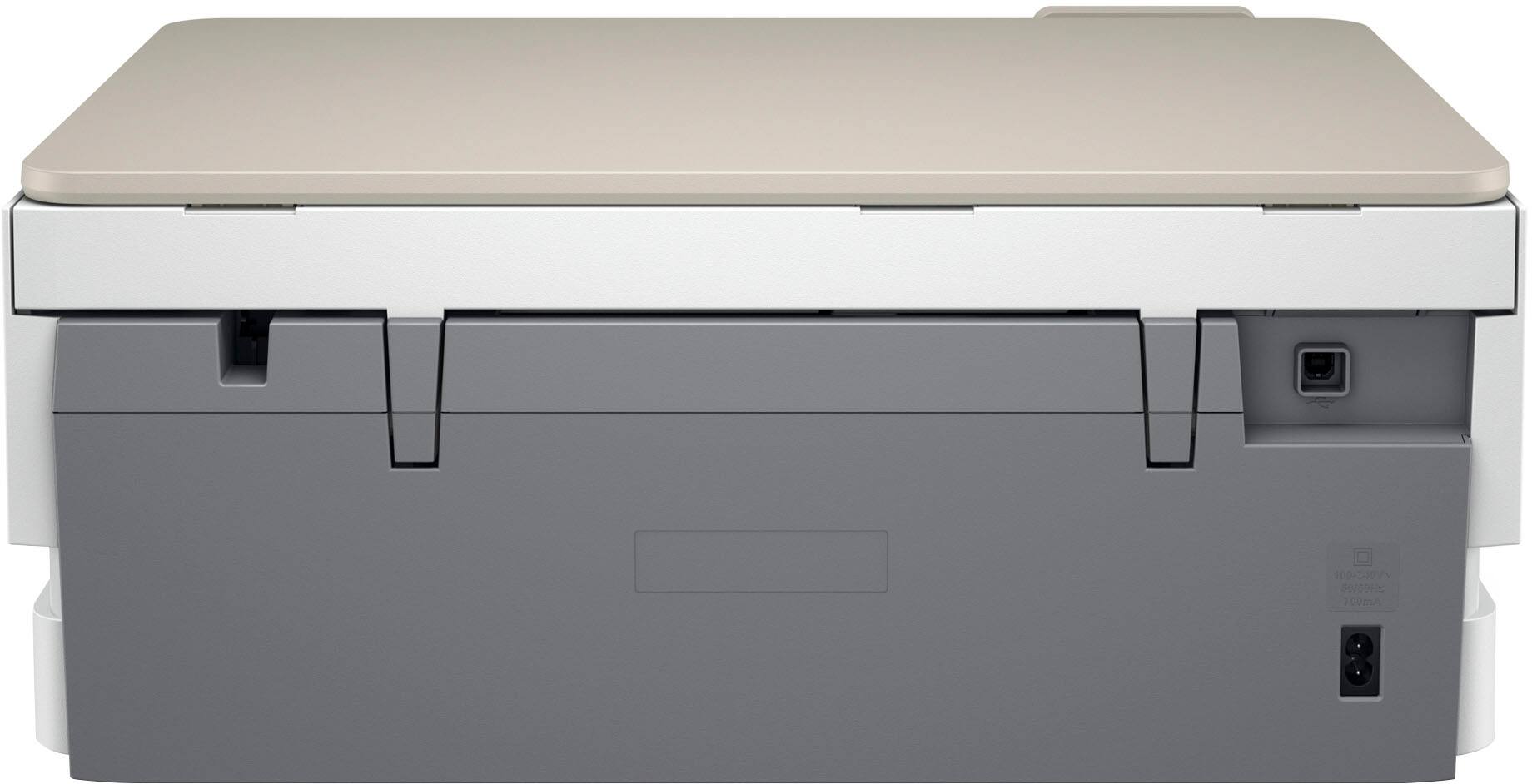
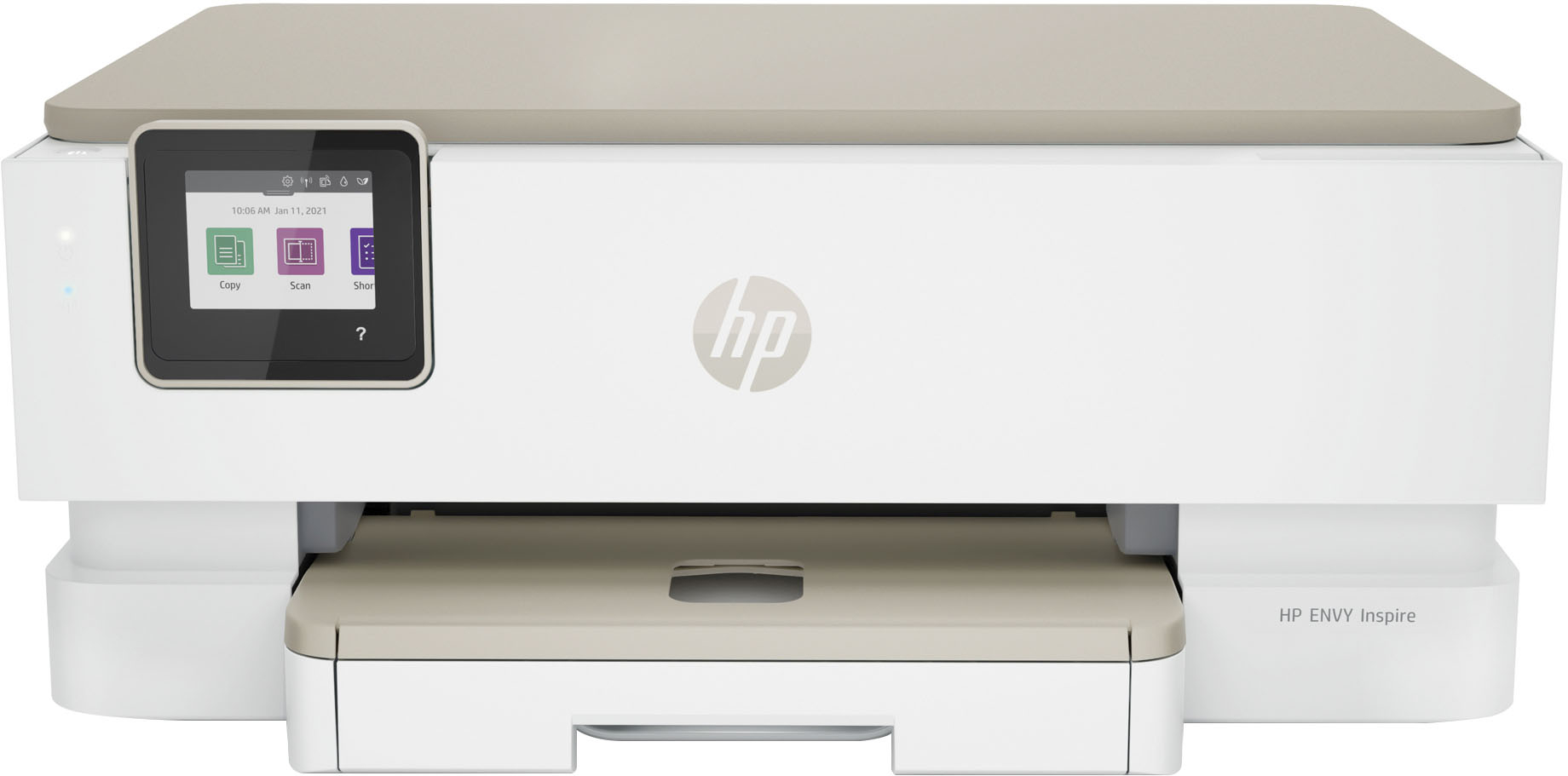






- Model:
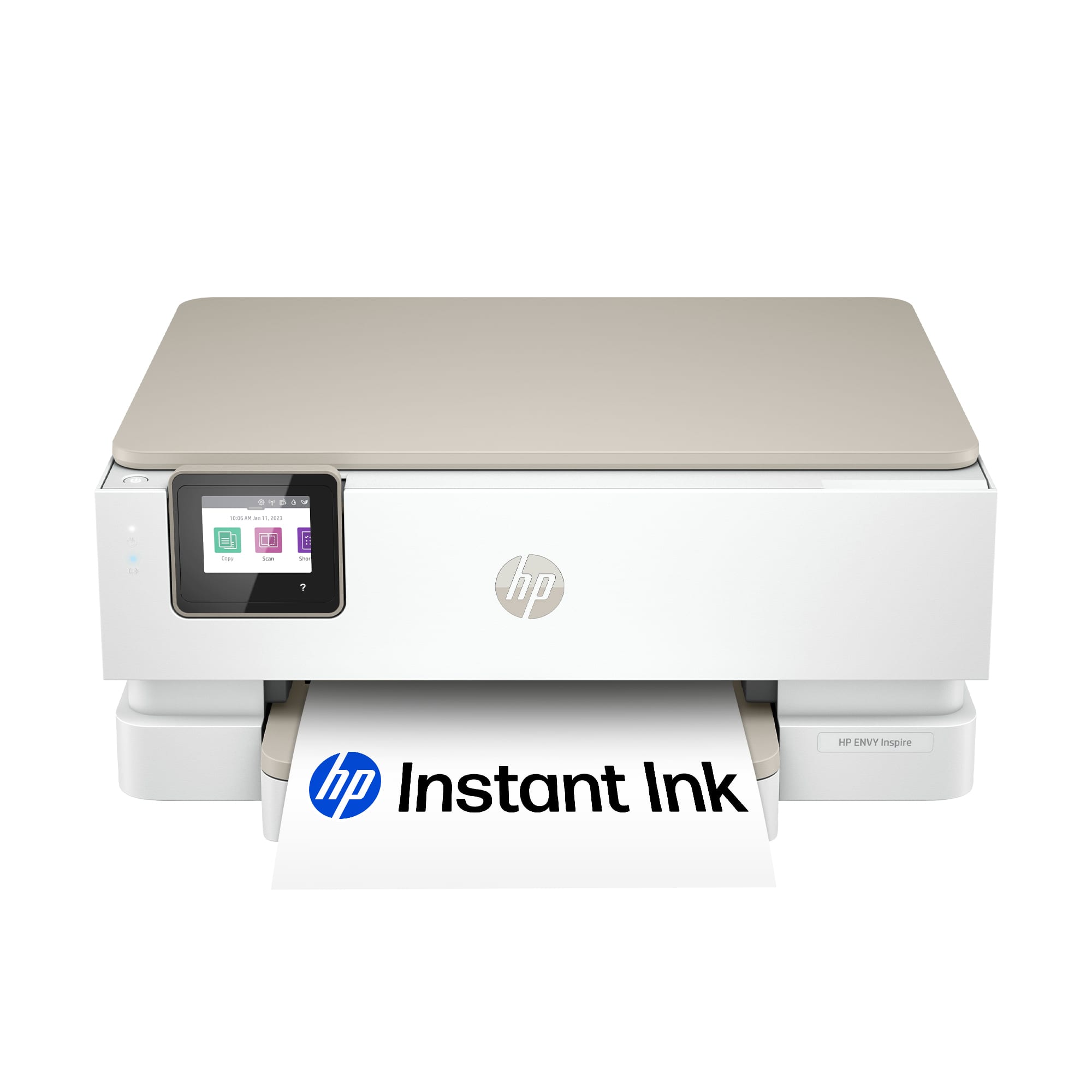
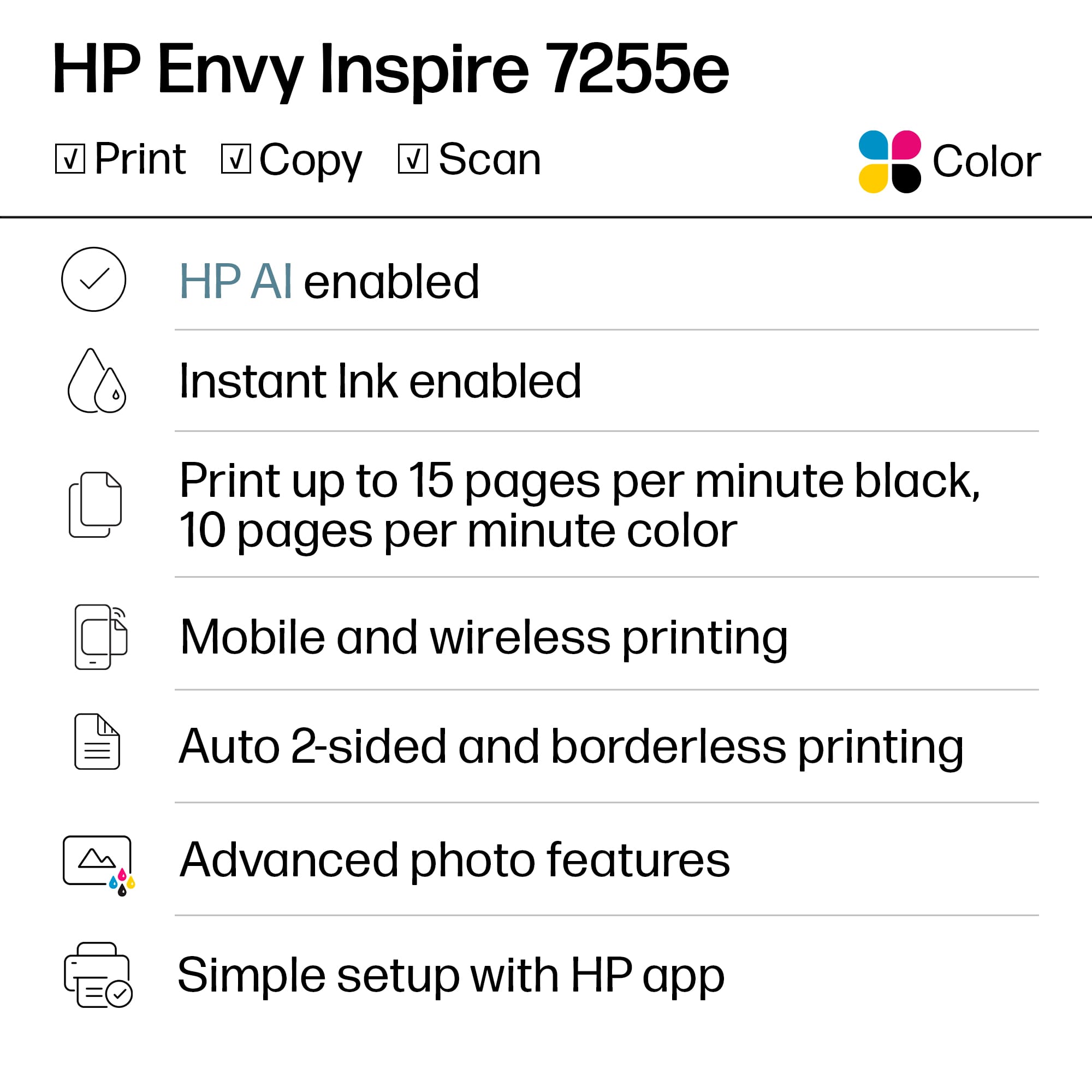
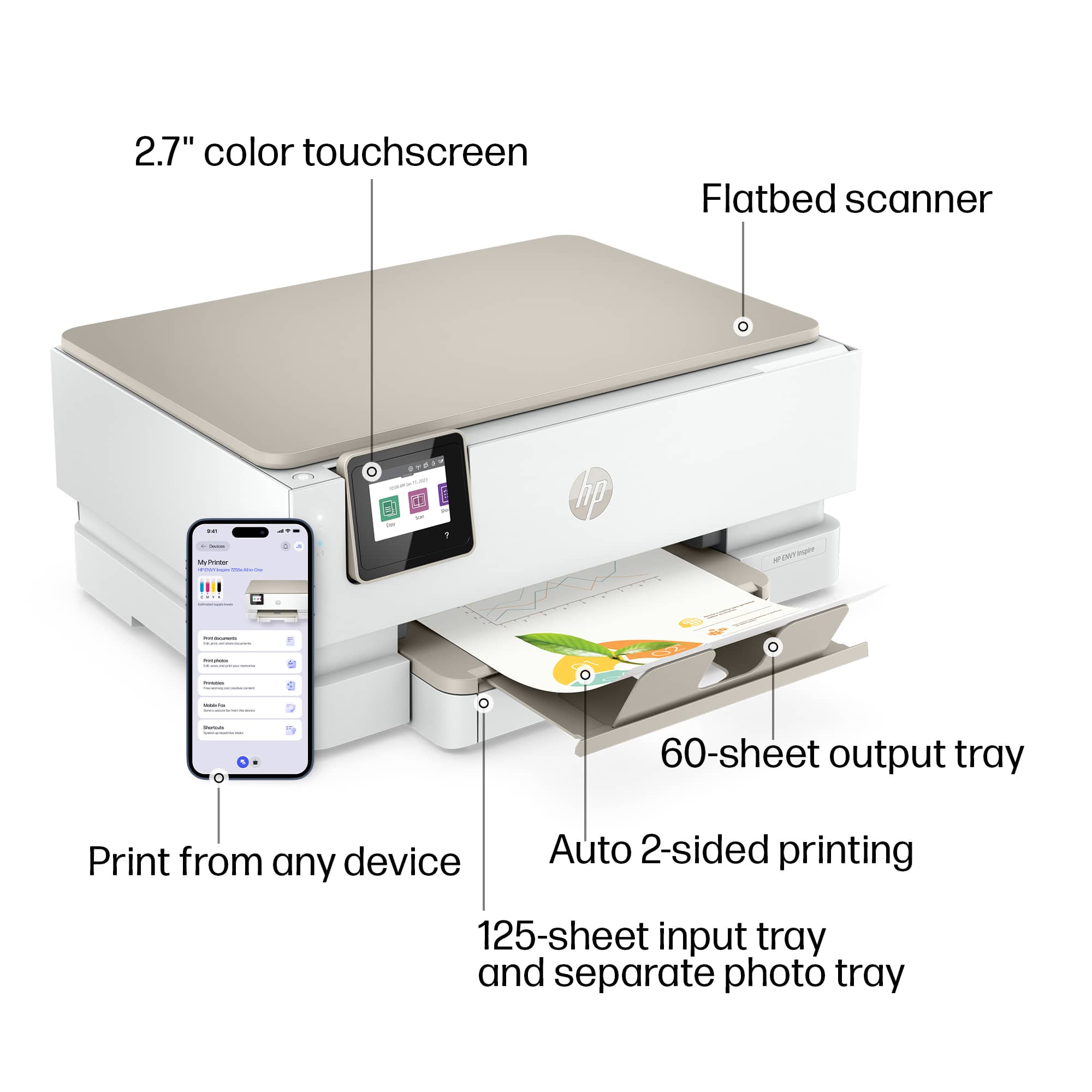
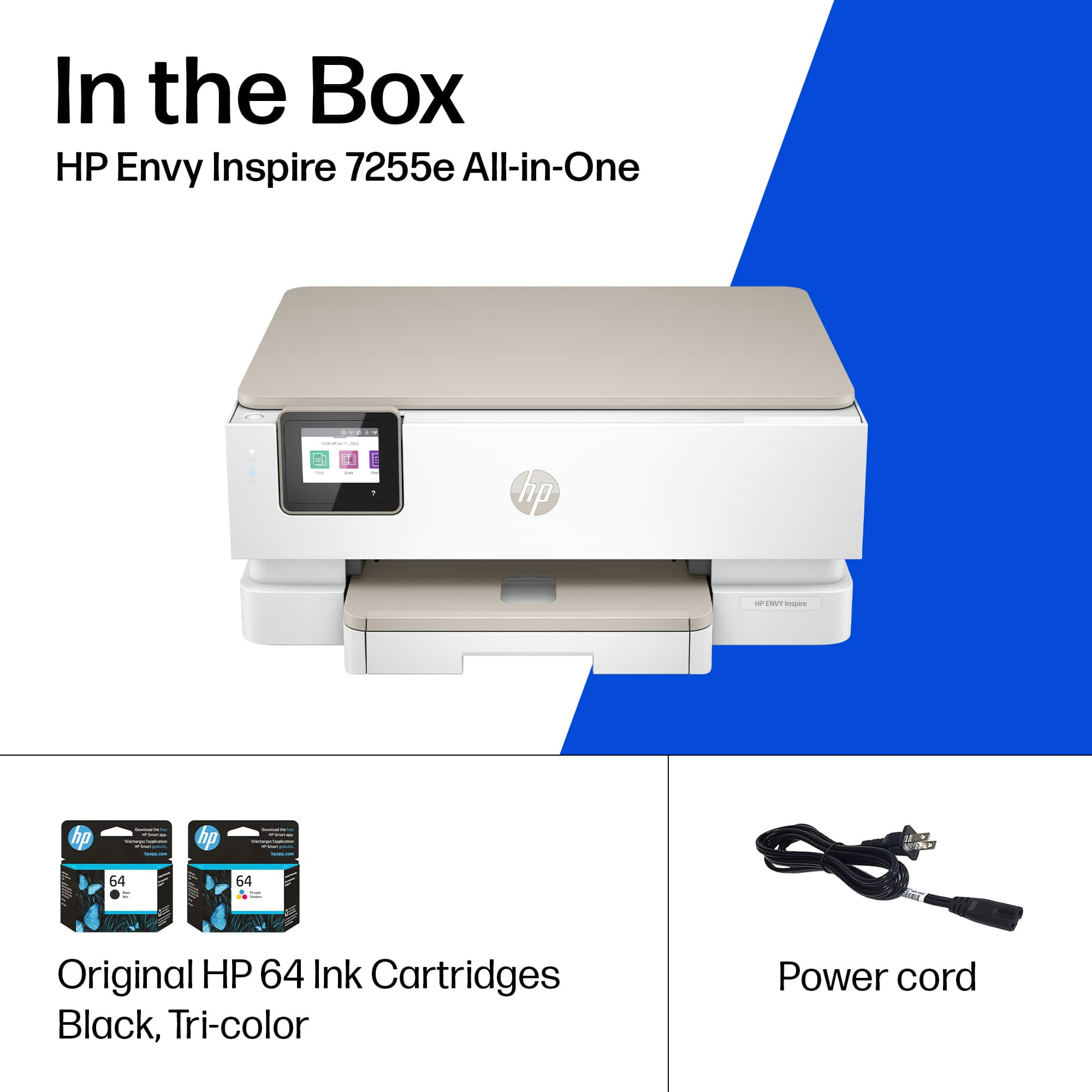
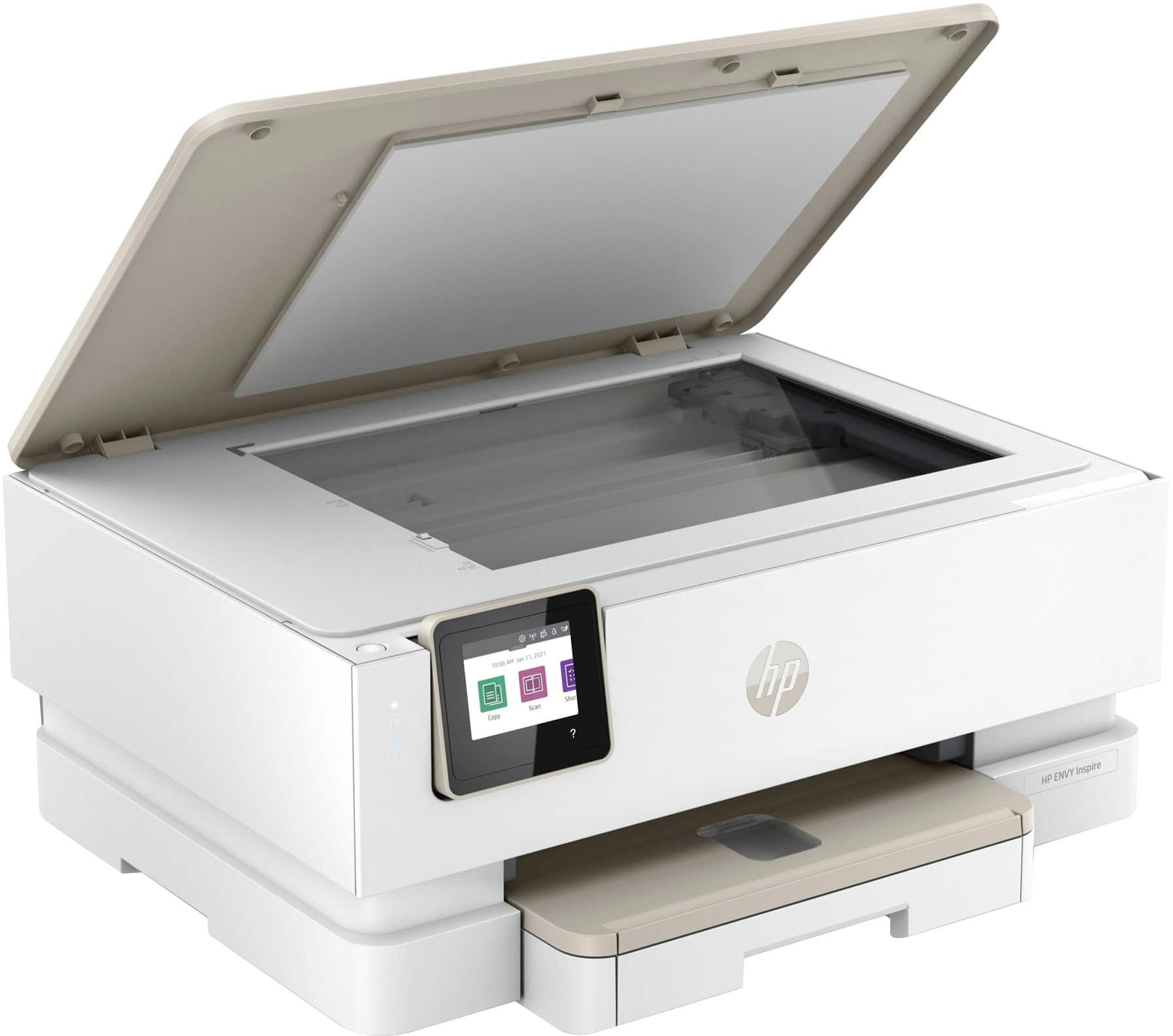
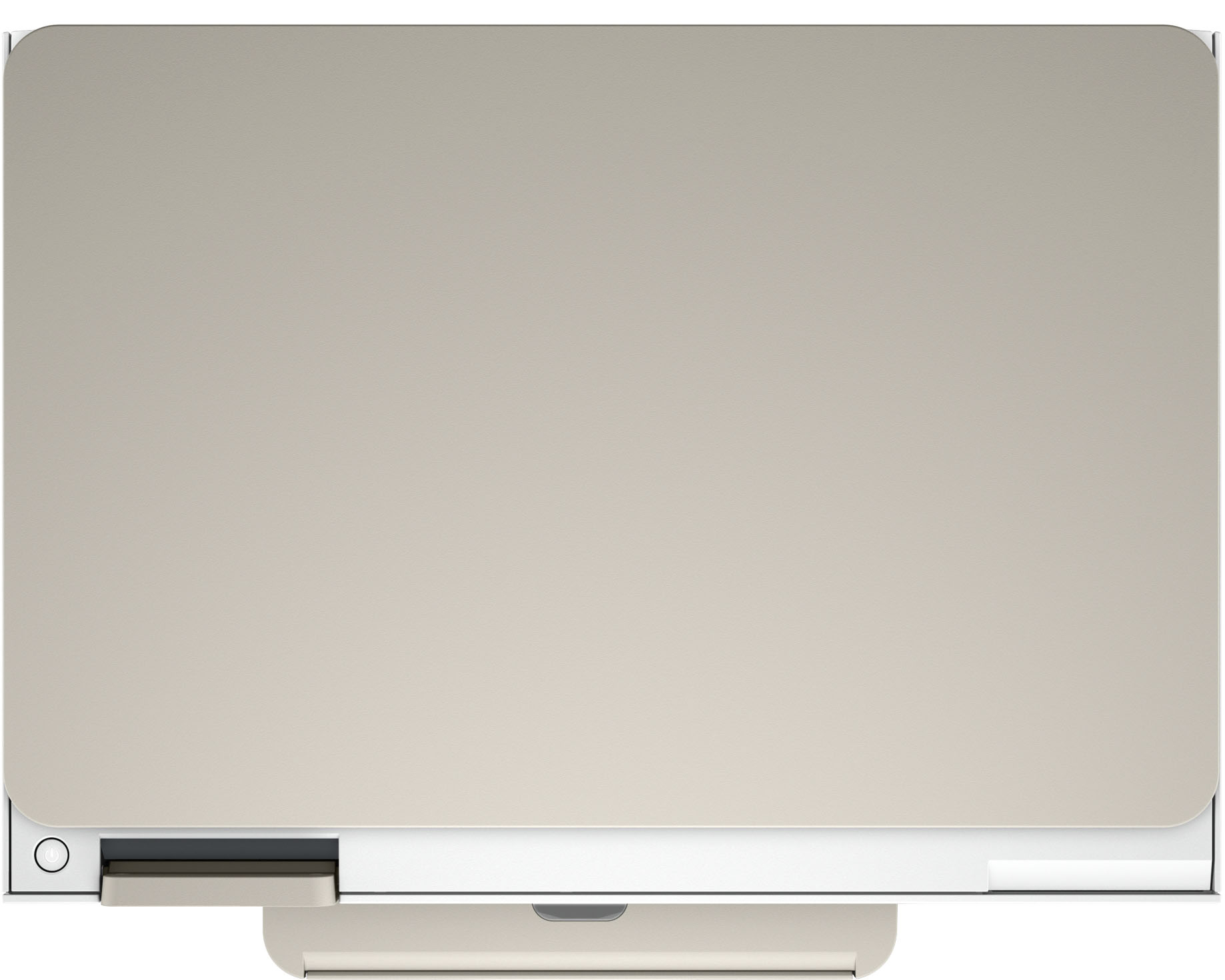
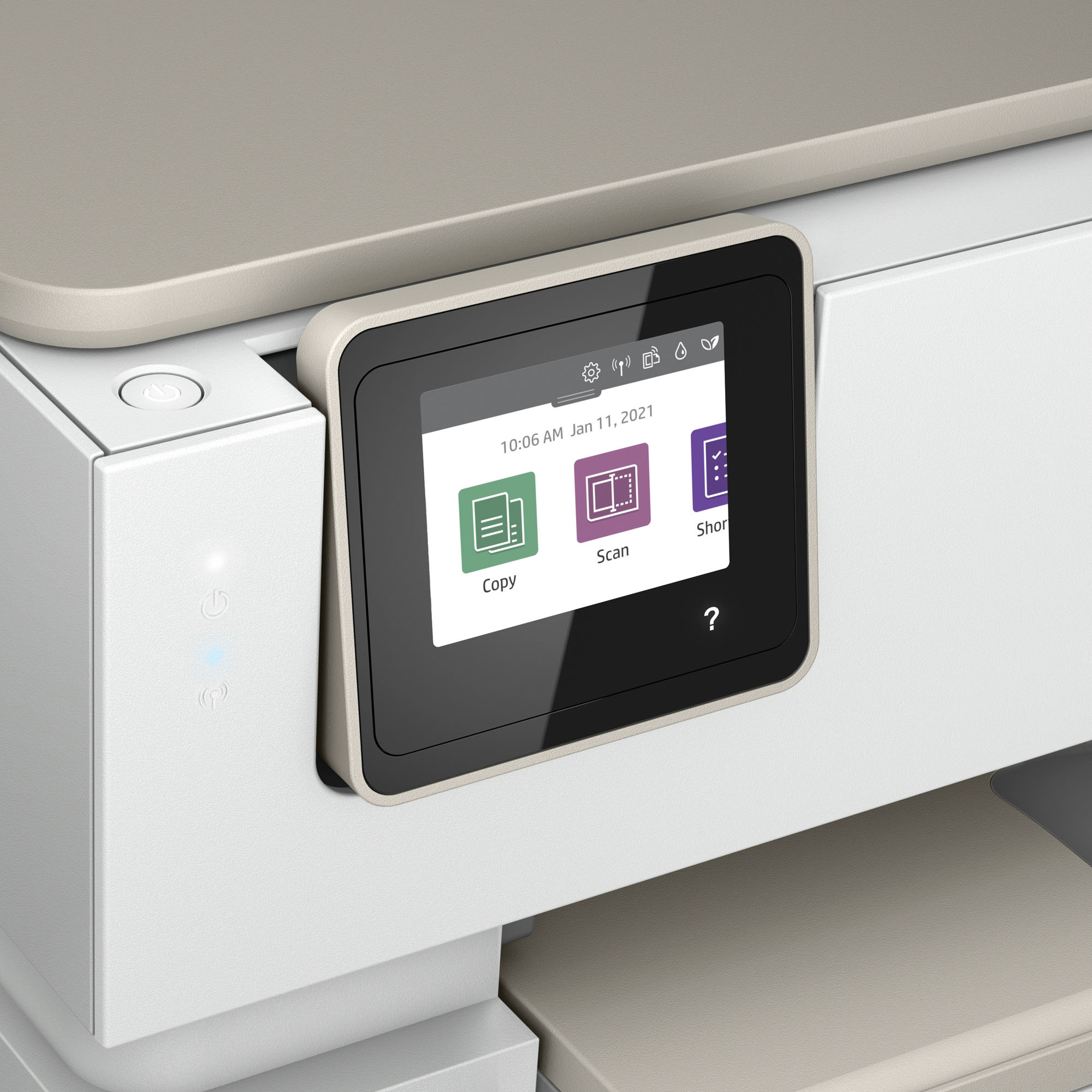
- ENVY Inspire 7255e/1W2Y9A#B1H
- SKU:
- 6492187
Rating by feature
- Value
Rating 4.5 out of 5 stars
- Quality
Rating 4.5 out of 5 stars
- Ease of Use
Rating 4.5 out of 5 stars
Customers are saying
Customers find value in the Envy Inspire 7255e printer's ease of use and great print quality. Many appreciate its overall performance, easy setup, and reliable connectivity. However, some customers have noted that the printer has a delicate paper tray.
This summary was generated by AI based on customer reviews.
Printer.
||Posted . Owned for 5 months when reviewed.This reviewer received promo considerations or sweepstakes entry for writing a review.I had problems setting this product up and connecting to wifi.
No, I would not recommend this to a friendDesign problem with this printer
||Posted . Owned for 3 weeks when reviewed.This reviewer received promo considerations or sweepstakes entry for writing a review.Ink cartridges would not move. Would not print in color. "Out of paper" message appeared every time something was sent to print - but it printed anyway. Geek Squad helpful in arranging an exchange. Second one was no better. The printer has design issues. Bought a different printer and am very plesed.
No, I would not recommend this to a friend- Pros mentioned:Ease of use
Pamlico
||Posted . Owned for 3 weeks when reviewed.This reviewer received promo considerations or sweepstakes entry for writing a review.Excellent printer, only buy HP printers— easy to use & setup
I would recommend this to a friend - Pros mentioned:Ease of use
Mrs Mary Lou Maddock
||Posted . Owned for 1 month when reviewed.This reviewer received promo considerations or sweepstakes entry for writing a review.easy to operate Easy to update Easy to correct problems
I would recommend this to a friend Not worth it
||Posted . Owned for 11 months when reviewed.This reviewer received promo considerations or sweepstakes entry for writing a review.This printer to replace an older model, however the print speed is slower than the older one. Additionally, I have to keep restarting it to get it to recognize the wifi in order to print. A huge buyers remorse for me.
No, I would not recommend this to a friend- Pros mentioned:Print quality
White printer
||Posted . Owned for 1 month when reviewed.This reviewer received promo considerations or sweepstakes entry for writing a review.Work well, love how fast it is. Love how it looks.
I would recommend this to a friend - Pros mentioned:Overall performance
New printer
||Posted . Owned for 1 month when reviewed.This reviewer received promo considerations or sweepstakes entry for writing a review.The perfect printer for me glad I made this choice
I would recommend this to a friend Fair to middlin' printer.
||Posted . Owned for 2 weeks when reviewed.This reviewer received promo considerations or sweepstakes entry for writing a review.Slow printer; hard to set up. Needed and received online help from HP.
No, I would not recommend this to a friendPrinter
||Posted . Owned for 2 months when reviewed.This reviewer received promo considerations or sweepstakes entry for writing a review.Seems to connect to my computer only when it wants to. It does have a delay with connection even though my Wi-Fi connection has been excellent.
No, I would not recommend this to a friendBuyer beware
||Posted . Owned for 1 month when reviewed.This reviewer received promo considerations or sweepstakes entry for writing a review.Item broke after 2 weeks was trying to figure it out looked on line and realized a part inside broke. Took to Best Buy in Murrieta and they said oh it’s a few days after the 14 you are out of luck. They would only help if I was a member( I cancelled it in December)asked for # to HP she said don’t have it. NEXT. This is why I don’ t shop here anymore.
No, I would not recommend this to a friendNot satisfied
||Posted . Owned for more than 2 years when reviewed.This reviewer received promo considerations or sweepstakes entry for writing a review.I don’t recommend this printer cuz ink is really expensive
No, I would not recommend this to a friendPrinter
||Posted . Owned for 1 month when reviewed.This reviewer received promo considerations or sweepstakes entry for writing a review.Set up was harder than other printers that i set up in the past. It took us two days, it was very frustrating! Dosen't always print on the first try either. I've been tempted to just return it. I can't rate quality and better, because we are frustrated with it.
No, I would not recommend this to a friendBrand response from HP Team
Posted .Hi there.
I’m sorry to hear that you’ve had such a frustrating start to owning your printer. It comes as no surprise that you’re considering a return, after a two-day setup process and unreliable performance. I want to help you get the device working to your satisfaction so you can have a better experience going forward. I hope the resources below will reach that end.
First, for help solving problems, you can visit a page on our support site that has diagnostic tools for various tasks and issues, including wireless connectivity – which I suspect might play a role here – as well as cartridge installation and print quality. There you’ll also find a general-purpose tool called the HP Print and Scan Doctor. If you use Windows, the tool will help identify and guide you through solutions to a wide range of common printing and scanning issues. Visit that page here:
- support.hp.com/us-en/topic/diagnostics
For more help with difficulties, or to learn more about your printer and all its features, you can access troubleshooting guides, how-to documents, user manuals and software updates here:
- support.hp.com/us-en/product/model/2100402069
If any difficulty persists, I suggest that you contact us directly at +1 800-474-6836 so we can help you assess what’s happening and find a solution. (Please note that because of restrictions on workplace attendance associated with the COVID-19 pandemic, wait times for agents are longer than normal. Thanks in advance for your understanding.) To expedite the process, I recommend gathering the following information before the call:
- Model number
- Serial number
- Your location
- Case number (from any previous contact with HP support)
Keith
HP Care
hp.com/support
Poor Quality
||Posted . Owned for 1 year when reviewed.This reviewer received promo considerations or sweepstakes entry for writing a review.This printer is not worth the money. The printer quality is bad. The ink is quickly used up. I decided to buy another Epson after a year and a half of use.
No, I would not recommend this to a friendCouldve been great.
||Posted . Owned for less than 1 week when reviewed.This reviewer received promo considerations or sweepstakes entry for writing a review.It seems to be good other than the ink that came with the printer is faulty and will not print blue so all of my prints (including just black) look super funky and unsuable. Hopefully itll be resolved with new ink.
I would recommend this to a friendBrand response from HP Team
Posted .Hi, Makayla.
I’m sorry that your printer has rendered prints of poor quality. I can wholly understand why seeing prints that don’t include enough blue ink would be tremendously disappointing after buying a new device. I want to help you out of this dilemma, so I’ll direct you to some resources aimed at making that happen.
First, I recommend following the steps listed in a guide on our support site to improving print quality. Issues covered include color or black ink not printing properly – or at all. Find that guide here:
support.hp.com/us-en/document/ish_4804440-4201223-16
If the problem persists, I suggest you contact us directly so we can help you assess what’s happening and find the proper course of action. HP+ printers such as yours come with exclusive concierge support. To call and reach live HP+ experts, visit the following URL and enter your HP+ serial number:
- hp.com/plus-help
I'll also mention that HP printers have a one-year warranty from their purchase date that covers hardware as well as ink supplies – and that warranty extends to two years with an HP+ account – so if it comes to that, you might consider making use of it. You can verify the warranty using the following link:
- support.hp.com/us-en/checkwarranty
Keith
HP Care
hp.com/support
HP not the best choice
||Posted . Owned for 1 month when reviewed.This reviewer received promo considerations or sweepstakes entry for writing a review.Very basic printer. The interface software is a little buggy and HP really tries to make you sign up for their subscription ink plan, denying access to some functions if you don’t.
No, I would not recommend this to a friendStill trying
||Posted . Owned for 1 month when reviewed.This reviewer received promo considerations or sweepstakes entry for writing a review.I'm sure this is a great printer but.... contrary to the salesman's opinion I have not been able to hook it to my laptop yet. I've had it a month. I try and give up and try again.
No, I would not recommend this to a friendReally proves that “printers are evil”
||Posted . Owned for 6 months when reviewed.This reviewer received promo considerations or sweepstakes entry for writing a review.This is hands down the worst printer ive ever owned in terms of network connection and reliability. Half the time i cant print from my computer, i have to airdrop it to my phone to print from the HP smart app. Occasionally, it will randomly print pages i had printed HOURS before and cancelled. The only way to consistently get it to print is to plug it in or to use the hp smart app. Do not recommend.
No, I would not recommend this to a friend- Cons mentioned:Paper tray
Don't buy this!!!
||Posted . Owned for 3 weeks when reviewed.This reviewer received promo considerations or sweepstakes entry for writing a review.Didn't work. Would constantly give a paper jam notice so I could not print.
No, I would not recommend this to a friend Tri-color ink cartridge systems = lousy color
||Posted . Owned for 3 weeks when reviewed.This reviewer received promo considerations or sweepstakes entry for writing a review.Set up was routine. Out of the box there were fine printed lines 1 to 2 dots wide - hard to tell which, color or black, of the mini-new product-designed to run-out-in-a-week-cartridges. Since I signed up for HP+ they expedited replacements. Same problem. Faulty print head? I returned within the 15 days allowed. Additionally, I had to tweak photo's yellow scale to full to get normal skin tones. Hate tri-color ink tech! Yellow is consumed TWICE as fact as cyan and magenta. It's the nature of CMYK. When the yellow runs out you lose 50% of the value of the cartridge... "It's all part of the plan..."
No, I would not recommend this to a friendWorst printing
||Posted . Owned for 6 months when reviewed.This reviewer received promo considerations or sweepstakes entry for writing a review.The worst printing I never use no ink and not working properly
No, I would not recommend this to a friend