Customer Ratings & Reviews
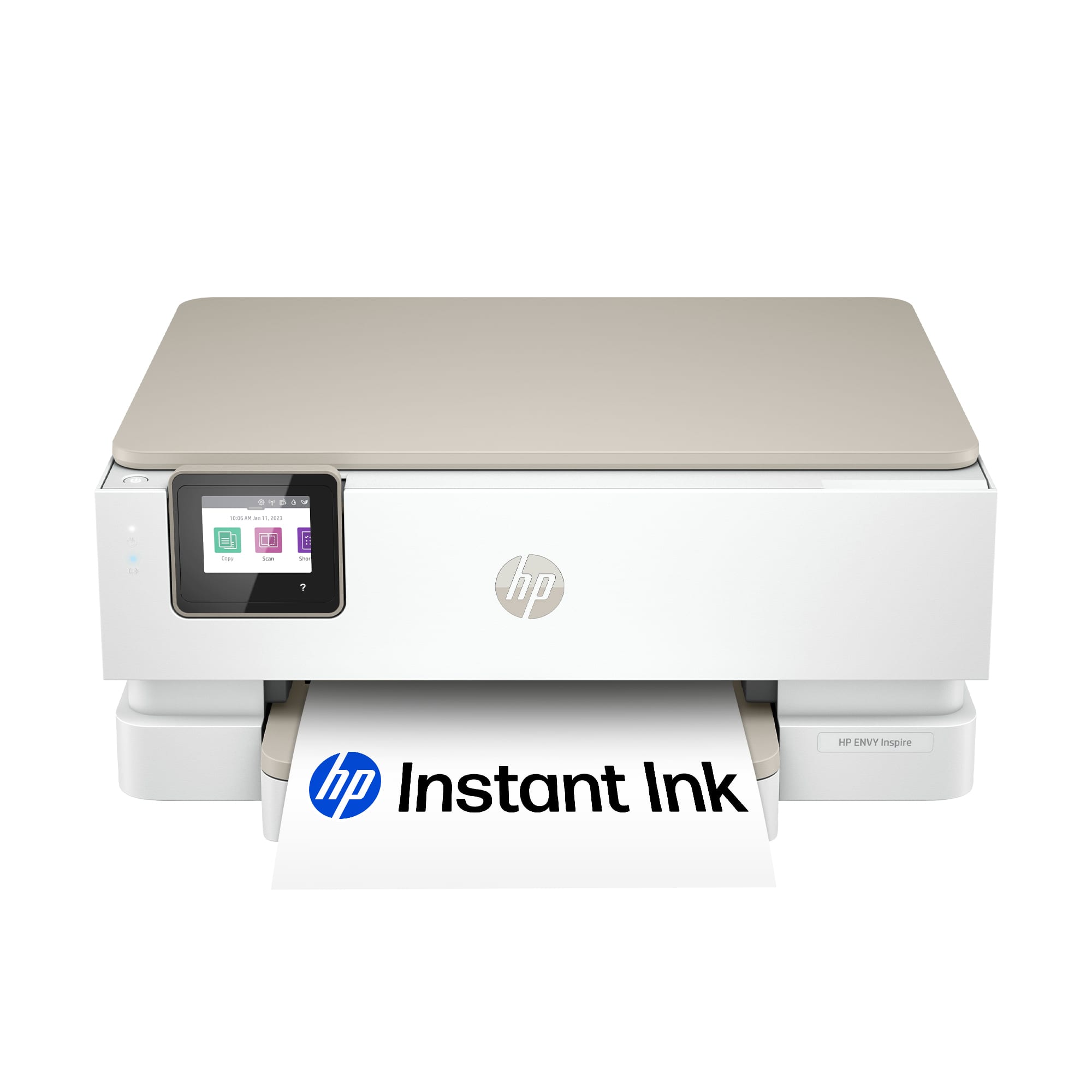







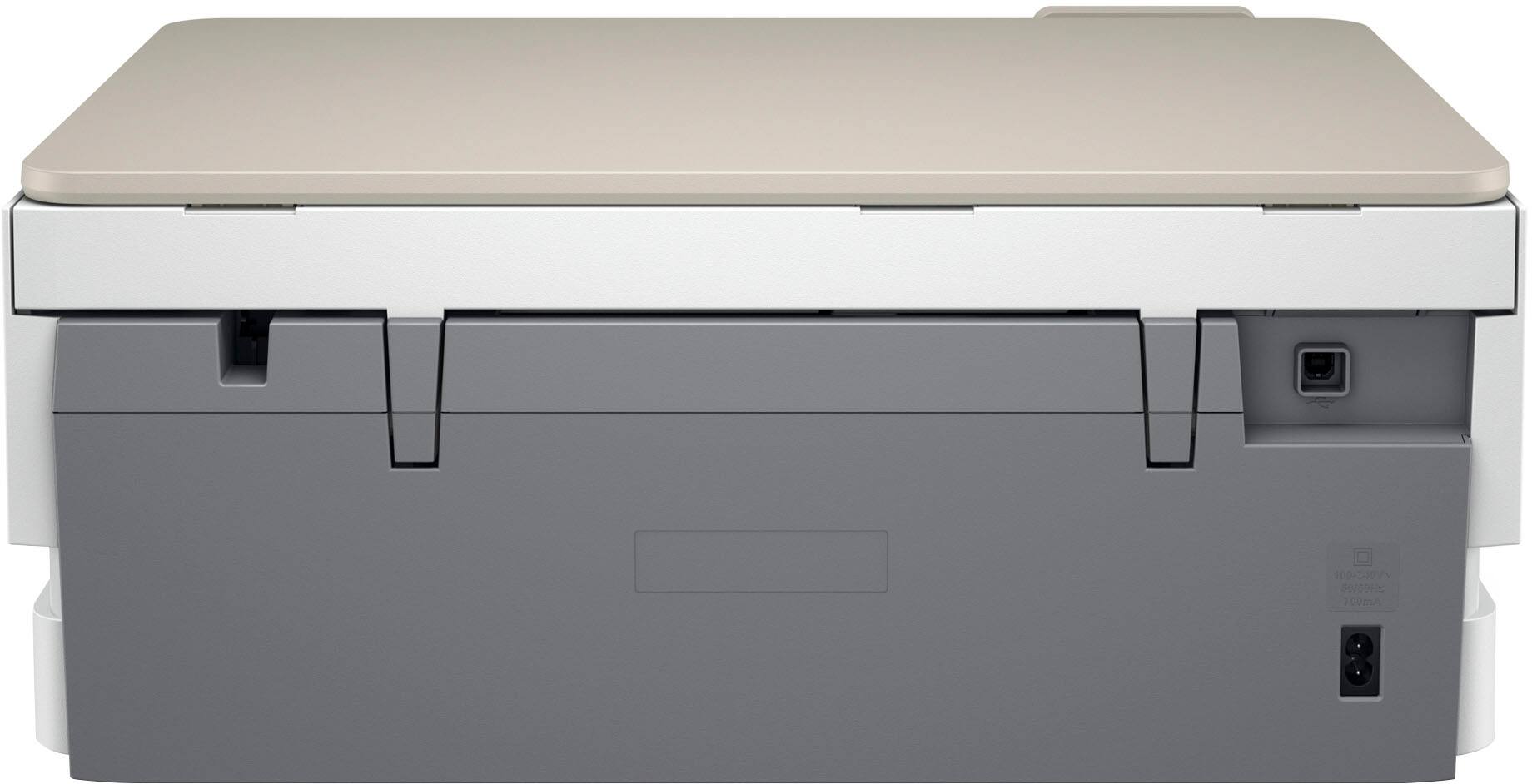
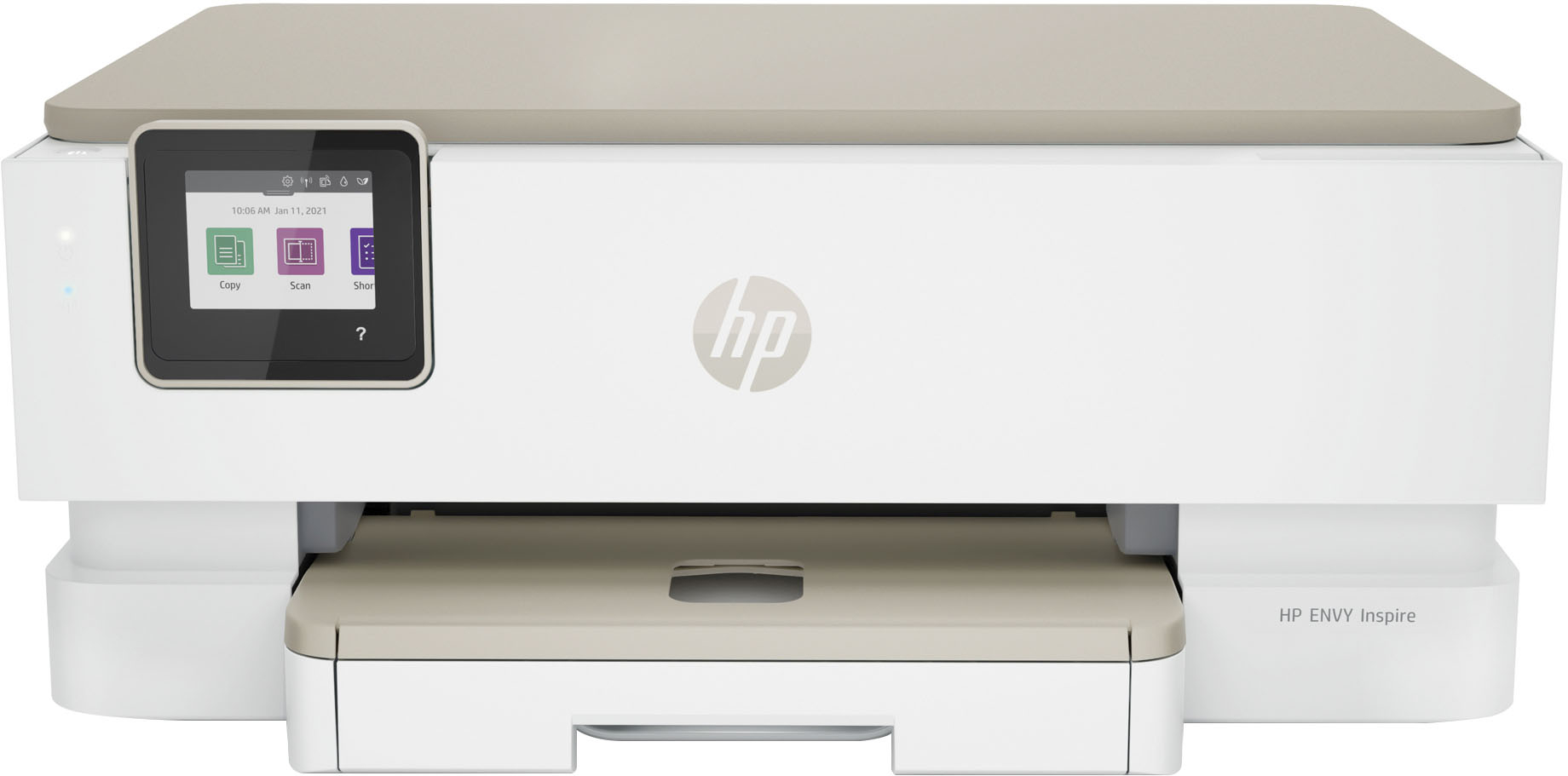
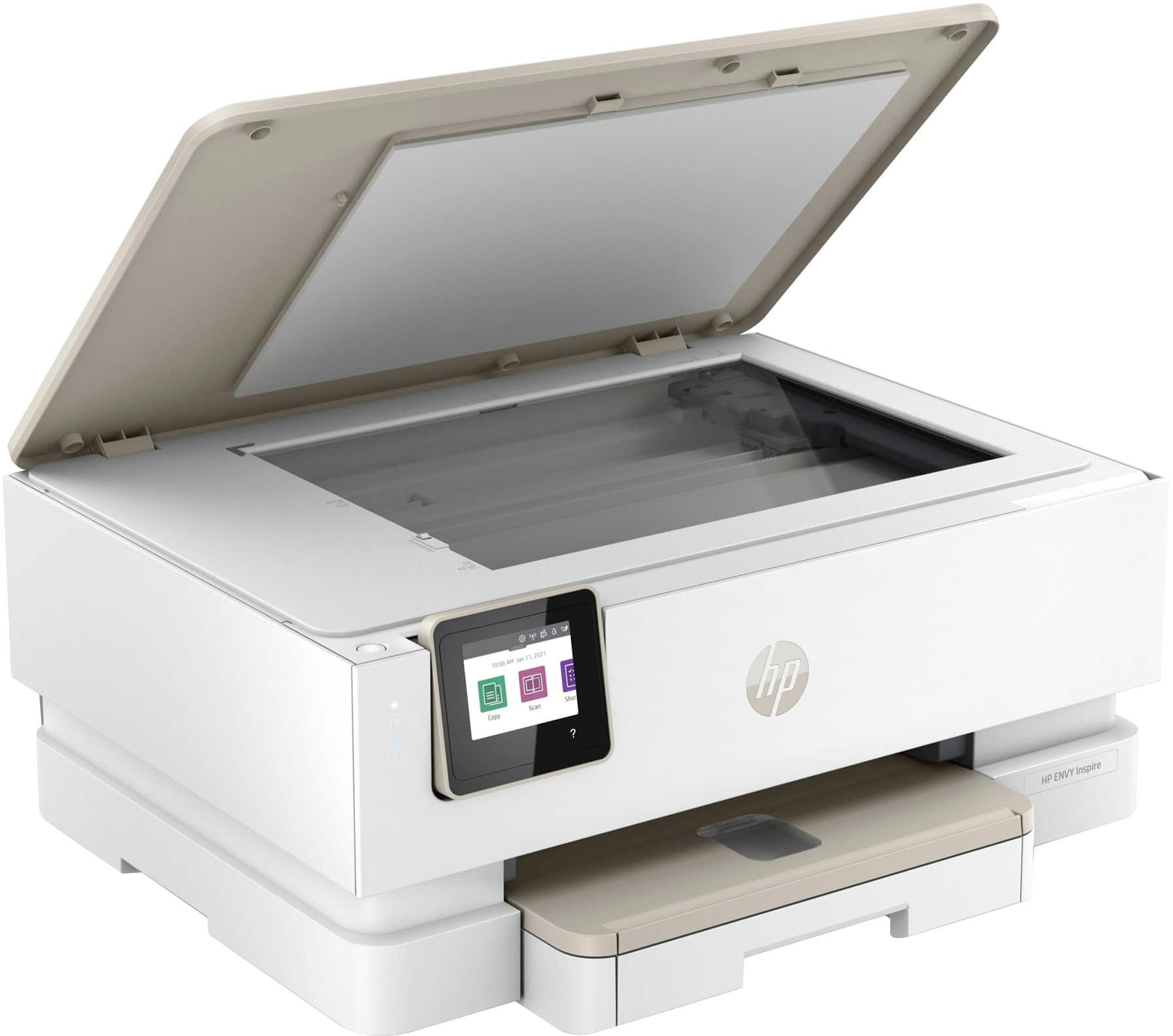

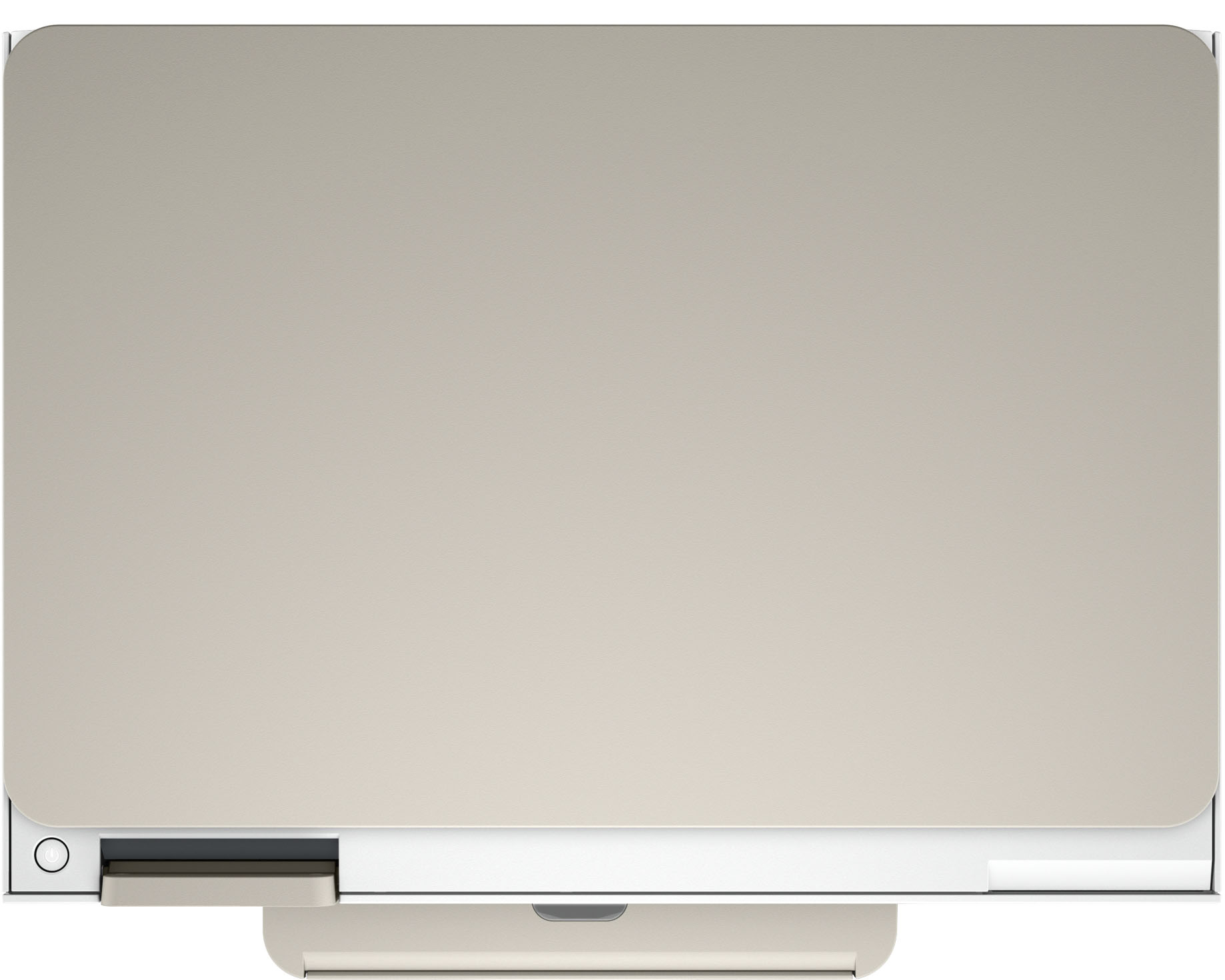





- Model:
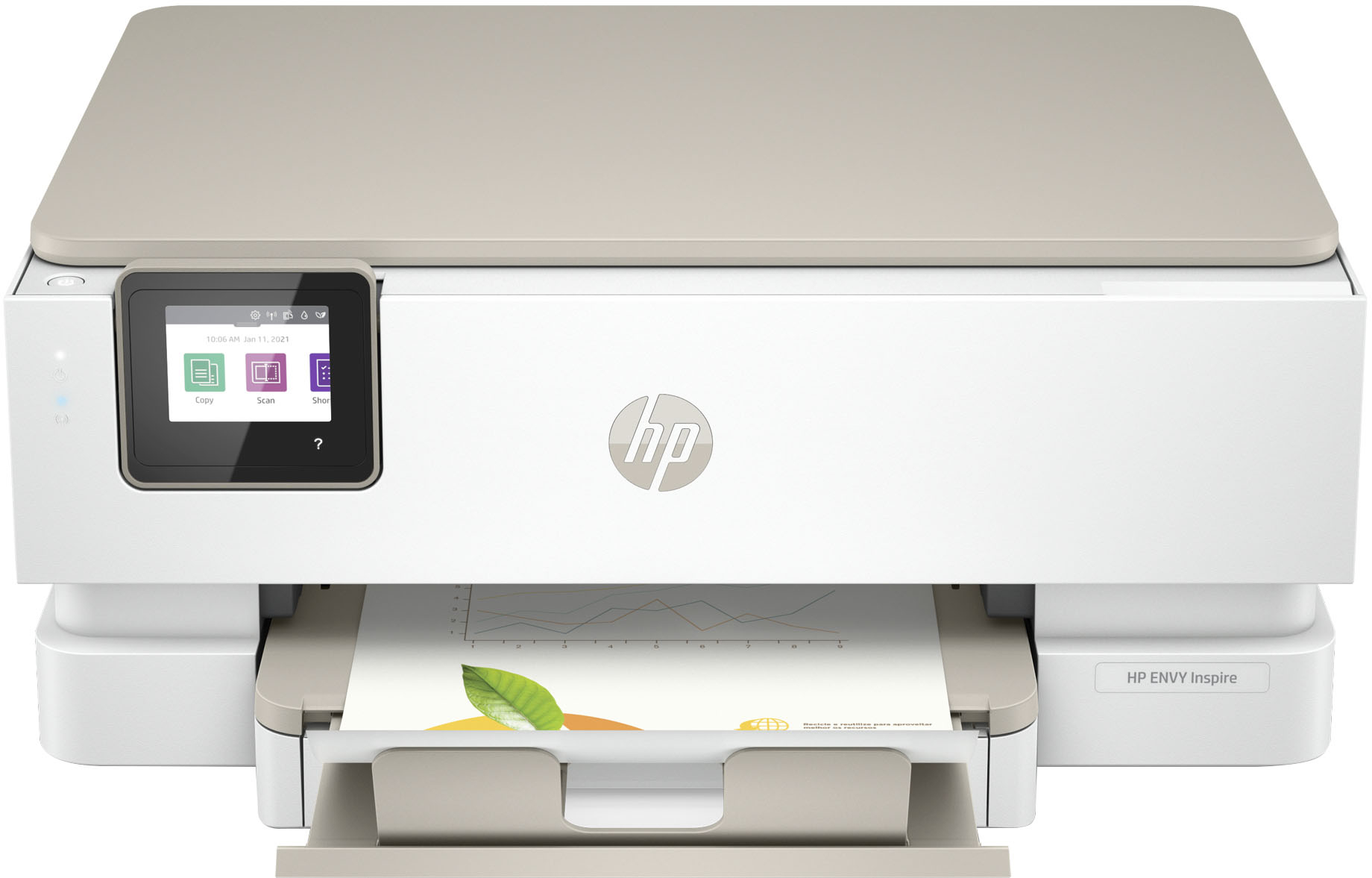
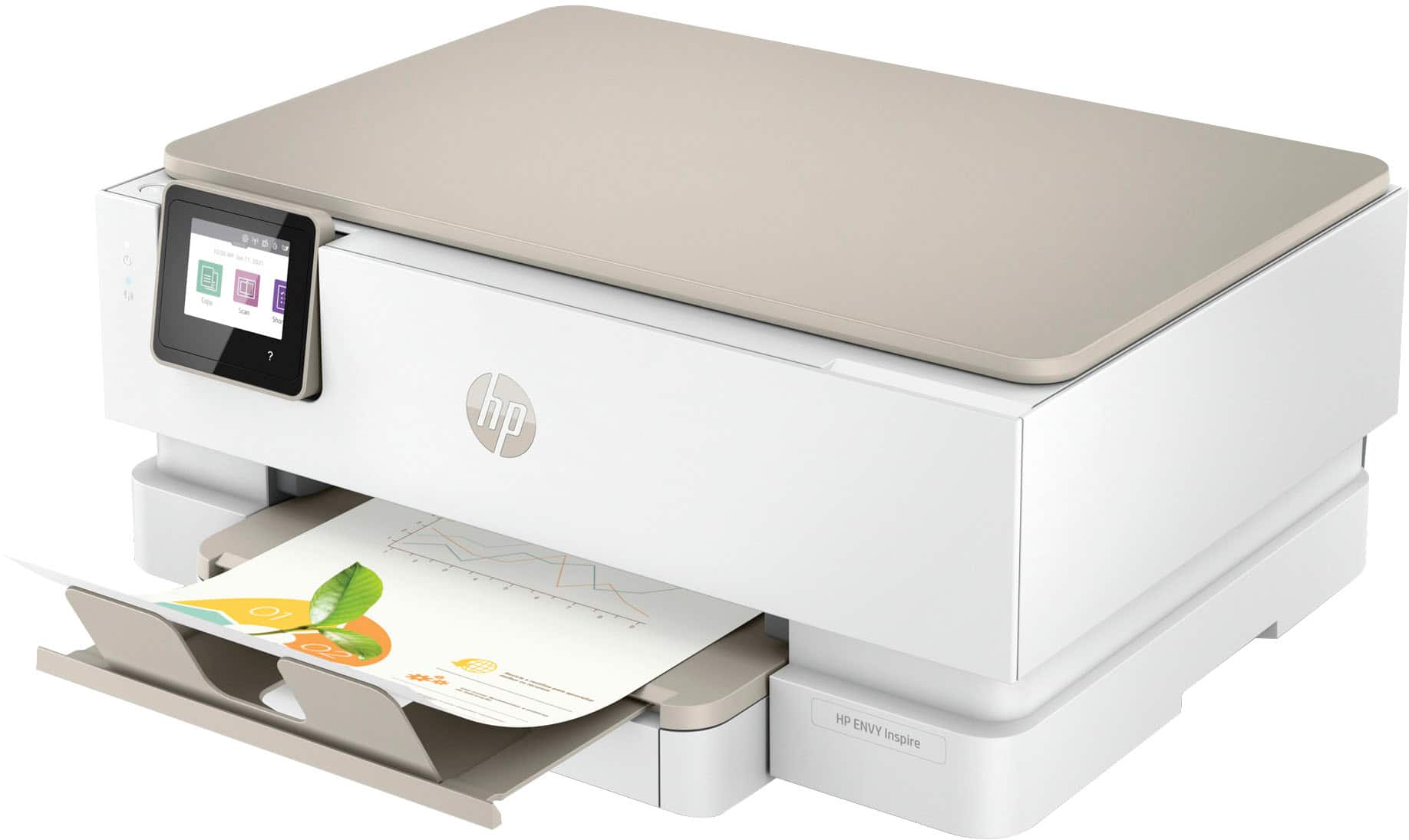
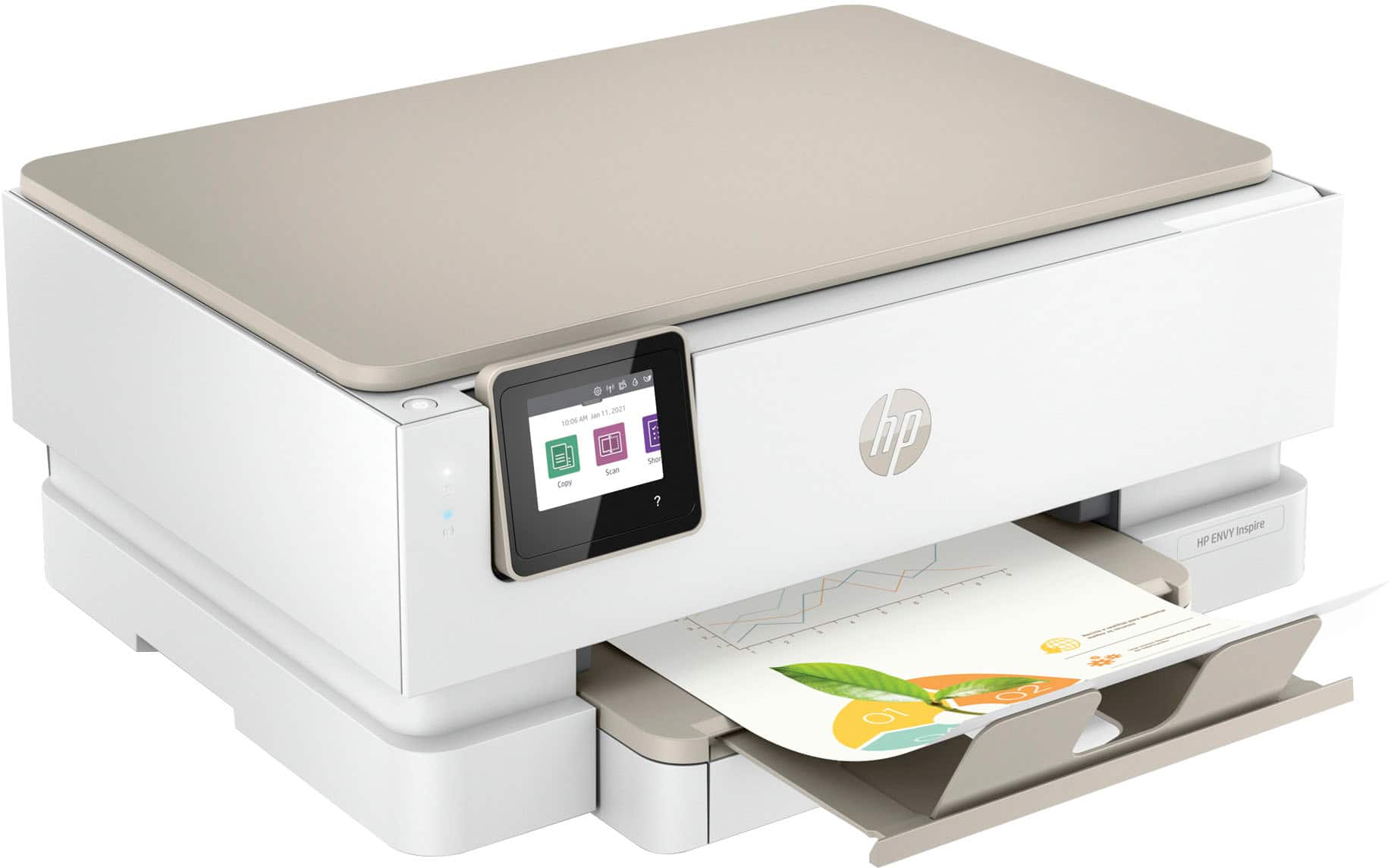
- ENVY Inspire 7255e/1W2Y9A#B1H
- SKU:
- 6492187
Rating by feature
- Value
Rating 4.5 out of 5 stars
- Quality
Rating 4.5 out of 5 stars
- Ease of Use
Rating 4.5 out of 5 stars
Customers are saying
Customers find value in the Envy Inspire 7255e printer's ease of use and great print quality. Many appreciate its overall performance, easy setup, and reliable connectivity. However, some customers have noted that the printer has a delicate paper tray.
This summary was generated by AI based on customer reviews.
Issues with ink cartridges
||Posted . Owned for 1 month when reviewed.This reviewer received promo considerations or sweepstakes entry for writing a review.Ink cartridges didn’t work. After many tries finally worked; but, ran out of ink after 25 pages. New cartridges, didn’t work at first either.
No, I would not recommend this to a friendBrand response from HP Team
Posted .Hi, Jean.
I’m sorry that you’ve had such a hard time getting ink cartridges to work properly in your printer. I can’t tell from your review precisely what’s causing the trouble you describe, but I want to help you resolve the situation, so I’ll suggest a resource that I hope will guide you to that end.
I recommend that you contact us directly at +1 800-474-6836 so we can help you assess the situation and find the best course of action. To expedite the process, I recommend gathering the following information before the call:
- Model number
- Serial number
- Your location
- Case number (from any previous contact with HP support)
Keith
HP Care
hp.com/support
Disappointed
||Posted . Owned for 3 weeks when reviewed.This reviewer received promo considerations or sweepstakes entry for writing a review.It uses so much ink. I had 5 yr old printer that wasn’t broken but I replaced it because of its age and it used less ink and printed faster
No, I would not recommend this to a friendBrand response from HP Team
Posted .Hi there.
I’m sorry to hear that your printer has used ink more rapidly than you’d anticipated. I can certainly understand why that would be a jarring surprise, considering your previous printer used less. I want to help you understand what’s happening and to improve the rate of ink use if possible. I hope the information and resources below will reach that goal.
First, I can’t tell from your review how many pages you’ve printed and how that compares with the estimated page yields of the cartridges. The XL cartridges designed for your printer have estimated yields of 415 to 600 pages, while the regular size cartridges are expected to produce 165 to 200 pages. How cartridges perform in your own printer varies according to numerous factors, including resolution, how dry the air is and how absorbent the paper is.
Regardless, if your results differ dramatically from the estimates above – and for advice on improving print speed – I suggest you contact us directly so we can help you assess what’s happening and find a solution. HP+ printers such as yours come with exclusive concierge support. To call and reach live HP+ experts, visit the following URL and enter your HP+ serial number:
- hp.com/plus-help
Keith
HP Care
hp.com/support
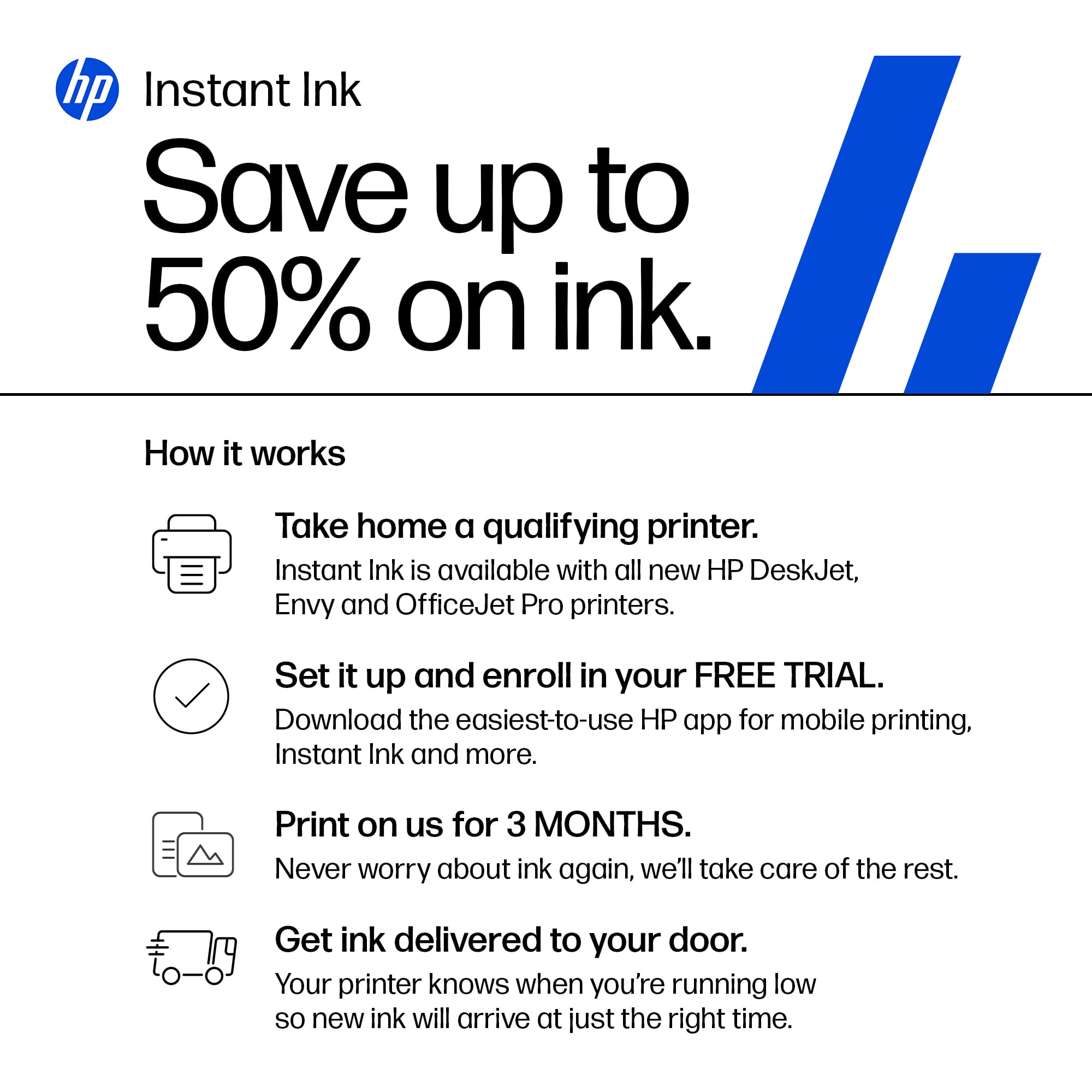
WARNING: HP Ink Mandatory
||Posted . Owned for 9 months when reviewed.This reviewer received promo considerations or sweepstakes entry for writing a review.HP Ink Enrollment Mandatory. I did not want automatic deliveries. New cartridges triggered printer shutdown. HP customer support refused to tell me how to turn off 'cartridge protection'. "HP Recommends", "cannot Guarantee", "make sure you are using genuine inks". HP just strung me along.
No, I would not recommend this to a friendBad printer
||Posted . Owned for 4 months when reviewed.This reviewer received promo considerations or sweepstakes entry for writing a review.Over and over again this printer hopped off the selected WiFi and attached itself to a WiFi I could not print from. Crazy to have to reset every time I wanted to print. The printer would only print from the 2.5 wifi. My use of my computer and tablet was of course at the 5.5 wifi. Moving back and forth was an unacceptable irritation
No, I would not recommend this to a friendNice printer with fewer cartridges.
||Posted . Owned for 2 weeks when reviewed.This reviewer received promo considerations or sweepstakes entry for writing a review.Printer works well and has only one cartridge instead of 3 for color. Less fuss. Never saw the need for 3. When one was low all 3 were low! Finally makes sense.
I would recommend this to a friendNO INSTANT INK
||Posted . Owned for less than 1 week when reviewed.This reviewer received promo considerations or sweepstakes entry for writing a review.After two weeks, I returned this HP Printer to Best Buy because it would not print with the retail ink cartridges I bought from Best Buy. HP locks you into Instant Ink. I DO NOT WANT INSTANT INK.
No, I would not recommend this to a friendBad choice
||Posted . Owned for 3 weeks when reviewed.This reviewer received promo considerations or sweepstakes entry for writing a review.Bad decision to purchase this printer. Could never get it to finish the "set up" procedure. Tried on line help which took hours to complete. Final decision was the printer was "defective"- took it back to the store and started all over again looking for a printer; elsewhere.
No, I would not recommend this to a friendDefective cartridge or printer
||Posted .This reviewer received promo considerations or sweepstakes entry for writing a review.Brand new, out of the box and won't print cyan. An hour online with HP support did not resolve. Agent did agree to send me a replacement color cartridge but when he said that it will take two weeks to arrive(!) I decided to just box this up and take it back to Best Buy. Setup was not easy either, multiple snags and the align printer routine consistently reports 'alignment unsuccessful'. What terrible product experience.
No, I would not recommend this to a friendDisappointed
||Posted . Owned for 3 weeks when reviewed.This reviewer received promo considerations or sweepstakes entry for writing a review.Has more problems than worth the price! We are very disappointed with our purchase!
No, I would not recommend this to a friend??
||Posted . Owned for 1 month when reviewed.This reviewer received promo considerations or sweepstakes entry for writing a review.Printer doesn’t hold enough paper and not convenient to load the paper ink runs out much too quickly and is costly
No, I would not recommend this to a friendHp ink club
||Posted . Owned for 3 weeks when reviewed.This reviewer received promo considerations or sweepstakes entry for writing a review.It’s not that easy to set up if you are not going to join the ink club
I would recommend this to a friendSlow, noisy, frustratingly difficult to use!
||Posted . Owned for 1 month when reviewed.This reviewer received promo considerations or sweepstakes entry for writing a review.This is probably one of the most frustrating machines I have ever had the displeasure of working with! Incredibly slow in loading pages to print. Probably 85% of the time, I have to send the print job multiple times for it to finally print the document. That is after having to wait up to a minute (or more) for it to finally spool the document. The software is not friendly. I am really sorry for getting this printer.
No, I would not recommend this to a friendBrand response from HP Team
Posted .Hi, Dan.
I’m sorry you’re so dissatisfied with your printer. I can certainly understand why slow, noisy printing and software difficulty would create a poor start to ownership. I want to help you resolve these issues. I hope the resources below guide you to that end.
First, I recommend that you follow a guide on our support site that covers improving print speed; it contains sections on Windows as well as Mac OS. Find that guide here:
- support.hp.com/us-en/document/ish_2817150-2408088-16
Also, updating the firmware can often help improve print speed and other performance. You can find out how to do that here:
- support.hp.com/us-en/document/c02919168
Finally, I'll explain a factor that might be causing the noise you hear. While your printer is powered up, it makes sure that the nozzles are regularly cleared, which can be noisy, especially if the printer is on a hard surface. I suggest you try placing the printer on a padded surface to muffle the vibrations that occur.
If any problem persists, I suggest you contact us directly so we can assess what’s going on and find the best course of action. HP+ printers such as yours come with exclusive concierge support. To call and reach live HP+ experts, visit the following URL and enter your HP+ serial number:
- hp.com/plus-help
Keith
HP Care
hp.com/support
Defective out of the box
||Posted . Owned for 3 weeks when reviewed.This reviewer received promo considerations or sweepstakes entry for writing a review.This printer did not work out of the box. Unfortunately i did not realize that their return policy was only two weeks. I didn't even open this product for three weeks because my office was being built when i bought it. Im really disappointed. Right out of the box this printer came with a defect according to the best buy tech I spoke with on the phone.
No, I would not recommend this to a friendBrand response from HP Team
Posted .Hi there.
I’m sorry to learn that the printer you received was defective. I can certainly understand why this would be quite a shock, especially considering the retailer’s return period has passed. I want to help you out of this dilemma, so I’ll provide a resource and some information designed to do just that.
I recommend that you contact us directly so we can help you assess what’s happening and find the best course of action. HP+ printers such as yours come with exclusive concierge support. To call and reach live HP+ experts, visit the following URL and enter your HP+ serial number:
- hp.com/plus-help
I'll also mention that HP printers have a one-year warranty from their purchase date that covers hardware as well as ink supplies – and that warranty extends to two years with an HP+ account – so if it comes to that, you might consider making use of it. You can verify the warranty using the following link:
- support.hp.com/us-en/checkwarranty
Keith
HP Care
hp.com/support
Needs Wi-Fi for initial set up.
||Posted . Owned for 6 months when reviewed.This reviewer received promo considerations or sweepstakes entry for writing a review.Returned it without ever using it once I found you have to set it up with a WI-FI connect - no option to do so with a printer cable. Then you need to install additional software “before” even starting the install.
No, I would not recommend this to a friendReview of HP Envy Inspire printer
||Posted . Owned for 1 month when reviewed.This reviewer received promo considerations or sweepstakes entry for writing a review.TOO NOISY WHILE PRINTING, WHICH ALSO TAKES F O R E V E R!!!
No, I would not recommend this to a friendStay away.
||Posted . Owned for 5 months when reviewed.This reviewer received promo considerations or sweepstakes entry for writing a review.Broke after 6 months. HP does not want to fix even though it is under warranty. They just want to send me new cartridges to test. Still not working.
No, I would not recommend this to a friendIt sucks
||Posted . Owned for 3 weeks when reviewed.This reviewer received promo considerations or sweepstakes entry for writing a review.I loaded the ink and it keeps saying ink is not present. Went through this several time to same answer. Very frustrated because I am handicapped and cant do this. Can a very kind tech worker help me. To much hassle to bring back.
No, I would not recommend this to a friendPrinter purchase and installation
||Posted . Owned for 1 month when reviewed.This reviewer received promo considerations or sweepstakes entry for writing a review.The printer was installed 29 days after it was purchased. Not a speedy response!! The geek that installed it did a very good job.
I would recommend this to a friend- Pros mentioned:Print quality, Setup

Reliable Printer from HP
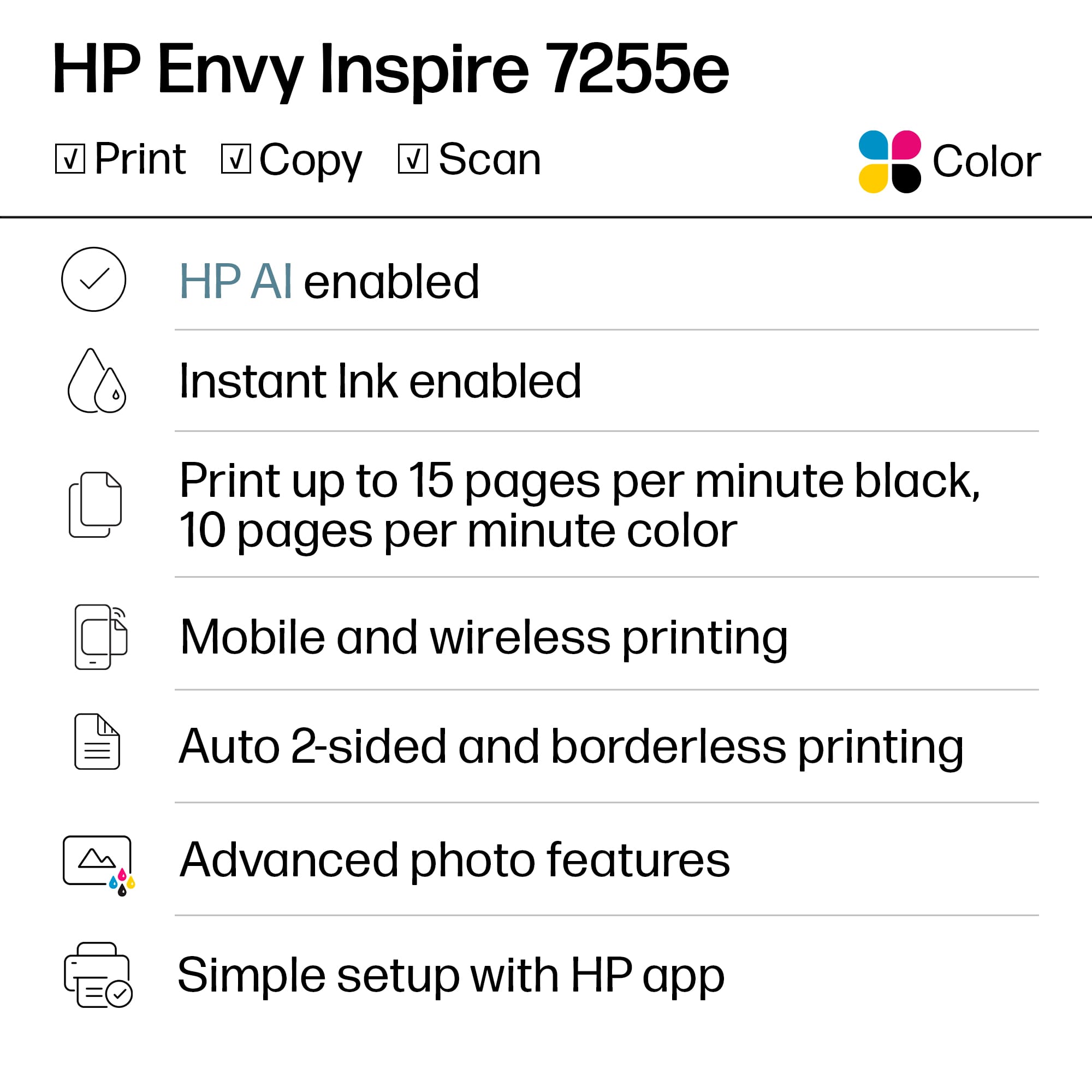
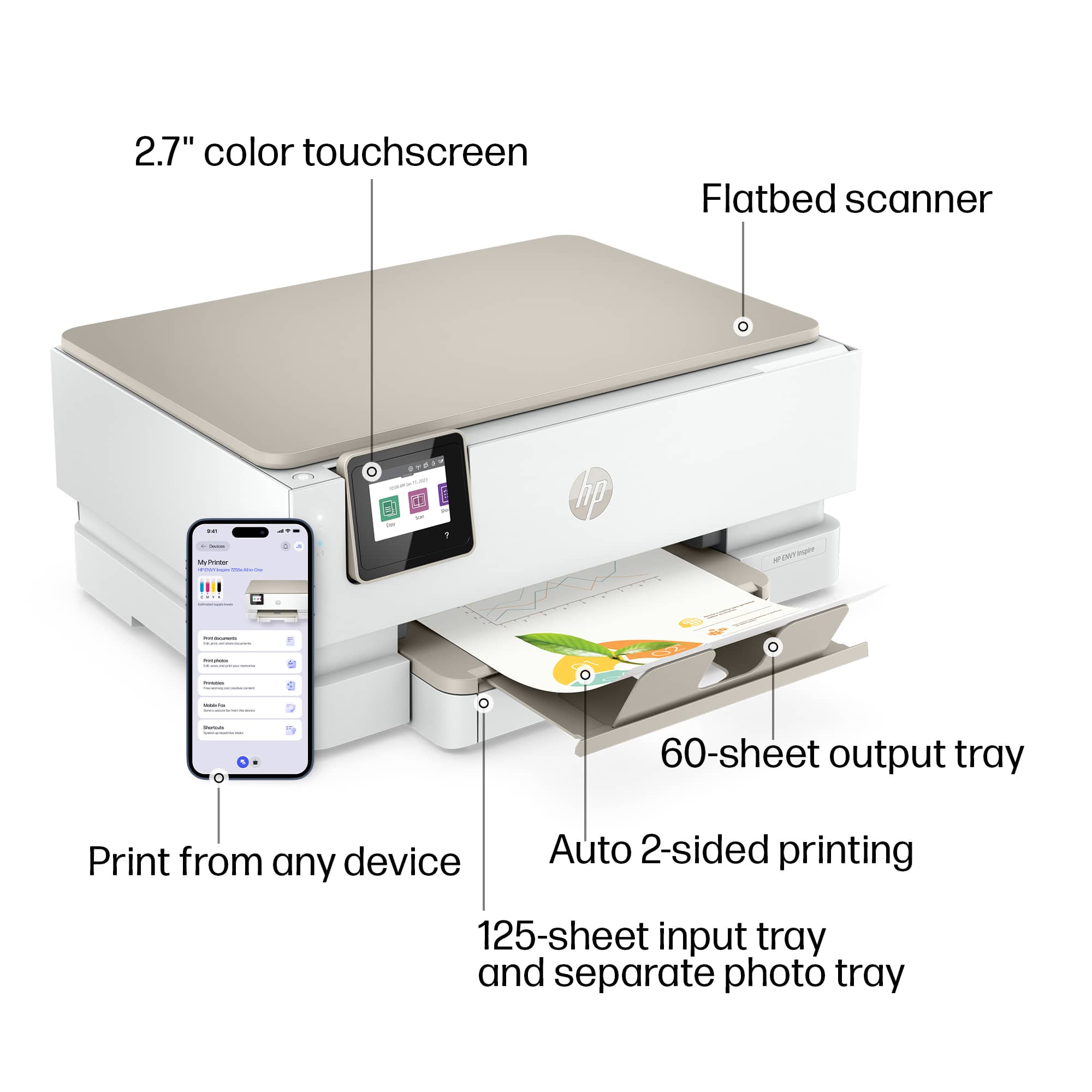
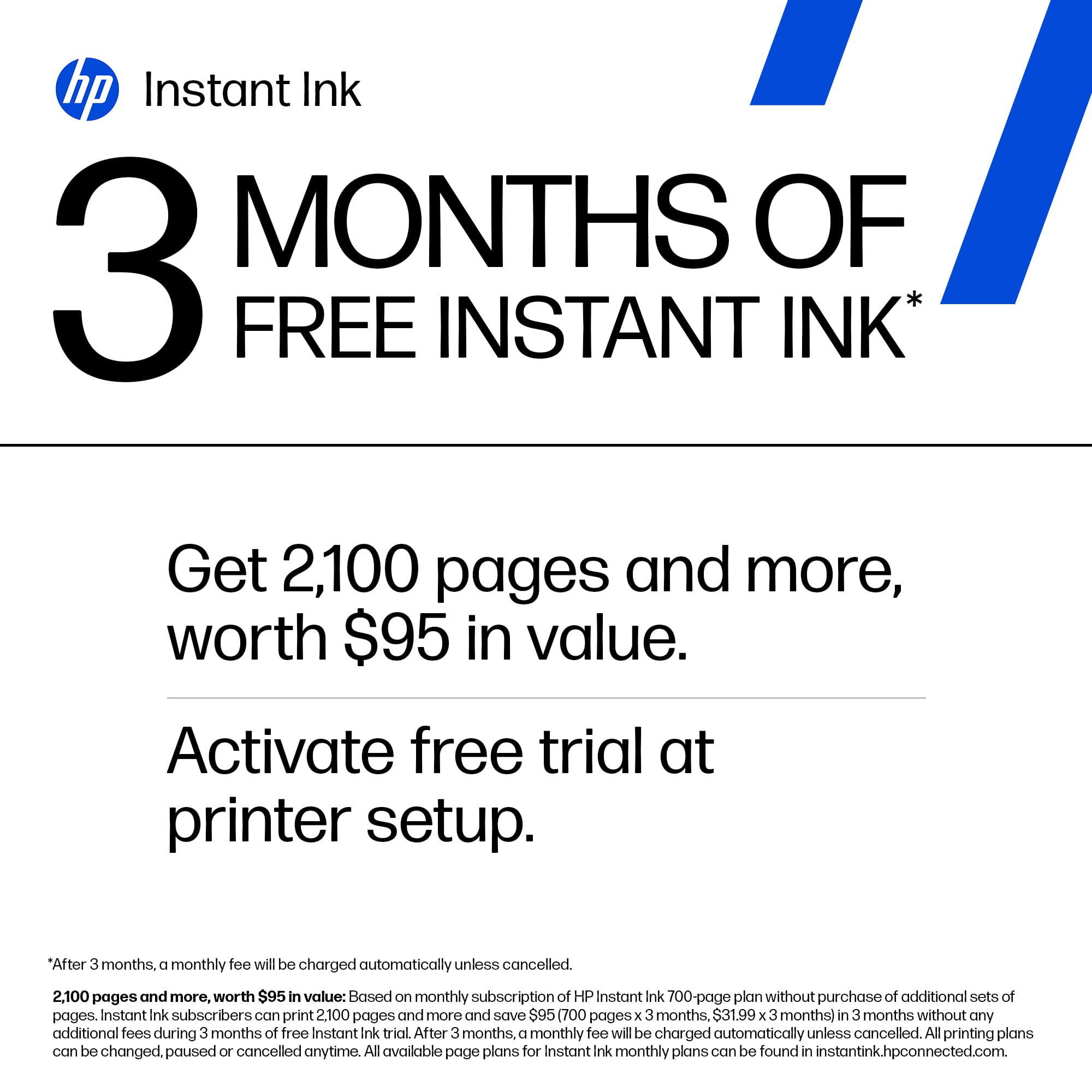
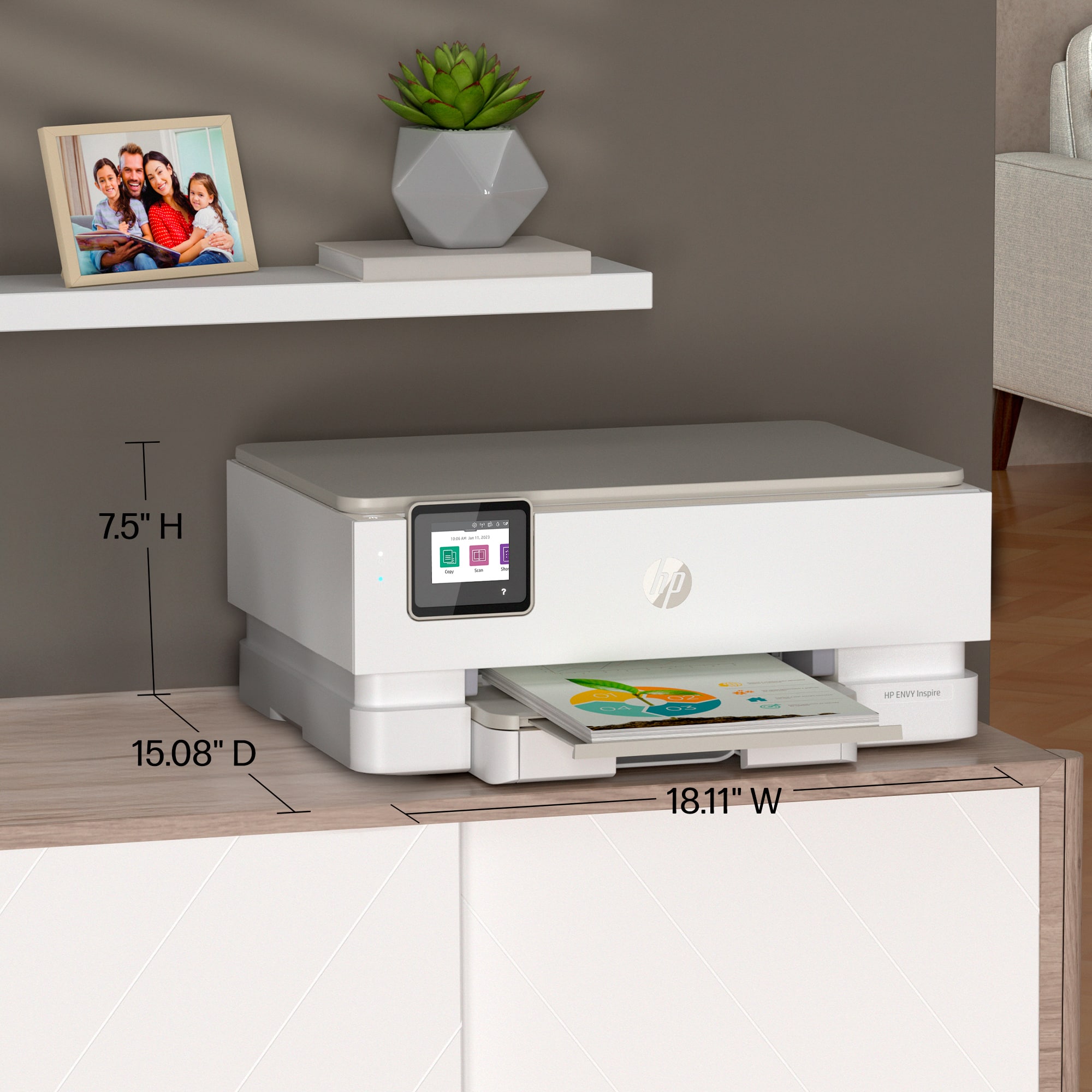
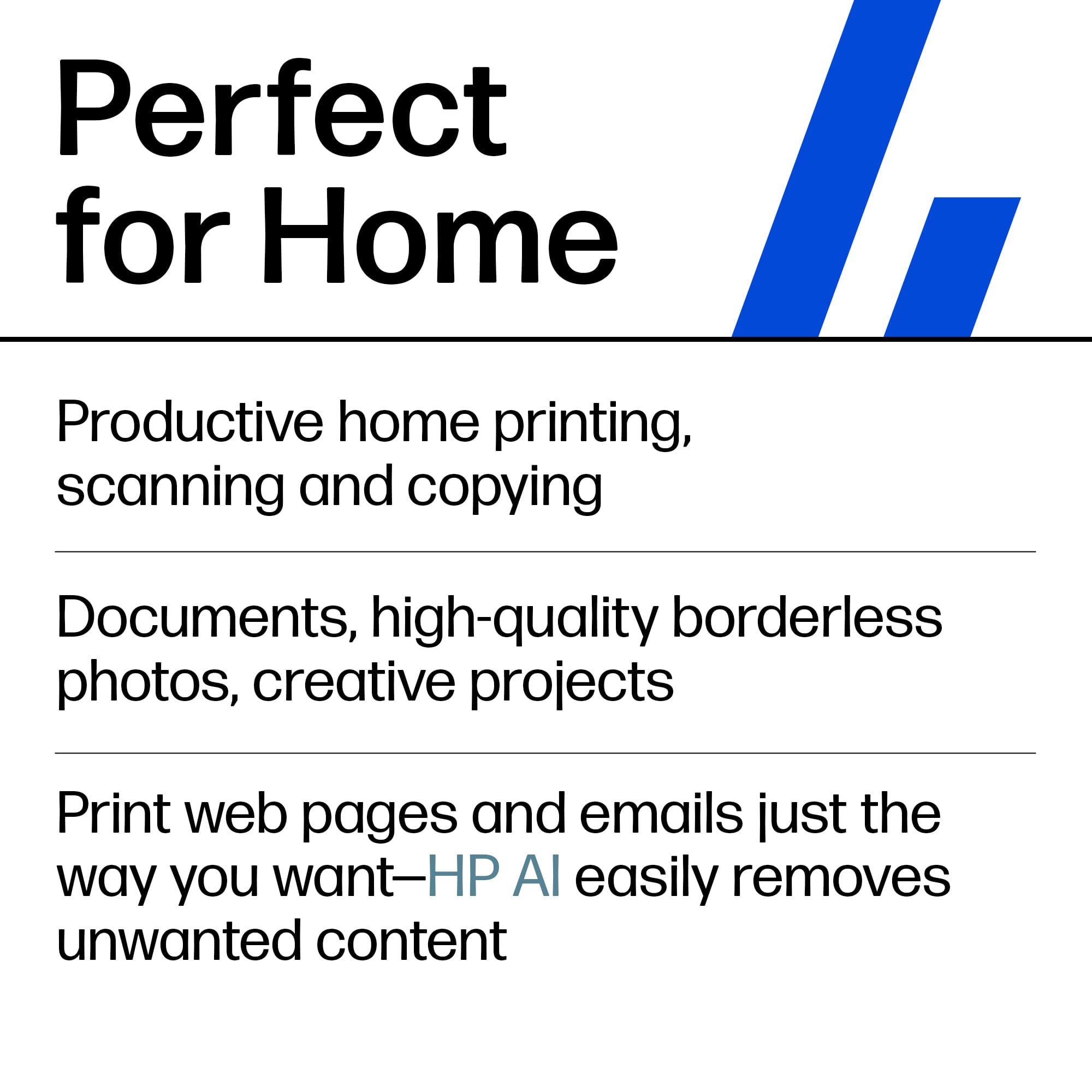
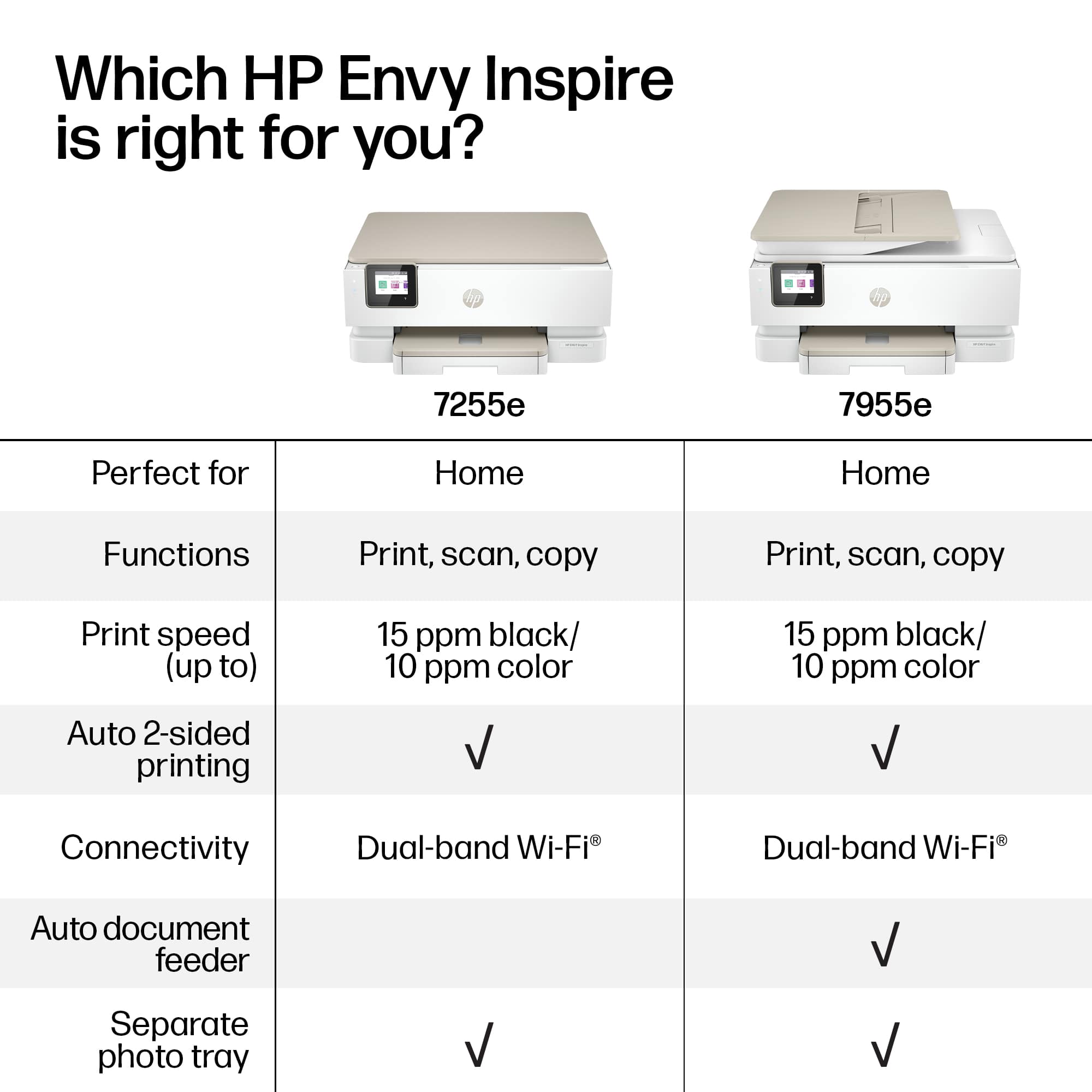
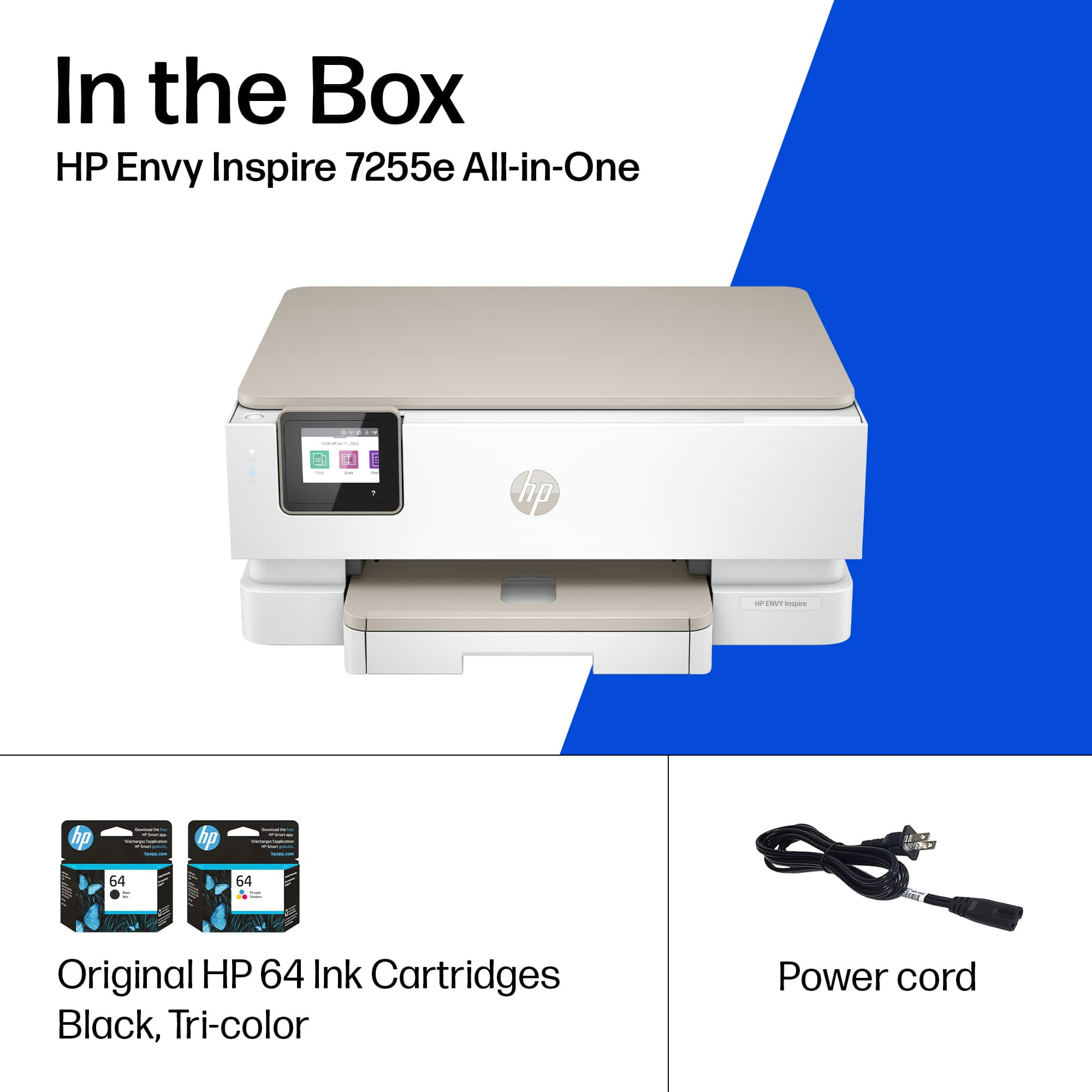
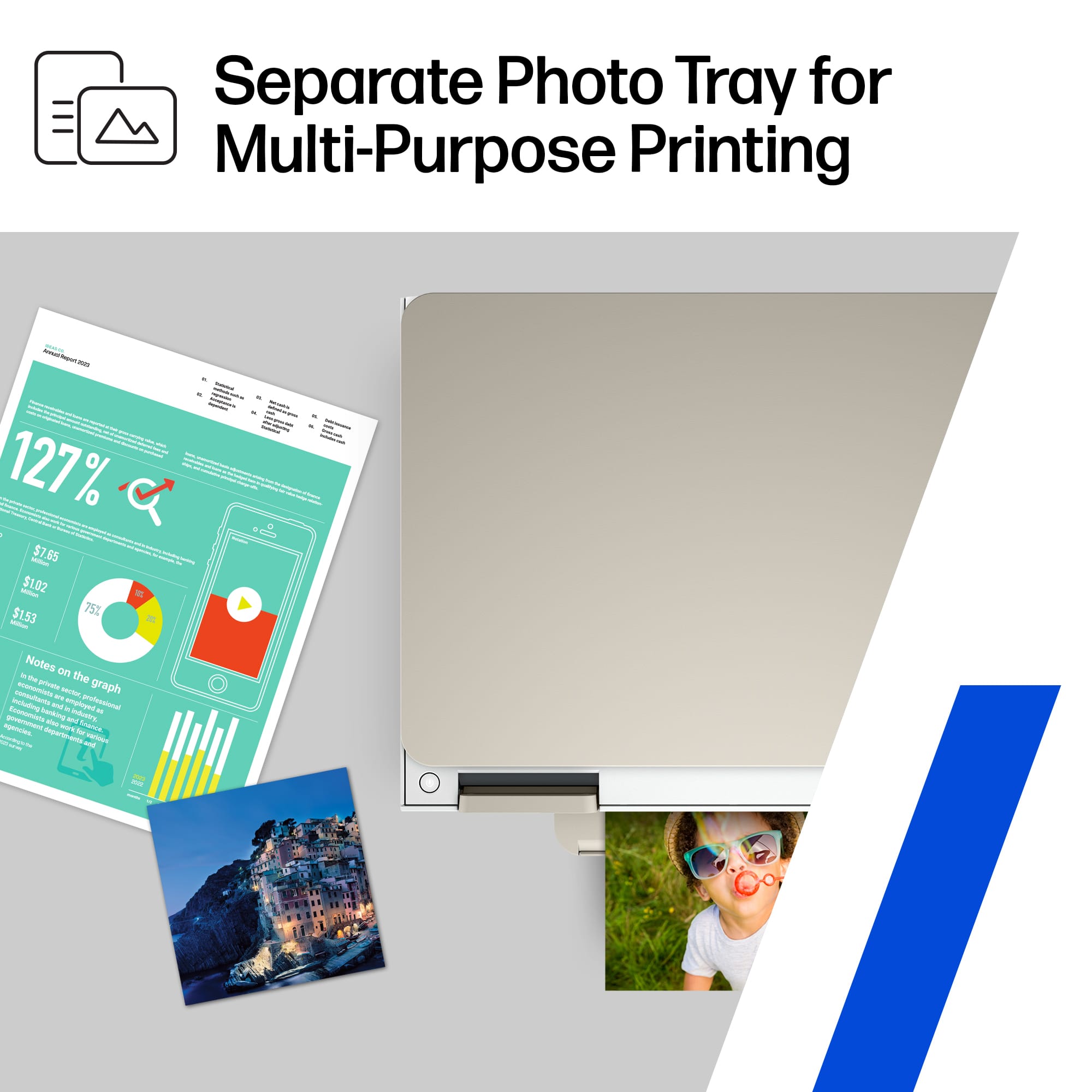
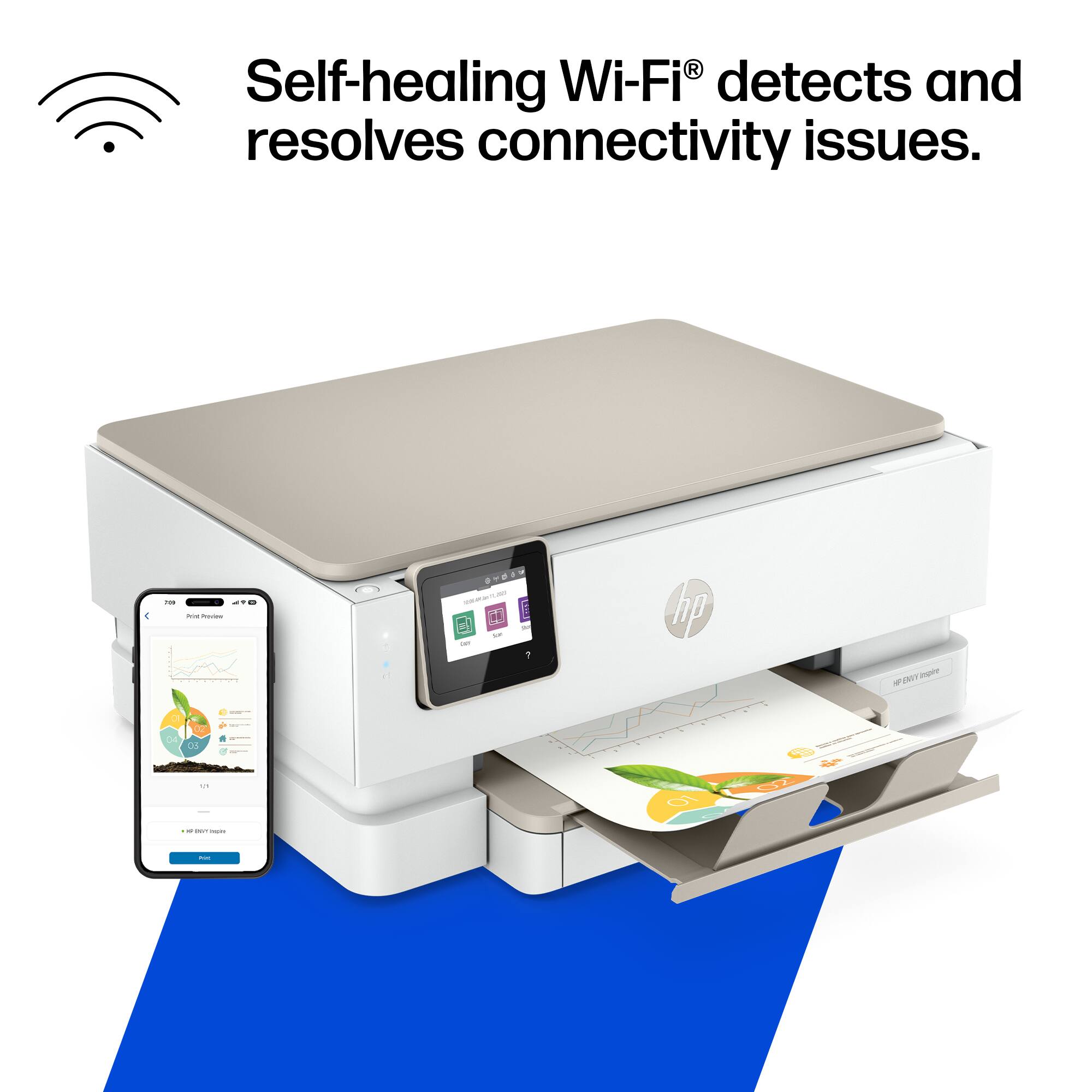
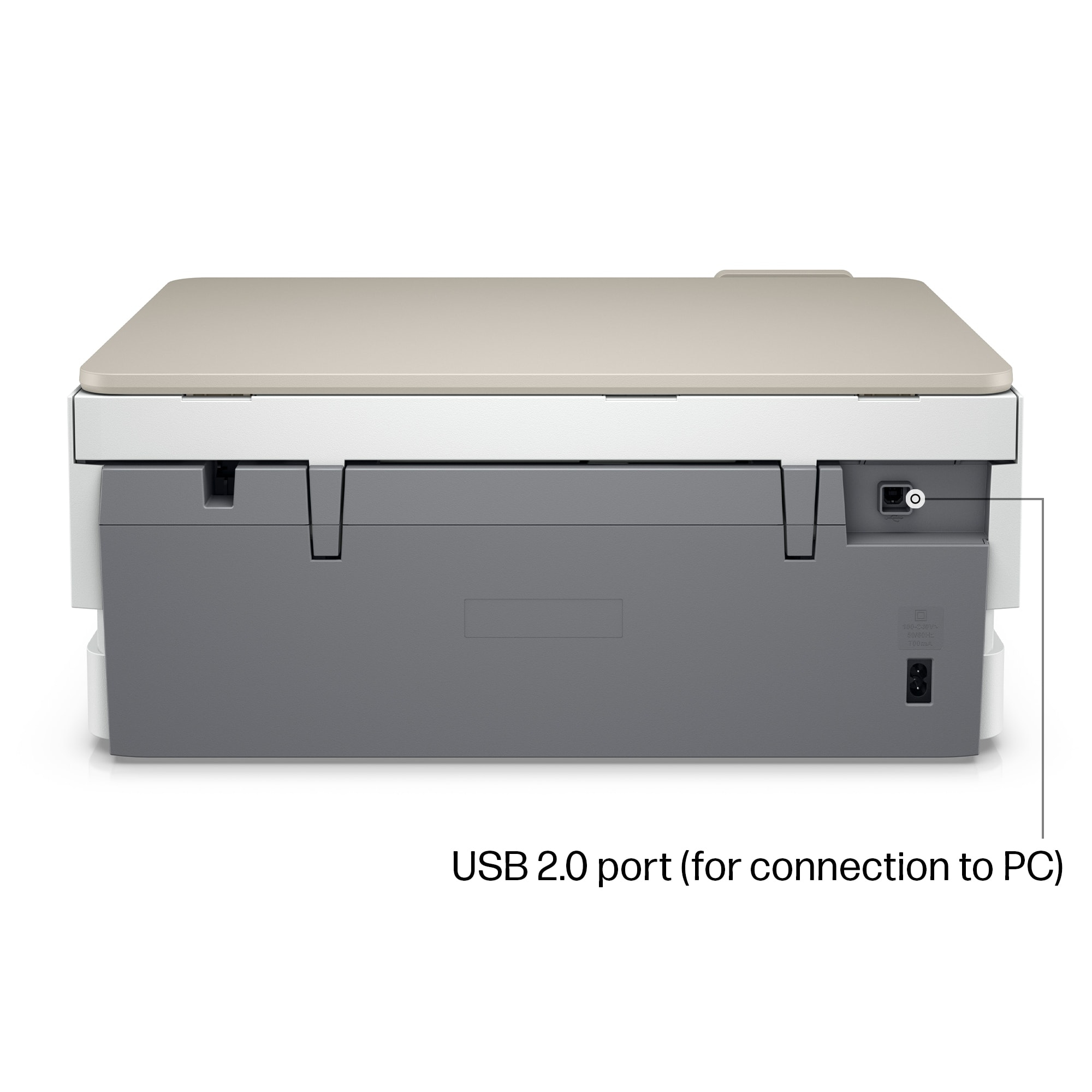
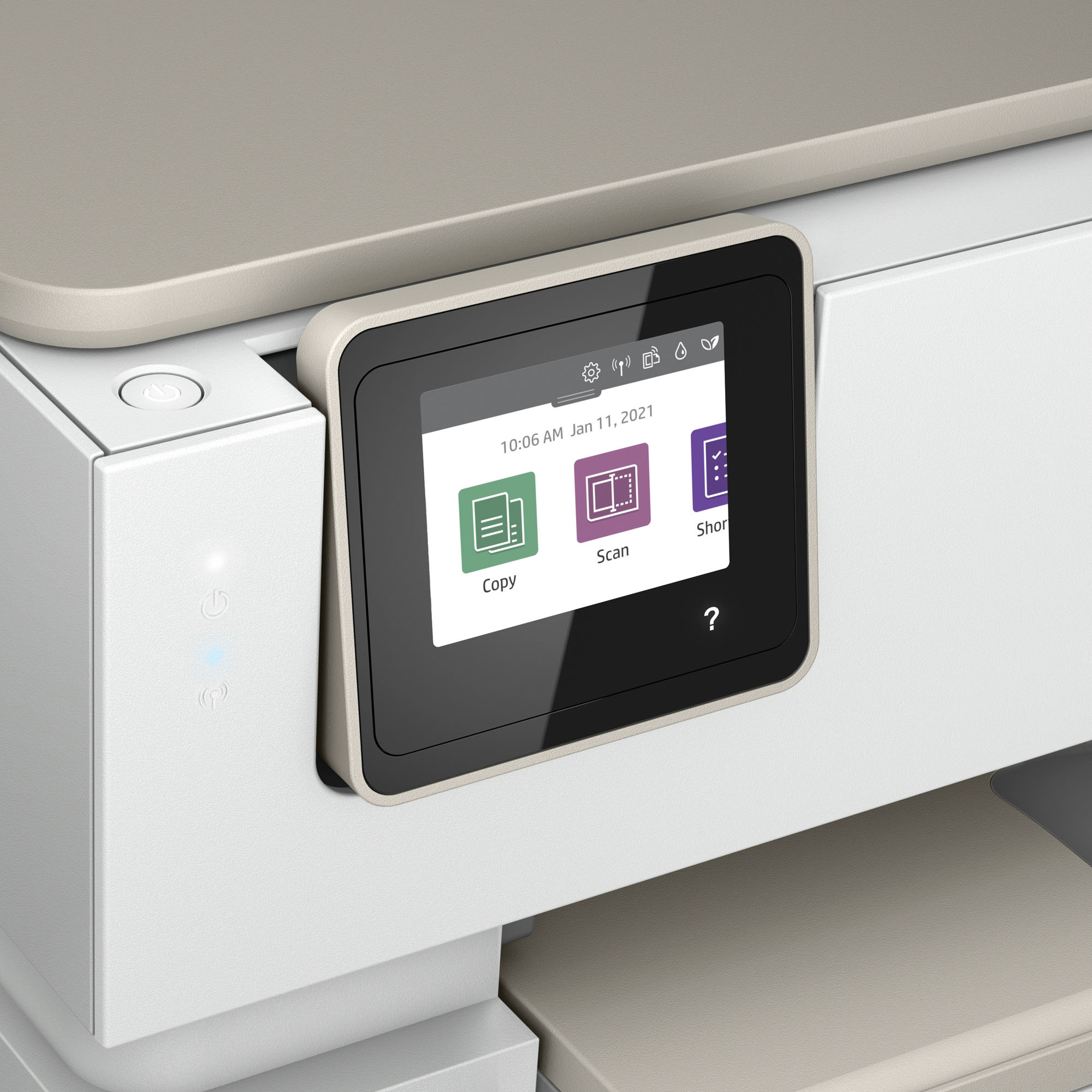
|Posted .This reviewer received promo considerations or sweepstakes entry for writing a review.SUMMARY ----------- This is a wireless and wired network printer, scanner, photo printer and copier. The printer is almost a plug and play. You can download the HP Smart app on your phone for the wireless setup. The printer can print double sided and pretty fast. The scanner works pretty good, you can also use the phone scanner to print it. Copier also works pretty well, you can print number of copies by pressing the button on the printer. Hp+ gets you 2 years of warranty and also 6 months of free ink. One thing to note is that you may not be able to use non-HP cartridge as this printer will block any non HP-circuitry. What's in the box --------------------- • HP Printer • HP Toner Cartridge black, tri-color • Power cord • Dust Cover; Reference Guide, Setup Poster, Warranty Guide & Flyer in some countries Pros ----- 1. Its an all in one Printer, Scanner and Copier 2. The starter cartridge prints 200 pages 3. HP+ gets you free 6 months of ink 4. Easy to setup with an excellent HP Smart app 5. Small footprint. 6. Dual sided printing 7. Supports dual band wifi 8. Photo printing 9. 125-sheet input tray, 15 sheet photo tray Cons ------ 1. Does not come with the cable for wired connection. 2. Cannot use generic toner. DETAILS ---------- Setup -------- This is the best part. You don’t have to spend a lot of time doing the setup. Download the HP Smart up and follow the step by step instructions on the app. I don’t miss a large screen on the printer for setup, it does have a 2.7 inch screen if you need to use. Who does not have a smart phone these days. The printer is very well made and you wont have the need to use the 2 year warranty. Printing, Scanning and Copying ---------------------------------------- I tried testing from windows pc, Mac and my android phone (HP Smart app) and all of it worked seamlessly. My windows and Mac computers were able to recognize the printer by just going to the control panel. This has a 125 page input tray. Note that the print papers came out crisp and they also came out to be 2 sided. You can adjust the configuration on the PC. Scanner is also pretty fast, I have a 3 year old canon image smart and this scanner works faster than that. The scanner can also print for making copies. The copies and print came out to be very crisp. I have not tried photo printing but that is a feature I intend to use one day. The only gripe I have with this printer is the inability to use a generic toner.
I would recommend this to a friend purchaser
||Posted . Owned for 3 weeks when reviewed.This reviewer received promo considerations or sweepstakes entry for writing a review.I dislike this printer which is an inkjet, as opposed to the laser jet, which I previously used. The printer is slow, the ink does not dry sufficiently, and the printer makes too much noise starting up, shutting down and while printing. I wish i had continued to use my laser jet, which I still have. I
No, I would not recommend this to a friendBrand response from HP Team
Posted .Hi there.
I’m sorry that your printer has rendered prints slowly, that ink on prints has not seemed to dry quickly enough, and that the machine is noisy when printing. I can certainly understand why these would create a poor start to ownership. I want to help you remedy these issues. I hope the resources and information below reach that end.
First, I recommend that you follow a guide on our support site that covers improving print speed; it contains sections on Windows as well as Mac OS. Find that guide here:
- support.hp.com/us-en/document/ish_2817150-2408088-16
Next, you might gain useful information in a guide on our support site to choosing the best paper for the print job in HP inkjets. It informs how choosing paper can prevent paper jams, smeared or oversaturated ink, and incomplete prints. Find that guide here:
- support.hp.com/us-en/document/c00042468
Finally, I'll explain a factor that might be causing the noise you hear. While your printer is powered up, it makes sure that the nozzles are regularly cleared, which can be noisy, especially if the printer is on a hard surface. I suggest you try placing the printer on a padded surface to muffle the vibrations that occur.
If any problem persists, I suggest you contact us directly so we can help you assess what’s happening and find a solution. HP+ printers such as yours come with exclusive concierge support. To call and reach live HP+ experts, visit the following URL and enter your HP+ serial number:
- hp.com/plus-help
Keith
HP Care
hp.com/support