Customer Ratings & Reviews
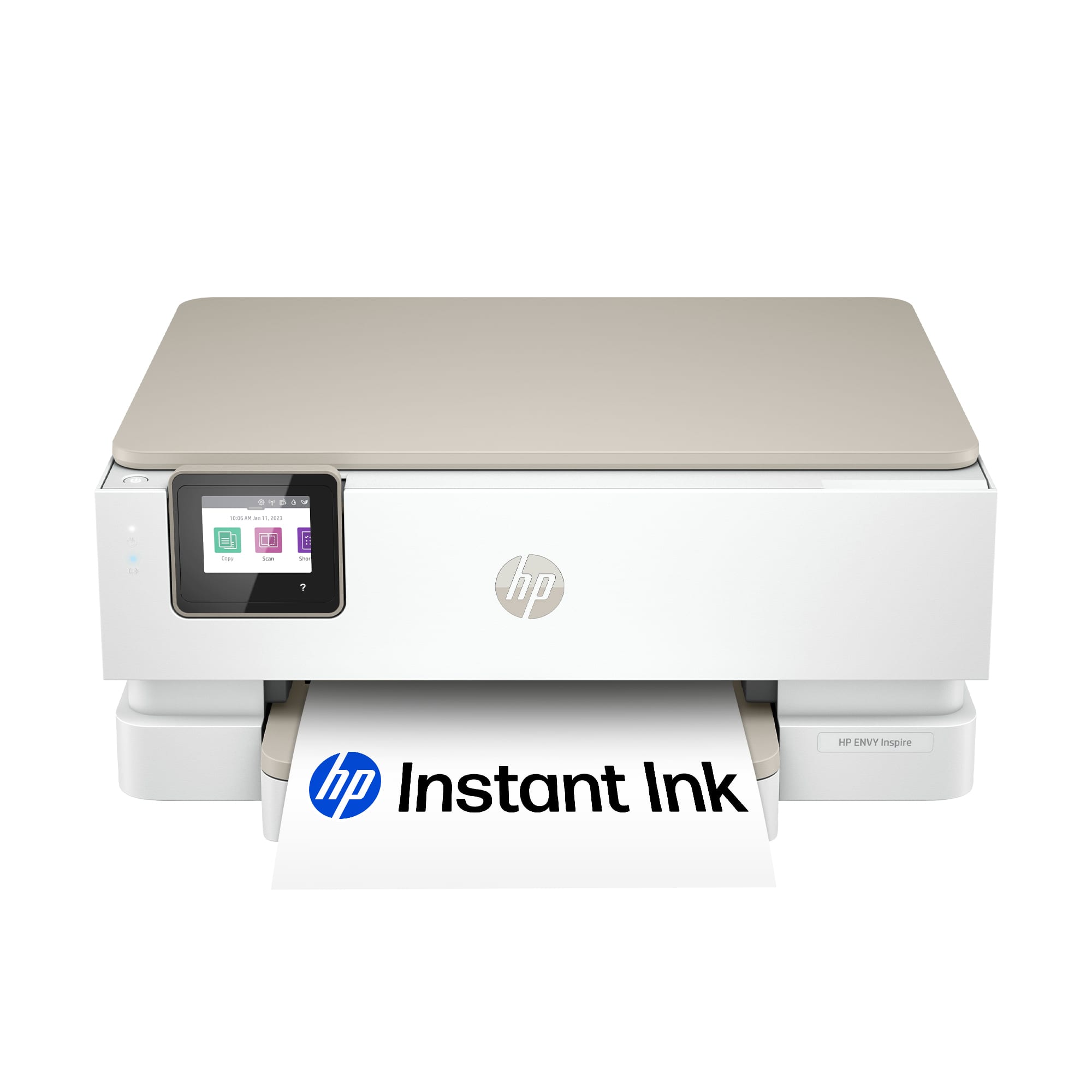

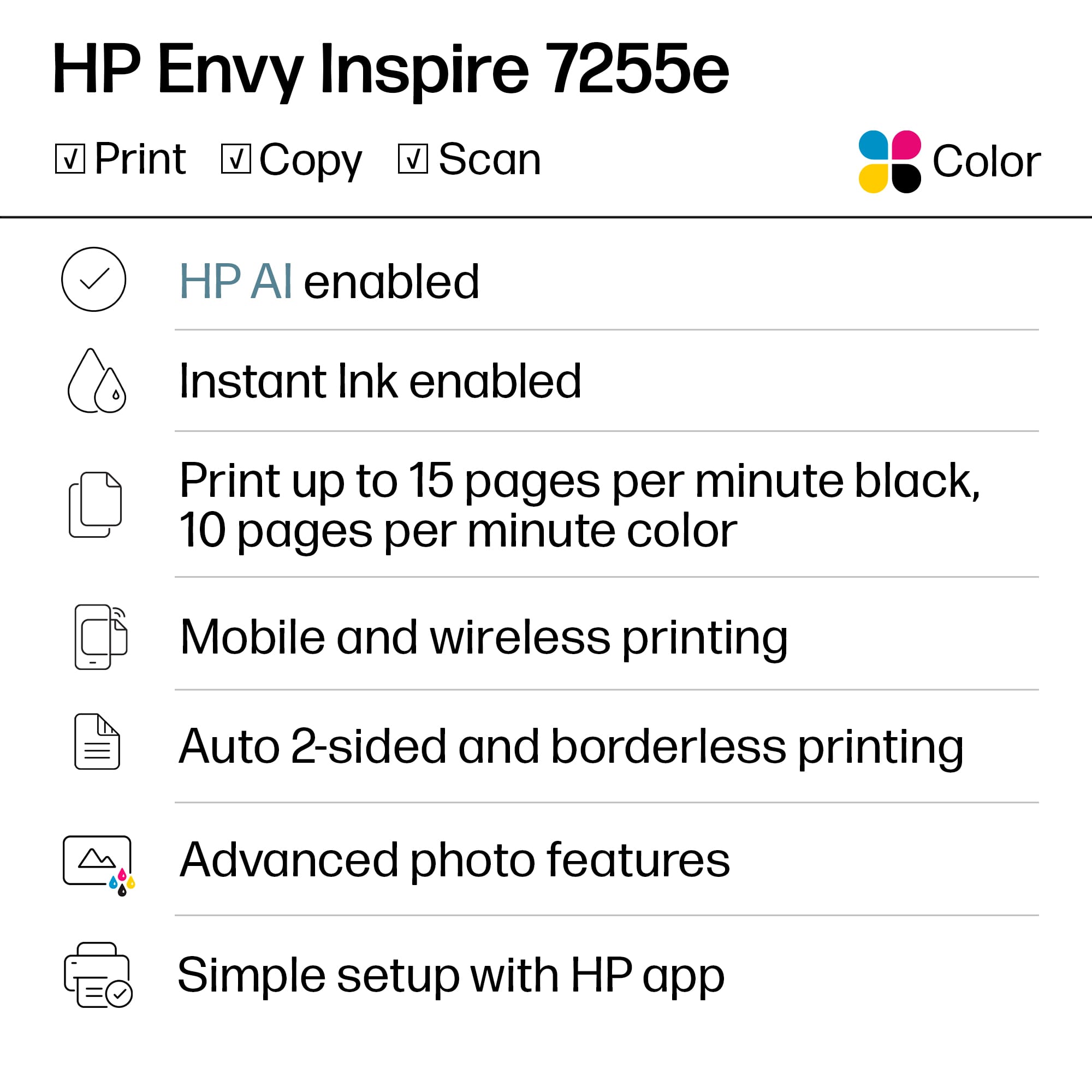
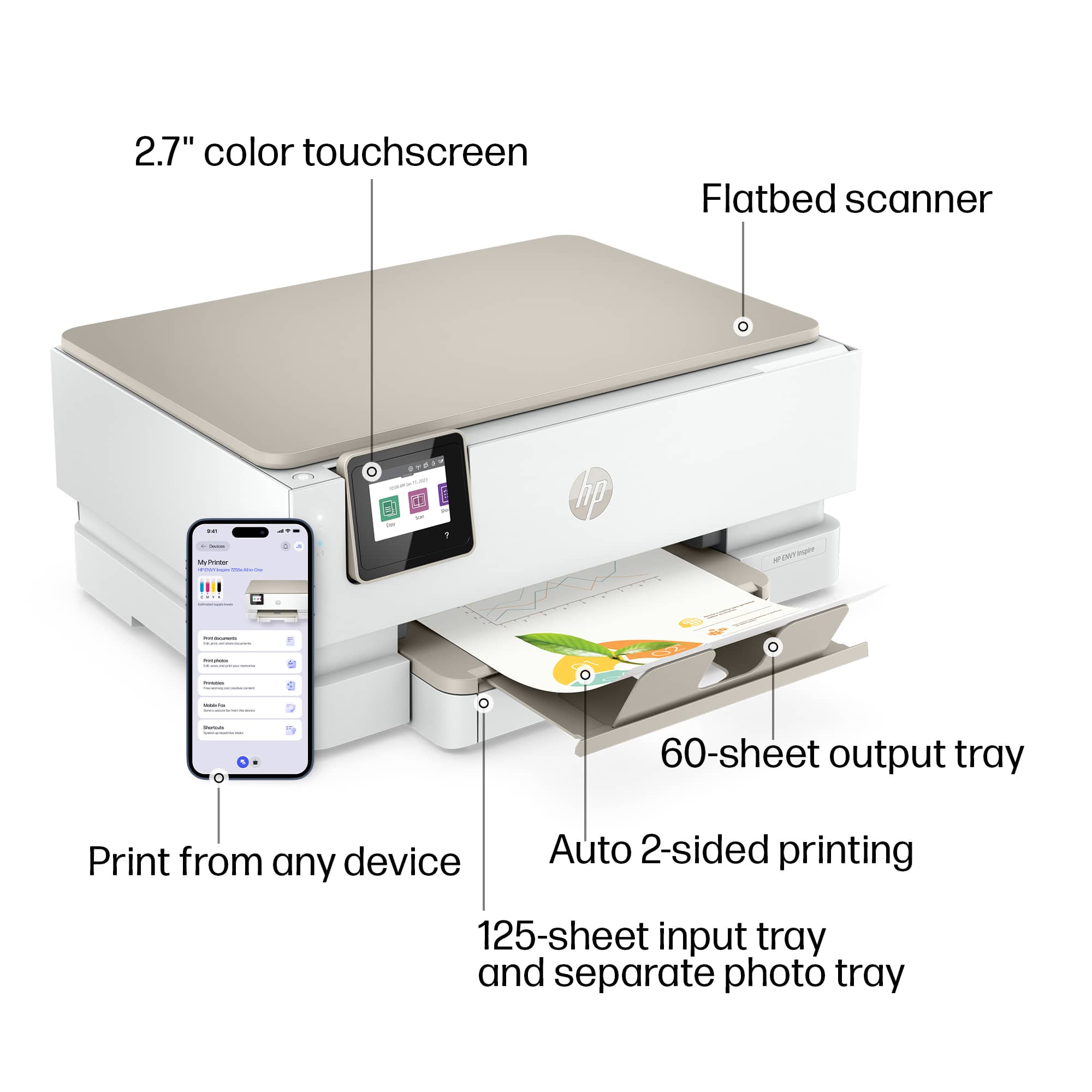

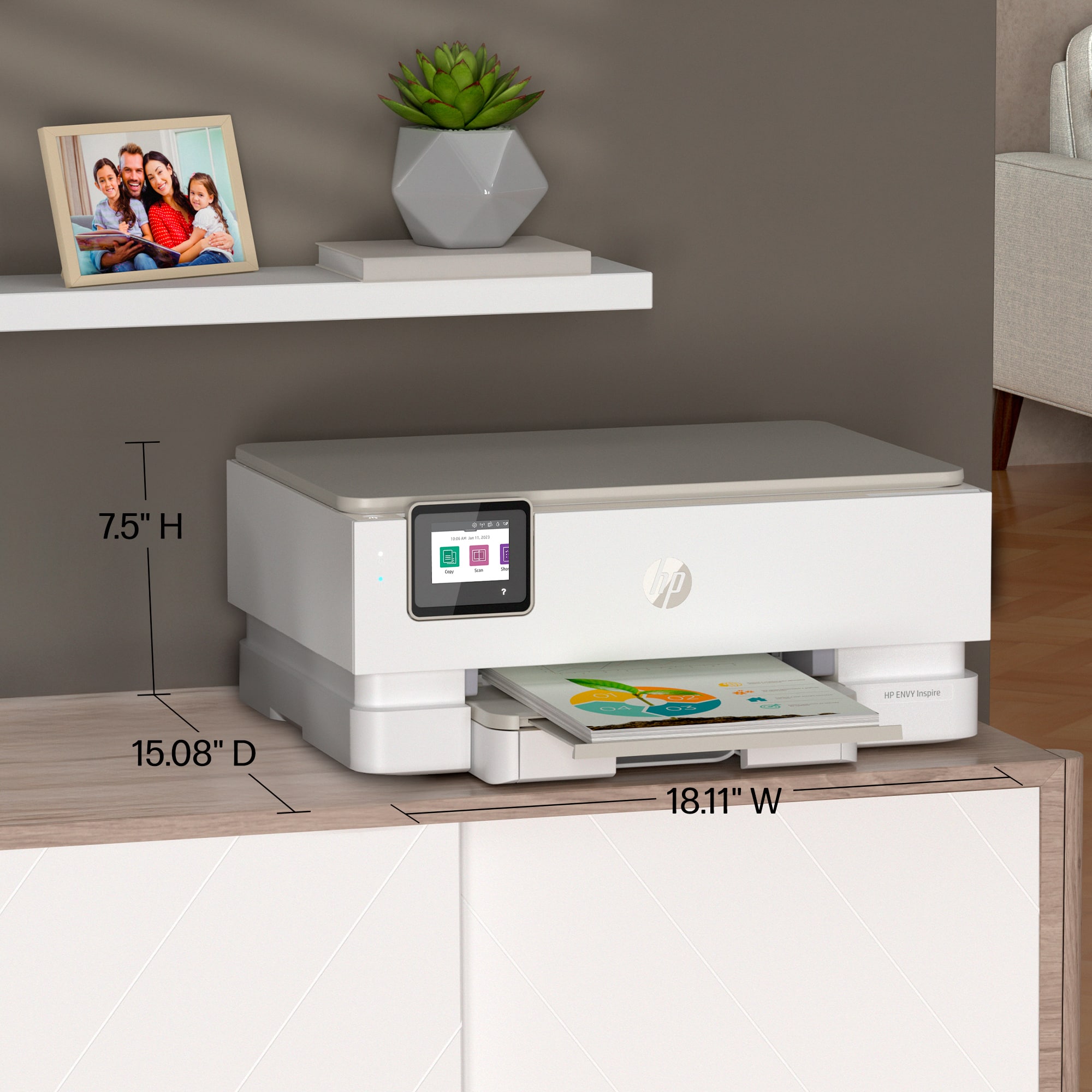
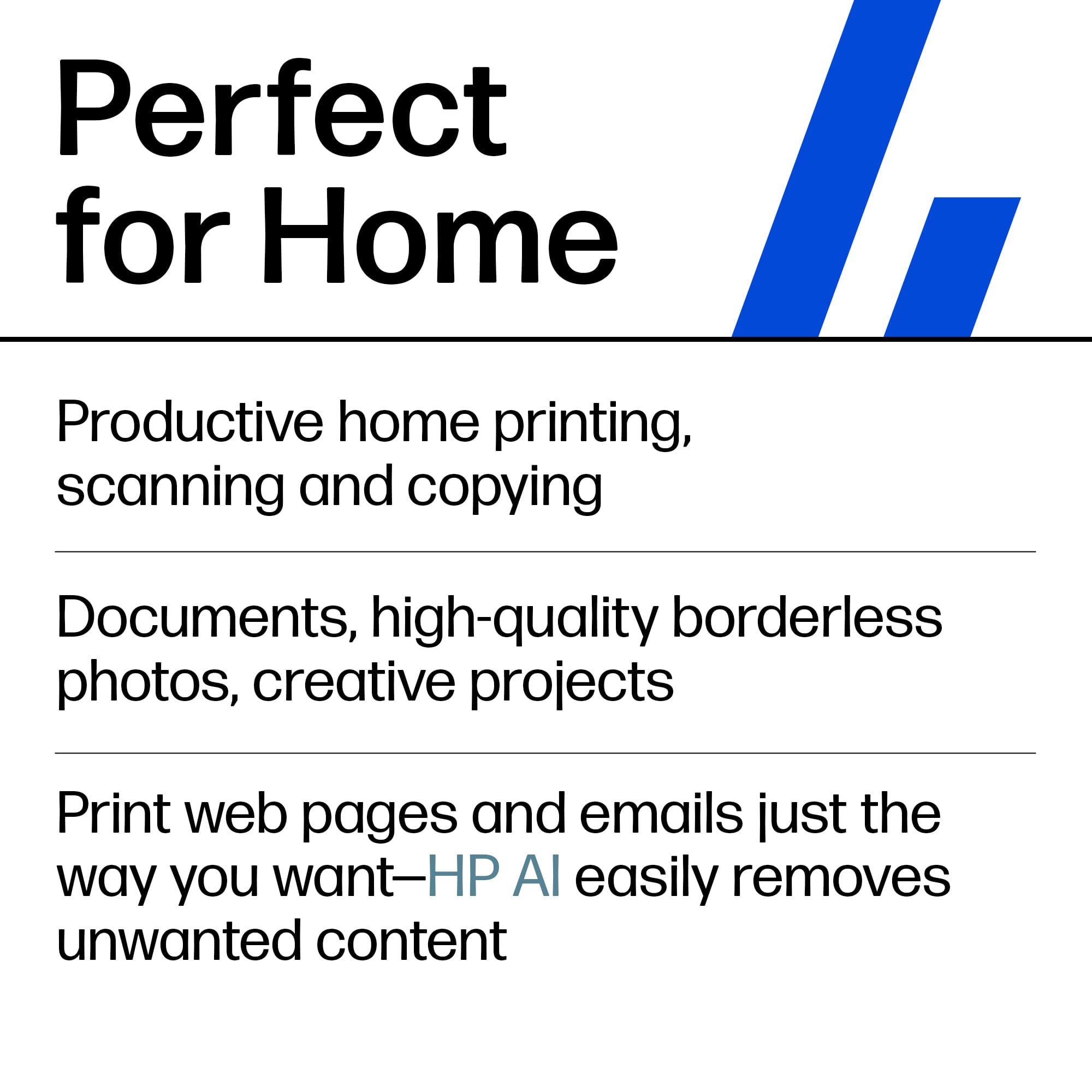
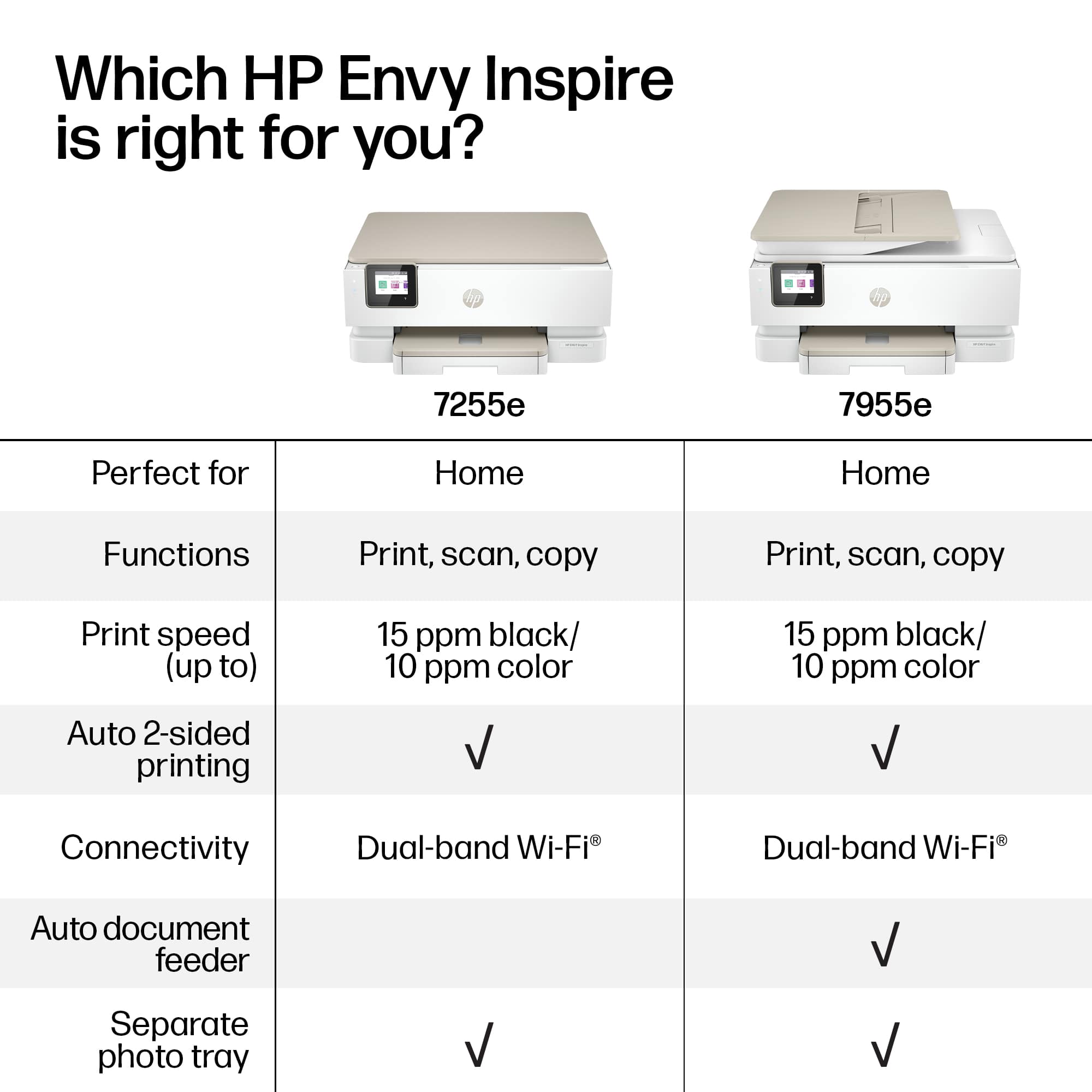
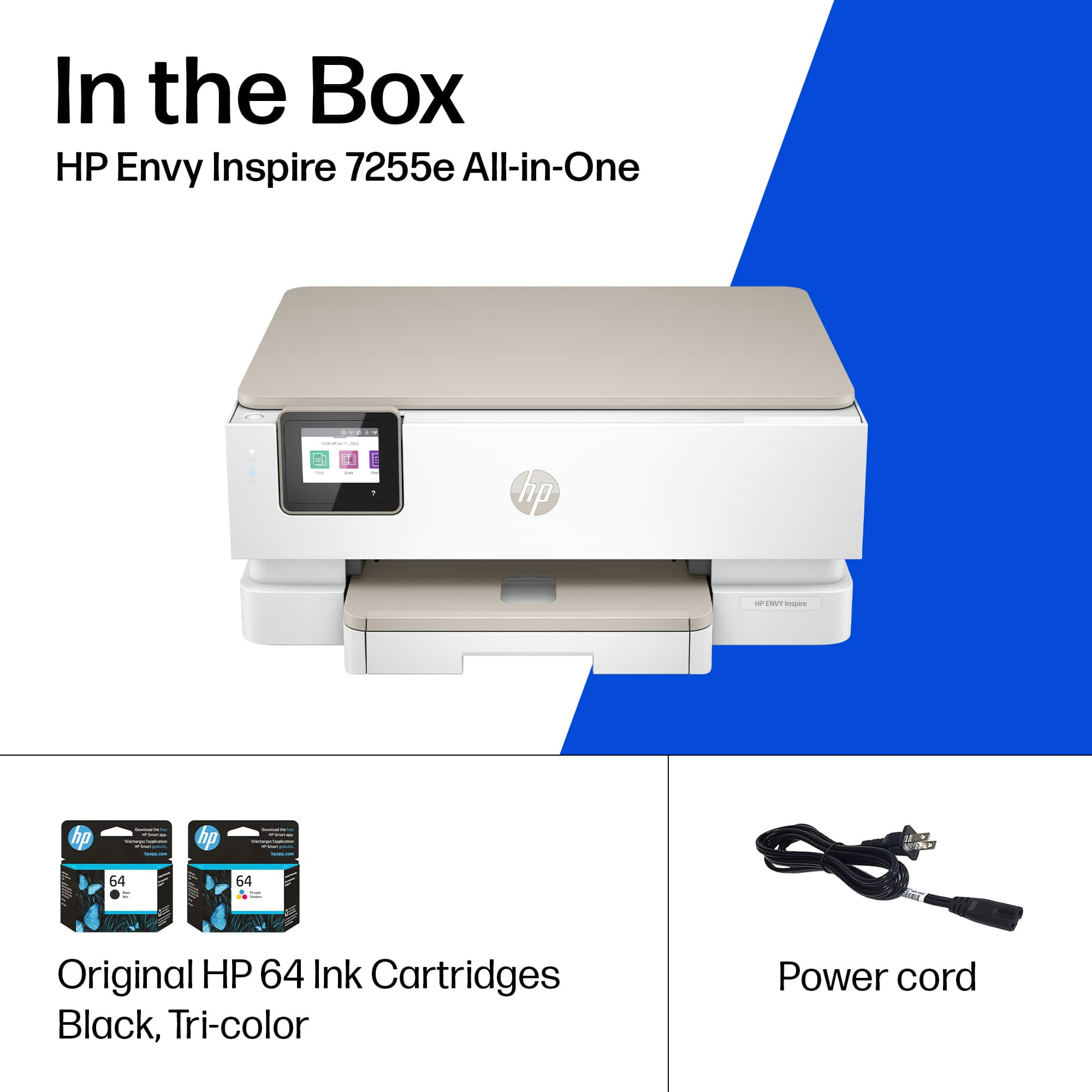






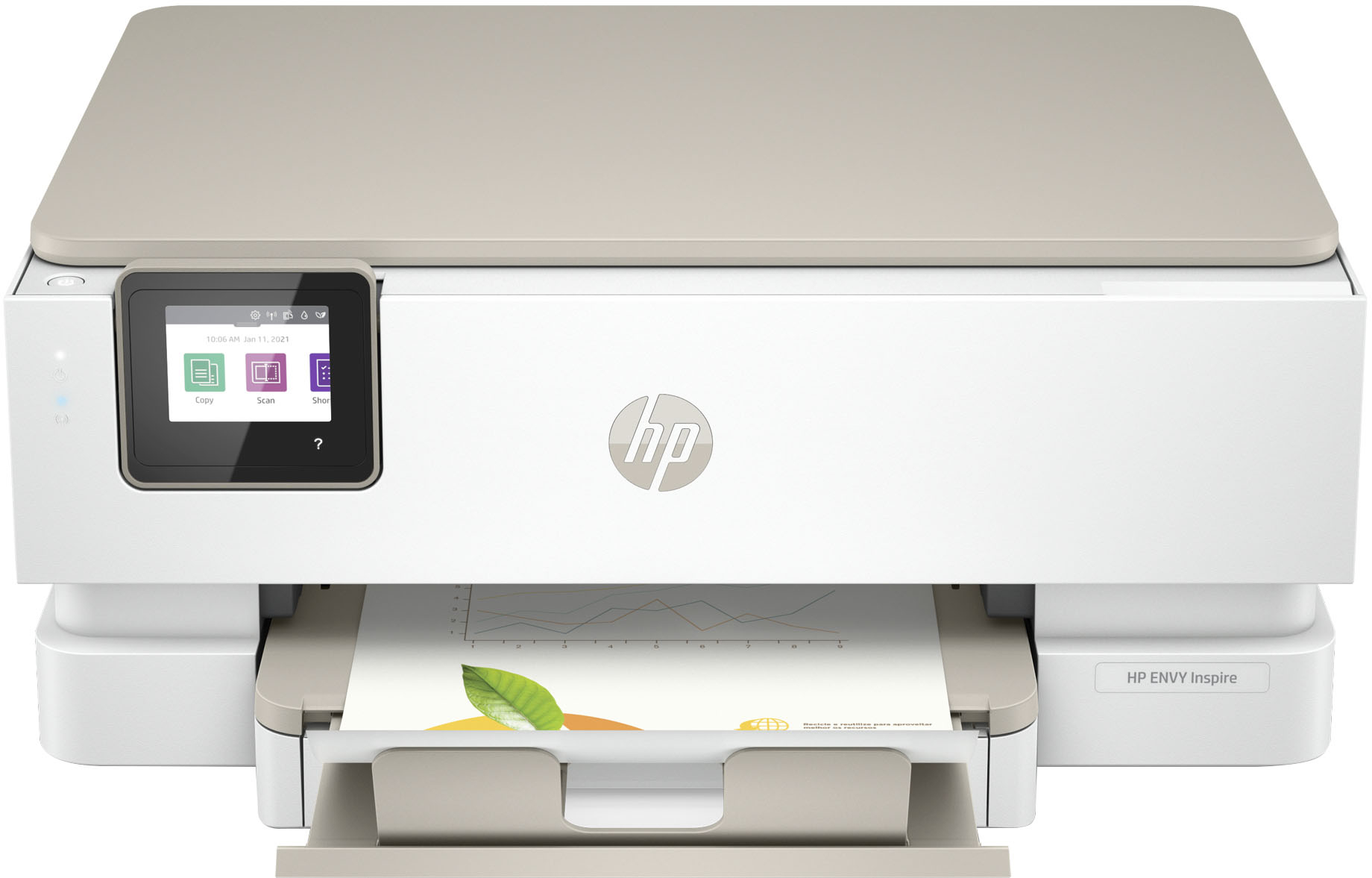
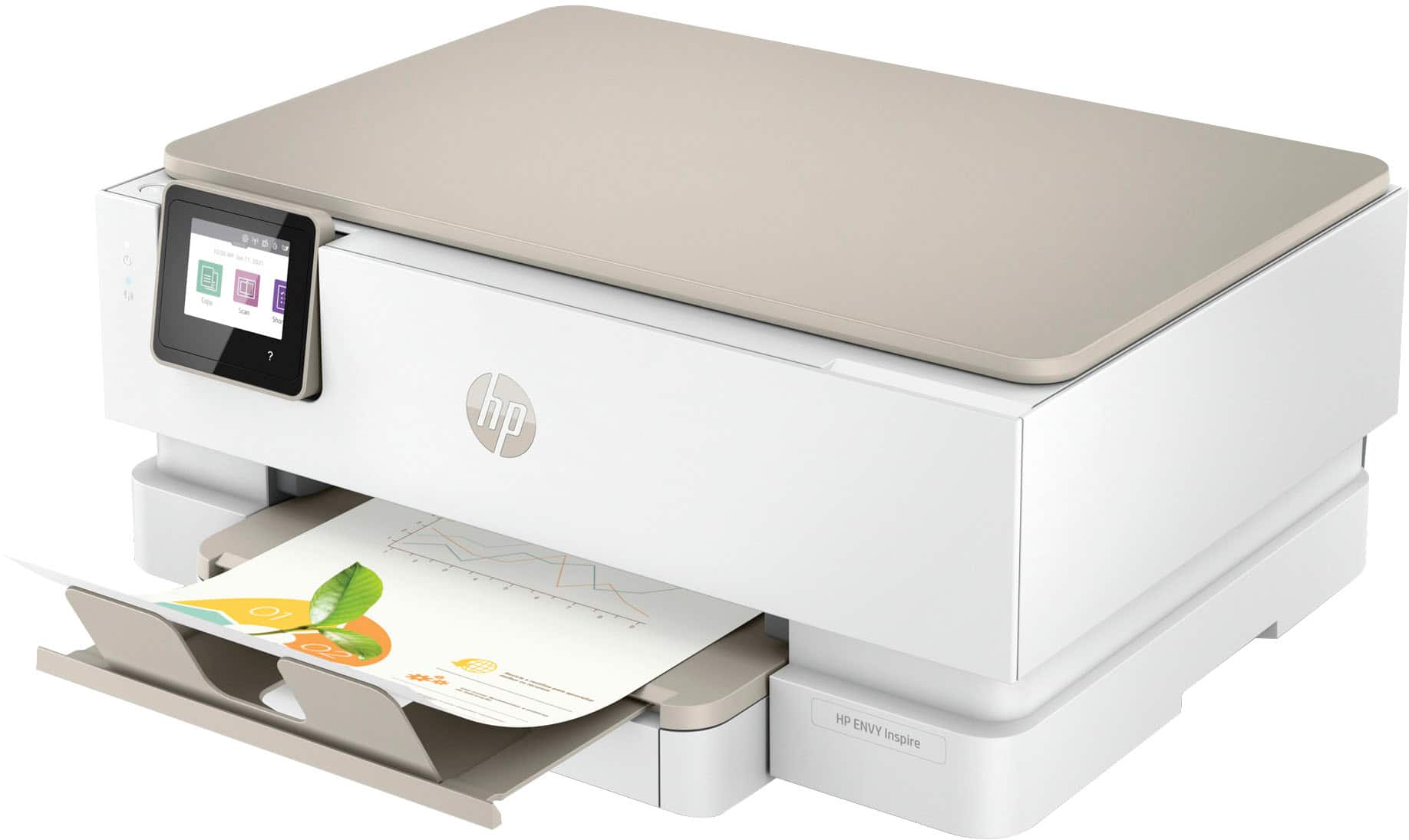
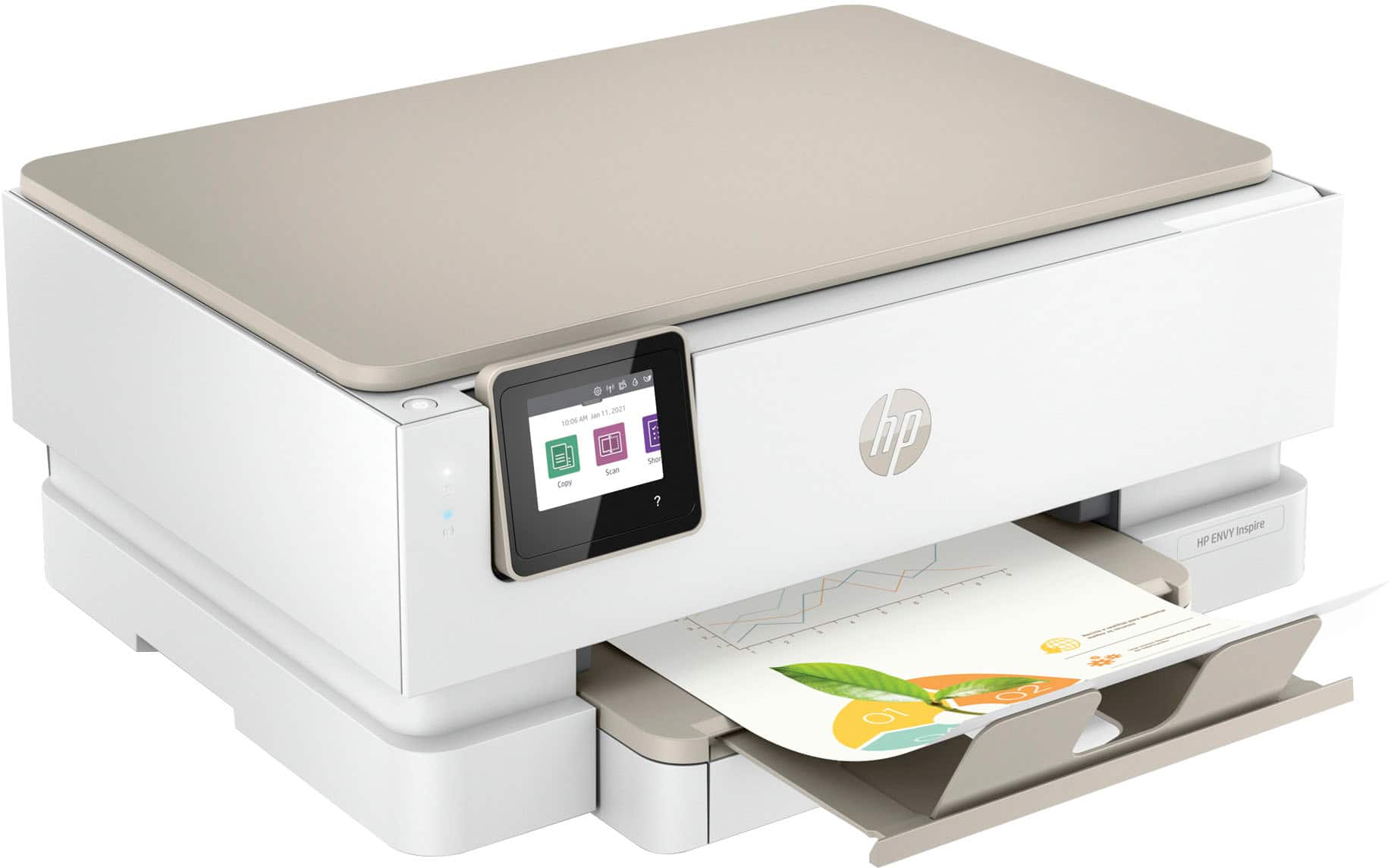
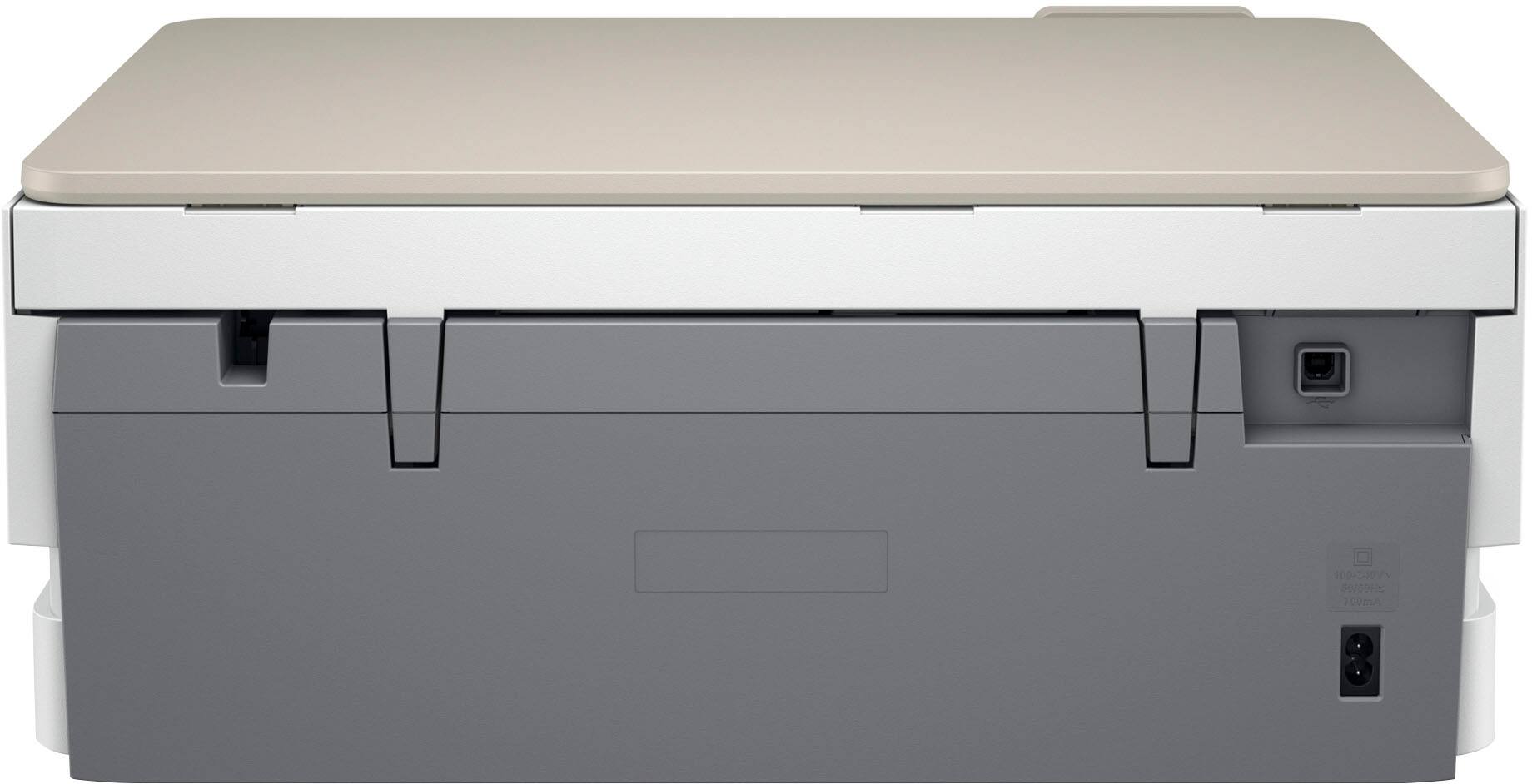
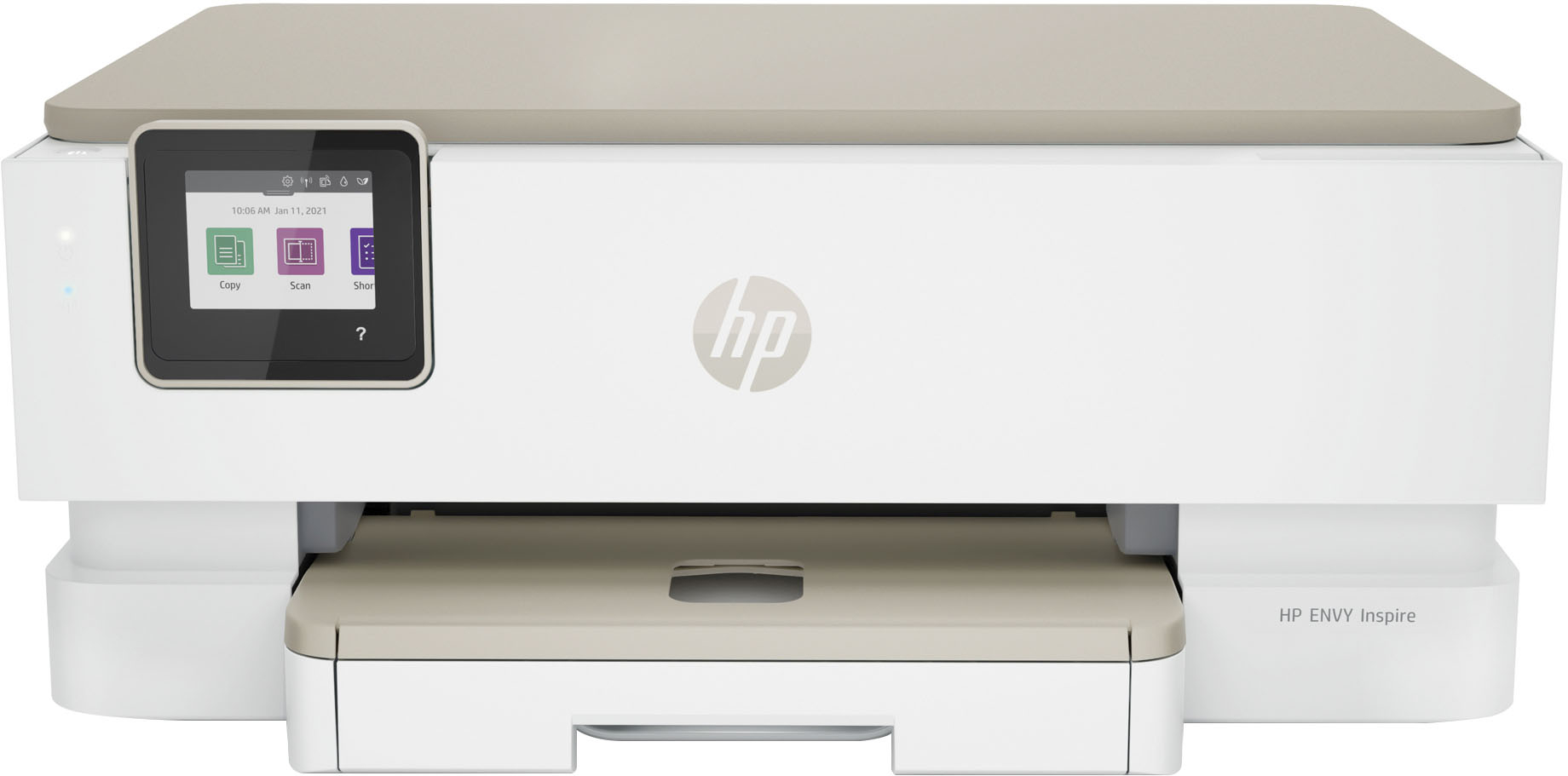
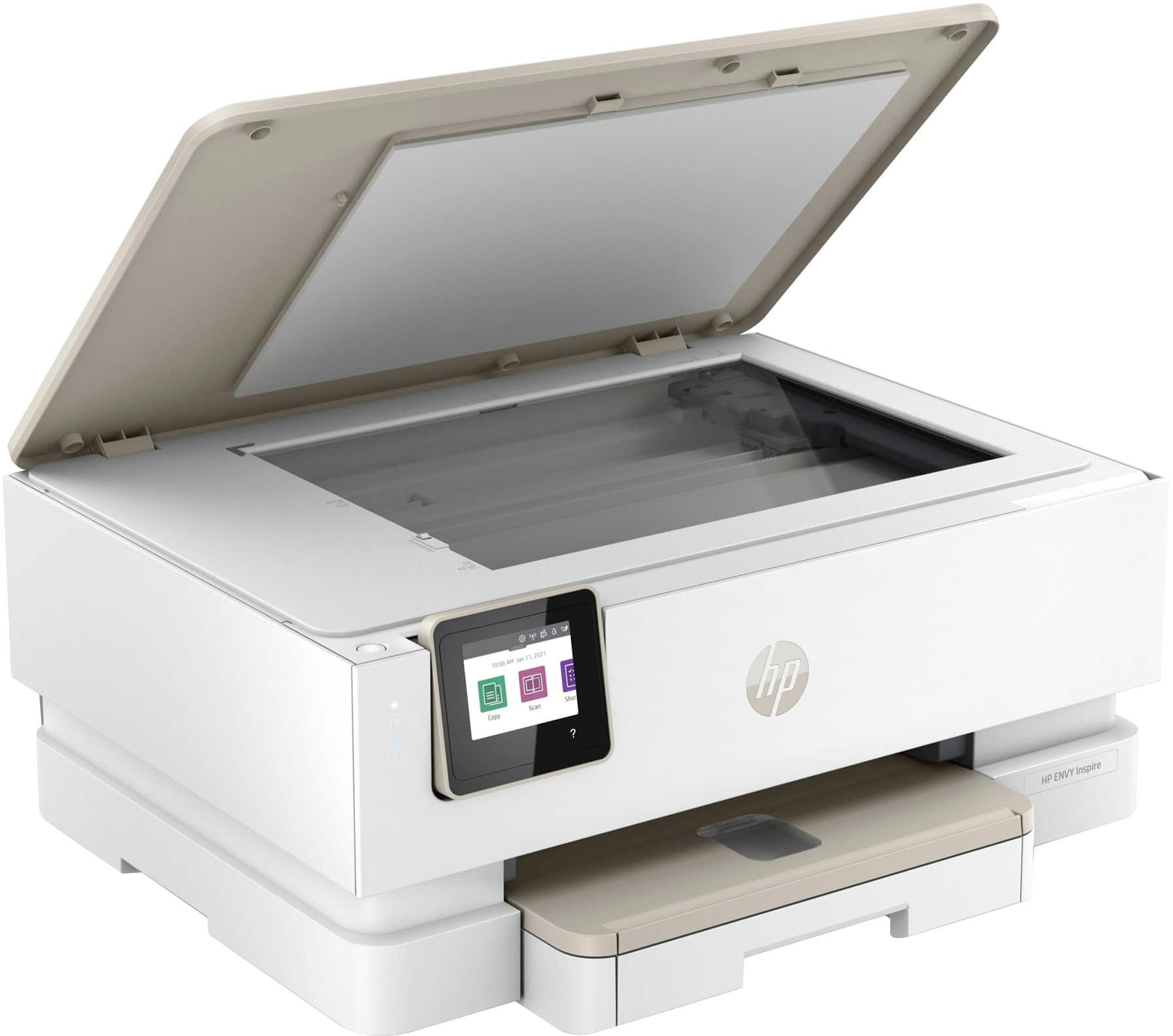

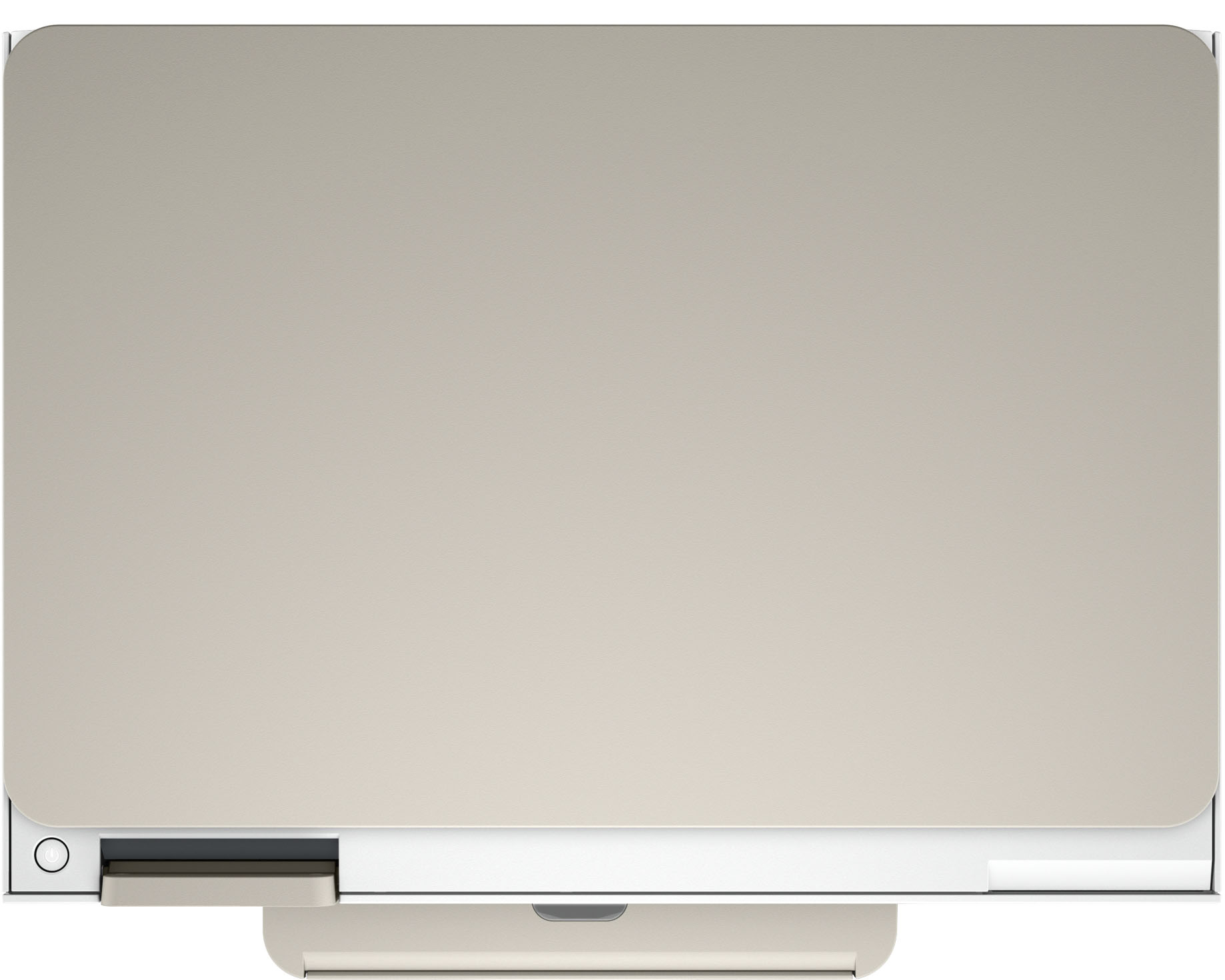
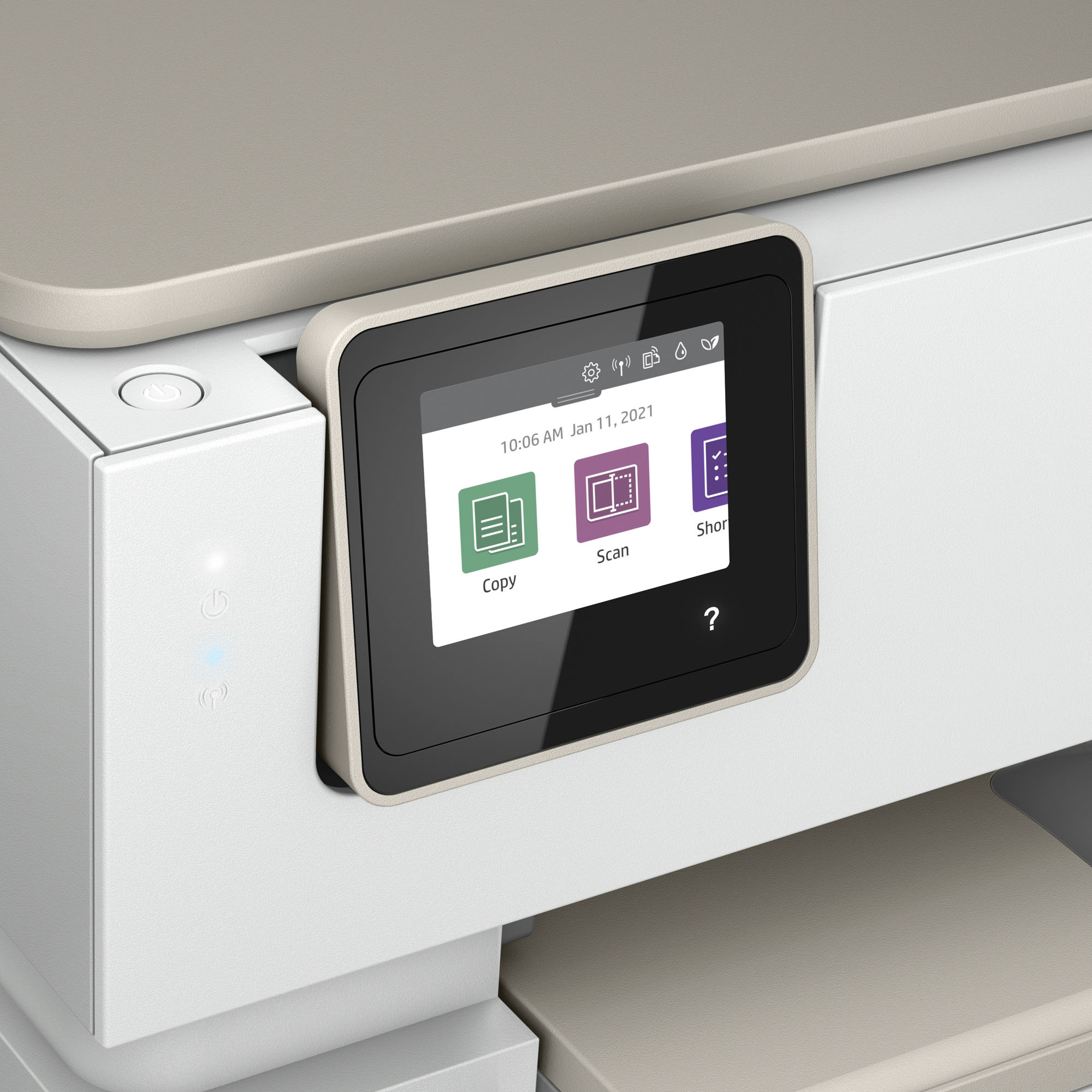




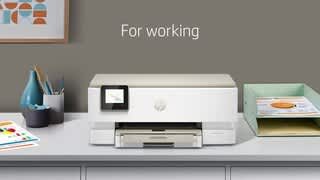

- Model:
- ENVY Inspire 7255e/1W2Y9A#B1H
- SKU:
- 6492187
Rating by feature
- Value
Rating 4.5 out of 5 stars
- Quality
Rating 4.5 out of 5 stars
- Ease of Use
Rating 4.5 out of 5 stars
Customers are saying
Customers find value in the Envy Inspire 7255e printer's ease of use and great print quality. Many appreciate its overall performance, easy setup, and reliable connectivity. However, some customers have noted that the printer has a delicate paper tray.
This summary was generated by AI based on customer reviews.
NOT working
||Posted . Owned for 1 week when reviewed.This reviewer received promo considerations or sweepstakes entry for writing a review.We purchased this printer 2/19/22. Had to wait 3 weeks for the Geeks to install. The printer was defective. Had to exchange for new. Now waiting another 4 weeks for the Geek Squad to install this one. Not happy!
No, I would not recommend this to a friendBrand response from HP Team
Posted .Hi there.
I’m sorry that you’ve run into such difficulty after your printer purchase. It’s no surprise you’re frustrated here, considering you received a defective printer and now you have a lengthy wait for technical assistance with the new one. I want to help you out of this dilemma, so I’ll provide some resources aimed at making that happen.
Rather than waiting for assistance, I recommend that you follow a setup tutorial specific to your printer you can find on our support site. On the same page you can also access user manuals, troubleshooting guides, how-to documents and software updates. Do that by following this link:
- support.hp.com/us-en/product/model/2100402069
You can also visit a page on our support site that has diagnostic tools for various tasks and issues, including setup and connectivity. You can find the page here:
- support.hp.com/us-en/topic/diagnostics
If you need further assistance with setup, connectivity or anything else, I suggest you contact us directly so we can help you assess what’s happening and find a solution. HP+ printers such as yours come with exclusive concierge support. To call and reach live HP+ experts, visit the following URL and enter your HP+ serial number:
- hp.com/plus-help
Keith
HP Care
hp.com/support
LESS THAN 6 MONTHS, GONE WRONG
||Posted . Owned for 7 months when reviewed.This reviewer received promo considerations or sweepstakes entry for writing a review.Had less than 6 months, and it is not recognizing the color cartridge it came with. Geek Squad did a trouble shoot and advised me to bring to store to replace.
No, I would not recommend this to a friendPrinter
||Posted . Owned for 2 weeks when reviewed.This reviewer received promo considerations or sweepstakes entry for writing a review.I had to return this printer. An error message kept occurring during the set up and would not allow me to do anything. I was very disappointed.
No, I would not recommend this to a friendUseless now unreturnable
||Posted . Owned for 1 month when reviewed.This reviewer received promo considerations or sweepstakes entry for writing a review.This has been one problem after another Connectivity shows connection to wifi but when trying to air print no printers found & hp support was unavailable
No, I would not recommend this to a friendbad
||Posted . Owned for 3 weeks when reviewed.This reviewer received promo considerations or sweepstakes entry for writing a review.I spent 6 hours & 4 different people in tech support & I never did get it to connect right. So I returned it!
No, I would not recommend this to a friendBadPrinter
||Posted . Owned for 3 weeks when reviewed.This reviewer received promo considerations or sweepstakes entry for writing a review.Bad buy Customer service really bad. Missing cartridges. I went and bought HP cartridges. But still needed a special sent with printer. They would send they expected I had to pay for it
No, I would not recommend this to a friendA bust!
||Posted . Owned for 3 months when reviewed.This reviewer received promo considerations or sweepstakes entry for writing a review.The printer stopped working after one use. Burned ink cartage. Returned and bought different model.
No, I would not recommend this to a friendBuyer
||Posted . Owned for 7 months when reviewed.This reviewer received promo considerations or sweepstakes entry for writing a review.Not near as good as the older models. Keeps going off line.
No, I would not recommend this to a friendDoesn't do it's job
||Posted . Owned for less than 1 week when reviewed.This reviewer received promo considerations or sweepstakes entry for writing a review.Alters images when copying. Not sure if its just this unit that is defective or inherent product issue. "You had one job!"
No, I would not recommend this to a friendBrand response from HP Team
Posted .Hi, Nate.
I’m sorry to hear that your printer has altered images that you’ve copied. I can wholly understand why that would be an unwelcome surprise after buying a new device. I want to help you remedy this problem. I hope the resources and information provided below guide you to that end.
First, I recommend that you follow a guide to resolving copy problems you’ll find on our support site; it covers copy-quality and copy-speed issues as well as copiers that stop working:
- support.hp.com/sk-en/document/ish_2281791-2076363-16
If the problem persists, I suggest that you contact us directly so we can help you assess what’s happening and find a solution. HP+ printers such as yours come with exclusive concierge support. To call and reach live HP+ experts, visit the following URL and enter your HP+ serial number:
- hp.com/plus-help
Keith
HP Care
hp.com/support
A printer not to be inspired by or envious of.
||Posted . Owned for 1 month when reviewed.This reviewer received promo considerations or sweepstakes entry for writing a review.The 6 month ink program is a complex mess to deal with and I strongly recommend no enroling in it. The printer is slow and noisy and also likes to waste ink and paper.
No, I would not recommend this to a friendBrand response from HP Team
Posted .Hi there.
I’m sorry that you’ve encountered such difficulty and poor performance after your printer purchase. Your review is brief, but your disillusionment is easy to understand after you’ve dealt with slow print speed, noisy operation, and wasted ink and paper. I want to help improve your experience, so I’ll provide some resources I hope will solve some of the issues at hand.
First, I recommend that you follow a guide on our support site that covers improving print speed; choose whichever of the following two links matches your operating system:
- Windows: support.hp.com/us-en/document/bud03409
- Mac OS: support.hp.com/us-en/document/c01928898
Also, updating the firmware can often help improve print speed and other performance. You can find out how to do that here:
- support.hp.com/us-en/document/c02919168
I can’t tell from your review what type of noise the printer has made or what’s causing it. Similarly, I’m not sure what issues have come up with ink and paper. Regardless, for input on these problems – and if the print speed does not improve – I suggest that you contact us directly so we can help you assess what’s happening and find the best path to a resolution. HP+ printers such as yours come with exclusive concierge support. To call and reach live HP+ experts, visit the following URL and enter your HP+ serial number:
- hp.com/plus-help
I'll also mention that HP printers have a one-year warranty from their purchase date that covers hardware as well as ink supplies – and that warranty extends to two years with an HP+ account – so if it comes to that, you might consider making use of it. You can verify the warranty using the following link:
- support.hp.com/us-en/checkwarranty
Keith
HP Care
hp.com/support
THIS IS A PAIN
||Posted . Owned for 1 month when reviewed.This reviewer received promo considerations or sweepstakes entry for writing a review.THIS USES THE APP TOO MUCH AND THE APP WORKS HALF THE TIME. IN OTHER WORD THIS PRINTER DEPENDS ON MY PHONE TOO MUCH.
No, I would not recommend this to a friendBroken
||Posted . Owned for 1 month when reviewed.This reviewer received promo considerations or sweepstakes entry for writing a review.Came smashed glass and took it back and won't return it
No, I would not recommend this to a friendnew printer
||Posted . Owned for 1 week when reviewed.This reviewer received promo considerations or sweepstakes entry for writing a review.I really don't have a rating the one installed does not work correctly, but our agent has ordered a new one to be installed.
I would recommend this to a friendBrand response from HP Team
Posted .Hi, Carla.
Thanks for the review and the feedback. While I’m sorry that the first printer you received had to be exchanged, I’m glad a new one is on its way to you. I want to help you have the best experience possible with the new device when you get it, so I’ll direct you to some resources aimed at meeting that goal.
First, for setup and installation, you can access a tutorial specific to your printer on our support site. Beyond that, to learn more about the printer and all its functions, on the same page as the tutorial you can find user manuals, how-to documents, software updates and troubleshooting guides. Find those materials here:
- support.hp.com/us-en/product/model/2100402069
You can also visit a page on our support site that has diagnostic tools for various tasks and issues, including setup, cartridge installation, print quality, operating-system compatibility and connectivity. There you can find a general-purpose tool called the HP Print and Scan Doctor. If you use Windows, the tool will help identify and guide you through solutions to a wide range of common printing and scanning issues. You can find the page here:
- support.hp.com/us-en/topic/diagnostics
If you need further assistance with anything, I suggest you contact us directly so we can help you assess what’s happening and find the proper course of action. HP+ printers such as yours come with exclusive concierge support. To call and reach live HP+ experts, visit the following URL and enter your HP+ serial number:
- hp.com/plus-help
Keith
HP Care
hp.com/support
Stay away from this printer
||Posted . Owned for 1 month when reviewed.This reviewer received promo considerations or sweepstakes entry for writing a review.This printer is awful you can only scan one page,at a time and the software is slow and cumbersome
No, I would not recommend this to a friendCopier
||Posted . Owned for 2 months when reviewed.This reviewer received promo considerations or sweepstakes entry for writing a review.Can't get it to print or scan. Have followed the instructions but can't get it to work. Bought similiar machine for my daughter and she can't scan.
No, I would not recommend this to a friendBrand response from HP Team
Posted .Hi there.
I’m sorry that your printer has not printed or scanned like it should. I can easily understand why this would be puzzling as well as frustrating, especially considering you followed setup instructions but the printer still won’t work. I want to help you get the device operating to your satisfaction, so I’ll provide a resource I hope will lead you to that end.
I recommend that you contact us directly so we can help you assess why the device won’t print or scan and find the best course of action. HP+ printers such as yours come with exclusive concierge support. To call and reach live HP+ experts, visit the following URL and enter your HP+ serial number:
- hp.com/plus-help
Keith
HP Care
hp.com/support
I'm not happy
||Posted . Owned for 3 weeks when reviewed.This reviewer received promo considerations or sweepstakes entry for writing a review.I plan to return it. Error messages as soon as I open it , reached out to Hp and I got a replacement and error message again.
No, I would not recommend this to a friendPoor
||Posted . Owned for 3 weeks when reviewed.This reviewer received promo considerations or sweepstakes entry for writing a review.Got to print alignment page on set up and it made a clunk noise and never connected. Had to return.
No, I would not recommend this to a friendBeware
||Posted . Owned for 1 month when reviewed.This reviewer received promo considerations or sweepstakes entry for writing a review.Wouldnt feed paper on 2nd use. Returned to store and got the 2755. Cheaper and no issues. Not on display at the stores.
No, I would not recommend this to a friendBad Choice Printer
||Posted . Owned for 1 month when reviewed.This reviewer received promo considerations or sweepstakes entry for writing a review.I have had this printer for a month and still have not printed one page. I want to return it and get a different one.
No, I would not recommend this to a friendBrand response from HP Team
Posted .Hi there.
I’m sorry to learn that your printer has not worked even though you’ve had it a month. Your review is brief, but your dilemma is clear. I want to help you get the device working properly, so I’ll provide a resource I hope will reach that end.
I recommend that you contact us directly so we can help you assess what’s happening and find the best course of action. HP+ printers such as yours come with exclusive concierge support. To call and reach live HP+ experts, visit the following URL and enter your HP+ serial number:
- hp.com/plus-help
Keith
HP Care
hp.com/support
Terrible printer!!!
||Posted . Owned for 10 months when reviewed.This reviewer received promo considerations or sweepstakes entry for writing a review.I does not scan and it is noisy. If I had time, I would return it
No, I would not recommend this to a friend