Customer Ratings & Reviews
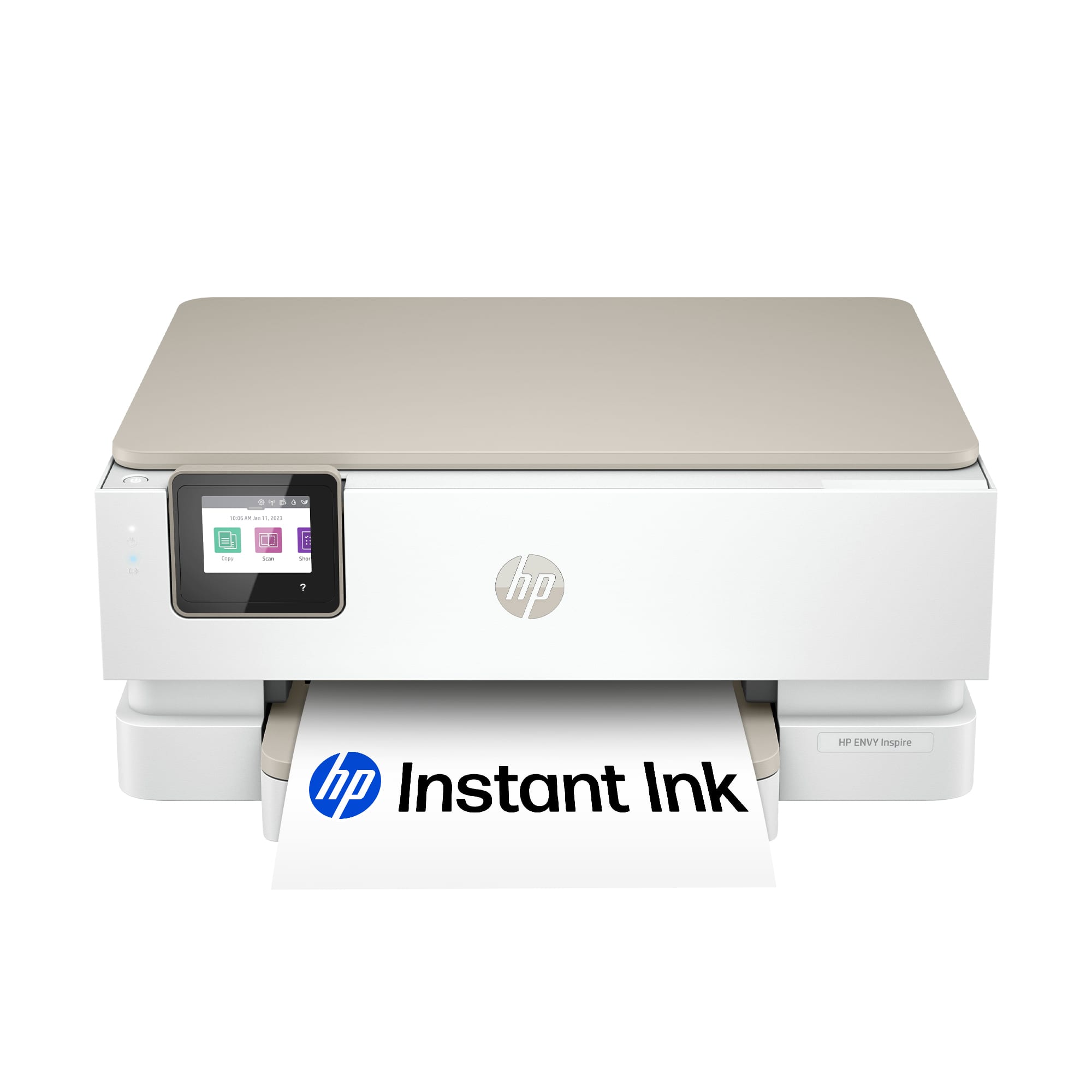

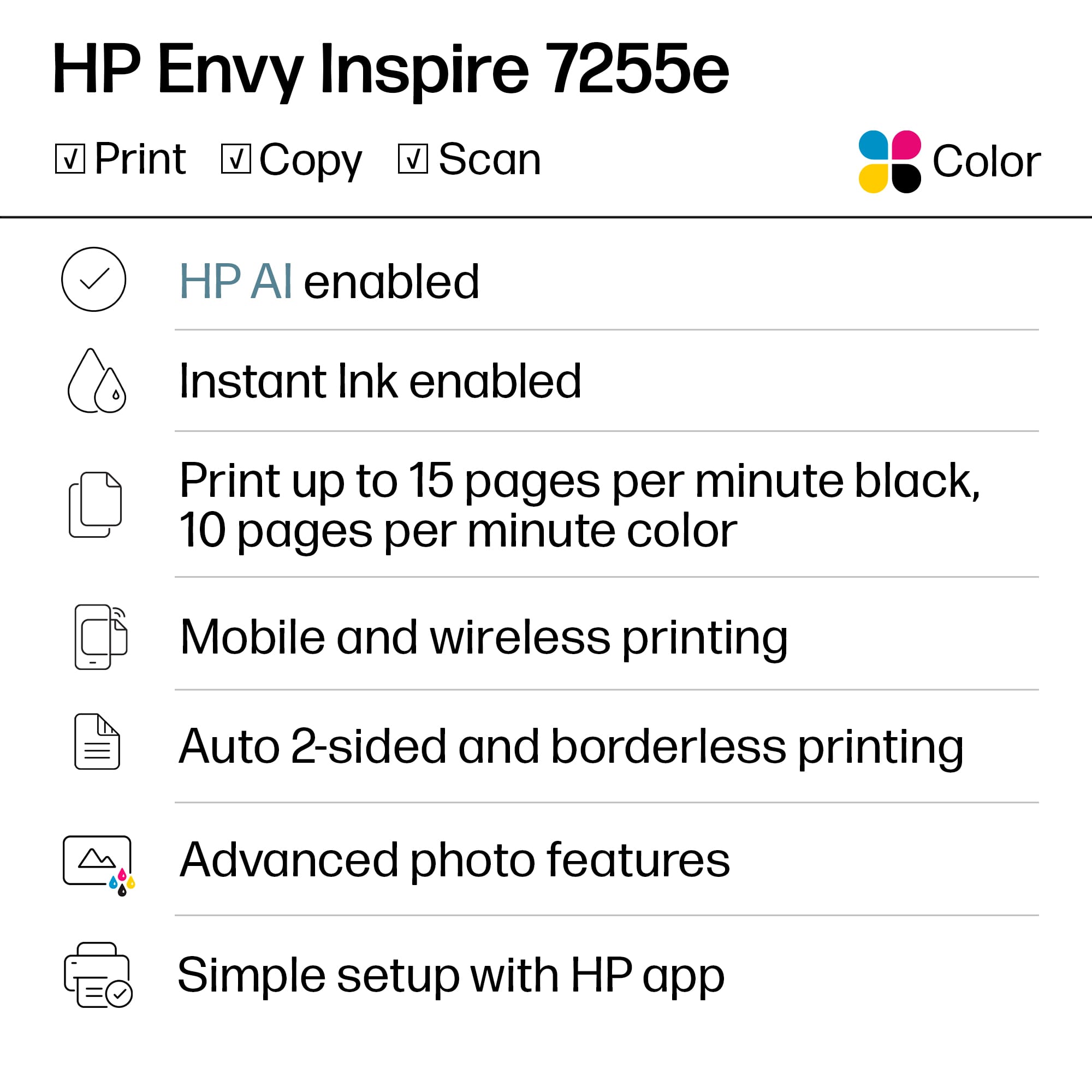
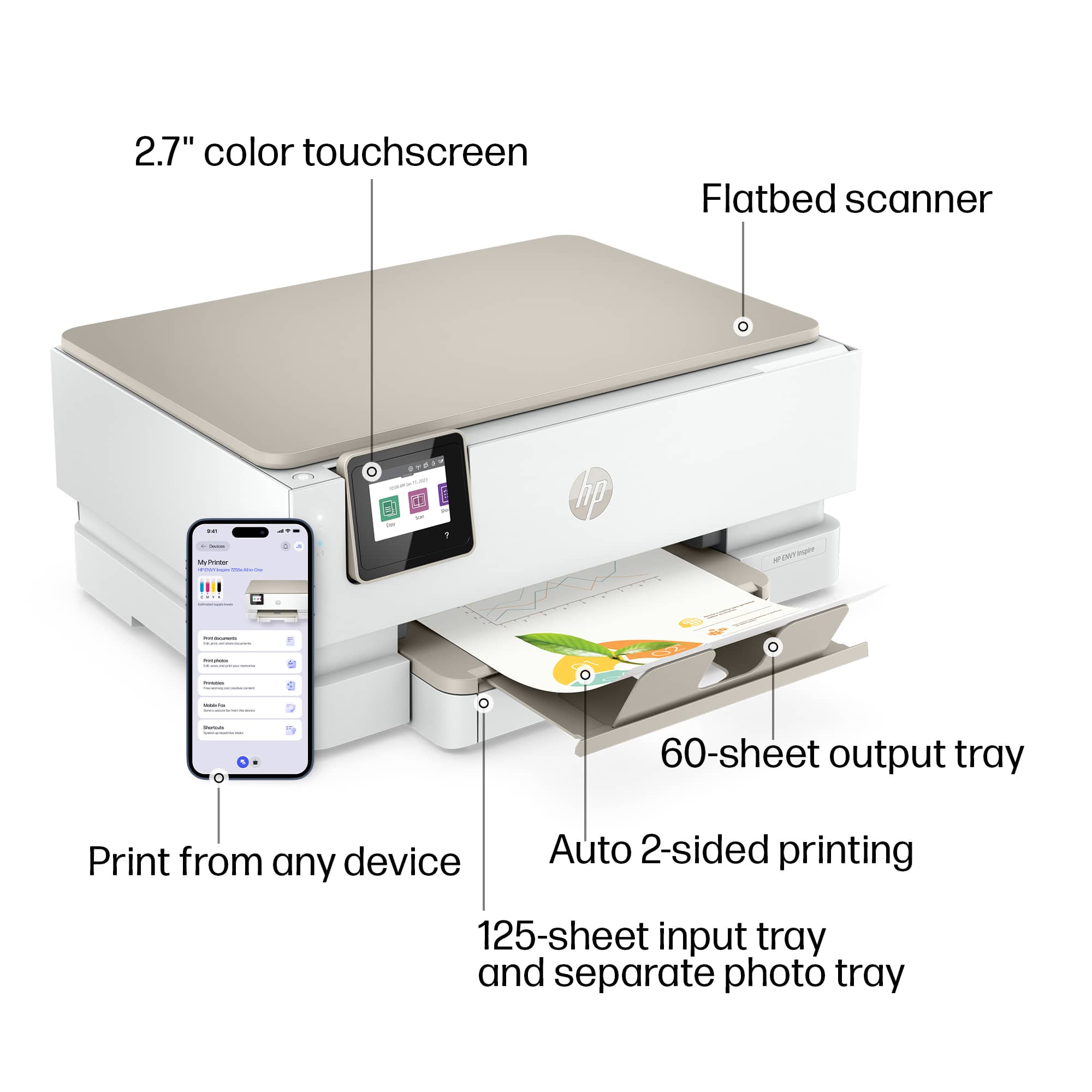
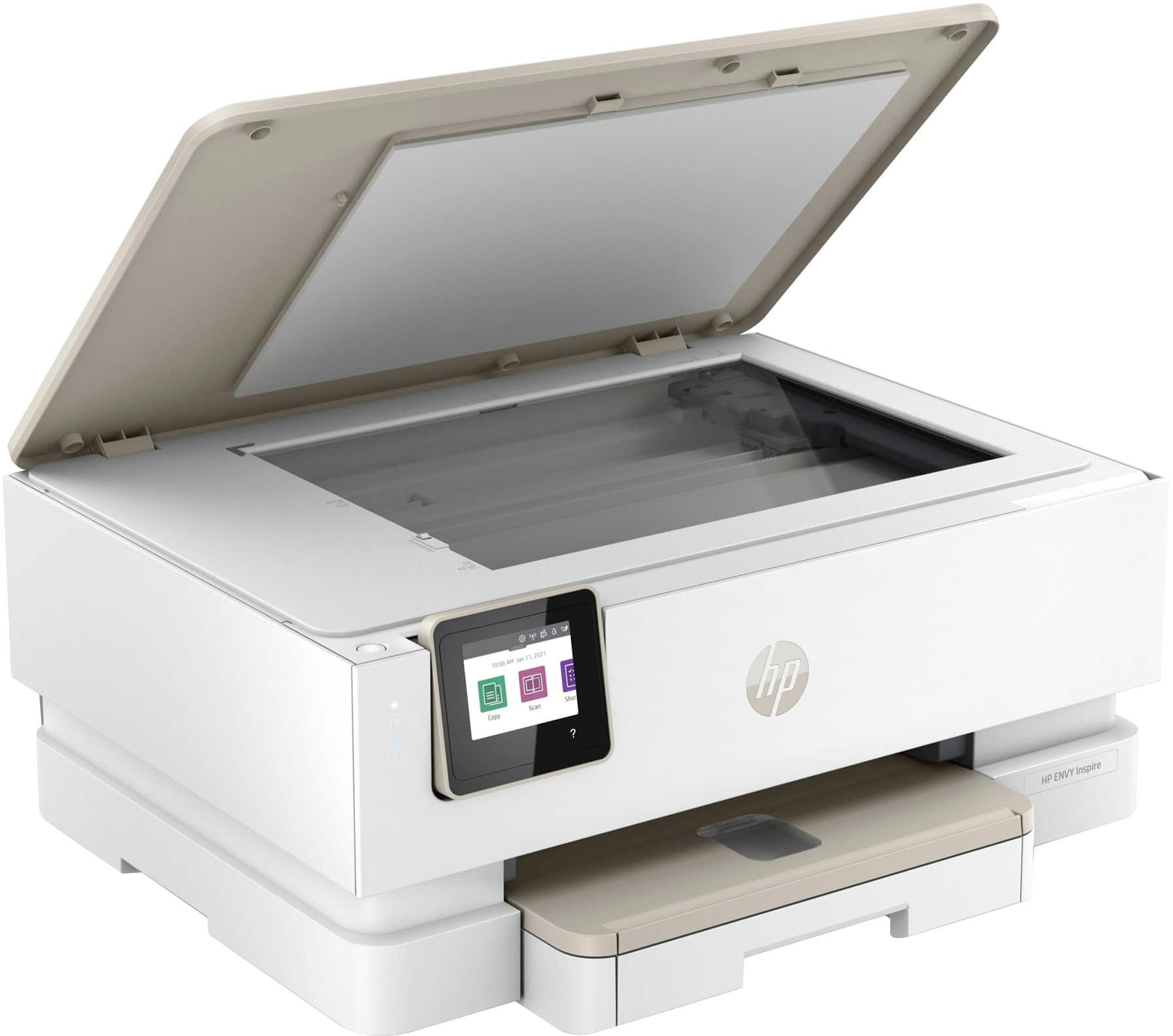

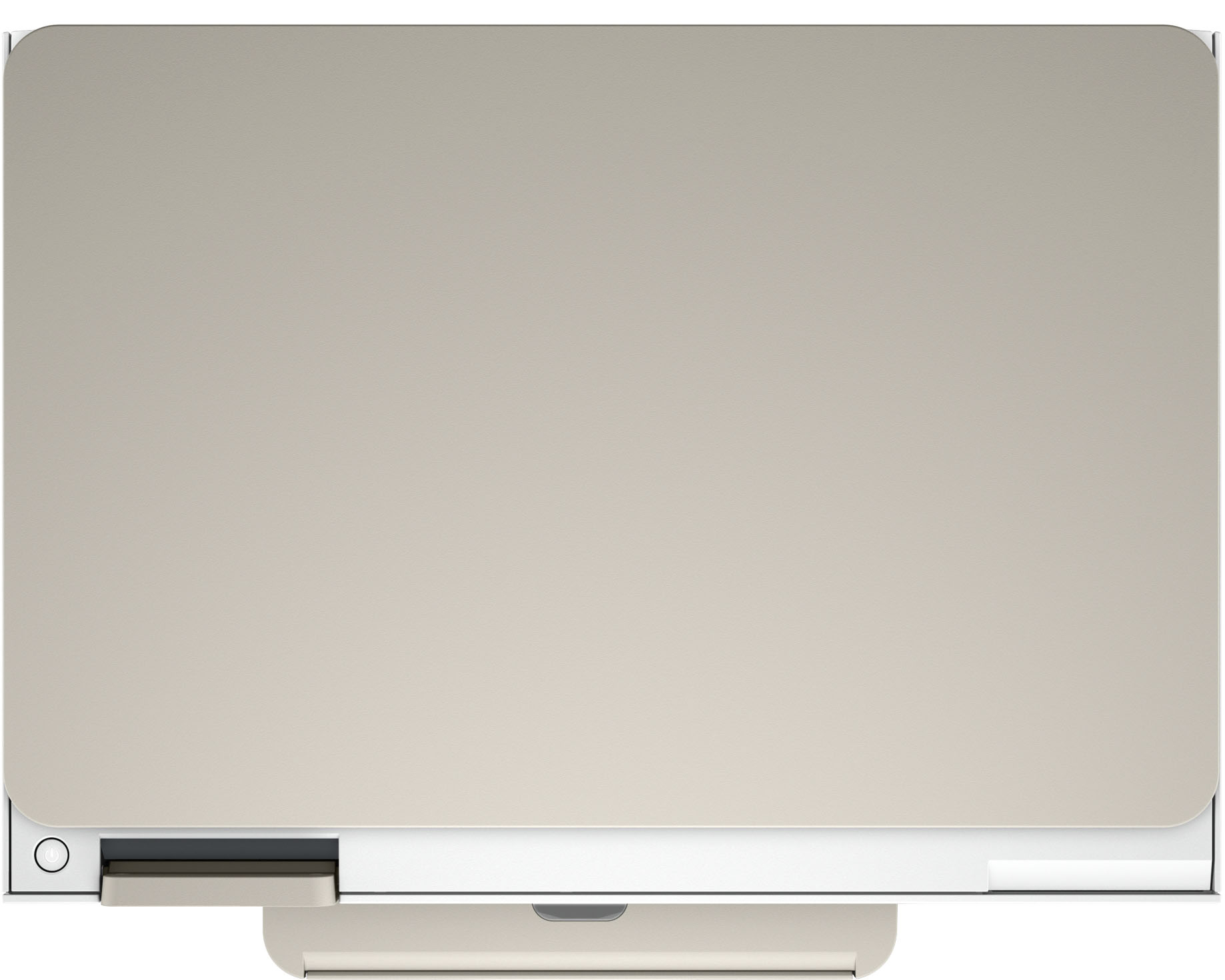
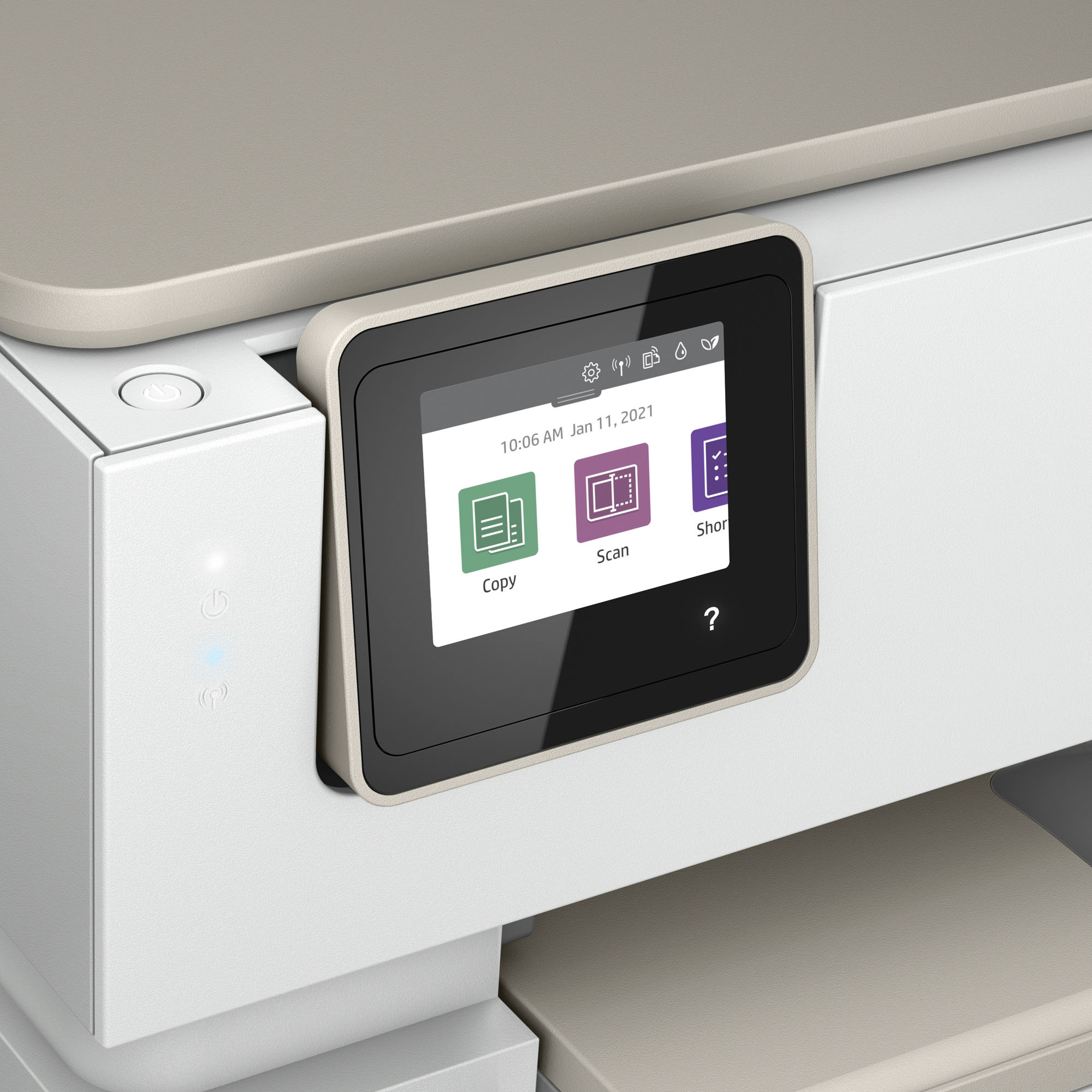





- Model:
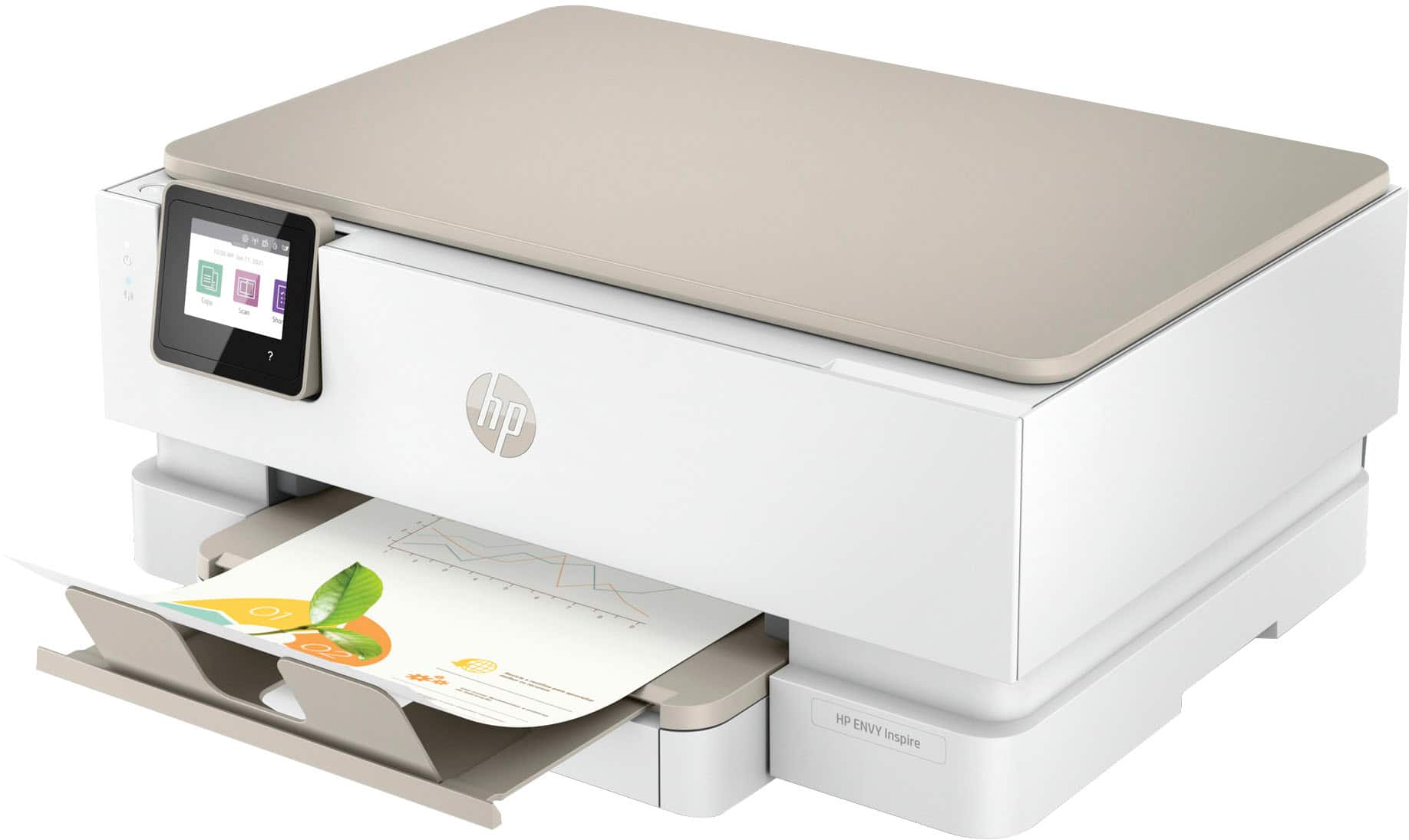
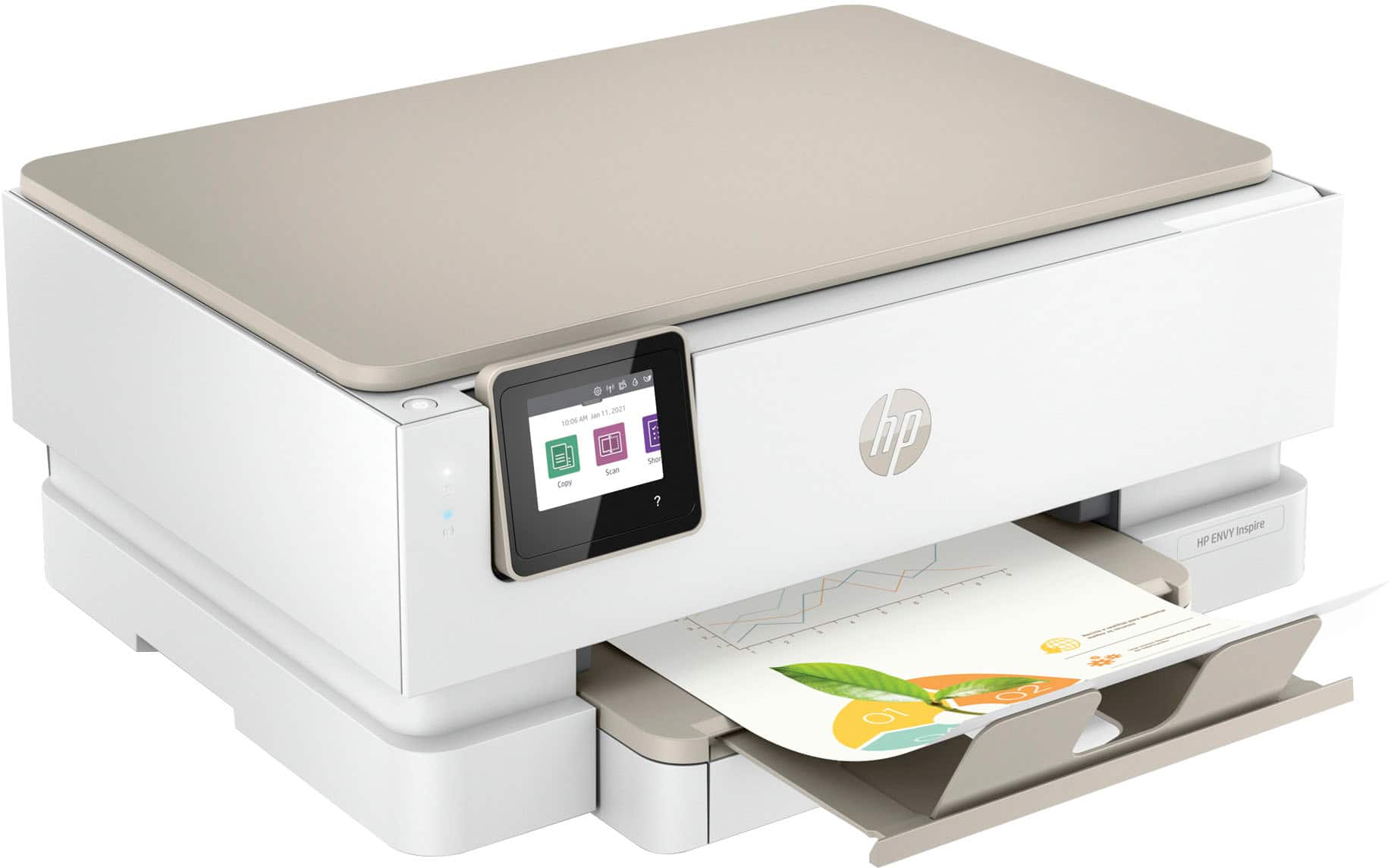
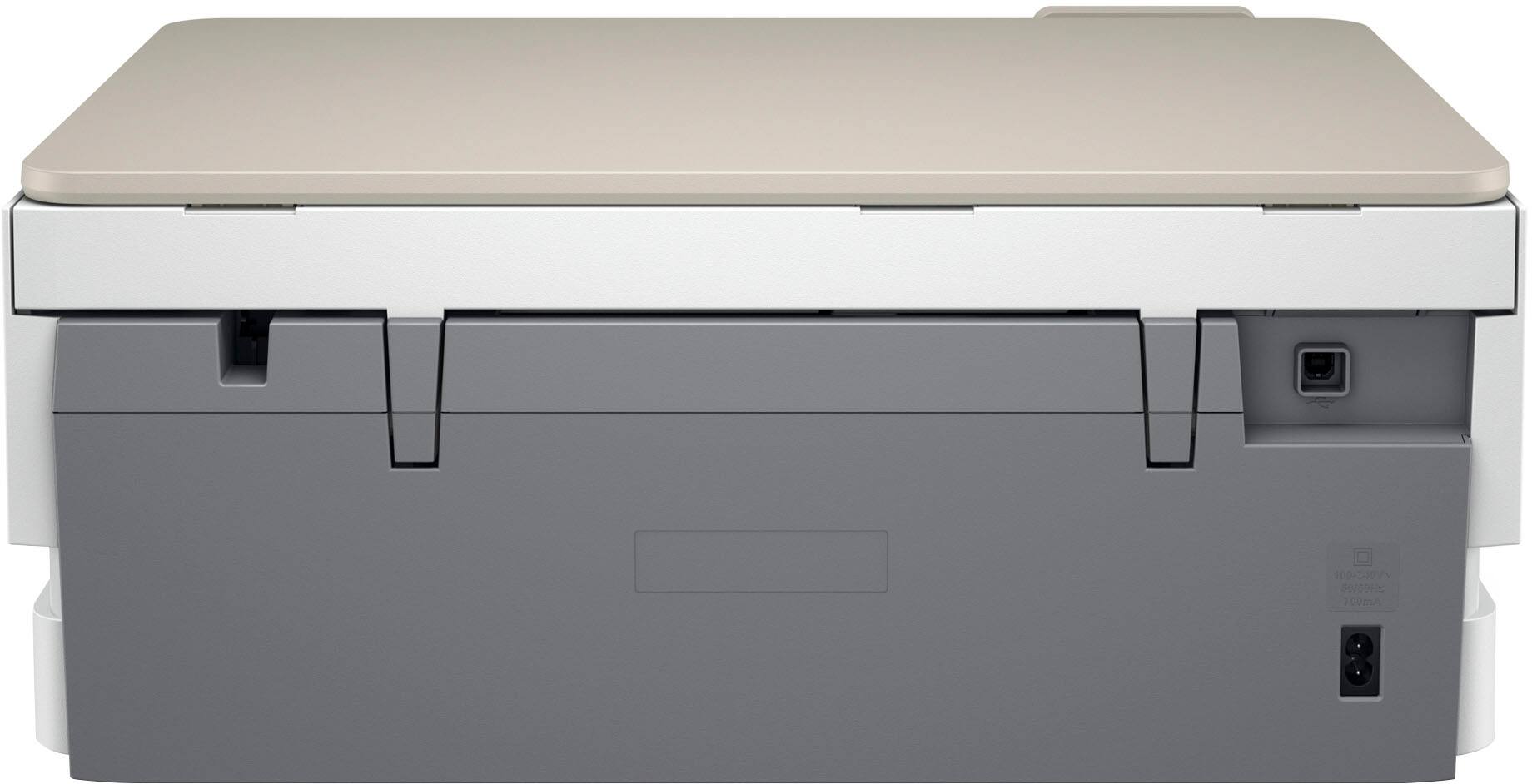
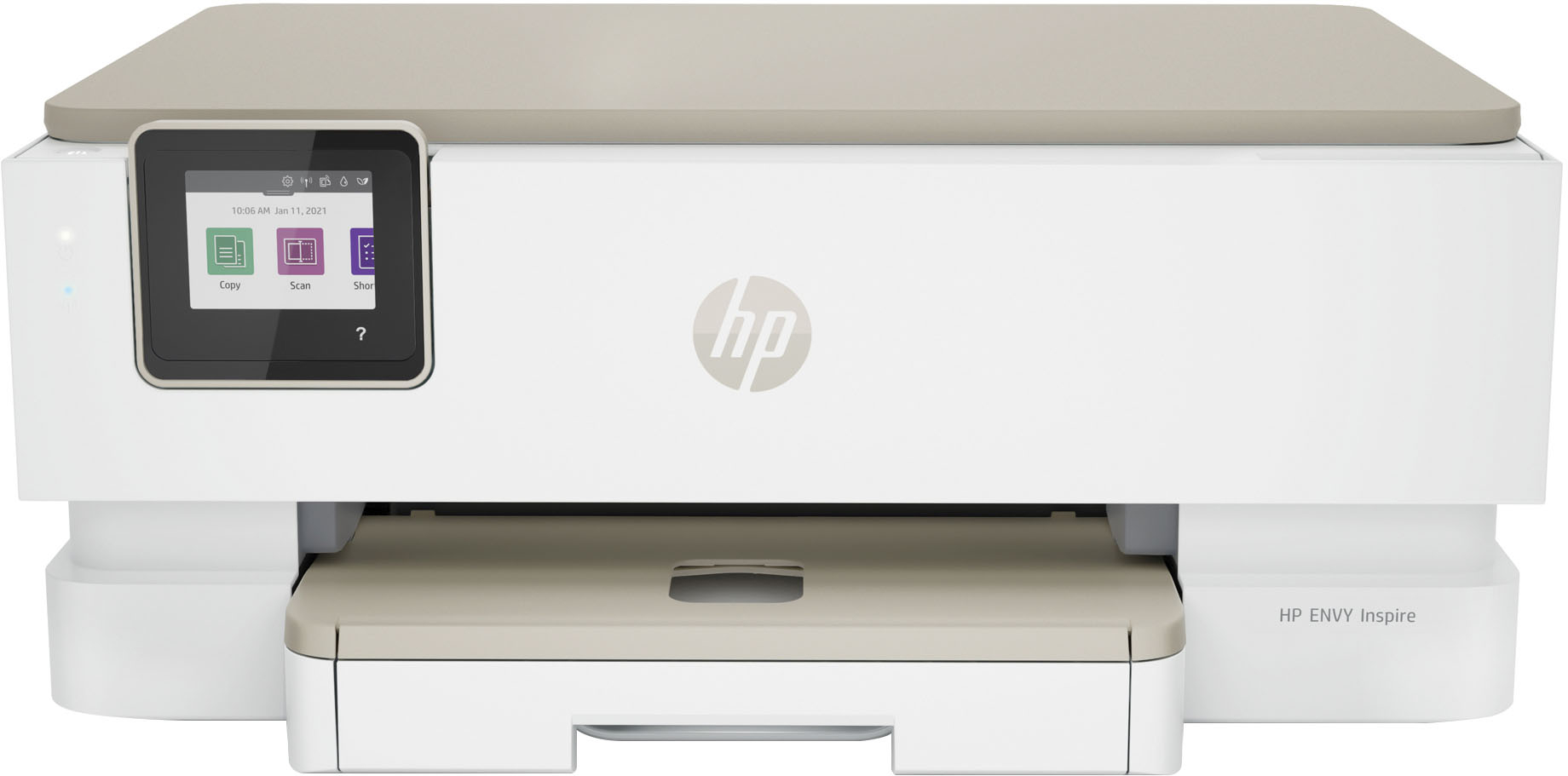
- ENVY Inspire 7255e/1W2Y9A#B1H
- SKU:
- 6492187
Rating by feature
- Value
Rating 4.5 out of 5 stars
- Quality
Rating 4.5 out of 5 stars
- Ease of Use
Rating 4.5 out of 5 stars
Customers are saying
Customers find value in the Envy Inspire 7255e printer's ease of use and great print quality. Many appreciate its overall performance, easy setup, and reliable connectivity. However, some customers have noted that the printer has a delicate paper tray.
This summary was generated by AI based on customer reviews.
- Pros mentioned:Ease of use, Print quality

Simple Setup, Simple Operation
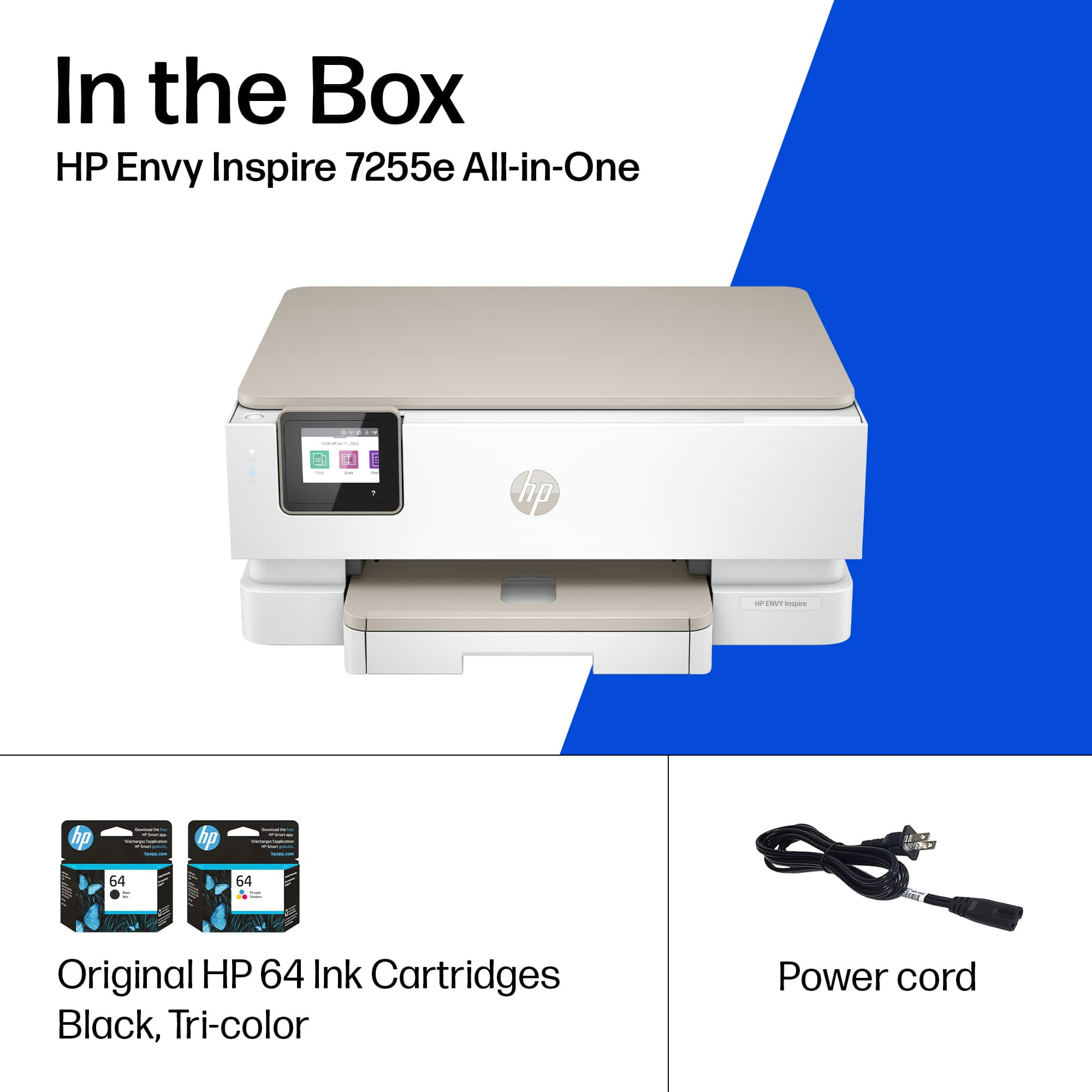
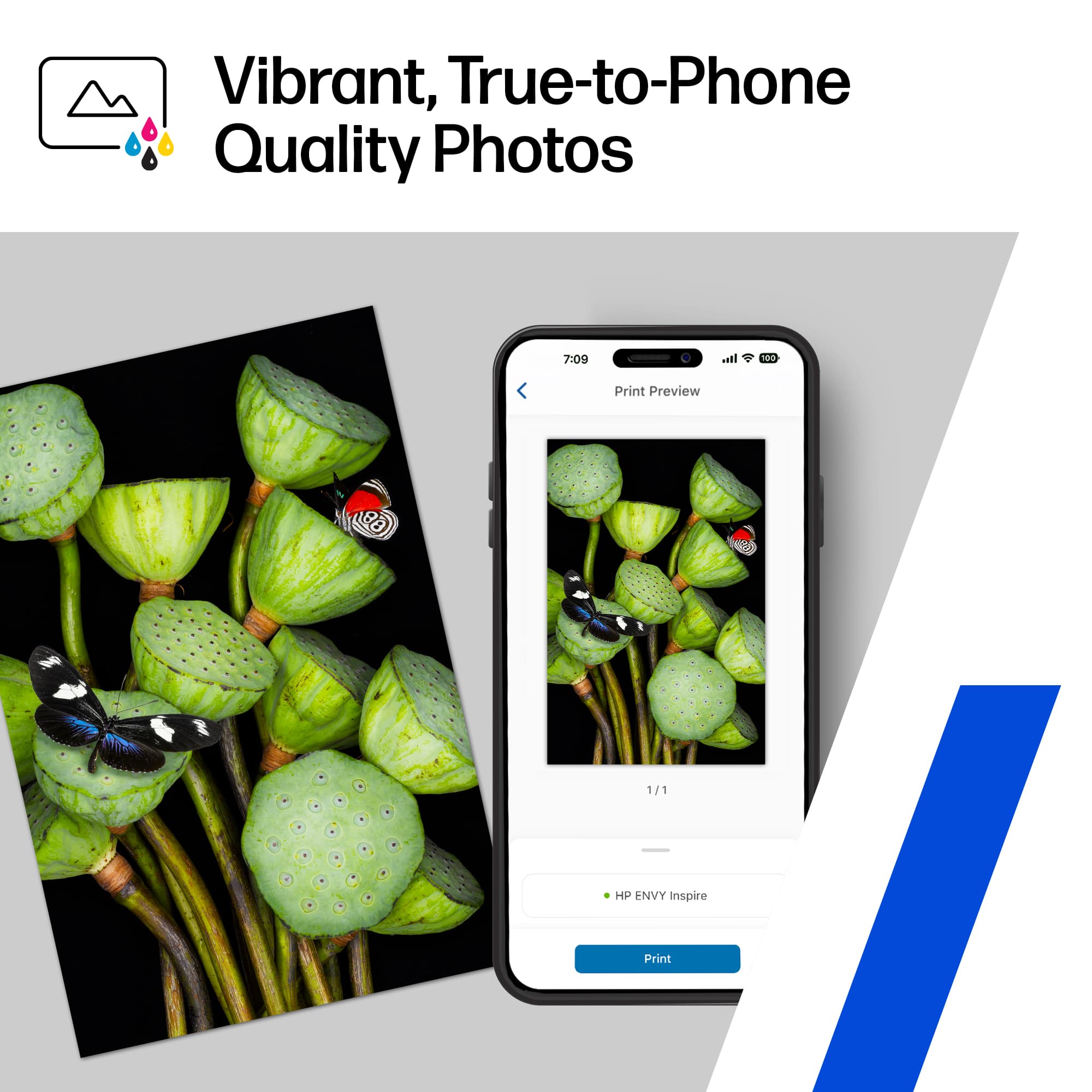
|Posted .This reviewer received promo considerations or sweepstakes entry for writing a review.HP always makes a quality product. This HP Envy 7255 is the third HP printer that I currently have in service. I have a larger business model at my business, a smaller more document oriented model in my home office, and now this HP Envy in the common area for general printing needs. First coming out of the box, set up is extremely simple. Download the HP printer App, plug in the printer, and follow the directions in the app. It will take you 5 minutes, tops. After setup, feed the printer with paper and you are on your way. Currently I have the printer setup with regular printer paper in the bottom tray, and 4x6 printer paper on top. This allows the printer to pull double duty. I am currently working on finishing a degree I started ten years ago, which results in me printing a lot of school work. But I also have a 1st grader that loves to be adorable, which means I take a lot of pictures with my phone. Probably too many. However every now and again there is that one picture that is just perfect and I need a hard copy of. Boom. HP Envy putting in work, and I don't even need to load the correct paper as it's already there. The document printing is what you would expect. But where this printer emphasizes focus is on its picture quality. And with this task, it does well. Better than good, but less than great. The printing is very simple from my phone. But it feels like the printer lacks some detail in the picture it prints when compared to the originals. On a few pictures, I would see lines in the horizon. They were faint, but hard to miss, which was disappointing. Overall, this is a darn decent printer. You will not find an easier printer to use. However due to minor photo blemishes, it falls just short of 5 stars.
I would recommend this to a friend Manager
||Posted . Owned for 1 month when reviewed.This reviewer received promo considerations or sweepstakes entry for writing a review.It’s almost not working and I will replace it tomorrow
No, I would not recommend this to a friendNot happy- ink runs out quickly
||Posted . Owned for 1 month when reviewed.This reviewer received promo considerations or sweepstakes entry for writing a review.The printer works just fine, but I printed maybe 50 pages over a month and the ink ran out. I specifically asked when I was at Best Buy for something where the ink would NOT run out quickly this was their suggestion and I’m not happy.
No, I would not recommend this to a friendBrand response from HP Team
Posted .Hi, Kristen.
I’m sorry that your printer ran out of ink so quickly. I can certainly understand why that would be an unwelcome surprise and a poor start to ownership. I want you to understand what’s happening with the device and remedy the problem if one exists, so I’ll offer what I hope are helpful resources and information.
First, I can’t say for certain what has happened with the ink supply in your case, but some printers come with what are known as setup cartridges, which have a lower capacity than regular or XL cartridges, and less still than ones in our Instant Ink program. If you’ve used only the cartridges that came with the printer, this could explain what you’re seeing.
However, if you’ve installed replacement cartridges, the XL cartridges designed for your printer have estimated yields of 415 to 600 pages, while the regular size cartridges are expected to produce 165 to 200 pages. How cartridges perform in your own printer varies according to numerous factors, including resolution, how dry the air is and how absorbent the paper is.
Regardless, if you’d like further input on ink use or believe there’s a problem with your printer, I recommend that you contact us directly at +1 800-474-6836 so we can help you assess the situation and find the best course of action. To expedite the process, I recommend gathering the following information before the call:
- Model number
- Serial number
- Your location
- Case number (from any previous contact with HP support)
Keith
HP Care
hp.com/support
- Pros mentioned:Print quality, Setup
Easy setup, two trays convenient
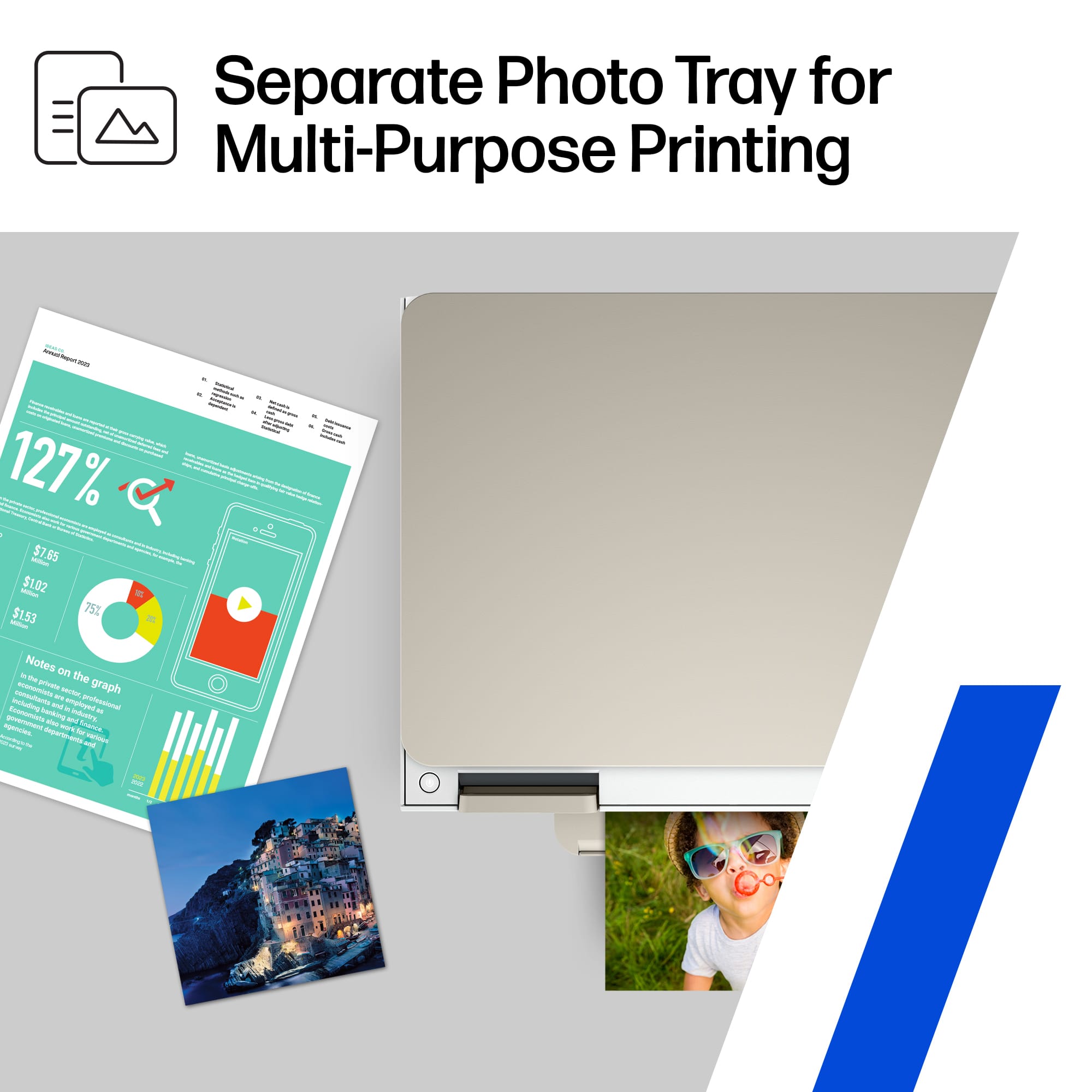
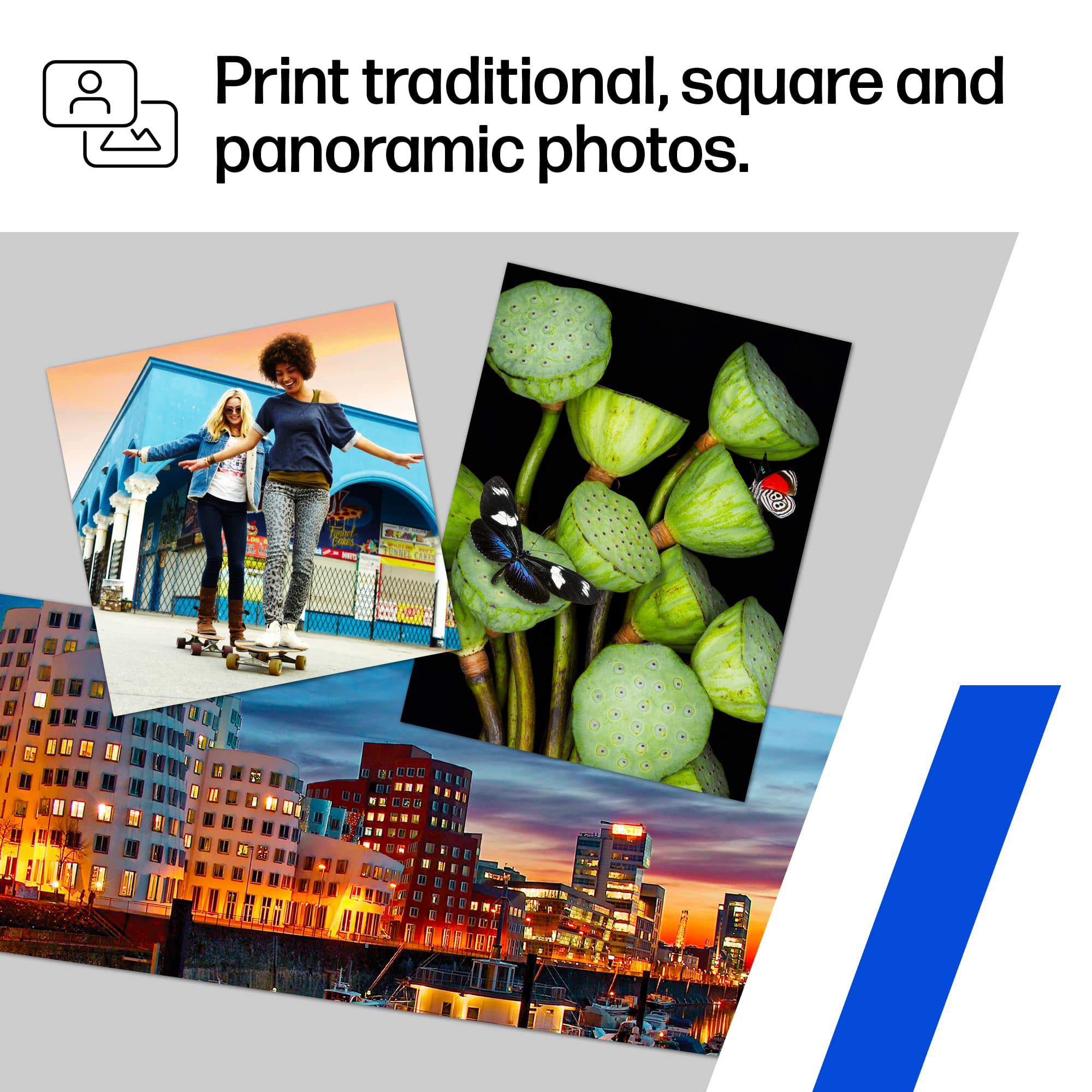
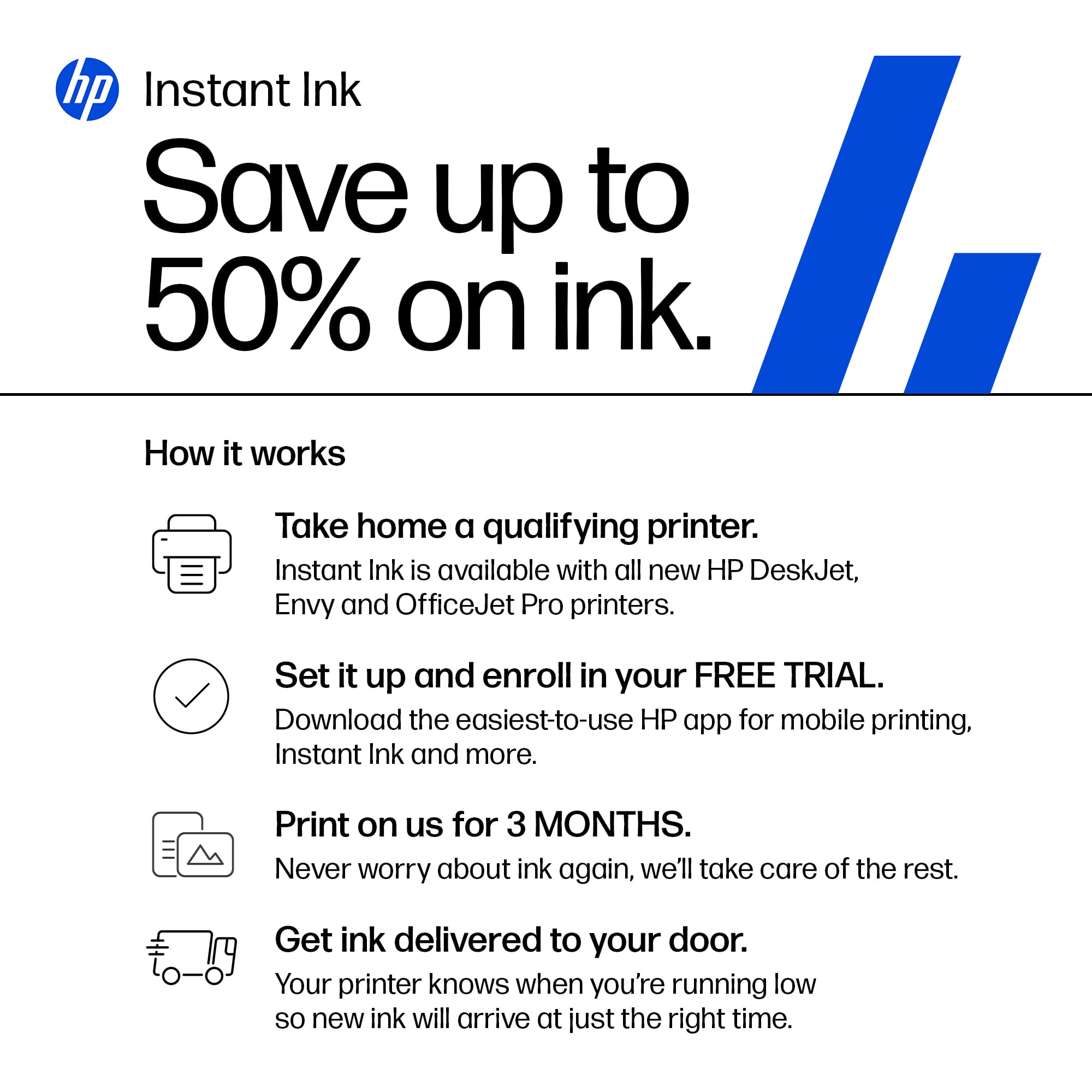
|Posted .This reviewer received promo considerations or sweepstakes entry for writing a review.HP knows printing. I expected easy set up and easy printing, and this little inkjet machine provides both. It also does borderless photo printing from a separate tray I can keep loaded with 4x12 photo paper for quick prints from my phone. Love not having to change paper type and size to print photos. It will print photos from either tray for other sizes, but 4x6 is the go-to for convenience. The photos actually look much better than what I have gotten lately from my local corner store. The app is not necessary since you can print to any network printer from a phone anyway, but it allows some extras that are nice to control without get on the computer or standing at the little color screen on the printer. I prefer the app to either of those options, and it tracks your need for ink. The endless ink is basically a handy subscription service that knows when to order more and automatically does so for you through the app. It will take more use to see how accurate that process is, but HP has been doing it a while so I suspect it’s as painless as getting my contacts refilled and magically to my door prior to running out! The printer is not one I’d trust kids to handle a lot, but it seems sturdy enough for a couple years home use. It is touted for home and leans to photo printing, and I agree with that. For business needs, buy laser. Ink jet does photo color best, but is not a business machine.
I would recommend this to a friend Poor quality printer
||Posted . Owned for 7 months when reviewed.This reviewer received promo considerations or sweepstakes entry for writing a review.Had this printer for six months and it's truly the worst printer we've ever own. It goes through very expensive ink like crazy. The pages it claims it can print is miles off - the best it's ever printed is 16 pages before it requires a new color cartridge (and that was using the XL cartridges). It also constantly makes banging noises like it's looking for paper when it's loaded. Due to the ridiculous cost of ink, we just switched to a different brand printer that uses the ink tanks. So much better than this printer. HP should be ashamed putting their name on this printer.
No, I would not recommend this to a friend- Pros mentioned:Print quality
Good scanner, just OK as a photo printer
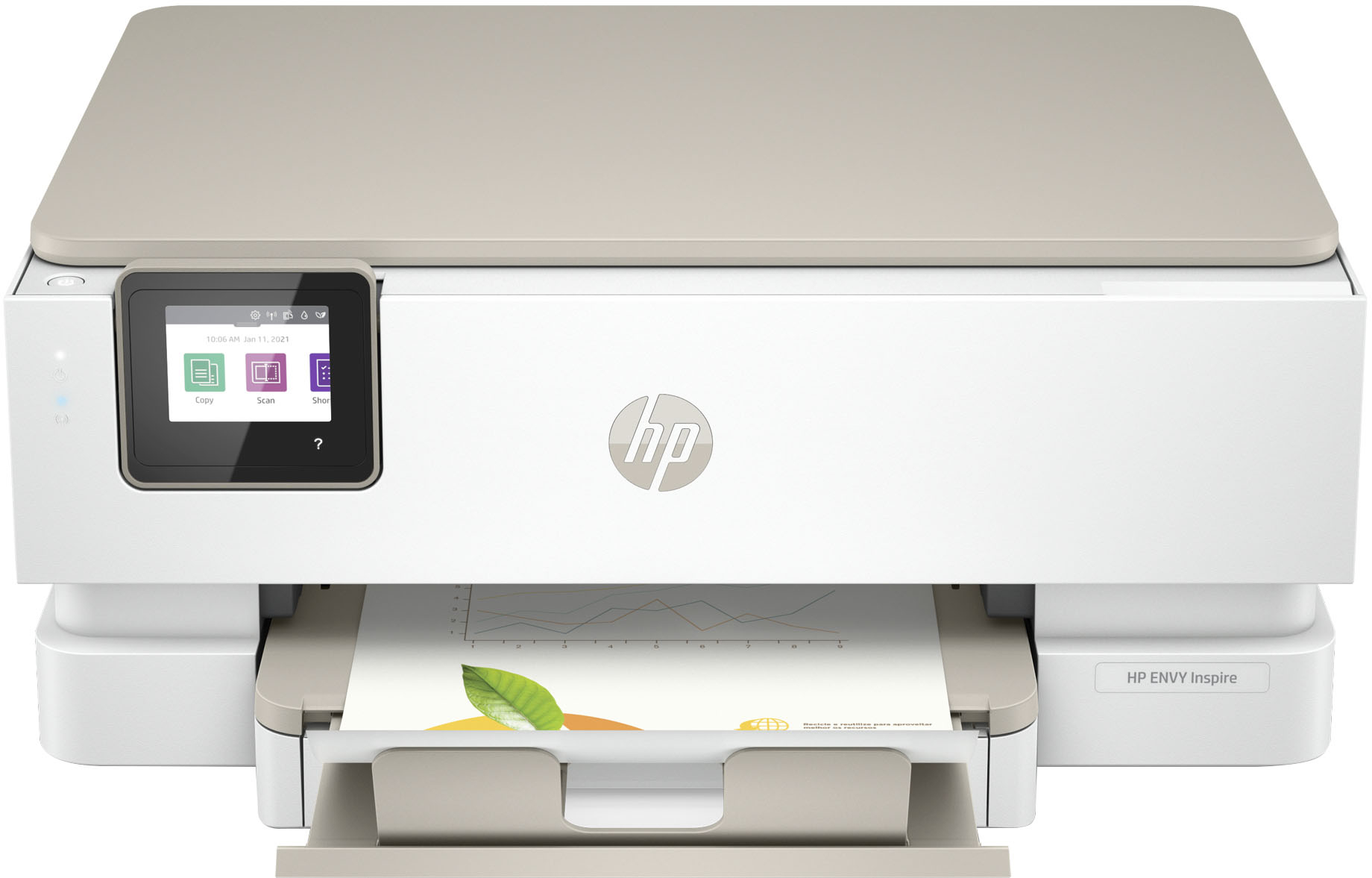
|Posted .This reviewer received promo considerations or sweepstakes entry for writing a review.With this printer, my expectation was not that it could produce perfect, professional quality photo prints at its price point. I was looking at this as something my family could use to make a quick print from a phone or tablet on the go. That's pretty much exactly how this printer is being marketed. I have had a similar printer for several years, and lately it has started to deteriorate, but I had a baseline for comparison from when it was new. In Terms of design, I personally like the simple, streamline, utilitarian build that doesn’t take up excess space and doesn’t have excessive “styling”. The design of the paper trays and the out-feed are well thought out. Selecting the correct place to put various stock sizes is very easy. The out-feed support is a very simple piece that slides out easily, not at all like the complicated, clunky, noisy and now broken mechanical out-feed that was on my old printer. Overall, though made of plastics, the printer feels solid, and there don’t appear to be unnecessary bits and pieces that can break off, dislodge or otherwise become problems. When setting up the printer I was prompted to install a mobile app, and a QR code was provided that linked my phone to the app. After installing the app, basic setup of the printer was extremely simple, and I ran the printer through some calibration and test prints. While not silent this printer is much quieter, and also much quicker to start prints than my previous printer. The machine doesn’t shake rattle and roll, just a couple of noises as the paper is picked up then there is just a nice smooth finish. The app on the phone seems to be pretty handy, especially considering the limited number of options that the mobile device has natively for printing. There was a bit of learning curve to navigating some of the options to get exactly what I wanted, in particular I found changing sizes to be difficult. After running through several prints on my phone, I decided to try out printing from my windows laptop. Normally, when I print from the laptop I simply use the built-in print utility and everything works fine. I have done this with a variety of printers. The laptop saw the printer on my network and I figured I was all good to go. This is the first printer that I have had that forced me to download the brand specific print application so that I could change certain preferences, and unlike the phone, I found the printing process very convoluted on the laptop. For example, when I tried to print a photo from the laptop at the highest output resolution, it would continually throw back to a lower quality when I selected the exact photo stock paper that was recommended. This was a bit frustrating and I had to play a bit of guessing game to find which combination of paper would work for the output I wanted. In terms of print quality, I cannot complain about the sharpness of the prints as all of the high-resolution images that I printed from both my phone and laptop looked nice and crisp. I was however disappointed with the color reproduction. This printer just seems to struggle with skin tones. Everything seems too red and over-saturated. I ran the calibration utility, and then I scanned an older photo that I had using the printer’s built in scanner. The scan to laptop utility worked very well and the image that I saw on the laptop was a very accurate, very true to color and tone copy of the photo. When I printed it out, the skin tones were simply too red. This seems like a very big flaw for a printed that will primarily be used to produce pictures of family and most likely people more than anything else. The printer came with a free 6-month subscription to the HP ink delivery service. I have not had the printer long enough to say whether this service will be worth paying for later. I will say that the ink tanks on this printer are combined 3 color in one cartridge tanks, meaning that when you are out of cyan, you have to swap the whole tank. This is something that I cam not fond of. Considering the small size of the tanks I feel like I will be blowing through ink cartridges quite quickly, though the documentation for the ink delivery program states that the tanks you will received through that service have more prints in them than the XL tanks you can purchase at retail stores. Overall, I feel like this printer is just ok. It has some solid design and some nice capabilities (the wireless scanning is my favorite feature so far!). On the downside, it’s difficulty printing skin tones and some of the difficulty I had in the Windows environment are pretty big issues, especially considering the price point is higher than some similar printers I have owned or encountered.
No, I would not recommend this to a friend - Pros mentioned:Ease of use, Print qualityCons mentioned:Paper tray
HP Envy Inspire Wireless All in One Inkjet printer
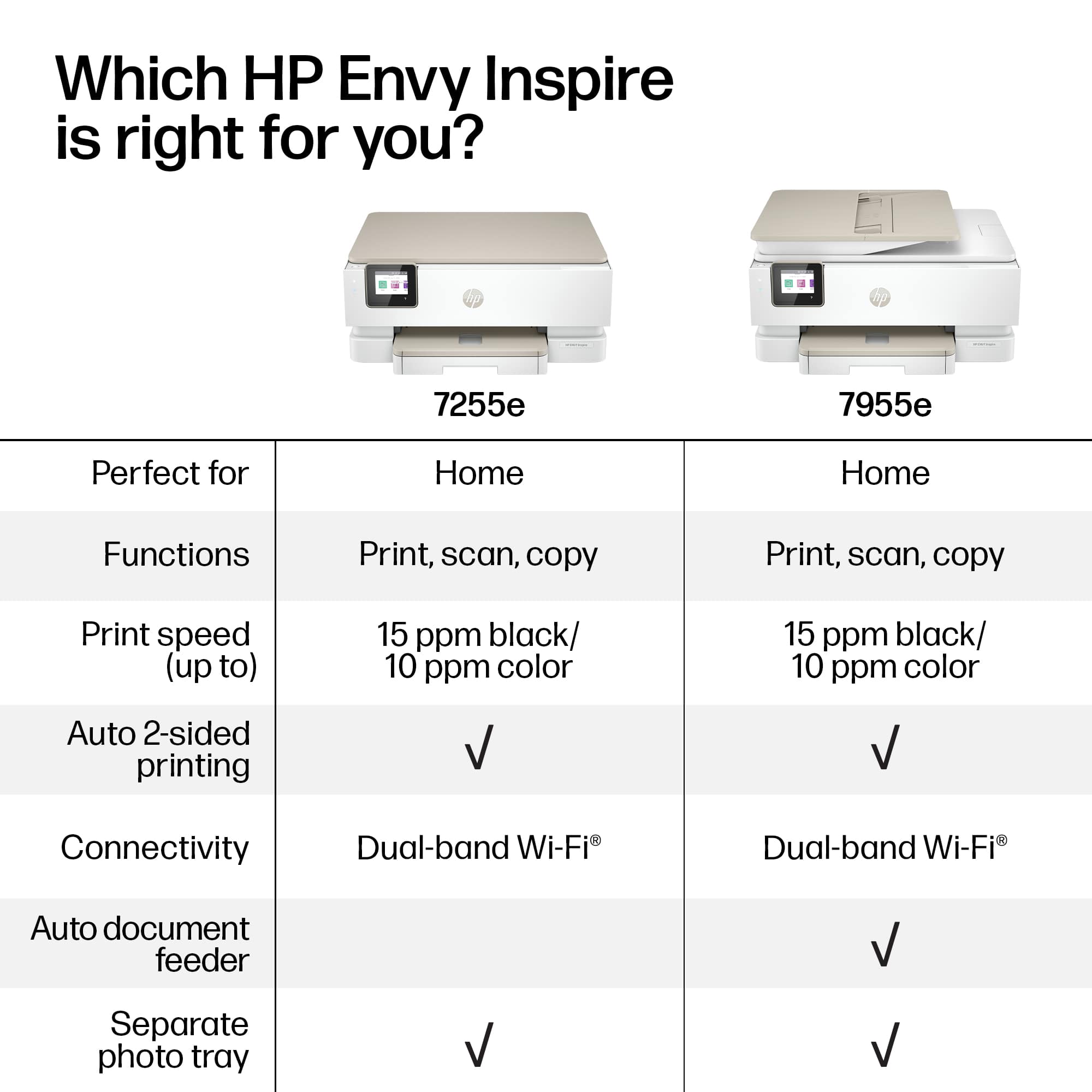
Posted .This reviewer received promo considerations or sweepstakes entry for writing a review.Printer was fairly easy to install although I am still learning about some features. It has a small paper tray holder and I am finding ink difficult to install. It does print clearly and nicely. I thought it had the capacity to print several pages at a time by placing docs in a feeding tray but it does not. this however was my mistake in not ready the description well. Nice features is being able to get new ink every 3 months without having to order it.
I would recommend this to a friend do not buy HP 7255e
||Posted . Owned for 2 weeks when reviewed.This reviewer received promo considerations or sweepstakes entry for writing a review.i purchased 1 of these and could not get it to setup.. Took it to Geek Squad and they said they couldn't get it setup eithere.. I exchange that one for another same model.. Iy too would not setup.. I spent over 3 hours online with an HP tech person who couldn't do it either.. Their advice was to returnit and get money back. That's what i did today. Still looking for a printer.
No, I would not recommend this to a friend- Pros mentioned:Print quality
Convenience and Quality with a Minor Catch
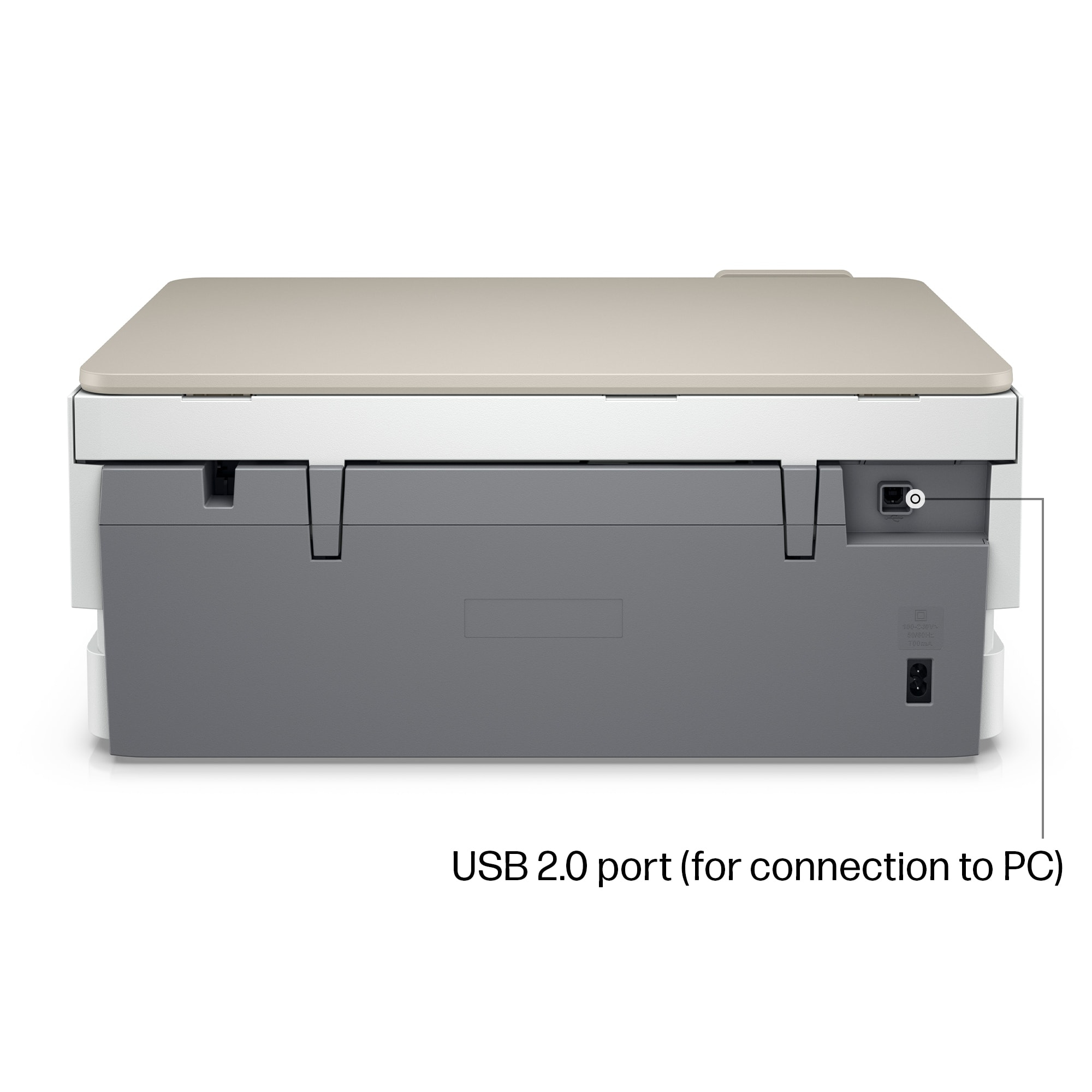
|Posted .This reviewer received promo considerations or sweepstakes entry for writing a review.Very easy to install to my Wi-Fi. My iPhone and iPad automatically recognized it when I printed from them. You can even scan from your phone directly to the printer no matter where you are. If you ever printed photos in a printer that doesn’t have a dedicated tray for photo papers, you know that it can be frustrating and it is prone to errors, making you waste time and money. Fortunately, this HP Envy Inspire comes with a tray exclusive for photos that actually works and does so very well. Equally important, the pictures look professional, which is something really important to me because I take a lot of photos and I expect the best ones to look great on paper. Text is excellent like all modern HP printers and the speed is very good for most home offices although it could be considered slow if you print a lot of work documents. What I dislike is the fact that it uses a tri-color cartridge, which is a waste of ink in my opinion. You run out of magenta, for instance, and you have to buy another cartridge, wasting the remaining yellow and blue inks. Here are the Pros: • Easy menu on an LCD color screen • Dedicated photo tray with two-sided capabilities • Supports up to Wi-Fi generation 5 • Easy connection to mobile devices such as phones and tablets • Excellent photo and print quality • Great app features such as remote scan and print • Duplex printing, a must for many people and great to save paper. • 6 months of Instant Ink included, which is sent to you automatically when the printer senses your running of ink And the Cons: • Only works with Original HP ink. It guarantees quality but HP ink is not cheap • Instant Ink Subscription is great and started cheap, but they just increased their price depending on your type of subscription. It is convenient but it also optional, so you can decide whether this is a con or pro. • Tri-color ink cartridge. I prefer individual color cartdriges. • Doesn’t support the newest Wi-Fi generations 6 and 6e. Not many homes have that yet, but it is the future of newer Wi-Fi routers. You can’t go wrong with an HP printer, and this one is no exception. Despite my complaints about their tri-color cartridge and Instant Ink subscription, which is somewhat pricey but very convenient, especially if you print a lot, its print quality is unmatched.
I would recommend this to a friend Ink cartridges are if'y! beware.
||Posted . Owned for less than 1 week when reviewed.This reviewer received promo considerations or sweepstakes entry for writing a review.Just set up this printer and it is a lot more involved than it should be. The Canon printer I replaced was much easier to set up. After setting it up the color ink cartridge would not print Cyan color! Contacted HP and waiting for a response. Never had this issue with Canon products.
No, I would not recommend this to a friendPathetic HP Support
||Posted . Owned for 1 month when reviewed.This reviewer received promo considerations or sweepstakes entry for writing a review.0 Stars if I could. Unable to print in color. Black is Okay. 3 separate attempts to troubleshoot and to reach out to HP support, totaling over 90 minutes of my time. Complete waste of money. Buy something else.
No, I would not recommend this to a friend- Pros mentioned:Print quality
Great Device, Questionable Policies
|Posted .This reviewer received promo considerations or sweepstakes entry for writing a review.This is a really nice looking printer/scanner. I know that’s kind of weird thing to say about a product that’s mostly designed to blend into the background of a home or home office, but as far as printers go this one looks really cool. It’s incredibly easy to open every compartment you might need access to and I don’t know that I can say that about any of the many other printers I’ve owned in my lifetime. So, off to a good start right out of the box. This will look nice in your home and should for some time. It also prints really well! I’ve been using a B&W laser printer as my go to device for years now and it’s been great having he option to print color documents and photos. Inkjet has come a looong way in terms of quality over the last decade, it seems. Colors pop on the page and I haven’t had an issue with smearing at all. I haven’t done a ton of photo printing - because it still takes a noticeable hit on the cartridge ink level - but wow. A tricky snow photo printed great, getting the whites exactly how I expected them to be and making the green sled in the photo really pop. This isn’t probably something I’m going to do a ton of, but it’s a fantastic option. If you’re a parent and need a quick gift to give a relative, you could easily fire off a great photo print of a family member without having to use your local drug store or an online service. The scanner, too, has been a pleasure to use. Easy to line up and the HP app makes it a cinch to see what you’re going to get before you press that print button. This, too, is a departure from previous scanners I’ve owned in the past. I need to really test it with some heavy text scanning (which is where I’ve always run into issues before), but I’m very happy with initial results. So why not 5 stars? It’s HP. Setup via the app would be the simplest thing in the world with one big exception: a very confusing push - and almost insistence - that you sign up for their service called HP+. I consider myself pretty tech savvy and privacy aware; I still cannot tell you with absolute certainty what I signed up. And the only reason I signed up at all is because the language they use not only makes it seem like there’s just no way to sign up at a later date after doing your own research, but that there’s a very real chance the printer won’t work at all if you don’t sign up AND use genuine HP ink cartridges! I tried to read and understand things carefully, looked elsewhere online, and finally just gave up and submitted so I could actually get on with using the printer as, you know, a PRINTER. It’s just a printer. Why is this kind of brow beating pushy language necessary at all to use a printer?? It makes no sense. But I can at least offer this positive: HP+ is free. Thank goodness. They’ll also try to get you to subscribe to their automatic ink refills service, but I passed on that. I really, really wish that they could just politely point out that these services exist (it’s on all the literature included with the printer, after all) and let customers decide if they want to use them AFTER getting their printer set up. Why and how would anyone commit to paying for new ink every six months before they even know if they like how the machine prints??? That’s kind of insane and a bad business practice, imo. So there you have it. I hope HP will reconsider their policies and update them to be as effective as the product they’re attaching them to. A better customer experience on that side of things would only make me appreciate the device they’re selling more.
I would recommend this to a friend - Pros mentioned:Ease of use, Print quality
PERFECT for ME!
Posted .This reviewer received promo considerations or sweepstakes entry for writing a review.I purchased this printer as HP does stand by their products and HP's are the only manufacturer's that offer front load on everything AND a separate photo tray!! I've had this printer a few weeks now, it performs well, photos are great and it is easy to operate. I print alot and ease is important. (also, I'm handicapped and a straitforward printer like this is important)
I would recommend this to a friend - Pros mentioned:Ease of use, Print quality
All my printing needs are solved
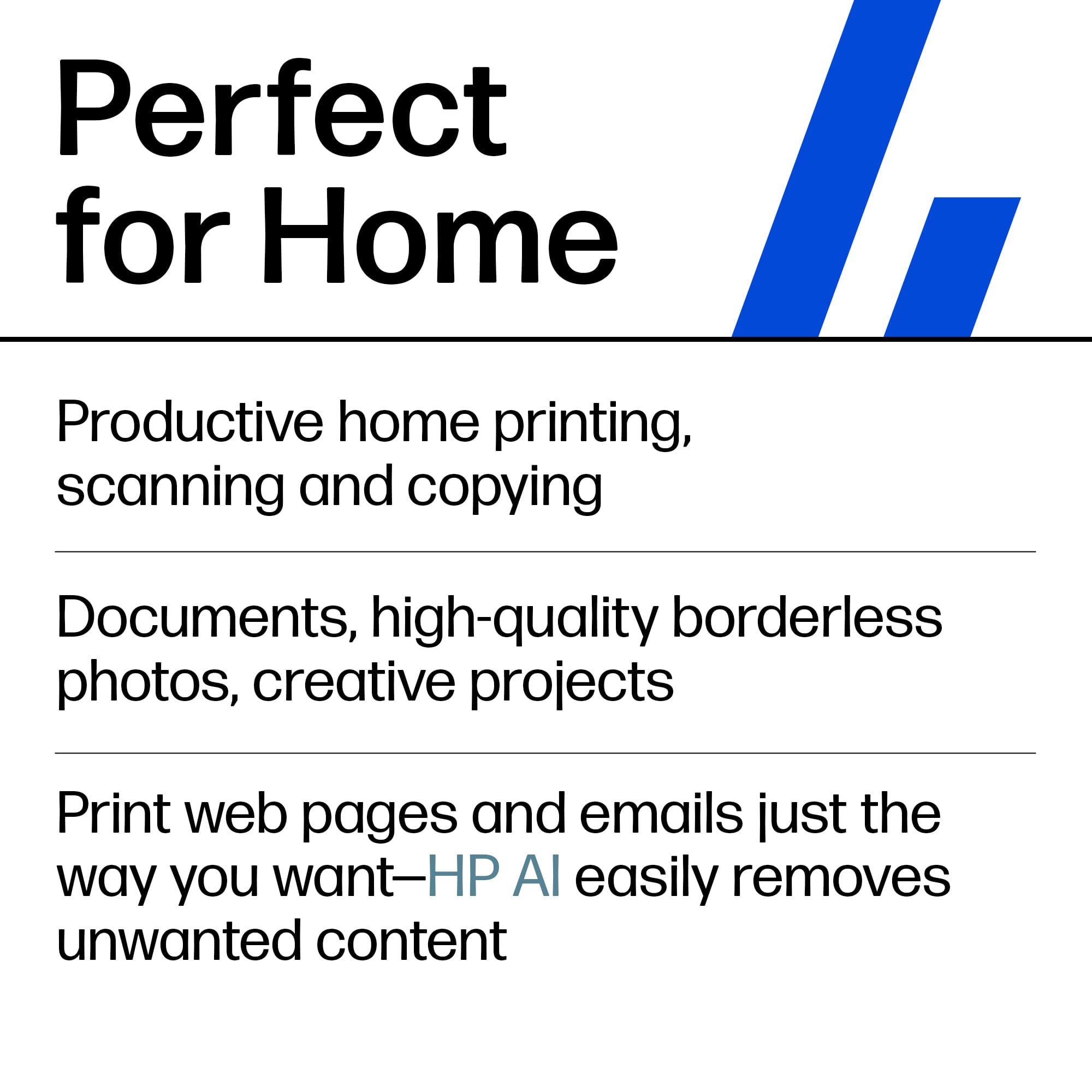
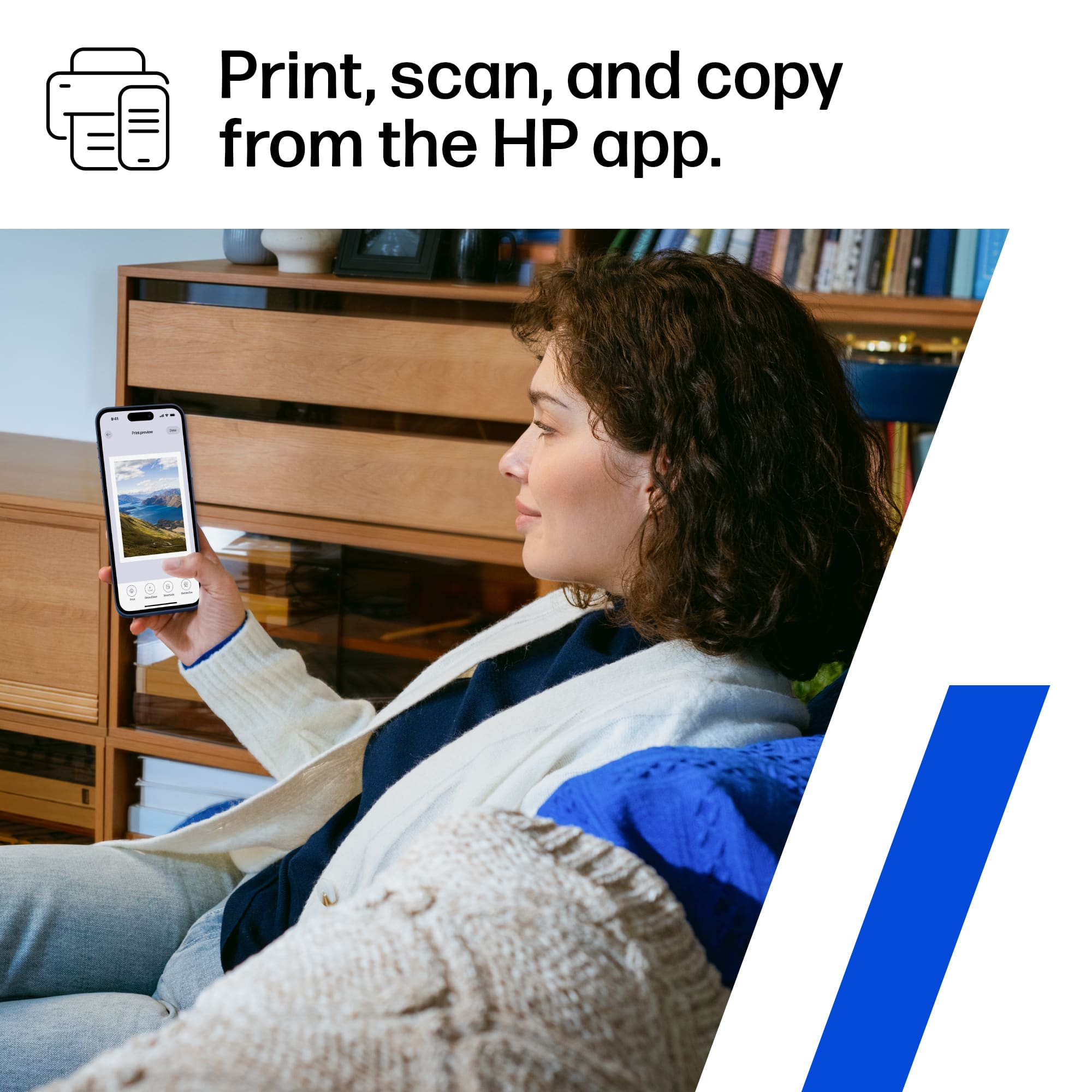
|Posted .This reviewer received promo considerations or sweepstakes entry for writing a review.The HP ENVY Inspire 7255e can handle all of the basic printing functions needed on a daily basis. I can print, scan, copy & fax using my phone or computer. Setting it up was as easy as turning on the printer and installing the HP Smart App to complete the setup. Remote printing is possible with additional email addresses. I printed photos and documents and scanned and copied documents. The production qualities of my printing jobs are perfect with colors and words printed bold and sharp. The HP ENVY Inspire 7255e is great to add to my computer and phone for printing needs.
I would recommend this to a friend Hot Garbage
||Posted . Owned for 1 month when reviewed.This reviewer received promo considerations or sweepstakes entry for writing a review.HP Smart is hot garbage. I can't really say anything about the printer as I we never able to use it reliably. BTW - I am in IT for a living & deal with printers frequently. Save yourself & buy anything but an HP.
No, I would not recommend this to a friendBrand response from HP Team
Posted .Hi, Thomas.
I’m sorry you’ve had a difficult start with your printer. I can wholly understand why problems with the HP Smart App would be frustrating, especially considering you’re an IT professional. I want to help you remedy this problem. I hope the resources below reach that end.
First, I recommend that you follow a guide on our support site to installing and using the HP Smart App, especially the FAQ portion, which covers common questions as well as difficulties users have encountered. It covers operating systems including Windows, Mac OS, Android and iOS. Find that guide here:
- support.hp.com/us-en/document/ish_1716406-1413451-16
If any problem persists, I recommend that you contact us directly at +1 800-474-6836 so we can help you assess the situation and find the best course of action. To expedite the process, I recommend gathering the following information before the call:
- Model number
- Serial number
- Your location
- Case number (from any previous contact with HP support)
Keith
HP Care
hp.com/support
- Pros mentioned:Ease of use, Print quality, Setup
Printer
Posted .This reviewer received promo considerations or sweepstakes entry for writing a review.Easy to use and print quality is excellent. Easy setup.
I would recommend this to a friend LOUSY CHEAP PRINTER
||Posted . Owned for 1 month when reviewed.This reviewer received promo considerations or sweepstakes entry for writing a review.no drivers for this printer - took 3 phone calls and 2 hours to find them. then broke and jammed up on first attempt at printing. still no fix. junk zero stars
No, I would not recommend this to a friend- Pros mentioned:Print quality
Great printer with added features
|Posted .This reviewer received promo considerations or sweepstakes entry for writing a review.This is the latest printer from HP with packed features. The packaging is neat, and setup is quite easy. This printer is good for documents as well as high quality photo printing. There is a built-in photo tray that supports printing different sizes of photos. You need to download the HP Smart app to complete the printer setup as well as to use the additional features like ink monitoring, mobile printing, scanning, etc. The printer has auto document feeder and supports two-sided printing. There is also automatic scanning option, but the printer doesn't support two-sided scanning. If you connect your printer to your home Wi-Fi, it supports printing from any device on the network. Signing up for HP+ gives you 6 months of Instant Ink and extends your HP printer's warranty to 2 years. This is not mandatory, but an added benefit not everyone might want it. You can only use original HP inks with this printer, which maybe expensive based on your printing needs. I like the fact that it uses only two cartridges, one for black and one for color, instead of individual color cartridges. The LCD screen is easy to use and has a simple menu. Overall, this is a great printer for everyday use as well as for quality printing.
I would recommend this to a friend - Pros mentioned:Print quality
Great affordable photo printer!
Posted .This reviewer received promo considerations or sweepstakes entry for writing a review.I was looking for a good photo printer, at an affordable price, for a family scrapbooking project, mostly scanning and printing old photos. After reading good reviews about it, I purchased the Envy Inspire 7255e and I am amazed by the photo quality! The prints are near identical with the originals, with only slight color variations that are neglectable for my purposes. I signed up for Instant Ink, which makes my project smoother, since the first color cartridge was quickly depleted. Replacement cartridges were sent swiftly within a few days, are larger and last much longer. The only negative I have to report is that I only received 2 months of free ink, rather than the advertised 6 months. I signed up 5 days after setting up my printer, but I was under the impression that I have 7 days to decide. I chose to just let it go, but I suggest following up with HP to anyone encountering the same issue. The printer otherwise satisfies all the needs I purchased it for, and I am very happy with it!
I would recommend this to a friend - Pros mentioned:Ease of use, Print quality
Great printer!
Posted .This reviewer received promo considerations or sweepstakes entry for writing a review.Connected to my macbook seamlessly and printed our invites and envelopes for our wedding without any issues. So easy to use and well made
I would recommend this to a friend