Customer Ratings & Reviews





































- Model:
- ENVY Inspire 7955e/1W2Y8A#B1H
- SKU:
- 11865082
Rating by feature
- Value
Rating 4.4 out of 5 stars
- Quality
Rating 4.5 out of 5 stars
- Ease of Use
Rating 4.4 out of 5 stars
to a friend
Review
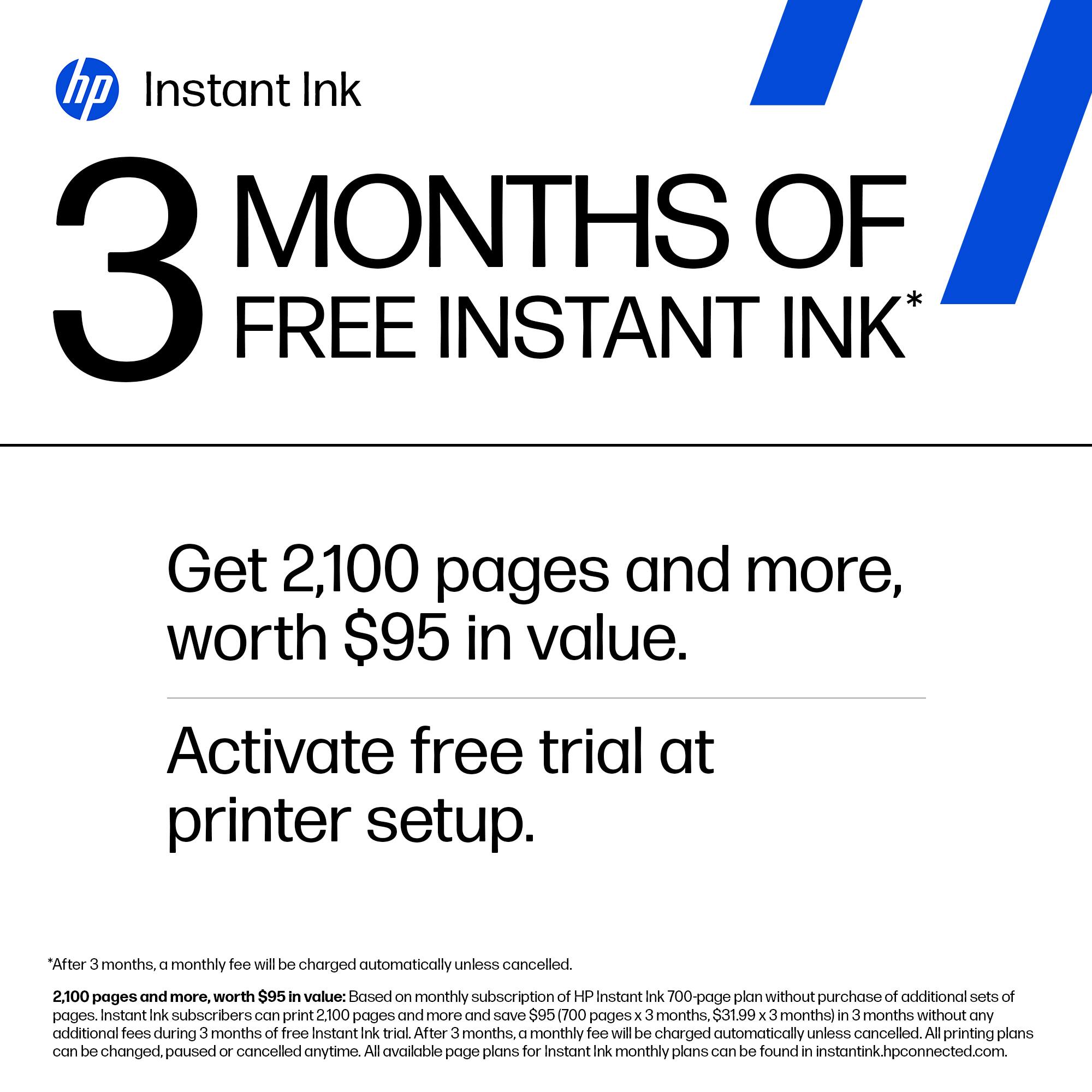
||Posted . Owned for 3 weeks when reviewed.This reviewer received promo considerations or sweepstakes entry for writing a review.The printer prints slower that I thought it would. I print a high volume of pages because of school and I find myself having a hard time trying to keep ink stocked even with the promotion of ink offered. When I followed the prompts to request for more ink, they sent a email stating that I should receive shipping confirmation on my order with 4-5 days, it’s been over 7 and I have yet to receive a confirmation.
No, I would not recommend this to a friendBrand response from HP Team
Posted .Hi there.
I’m sorry that your printer has rendered prints slowly, and that you’ve not received confirmation that your next Instant Ink shipment is on the way. I can easily understand why this would be disconcerting. I want to help you remedy these issues. I hope the resources below guide you to that end.
First, I recommend that you follow a guide on our support site that covers improving print speed; it contains sections on Windows as well as Mac OS. Find that guide here:
- support.hp.com/us-en/document/ish_2817150-2408088-16
Also, updating the firmware can often help improve print speed and other performance. You can find out how to do that here:
- support.hp.com/us-en/document/c02919168
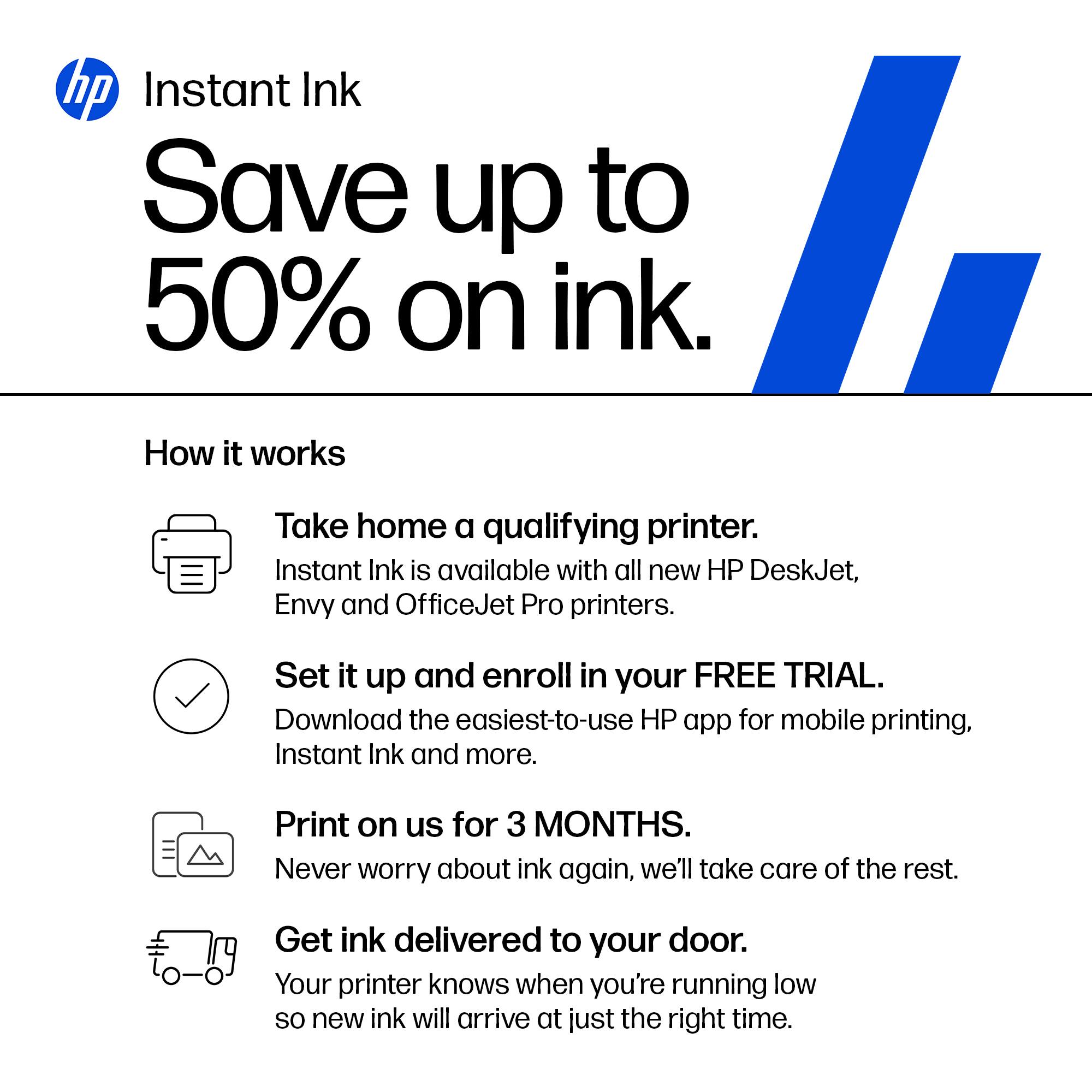
Regarding your ink shipment, I suggest that you contact our Instant Ink program so we can help you assess and resolve the situation. To reach an online agent via chat or by phone, follow this link:
- support.hp.com/us-en/contact/product/model/5401249?sku=INSTANTINK2
If printing speed does not improve to your satisfaction, I hope you’ll contact us directly at +1 800-474-6836 so we can help you assess what’s happening and find a solution. To expedite the process, I recommend gathering the following information before the call:
- Model number
- Serial number
- Your location
- Case number (from any previous contact with HP support)
Keith
HP Care
hp.com/support
Mrs.
||Posted .This reviewer received promo considerations or sweepstakes entry for writing a review.I find my new printer very easy to use. I have always owned a HP printer and this one equally what I expected.
I would recommend this to a friendDo not recommend
||Posted . Owned for 1.5 years when reviewed.This reviewer received promo considerations or sweepstakes entry for writing a review.Instant ink is a scam. You cannot use ink cartridges obtained with instant ink unless you have an active subscription. Printer always requires an internet connection. I do not recommend this printer for anyone who doesn’t know how to troubleshoot.
No, I would not recommend this to a friendHP Printer Envy Inspire 7955e
||Posted . Owned for 11 months when reviewed.This reviewer received promo considerations or sweepstakes entry for writing a review.This is an excellent printer. The color print outs are excellent too! It is faster than my prior HP printers.
I would recommend this to a friendGreat Printer
||Posted . Owned for 3 weeks when reviewed.This reviewer received promo considerations or sweepstakes entry for writing a review.I like this printer a lot. The Geek Squad came to my house to set it up. Don't think I could do it alone..
I would recommend this to a friendNetwork issues
||Posted . Owned for 3 months when reviewed.This reviewer received promo considerations or sweepstakes entry for writing a review.Issues with it staying connected to the network, but otherwise print function is great
No, I would not recommend this to a friendHP in unreliable
||Posted . Owned for 7 months when reviewed.This reviewer received promo considerations or sweepstakes entry for writing a review.Bought this printer in July 2023, worked fine for a few months. Multiple issues, it says I am out of paper when I am not. The print is streaking even thought I cleaned the heads. It also says I am not connected to the printer, even though I am hard wired to my PC
No, I would not recommend this to a friendHP printers suck
||Posted . Owned for 1 month when reviewed.This reviewer received promo considerations or sweepstakes entry for writing a review.A one star only because I can’t choose 0! This printer sucks and HP nickel and dimes you after purchase before you can even use it!
No, I would not recommend this to a friendPrinter
||Posted . Owned for 3 weeks when reviewed.This reviewer received promo considerations or sweepstakes entry for writing a review.I bought this printer for my school work! It broke down on me already!! It works now but I dont know for how long!!
No, I would not recommend this to a friendLovely
||Posted . Owned for 3 weeks when reviewed.This reviewer received promo considerations or sweepstakes entry for writing a review.The printer is lovely but the black ink cartridge is small and quickly runs out if you have to print a lot of copies.
I would recommend this to a friendNever got it to work
||Posted .This reviewer received promo considerations or sweepstakes entry for writing a review.What a dud. This was my worst printer experience ever and I have had some bad printers. Spent hours trying to get it to work and no go. HP says I have to return it so I hope best buy doesn't give me a hard time. What an incredible waste of my time buying this printer.
No, I would not recommend this to a friendSad Mistake!
||Posted . Owned for 1 month when reviewed.This reviewer received promo considerations or sweepstakes entry for writing a review.Poor quality, doesn't perform things like feeding documents to scan properly. No duplexer. Very disappointing.item.
No, I would not recommend this to a friendHP ENVY Inspire 7955e
||Posted . Owned for 3 weeks when reviewed.This reviewer received promo considerations or sweepstakes entry for writing a review.Great printer, Prints photos, faster than the last HP printer I had. Very happy with this purchase.
I would recommend this to a friendReliability!
||Posted . Owned for 1 month when reviewed.This reviewer received promo considerations or sweepstakes entry for writing a review.Happy, happy with this HP printer. Lightweight, good quality, and is replacing my older model HP.
I would recommend this to a friendMs
||Posted . Owned for 3 weeks when reviewed.This reviewer received promo considerations or sweepstakes entry for writing a review.Uses too much ink which is quite expensive. Took a long time to set up even when being assisted by tech support.
No, I would not recommend this to a friendGood product
||Posted . Owned for 9 months when reviewed.This reviewer received promo considerations or sweepstakes entry for writing a review.Good printer good price though it chews through the toner pretty quickly
I would recommend this to a friendNew HP 7955 Printer
||Posted . Owned for 3 weeks when reviewed.This reviewer received promo considerations or sweepstakes entry for writing a review.This printer doesn't work well with wifi. Had to use cable with desktop to work although it does work with laptop.
No, I would not recommend this to a friendHP Printer
||Posted . Owned for 1 month when reviewed.This reviewer received promo considerations or sweepstakes entry for writing a review.It's an OK printer.....with this chip shortage I did not have a lot to choose from. Having no fax and no flash drive sucks.......
No, I would not recommend this to a friendGreat printer
||Posted . Owned for less than 1 week when reviewed.This reviewer received promo considerations or sweepstakes entry for writing a review.This was easy to set up and the app connected it to my other devices at home without any issues.
I would recommend this to a friendMs
||Posted . Owned for 1 month when reviewed.This reviewer received promo considerations or sweepstakes entry for writing a review.Not as fast at printing as I expected. The description made it sound faster
No, I would not recommend this to a friend