Customer Ratings & Reviews





































- Model:
- ENVY Inspire 7955e/1W2Y8A#B1H
- SKU:
- 11865082
Rating by feature
- Value
Rating 4.4 out of 5 stars
- Quality
Rating 4.5 out of 5 stars
- Ease of Use
Rating 4.4 out of 5 stars
to a friend
Mrs. L
||Posted . Owned for 1.5 years when reviewed.This reviewer received promo considerations or sweepstakes entry for writing a review.This printer is garbage. Worse printer I ever had. It doesn’t stay connected to the internet and we had HP support and did everything they said to do. We have to unplug it and plug it back in to make it work. I do not recommend this one. Our last HP printer was great, but this is a lemon. We only had it for less than 2 years and looking at getting a new printer.
No, I would not recommend this to a friendPrinter 2022
||Posted . Owned for 1 month when reviewed.This reviewer received promo considerations or sweepstakes entry for writing a review.So far this printer is performing. Had to replace the JP Envy which was older and would connect with wi-fi. I have not tried the photo copying but hoping it will be superior. It is still large, was hoping for smaller in size.
I would recommend this to a friendCUSTOMER SERVICE- NONE
||Posted . Owned for 1 month when reviewed.This reviewer received promo considerations or sweepstakes entry for writing a review.HORRIBLE & ABSOLUTELY NO CUSTOMER SERVICE!!!!!!! Me nor agent could not help install download for 2 days. I also have a 9015e machine, UNDER WARRENTY & currently in 7th week trying to get help with print/scan issues. No relief YET but lots of "I"m sorry...here for you...transferring you ..." etc. NIGHTMARE. I'll never buy hp anything again.....NIGHTMARE...NIGHTMARE...
No, I would not recommend this to a friendWaste of a Purchase
||Posted . Owned for 1.5 years when reviewed.This reviewer received promo considerations or sweepstakes entry for writing a review.This printer is not worth the money. In fact, I'd bet that most HP Printers are not the money. All of sudden, I can no longer print PDF's from my PC (in and out of the dumb HP Smart App), and also from my phone. This printer has been nothing by minor problems since the day I bought it.
No, I would not recommend this to a friendGood printer, bad included ink
||Posted . Owned for less than 1 week when reviewed.This reviewer received promo considerations or sweepstakes entry for writing a review.Bought two of these printers, thinking that the first one had a print head issue - turns out the ink cartrage that comes with it (both printers) has an issue with Cyan.
I would recommend this to a friendDont waste your time
||Posted . Owned for less than 1 week when reviewed.This reviewer received promo considerations or sweepstakes entry for writing a review.Bought this and had to return it 5 hours later. Had issues with the paper tray not feeding to the printer. Loaded it with paper and was only able to print ONE page before it failed.
No, I would not recommend this to a friendDo not Recommend
||Posted . Owned for 7 months when reviewed.This reviewer received promo considerations or sweepstakes entry for writing a review.Absolute worst printer ever purchased. It took 8 hours of being on the customer support line with HP to even get the printer set up and working and now after only 7 months the printer has hardware issues and sometimes just prints 30 pages of non sense or you have to turn the printer on and off to get it to print and even then it doesnt always work. I would not recommned this printer to anyone.
No, I would not recommend this to a friendBrand response from HP Team
Posted .Hi, William.
I’m sorry you’ve had such a dreadful experience with your printer. Your exasperation wholly understandable, considering you had such a difficulty setup process and now, seven months later, the device has stopped working properly. I want to help you out of this dilemma, so I’ll provide some resources I hope will serve that end.
I recommend that you contact us directly so we can help you assess what’s happening and find the proper course of action. HP+ printers such as yours come with exclusive concierge support. To call and reach live HP+ experts, visit the following URL and enter your HP+ serial number:
- hp.com/plus-help
I'll also mention that HP printers have a one-year warranty from their purchase date that covers hardware as well as ink supplies – and that warranty extends to two years with an HP+ account – so if it comes to that, you might consider making use of it. You can verify the warranty using the following link:
- support.hp.com/us-en/checkwarranty
Keith
HP Care
hp.com/support
Free ink LOL
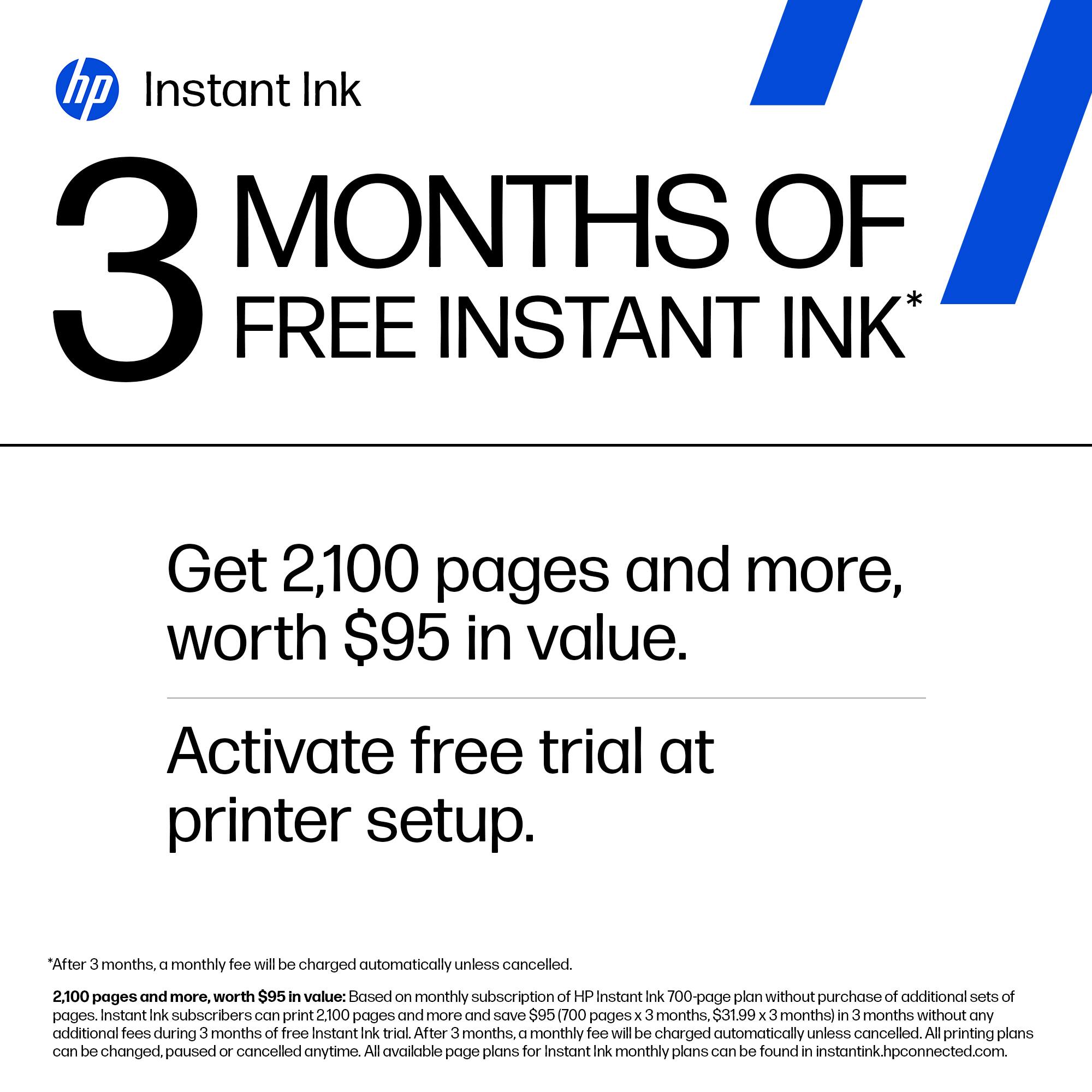
||Posted . Owned for 1 month when reviewed.This reviewer received promo considerations or sweepstakes entry for writing a review.It was a pain to set up the “free ink” advertising for 6 month but I only got 2 … I’m so over HP next printer I’ll go with something else!!!
No, I would not recommend this to a friendNot useful for me.
||Posted . Owned for 1 month when reviewed.This reviewer received promo considerations or sweepstakes entry for writing a review.Quickly Returned. Only printed 40-pages and it needed ink. There’s no tray that catches prints.
No, I would not recommend this to a friendsales person lied about its features
||Posted . Owned for 3 weeks when reviewed.This reviewer received promo considerations or sweepstakes entry for writing a review.I never took this home. I ordered it, discovered the sales person had lied about its features, and returned it within 15 minutes while still at the store.
No, I would not recommend this to a friendNot happy with this HP Envy printer.
||Posted . Owned for 1 month when reviewed.This reviewer received promo considerations or sweepstakes entry for writing a review.Continually prints pages you didn't ask for. You print one item and then it keeps going until paper runs out.
No, I would not recommend this to a friendHP Envy Inspire 7900e printer.
||Posted . Owned for 3 weeks when reviewed.This reviewer received promo considerations or sweepstakes entry for writing a review.Purchased a new HP Envy Inspire 7900e. Couldn’t get it to print an email from my Deoo computer. The Geek squad changed the password. They finally got it to print. Next day it would not print. Then they said they would send out a Geek tec for $99.00. I said no then they said they would walk me through for $39.00. My mistake was I paid for the printer.
No, I would not recommend this to a friendMay be it should be a trash compactor
||Posted . Owned for 2 weeks when reviewed.This reviewer received promo considerations or sweepstakes entry for writing a review.I have never seen a printer that needs wait time for the ink to dry. That's just one problem. The poor design for loading paper, holding the paper in place for printing is truly a disgusting oversight given that printing is the only job this machine has. I was lured in by the two-tone color. It is pretty, and it is completely useless.
No, I would not recommend this to a friendPoor quality printer
||Posted . Owned for 2 months when reviewed.This reviewer received promo considerations or sweepstakes entry for writing a review.This printer is garbage from day one it would print for a bit then say paper jammed. I have had it for two months and it completely stopped working due to a power strip wrapping around a gear inside and braking off. It seems like you have to spend thousands of dollars to get a good printer. I would not recommend buying this printer.
No, I would not recommend this to a friendBrand response from HP Team
Posted .Hi there.
I’m sorry your printer has performed so poorly. I can wholly understand your frustration, considering the device experienced frequent paper jams before suffering the broken gear you describe, rendering it inoperative. I want to help you out of this dilemma, so I’ll provide a resource and some information aimed at making that happen.
I recommend that you contact us directly so we can help you assess what’s happening and find the best course of action. HP+ printers such as yours come with exclusive concierge support. To call and reach live HP+ experts, visit the following URL and enter your HP+ serial number:
- hp.com/plus-help
I'll also mention that HP printers have a one-year warranty from their purchase date that covers hardware as well as ink supplies – and that warranty extends to two years with an HP+ account – so if it comes to that, you might consider making use of it. You can verify the warranty using the following link:
- support.hp.com/us-en/checkwarranty
Keith
HP Care
hp.com/support
HP Printer not the best for the money
||Posted . Owned for 1 year when reviewed.This reviewer received promo considerations or sweepstakes entry for writing a review.Bought this a little over a year ago. I like the printer but it keeps dropping the Wif
No, I would not recommend this to a friendDisappointed
||Posted . Owned for 1 month when reviewed.This reviewer received promo considerations or sweepstakes entry for writing a review.Even though I keep it turned on and let it sleep (which is what HP recommends me to do), I always have to restart it when I need to print (it loses network connection). So what’s the purpose of leaving it on? Very frustrating. Photo printing is subpar. I should have kept my HP 5200. Unfortunately return window was only 15 days.
No, I would not recommend this to a friendTerrible
||Posted . Owned for 9 months when reviewed.This reviewer received promo considerations or sweepstakes entry for writing a review.I would not recommend it for anything in the world, it is noisy, complicated. 100% disposable.
No, I would not recommend this to a friendScanner Feed
||Posted . Owned for 3 weeks when reviewed.This reviewer received promo considerations or sweepstakes entry for writing a review.I've had this printer for a month now and have had issues with the feed scanner. I put the paper in and it does not detect it.
No, I would not recommend this to a friendBrand response from HP Team
Posted .Hi, Angelica.
I’m sorry to learn that your printer has not performed well. I can easily understand why the scanner’s document feeder not recognizing when paper is loaded would be confounding. I want to help you remedy this problem, so I’ll direct you to some resources I believe might serve that end.
First, I recommend you follow a guide on our support site to document feeders that fail to pick up paper or pull through too many pages at once. Find that guide here:
- support.hp.com/us-en/document/ish_3833686-1493864-16
If the feeder problem persists, I suggest that you contact us directly at +1 800-474-6836 so we can help you assess what’s happening and find the best course of action. To expedite the process, I recommend gathering the following information before the call:
- Model number
- Serial number
- Your location
- Case number (from any previous contact with HP support)
I'll also mention that HP printers have a one-year warranty from their purchase date that covers hardware as well as ink supplies – and that warranty extends to two years with an HP+ account – so if it comes to that, you might consider making use of it. You can verify the warranty using the following link:
- support.hp.com/us-en/checkwarranty
Keith
HP Care
hp.com/support
Quinn
||Posted .This reviewer received promo considerations or sweepstakes entry for writing a review.I was extremely disappointed in this printer, I chose HP because I have a HP laptop that has been the best laptop I have ever had however this printer was unable to connect to the internet because it had a bad wi-fi module, I think it sat in on a ship for a while and in a hot environment and it toasted the electronics I guess on line support was painful so just returned it.
No, I would not recommend this to a friendHorrible printer
||Posted . Owned for 1 week when reviewed.This reviewer received promo considerations or sweepstakes entry for writing a review.I used 4 ink cartridges in one week. They send ink long after your out. Doesn’t hold lots of paper.
No, I would not recommend this to a friendBrand response from HP Team
Posted .Hi there.
I’m sorry that your printer has gone through so much ink. I can certainly understand why using multiple cartridges in a week would be an unwelcome surprise. I want you to understand what’s happening with the device and remedy the problem if one exists, so I’ll offer what I hope are helpful resources and information.
First, I can’t tell from your review how many pages you’ve printed, or how that compares with the cartridges’ estimated page yields. I also don’t know whether you’ve gone through four cartridges total (two blacks and two tri-colors) or four sets of each. The XL cartridges designed for your printer have estimated yields of 415 to 600 pages, while the regular size cartridges are expected to produce 165 to 200 pages. How cartridges perform in your own printer varies according to numerous factors, including resolution, how dry the air is and how absorbent the paper is.
Regardless, I believe the matter deserves further examination. If your results differ dramatically from the estimates above, I recommend that you contact us directly at +1 800-474-6836 so we can help you assess the situation and find the best course of action. To expedite the process, I recommend gathering the following information before the call:
- Model number
- Serial number
- Your location
- Case number (from any previous contact with HP support)
Keith
HP Care
hp.com/support