Customer Ratings & Reviews
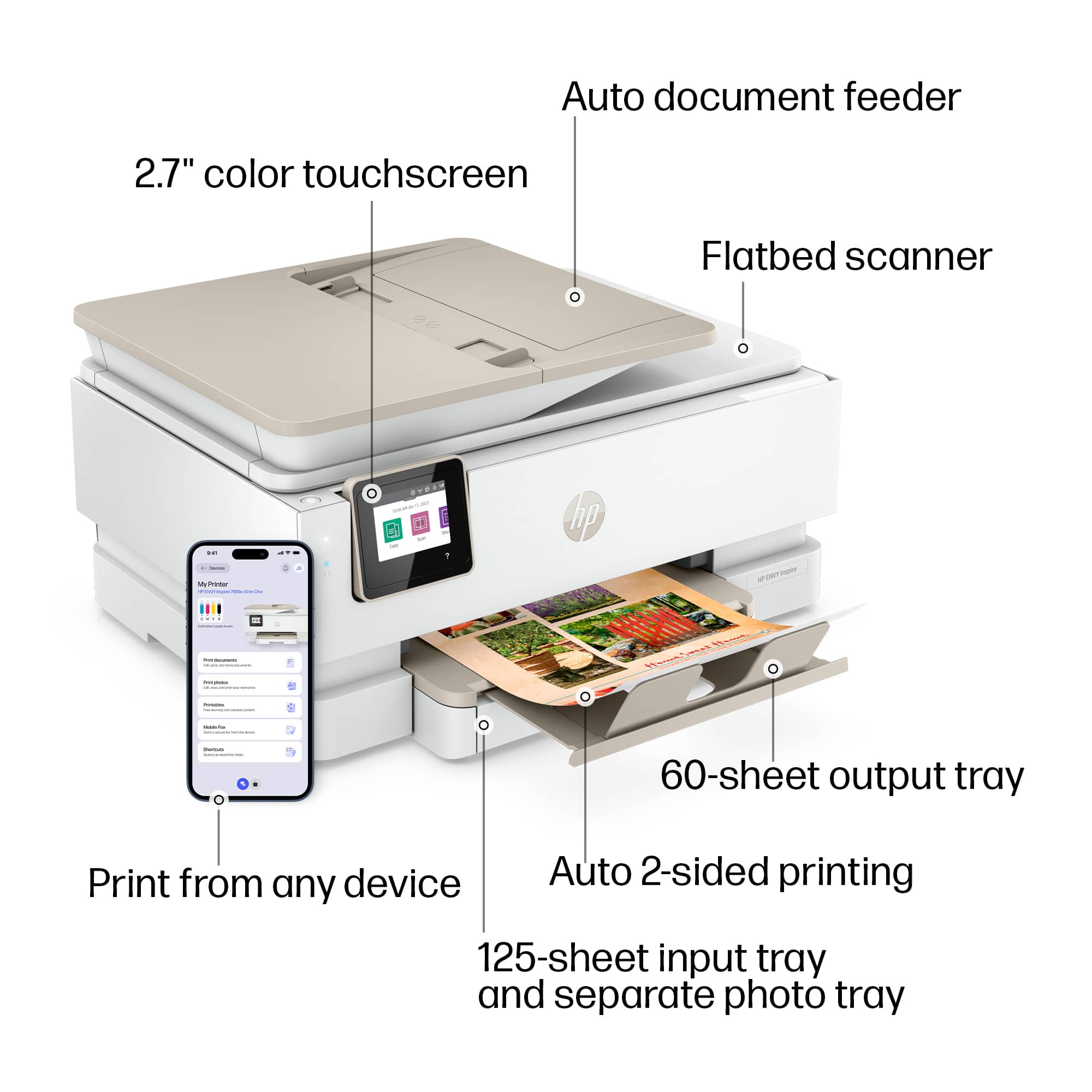
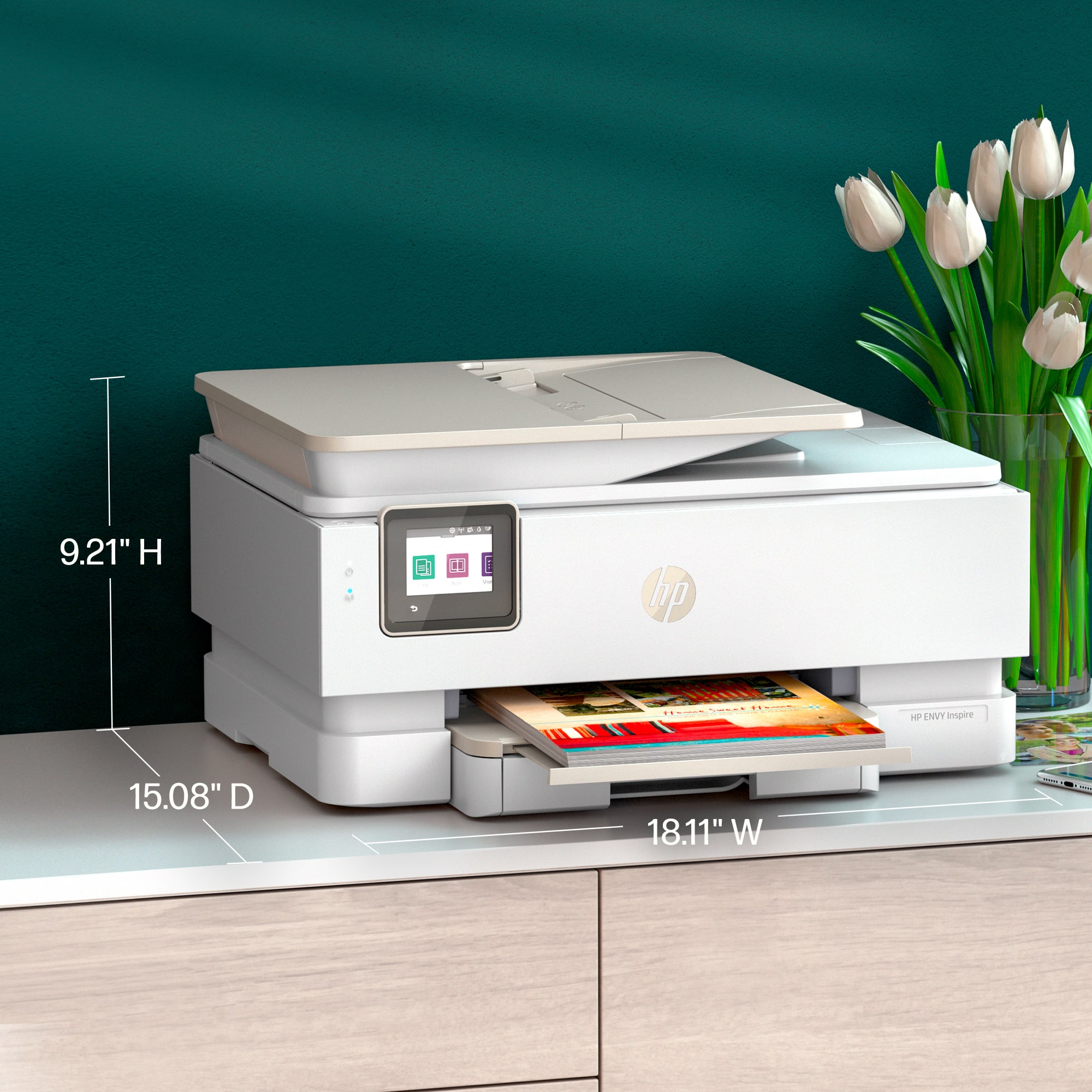
















- Model:
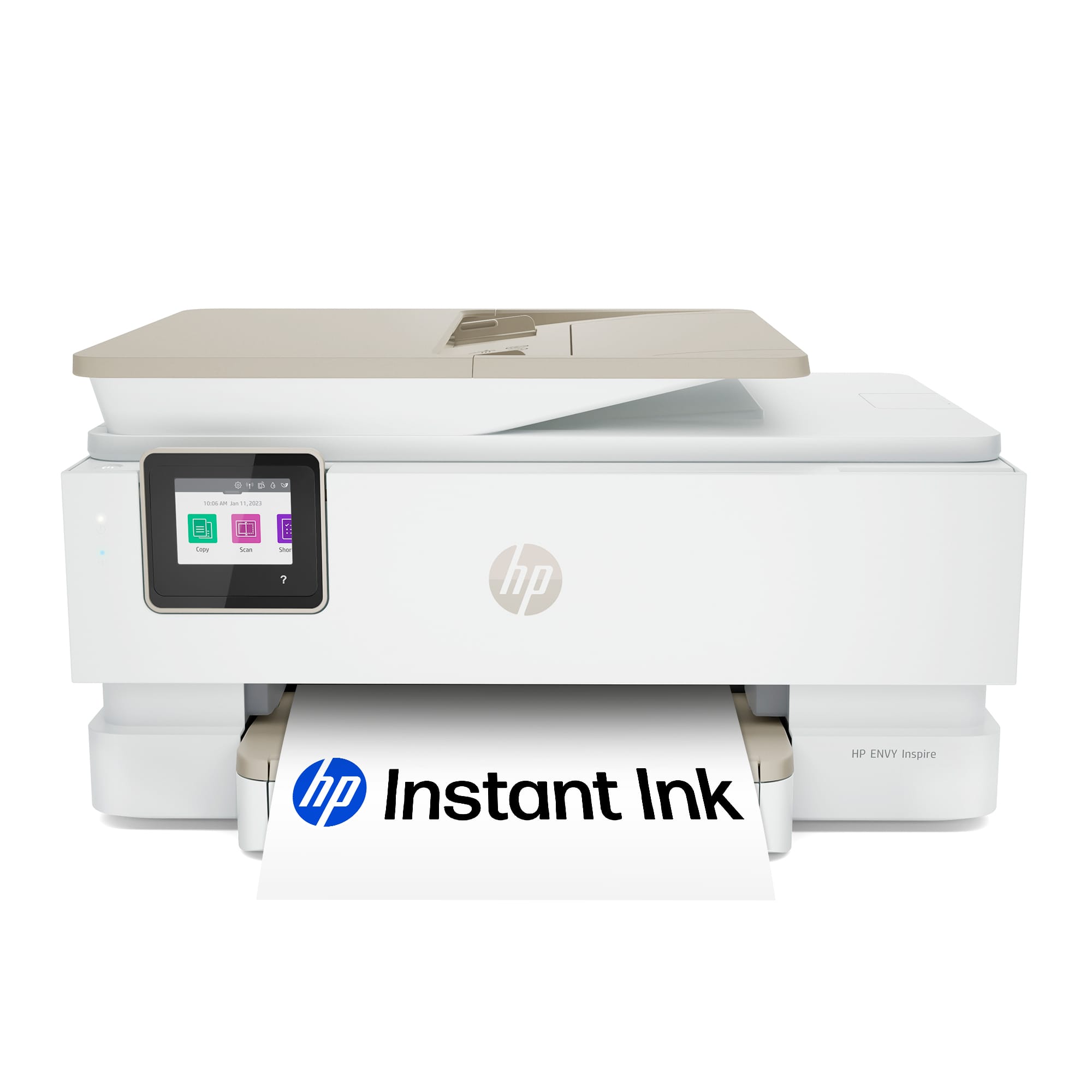
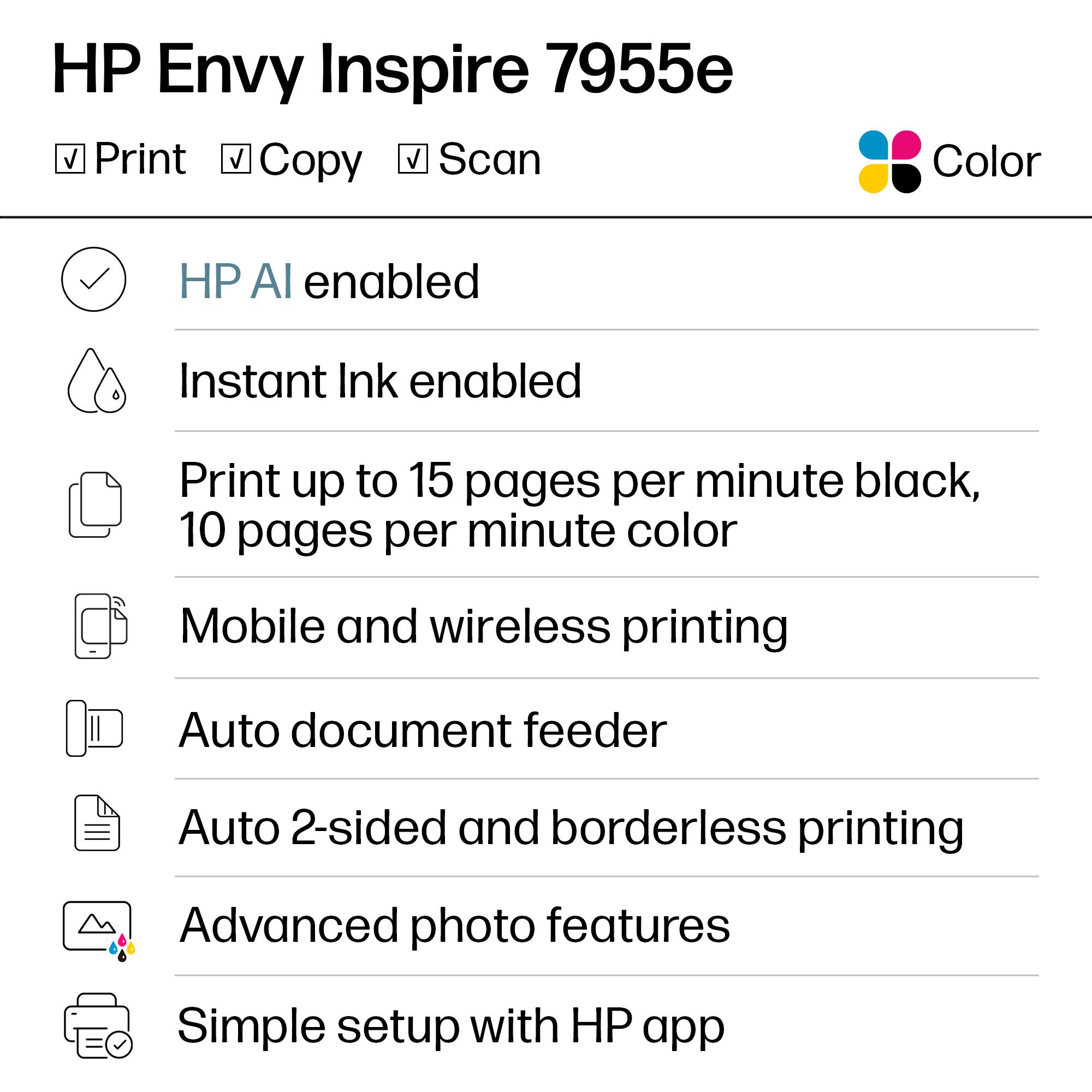
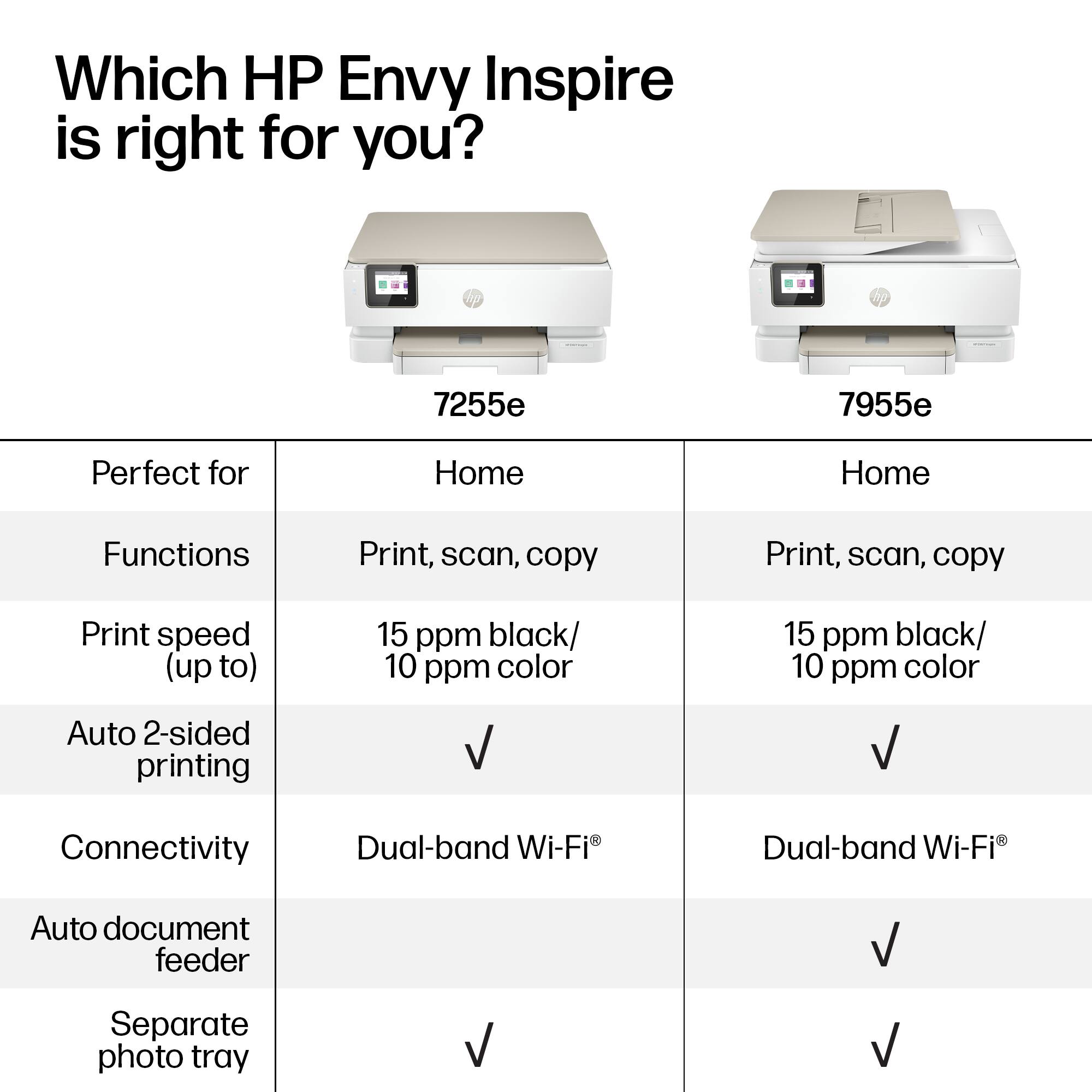
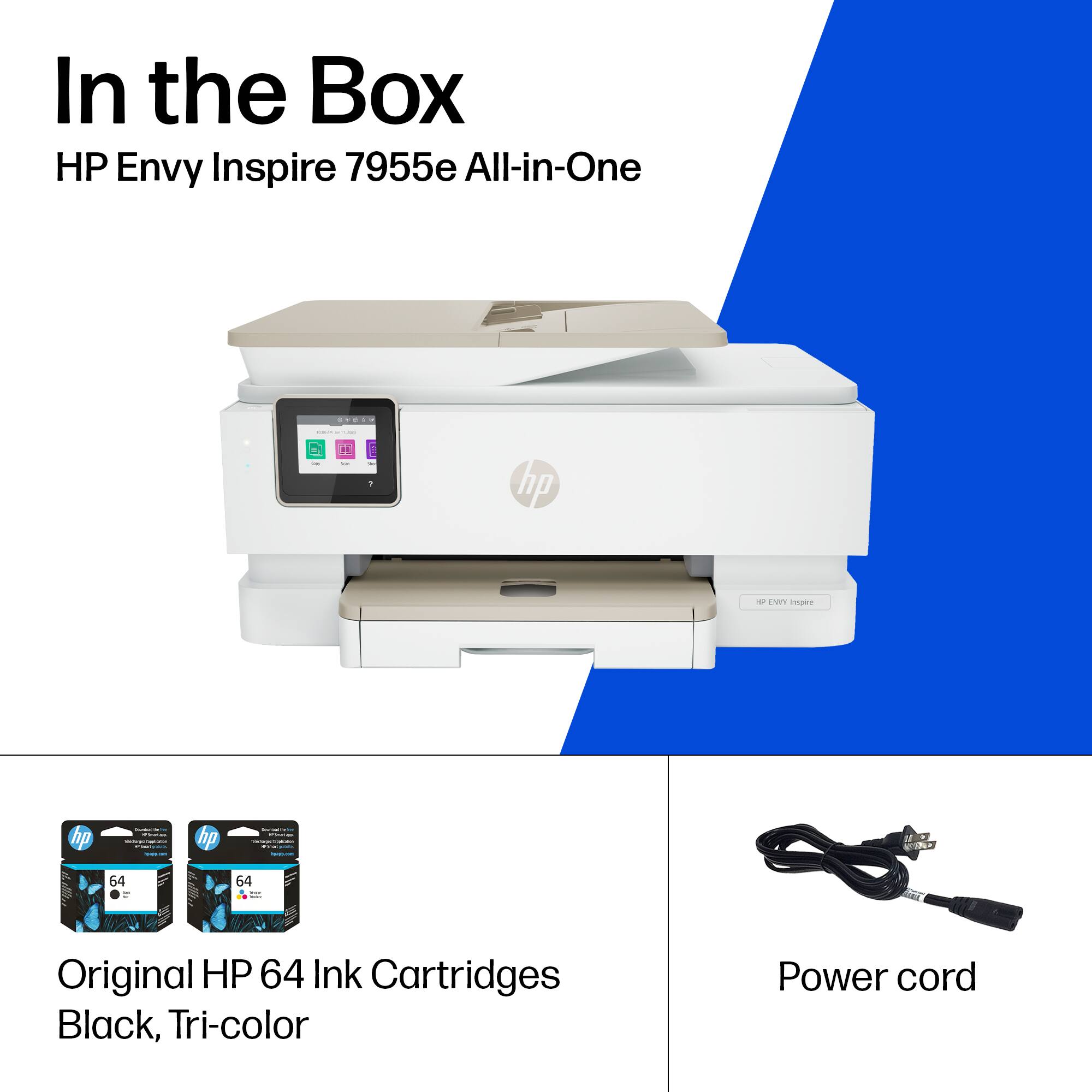
- ENVY Inspire 7955e/1W2Y8A#B1H
- SKU:
- 12865681
Rating by feature
- Value
Rating 4.4 out of 5 stars
- Quality
Rating 4.5 out of 5 stars
- Ease of Use
Rating 4.4 out of 5 stars
Customers are saying
Customers regard this printer highly for its exceptional print quality and user-friendly interface, which are the most frequently praised aspects of the device. Users also appreciate its reliable performance, straightforward setup process, and quiet operation. While the majority of feedback is positive, some customers have noted minor difficulties regarding the capacity of the paper tray and the scanning functionality. Overall, the product is viewed as an affordable and efficient solution for home or office needs.
This summary was generated by AI based on customer reviews.
DON'T BUY!!!
Posted .This reviewer received promo considerations or sweepstakes entry for writing a review.DO NOT BUY!!! By far the worst printer I've ever own. It will not print half the time. I've unplugged it, shut it off, etc. If I want to print two sheets of paper it takes 5 sheets to do it. Just don't bother, buy something else.
No, I would not recommend this to a friendBrand response from HP Team
Posted .Hi there.
I’m sorry that your printer has performed so poorly. Your dismay comes as no surprise, considering the device has not printed reliably while at other times has fed paper improperly. I want to help you resolve this situation, so I’ll suggest some resources I hope will make that happen.
First, I recommend you visit a page on our support site that has diagnostic tools for various issues, including wireless connectivity, which I suspect might play a role in what you describe. Otherwise, on the same page, you’ll find a general-purpose tool called the HP Print and Scan Doctor. If you use Windows, the tool will help identify and guide you through solutions to a wide range of common printing and scanning difficulties. You can find that page here:
- support.hp.com/us-en/topic/diagnostics
You might also find useful information in a guide on our support site to document feeders that pull through too many pages at once or fail to pick up any paper at all. Find that guide here:
- support.hp.com/us-en/document/c01728503
If any problem persists, I suggest you contact us directly so we can help you assess what’s happening and find a solution. HP+ printers such as yours come with exclusive concierge support. To call and reach live HP+ experts, visit the following URL and enter your HP+ serial number:
- hp.com/plus-help
Keith
HP Care
hp.com/support
Horrible
Posted .This reviewer received promo considerations or sweepstakes entry for writing a review.Extremely loud, makes a bunch of unnecessary noise. Quiet mode is a joke. Paper gets jammed every time I print. This thing has been nothing but problems
No, I would not recommend this to a friendBad printer dont Buy it
Posted .This reviewer received promo considerations or sweepstakes entry for writing a review.Doesnt work wey have ti return it, It shows a failure
No, I would not recommend this to a friend