Customer Ratings & Reviews












- Model:
- ENVY Inspire 7955e/1W2Y8A#B1H
- SKU:
- 6478251
Rating by feature
- Value
Rating 4.4 out of 5 stars
- Quality
Rating 4.5 out of 5 stars
- Ease of Use
Rating 4.4 out of 5 stars
to a friend
Customers are saying
Customers have good things to say about the Envy Inspire 7955e, particularly praising its amazing print quality and ease of use. Many find the overall performance excellent, and appreciate its easy setup, reasonable noise level, and good connectivity. Some customers have noted issues with the paper tray and scanning functionality.
This summary was generated by AI based on customer reviews.
copier
||Posted . Owned for 3 weeks when reviewed.This reviewer received promo considerations or sweepstakes entry for writing a review.Haven't used it much but so far so good. I had used copier and scanner with no problemsw.
I would recommend this to a friendGrey not black print
||Posted . Owned for 2 weeks when reviewed.This reviewer received promo considerations or sweepstakes entry for writing a review.My new printer is not printing in black ink. It comes out looking grey. I used the ink that came with the printer and just installed the ink that came in the mail. Any suggestion on how to correct this?
No, I would not recommend this to a friendDifficult setting up and staying connected
||Posted . Owned for 11 months when reviewed.This reviewer received promo considerations or sweepstakes entry for writing a review.Connection is very iffy, had so many problems trying to connect and print from my multiple devices. Had to get their support services on the phone twice because it will not print if it’s not connected to the internet. We have wireless so we have to make sure the connection is strong and close to router to stay connected.
No, I would not recommend this to a friendWorks well
||Posted . Owned for 2 weeks when reviewed.This reviewer received promo considerations or sweepstakes entry for writing a review.Very efficient, Geek Squad installation (Erk) Very pleased with service
I would recommend this to a friendHP Printer
||Posted . Owned for 1 month when reviewed.This reviewer received promo considerations or sweepstakes entry for writing a review.This is an attractive printer that is more complicated to set up than I expected. I am technically astute but had to call tech support to get it up and running. It is simple to operate but presented a hiccup in the beginning.
I would recommend this to a friendGood Printer
||Posted . Owned for 2 weeks when reviewed.This reviewer received promo considerations or sweepstakes entry for writing a review.The printer works well and was easy to set up, but I got two of these from Best Buy and both had bad color cartridges that wouldn’t print cyan. HP sent a replacement cartridge that did work.
I would recommend this to a friendBest WiFi / iPad accessible printer
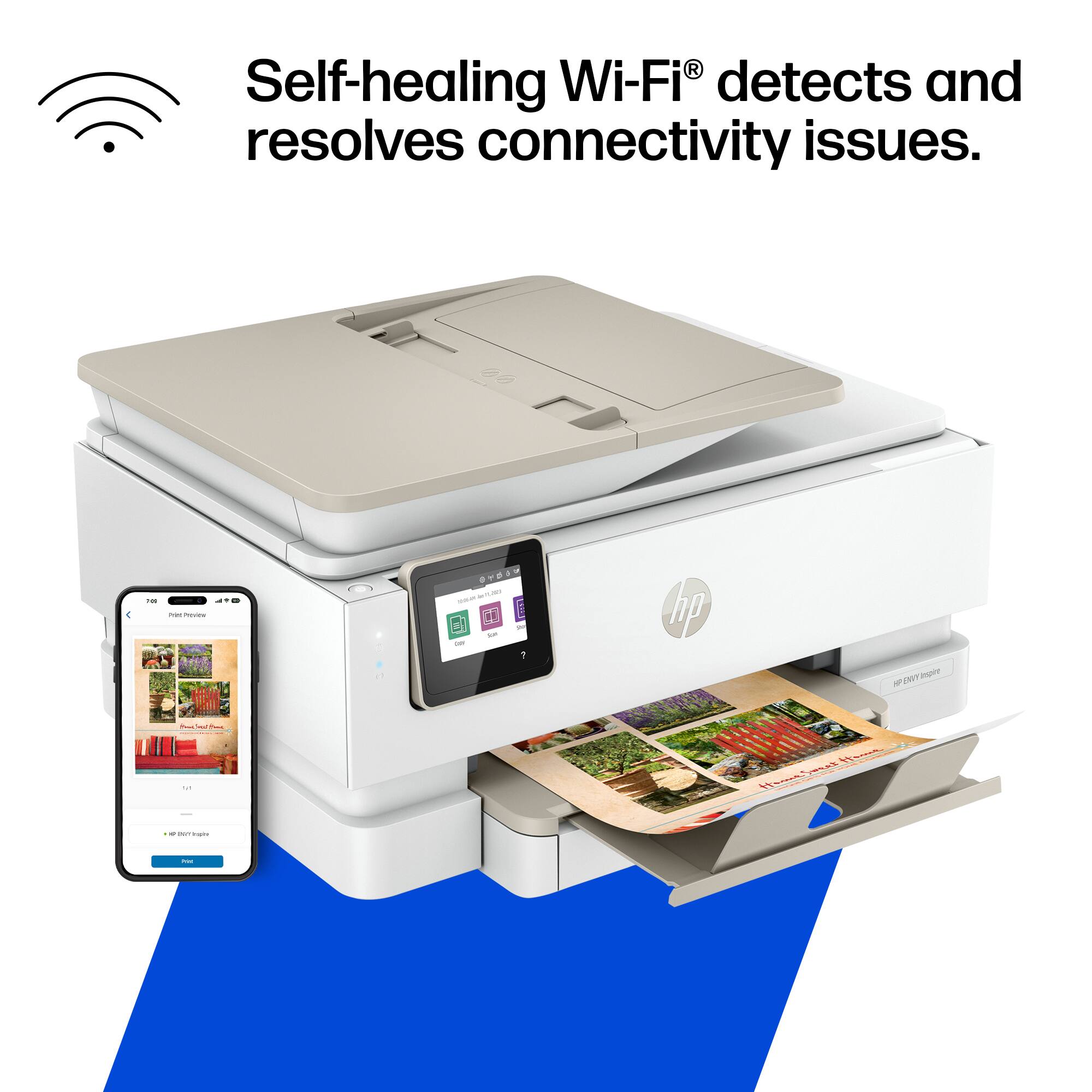
||Posted . Owned for 3 weeks when reviewed.This reviewer received promo considerations or sweepstakes entry for writing a review.Got this for a military event and it worked wonders for us! We were able to print everything using my iPad WiFi connection to it!!!
I would recommend this to a friendworked well until updates
||Posted . Owned for 2 months when reviewed.This reviewer received promo considerations or sweepstakes entry for writing a review.This was easy to set up and worked really well initially. Having had an awful experience with Instant Ink, I wouldn't use that with it. Now that there have been updates to the unit I can no longer use scan options other than 1 single JPEG image using the touchpad and must us the app from my laptop if I want to scan as pdf or scan multiple pages.
No, I would not recommend this to a friendBrand response from HP Team
Posted .Hi there.
Thanks for the review and the feedback. While I’m glad your printer was easy to set up and worked well for a while, I’m sorry you’ve lost some scanning functionality since a firmware update. I want to help you resolve this situation and regain full use of the scanner, so I’ll suggest some resources aimed at making that happen.
First, I recommend you visit a page on our support site that has diagnostic tools for various problems, including scanner issues. There you’ll find a general-purpose tool called the HP Print and Scan Doctor. If you use Windows, the tool will help identify and guide you through solutions to a wide range of common scanning as well as printing issues. Visit that page here:
- support.hp.com/us-en/topic/diagnostics
If functionality does not improve, I suggest that you contact us directly at +1 800-474-6836 so we can help you assess what’s happening and find the best course of action. To expedite the process, I recommend gathering the following information before the call:
- Model number
- Serial number
- Your location
- Case number (from any previous contact with HP support)
Keith
HP Care
hp.com/support
HP Printer is Great!!!
||Posted . Owned for 1 month when reviewed.This reviewer received promo considerations or sweepstakes entry for writing a review.HP is a great product and this is one of the best that I have ever owned. Installation was so easy and fast. Salesman in store knew the product and was very helpful in helping me make my choice of printers.
I would recommend this to a friendPerfect all in one.
||Posted . Owned for 7 months when reviewed.This reviewer received promo considerations or sweepstakes entry for writing a review.This printer replaced an older 8000 series printer that simply had electrical issue after much use. Meets all my needs and like the status/control display as compared to a 6000 series I also own but does not have display
I would recommend this to a friendWorks okay.
||Posted .This reviewer received promo considerations or sweepstakes entry for writing a review.Prints and scans fine. I don't like having to use scanning through an app. And the worst part about printing is your forced to use OEM ink cartridges. So if you don't mind spending a fortune on HP ink cartridges then this printer is fine.
No, I would not recommend this to a friendGreat printer for the price.
||Posted . Owned for 1 year when reviewed.This reviewer received promo considerations or sweepstakes entry for writing a review.Love this printer. Has alot of great features. Absolutely a great printer.
I would recommend this to a friendHP Again and Still.
||Posted . Owned for 3 weeks when reviewed.This reviewer received promo considerations or sweepstakes entry for writing a review.We are HP printer people, but tried an Epson from Costco…for an hour. That was a disaster. That went back, we picked up this printer at Best Buy, and set it up in a jiffy. Again and still, we are clearly HP people.
I would recommend this to a friendAdequate printer
||Posted . Owned for 1 month when reviewed.This reviewer received promo considerations or sweepstakes entry for writing a review.The plastic on the paper feeder and the paper storage is cheap and a bit flimsy. Much lower quality than the 4650 I had to replace but it works. Setup was ok however it is difficult to print from the iPhone. I would not recommend buying if children/teens would be using. I expected better quality for the price and I would have returned it had I not have had store credit to pay for most of it.
I would recommend this to a friendGood product
||Posted . Owned for 1 month when reviewed.This reviewer received promo considerations or sweepstakes entry for writing a review.I like this product but the app doesnt work with older mac versions to directly scan to the mac book pro.
I would recommend this to a friendNew HP printer
||Posted . Owned for 3 weeks when reviewed.This reviewer received promo considerations or sweepstakes entry for writing a review.Arrived quickly. Does not print pictures as well as I had hope. Was a little tricky learning how to load picture paper or regular paper.
I would recommend this to a friendWhen new isn't always better$
||Posted . Owned for 1 month when reviewed.This reviewer received promo considerations or sweepstakes entry for writing a review.It's very noisy! Takes up too much space on my desk. It's an ink hog. Long for my Brother printer that was great and could fax.
No, I would not recommend this to a friendDoes alot for a non Techy
||Posted . Owned for 1 month when reviewed.This reviewer received promo considerations or sweepstakes entry for writing a review.I'm not a technology whiz. I like it that this printer can print pages from a book. I like the HP Ink Program. My previous 2 printers have also been HP. It works greats.
I would recommend this to a friendtry it you will love it
||Posted . Owned for 10 months when reviewed.This reviewer received promo considerations or sweepstakes entry for writing a review.Printer is great. Love the features. Family uses for school.
I would recommend this to a friendNice upgrade
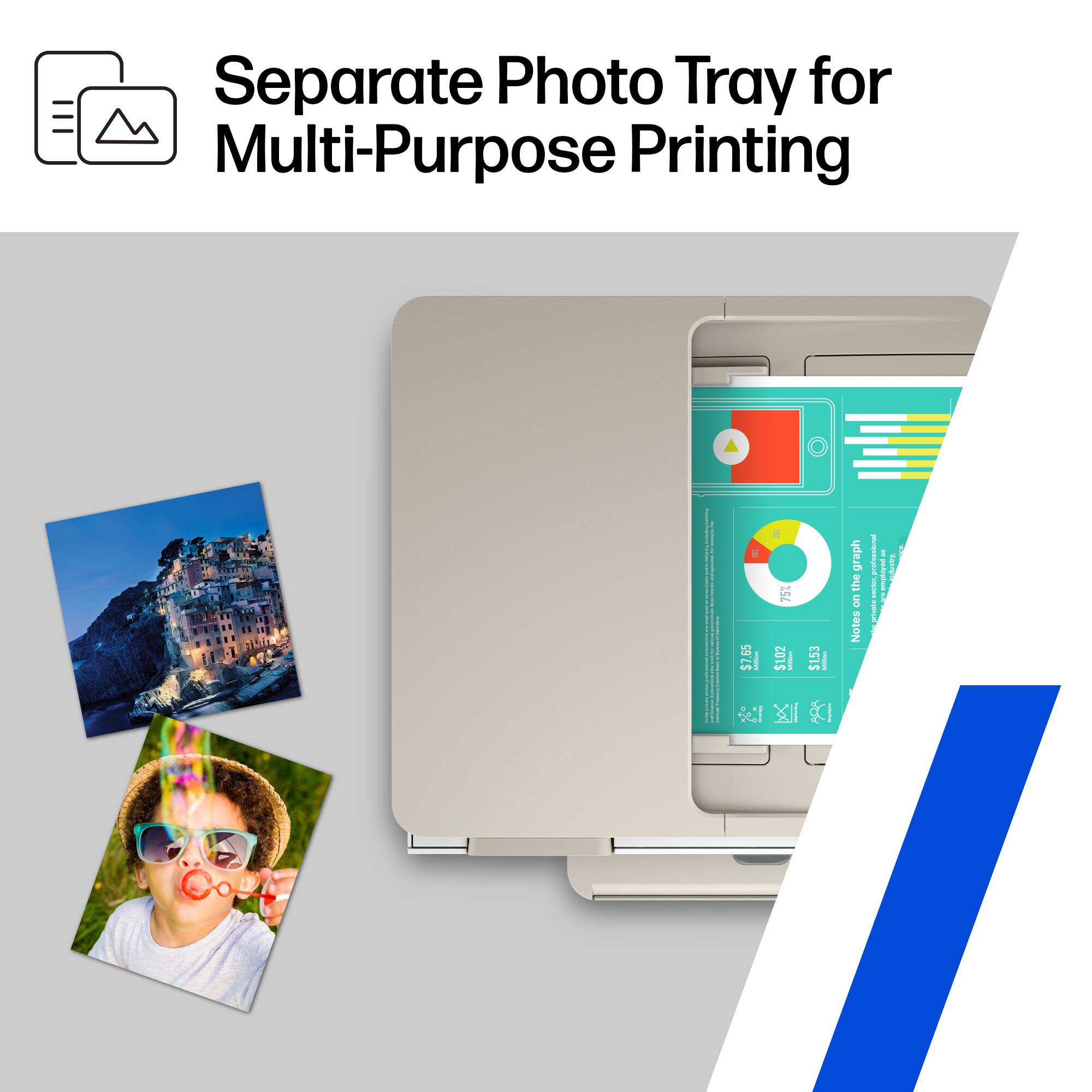
||Posted . Owned for 1 month when reviewed.This reviewer received promo considerations or sweepstakes entry for writing a review.This printer is replacing our HP 5055 which is a great printer also. But this one takes the cake. It is very convenient to have 8.5x11 and photo paper loaded at the same time. The fax without phone line feature is fantastic!
I would recommend this to a friend