Customer Ratings & Reviews





































- Model:
- ENVY Inspire 7955e/1W2Y8A#B1H
- SKU:
- 6478251
Rating by feature
- Value
Rating 4.4 out of 5 stars
- Quality
Rating 4.5 out of 5 stars
- Ease of Use
Rating 4.4 out of 5 stars
to a friend
Customers are saying
Customers have good things to say about the Envy Inspire 7955e, particularly praising its amazing print quality and ease of use. Many find the overall performance excellent, and appreciate its easy setup, reasonable noise level, and good connectivity. Some customers have noted issues with the paper tray and scanning functionality.
This summary was generated by AI based on customer reviews.
Scanner Feed
||Posted . Owned for 3 weeks when reviewed.This reviewer received promo considerations or sweepstakes entry for writing a review.I've had this printer for a month now and have had issues with the feed scanner. I put the paper in and it does not detect it.
No, I would not recommend this to a friendBrand response from HP Team
Posted .Hi, Angelica.
I’m sorry to learn that your printer has not performed well. I can easily understand why the scanner’s document feeder not recognizing when paper is loaded would be confounding. I want to help you remedy this problem, so I’ll direct you to some resources I believe might serve that end.
First, I recommend you follow a guide on our support site to document feeders that fail to pick up paper or pull through too many pages at once. Find that guide here:
- support.hp.com/us-en/document/ish_3833686-1493864-16
If the feeder problem persists, I suggest that you contact us directly at +1 800-474-6836 so we can help you assess what’s happening and find the best course of action. To expedite the process, I recommend gathering the following information before the call:
- Model number
- Serial number
- Your location
- Case number (from any previous contact with HP support)
I'll also mention that HP printers have a one-year warranty from their purchase date that covers hardware as well as ink supplies – and that warranty extends to two years with an HP+ account – so if it comes to that, you might consider making use of it. You can verify the warranty using the following link:
- support.hp.com/us-en/checkwarranty
Keith
HP Care
hp.com/support
Horrible printer
||Posted . Owned for 1 week when reviewed.This reviewer received promo considerations or sweepstakes entry for writing a review.I used 4 ink cartridges in one week. They send ink long after your out. Doesn’t hold lots of paper.
No, I would not recommend this to a friendBrand response from HP Team
Posted .Hi there.
I’m sorry that your printer has gone through so much ink. I can certainly understand why using multiple cartridges in a week would be an unwelcome surprise. I want you to understand what’s happening with the device and remedy the problem if one exists, so I’ll offer what I hope are helpful resources and information.
First, I can’t tell from your review how many pages you’ve printed, or how that compares with the cartridges’ estimated page yields. I also don’t know whether you’ve gone through four cartridges total (two blacks and two tri-colors) or four sets of each. The XL cartridges designed for your printer have estimated yields of 415 to 600 pages, while the regular size cartridges are expected to produce 165 to 200 pages. How cartridges perform in your own printer varies according to numerous factors, including resolution, how dry the air is and how absorbent the paper is.
Regardless, I believe the matter deserves further examination. If your results differ dramatically from the estimates above, I recommend that you contact us directly at +1 800-474-6836 so we can help you assess the situation and find the best course of action. To expedite the process, I recommend gathering the following information before the call:
- Model number
- Serial number
- Your location
- Case number (from any previous contact with HP support)
Keith
HP Care
hp.com/support
Disappointing HP Printer!
||Posted .This reviewer received promo considerations or sweepstakes entry for writing a review.I am not happy with this printer. It did not come with a manual, just tiny instructions on the printer, hard to read. The printer is not intuitive at all. I am still trying to figure out how to get it to do the simplest things. I used to love HP printers, but this one makes me change my mind!
No, I would not recommend this to a friendBrand response from HP Team
Posted .Hi there.
I’m sorry you’ve had such a frustrating start to owning your printer. I can wholly understand why inadequate instructional materials and confusing functionality would quickly become exasperating. I want to help you get the most from the device, so I’ll offer what I hope are some helpful resources and suggestions.
First, to learn more about your printer and all its features, or for help solving problems, you can access user manuals, how-to documents, software updates and troubleshooting guides here:
- support.hp.com/us-en/product/model/2100402074
You can also visit a page on our support site that has diagnostic tools for various tasks and issues, including cartridge installation, print quality and connectivity. There you’ll also find a general-purpose tool called the HP Print and Scan Doctor. If you use Windows, the tool will help identify and guide you through solutions to a wide range of common printing and scanning issues. Visit that page here:
- support.hp.com/us-en/topic/diagnostics
If you need further assistance with anything, I suggest you contact us directly so we can help you assess what’s happening and find a solution. HP+ printers such as yours come with exclusive concierge support. To call and reach live HP+ experts, visit the following URL and enter your HP+ serial number:
- hp.com/plus-help
Keith
HP Care
hp.com/support
Dont buy hp printers
||Posted . Owned for less than 1 week when reviewed.This reviewer received promo considerations or sweepstakes entry for writing a review.This machine is so ridiculous when it comes to just simple printing. You have to download 2 apps and if you want 6 months of hp ink you have ti commit to buying hp ink for the life of the printer. I never was able to print anything because the apps were not working on my phone or computer. So i brought it back and bought a Canon. Hp used to be great. Now, not so much
No, I would not recommend this to a friendsales person lied about its features
||Posted . Owned for 3 weeks when reviewed.This reviewer received promo considerations or sweepstakes entry for writing a review.I never took this home. I ordered it, discovered the sales person had lied about its features, and returned it within 15 minutes while still at the store.
No, I would not recommend this to a friendApp issues
||Posted . Owned for 1 month when reviewed.This reviewer received promo considerations or sweepstakes entry for writing a review.Connection issues with app. Having to be linked up to the printer network vs just my own Wi-Fi
I would recommend this to a friendBrand response from HP Team
Posted .Hi, Faith.
I’m sorry that your printer has run into problems with connectivity and the HP Smart App. I want to help you get the device connected properly, so I’ll provide a resource aimed at making that happen.
I recommend that you contact us directly so we can help you assess what’s happening and find the best course of action. HP+ printers such as yours come with exclusive concierge support. To call and reach live HP+ experts, visit the following URL and enter your HP+ serial number:
- hp.com/plus-help
Keith
HP Care
hp.com/support
feeder jamming
||Posted . Owned for 1 month when reviewed.This reviewer received promo considerations or sweepstakes entry for writing a review.dont buy. Document feeder keeps jamming. Not suitable for large documents to scan.
No, I would not recommend this to a friendBrand response from HP Team
Posted .Hi there.
I’m sorry that your printer’s document feeder has jammed frequently. Your dismay and frustration come as no surprise, especially considering that scanning large documents is one of your printing needs, and a functional feeder is crucial for this. I want to help you resolve this situation, so I’ll direct you to some resources designed to make that happen.
First, I recommend you follow a guide on our support site to document feeders that pull through too many pages at once or fail to pick up any paper at all. Find that guide here:
- support.hp.com/us-en/document/ish_3833686-1493864-16
If the problem persists, I recommend that you contact us directly at +1 800-474-6836 so we can help you assess what’s happening and find the best course of action. To expedite the process, I recommend gathering the following information before the call:
- Model number
- Serial number
- Your location
- Case number (from any previous contact with HP support)
I'll also mention that HP printers have a one-year warranty from their purchase date that covers hardware as well as ink supplies – and that warranty extends to two years with an HP+ account – so if it comes to that, you might consider making use of it. You can verify the warranty using the following link:
- support.hp.com/us-en/checkwarranty
Keith
HP Care
hp.com/support
Bad printer
||Posted . Owned for 1 month when reviewed.This reviewer received promo considerations or sweepstakes entry for writing a review.It never would print colors properly. HP printers are well designed but their ink refills expensive Took it back
No, I would not recommend this to a friendHP with Apple is not suggested
||Posted . Owned for 2 weeks when reviewed.This reviewer received promo considerations or sweepstakes entry for writing a review.Pain to get loaded and printing. May need to swap, cant get it to print color. Fir the cost, not very impressed.
No, I would not recommend this to a friendBrand response from HP Team
Posted .Hi there.
I’m sorry you encountered compatibility issues with your printer and your Apple device or devices during setup, and that the machine has not printed in color. I can certainly see why these would make for a poor start to ownership. I want to help you navigate these problems, so I’ll provide some resources aimed at reaching that end.
First, I recommend you look through these troubleshooting guides specific to Mac OS and iOS that you can find on our support site related to setup and connectivity.
Printer not found by software of device during setup (Mac OS and iOS):
- support.hp.com/us-en/document/ish_1738997-1676497-16
Printer offline or not responding:
- support.hp.com/us-en/document/ish_2026537-1681507-16
Next, I suggest you follow the steps listed in a guide on our support site to improving print quality. Issues covered include color or black ink not printing properly – or at all. Find that guide here:
- support.hp.com/us-en/document/ish_4804440-4201223-16
If any problem persists, I suggest you contact us directly so we can help you assess what’s happening and find the proper course of action. HP+ printers such as yours come with exclusive concierge support. To call and reach live HP+ experts, visit the following URL and enter your HP+ serial number:
- hp.com/plus-help
I'll also mention that HP printers have a one-year warranty from their purchase date that covers hardware as well as ink supplies – and that warranty extends to two years with an HP+ account – so if it comes to that, you might consider making use of it. You can verify the warranty using the following link:
- support.hp.com/us-en/checkwarranty
Keith
HP Care
hp.com/support
Not Recommended!
||Posted . Owned for 8 months when reviewed.This reviewer received promo considerations or sweepstakes entry for writing a review.Not good lots of issues. Stoped working. Says I have to buy ink from them. I had to call the geek squad out and pay them to tell me I was signed up for ink and I had changed my credit card number. So HP would let me print. Total nightmare. Had to pay Geek squad to change settings. Never again for HP. They are greedy.
No, I would not recommend this to a friendNot worth it
||Posted . Owned for 1 month when reviewed.This reviewer received promo considerations or sweepstakes entry for writing a review.For the money not worth it. Hate the subscription program based on sheet count. Thing jams frequently when printing double sided. Plan on returning later today.
No, I would not recommend this to a friendCPA
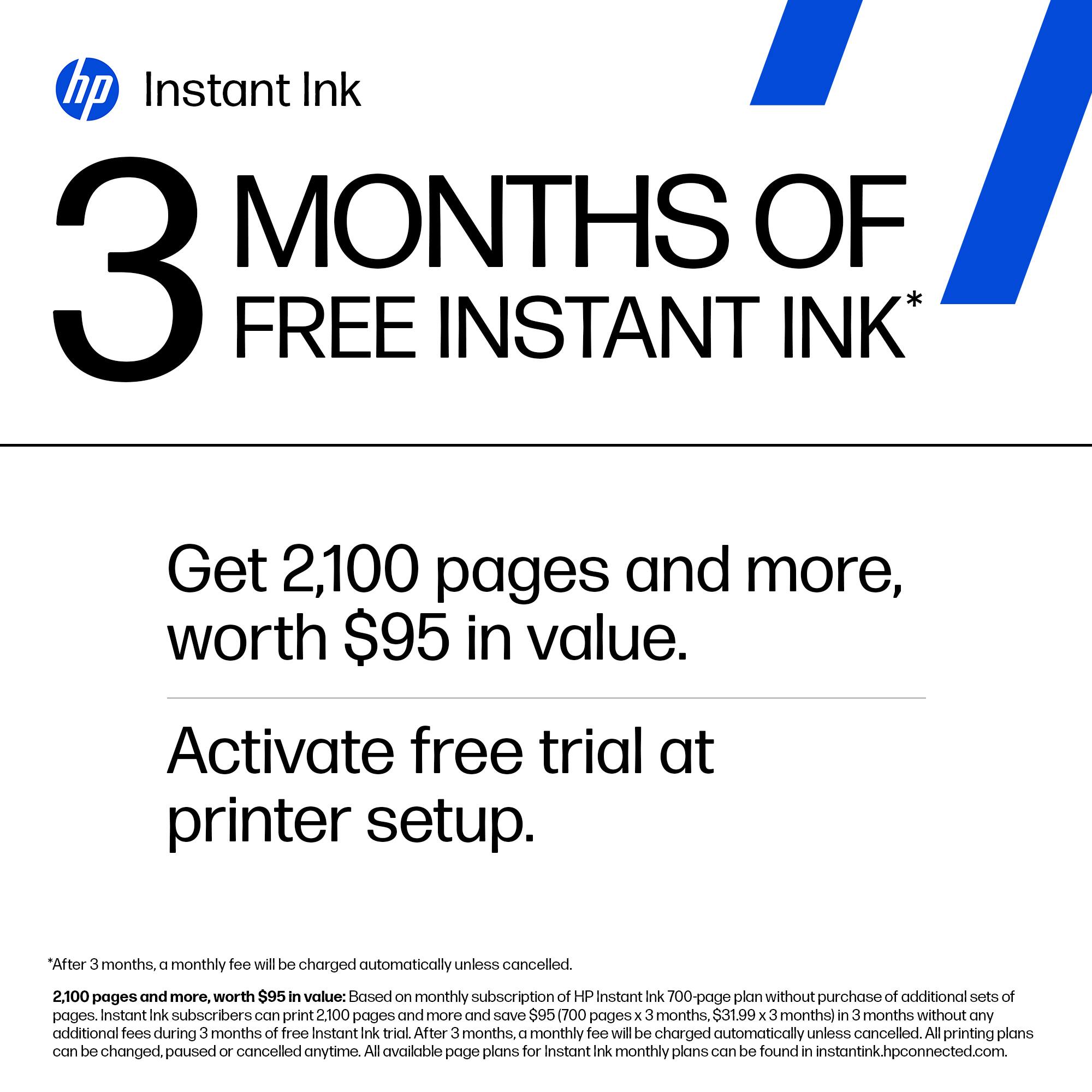
||Posted . Owned for less than 1 week when reviewed.This reviewer received promo considerations or sweepstakes entry for writing a review.We purchased this printer as we had several ink cartridges in our stock from our old printer that would work in this printer. This printer only lasted 3 weeks. The 3 months of instant ink ran out in less than 3 weeks. We needed a printer as we were working on urgent issues so we had to buy another one. I would not recommend.
No, I would not recommend this to a friendPass on this
||Posted . Owned for 11 months when reviewed.This reviewer received promo considerations or sweepstakes entry for writing a review.Didn’t print full resolution no matter what, hard to function and had spam ware
No, I would not recommend this to a friendDo Not Buy
||Posted . Owned for 2 months when reviewed.This reviewer received promo considerations or sweepstakes entry for writing a review.Do not, I repeat, do not buy this printer. It is made of recyclable material, very lightweight and flimsy. Trying to get Geek squad to come out and look at it and they won’t. Why is something I bought on October 27 and the return day by is January 14. That’s not even three months. Do not buy.
No, I would not recommend this to a friendBrand response from HP Team
Posted .Hi, Kay.
I’m sorry to learn that you’ve run into trouble with your printer. I can’t tell from your review what’s gone wrong, but I can wholly understand why encountering difficulty but not getting the support you need would be quite unsettling. I want to help you out of this dilemma, so I’ll suggest some resources aimed at making that happen.
I recommend that you contact us directly so we can help you assess what’s happening and find the proper course of action. HP+ printers such as yours come with exclusive concierge support. To call and reach live HP+ experts, visit the following URL and enter your HP+ serial number:
- hp.com/plus-help
I'll also mention that HP printers have a one-year warranty from their purchase date that covers hardware as well as ink supplies – and that warranty extends to two years with an HP+ account – so if it comes to that, you might consider making use of it. You can verify the warranty using the following link:
- support.hp.com/us-en/checkwarranty
Keith
HP Care
hp.com/support
Very bad service!
||Posted . Owned for 3 weeks when reviewed.This reviewer received promo considerations or sweepstakes entry for writing a review.I had to wait 2 weeks for the Geek Squad to set this up. When they came to my house they were unable to start up the printer. After they left, my computer shut down as well. So for another 2 weeks I have no printer and now computer.
No, I would not recommend this to a friendToo Complicated
||Posted . Owned for 1 month when reviewed.This reviewer received promo considerations or sweepstakes entry for writing a review.Designing this printer to be more than just a printer that does too many things makes it very difficult to set up and make work.
No, I would not recommend this to a friendBrand response from HP Team
Posted .Hi there.
I’m sorry to hear that you’ve encountered difficulty setting up your printer and getting it to work like it should. I can’t tell from your brief review whether you were able to complete the setup process, but I’ll nonetheless provide some resources aimed at helping you get the device working to your satisfaction.
If you still need to complete setup and installation, you can access a tutorial specific to your printer on our support site. Regardless, on the same page as the tutorial, you can find user manuals, how-to documents, software updates and troubleshooting guides. Find those materials here:
- support.hp.com/us-en/product/model/2100402074
You can also visit a page on our support site that has diagnostic tools for various tasks and issues, including setup and connectivity difficulties as well as cartridge installation and print quality. There you can find a general-purpose tool called the HP Print and Scan Doctor. If you use Windows, the tool will help identify and guide you through solutions to a wide range of common printing and scanning issues. You can find the page here:
- support.hp.com/us-en/topic/diagnostics
If you need further assistance with setup, connectivity or anything else, I suggest you contact us directly so we can help you reach a resolution. HP+ printers such as yours come with exclusive concierge support. To call and reach live HP+ experts, visit the following URL and enter your HP+ serial number:
- hp.com/plus-help
Keith
HP Care
hp.com/support
Worthless printer
||Posted . Owned for 5 months when reviewed.This reviewer received promo considerations or sweepstakes entry for writing a review.Worst printer that I've ever owned. Had nothing but problems after one month. Uninstalled, reinstalled, and contacted HP. The only thing the guy wanted to do was to sell me $400 worth of products. So. I have a useless, $300 printer and will have to pay for someone to figure out this piece of junk.
No, I would not recommend this to a friendBrand response from HP Team
Posted .Hi, Kimberly.
I’m sorry that you encountered so much difficulty with your printer. Even more so, it's awful to hear about the experience you had when reaching out to support. Unfortunately, support feedback of that nature is often linked to fraudulent companies or individuals.
There is no charge for standard support during your one-year warranty period (which extends to two years with an HP+ account), and assistance should come before any other suggestions. In case you need to, you can double-check the warranty status of your printer here:
- support.hp.com/checkwarranty
We know that fraudulent companies and individuals find their way to people by many means, and often they appear totally legitimate. On our support site we have a section that contains information on how to protect yourself from scams, and what to do if you’ve been the victim of one. Visit that page here:
- support.hp.com/us-en/document/c05404707
If you need help at any point, we're always here for support. Please contact us directly so we can help you assess what’s happening and find the proper course of action. HP+ printers such as yours come with exclusive concierge support. To call and reach live HP+ experts, visit the following URL and enter your HP+ serial number:
- hp.com/plus-help
Keith
HP Care
hp.com/support
Printer is horrible
||Posted . Owned for 3 weeks when reviewed.This reviewer received promo considerations or sweepstakes entry for writing a review.Prints slow would not recommend for a business br3ajs diwn alot constantly has paper jams
No, I would not recommend this to a friendHome Office
||Posted . Owned for 1 month when reviewed.This reviewer received promo considerations or sweepstakes entry for writing a review.Printer does not do two sided papers without having to manually flip paper. Also not MAC compatible
No, I would not recommend this to a friendBrand response from HP Team
Posted .Hi, John.
I’m sorry you’ve had a disappointing start with your printer. I can certainly understand why not finding the auto-duplex feature you expected and encountering compatibility issues with your operating system would be a discouraging combination. I want to help you remedy the problems you can here, so I’ll suggest some resources aimed at making that happen.
First, I recommend you follow a guide on our support site to printer compatibility with Mac OS. It covers several software and support options for printing with Mac OS on HP devices. Find that guide here:
- support.hp.com/us-en/document/ish_2635044-2489772-16
You might also get useful information from these other Mac OS and iOS guides regarding connectivity and other printing issues:
Printer offline or not responding:
- support.hp.com/us-en/document/ish_2026537-1681507-16
Problems printing via iPhone and iOS:
- support.hp.com/us-en/document/ish_1946968-1947068-16
If you need further assistance, I suggest that you contact us directly at +1 800-474-6836 so we can help you assess what’s happening and find the best course of action. To expedite the process, I recommend gathering the following information before the call:
- Model number
- Serial number
- Your location
- Case number (from any previous contact with HP support)
Keith
HP Care
hp.com/support
This printer is garbage
||Posted . Owned for 7 months when reviewed.This reviewer received promo considerations or sweepstakes entry for writing a review.This printer is garbage. Don't waste your money. The HP warranty is worthless unless you want to spend a full day of your life navigating their customer service and tech support maze.
No, I would not recommend this to a friend