Customer Ratings & Reviews





































- Model:
- ENVY Inspire 7955e/1W2Y8A#B1H
- SKU:
- 6478251
Rating by feature
- Value
Rating 4.4 out of 5 stars
- Quality
Rating 4.5 out of 5 stars
- Ease of Use
Rating 4.4 out of 5 stars
to a friend
Customers are saying
Customers have good things to say about the Envy Inspire 7955e, particularly praising its amazing print quality and ease of use. Many find the overall performance excellent, and appreciate its easy setup, reasonable noise level, and good connectivity. Some customers have noted issues with the paper tray and scanning functionality.
This summary was generated by AI based on customer reviews.
Best Buy wouldn't simply replace this damaged Item
||Posted . Owned for 1 month when reviewed.This reviewer received promo considerations or sweepstakes entry for writing a review.Damaged prior to home delivery/refund in 40 days?!
No, I would not recommend this to a friendFrustrating
||Posted . Owned for 1 week when reviewed.This reviewer received promo considerations or sweepstakes entry for writing a review.Didn't work properly. Tried 2 different printers and neither would print properly.
No, I would not recommend this to a friendIt does not fax!
||Posted . Owned for 1 month when reviewed.This reviewer received promo considerations or sweepstakes entry for writing a review.Considered an all in one. It does not fax! I returned it due to that fact.
No, I would not recommend this to a friendPoor
||Posted . Owned for 1 month when reviewed.This reviewer received promo considerations or sweepstakes entry for writing a review.Returned Very slow not a good printer Could not get it to work
No, I would not recommend this to a friend
Perfect for home use
|Posted .This reviewer received promo considerations or sweepstakes entry for writing a review.One of my favorite features is the double tray, I have 4x6 photo paper loaded on top of the 8.5x11 and I can print photos at any point I like without keeping the back tray open like on other printers. This ties into the size of the device, which is a nice compact size for all of its features: print, copy, scan, and if you order its own ink if you set it up. The app is one of the best I’ve seen for adding to the usability of the printer, you can ‘copy’ a paper with your phone by scanning it with your phone camera. There is free random printable content like peppa the pig cutouts. There is even a digital fax part that you can set up, I haven’t had to send a fax in 4 years so a built in method to fax is a nice backup as I was driving across town before to pay someone to fax my stuff back then. I love being able to print photos straight from my phone and it working smoothly. So far the photos have all come out awesome even when I used off brand photo paper. I was also able to connect my Facebook account and print photos straight from my albums. One downside was that Facebook was the only app able to connect for me at the time of this review. But it was easy enough to download from other places and print from my local folder. The printing isn’t the absolute fastest so if you are just looking to crank out hundreds of pages then it might be worth looking at a printer that is designed for that but for regular home use this hits the spot.
I would recommend this to a friendPrinter
||Posted . Owned for 3 weeks when reviewed.This reviewer received promo considerations or sweepstakes entry for writing a review.Will not print the documents on the current page or other things
No, I would not recommend this to a friendPrinter HP
||Posted . Owned for 3 weeks when reviewed.This reviewer received promo considerations or sweepstakes entry for writing a review.Paper would skip lines and the paper would get stuck
No, I would not recommend this to a friendCan’t use
||Posted . Owned for 3 weeks when reviewed.This reviewer received promo considerations or sweepstakes entry for writing a review.I can’t reload paper. I’ve never had a problem doing this before.
No, I would not recommend this to a friendDO NOT BUY!!!!
||Posted . Owned for 1 month when reviewed.This reviewer received promo considerations or sweepstakes entry for writing a review.Piece of crap. Printer cartridges not being read by printer. Missing my Canon printer!!!
No, I would not recommend this to a friendBrand response from HP Team
Posted .Hi there.
I’m sorry that your printer has not recognized the ink cartridges you’ve attempted to install. Your review is brief, but your dilemma is clear. I want to help you resolve this problem, so I’ll suggest a resource designed to make that happen.
I can’t tell from your review whether the printer has rejected the setup cartridges that came with the printer, genuine HP replacement cartridges that you’ve purchased, or third-party cartridges. I recommend that you contact us directly so we can help you assess what’s happening and find a solution. HP+ printers such as yours come with exclusive concierge support. To call and reach live HP+ experts, visit the following URL and enter your HP+ serial number:
- hp.com/plus-help
Keith
HP Care
hp.com/support
Don't put yourself through it.
||Posted . Owned for 3 weeks when reviewed.This reviewer received promo considerations or sweepstakes entry for writing a review.Couldn't color print to save it's soul. Was the dickens to set up.
No, I would not recommend this to a friendTerrible
||Posted . Owned for 1 month when reviewed.This reviewer received promo considerations or sweepstakes entry for writing a review.Hate it - scans everything crooked. Terrible ink life -
No, I would not recommend this to a friendBrand response from HP Team
Posted .Hi there.
I’m sorry to hear that your printer has produced crooked scans and used ink more rapidly than you’d anticipated. Your review is brief, but your dilemma is clear. I want to help you resolve this situation, so I’ll provide some resources aimed at making that happen.
First, regarding the crooked scans, I reached out to a person who oversees this product line, and he recommends that you watch a video tutorial produced by our support team on best practices for avoiding skewed scans and copies when using HP multifunction printers. Find this video by following this link:
- www.youtube.com/watch?v=xO9w9bYCbnE
Next, I can’t say for certain what happened with the ink supply in your case, but some printers come with what are known as setup cartridges, which have a lower capacity than regular or XL cartridges, and less still than ones in our Instant Ink program. The XL cartridges designed for your printer have estimated page yields of 415 to 600 pages, while the regular size cartridges are expected to produce 165 to 200 pages. How cartridges perform in your own printer varies according to numerous factors, including usage, how dry the air is and how absorbent the paper is.
Regardless, if your results differ dramatically from the estimates above – or if the scanner issue persists – I recommend that you contact us directly so we can help you assess what’s happening and find the best course of action. HP+ printers such as yours come with exclusive concierge support. To call and reach live HP+ experts, visit the following URL and enter your HP+ serial number:
- hp.com/plus-help
I'll also mention that HP printers have a one-year warranty from their purchase date that covers hardware as well as ink supplies – and that warranty extends to two years with an HP+ account – so if it comes to that, you might consider making use of it. You can verify the warranty using the following link:
- support.hp.com/us-en/checkwarranty
Keith
HP Care
hp.com/support
Failed
||Posted . Owned for less than 1 week when reviewed.This reviewer received promo considerations or sweepstakes entry for writing a review.Failed right away when hooked up ~ returned to Best Buy.
No, I would not recommend this to a friendno fax on machine
||Posted .This reviewer received promo considerations or sweepstakes entry for writing a review.There is no fax on the machine. you have to use your phone and it's complicated
No, I would not recommend this to a friendBrand response from HP Team
Posted .Hi there.
I’m sorry to learn that you’ve run into trouble with the mobile fax function on your printer. I can wholly understand why this would be an unwelcome surprise, considering that it’s not what you expected and that you’ve found it difficult to use. I want to help improve your experience. I hope you’ll use the resources below to make that happen.
To learn more about sending faxes via that HP Smart App, I suggest you follow the directions in a guide you’ll find on our support site. It also has an FAQ section. Find that guide here:
- support.hp.com/us-en/document/ish_2408253-2225429-16
For more help with difficulties, or to learn more about your printer and all its features, you can access troubleshooting guides, how-to documents, user manuals and software updates here:
- support.hp.com/us-en/product/model/2100402074
If you need further assistance with anything, I suggest you contact us directly so we can help you assess what’s happening and find a solution. HP+ printers such as yours come with exclusive concierge support. To call and reach live HP+ experts, visit the following URL and enter your HP+ serial number:
- hp.com/plus-help
Keith
HP Care
hp.com/support
whatever
||Posted . Owned for 4 months when reviewed.This reviewer received promo considerations or sweepstakes entry for writing a review.Document feeder inexplicably stopped working for months after purchase.
No, I would not recommend this to a friendBrand response from HP Team
Posted .Hi there.
I’m sorry to hear that your printer’s document feeder stopped working only a few months after your purchase. I can certainly understand why this would be a jarring surprise. I want to help you remedy this problem, so I’ll offer some resources and information I hope will reach that end.
First, I recommend you follow the steps in this guide to document feeders that fail to pick up any paper or pull through too many pages at once:
- support.hp.com/us-en/document/c01728503
You might also find useful information in this troubleshooting guide for printers that display an out-of-paper error and do not pick up paper:
- support.hp.com/us-en/document/c00786157
If the feeder still doesn’t work, I suggest you contact us directly so we can help you assess what’s happening and find the best path to a resolution. HP+ printers such as yours come with exclusive concierge support. To call and reach live HP+ experts, visit the following URL and enter your HP+ serial number:
- hp.com/plus-help
I'll also mention that HP printers have a one-year warranty from their purchase date that covers hardware as well as ink supplies – and that warranty extends to two years with an HP+ account – so if it comes to that, you might consider making use of it. You can verify the warranty using the following link:
- support.hp.com/us-en/checkwarranty
Keith
HP Care
hp.com/support
New printer
||Posted . Owned for 3 weeks when reviewed.This reviewer received promo considerations or sweepstakes entry for writing a review.Just set up today , but so far all is good and the printer works well
I would recommend this to a friendA great printer for everything you need
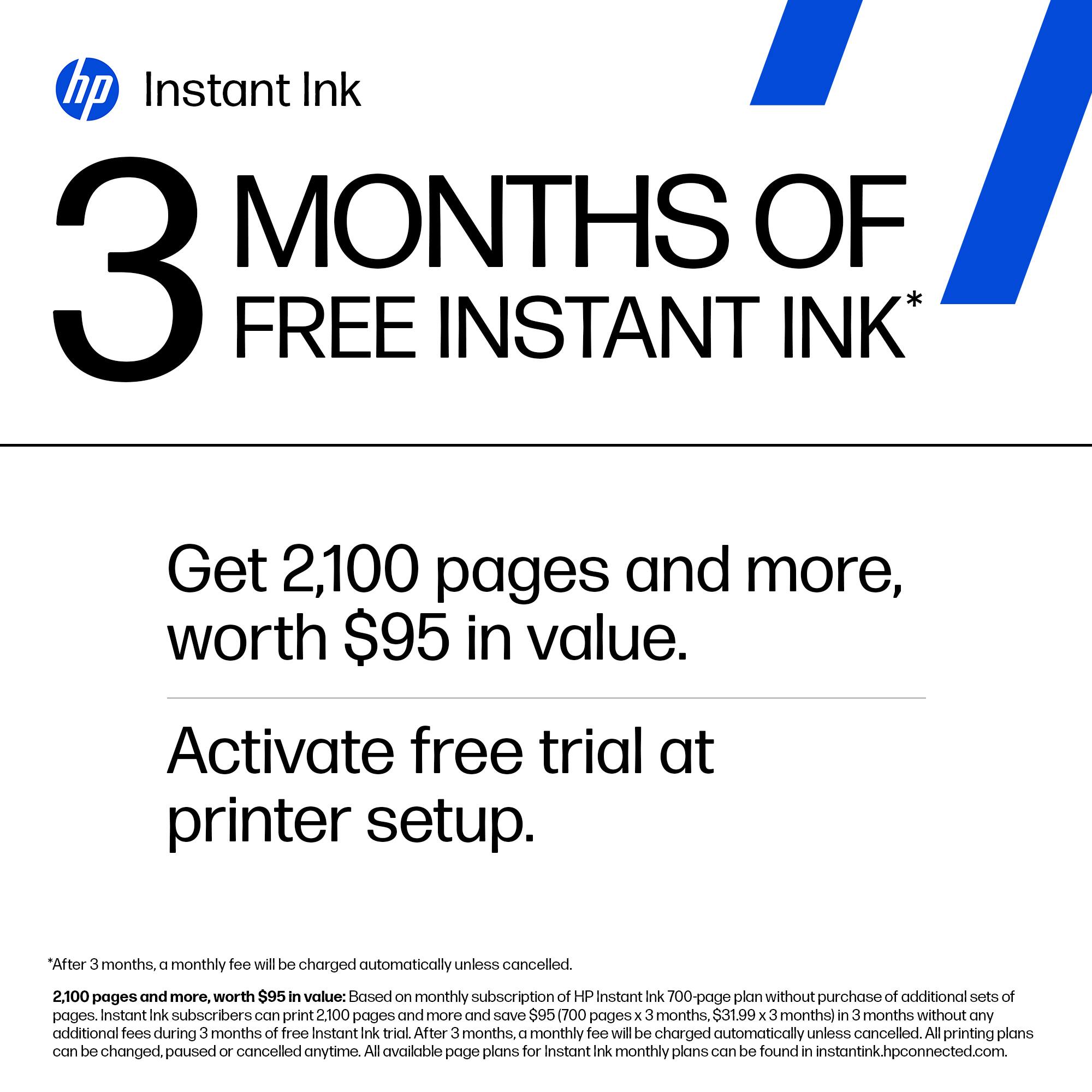
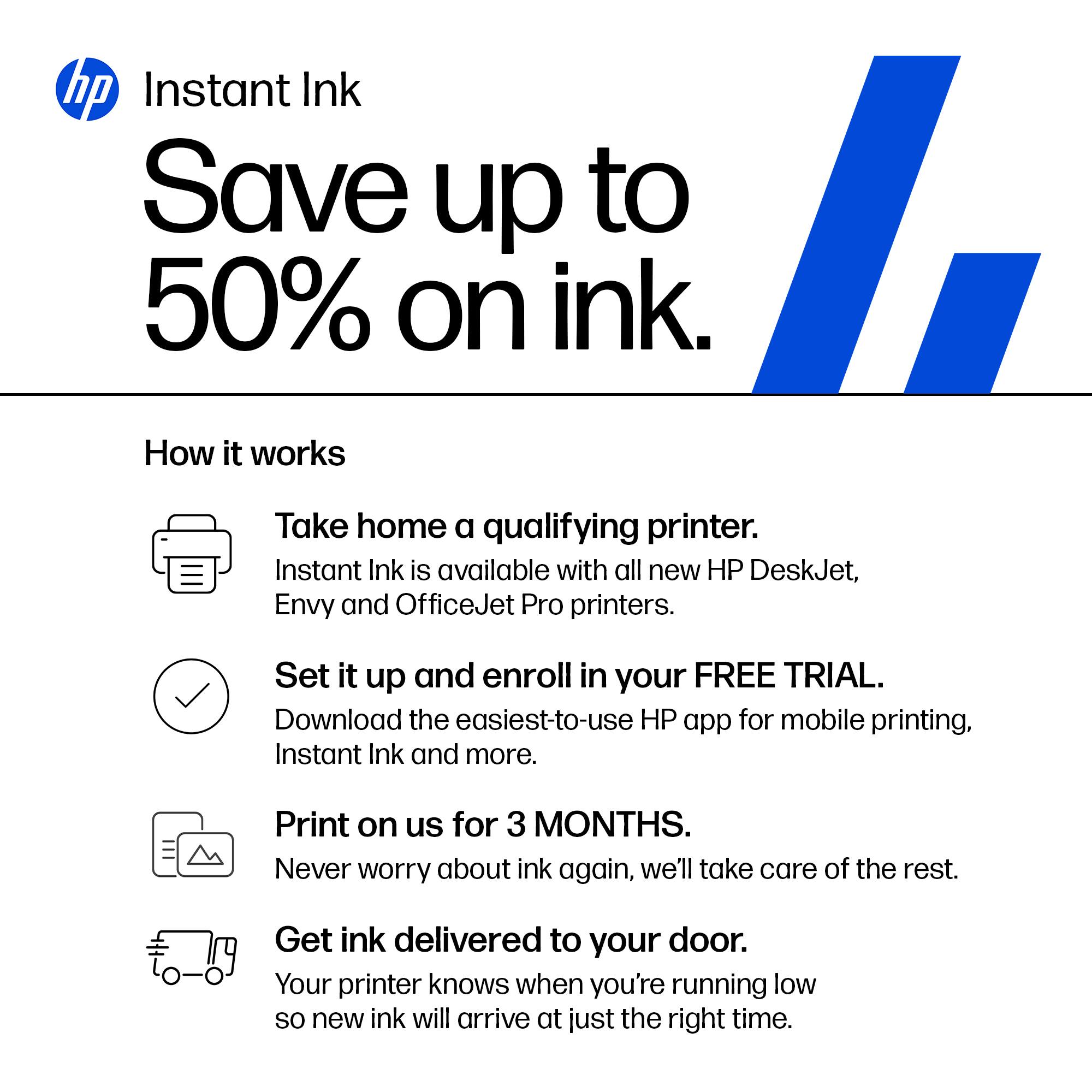
|Posted .This reviewer received promo considerations or sweepstakes entry for writing a review.I really hate printer shopping and trying to find the right printer for what I need. It seems like there’s always a feature missing or it’s good at one thing but not the other. Well I may have actually found a printer that can handle everything I need it to do. Ok...not everything, but the con list is pretty short. PROS: - Good photo prints - quick printing - has a scanner and copier (can even SEND a fax using your cell) - double sided printing (but not copying) - the app isn’t too bad and there’s a PC option available in windows store - connected to my network quick and easy CONS - no double sided copying (more details below) - a lot of "agree" to this and that checkboxes and subscriptions to get all features So like I said, not a whole lot wrong with this unit that I noticed so far. The only real problem I had with it was I assumed when it said double sided printing it meant it could take a double sided original, placed in the top feeder, and make a 2 sided copy of it. However, what it actually does is takes two original pages and puts them on 1 two sided copy. That’s not really a big deal for me, it was more of a little let down because I misunderstood what it could do. The reality is it’s not going to affect me much but maybe for someone out there, this would be helpful information. But what I did really enjoy about this printer was the photo quality. I wasn’t actually expecting it to print good photos but I was pleasantly surprised to see my photos print better than ones I had ordered from a drugstore and just as good as online prints I’ve ordered. They might not print great if you try to one click it from the app on the phone or not bother to adjust settings, but if you set it to best and check over some advanced settings, you can get really good prints. Good enough to send to grandparents or put on your walls, office, etc. I also was happy with the printers over all document printing capabilities. We have an etsy shop that needs to print labels and inserts for all our orders and this printer churns them out fast. Speaking of printing a lot of documents and photos, what’s the worst part about printers? The ink. Buying, recycling, finding the right cartridge in that giant book. It can be a pain. But this printer works with HP+ and HP’s instant ink program. Now, I have to admit, I went full tinfoil hat on this thing and looked into it pretty close trying to figure out how yet another monthly subscription is going to screw me over. But I really struggled to find a lot of issues with the instant ink program. I definitely couldn’t find any tricks or gimmicks. It is true that it’s not for everyone, but if you go through a lot of ink for high quality prints of photos or color documents etc but don’t necessarily go through a lot of paper, you do stand to save a lot of money with the program. It works like the old cell phone plans with minutes only the printer uses page counts. So as long as you stay within your page limit for the month, you can use as much ink as you want and the printer will tell HP when to ship more so you don’t run out. If you go over your page limit, just like the old cell phones, you pay for the overages. BUT unlike the cell phones, it’s not a lot. Something like 6 cents a page. It sounds pretty cool, and this printer came with 6 months free so I’m definitely going to try it out and see. I would suggest you look into it more for the details and see if it’s right for you, but I think most people that need a beefy printer like this will also need a good amount of ink. OVERALL I’d say this is a great printer for any family or home office. It can scan, it can copy, it can send a fax, and oh yeah, it can print. Photos, documents, detailed color prints, it has handled it all in an easy to set up and use, all in one printer. I’m back on the HP train, this thing is solid.
I would recommend this to a friendNoprinter
||Posted . Owned for 1 month when reviewed.This reviewer received promo considerations or sweepstakes entry for writing a review.Not easy to connect to internet and resolution took hours
No, I would not recommend this to a friendBrand response from HP Team
Posted .Hi there.
I’m sorry to learn that your printer was so difficult to connect and set up. The frustration you express is totally understandable, considering you endured this problematic start to owning the device. I can’t tell from your review whether you were able to complete the process, but I’ll nonetheless provide some resources aimed at helping you get the device working to your satisfaction.
If you still need to complete setup and connection, you can access a tutorial specific to your printer on our support site. On the same page as the tutorial, you can find user manuals, how-to documents, software updates and troubleshooting guides. Find those materials here:
- support.hp.com/us-en/product/model/2100402074
You can also visit a page on our support site that has diagnostic tools for various tasks and issues, including setup and connectivity. You can find the page here:
- support.hp.com/us-en/topic/diagnostics
If you need further assistance, I suggest that you contact us directly so we can help you assess what’s happening and find a solution. HP+ printers such as yours come with exclusive concierge support. To call and reach live HP+ experts, visit the following URL and enter your HP+ serial number:
- hp.com/plus-help
Keith
HP Care
hp.com/support
Disappointed
||Posted . Owned for 3 weeks when reviewed.This reviewer received promo considerations or sweepstakes entry for writing a review.Printed 15 colored pages and the ink was gone. Don’t buy!
No, I would not recommend this to a friendBrand response from HP Team
Posted .Hi, Kay.
I’m sorry to hear that your printer ran out of ink so quickly. I can certainly understand why seeing the ink depleted after only 15 color prints would be a jarring surprise and a poor start to owning a new printer, so I’ll try to offer some helpful suggestions.
First, I can’t say for certain what happened with the ink supply in your case, but some printers come with what are known as setup cartridges, which have a lower capacity than regular or XL cartridges, and less still than ones in our Instant Ink program.
The XL cartridges designed for your printer have estimated yields of 415 to 600 pages, while the regular size cartridges are expected to produce 165 to 200 pages. How cartridges perform in your own printer varies according to numerous factors, including resolution, how dry the air is and how absorbent the paper is.
Regardless, I suggest you contact us directly so we can help you assess what’s happening and find a solution. HP+ printers such as yours come with exclusive concierge support. To call and reach live HP+ experts, visit the following URL and enter your HP+ serial number:
- hp.com/plus-help
Keith
HP Care
hp.com/support
Great For My Home Office
|Posted .This reviewer received promo considerations or sweepstakes entry for writing a review.I have been looking for an all-in-one printer and I think I have found the one that checks all the boxes! I am coming from a regular printer that did not have a scanner or the ability to take pictures, and I am simply impressed that this all-in-one printer is basically the same size as the other printer I had. I have a small office and don't have a lot of space for a huge printer, and it's awesome that this one is small in size but powerful in its features and performance. Having used it for two weeks now, I am very content with this all-in-one printer. The color is a bright and beautiful white. The material is a hard plastic but you can feel the quality of the item. The speed in printing and scanning meets my expectations as it is more for a home-office printer. All in all, I am very happy with the features and the performance. MY FAVORITE PART is the App. This is the first printer that has an App that I can use to print documents or even pictures. Love that I can do that. It makes everything extremely easy and simple!
I would recommend this to a friendPerfect for the Family
|Posted .This reviewer received promo considerations or sweepstakes entry for writing a review.This printer is an excellent addition to our household. With one of two adults and two kids in school. We do a fair amount of printing. With the proactive monitoring of ink and the overall printer status, we're never caught off guard and running to the store late at night to get ink! It comes with six months of free ink that will ship on an as-needed basis. The setup of the printer was super easy and I was up and running in just a few minutes. The HP software helps you get it going quickly and you can also use the app to check various settings. Printing is quick for a home printer and the quality is very good. I tend to buy thicker stock paper so that my reports or everyday documents have a little bit more substance to them. The ink dries quickly and the documents look great. We also printed a couple of pictures from our phones and the quality was good. There are only two ink cartridges, black and color, this could cause slightly less vibrant photos when compared to a printer using four cartridges but unless you are printing large portraits, you won't really see much difference. I'd definitely give this printer a try if you need an inexpensive printing solution at home.
I would recommend this to a friend