Customer Ratings & Reviews









- Model:
- 24-CS0074/8B911AA#ABA
- SKU:
- 6554766
Rating by feature
- Value
Rating 4.4 out of 5 stars
- Quality
Rating 4.5 out of 5 stars
- Ease of Use
Rating 4.4 out of 5 stars
Customers are saying
Customers are pleased with the Envy Move's portability, large screen size, and responsive touchscreen. Many appreciate the decent battery life, allowing for mobility and extended use away from a power source. However, some users find the limited RAM and USB ports to be restrictive. The stylish design and good sound quality are also frequently praised.
This summary was generated by AI based on customer reviews.
- Cons mentioned:Usb ports
Keyboard stinks and only 1 USB port
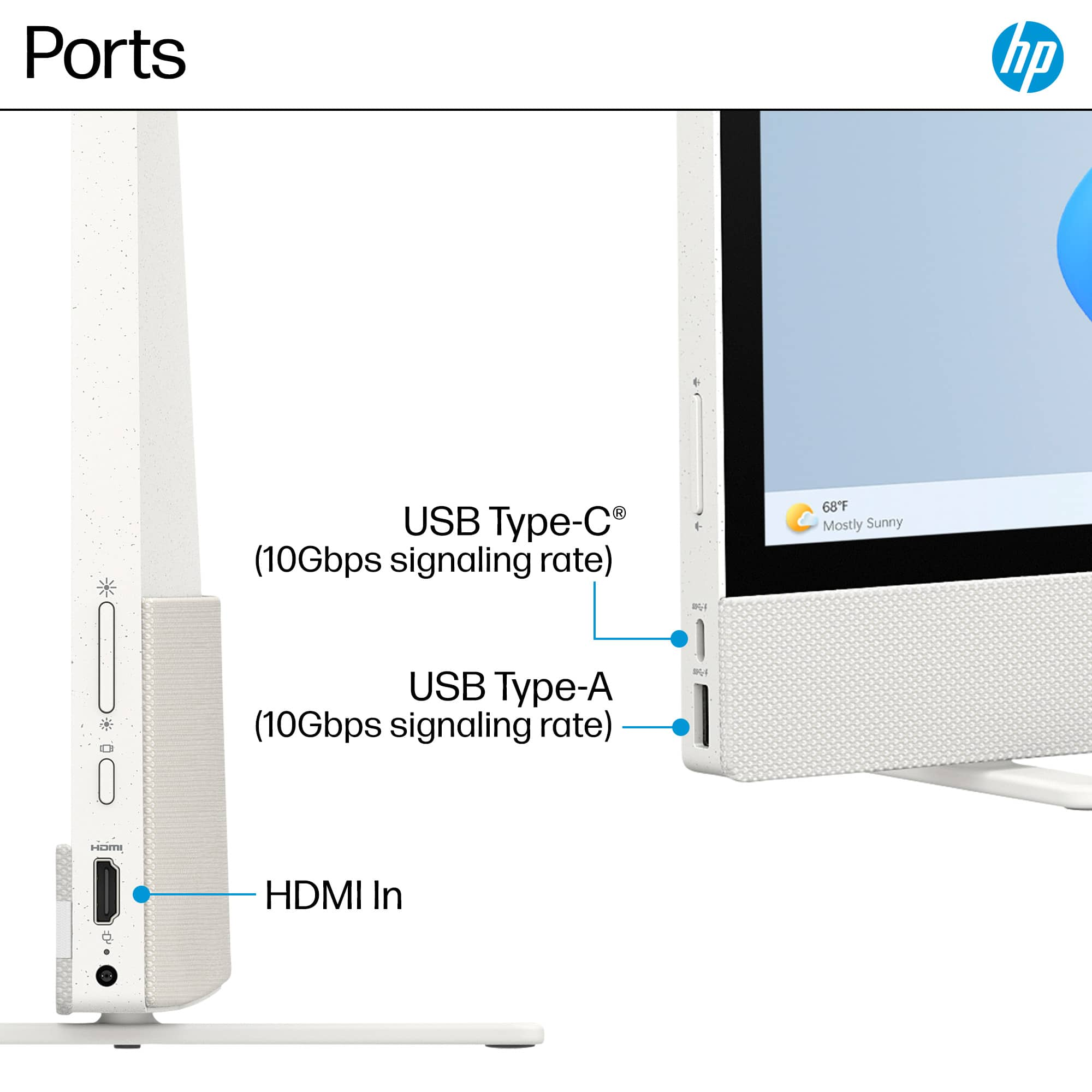
||Posted . Owned for 6 months when reviewed.This reviewer received promo considerations or sweepstakes entry for writing a review.I've only had it for about 5 months and have had many problems. I like the computer and big touchscreen but the wireless keyboard is horrible and totally useless. It disconnects from the computer constantly and runs on AAA batteries which I have to replace every 10 days. Also, there is only 1 USB port so I had to buy an adapter. HP Support has been terrible.
No, I would not recommend this to a friend - Pros mentioned:Battery life, Processor speed, Screen sizeCons mentioned:Ram, Usb ports

A Clever Concept, But Execution Needs Work
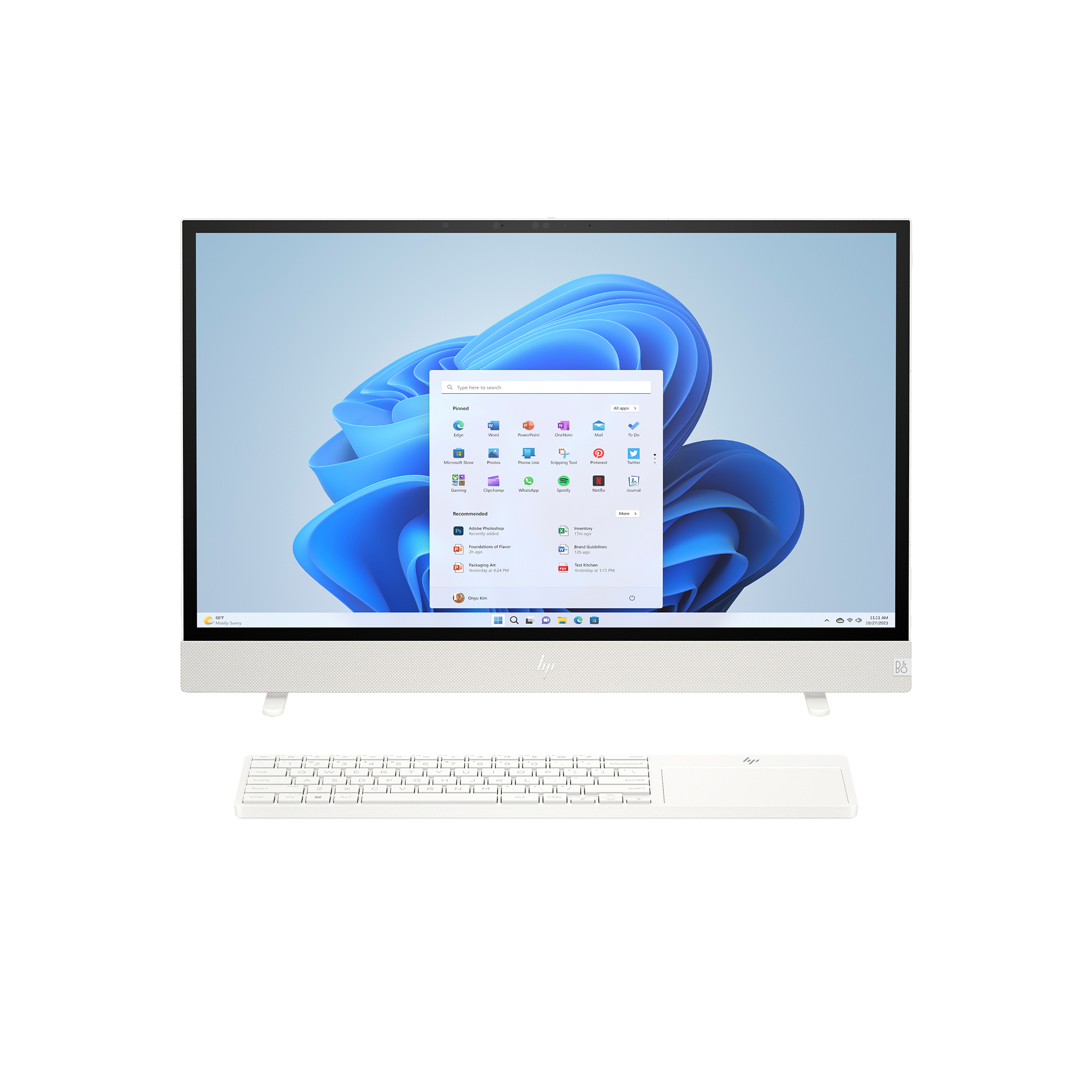
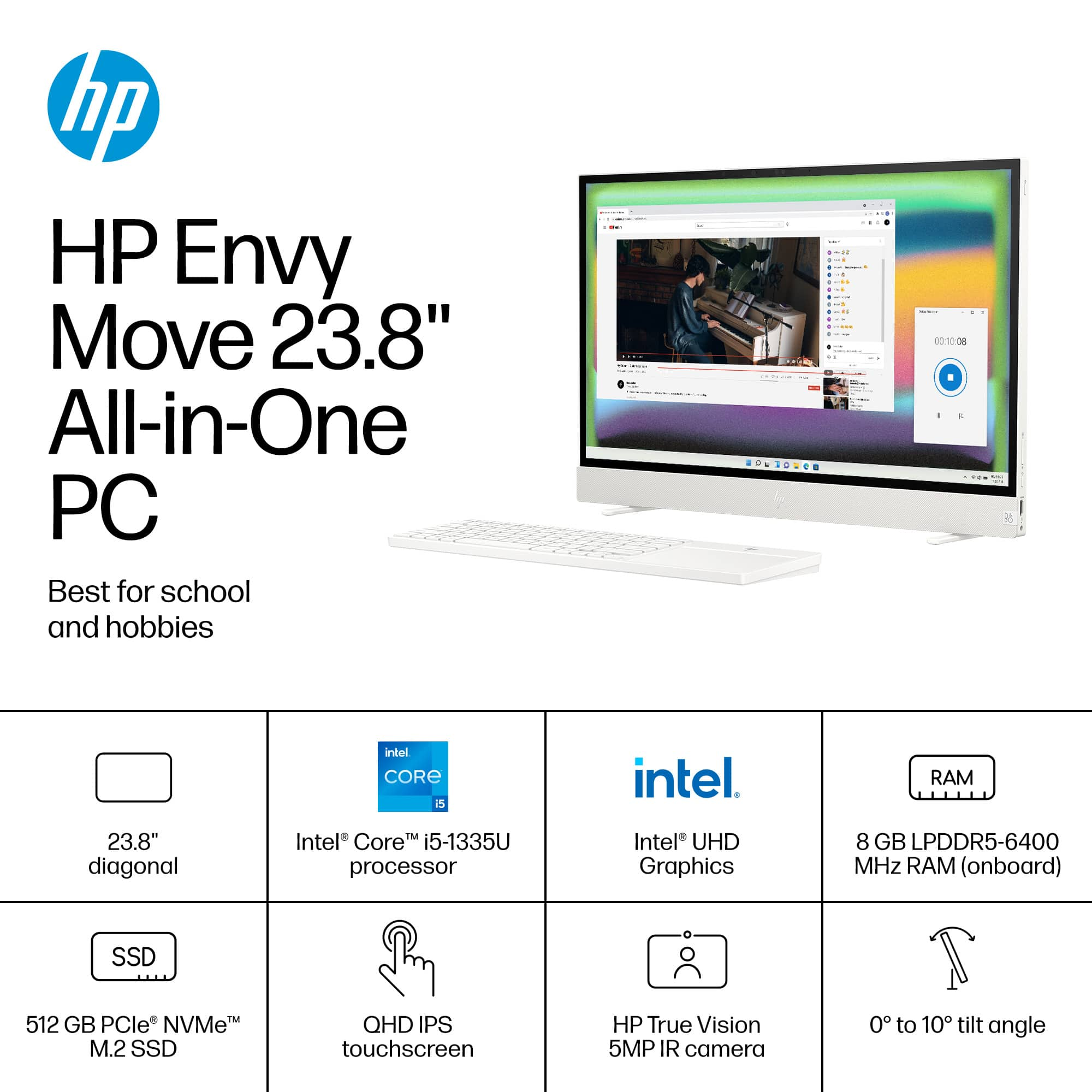
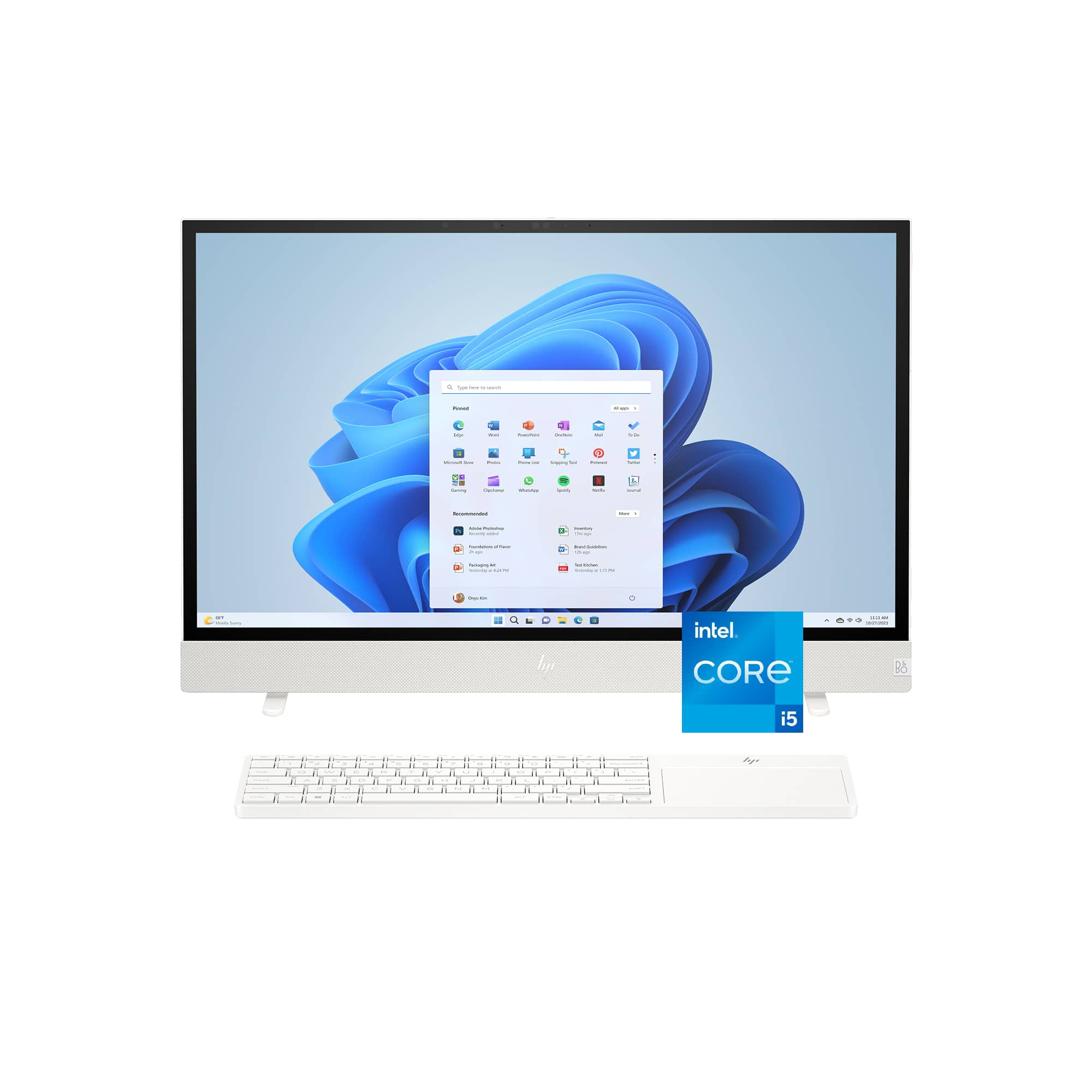
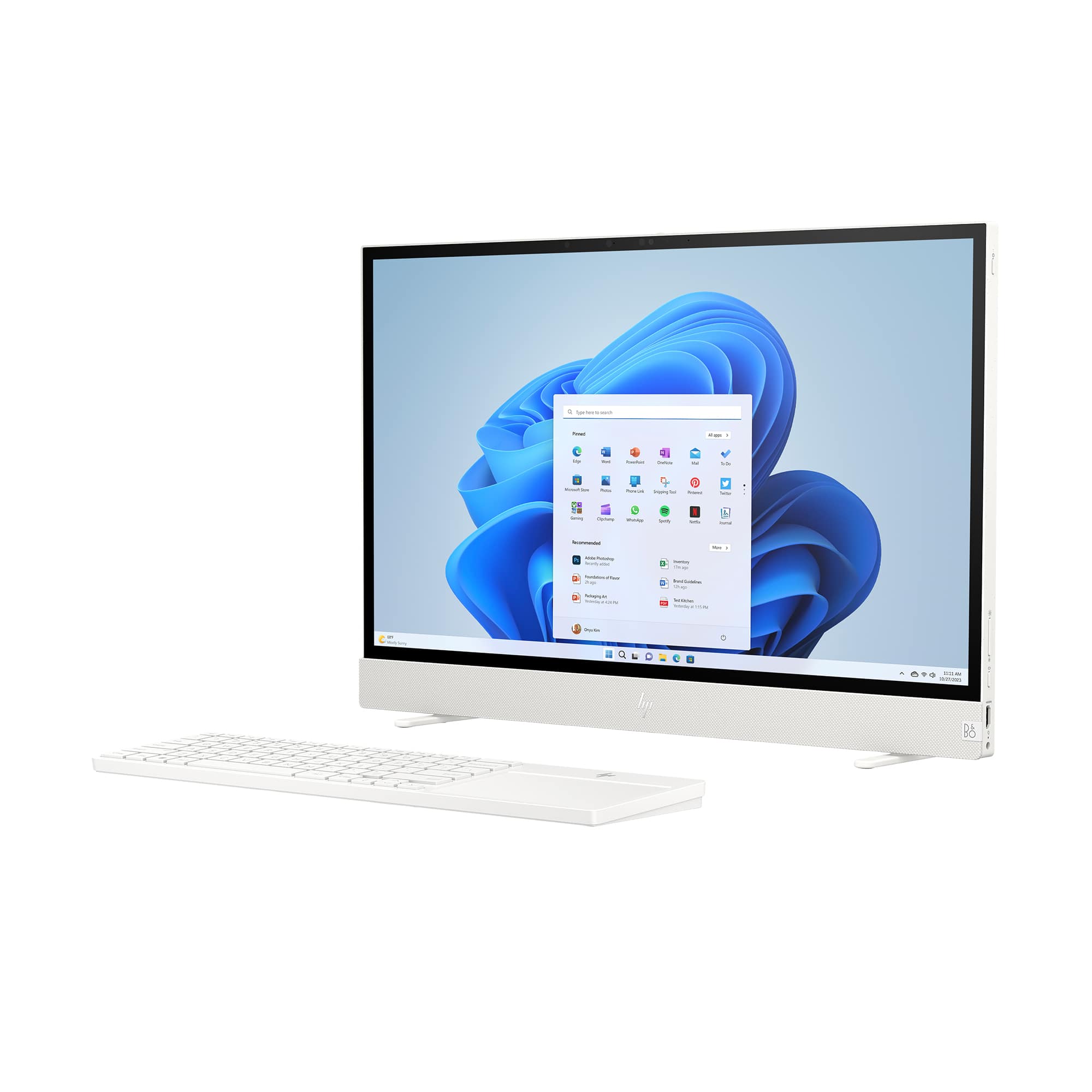
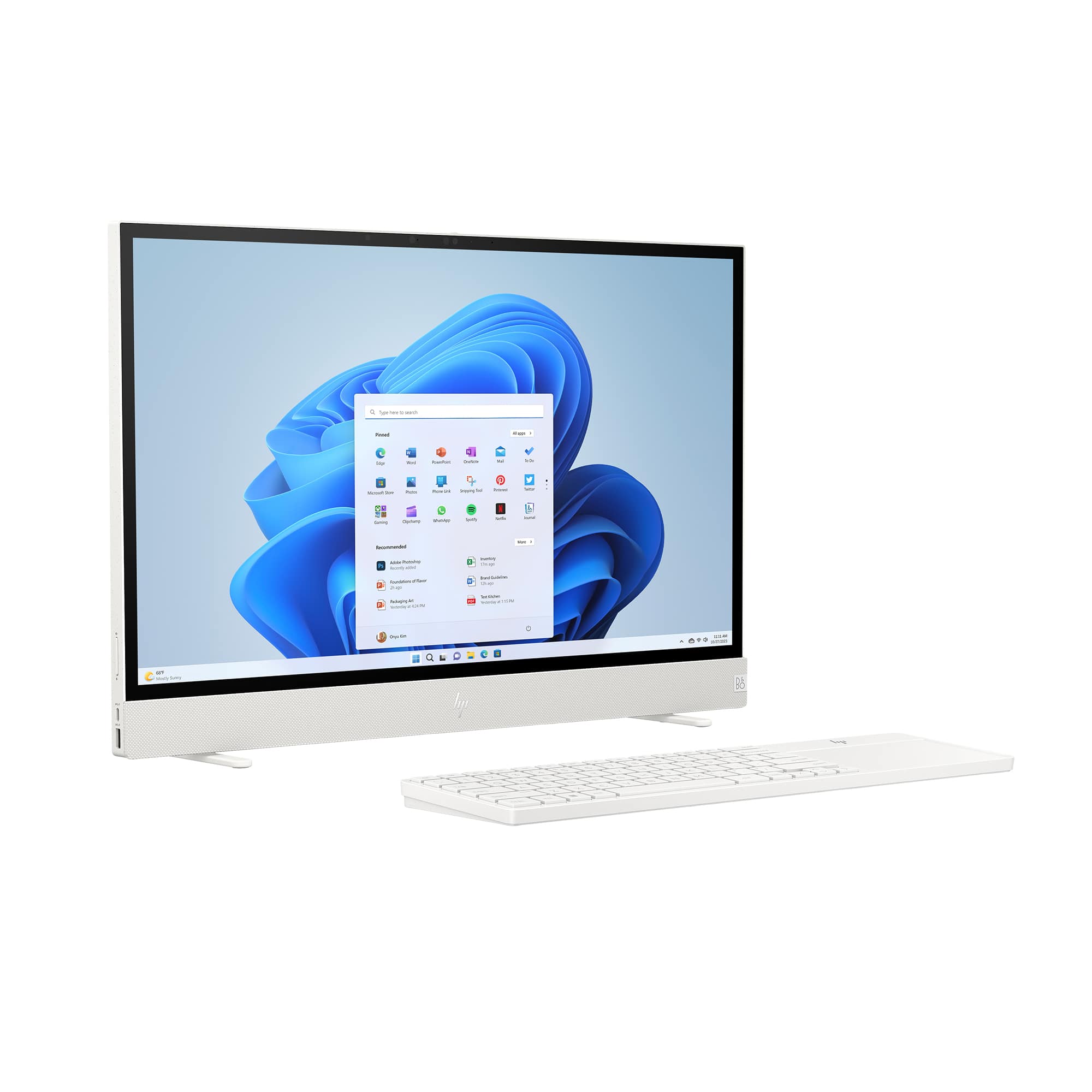
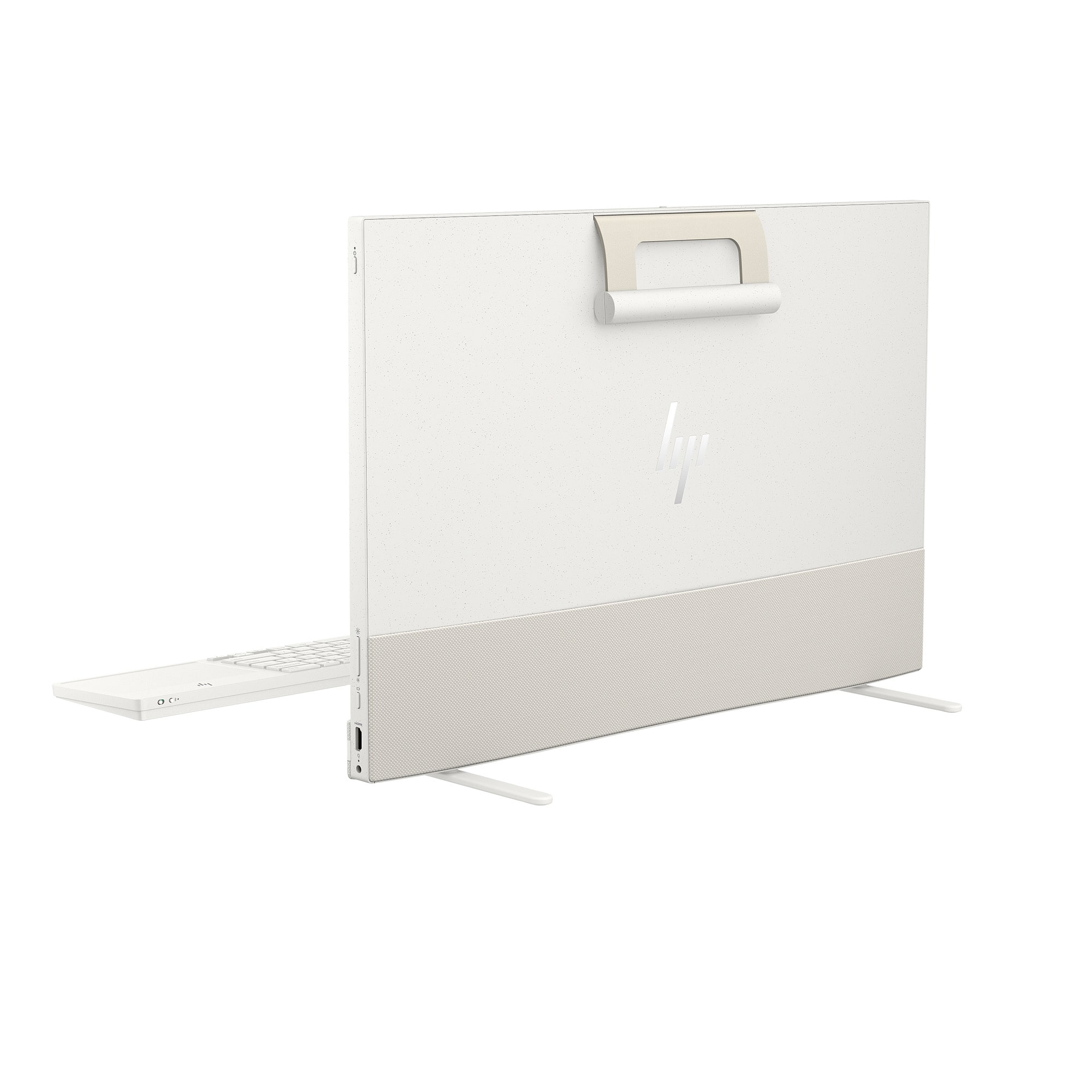
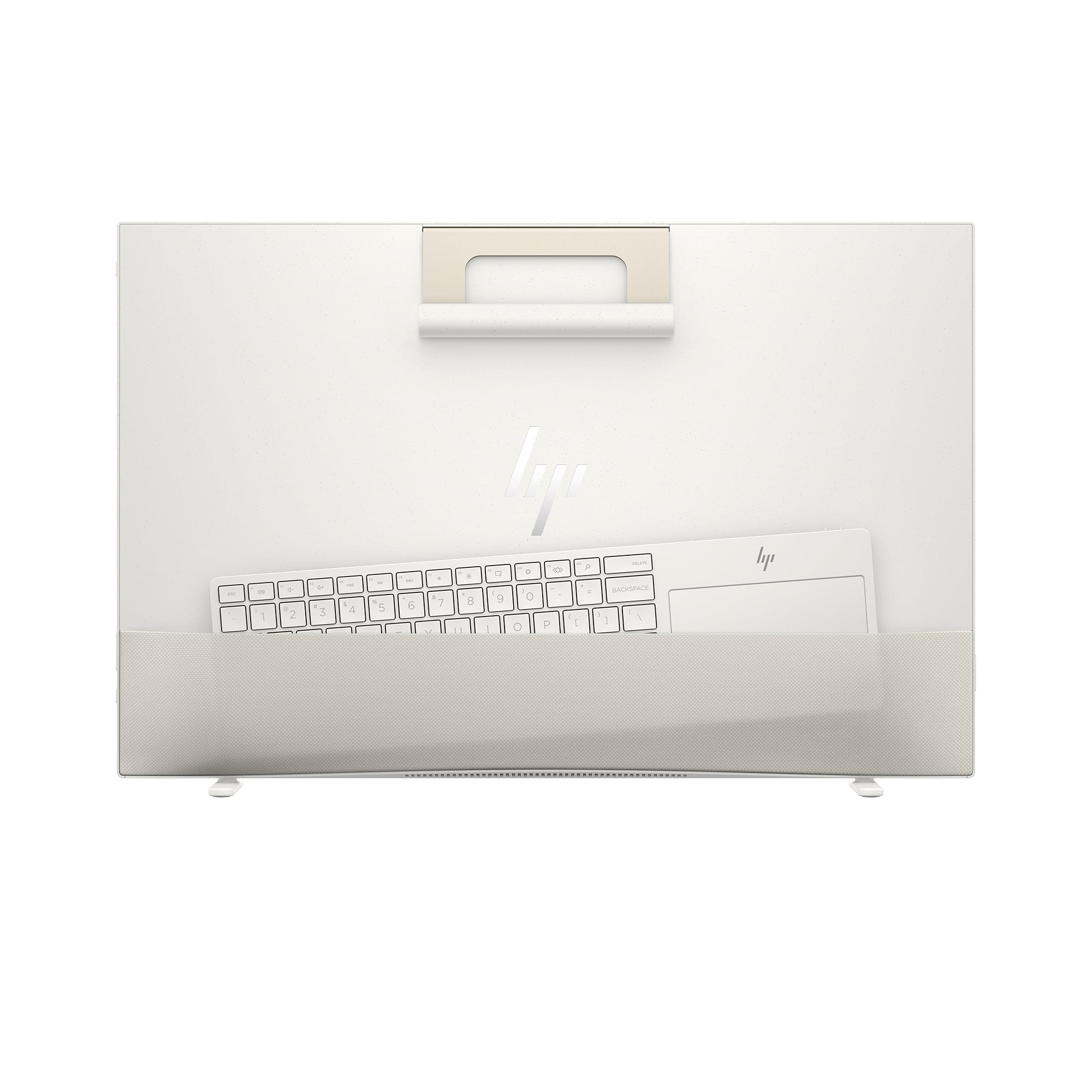
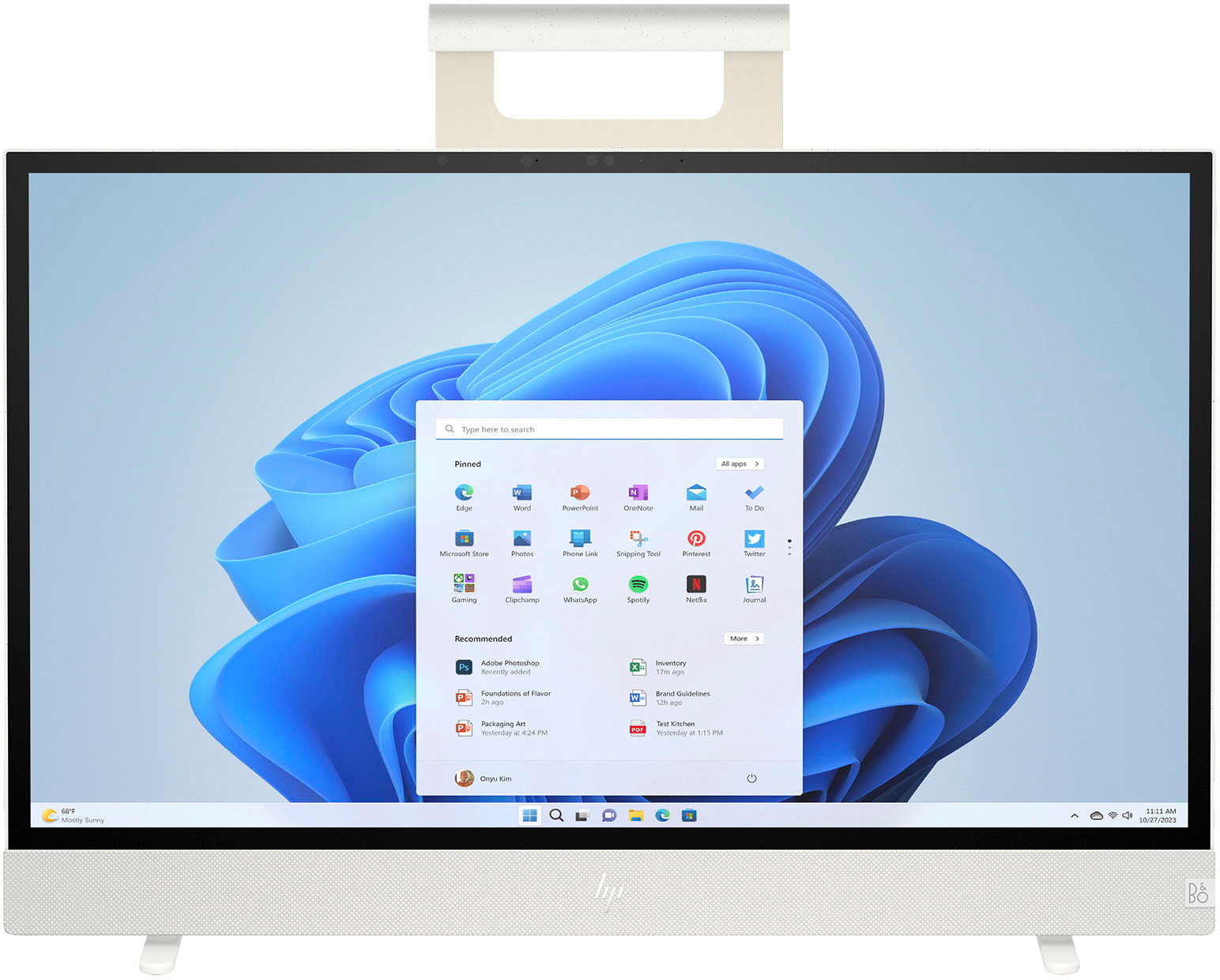
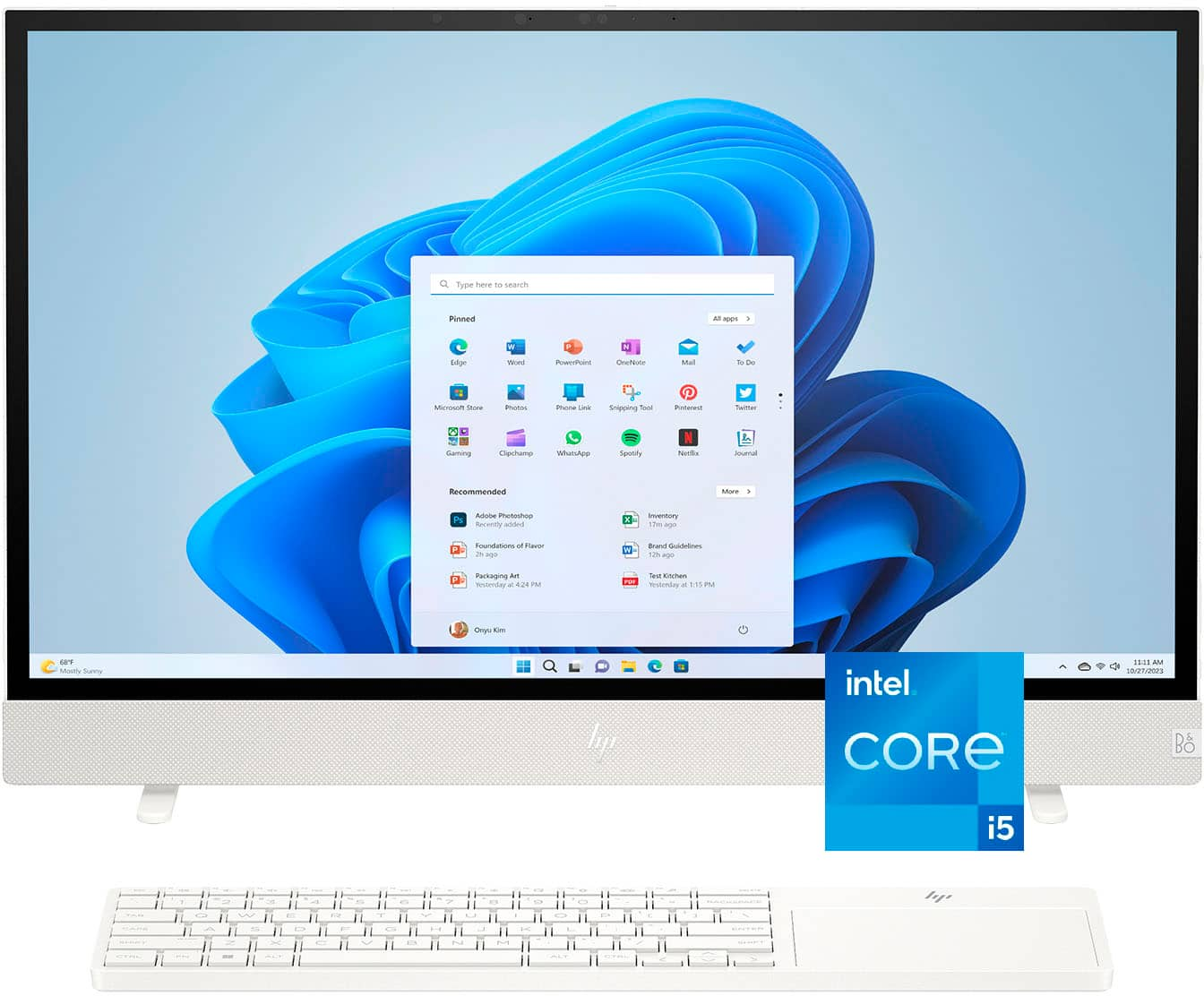
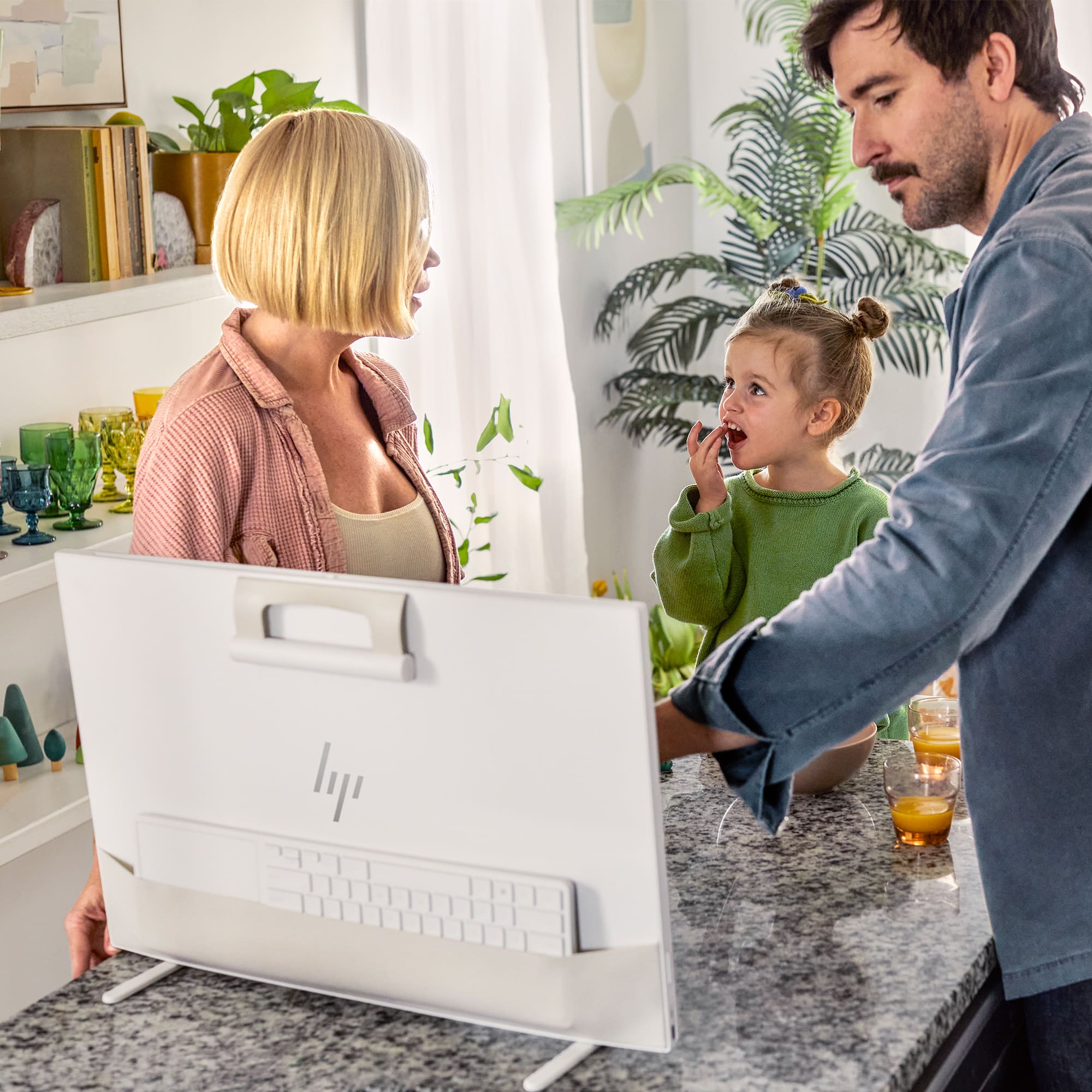
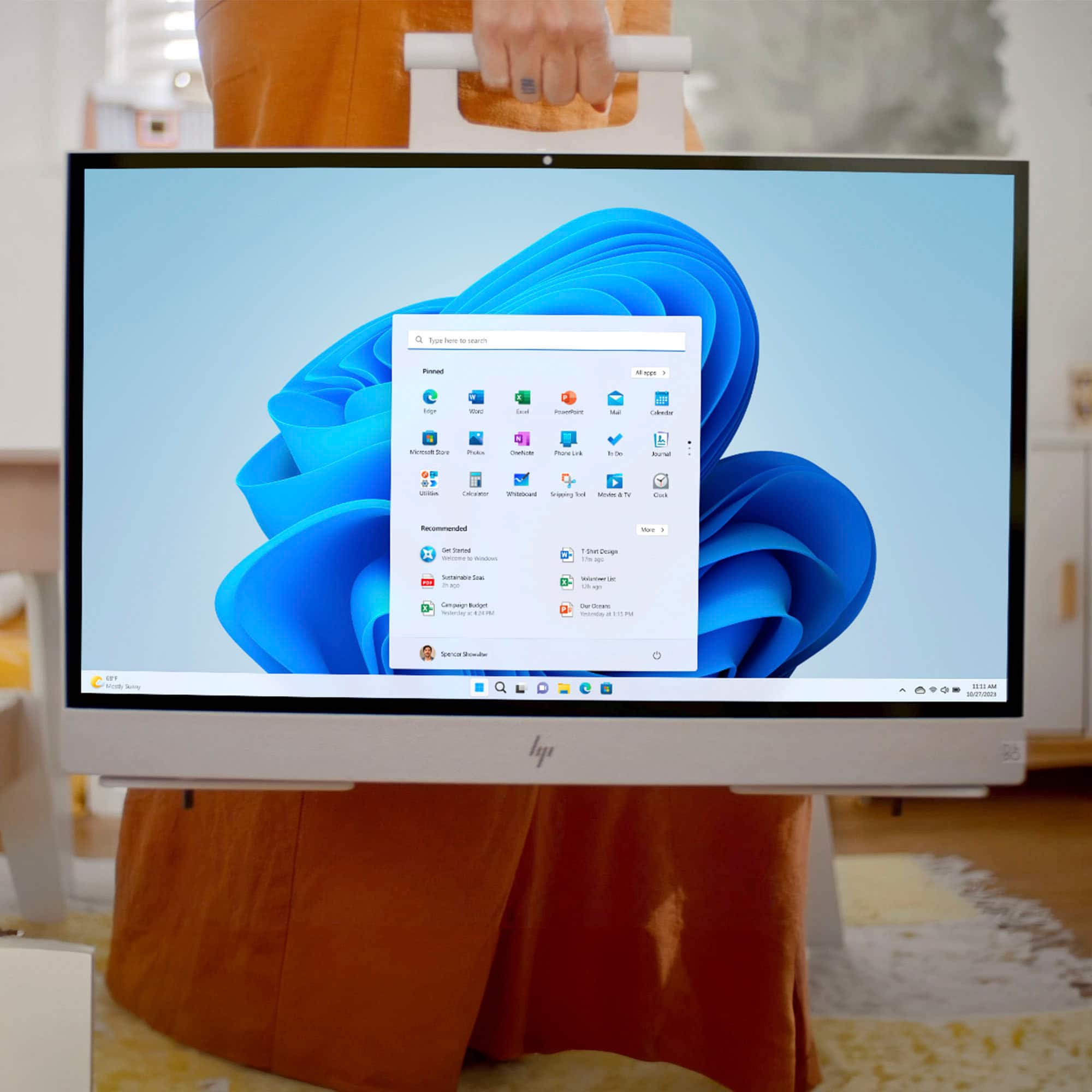
|Posted .This reviewer received promo considerations or sweepstakes entry for writing a review.The HP Envy Move Portable is a clever concept. Its intent is to deliver the performance of a desktop AIO with the portability of a laptop. Unfortunately, I didn't think it did either very well. As far as specifications, the 13th Generation Intel i5 processor is quite capable, but in this system, it is paired with only 8GB of RAM. The 512GB SSD is adequately sized, and the QHD display is large, bright and crisp. I even took the HP Envy Move outside on an early Autumn sunny day, and the display was quite good, even at 3/4 brightness. Sound from the B&O speakers (underneath the display) is very good and has ample loudness. The right side of the unit features an HDMI in port (along with an input selection buton, so the display can also be used as an external monitor), a barrel power port, the power button, and brightness adjust toggle. The left side of the unit houses a USB-A port (charging + data), a USB-C port (charging and data), and a volume adjust toggle. The system also has a nice integrated camera with a privacy slide, which is located at the top center of the unit. The HP Envy Move has an integrated handle with a magnetic catch on the back of the screen. This keeps the handle nicely secured when not in trasport. The handle does have good feel and it is not flimsy. The feet on the bottom rotate out of the way when the unit is lifted up and settle confidently in place when the unit is set down. Equipped with a bluetooth keyboard and integrated trackpad, there is a pocket on the backside of the unit for storage during transport. Execution of the portability is quite efficiently done. I used the system for about a week, mainly for audio and video digitization--taking old records, VHS and cassette tapes and converting them to MP4 and MP3. The portability of the system allowed me to take it to analog devices (turntable, cassette player, VHS player) instead of the other way around, which was quite convenient. I was able to get about 6 hours of run time off the battery. The system overall performed well, but admittedly what I was using it for was not overly taxing. Unpackaging the HP Envy Move was nothing short of a disaster. The protective wrap around the unit did not come off easily at all and I wound up shredding the whole thing. It was very aggravating. There are a lot of shortcomings to this unit that make it hard for me to recommend to others. As I mentioned before, the 8GB of RAM is a bit stingy. I don't know if I can open the system and upgrade the RAM or if it is soldered in--that is something I will need to investigate more. But if the system is supposed to be the best of both a desktop AIO and a laptop, 8GB of RAM really limits the productivity of multiple applications running simultaneously. In addition, there is a severe lack of ports. There is no HDMI out and only one USB-C and one USB-A port. Again, for a desktop AIO, this is woefully short and for portability--the same. In my opinion, a big miss here. Most AIOs have ports on the back of the unit. On the HP Envy Move, there are none. The included keyboard / trackpad combo is very awkward because the trackpad is located to the right of the keyboard. It is large, but unnaturally placed, especially if you are used to a laptop setup, where the trackpad is beneath the keyboard. Even after a week of use, it is still quite a clumsy setup for me. And what abut left-handers? I would have preferred a keyboard without a trackpad and a slim mouse intead. They still would package just fine in the integrated pocket. The last shortcoming I found was the lack of a carrying bag. When toting around the HP Envy Move, the screen is either going to bounce against my side or it is going to be exposed to whatever I brush against. The screen is easily going to get scratched or damaged during transport. Overall, the HP Envy Move has some really neat features. Having a full portable system with a large screen will appeal to many consumers. However, the lack of ports, limited RAM, and a clunky keyboard / trackpad combo prevents this otherwise cool concept from being considered well executed.
No, I would not recommend this to a friend - Pros mentioned:Battery life, Portability, Processor speedCons mentioned:Usb ports
Innovative all-in-one with one significant issue
|Posted .This reviewer received promo considerations or sweepstakes entry for writing a review.Pros: Fast for everyday use Excellent speakers Privacy shutter for webcam Good webcam quality Good display quality Touchscreen Very portable Ability to use as an HDMI monitor Battery built-in Touchpad on keyboard is very responsive and smooth Keyboard types well, comfortable to use Facial recognition works great Good build quality Cons: No built-in way to adjust height Limited ports for connectivity The HP Envy Move is not your typical all-in-one computer. It has a nice carrying handle on the back that makes it easy to move around. The legs on the bottom flip out as soon as you sit the computer down on a flat surface. The design of this machine is really unique and is unlike anything I have ever seen before. I was really impressed with the speakers on this machine. They can get very loud and the audio quality was excellent even at a loud volume. It is great that the built in speakers are so good on this machine, given that it is intended to be portable and easy to move around. The QHD display is also great, and the quality of materials on this machine seems to be good. It is also great to see that this was made using recycled materials. There seems to be a lot of thought that was put into this machine. There is a privacy shutter for the webcam, there is an HDMI port so this can be used as a monitor, there is a pocket in the back for the keyboard and touchpad, and the carrying handle magnetically attaches to the back of the machine when not in use. There is a battery built into this machine which allows this to be used without being plugged into power and also keeps the machine running if the power ever goes out. That is a really nice feature to have on a desktop computer. My biggest complaint is that there is not a way to raise the height of the machine. If you sit with this at a desk, it sits low which encourages bending your neck down and bad posture. It is disappointing that there isn’t a way to adjust the height and I think this is a significant oversight by HP. You can tilt the screen some, but there is no built-in option to raise the height. This may be less of a concern if you intend to move this around regularly, do not plan to use it at a desk much, or if you have something you can sit it on to increase the height. But if you care about the height of the display when sitting down at a desk, there is not a provided option to adjust it. For me, the lack of height adjustment capability is a significant concern which has weighed on my review heavily. Another minor complaint with this machine is that it is lacking on ports. It has a power port, one HDMI, one USB C, and one USB A. That being said, if you need additional ports, you can connect a USB C hub. I wouldn’t consider this to be a huge deal given that you can use a USB C hub, but it would have been nice to have additional ports built in. If you are looking for an all-in-one computer that is portable or if you are looking for some of the other unique features mentioned, this might be right for you. Would I recommend this if you intend to use the machine for extended periods sitting at a desk? Probably not, given the lack of height adjustment. That being said, depending on your use case or your specific preferences, the height issue may not be a problem. If that isn’t an issue for you, I think this is an otherwise great machine with some very unique features and good quality components.
No, I would not recommend this to a friend