Customer Ratings & Reviews
- Model:
- B63JSA#B1H
- |
- SKU:
- 6638831
Customer reviews
Rating 4.6 out of 5 stars with 169 reviews
(169 customer reviews)Rating by feature
- Value4.7
Rating 4.7 out of 5 stars
- Quality4.6
Rating 4.6 out of 5 stars
- Ease of Use4.6
Rating 4.6 out of 5 stars
Customers are saying
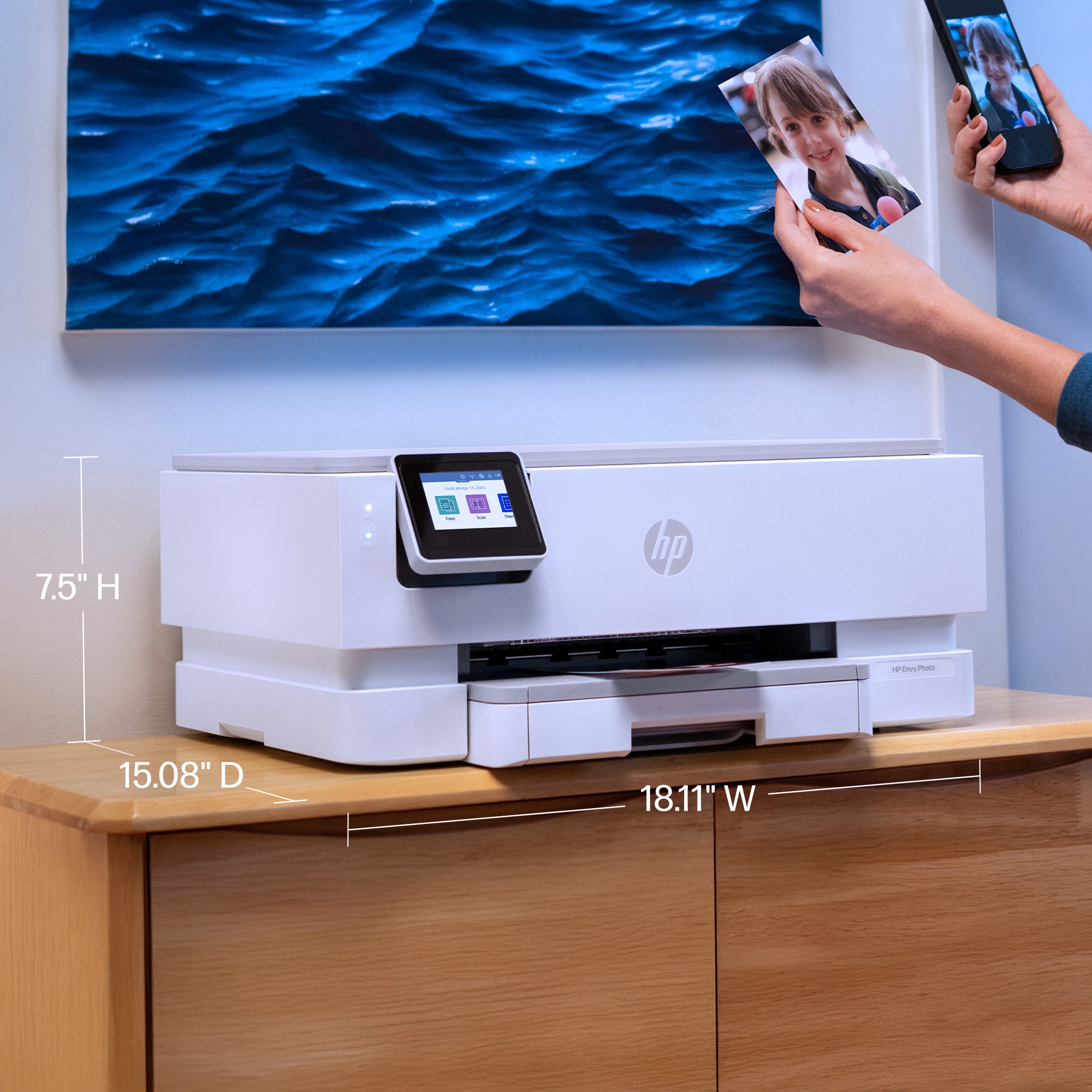
Customers admire the Envy Photo 7275 for its fantastic print quality, simple setup, and easy connectivity. Users also appreciate its quiet operation and the usability of the HP Smart app. However, some customers have noted that the printer is large.
This summary was generated by AI based on customer reviews.
Rated 5 out of 5 stars
My printer!!
||Posted . Owned for 2 weeks when reviewed.This reviewer received promo considerations or sweepstakes entry for writing a review.Easy to work with. We would definitely buy another like it, if it wears out.
I would recommend this to a friendRated 5 out of 5 stars
BEST BUY THE BEST PLACE FOR ALL YOUR NEEDS
||Posted . Owned for 3 weeks when reviewed.This reviewer received promo considerations or sweepstakes entry for writing a review.This new printer works so well for my needs! Very hephful sales staff.
I would recommend this to a friendRated 5 out of 5 stars
HP Envy 7275 - Great Product
||Posted .This reviewer received promo considerations or sweepstakes entry for writing a review.Works well - has the features I want - bought it at a good price.
I would recommend this to a friendRated 3 out of 5 stars
poor quality of tech support
||Posted . Owned for 2 weeks when reviewed.This reviewer received promo considerations or sweepstakes entry for writing a review.could not, even with the help of a tech, get this printer to connect. I've always had HP printers so was very disappointed, especially with HP's tech support.
No, I would not recommend this to a friend- Pros mentioned:Connectivity, Noise level, Print quality
Rated 5 out of 5 stars
Great all in one printer for at home office
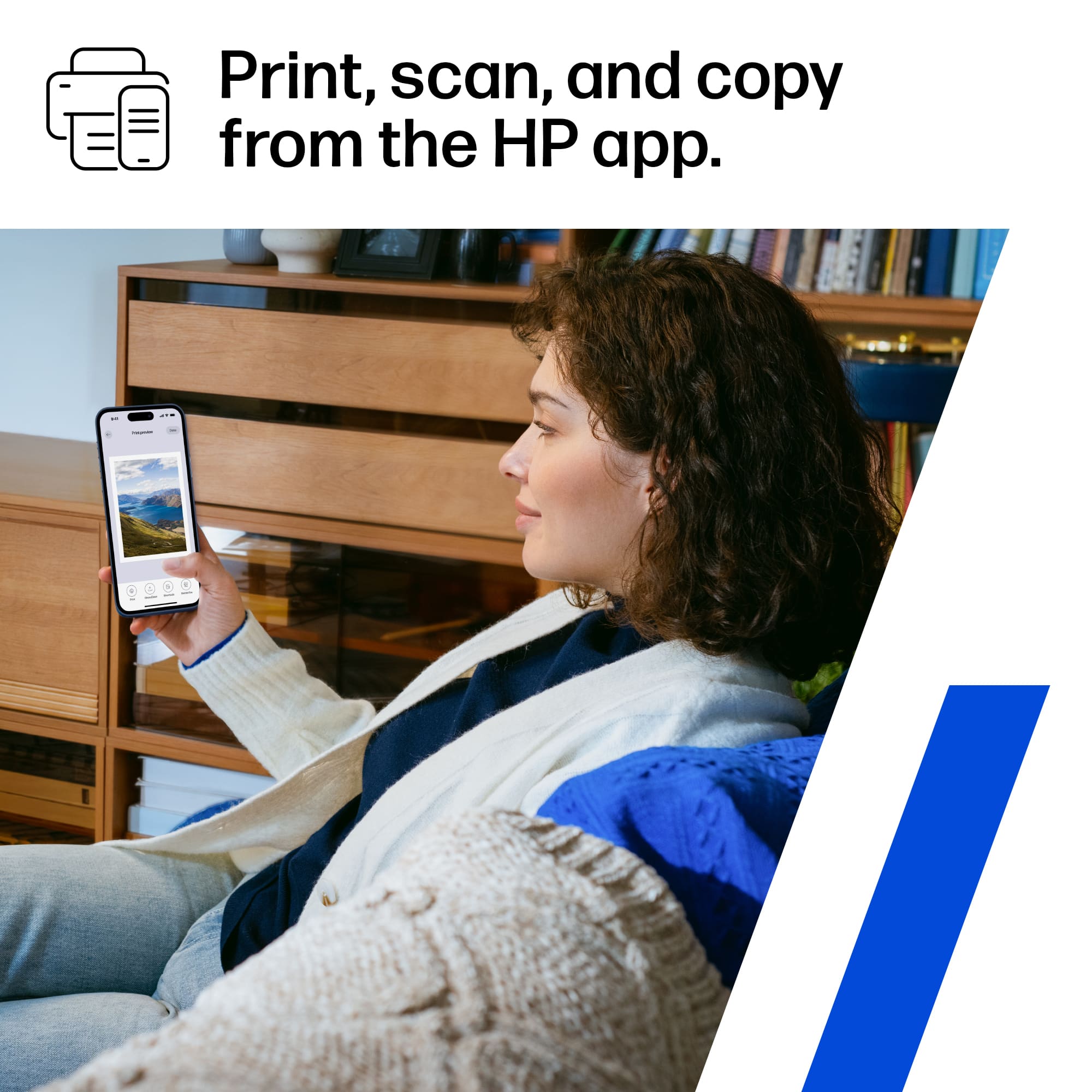
|Posted .This reviewer received promo considerations or sweepstakes entry for writing a review.I’ve been using the HP Envy Photo 7275 All-in-One Printer for a few weeks now, and it’s been such a great addition to my home office. I work from home and needed something reliable for everyday printing, scanning, and the occasional photo project — this printer has been perfect. Setup was incredibly easy. The touchscreen walks you through each step, and connecting it to Wi-Fi only took a few minutes. I didn’t need to mess with cords or downloads, which was a nice change from older printers I’ve owned. The HP Smart app is fantastic too — I can print or scan right from my phone or laptop, and it’s very user-friendly. Print quality is excellent. Documents come out sharp and professional, and photos look vibrant and true to color. I was pleasantly surprised by how fast it starts printing — no long warm-up time like some other printers. It also does automatic two-sided printing, which saves time and paper. I use the scanner quite a bit for forms and receipts, and the quality is clear every time. It’s also quiet, which I appreciate since my office is right off the living room. The printer wakes up quickly from sleep mode and connects instantly when I send something to print. One of my favorite features is HP’s Instant Ink program. The printer monitors ink levels and automatically ships replacement cartridges before I run out. The monthly plan is affordable and based on how many pages you print, not how much color you use — so printing photos doesn’t eat up all my ink budget. The design is sleek and compact, and it looks nice sitting out on my desk. It doesn’t take up too much space but still feels sturdy and well-made. The enclosed paper tray keeps everything neat, and switching to photo paper is simple. Overall, this printer has been completely reliable and easy to use. No paper jams, no random disconnects, no frustration. It’s everything I wanted in a home office printer — dependable, affordable, and great quality. I’d definitely recommend the HP Envy Photo 7275 to anyone who wants an all-in-one that handles both work documents and photos beautifully.
I would recommend this to a friend Rated 3 out of 5 stars
HP Envy Printer
||Posted . Owned for 1 month when reviewed.This reviewer received promo considerations or sweepstakes entry for writing a review.Very difficult to get wifi connectivity to work correctly.
No, I would not recommend this to a friendRated 2 out of 5 stars
Disappointed
||Posted . Owned for 2 weeks when reviewed.This reviewer received promo considerations or sweepstakes entry for writing a review.I have always purchased HP printers probably for the Instant Ink which makes things easier for a super busy woman like me, plus, I could print my own. However, the HP Envy 7275 Wireless AI enabled Inkjet printer Geek Squad couldn't even get it to work properly. GS kept saying that the ink was not inserted properly, I followed given instructions exactly including removing the 2nd layer of tape which was very difficult to remove, I will be returning the printer to Best Buy.
No, I would not recommend this to a friend- Pros mentioned:Connectivity, Noise level, Print quality
Rated 5 out of 5 stars
A Great New HP Printer
|Posted .This reviewer received promo considerations or sweepstakes entry for writing a review.HP's latest all-in-one color printer, the HP Envy Photo 7275 is a keeper! It uses just two ink cartridges to produce crisp black and white and bright color prints. The printer was very easy to set up out of the box and fit perfectly behind my monitor on a printer stand I use. The HP Envy Photo 7275 printer is very quiet and easily produces two-sided pages automatically without any fussing with flipping and reinserting pages like some other lesser printers require. The HP printer connected to my computer via bluetooth and my home Wi-Fi network and is now available to all users in the household. I am able to print from my desktop, laptop, smartphone and tablets. This makes it very handy for other family members and guests. HP provides an optional ink subscription program at reasonable prices that can be tailored to individual users' printing needs. The program saves users from running out of ink, wasting time and expense running to a sotre for replacement ink cartridges and provides a recycle program to reduce the wasting of resources. The HP Envy Phot 7275 is well thought out and nicely designed and built. it prints quickly and quietly with colors that stand out nicely. While many printers are currently promoting "tank" ink printing, I prefer HP's cartridge based products finding it much easier to just snap in a new cartridge when needed; no spilled ink and no mess! I really like this new Envy Photo printer from HP as it does everything I need in one package; prints, scans and copies quickly and easily.
I would recommend this to a friend - Pros mentioned:Connectivity, Print quality, Setup ease
Rated 4 out of 5 stars
Great quality, ink is not cheap
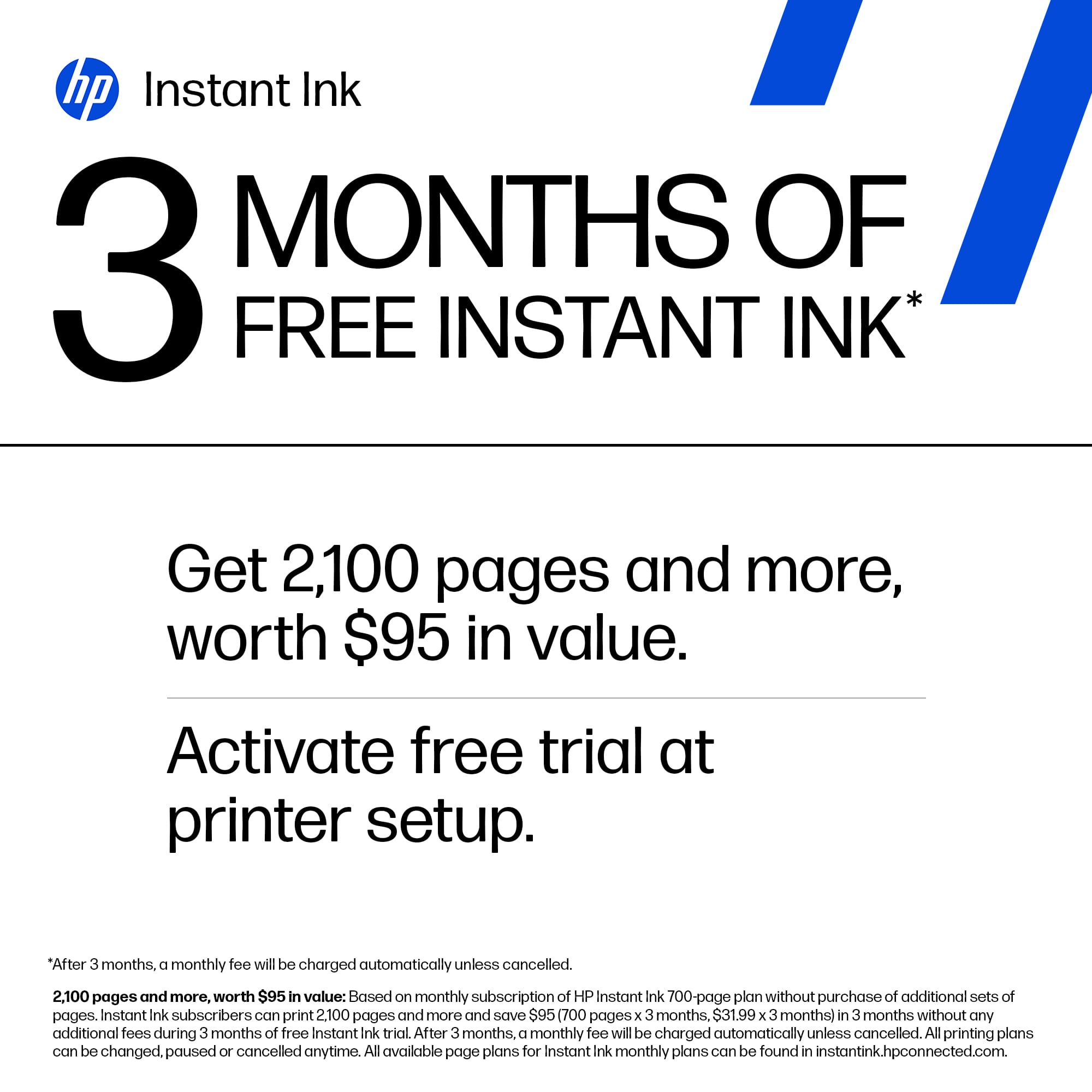
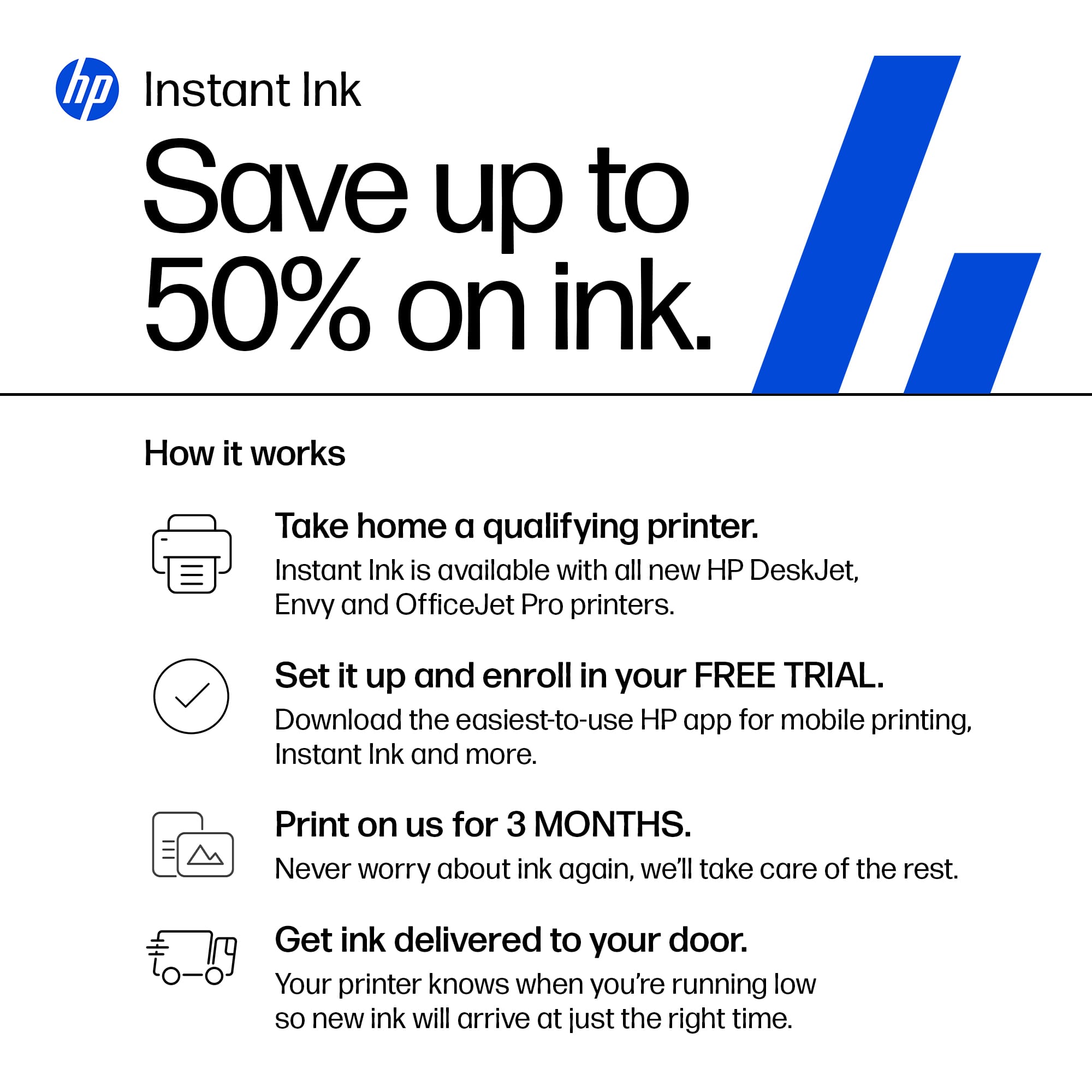
|Posted .This reviewer received promo considerations or sweepstakes entry for writing a review.I’m one of those few people who still print physical photos. I’ve used on older Epson Stylus Photo printer for years. The ink was pricey, but the quality was so good, I kept using it until it finally died. I went looking for a replacement and ended up with an Epson Ecotank model. The ink is amazingly affordable, but the quality of printed photos is just barely adequate. Color reproduction is not great and on top of that, loading anything other than 8x11 paper is a chore. I went looking for a better option and came across this HP Envy Photo 7275 and decided to give it a try. Unpacking the printer and getting it up and running was very easy. It only uses two ink cartridges – one for black and one for color. As with most HP inkjet printers, the print head is built into the cartridge, so fresh ink also gives you a brand new head, which is great for quality, but makes the cartridges a bit expensive. HP helps a bit by giving you three months of “free” ink if you sign up for auto-delivery. Once that promotion ends, it’s around $50 for new cartridges. I have not yet run out of ink so I can’t verify capacity, but they are rated at 200 pages with “typical” coverage. Photos use much more than that, so I’ll be happy if I get 50 4x6 prints. That would equate to about $1 per print, which is not horrible if the quality is good. The printer uses a phone app to perform its initial setup and connect to Wi-Fi. It’s easy to use and has the added benefit of not requiring the user to create an account. It can be used without logging into HP, and I like that. Once that was done, my Windows 11 PC found the printer and I was able to use it. However, when printing photos, the settings for paper type and image quality were limited. I downloaded the full driver set from HP and that opened up more options which resulted in better quality prints. The paper tray is easy to load, and its lid includes a single-page feeder. That’s a handy feature, but it’s only for photo-size paper. It would have been nice if it accepted envelopes or anything other than 4 or 5 inches wide. The output tray is a bit flimsy, but its not going to hold more than 10 or 20 pages at a time, so that’s not an issue. The control panel is small, but it is easy to use being a touch screen. It tilts up, but not very much so it’s best if the printer is closer to eye-level rather than on a bottom shelf, as I have it located. The printer also has a flatbed scanner and I have found it to be fast and its native 1200dpi resolution is fine for most needs. Color reproduction is decent, though not up the quality found in dedicated photo scanners. Of course this entire printer is less than half the price of a dedicated scanner, so I can’t complain about it. One feature I di appreciate is that the power cord is a standard 120v style – no big chunky power brick or wall wart to deal with. So, the whole reason I bought this printer is to print photos. How does it do at that task? Well, it’s much better than the Epson Ecotank I tired, but not quite as good as my former Epson Stylus. Print speeds are amazingly fast, and colors reproduction is reasonable. My biggest complaint is that fine detail seems lacking. An example is in skin tones. I am guessing it’s the AI technology trying to smooth things out, but it just seems to “smudge” some of the finer variations in tone. Also, large variations in contrast seem to result in darker areas being muddled looking. Again, I am assuming this is an AI feature. There are some adjustments that can be made in the print settings, so I will continue to experiment until I find ones that work well. Overall, I give this printer 4 out of 5 stars. The price is decent, its build quality is decent, and it has some good features. I do with it had a more versatile single sheet feeder and that the ink were less expensive, but those are really my only two complaints. I do recommend this printer.
I would recommend this to a friend Rated 1 out of 5 stars
Returned!
||Posted . Owned for 1 month when reviewed.This reviewer received promo considerations or sweepstakes entry for writing a review.Had to connect to internet they then monitor all printer activity and was at their mercy. When ink runs out HAD to buy from them or they stop printer working Returned without using due to their policies
No, I would not recommend this to a friend- Pros mentioned:Connectivity, Print quality, Setup ease
Rated 5 out of 5 stars
Great For Home Office/Personal Printing
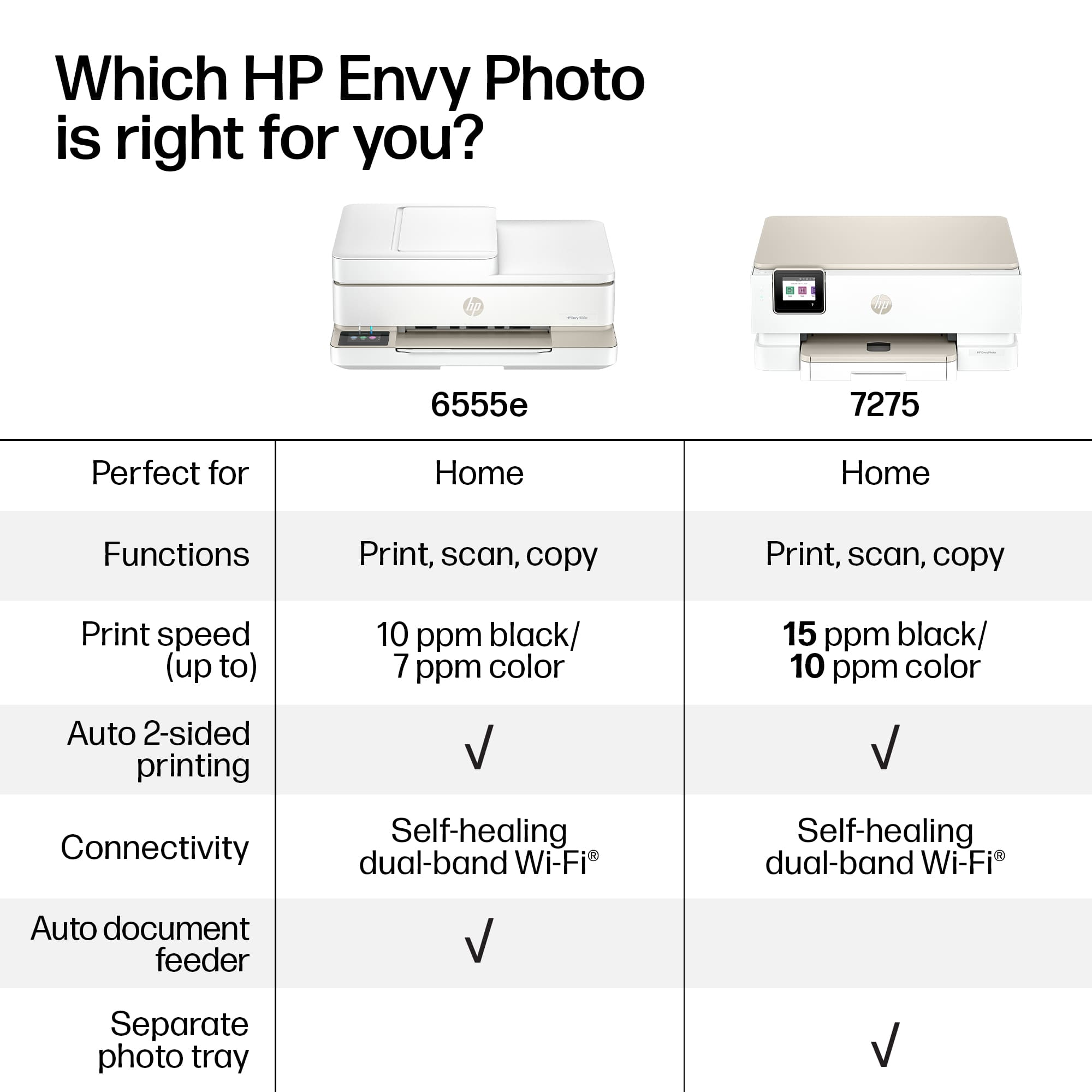
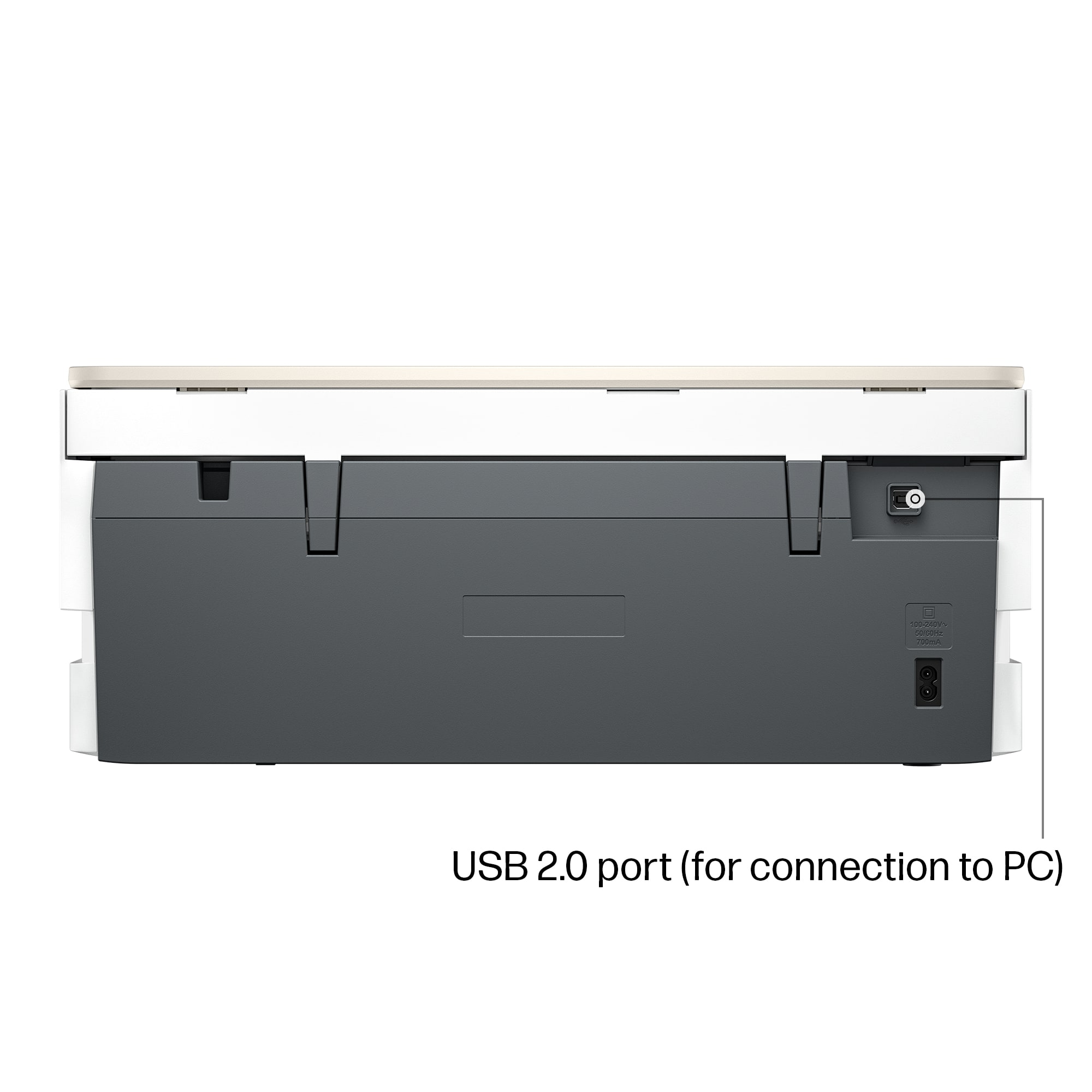
|Posted .This reviewer received promo considerations or sweepstakes entry for writing a review.Having used Hewlett-Packard printers for a while now, I was in need of a good, reliable and "small footprint" printer for my home office. This new HP Envy 7275 looked like a good fit for what I needed. If you're looking for a robust, office/multi-user printer, move along.. This isn't your printer. If you are in need of that reliable (so far), small, WI-FI anywhere printer, well you're in the right place. Set-up was simple as I already had the HP app. Once it recognized my printer and wi-fi, it did a little set-up routine and I was off to the races. It only comes with a power cable, so be aware if you are planning to hard-wire or need LAN capable printing. I pretty much use Wi-Fi for everything, so for me it was a non-issue. Paper tray holds around 50 sheets or so, which is fine for the smaller types of print jobs I need. Having a separate photo paper tray area is also a welcomed items for this size printer. The printer comes with "demo" ink cartridges and HP really pushes the Instant Ink program. I have no issue with it as I have used it in the past, but some might take issue. Be aware also that this particular printer has security circuitry that prevents third party or other ink cartridges. It will flat out not work unless it's genuine HP cartridges. The prints themselves are, well, prints! Nothing to write home about, but clear and precise enough to use in the home office I have. Pictures printed quite well for this being a smaller printer (still heavy though). It goes through a LOT of ink when doing pictures and obviously the best prints come out with good photo paper. The HP app is pretty straightforward and I had no issues with controlling the printer. I would say overall this is a good home/small home office printer with good output, speed and really good picture printing, just don't expect multi-user, office-level printing. I highly recommend the HP Instant Ink program as the printer talks directly to HP and makes an order when it senses you are low on ink. Hope this review helps you in your quest for a good printer!
I would recommend this to a friend Rated 2 out of 5 stars
NO CONNECTION
||Posted .This reviewer received promo considerations or sweepstakes entry for writing a review.would not connect to my laptop. tried another laptop and same thing. took it back
No, I would not recommend this to a friendRated 1 out of 5 stars
Not like my former HP printers.
||Posted .This reviewer received promo considerations or sweepstakes entry for writing a review.No auto feed. No tray to catch printed paper. Hard to connect to wifi. I'm dumping it and getting a different HP printer. HP has been my go to printer for years tub this one doesn't work for me.
No, I would not recommend this to a friendRated 2 out of 5 stars
Runs out of ink too quickly
||Posted . Owned for 1 month when reviewed.This reviewer received promo considerations or sweepstakes entry for writing a review.Ran out of ink too quickly. We didn't even have it a month and it ran out of ink.
No, I would not recommend this to a friend- Pros mentioned:Connectivity, Print quality, Setup ease
Rated 5 out of 5 stars
Another winner from HP
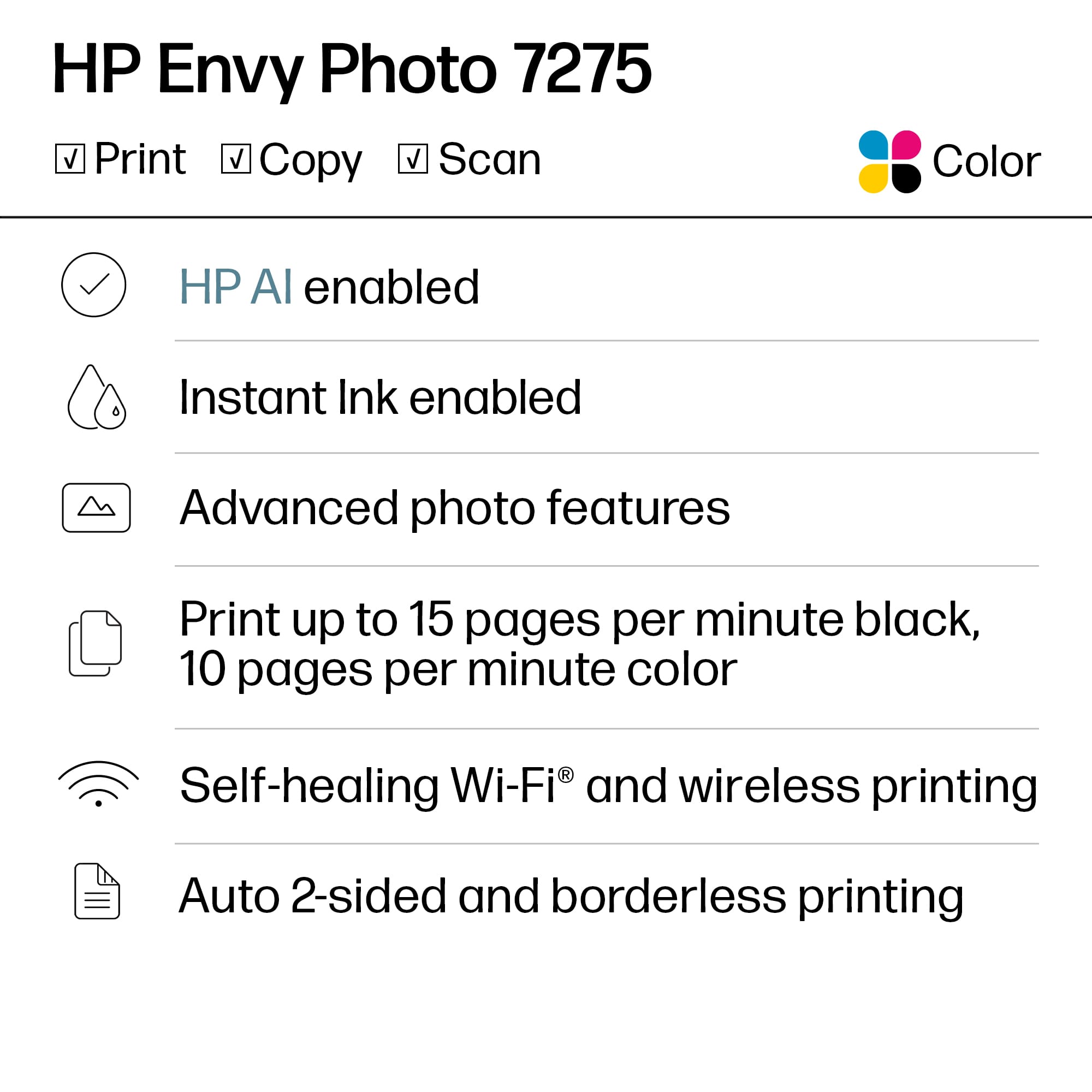
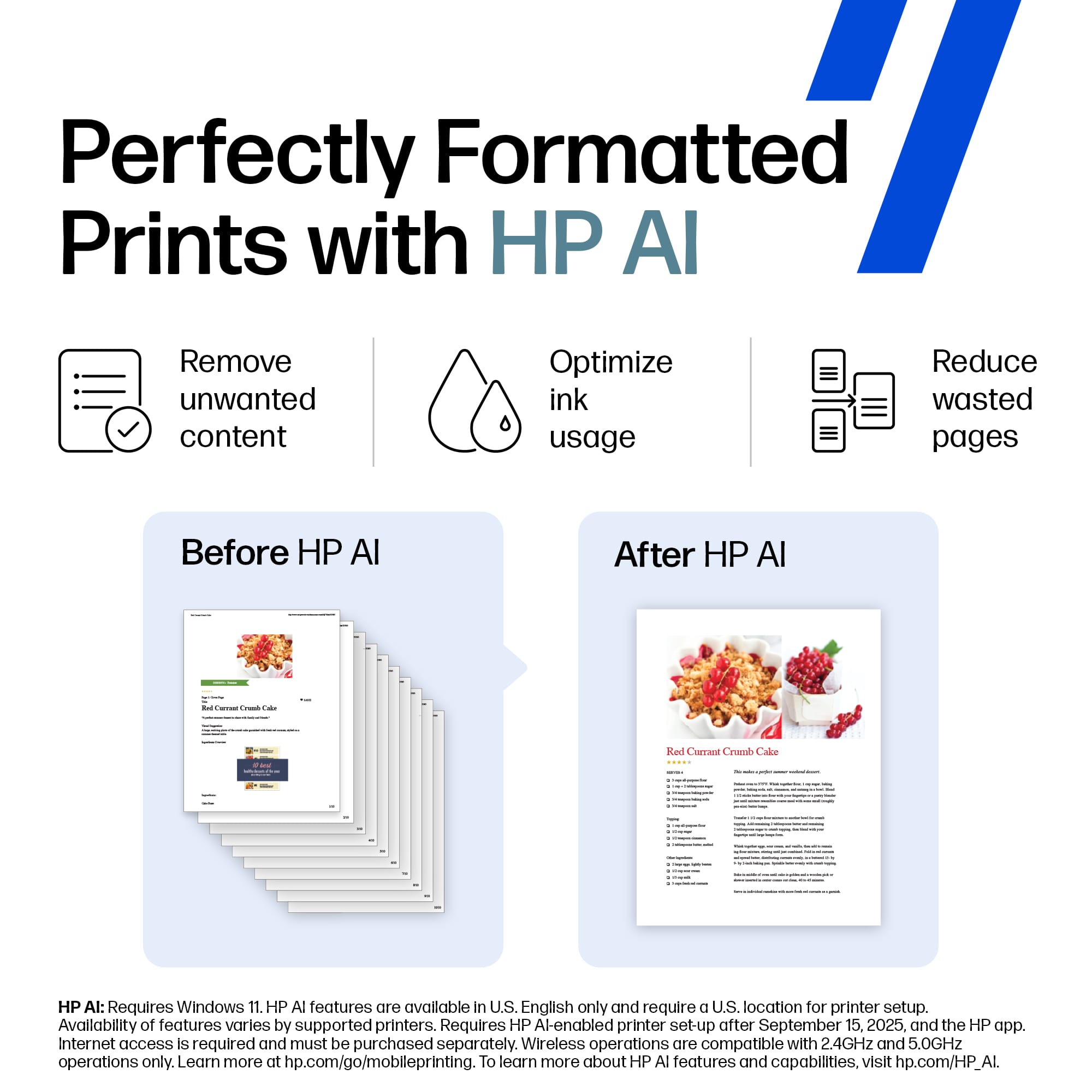
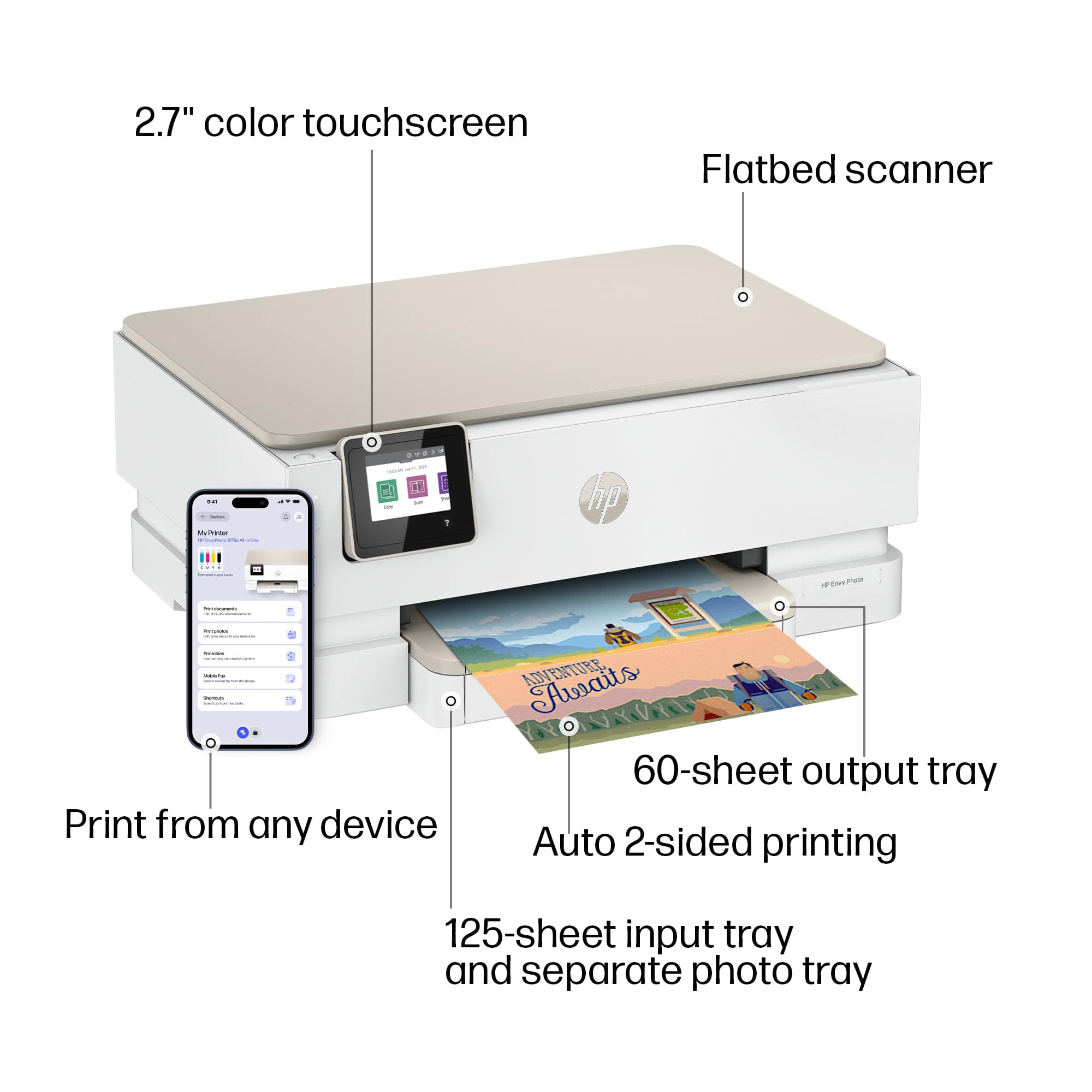
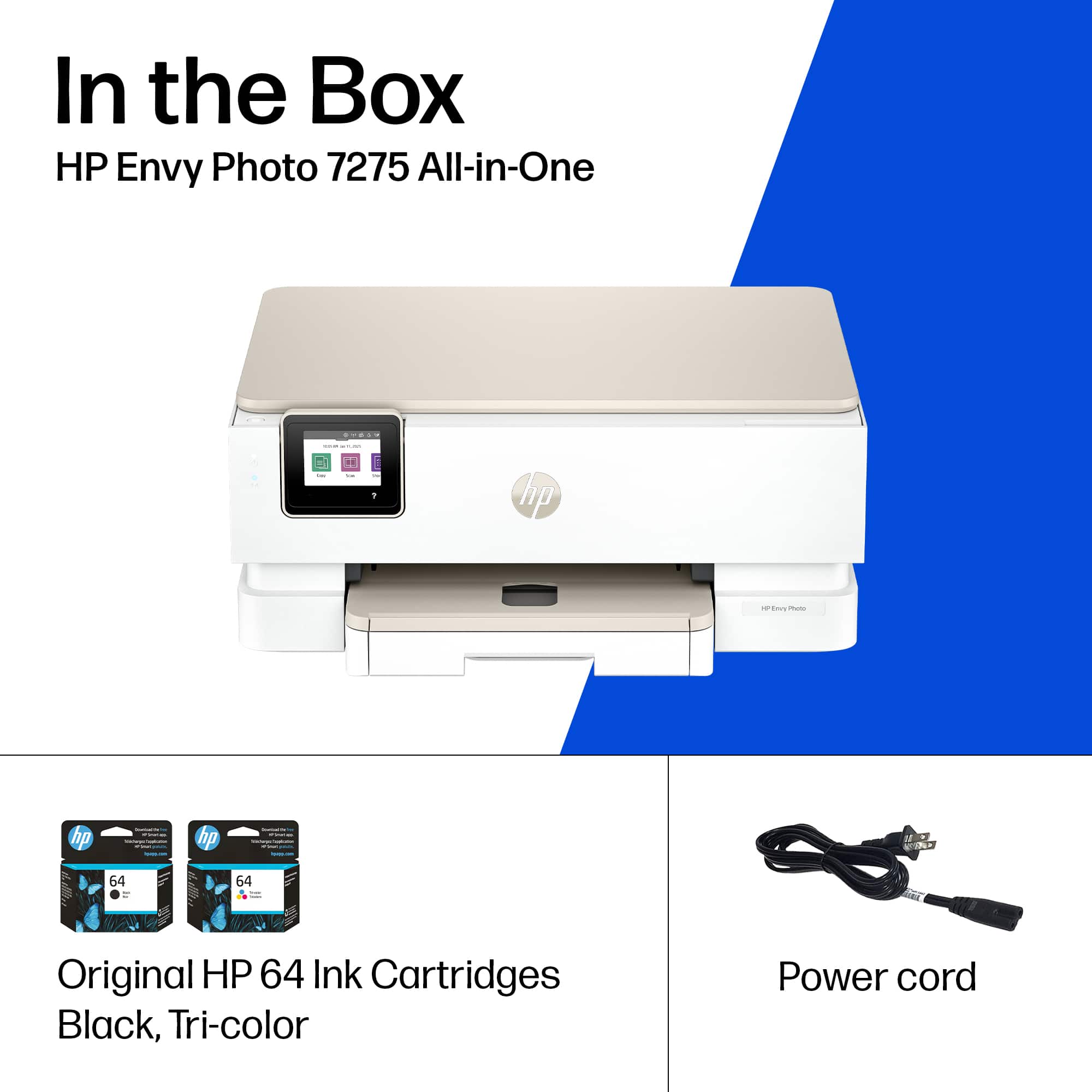
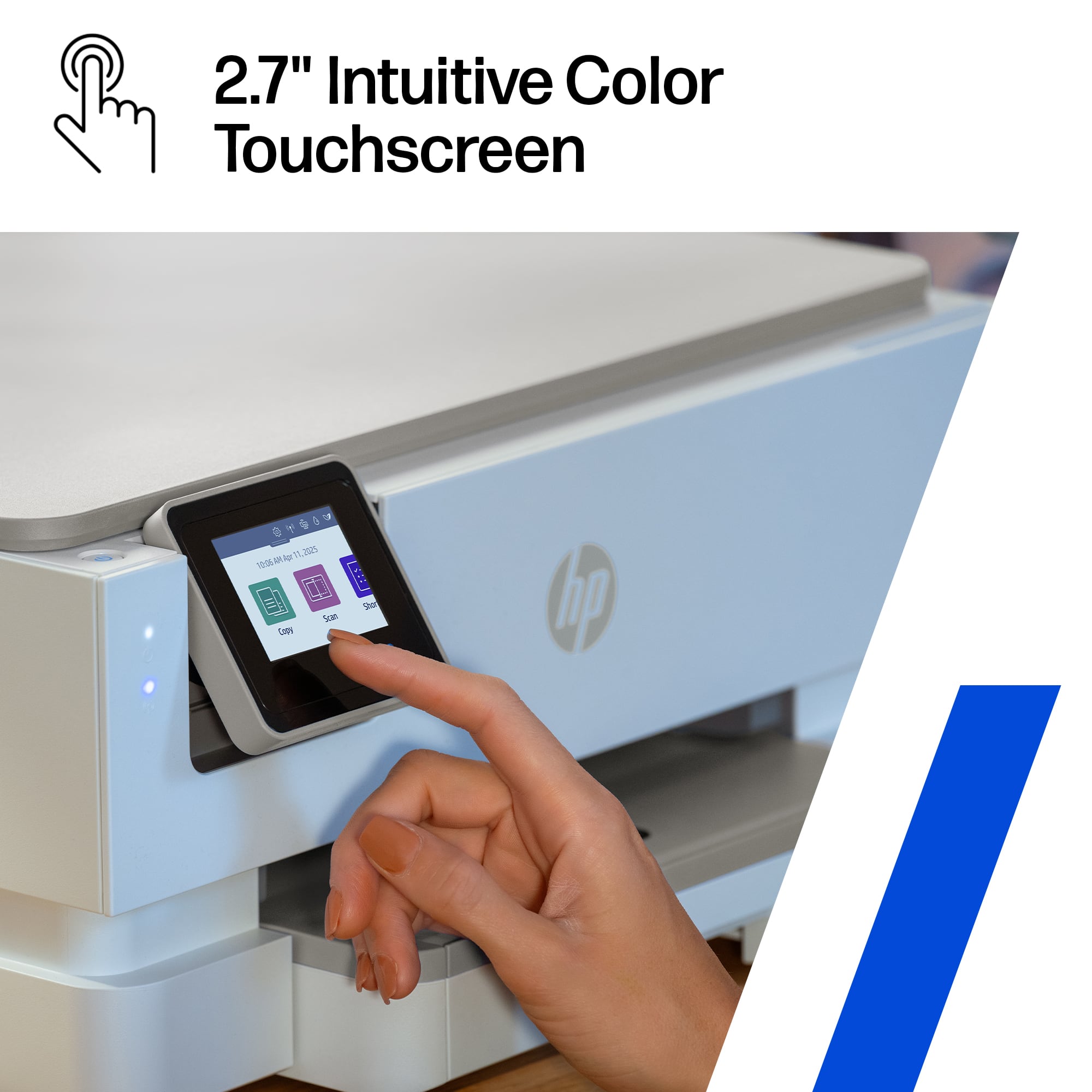
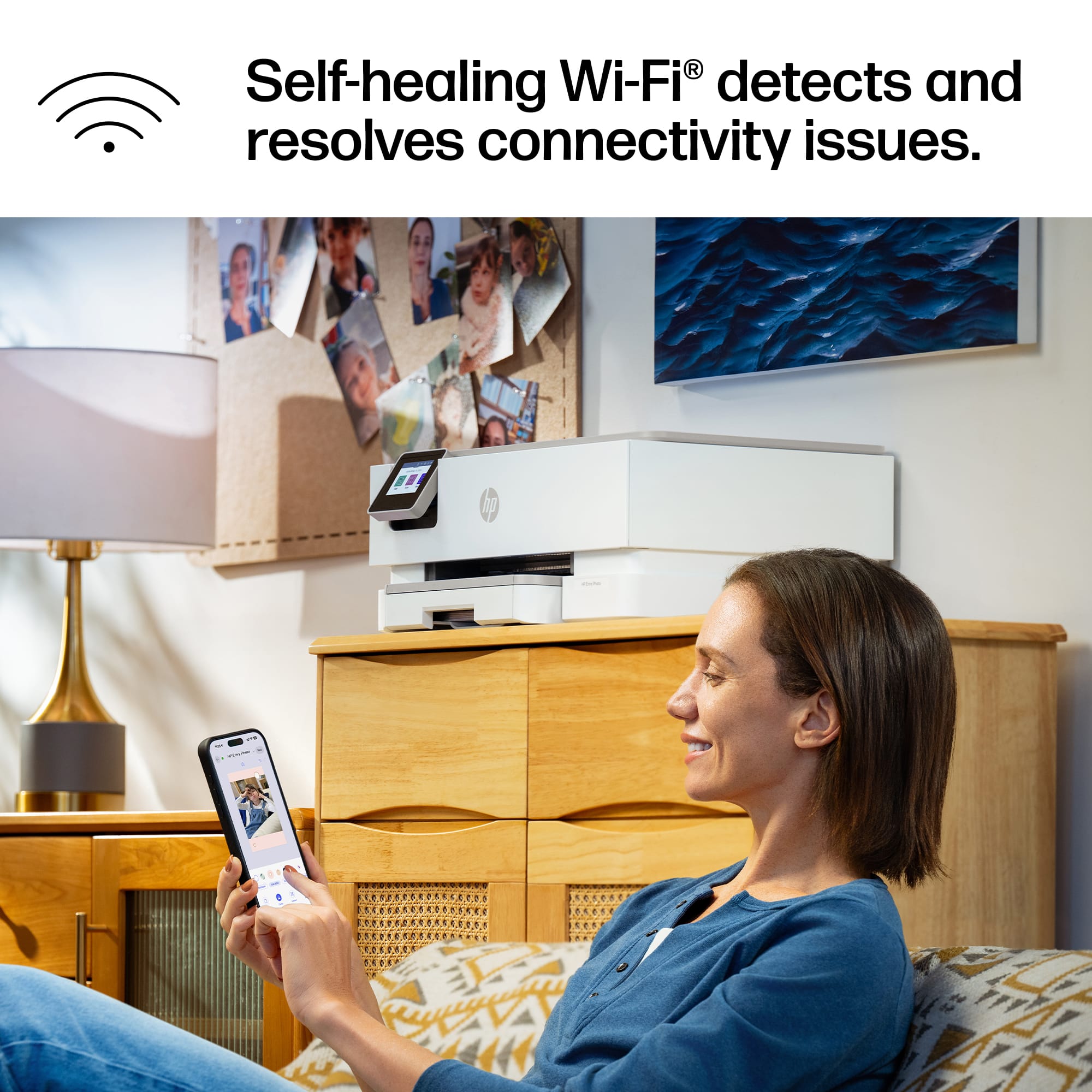
|Posted .This reviewer received promo considerations or sweepstakes entry for writing a review.The HP Envy 7275 all in one printer is another hassle free reliable offering from HP. This all in one Inkjet printer from HP continues to be one of the most recognizable and reliable inkjet printers on the market today. After my last inkjet bit the dust after 3 years of heavy usage I decided to try offerings from other brands and they fell short on many things including print quality, reliability and ease of use. HP. Once you open the box you will find the printer, some paperwork including a set up guide and both the color and black cartridges. Set up is quite easy using the HP app however I did have to power cycle the printer because of difficulty setting up my wife connection. Once I power cycled the printer it easily connected to my Wifi. The printer does have a 2.7 inch touchscreen but I find it easier to just use the app. The printer features a 125 sheet input tray as well as a 60 page output tray. The printer also has auto double sided printing so there is no guessing on how to put the paper in when trying to do double sided printing. The printer also has what HP refers to self healing wife which simply means it will try to repair a wifi connection on its own if the printer gets disconnected. Just like many of the HP printers available today the printer is eligible for an HP instant ink subscription, which is great if you have kids who are constantly printing stuff for school. I briefly tried the HP AI feature when printing a webpage and it did a great job in consolidating the helpful info into as few pages as possible. Overall print speed is great for a home office printer and it does a great job printing photos at home when needed. Overall, as mentioned before HP has released another reliable all in one printer that get the job done
I would recommend this to a friend - Pros mentioned:Print quality, Setup easeCons mentioned:Size
Rated 3 out of 5 stars
Mixed feelings: Feels bulky, but prints great
|Posted .This reviewer received promo considerations or sweepstakes entry for writing a review.So I am really torn on this one. So going middle of the road. Let's go from GREAT to frustrating. So honestly, the PRINT quality is fantastic. Even on regular stock white paper, the photo print from my iPhone was stellar, and it wasn't even fine mode. No sample photo paper to try, and don't have any around at the moment, but will be getting some, and I can image the quality will get even better. Prints VERY quick. Full 8.5x11 print, in what felt like under 1 minute, and the print started almost as soon as I hit print from my iPhone. Good: Setup was very painless with the iPhone app. I already had the app and an HP account, so that was quick for me... And then it immediately found the printer, used Apple's newest Accessory setup features, and I just had to pick the correct WiFi network. It was under 10 minutes, from unboxing, to setup, to printing. WiFi signal, picked it up and seems to be strong. With my above average WiFi setup, going to be able to put this printer anywhere in the house Showed right up on my iPhone to print with, so that is a big plus. Fair: Noise level, was hit and miss. On startup, this printer clanged and clunked a LOT and was loud. When printing the sample pages, it wasn't as quiet as I hoped it would be.. .and I even hit "quiet mode", didn't do anything it seemed like. But when I printed the first real print, it was not overly loud. Also fair, easy to scan. I rarely use scan features, maybe 10 times a year, but this was easy to use on my desktop Mac, just went right into scanning, and the quality was pretty good. Sub-Par: It just feels Bulky, and a little boxy. Taller than my other photo printer, and just felt "big" compared to some other printers. The provided cord is also VERY short, I will have to find a longer one, for most places I plan to put this. 2 cartridges for the ink... I get that this has a 3 month trial for insta ink, we will see how this goes. I don't like that the app tried to immediately to enter my credit card info so they can send me ink after 3+ months, I caught it and was able to go into the credit-card free trial, but they didn't make that default. Super Frustrating: I actually HATE the paper tray, seems too over engineered. 1) It can't be removed. I tried over and over to get it to completely come out, like most other printers, does not. 2) When putting int he 8.5x11, the tray will support 8.5x14, and there seems to be no spacer bar in the back to keep paper tight. Just odd. 3) Photo paper, on the top, seems to be limited in the number that can be added at once... will be testing that soon But overall this paper tray situation, just seems so different then other printers, and over engineered, for no apparent benefit. if you can get past the paper tray situation, and the bulky size, this may be a good printer for most people that need to print quality photos, this is going to be good. But I would NOT be using this for the research paper or other long documents. Will be a good color supplemental printer for the house
Rated 1 out of 5 stars
Hp envy printer
||Posted . Owned for 1 month when reviewed.This reviewer received promo considerations or sweepstakes entry for writing a review.This printer is difficult format. Have to change on the screen between photo or plain paper. Hard to find where the place where you do the change.
No, I would not recommend this to a friendRated 1 out of 5 stars
Bad Tech
||Posted . Owned for 3 weeks when reviewed.This reviewer received promo considerations or sweepstakes entry for writing a review.Not good Tech Stack, keeps updating every 2-3hrs and make loud noice even in midnights
No, I would not recommend this to a friendRated 1 out of 5 stars
No good
||Posted . Owned for 1 week when reviewed.This reviewer received promo considerations or sweepstakes entry for writing a review.Not connect to the WiFi for what ever reasons. I try many methods and still not work
No, I would not recommend this to a friend- Pros mentioned:Print quality, Setup ease
Rated 4 out of 5 stars
New Feature With Familiar Woes
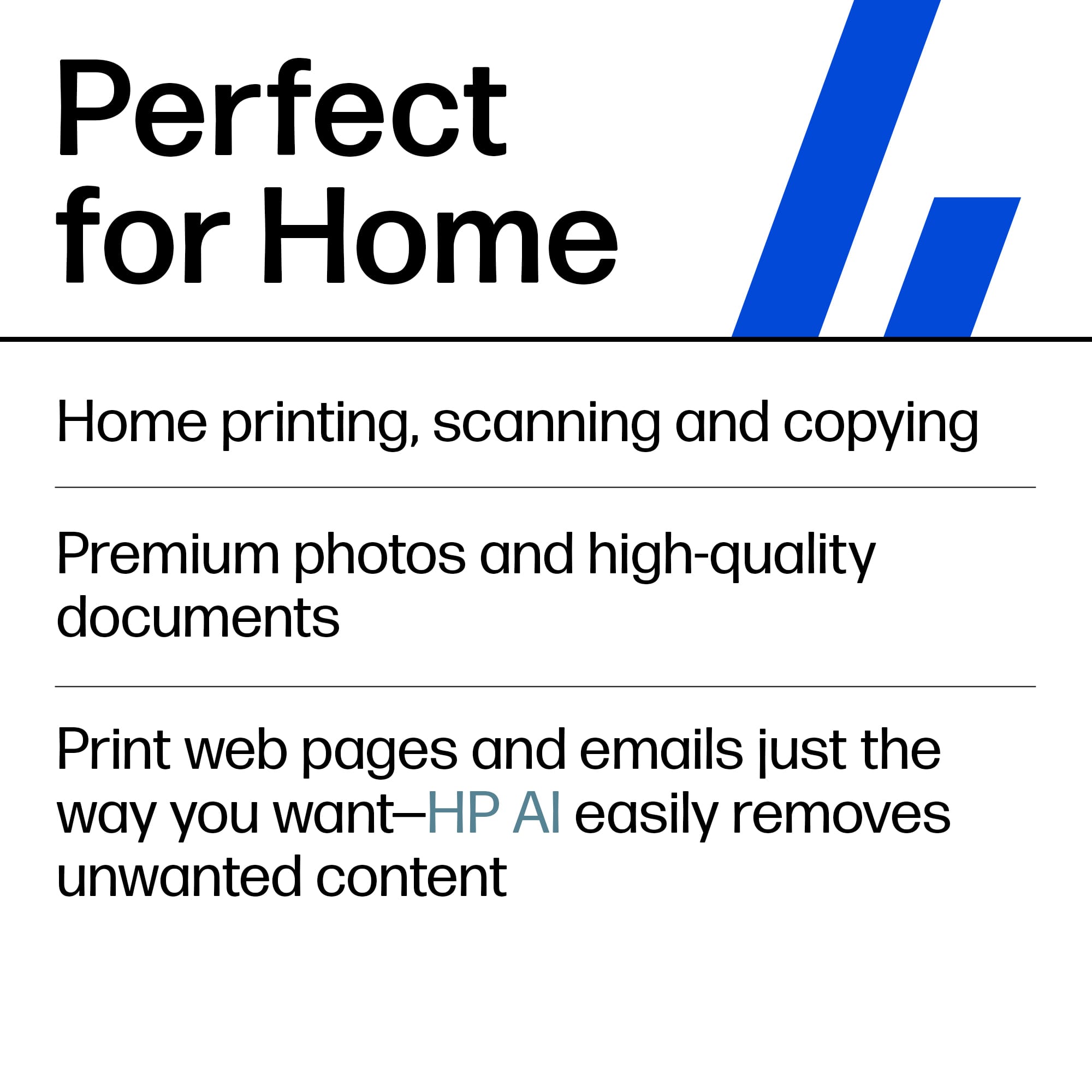
|Posted .This reviewer received promo considerations or sweepstakes entry for writing a review.[PROS] Streamlined Setup: Out of the past HP printers that I’ve owned, I was able to get up and started with the 7275 the quickest. Physical setup required just removing protective tape and installing cartridges. Software configuration was able to be done quickly through my phone. Once I scanned the QR code from the display, I was guided through easy self-explanatory prompts. AI Assistance: I'm very conservative when it comes to printing. Personally, I try to rely on digital copies as much as possible for any important files. However, it’s nice to be able to print with the least amount of paper and ink. HP AI printing removed ads and a bunch of other unnecessary content when generating a print preview for a recipe I found interesting. I was able to further reduce it by selecting certain sections for elimination. AI is still in its early growing pains, but the feature does seem promising. Excellent Print Quality: Duplicating photos and creating cards is an enjoyable experience. All of the documents that came out contained the appropriate amount of pop and highlight that I was expecting. Overall, it does the job and saves me money and time from relying on consumer print services. [CONS] Software Quirkiness: Printers have come a long way when it comes to speed and functionality. The HP 7275 is no exception. However, as a decade-long user of HP printers, the software still can come with issues. I did run into a problem of attempting to cancel a print job before it got started, but the printer ended up printing a few pages before it finally stopped. In other cases, it takes the HP Smart App a second to recognize the printer, but I can extend grace given that new releases can sometimes exhibit small bugs. One thing I did notice was that the time on the device didn’t match the current time. It could only be manually adjusted despite having constant internet connection that can validate the current time as well as timezone. Small and Slow Display: I don’t have a need to interact with the display much as most functionality can be completed on the computer or phone. However, it can be a nuisance trying to make selections and complete certain operations because the on screen buttons are tiny. For as many strides that we’ve made with technology, printer displays aren’t as responsive as they should be. [CONCLUSION] The HP 7275 is an exciting step in printing innovation. I can appreciate the implementation of AI functionality that makes it stand out among its peers. The software bugs are still present, but the print quality standard is still maintained. The 7275 is a great pairing of productivity and sustainability that I would recommend.
I would recommend this to a friend