Customer Ratings & Reviews




- Model:
- K7R96A#B1H
- SKU:
- 5961901
Rating by feature
- Value
Rating 4.4 out of 5 stars
- Quality
Rating 4.4 out of 5 stars
- Ease of Use
Rating 4.4 out of 5 stars
Customers are saying
Customers recognize the ENVY Photo 7855 as a great printer, frequently praising its excellent print quality and ease of use. The wireless functionality and relatively compact size are also frequently cited as positive aspects. While some users mention limitations with the paper tray capacity, the overall feedback highlights a positive user experience.
This summary was generated by AI based on customer reviews.
Just what I needed
||Posted . Owned for 3 weeks when reviewed.This reviewer received promo considerations or sweepstakes entry for writing a review.Does exactly what I expected. Have had HP printers for 35 years. My 8610 quit after about 6 years of hard labor. This is the replacement. It's a little slower because it is set up with Wi-Fi, not USB, but I can live with that.
I would recommend this to a friend- Pros mentioned:Print quality
Great Photo Printer
||Posted .This reviewer received promo considerations or sweepstakes entry for writing a review.Works as promised. Prints great photos. Nice price
I would recommend this to a friend Great printer!
||Posted . Owned for less than 1 week when reviewed.This reviewer received promo considerations or sweepstakes entry for writing a review.My first printer, the scanner worked but did not scan. Best Buy made it right and this one works great. The adf works well. It's a little slow printing but for a home printer I think it is an excellent printer. And instant ink will save a lot on the total cost of ink I believe.
I would recommend this to a friend- Pros mentioned:Ease of use
Works great
||Posted .This reviewer received promo considerations or sweepstakes entry for writing a review.Simple and easy to use , you can’t go wrong with HP
I would recommend this to a friend Love HP Instant ink
||Posted .This reviewer received promo considerations or sweepstakes entry for writing a review.Quiet, no more paying $40-$70 for ink cartridges!!
I would recommend this to a friend- Pros mentioned:Ease of use
Great printer for home
||Posted .This reviewer received promo considerations or sweepstakes entry for writing a review.Easy to operate, set up and use for our home use.!
I would recommend this to a friend HP Envy 7855 Printer
||Posted . Owned for 1 week when reviewed.This reviewer received promo considerations or sweepstakes entry for writing a review.This printer has great features and works well as a printer although I did not find it easy to set up. Unfortunately I am having problems with the scanner communicating with my computer--I'm sure I'll have that problem solved soon.
I would recommend this to a friendLove it
||Posted .This reviewer received promo considerations or sweepstakes entry for writing a review.Everything I need and more! Quick and easy set up!
I would recommend this to a friendAll in one
||Posted .This reviewer received promo considerations or sweepstakes entry for writing a review.I don’t recommend this unit for printing picture, uses a lot of inc. Love the network printing feature. Has all the features I was looking for. The only draw back is the touch screen display can be very difficult to work with. Seems poorly calibrated but no feature to calibrate it independently.
I would recommend this to a friendIt's okay for not heavy work
||Posted . Owned for 3 weeks when reviewed.This reviewer received promo considerations or sweepstakes entry for writing a review.The startup color ink cartridge would not print cyan. I had a hard time getting HP to understand the problem. They finally sent a replacement cartridge but it was the wrong one, it was for another printer and would not work. They sent the right one, two weeks later.
No, I would not recommend this to a friendGood Printer, Bad Installation Instructions
||Posted .This reviewer received promo considerations or sweepstakes entry for writing a review.The poor installation instructions are why I gave this printer only four stars. Since I completed the installation, the only difficulty encountered is that it sometimes fails to wake up from the "sleep mode," but that problem is easily remedied by tapping the on button again.
I would recommend this to a friendPrice, picture quality, speed, and set up is nice.
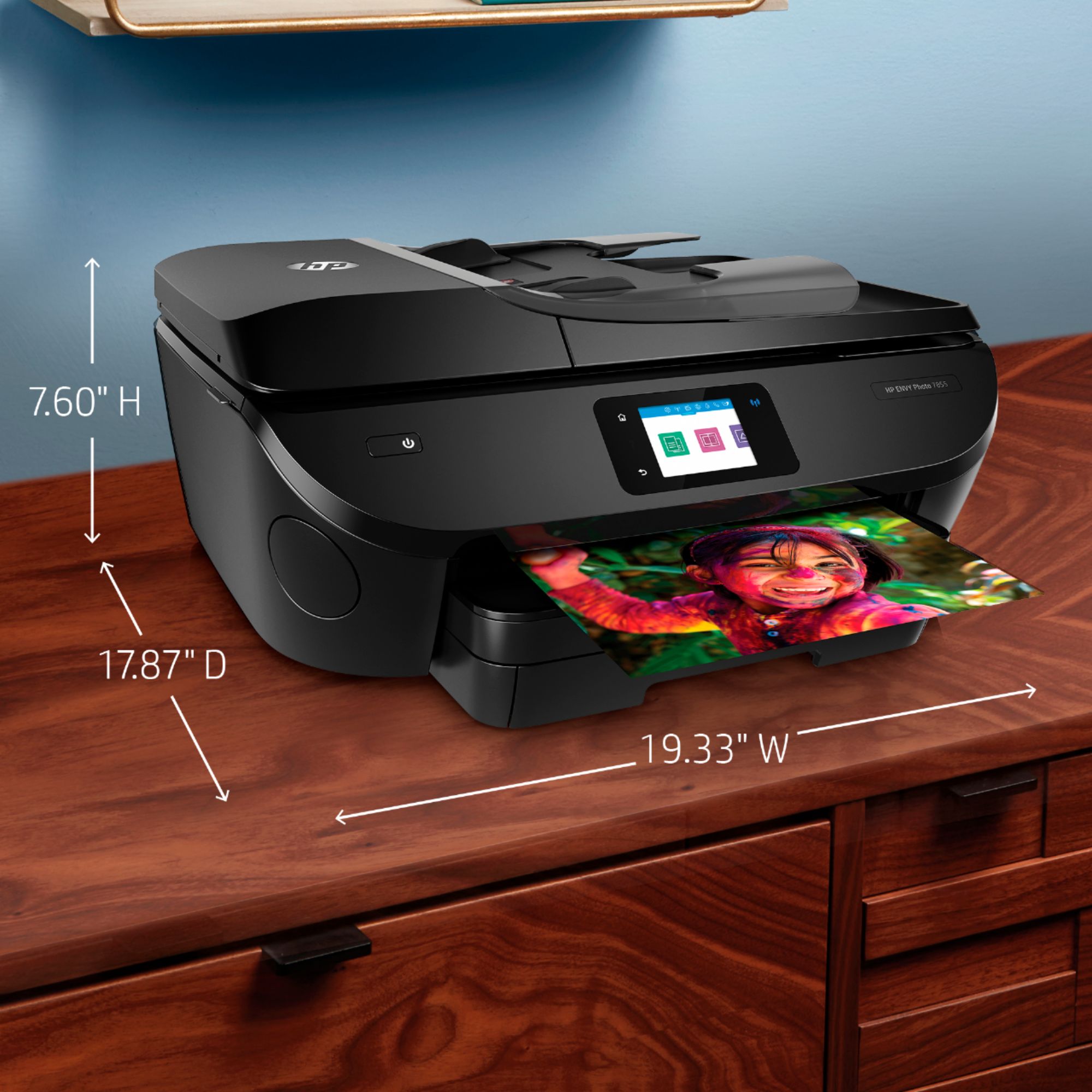
||Posted .This reviewer received promo considerations or sweepstakes entry for writing a review.Not really a negative but If you are not familiar with computers and downloading information and syncing devices the set up part might be difficult. It’s also pretty big so make sure you pay attention to the dimensions. Other than that I am very pleased with my purchase.
I would recommend this to a friendTook remote help from Geek crew to link printer.
||Posted . Owned for 1 month when reviewed.This reviewer received promo considerations or sweepstakes entry for writing a review.I think a few more directions regarding setting up new printer would have been helpful. I had purchased package that included remote help, which I used to link printer to computer. Up and printing now.
I would recommend this to a friendEasy to install. Intuitive. Quick printing.
||Posted .This reviewer received promo considerations or sweepstakes entry for writing a review.I like all the new technology that comes with the Envy. Has easy to use touch screen. All is good, except my printer makes a funny loud noise before printing (which is quiet). Tech support tried to resolve this issue, but it still makes a concerning noise. Need to address this further.
I would recommend this to a friendbest printer ever
||Posted .This reviewer received promo considerations or sweepstakes entry for writing a review.this is absolutely the best printer I have ever had. I have had printers since the 9 pin stage back in the 1980s. have had so many printers over the years but this one is perfect in every way possible. It just takes care of everything for you. One of my best decisions ever.
I would recommend this to a friendWill operate without a color cartridge
||Posted . Owned for 1 week when reviewed.This reviewer received promo considerations or sweepstakes entry for writing a review.We are in Florida for several months and needed a printer for my wife's consulting business. This machine will print color but can be used with only black ink. We rarely need color so this was a good purchase for us and will save on ink over the long run.
I would recommend this to a friendDoes the job
||Posted . Owned for 9 months when reviewed.This reviewer received promo considerations or sweepstakes entry for writing a review.Overall good printer. Sometimes buggy when it comes to connectivity regarding bluetooth printing. Holds an ok amount of ink. Not too much. Does the job though. Definitely recommend doing research in what you need out of a printer.
I would recommend this to a friend- Pros mentioned:Ease of use, Print quality

The Good, the bad, and the ugly
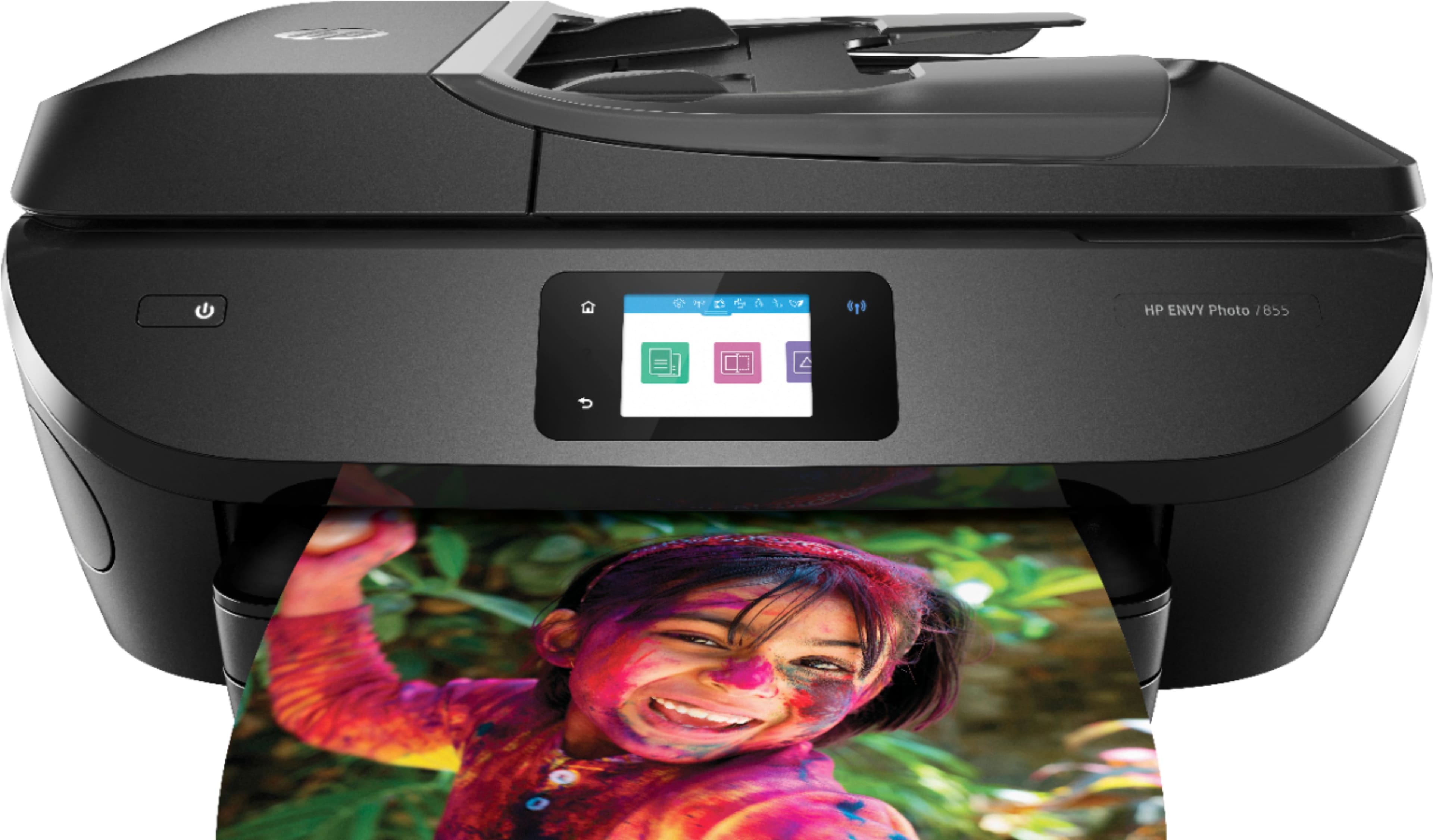
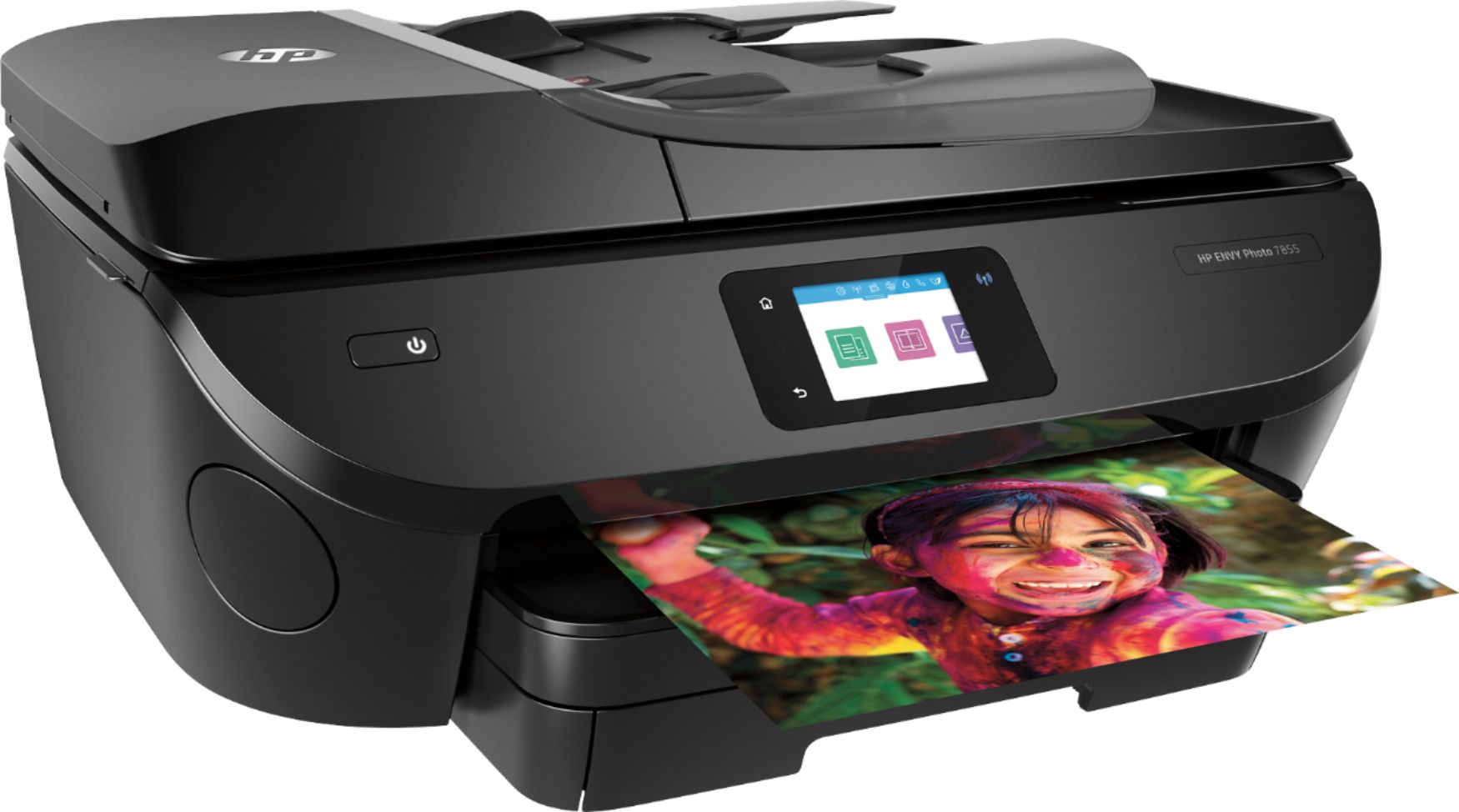
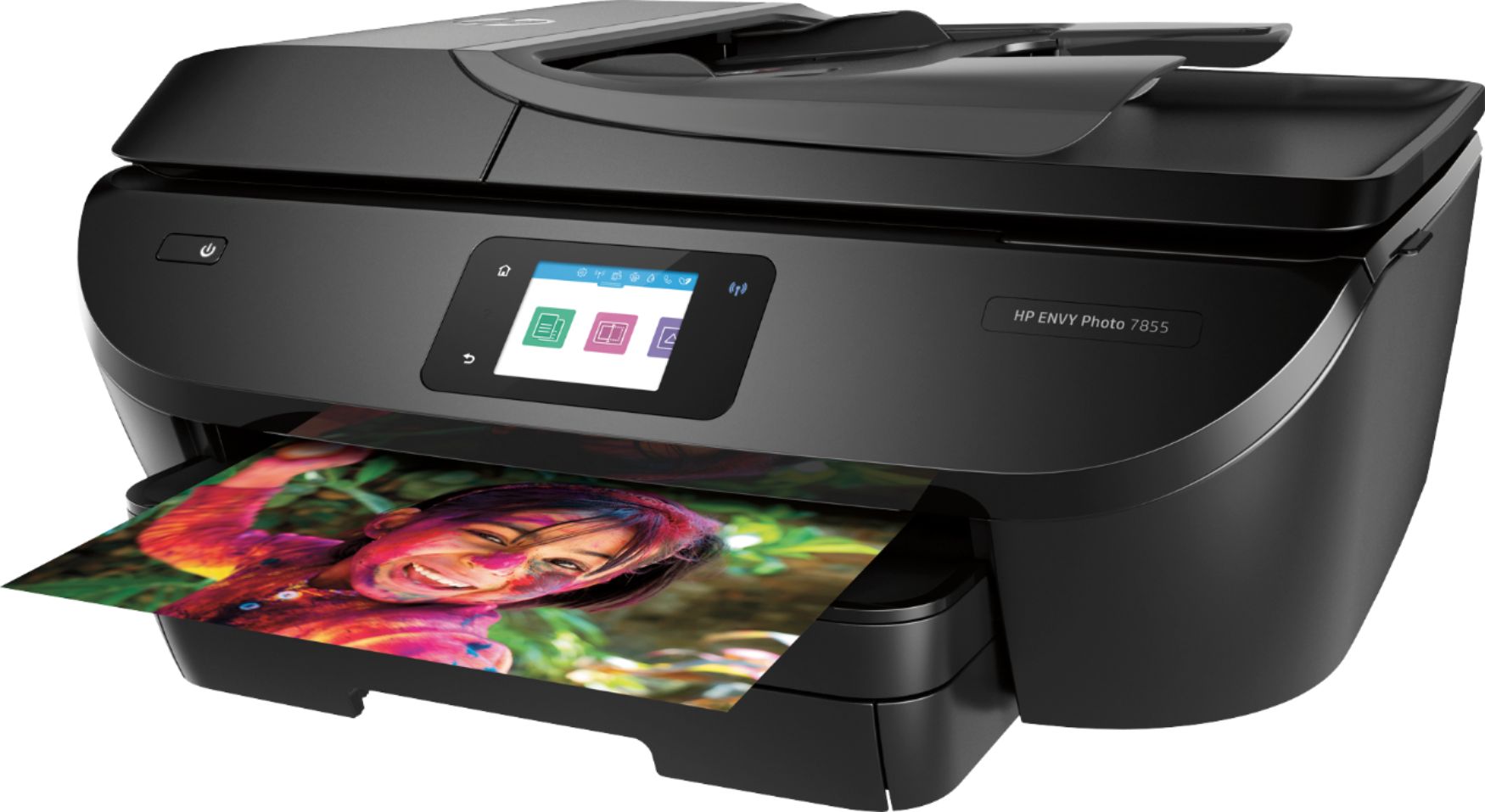
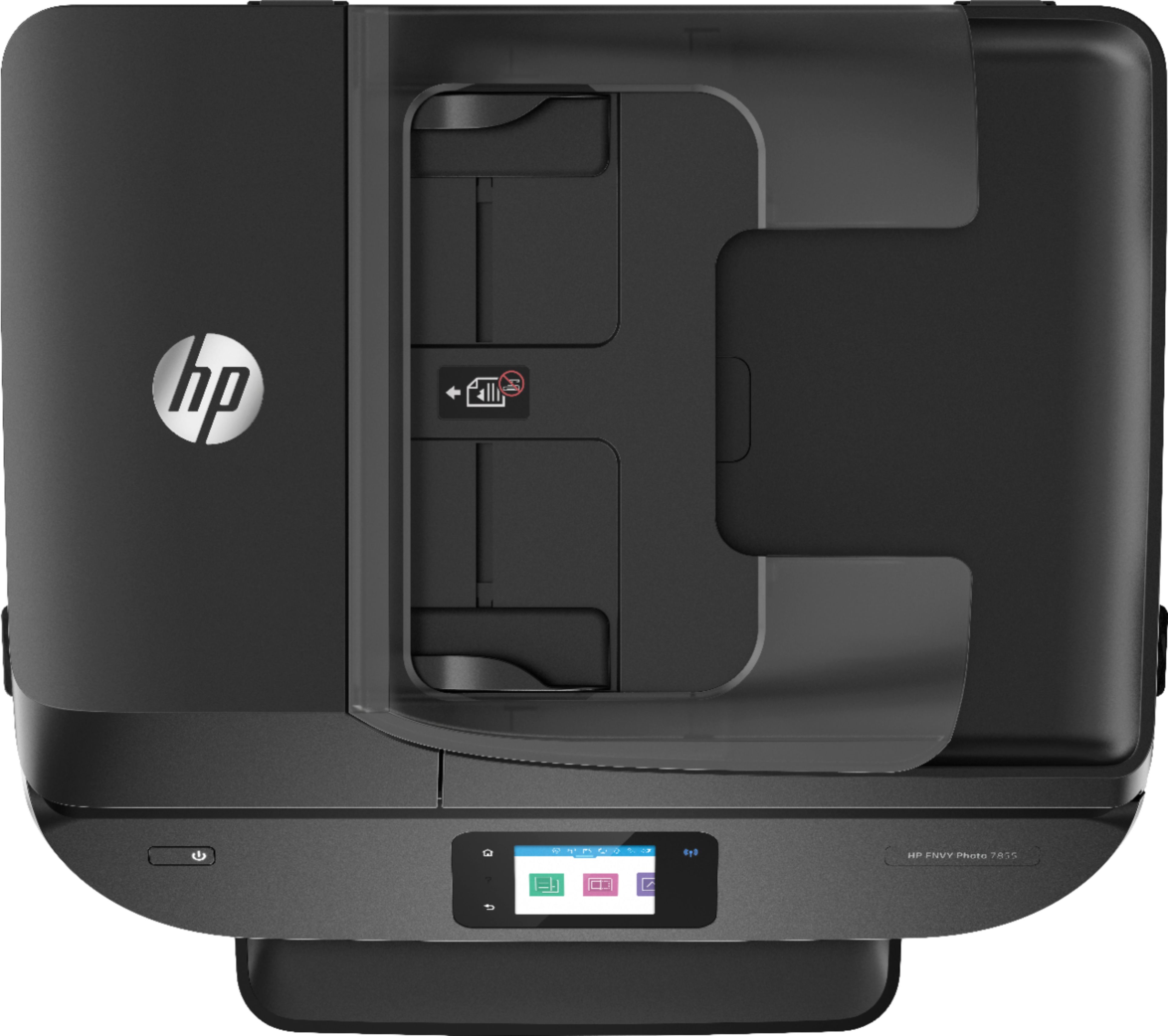
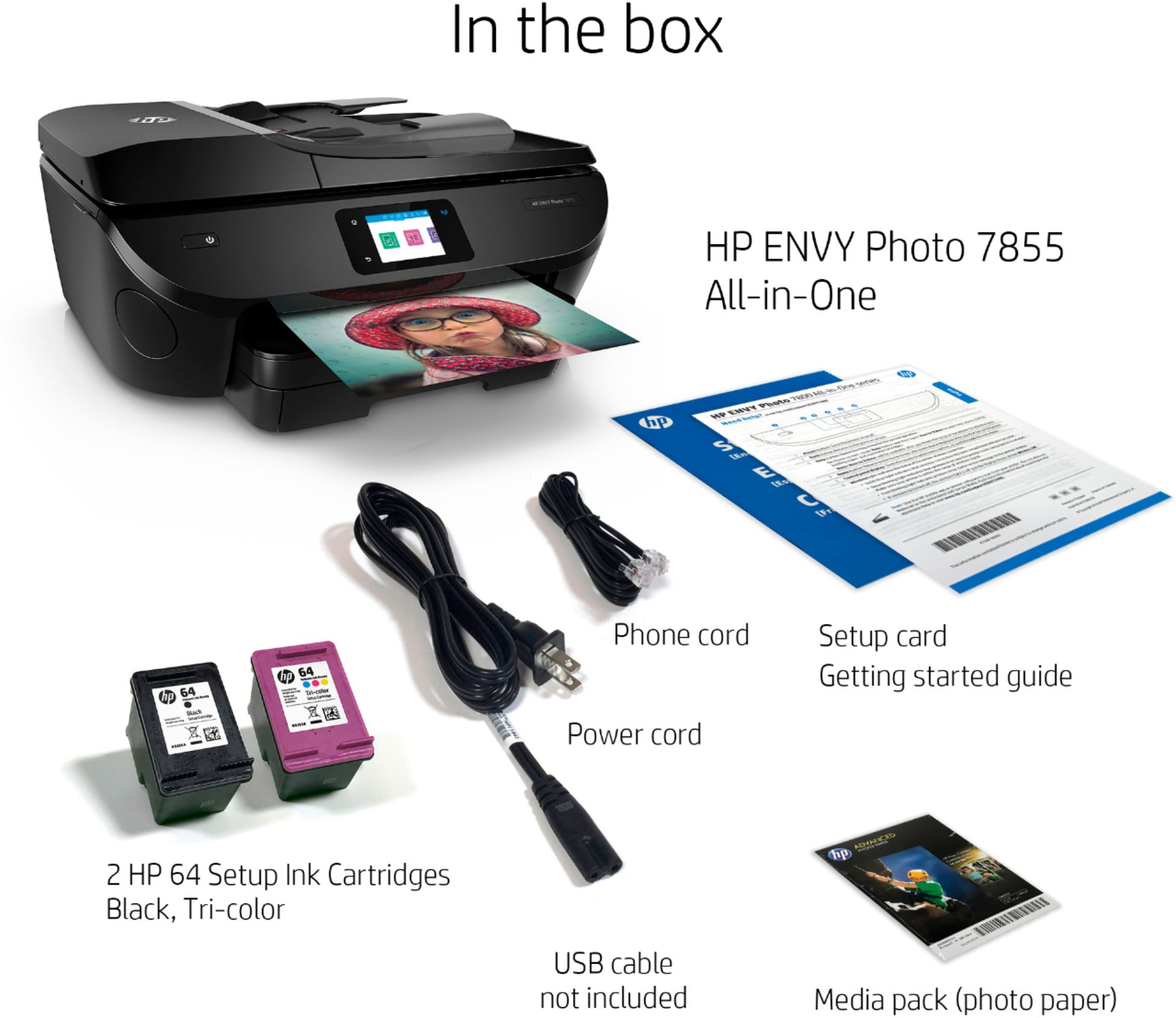
|Posted .This reviewer received promo considerations or sweepstakes entry for writing a review.Where to start? I know when this product request was issued by Best Buy there was a mention that HP wanted to get reviews on their newest Envy Photo Smart printer in quickly. After I put in my request, I went onto HP's website to see what they were saying about it-no information at all. At the time I did not realize how that could work against myself. At any rate, as usual, the printer was well packed within its box and arrived in tact with no evidence of damage. However, other than the printer and its power cord, there was very little else in that box and I mean little-no installation CD and no User manual with substantial explanations; just an abbreviated pamphlet. I planned to install this to computers and netbooks, as well as use for on the go printing from either a tablet or phone. So, I went onto the HP website and still there was no information loaded on my machine-I put in the model, nothing, I put in the serial number, nothing, I put in the product code, nothing, nothing, nothing. Well, by this time I was super frustrated. I Googled HP customer service numbers on the web and came up with a bunch of them. Well, I called one number and was sent to some offshore person, a woman who was heavily accented and was quite combative. I expressed that I had been hunting for a download to install the driver and she said that I would have to pay for it, to which I exclaimed horror since this was a brand new product. I then asked to speak to a technical person in the US and she gave me the number 800-474-6836. I called the 800 number and got a very nice tech man in the Philippines and he told me that all HP tech help was offshore. He told me that there currently was neither a CD nor website downloads to load the driver so he used Windows to add the printer. He said that even they did not have much information on the new Envy 7855 printer at this time. I explained to him about my experience with the woman I mentioned above and while he did not know for sure, he apologized for my experience and did say that HP does use some third party, non-HP employees and maybe that is who I dealt with; he agreed there should not be a charge for a driver on a new product. He also gave me the toll free number 855-785-2777 because I mentioned that I had an android tablet and telephone that I might need help with. By the way, those toll free numbers should provide free help for the first 12 months of ownership. So, needless to say that I had a very frustrating experience getting this printer installed on my home computer. Did HP not think that customers would want to install them like I did? Otherwise, the printer is easy to set up and includes limited use ink cartridges that are quite small-one black and one tricolor. I did print and all went okay. I like that this printer has a 35 page ADF and behind a small door on the lower left side while facing it there is an enclosed compartment for either a jump drive or SD card for printing that allows you to bypass the computer altogether to print pictures. The screen is easy to read and with finger touch allows copying, scanning, faxing, photo printing, and numerous apps. In fact, the photo app allows you to crop and do many editing functions right on the screen without any computer software. The apps, through the Wi-Fi connection, allow the printer to access the HP connect server, and other software applications such as Dropbox, Stamps.Com, etc. I believe other apps might be loadable through the HP Connect website. As of the time of this review, I did not have time yet to test using my tablet or phone for printing. However, I did go to the Google Play Store and download the HP printer pug-in for my tablet that from what I read, is the interface for printing from that tablet.
I would recommend this to a friend Pretty nice printer
||Posted . Owned for 3 months when reviewed.This reviewer received promo considerations or sweepstakes entry for writing a review.Nice printer. Touchscreen works better than the last printer I had and it doesn’t disconnect from my network like most printers seem to. Minor issue with it detecting my laptop for scanning but that’s likely due to my security settings.
I would recommend this to a friendGreat for the price
||Posted .This reviewer received promo considerations or sweepstakes entry for writing a review.All in one with fax capability, this thing does it all. Wasn't looking for the best printer, just a printer for infrequent use. The ink cartridges on this thing do not dry out despite a month of inactivity. This thing does the job without busting your wallet or breaking the bank.
I would recommend this to a friend