Customer Ratings & Reviews






- Model:
- B63K3A#B1H
- SKU:
- 6638827
Rating by feature
- Value
Rating 4.7 out of 5 stars
- Quality
Rating 4.7 out of 5 stars
- Ease of Use
Rating 4.6 out of 5 stars
Customers are saying
Customers are enthusiastic about the Envy Photo 7975 printer's excellent print quality and easy setup process. Users also appreciate the reliable wireless connectivity and quiet operation during normal use. Some find it to be a good-sized printer.
This summary was generated by AI based on customer reviews.
- Pros mentioned:Connectivity, Print quality

Mid-range All-in-one Photo quality InkJet printer
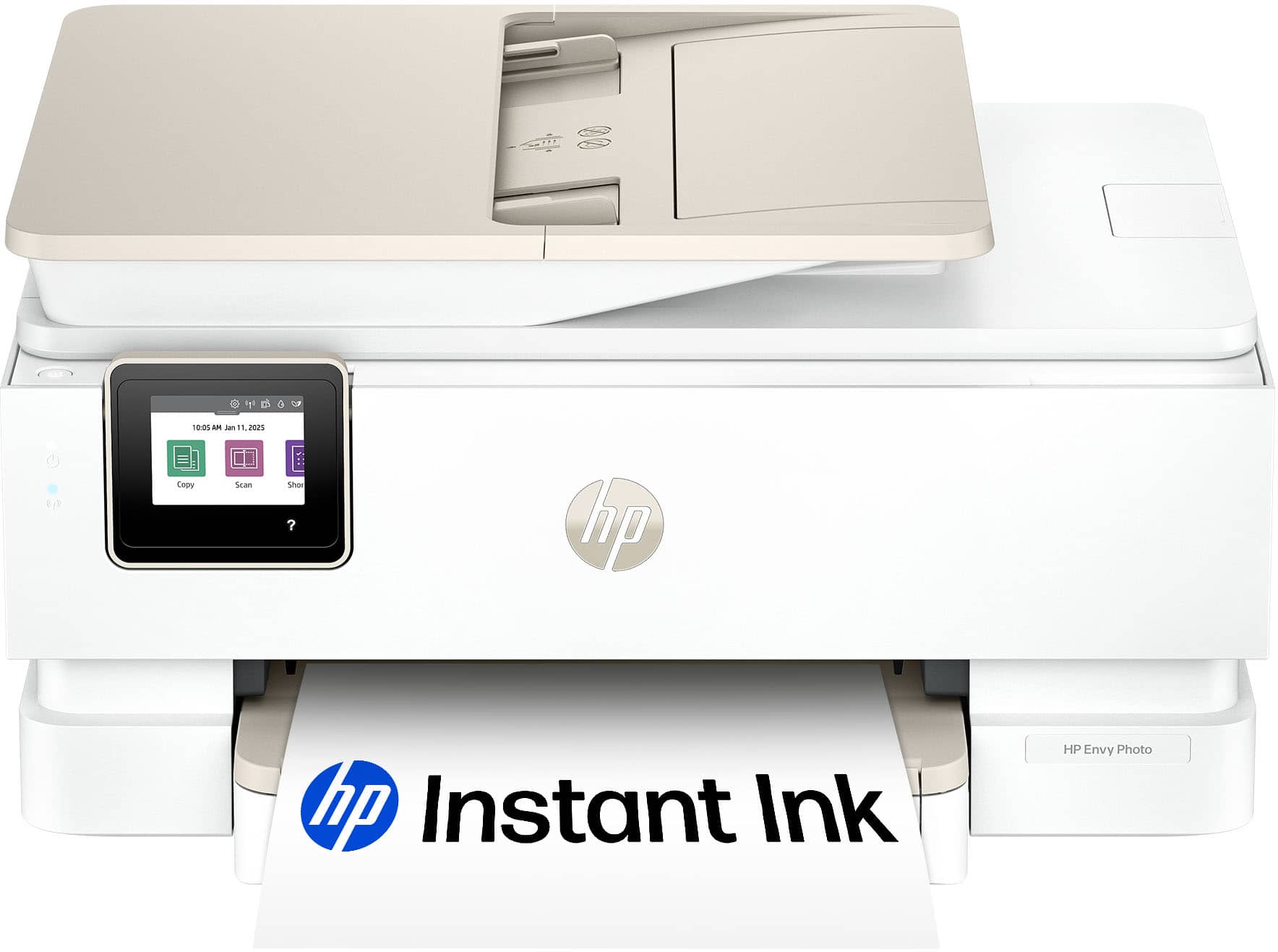
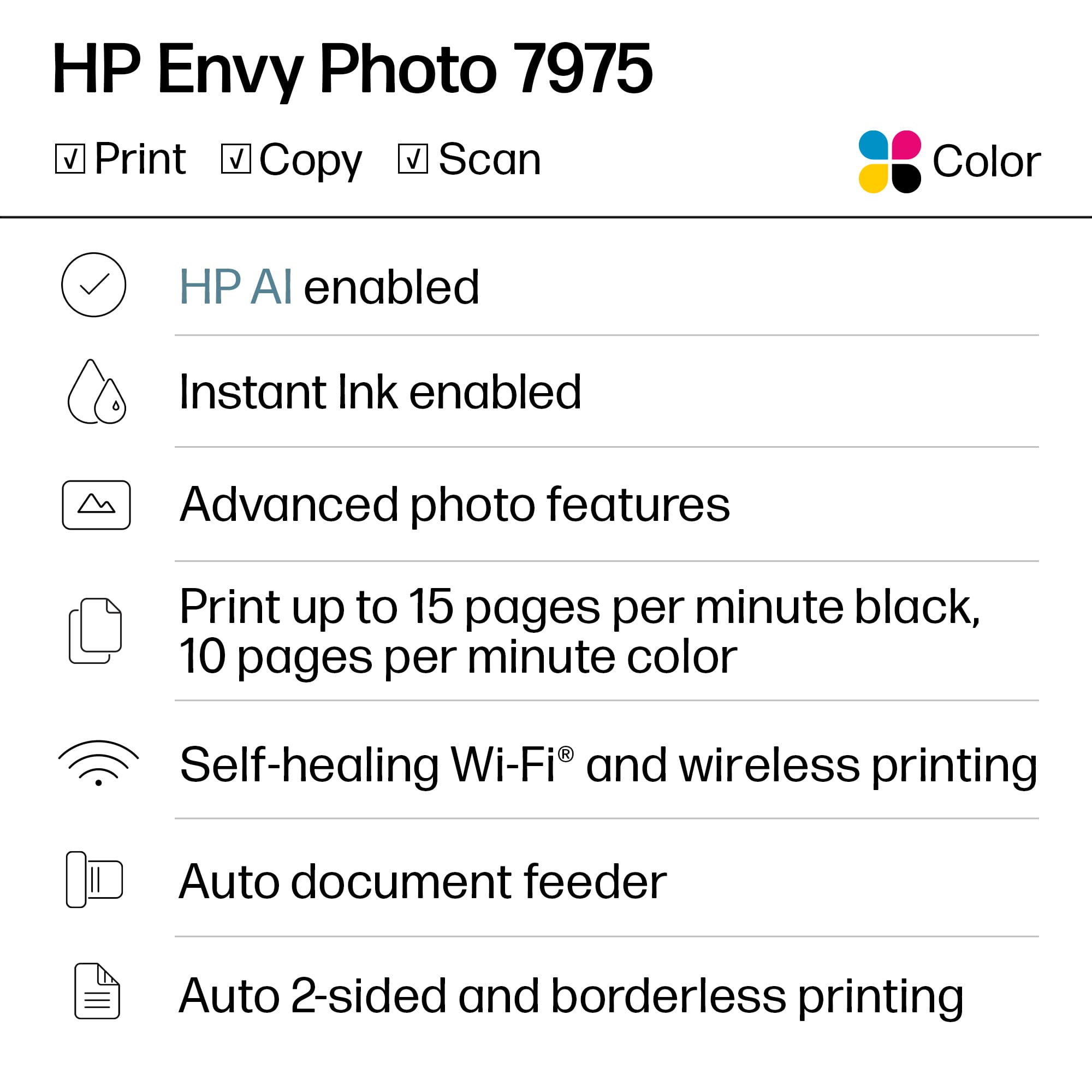
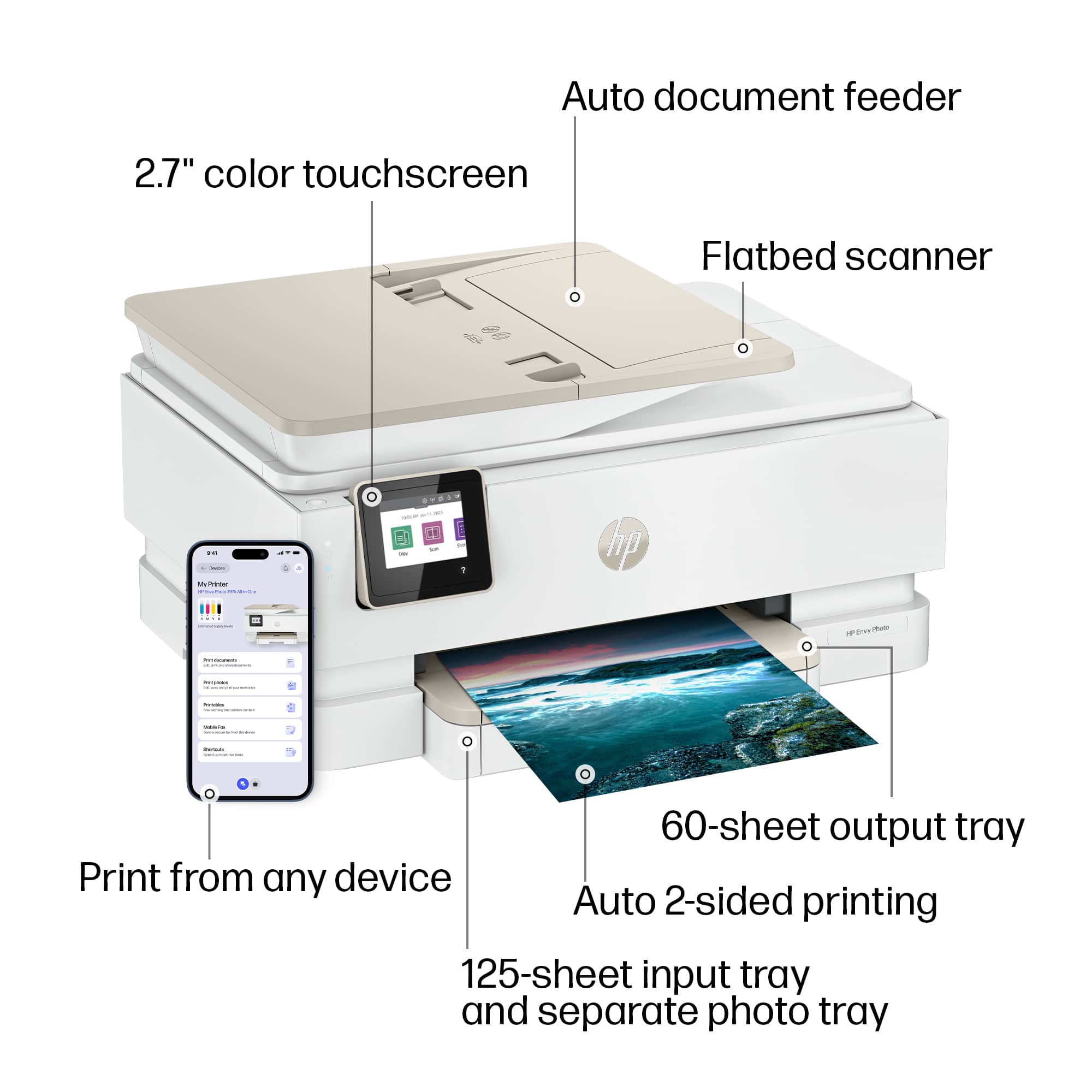
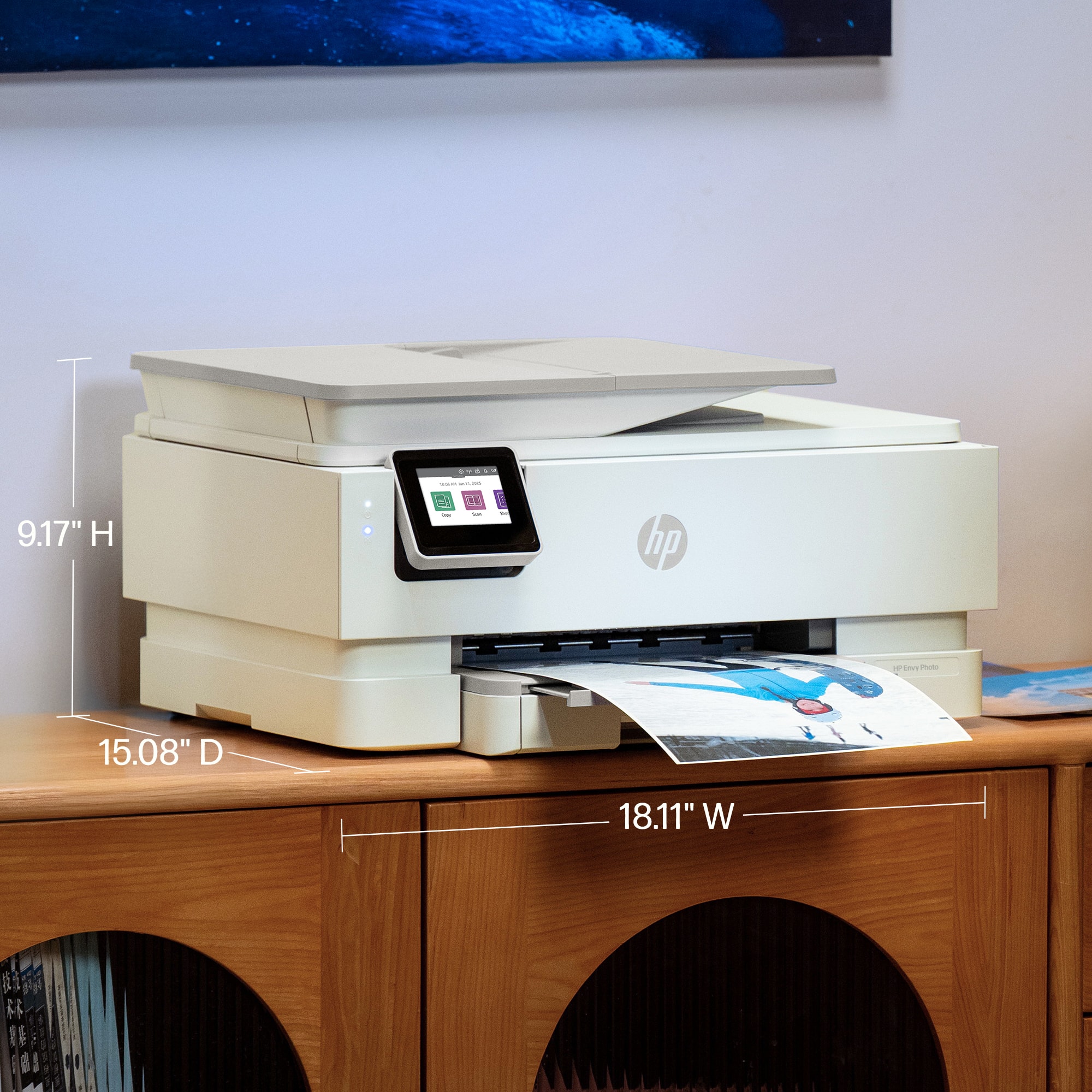
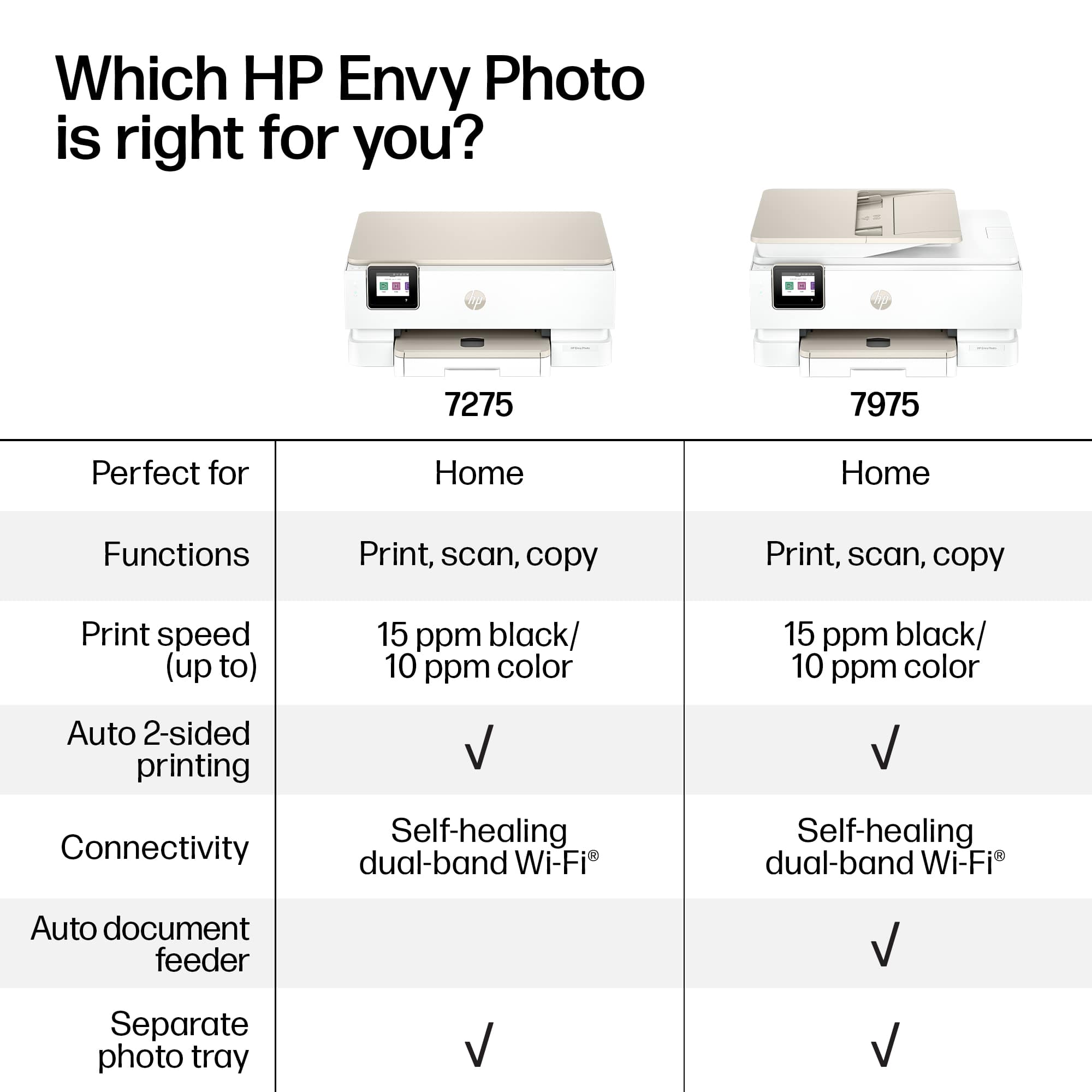
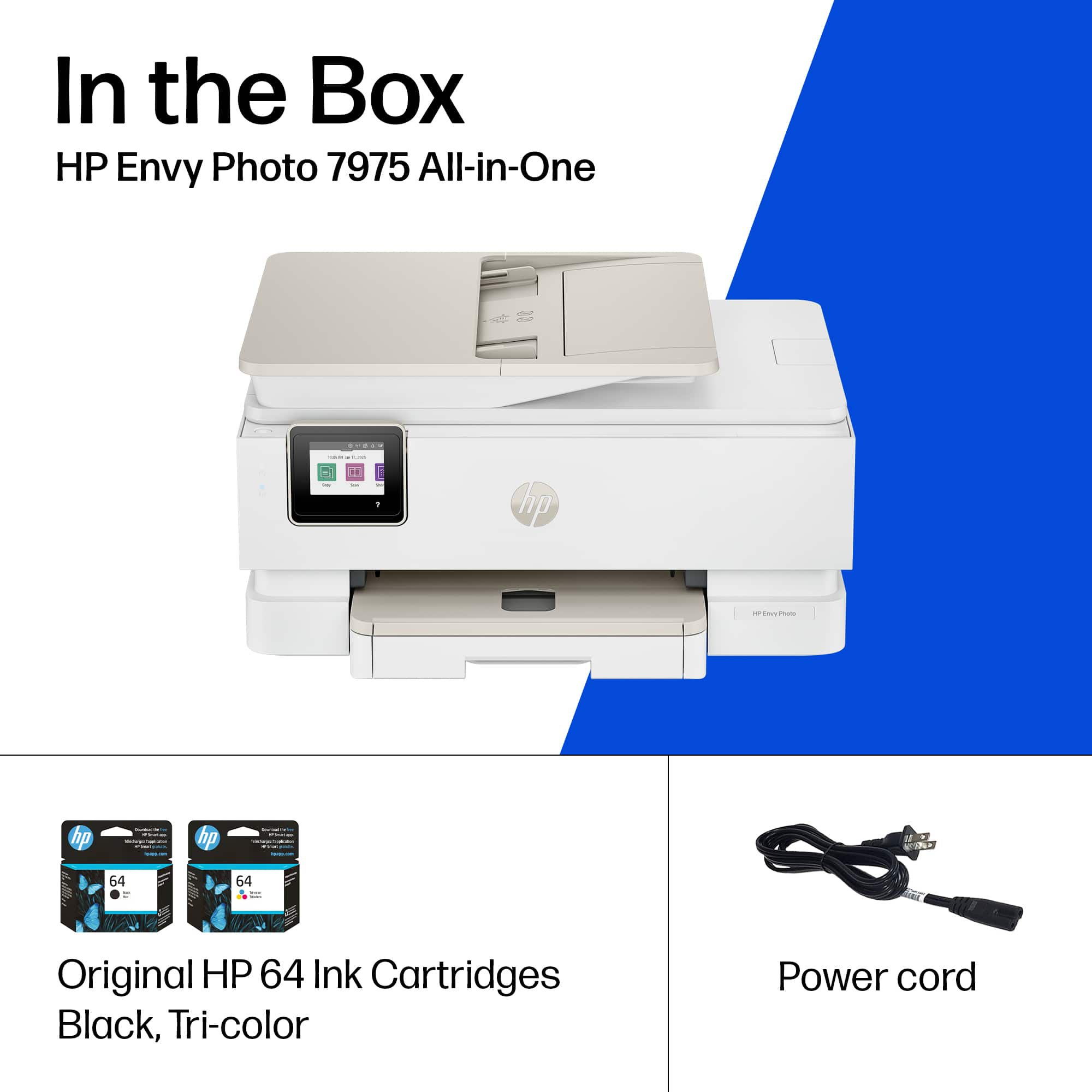
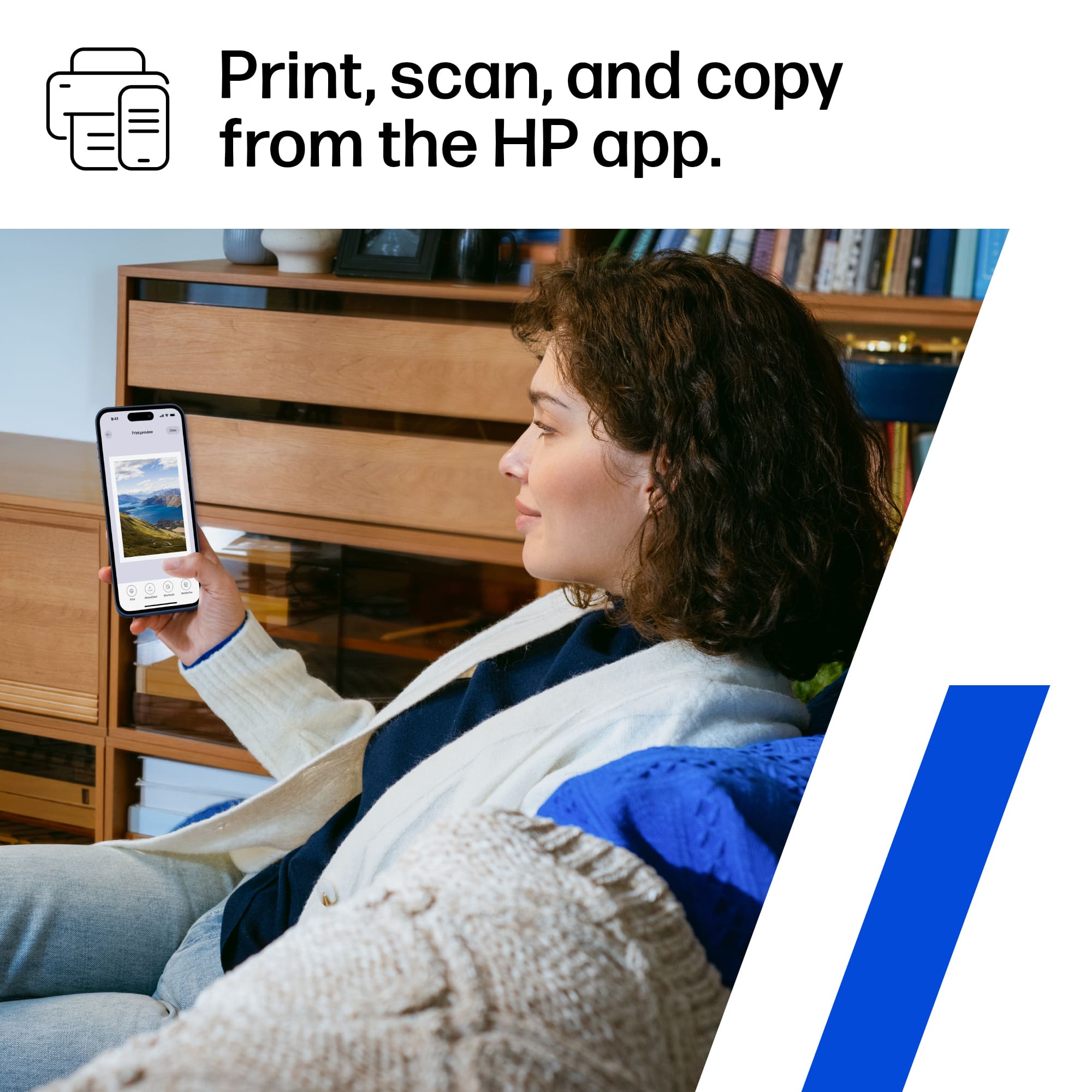
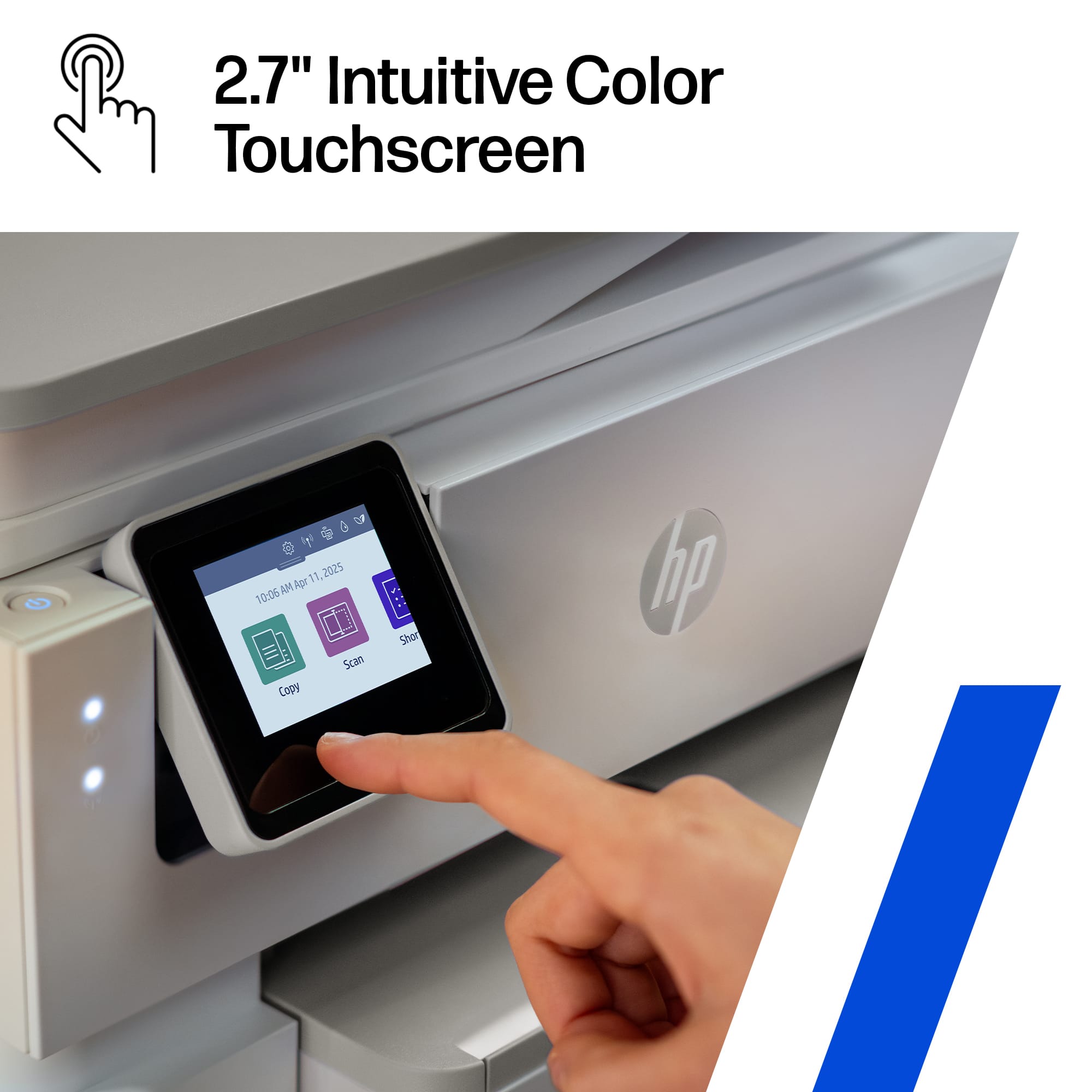
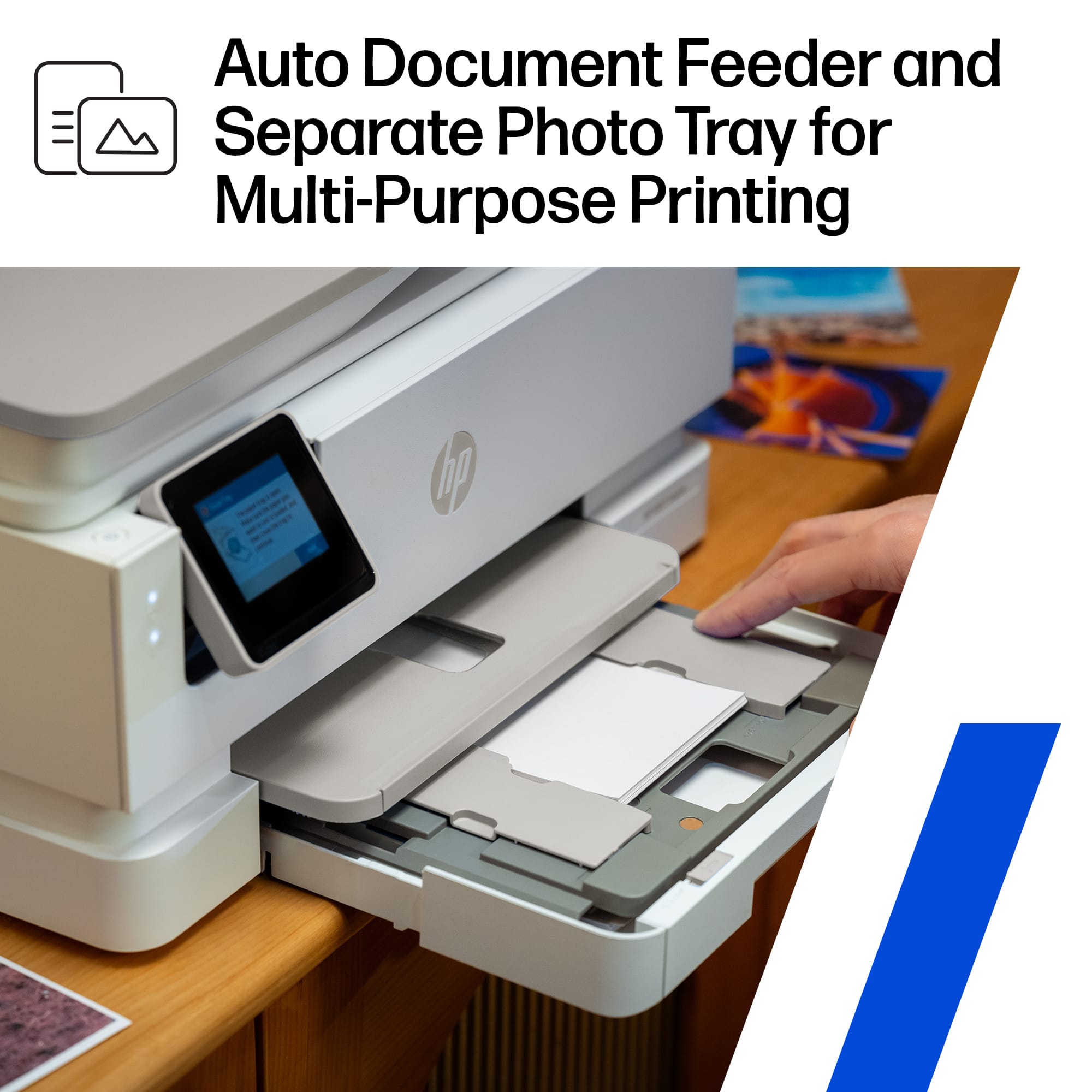
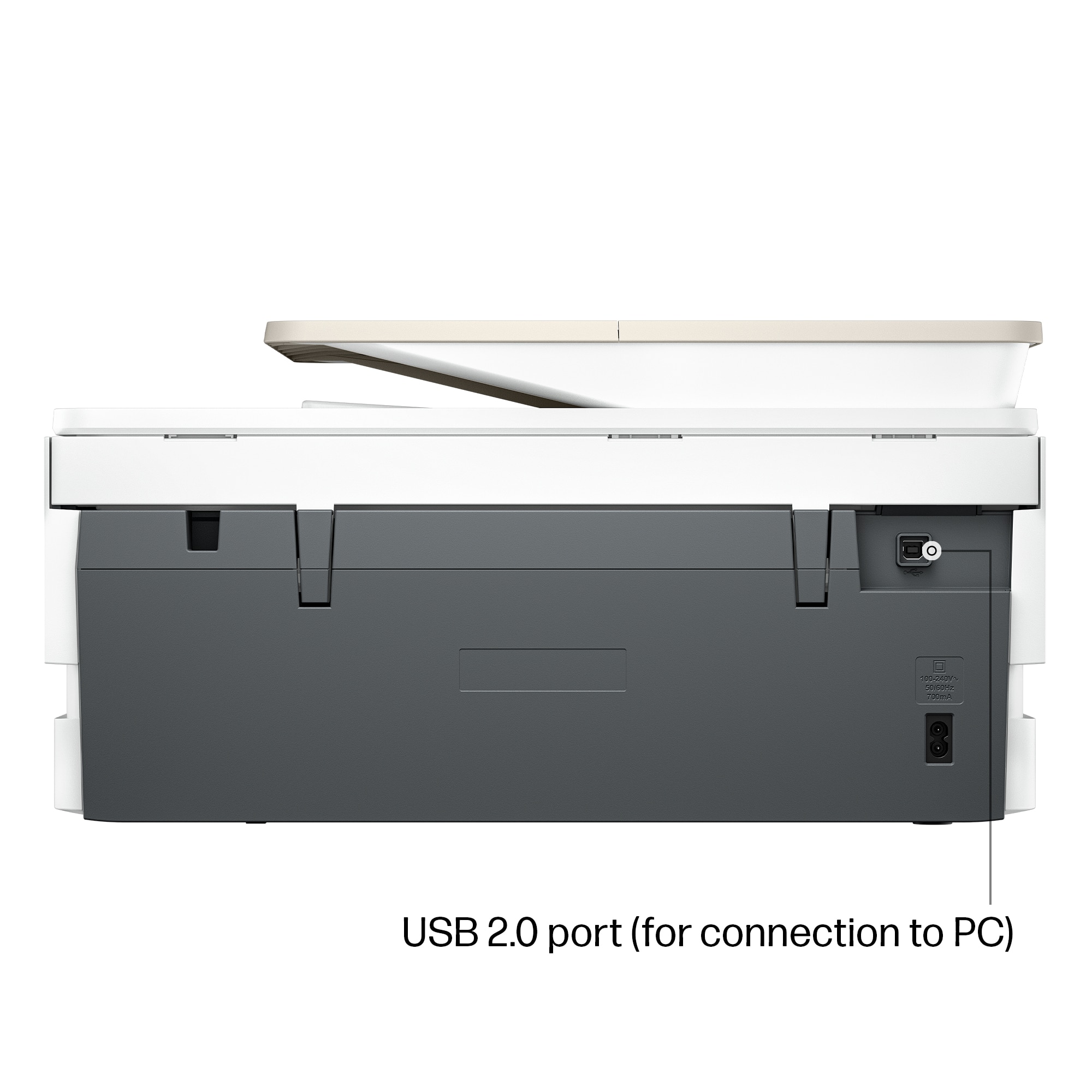
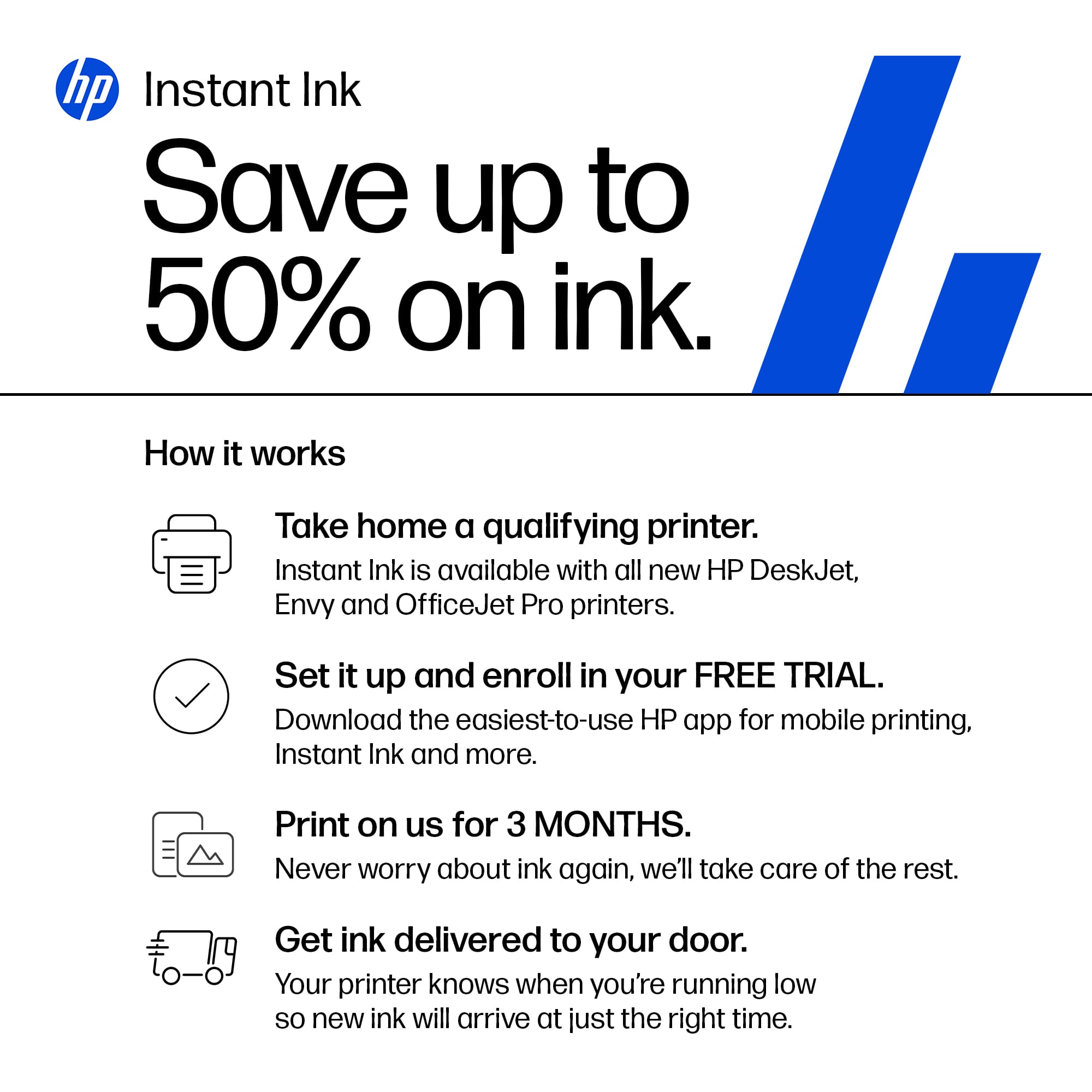
|Posted .This reviewer received promo considerations or sweepstakes entry for writing a review.The HP Envy Photo 7975 Wireless AI-Enabled All-in-One Inkjet Printer comes with 3 months of Instant Ink included for free, then it’s a paid subscription until you cancel.. It’s a great concept if you print a lot of pages per month, a very convenient feature where the HP software will let them know when you’re running low on ink and will automatically ship you the cartridge(s) that need(s) replacement. If you just use this at home and don’t print that much, it may not be your most cost effective option, though they do claim savings for up to 50%. Still a convenient way to get ink cartridges without lifting a finger. In terms of unboxing and setup, it’s fairly straight forward. The printer can easily be pulled out of the box in its plastic bag. This is not a small basic printer by any means, but considering it is an all-in-one that also includes automatic duplex printing and a scanner, it’s not too bulky either. One feature that could have been bigger is the built-in LCD touchscreen that’s only 2.7”. I’ve owned inkjet printers from other brands that have a more modern 4.3” screen. Setup wise, I already had HP Smart software downloaded and installed from having other HP printers connected, but if you don't already have it, expect the download and install to take a while. You can also scan the QR code with your phone to download the iOS or Android App that you can use to print and even scan from your phone. The print speed is reasonable in black up to 15 ppm, and about 10 ppm in color. If you want faster, you’ll have to spend at least twice as much and get a Laser printer. I would recommend tweaking the settings to a lower dpi/resolution/quality to speed up printing and conserve ink, unless you're printing pictures on photo paper at up to 4800dpi x 4800dpi. Speaking of which, there is a dedicated tray for photo paper for up to 5” x 6” size and borderless photos come out in vibrant colors just like you see them on the screen. As expected from the #1 printer company, it is compatible with both Windows and MAC OS and has good connectivity options: USB 2.0, WiFi, Apple AirPrint, but no Bluetooth and no memory card reader. All in all this is a solid All-in-one printer with great photo printing quality.
I would recommend this to a friend - Pros mentioned:Print quality, Setup ease
In Love with print at home pictures
|Posted .This reviewer received promo considerations or sweepstakes entry for writing a review.HP ENVY PHOTO 7975 ALL-IN-ONE Printer, I couldn’t love my new HP Envy more! I already had the HP app downloaded so it was an quick and easy set up, got it linked up with my internet then added to my HP app and first thing I did was print out a few pictures from the million pictures just sitting in my phone, I love how quick and nice the pictures printed. Nice clear with vivid colors, I missed being able to print photos at home. Inkjet printing so far I have been very happy with on my other HP printers and now my new HP all in one printer. It came with three months free of instant ink, I was already registered with my other HP I love it no worries about having to run to buy ink it keeps track of ink levels and automatically sends new cartridges to you I also signed up for the paper delivery I feel it well worth it they have different plans to choose from based on the amount your print monthly. Another option I love is the separate tray for the photo paper so no having to load and unload to switch from photo to regular printing paper. Always great the wireless printing, fax, copy and scan from your phone. It has auto two sided printing that is something I had to remember to turn off. But 10/10 stars live it no complaints.
I would recommend this to a friend - Pros mentioned:Noise level, Print quality
Fantastic Printer!!!
Posted .This reviewer received promo considerations or sweepstakes entry for writing a review.Excellent printer. Great photo quality, great prints. Speedy printing and its quiet. I have not used all the options, but am quite sure I won't be disappointed. The process of purchasing it was a bit frustrating. I purchased two open box's which neither worked. All in all, Best Buy did their best to satisfy me.
I would recommend this to a friend - Pros mentioned:Print quality
Great Printer For Home Office and Photos
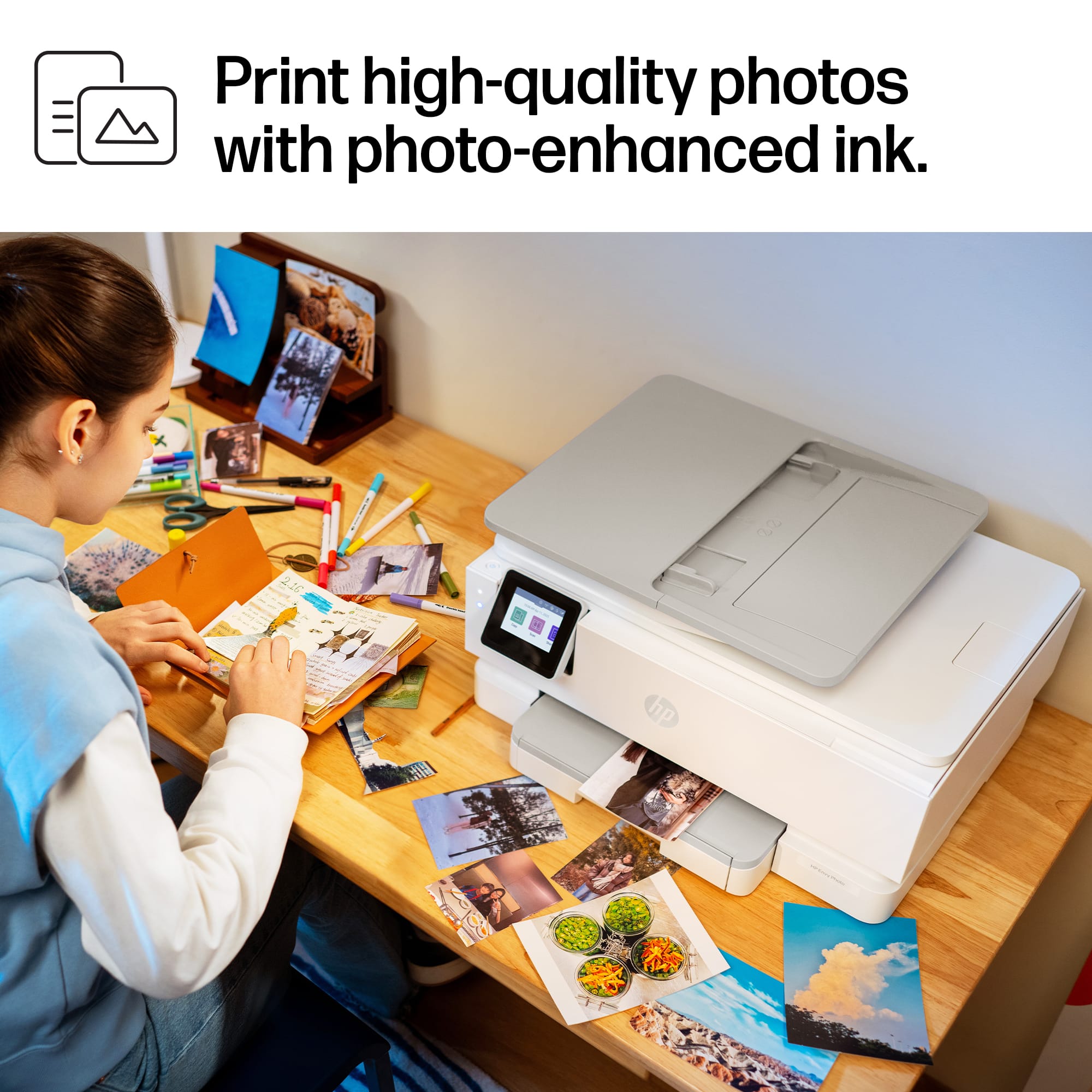
|Posted .This reviewer received promo considerations or sweepstakes entry for writing a review.From the moment I powered this printer up, I could tell it was designed for people who want serious photo-printing capabilities without sacrificing everyday document functionality. The output is vibrant, sharp, and consistent—whether I'm printing borderless 4×6″ photos or crisp text documents. It’s clear that HP has invested in making this unit feel professional, yet friendly for home or small-office use. Setup was intuitive: wireless connection with dual-band Wi-Fi, mobile printing through the HP Smart app, and a well-laid-out touchscreen interface. I especially liked the dedicated photo tray and the ability to switch quickly between regular paper and photo paper. On the photo side, the colors are rich, skin tones look natural, and I didn’t see the muddy or dull renderings that are common with lesser printers. HP’s “true-to-screen” technology appears to deliver, as promised. HP +1 But it’s not just about photos—this printer handles everyday scanning, copying, and standard prints with ease. The auto document feeder (ADF) adds convenience for multi-page jobs, and the 125-sheet input capacity means I’m not constantly refilling paper. Argecy Computer Corporation Another big plus: the AI-enabled features and smart print app integration. HP states that this unit is “AI-enabled to intuitively adapt to your workflow” and includes wireless plus security features to keep things current and safe. HP +1 In my use, the cloud/mobile integration worked smoothly—printing from my phone, tablet, and laptop was seamless. In terms of build and daily use, it’s solid. The UI is responsive, the touchscreen is clear, and the machine feels well-constructed. The overall footprint is acceptable for a home-office all-in-one, and the photo-capable features bring an added dimension that I truly appreciate. If I had to pick a caveat, it's that while the regular document print speeds are okay, they’re not lightning fast compared to some high-end office-only machines. But given the photo quality and all-in-one versatility, that’s an acceptable trade-off for my needs. In summary: if you’re looking for an all-in-one printer that doesn’t compromise on photo print quality while still being fully capable for document tasks—including wireless/mobile printing, photo-tray support, and smart features—this HP Envy Photo 7975 hits the mark. Very pleased with it.
I would recommend this to a friend - Pros mentioned:Print quality
Great printer for your home or small business
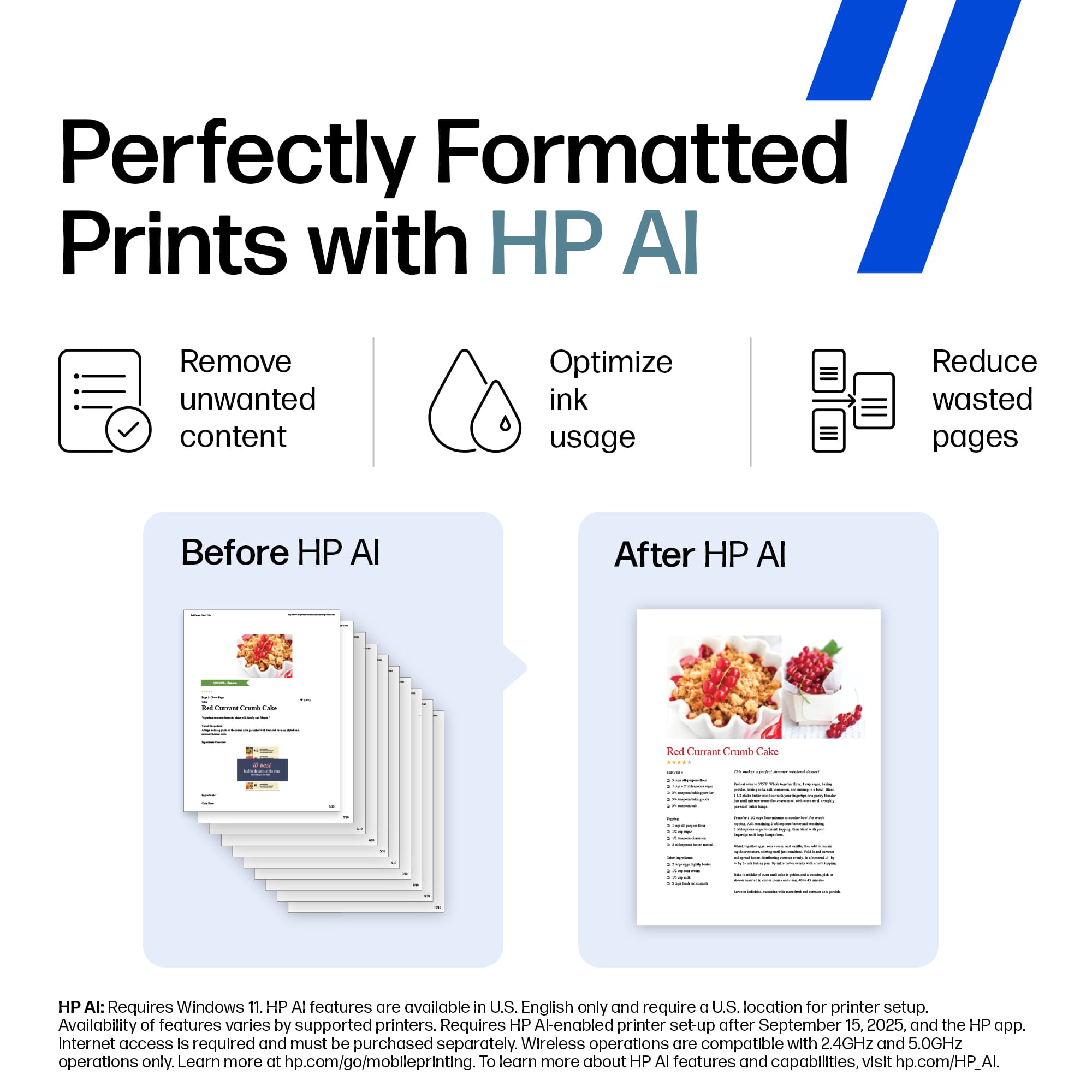
|Posted .This reviewer received promo considerations or sweepstakes entry for writing a review.There are only a few major manufactures of printers today. I have gone through many printers over the years, but HP has always been a brand that I really enjoyed using. The HP Envy 7975 Is one of the latest and greatest from HP. Gone are the days when you had to have your printer cabled directly to a computer. This printer can be used completely wirelessly. One of my favorite things about HP printers is the compatible HP app. This allows you to see the status of your printer, operate it including the scanner, print directly from your phone, and even order new INK through HP instant ink service. The app is a great companion for this printer and a must have. One of the newest features of this printer is the inclusion of AI. HP AI can automatically make your documents perfect by removing unwanted or incorrectly formatted content. Of course, this is optional and you do not have to use these features if you choose. Not all printers are great for printing photos, but this one can do it all. It has a dedicated photo paper tray so that you do not have to switch out paper when you want to print photos. It can print photos up to 5x6 and they are great quality for at home prints. If you are looking for a do-it-all printer for an at home office or small business I believe this is a great option. It does much more than just a basic printer and if you are looking for something next level then this is it.
I would recommend this to a friend - Pros mentioned:Print quality
EZ setup, good printer, scanner issues
|Posted .This reviewer received promo considerations or sweepstakes entry for writing a review.I set up this printer this afternoon. This was the first such device that you could use an app for setup, and it worked really well. It found my 5GHz WiFi and connected without any action on my part. Most wireless devices only support 2.4GHz, so I was impressed there. I had a problem installing the ink cartridges, until I realized (with my wife's help) that I was trying to put the black cartridge in the slot for the color one. Went fine after that. :) While Windows 11 automatically installed the necessary drivers, I downloaded the full software package from HP to have their scanning app. I much prefer having a flat paper storage drawer instead of the paper sticking up from a feed slot on the back. It's one reason I chose this to replace an Epson all-in-one I have, along with the ability to install higher capacity ink cartridges. I first tried some printing, and was impressed by how quickly the printer started after I sent the print job. Some networked printers might not begin for 30 seconds or more, while this was almost instant. These weren't images (and I have no paper for printing quality images), just documents with some color on the page. The text was crisp and clear, and the colors were clean. I then tried scanning the same document that I had printed. I tried saving both as a PDF and a JPG image. In both cases there was no color visible, just some shading where the color was on the document. I then tried scanning the same document as an image (not a document) and now the full color was visible. I don't know why the difference between scanning it as a color document and as an image, and this is the only reason I took one star off the rating. As a test, I also tried using the Scan app from the Windows app store. This app is not capable of saving as a PDF, only as an image. It scanned the same document much faster (perhaps twice as fast as the HP app), and the scanned image was just as good. It also has the ability to scan at a much higher DPI setting (the HP app was 300 max, while the Windows app could do 1200). Overall I am happy with this device. I don't know why the scanner seems to ignore color shading on a document, as I could scan something with bright colors as a document and it worked fine. So it's really just probably a glitch in the scanning software. In the meantime, if the shaded color is needed on a scan, just scan it as an image instead of a document and you're fine.
I would recommend this to a friend - Pros mentioned:Print quality
Quick easy, fast, and vibrant
|Posted .This reviewer received promo considerations or sweepstakes entry for writing a review.The HP Envy Photo 7975 is one of the best home printers we’ve ever owned. From homework assignments to professional business documents, it consistently delivers fast, high-quality results. Out of the box, setup was straightforward and familiar. I’ve owned several HP printers before, and this one followed the same simple process. The only hiccup was a brief communication issue between the app and the printer during setup which was easily fixed with a quick restart. Within ten to fifteen minutes, everything was up and running perfectly. Beyond that, the print quality and performance are top tier materials. The Photos come out true, rich, and vibrant. The black page speed and color page speeds are well suited for either personal or small business professionals. As mentioned, the HP Smart App makes everything easy. From printing to managing your color cartridge needs. The app offers effortless editing and enhancement capabilities, but the printer itself features AI technology that helps clean up prints. My final thoughts are that the HP Envy Photo 7975 delivers excellent photos and superb print quality at an affordable price point. It’s a reliable, all-in-one printer that performs beautifully across a variety of needs, from creative projects to everyday business tasks.
I would recommend this to a friend - Pros mentioned:Connectivity
Another great printer from HP
|Posted .This reviewer received promo considerations or sweepstakes entry for writing a review.When you're looking for a Inkjet printer, there are few better brands than HP. They just know how to make them. This HP - Envy Photo 7975 Wireless AI-Enabled All-in-One Inkjet Printer continues the streak of great devices at an affordible price point. Set-up went fairly easily, but this is where I deduct a star. You need to go through your phone and app to get it onto your network. There wasn't any easy to follow path (that I could find) to get it set up using my desktop computer. The design is compact and easily fits on the desk. Although, the paper tray sticking out is a bit of an eyesore. But, that is par for the course on these form factors. Once I got the printer set up through the app, I was able to connect with my computer and have printed flawlessly several documents and photos. No dreaded lost connections here! The scan and copy features are nice, and work as expected as well. The only real question mark for me is how long will the ink last. Yes, I can sign up for the HP Insta Ink program, but the small amount I print, it just isn't worth the cost. Your milage may vary. I've used the program in the past, it is nice. But, just not for me at this point.
I would recommend this to a friend A return to the days of yore from good ol' HP
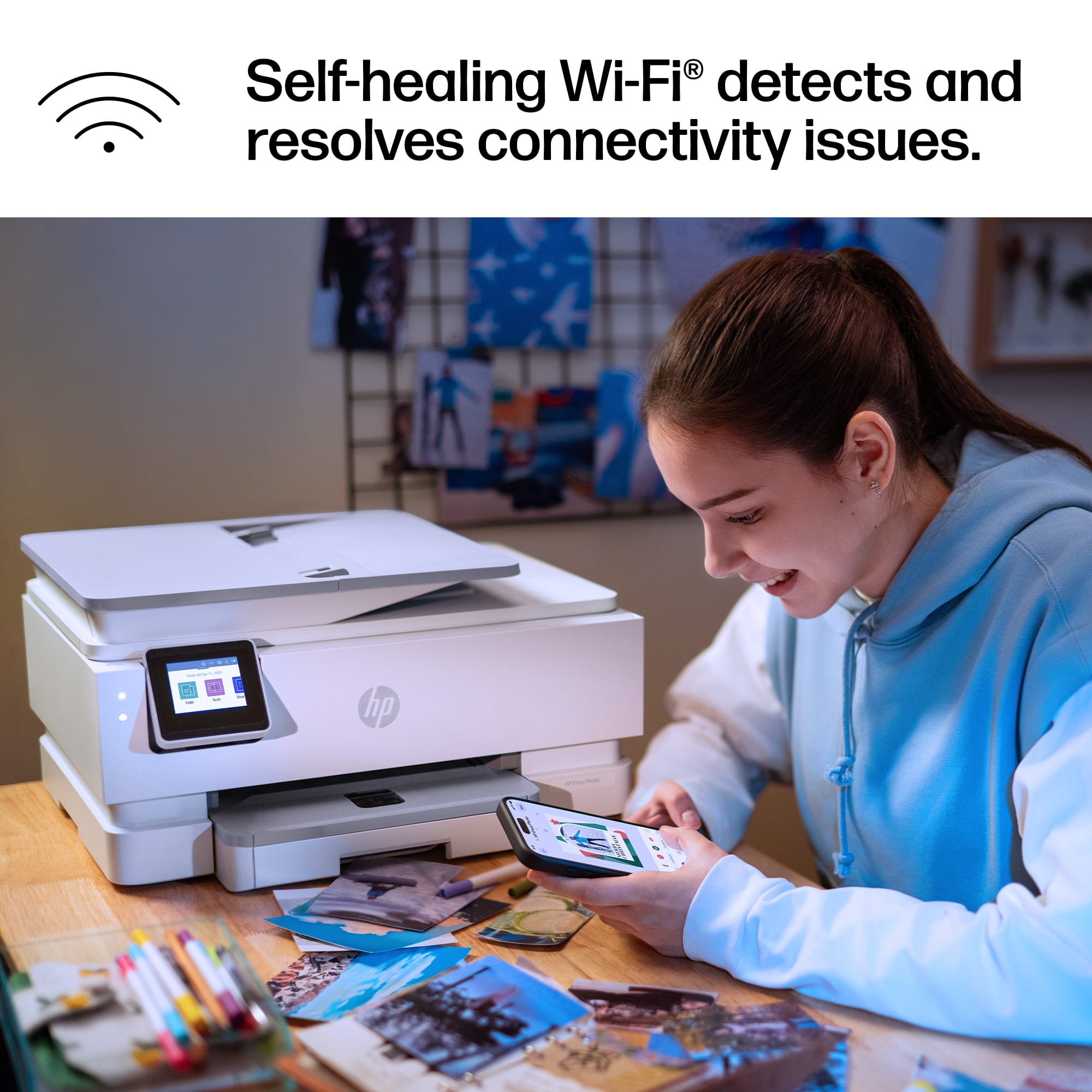
|Posted .This reviewer received promo considerations or sweepstakes entry for writing a review.As a long time HP printer user I have yearned for them to get back to the quality of the units they were releasing in the late 2000s and early 2010s. There was a period just a few years ago where it seemed like no matter what price-point you purchased at you were 50/50 going to be getting a lemon. I say this with a ~15 year old HP M251NW sitting right next to me (and this 7975) that I still use as my daily printer. I have purchased 3 other HP models in that time and all were lackluster by comparison and returned, so I was really eager to try the 7975 and see if there had been any improvements in the year or so since I last considered a new printer. The biggest improvement straight out of the gate is the screen and interface, ease of connectively, and options in regards to mobile printing. With other models I've used over the last few years one of the biggest issues was with not just establishing a WiFi connection, but *maintaining* it. I don't even know how many times a connection would be made only for it to drop and not reconnect again. Happy to report that after a solid week of use, not a single instance of disconnecting and having to reconnect, let alone issues establishing a connection in the first place. This has been extremely pleasing as this was, again, the main pain point with each of the previous HP printers I had tried out. Using the HP app to get said connection sorted takes ~5 minutes and is absolutely painless. From there you have the option to select auto ink replenishment, remind me later, or skip, and you're on your way. Worth noting there's a deal for 3 months of free ink included in the box. Printing itself is rather straight forward. It isn't the fastest or quietest unit, but at this price point I'd say it's punching above it's weight class. Same is true in terms of quality. You have a quiet mode but I could barely tell the difference, your mileage may vary on that one, nice to have it as an option all the same. The other notable addition is HP AI which allows you to edit your works prior to printing. It isn't reinventing the wheel by any means, but it is nice to have it included w/the software. Nice to see HP has worked out their connectivity issues - easy recommendation for anyone in the market for a nice home office grade printing solution.
I would recommend this to a friend- Pros mentioned:Print quality
OK Printer for the casual user
|Posted .This reviewer received promo considerations or sweepstakes entry for writing a review.The HP Envy Photo 7995 is an all-in-one inkjet printer designed for home users who want solid photo printing capabilities alongside everyday document handling. It offers printing, scanning, copying, and wireless connectivity as a compact form factor. I believe the HP Envy Photo 7995 has been discontinued, but I am not 100 % sure. It is no longer listed on HP’s active product pages, and retail availability is limited. HP appears to be shifting focus to newer models like the HP Envy Inspire series, which offers improved photo and document performance, I would research these facts when it’s time to make a decision. Here are the basic photo printing specs: Resolution: Up to 4800 x 1200 optimized dpi when printing from a computer with 1200 input dpi. Photo Tray: Dedicated 15-sheet tray supports 4x6", 5x5", and 5x7" photo sizes. Borderless Printing: Supported for standard photo sizes. Ink System: Uses HP 64 black and tri-color cartridges (dye-based), which deliver vivid colors but may fade faster than pigment inks. As with other HP printers you have to install the HP Smart App to reap the benefits of this printer, you also have to start a HP instant Ink monthly subscription to use the supplied ink, If you do not print a lot the $6.00 a month fee can get expensive compared to buying ink from the store. When choosing media for photo printing you can use glossy or matte, on a couple of my original pictures I printed on Glossy smeared when touched up to 24 hours after printing. Printing on Matte did not smear after about 5 minutes after printing.
No, I would not recommend this to a friend - Pros mentioned:Setup ease
New HP Envy photo 7975 home printer
Posted .This reviewer received promo considerations or sweepstakes entry for writing a review.This printer was easy to set up. Clear instructions. There was a learning curve for installation of the ink cartridges.
I would recommend this to a friend Checks Every Box!
|Posted .This reviewer received promo considerations or sweepstakes entry for writing a review.I needed a new all-in-one printer, and this one checked all my boxes. I'm a student with a full-time job, so having a printer at home is essential for everything I need to get done. I don’t print photos often, but I’m glad I have the option—especially with graduation coming up. I’ll be able to print some for family members who want some grad pics. Now, onto practicality: HP clearly knows what they’re doing in this department. The Envy Photo 7975 is super user-friendly. I haven’t experienced any lag or frustration while using it, and honestly, that alone has saved me so much stress. I love when technology just works. I really appreciate being able to send things to print from my phone with zero issues. It does take some setup, but after that, it’s a breeze. The self-regulating Wi-Fi tech is also a huge plus—troubleshooting is the worst, so I’m glad HP included that feature with the help of AI. The build quality is great too—sleek and not too big, perfect for a home office or bedroom. Definitely recommend!
I would recommend this to a friend- Pros mentioned:Print quality
Photo printer
Posted .This reviewer received promo considerations or sweepstakes entry for writing a review.Loved printing my first pictures! They turned out great. Printed about 30 nefore I had to replace the ink.
I would recommend this to a friend Installation is a nightmare.
Posted .This reviewer received promo considerations or sweepstakes entry for writing a review.Installation is a nightmare. I have it working, but I still don't think it is right. Directions are confusing even though I was replacing a five year old HP All-in-one printer. It was not clear if I was to use Microsoft or HP for the new printer. Unless you are young and tech savvy, make sure you have help for installing. Price was good
No, I would not recommend this to a friend- Pros mentioned:Print quality
Picture printer
Posted .This reviewer received promo considerations or sweepstakes entry for writing a review.Works amazing for almost daily usage prints grate and the quality is amazing
I would recommend this to a friend Printer with high quality results that’s easy to u
Posted .This reviewer received promo considerations or sweepstakes entry for writing a review.I absolutely love this printer. Since I’m elderly, I had the Geek Squad deliver it. They were very patient with me and show me the highlights on how to use it. It’s been extremely helpful in getting everything ready for tax information for my CPA. I love it!
I would recommend this to a friendWorking printer
Posted .This reviewer received promo considerations or sweepstakes entry for writing a review.It works. This was the third printer others were returned
I would recommend this to a friend