Customer Ratings & Reviews






- Model:
- B63K3A#B1H
- SKU:
- 6638827
Rating by feature
- Value
Rating 4.7 out of 5 stars
- Quality
Rating 4.7 out of 5 stars
- Ease of Use
Rating 4.6 out of 5 stars
Customers are saying
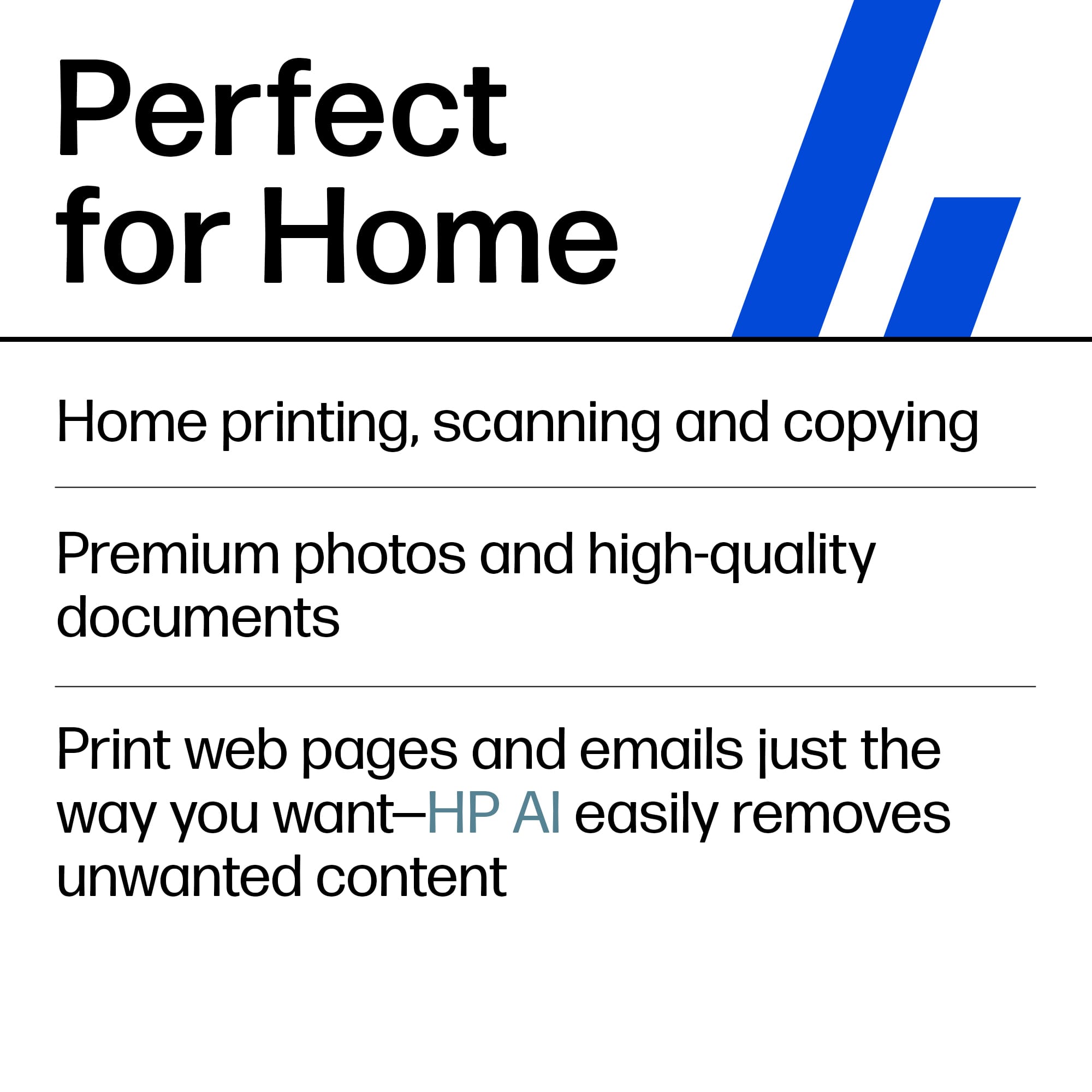
Customers are enthusiastic about the Envy Photo 7975 printer's excellent print quality and easy setup process. Users also appreciate the reliable wireless connectivity and quiet operation during normal use. Some find it to be a good-sized printer.
This summary was generated by AI based on customer reviews.
Low ink supply
||Posted .This reviewer received promo considerations or sweepstakes entry for writing a review.The ink supply that came with the purchase as very minimal and we ran out of ink the first day. It has automatic replenishment of ink but it has now been 2 weeks and the new supply has not yet arrived. This is disappointing. In the good side, the quality of the printing is exceptional.
I would recommend this to a friendHP printer
||Posted . Owned for 1 week when reviewed.This reviewer received promo considerations or sweepstakes entry for writing a review.Very good. Would consider buying another in future.
I would recommend this to a friendMy printer
||Posted . Owned for 2 weeks when reviewed.This reviewer received promo considerations or sweepstakes entry for writing a review.This printer is slow in printing. it has a photo shot and when i put 4x6 photo paper in it, it tells me that the photo bend is blocked. it has a quiet mode, but it is even slower printing when you use the quite mode.
No, I would not recommend this to a friendNice, but disappointed
||Posted . Owned for 3 weeks when reviewed.This reviewer received promo considerations or sweepstakes entry for writing a review.Nice looking, sleek, and professional design. Prints nicely, but it’s terribly slow. Nothing compared to the office jet models I previously had.
No, I would not recommend this to a friendEV 7975
||Posted . Owned for 2 weeks when reviewed.This reviewer received promo considerations or sweepstakes entry for writing a review.I haven't had it very long, so I haven't fully tested it. So far so good.
I would recommend this to a friendPrinter
||Posted .This reviewer received promo considerations or sweepstakes entry for writing a review.Excellent and best printer wonderful product in the hp
I would recommend this to a friendPrinter
||Posted . Owned for 2 weeks when reviewed.This reviewer received promo considerations or sweepstakes entry for writing a review.Good printer but set up was a nightmare due to ink contract issues.
I would recommend this to a friend- Pros mentioned:Setup ease
Don't buy if you print a lot
||Posted .This reviewer received promo considerations or sweepstakes entry for writing a review.The printer ink didn't even last a day. Not even half a day. The set up was easy. I was only able to to print 10 sheets of color before it ran out. Then the black ink was gone in a flash. My first day owning the printer I spent $70 on new ink for it again not last but a couple of hours. If you need to print a lot this printer is not for you. I'm a teacher and returned and got another printer.
No, I would not recommend this to a friend Hp printer
||Posted . Owned for 2 months when reviewed.This reviewer received promo considerations or sweepstakes entry for writing a review.Having issues with certain papers and printing correctly.
No, I would not recommend this to a friend- Pros mentioned:Noise level, Print quality, Setup ease

Great Compact All in One
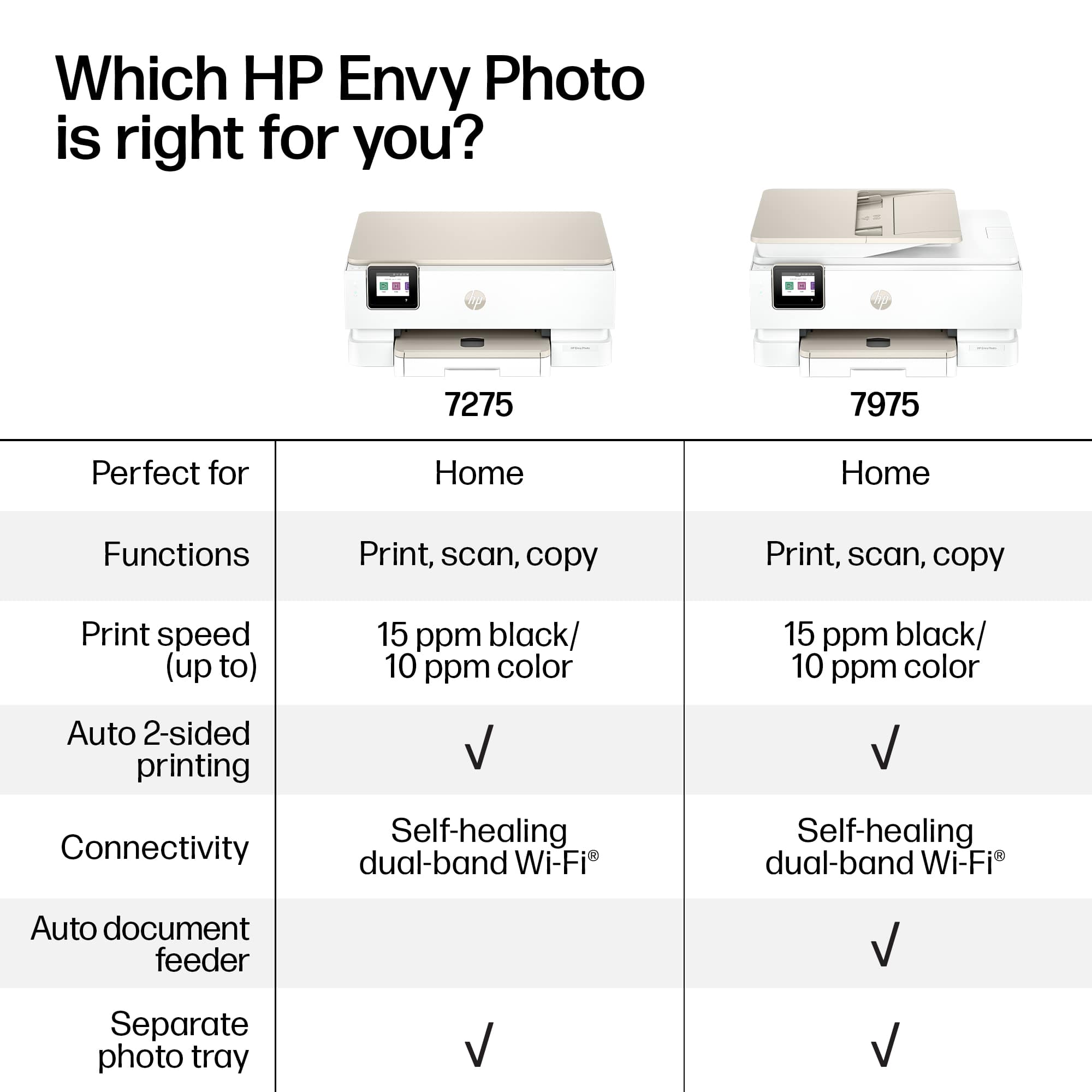
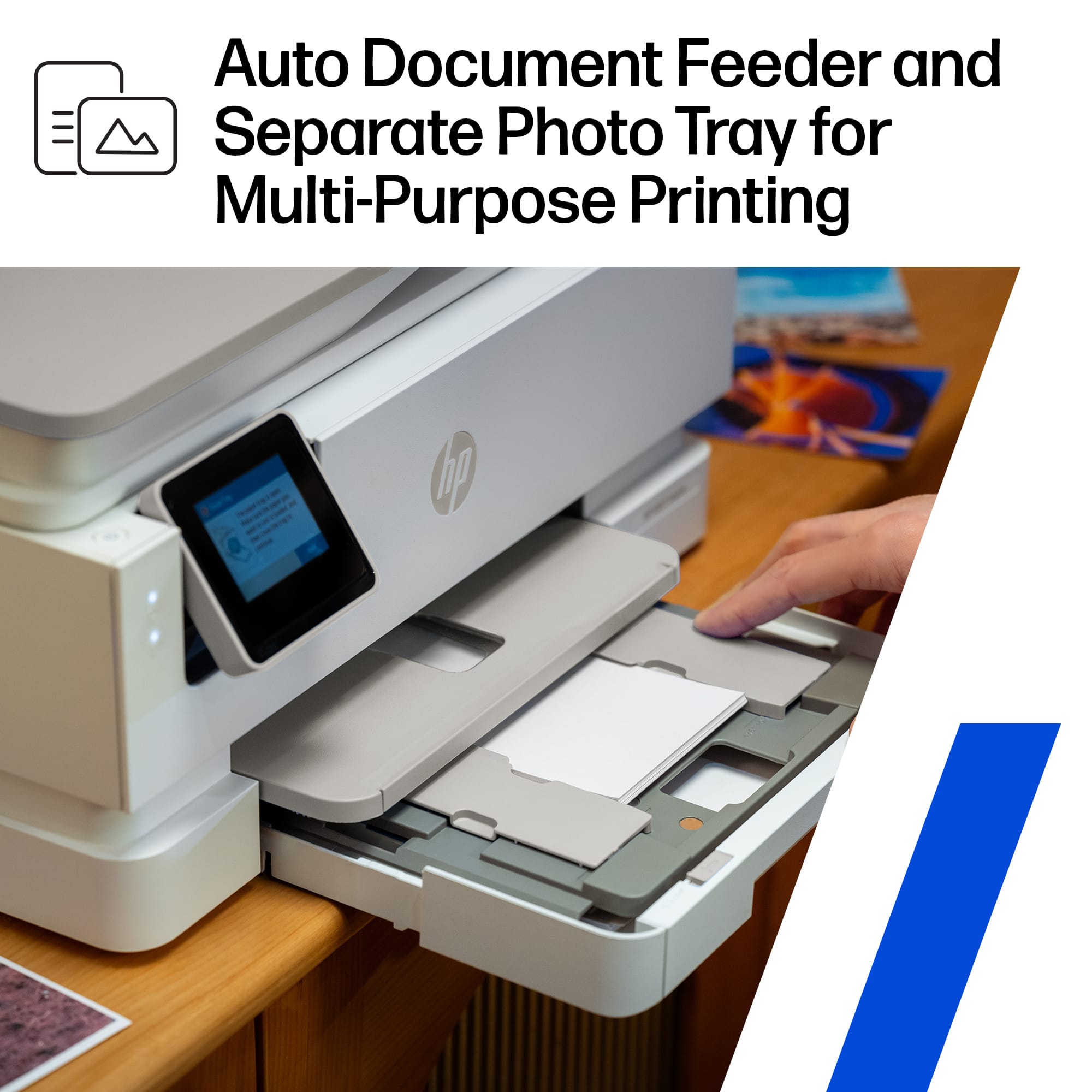
|Posted .This reviewer received promo considerations or sweepstakes entry for writing a review.This printer so far is very impressive. Setup with the HP app on my iPad was a total breeze as the app walks you through the whole process and actually automates it, including connecting the printer to WiFi without even having to enter the password, and adding the ink cartridges. There is a very brief quick start guide that basically tells you what shipping tape and cardboard to remove and then to plug it in. After that the app walks you through everything else. Super simple setup with the app. It took less than 5 minutes. However, Windows 11 setup was a whole different story. The printer display gives you a website at the end of the setup to go to to set it up on a Windows computer. Now it gets totally frustrating. The website that it tells you to go through is not at all intuitive. There were several different software/driver downloads. I tried both software downloads and after they downloaded and started to install, both said that the software couldn’t be installed on my computer. Windows 11 allowed me to install the printer using native drivers, but I wanted the scan and other functions on my computer that I had on the iPad app. I Googled it and was told there was an HP app in the Microsoft store. I installed that and the process was almost as smooth as the IOS app. Not sure why the printer or quick start guide didn’t tell me just to install the Microsoft HP app. The printer itself is very easy to use and definitely multifunctional. Printing is a breeze from any device. We have so far used it from two different iPhones, iPads, and an ASUS and Dell laptop both running Windows 11. The print quality is very good. I didn’t have any photo paper at first, so I printed a photo on plain printer paper, and the quality was very good even on printer paper. Printing on photo paper is not discernably different than commercial printing. This printer is made to print photos. It has a very cool photo paper feed on top of the regular paper tray that has built in settings for 4 x 6 and 5 x7 with no need to remove the printer paper while printing a photo. The printer has a paper feeder in addition to the paper tray. There is a flatbed for copying and scanning, both of which are very clear. Another cool feature of the paper tray is that the end of the paper tray can be folded down to hold legal paper rather than having to use the paper feeder. This is the first printer I have seen this feature on. The speed of scanning, copying, and printing is not lighting fast, but not slow either. If there is such a thing as normal, I would say that is where this one falls. It has a quiet mode, which I didn’t see made a noticeable difference, but not really needed as the printer is very quiet in normal mode. The display is touchscreen and tilts up which makes it easy to read and use. The ink cartridges are very easy to access and change. I haven’t had it long enough to address ink usage. There is only one color cartridge. I would have preferred three as those are much more economical and environmentally friendly. Of course, HP tries its best through the setup process to get you to enroll in their instant ink subscription, but I have never found this useful and declined. Overall, I do like the compact yet feature packed offerings of this printer. My only negative is that I do wish it had three color cartridges instead of the one.
I would recommend this to a friend I'd avoid
||Posted .This reviewer received promo considerations or sweepstakes entry for writing a review.I got maybe 2 prints out of this printer. Every other time I'd try and print, I got a "No paper" warning, despite the tray having plenty of paper in it. Called support and they said they were sending me a replacement printer, but after a while, there was no progress on the replacement so I took the printer back to the store and replaced it myself.
No, I would not recommend this to a friend- Pros mentioned:Connectivity, Print quality, Setup ease
Great for Photos, Light on Heavy Work
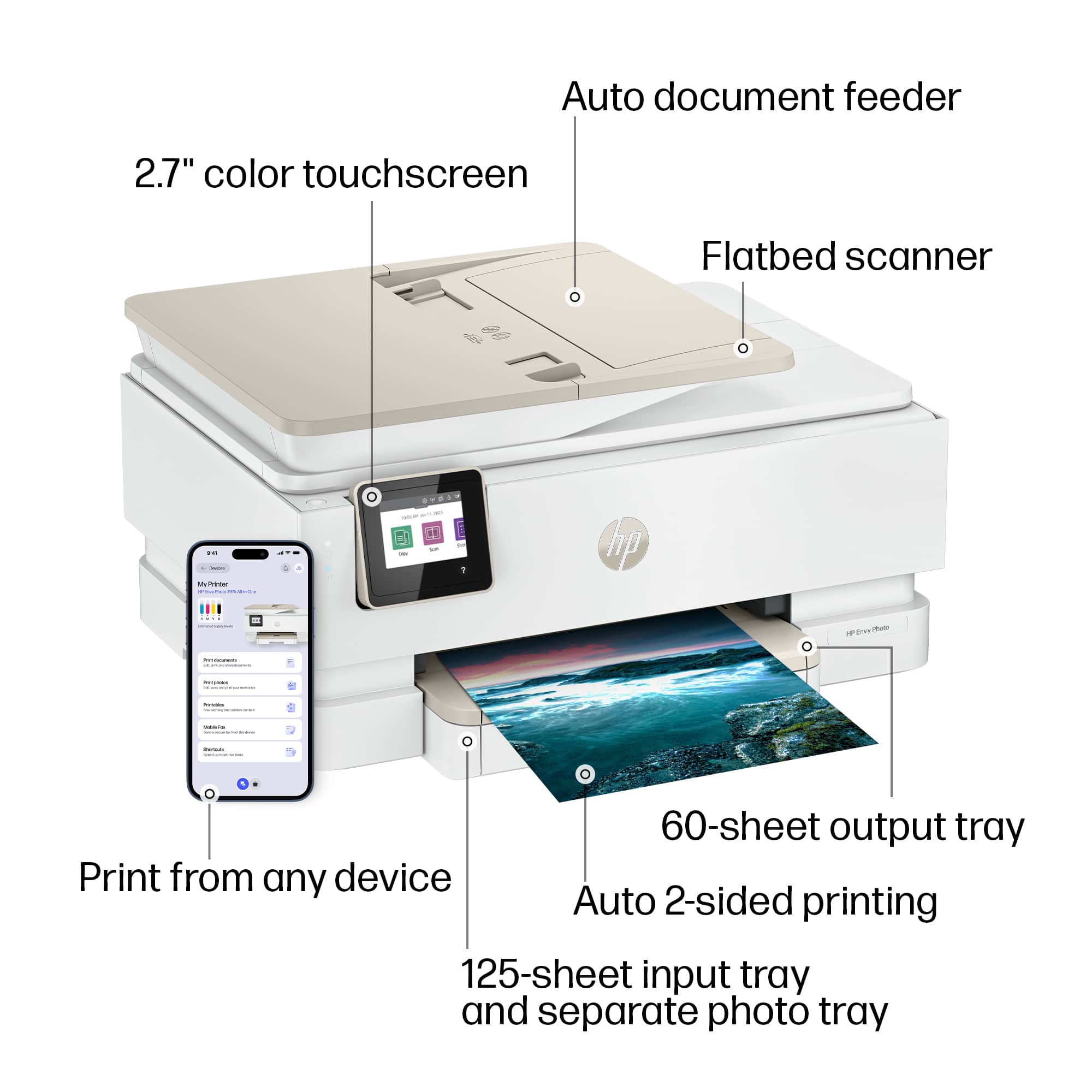
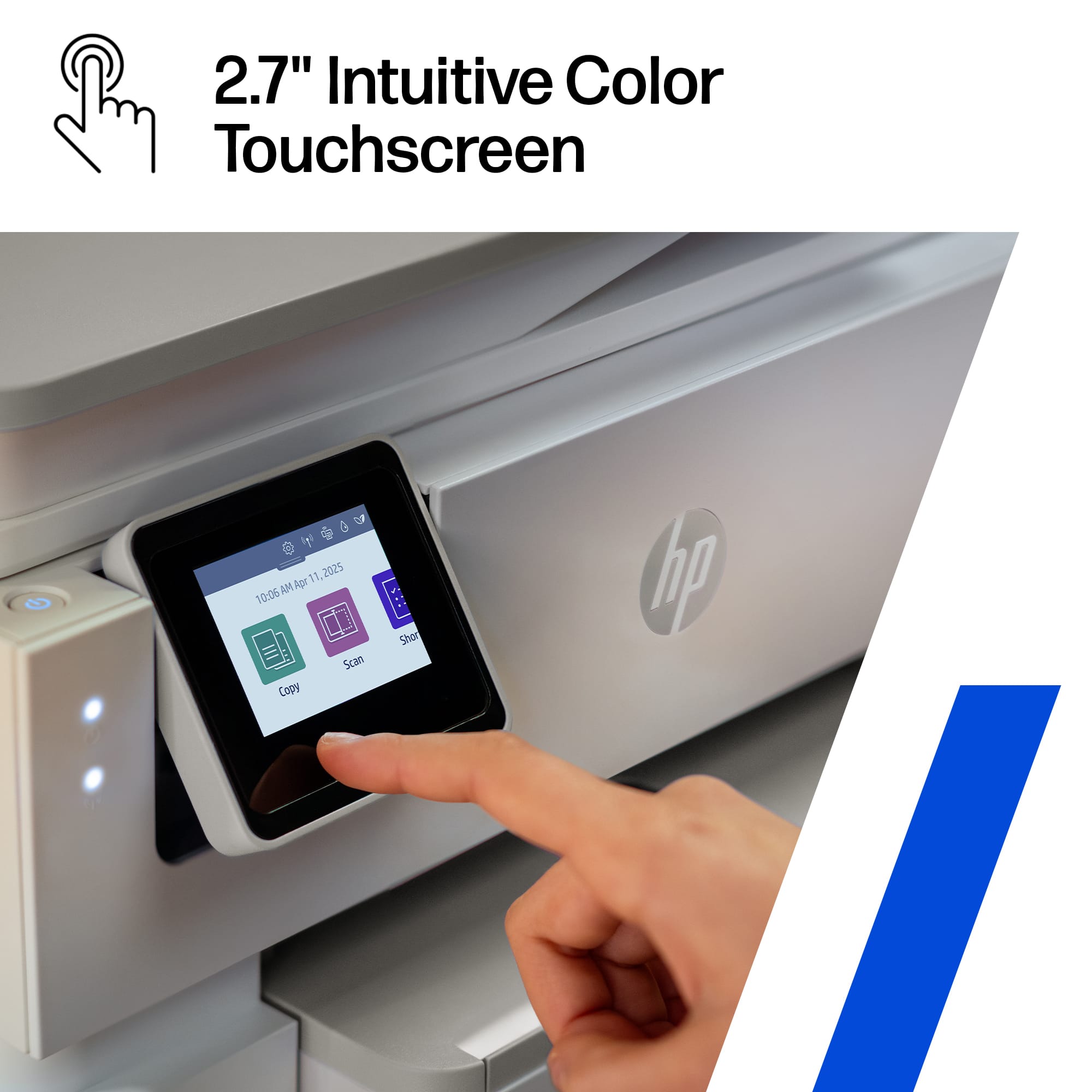
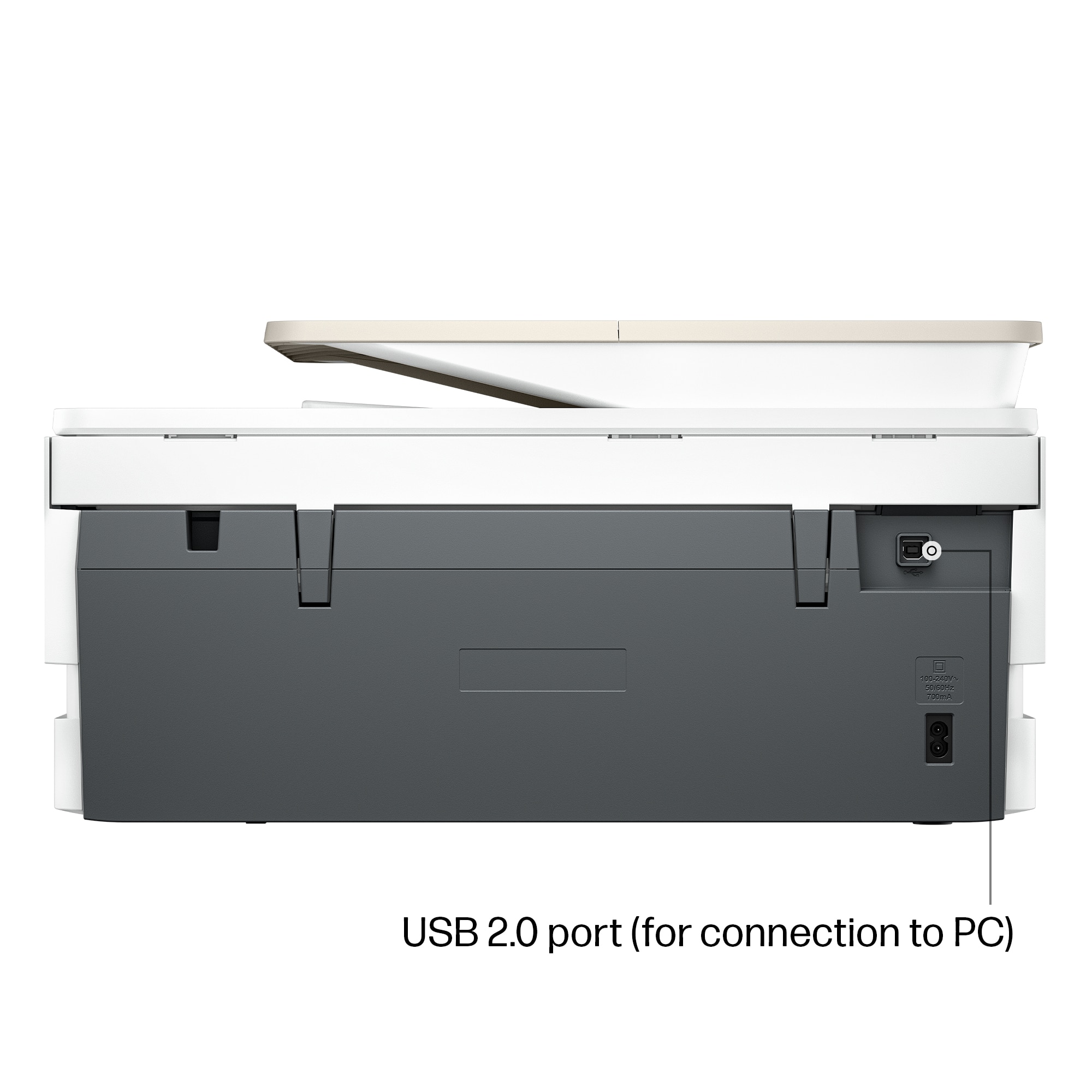
|Posted .This reviewer received promo considerations or sweepstakes entry for writing a review.I will try to give you an honest review of the features but without hiding the flaws and also recommend who should or shouldn’t buy the HP ENVY 7975. I’ll break down as pros and cons. Pros . Photo quality is excellent although I haven’t had any HP photo printer whose photo quality hasn’t been excellent in my opinion. The prints are vibrant and detailed, which is a big plus for anyone who cares about photo quality for casual use. . Wide connectivity options: It’s super flexible: USB, Ethernet, Wi-Fi, Bluetooth. You can print from HP ePrint, Apple AirPrint, and even directly from an SD card. Basically, it works with whatever you’ve got. . Color touchscreen has an intuitive interface making navigating the functions and settings easy and kind of fun. . Automatic duplex printing. All printers should support easy two-sided printing like it does . Mobile printing directly from my iPhone or iPad. No complicated setup, just quick and easy. . Fast printing. Cons . 2.7-inch color screen is too small for me. 3.5 would have been more appropriate, especially for aging folks like me. . High ink costs. A common issue with all HP printers. The only way to save is by signing up for HP’s Instant Ink subscription. However, that needs to be well planned as it is double sided sword, especially because if you sign up for the lower end of the subscription, you may end up paying more. . Somewhat limited paper capacity. For those who print a lot, 125 sheets of regular paper and just 15 sheets of photo paper may be an issue. Fine for everyday use, but not great for big print jobs. . No auto-duplex scanning: Another common issue. If you need to scan double-sided documents, you’ll have to flip each page yourself. Kind of a pain if you do it often. . Best for light-duty use: This isn’t the printer for heavy office workloads or frequent, large print jobs. It’s much better suited for home use. Overall, this HP printer is a good choice if you want high-quality photo prints and plenty of ways to connect and print from your devices. It’s easy to use, looks sharp, and fits right into a home office setup. Just remember, it’s not built for heavy-duty tasks—if you’re printing in bulk or scanning double-sided documents all the time, you might want to look elsewhere. But for light, everyday use and standout photos, it’s a winner.
I would recommend this to a friend - Pros mentioned:Print quality, Setup ease, Size
Printed Photo Quality is Fantastic
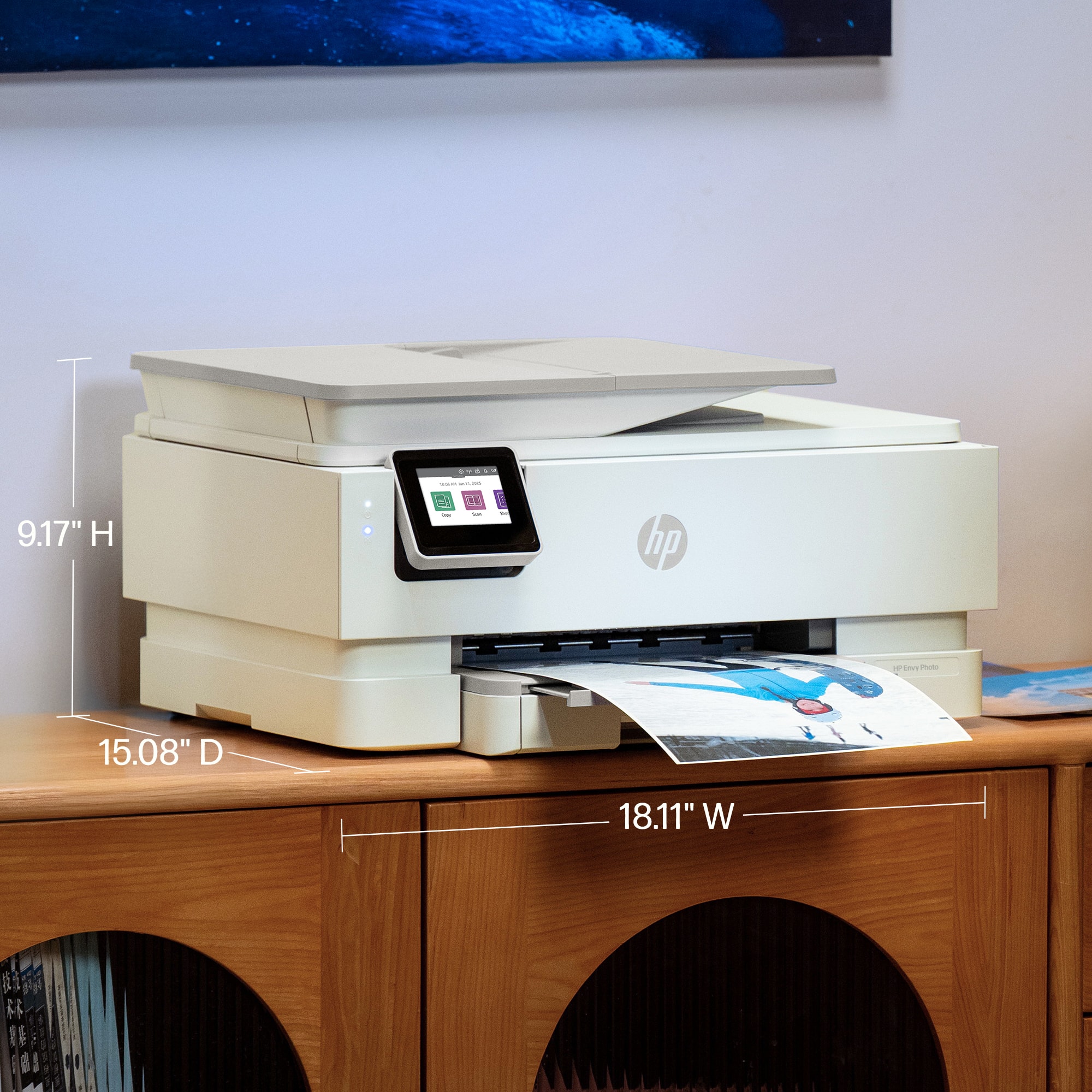
|Posted .This reviewer received promo considerations or sweepstakes entry for writing a review.The very first thing I thought when I received the HP Envy Photo7975 printer was, that’s a big box. Then I picked it up to bring it in the house and the next thought was, that’s a pretty heavy box. I unpacked the Envy Photo7975 and it is a good-sized printer. It measures 18” side to side, 9” high and 13” front to back. After removing all the packaging, the printer does weigh a good bit. The power cord is five feet in length. I checked the HP website to see about ordering a longer cord , HP doesn’t offer one. Looks like a compatible longer power cord can be ordered from a non-HP website. This HP Envy Photo7975 is much more than a photo printer. The paper tray can store both 8.5” x 11” paper and 4”x6” photo paper. I printed several photos from my phone and then printed a Word document from my laptop. The HP Envy Photo7975 used the photo paper for the pictures from my phone and the regular size paper for the Word document without my having to do anything other than send the print job. Perfect! The photo quality is fantastic. Of course, I printed a few pictures of my dog to test the photo print quality. You can see individual pieces of fur! The photo of her in the yard has the various shades of green and yellow of the plants and moss. The picture of her in the front seat of the car even has her reflection in the window. The picture quality alone is reason enough to get the HP Envy Photo7975 printer. The fact that it can scan, copy and print regular documents makes it the only printer you need. Setup was pretty easy. A few helpful hints, if the print cartridge doesn’t go in easily its because the black cartridge is designed to go on the right and the color cartridge on the left. When the cartridges are in the right spot they snap right in. There are two setup questions, language and country. After that install the HP app to connect the printer to your network. Then start printing.
I would recommend this to a friend - Pros mentioned:Print quality, Setup ease
Another Excellent HP Printer with AI Capability
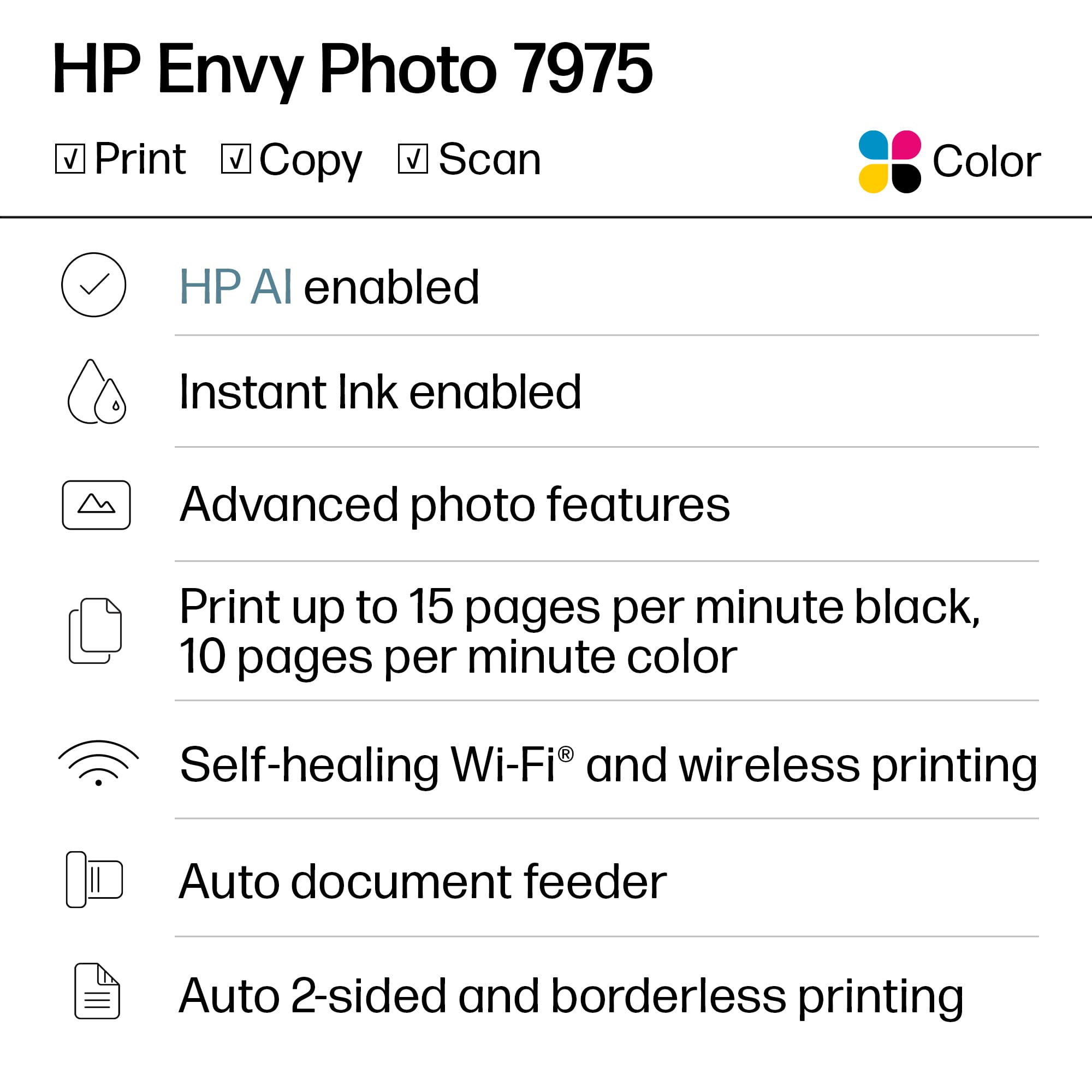
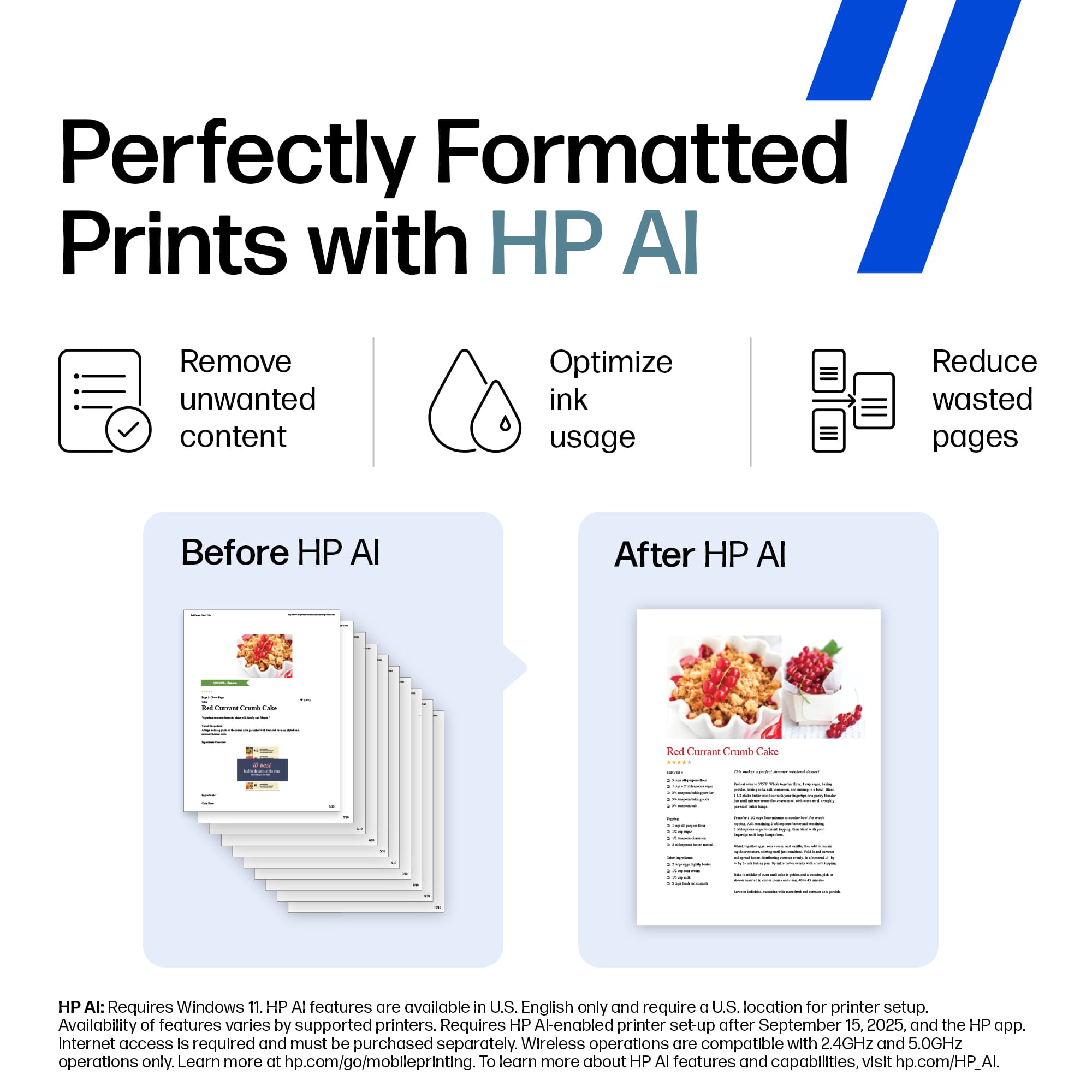
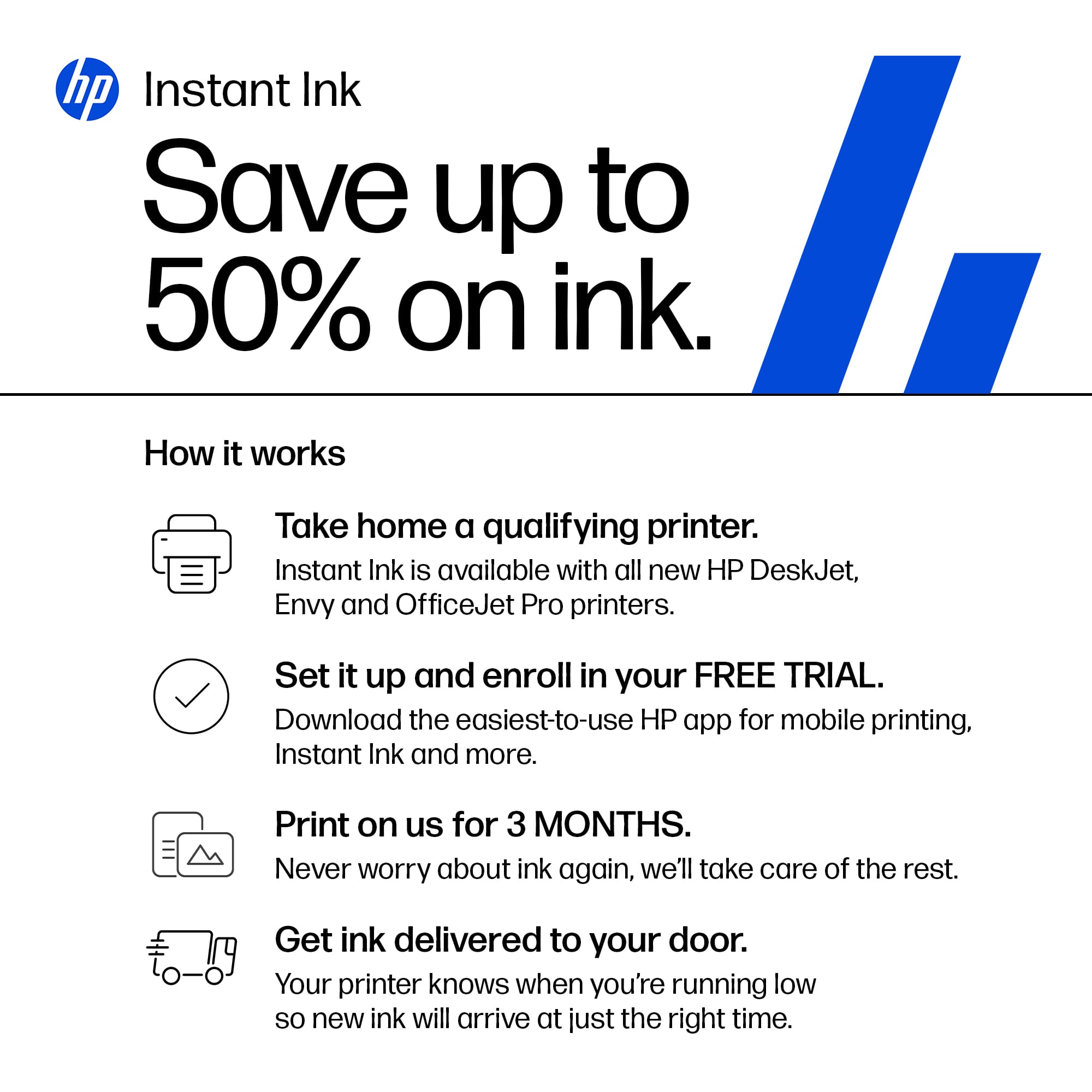
|Posted .This reviewer received promo considerations or sweepstakes entry for writing a review.I have tried several printers over the years, and HP continues to be the go-to brand for me. There are many devices on the market from multiple brands that compete in this space, have similar capabilities and quality but what I find with HP is the ease of setup, configuration and monitoring. I unboxed the printer and removed all the packaging, set it on my desk and configured it all within no more than 15 minutes. I powered it on, and it asked me for my default language and then country. From there, I scanned the QR code that came up on the digital screen which took me to the HP app on my phone. From there, I was able to add it to my home wireless network with the push of a button. I installed the ink, printed an alignment page and then a quick test page. Besides regular single and double-sided printing, you can send faxes just like if you were using email and it features a bed for scanning or making copies along with a sheet feeder which helps facilitate doing multiple pages at a time. The paper drawer can hold up to 125 sheets of paper for regular use, and a second tray will allow for up to 15 sheets for borderless photos allowing you to switch between the two as necessary. It will print up to 15 pages per minute of just black at a resolution of 1200x1200 dpi or 10 pages per minute of color at 4800x120 dpi. In addition to regular photos, you can print them on two sides which will come in handy during the holidays when sending out cards! Additionally, using Windows 11, you can enable HP AI which will help remove unwanted items from your prints like ads or other annoying and unnecessary text or boxes helping to save ink and make your overall printing experience better. Once it is on and you are using it for a while, it will learn your preferences and help you by doing it on its own. You can always turn it off or modify it if you see items changing that you don’t want. I think this feature will only get better over time. Like other HP printers, you can manage it via a web browser or the HP app on your mobile device. It gives you the ability to monitor your printer ink, jobs and status. Additionally, you can print any of your saved documents remotely by sending items directly to it. This is an excellent printer with great quality. As a bonus it comes with three months of free ink!
I would recommend this to a friend - Pros mentioned:Connectivity, Print quality
Great Update to the AIO Photo Printer now with AI
|Posted .This reviewer received promo considerations or sweepstakes entry for writing a review.We haven't seen a lot of change in the printer space for about 15 years now. HP has made excellent and affordable All-in-One or Multi Function Printers that are wirelessly connected to bring the office printer home with you. Scan, Print, Copy, all of which are invaluable. The 7975 provides these AIO features but is also an Envy which means it specializes in Photo printing. With young children we print a lot of pictures, birthday card invites, and holiday cards so these photo printers save us a lot of money while allowing us the creativity and flexibility to print affordably. One new trick the 2025 HP printers are enabling is HP AI. What does this do? It saves you a lot of that "oops" mistake printing where you accidentally chose color printing for something like a webpage or email, and also those web receipts or shipping labels that have 99% of what you need on the first page but just a bunch of footers or 1 liners on subsequent pages. HP AI will consolidate that, correct and try and get all of your info on a single page. What I really like about the Envy lineup however is that it handles photo printing seamlessly, doesn't jam as easily, and uses higher quality photo ink which is the similar quality to the professional inkjet printers you send out for. All you have to do is buy the paper, which is expensive, but still much cheaper than buying prints even on sale from a service. There's multiple paper trays and sizes/sliders that allow me to keep photo paper loaded, and I can load up card stock too which is awesome for holiday cards! And, I can scan in original pictures, then print them/copy them right to photos which is great for my kids. The wireless functionality is great as I don't even have the printer hardwired, its actually upstairs in the master bedroom so the kids can't get to it. I can print to it directly from my laptop, desktop PC, even my phone. I can also use the HP App for more advanced functions and HP AI, otherwise I can just print directly to it over my wireless network. For folks who use their ISP internet and modem/router in front of their own wireless wifi/router system, make sure you are on the same network and are not double-NATed on a different network. Very happy with this HP Envy 7975 photo printer, just in time for the holiday cards!
I would recommend this to a friend - Pros mentioned:Connectivity, Print quality
Great printer
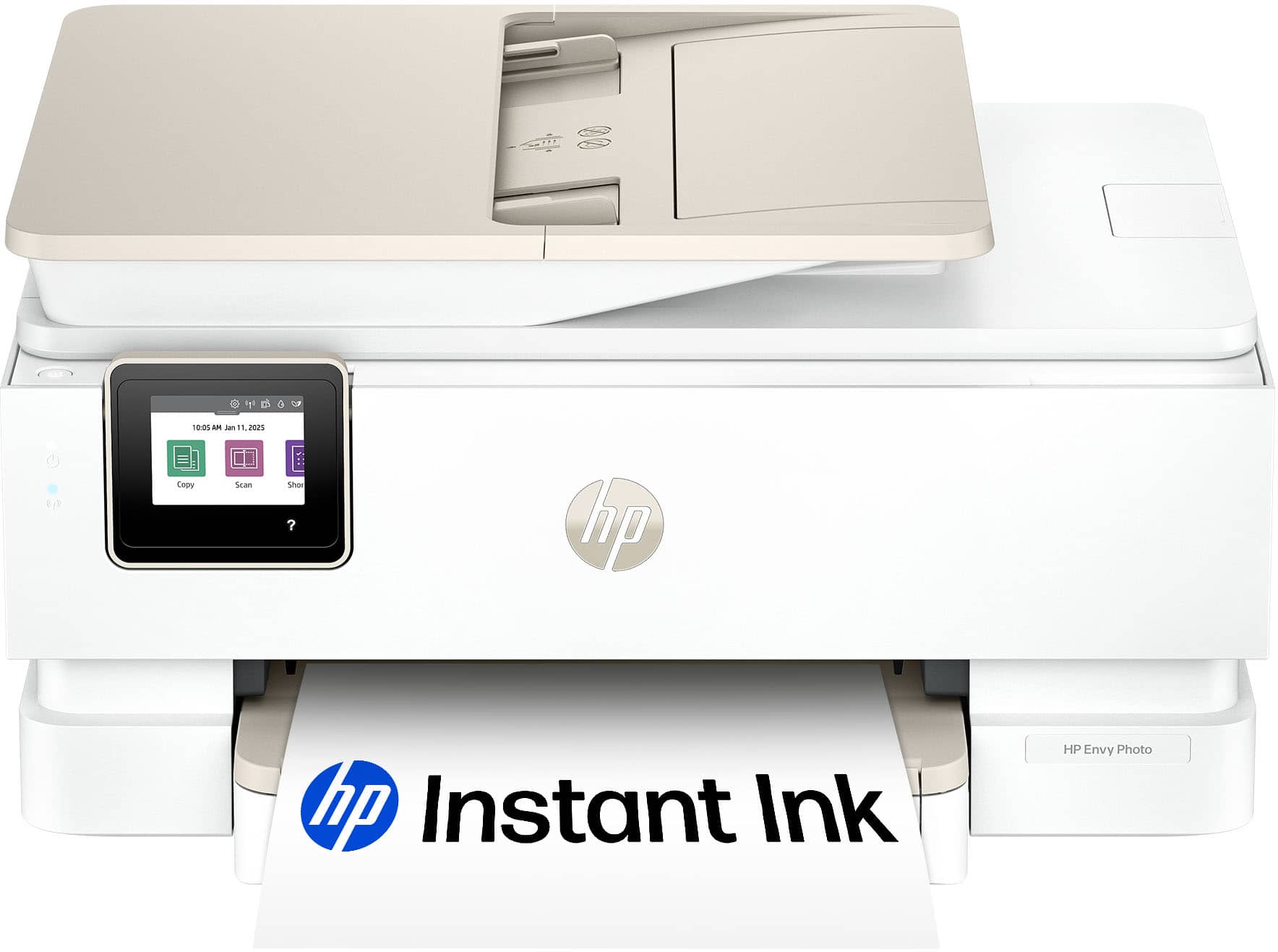
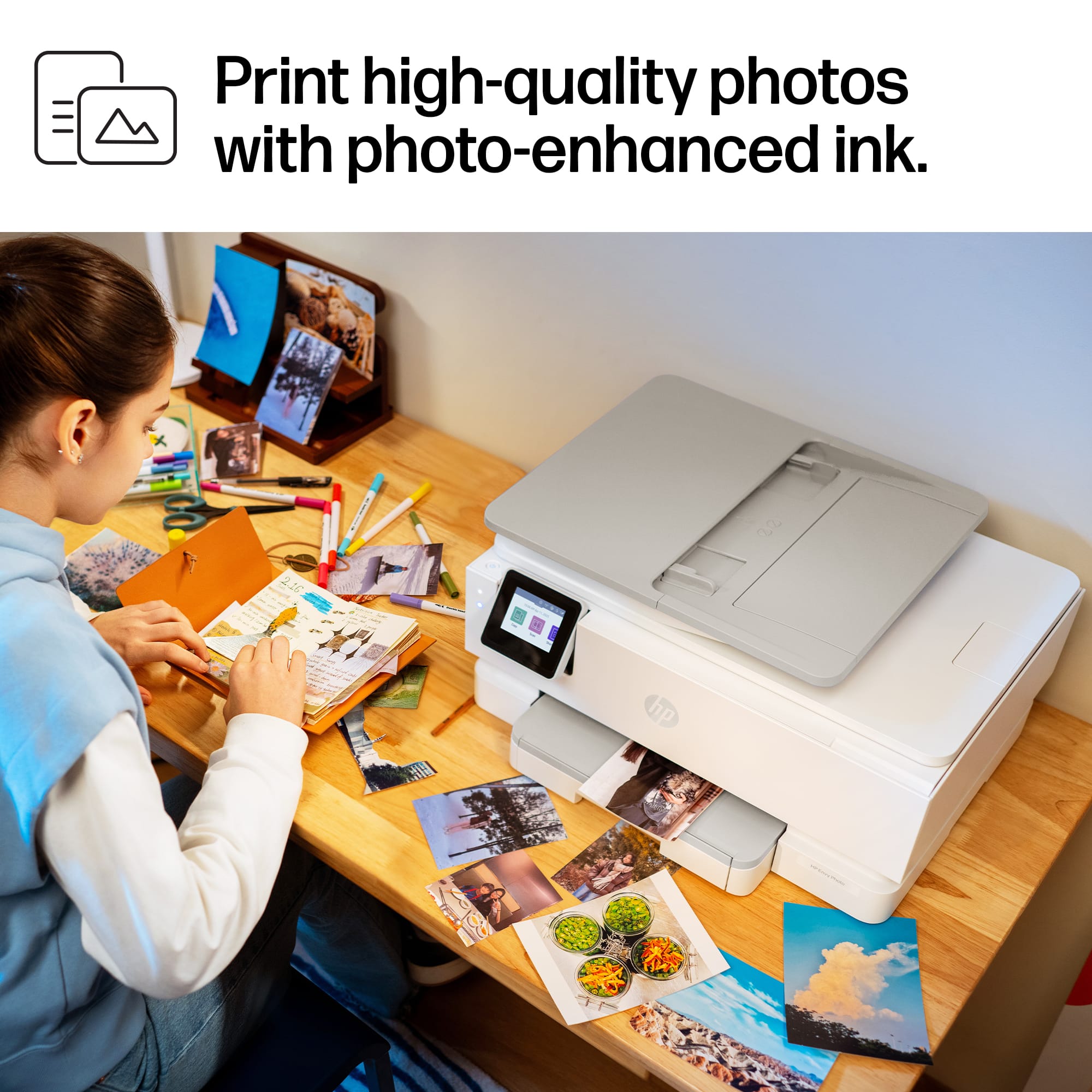
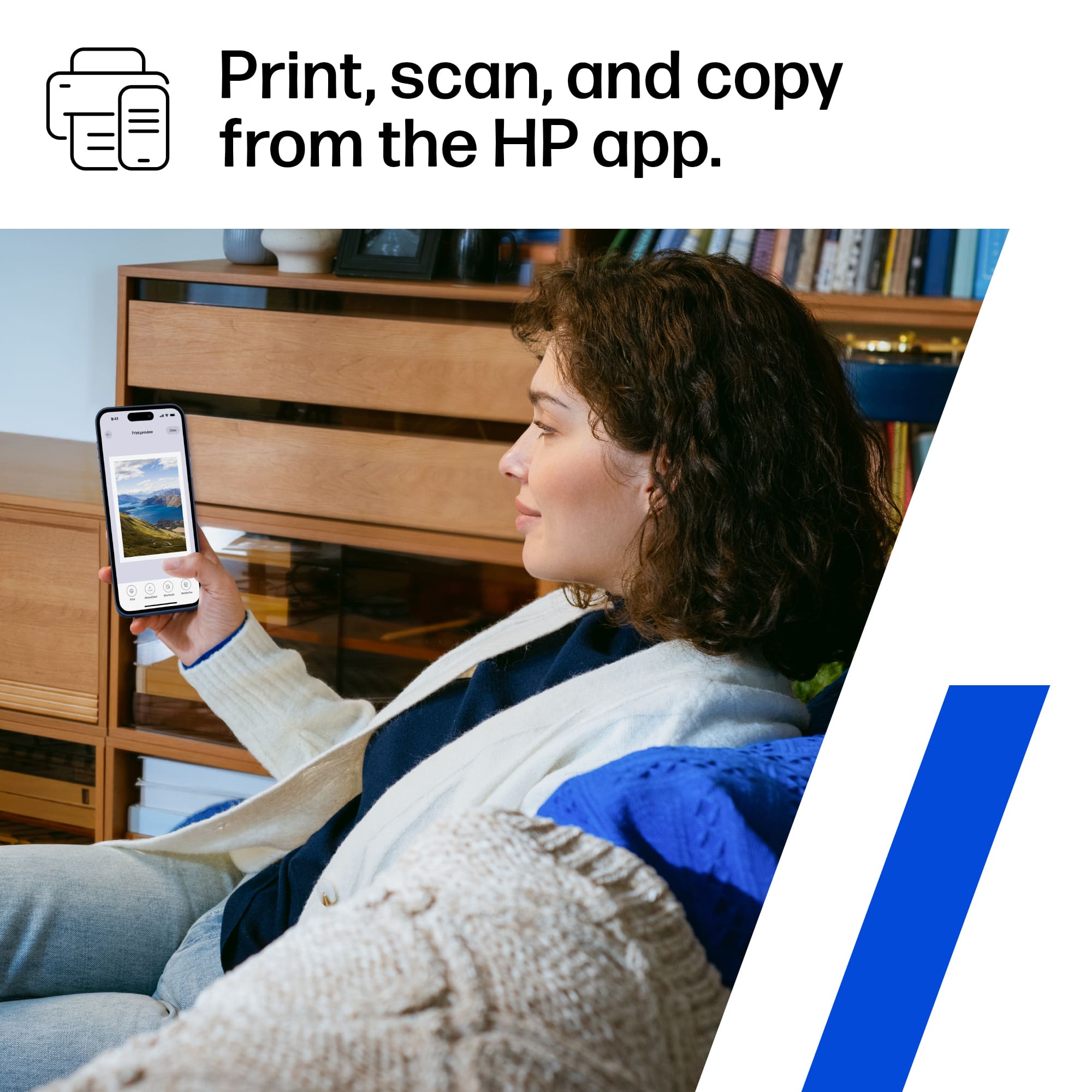
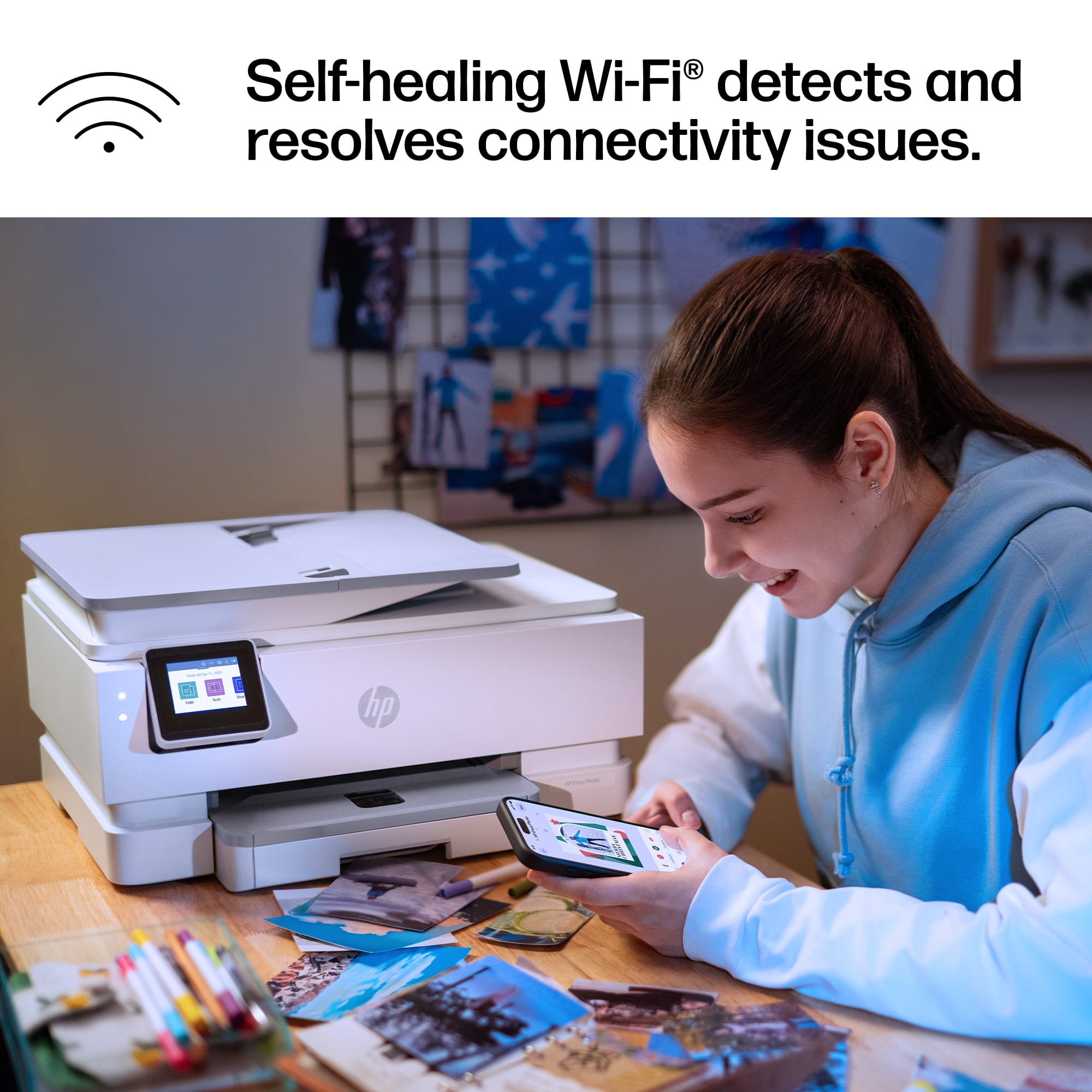
|Posted .This reviewer received promo considerations or sweepstakes entry for writing a review.I received the HP Envy Photo 7975 Wireless AI-Enabled All-in-One Inkjet Printer. Seems well made and durable, has vivid details in your photos. Seamlessly go from printing vibrant, high-quality photos and personalized creations to everyday documents. Simplify your work with HP AI10 for home printing users seeking a wireless all in one color photo printer to print, scan and copy vibrant documents and borderless photos. Print documents and borderless photos that look like they do on your screen with HP's true-to-screen tech. Customize the backs of photos for personalized cards with HP's exclusive automatic 2-sided photo printing. Turn memories into stunning, high-quality prints with photo-enhanced ink for richer, more vibrant colors. This printer is intended to work only with cartridges that have new or reused HP electronic circuitry, and it uses dynamic security measures to block cartridges using modified or non-HP circuitry. Periodic firmware updates will maintain the effectiveness of these measures and block cartridges that previously worked. Reused HP electronic circuitry enables the use of reused, remanufactured, and refilled cartridges. Smoothly navigate printing with a large intuitive printer color touchscreen, with a dedicated photo tray, easily go from printing photos to everyday documents without switching paper. Effortlessly set up, print, scan and copy from your phone or laptop with HP's best and easiest-to-use Print App. It has HP AI technology that removes unwanted web page clutter to minimize wasted ink and paper. Large, easy-to-use 2.7" color touchscreen. Self-healing Wi-Fi ensures reliable wireless connectivity. Automatic 2-sided printing and copying, 35-sheet automatic document feeder and 125-sheet input tray, and Mobile app for printing, scanning, and copying from your phone or laptop. Overall, This printer is designed for easy home use, vibrant photo printing, and seamless wireless connectivity.
I would recommend this to a friend - Pros mentioned:Print quality, Setup ease
Really wish there could be half stars -4.5 printer
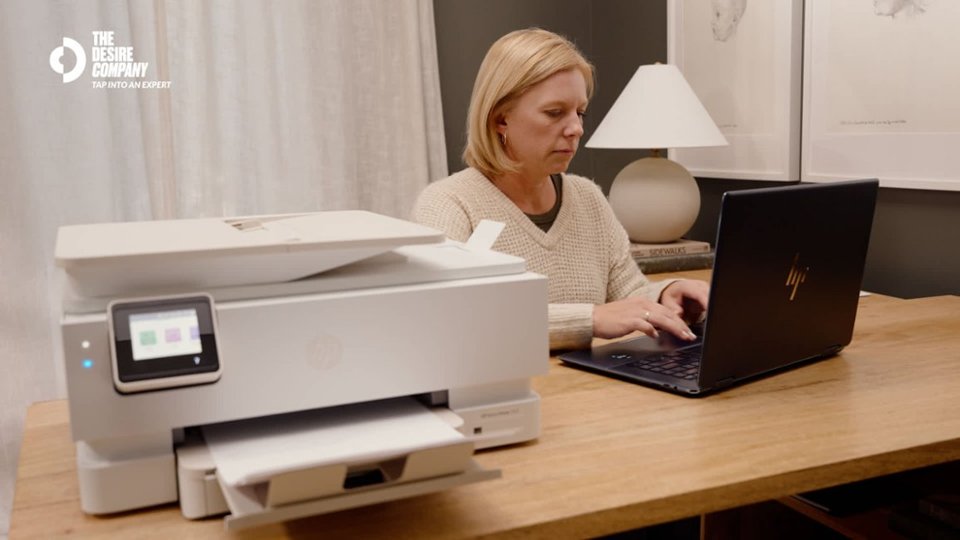
|Posted .This reviewer received promo considerations or sweepstakes entry for writing a review.If you’re looking for a good printer for your home or small single-person office, HP is a good line of printers to look at, and this is one of the better ones. I’ve tested several HP printers over the years, and the Envy Photo 7975 fits right in as a solid option. Look and Feel - The packaging is well done — enough protection without going overboard. HP continues to minimize the packaging while maintaining enough the protect the printer. As for the aesthetics of the printer, I really like the look of this print. While it is a bit of a large footprint for my home office, they really have packed a full functional all into one modest footprint, in comparison to others I’ve tried. The auto feed top makes it set a bit high, but overall, not too bad. Just make sure to check the size if your space is tight. Setup - Getting it set up was a breeze. The instructions were straightforward, and no issues with where to plug everything in. I’ve had some issues with HP’s apps in the past, but this time, everything with the HP Smart App and my Windows 11 PC worked without issue. Did not take long to get it connected to Wi-Fi and start printing. Functionality - For everyday stuff like documents, reports, or basic graphics, the print quality is great—text is sharp and clean and does not smear. When I tried photo or graphic printing on regular paper, the results were okay: colors looked good, but the paper was a bit over-saturated with ink – when I switched to photo paper, though, the images were sharp and very clear. After printing, the ink was dry, and no need to handle it with care. Bottom line here is this printer is good for everyday and photo printing; however, make sure you use the right paper for each. The print seed was pretty good, not what you get from a large print system, but no issues for personal use. The scanner portion works as expected and is pretty fast – really not much to say other than it performs as you would expect in the price range. Cost of Printing – same as other HPs I’ve reviewed - if you print a lot, the HP instant ink program could save you some $$; however, I think for most folk I’d pass on that and just keep an extra set of ink on hand. I only used the HP-branded ink and did not run it out in my test – keep count on the page count, it seems to be accurate; however, more graphics/colors are a driver. I also would assume that you can only use HP ink cartridges; the past 2 or 3 I’ve had won't recognize the off-brand, so beware. Overall – I really liked the HP Envy Photo 7975. It’s a solid, reliable printer for personal and most home offices. It’s easy to set up, prints sharp documents, and has no functionality issues. Really, no major limitation that I could find other than it is a bit larger than I would want for personal use, based on my home office desk space. That said, if it fits for you, you probably can’t find much better out there – do keep in mind the cost of supplies.
- Pros mentioned:Print quality, Setup ease
A well-made and affordable multifunction printer!
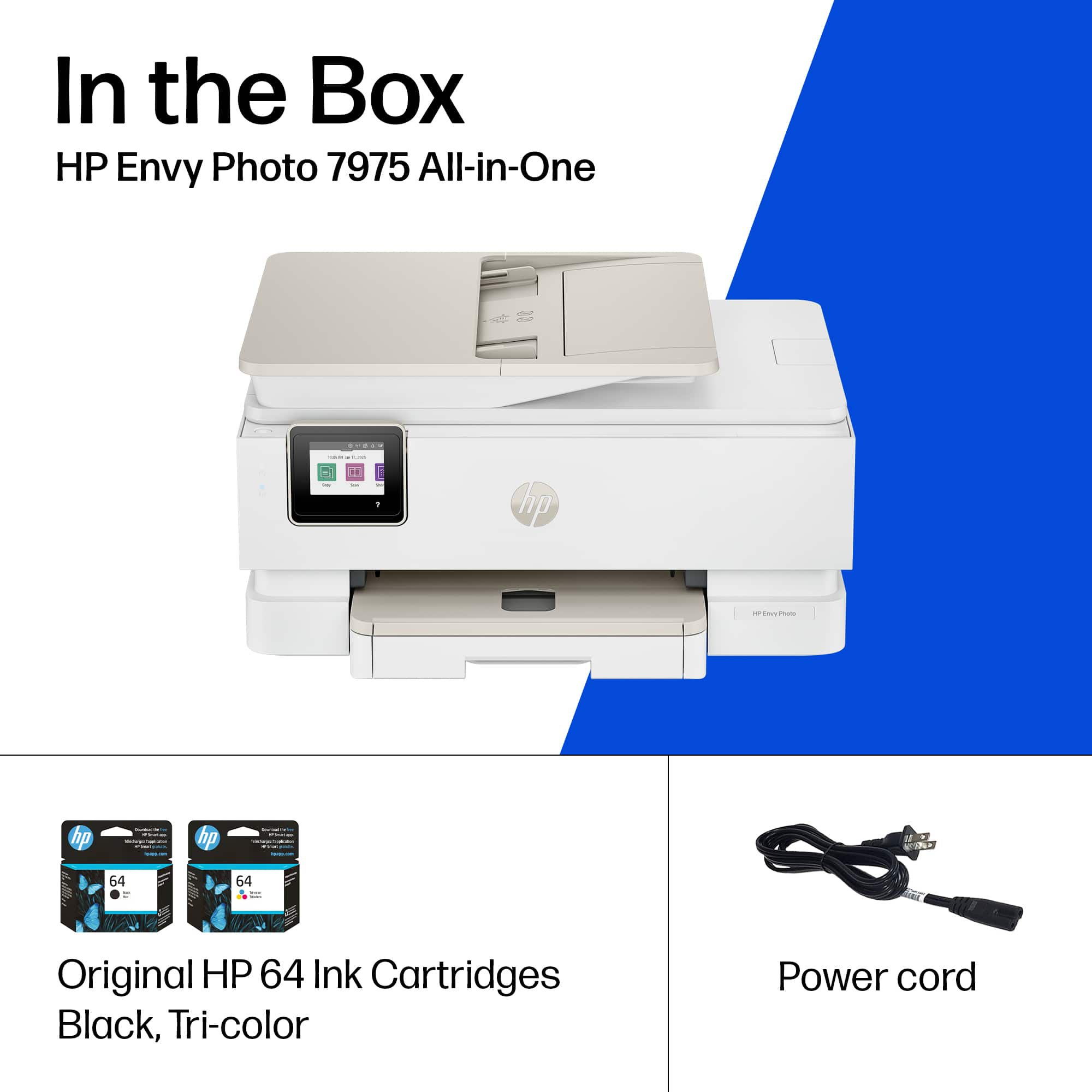
|Posted .This reviewer received promo considerations or sweepstakes entry for writing a review.Over the years, I have used different printers, mostly HP, and I must admit that it is always nice to use well-made, easy-to-use products, and this printer meets that criterion. The box contains the printer, a power cord, a pair of cartridges (one black and one tri-color), and some documentation. Installation is simple; you have to use the HP app to carry out this process, just follow the steps. Once installed and configured, the printer is ready to use. This device prints, copies, scans, can print on both sides of the paper, and can also print photos. It has a special tray for photo paper. It has a very good design, it has a small LED screen where you can perform certain tasks and settings. It comes in white and sand colors, which look great. It has a USB and Wi-Fi connection, the latter with the ability to identify possible network connection issues and fix them autonomously. The printer performs well in virtually all its functions, producing good quality prints, clear scans and copies, and colors look good on paper and photo paper, which is sufficient for a printer in this price range. While it is not the fastest printer, it is sufficient for home tasks. What may not be entirely convincing is the fact that you have to use original brand cartridges; it is not a bad thing to be able to decide which brand and price suits you best. In conclusion, I can say that this printer has everything you need to work at home. It prints, scans, copies, and can also print photos on photo paper. It is easy to install and use, and one of the most important things is that it is affordable. In short, I can recommend this printer.
I would recommend this to a friend Defective Printer
||Posted .This reviewer received promo considerations or sweepstakes entry for writing a review.The printer was defective, it did not work after the 2nd day.
No, I would not recommend this to a friend- Pros mentioned:Print quality
Very Nice
|Posted .This reviewer received promo considerations or sweepstakes entry for writing a review.Right out of the box I could tell that this was a good printer. The time, effort, and cost that HP put into packaging the Envy Photo 7975 is remarkable. It is very well protected. I chose this printer for the photo aspect of it, and it does a phenomenal job of printing pictures through the HP App right from our phones or tablet. I already had the HP App since I once had another HP printer, and adding the Envy Photo went smoothly. I looked at the specs from HP’s website and there it says this computer weighs in around 18 pounds, and it’s not that big of a footprint. It comes w/ everything you need to begin printing right out of the box and again, the setup only takes a few minutes at best. I was able to print from my phone, my tablet and my laptop wirelessly w/ out any problems whatsoever. It comes w/ a black ink cartridge and a multi-color cartridge, which I really like that I won’t have to purchase 4 separate colors like I had to w/ the printer this Envy Photo is replacing. It does however, come w/ the “instant ink” and you get 3 months free and as the box indicates, “after 3 months a monthly fee will be charged automatically unless cancelled” I understand the reasoning behind this, and I like the fact that it will be sent, but I still like to purchase it locally when I can. All in all this is a really good printer that has a photo tray that allows you to print really nice photos, and it also allows you to print and scan like any other printer. I would recommend this printer.
I would recommend this to a friend