Customer Ratings & Reviews
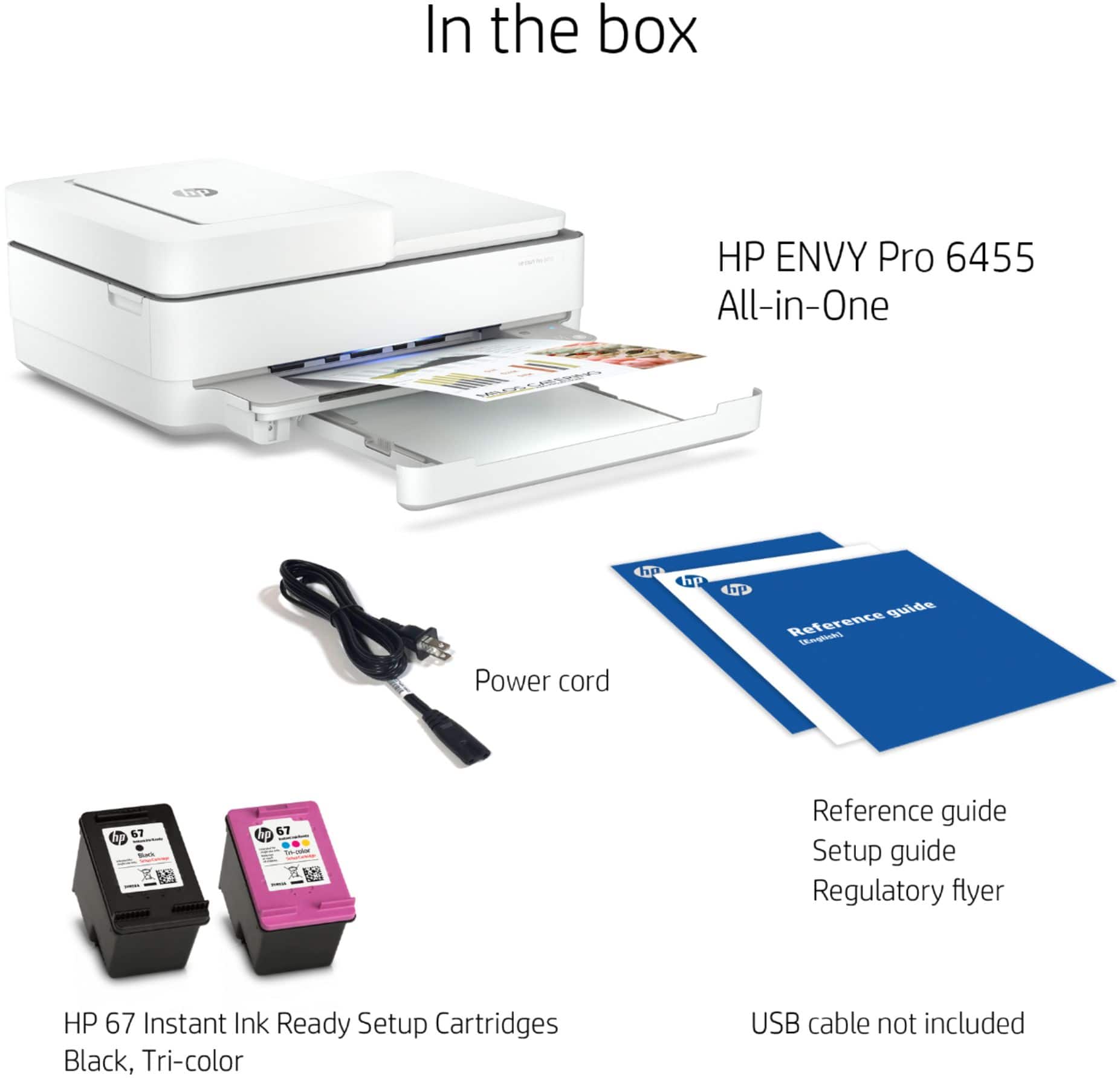
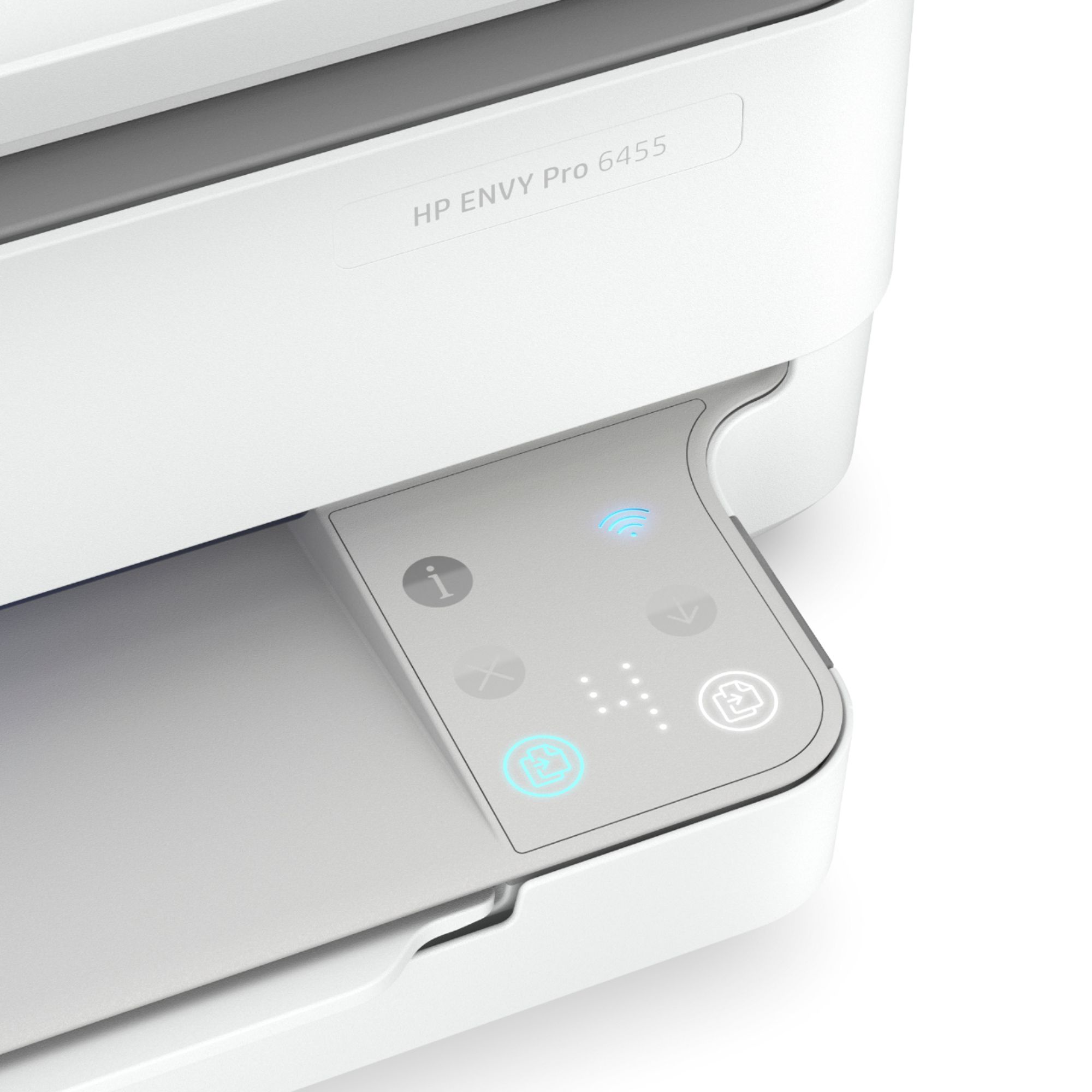
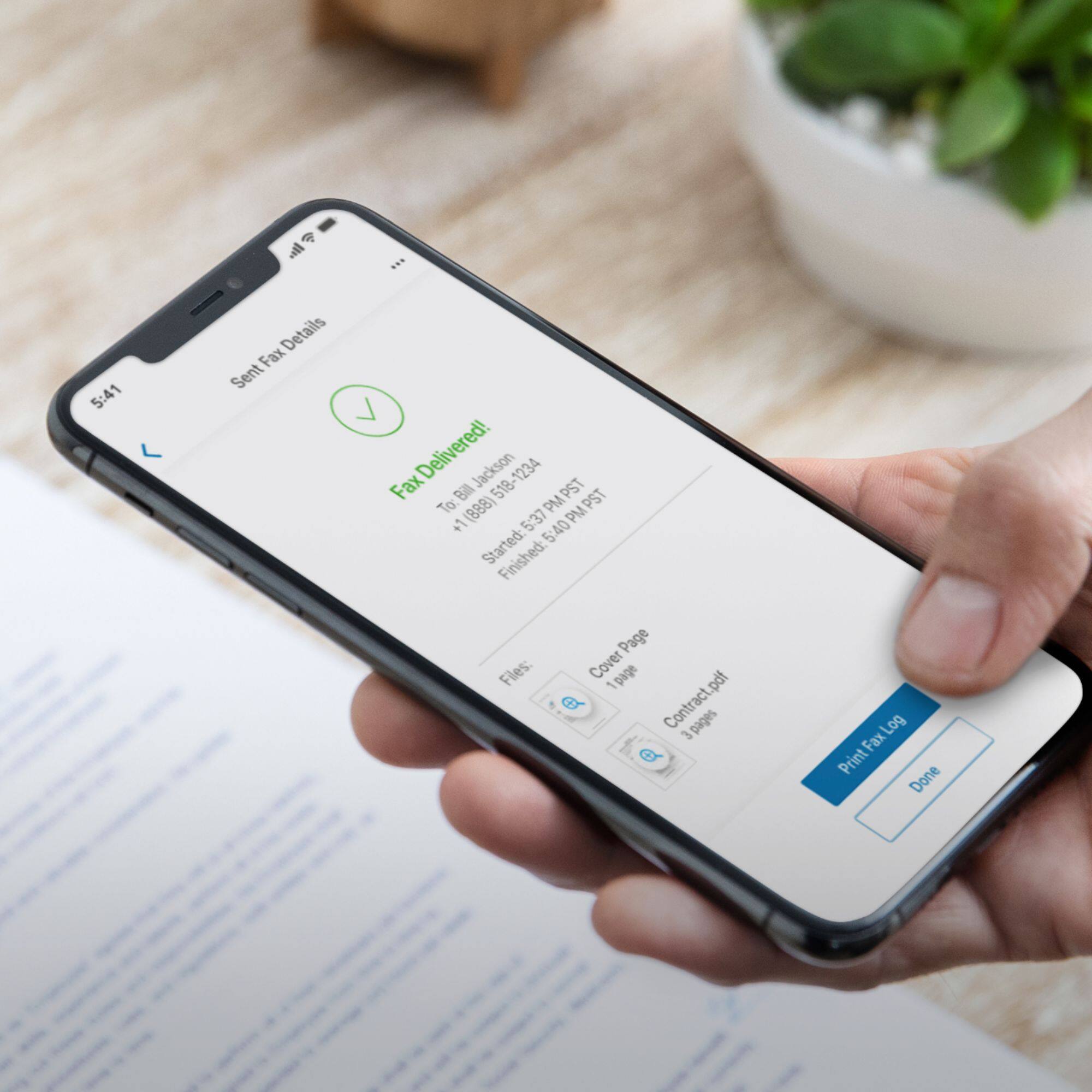
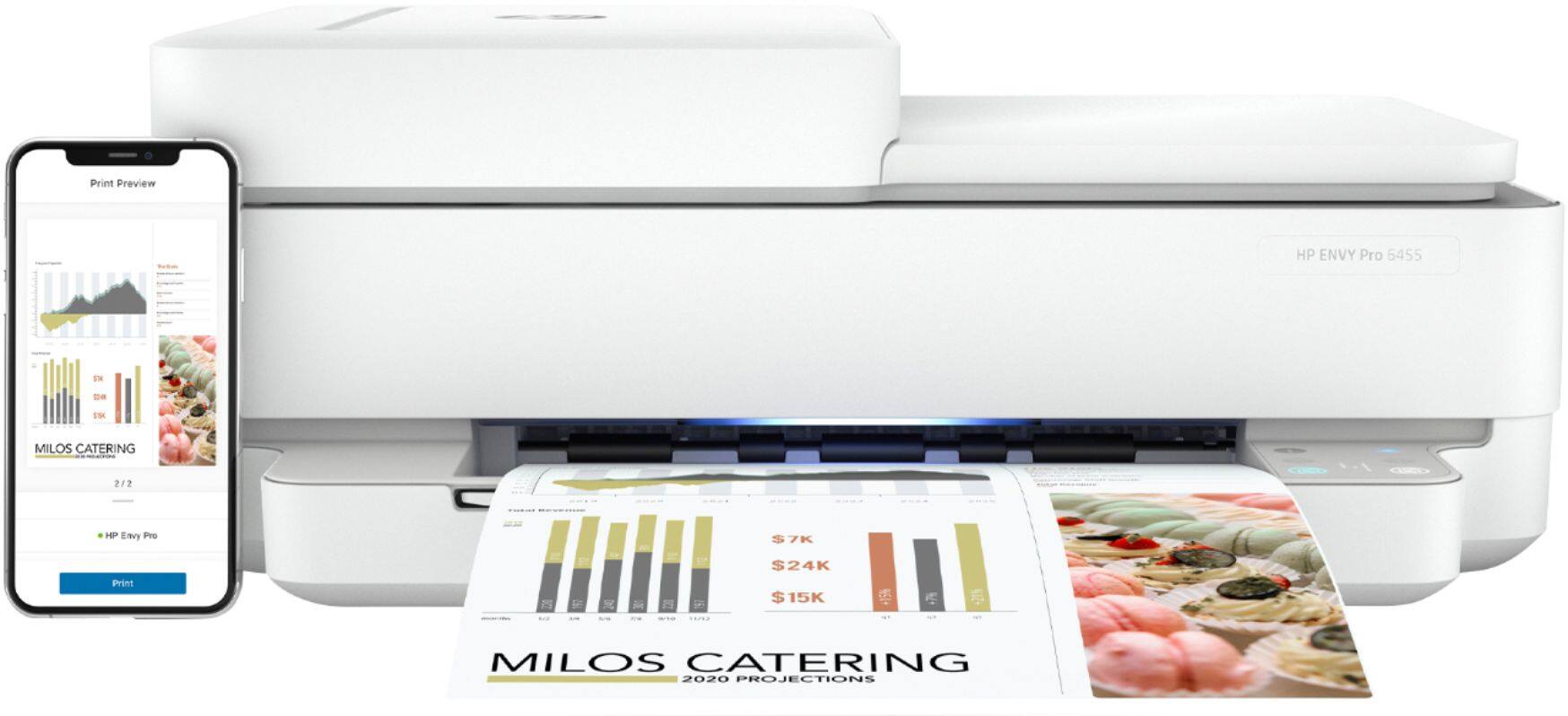

- Model:
- 5SE45A#B1F
- SKU:
- 6404824
Rating by feature
- Value
Rating 4.2 out of 5 stars
- Quality
Rating 4.2 out of 5 stars
- Ease of Use
Rating 4.0 out of 5 stars
Customers are saying
Customers enjoy the ENVY Pro 6455's high-quality prints and ease of use, frequently praising its compact size and straightforward setup. However, some users experienced connectivity issues, and the lack of a display screen was also a point of concern for several customers. Positive feedback also centered around the printer's quiet operation and reasonable price.
This summary was generated by AI based on customer reviews.
Not best for me
||Posted . Owned for less than 1 week when reviewed.This reviewer received promo considerations or sweepstakes entry for writing a review.not a plug-and-play printer very Technical. does not plug directly into your computer must have wifi. Also, has all these features for mobile printing using accounts that you sign up for? Always on no power off button.
No, I would not recommend this to a friendHP Envy...great little printer
||Posted . Owned for 1 month when reviewed.This reviewer received promo considerations or sweepstakes entry for writing a review.I am using the little HP Envy in our motorhome. It has a small footprint and does a good job for the price.
I would recommend this to a friend- Pros mentioned:Ease of use
Great, simple printer
||Posted . Owned for 7 months when reviewed.This reviewer received promo considerations or sweepstakes entry for writing a review.This printer serves is simply and to the point. I love that I can do everything through the app from anywhere in my home. Scanner works great both from the printer it’s self or from the app, printing is super easy, everyone at home connects to the printer via BT easily, and can adjust the settings right from our phone. I love it and as of now, haven’t had any issues with it
I would recommend this to a friend - Pros mentioned:Ease of use, Print quality
HP Envy Printer
||Posted . Owned for 3 weeks when reviewed.This reviewer received promo considerations or sweepstakes entry for writing a review.Easy set up and operation. Printing is clear and can print from any device. Highly recommend.
I would recommend this to a friend - Pros mentioned:Print quality
Excellent Print Quality - Complicated Setup
||Posted . Owned for 7 months when reviewed.This reviewer received promo considerations or sweepstakes entry for writing a review.This printer is awesome! Sort of complicated to setup, due to the lack of touchscreens and "buttons", but the quality is great and it prints edge-to-edge, which is hard to find!
I would recommend this to a friend Great printer
||Posted . Owned for 1 month when reviewed.This reviewer received promo considerations or sweepstakes entry for writing a review.Hooked right up to my pc. Can cloud print from anywhere without worrying about a cable to hookup
I would recommend this to a friendWiFi Printer
||Posted . Owned for 1 month when reviewed.This reviewer received promo considerations or sweepstakes entry for writing a review.Printer purchase for home personal use and business
I would recommend this to a friendAwesome product
||Posted . Owned for 3 weeks when reviewed.This reviewer received promo considerations or sweepstakes entry for writing a review.Works great!! Does exactly what is says in the description.
I would recommend this to a friendPrinter
||Posted . Owned for 1 month when reviewed.This reviewer received promo considerations or sweepstakes entry for writing a review.I got the printer that I wanted and did not have any problems setting it up and started to use it. I went to some other stores and they was out of it.
I would recommend this to a friendENVY printer
||Posted . Owned for 1 month when reviewed.This reviewer received promo considerations or sweepstakes entry for writing a review.Does everything I expected it to do. Ink package is convenient
I would recommend this to a friendgreat for home office
||Posted . Owned for 1 month when reviewed.This reviewer received promo considerations or sweepstakes entry for writing a review.This is a great product for my home office use. I does everything I need for it to do. It just took me a few to figure out how to use it but no big deal.
I would recommend this to a friendBest performance for the price.
||Posted . Owned for 3 weeks when reviewed.This reviewer received promo considerations or sweepstakes entry for writing a review.I’m not only pleased with its performance I enjoy using it! The multifunctional aspect is great. It has become my go to for printing, scanning & filing, copying & creating. I have started a scan & file system that has cleared mounds of paperwork and made me more organized. The ink program is a big plus. I don’t have to worry about putting something on the back burner. I recommend this little workhorse to anyone at any age.
I would recommend this to a friendGood quality print, terrible wireless connectivity
||Posted . Owned for 6 months when reviewed.This reviewer received promo considerations or sweepstakes entry for writing a review.HP printers print well but I have had many problems with their wireless connections and this one is no exception. I can print the first time the printer is powered on. If you let it go idle for a few minutes, it goes offline. You need to turn it off and back on again to print again. Tried all solutions available using HP, websites, etc and same problem every time. Will try another brand when this one quits.
No, I would not recommend this to a friendBasic printer
||Posted . Owned for 3 weeks when reviewed.This reviewer received promo considerations or sweepstakes entry for writing a review.Print quality is fine, but set up with home wifi was difficult, had to have HP support to assist.
I would recommend this to a friend- Pros mentioned:Ease of use
Great little printer
||Posted . Owned for 1 month when reviewed.This reviewer received promo considerations or sweepstakes entry for writing a review.Great little printer. Using the set up on a smart phone is okay, but not our favorite way of trying to coordinate with our laptop computer. However, once figured out, it works very well.
I would recommend this to a friend - Cons mentioned:Connectivity
Nope. Not for me.
||Posted . Owned for 1 month when reviewed.This reviewer received promo considerations or sweepstakes entry for writing a review.Not very happy with this printer. It took over 2 hours to set up because of the wireless function. I would have directly plugged it into my laptop but didn't have the proper cable. It's slow, it drops the wireless signal, and the on/off button is at the BACK -- why? This sits in a bookcase and having to move the unit out each time it needs to be reset...who designed this? Last, there is this weird blue light that is on all of the time because I cannot shut off the printer easily (I will put it on a surge protector so I'll be able to do this). Not sure that this particular HP model is all that energy efficient because of this glowing light. If there were still drivers to download for my 10 year old HP printer, I would have done that rather than fight with this machine all of the time. Oh, and HP has you at their mercy because you must download their app to get this thing working and to troubleshoot. Who wants to use an app to print out a page here and there? HP is missing the boat for people like me who just want a small, basic print/scan/copy machine without the hassles.
No, I would not recommend this to a friendBrand response from HP Team
Posted .Hi there.
I’m sorry that your printer has performed poorly and caused you such inconvenience. I can wholly understand why you feel put off here, considering you’ve dealt with slow printing, connectivity problems and design features that don’t suit you. I want to help you remedy what problems you can, so I’ll direct you to some resources aimed at making that happen.
First, I recommend you visit a page on our support site that has diagnostic tools for various issues, including wireless connectivity and printer-offline difficulties. You can find that page here:
- support.hp.com/us-en/topic/diagnostics
Next, I suggest that you follow a guide on our support site that covers improving print speed; choose whichever of the following two links matches your operating system:
- Windows: support.hp.com/us-en/document/bud03409
- Mac OS: support.hp.com/us-en/document/c01928898
Also, often just updating the firmware can help improve print speed. You can find out how to do that here:
- support.hp.com/us-en/document/c02919168
If any problem persists, I suggest that you contact us directly at +1 800-474-6836 so we can help you assess the situation and find a solution. (Please note that because of restrictions on personal movement and workplace attendance associated with the COVID-19 pandemic, wait times for agents are longer than normal. Thanks in advance for your understanding.) To expedite the process, I recommend gathering the following information before the call:
- Model number
- Serial number
- Your location
- Case number (from any previous contact with HP support)
Keith
HP Care
hp.com/support
- Pros mentioned:Ease of use, Print quality
Easy and Cheap
||Posted .This reviewer received promo considerations or sweepstakes entry for writing a review.Easy setup. Ink is cheap and the print job is great.
I would recommend this to a friend - Pros mentioned:Ease of use
Great print
||Posted . Owned for 6 months when reviewed.This reviewer received promo considerations or sweepstakes entry for writing a review.It works very well and it’s easy to set it up. I’m giving four stars because I missed the opportunity of getting the free inks and I was unable to get back to request it.
I would recommend this to a friend HP Envy 6455
||Posted . Owned for 1 month when reviewed.This reviewer received promo considerations or sweepstakes entry for writing a review.Nothing is labeled its hard to get online. If I could do it all over again I would not buy this printer.
No, I would not recommend this to a friendIrw
||Posted . Owned for 3 weeks when reviewed.This reviewer received promo considerations or sweepstakes entry for writing a review.Printer is very good. Does all you need and more. It was a little difficult to set up and work with lap top but once got things set up it is working very good
I would recommend this to a friend