Customer Ratings & Reviews


- Model:
- 15M-BP112DX
- SKU:
- 6082000
Rating by feature
- Battery Life
Rating 4.2 out of 5 stars
- Speed
Rating 4.0 out of 5 stars
- Display
Rating 4.4 out of 5 stars
Customers are saying
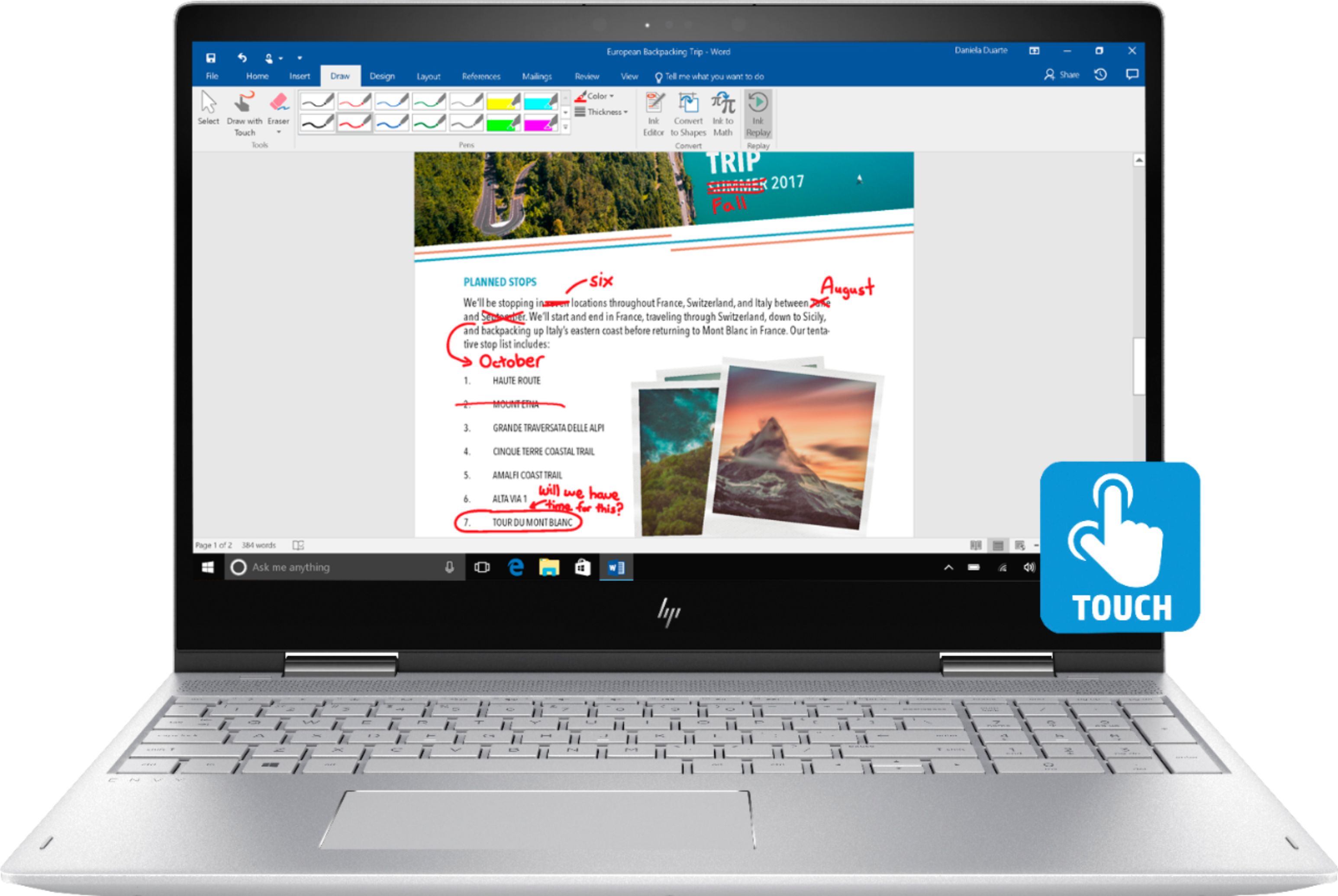
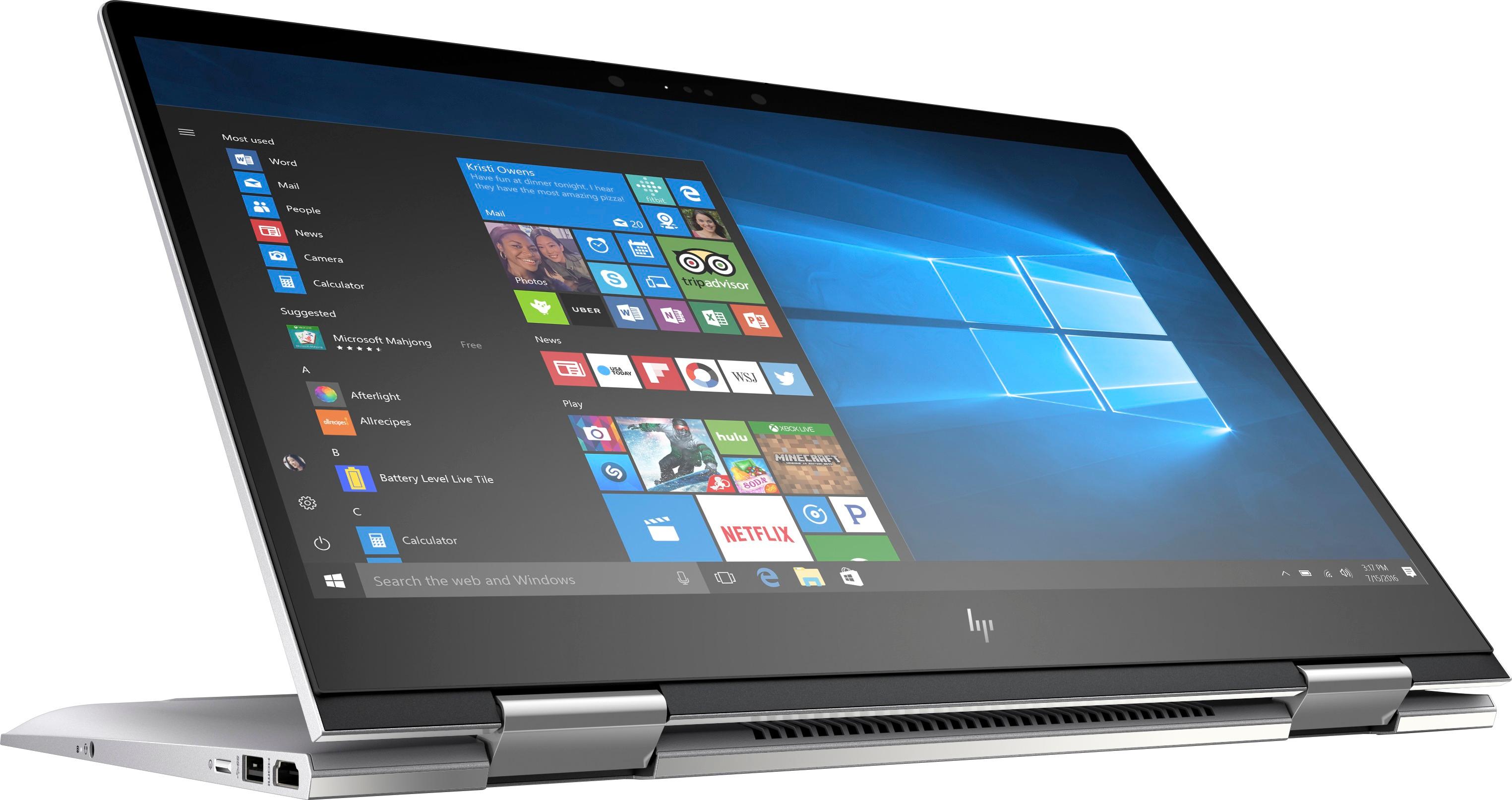
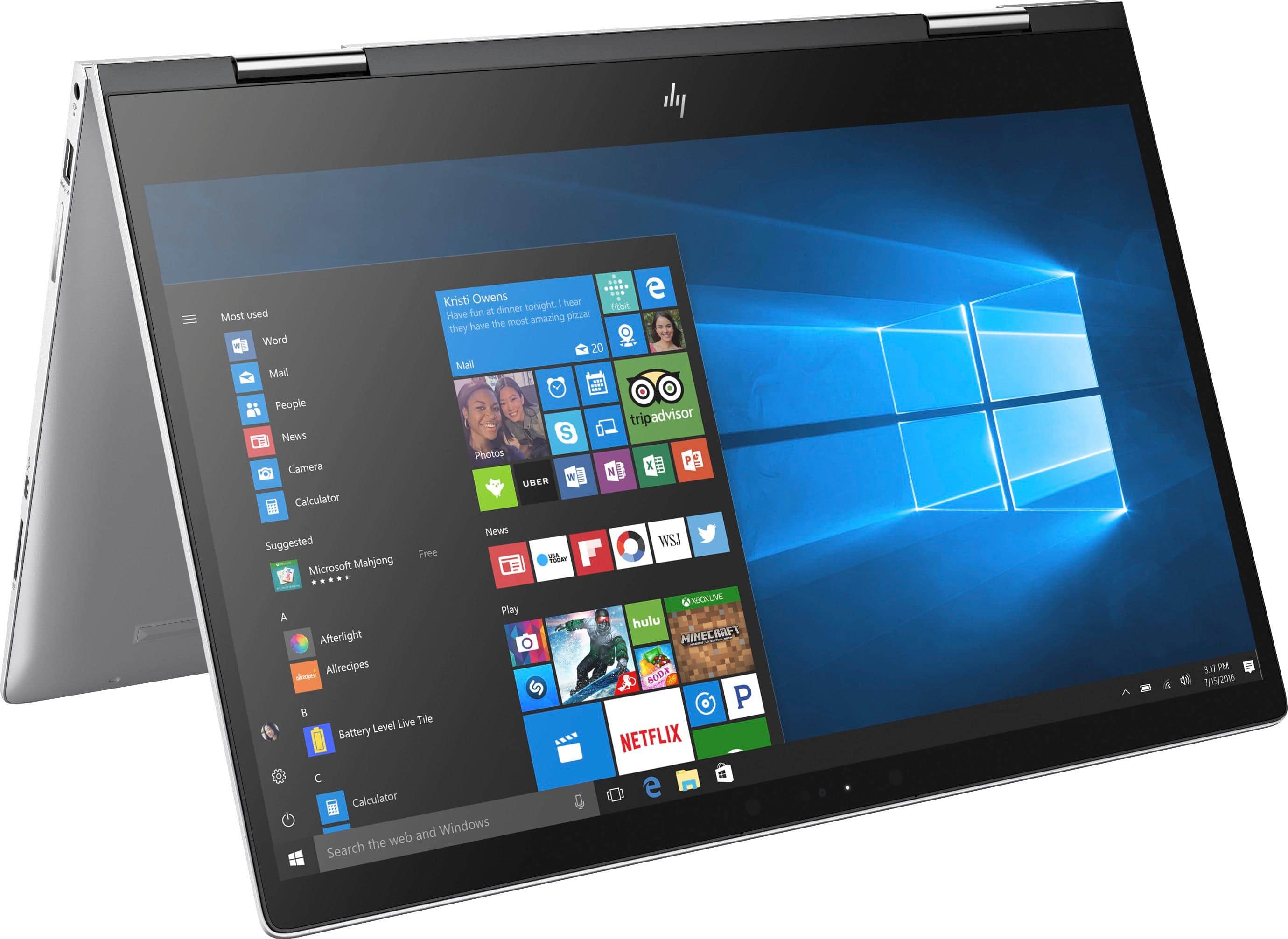
Customers are enthusiastic about the ENVY x360 2-in-1 15.6" Touch-Screen Laptop for its touch screen, price, lightweight design, storage capacity, and ease of use. Some customers have concerns about the battery life, weight, build quality, fan noise, and the number of USB ports.
This summary was generated by AI based on customer reviews.
Great starter laptop for “the poor man”
||Posted .This reviewer received promo considerations or sweepstakes entry for writing a review.Laptop is great for light use and homework for young kid
I would recommend this to a friendHp envy
||Posted .This reviewer received promo considerations or sweepstakes entry for writing a review.I must have gotten a dud. I had problems from the start
No, I would not recommend this to a friend- Cons mentioned:Battery life
This is crap!! Don't waste your money.
||Posted . Owned for 1 year when reviewed.This reviewer received promo considerations or sweepstakes entry for writing a review.This thing has given me issues with the battery life since purchase. Now it shuts off randomly and HP tells me I need to purchase a NEW Battery. this is only a year old!!! What a piece of junk!!
No, I would not recommend this to a friend Laptop is good size and wgt. awkward to find item
||Posted .This reviewer received promo considerations or sweepstakes entry for writing a review.curser is too sensitive, have to retype many times
No, I would not recommend this to a friendGreat for consumers who need a bit extra!
Posted .This reviewer received promo considerations or sweepstakes entry for writing a review.This is by no means a super computer, what everyone else reviewing here seems to believe. For being 3/4 of an inch thick (at the thickest point), HP does a wonderful job of delivering performance that even professional video/photo editors can appreciate. I do a lot of video editing of drone footage that is recorded at 4k 60fps and this laptop can keep up just fine (haven't had it freeze on me yet). When first taking it out of the box, make sure to allocate an ample amount of time for the set up process as there are more than likely some big updates available, as in my case. Once all available updates and drivers/driver updates are installed, this machine performs flawlessly. I haven't had a problem with sound, display, drivers, or anything else for that matter. Just take the time to set things up right and customize your machine to your usage.
I would recommend this to a friendVery disappointed in HP Support
||Posted .This reviewer received promo considerations or sweepstakes entry for writing a review.2 weeks after buying the computer, I experienced a problem starting up the computer and notified HP who said the hard drive had to be replaced. They shipped a new hard drive and sent a technician to my home to replace it. In the process, the bottom cover of the computer was cracked and bent by the technician due to poor design of how the cover was attached. After several phone calls to HP support and several hours of my time, now I have to ship the laptop to HP's service center where, hopefully, they will replace the bottom cover. This has been a very frustrating experience dealing with HP support. I will never buy another HP product.
No, I would not recommend this to a friendDisappointed
||Posted . Owned for more than 2 years when reviewed.This reviewer received promo considerations or sweepstakes entry for writing a review.This laptop worked great in the beginning but has slowed to a snails pace. I am running Microsoft 10 but it takes minutes to load and the same for running programs. I would not recommend.
No, I would not recommend this to a friendVery disappointing
||Posted .This reviewer received promo considerations or sweepstakes entry for writing a review.Bought this laptop because I wanted to use a stylus and sketch or write. Unfortunately, when I try to use that function the laptop disables the keyboard ( which makes sense) but then I have to restart the computer to get it to work again. It is a real pain. Also, recently the sticky note program went nuts- it kept opening sticky notes every 3 seconds, and I couldn't get anything done. I had to call Microsoft and ask them to disable it. I am sure it was some funky aspect of this laptop. I regret spending the extra money for this computer, it has been a real disappointment.
No, I would not recommend this to a friend- Pros mentioned:LightweightCons mentioned:Battery life

HP is a good product
|Posted .This reviewer received promo considerations or sweepstakes entry for writing a review.Laptops are getting harder for me to use, I’m retired now and I use my iPad for everything cause it is so easy to grab and hold in my hand. There are times you just need a laptop for certain tasks like spreadsheets or photo editing and I have always had HP computers and printers. This new HP Envy is pretty sweet. It is much lighter weight and thinner than my old HP. It does not have a dvd drive so that is one reason for thinner and I think the lighter weight maybe the battery. I’ve noticed that the run time is only about 4 hours on a full charge which is not great. The display, however, is very nice. It seems to be fast and setup is easy. I do not like windows 10 so that is something I’m having to get used to. I think this will be a nice laptop for those times I need to do special tasks. The 360 degree feature and touch screen make it nice to use for internet searches while sitting on on the couch. I’m looking forward to transferring my photos to my new HP, but I’m gonna have to learn howto work without that dvd drive. We do not use cloud storage because we have limited data access via satellite. HP does computers right. This one does not disappoint.
I would recommend this to a friend Great System with Some Shortfalls
|Posted .This reviewer received promo considerations or sweepstakes entry for writing a review.On the whole, the system looks and feels great. Out of the box, the system feels solid, as it's built from aluminum. It's cool to the touch. In fact, it stays fairly cold on a regular basis. I've had other laptops that use an aluminum construction to help dissipate heat where you can feel the heat. This system seems to do this so efficiently that I don't hear a lot of fan noise and I haven't felt the chassis get hot yet. Unfortunately, the chassis being metal also introduces a slight problem: where the palm rest cover meets the undercarriage, the edges feel a bit sharp. I haven't run into an cases where I've cut myself, but it still is a bit alarming. As is the case with systems in this price point, the system includes a backlit keyboard. I love this feature, as it helps when working in darker environments. However, in general with most systems that include this feature, it tends to sap the battery a bit more. In this particular model, the keys are silver, to match the rest of the system. This is nice aesthetically, but causes some issues. For one, when the keyboard is backlit, it can make reading the key characters a little bit difficult. This is especially true when it comes to punctuation characters, like the period or comma, which almost disappear given their size. With regards to the keyboard itself, key-presses are nice and soft and don't make a lot of noise. The downside is that the keys feel to be made of plastic. They have a slick service which can help provide for a faster typing experience, but it also feels a bit cheap. I feel like, over the course of time and use, keys are likely to pop out. My biggest issue with the system has been the touchpad. First off, the bottom of the system tapers up towards the front of the laptop which creates a drop on the underside-front of the laptop. If I use a mouse, this isn't any issue. However, if I use the touchpad, I found that this design can make extended use of the touchpad uncomfortable. The touchpad functionality itself isn't so great. Right clicks are not that responsive and it's difficult to find the right spot to hit. On many occasions, I've been trying to right click on things during tasks and it's taken me time to hit different areas before I get a right click response. Left clicks are the same, but since you can just tap the touchpad itself for that functionality, it's not really as much an issue. Multi-touch functionality is also buggy. There have been times where I am using the two-finger swipe to scroll through webpages only to have something unusual occur. For example, on two or three occasions, Chrome's developer mode came up after I was just trying to scroll through a page. I know that dragging and dropping is something that's universally not a great task on a laptop touchpad, but I've found it's particularly awkward on this system. I have smaller hands, so this is probably a large part of the problem, but other laptops I've used in the past haven't caused me as much issue as this model. Anyone with smaller hands considering this system should note that I found it easier to use two hands for drag and drops. In terms of system layout, the last issue that I found was the location of the left hand side USB port, which is directly next to the power button. I had a low profile USB drive plugged in there. When removing it, my thumb happened to brush against the power button and into sleep mode the system went. In terms of system performance, so far, it hasn't let me down. I haven't really benchmarked it because it still has the included 1 TB 7,200 rpm HDD. The is nice, but considering it's still a platter drive, I doubt that benchmarks will prove that much until I swap the drive out for an SSD. I can definitely tell that the HDD is slowing the i7 down though. My only other comment about system functionality would have to be about sound. While I haven't encountered any of the issues that some others have with regards to levels, I have found that sound reaction times are a bit slow. That may be an odd thing to point out, but I've had another laptop with a 5th gen i5 that I used as my main machine prior to this HP and every time I had the Windows Admin Authorization pop up, the sound notification was almost as immediate as the notification. However, on this system, the notification sound lags behind. Other than these observations, I haven't encountered anything else of note. The system runs well, especially given the 16 GB of RAM and the i7. (Of course not as svelte as I would have expected, but again, I attribute this to the HDD). Please keep in mind, I've only had the system for several days, but at this point, I don't feel like there is much more that I can note. If anything major pops up, I will update my review.
I would recommend this to a friendStay Away from HP ENVY series
||Posted .This reviewer received promo considerations or sweepstakes entry for writing a review.I just canceled the warranty I had for this sorry excuse of a laptop. This is one of the LOUDEST laptops I've ever used and I'm embarrassed that I spent $900 on a device that doesn't stay quiet. You could be simply surfing the web and sure enough, the engines are off and BLASTING (wind speeds capable of 'chilling' an unsuspecting civilian). I switched to DELL. To everyone who currently has an ENVY, do your friends, your neighbor, the quiet library and anyone else who doesn't want to hear your envy strain under pressure, do yourself a favor and trade it in or sell it on ebay.
No, I would not recommend this to a friendPowering on problems, 2 days after purchase
||Posted .This reviewer received promo considerations or sweepstakes entry for writing a review.Worked ok first 2 days. Then have had powering-on problems 80% of time. "CMOS check up invalid" error message or "BIO CMOS 502" error message. Still trying to fix it. But once it's on, it seems to work ok.
No, I would not recommend this to a friendBad computer
||Posted .This reviewer received promo considerations or sweepstakes entry for writing a review.I paid a thousand dollars for this machine that I imagined because of its price would be good, but unfortunately the keyboard space bar did not work, I thought that buying a new laptop would not have problems and I went to return it to best buy, they gave me another hp envy, but I had small losses of light on the screen, which totally disappointed me and I decided to return it again and finish buying an hp spectra open box and it turned out better than a new one. I do not recommend the Hp envy
No, I would not recommend this to a friendWorst laptop ever
||Posted . Owned for 1.5 years when reviewed.This reviewer received promo considerations or sweepstakes entry for writing a review.in the first week of use the backlit keyboard stop working, and 3 days later rigth after getting it start having problems in general.
No, I would not recommend this to a friend- Cons mentioned:Battery life
not good
||Posted . Owned for 1.5 years when reviewed.This reviewer received promo considerations or sweepstakes entry for writing a review.not so good the battery did not last to much not buying again, and I have a problem with it
I would recommend this to a friend Solid Laptop for Everyday Use
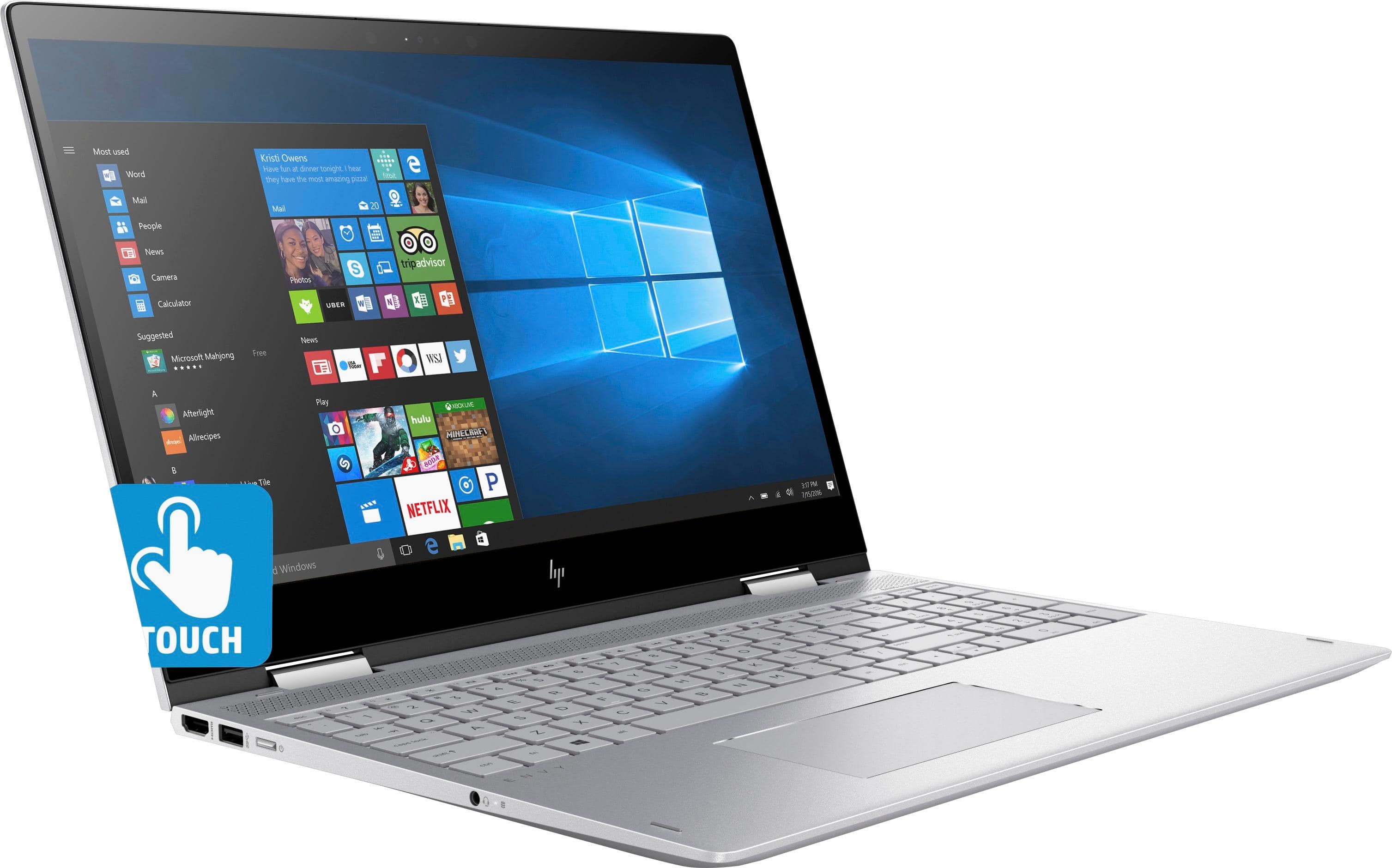
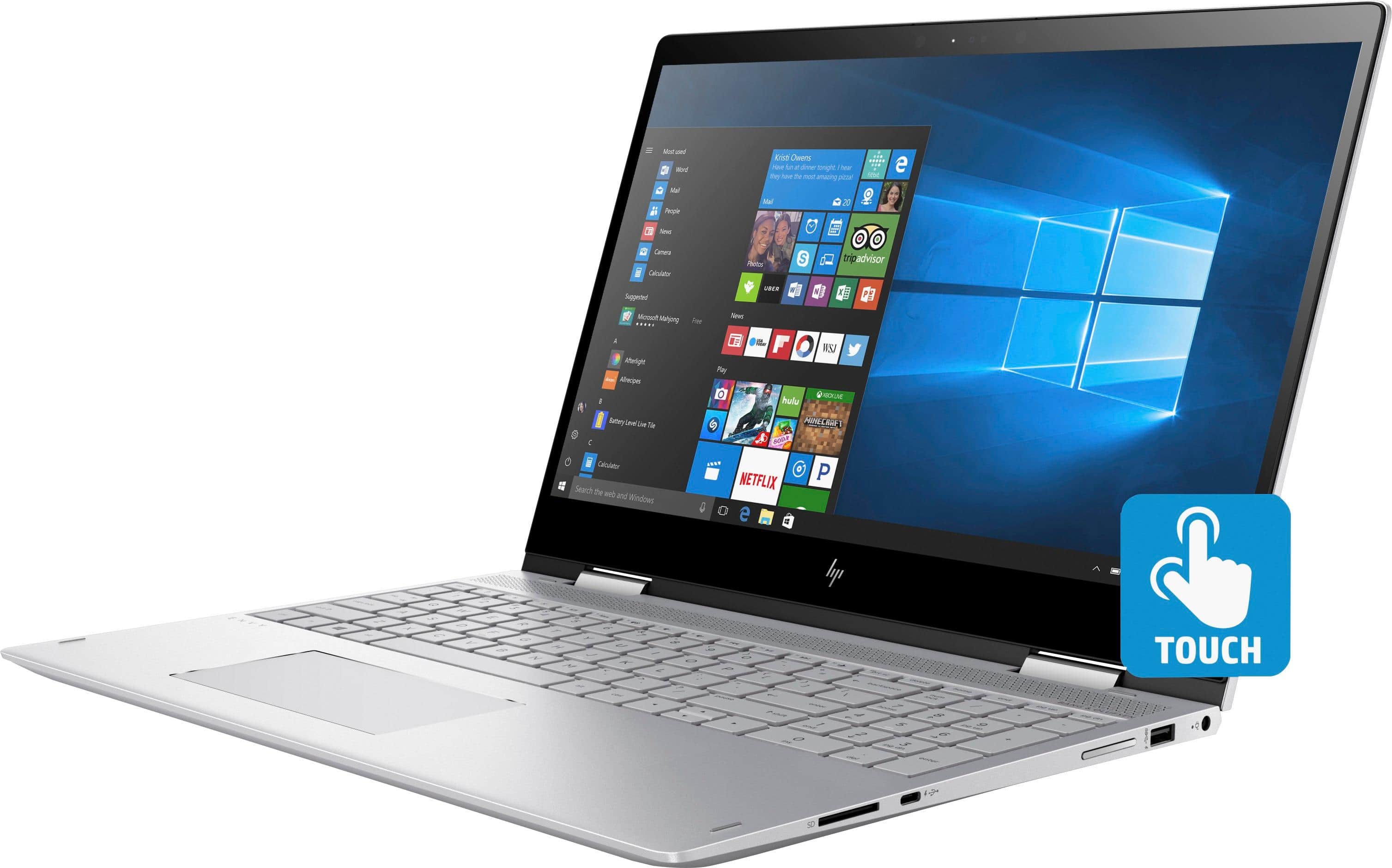
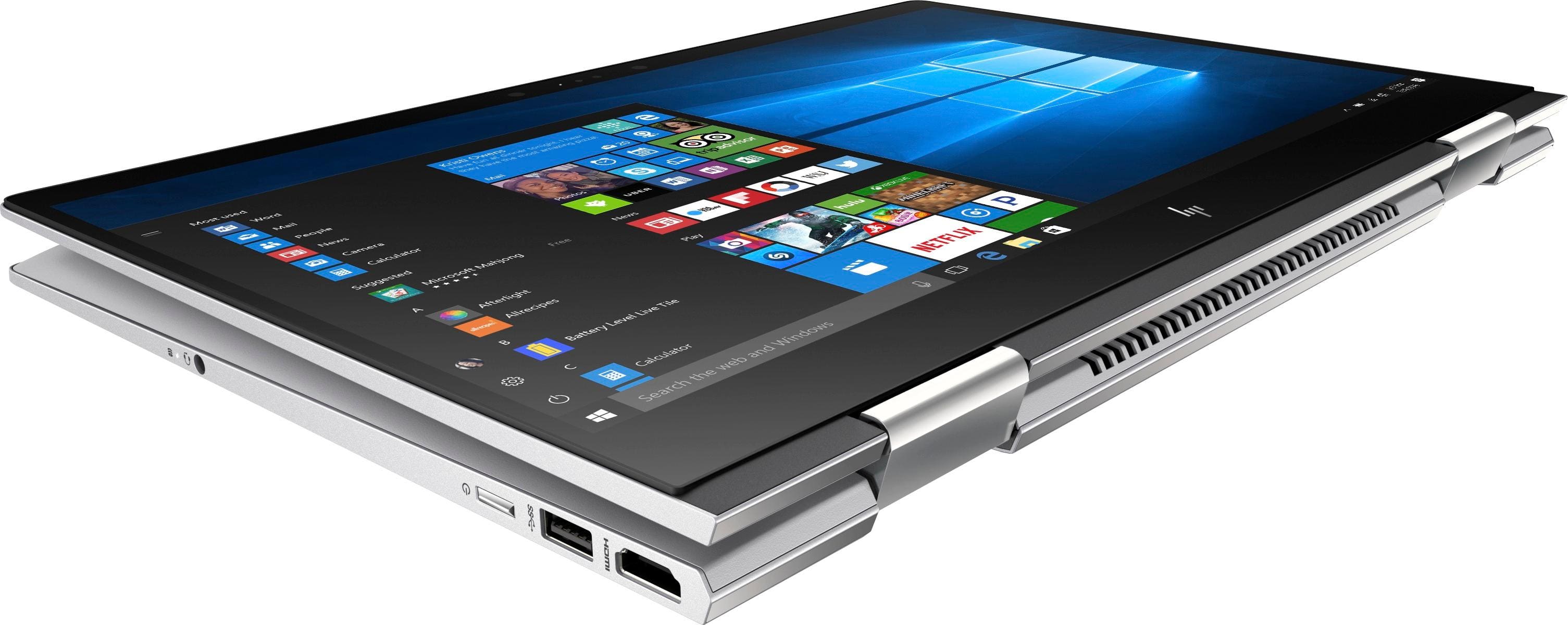
|Posted .This reviewer received promo considerations or sweepstakes entry for writing a review.The HP Envy x360 is exactly what I was looking for. It's extremely sturdy, has a great picture, and is very thin and sleek. Rather than giving you too many technical specs, I will point out what I like and don't like about this laptop. Technical specs are at BestBuy.com. Physical Controls on laptop include... --RIGHT SIDE-- power cord input SD card slot 1 USB-C slot volume rocker switch 1 USB 3.0 (made for quick charging) --LEFT SIDE-- HDMI output power button (illuminated when on) headphones/mic combo 3.5mm jack That's it. No controls on the front or back as this screen flips 360-degrees. PROS ==== * The keyboard, though not a full-size keyboard, is quite comfortable. The keys on this laptop are the best I have ever typed on. They are not too sensitive, and they do not click when pressed. For active typists, you don't have to worry about an errant key being typed due to fingers sitting on the keys. * Even though the mouse sits just below the thumb part of the palm of my right hand, it does not move the mouse (as much) by accident like some mouse pads do on laptops. My left hand touches the mouse pad a bit less, and is rarely affected. This is a huge plus when the mouse pad is not deactivated... the cursor doesn't jump everywhere because of your palm touching the pad. * I like having a physical volume (on the right side of the laptop) available instead of being forced to use the function keys and volume icon in the taskbar. This makes for a quicker adjustment simply by feel. * Bright, vibrant screen. Touch sensitivity is just right with the on-screen feel. * Speed is awesome. I have had great experiences so far with installations, network speed, and app initialization/opening. The i7 8th Gen intel chip is proving to work great with this laptop. * FACIAL RECOGNITION to login. This feature works like a charm and is super convenient. When the computer boots up, it automatically is searching for my face... I glance over to the PC and boom, I'm in. Very convenient. I have not tried to trick it yet with a big photo of me... * Quite operation. I have played with some memory-intensive apps and video and haven't had any issues with laptop overheating or struggling to keep up. A big reason for that is the i7 8th gen processor and the whopping 16GB of RAM in this thing. * Battery life appears good as I have not been video intensive - mainly web browsing with screen slightly dimmed - and it's down to 41% after 5 hours of use. CONS ==== * No wired ethernet LAN port available. This would be great at times if you want the greatest throughput on a network. Not a deal-killer, but keep in mind that if your wireless goes out or your antenna degrades or malfunctions, there's no backup plan for a network interface unless you get a network interface device that can be connected via USB-C. * No optical drive (if you're needing one) * No VGA output option - only HDMI. VGA comes in handy from time to time. * There is no place for a computer lock cable to secure the laptop. OTHER NOTES =========== * NO issues with given power adapter. It does get quite warm as most do, but it does not malfunction nor does the laptop act weird due to power issues like some reviews have stated. I guess my BIOS was set correctly. * Bluetooth (BT) works like a charm. BT earbuds and mouse connect easily with no issues. * There were no issues with normal Windows 10 operations. Setup was easy. I didn't see any compatibility issues. For an everyday on-the-go laptop, this is a keeper. Speed is great. The look is great. The screen has a great picture. Overall performance is as good as most other laptops I have worked on. HP did a great job here overall... but I do wish there was a spot for a network LAN cable.
I would recommend this to a friendDesign flaw
||Posted .This reviewer received promo considerations or sweepstakes entry for writing a review.After one year the screen is coming apart from the case. HP says there aren’t any known issues though you can find many others who have had the same problem online. From what I have found there really isn’t a good fix. So, we have to keep the laptop open because the more you open and close it, the more the screen detaches from the case.
No, I would not recommend this to a friend- Cons mentioned:Battery life
Outstanding high performance Laptop bargain
|Posted .This reviewer received promo considerations or sweepstakes entry for writing a review.I have had my HP Envy x360 15M-BP112DX Touch-Screen Laptop for a week now and am honestly very happy with it as my home/mobile computer. The specs. for HP Envy x360 15M-BP112DX Touch-Screen Laptop are impressive, it's not an spare no expense package it uses a fast hard drive as main storage instead of an SSD having a full Terabyte of storage at a fraction of the cost of an SSD with half the capacity capacity. And the HP uses a very nice FHD IPS touch-screen instead of a 4K UHD display. The HP boots up Windows 10 in about 16 seconds which is faster then my Intel i3 desktop but slower then a Surface Book 2 I tried at the local Best Buy, the Surface Book 2 uses an SSD drive . The HP Envy x360 15M-BP112DX Touch-Screen Laptop has a streamlined sand blasted silver aluminum case that seems to be fingerprint resistant, as I said I have had mine for a week and can't find a finger print on the outside of the laptop, something I have never encountered on a laptop before, most of my previous laptops have been fingerprint magnets. HP Envy x360 15M-BP112DX Touch-Screen Laptop is also larger in size then most of my previous laptops but with Windows Ink that may be an advantage. I have tried two active stylus the HP SPEN-HP-02 (pn 905512-002) that came with an HP Spector X2 12.3 2 in 1, and the Wacom Bamboo Ink that Best Buy suggests for the HP Envy x360. The SPEN-HP-02 didn't require setup just put in a battery and us it but it is very hard to find a source for it. The Wacom Bamboo Ink may need driver installation and bluetooth pairing but may have more versatility. I haven't had time to delve into Windows Ink on the HP Envy x360 15M-BP112DX Touch-Screen Laptop very far yet. Streaming video entertainment on the HP Envy x360 15M-BP112DX Touch-Screen Laptop is not problem, 4K UHD streaming media is in limited availability now although the supply will increase in the future I am sure. FHD straming media is available on almost all sources and looks excellent on the HP. When I first tried the Netflix on the HP I decided to check the sound on a couple of musicals and the sound seemed lacking base and was tinny but a few minutes with the Bang & Olufsen Audio Control fixed my concerns. I think the HP makes a very respectable streaming media entertainment laptop for the majority of the media currently available. I an finding that HP was optimistic about battery life, in the specializations they list up to 10 hours which I suspect could be achieved for some mix of light demand uses and with maximum power reduction applied. In the type of usage I put my desktop to web browsing, email, YouTube streaming video, word processing, software updates, I see roughly 6 to 6.5 hour battery life for the HP. With 90% streaming video usage battery life drops to about 4.5 hours. The HP has a fan for cooling and you will hear it whispering lightly in normal use. Both the keyboard top and laptop bottom warm slightly after 20 minutes or so but neither surface gets hot or so warm it would be uncomfortable to rest on your lap. As I said at the start of the review I am honestly very happy with the HP Envy x360 15M-BP112DX Touch-Screen Laptop it as my home/mobile computer. I recommend to my friends and family.
I would recommend this to a friend Issues with screen
||Posted .This reviewer received promo considerations or sweepstakes entry for writing a review.After about a a year of use my screen cracked. I don't mean that I dropped it, or sat something on it. It just cracked during regular use. When I looked into it other people were reporting the same issue, worse, it seems to frequently happen outside of the warranty and wasn't covered under the manufacturer warranty.
No, I would not recommend this to a friendLots of screen problems and I'm not the only one
||Posted . Owned for 1.5 years when reviewed.This reviewer received promo considerations or sweepstakes entry for writing a review.The machine itself isn't bad, but this computer is known to have screen problems. The one I purchased is no exception. Screen ghosting, vertical lines. Support indicates that it is a hardware problem and screen needs replaced to fix. There is no way I would purchase this machine again. When you buy a laptop, you need the screen to work. This one doesn't.
No, I would not recommend this to a friend