Customer Ratings & Reviews


- Model:
- 15M-BP112DX
- SKU:
- 6082000
Rating by feature
- Battery Life
Rating 4.2 out of 5 stars
- Speed
Rating 4.0 out of 5 stars
- Display
Rating 4.4 out of 5 stars
Customers are saying
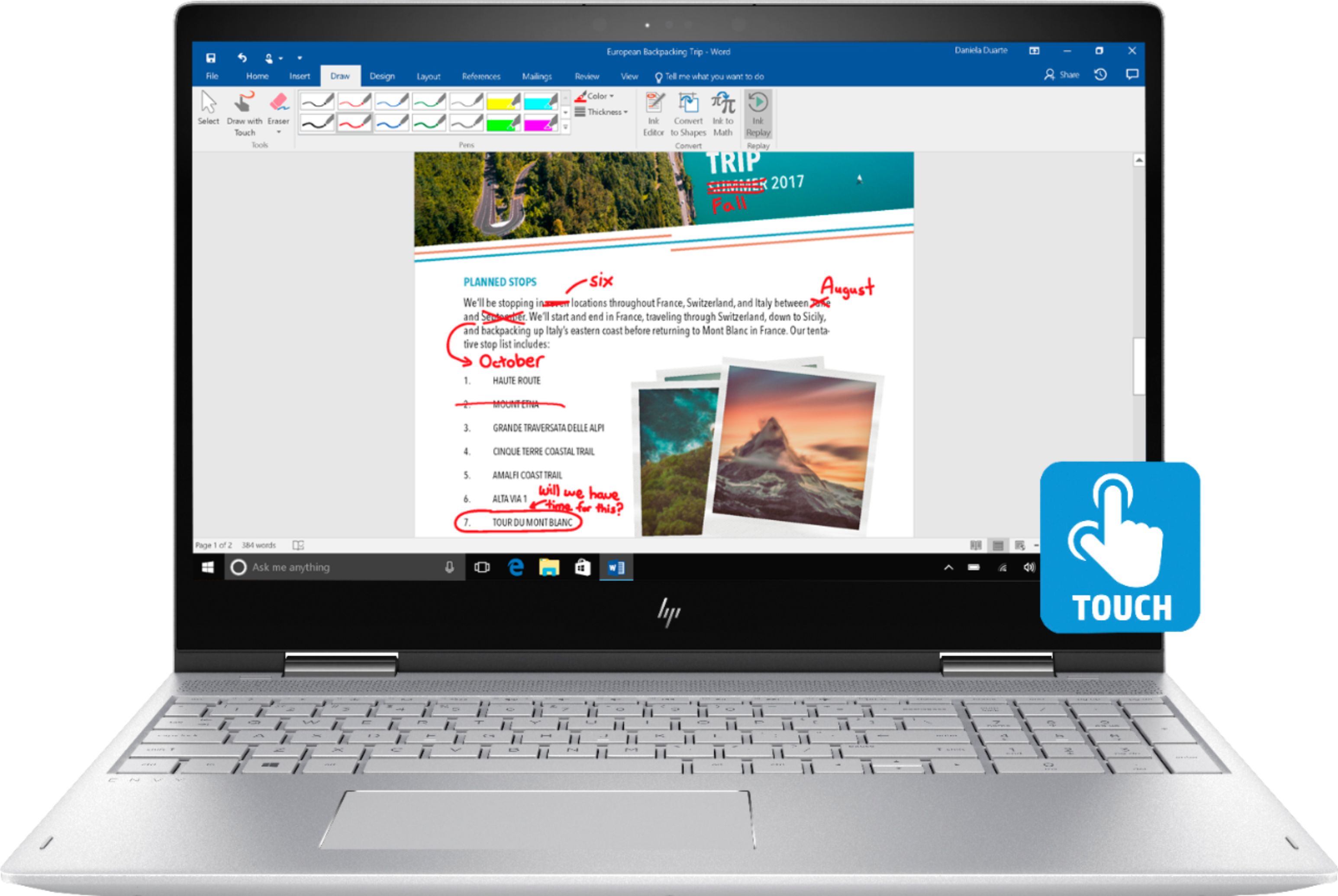
Customers are enthusiastic about the ENVY x360 2-in-1 15.6" Touch-Screen Laptop for its touch screen, price, lightweight design, storage capacity, and ease of use. Some customers have concerns about the battery life, weight, build quality, fan noise, and the number of USB ports.
This summary was generated by AI based on customer reviews.
- Pros mentioned:Storage

This Thing is a Beast!
|Posted .This reviewer received promo considerations or sweepstakes entry for writing a review.When I saw the specs on this laptop, I thought the price point was a misprint. Considering everything this laptop has under the hood, I expected a higher price tag. I am not a gamer, so I can't speak to the quality of the video card as it relates to its ability to handle the rigors of intense, fast paced graphics. However, I do process a lot of video, and I was extremely impressed at the speed in which this laptop was able to process my edited videos. My former laptop did a decent job processing my work, but this this laptop shines with regard to the speed in which it completes its tasks. RAM is a vital component when compiling videos, and the very generous 16gb really makes a significant difference. The full terabyte hard drive allows me to store several large projects on the laptop without having to use any external storage devices until my projects are complete. Obviously all new computers are crazy fast because you haven't installed all of your software on it to slow down the boot or processing speeds, but from what I've seen so far, all the components work in concert to make this the fastest, most complete laptop I've ever owned. I'll admit that I am a little wary of the new 8th Generation Intel Core i7-8550 processor, as I recall, there were some problem with the earlier iterations of the i7 7th Gen processors. But, so far, no issues. I recommend this laptop based on its processing power and features. It has a very solid build and a nice keyboard. I continue to be impressed at how far the sound quality has evolved with laptop speakers; gone are the tinny sounds of yesteryear, this machine has incredible sound quality (although it still doesn't handle deep bass, but that's a small matter). I can't imagine getting more bang for your buck with this laptop.
I would recommend this to a friend disappointed
||Posted .This reviewer received promo considerations or sweepstakes entry for writing a review.It is a nice looking laptop, but very slow. It doesn't even have anything downloaded and it is so slow.
No, I would not recommend this to a friendAverage. Needs a pen.
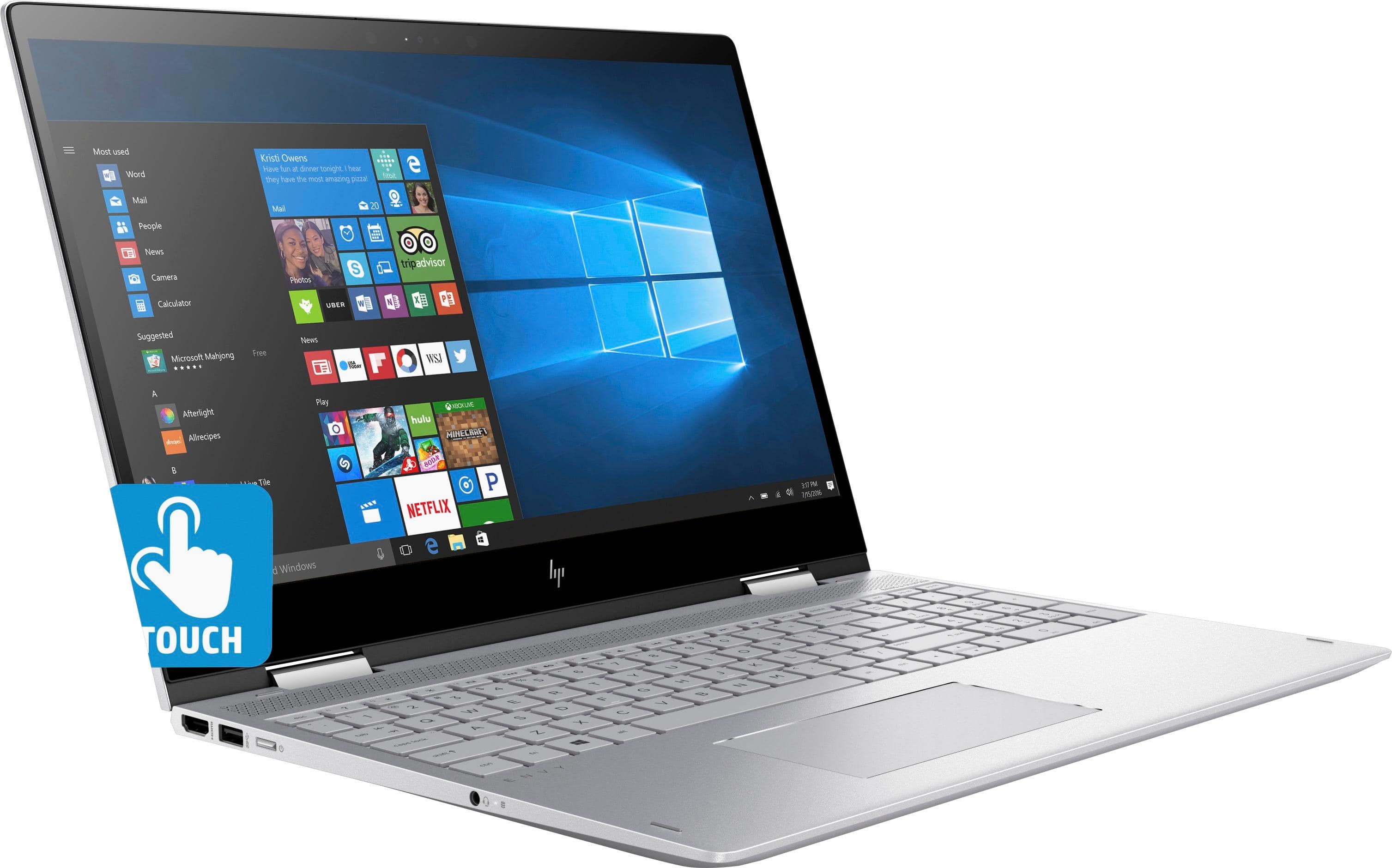
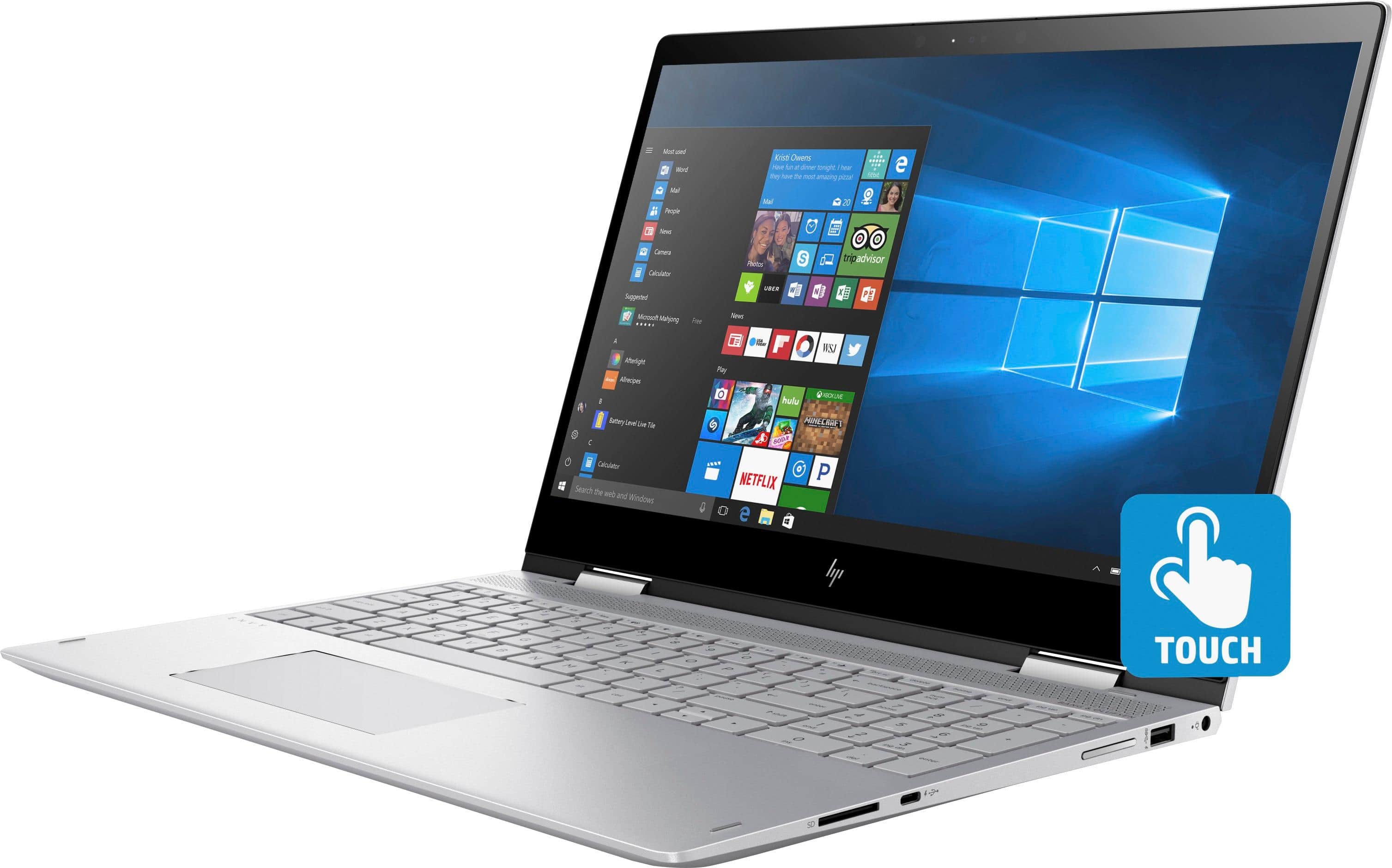
|Posted .This reviewer received promo considerations or sweepstakes entry for writing a review.In the end, this is a decent laptop of its class, but there’s nothing that really sets it apart from the competitors either. It has plenty of ports, good speakers, decent battery life, and quieter cooling system. The overall build quality is solid, but the screen can be wobbly at times. I’ve had an issue with the trackpad accuracy whenever you tap or click on it. Out of the box is pretty barebones, with only the power supply included. No pen or SSD on this model. If you’re an artist then keep in mind that you’ll need to buy a pen with this. Good Ports: 2 USB, 1 Type C/Thunderbolt, HDMI, and SD Card reader Good speakers Good cooling Bad Screen wobbles Trackpad accuracy No ssd Barebones. Only power supply is included. No stylus. This is my third HP laptop, having owned the Spectre 13.3, the Spectre x360, and now this Envy. I also own the Lenovo Yoga 920. From that, I can say that this laptop is average. It’s not the lightest in its class, doesn’t have the best specs, nor does it have any wow factor. It’s fine, but in the time that I’ve had, had display some strange behavior that I haven’t seen in my other laptops. Build quality: The construction is overall solid. The body has a matte powder coat finish which helps reduce fingerprints. On the left, you’ll find the headphone jack, power button, a USB 3.0, and an HDMI out. The power button is right next to the USB so you may accidentally hit it while trying to use the port. On the right is power port, another USB, the volume rocker, a USB type C/Thunderbolt port, and the SD card reader. The ports are super tight. Makes me a bit nervous about breaking a flash drive everytime I pull it out. The screen has some flex and wobbles more than I’d like from typing or any bumps from your hand movement. The hinge is a little loose when lifting the screen up but becomes more sturdy once it’s up. The screen is 1080p and has good viewing angles. Colors are fine, nothing special. The camera is okay. The speakers are actually pretty good. HP laptops have Bang & Olufsen speakers for a while now, and this one sounds better that the previous models I’ve had. The bass is lacking and at max volumes, it’s start to distort and crack. The keyboard is fine for me. It feels comfortable to type on and the keys have enough tactile to not feel too mushy. The trackpad is large and clicky, but I’ve had some issues with the accuracy. Sometimes when I tap or click, the cursor will jump a bit making me miss what I’m trying to select or end up highlighting texts. I rarely experience this on my other laptops, but this one happens so often that it gets very annoying. Performance: First up is that you’ll be missing the speed and silence of a SSD. This model only comes with 1TB HDD and it shows. It takes a while to boot up, and you can constantly hear the clicking of the HDD. The touch screen works great. I’ve had zero issues with it so far. The one thing that I do have an issue with is that this supports a pen with pressure sensitivity, but it didn’t include one. It’s something I need as an artist. Normally I would test these with moderate use of Photoshop to see if it can keep up with the work, but I can’t without spending another $70 on a stylus. The Surface and my Lenovo came with a stylus so HP is behind the competition on this one. Art apps aside, it has enough power and ram to handle reasonably 3D modeling tasks. The cooling is what impresses me most. Unlike my other laptops, which would scream like a jet engine and get’s hot at the slightest tasks, this one is relatively quiet. It doesn’t get hot at the bottom or near the vents. The battery life is pretty good given its size. I’m able to get about 5 to 6 hours with day to day tasks. I watched a couple of hours of video and still had hours left. I have experience issues on this laptop that my other HPs don’t have. I can’t tell if it’s a hardware issue or Windows yet. Sometimes, a window would just pop up without me touching anything or I’ll randomly hear the windows alert noise. It almost seems like it’s registering a mouse click somewhere. It’s not system breaking yet, but it’s something I’ll need to keep an eye on. It seems the issue with the power supply that other users were experiencing has been fixed. I didn't have that issue.
I would recommend this to a friend- Pros mentioned:Price
You thought the Tesla Roadster was fast? Try this!
Posted .This reviewer received promo considerations or sweepstakes entry for writing a review.Just purchased this laptop during the black Friday event for $729. I have to say reading the previous reviews made me very nervous on buying it myself. I haven't even charged the laptop out of the box and its performing magnificently. Video quality is amazing and the i7 is doing justice. Youtube videos load faster than a Tesla Roadster going 0 to 60. Tablet mode is just a plus. Windows Ink is amazing especially while using it with the ink stylus. Power is pretty good. I came with a 70% charge and I've been on it for about 3 hours now and it's only dropped about 8%, So pretty impressed so far. Overall amazing so far. Definitely recommend if you want to avoid Mac prices. Plus you can use it tablet mode which is nice.
I would recommend this to a friend Piece of junk
||Posted . Owned for more than 2 years when reviewed.This reviewer received promo considerations or sweepstakes entry for writing a review.This laptop has a very bad response time. Anytime you have to restart it takes at least 10 minutes. When there is a system update it is a 30 minute process. HP should ashamed that they charged so much for such a poor laptop....DO NOT BUY, you will nothing but problems.
No, I would not recommend this to a friendDidn't care for the computer
||Posted .This reviewer received promo considerations or sweepstakes entry for writing a review.didn't like the keyboard. returned the HP computer for an Asus
No, I would not recommend this to a friendPowerful, attractive, but a little heavy
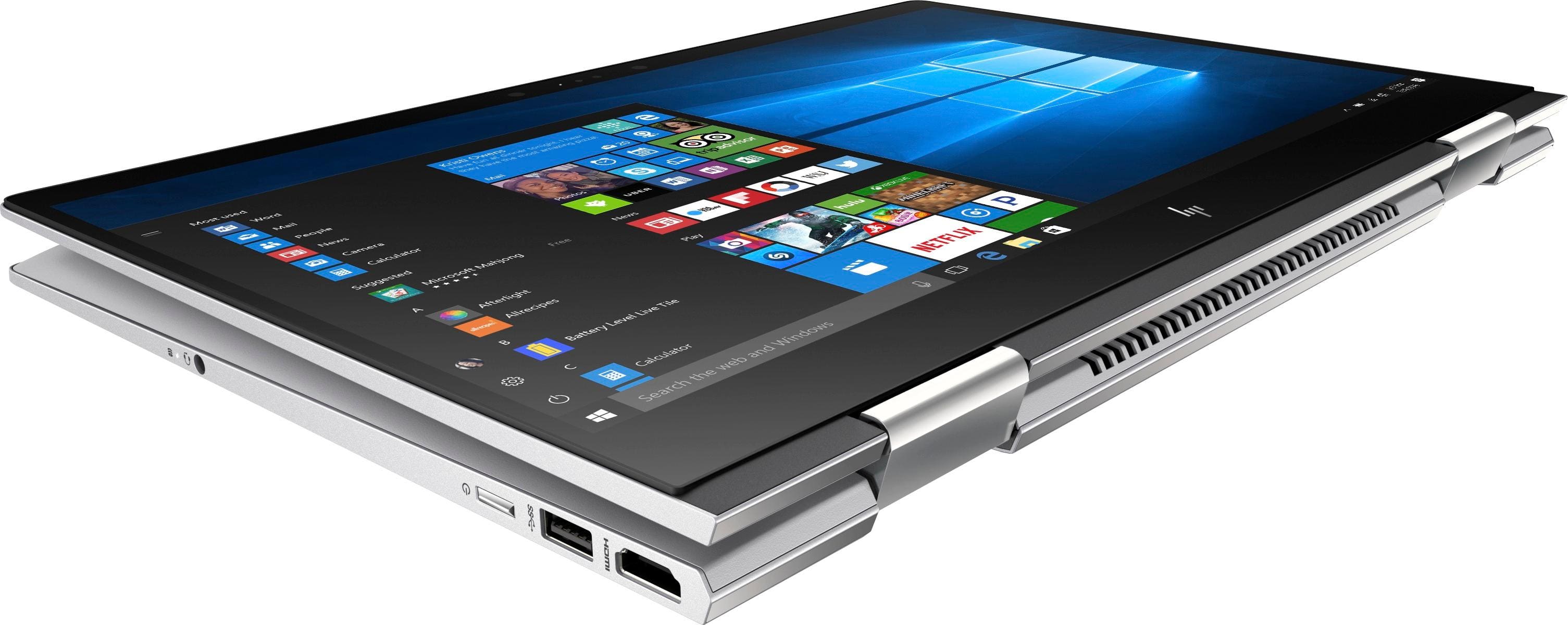
|Posted .This reviewer received promo considerations or sweepstakes entry for writing a review.In a previous review of the HP Envy x360's cousin, the HP Spectre x360, I noted that Hewlett-Packard's home computers were among the best available in the 1990s, very competitive with home computers from IBM and Apple. But somewhere along the line (maybe when they merged with Compaq) HP lost its glamour. Their desktops and laptops became very middle-of-the-road, functional machines, but nothing special. I always purchased another brand. But when I tried the HP Spectre x360, I found that HP seems to have recaptured some of its style, as this super-sleek laptop was fast and powerful as well as good-looking. Encouraged by this, I decided to try the HP Envy x360, which I intend to give as a gift. When I first pulled the HP Envy out of the box, I noticed a huge difference between it and the Spectre ultrabook—man, did it feel heavy! I expected some weight difference because the Envy is literally bigger, with a 15" instead of a 13" screen, a 1 TB 7200 hard drive instead of a solid state drive, and a keyboard that includes a set of numeric keys. But I was not prepared for the contrast between the 4.7-lb. Envy and the less-than-3-lb. Spectre. And after reviewing all of the features of the Envy, it was not clear what I was getting for all that extra weight. The battery did not seem to last longer. The larger screen did not seem necessary, despite having owned 15"-screen laptops all my life until the Spectre. Who really uses numeric keys expect maybe accountants? I guess if you are going to work with your laptop mostly in one place, the extra weight is not a big deal, but if you move around a lot, you might prefer a lighter model. Like with the Spectre, the unboxing of the Envy was very undramatic. I can virtually cut-and-paste from my previous review of the Spectre. Upon opening the plain, black box, all I found was the computer, a few papers including a one-sheet quick setup guide, and the power adapter. Unlike with the Spectre, no sleeve was provided. Very basic, no frills. The one-sheet guide was plenty sufficient to get started, and on first boot I was led quickly and efficiently through the setup process to get the laptop ready to use. I did not use face recognition login process since I intend for this laptop to be a gift, but I already know that it works beautifully on the Spectre so I expect it will work on the Envy as well. There is virtually no bloatware; just a few HP apps/tools, a few games, a trial version of McAfee LiveSafe (Why? Isn’t the free, MS-supported Windows Defender enough?) and a free month of Office 365. McAfee is already installed; the system keeps nagging you to try Office 365.) You also get 25 GB of storage on Dropbox, free for one year, and the system keeps reminding you of this opportunity. The backlit keyboard contains nice, large keys that feel good as I type. Like the Spectre, the Envy's the top row of function keys is set to some predefined functions so you have to hit <shift> to get a plain function key. For example, if I want to change the name of a file, I have to hit <shift>-F2 because simply hitting the F2 key dims the screen. That is backwards from what I am used to. One thing I like better about the Envy keyboard is that the key labels are in black rather than white, making them much more visible than the Spectre's keys. There's no difference when I am touch-typing, but when I am not I do not have to squint to find the key with the % sign. The mousepad is as good as these things get I suppose. I much prefer an external mouse with a scroll key and multiple buttons and only use the pad only in emergencies. Or when I am doing a product review. Whereas the Spectre has only one USB Type A port on the left and two USB Type C ports (either of which can serve as the input for the external power supply), the Envy has a USB Type A port on both the left and right sides, plus one USB Type C port on the right. Unlike the Spectre, the Envy has the more typical pin-in power supply. Now, I started wondering whether I could plug the Spectre's power supply into the Envy's USB Type C port. Both power supplies gave 45 watts; the Spectre from 2.25 amps times 19.5 volts, and the Envy from 2.31 amps times 19.5 volts. I looked carefully at the USB C port on the Envy, and there was a little electricity symbol . . . does this mean I can plug the Spectre charger into the USB C port of the Envy? One way to find out, so I . . . NO, of course I didn't try this! Who knows what would have happened if I had tried this? It could have fried the motherboard, so I think it is a little crazy that HP makes a power supply that plugs into a USB C port. It turns out that the little electricity symbol next to the USB C port (and the USB Type A port on the right side) indicates "sleep and charge," which means that you can use the port to charge a device like a cell phone or activity tracker, even when the computers is powered down. I learned this by downloading the user guide from the HP site. You can find your user guide by typing in the model number of the laptop. It turns out that the user guide is somewhat generic. One of the first things it says is "This guide describes features that are common to most products. Some features may not be available on your computer." Indeed, for example, the model pictured in the guide had two USB ports on the left instead of one, like my model. Given that these PDF user guides don't require printing on paper, I don't know why HP can't make different PDF guides that are specific to their different models. All it would take is a little editing. One advantage of the Envy over the Spectre is that it has a built-in HDMI port, so there is no need for a USB C to HDMI adapter. I had to buy such an adapter for the Spectre because none was provided. If you do want to plug in any devices to the Envy, you will have to supply your own cables, because none are provided with the laptop. The Envy's Micro-Edge Full HD display is okay, but not particularly vibrant. The camera is mediocre, too—but that is probably not important. Who takes important pictures with a laptop? The sound of the Bang & Olufsen audio has been described as excellent or even outstanding in other reviews. I beg to differ. I found the sound to be very typical for a laptop, on the tinny side. I would use Bluetooth speakers or a pair of headphones if I were listening to music. Fortunately, the Envy has built-in Bluetooth, so you can attach devices such as speakers, headphones, and a mouse. The last thing I wanted to write about in this review was the tablet mode of the Envy. I’ve become so accustomed to running apps by touch on my Samsung phone and tablet, and every once in a while I feel like touching my laptop screen instead of pointing and clicking with the mouse. My Spectre was the first laptop that I have owned with touchscreen capability, and I love it. I generally use the touchscreen only in laptop mode, however, because I never liked the Windows 8 metro interface, and I do not like the feel of the keys squishing around on the bottom of the device when it is folded over into tablet mode. Converting to tablet mode on HP convertible laptops is as simple as opening the screen all the way until it flips over completely, touching the back of the laptop. A prompt asks if I want to enter tablet mode automatically every time I do this or whether I want to be asked. Same with reverting back to laptop mode. It’s nice to have that choice. I tried converting the Envy to tablet mode, and the result felt even more awkward than it did with the Spectre because of the weight of the Envy. So, even though the capability is there, I can't imagine anyone wanting to use it. I could see folding it into a tent if you want to prop it up as a monitor (which would, of course, require using an external keyboard and mouse). But not as a tablet. Never. All-in-all, I think the HP Envy x360 is a fine machine. It is attractive and powerful, although not as lightning-fast as laptops with solid-state drives, and is somewhat heavy. It rates perhaps 4 out of 5 stars. I won't feel embarrassed giving it as a gift. But, for my own use, I strongly prefer the HP Spectre x360, with its equally-powerful i7 processor, much lighter weight, and speedy SSD.
I would recommend this to a friendEhhh. Could be a lot better
||Posted .This reviewer received promo considerations or sweepstakes entry for writing a review.One of the slowest computers i have used ever in my life!’
No, I would not recommend this to a friendHard to use.
||Posted .This reviewer received promo considerations or sweepstakes entry for writing a review.Didn’t have all the options I thought I was getting.
No, I would not recommend this to a friendloud pad click and requires force
||Posted .This reviewer received promo considerations or sweepstakes entry for writing a review.The cursor flies all over, prefer prior model to ENVY
No, I would not recommend this to a friendPerformance is not good
||Posted .This reviewer received promo considerations or sweepstakes entry for writing a review.Laptop is good but it's performance is not that good.
No, I would not recommend this to a friendOverall great value and performance
|Posted .This reviewer received promo considerations or sweepstakes entry for writing a review.This laptop has overall shown great practicality in everyday use. There is not a lot included in the box since it just has the power adaptor, the laptop and the documentation. I ended up getting the configuration that is 15 inches, i7 8550u, 16gb DDR4 RAM (single channel), and a 1TB 7200 RPM hd with a 1080p screen. I was highly interested this laptop with its large screen, a track pad and hardware that is no slouch. Here is how it worked in everyday testing from a trip to a resort for a few days near the US / Canada border. First, I was impressed by the keyboard. It just feels right in every way. The trackpad is plenty accurate for my needs, but it did have a flimsy feel to it. The number pad is highly useful and important if you work with Excel. When I first set up the computer I was a bit disappointed with how long it took to do all the updates and get it working to a useable level. I attribute this to the traditional hard drive since an SSD drive might have been much quicker. I love the storage space, but I would have preferred a SSD / HD combo to at least load the OS onto for some good boot speeds and program loading speeds. Once you have it all finished the laptop is extremely quick. The 16GB of RAM highly offsets the lack of hard drive speed since when most of your applications have been put into RAM they scream. The true quad core processor is extremely quick in all my testing. My Geek bench scores were around 4518 for single core and 10684 for multicore. On one of my lazier nights I spend an hour streaming Hulu, an hour surfing the internet (lots of YouTube) and working on documents while listening to music. After about 3 hours I still had 70% of battery left which is far greater than I am used to in the past with other laptops. I tossed some simple games at it (Intel 620). I was able to play The Walking Dead Season 2 at 1080P with all settings on max with no problems. If you play non-demanding games like DOTA or CS this should have no problems at full res. I didn’t not try any demanding games, but I wouldn’t expect too much with the 620 chip. The monitor was plenty bright though colors were a bit on the blue side of things. I would not say it is accurate and dimming from viewing angles was minimal until you turn it to an extreme angle. The included ports are a USB type C port, SD Card slot, two USB 3 connectors, a HDMI port. The HDMI came in extremely handy during our event at the resort as the company laptop had issues but the HP had zero issues with a simply HDMI connection it was up and running instantly. The 360 pivot was a little pointless on a 15 inch device in my opinion for everyday use but it was useful enough that I could prop it up for a movie in the hotel. Tent mode works just as well for this purpose on a desk but I wouldn’t bother with tablet mode since it is just a bit too heavy and unwieldy to carry around. Being a 1080 screen you can notice the pixels as well once you hold it closed to you during a movie. The optimal mode for is laptop mode if you ask me. Overall, this laptop has great value and performance. If you can find one with a SSD/HD combo I think that would be ideal but I also feel you will not be disappointed with this one for office work, programming and light entertainment.
I would recommend this to a friendHP ENVY x360
||Posted .This reviewer received promo considerations or sweepstakes entry for writing a review.I have had many issues with this laptop. It is put together poorly and has been falling a part for sometime. Now I need another already and this is wrong....and a huge hassle!
No, I would not recommend this to a friendVery good laptop overall
|Posted .This reviewer received promo considerations or sweepstakes entry for writing a review.From a performance standpoint this is one of the better laptops I have gotten in a while. A true quad core, with 16GB of ram out of the box is a nice change from the hyper-threaded dual cores that seem to be in everything nowadays. The keyboard has the number pad which is nice and the back lighting of the keys is nice and bright. Overall the build quality is very good. Sturdy design, and it does not feel like you can bend it in half like some cheaper laptops do in today's market. The laptop runs well once you get rid of most of the bloatware that comes preinstalled. It runs several current games on lower settings without to much of a problem. Don't think your going to be able to run the newest triple a titles on high though it just wont cut it. but if you can handle turning down the setting a little it runs well for a non gaming laptop. My biggest complaint about this laptop and the reason I docked it a star in the rating is the pre-installed software. Most big company have some but this one was fairly bad It took an hour or so of uninstalling useless items before I could actually start to use the laptop. Not to mention I had to update the touch pad drivers right away because of some forgotten dormant keylogger software that HP had pre-installed. I wish manufacturers would offer a windows laptop with just the hardware drivers and the OS installed from the get-go instead of all of the extra stuff that no one really needs like they do now.
I would recommend this to a friendnot recommended
||Posted .This reviewer received promo considerations or sweepstakes entry for writing a review.unfortunately the computer was a gift and I took it out of the united state for that reason I did not buy insurance or warranty so the computer did not last long ...never buy open box items
No, I would not recommend this to a friendWay To slow
||Posted .This reviewer received promo considerations or sweepstakes entry for writing a review.I dont get it? it has 16gb ram and a quad core processor, but very slow to turn on and sometimes i get a black screen and then it takes minutes for google chrome to load. Whats going on?
No, I would not recommend this to a friendNothing to envy here
||Posted . Owned for more than 2 years when reviewed.This reviewer received promo considerations or sweepstakes entry for writing a review.It’s crashed on me just for doing updates that it recommended and now I have lost all my files. Probably gonna go with something different next time.
No, I would not recommend this to a friendNot happy
||Posted .This reviewer received promo considerations or sweepstakes entry for writing a review.I can not get into the office that they put on the computer. I have only used it a couple of time and the wish I did not by it. This time at best was not a good time
No, I would not recommend this to a friendGREAT
Posted .This reviewer received promo considerations or sweepstakes entry for writing a review.I bought this computer about a week ago and at first, i was skeptical due to the lack of good reviews (at the time there were only 3 reviews online, and only 1 had a 5 star review, the others were 1 bringing it to a whopping 1.7 stars. But after a lot of consideration, and playing around with it at the store, and going between this laptop and another i finally chose to give this one a shot.. after all it was brand new to best buy! One review online said that it was shipped with the wrong power cord(45W AC adapter), and when plugging in the power cord, a pop up window comes up telling you that you can use a different adapter (65W or 90W), which i find to be personal preference, but the 45W adapter works just fine! One thing i have realized is that the screen is a tad bit flimsy, but as long as you are handling the computer as intended, you wont have any issues!
I would recommend this to a friendBrand response from Best Buy on behalf of HP, Customer Care
Posted .Dear Customers, HP model 15M-BP112DX was incorrectly configured to look for a Smart AC Adapter with a 65w battery, and should have been configured to look for a Smart AC Adapter with a 45w battery, which comes in the box. A 45w battery is the correct power adapter size for this laptop. Once you plug in your laptop to the power adapter in the box you will see this error message from HP: HP Smart Adapter- HP offers a wide range of Smart AC Adapters for your convince, replacement, and travel needs. Find these accessories and more at select retailers. Your computer is designed to vary performance as needed when a smaller capacity Smart AC Adapter is connected. However your computer exceeds the power rating for the Smart AC Adapter connected. Please connect a higher capacity Smart AC Adapter. Thank you for choosing HP product! To get this error message to go away you can install an update from HP found here: ftp://ftp.hp.com/pub/softpaq/sp82501-83000/
Amazing Laptop with even more potential
|Posted .This reviewer received promo considerations or sweepstakes entry for writing a review.So let me get started with what makes this laptop amazing. The performance is simply amazing. Everything that it does is quick and snappy, and after getting the device initially set up it feels more so. A proper setup is necessary, but then it flies through every day tasks no problem. I really like the stylus support and it just brings it together as a laptop that you can do a bit of anything. I wouldn't see this as a gaming laptop, but anything outside of that including multimedia it simply crushes at with a 4 core, 8 thread Core i7 processor and 16 GBs of memory. If you want even more responsiveness you can also upgrade the laptop with a NVMe SSD that makes this laptop compete with even higher end Macbook Pro models. HP truly managed to make a light, powerful, and energy efficient laptop that is a perfect blend. I see this laptop being my daily driver for a long time, and whatever replaces it will have to be amazing. Windows Hello with the IR Camera makes it feel premium in every aspect and the build quality is substantial. Fantastic job HP
I would recommend this to a friend