Customer Ratings & Reviews


- Model:
- 15M-BP112DX
- SKU:
- 6082000
Rating by feature
- Battery Life
Rating 4.2 out of 5 stars
- Speed
Rating 4.0 out of 5 stars
- Display
Rating 4.4 out of 5 stars
Customers are saying
Customers are enthusiastic about the ENVY x360 2-in-1 15.6" Touch-Screen Laptop for its touch screen, price, lightweight design, storage capacity, and ease of use. Some customers have concerns about the battery life, weight, build quality, fan noise, and the number of USB ports.
This summary was generated by AI based on customer reviews.
if u are not computer savvy do not purchase
||Posted .This reviewer received promo considerations or sweepstakes entry for writing a review.if u are not computer savvy do not purchase, has problem on turning on and switching to pad operations
No, I would not recommend this to a friend
Really good capabilities in a compact size
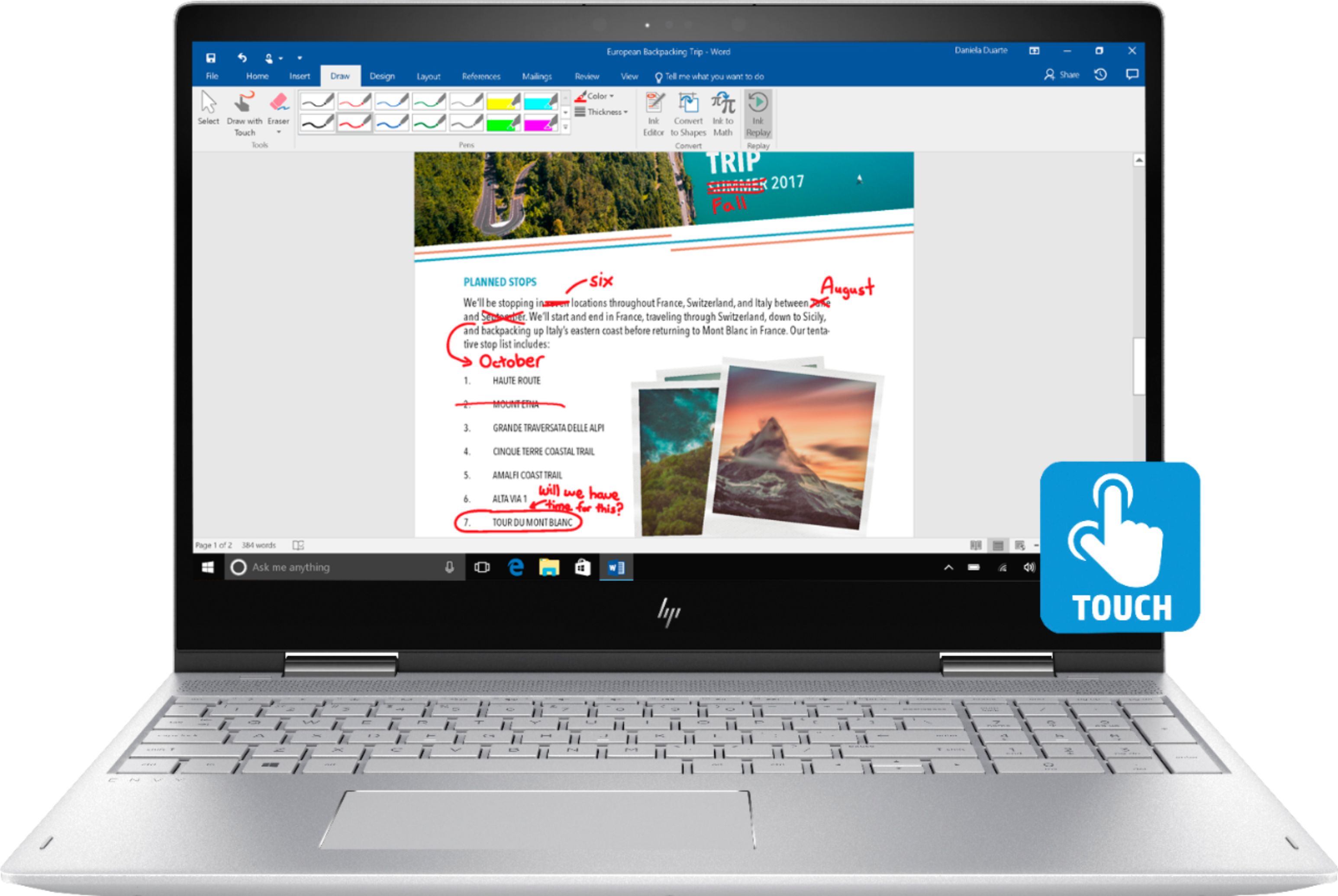
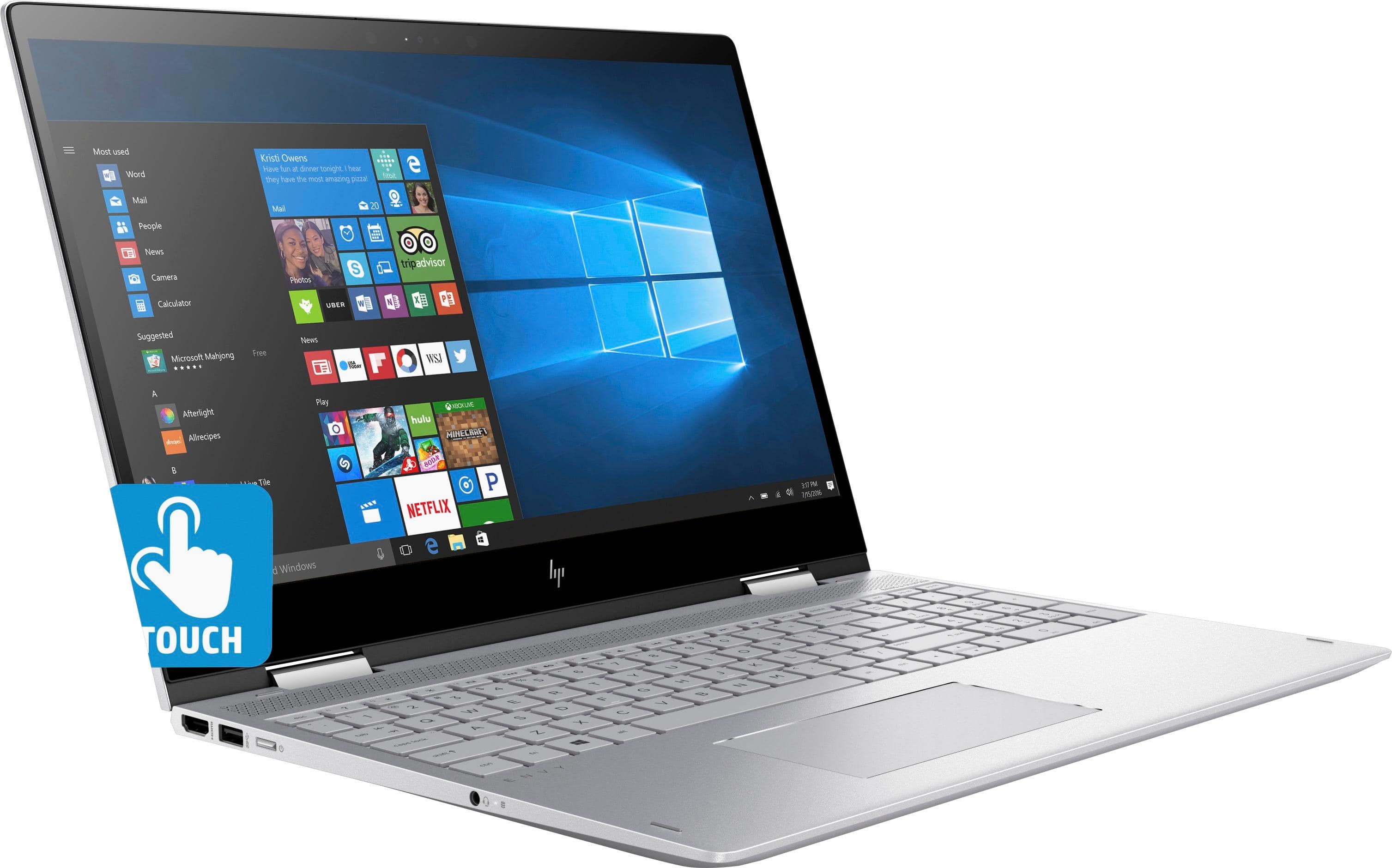
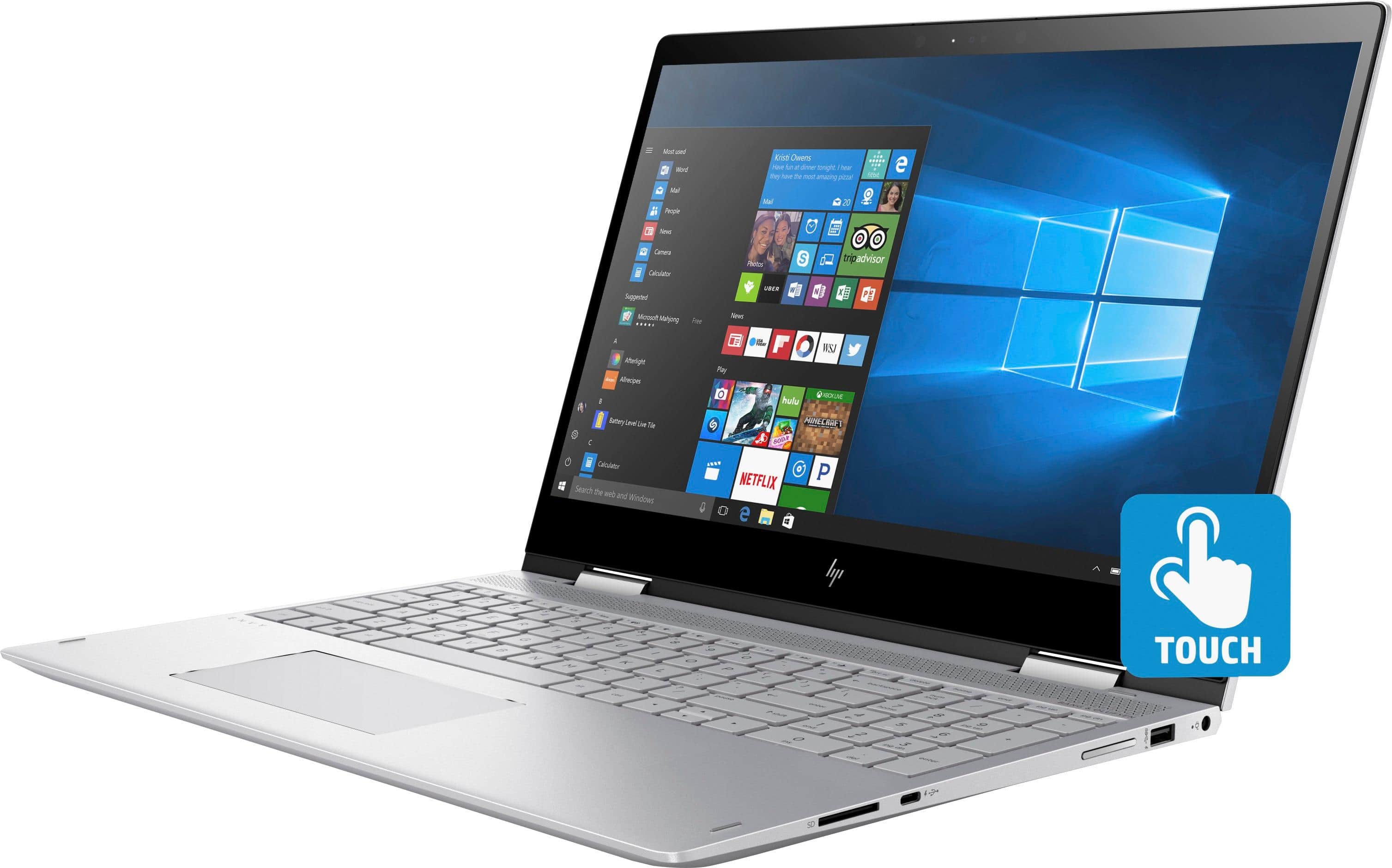
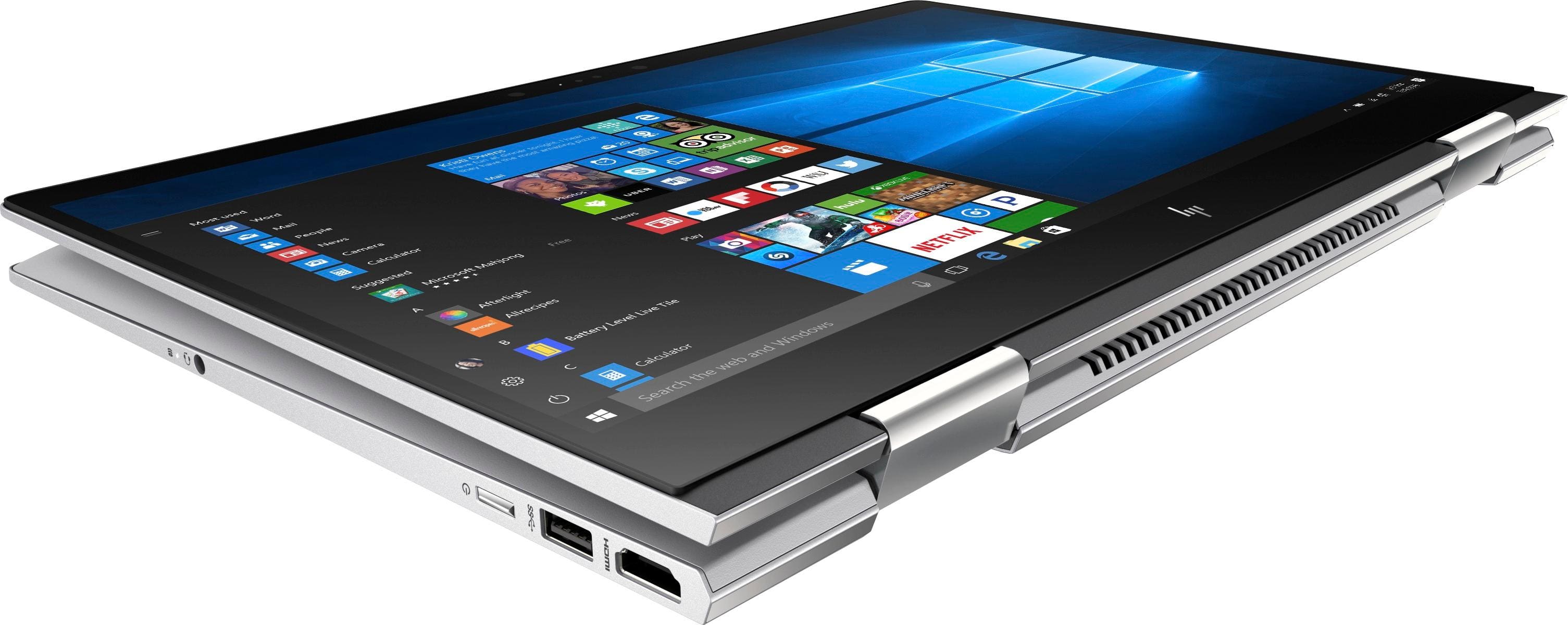
|Posted .This reviewer received promo considerations or sweepstakes entry for writing a review.For a tech warrior like myself, nothing feels as great as opening day for a brand new piece of computer equipment. Yes, there are annoyances like having to set up all your software, your network connections, your security settings, and copy in your data. However, if the device is fresh and a good update in capabilities, the new owner should feel that the experience is worth it. For my newest mobile device, I have the HP Envy x360m 2-in-1 laptop. This is an 8th generation i7 laptop, with a 15” display, Intel UHD Graphics, a 1 Tb hard drive, and 12Gb RAM, which makes for a reasonably well-equipped home consumer machine. This laptop is a lightweight device that folds and converts to a tablet. A writing pen is not included, so if that option is something you feel you need, be prepared to purchase it separately. You can use your finger to manipulate the displays in tablet mode (portrait or landscape), and an on screen keyboard will enable you to enter text. You can switch to handwriting mode and Windows 10 will convert your handwriting to text, or you can save the drawing into specific apps on the machine. I’m not very good at handwriting with my fingertip, so for anything more than jotting a few words down, I would recommend a stylus if you plan on using the handwriting mode. The HP Envy laptop includes Windows 10 Home 64-Bit. A one month trial of Office 365 is included with the machine, as well as a McAfee antivirus trial. No physical media is included, and the recovery software is included on a second partition on the hard drive. Neither an optical drive nor ethernet port is included in this system, due to the slimmed-down physique of the lightweight case. If your use case includes a need for an optical drive or an ethernet jack, you can pick up external (USB connector) devices at your local electronics store for a reasonable price. I would also get a fresh USB memory stick to create the recovery media. On this device, HP has provided a very lightweight and slimmed down device. Sufficient USB ports are available for your connected devices, and an HDMI for a single connected monitor. A multiformat SD card reader is also onboard, as well as Bluetooth connectivity and a combined headset/microphone jack. The ever-present webcam is also included. No fingerprint reader is included, but Windows 10 does include face recognition to automatically unlock the PC once you have enabled and set up this feature. Compared to laptops I’ve previously owned, this is a light yet solid machine. I have heard technology pundits say that most people should switch to Chromebooks, unless you need a full PC for editing videos or for working with graphics. However, a device like this makes me keep the faith with a full PC. HP provides a one year limited hardware warranty (with only 90-day phone support; chat support throughout warranty period) with the HP Envy laptop. I recommend getting at least a two or three year warranty, as this machine should carry you through at least that many years. In using the device, I did not find too many drawbacks. The keyboard felt good, basically a full size, and the audio is Bang and Olufsen which sound decent. One item I was a bit disappointed about was the inclusion of only a 1 Tb hard drive. I have seen other machines with 2Tb or more of space. If you have a large collection of audio, video and pictures, you may already have 1 Tb pretty much accounted for. I suggest getting that backup drive and set your house straight. You may have to lean on a NAS drive or external drive to help store your data some place other than on this laptop. I did not test any games on this system as I don’t have anything current. This machine is good for your typical consumer: a home user, small business or college student. It’s very compact and lightweight, and backed by a good manufacturer. I definitely recommend to increase the hard drive size if this is an option, and consider purchasing the HP extended warranty for at least a couple of years.
I would recommend this to a friendHP software problem
||Posted .This reviewer received promo considerations or sweepstakes entry for writing a review.Returned HP ENVEY to seller. HP tech support could not resolve software problem
No, I would not recommend this to a friend- Pros mentioned:Touch screen
Nice Mid-weight computer
|Posted .This reviewer received promo considerations or sweepstakes entry for writing a review.This HP laptop is a nice addition to my family's computers. The weight of the computer sitting on the lap is not too heavy. Photos and videos look really nice in the screen. I really like the separate number keypad on this keyboard. I have not had any issues with the power supply or with the sound as others have reported. I do feel that the bottom side edges of the computer are a bit on the sharp side, currently no injuries have been sustained to date, just personally feel they could cut you. Overall this HP works well and is quite fast for me.
I would recommend this to a friend I’m over it.
||Posted .This reviewer received promo considerations or sweepstakes entry for writing a review.Hard drive crashed 3 times in 13 months. Going back to Dell
No, I would not recommend this to a friendBad
||Posted .This reviewer received promo considerations or sweepstakes entry for writing a review.The touch pad is always freezing and it take forever to turn on
No, I would not recommend this to a friendJust a so so laptop..
|Posted .This reviewer received promo considerations or sweepstakes entry for writing a review.The build quality on this laptop is excellent. It feels sturdy and durable, more durable than other laptops in this size and price point. Its two hinges feel strong, smooth, and adequate, I don't feel the laptop flexing as if it were fighting itself at all when I open or close it. Some important ports that I am glad this laptop has is the hdmi cable port, I use that on a daily basis. As well as a sd card slot, as someone who edits photos daily, this is also extremely useful, that option right there makes this laptop great for anyone who works with importing their own photos a lot, it means it's one less cable to carry around on the go. Also a great feature is that it has two usb ports, at a time when useful things like that are being taken away from computers, I am glad HP left this laptop with not one but two ports. The rubber grips on the bottom of the laptop are also worth mentioning, in the past I have had laptops that just have a small maybe half inch by half inch square at each of the corners under the laptop, and over time, they would lose their adhesion and move around or come off altogether, this laptop instead has strips across the length of the laptop in the front and back, which to me seems like it will take alot to wear these strips down enough that they don't stay in place or grip anymore. Opening up the laptop first thing to notice is how large the touchpad is, it is literally a rectangular shape that is just shy of 5 inches wide and almost 2.5 inches tall. Largest I have had yet out of 4 laptops. Also a great feature is the backlit keyboard, although at this price point I would pretty much expect it as a standard. The speaker is also worth noting, unlike other laptops I’ve had, it is located in a great spot right on top above the keyboard, not somewhere where it would get muffled against your lap if you were working with it on your lap. Seems like such a given that laptops should have a top facing speaker instead of the bottom, because it is a LAPtop, but, unfortunately I have seen more laptops with the speaker on bottom. Sound quality is also up there, listening to music and movies I have no complaints for it being a laptop speaker, it still has the typical, laptop speaker sound to it, lacking bass, but overall quality is there. From there things start to disappoint. The screen is not that impressive, since it is not a 4k screen I am not expecting 4k quality, but in this price point, I expect the 1080 to be great. The coloring always seems to be off no matter where the brightness level is, if you plan on using this for media editing, definitely factor in also purchasing at least a $100 monitor calibrator. The sharpness and contrast is also nothing to be excited about either, I have seen several other laptop models at this price point or even cheaper have a much nicer quality screen. From the second I turned the laptop on I also noticed a nearly constant ringing/buzzing/grinding of some sort coming from inside the computer towards the right side. It does it whether it is charging or not. Sitting at idle or downloading or under a semi heavy workload or not. Overall this laptop is decent, it certainly has its pros. However, in this price point, I have seen nicer quality models from other brand names.
No, I would not recommend this to a friendFantastic laptop, very happy
Posted .This reviewer received promo considerations or sweepstakes entry for writing a review.I bought this a week ago and so far I've been very happy. My only issues are the power supply pop up message others have mentioned, but it looks like that's and easy fix, and a slightly unrelated issue. Best Buy recommended the Wacom Bamboo Ink pen for this. Being an artist that was a big reason I bought this laptop. However the pen doesn't work in some art programs and could be better in others. Wacom has a driver but it says this laptop is not compatible. That means I can't do all of my work on this laptop.
I would recommend this to a friendIssues
||Posted .This reviewer received promo considerations or sweepstakes entry for writing a review.- Battery - Charger - Network - Warming fast -
No, I would not recommend this to a friendMediocre
|Posted .This reviewer received promo considerations or sweepstakes entry for writing a review.Having HDD instead of SSD storage greatly bottlenecks this laptop’s performance in very noticeable ways. Combined with what I consider to be a terrible keyboard, using this laptop for everyday tasks was much less enjoyable than with others I’ve used and owned. If you can look past these issues, the basic hardware stats are a good value for the price. Display: Has an odd pink hue which is most noticeable when displaying white colors, making the display look rather dull when compared side by side to other displays. Switching between laptop, tablet, and easel configurations worked smoothly, and I had no issues with the touch-screen. Camera: On the good side, built-in infrared readily supports Windows Hello which worked well in my testing. On the bad side, image quality with indoor lighting conditions was very poor. It was handily outperformed by other laptops I have, even by a cheap two year old netbook that retails for about a quarter of this laptop’s price. Audio: The speakers have well above average maximum volume, and I think slightly better than average clarity. CPU: The 8th (newest) generation Intel Core i7-8550U offers great performance with low power usage. Most competing laptops have older generation i7 and i5 CPUs (of those with Intel CPUs). Memory: Samsung M471A2K43CB1-CRC 16GB DDR4 2400MHz. Not a top memory brand, but at least one that is recognized. The capacity and speed are good for this price range, with both 16GB and 8GB being common. GPU: Lacks a discrete GPU, which some competing laptops have, though those are in the minority. Storage: HGST Travelstar 7K1000 HTS721010A9E630 1TB 7200 RPM 32MB cache HDD. Decent brand, decent performance for a 2.5” HDD, though apparently this model has a bit of a problem with failure rates. I’m not at all a fan HDDs in laptops. Compared to SSDs, they are much slower--being a huge performance bottleneck, tend to fail more easily, generate heat which can reduce the effectiveness of the CPU due to thermal throttling, and are noisy. On the positive side, they have higher capacity per dollar spent and tend to last longer in situations of heavy write-cycling, both of which are generally negligible issues for mobile devices. Keyboard: This has one of the worst keyboards I’ve discovered in a laptop. The soft key state transitions provide extremely limited tactile feedback. The key surface coloration has far too little contrast with the backlighting, which in combination with glossy surfaces that generate significant glare from the display, makes the labels difficult to read in many lighting conditions. When a key is pressed, usually surrounding keys dip down with it. I don’t see an ‘FN lock’ key, which required me to toggle this status through Windows settings. Deviation of light levels escaping the perimeters of the keys is higher (worse) than average. The backlighting is merely toggled purely on and purely off; it doesn’t automatically dim on a timer and re-light on key-press, neither does it react to hand proximity. To top it all off--probably the result of a unit defect--my spacebar is not back-lit at all. Material design: I’m rather perplexed by the outer material used. It looks and feels to the touch like course plastic, but the chamfered edge around the mousepad looks like etched aluminum. Overall construction feels sturdy when the laptop is handled. There is a rather unfortunate sharp edge that runs along the front and sides of the bottom of the laptop. Also unfortunate is the design of the bottom panel (which must be removed for maintenance, such as replacing the HDD) which has three of its five screws hidden under an anti-slip strip, the removal of which would probably severely compromise its adhesive integrity. The battery must be fully removed in order to access the HDD.
No, I would not recommend this to a friendOverall great product
Posted .This reviewer received promo considerations or sweepstakes entry for writing a review.I was hesitant to purchase this computer after reading all the reviews, but I decided to give it a try anyways. I am really glad I did because I love it. I do not think the fan is loud and the charger issue is fixed with an update. Once you go through all of the updates, it is a great computer. I only had one issue that was an easy fix. After I went through the setup process, I tried to download all of the updates and it kept saying that that the user stopped the update process. This is a simple issue with the HP Support Assistant. If you have this issue, just go to HPs website and download this again. Works perfectly since I downloaded it again.
I would recommend this to a friend- Pros mentioned:Lightweight
Best laptop
Posted .This reviewer received promo considerations or sweepstakes entry for writing a review.Bought this magical device when we bought our home. It's been used and abused by the family but still works.
I would recommend this to a friend A Great Computer, with Great Looks to Boot
|Posted .This reviewer received promo considerations or sweepstakes entry for writing a review.This computer has actually made me question whether or not I should continue to be a Mac user. For starters, the computer looks great. Stunning even, and the new HP design team must be proud of their designs moving forward. The keyboard feels great, and the screen performs well for its touch-functions, while also looking fabulous (around 4lbs and less than an inch think). When I look at a computer out of the box, I try to run it under any stress that I think I'll use in its lifetime: for this HP x360, knowing it had an 8th gen Intel i7-8550U processor and ample memory (16 GB), I didn't think anything would be an issue. Nothing has been, so far. Video editing with Final Cut, converting videos and songs, using multiple Photoshop screens, streaming high-bandwith videos, everything thrown at it it processed marvelously, and no issues with all programs open at once (except for battery life). It has all the necessary USB and HDMI ports (even USB-C), which is perfect for me, and I imagine for others as well. Backlit keys are bright and crisp. Battery life seems adequate enough, and mine continuously lasted a solid 5 hours, unless it was undergoing heavy-computing. My only two issues with the computer are that it still uses a 1TB HDD, rather than an SSD. Ultimately the trade off is up to the user, but it was probably put in to cut costs. Secondly, the sound as advertised is good (Bang & Olufsen), but nothing special. All in all, this HP provides power for any task, while presenting it in a very lightweight and easy to use package. I have had no slip-ups or issues with this particular model, and don't expect to for awhile.
I would recommend this to a friendAwesome. Welcome to the 8th Gen i7
Posted .This reviewer received promo considerations or sweepstakes entry for writing a review.Excellent laptop. I have been waiting for this for some time.. No issues with the laptop so far as described with other reviews online. Take your time to update all the drivers are patches and then see the miracle. Only one negative, it should also provide with SSD or with more TB like Dell.
I would recommend this to a friend- Cons mentioned:Battery life
Good computer for the price, loud and poor battery
Posted .This reviewer received promo considerations or sweepstakes entry for writing a review.I bought this computer no more than 2 months ago and the fan is louder than I would like. I'm an engineering student, so running programs that require high processing power is a must. I wasn't running anything more than powerpoint and browsing the web when the fan started running fairly loud.. The battery life is not good. I can get 3-4 hours off a full charge. Besides these issues, the computer runs well but I'm thinking of returning the laptop and replacing it with a quieter one.
No, I would not recommend this to a friend REALLY NICE TOUCH LAPTOP
|Posted .This reviewer received promo considerations or sweepstakes entry for writing a review.Super easy to setup ... I almost didn't need to be there! I agreed with MOST defaults during setup. Once all setup - which didn't take very long, maybe 30 minutes total - I liked the look and feel of the laptop. Super thin which makes it really nice to take on trips since not adding lots of poundage. I did NOT like that a stylus wasn't included in the packaging, but the "touch" screen was pretty accurate even with my fat fingers! I did buy a Stylus on Best Buy's website just for this new laptop, but haven't used it YET. Laptop seemed to have all the basic software that you need to get going. WiFi connection at various hotels worked well and had good speed. I haven't found any problems with the laptop yet, but continuing to test different software and apps and printing capability. I've been using the laptop for about a month now, and so far, I LOVE IT! I think HP has a hit on their hands with this one!
I would recommend this to a friend- Pros mentioned:Price
Great Value & Very Powerful
Posted .This reviewer received promo considerations or sweepstakes entry for writing a review.This computer has great value for the price. 8th Gen i7 and 16gb ram make almost every task you do work smoothly and efficiently. It has a wonderful display and i don't really think a 4k screen is really necessary on a laptop in my opinion so this HD screen is perfect. Didn't take very long to start right out of the box besides a few updates which made the whole process take about 15 minutes or so. Overall, great purchase if you're looking for an affordable and powerful laptop.
I would recommend this to a friend - Pros mentioned:Touch screen
Great Product of HP
Posted .This reviewer received promo considerations or sweepstakes entry for writing a review.Great Product.. Works Great. Quality Screen touch feature and battery life.
I would recommend this to a friend - Cons mentioned:Fan noise
touch screen is perfect
Posted .This reviewer received promo considerations or sweepstakes entry for writing a review.after purchase of 3 weeks , the noise of fan is irritating.
I would recommend this to a friend Very disappointed
Posted .This reviewer received promo considerations or sweepstakes entry for writing a review.I purchased this HP 8th Gen i7, model 15M-BP112DX, and returned it 2 days later. The initial Windows installation went very well on this laptop. However, the first reboot after installation showed a pop-up message indicating a compatibility problem between the supplied AC adapter and the installed battery. It read, "please connect a higher capacity Smart AC adapter for full performance". I chatted with HP support for 2 hours as the technician disabled all of the HP services. After which, the message no longer appeared. He also updated the BIOS firmware and asked me to reboot and run the adapter/battery diagnostic embedded in the firmware. This, too, failed to pass and displayed the same message. Support also promised that someone would call me this morning at an mutually agreed time. No phone call! I again contacted HP only to spend 2 more hours in a chat session with a different technician, again with no success. Both support people assured me that the new AC adapter (that was in the new, sealed computer box) was the correct 45W adapter for this computer. But neither could assure me this compatibility problem is a real, valid hardware problem or if this problem is simply a software bug that is being investigated. The recommendation of both technicians was to purchase a new AC adapter to replace the already new adapter that came with the computer! There is something wrong somewhere inside this laptop. The firmware diagnostic failure message proves the problem is not related to the Windows operating system but rather is some design issue relating to the motherboard, the battery or the AC adapter. It is even more wrong to tell a customer to purchase a new AC adapter to replace the already new AC adapter provided by HP. Needless to say, the laptop was returned to Best Buy. The manner in which HP handled this issue is shameful! The Envy x360 with the i7 and 16GB RAM is really a nice system and runs well. If you take the chance and ignore the battery/adapter issue, this HP has the potential to be a terrific, fast computer. However, without some resolution to this problem you may have a computer that no longer functions. If so, just be aware that HP support is, at best, inadequate and does not seem to be focused on good customer relations.
No, I would not recommend this to a friendBrand response from Best Buy on behalf of HP, Customer Care
Posted .Dear Customers, HP model 15M-BP112DX was incorrectly configured to look for a Smart AC Adapter with a 65w battery, and should have been configured to look for a Smart AC Adapter with a 45w battery, which comes in the box. A 45w battery is the correct power adapter size for this laptop. Once you plug in your laptop to the power adapter in the box you will see this error message from HP: HP Smart Adapter- HP offers a wide range of Smart AC Adapters for your convince, replacement, and travel needs. Find these accessories and more at select retailers. Your computer is designed to vary performance as needed when a smaller capacity Smart AC Adapter is connected. However your computer exceeds the power rating for the Smart AC Adapter connected. Please connect a higher capacity Smart AC Adapter. Thank you for choosing HP product! To get this error message to go away you can install an update from HP found here: ftp://ftp.hp.com/pub/softpaq/sp82501-83000/