Customer Ratings & Reviews



- Model:
- M209dwe
- SKU:
- 6452950
Rating by feature
- Value
Rating 4.4 out of 5 stars
- Quality
Rating 4.4 out of 5 stars
- Ease of Use
Rating 4.2 out of 5 stars
Customers are saying
Customers frequently mention the excellent print quality and ease of use of the HP LaserJet M209dwe printer. Many also appreciate its compact size and convenient wireless functionality, making setup and printing straightforward. While some users find replacement toner cartridges costly, the overall experience is largely positive. The printer's reliability and quiet operation are additional benefits frequently highlighted by users.
This summary was generated by AI based on customer reviews.
printer purchase
||Posted . Owned for 1 month when reviewed.This reviewer received promo considerations or sweepstakes entry for writing a review.bought a printer . geek squad installed it, was on time, quick, polite
I would recommend this to a friendHp-200 printer
||Posted . Owned for 1 month when reviewed.This reviewer received promo considerations or sweepstakes entry for writing a review.Good product, a bit pricy, very difficult to set up
I would recommend this to a friendPrints ok
||Posted . Owned for 2 weeks when reviewed.This reviewer received promo considerations or sweepstakes entry for writing a review.Prints ok bit setting it up invovles a lousy signup process with HP Smart. Not anything to like or recommend.
No, I would not recommend this to a friendGreat item
||Posted . Owned for 1 week when reviewed.This reviewer received promo considerations or sweepstakes entry for writing a review.So glad I purchased this printer. It works perfectly
I would recommend this to a friendBusiness Manager
||Posted . Owned for 2 weeks when reviewed.This reviewer received promo considerations or sweepstakes entry for writing a review.Disappointed in this printer - the print is somewhat blurry and not what I was expecting from a laser printer. I have used a Samsung laser printer for 10+ years with high-quality text output, unfortunately it stopped working. I was expecting a similar experience with this HP; but at this time, I am regretting my purchase decision.
No, I would not recommend this to a friendBrand response from HP Team
Posted .Hi there.
I’m sorry to hear that your printer has performed poorly regarding print quality. I understand why this would be a big disappointment as well as a frustration, especially considering that you got such good performance for so long from your previous printer. I want to help you remedy this situation and get the device working to your satisfaction, so I’ll offer some suggestions I hope will accomplish that.
First, I recommend you follow the steps in a guide to improving print quality that you can find on our support site. This guide covers issues including smeared, fuzzy, dark or faded prints, and loose, partially missing or scattered toner. Find that guide here:
- support.hp.com/us-en/document/ish_3353244-2962242-16
If the problem persists, I suggest that you contact us directly at +1 800-474-6836 so we can help you assess the situation and determine the best course of action. (Please note that because of restrictions on personal movement and workplace attendance associated with the COVID-19 pandemic, wait times for agents can be longer than normal. Thanks in advance for your understanding.) To expedite the process, I recommend gathering the following information before the call:
- Model number
- Serial number
- Your location
- Case number (from any previous contact with HP support)
I'll also mention that HP printers have a one-year warranty from their purchase date that covers hardware as well as ink supplies – and that warranty extends to two years with an HP+ account – so if it comes to that, you might consider making use of it. You can verify the warranty using the following link:
- support.hp.com/us-en/checkwarranty
Keith
HP Care
hp.com/support
Great Laser Printer
||Posted . Owned for 3 weeks when reviewed.This reviewer received promo considerations or sweepstakes entry for writing a review.Best little laser printer we have purchased so far
I would recommend this to a friend- Pros mentioned:Ease of use, Print quality

The little printer that could
|Posted .This reviewer received promo considerations or sweepstakes entry for writing a review.Easy to set up, easy to maintain. We like easy in a world full of so much tech and complexity. I’ve owned multiple printers in my time ranging from jet, laser, etc. this printer is a black and white printer. The neat thing about this printer is how easy it is to get an ink replacement sent right over once you’ve signed up for their services. They’re actually reasonable prices, that was great in my book. I’ve had multiple printers as I’ve mentioned earlier but none that technically order ink for themselves. They’ve got different plans to choose from once your trial is over. The HP app was easy to use. I had no issues whatsoever. Printing was a breeze! I was surprised as so many apps have a lot of glitches, this time, it didn’t which is major bonus points. Double sided printing, fast, reliable, what more can you ask for? What sets this aside from its competitors is the ease of use, functionality, and practicality. Absolutely would recommend this printer to anyone especially during times like these where packets are given out like hot cakes for at-home learning.
I would recommend this to a friend Printer
||Posted . Owned for 2 weeks when reviewed.This reviewer received promo considerations or sweepstakes entry for writing a review.Very difficult to set up. Instructions not clear. Ended up using the hp virtual assistant
No, I would not recommend this to a friendCompact Inkjet printer
||Posted . Owned for 2 weeks when reviewed.This reviewer received promo considerations or sweepstakes entry for writing a review.My printer worked initially but now printing is problematic. Waiting on Computer tech to reinstall.
I would recommend this to a friend- Pros mentioned:Print quality, Size
A Great Quality B&W Printer for SOHO Use!
|Posted .This reviewer received promo considerations or sweepstakes entry for writing a review.The HP - LaserJet M209dwe Wireless Black-and-White Laser Printer is an excellent choice as a work-horse for clean, fast black-and-white documents. The relatively small footprint, ability to print 2-sided, and wireless capabilities - along with a solid app - combine to make this a great product for all-around B&W printing. I haven't had it long enough to comment on reliability. However, I am hopeful that this will duplicate the incredible performance and longevity of a much earlier (and similar) HP printer (I believe it was the 1012). We used that one for years without any problems and with consistent quality. Having the added features of wireless, 2-sided printing just makes this printer even more promising. Set up is straightforward via the HP app, though it does take a little wifi wrangling during the first part of the set up. Once done, it just works and works and works. A Great Quality B&W Printer for SOHO Use!
I would recommend this to a friend Weak software
||Posted . Owned for 8 months when reviewed.This reviewer received promo considerations or sweepstakes entry for writing a review.Worked well at first but ho software is garbage, hard to use
No, I would not recommend this to a friend- Pros mentioned:Print quality
Nice small laser printer
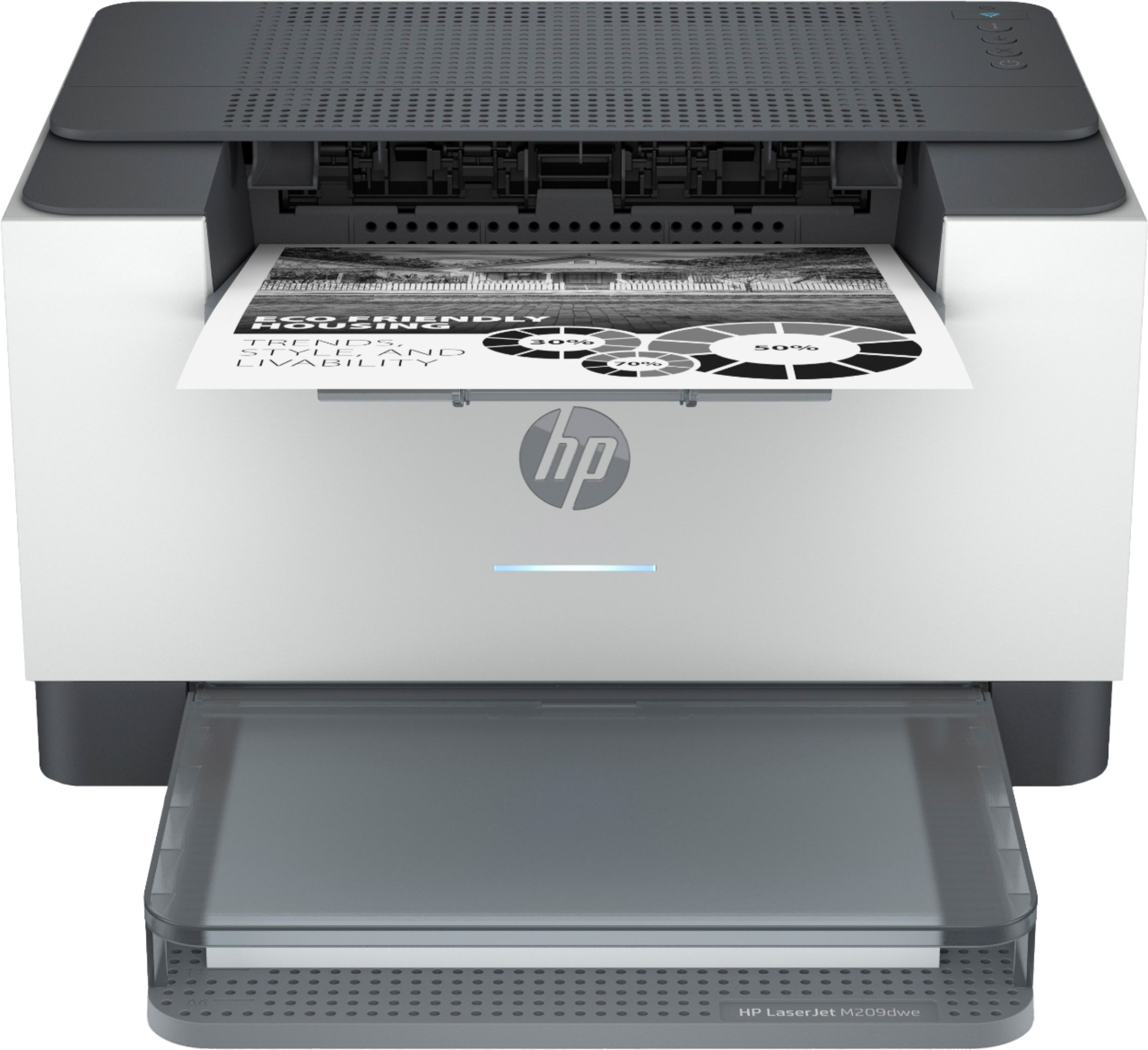
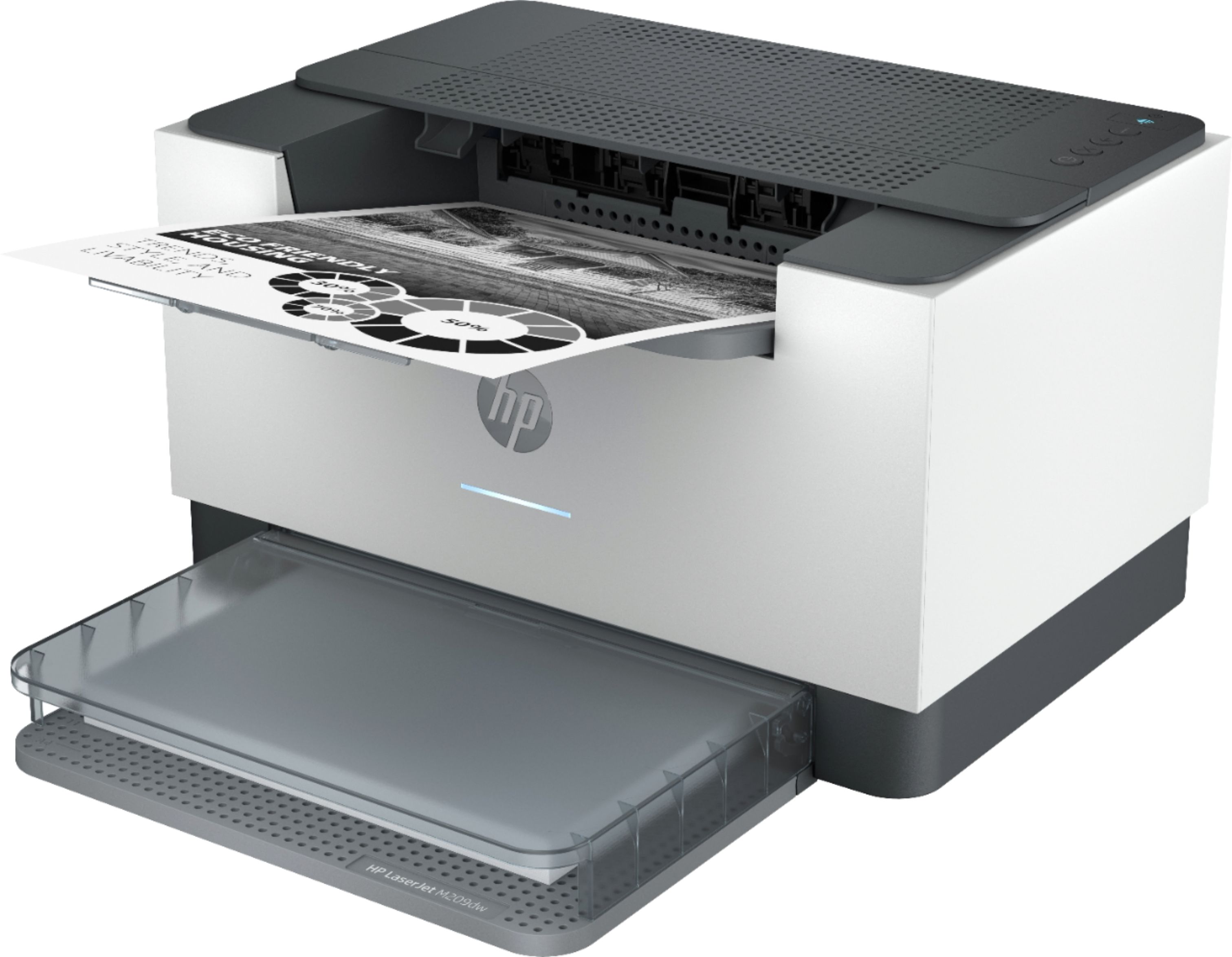
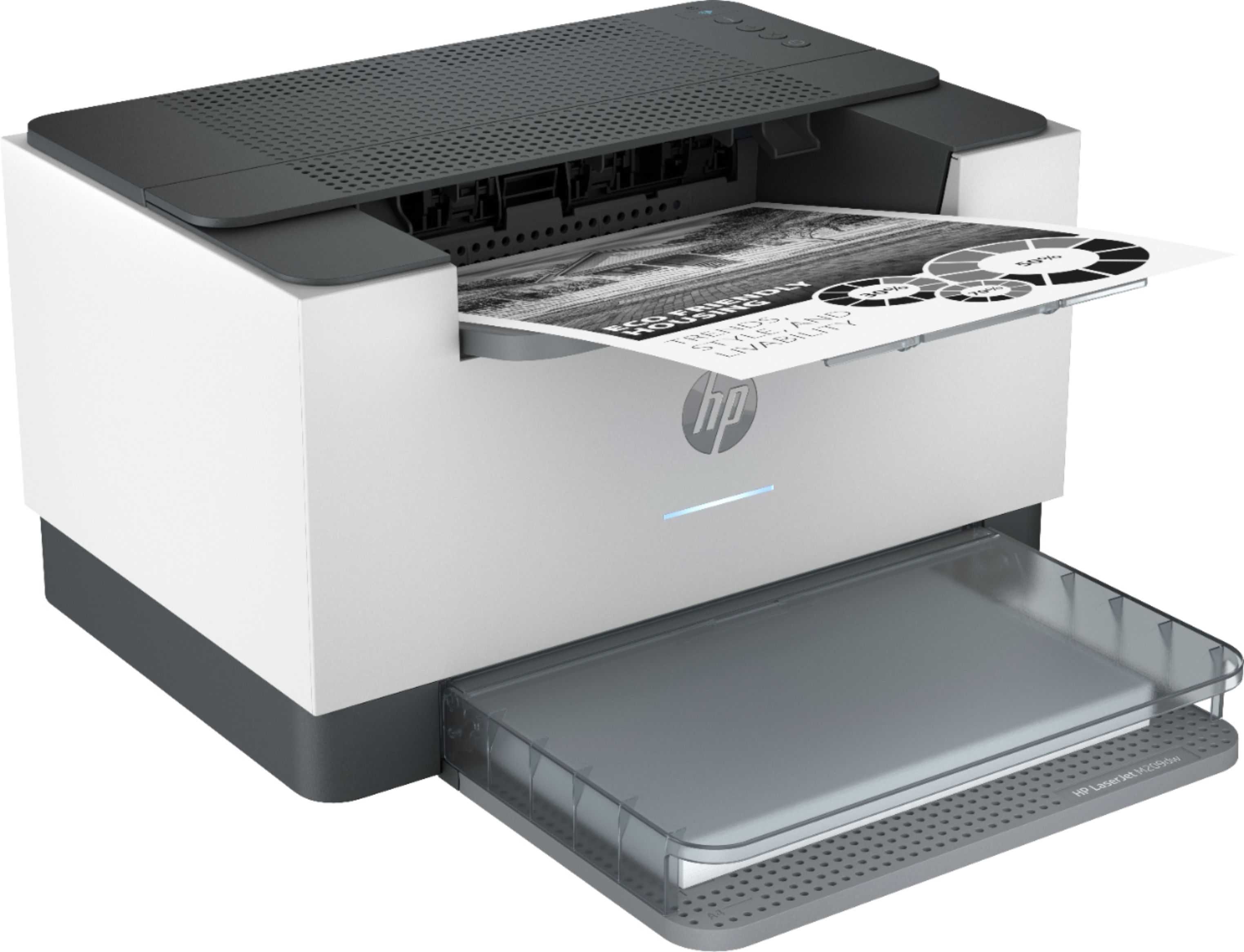
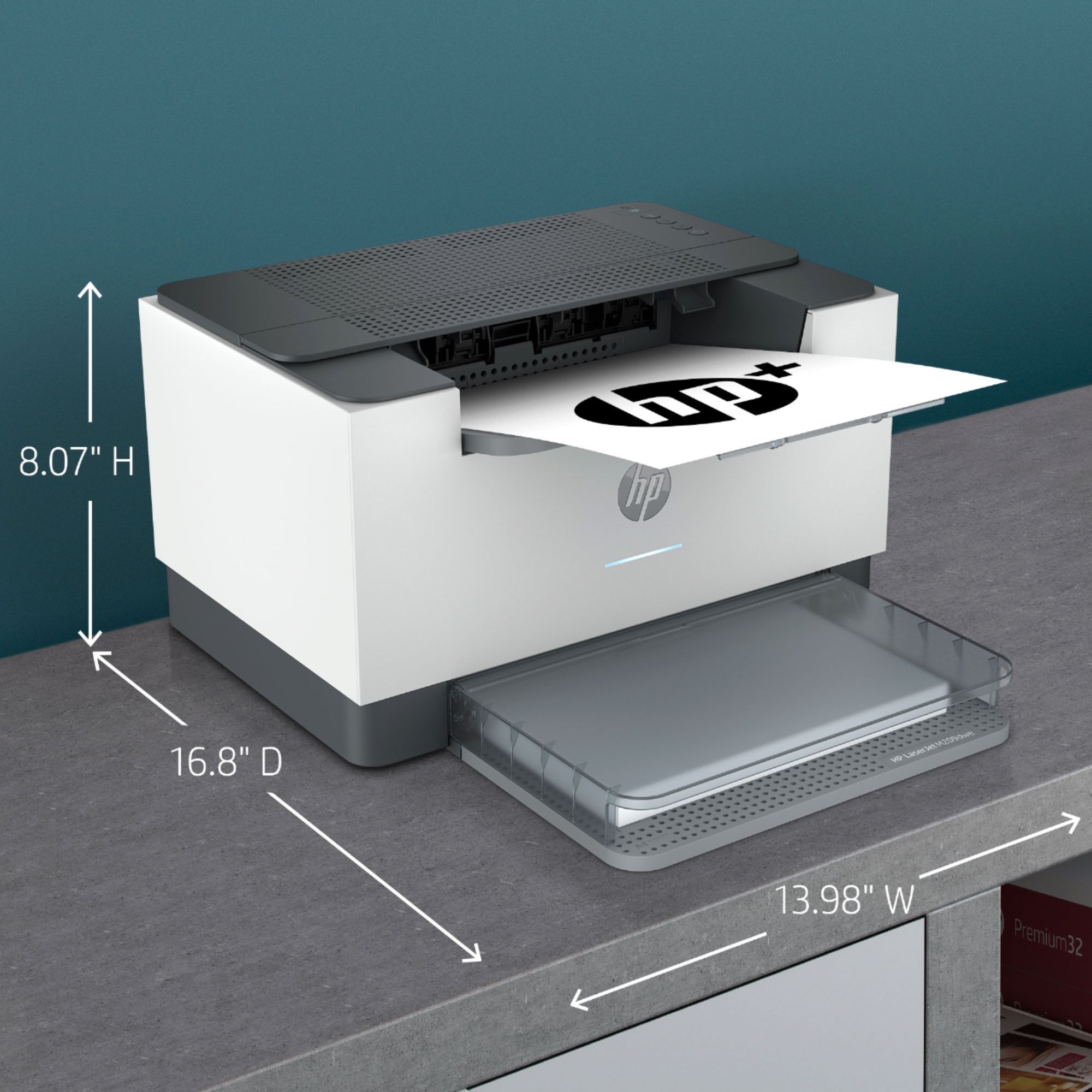
|Posted .This reviewer received promo considerations or sweepstakes entry for writing a review.This HP laser printer comes with the option to enroll in the instant ink program. If enrolled, HP will monitor the toner level via the internet connection and send a replacement cartridge as needed. The account page shows exactly how many pages have been printed. The first 6 months are free. After that, the cost of the toner is approximately 4 cents a page, which is slightly less expensive than buying a retail cartridge. Enrolling in the instant ink program increases the warranty from one to two years. This is a laser printer (black only) and it does not copy, scan or fax but it can do double sided printing. It is relatively small, but the paper tray sticks out in front, adding 7 inches to the depth and making the footprint 14 x 17 inches. That is larger than my Brother printer that can copy, scan and fax. I would prefer to have it a couple inches taller, with the paper tray at the bottom. However, the tray being in the front makes it very easy to add paper. It is wireless, which allows the flexibility to position it away from the computer. I find it to be noisy, but fast, so the noise doesn’t last for long. My one concern is the quality of the printing. I use it to print shipping labels. The barcode prints fine, but the rest of the print has a texture to it, which can flake off. It might have something to do with the heat and/or pressure used to fix the toner particles. I’ve had to reprint a few labels because the name and address were not clear. I don't see that issue when printing on plain paper. My inkjet printer does a better job of printing on label stock - but at a higher cost per page. 1500 pages/month are included in the 6 month free ink period. That’s the equivalent of one toner cartridge per month. For someone who prints high volumes, the free ink program will more than pay for the printer. After 6 months, the toner replenishment program can be conveniently continued at a reasonable rate per page or cancelled. That plus the extended warranty, makes this printer a good investment if enrolling in the "instant ink" program.
I would recommend this to a friend Mrs
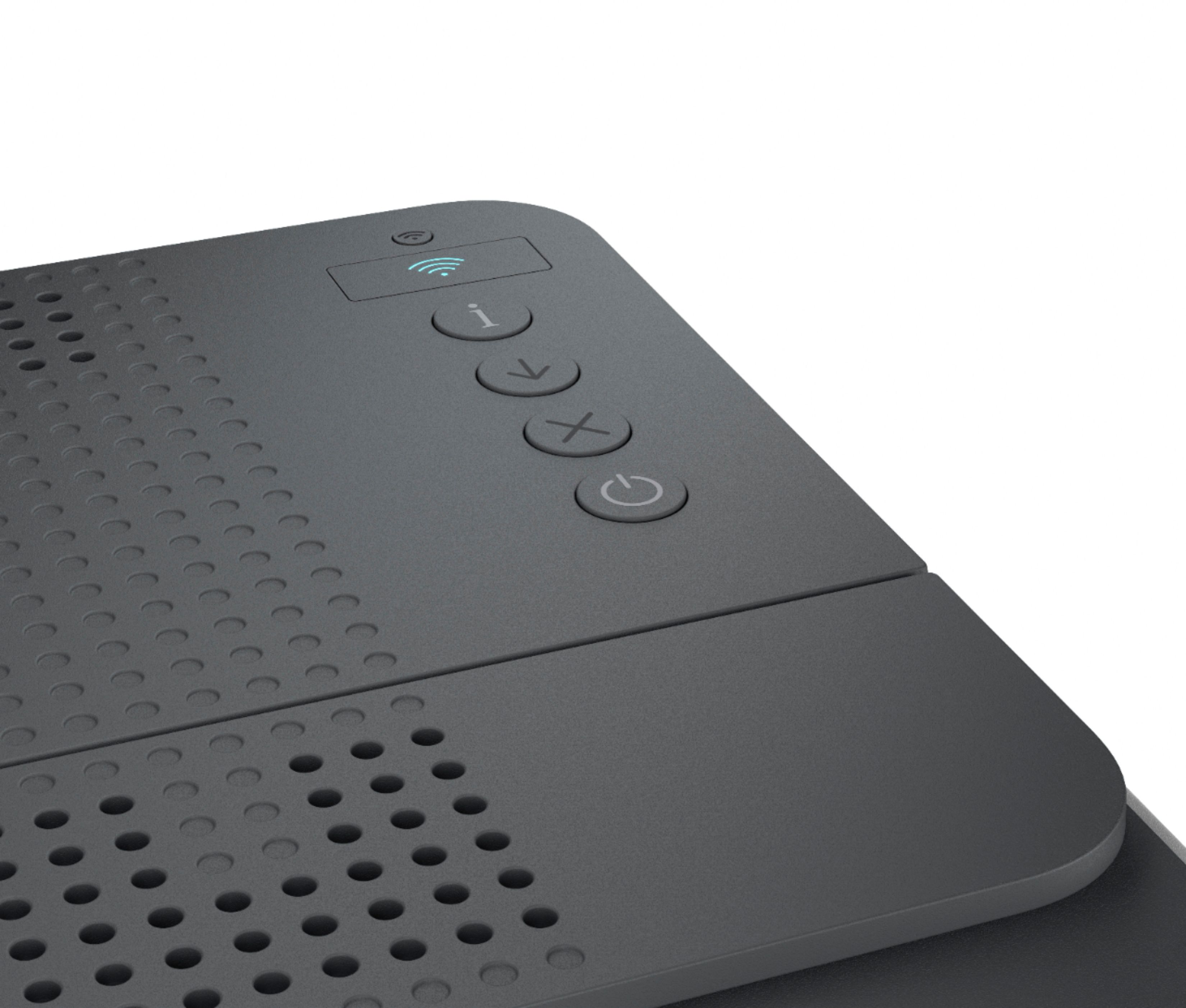
||Posted . Owned for 1 week when reviewed.This reviewer received promo considerations or sweepstakes entry for writing a review.Could not get wireless to work. MacOs No traditional scanning. At my age 70 tedious. Best feature light weight. The control buttons are same as body in color. Not convenient
No, I would not recommend this to a friendBrand response from HP Team
Posted .Hi there.
I’m sorry that you were unable to connect your printer wirelessly, and that you’ve found it difficult to use. It’s easy to understand why that would be quite an unwelcome start to ownership. I want to help you get the device connected properly and for you to learn more about the printer so you can get the most from it. I hope the resources below will guide you to that end.
First, I recommend you visit a page on our support site that has diagnostic tools for various issues, including setup and wireless connectivity. You can find that page here:
- support.hp.com/us-en/topic/diagnostics
For more help with difficulties, or to learn more about your printer and all its features, you can access troubleshooting guides, how-to documents, user manuals and software updates specific to your printer here:
- support.hp.com/us-en/product/model/36120176
If you need further assistance with anything, I suggest that you contact us directly at +1 800-474-6836 so we can help you assess what’s happening and find the right course of action. To expedite the process, I recommend gathering the following information before the call:
- Model number
- Serial number
- Your location
- Case number (from any previous contact with HP support)
Keith
HP Care
hp.com/support
Ok
||Posted . Owned for 1 week when reviewed.This reviewer received promo considerations or sweepstakes entry for writing a review.It is ok, Having trouble printing 1099-NEC forms. Will return
No, I would not recommend this to a friendWill not work without internet connection
||Posted . Owned for 1 week when reviewed.This reviewer received promo considerations or sweepstakes entry for writing a review.The printer is requires to always be online or you cannot print. You must create an account and stay connected to HP. This is not communicated clearly by HP before you get the printer. For me this is a dealbreaker, so I returned it.
No, I would not recommend this to a friendHP Support doesnt know how to fix their own produc
||Posted . Owned for 1 month when reviewed.This reviewer received promo considerations or sweepstakes entry for writing a review.Worked fine for a week or two, then randomly the HP smart app says “printer cannot print”. Why cant it print? They wont tell you. And the only way they have attempted to help is repeatedly telling me to unplug the printer and retry.
No, I would not recommend this to a friend- Pros mentioned:Print quality
HP Laser Jet M209dwe
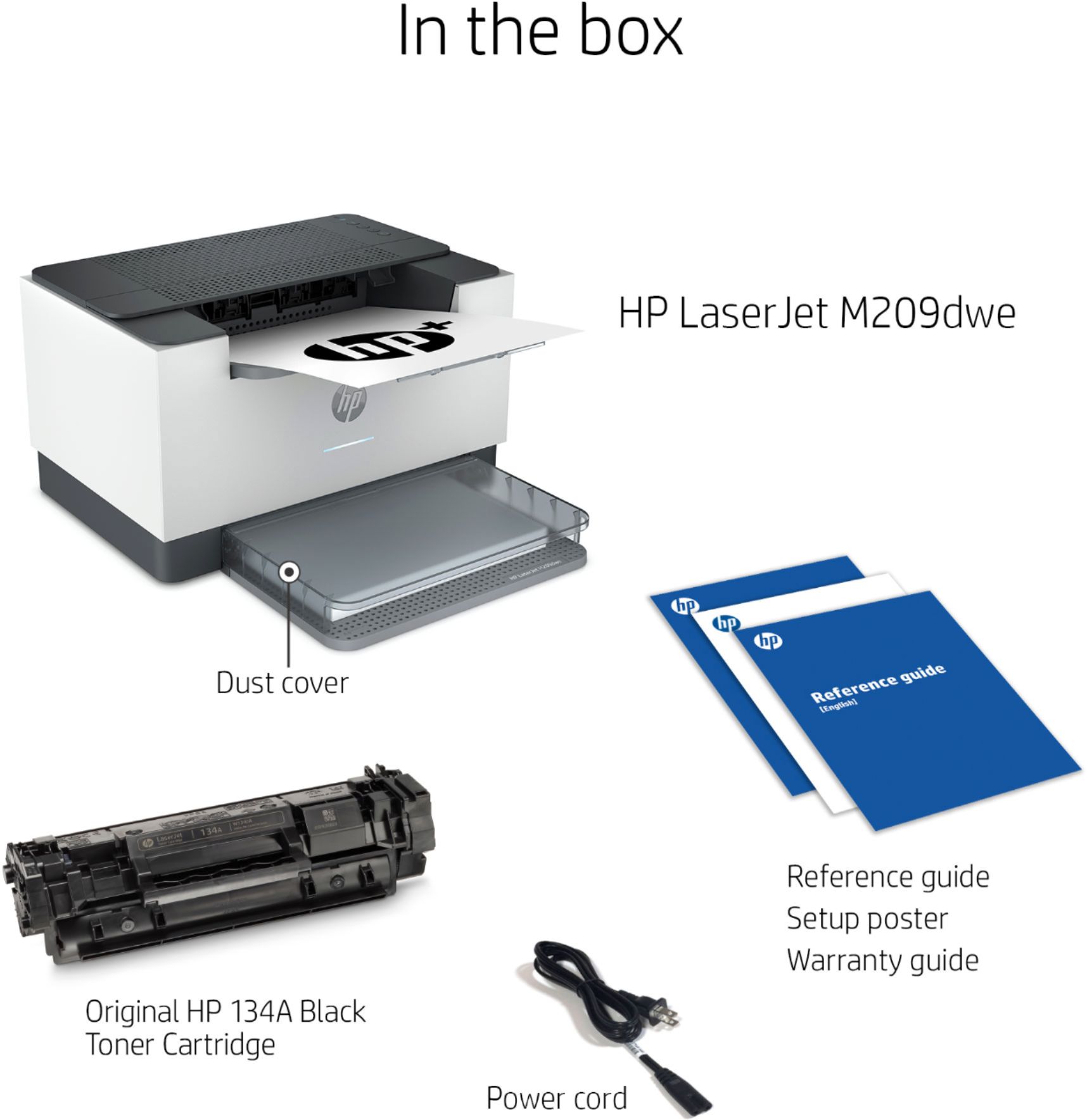
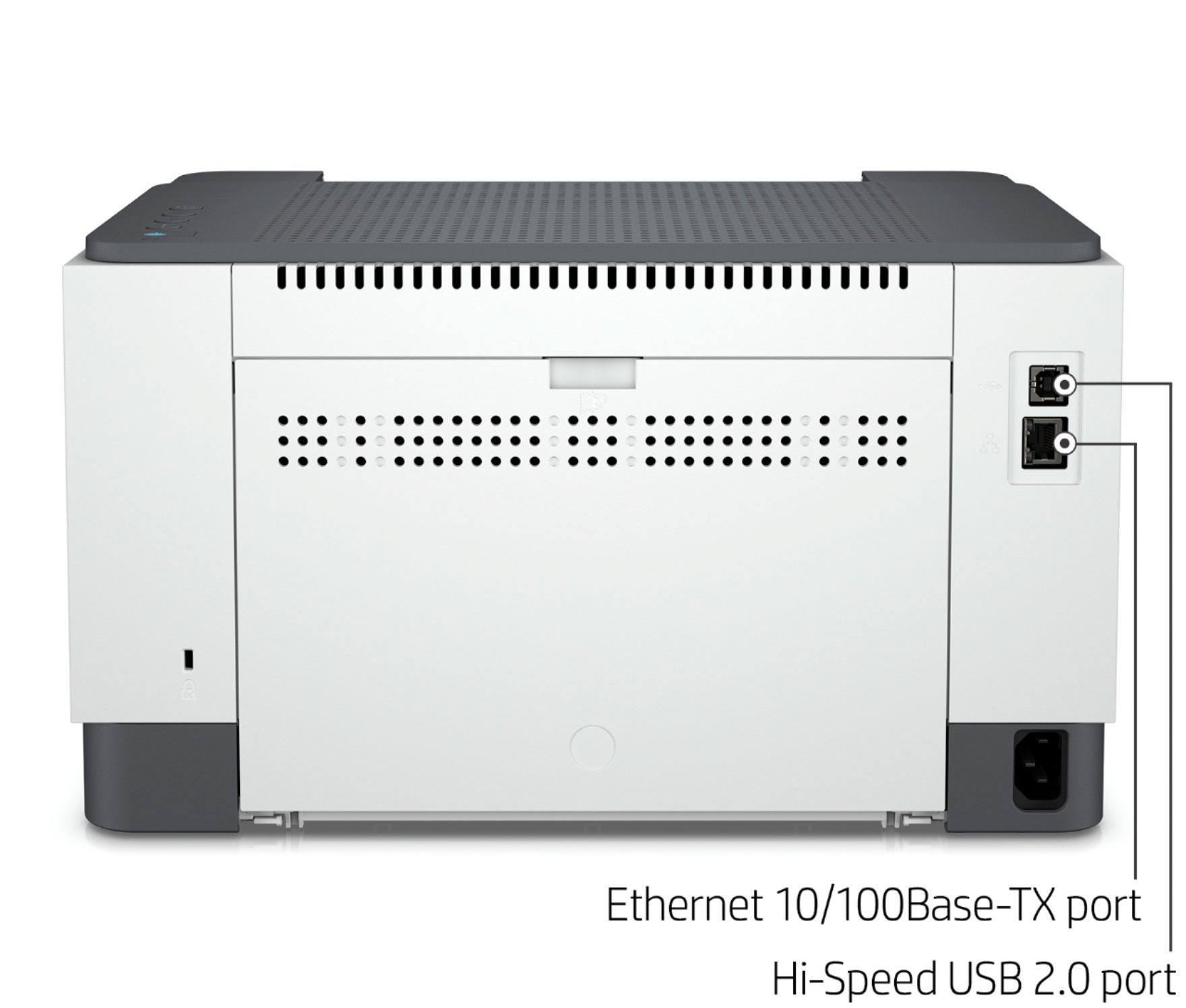
|Posted .This reviewer received promo considerations or sweepstakes entry for writing a review.The HP Laser Jet M209dwe is Wi-Fi setup only. You can use a USB printer cable to the printer after the initial set-up. The HP Laser Jet M209dwe comes ready to print in the box, after you remove the packing material and tape. This printer has a small footprint and will fit in nicely in your home office or dorm. The HP Laser Jet M209dwe is quieter than my other Laser Jets. This Laser Jet is Single color black and white printouts. The HP Laser Jet M209dwe prints 30 standard pages a minute. There is also a duplexing function for printing both sides. The HP Laser Jet M209dwe only prints A4 or 8 ½ X 11 paper. The HP Laser Jet M209dwe comes with HP+, a program that extends the warranty by one year, with 6 months of free toner. I Have 5 HP printers and utilize the automatic refills from HP+. The refills have more ink/toner than a high-capacity cartridge and you save 50% on the cost. You can select what plan you need and pay monthly based on that plan; you can change plans as needed. You have the option to skip the Automatic Refills and buy your toner at regular prices. I would recommend the HP Laser Jet M209dwe to family and friends.
I would recommend this to a friend Not what I thought it would be
||Posted . Owned for 1 month when reviewed.This reviewer received promo considerations or sweepstakes entry for writing a review.Not positive. It doesn’t scan and we were told it scans
No, I would not recommend this to a friend- Pros mentioned:Print quality, Wireless
HP Laser at low price
Posted .This reviewer received promo considerations or sweepstakes entry for writing a review.Solid printer with a good price. Front loading paper tray. Wireless Apple Air print, duplex and low cost per page. Laser sharp with auto replacement toner by HP.
I would recommend this to a friend - Pros mentioned:Print quality
HP Power Printer
|Posted .This reviewer received promo considerations or sweepstakes entry for writing a review.HP LaserJet Black and White Printer is a great budget home office printer that carries a lot of weight and output of paper. The HP LaserJet has wireless setup and connection to your network. The single black and white cartridge is convenient with not having to switch out both color and black and white separately. The HP LaserJet has speedy two-sided page print in 6-7 seconds with Bluetooth printer connectivity with dual-band wifi to back it up. The HP Smart App is your guide for proper installation and the way to go in getting all your devices connected seamlessly for on the go printing. The HP LaserJet offers 6 months of free toner with instant Ink after setting up an account. The HP LaserJet uses up tp 20 percent less energy than the previous model. I have been using HP printers all my life and they are always there for long haul. Happy to know that I can print with the forest in mind from HP LaserJet wireless Black and White printer.
I would recommend this to a friend