Customer Ratings & Reviews

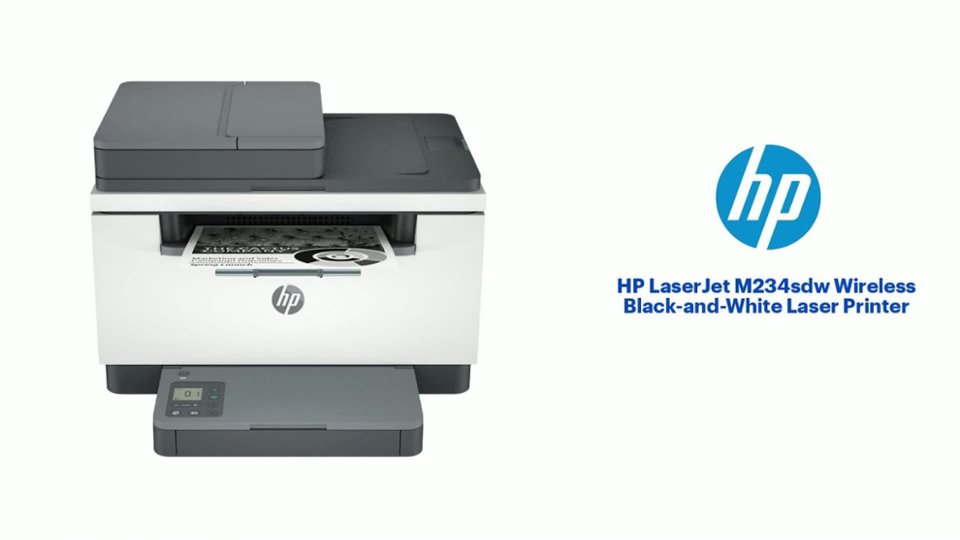
- Model:
- M234SDW/6GX01F#BGJ
- SKU:
- 11006246
Rating by feature
- Value
Rating 4.7 out of 5 stars
- Quality
Rating 4.7 out of 5 stars
- Ease of Use
Rating 4.5 out of 5 stars
DO NOT BUY!
||Posted . Owned for 10 months when reviewed.This reviewer received promo considerations or sweepstakes entry for writing a review.I don’t understand who writes the positive reviews about this poor-quality printer. HP seems to have adopted a model of selling devices that last less than a year before breaking, along with overpriced ink cartridges. Great job, HP!
No, I would not recommend this to a friendNot the best HP
||Posted . Owned for 1 month when reviewed.This reviewer received promo considerations or sweepstakes entry for writing a review.I use nothing but HP and this one is slow and not user friendly-
No, I would not recommend this to a friendImpossible to install
||Posted . Owned for less than 1 week when reviewed.This reviewer received promo considerations or sweepstakes entry for writing a review.I bought a brand new HP computer today as well as this printer. And the printer will not sync up with a computer at all. The instructions are useless. The online instructions are absolutely worthless. Returning the printer to Best Buy very disappointed.
No, I would not recommend this to a friend- Pros mentioned:Ease of use, Print quality, Size

An Efficient Printing Powerhouse
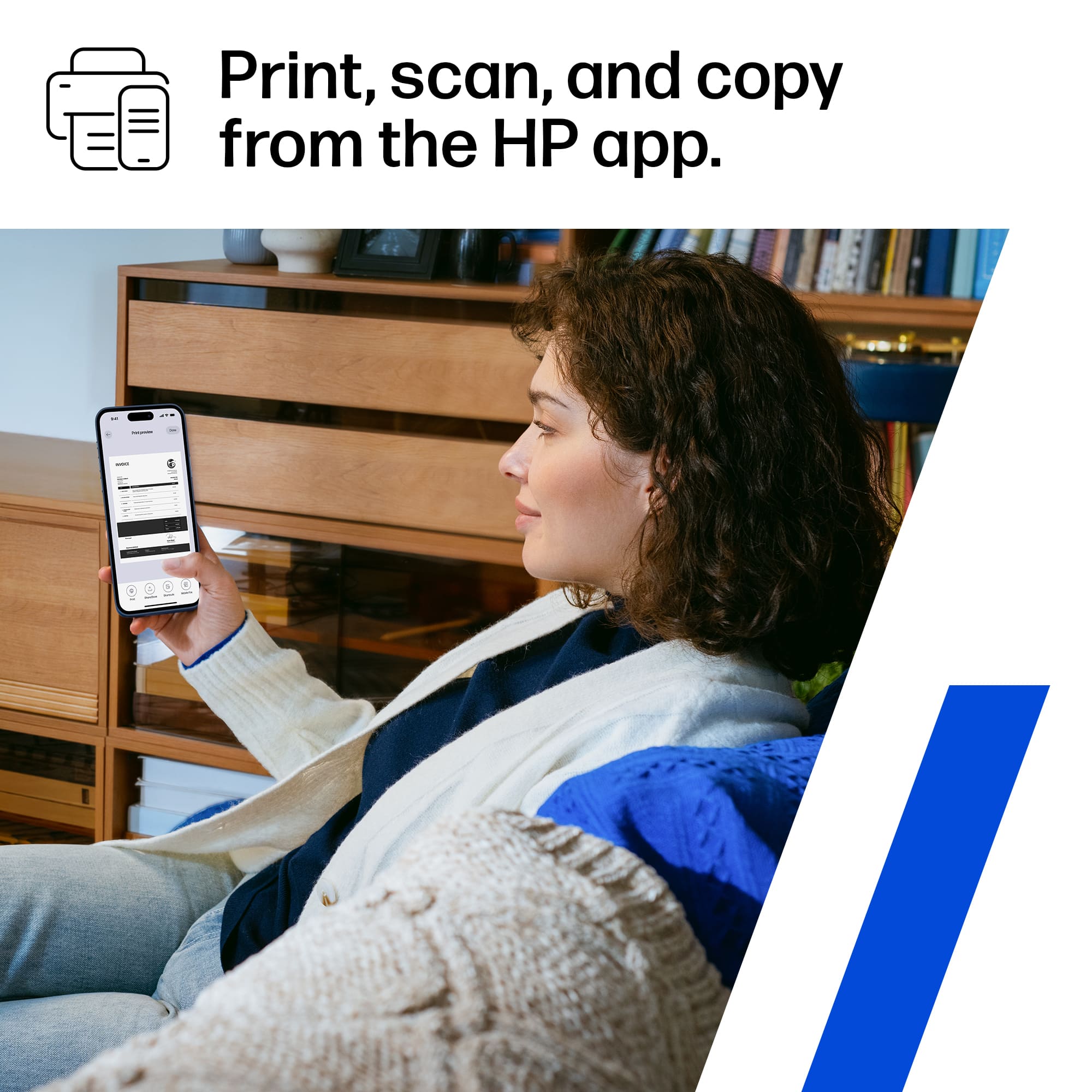
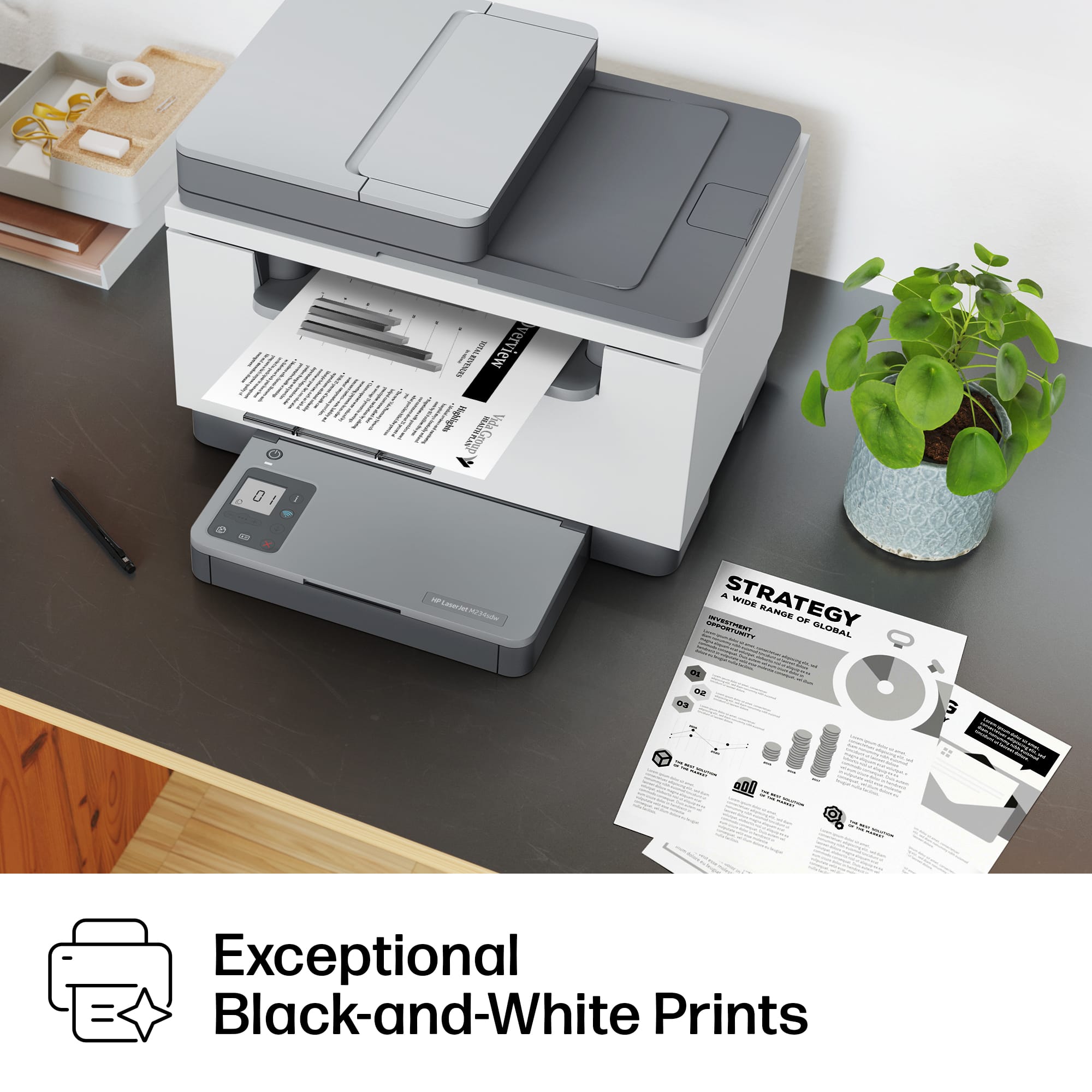
|Posted .This reviewer received promo considerations or sweepstakes entry for writing a review.Unboxing & Look and Feel: The HP LaserJet M234sdw Wireless Black and White Laser Printer makes a striking first impression right out of the box. The sleek white and slate design gives it a modern and professional appearance that complements any home office setup. The unboxing experience was straightforward, and the packaging was well-organized, ensuring the safety of the printer during transportation. Setup: Setting up the HP LaserJet M234sdw was a breeze. The instructions provided were clear and concise, and I had the printer up and running within minutes. Connecting it to my Wi-Fi network was hassle-free, and the HP Smart app made the setup process even smoother, allowing me to easily manage printing tasks from my smartphone or computer. Print Speed and Quality: This printer impresses with its remarkable print speed. It delivers quick, high-quality prints at 600 x 600 dpi, ensuring crisp and clear text and images. For a home business, this speed is a significant advantage, especially during high-volume printing tasks. Whether I’m printing documents, labels, or marketing materials, the output is consistently sharp and professional-looking. Toner Cost: The HP LaserJet M234sdw's toner cost is reasonable, making it cost-effective for a home business. The toner cartridges have good longevity, and the printer's efficiency ensures that I don't find myself replacing toner frequently. Additionally, the option for automatic duplex printing helps in saving paper, reducing overall operational costs. Warranty: The printer comes with a standard warranty, which adds peace of mind. HP’s reputation for reliability and customer service reassures me that I’m covered should any issues arise during the warranty period. Overall Use: For a home business, the HP LaserJet M234sdw is a powerhouse. Its compact size doesn't compromise on performance. The wireless connectivity and user-friendly interface via the HP Smart app make printing, scanning, and copying effortless. The printer’s reliability and consistent output quality have significantly boosted my productivity, allowing me to focus on my business without worrying about printing-related concerns. In conclusion, the HP LaserJet M234sdw Wireless Black and White Laser Printer is an excellent investment for a home business. Its swift printing speed, high-quality output, cost-effectiveness, and user-friendly design make it a top choice for small business owners or home offices in need of a reliable printing solution. I highly recommend it for its efficiency, quality, and ease of use.
I would recommend this to a friend Hard to Install
||Posted . Owned for 3 weeks when reviewed.This reviewer received promo considerations or sweepstakes entry for writing a review.This is a very hard printer to install. I was on the phone with HP 4-5 ,times trying to get this printer installed . It just didn't want to connect. Almost took it.ba k to Besr Buy.
No, I would not recommend this to a friendUser
||Posted . Owned for 1 month when reviewed.This reviewer received promo considerations or sweepstakes entry for writing a review.Printer has been giving me issues from day one, does not print, need to go through the hoops to make it print
No, I would not recommend this to a friendNot good for typical desktop/laptop user
||Posted . Owned for 1 week when reviewed.This reviewer received promo considerations or sweepstakes entry for writing a review.This HP model will not work without downloading an App and figuring out how to connect it to WiFi before starting to even set it up. After 3 hrs, it’s still not working. I plan to return it.
No, I would not recommend this to a friend- Pros mentioned:Ease of use, Print quality
Perfect for Heavy Duty Home or Office Use
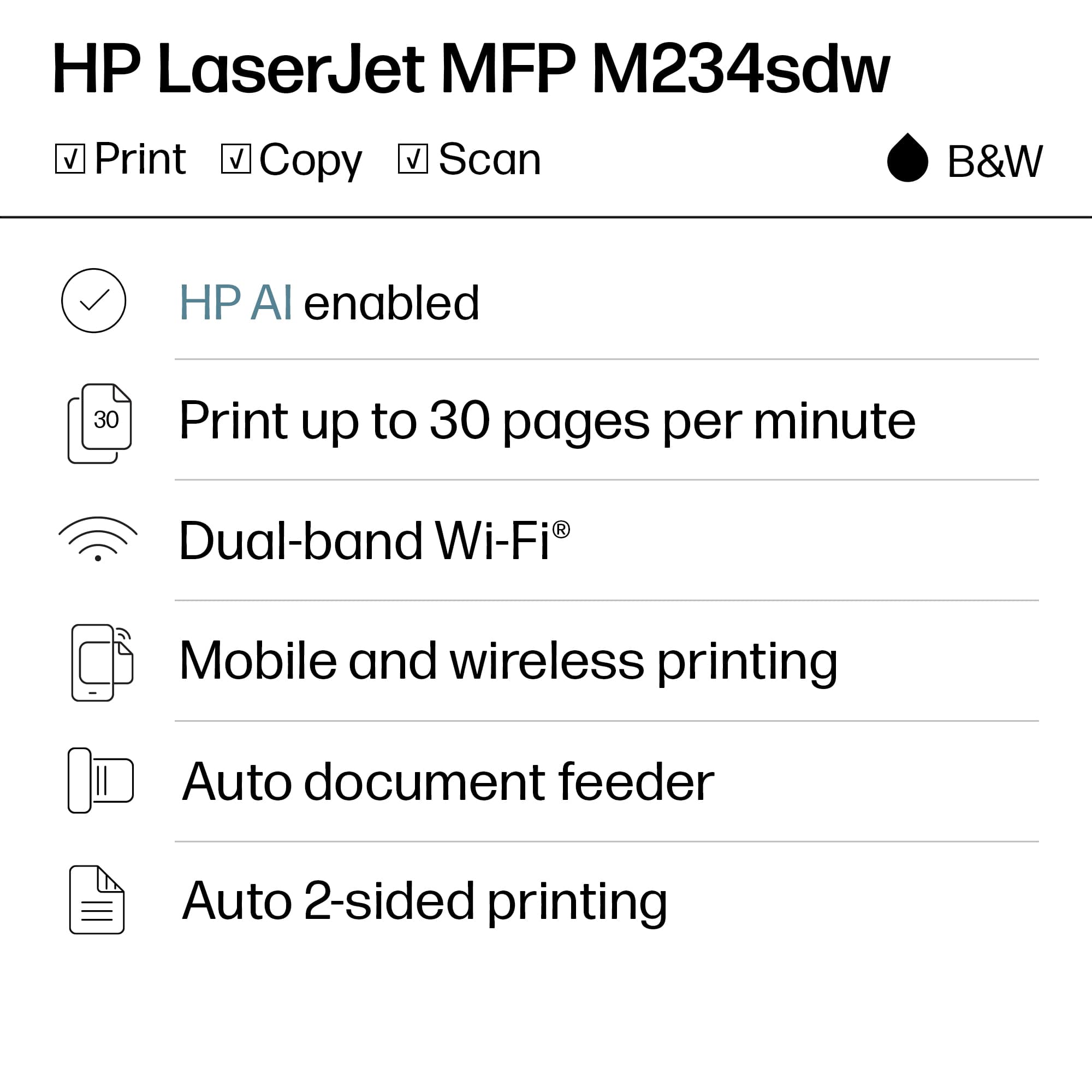
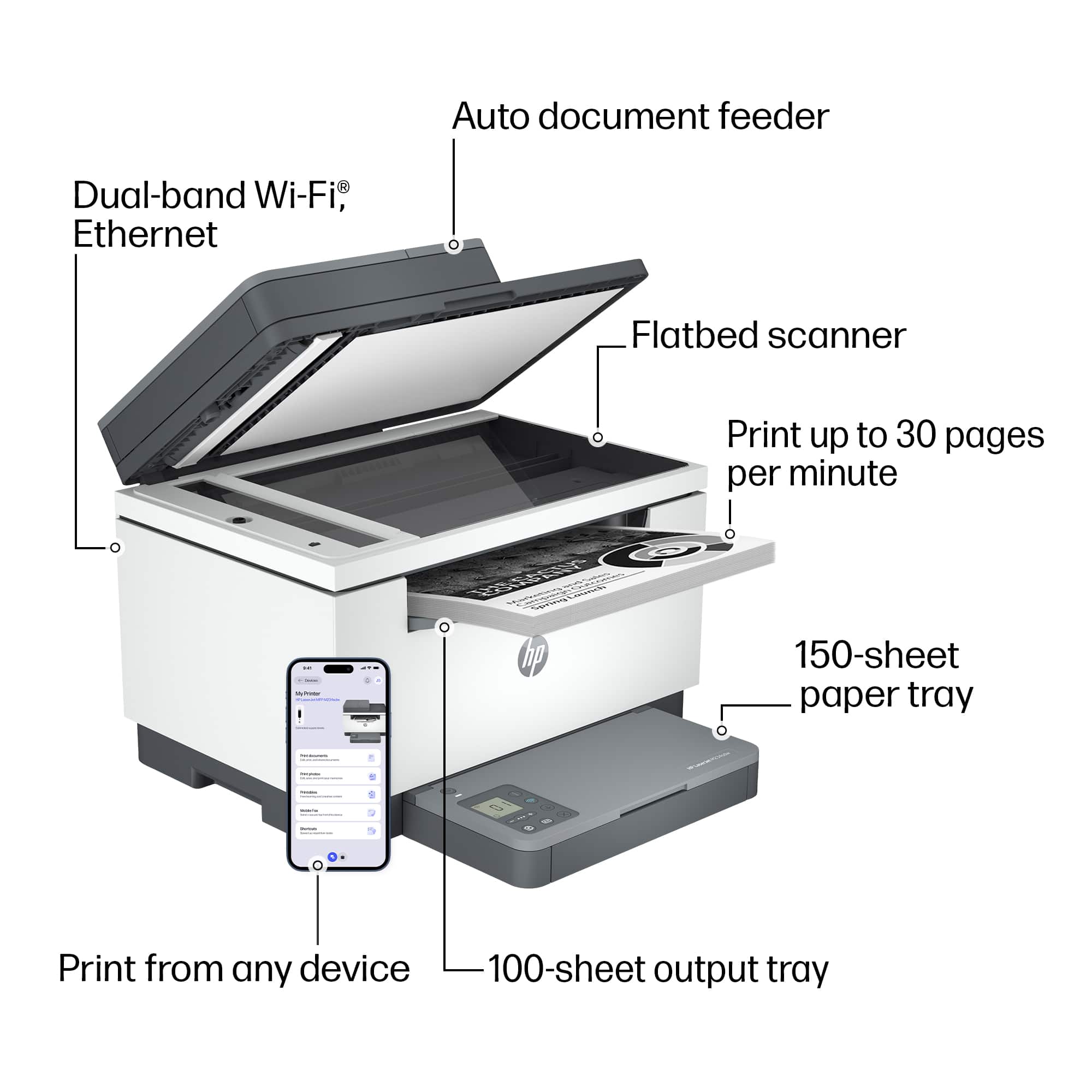
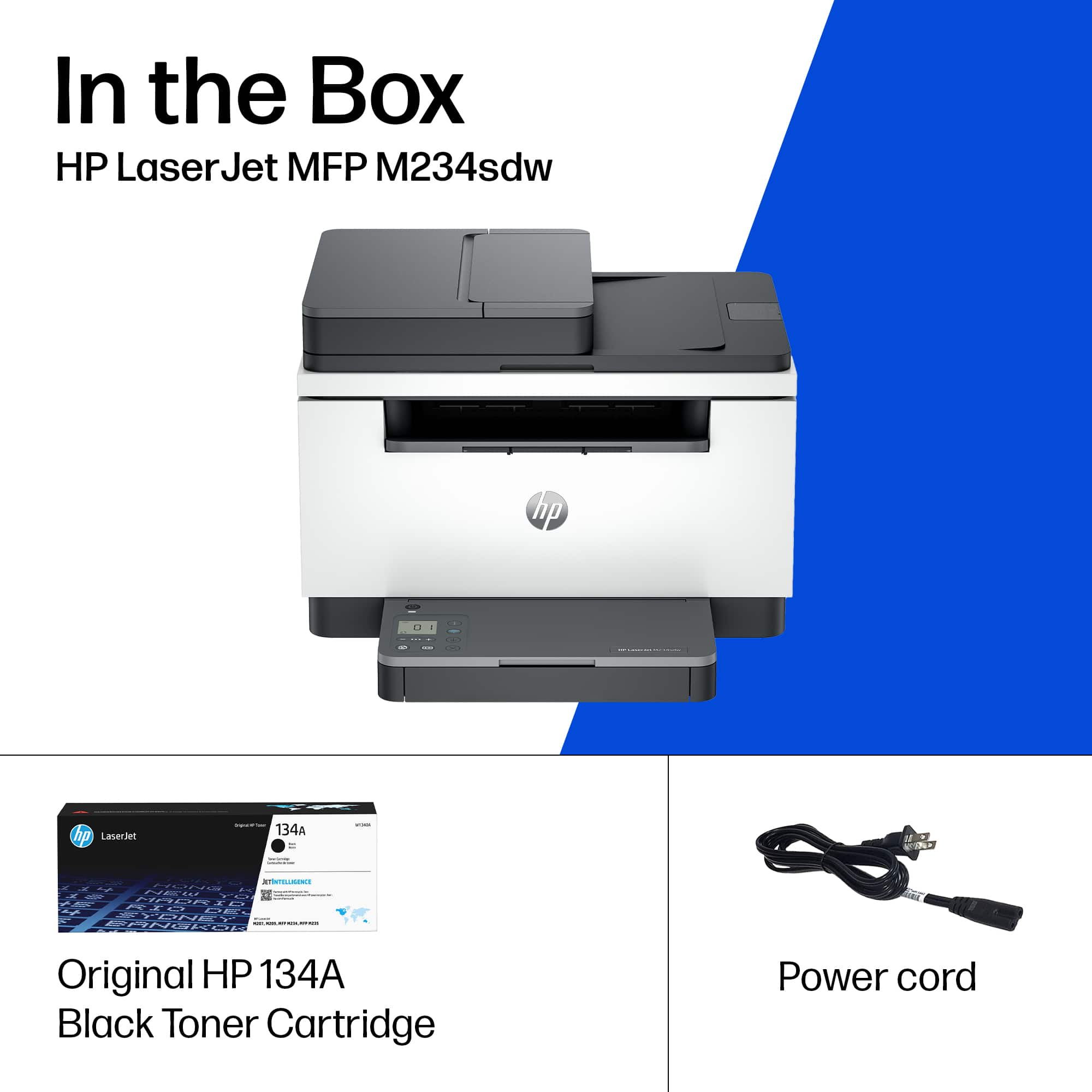
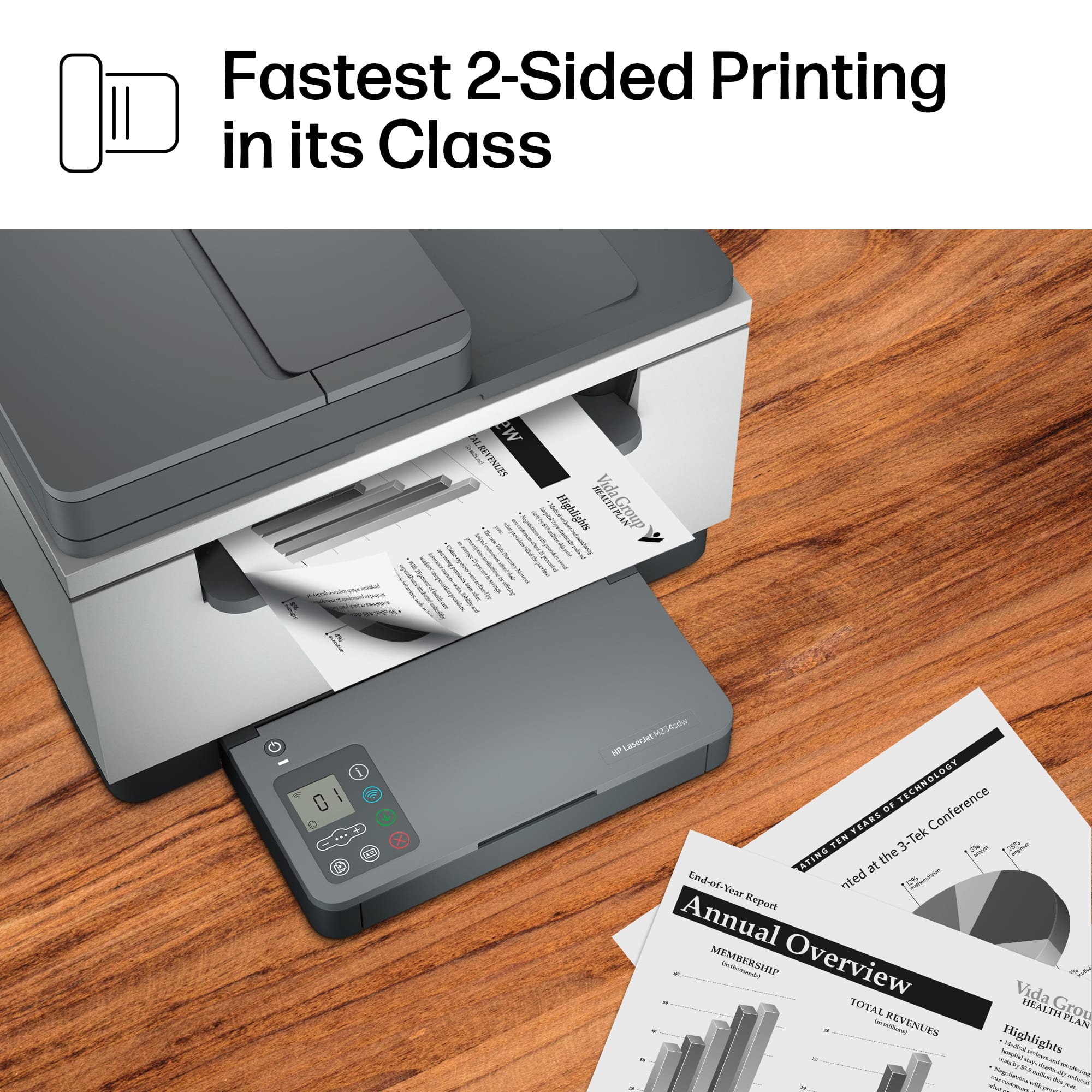
|Posted .This reviewer received promo considerations or sweepstakes entry for writing a review.This HP LaserJet all in one device makes printing, scanning, and copying seamless and easy. The print speed is blazingly fast. I especially noticed the speed for double sided print jobs. I have never seen a printer in this price range that can print as fast. The print speed is rated at up to 30 pages per minute. Setup was simple and consisted of plugging it in, connecting to Wi-Fi network, and downloading the App. Creating an account and using the App is required to use the printer. The ink subscription plan is not required, but using manufacturer toner is required.: Once connected, wireless printing is as easy as pushing a button from my laptop or wireless device. I was able to print from my iPhone as well as my Chromebook and Windows devices. It is really that easy and convenient! Since this printer is wireless, placement is not limited to being near the sending device. This printer can be placed anywhere that can accommodate it that is near a power outlet. The footprint is large and it weighs about 20 pounds, so proper product placement is necessary.. The print quality is excellent and is far superior to the average inkjet. It does not take long for power on and print when it is in sleep mode. The 150 sheet tray capacity makes large print jobs fast and easy. It is capable of printing on a variety of paper types. The supported paper sizes are plain, envelopes, rough, bond, label, cardstock, and postcards The copy function works well and is also quite fast. Most people don't need to make copies as much anymore, but it is very nice to have the capability. The flatbed design is ideal for copying and scanning. I scan documents frequently and found the function to be quite capable. Scan quality is scalable by quality. It is capable of high resolution color scans that look identical to the original. The top scanner resolution is 6000 x 1200. I don't need to print in color, so I prefer to use a laser printer rather than an inkjet printer Laser toner powder will not dry out, and the page for page cost is cheaper than inkjet cartridges. The cartridge is rated at printing approximately 1100 pages.
I would recommend this to a friend - Pros mentioned:Overall performance, Print quality
A powerful printer with a small footprint
|Posted .This reviewer received promo considerations or sweepstakes entry for writing a review.Setting up the LaserJet M234sdw was a breeze. The printer comes with clear instructions, and the wireless setup through the HP Smart App was a seamless process. It quickly connected to my Wi-Fi network, and I was able to start printing from my computer and mobile devices in no time. This printer lives up to the "LaserJet" name. It prints lightning-fast and delivers crisp, clear black-and-white documents. I've printed both text-heavy documents and graphics, and the quality has been consistently outstanding. The wireless feature is so convenient. I can print from my mac, iphone, or ipad without needing to plug in or switch devices. The HP Smart app makes it easy to print from anywhere in my home. Additionally, it supports mobile printing services like Apple AirPrint and Google Cloud Print, which is very convenient. However, this convenience comes at a slight cost in that the controls on the printer itself are very limited. Scanning must be done completely through the HP Smart App. I would have preferred there be buttons on the printer itself to quickly scan a document. The printer has a 150-sheet input tray. I wish this could have been a bit larger, around 250 sheets to save time between putting more paper into the tray. In my short time using this printer, I haven't encountered any paper jams or printing issues. It's been incredibly reliable, even during long print jobs. The build quality feels solid, and it runs quietly, which is a big plus for a home office setup. One thing I appreciate about the LaserJet M234sdw is its eco-friendly features. It comes with an automatic power-off setting to save energy, and it's Energy Star certified, reducing its environmental impact. This is a great addition for those who are environmentally conscious. The HP LaserJet M234sdw Wireless Black-and-White Laser Printer has quickly become an essential part of my home office setup. Its reliability, speed, and wireless capabilities make it a top choice for anyone in need of high-quality black-and-white laser printing. Whether you're a student, a professional, or a small business owner, this printer is an excellent investment that will not disappoint. I highly recommend it to anyone looking for a reliable and efficient laser printer.
I would recommend this to a friend - Pros mentioned:Overall performance, Print quality, Size
Fantastic, speedy, well-built machine.
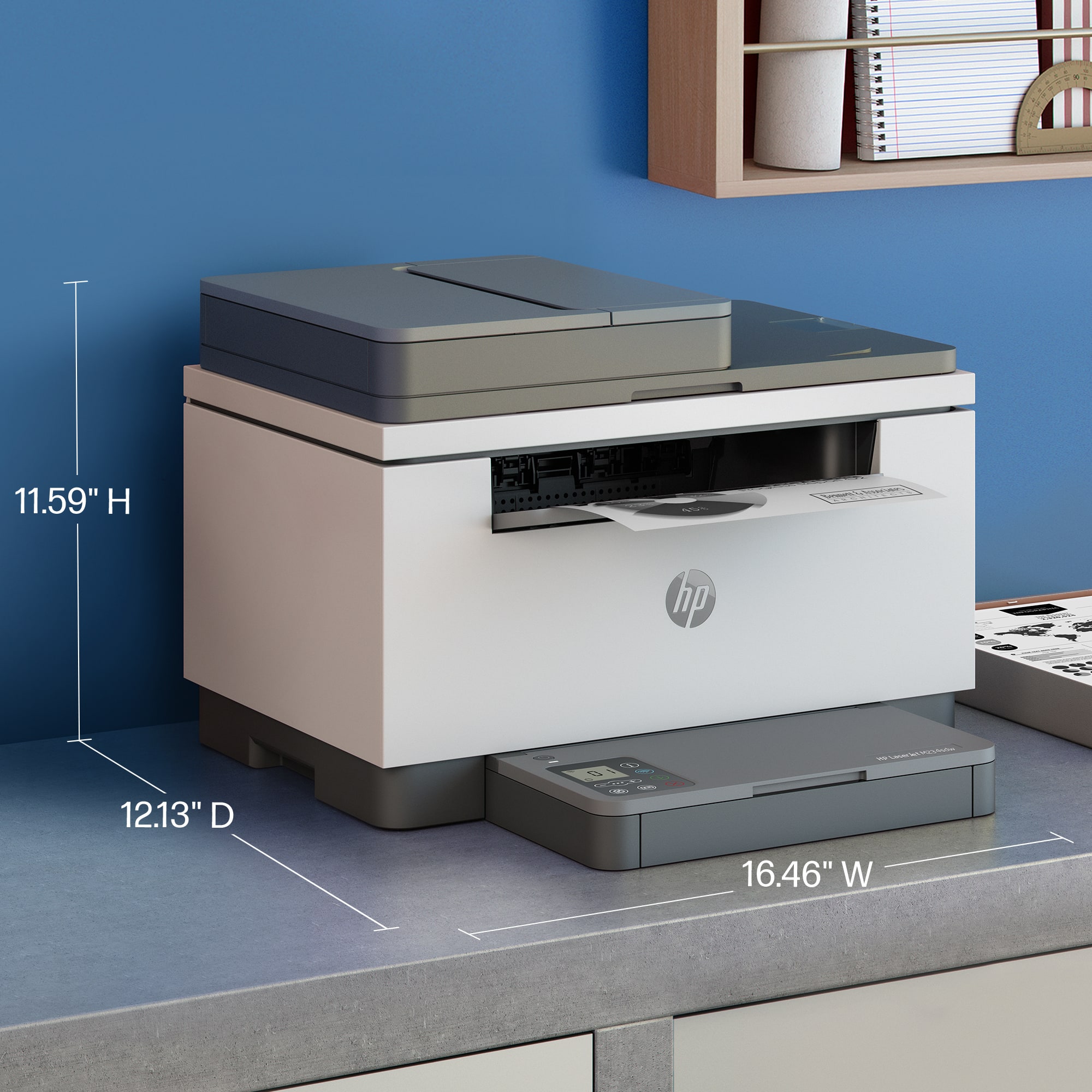
|Posted .This reviewer received promo considerations or sweepstakes entry for writing a review.Overall The HP LaserJet MFP M234sdw is an amazing printer. It's large, but it fits neatly into a corner with its near-square footprint. With a general, clean aesthetic for just about any home or office. Packed full of features from your typical print/scan/copy, auto document feeder, duplex printing, cloud printing, and companion app printing. It offers solid document print quality. Pricing on replacement toner cartridges is reasonable and makes for a far cheaper option over inkjet-based printers. I just can't get behind the, mostly odd, placement of the touch controls. They sit on top of the cassette paper tray cover and feel out of place. Setup These are mostly straight-forward and simple processes if there's no hiccup. That's because you need the "HP Smart App" as there's no option to input a WiFi account on the printer's screen. The app uses Bluetooth to connect to the printer, which doesn't always work out. It took two different phones to get this initial pairing, and I have no real idea why. I can only assume that if the apps are compatible with the phone, the compatibility between all three should be okay. Functionality This has impressive speed. Load the adf with a stack of documents and get another stack in minutes. The two-sided printing is incredibly fast—the fastest I've seen in a while. If you need a document you saved on your cloud storage, using the "HP Smart App", you can easily send it for printing to the printer. This has fantastic value for offices with high productivity needs. If there's anything to dislike, it is again the input interface, where only select keys are lit up while the main screen is monochrome with no lighting. It's likely out of scope, but you won't be doing any copying or printing in a dark room. Overall, outside of the quirks, this is a fantastic, speedy machine. It can handle larger workloads easily and efficiently, with various options to tackle them. While the build quality is great, I do find the display questionable. This is worth 4-stars.
I would recommend this to a friend There is a problem with the wifi function
||Posted . Owned for 1 month when reviewed.This reviewer received promo considerations or sweepstakes entry for writing a review.Difficulty connecting to your phone, problem with wifi functionality
No, I would not recommend this to a friend- Pros mentioned:Print quality
Fast printing
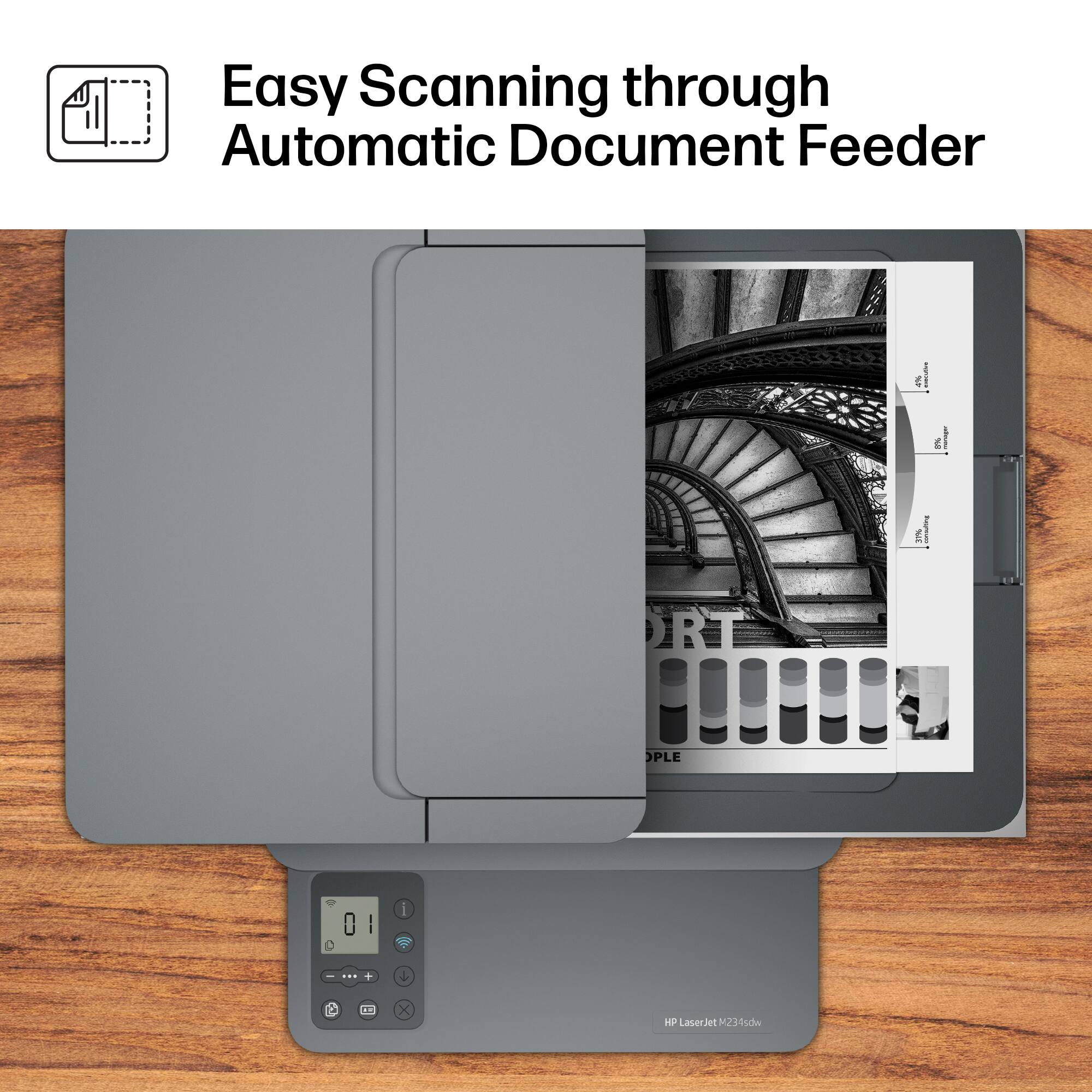
|Posted .This reviewer received promo considerations or sweepstakes entry for writing a review.Unboxing the printer was standard. I needed to lift the printer out in the Styrofoam packaging to get it out of the box. Then your typical setup of removing plastic tape that held certain components during shipping. The only issue I had was the sticker on the front of the printer advertising 2 free months of ink with their monthly service. It took me 25 minutes to fully take it off as it was just coming off in little pieces. After turning it on I downloaded the HP Smart App. I had an account already. I just clicked add printer and this printer showed up. Then it prompted me for my wireless password and then the printer was connected. I printed through the mobile app and it went fast and the page was crisp and dark since it is a laser printer over ink based. I went to scan, and this is where having no display panel was odd. I had to use the HP app as my display panel to scan. It seemed like a lot of steps to scan 5 pages to my email address. I tested this again for work purposes the next day and when scanning 4 pages in color it failed to upload. Ultimately, I had to use the app to scan to my phone vs the printer to get it to go thru. There is a small display for copies, but it is limited to qty and double sided. While on that. The printer was fast printing double sided copies. This printer was one of the fastest home printers I have had in years. Shame it is only black and white and not color. There are multiple plans for the monthly printing subscription through HP and really the only way to go. You can skip this and purchase the toner cartridge, but the cost is $50 for 1100 pages so depends on how much you print per month. I just really miss the display panel as to scan it requires my phone and that is too much of a hassle.
I would recommend this to a friend This printer is mid
||Posted . Owned for 3 weeks when reviewed.This reviewer received promo considerations or sweepstakes entry for writing a review.Yes it can print. Very low quality material, feels cheap.
No, I would not recommend this to a friendNo workie
||Posted . Owned for 1 week when reviewed.This reviewer received promo considerations or sweepstakes entry for writing a review.Not happy at all with this item, will not stay connected to the WiFi, maybe just got a lemon
No, I would not recommend this to a friend- Pros mentioned:Ease of use, Print quality, Size
HP LaserJet M234sdw Printer
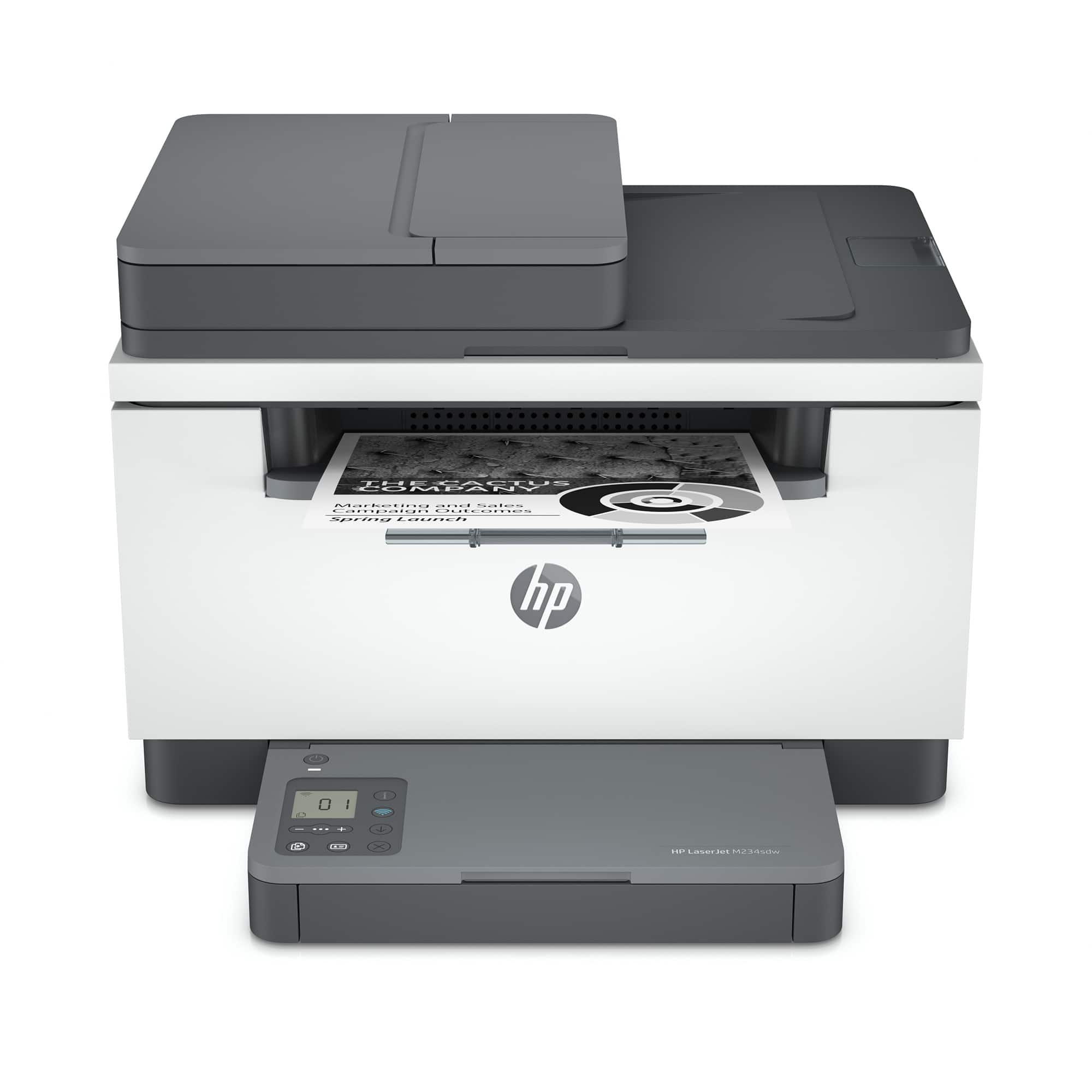
|Posted .This reviewer received promo considerations or sweepstakes entry for writing a review.The HP LaserJet M234sdw printer/scanner/copier has a small footprint, but plenty of features needed for today’s small business/home office. This printer has all the standard HP features with duplexing (automated double-sided printing) and wireless connectivity. The printer has a monthly duty cycle of 20,000 pages, which is a lot for a small business / home office. Being a laser printer, you can get up to 30 pages per minute and about 1000 pages per toner cartridge. The paper input tray holds up to 150 sheets. As with most HP printers, this LaserJet also comes with an option for Instant Ink. Setup was easily completed via the enclosed instructions. Utilizing the HP Smart App to set up the Wi-Fi was a breeze, and it was running in no time. Using the automatic document feeder for scanning was a bit trying but worked. I could only get it to scan to the computer via the HP Smart App. The ADF holds 40 sheets and worked flawlessly. Copying is just as good you get quick results with a high-quality copy. The quality of a laser printed page is as sharp and crisp as other HP laser printers.
I would recommend this to a friend - Pros mentioned:Print quality
Small and somewhat mighty
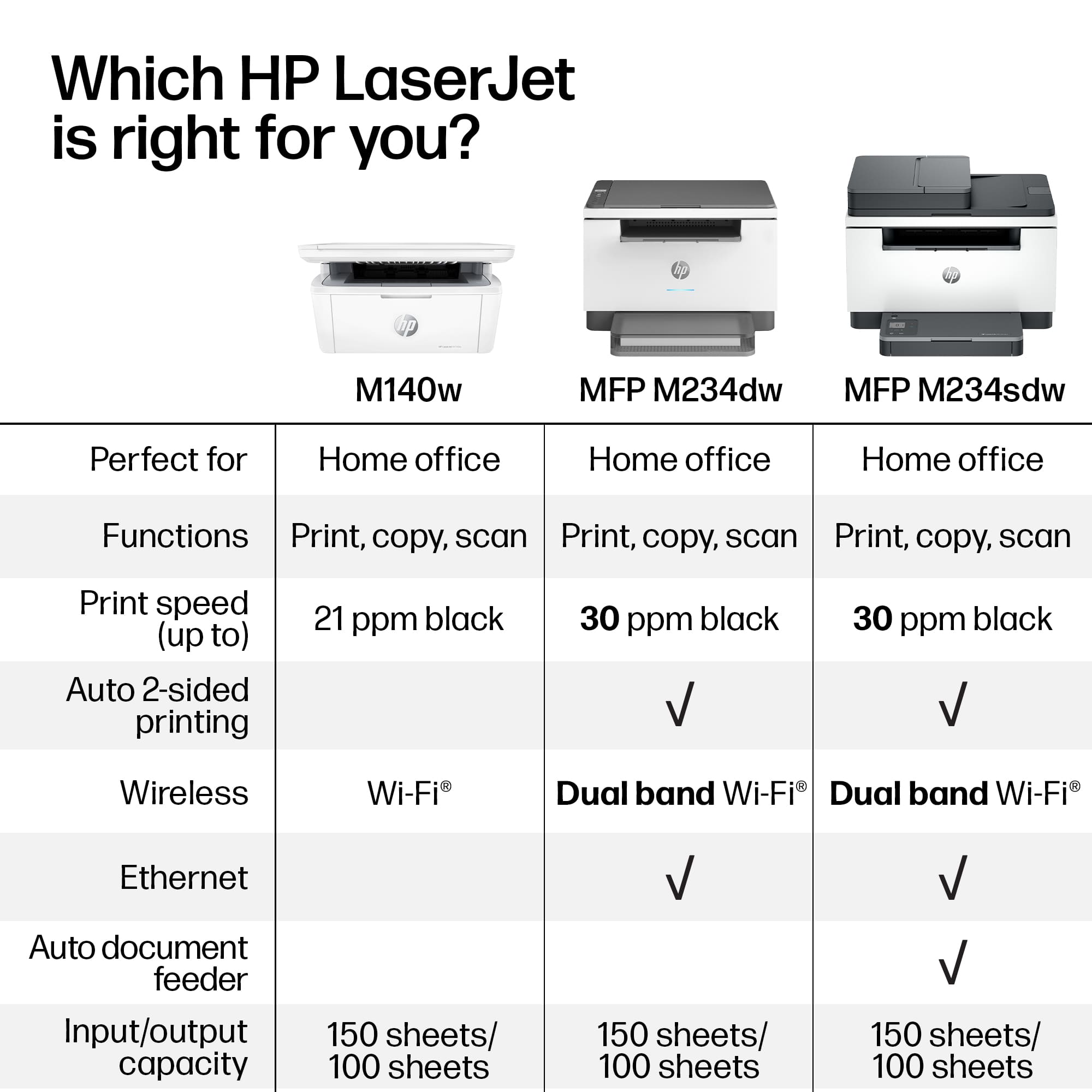
|Posted .This reviewer received promo considerations or sweepstakes entry for writing a review.The HP LaserJet M234sdw is a wireless black and white laser printer. It is compact for a laser printer yet still has a very useful automatic document feeder (ADF). This is a somewhat basic laser printer probably best for a home office or small office situation. It does all of the things you want it to do including print, copy and scan. Printing is quick and clear as is copying. For me, the quality is excellent. It must be noted that in order to set this up and use most of the printing and scanning functions, you must first download the HP Smart App. Once I had downloaded their app, setup was quite quick. The wifi connection was quick and easy for me and this machine being dual band made the connection simple. I found this printer to be basic in features and confusing in use. With no printer settings within the printer display itself other than copy: contrast, count and size (size can go down to 25% and up to 400%), everything must be done on your phone, tablet or computer within the app. Scanning can be done only within the app - you cannot scan from the printer. It is easy to do via the app, but I would prefer to do it from the scanner itself. Also of note, though there is an ADF, you cannot do duplex scanning or duplex copying. You can do duplex printing from a phone, tablet or computer. Some specifications for this printer: You can print up to 30ppm. The monthly volume is recommended to be no more than 20,000 pages. The input tray holds up to 150 sheets. I wish this could hold at least 250 or even more would be good, of course that would increase the size of this compact printer. The output tray holds only up to 100 sheets. This to me is not enough for office use, but would be sufficient for smaller projects. The ADF capacity is 40 sheets. I'm grateful that this has one because it makes some jobs so much quicker and easier. The control display is a tiny 1.6" and is not a touch screen. The normal size toner cartridge for this should yield approximately 1100 pages. If you use this printer at it's max potential, 20,000 pages/month, you would need to change to a new toner cartridge 20 times throughout the month. My point in saying that is to consider your intended use. If you want this for a home office, it would probably suit you just fine. This printer is Energy Star certified and has auto on/off technology. You should also be aware that HP has technology that may prevent you from using knock-off brands of toner. The quality of the output from this HP Laser Jet M234sdw printer cannot be denied. Scanning, though cumbersome for me, works quite well. This printer is quick and efficient. With Apple's AirPrint, my iPhone instantly knew I had this printer, so I had no issues there. What I found lacking was the small display, the small capacity of the input tray and the cumbersome app scanning. What this does, it does well enough that I can positively recommend this for a small home-office wanting fast, quality printing and copying in black and white.
I would recommend this to a friend - Pros mentioned:Print quality, Size
A Most Excellent Laserjet
|Posted .This reviewer received promo considerations or sweepstakes entry for writing a review.One thing I have come to have discovered over the past few years is that HP makes some of the best printers. Hands down. This laserjet printer is yet the latest example of the excellence that I have come to expect from HP. This is the third HP laserjet I've had and while it may be relatively inexpensive it does not lack in speed, quality, and features. Print quality is well above average and the print speed is impressively fast. Like wicked fast. Scans, likewise, are equally impressive. Add to those two things that the only cable really needed is the power cable then you have a handy package print/scan/copy solution for your home office. Especially if space is at a premium. Physically this printer is smaller than most other laserjets in this price range. That's a win in my book. To print or scan you'll need to download an app from HP to your home computer (Windows or Mac), iPhone, iPad, or Android. Once installed it's simple matter of signing in to your HP account and pairing the printer. It's easy and painless. Once paired you can print or scan from that device. The one downside, and I can get past it myself due to the excellent quality of the printer, is that you must be signed in to print or scan. Over all this is another winner from HP.
I would recommend this to a friend Small Task
||Posted . Owned for 1 week when reviewed.This reviewer received promo considerations or sweepstakes entry for writing a review.Not that great.but is workable.May be better for some one who has less productivity than I do.
No, I would not recommend this to a friend- Pros mentioned:Ease of use, Print quality
A very capable all-in-one printer
|Posted .This reviewer received promo considerations or sweepstakes entry for writing a review.Summary -------- Great device, with Scanner, copier and printer in one. The only downside is the not having the document feeder, not a deal breaker if you dont have a lot of documents to scan. The ink lasts long. Overall a good buy Pros ---- 1. Easy to install and work with 2. Fast and quick printing cons ----- 1. smaller LCD 2. No document feeder for copying/scanning Setup ----- you will need to download the HP Smart App to setup this printer and connect to Wi-Fi. Just follow the prompts on the HP smart app. Once, setup and online you will be able to connect any PC on the same network and discover this printer to be able to print remotely. The good part about this printer, is that this not the + version which ends in "e' , so you are free to use any replacement printer cartridge which is not made by HP operation -------- Once setup, its just pretty straight forward just like any other printer. The printer supports 2 sided printing AND it is also dual band which is need because in my house, the printer sits a bit far away from the router. The printer has a paper cartridge and it can load upto 150 pages. The printer is also capable of printing 30 pages per minute which is fast! The scanning and copying can be done remotely as well. Supports major cloud service providers such as google cloud and drobox to upload scanned document. I think this is a great printer for the money and a true all-in-one.
I would recommend this to a friend - Pros mentioned:Print quality, Setup
Reliable & fast laser printer on a budget
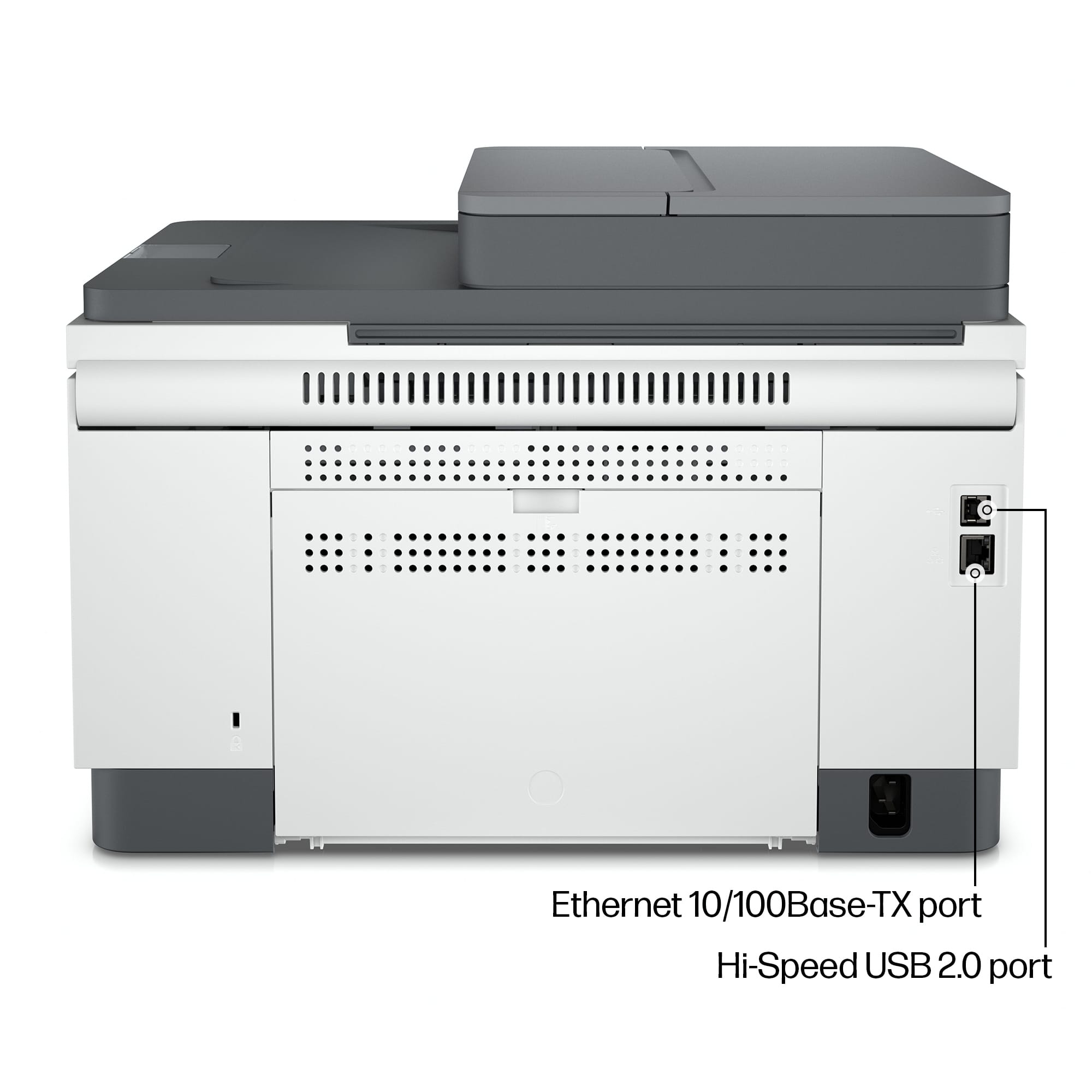
|Posted .This reviewer received promo considerations or sweepstakes entry for writing a review.HP LaserJet M234sdw is a compact wireless black and white laser printer with a small footprint. The setup is quite easy and quick. Being a multifunction printer, it can print, scan and copy. The instructions included are easy to follow and get you going within minutes. The printer has an automatic document feeder and supports double sided printing. The flatbed scanner is handy to scan all kinds of documents. There is a small LCD display on the printer that indicates Wi-Fi connection status. The display also has a counter of number of copies. Additional buttons provide you with minimal controls of the printer. The tray can hold up to 150 sheets. Download HP Smart app to setup the printer, use remote printing or monitor your ink levels. If you have been using HP printers, you might be familiar with the app and its features. You can print wirelessly from any device on the network as well as via the USB cable, which you will need to purchase separately. The printer also supports Ethernet connection for a network printer setting. The included toner cartridge is supposed to last around 700 pages. But this printer does support HP Instant Ink subscription where you can have HP send you a new toner when the printer is running low on ink. This might be a huge convenience for small business owners. Overall, this is an awesome compact printer with quality printing for all home and small business needs.
I would recommend this to a friend