Customer Ratings & Reviews



- Model:
- M234sdwe
- SKU:
- 6452570
Rating by feature
- Value
Rating 4.5 out of 5 stars
- Quality
Rating 4.5 out of 5 stars
- Ease of Use
Rating 4.3 out of 5 stars
Customers are saying
Customers are pleased with the LaserJet M234sdwe's print quality, ease of use, and compact size. Many appreciate its wireless capabilities and straightforward setup process, finding it reliable and quiet in operation. While some users experienced minor issues with the document feeder and occasional paper jams, the overall feedback is overwhelmingly positive.
This summary was generated by AI based on customer reviews.
Not for Apple users! $20 charge for support.
||Posted . Owned for 1 year when reviewed.This reviewer received promo considerations or sweepstakes entry for writing a review.If you are an Apple user, do not buy this product. I wish I had returned it right off the bat. Every time I try to use it, I have to reconnect with wifi, reboot printer, reboot modem, and sometimes it still gives me printer not available. Now, 9 days after warranty, phone support costs $20.
No, I would not recommend this to a friendNice and good wireless printer!
||Posted . Owned for 1 week when reviewed.This reviewer received promo considerations or sweepstakes entry for writing a review.Nice printer and a 2-yr warranty included from hp! Setup has to get thru hp smart app, but once it’s all done on that app, the rest is pretty easy.
I would recommend this to a friendLaser printer
||Posted . Owned for 1 week when reviewed.This reviewer received promo considerations or sweepstakes entry for writing a review.Excellent purchase. I have been searching for an affordable laser printer. I love that this one comes with a 6mo ink deal. Exactly what I needed!
No, I would not recommend this to a friendThe HP Scam
||Posted . Owned for 6 months when reviewed.This reviewer received promo considerations or sweepstakes entry for writing a review.My wife spent 2 hours trouble shooting the printer only to find out later that HP shut down the printer because they say the toner subscription ended. We are never using HP again. A concise message would have helped but just shutting the thing down is bad business
No, I would not recommend this to a friendJunk printer
||Posted . Owned for 4 months when reviewed.This reviewer received promo considerations or sweepstakes entry for writing a review.Only works once in awhile. Have a very hard time setting it up. Worked great for a month and ever since I keep getting errors. Save your money and don't buy this one. I had to order a new printer yesterday and just bought this one 4 months ago. Not a good printer
No, I would not recommend this to a friendworst set up ever
||Posted . Owned for 1 week when reviewed.This reviewer received promo considerations or sweepstakes entry for writing a review.For some reason all these new hp printers are a pain to install..you go to their website and follow all step by step process and printer still doesnt get installed..they ask for way to much information..decided to buy a brother printer instead and so far its worked out pretty well.
No, I would not recommend this to a friendGet a different printer if you can
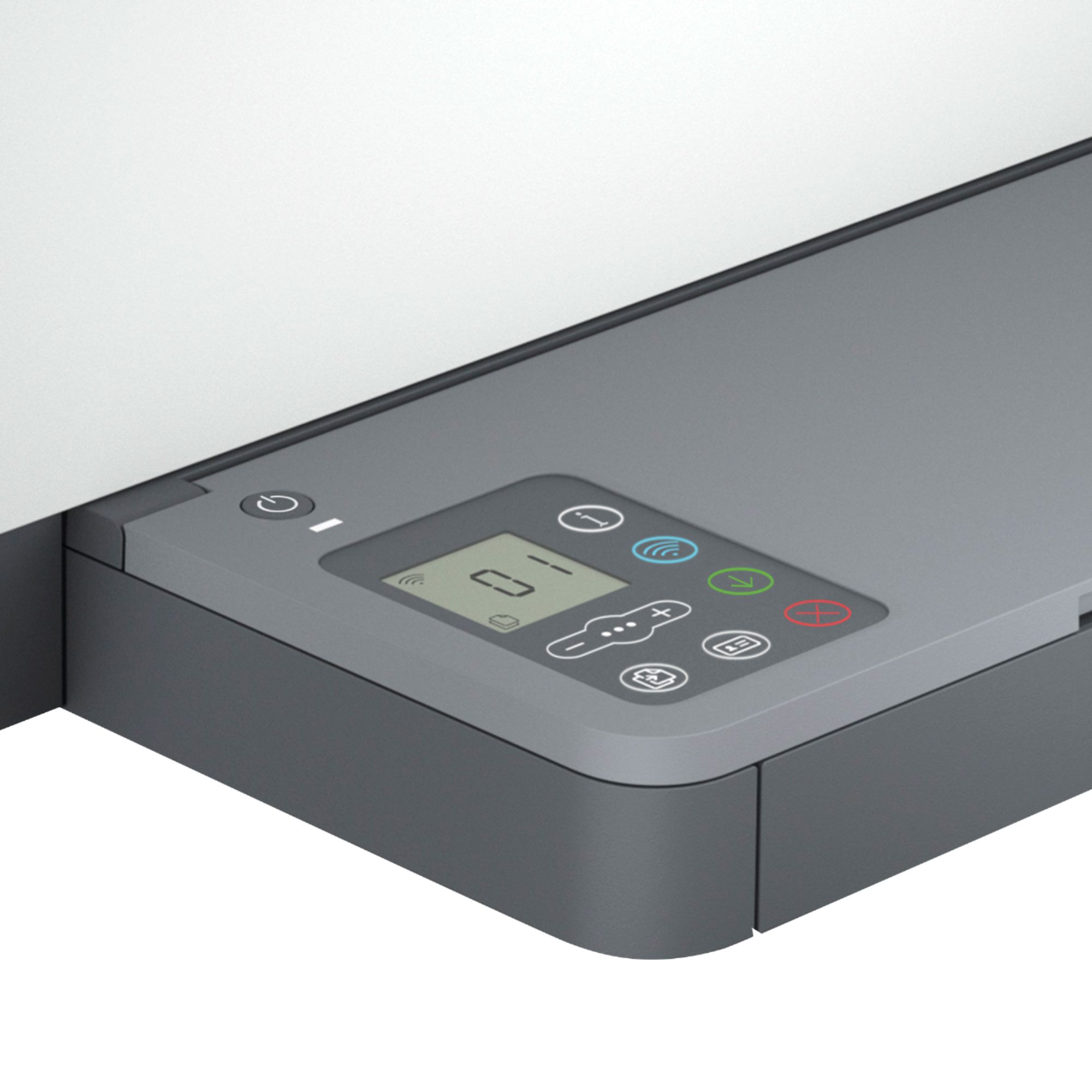
||Posted . Owned for 11 months when reviewed.This reviewer received promo considerations or sweepstakes entry for writing a review.The printer works, but that's the bare minimum needed to get to 3 stars. The interface through the few buttons on the tray is terrible. The subscription to HP instant ink is horrible. I would NOT recommend this or other HP printers to others. I've had them in the past, and I should have listened to my intuition when purchasing this product.
No, I would not recommend this to a friendHappy with my purchase
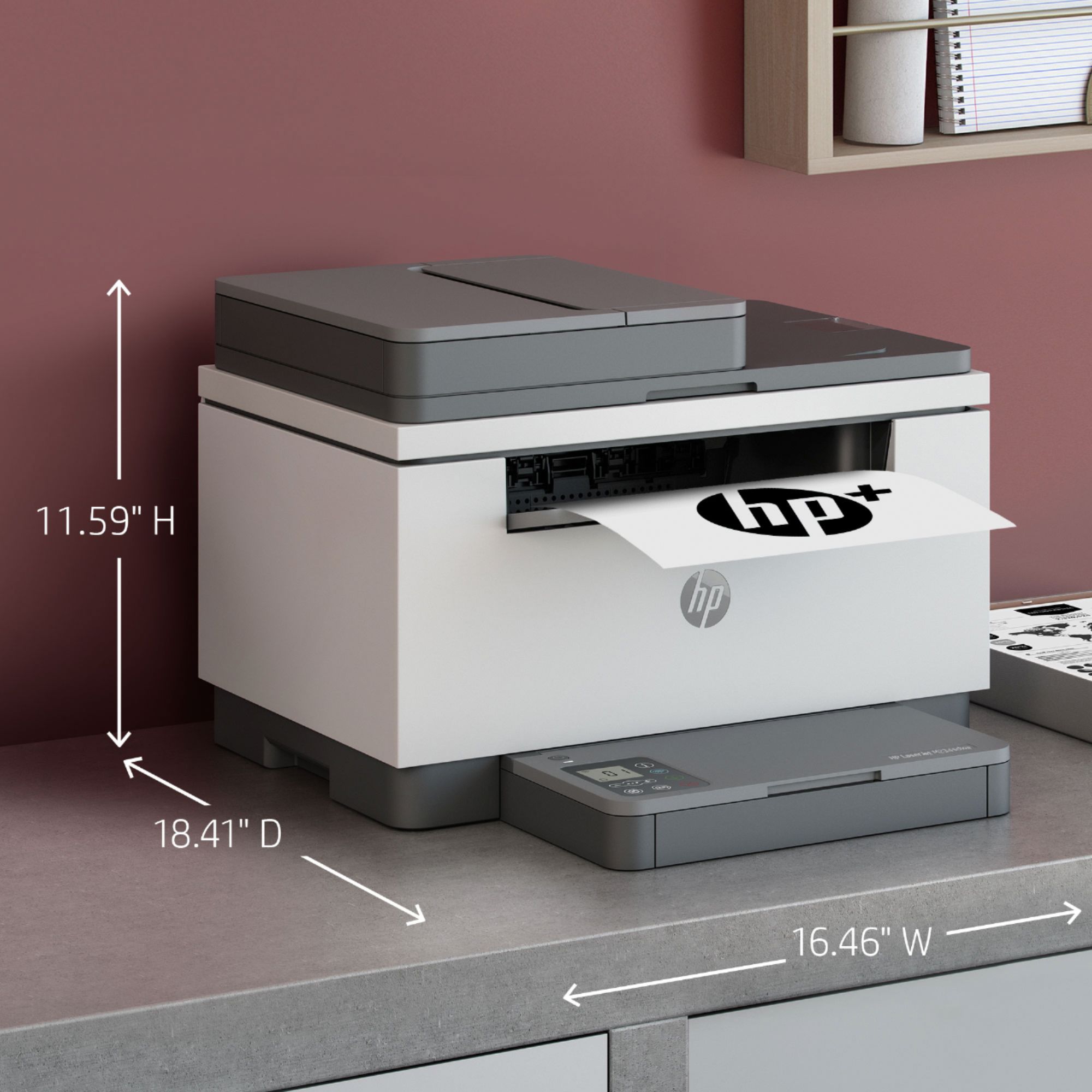
||Posted . Owned for 1 week when reviewed.This reviewer received promo considerations or sweepstakes entry for writing a review.Excellent print quality and speed. Reasonable footprint
I would recommend this to a friendHP PRINTER ⭐️⭐️⭐️⭐️⭐️
||Posted . Owned for 3 weeks when reviewed.This reviewer received promo considerations or sweepstakes entry for writing a review.Great product- great price - fast delivery. I love using the HP App. Highly recommend!
I would recommend this to a friendNice compact size.
||Posted . Owned for less than 1 week when reviewed.This reviewer received promo considerations or sweepstakes entry for writing a review.Easy to setup. Compact size for the features. Bonus that is comes with a few months of instant ink for free printing.
I would recommend this to a friendHP printers
||Posted . Owned for 3 weeks when reviewed.This reviewer received promo considerations or sweepstakes entry for writing a review.Didn’t work after a few sheets of printing. Returned for refund and purchased Cannon printer. Highly suggest you stay away from purchasing this brand of printer. Returned 2 HP printers within 2-3 of purchasing.
No, I would not recommend this to a friend- Pros mentioned:Ease of use, Print quality

Good multifunction printer, however...
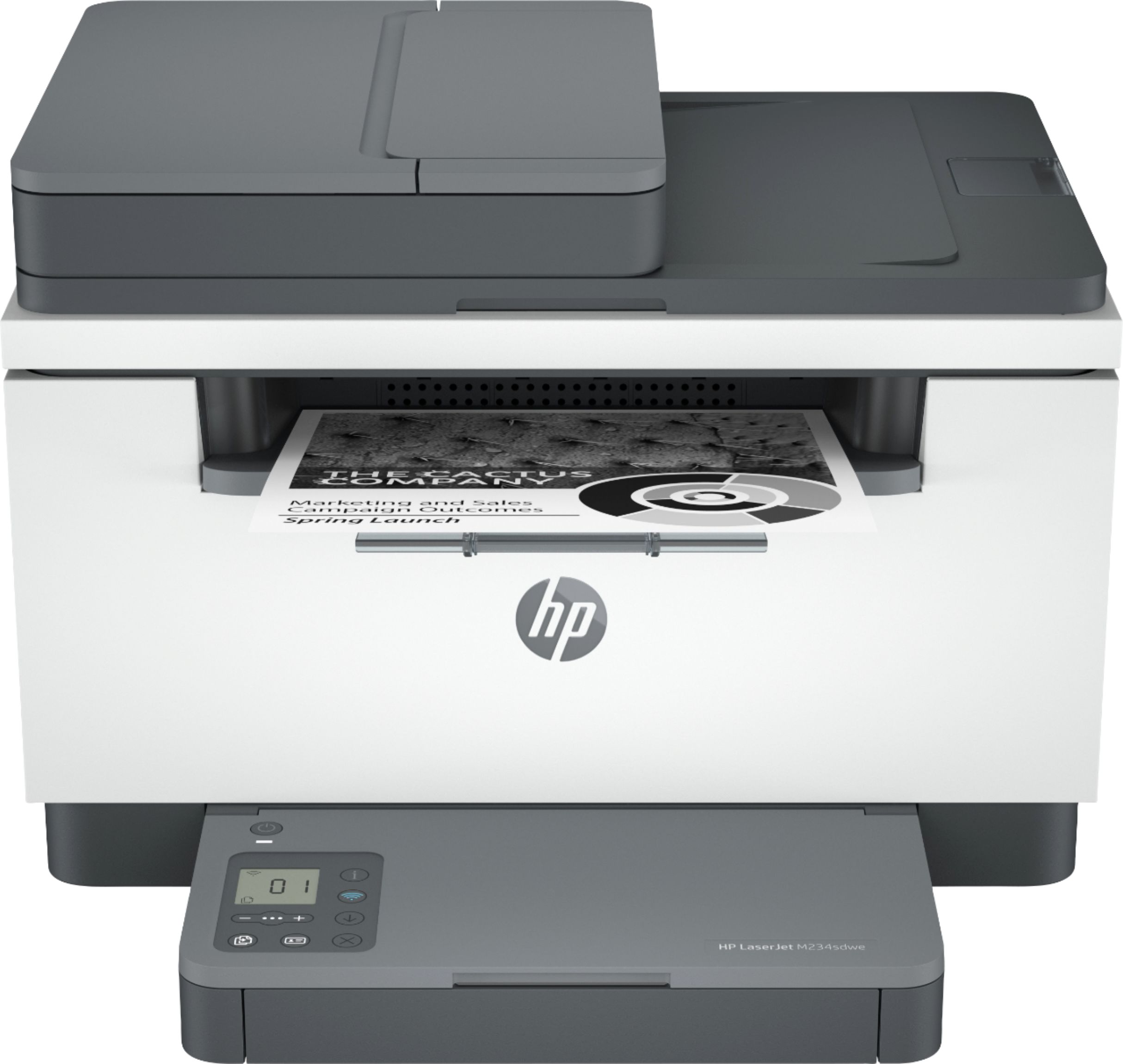
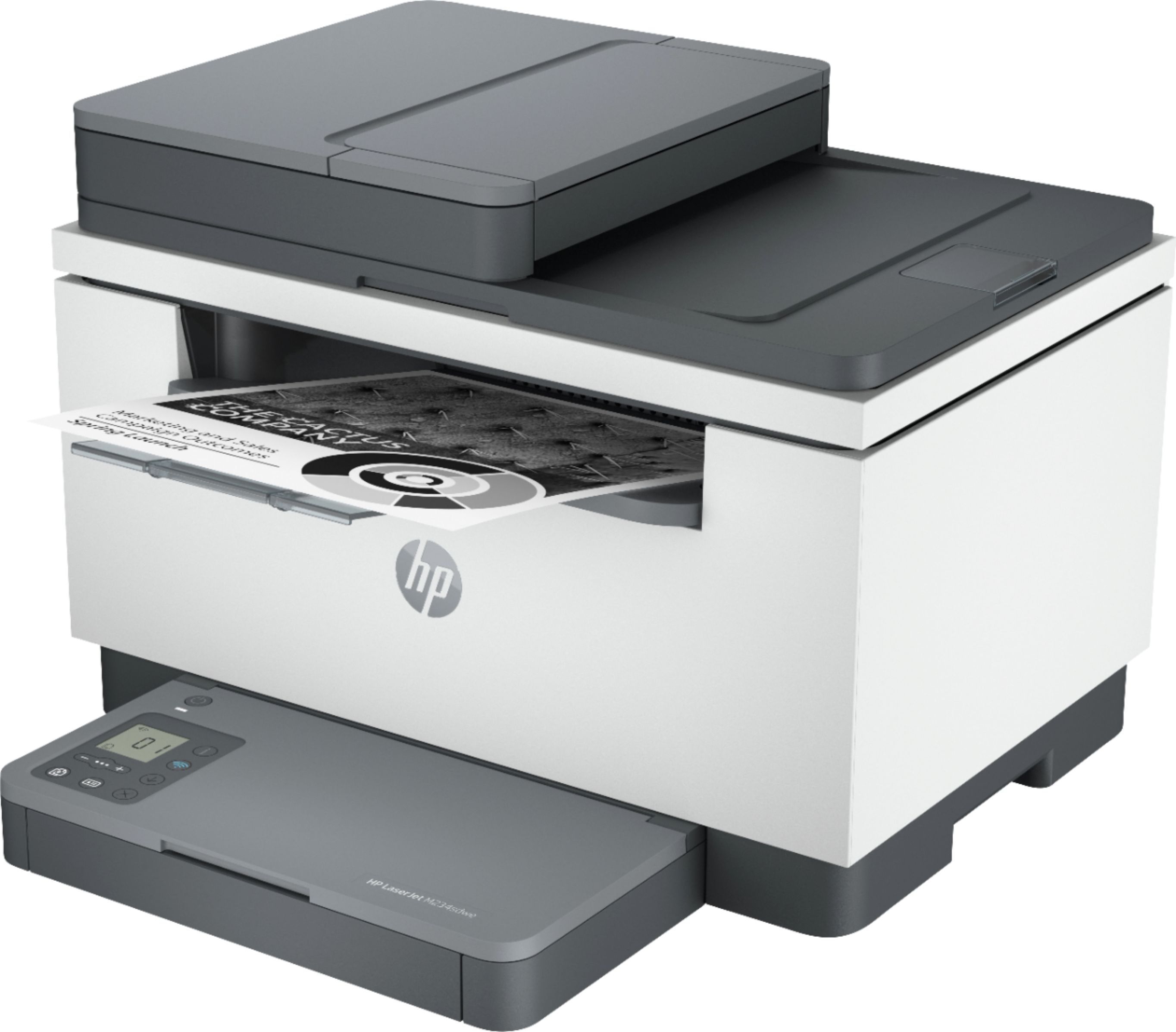
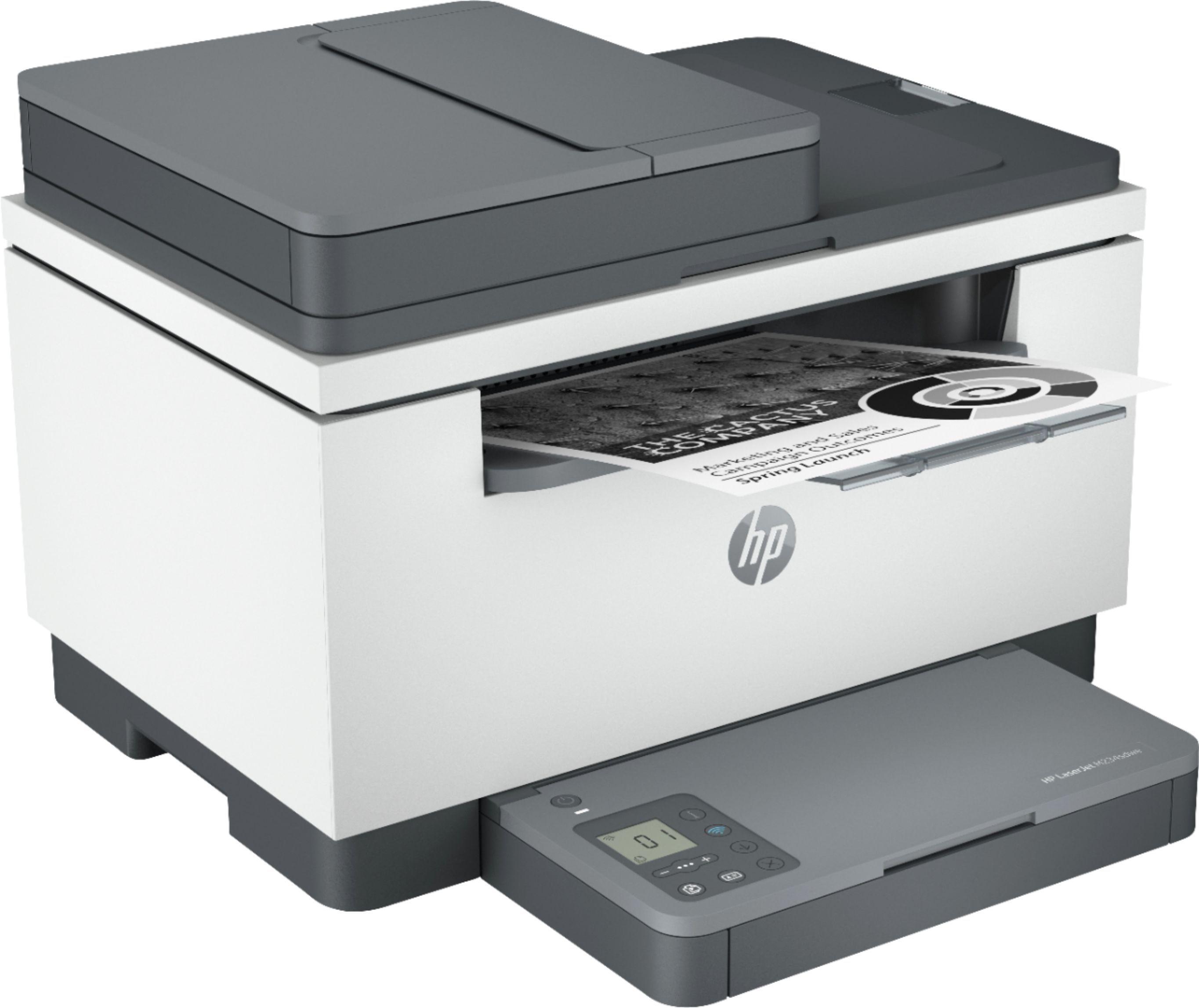
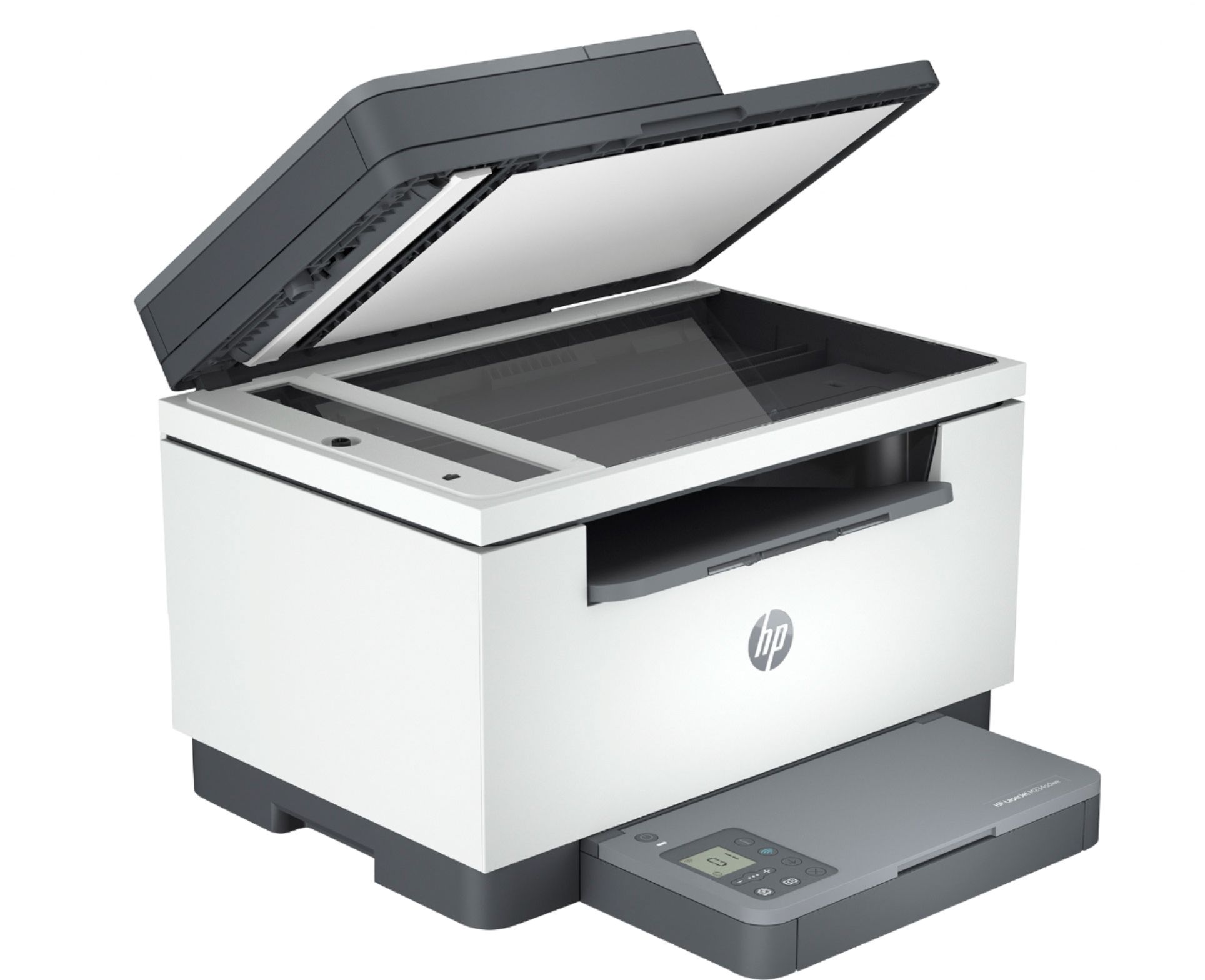
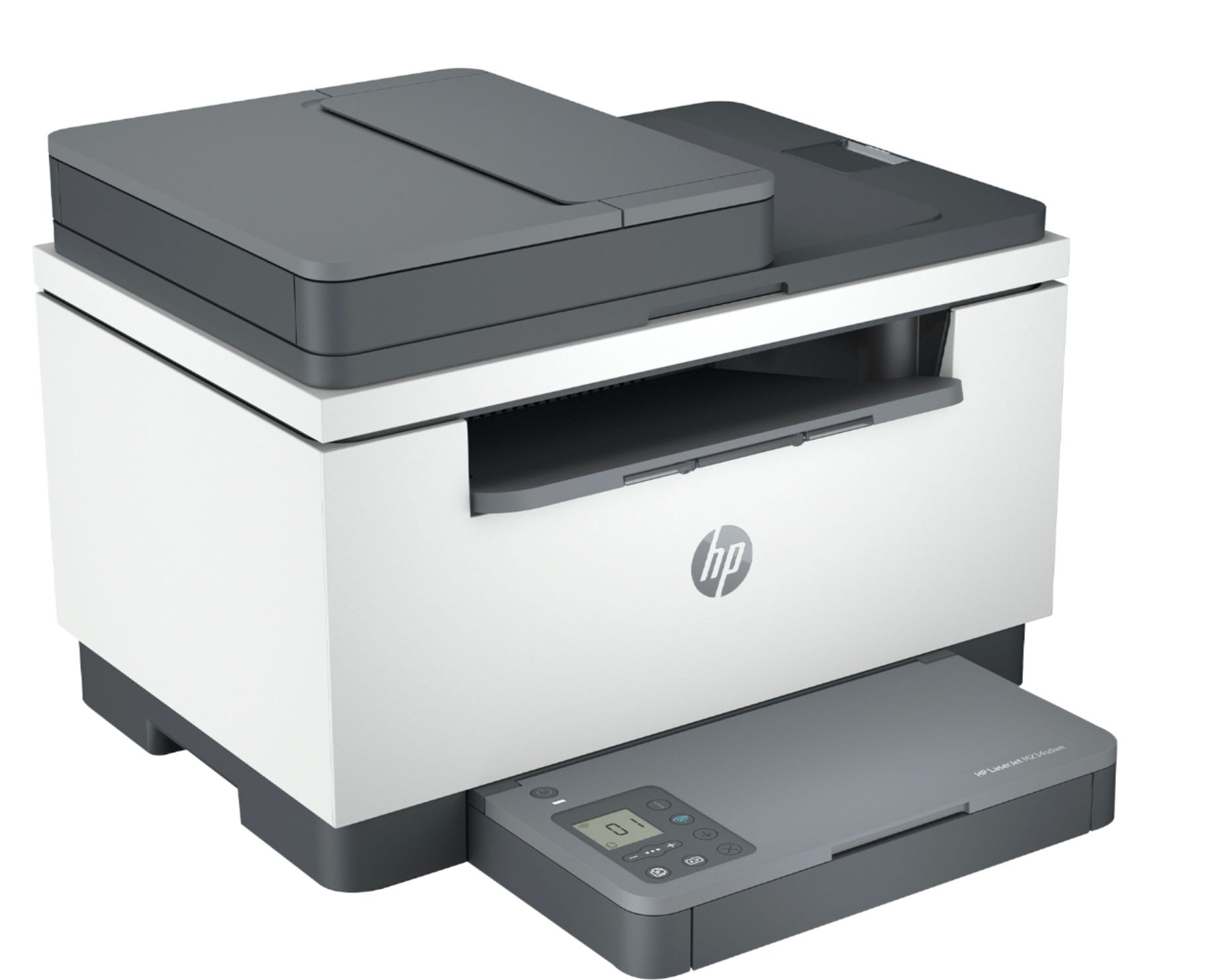
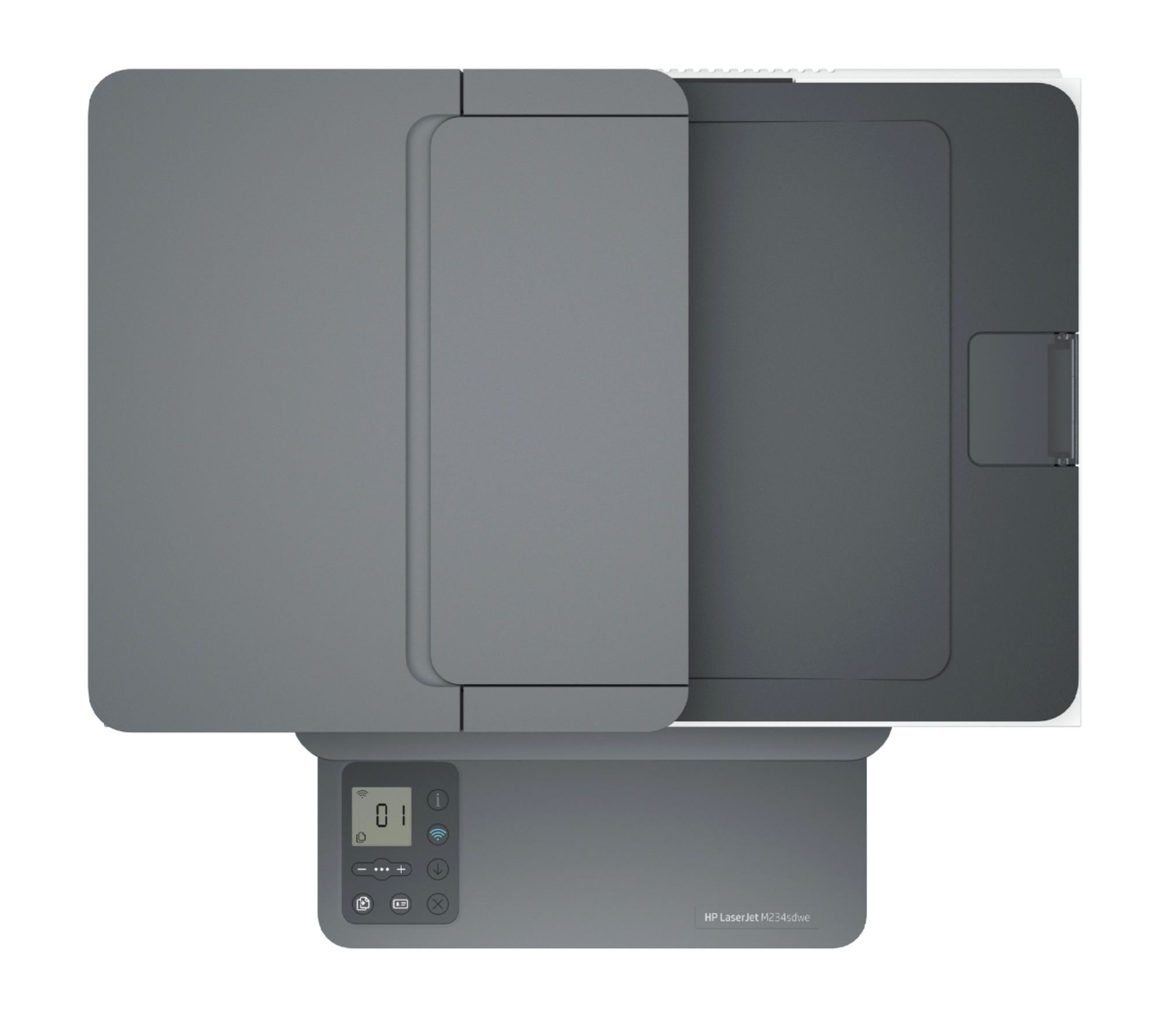
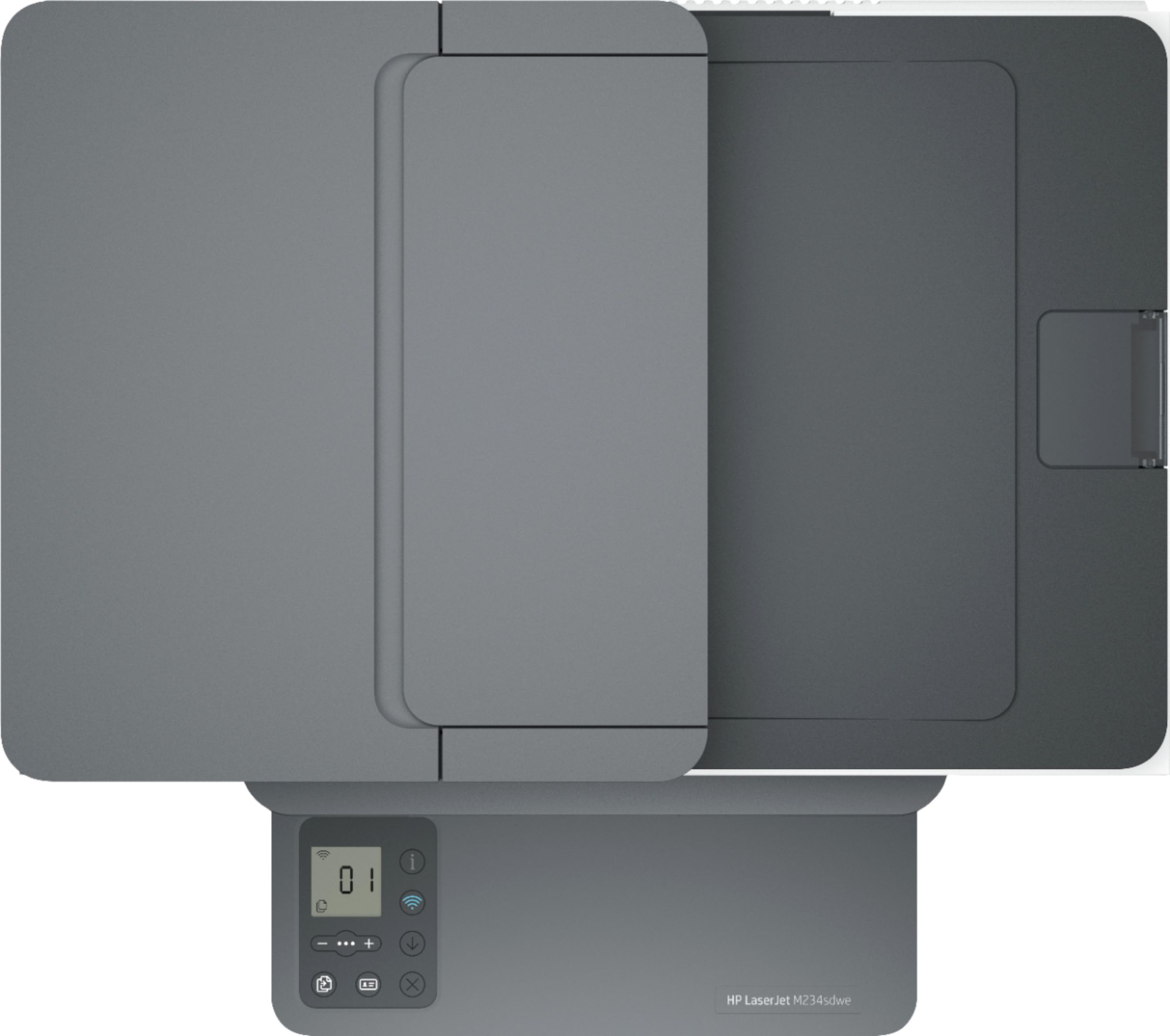
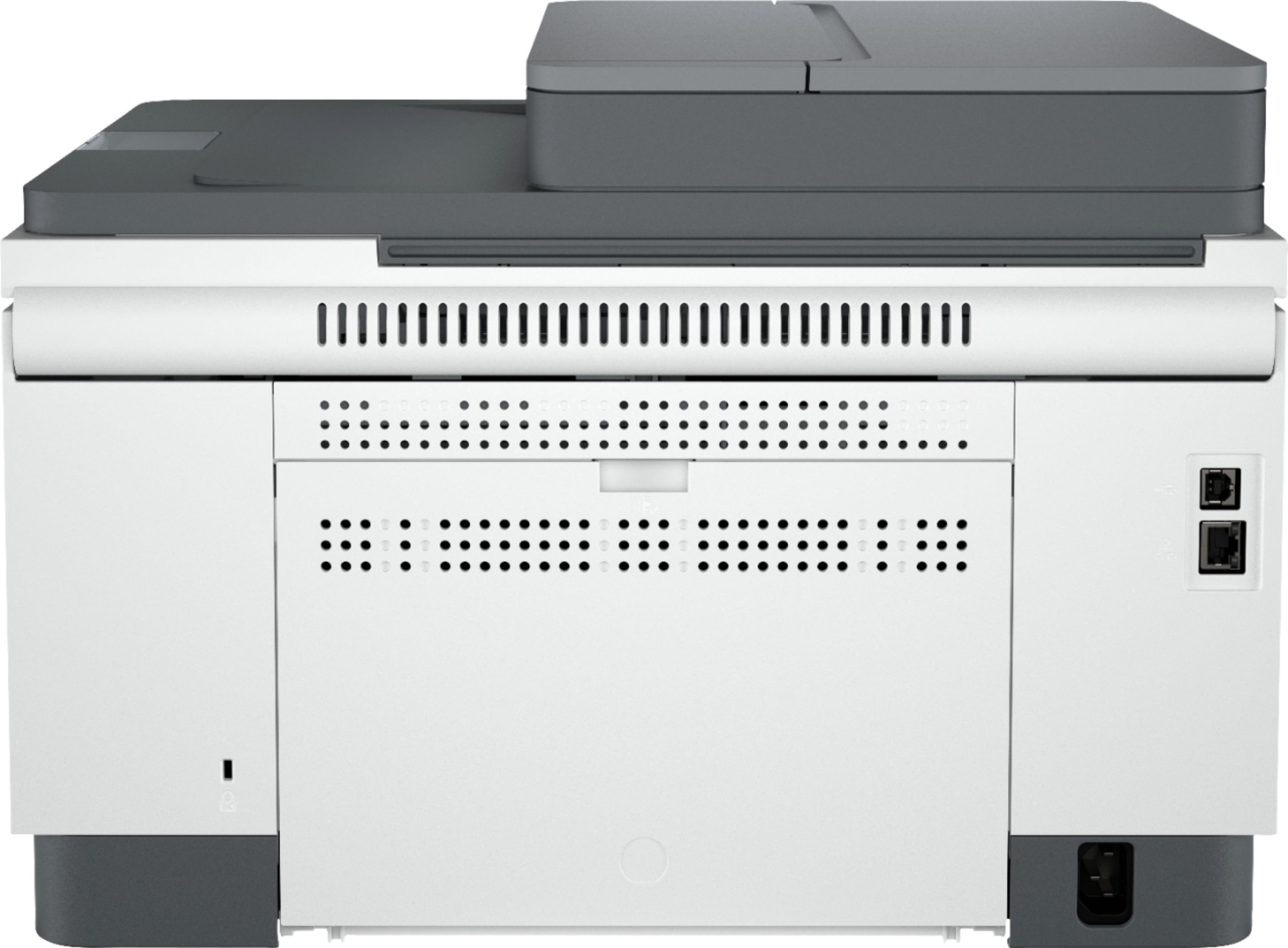
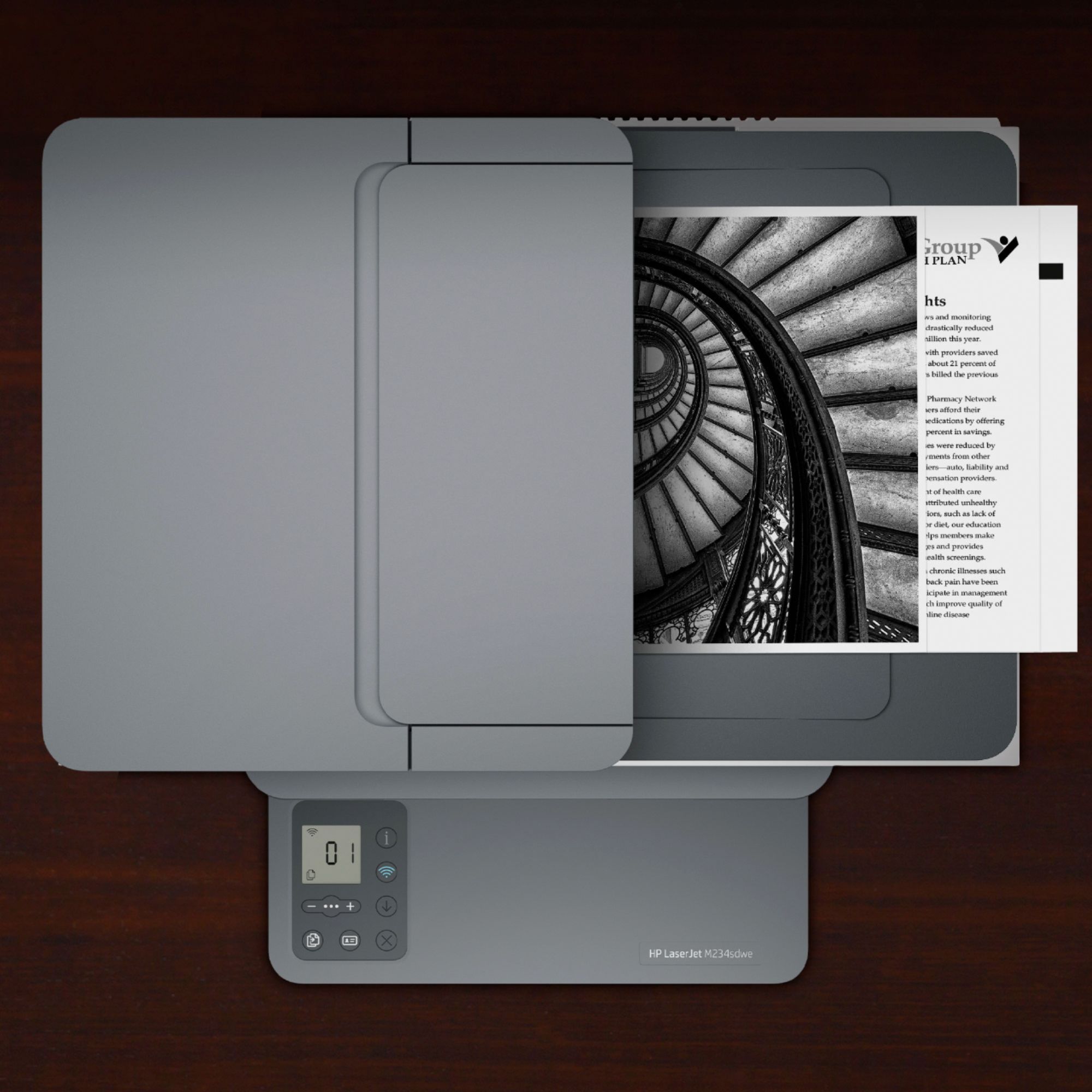
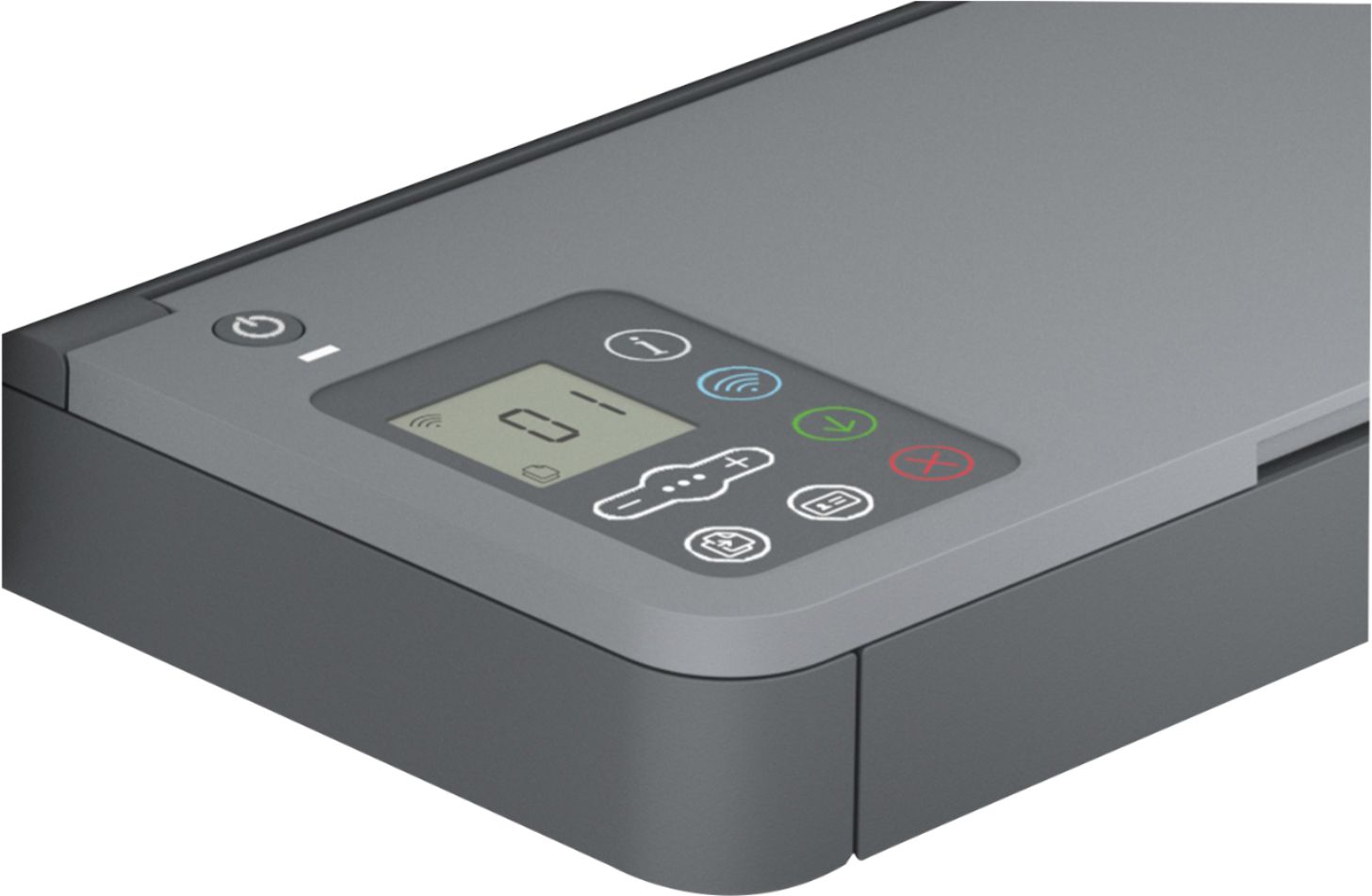
|Posted .This reviewer received promo considerations or sweepstakes entry for writing a review.Ah printers, the one computer hardware that is feared, loathed, and dreaded by computer techies, myself included. While it has improved a lot over the years since the old days, say Windows 95 or Windows XP, it is still one of the bigger pains of dealing with when something goes wrong. The HP LaserJet M234sdwe is a multifunction printer that can handle, obviously, printing as well as scanning and copying. While a lot of people may not use the scanner or copying function of this printer, it is there should you do need it. Therein lies the conundrum of what you need versus what can it do. If all you need is a printer and nothing else, obviously there are other options out there that can save you a few bucks. However, if you’re like me, then you view it with utility in mind. After all, there may be a case where you do need to make a copy or scan something in. Okay, simply put, it’s a black and white printer. Yes, no color. I have opted in to getting this unit for review for one simple reason: I very rarely print in color. While printing in color is nice, color laser printers come with a drawback. Colors will not be as vibrant as those printed on inkjet. This makes printing photos less than ideal on laser printers. The only reason one would get a color laser printer is simply for printing documents and nothing else. As a minor note, ensure that you have an AC outlet with ground. Due to the structure of my residence, I had to improvise to provide power to the printer. But if you’re good to go with that, then ignore this note. Setup is easy, but strange at the same time. Instead of connecting the printer via USB, which this printer lacks a cable for, I have chosen to connect it to the network using an ethernet cable, despite that it’s capable of wireless connectivity. But getting it recognized in Windows will likely be the same regardless. On a laptop that has the latest update of Windows 10 installed, it wants to use the HP Smart app to set up and control the printer. Full utilization of the app will need an HP account. But for basic functionality of printing documents, this app can be ignored for the most part. The app is what you would expect, which supports what the printer can do. You can print PDF files directly from this app but most people would be viewing these files from other programs instead. Scanning is supported through this app and contains most of the basic functionality of it. It can scan in color and the quality is pretty good on a simple sample I used. The app also provides some basic information about the printer. It works the best while the printer is on (whether on standby or in power saving) so it’s not very useful for those who are conscious about power consumption. The printer comes with an online system called HP+, which is intended to either enhance or extend some abilities of the printer itself. Things such as cloud printing are done using this system. There are also a couple of subscription services that come as part of the HP+ system package, but are not required to really use it. They are “Smart App Advance” and “Instant Ink,” the latter of which I am completely against as a concept. Whatever the opinion I have with it as a whole, there is one good thing about it. HP+ adds one additional year of warranty to your printer instead of the basic one year it comes with. So you get a total of 2 years of warranty which is a nice bonus to have, and a good incentive to at least sign up for it temporarily. In the end, HP+ isn’t required to use the printer at all. Now let’s see how the printer performs and works. Print quality is as what you expect from a laser printer. But this is the first set of prints to come out. So it is expected to be sharp and crisp in printing texts. It is also capable of printing on both sides of the paper to save on paper usage. This is great for printing normal documents. But if I’m printing something more sensitive, I would prefer printing on a more heavier or thicker sheet of paper so the text doesn’t easily show through under light. Creating copies can be done in two ways, using the scanner bed or through the auto-feed tray at the top. Both created perfect copies as you’d expect and I ran into no issue doing this. If I need to make copies of documents that have really bad fold creases, I would use the scanner bed. Otherwise, the auto-feed tray at the top is good enough for it. Scanning a document is okay. It can only scan up to 600dpi but this will be fine for most people. Those seeking higher scanning resolution will need a dedicated flatbed scanner for that and is out of the market scope of what this multifunction printer is for. It can scan in color or black/white and the image quality is nice. I do have one small complaint on its scanning functionality but that is probably an issue with the HP Smart app itself. Saving a scan can only be saved in one of two formats -- PDF or JPG, both of which provide image compression of some kind but at a loss of image quality. I would prefer that it either supports BMP or PNG as an image format to preserve every bit of image quality possible. This creates a large image file itself, but gives you peace of mind that no detail is lost, no matter how small or insignificant it may be. As a networked printer, I try to seek out how to really fine tune how the printer operates. And there is an internal webhost for the printer itself. The only thing you need is to figure out the IP address of the printer. Then you enter that IP address to your web browser to start browsing through its internal settings. It does require a password, which is printed on a label inside the printer where you access the toner. To access that, lift up the top just below the scanner. It’s highly advisable to change the password to something unique and complex. Like anything that is connected to the internet, there is always a danger and risk of malicious users trying to break in and do bad things. With limited time, there’s no way to formulate an opinion on “Instant Ink” -- a long term feature that is an optional part of HP+. But the concept of this feature is bad from the very start. Instant Ink is a subscription-based service that provides you with toner or ink replenishment when either is low for a monthly fee. Limiting this further is how many prints you can make on a per month basis. The lowest tier plan limits to 50 pages per month going all the way to a maximum of 1500 pages per month. This may be okay for people who do a lot of photo prints on inkjet printers. But I don’t think this is good for laser printer users. Alternatively, people on inkjet printers who do a lot of photo printing are likely not going to be using mainstream printers but instead look into models or competitors that don’t utilize ink cartridges. Overall I believe Instant Ink is a bad service to enroll in. It’s fine to use it during your trial period but it’s highly recommended to cancel the plan before you’re billed. As a multifunction laser printer, it gets the job done. There’s little time to say as to whether this is a good printer in the long run. Functionally, one can get similar capabilities by going one model down, which omits the top auto-feed copying tray. Spending the extra money on this model doesn’t seem to make much sense if you’re in need of a multifunction printer. On the flip side, if you need to make a lot of document copies, then perhaps this will be worth the added cost. Regardless, it’ll either be for you or not. It heavily depends on your use case scenario. Thus, I cannot say with absolute certainty to recommend it. And to err on the side of caution, I cannot recommend it to friends either.
No, I would not recommend this to a friend Hp laser jet printer
||Posted . Owned for 3 weeks when reviewed.This reviewer received promo considerations or sweepstakes entry for writing a review.The Hp laser jet printer could not be installed after two attempts by Best Buy representatives. It had to be returned. I do not recommend the product at all.
No, I would not recommend this to a friendBest Lazer Jet printer at it’s price point
||Posted . Owned for 1 week when reviewed.This reviewer received promo considerations or sweepstakes entry for writing a review.The easiest printer to set up, literally took 5 minutes to set up and started working instantly
I would recommend this to a friendGreat printer
||Posted . Owned for 3 months when reviewed.This reviewer received promo considerations or sweepstakes entry for writing a review.I like this new HP design, Toner replenishment very easy
I would recommend this to a friendExcellent printer
||Posted . Owned for 2 weeks when reviewed.This reviewer received promo considerations or sweepstakes entry for writing a review.Excellent printer and scanner. It does two side printing which is better than expected.
I would recommend this to a friendGreat buy
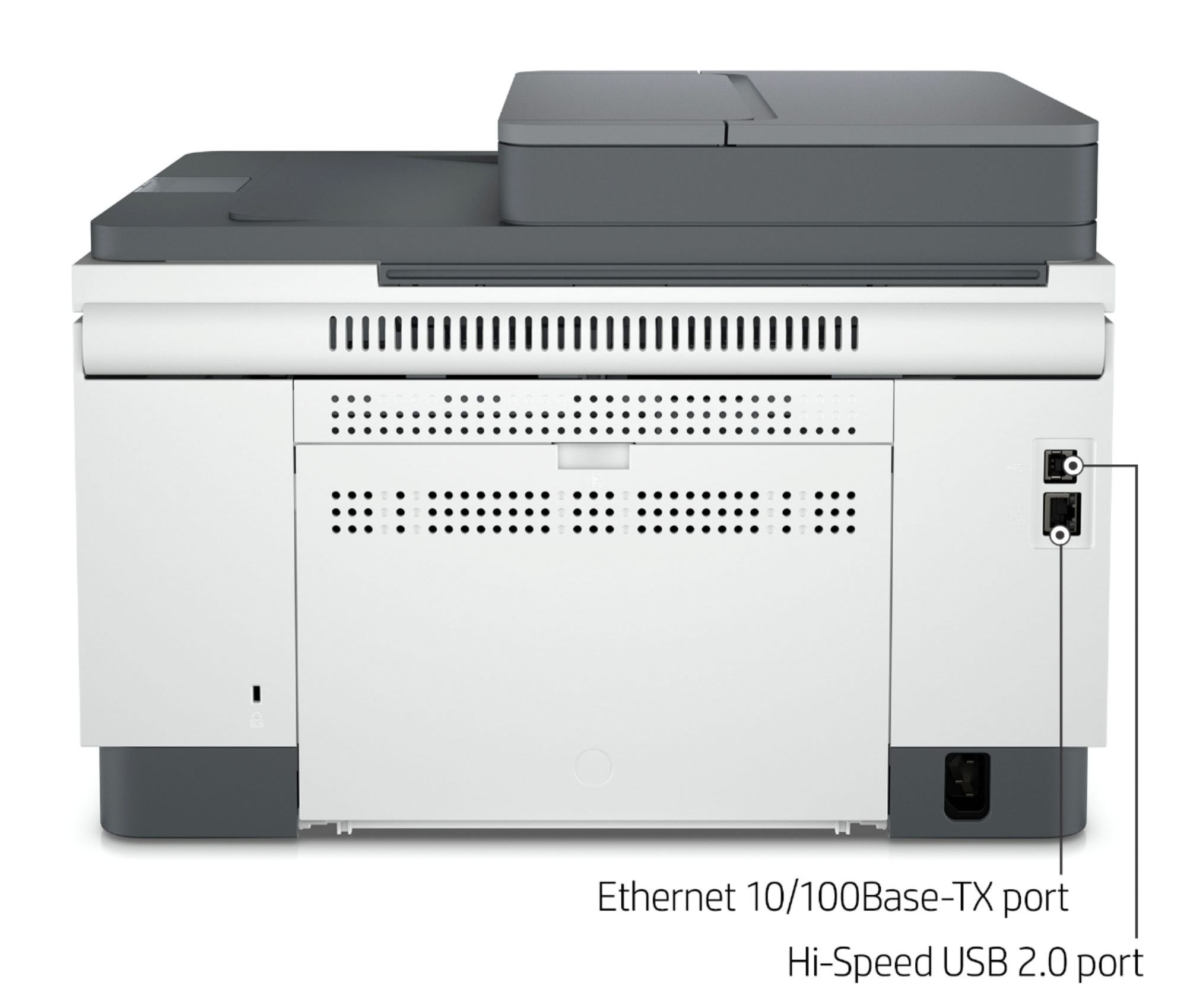
||Posted . Owned for 2 weeks when reviewed.This reviewer received promo considerations or sweepstakes entry for writing a review.Great printer and easy setup. works with Wi-Fi and ethernet only
I would recommend this to a friendPrinting is great!
||Posted . Owned for 2 months when reviewed.This reviewer received promo considerations or sweepstakes entry for writing a review.Great little workhorse of a printer! Would recommend it!
No, I would not recommend this to a friendNano wireless printer
||Posted . Owned for 1 month when reviewed.This reviewer received promo considerations or sweepstakes entry for writing a review.The technicians who came told me that because I live in a managed Wi-Fi facility that I could not have this as wireless. I would need to hard drive it. I wish I would’ve known that to begin with.
No, I would not recommend this to a friendJust no
||Posted . Owned for 1 month when reviewed.This reviewer received promo considerations or sweepstakes entry for writing a review.The display is horrible. Cant read it and no backlight. I returned it
No, I would not recommend this to a friend