Customer Ratings & Reviews
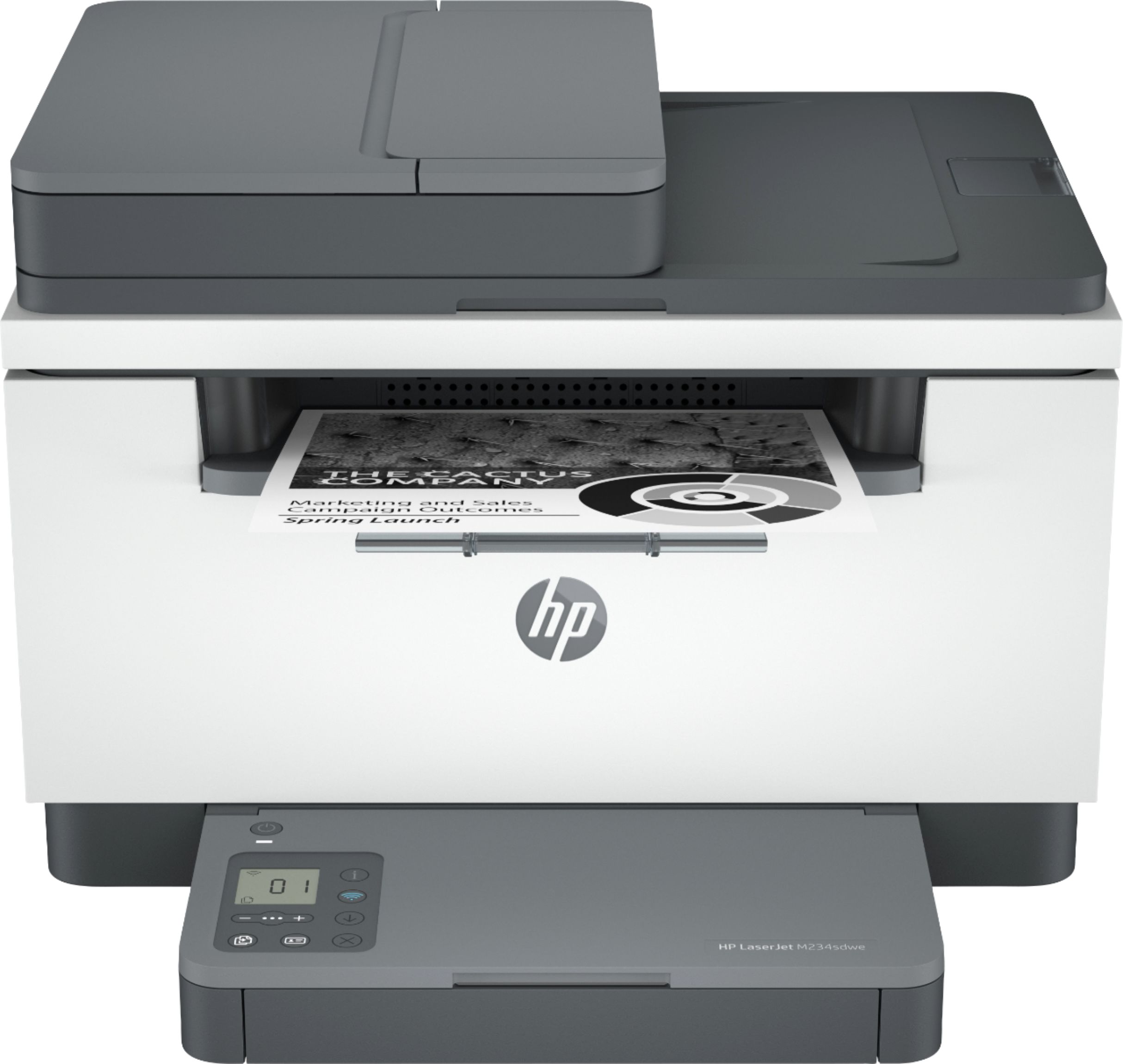
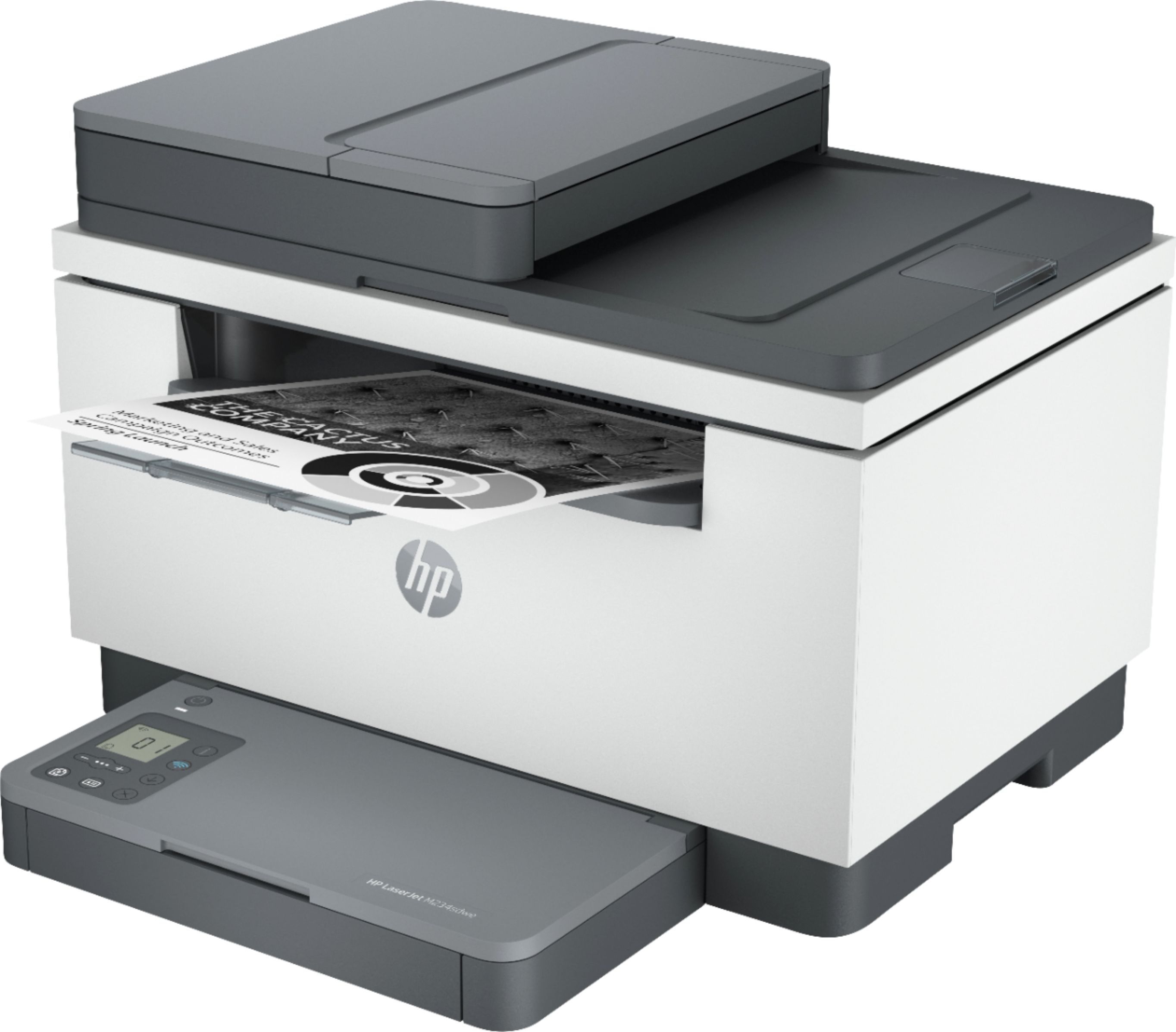
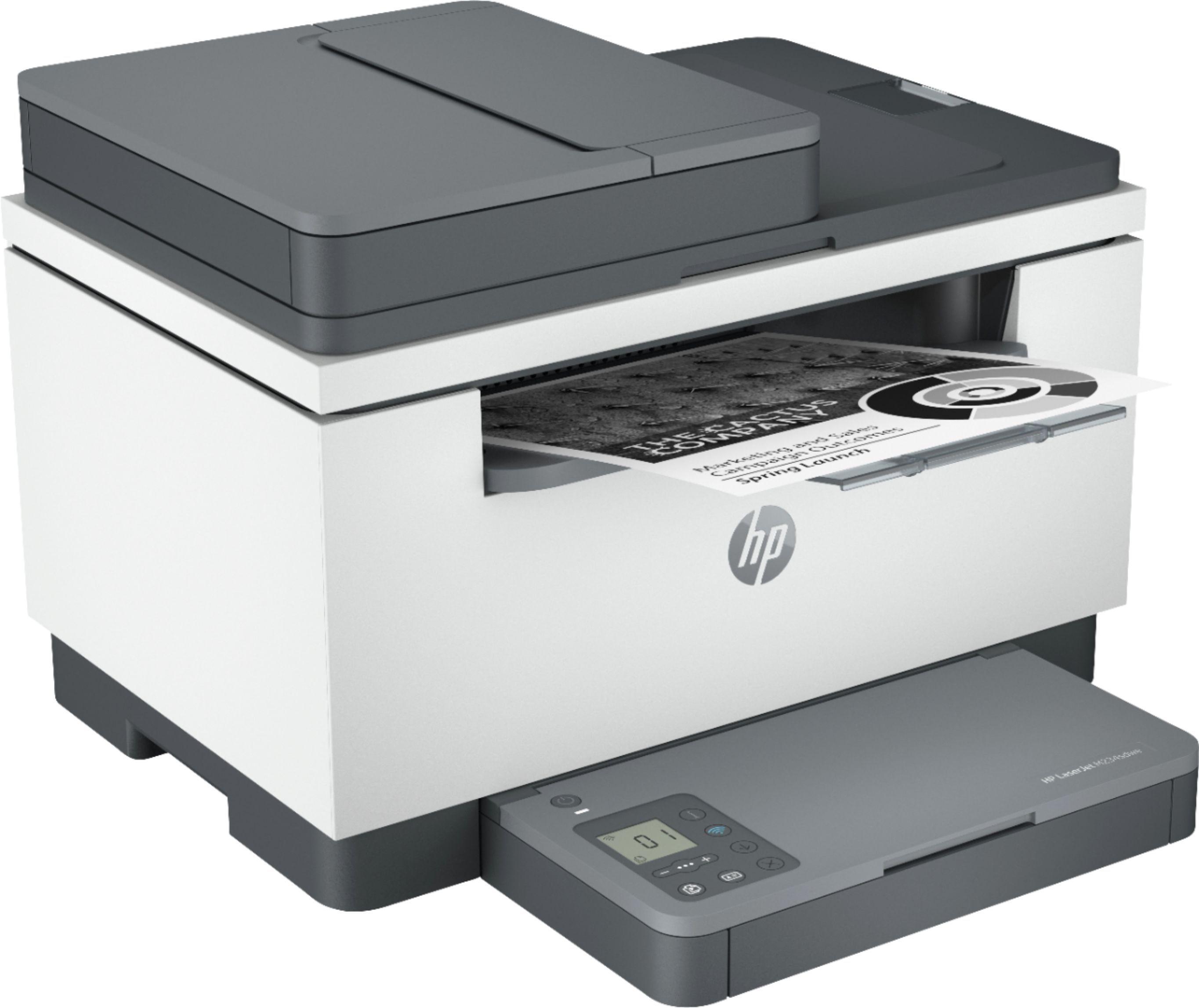



- Model:
- M234sdwe
- SKU:
- 6452570
Rating by feature
- Value
Rating 4.5 out of 5 stars
- Quality
Rating 4.5 out of 5 stars
- Ease of Use
Rating 4.3 out of 5 stars
Customers are saying
Customers are pleased with the LaserJet M234sdwe's print quality, ease of use, and compact size. Many appreciate its wireless capabilities and straightforward setup process, finding it reliable and quiet in operation. While some users experienced minor issues with the document feeder and occasional paper jams, the overall feedback is overwhelmingly positive.
This summary was generated by AI based on customer reviews.
small low cost printer
||Posted .This reviewer received promo considerations or sweepstakes entry for writing a review.It works but very small paper capacity and can be tempermental but for the price it does its job
I would recommend this to a friend- Pros mentioned:Print quality

Inexpensive and capable laser printer from HP
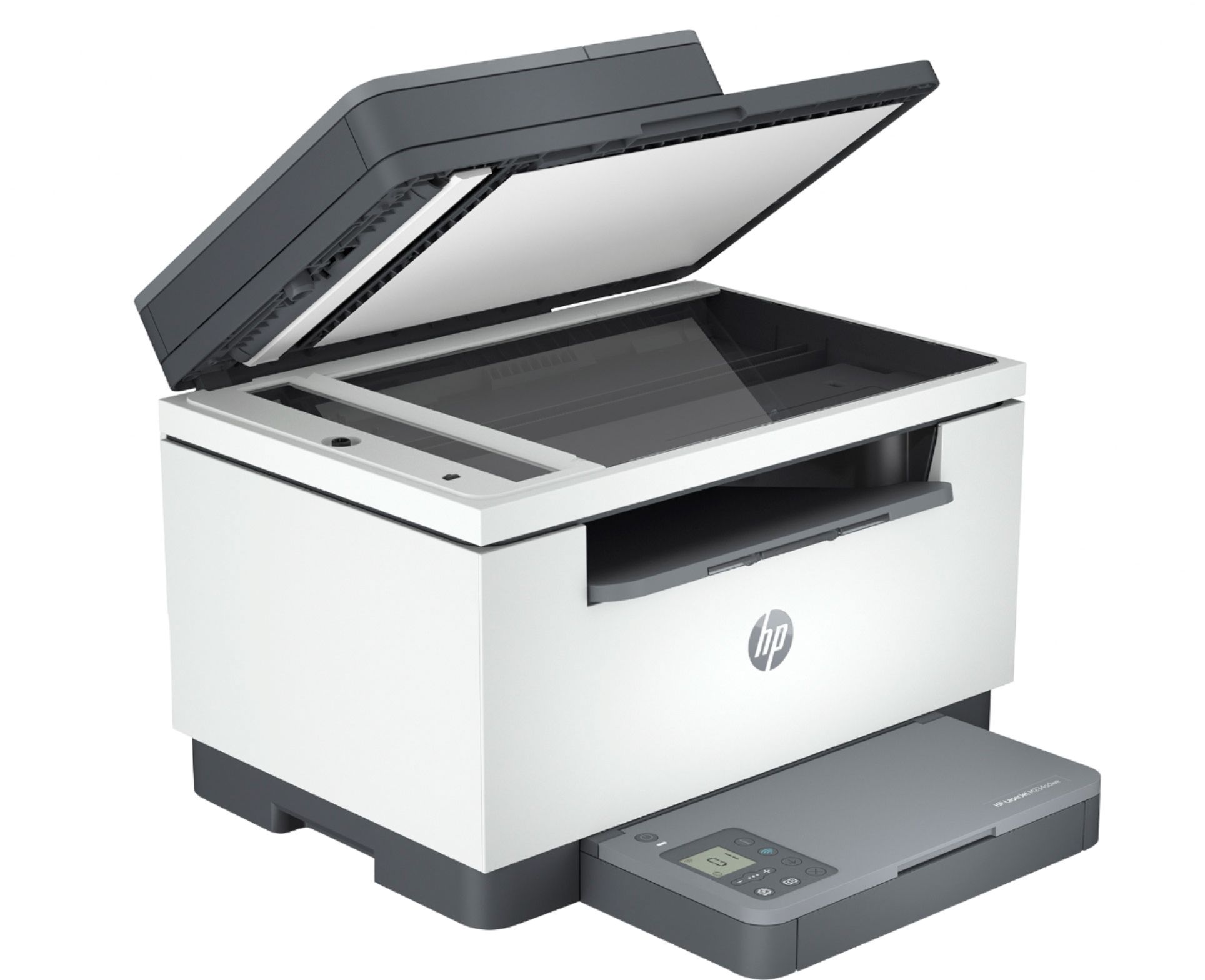
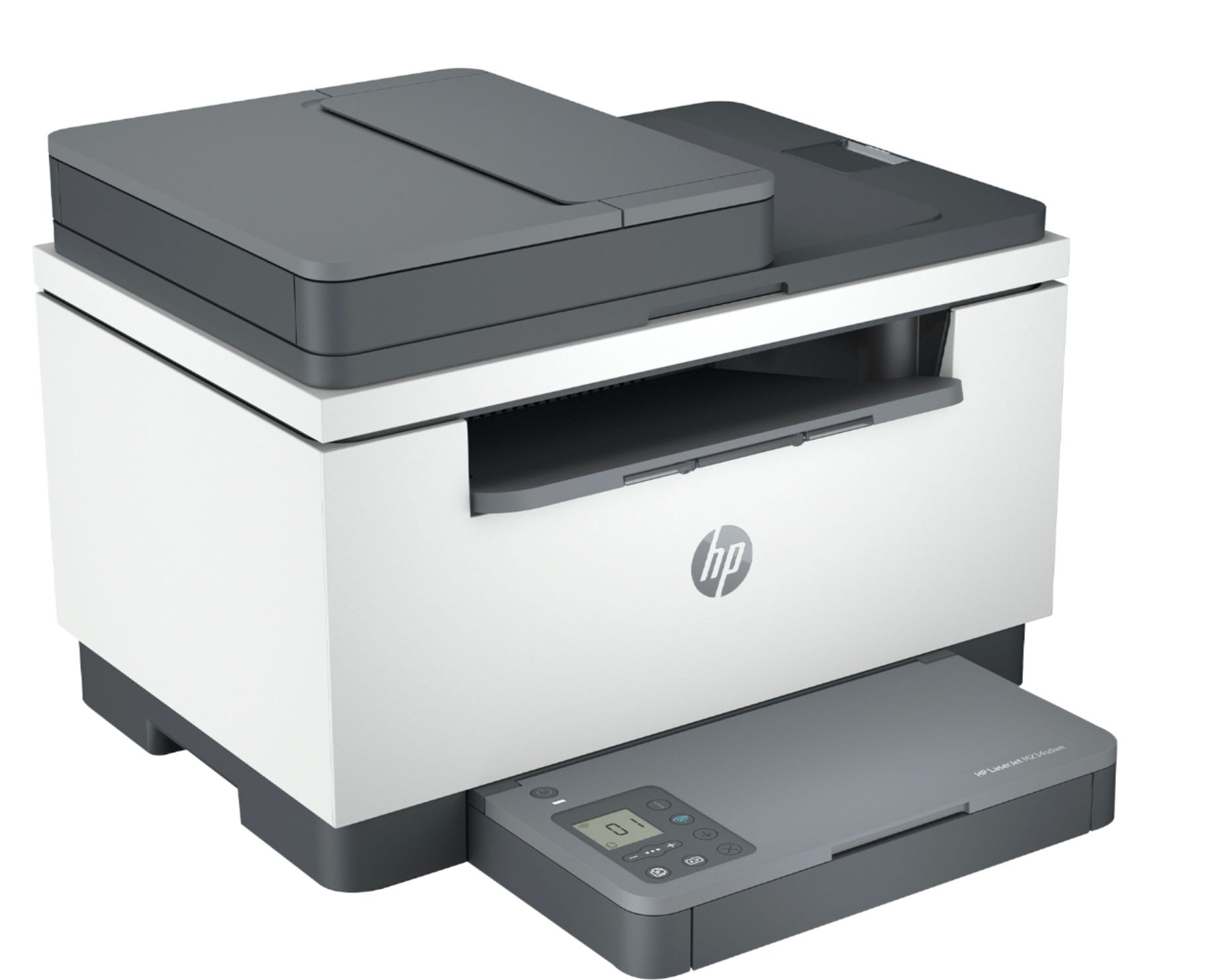
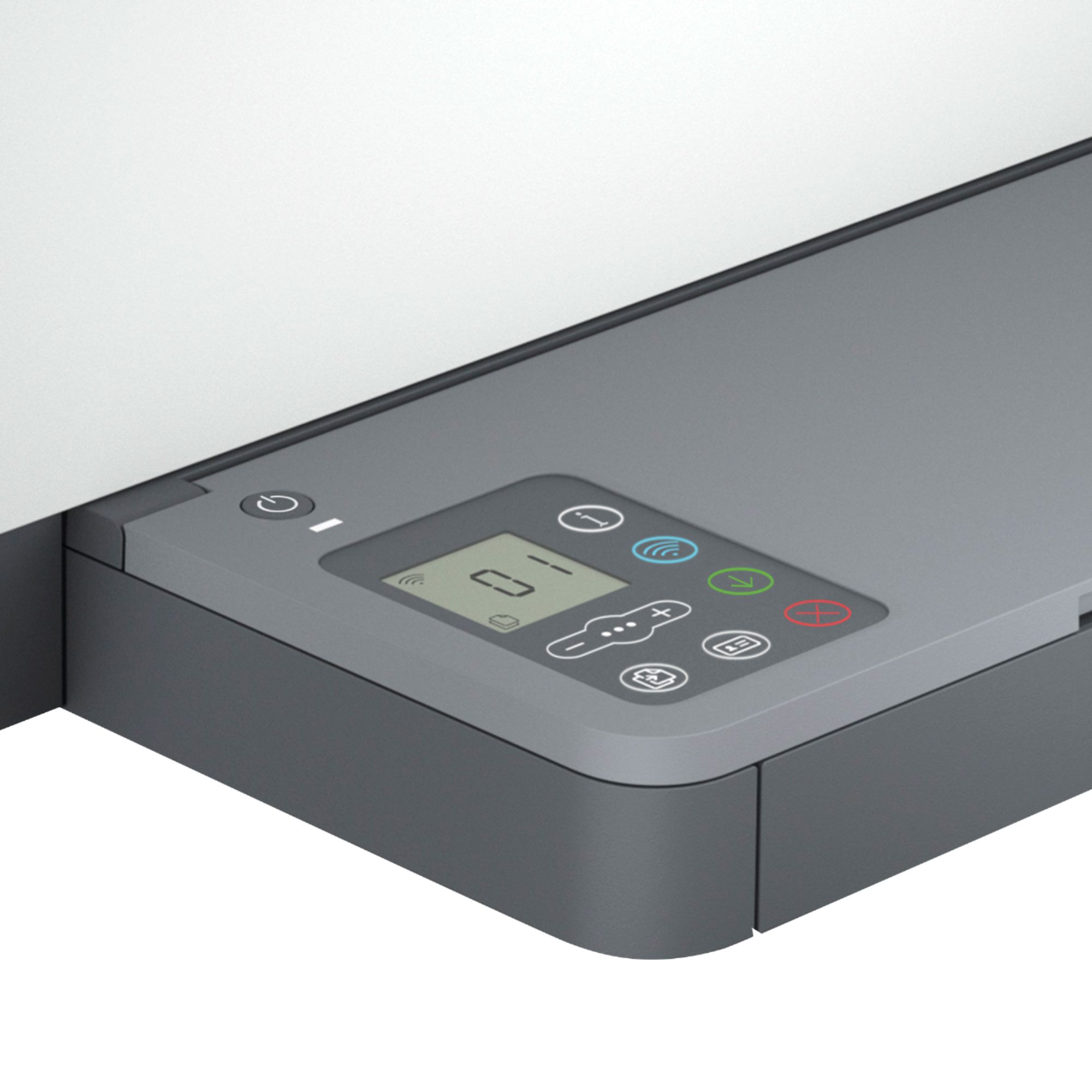
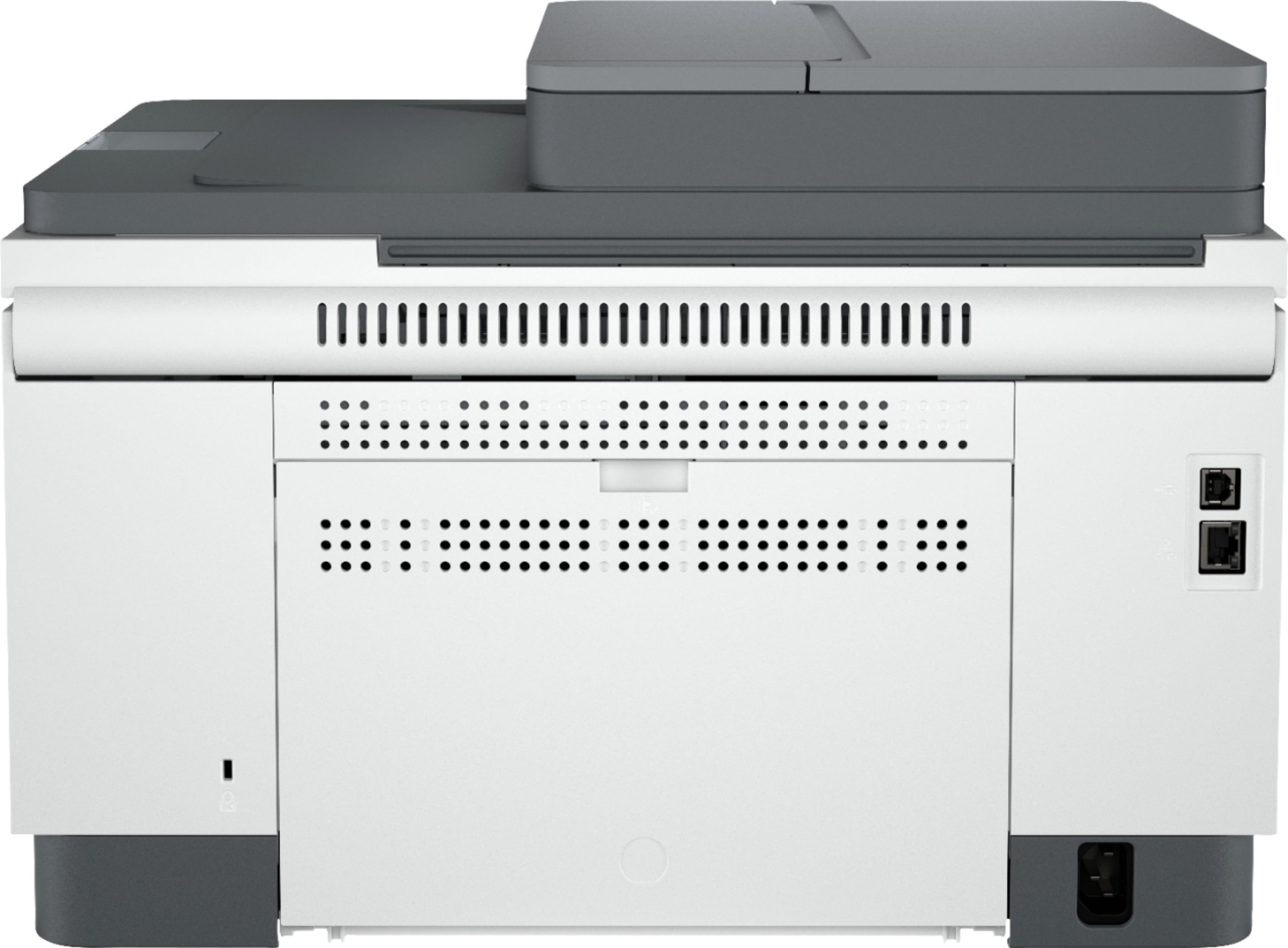
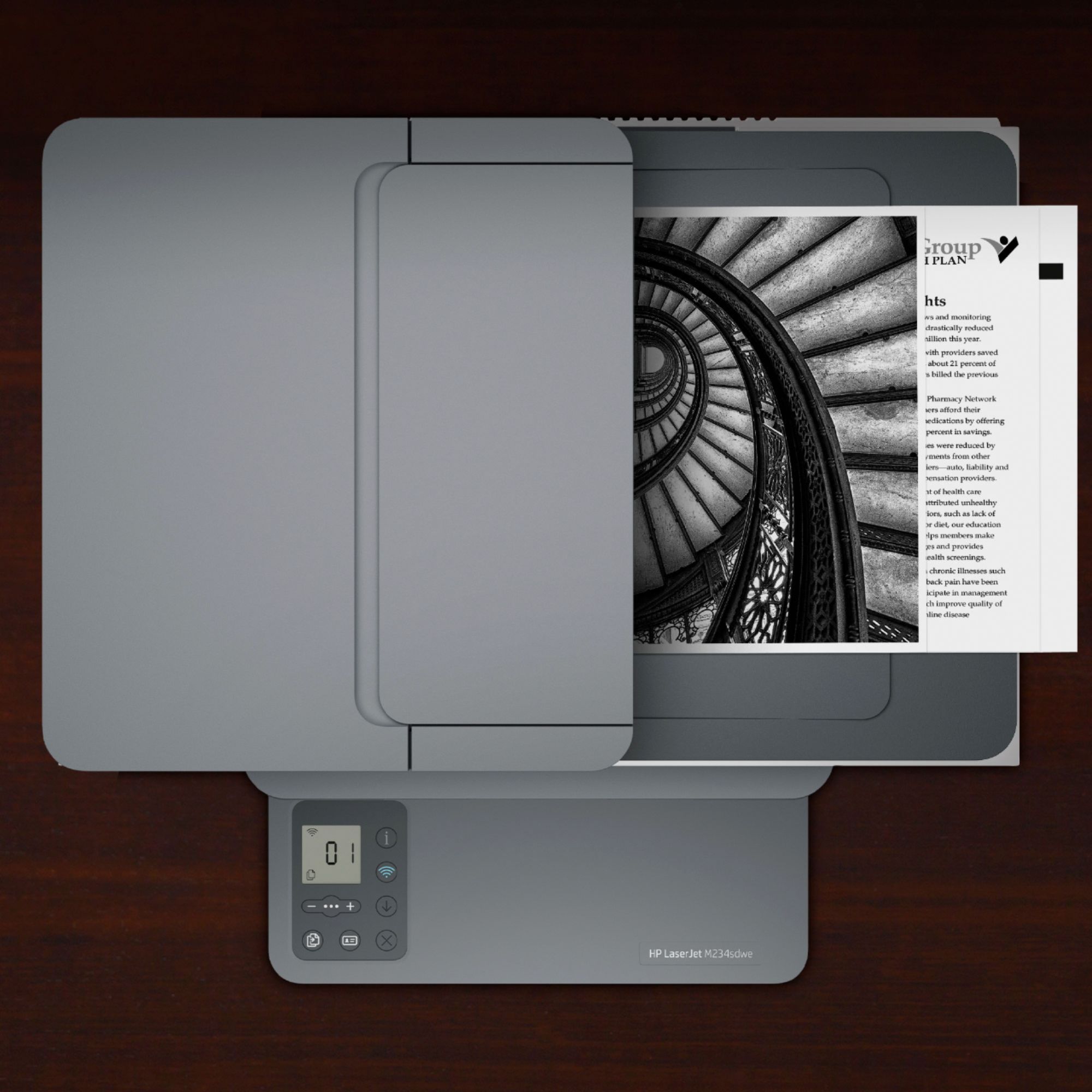
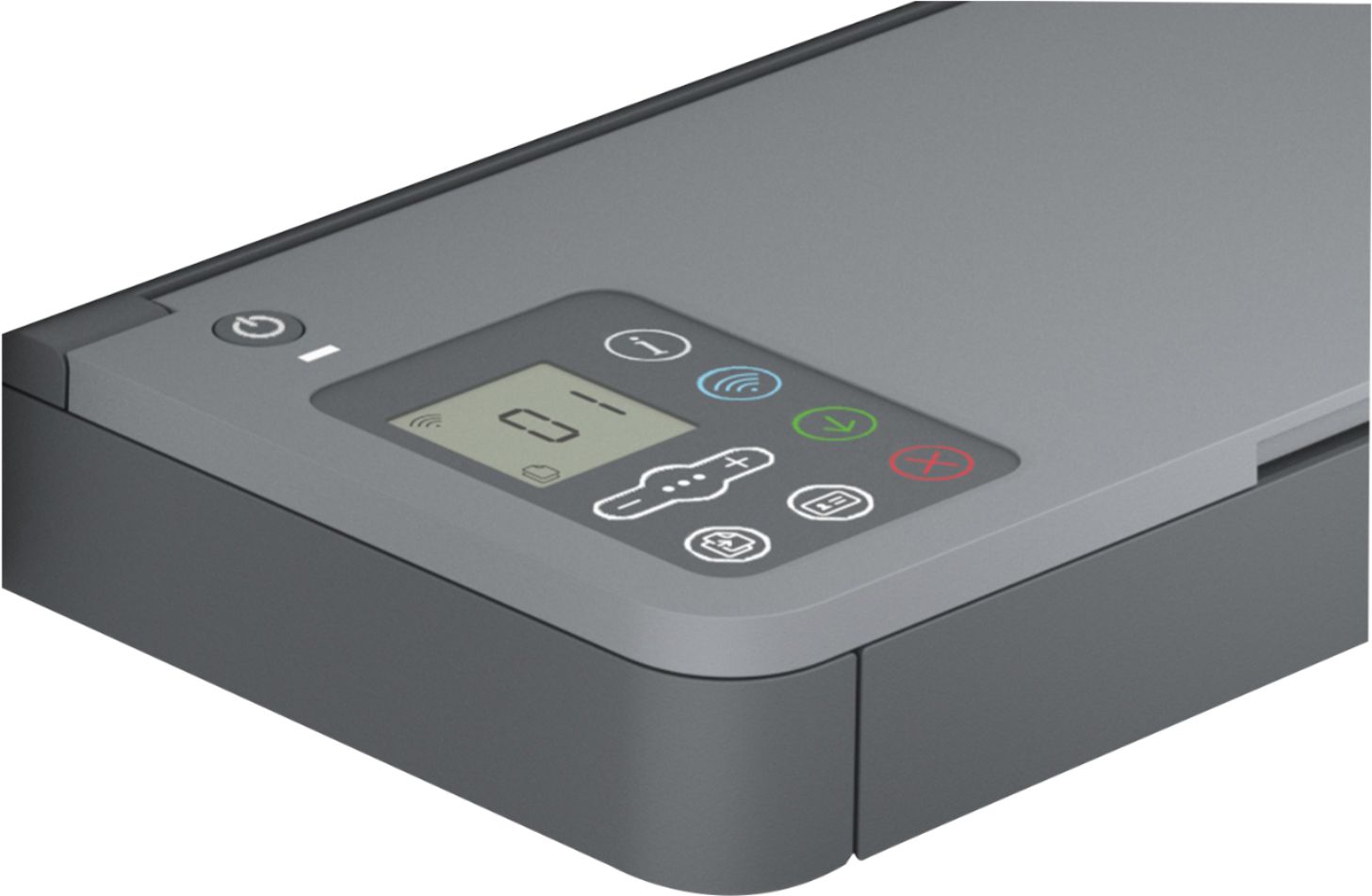
|Posted .This reviewer received promo considerations or sweepstakes entry for writing a review.The HP - LaserJet M234sdwe Wireless Black-and-White Laser Printer with 6 months of Toner through HP+ - White & Slate is a very capable laser printer / copier for home or small business. It prints very quickly, and outputs are quite crisp. The auto-feed copier makes copies quite quickly also, although I did notice a little bit of copy degradation on the copies. Copies were still easily readable even on the smallest text, but there was a little bit of distortion compared to the original. Nothing to worry about. The setup was quite easy with the software from HP. Plug in the printer, run the software and it detects it before it is even on the network. It asks permission to use your wireless password and configures the printer automatically. You can also connect the printer over LAN or USB. The printer comes with 6 months free trial for their instant ink program and a 2-year warranty. The plans vary in price depending on your average usage. I opted for the $1.99 per month for 50 pages as I do not print that much regularly, and it was the cheapest option. They have a range of plans all the way up to 1500 pages per month. When the printer needs toner, they send it to you automatically. You can also opt to just buy cartridges without a subscription. It all depends on your usage how good of a value the subscription will be. The only real con about this printer is the very simplistic display. I have had much cheaper HP inkjet printers that had robust displays on them. The display on this printer only displays number of copies, darkness level, and scaling percentage. It does have easy touch buttons for making copies either from the auto-feeder or the flatbed, a wireless connect button that lights up when connected, and a dedicated printer info button. It would be nice if there was a touch-enabled screen at least twice the size with access to more of the printer features. The paper tray holds 150 pages and the auto-feeder for the copier holds 40. Fairly reasonable for home or a small business. The construction of the printer seems durable, and the printer looks nice. The footprint is small too. It is not very heavy, so moving it around is fairly easy. It is very quiet when printing. Copying is a bit noisier, but still very reasonable. The mobile app is a nice feature from HP. It works on Android or iOS and allows you to print documents or images from your phone or tablet whether they are locally stored or from cloud services. It also has a nice feature that will queue the prints up until your mobile device is in close proximity to the printer for privacy. You do need to create an HP account to use these features. For $199 I think you get a lot of bang for your buck with this printer. I only wish the onboard display were more robust, so I must give it 4 instead of 5 stars. I would definitely recommend this to someone looking for an inexpensive yet quality laser printer for their home or small business! It’s hard to go wrong with HP printers I’ve found over the years.
I would recommend this to a friend - Pros mentioned:Size
Nice Black and White Laser Printer
|Posted .This reviewer received promo considerations or sweepstakes entry for writing a review.I just unboxed the HP LaserJet MFP M234sdwe. It’s probably the easiest network/wireless printer I’ve ever set up. I have HP Smart installed on my Mac Mini as well as all my Windows 10 machines. I set the unit up on my desk, added the paper tray attachment, filled it with paper (150 sheet capacity), and fired up the HP Smart app. The app already saw the printer and I didn’t even need to click add a printer. I just clicked install and it did its thing. During the installation, the software asked if I wanted to sign up for HP+, but I don’t have a printing routine that would allow me to take advantage of the program. Instead of offering a free 6 months, for me, it would have been a benefit if I received so many toner cartridges before having to pay for one. Say two free and then the paid program starts. The way it’s structured now, I may or may not even use the one that came with the printer. That said though, the printer works well. The lack of a touch screen control and the lit up icons takes a minute to get used to. I did have some issues with double printing. I was trying to copy/scan a few double-sided pages and it just didn’t want to cooperate. I’ll have to keep trying, but I think I have to copy one side and then learn which way to flip and reinsert the pages to copy the backsides. It’s not as convenient as the MFP M428fdw that I’ve been using. The auto-feed works, but I have to make sure to keep the guides nice and tight. I had them a bit loose and the copies came out all cattywampus. Putting the pages in the auto-feed and giving the guides a gentle squeeze, did a decent job of straightening the originals. What else? The unit has a LAN port and I’ve hooked up a cable to it, but I don’t see a need for it. The wireless does what it’s supposed to. I like the compact size. It’s about 2-3 inches shallower than my old HP MFP M4288fdw, except at the bottom. The paper feed and control tray stick out about an inch further. Even still, it gives the unit a slimmer look when viewed as a whole. Lastly, it’s connected to everything I’ve tried. The box states it works with apps from the Apple store, Apple iBeacon, Apple Airprint, Google Assistant, Alexa, and Microsoft. Oh, one other feature I used and liked. The copy an ID (identification) card. I needed to scan in my Covid vaccination card and this feature worked great. I placed it on the flatbed about an inch away from the top and left side. It scanned the card (fast by the way) and then a green arrow lit up on the controls. I opened the lid and tried to flip the card over in the same spot. Closed the lid and hit the green arrow. It scanned both sides and I had an electronic copy in my OneDrive folder and a physical copy for the filing cabinet. I can see how that would work great for a small business that has a lot of contacts.
I would recommend this to a friend - Pros mentioned:Ease of use, Print quality
Nice home and small office printer
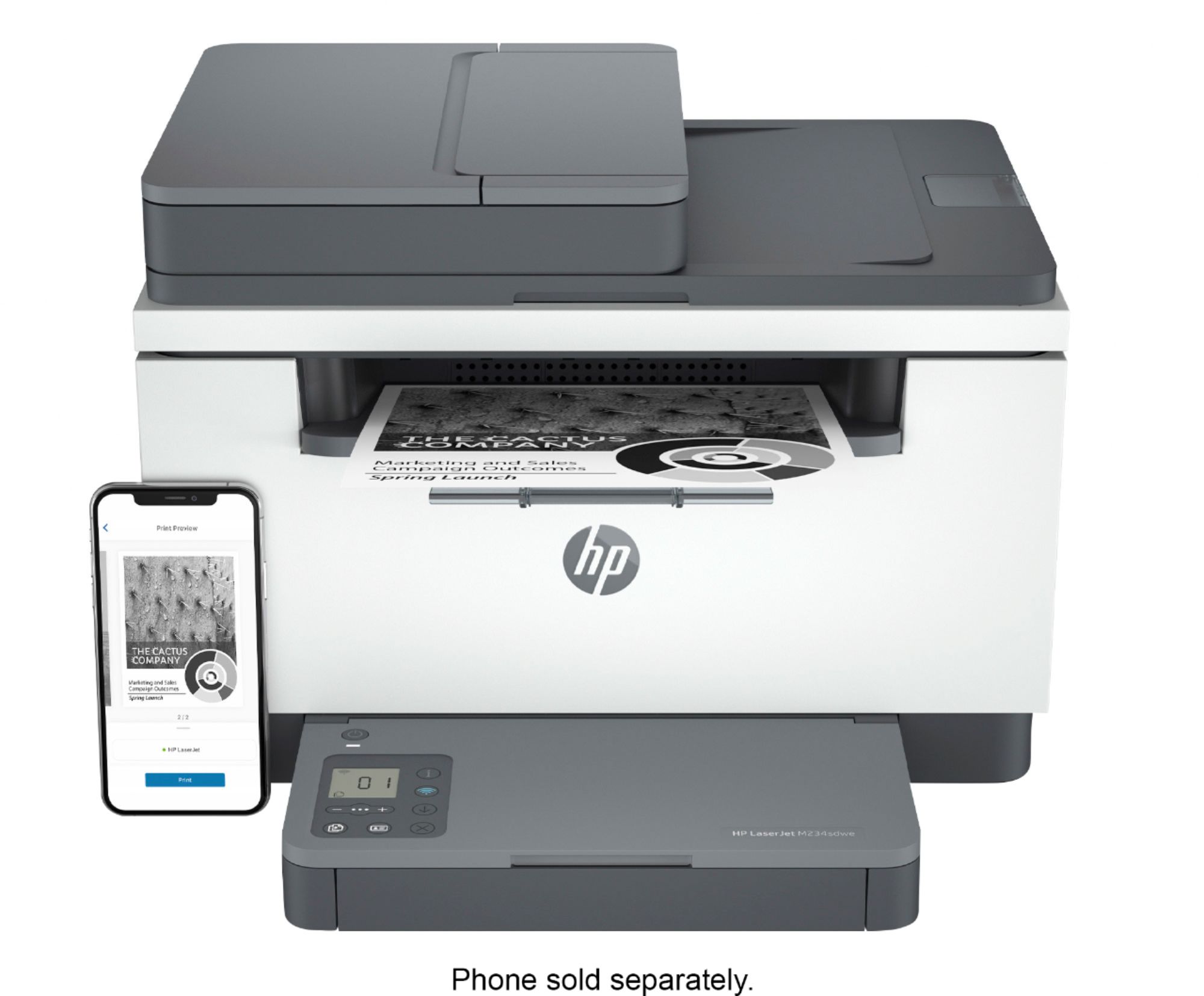
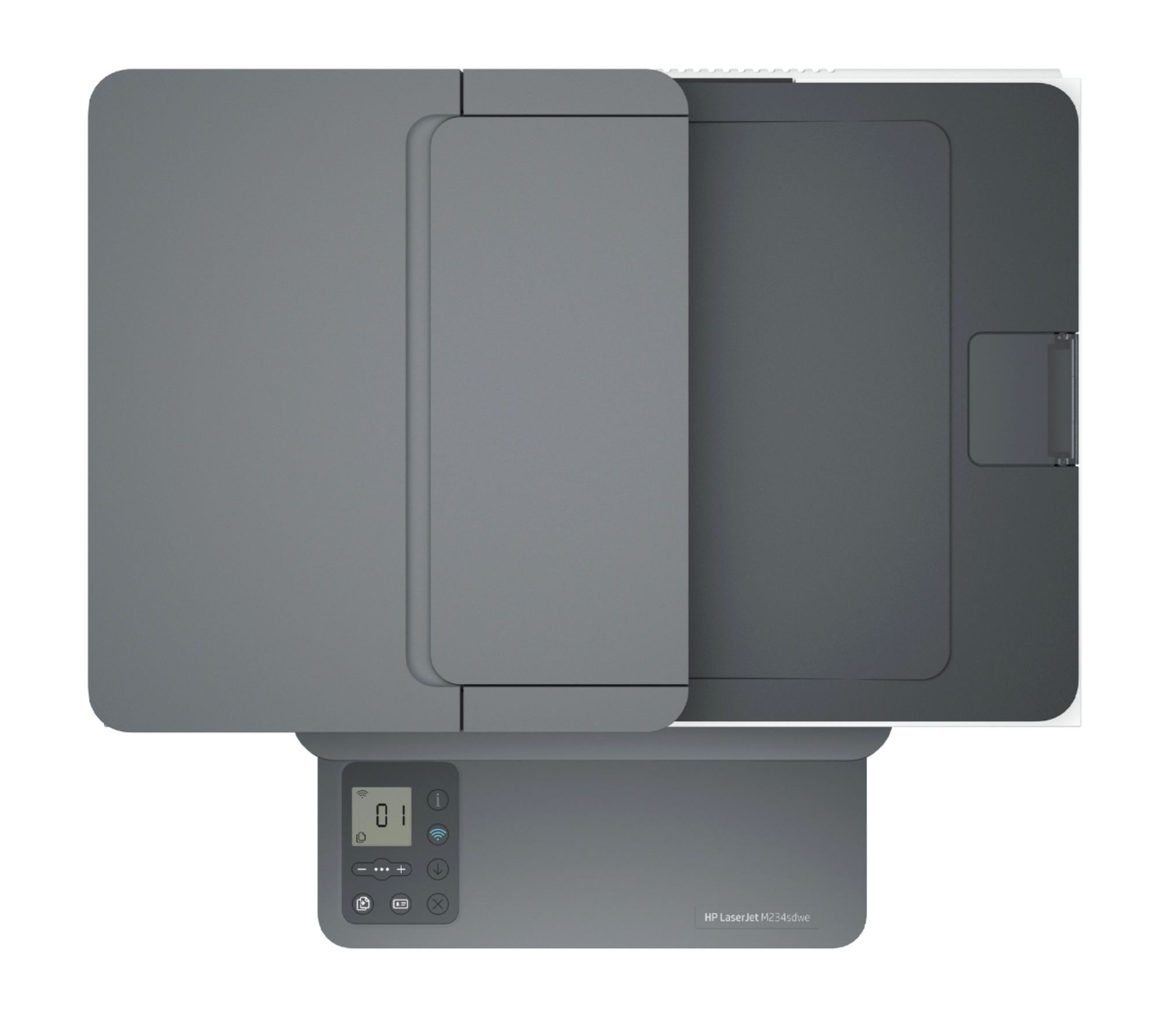
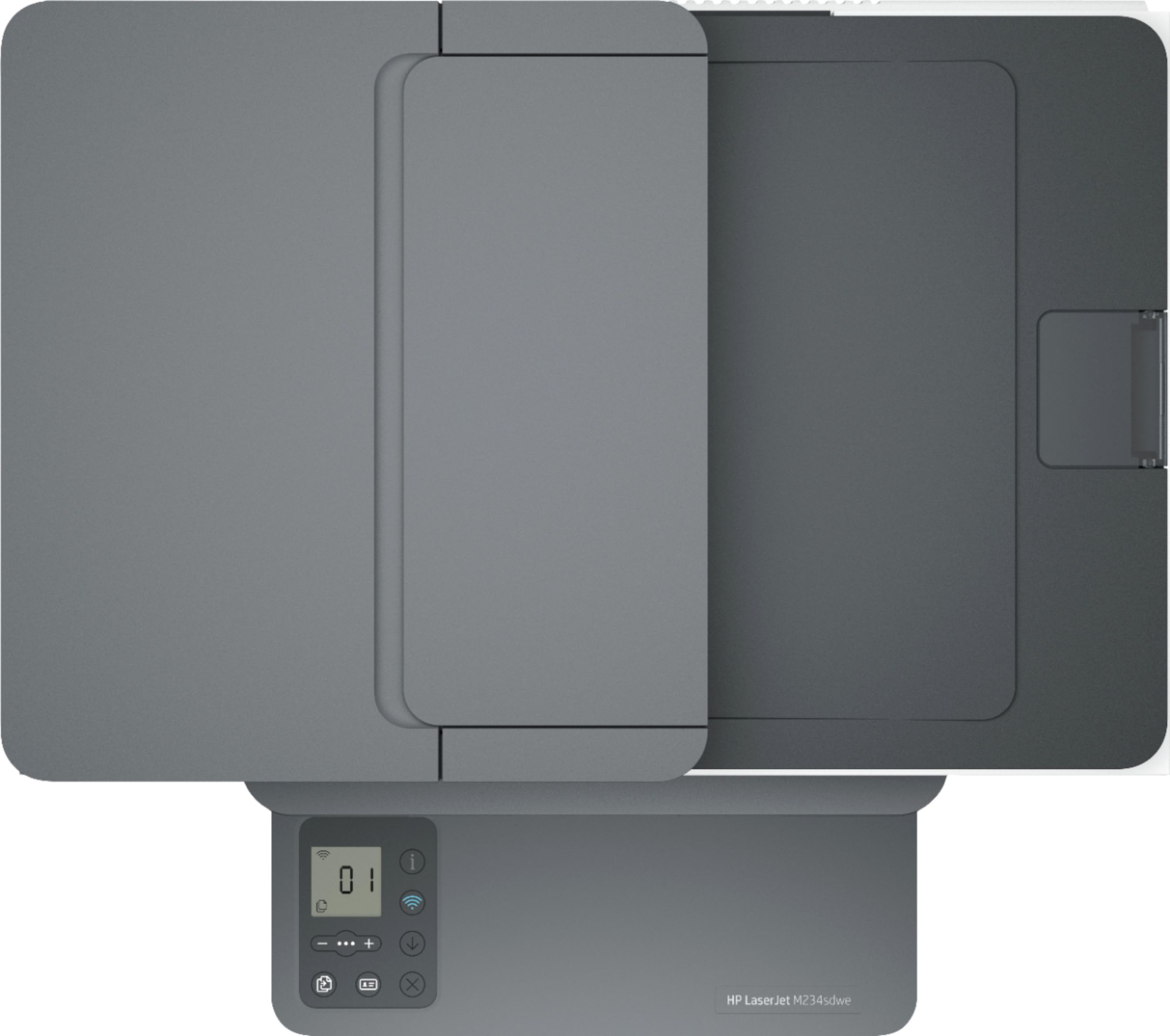
|Posted .This reviewer received promo considerations or sweepstakes entry for writing a review.I’ve had my HP Laserjet MFP M234sdwe printer for a week now, and I really like it. It’s a smart multi-function device with printing and scanning capabilities for PCs, MAC, smartphone, Google Home, and Alexa. It has pretty good specs: 30 pages per minute single-sided printing 19 pages per minute double-sided printing 600 dpi printing black and white 150 sheet paper input capacity Flat-bed scanner 40 sheet auto document feeder for scanner 600 dpi by 600 dpi color scanning Connect via dual-band WiFi or Ethernet The printer also comes with HP+. This is a new printing solution that doubles your warranty to 2 years, provides free toner for 6 months, and up to 50% off retail prices on toner after the first 6 months. The printer is set up to work with just about all of your home or small business devices. Using the HP Smart App on your phone, allows you to send mobile faxes, take scans with your phone's camera, print photos or documents, scan directly to the phone, and use your phone to make photocopies. Along with this, you get advanced scanning features that allow you to scan to your favorite cloud storage and save your scans as DOCX files or as searchable PDF files. (Both of these options require you to have 3rd party cloud storage.) The app also links you to a large collection of free printables. For security purposes, you can send documents to the printer remotely, and have the printer hold them until your cell phone is close to the printer, at which time they will actually print. The PC version of HP Smart does many of the same things as the mobile app. The controls and display are very basic. The control panel is located on the top of the paper input tray. On the control panel you will find the following: Status, paper error, attention, cartridge attention, and lid open indicator lights Power, copy, ID Card copy, information, WiFi, resume and cancel buttons The ID Card copy function allows you to scan both sides of a card or ID and have them both print on a single sheet of paper. That is a nice feature for a lot of small business offices that have to do this type of thing on a regular basis. I found the printer very easy to set up with my smartphone and loading the correct PC software was also a simple task. I didn’t experience any problems following the directions they provide. It’s a nice printer. I don’t know that I will keep the HP+ service once the trial expires, but it is something that may work well for people that have predictable print loads on a monthly basis. For a small business or home user, you can’t go wrong with this printer as it really does everything you need it to.
I would recommend this to a friend Great little printer
||Posted . Owned for 2 months when reviewed.This reviewer received promo considerations or sweepstakes entry for writing a review.Basic B/W printer. Great for a small home office setup. Quick to print
I would recommend this to a friend- Pros mentioned:Print quality
Laser Jet
|Posted .This reviewer received promo considerations or sweepstakes entry for writing a review.This is my 1st laser jet printer at home. I've had many inkjets which do not seem to last very long and end up being waste. Set up was fairly easy, but not entirely intuitive. I signed up for the 6month ink plan, but that was not well explained, although it insisted on a credit card. I did receive some errors as the software set up my printer, but that seemed to resolve itself. Printer seemed solid and well built. Controls were at a minimum with a unique display on top of the paper drawer cover. Print quality was good and fairly fast. Noise level was also good. Footprint is compact which is perfect for my needs. I have 2 computers, so set both up to the printer. I found this not as intuitive and made several calls to customer service who helped resolve the issues. Customer service was decent although the wait time was about 7 minutes and the call dropped twice. This printer can print from my cell phone and tablet although I am still working on getting that to work. I did not like that scanning cannot be initiated from the printer. To scan, you have to load the documents then go to a computer and select scan. I can see this being a problem if I have a lot to scan and the computer and printer are not close, as is the case with me. Not sure how much a 'scan' button would have cost, but it seems a major oversight. Scanning quality was good, and file saving was intuitive. So far, I like the printer. There is work to be done on the software, and the “no scan” button on the printer is just strange. The proof really will be in how long this lasts. Hopefully, laser will be better than the injet.
I would recommend this to a friend HP LaserJet M234sdwe
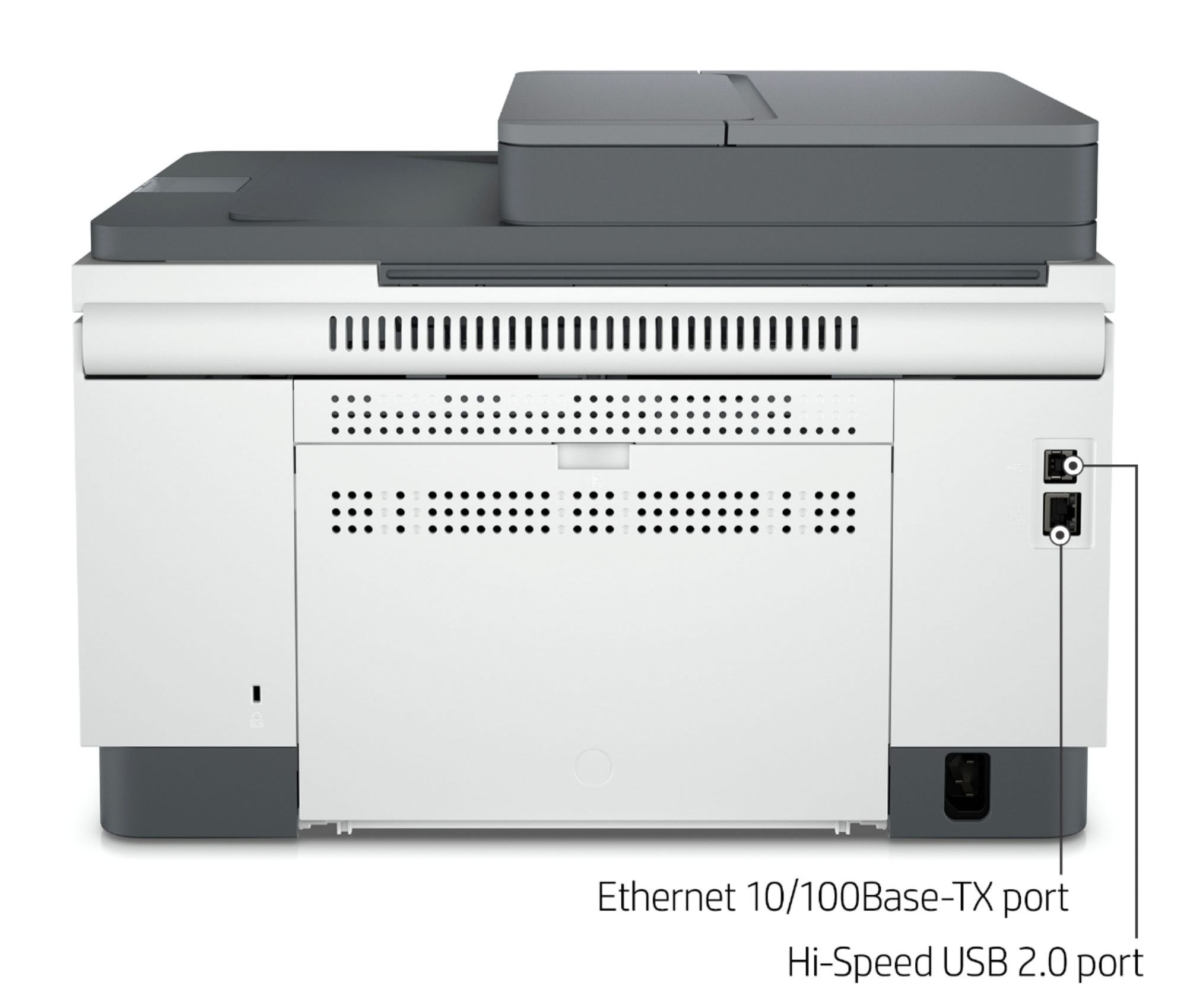
||Posted .This reviewer received promo considerations or sweepstakes entry for writing a review.I returned this printer for connectivity reasons. This model needs to be very close to the wireless router in order use this feature. An ethernet cable is needed if you choose to hardwire this printer.
No, I would not recommend this to a friend- Cons mentioned:Document feeder
I am not happy with this product
||Posted . Owned for 4 months when reviewed.This reviewer received promo considerations or sweepstakes entry for writing a review.This printer doesn’t work good! Always problems such paper jam in doc feeders
No, I would not recommend this to a friendBrand response from HP Team
Posted .Hi there.
I’m sorry that your printer has not performed well. Your frustration is easy to understand, considering you’ve endured frequent jams in the device’s document feeder. I want to help you remedy the problem, so I’ll suggest some resources aimed at making that happen.
First, I recommend you follow a guide on our support site to document feeders that pull through too many pages at once or fail to pick up any paper at all. Find that guide here:
- support.hp.com/us-en/document/ish_3833686-1493864-16
If the problem persists, I suggest that you contact us directly at +1 800-474-6836 so we can help you assess what’s happening and find the best course of action. To expedite the process, I recommend gathering the following information before the call:
- Model number
- Serial number
- Your location
- Case number (from any previous contact with HP support)
I'll also mention that HP printers have a one-year warranty from their purchase date that covers hardware as well as ink supplies – and that warranty extends to two years with an HP+ account – so if it comes to that, you might consider making use of it. You can verify the warranty using the following link:
- support.hp.com/us-en/checkwarranty
Keith
HP Care
hp.com/support
- Pros mentioned:Print qualityCons mentioned:Document feeder
OK if you can live with HP+ requirements
|Posted .This reviewer received promo considerations or sweepstakes entry for writing a review.Let's get one thing out of the way up front. This is NOT a simple printer to set up or use. If you just want a dead simple printer that you can plug in, attach it to your your computer and go, look elsewhere. There is no "plug and play" option here. That because this is an HP+ version of the LaserJet M234sdwe printer. Which means it will not even function if is not connected to the internet 24/7. You also cannot even print one page until you go through an onerous setup process that involves downloading and running their app on your smartphone, establishing an account with HP and agreeing to let them monitor pretty much everything the printer does for the entire time you own it. If that's not bad enough, you also have to download a special HP app and print driver on your computer if you want to print anything from that , which of course you do, and then sign on again and let HP monitor everything you do there as well. Some of this full-time internet connectivity is related to the functionality of the printer, which allows you order print jobs remotely and send FAXes (for a limited time, unless you want to pay extra) . Some remote troubleshooting also is possible. But if this sounds a bit too much "Big Brother" for you, make sure you buy a version of this printer that is NOT HP+. They do NOT require a full time internet connection to work. Also be aware this is a network-only printer. Ethernet or wi-fi only. No USB connection is possible. With those caveats out of the way, I can say the printer itself, once setup, does a decent job. Like all laser printers, it is very fast. It spit out a 12-page mostly text report in less than a minute, printing on both sides of the paper, which takes longer. Text quality is good, if not great. It tends to fall apart on small font sizes, especially if the source text is anything but solid black. There is no color here. Black and white only. A sheet feeder on top allows you to scan or copy up to 40-page documents fairly easily, but it can only scan one side at a time . It is not designed to automatically scan two-sided documents and keep pages in order automatically as some printers do. Actual controls on the printer are rudimentary. There is a tiny 2x3-inch touch control panel on top of the paper hopper, with a 1x1-inch black and white LCD display (not backlit so it is hard to see except in bright environments) . There are no instructions provided with the printer or in the app so it's a little unclear what the symbols do, how they work or what some of the readouts mean. In the end, it probably does not matter much since , the printer is supposed to be controlled mostly by the app, on the phone or computer, which gives you more feedback on what the printer and doing more control over what you want to print. Be aware you can only print text documents in PDF format from within the app. Other text documents must be printed using the print function in the software you are using, like Microsoft Word. One apparent bonus with this printer is an offer of six months of free toner, part of the HP+ program.. But that's really just a gambit to get you to sign up for a monthly subscription service to provide regular toner deliveries. You don't get the "free" toner if you don't sign up. The program, which promises a 50 percent discount on toner, appears to be a good deal for people who print a lot but a bad one for everyone else. HP+ also doubles the warranty to two years. The toner cartridge that comes with the printer is supposed to be good for 1,100 pages but you don't have to keep count. The app keeps tabs on toner levels and alerts you if it is low. You are required to use only HP toner cartridges under the terms of the HP+ agreements you approve during the setup process. They cost about $50 retail. The overall design of the printer is quite functional but frankly, pretty ugly. Just a big off-white box with dark accents at the top and bottom. No effort was made to make it appear stylish. This particular Laserjet is probably best suited for small office or home office where most printing jobs involve black and white text documents. It includes all the features that would probably be needed in such environments and seems to do them all fairly well. Most home users, however, would probably be better off with a color inkjet, which provides more versatility and does not lock you into the "Big Brother" environment this Laserjet must operate in.
No, I would not recommend this to a friend not for me
||Posted . Owned for 1 month when reviewed.This reviewer received promo considerations or sweepstakes entry for writing a review.It just didn't fit my needs. I had a real issue with the display panel. For me personally and my personal office needs I did not like
No, I would not recommend this to a friend- Pros mentioned:Ease of use, Print quality, Wireless
Perfect!
|Posted .This reviewer received promo considerations or sweepstakes entry for writing a review.The HP LaserJet M234sdwe wireless black and white printer has been great for the past few weeks. Easy setup with the HP+ app from my phone, and the wireless connectivity is great. 6 months of the free ink is a nice touch as well. Copy, scanning,and fax all work flawlessly. Couldn't be happier.
I would recommend this to a friend Printer
||Posted . Owned for 1 month when reviewed.This reviewer received promo considerations or sweepstakes entry for writing a review.The manual feed doesn't work. I have nothibg but problems getting a printer form best buy
No, I would not recommend this to a friendBrand response from HP Team
Posted .Hi there.
I’m sorry to hear that your printer’s document feeder is not working like it should. Your review is brief, but your exasperation is clear – and wholly understandable – so I’ll direct you to some resources I hope will help you remedy the problem and get the device working to your satisfaction.
First, I recommend you follow the steps in this guide to document feeders that fail to pick up any paper or pull through too many pages at once:
- support.hp.com/us-en/document/c01728503
If the problem persists or you need further assistance with anything, I’ll point out that HP+ printers come with exclusive concierge support. To call and reach live HP+ experts who can help you assess what’s going on and find a solution, visit the following URL and enter your HP+ serial number:
- hp.com/plus-help
I'll also mention that HP printers have a one-year warranty from their purchase date that covers hardware as well as ink supplies – and that warranty extends to two years with an HP+ account – so if it comes to that, you might consider making use of it. You can verify the warranty using the following link:
- support.hp.com/us-en/checkwarranty
Keith
HP Care
hp.com/support
Scanner/printer
||Posted . Owned for 5 months when reviewed.This reviewer received promo considerations or sweepstakes entry for writing a review.Set up was not too bad. Needed a little help. Scanner serves purpose; a little slow and jams alot
No, I would not recommend this to a friendBrand response from HP Team
Posted .Hi there.
I’m sorry that your printer has not worked out better for you so far. I can wholly understand why slow printing and frequent paper jams would add up to a disappointing start to ownership. I want to help you get the device working to your satisfaction, so I’ll provide some resources aimed at accomplishing that goal.
First, I recommend that you follow a guide on our support site that covers improving print speed; choose whichever of the following two links matches your operating system:
- Windows: support.hp.com/us-en/document/bud03409
- Mac OS: support.hp.com/us-en/document/c01928898
Next, I suggest going through the steps to clearing and avoiding paper jams that you’ll find in this troubleshooting guide on our support site:
- support.hp.com/us-en/document/c06676271
If any problem persists, I suggest that you contact us directly at +1 800-474-6836 so we can help you assess the situation and find the best course of action. (Please note that because of restrictions on personal movement and workplace attendance associated with the COVID-19 pandemic, wait times for agents are longer than normal. Thanks in advance for your understanding.) To expedite the process, I recommend gathering the following information before the call:
- Model number
- Serial number
- Your location
- Case number (from any previous contact with HP support)
Keith
HP Care
hp.com/support
Worst printer EVER!
||Posted . Owned for less than 1 week when reviewed.This reviewer received promo considerations or sweepstakes entry for writing a review.the worst printer i've ever bought. most disappointing product by HP. i bought two identical printers. One died on arrival. The other broke after one day. Both had the same problem, blinking exclamation light without any error code. HP tech support was support-less, clueless and had no knowledge of anything.
No, I would not recommend this to a friend- Pros mentioned:Print quality
Laser printing speed and quality for a good value
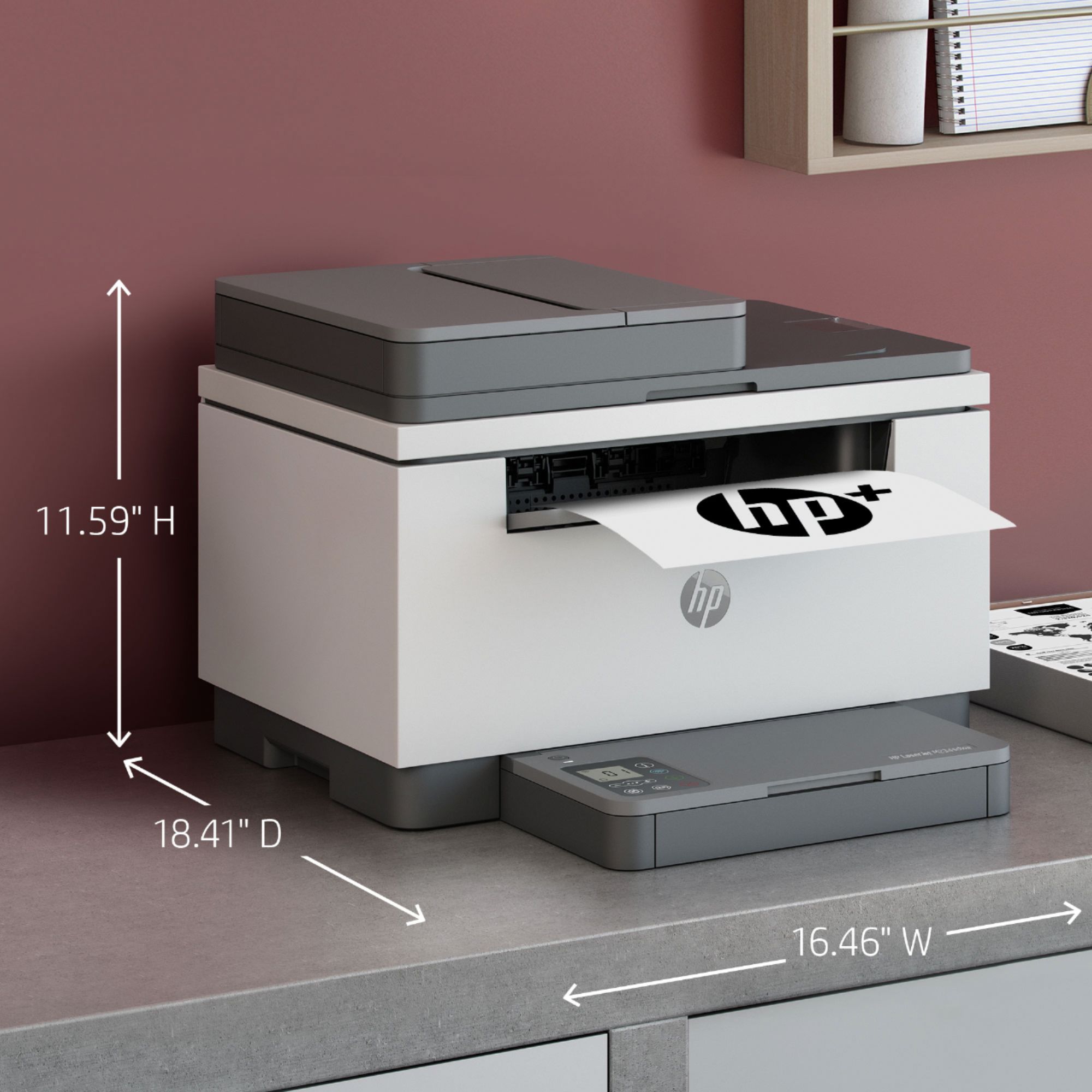
|Posted .This reviewer received promo considerations or sweepstakes entry for writing a review.I’ve always liked HP printers and have had a number of them over the years. This HP Laserjet M234sdwe printer will be the first one I’ve had where I signed up for the HP Instant Ink program. This requires providing a credit card for billing and I selected the $1.99/50 pages per month option. The next plan up will add another 50 pages for another $2.00 and so on. An individual’s printing requirements will really determine whether it makes sense after the six months of free toner to continue with the Instant Ink program or to acquire HP toner cartridges on one’s own. Many users that have Instant Ink enjoy the convenience of automatically receiving replacement ink/toner as needed with no real effort on their part. Set-up and installation of the printer was easy. The HP Smart app is user friendly and makes printing, scanning and sharing of the printer across multiple devices quite easy. I especially like the ability to print and scan from mobile devices. The printer control panel has: a wireless button to turn wireless capability on or off, a copy button, ID card button to start the process of copying a two-sided ID card or similar, information button light to print a summary of printer settings and status, cancel button and power button. The copy ID card button will be handy for businesses that want a quick, easy way to copy both sides of an ID card onto one side of paper. The control panel display is pretty limited to showing a wireless icon, ethernet icon, wi-fi direct icon, character display (number of pages being printed or copied, animation showing device is busy or error/status codes), reduce/enlarge scale icon, lighter/darker contrast icon and number of copies icon. For most routine, small business printing I think these capabilities are adequate, but some may like the idea of having a larger, more useful control display. The hardware aspect of the printer itself is generally what we are used to from HP. The 40 page automatic document feeder works well; as does the scanning bed and duplex printing features. I don’t particularly care for the design of the paper tray which makes it kind of tough to access the paper guides that one needs to adjust for size when printing on envelopes or labels. The footprint of this laser printer is minimal at under 17” wide. For those not requiring color printing I’d say this laser printer is a good value for the functionality it offers. The print quality has been quite good and the speed of printing and copying is great. I had one issue printing a proof of insurance card for my car which would not format correctly. However, the same document printed just fine on my HP Officejet. I’ll have to see what I think about the Instant Ink program over time. Part of me doesn’t like that I’m required to sign up for HP+ to get the extended, two year warranty, but I chose to do so given the positive feedback others have given to me about the convenience of Instant Ink.
I would recommend this to a friend Do not buy!
||Posted . Owned for 1 year when reviewed.This reviewer received promo considerations or sweepstakes entry for writing a review.Do not buy this printer! I have always been a fan of HP and still use HP laptops and desktops exclusively for personal use but this printer is junk. It is tedious to setup and impossible to manage. I am seriously considering just throwing it out. Too frustrating.
No, I would not recommend this to a friendBrand response from HP Team
Posted .Hi there.
I’m sorry to learn that your printer was so difficult to set up. I want to help you have a better experience with the printer from here forward, so I’ll direct you to some resources aimed at meeting that goal.
First, to learn more about your printer and all its features, or for help solving problems, you can access user manuals, how-to documents, troubleshooting guides and software updates here:
- support.hp.com/us-en/product/hp-laserjet-mfp-m232e-m237e-printer-series/38099931/model/36120182
You can also visit a page on our support site that has diagnostic tools for various tasks and issues, including cartridge installation, print quality, operating-system compatibility and connectivity. There you can find a general-purpose tool called the HP Print and Scan Doctor. If you use Windows, the tool will help identify and guide you through solutions to a wide range of common printing and scanning issues. You can find the page here:
- support.hp.com/us-en/topic/diagnostics
If you need further assistance with anything, I suggest you contact us directly so we can help you assess what’s happening and find the proper course of action. HP+ printers such as yours come with exclusive concierge support. To call and reach live HP+ experts, visit the following URL and enter your HP+ serial number:
- hp.com/plus-help
Konrad
HP Care
hp.com/support
- Pros mentioned:Print quality
Good work from home companion
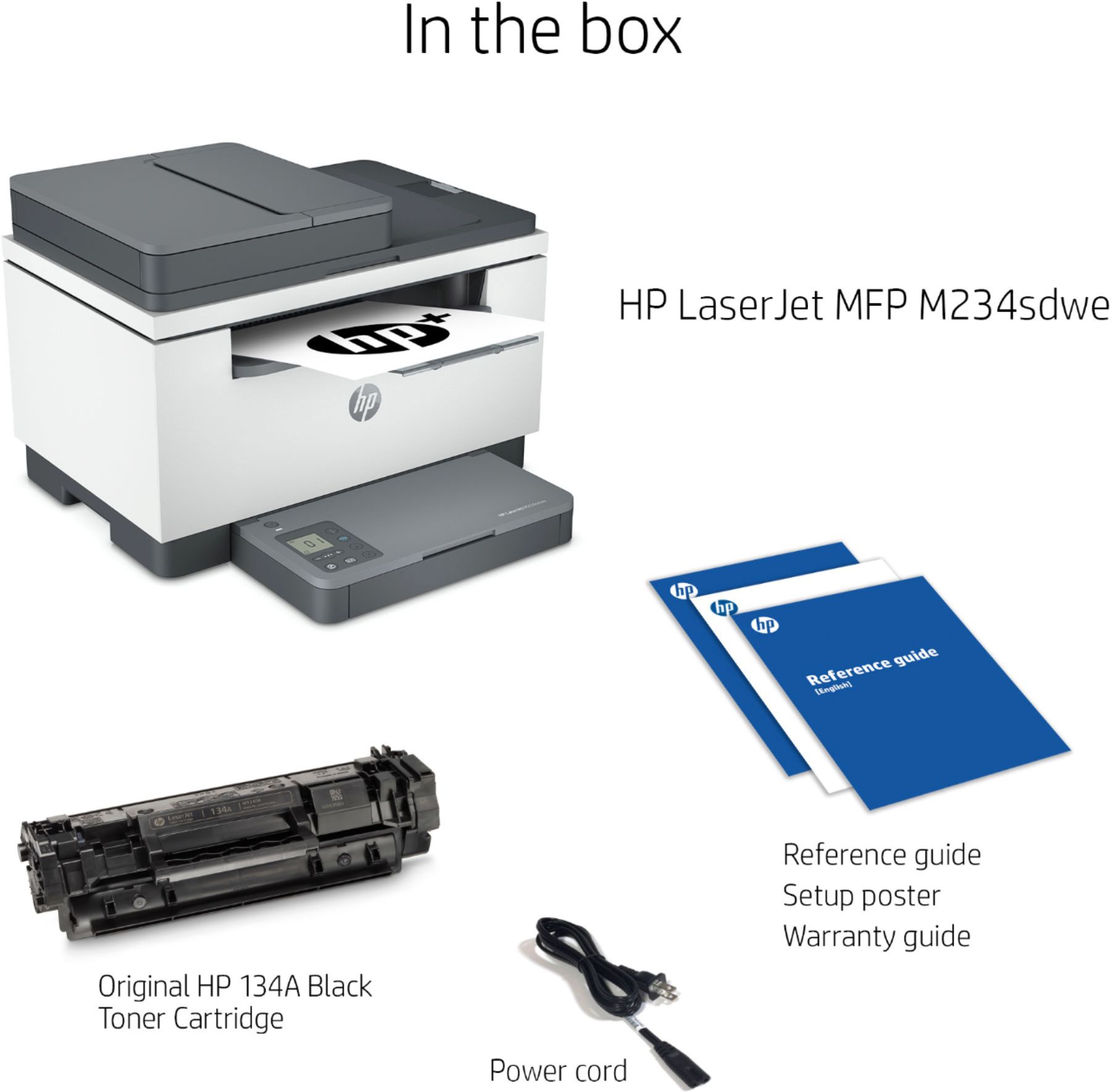
|Posted .This reviewer received promo considerations or sweepstakes entry for writing a review.SUMMARY ----------- This is a wireless and wired network printer, scanner and copier. The printer is almost a plug and play. You can download the HP Smart app on your phone for the wireless setup. The printer can print double sided and pretty fast. The scanner works pretty good, you can also use the phone scanner to print it. Copier also works pretty well, you can print number of copies by pressing the button on the printer. Hp+ gets you 2 years of warranty and also 6 months of free ink. What's in the box --------------------- • HP LaserJet MFP M234sdwe Printer • HP Black LaserJet Toner Cartridge • Power cord • Dust Cover; Reference Guide, Setup Poster, Warranty Guide & Flyer in some countries Pros ----- 1. Its an all in one with Efax on the app (Printer, Scanner and Copier and efax) 2. The starter cartridge prints 1100 pages 3. HP+ gets you free 6 months of ink up to 1500 pages a month. 4. Easy to setup with an excellent HP Smart app 5. Small footprint. 6. Dual sided printing 7. Supports dual band wifi Cons ------ 1. Does not come with the cable for wired connection. 2. Cannot use generic toner. DETAILS ---------- Setup -------- This is the best part. You don’t have to spend a lot of time doing the setup. Download the HP Smart up and follow the step by step instructions on the app. I don’t miss a large screen on the printer for setup. Who does not have a smart phone these days. The printer is very well made and you wont have the need to use the 2 year warranty. Printing, Scanning and Copying ---------------------------------------- I tried testing from windows pc, Mac and my android phone (HP Smart app) and all of it worked seamlessly. My windows and Mac computers were able to recognize the printer by just going to the control panel. This has a 150 page input tray and a 100 page output tray so you wont run out of paper often. Note that the print papers came out crisp and they also came out to be 2 sided. You can adjust the configuration on the PC. Scanner is also pretty fast, I have a 3 year old canon image smart and this scanner works faster than that. The scanner can also print for making copies. The copies and print came out to be very crisp.
I would recommend this to a friend - Pros mentioned:Ease of use, Print quality
A return label printing montster
|Posted .This reviewer received promo considerations or sweepstakes entry for writing a review.I'm sure if you're looking at this you are either in an office environment or need a quick and reliable return label printer. Either way, this is it. It's so fast and so easy to use. I wish it was a bit smaller but hooking up to it wirelessly and being able to print directly from your phone is magical. The laser print is ultra-sharp and smudge proof. A little over kill for a return label but I'm sure you'll appreciate it if your label ever gets wet. Highly recommended return label monster!
I would recommend this to a friend - Pros mentioned:Print quality
Low price laser printer
|Posted .This reviewer received promo considerations or sweepstakes entry for writing a review.This is a pretty nice laser printer without the laser printer costs. I'd say it's your typical HP laser quality printer. It's small so it's geared for personal/small office printing needs. Setup is a breeze and it has a small footprint so it will fit just about anywhere. I like the printer a it provides great quality B/W prints fast and without issues. It has a small paper tray which I don't like. Usually I prefer around 100 sheet tray or so but, considering the printer size, I guess its okay. This is the first time trying the HP+ subscription for this printer. Like most people, I'll wait until the printer tells me I'm running low on ink or the print quality starts to suffer. With HP+, this eliminates the guesswork for the most part. HP will send you ink/toner before you need it so it's quite convenient. I received my first toner cartridge in about a week or so. The toner also includes a prepaid label to return/recycle your old toner cartridge which is nice. I'm not sure if I'll continue with the subscription since I'm not a high volume printer. guess for a small business user or if you do a lot of printing, the subscription might work for you. For me, I do pretty low volume so I think I'm ok without using it. But its still a decent program provided you sign up for an account and put your credit card on file.
I would recommend this to a friend - Pros mentioned:Ease of use, Print quality
Great Black & White all-in-one laser printer
|Posted .This reviewer received promo considerations or sweepstakes entry for writing a review.The HP Laser Jet is a great all-in-one printer. Setup and connecting to my Wifi network was relatively simple. However, if you try to decline the HP Toner program it gets a bit tricky. It prints pages fast and the flatbed and sheetfed scanning is fast as well. The touch sensitive buttons are a nice touch, and the copy button makes it easy to make quick copies. Overall, I’m enjoying this printer and hope to get years of service from it.
I would recommend this to a friend