Customer Ratings & Reviews



- Model:
- M234sdwe
- SKU:
- 6452570
Rating by feature
- Value
Rating 4.5 out of 5 stars
- Quality
Rating 4.5 out of 5 stars
- Ease of Use
Rating 4.3 out of 5 stars
Customers are saying
Customers are pleased with the LaserJet M234sdwe's print quality, ease of use, and compact size. Many appreciate its wireless capabilities and straightforward setup process, finding it reliable and quiet in operation. While some users experienced minor issues with the document feeder and occasional paper jams, the overall feedback is overwhelmingly positive.
This summary was generated by AI based on customer reviews.
- Pros mentioned:Print quality

Acceptable All-in-One, Some Serious Deficiencies
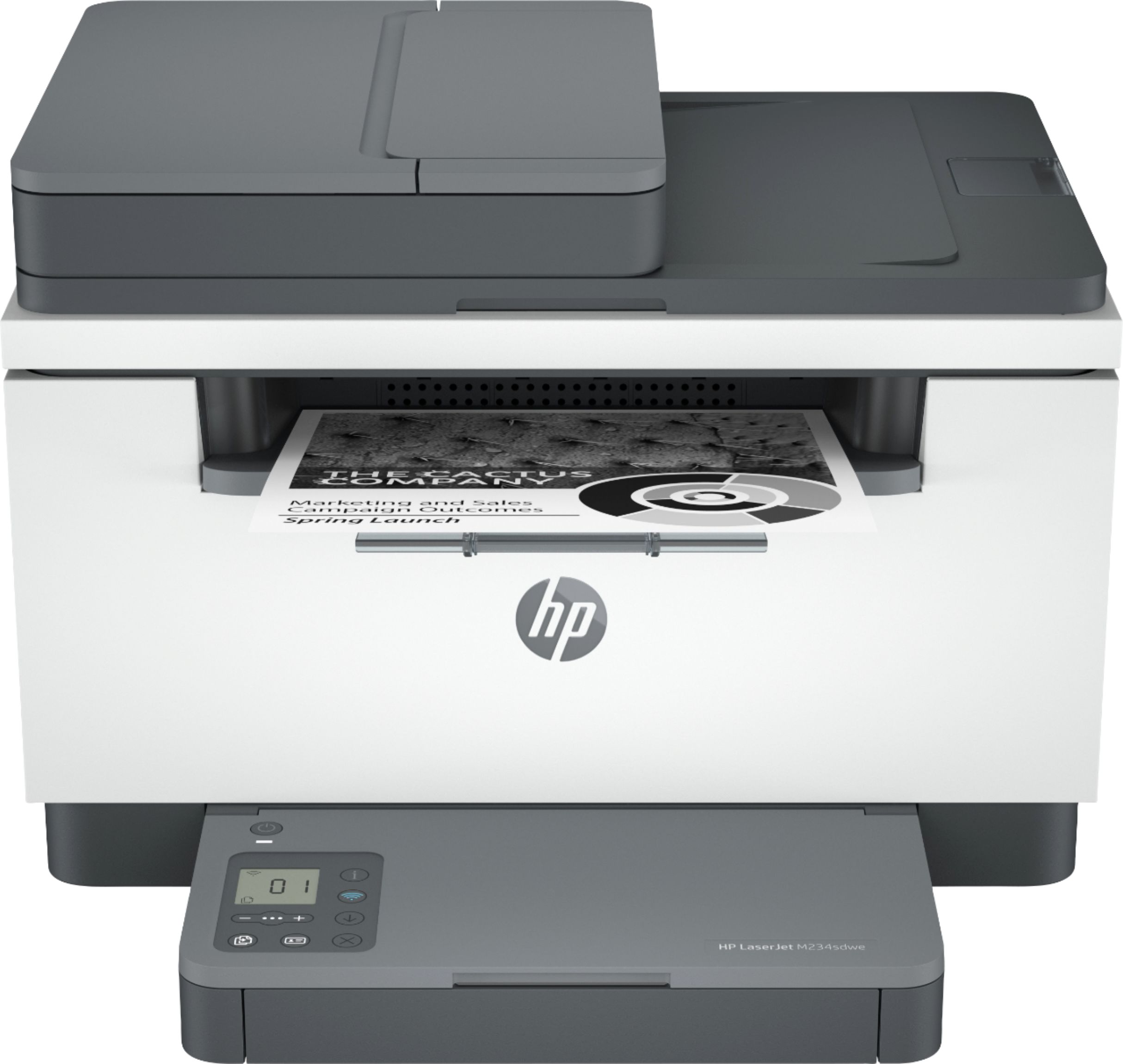
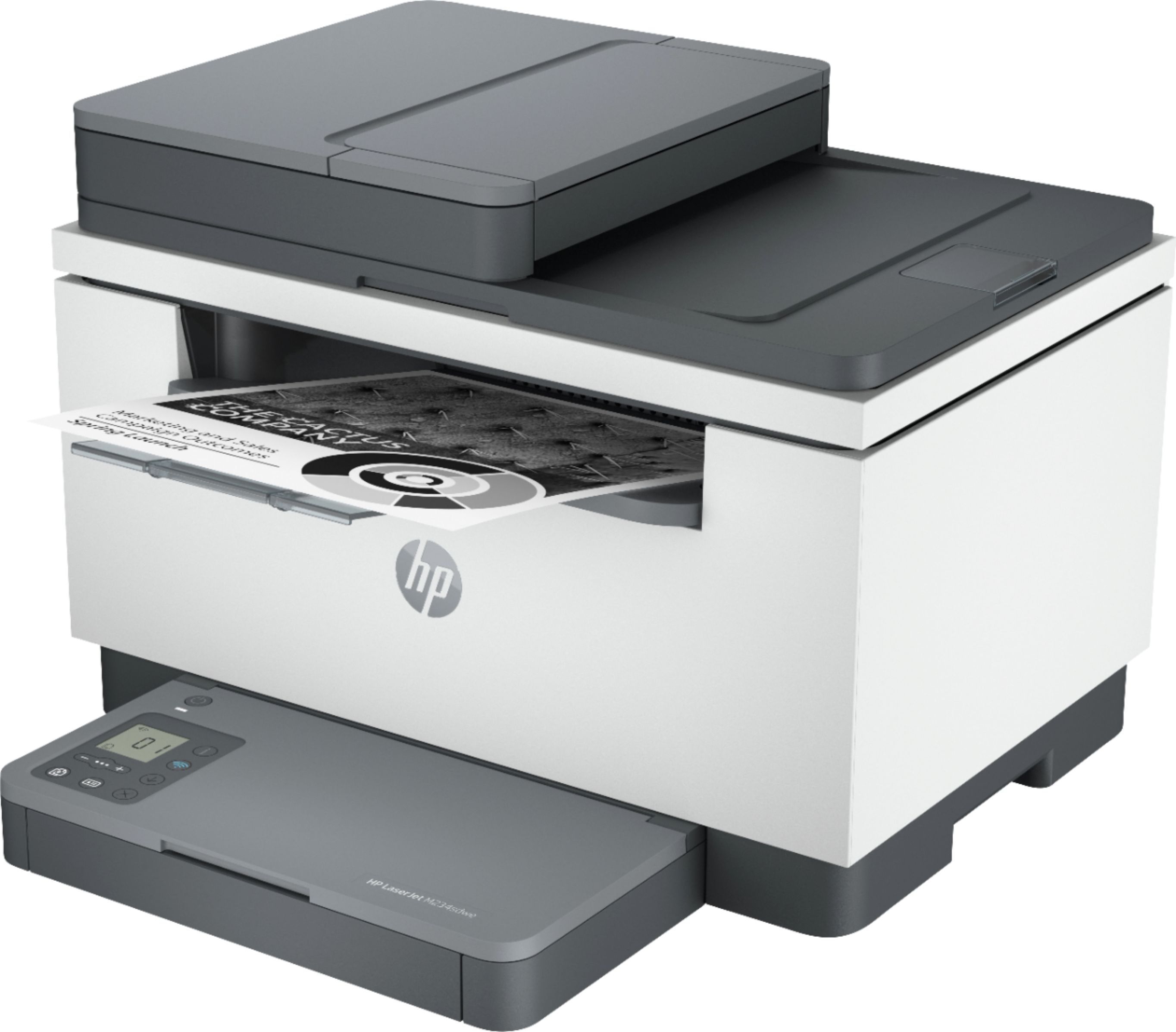
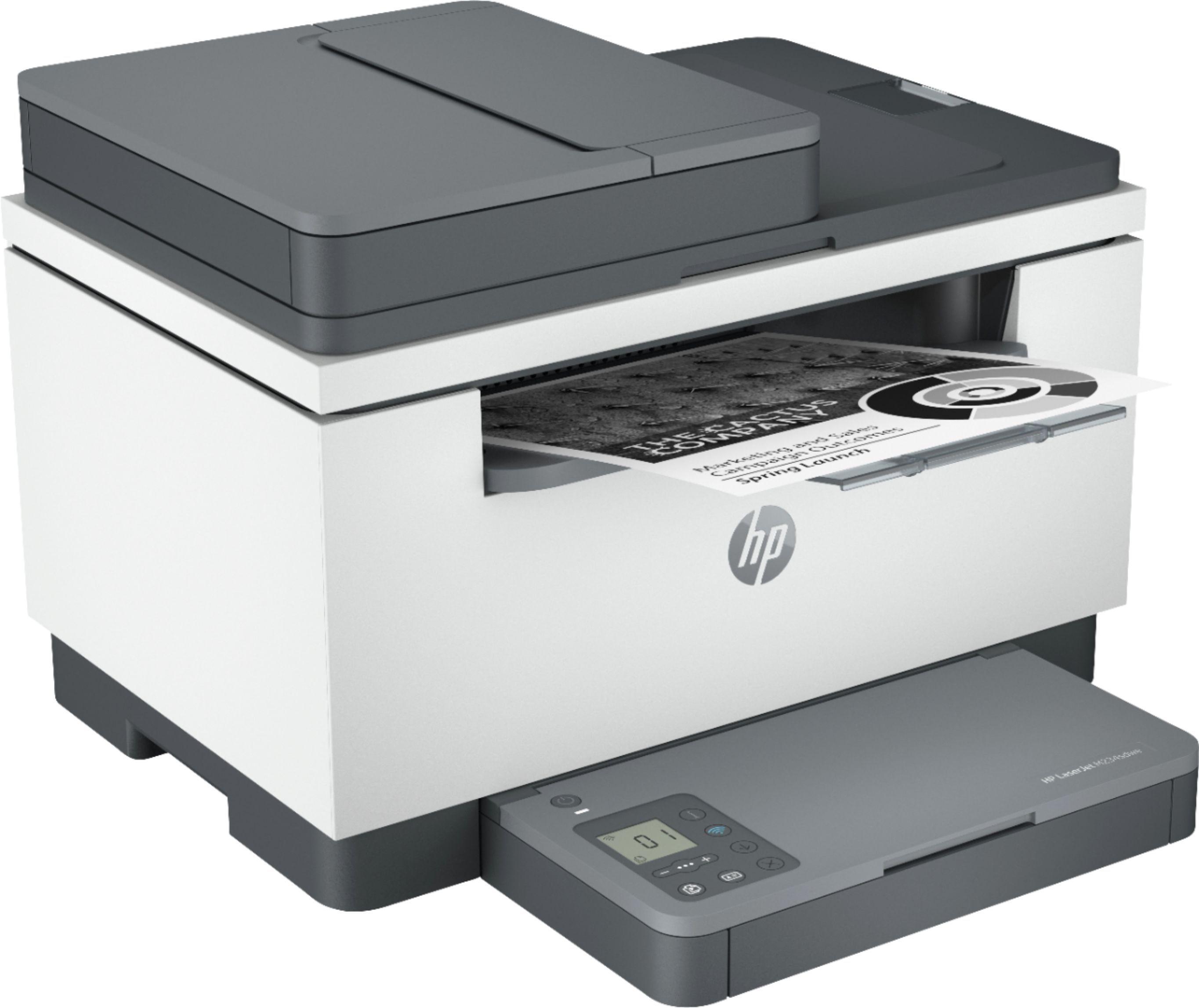
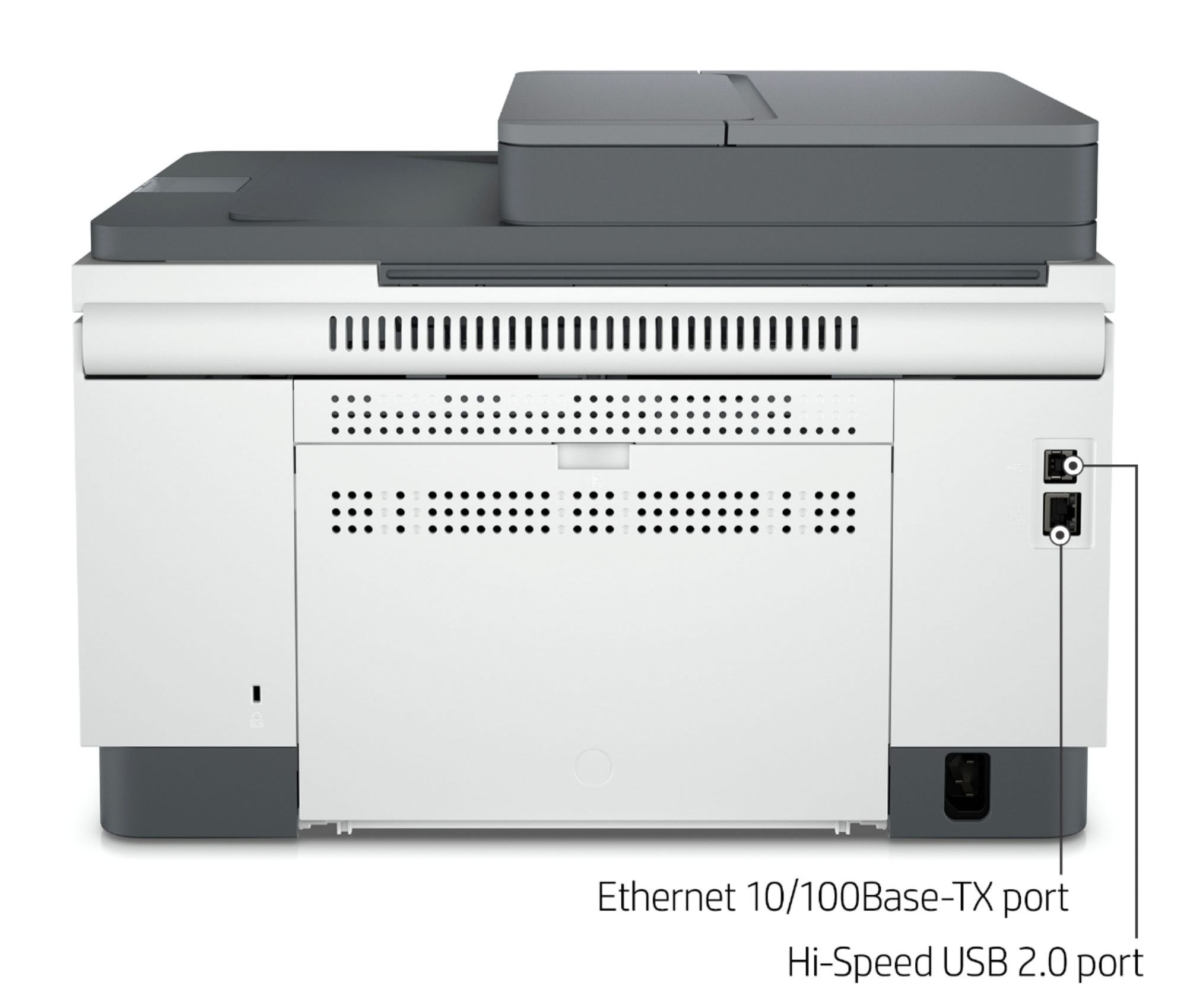
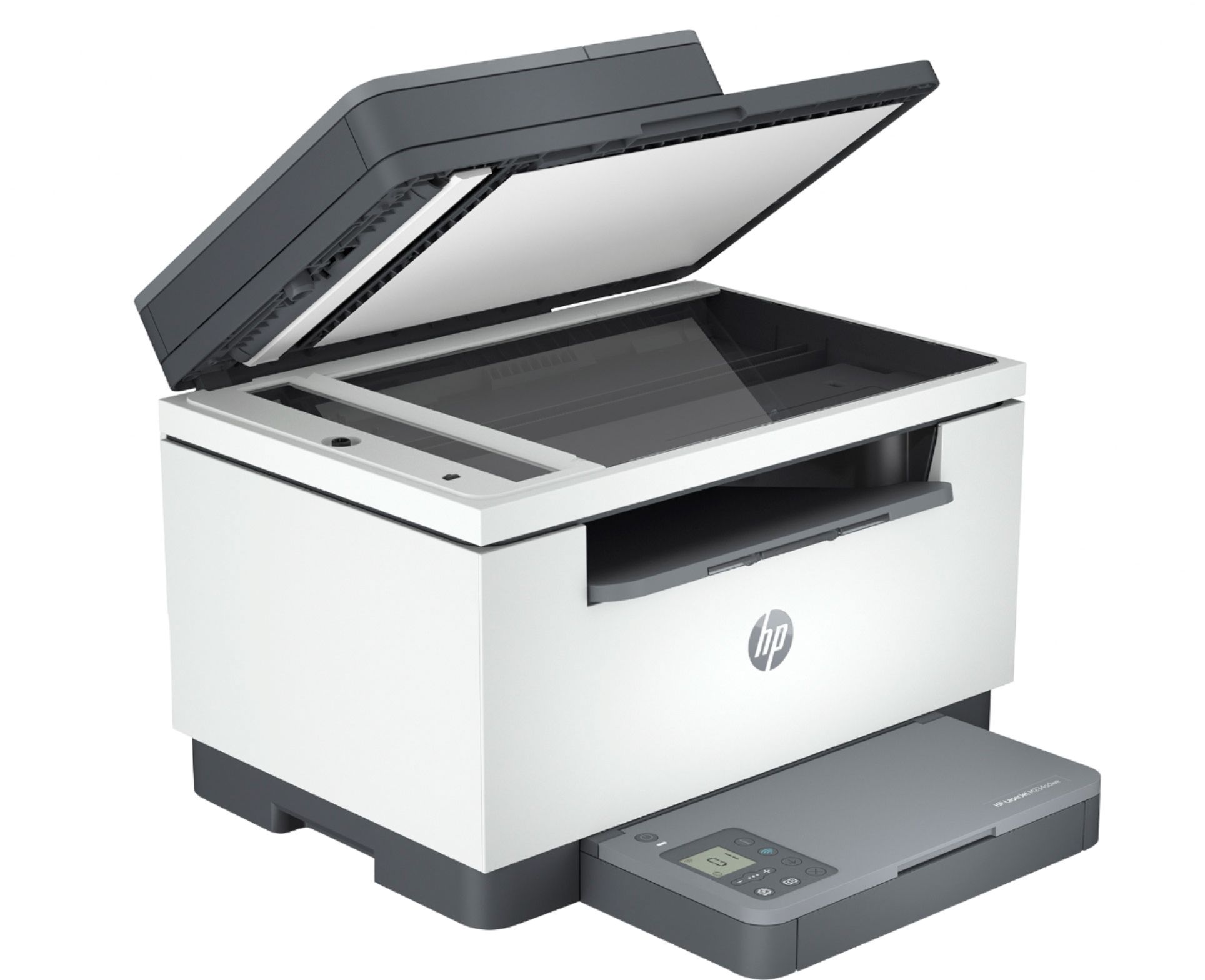
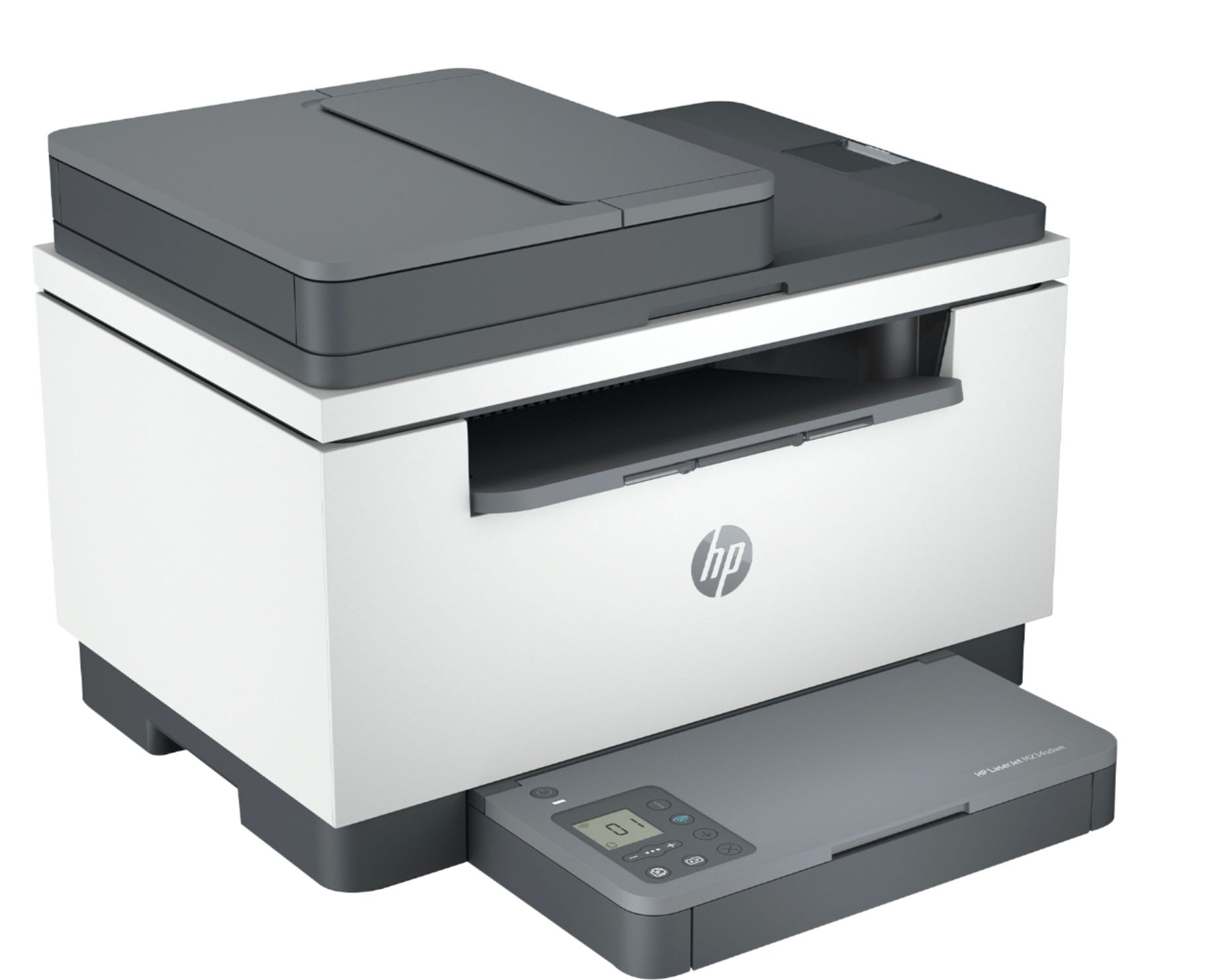
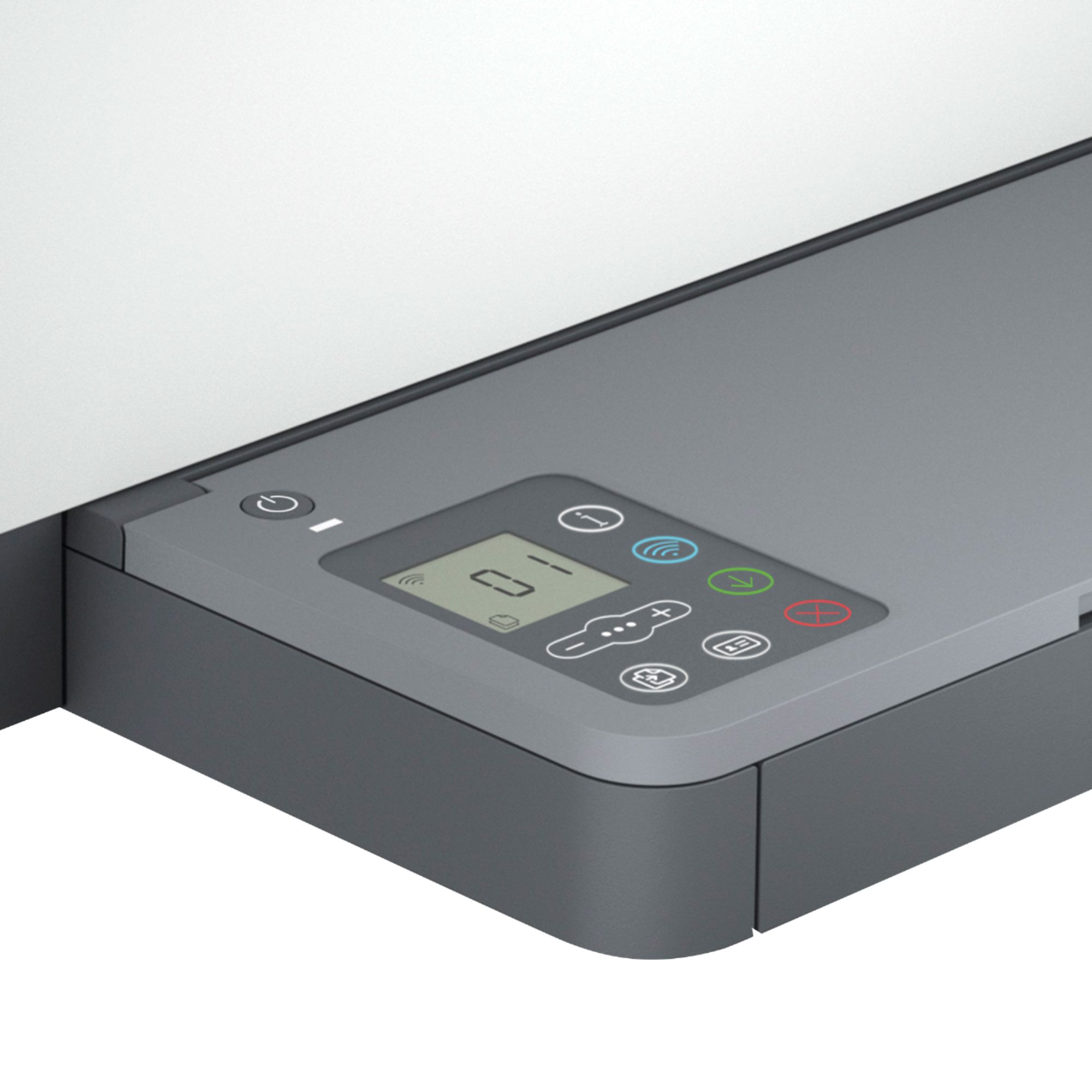
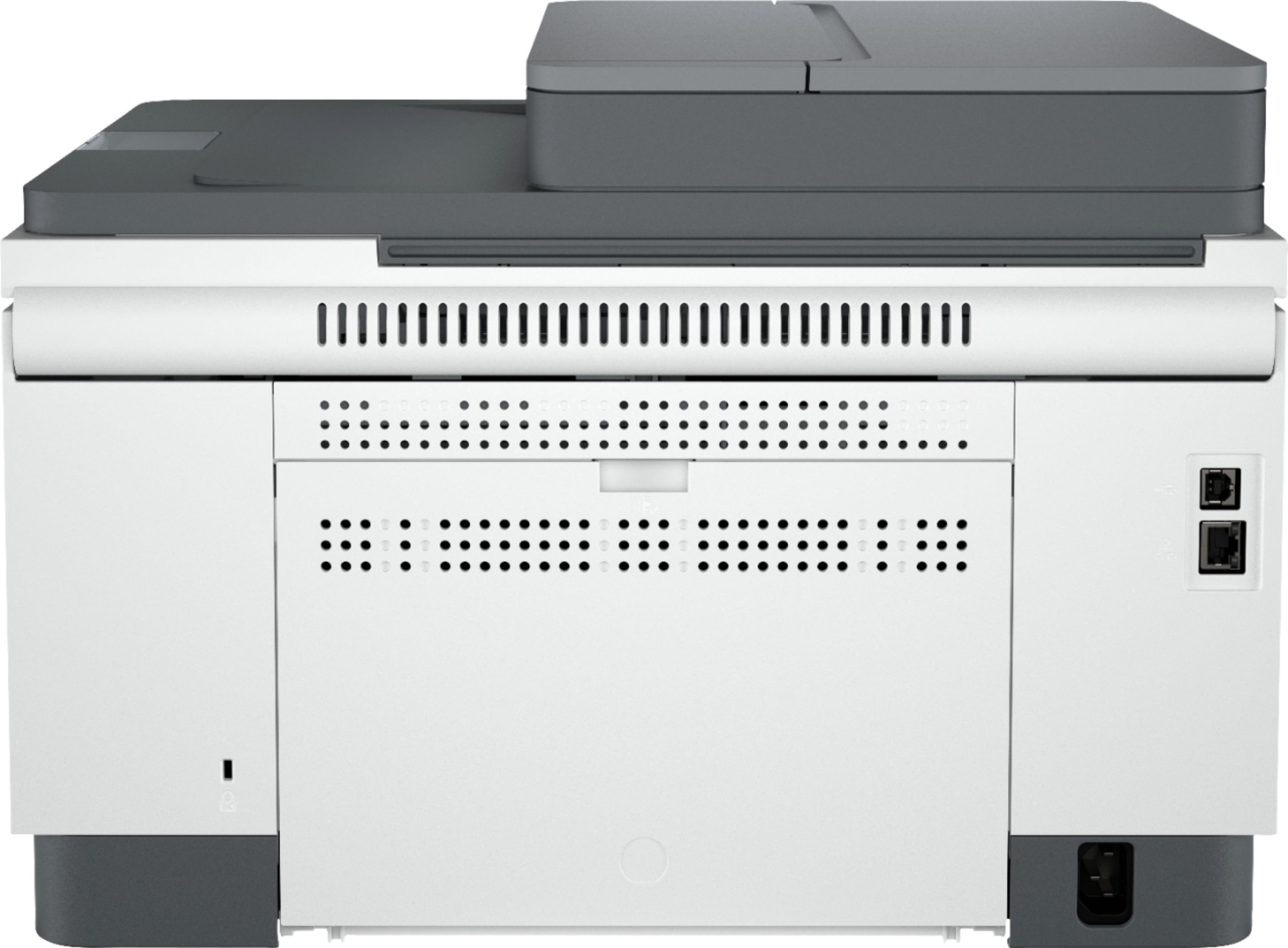
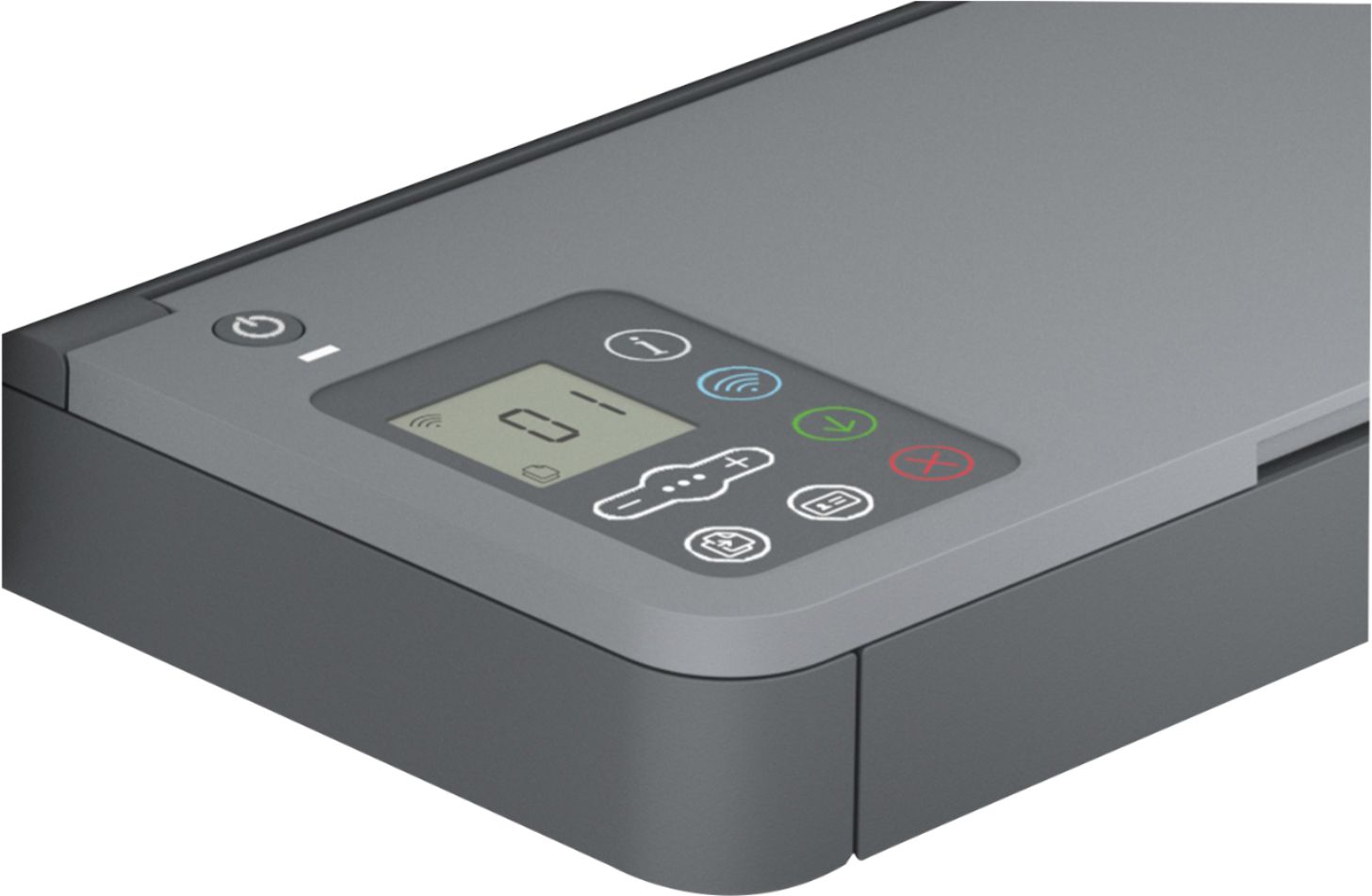
|Posted .This reviewer received promo considerations or sweepstakes entry for writing a review.The HP Laserjet M234sdwe was clearly designed for the pandemic market. It is a very fast printer in this price class. The scanner adds a sheet feeder and is also very fast. It will connect to mobile and computers for network and direct wireless printing. The HP+ agreement includes the first six months of toner. The print quality for text, charts, and graphs is really excellent. Photos print adequately, but this is a monotone laser printer and not really designed for photo printing. The Windows and Android apps/software installed without issue and allowed seamless printing and scanning once the printer was set up. Setup by the HPsmart app was pretty painless for the most part (but see the wireless travails later in the review). The HP+ agreement deserves some note as it can save you a significant amount on toner cartridges. After you agree (at $1.99 - $19.99/month after the six month included period) to an estimated pages per month, HP will send you an extended cartridge to get you through the included period. HP will monitor the printer toner status after that and send you a new cartridge when the toner is low. The agreement can save some money and is very convenient. Although the M234sdwe does not have a fax interface built in, HP provides a fax server at an additional fee. That all being said, the M234sdwe has some serious deficiencies that may limit its usefulness. The physical design limitations, which can't be fixed by firmware update may or may not be important in your decision: - Scanner sheet feeder capacity is 40 pages, but the scanner is not full duplex. Two sided copies must be run through twice. The scanner software will allow you to stitch pages together in a pdf. If you just want copies, you have to scan the pages, put the output stack back in the paper tray and scan the back. - The paper tray is limited to 150 sheets. While this is probably adequate for a family printer, it is a bit light for office use. - There is no single sheet feeder. To print a single sheet, like a legal size document, envelope, etc., you must remove the paper from the paper tray, reset the guides, print your single sheet, then put the paper back. - The touch panel and display is not very friendly and extremely 'touchy'. It doesn't really offer any useful information and I can't tell you how many 'info' pages I have printed just trying to add paper or print an envelope. To me though, the most serious deficiency was the wireless networking, which just flat doesn't work with many modern wireless routers. I have a WiFi6 mesh network setup and could not get the printer to connect to it, I had to use the Ethernet connection. After two weeks with HP support (who actually were very responsive and tried to be helpful), the M234sdwe is still connected by Ethernet. According to HP support, the printer is NOT compatible with any mesh networks or WiFi6. It is also not compatible with a single SSID shared across the 5Ghz and 2.4Ghz bands. You have to use different network names or turn off one band in the printer. As a test, I tried connecting it to a WiFi5 single point router which also failed until I turned off some of the performance controls. Hopefully, HP will address the wireless issues in a future firmware update as it is a serious limitation. Overall, the HP Laserjet M234sdwe is a decent printer for the price if you can live with the wireless limitations. I was prepared for the paper handling limitations as that is part of the package. I wasn't prepared for the wireless troubles.
I would recommend this to a friend - Pros mentioned:Print quality
Impressed
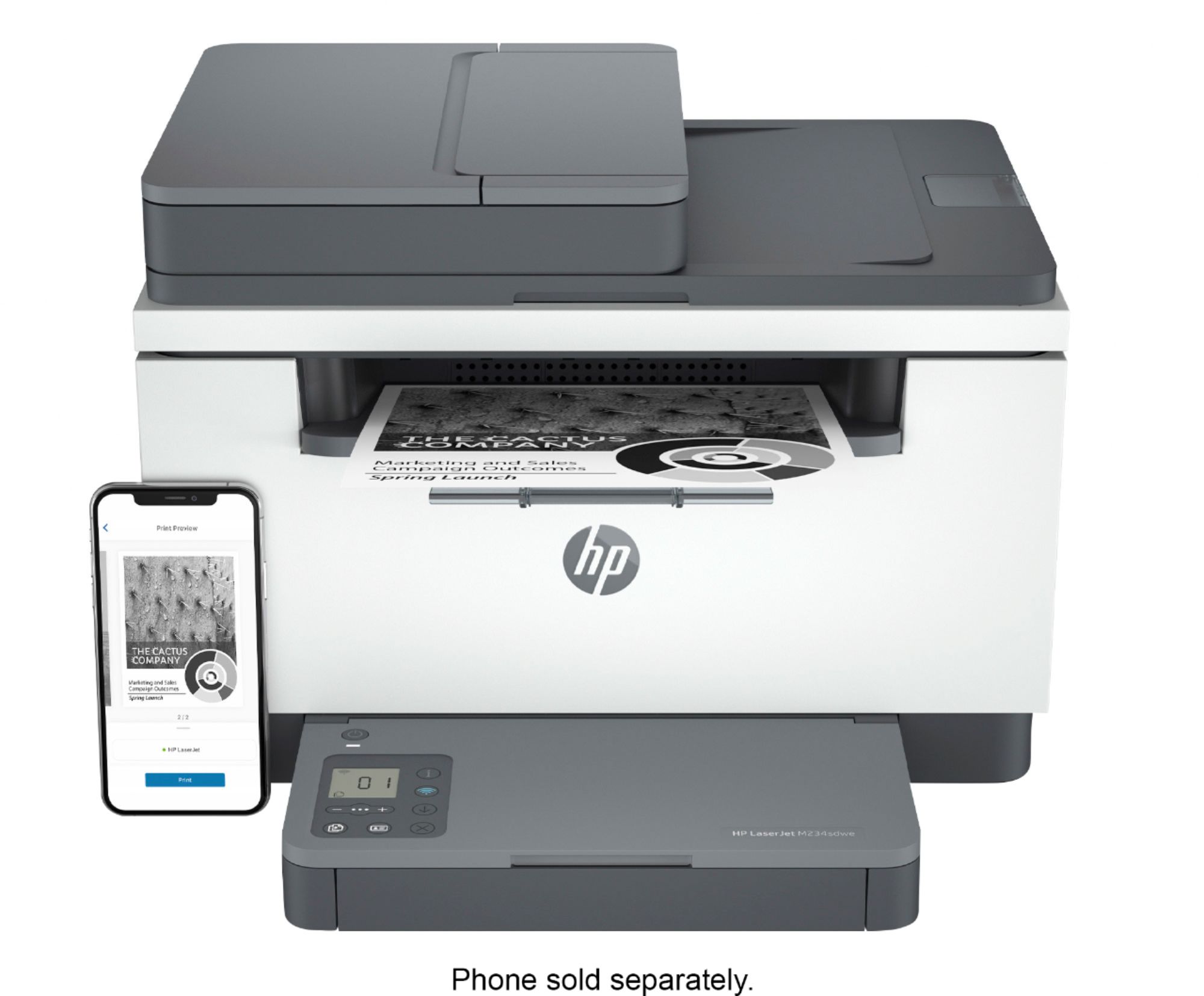
|Posted .This reviewer received promo considerations or sweepstakes entry for writing a review.This is the first laser printer I've owned myself. Of course I've worked with them for years at work. Now I'm asking myself why I held out on getting one for so long. The included instructions don't have a lot to offer in the way of physically setting up the printer and getting it up and running. Having had many years of dealing with printers it was easy for me to set it up, be warned. The included documentation focuses on downloading the HP+ app and related stuff. This is my second HP+ enabled printer so I had the required app already on my iPhone and Macbook, it was just a matter of adding the printer to those and my HP+ account. After loading up some paper I started printing stuff. This thing prints fast. For a comparison I printed via Wi-Fi the same six page document to both this printer and my inkjet HP printer at the same time. I sent it to the inkjet first and started the printing on the laser printer about five seconds later. I set the inkjet to B&W to make a true apples to apples kind of test. The laser had all six pages done before the inkjet got to the third page. Impressive. If you need a good laser printer and can live with only B&W prints then this will not let you down. Scans are in color and transmit to both my Macbook and iPhone wirelessly via the HP+ app.
I would recommend this to a friend - Pros mentioned:Ease of use
Bought HP again replacing a much older HP printer
Posted .This reviewer received promo considerations or sweepstakes entry for writing a review.The HP LaserJet M234sde is working well. Linked up to computer easily. Really enjoying the 2-sided printing, which our last HP didn't have. Cannot say anything about time length of the toner cartridge, hope it lasts as long as the oder HP did, though I was able to order other makes of toner. So will see how this goes with only being able to order HP toner, But really pleased with this purchase.
I would recommend this to a friend HP LaserJet M234sdwe Wireless B&W Laser Printer
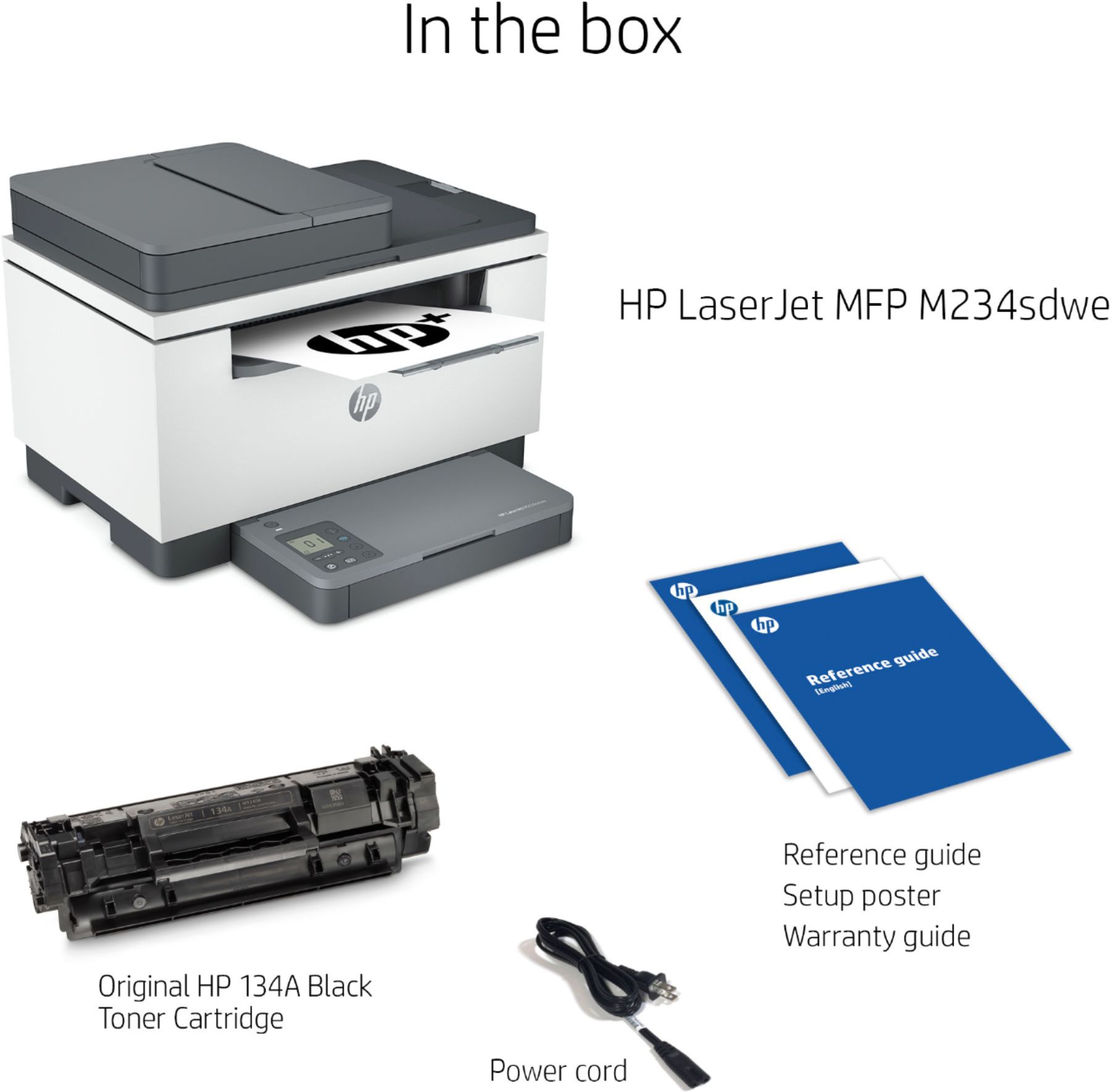
|Posted .This reviewer received promo considerations or sweepstakes entry for writing a review.Just received my HP LaserJet M234sdwe Wireless B&W Laser Printer a week ago and have been putting it through it’s paces. First off, I believe LaserJet printers are the way to go, and the HP LaserJet M234sdwe Wireless proves my point. This is a very nice and solidly built LaserJet printer. Unboxing the printer is really easy. Inside the box comes the printer and user documentation including a quick start setup guide and information on HP’s HP+ program which you can sign up for 6 months worth of ink/toner. Also inside the box is the bottom part of the paper holder that attaches to the front under the bottom of the printer. Following the instructions, simply plug in the printer, and download the HP Smart companion app from the App Store for iPhone. The app is also available for Android on the Google Play Store. The printer comes with the toner already installed inside the printer which makes setup that much easier. The companion is a must to complete setup for the LaserJet. The app will walk you through connecting the printer to your local home or office WiFi network. Add some paper at which point you are pretty much set. Continuing on, it will run a test print page. After the test print page you’re pretty much set. In my testing, the printer has worked flawlessly without any hiccups. HP has really done well with this printer. My only thing is that I wish is was a color LaserJet printer, however, I knew that before I received it that it was B&W only. The printer is fast and the paper glides out with ease and without any printer streaks which can happen on inkjet printers. Using the app you can print of any photos from your photo album/gallery on your mobile device, including tablets.This printer is amazing and impressed me more than I thought it would. I would recommend this printer to anyone looking for a decent LaserJet who’s not looking necessarily for a color LaserJet.
I would recommend this to a friend- Pros mentioned:Print quality
Why is this $200?
|Posted .This reviewer received promo considerations or sweepstakes entry for writing a review.This printer really has no redeeming qualities other than it can print sharp black and white laser text. But, many printers can do that at a much lower cost. I really have no idea why this printer is priced so high, other than the fact that it comes with HP's ink service. I believe that the price of the ink has been built into the price of the hardware, whereas other printer manufacturers price their hardware low and make their margins on the ink. It goes downhill from there - there's no real, functioning display screen. You only get a hard to read grayscale screen (think 1980's digital clock and you'll understand what I'm talking about). Why they didn't include something more functional at this price point is beyond me. The paper tray is diminutive, only holding 150 sheets according to the specs. The app you're forced to download is slow, uses tiny font (again, why HP?) and, of course, monitors everything you're doing with the printer. The kicker for me, however, was getting this thing on my wireless network. I'm pretty techy and it took me a better part of a week, a phone call to support (which didn't help - I had already done all the troubleshooting that was suggested) and, finally, getting my own network guy involved to finally figure out what the issue was. I ended up having to turn off a feature in all my wireless access points to get the HP on the network, something I didn't need to ever to do for all the other printer manufacturers I've owned in the past.
No, I would not recommend this to a friend - Pros mentioned:Ease of use
HP Laser Jet
Posted .This reviewer received promo considerations or sweepstakes entry for writing a review.I bought this one because I already have one at work. It works pretty good on all functions with a smart phone. It prints ok with a desk top. The scanning part not so good. All in all it works for me
I would recommend this to a friend Technology is evolving in a good way.
|Posted .This reviewer received promo considerations or sweepstakes entry for writing a review.Printer models continue to evolve and improve, and I like how they're doing so. I downloaded the HP Smart App which complements this printer, and I have to say, although you need a separate app, it's nicer than just relying on a slow interface built into the printer itself which many in the past have attempted. I've always been a fan of Laser printers because of the amount of volume you can print out for less of a price from a toner cartridge versus your standard ink cartridge. It just produces a cleaner print out too in my opinion and it's not as "watery" of a finish compared to inkjet printers. This printer is very simple, but sometimes simple is all you need. It prints reliably, doesn't appear to use a lot of ink, and the 6 months of Toner through HP+ is a nice bonus add on especially if you plan on printing a lot in the first 6 months of use. A great printer for school and if you have roommates that all print things out.
I would recommend this to a friend- Pros mentioned:Wireless
PRINTER
Posted .This reviewer received promo considerations or sweepstakes entry for writing a review.PRINTER WORKS GOOD - I LIKE IT JUST WISHED I WOULD OF KNOW IT WAS A WIRELESS ONLY
I would recommend this to a friend Solid quality LASER multifunction printer!
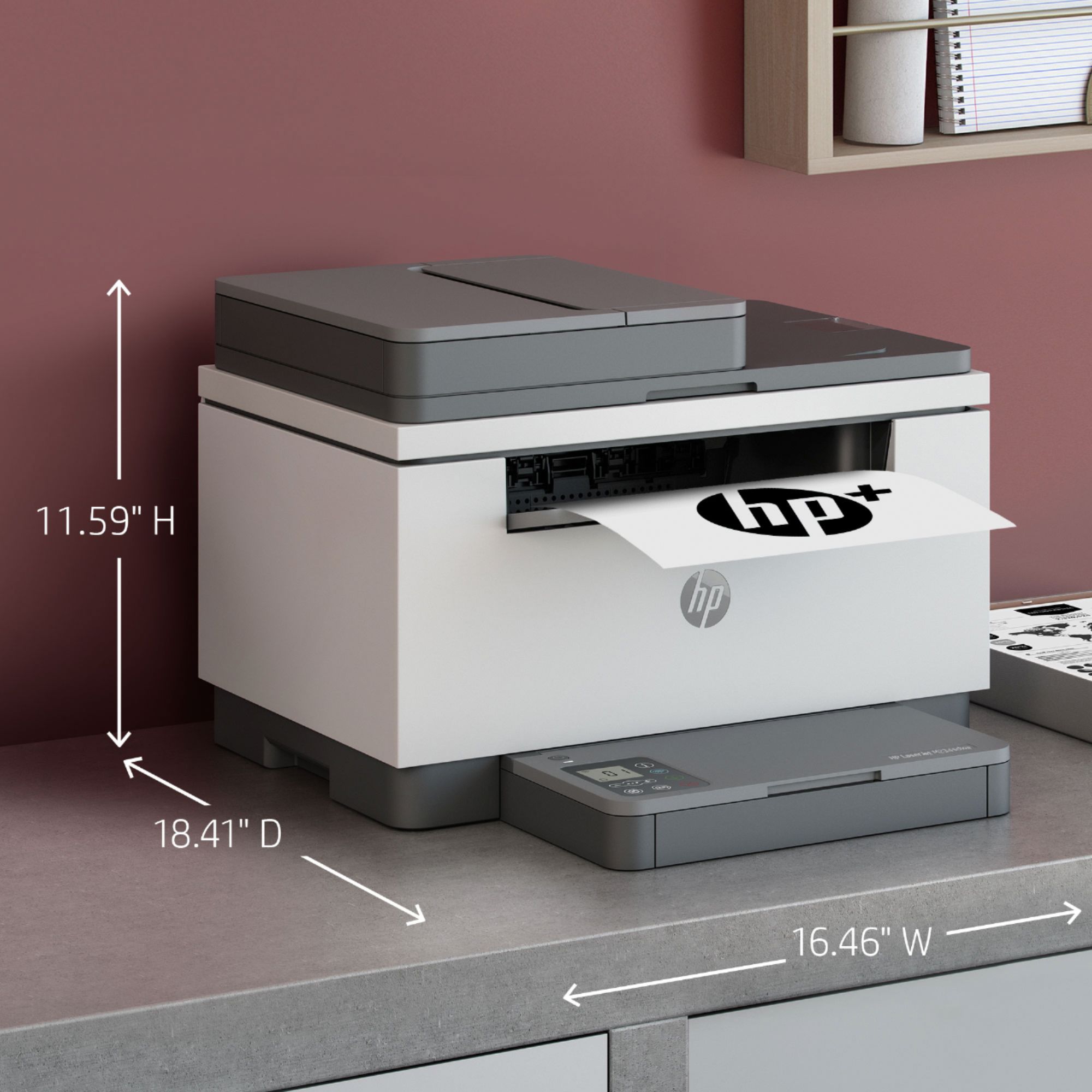
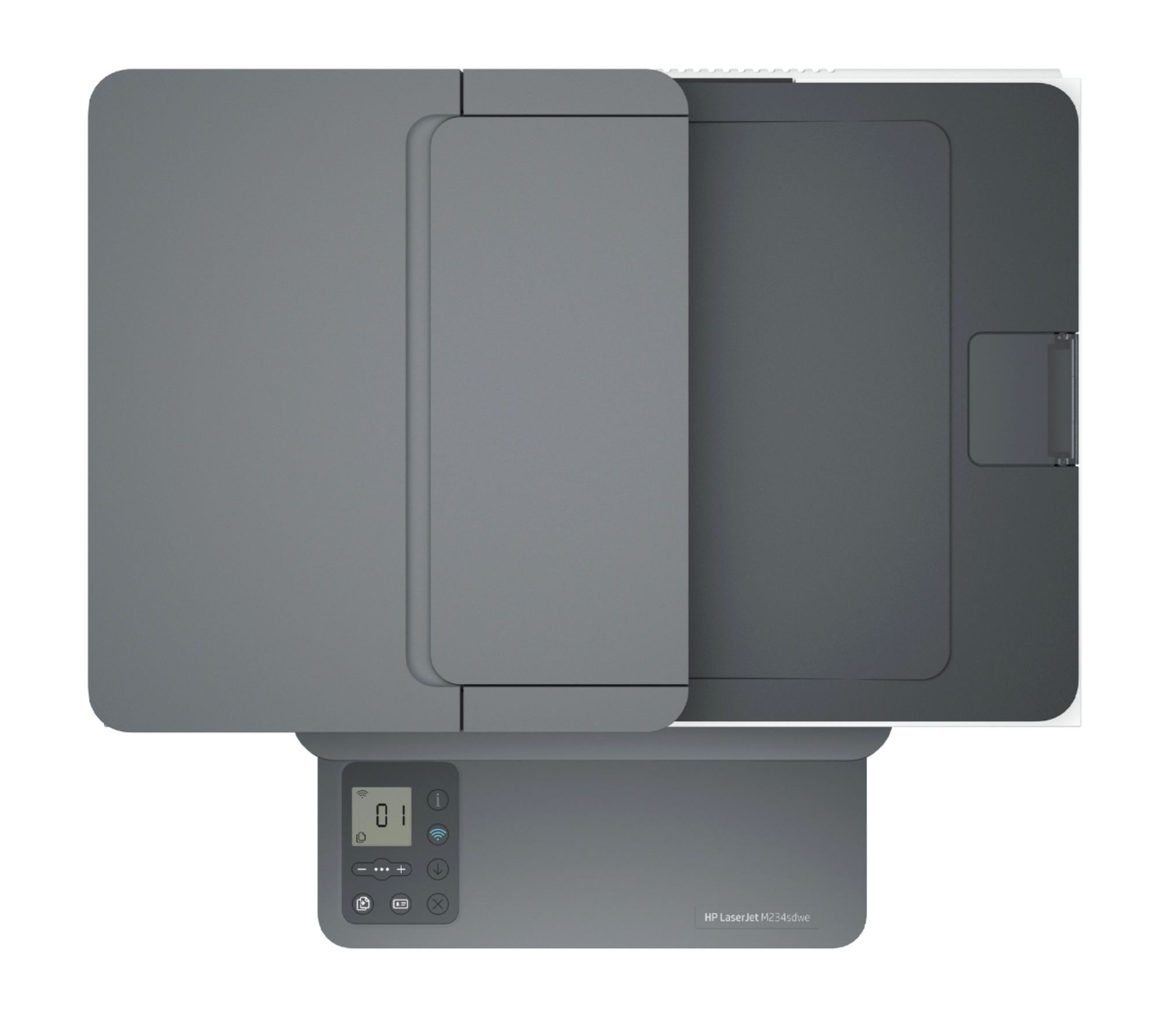
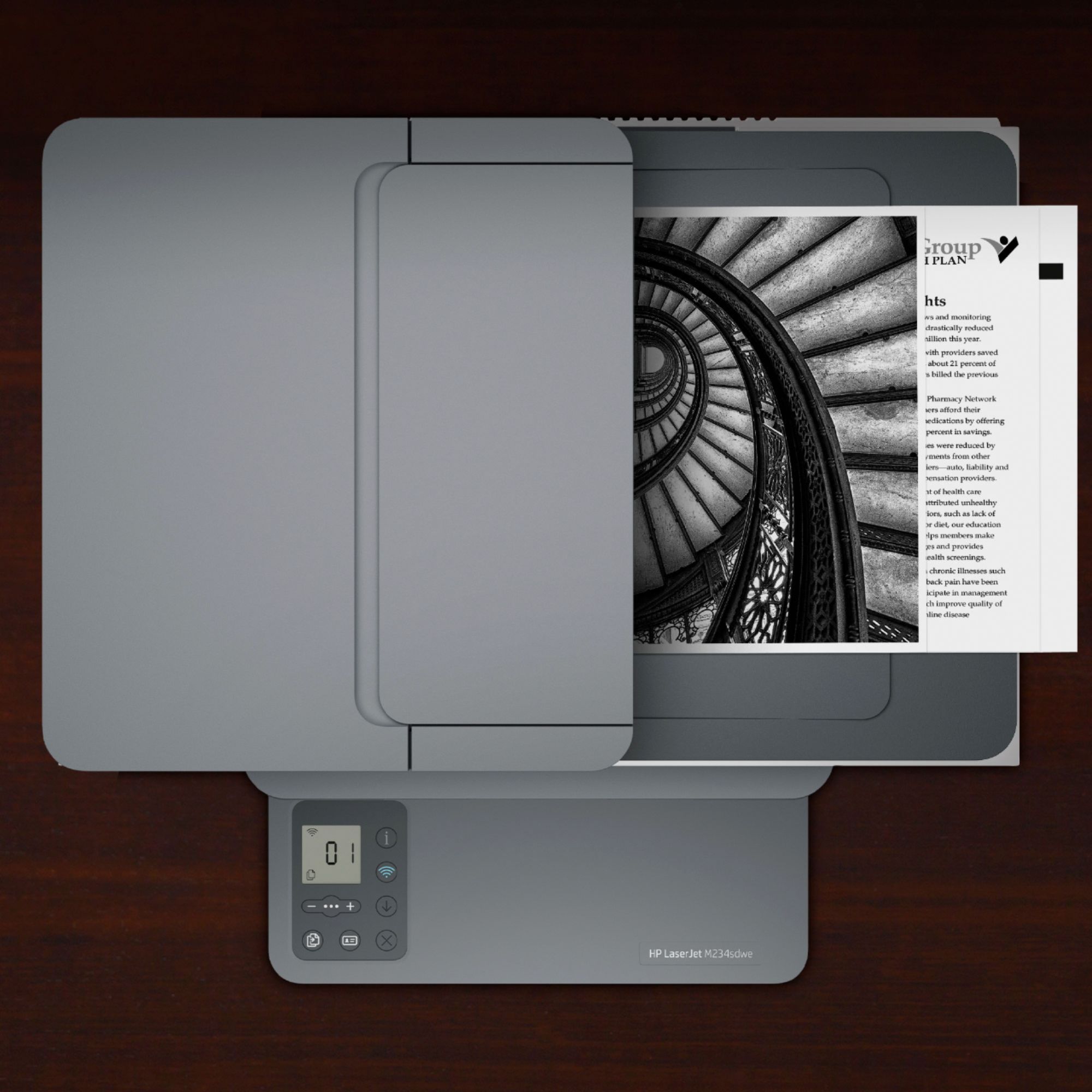
|Posted .This reviewer received promo considerations or sweepstakes entry for writing a review.I've had a number of HP printers over the years. This one is a good build and I'm sure will work great for years. Setup was pretty easy with the app. Plug it in and follow the steps. I signed up for their ink plan and we'll see based on how much I print if it's better or not compared to buying their toner outright. Simple controls on the bottom tray platform. Printed a dozen sheets so far and tested scanning and copying. All worked fine and prints looked great. Printed page was pretty quick from cold as well. Relatively small and compact compared to some other laser multi-function options. Definitely recommended!
I would recommend this to a friend- Pros mentioned:Ease of use
Home printer
Posted .This reviewer received promo considerations or sweepstakes entry for writing a review.Purchased for home office and so far works great and set up was a breeze.
I would recommend this to a friend - Pros mentioned:Ease of use
Great home printer
Posted .This reviewer received promo considerations or sweepstakes entry for writing a review.Great affordable printer! It does everything I need it to and quick to set up.
I would recommend this to a friend - Pros mentioned:Print quality
Great Printer
Posted .This reviewer received promo considerations or sweepstakes entry for writing a review.Printer is all I need. Working like a charm. Copies look very professional.
I would recommend this to a friend - Pros mentioned:Print quality
Printer
Posted .This reviewer received promo considerations or sweepstakes entry for writing a review.Great printer for my office. Very fast. I love it !
I would recommend this to a friend Great printer for the cost.
Posted .This reviewer received promo considerations or sweepstakes entry for writing a review.Great Printer, scanner with no issues, purchased in June and have been using on a daily bases.
I would recommend this to a friendnone
Posted .This reviewer received promo considerations or sweepstakes entry for writing a review.great produce to use. nothing wrong with the produce.
I would recommend this to a friendGood printer
Posted .This reviewer received promo considerations or sweepstakes entry for writing a review.Does what its supposed to do, and looks clean and sharp.
I would recommend this to a friendMr
Posted .This reviewer received promo considerations or sweepstakes entry for writing a review.Great printer it fix my needed for for printer .item
I would recommend this to a friend- Pros mentioned:Price
Laser printer
Posted .This reviewer received promo considerations or sweepstakes entry for writing a review.Functions as expected. Good value. Purchased for a law school student.
I would recommend this to a friend POOR INVESTMENT
Posted .This reviewer received promo considerations or sweepstakes entry for writing a review.The TONER which was supposed to be for 6 months died after less that 2 months with very little use. VERY DISAPPOINTING!! I purchased what BEST BUY recommended as a refill and it was expensive and came without TONER??
No, I would not recommend this to a friendJack
Posted .This reviewer received promo considerations or sweepstakes entry for writing a review.Wireless printing has been very bad. I have a Geek Squad technician here today and he found it very difficult to get it running. After well over an hour, he succeeded but even after his efforts performance has been spotty.
No, I would not recommend this to a friend